|
| Group |
Round |
C/R |
Comment |
Date |
Image |
| 50 |
Feb 23 |
Comment |
Hello James, Dan here from the BCC and Group 96. You posted one of the more visually pleasing images I've seen of this Ballet. What works nicely is the semytry offset by the light casted windows in the background. I commend you for the sharpness in such a low lit scene.
The chairs on each side are a little distracting. An easy clone job should improve the composition.
Very nice B&W rendering. |
Feb 6th |
1 comment - 0 replies for Group 50
|
| 93 |
Feb 23 |
Comment |
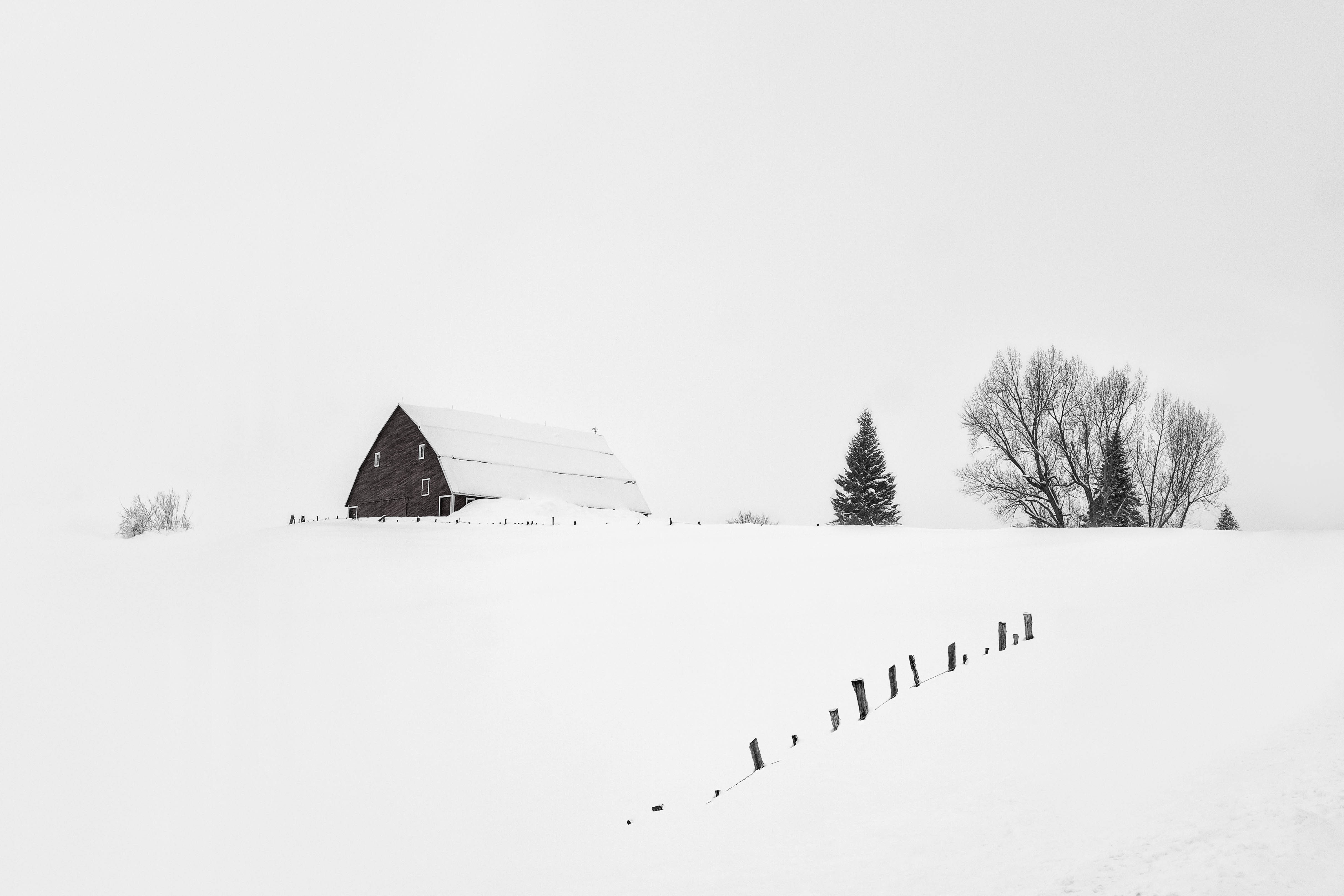
Hi Paul, cool image. The lineup of these beasts make a great visual story. It's fun to view.
Your cropping is interesting. Consider opening up the top and bottom just a bit. You might have an intended purpose for such an aspect ratio, it just feels a little unnatural to me.
You mentioned using the Multiply Blending mode. I would suggest lowering the opacity slightly - perhaps around 75%. Another approach would be to go into ACR and opening up your shadows. Your darks feel too dark. Either of these will help.
You are a story teller. You do quite well at it with your barns. This image succeeds just as well. |
Feb 4th |
1 comment - 0 replies for Group 93
|
| 96 |
Feb 23 |
Reply |
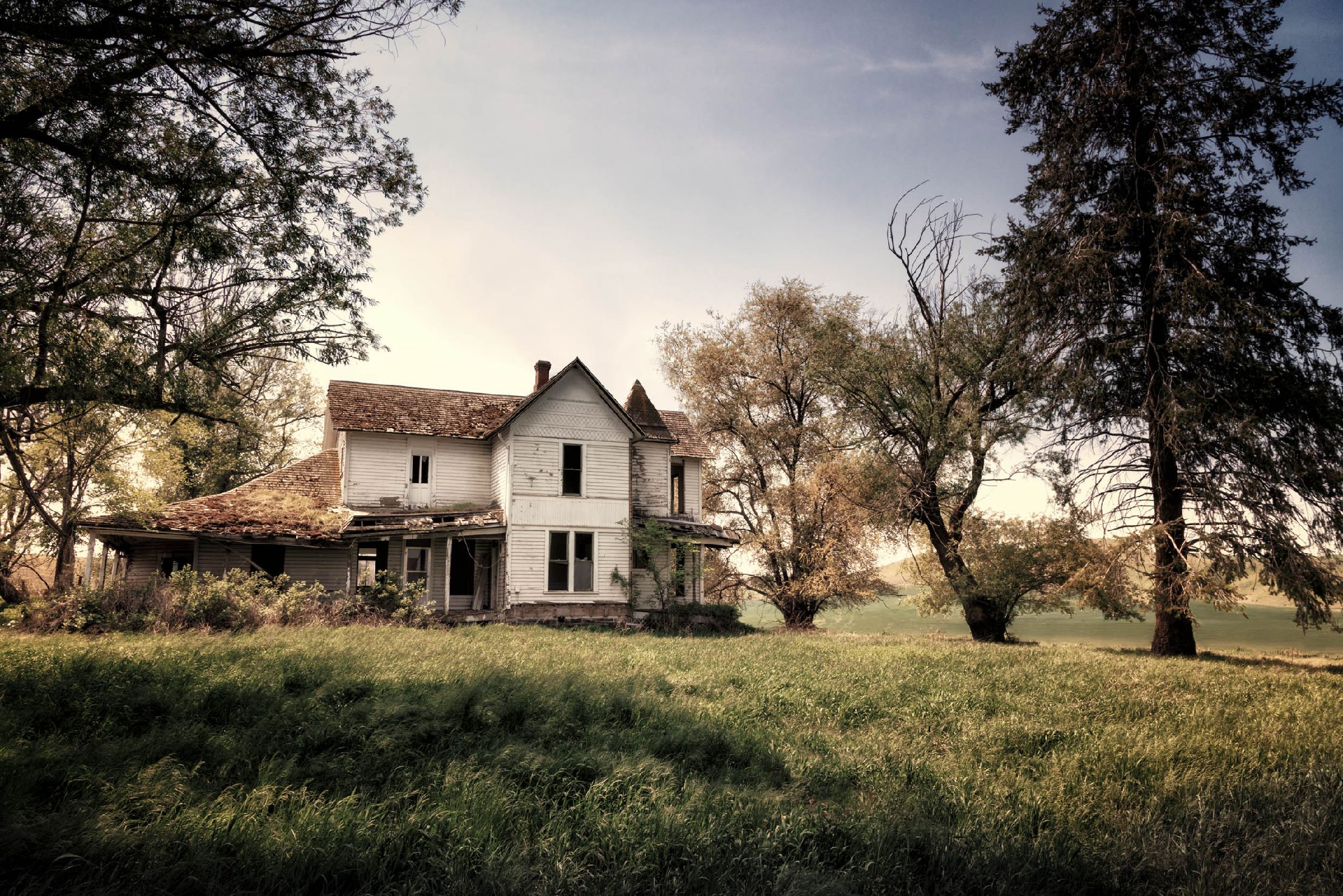
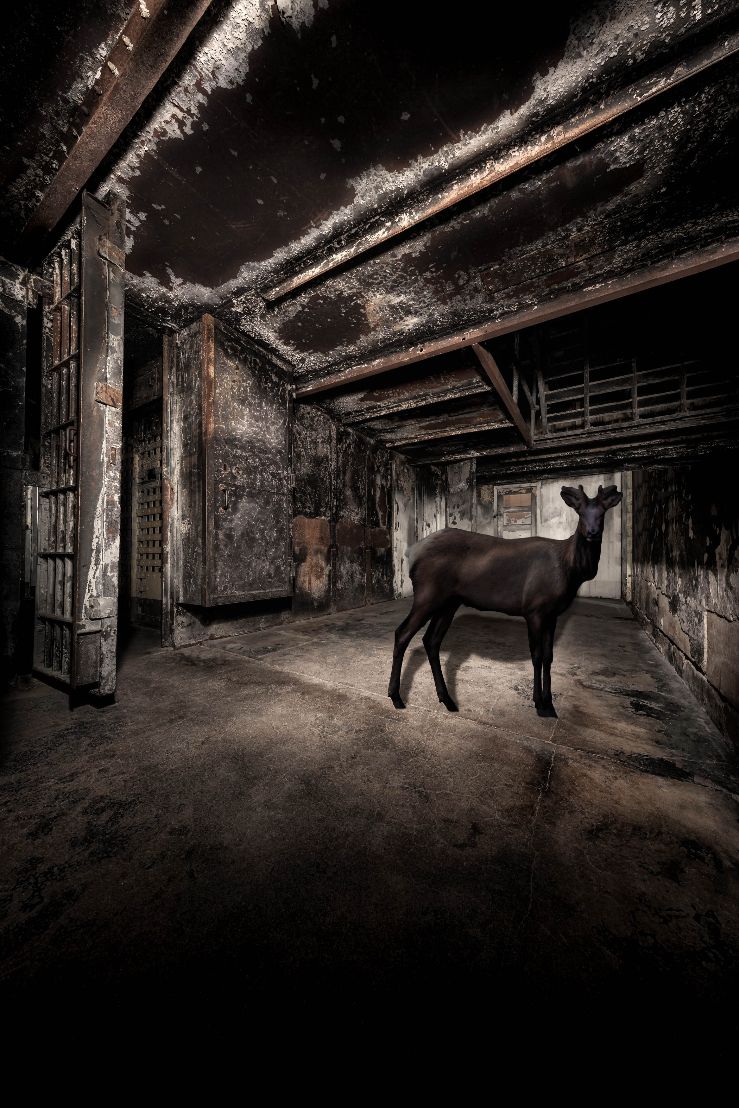
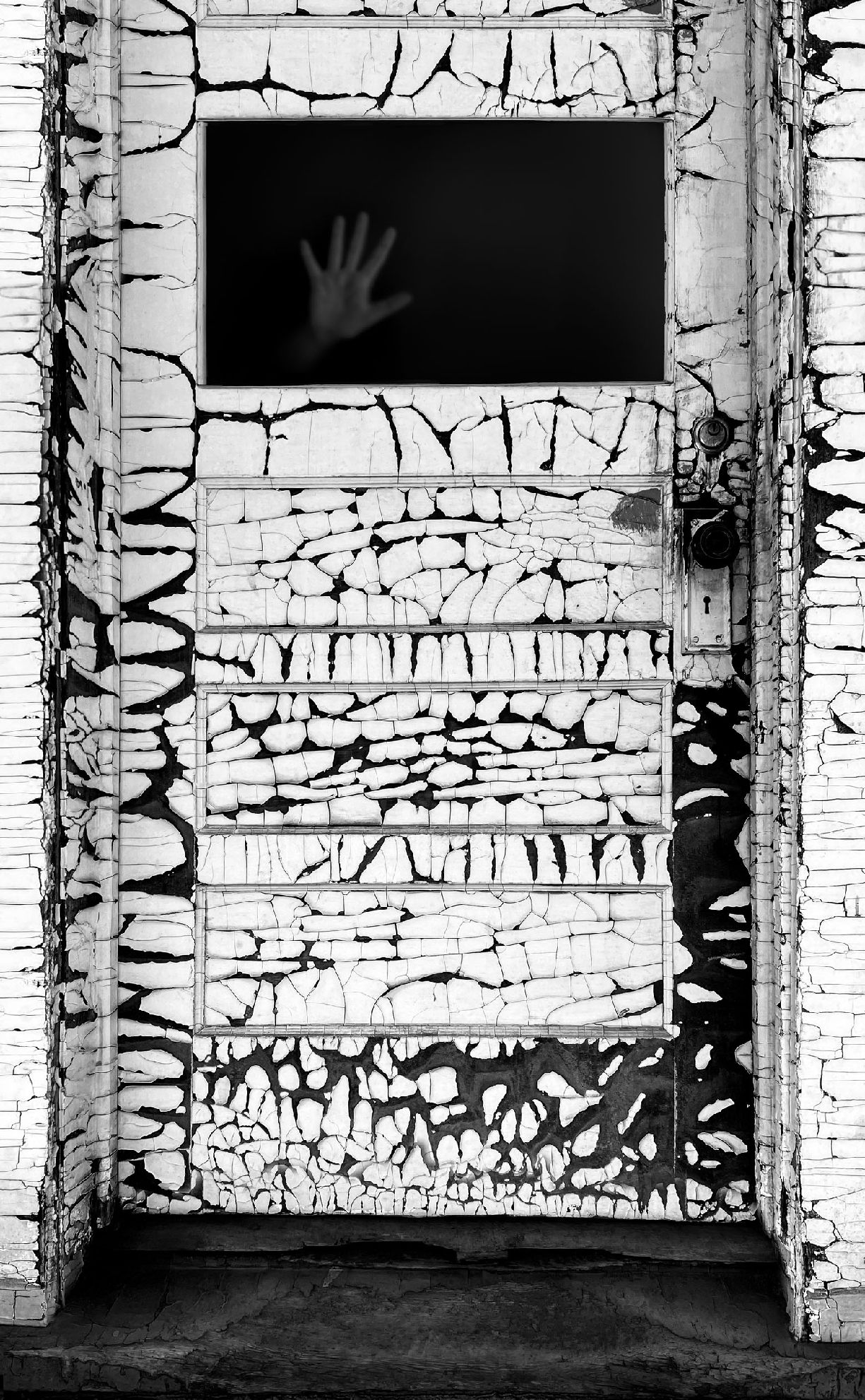
Hi Kate, thank you for the complimentary words. I had never seen this image as spooky or evil, but now that you mention it, I would agree with you. |
Feb 9th |
| 96 |
Feb 23 |
Reply |
Thanks, Bob. I agree with everything you said. |
Feb 9th |
| 96 |
Feb 23 |
Comment |
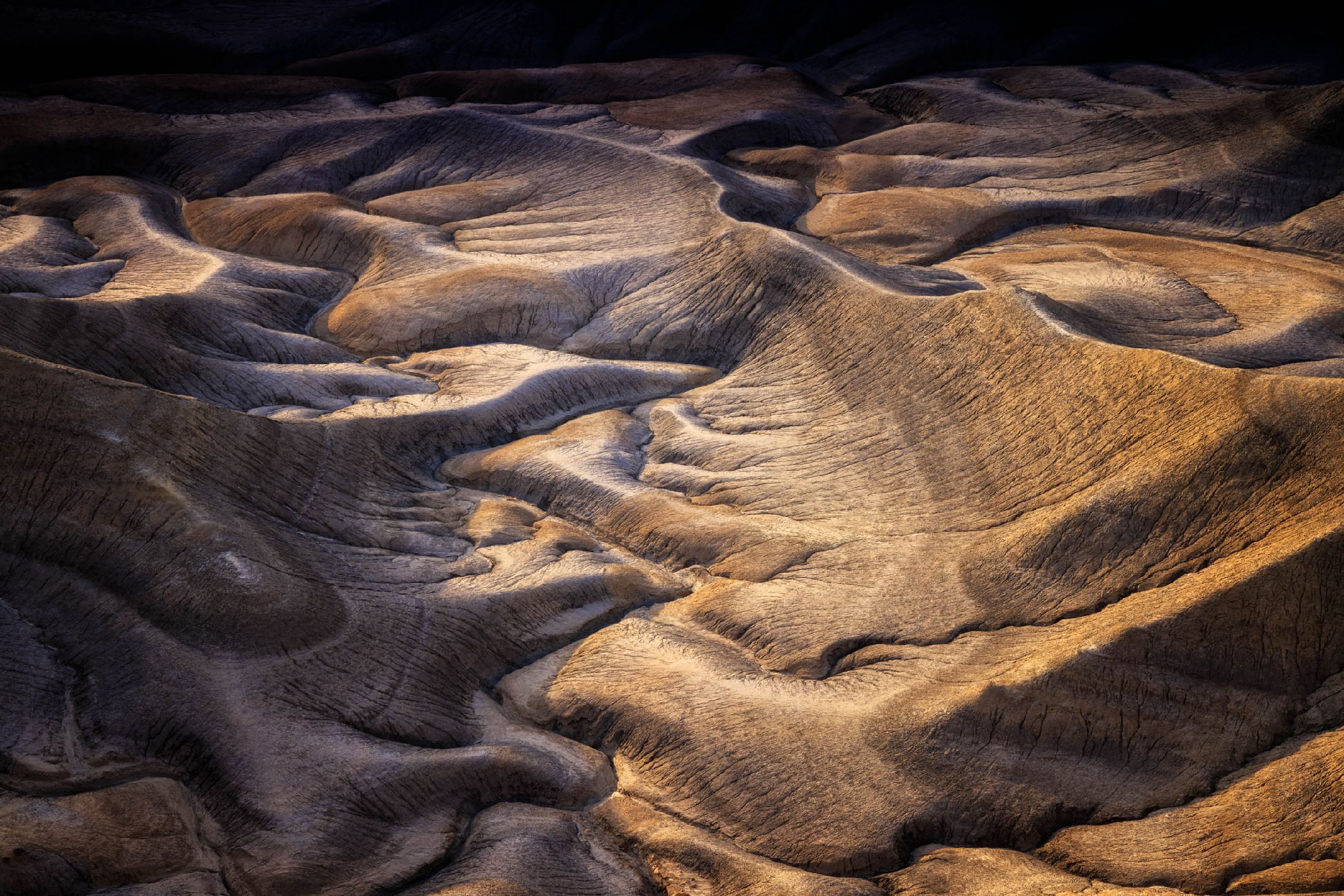
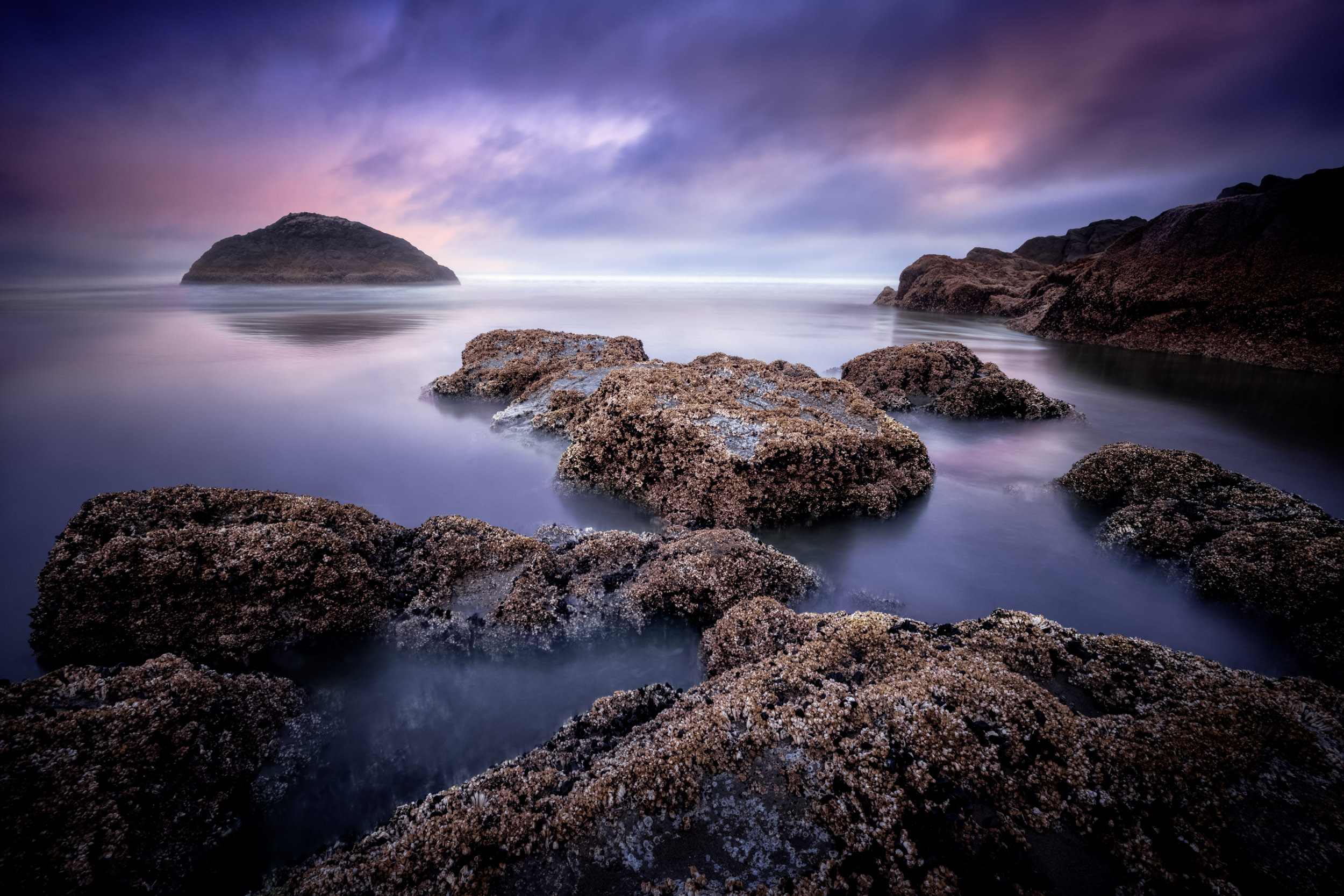
Hi Bob, normally I enjoy your monochrome images. They are often unusual in the way they are processed. This makes your photos intriguing.
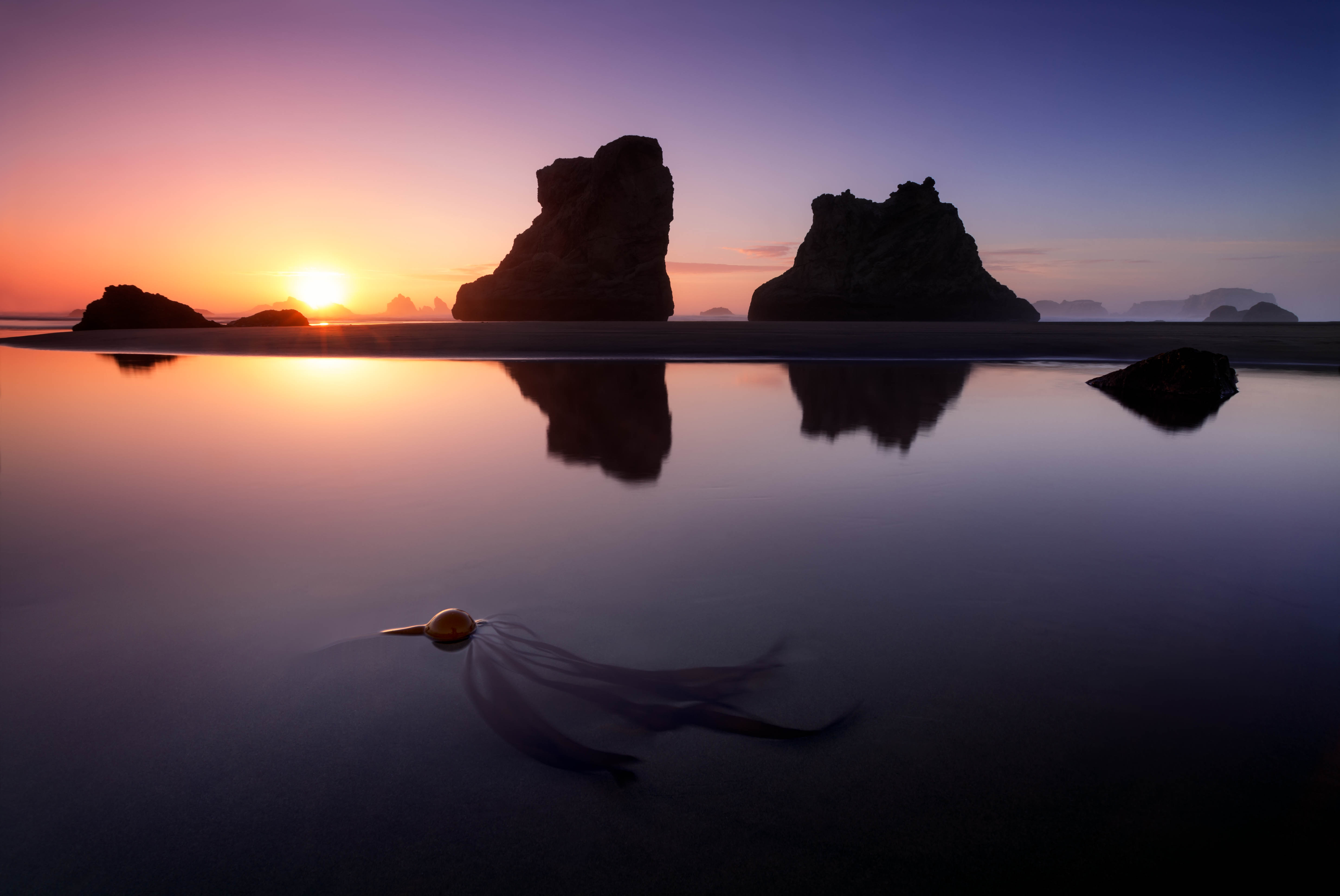
This month's photo, however, I prefer the color version. It defines the rock wall masses more effectively. The grandier is pronounced much better than the monochrome version.
If your desire is to not have this is color, try the different Presets in PS's B&W Adjustment Layers. Once you find something that is close to what you want, tweek the sliders to get exactly what you are looking for. NIK's Silver Efex Pro has a nice collection of Presets where you can take the same approach.
You might try different versions and blend them together over specific parts of your photo. This might help to separate the near from the far.
Good luck. |
Feb 5th |
| 96 |
Feb 23 |
Reply |
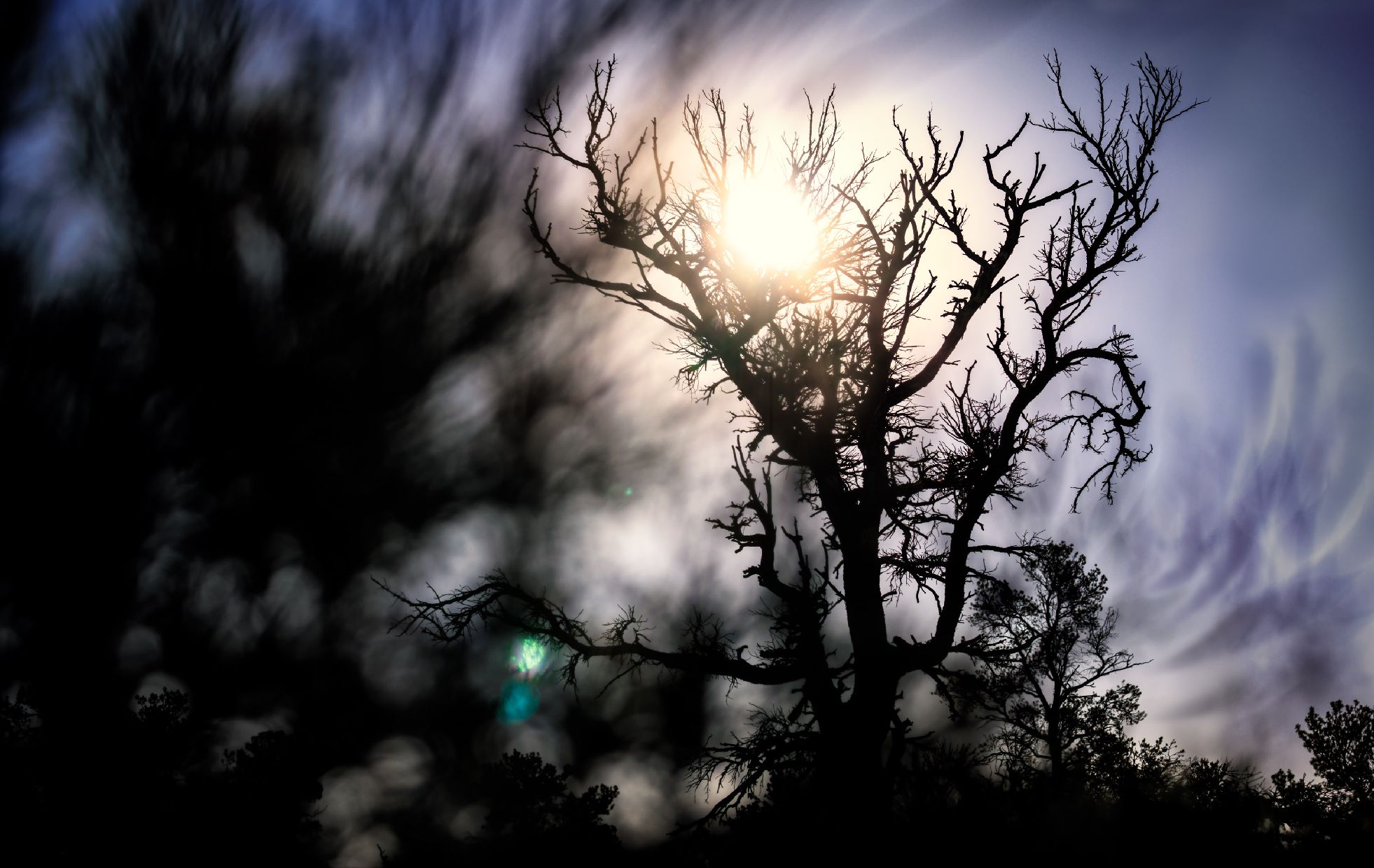
Hi Gloria, if you are familiar with PS, I would recommend making a New Layer and clone out the upper left tree leaves. PS, ACR and LR all have some wonderful ways to eliminate parts of a photo with AI Content Aware. If you don't like the look of what you eliminated, simply delete the layer. |
Feb 5th |
| 96 |
Feb 23 |
Reply |
Thank you, Paul. I always appreciate your checking in with our group. I'm going to take a peak at yours. |
Feb 4th |
| 96 |
Feb 23 |
Comment |
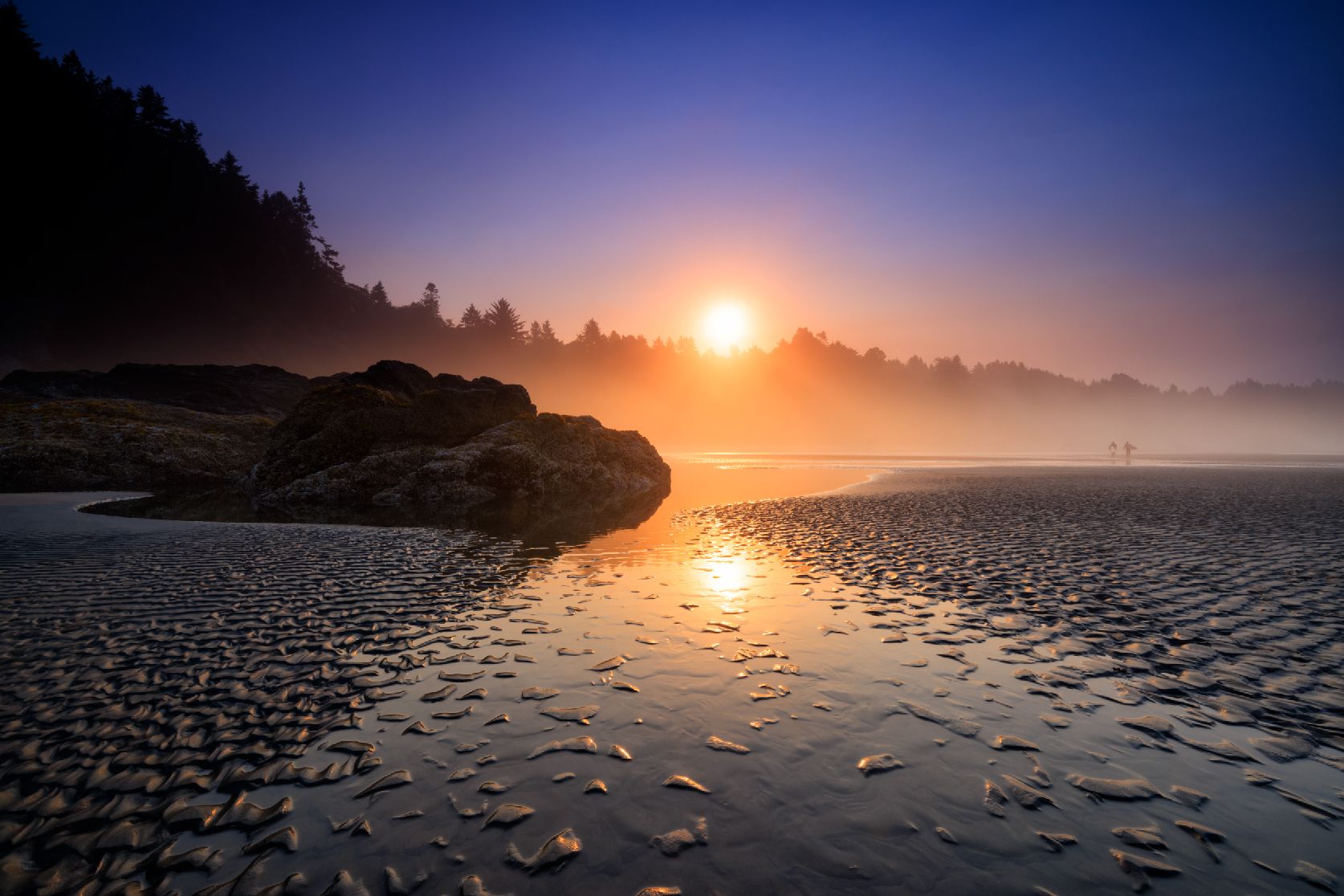
You really got me, Gloria. I admit, I have a strong bias in favor of your photo. The tropics speak to me like you wouldn't know.
To me, palm trees are THE symbol of the tropics.
The R5 camera with the RF lenses make fabulous photos. The dynamic range is wonderful. You used this camera very well in capturing what I would expect to be a loved picture to many people.
This is not a complicated composition. It's more a feeling that comes out. It's an expression. Your timing with the late light and the sky enhances your expression well.
I haven't yet decided if the tree leaves on the upper left work with your composition or not. Regardless, your photograph touches me. I have such a love of almost anything tropical. |
Feb 4th |
| 96 |
Feb 23 |
Comment |
Hello Kate. I wonder what they are arguing about. I say that with intent. There is a terrific story here. Wondering what might be going on in an image is often a good thing. It keeps your viewer looking.
One point, in your photography, look for separation. the debris behind the right seagull presents a visual conflict. You might have already been at your highest angle, but if not, you could has raised your vantage point which would have made that separation. I understand how easy it is for me to second guess a shot where I was not present, so please forgive me. One thing you can do is clone out the debris in PS.
Other than that, I would apply a little contrast. The image feels a just a little flat to my eyes.
Often, the story told in a photograph is more important that minor technical considerations. |
Feb 4th |
| 96 |
Feb 23 |
Comment |
You framed this image brilliantly, Cheryl. The three buildings are off center just slightly. This works nicely so the photo doesn't have a static, symmetrical feel. But, you didn't push the building too far over to the left which would have given your picture a forced "Rule of Thirds" composition.
I have never viewed a Cityscape as quiet and deserted. I don't see that here. However, I see a beautiful city "landscape" which I feel is quite appealing.
I appreciate that you have included the entire reflection of the buildings. Some might comment negatively about your horizon line being in the middle (50/50 composition). I would take that with a grain of salt. Rules can and should be broken if the image maker has clear intent, which shows perfectly here.
It's a wonderful photo with dazzling colors. Well done! |
Feb 4th |
4 comments - 4 replies for Group 96
|
6 comments - 4 replies Total
|