|
| Group |
Round |
C/R |
Comment |
Date |
Image |
| 93 |
Mar 20 |
Reply |
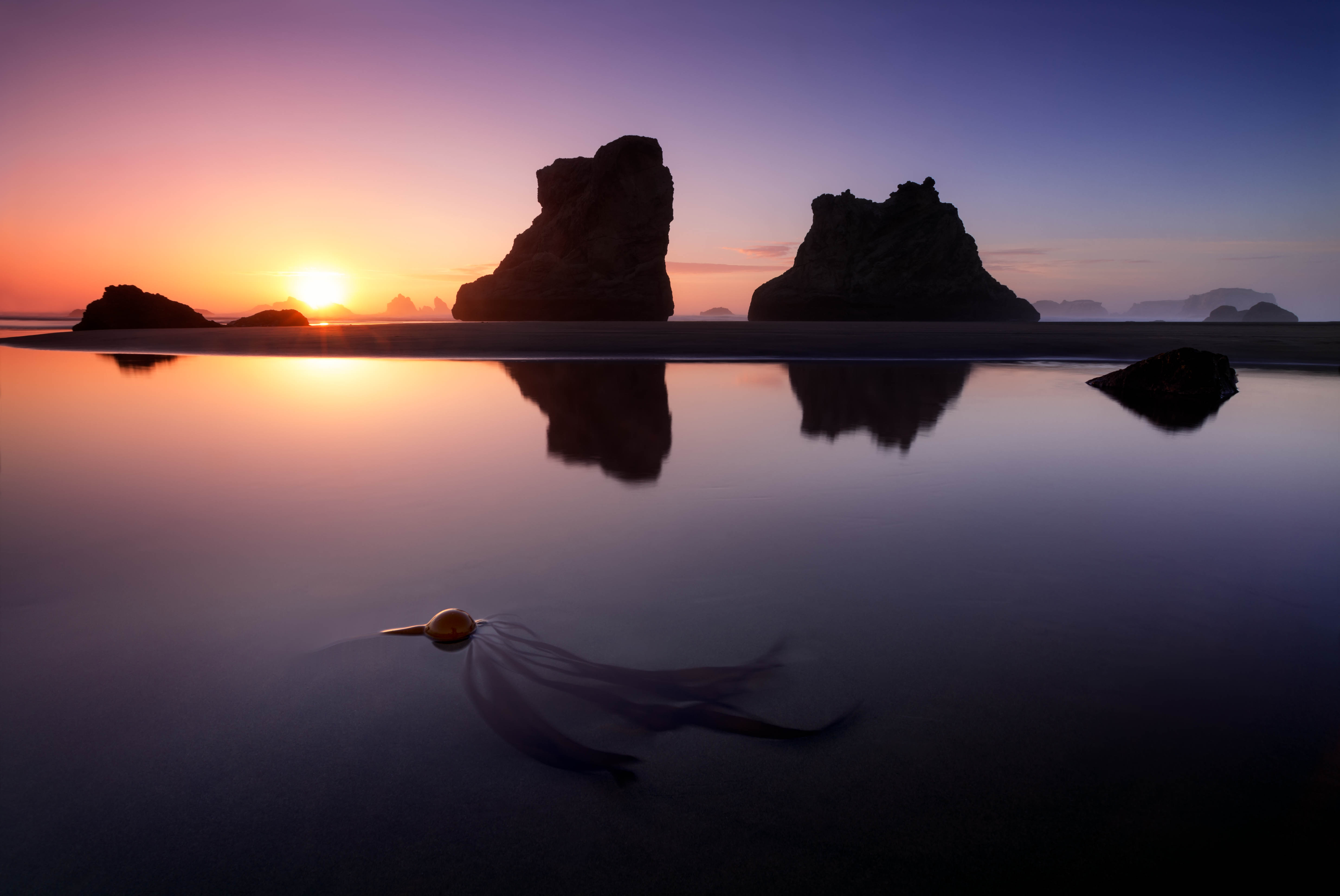
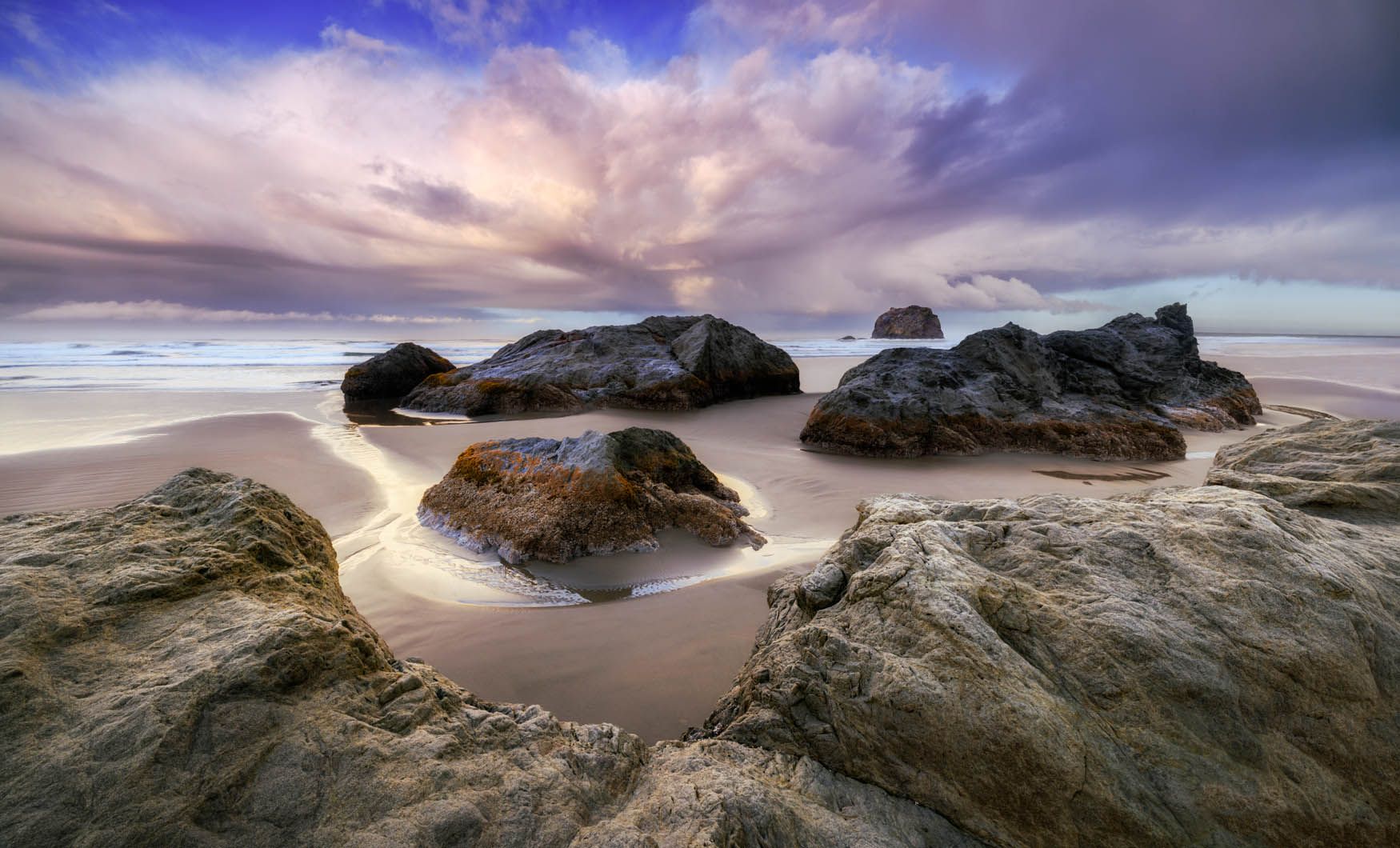
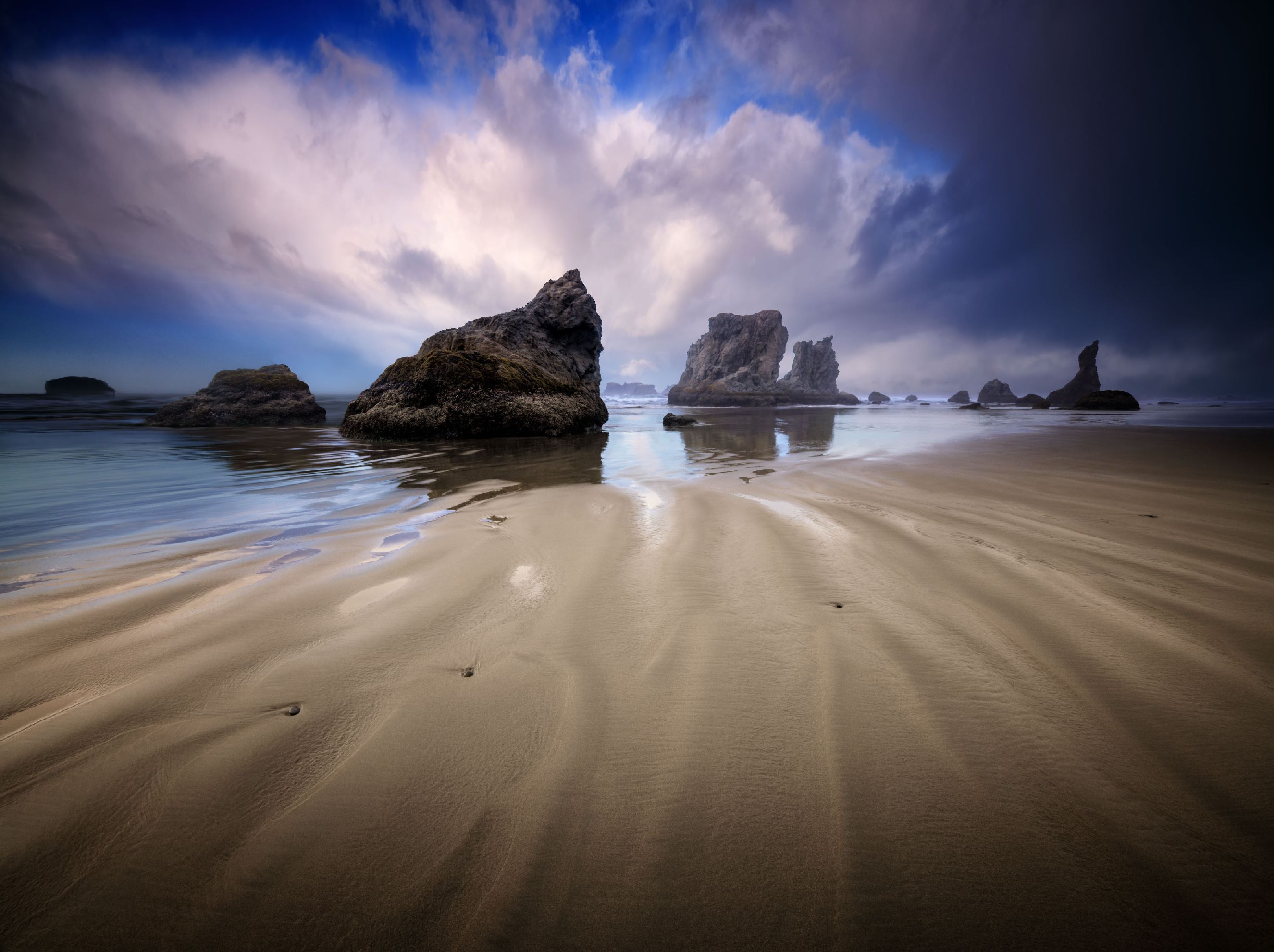
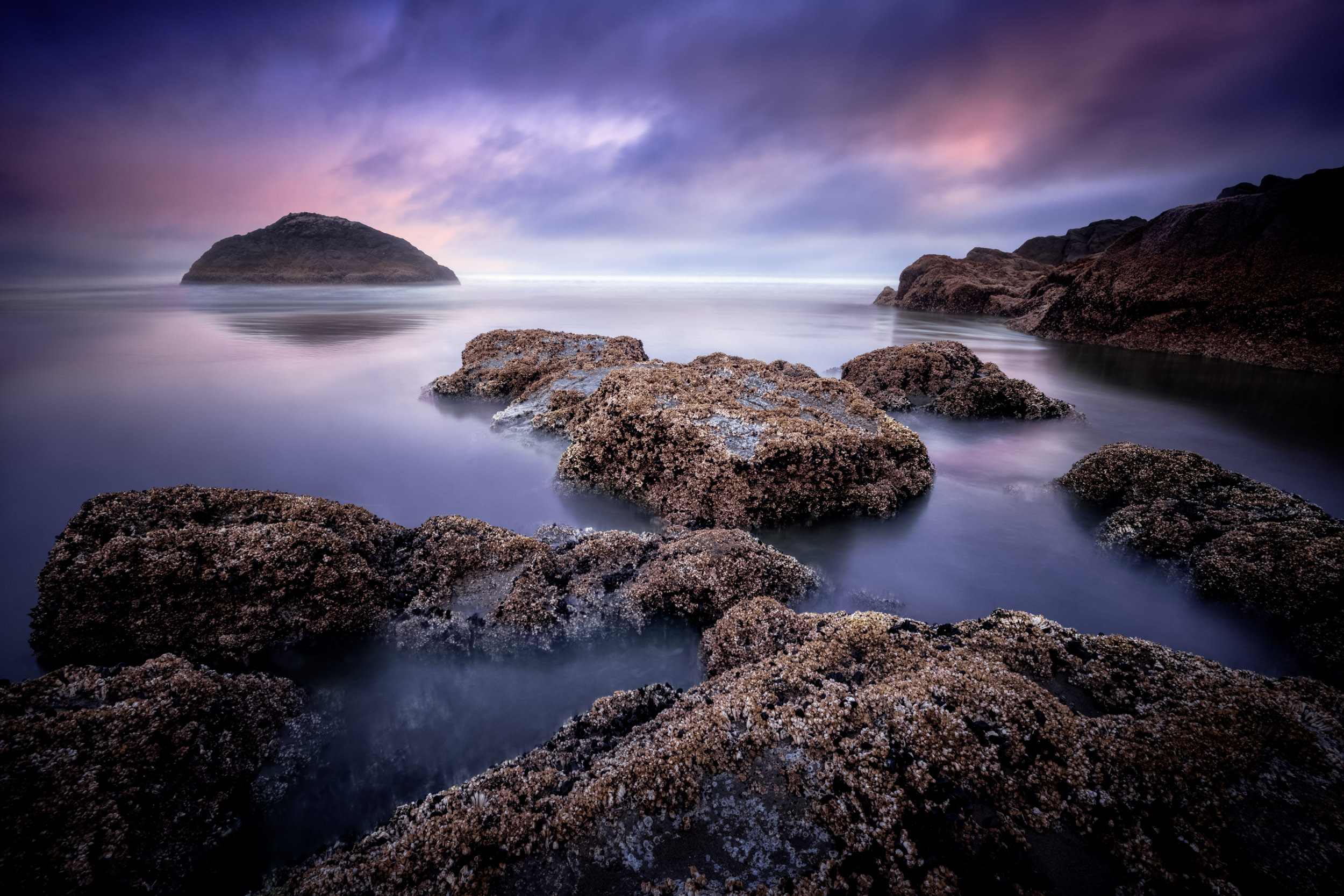
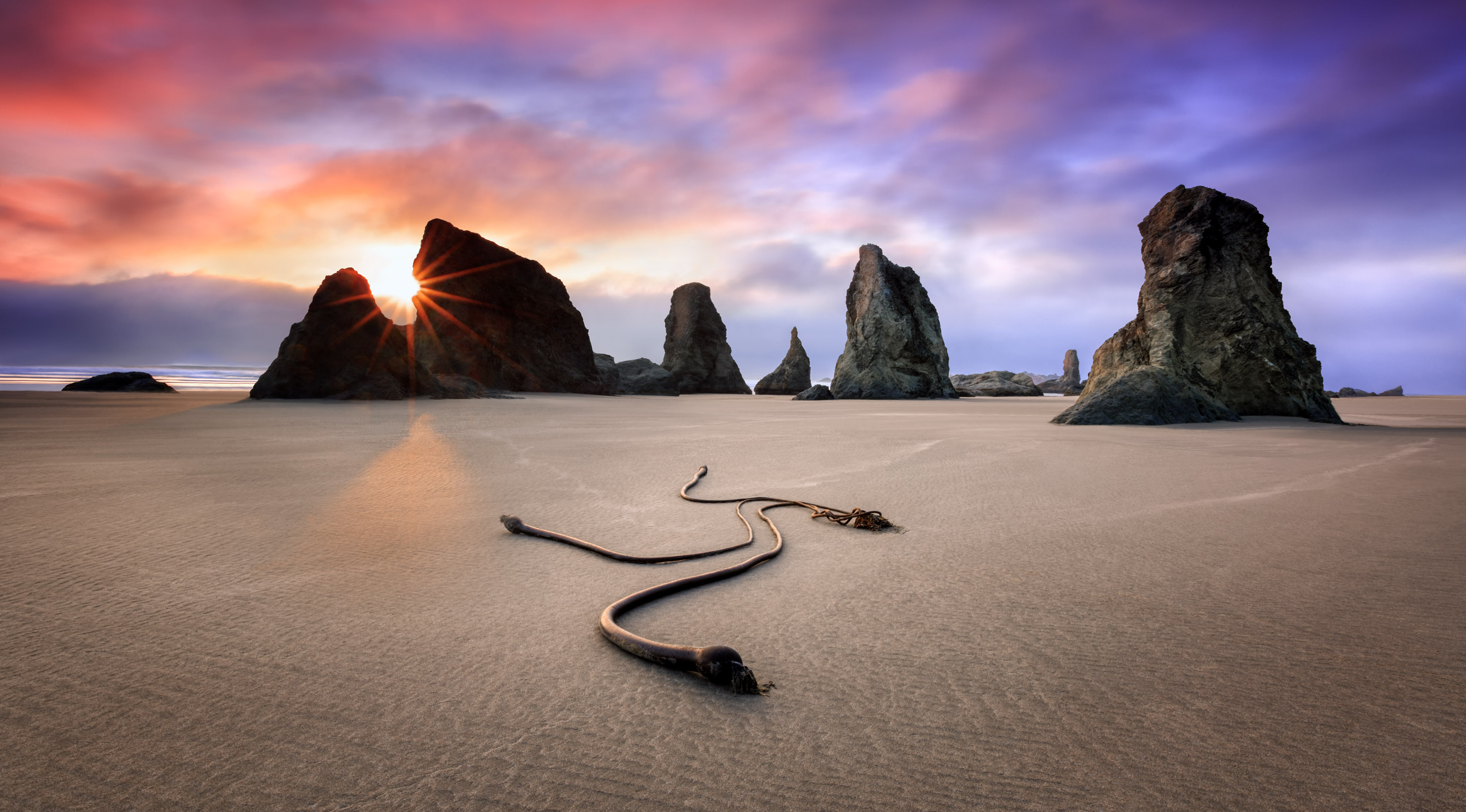
Thank you for asking, Paul. Please excuse my delayed reply. It's really quite simple: Using a steady tripod, locked down tightly, I took the first shot at a 30 second shutter speed, f/22 with a graduated ND filter. This smoothed the water to my liking. But as said in my description, the movement of the kelp ball at such a long exposure blurred it. So without moving the camera, I took another shot with an increased ISO, and an aperture of about f/8. This enabled me to have a faster shutter speed to freeze the kelp ball.
Now in post, using PS, I took the faster shutter speed capture, selected just the kelp ball and dragged it over to the longer shutter speed shot. This automatically created a layer mask where I could brush out any overlap. In a nutshell, that's the basic process. |
Mar 26th |
| 93 |
Mar 20 |
Reply |
Thank you for your insight, Ed. Yours and Jerry's comments about the cropping on the right is valid. It's something I should have caught. |
Mar 14th |
| 93 |
Mar 20 |
Comment |
Ed, I saved your picture for last. It's because I absolutely love it. It's in part personal for me. For the first 55 years of my life, I have always lived where I can see the ocean from my window wherever I lived. The Oregon, Washington and northern California coastlines have always been a sanctuary to me. However, I don't mean to say that if one can't relate to coastal living, the photo has no merit.
On the contrary.
Your image, Ed, has some subtle humor to it. It has a story. Technically, it's perfectly exposed, with the perfect amount of sharpness and the colors and tones are perfect too.
Compositionally, I have no complaints. Even though the masts are cut off at the top and the hills in the background are a little tight to the upper frame, I feel that more space would take away from your story and the center of interest. So I would leave it as it is. It's a wonderful picture and it stays true to the area of Florence.
By the way, I know Florence very well. I've spent a lot of time photographing under the South bridge across the river from the Best Western. I envy you for living in such a nice place where you can always smell the sweet smell of saltwater. |
Mar 5th |
| 93 |
Mar 20 |
Reply |
I like your thinking and your positive outlook, Michael. As you are studying The Masters, you'll know that you don't always get the shot you're visualizing the first time. It often takes going back several times, in different conditions to finally get it. You have patience, so I have no doubt you'll get it.
One thing to remember while shooting: Always look at your camera's histogram. And, be sure to look at the different color channels too. |
Mar 5th |
| 93 |
Mar 20 |
Reply |
I definitely see your confusion, Paul. The top right cactus is what I see as distracting. |
Mar 5th |
| 93 |
Mar 20 |
Reply |
Interesting history lesson. Thanks, Jerry. |
Mar 5th |
| 93 |
Mar 20 |
Comment |
Hi Michael, I'm happy to see that your first image is an icon. I've shot balanced rock many times and find it very difficult. Nice job for managing to make some success out of it.
To my eyes the photo is oversaturated. The sky is a bit too garish for me. To fix the sky, I would try starting from scratch with your RAW file and process it for the sky only. Drop your exposure and drop your color saturation a little. Set your color balance the same as your original. Then flatten the layers (if any) on your new sky image, select just the sky and drag it over to the original image. This composites the new sky over your original sky. This might help. I'm suggesting this as an experiment. When you Drag and drop in PS, a layer is automatically created. So, if you don't like it, you can easily delete that layer and try something else.
One other thing, the rock seems a little over processed. If you choose to fix that I would then use a slightly dark gradient up from the bottom to hold the viewers eyes to the balanced rock.
Please excuse me if I've been too critical on your first image with the group. You have a good capture with this photo, Michael and I believe it's worth some tweaking. |
Mar 5th |
| 93 |
Mar 20 |
Comment |
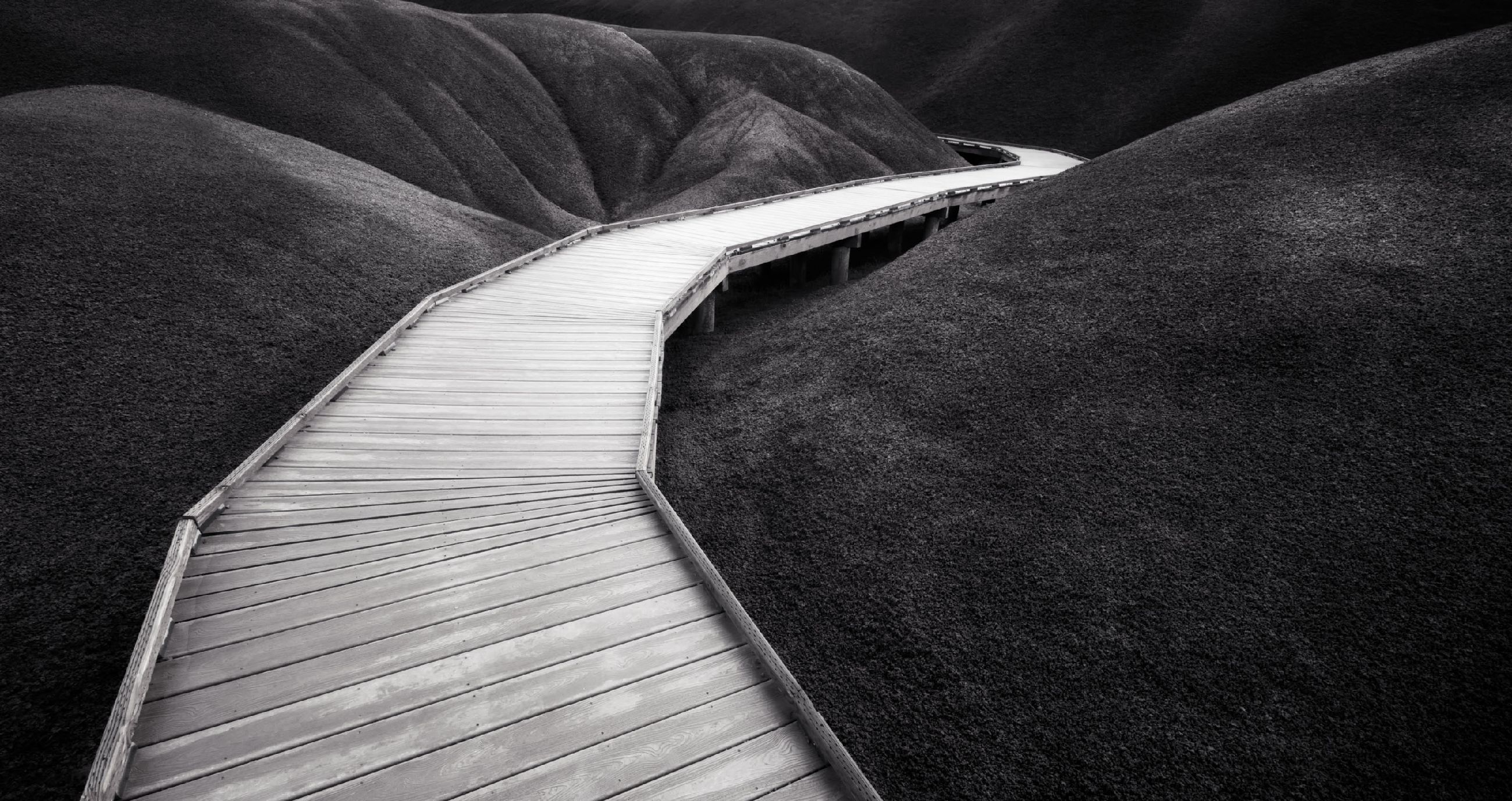
Paul, I strongly agree with Paul Hoffman about the Black & White. If all you ever posted were B&Ws, I'm certain you would never see a complaint.
I also agree with David Halgrimson's observations. The background cactus in the upper right is a distraction. I sometimes photograph in Botanical Gardens. With permission, I bring a black foam core board and a black sheet to mask out background distractions. Bring a spray bottle with water and try giving your plants a little sparkle. Also, go in closer. Look for parallel lines for example and seek out abstract compositions. This type of photography is a lot of fun. |
Mar 5th |
| 93 |
Mar 20 |
Reply |
Darcy, I would recommend you learn Lightroom. Start with one task, learn it, then move to the next. If you're in a camera club, I would expect that they offer occasional workshops on Lightroom. In Boise, my camera club does. Otherwise, watch YouTube's short video tutorials. You'll find it amazing how much you'll learn. |
Mar 4th |
| 93 |
Mar 20 |
Reply |
thanks, Jerry. Interesting thought. |
Mar 4th |
| 93 |
Mar 20 |
Comment |
Jean, you nailed it! Then Michael put on a few finishing touches that made it perfect. What a great image!
What strikes me of course is the "Golden Hour" color. Other than highlights, warm colors always attracted the eye first. My eyes started with the main, foreground butte. With the way you composed your image, my eyes followed your warm tones in an upper right diagonal direction. There are compositional theories about lower left to upper right directional flows that I mostly agree with. You instinctively did right with that concept.
Your image has the appropriate amount of drama without going too far. And, your sky is not too heavy where it upstages the main point of interest. Very nice going, Jean. |
Mar 4th |
| 93 |
Mar 20 |
Comment |
Hi Darcy, you have a good start here. I like Jean's crop but I personally don't object to the water plants in the lower left. Often, an expansive landscape needs an anchor in the lower corner. The horizon line in the middle (called a 50/50) could be an issue with some viewers. It's a "Rule of Thirds" thing. I'm not a stickler about that rule, but it's something that one should always have in their mind when making their captures. As a normal method of shooting, I will photograph the scene in a variety of different ways. In post, I have a choice of versions that are much easier to analyze on a large screen. Also, I fully agree with Paul about the exposure. Bring those tones down. Don't be afraid of the blacks. Work on making that sky dramatic. You have the makings of a wonderful story; you just need to make it come out. |
Mar 4th |
| 93 |
Mar 20 |
Comment |
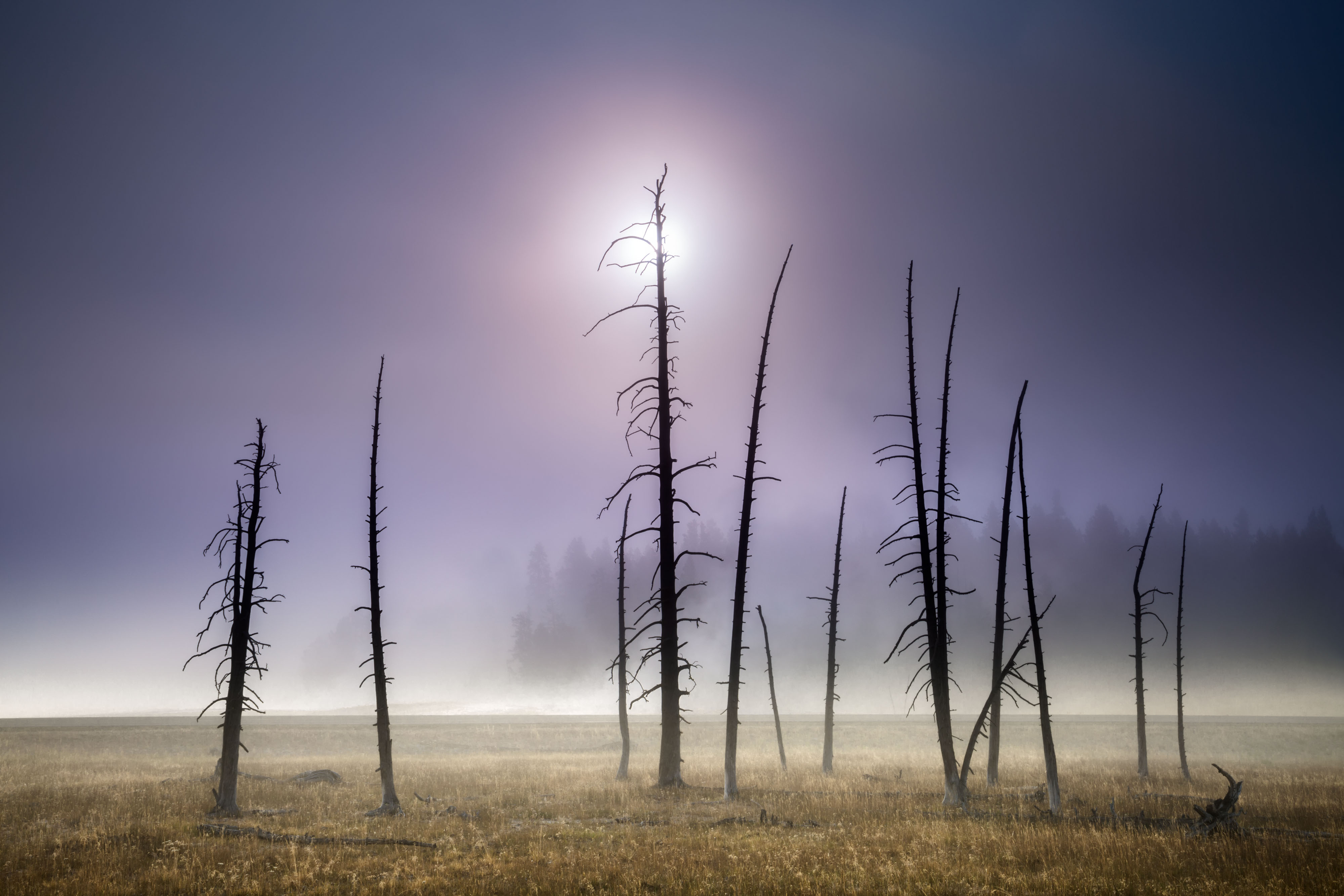
If I were Jerry, I would be reluctant to alter the image. I agree with him that any reduction of "Haze" would lose the mist effect. Also, I don't see any level issues that Michael referenced. The image is beautiful as is. Keep up the good work, Jerry. |
Mar 4th |
| 93 |
Mar 20 |
Reply |
Hi Paul, thank you for taking the time to see what Group 93 is up to. I happen to agree with you about the subject of sharpness. I try hard not to defend my imagery when someone offers as honest critique. How someone else sees an image is quite different that how the image maker sees it. |
Mar 4th |
| 93 |
Mar 20 |
Reply |
Hi Darcy, your comments interest me. I always take seriously how a set of eyes other than my own see an image differently. Thank you for your insightful thoughts. |
Mar 4th |
| 93 |
Mar 20 |
Reply |
Thanks very much, Jean. |
Mar 4th |
| 93 |
Mar 20 |
Reply |
Thank you, Paul. |
Mar 4th |
6 comments - 11 replies for Group 93
|
6 comments - 11 replies Total
|