|
| Group |
Round |
C/R |
Comment |
Date |
Image |
| 2 |
Sep 21 |
Reply |
Thanks Stuart. It looks good with the square aspect ratio. |
Sep 9th |
| 2 |
Sep 21 |
Comment |
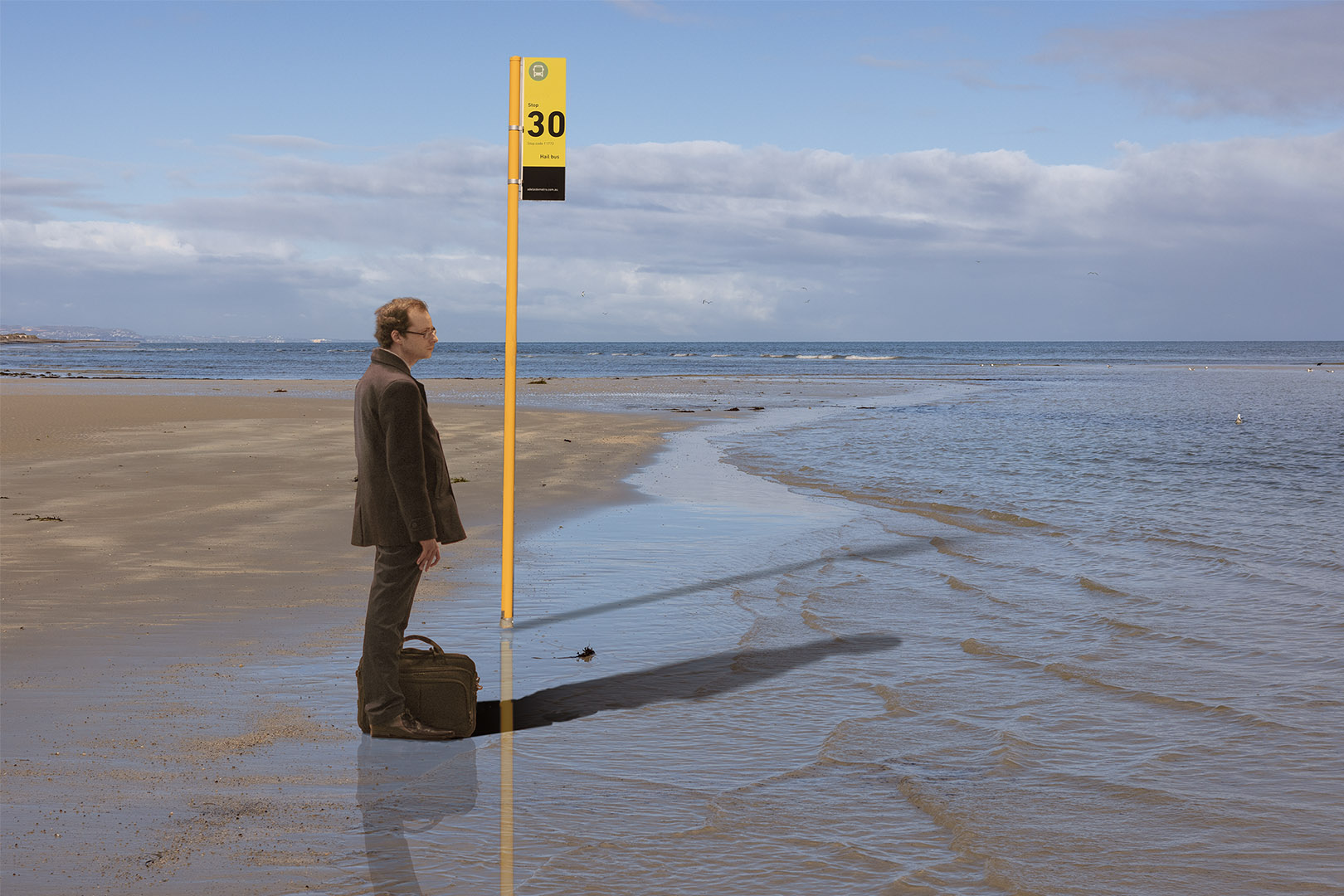
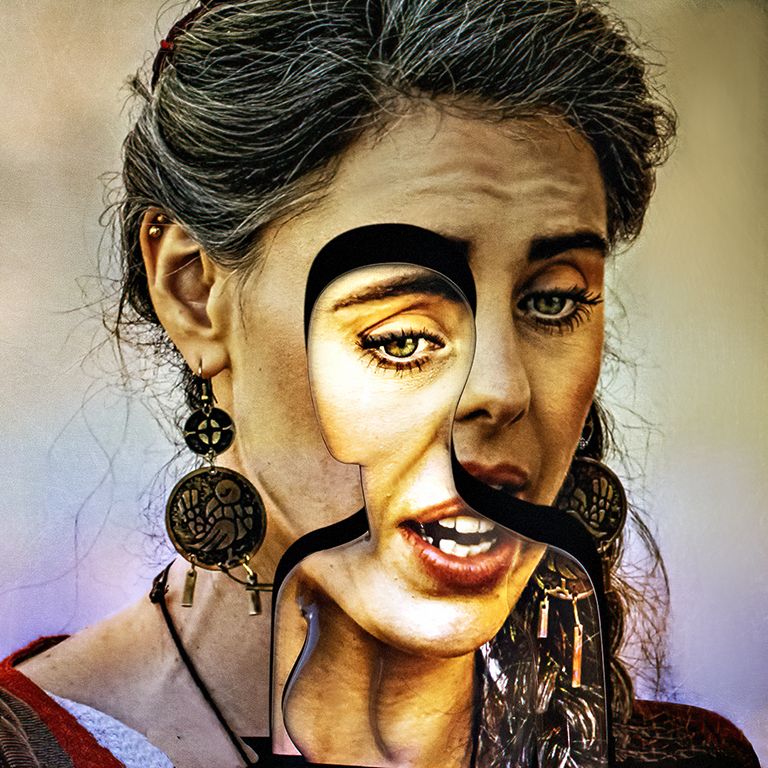
Wow, what a great effect!
I love it. It is so fresh and crisp
Maybe it is cropped a little too tight at the top, but a great image anyway.
|
Sep 4th |
| 2 |
Sep 21 |
Comment |
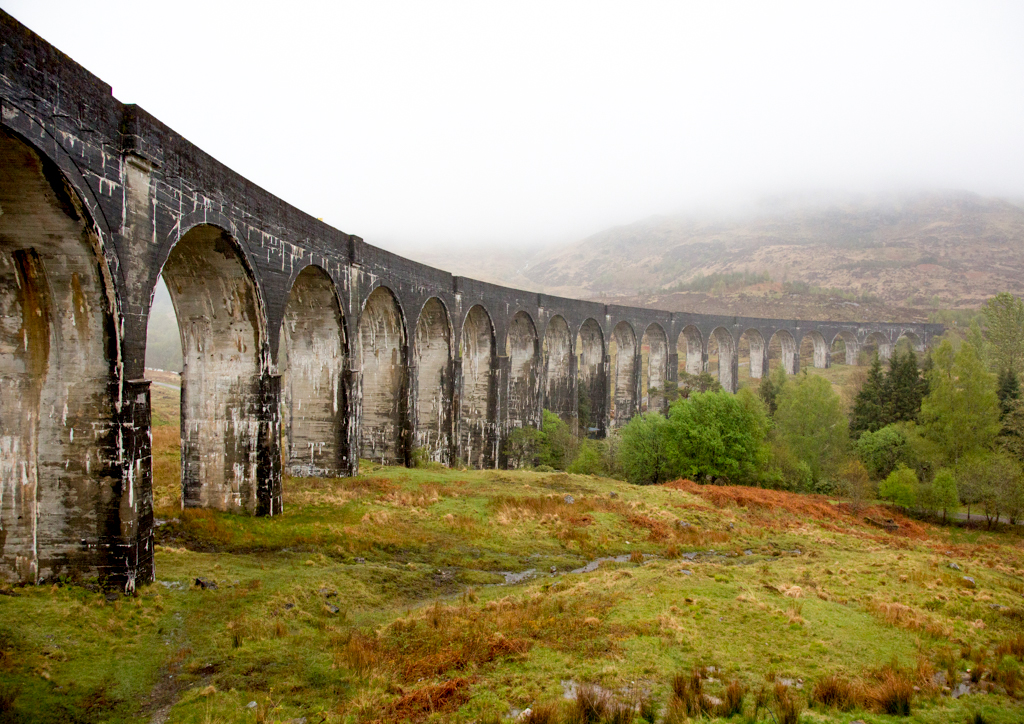
I love Pratt Truss bridges and this one has really character. The rust and the flaking paint adds to the image.
I agree with Piers that the bridge and the distant river edge seem to be running uphill to the right hand side of the image.
If you move the shadows slider in Lightroom to the right it might reveal a little more detail in the horizontal bridge beam.
Also, I feel there is a slight brown cast in the sky. This is might be fixed by running it through "Auto Tone" in Photoshop.
I like the composition and the reflection. A great image. |
Sep 4th |
| 2 |
Sep 21 |
Comment |
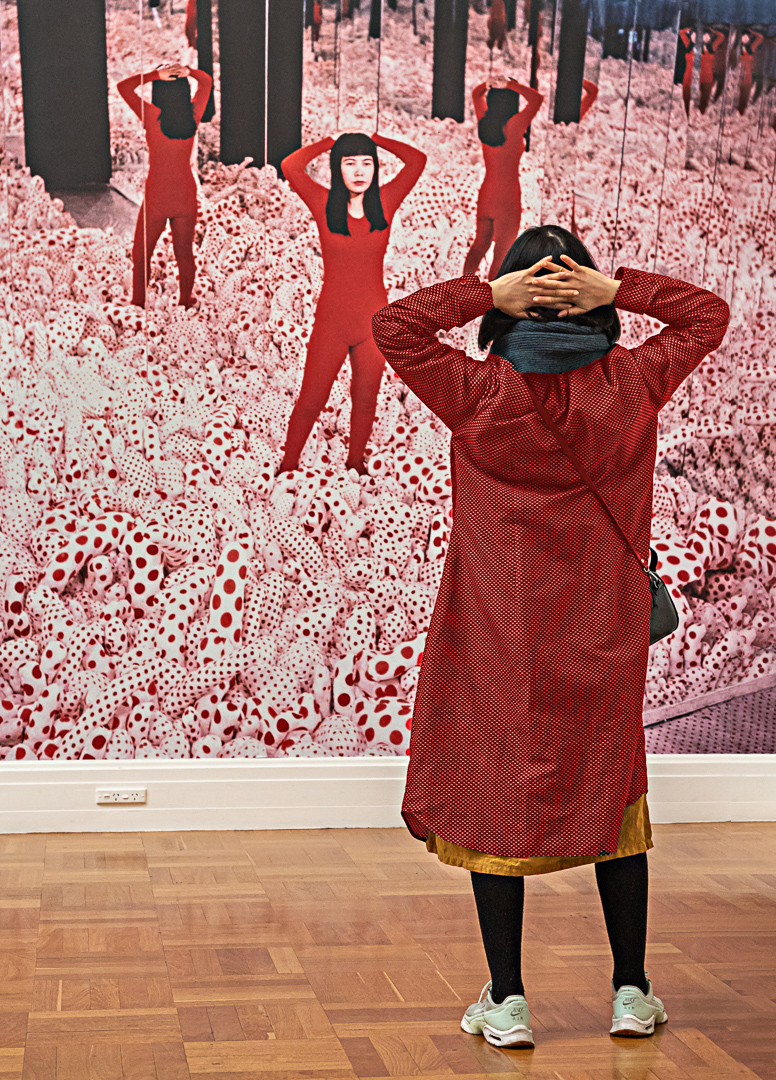
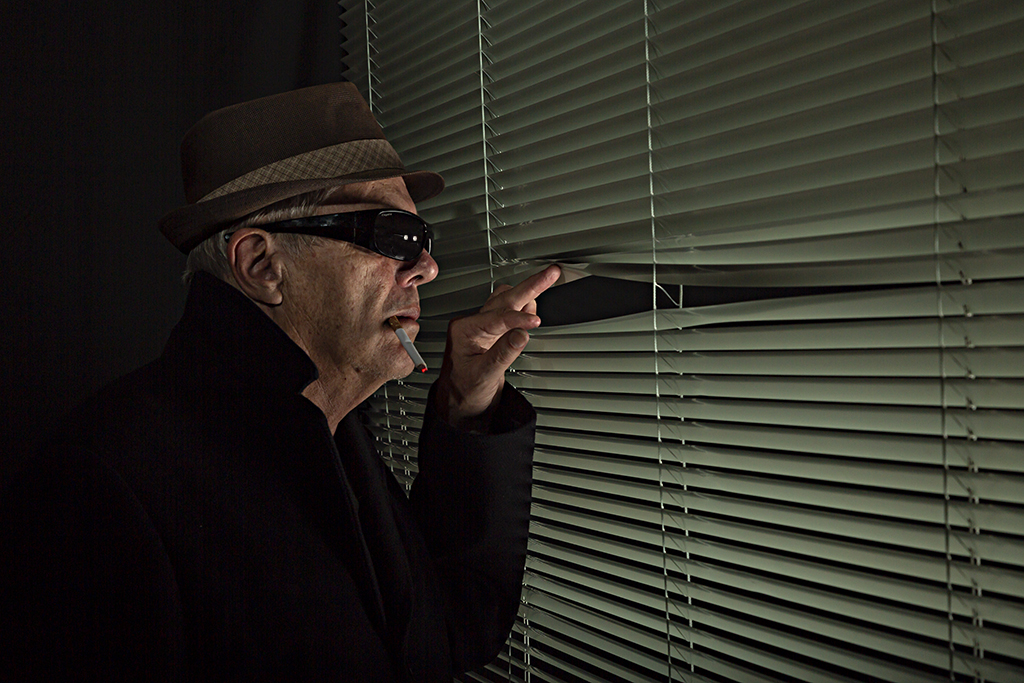
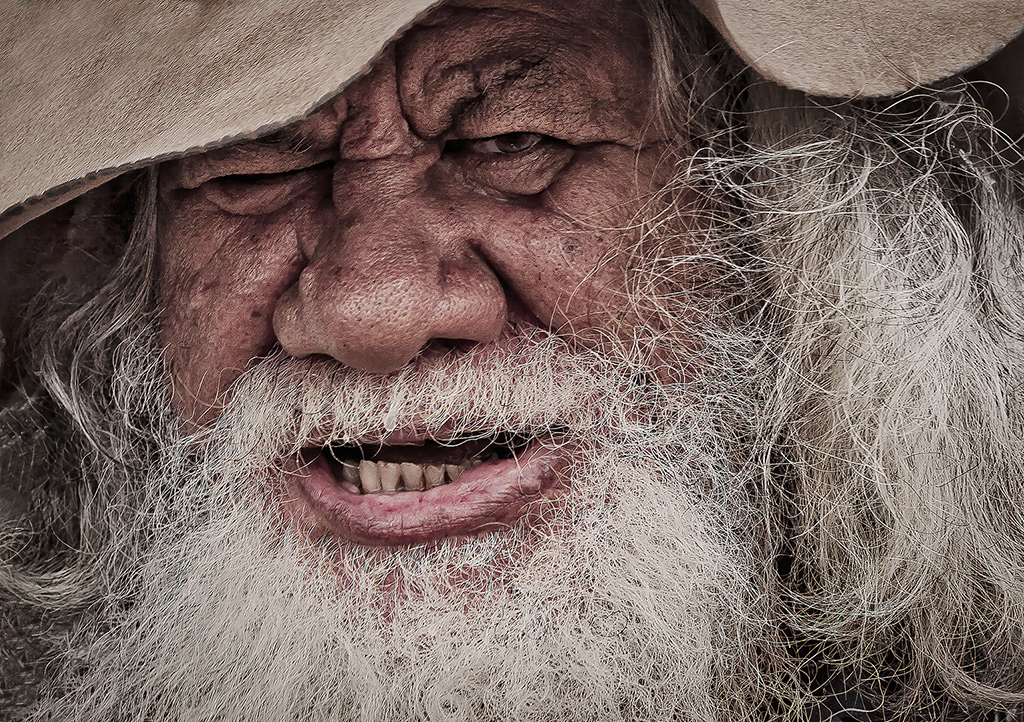
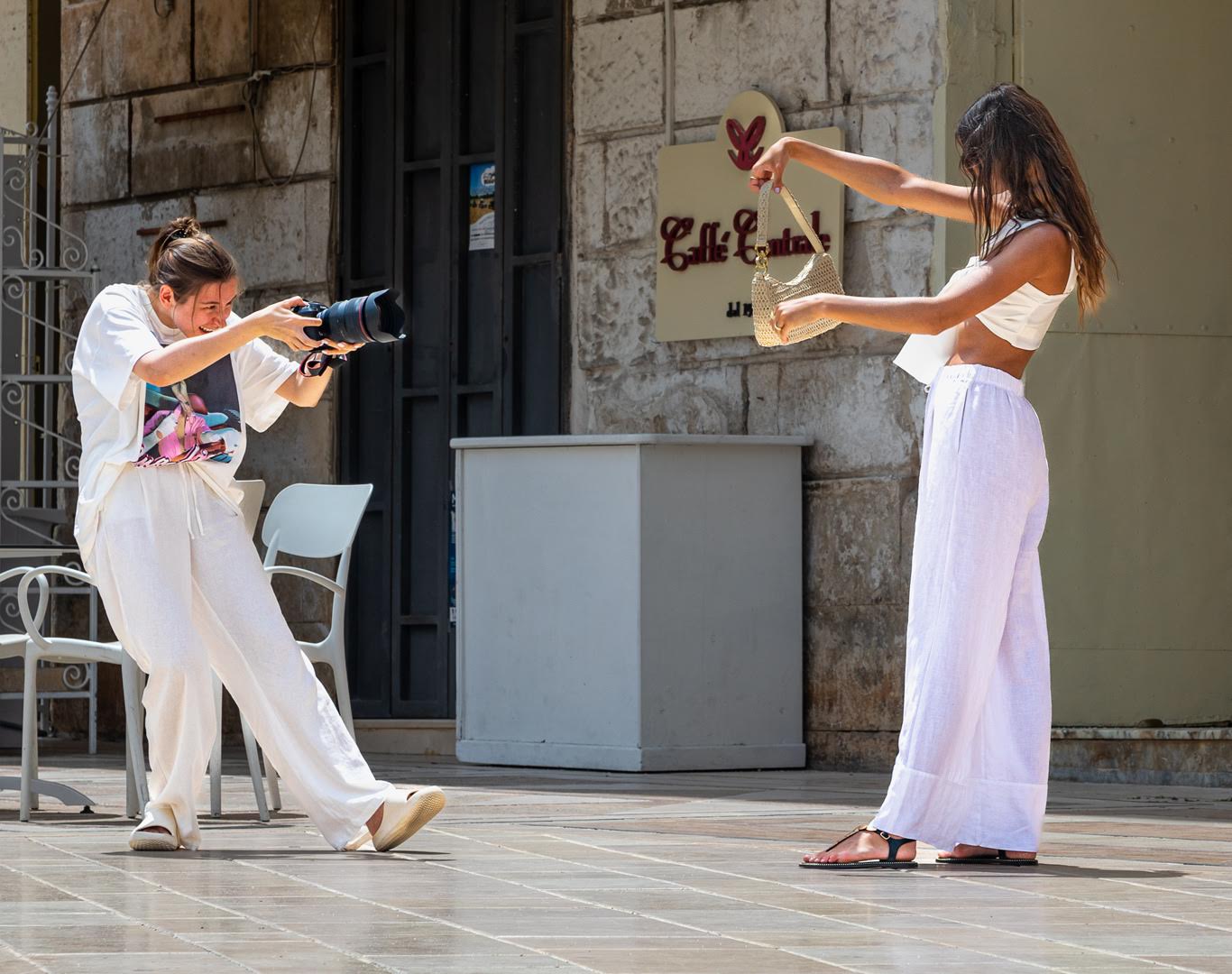
I love this image, Hung, and I agree with the others about the cropping.
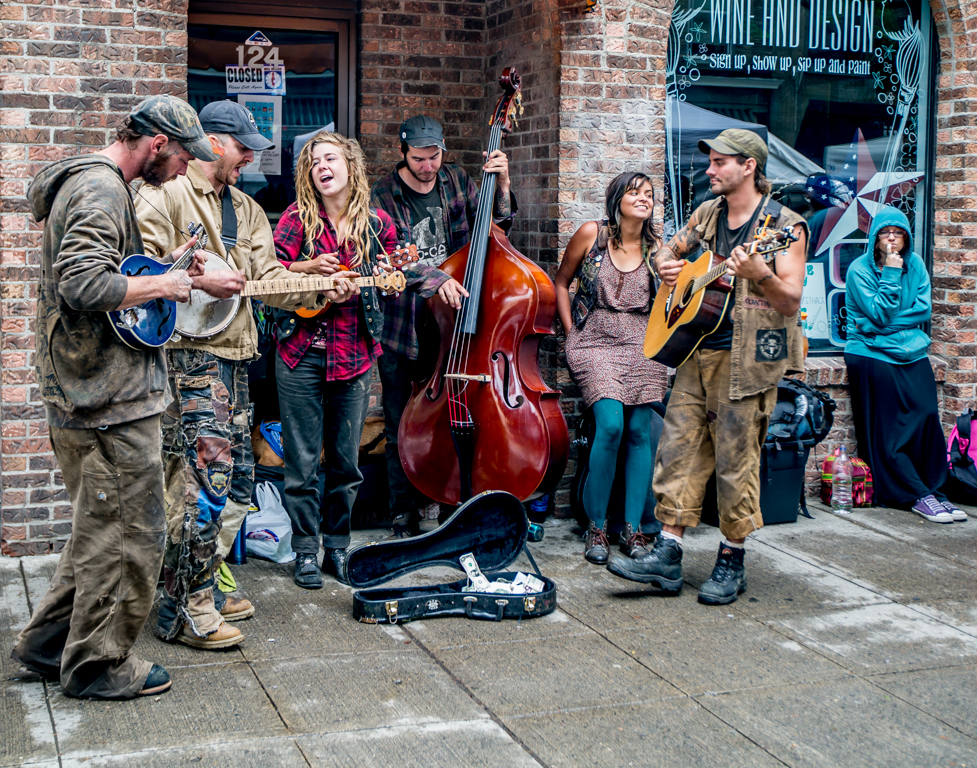
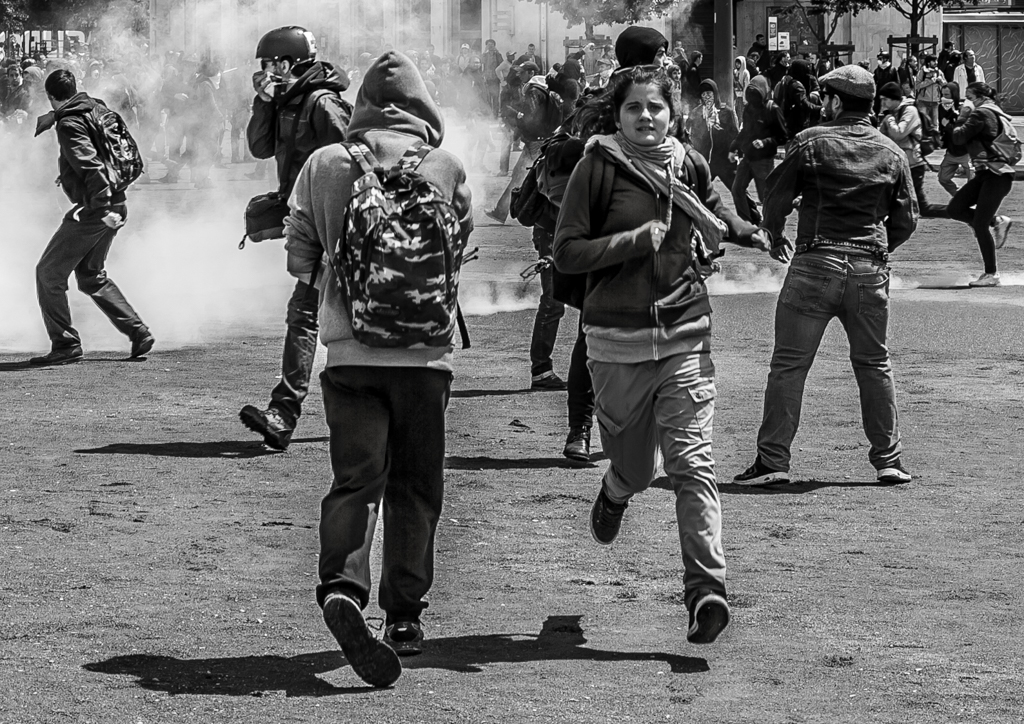
When I saw it I immediately wondered if this was where John Cleese got the idea for the Ministry of Silly Walks in Monty Python's Flying Circus.
Well done |
Sep 4th |
| 2 |
Sep 21 |
Comment |
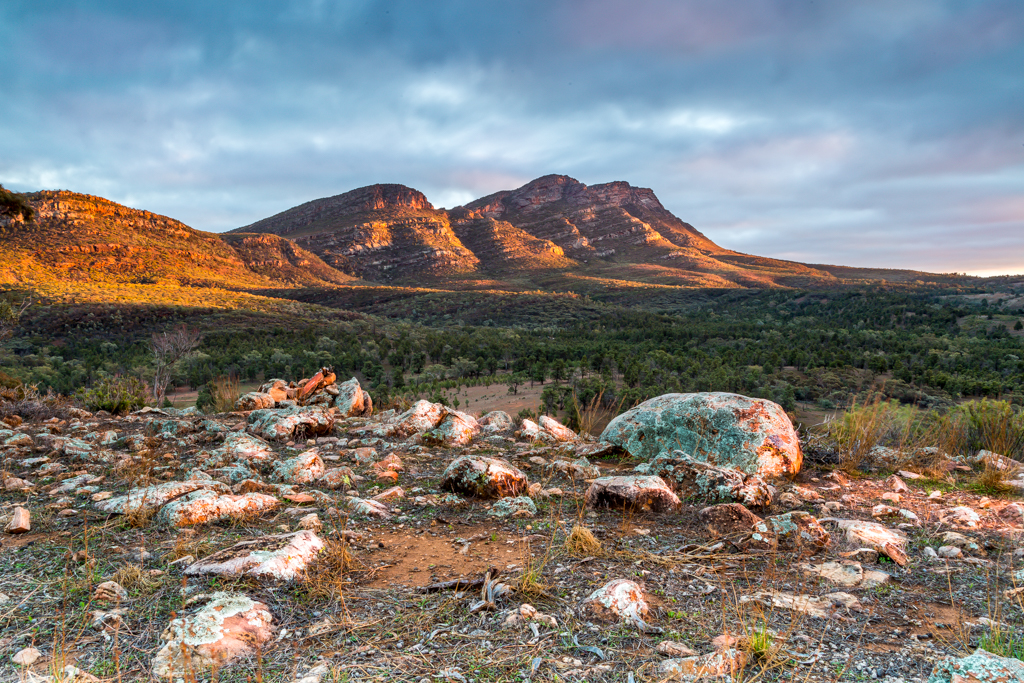
I like this image and as Piers has said it has an "immediate dramatic effect."
I like the green and gold colours and you have taken the image from a great angle. Maybe you could clone in some smoke from a train from another image!
If the image was mine, I would soften the edges of your cloning of the foliage in the top left hand corner so that it blends in seamlessly. |
Sep 4th |
| 2 |
Sep 21 |
Comment |
A great capture of the Osprey, however your post production work has left the image feeling a little too surreal and painterly for my liking. |
Sep 4th |
| 2 |
Sep 21 |
Comment |
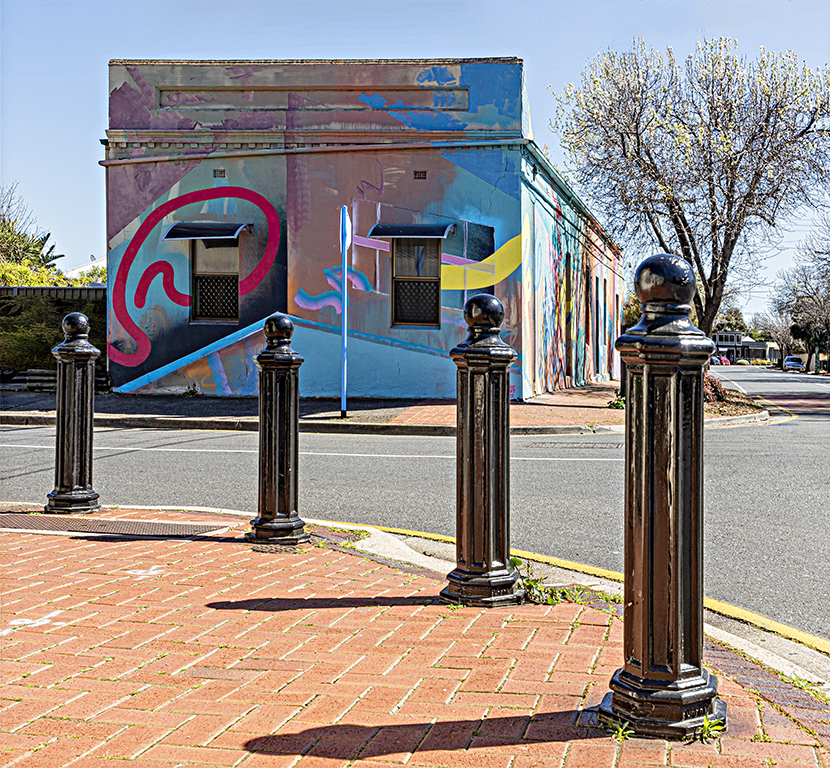
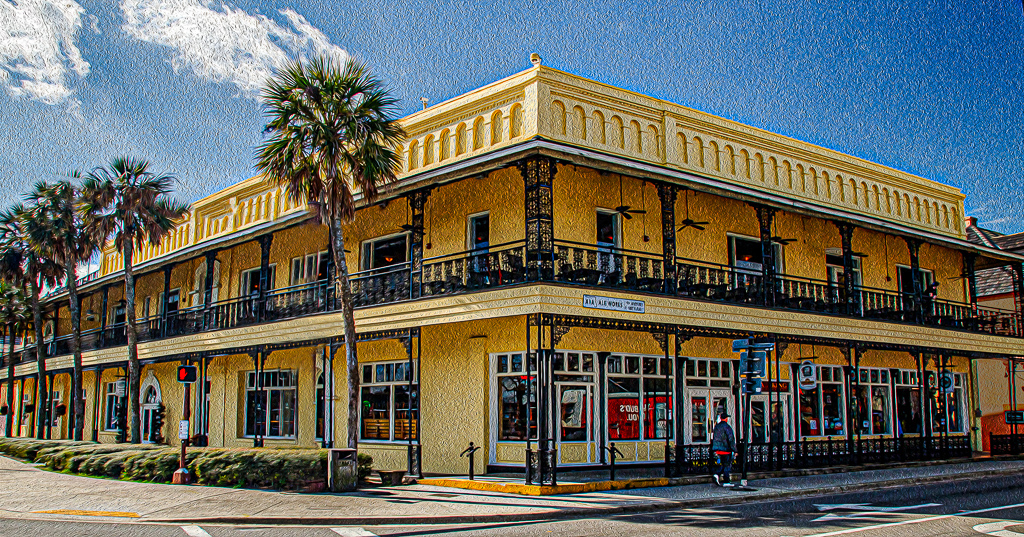
This is a great image Jim. Well done.
Like the others have suggested, remove the big circular tubular thing on the left of your image, don't worry about sending a letter to the historic society group as Shirley suggested, just remove it.
I would highlight the person on the footpath (sidewalk) and I would tone down the orange building in the background.
Maybe I would have liked to see one car included coming towards the camera. |
Sep 4th |
 |
| 2 |
Sep 21 |
Comment |
Hi Shirley. As you can see from the original image the light was quite flat, but with a hint of sunlight on the foreground foliage.
I opened the image in Lightroom and adjusted the exposure, lifted the shadows, sharpened the image, did lens correction etc and then moved into Photoshop.
I cropped the image so I knew the extent of the powerlines that I had to remove. I did this removal with a combination of dragging Spot Healing Brush Tool along each power line and the Clone tool.
Then back into Camera Raw and used the Adjustment Brush to "sculpt" the light over the foreground foliage (increased exposure and shadows sliders) to paint in the "sunny" spots.
Then back into PS where I used the Polygonal Tool to separate the chimney stacks and the powerhouse from the sky on a curves layer and painted in the brightness.
I then took the inverse of my selection and worked on the sky, indiscriminately moving sliders until I fluked the combination to give the sky and steam that I have in the final image.
I then spent a lot of time removing any ghosting left by my masks around the chimney stacks and any artifacts that I came across with the clone tool.
I hope that helps! |
Sep 4th |
| 2 |
Sep 21 |
Reply |
I tried black and white but I didn't like the result so I didn't pursue that line of attack. |
Sep 4th |
| 2 |
Sep 21 |
Reply |
Thanks Jack. I have just tried flipping the image as you suggested. It certainly changes the appearance!
My analysis of the original image is that the eye is led into the image from the lower left side by the foreground water, then up the chimney stacks and then out of the image by the steam. Unfortunately, there is nothing to keep the eye in the image, unless it goes back to the brightness of the foreground, which is the dominant part of the image.
|
Sep 3rd |
 |
7 comments - 3 replies for Group 2
|
7 comments - 3 replies Total
|