|
| Group |
Round |
C/R |
Comment |
Date |
Image |
| 2 |
Aug 21 |
Reply |
You are welcome and if my description is unclear please tell me.
Also if you are in Lightroom and want to create the layers in Photoshop, highlight the two images in either the Library or Develop mode, right click on one of the highlighted images and click on "Edit in" and go to "Open as layers in Photoshop." |
Aug 25th |
| 2 |
Aug 21 |
Reply |
Hi Bev,
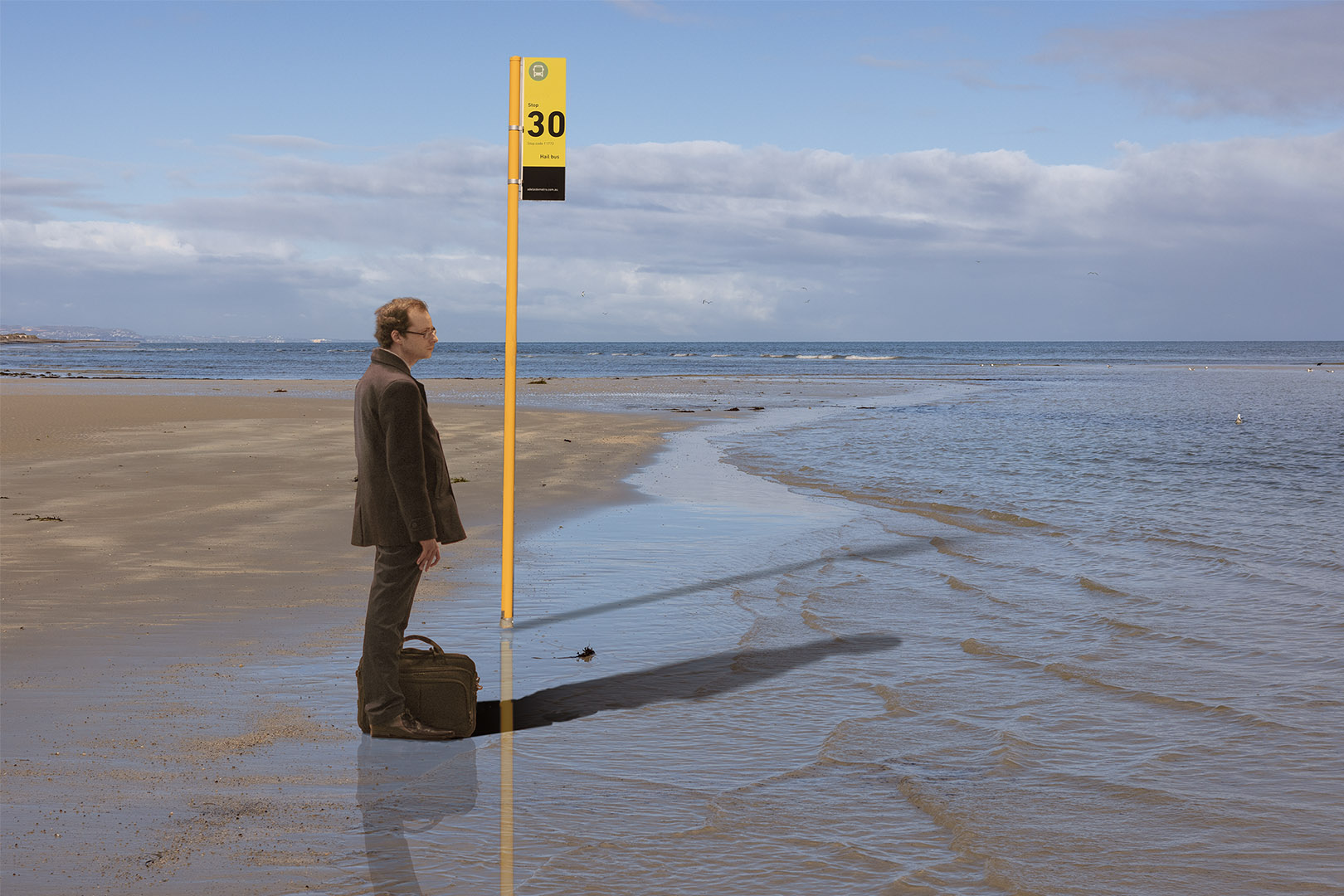
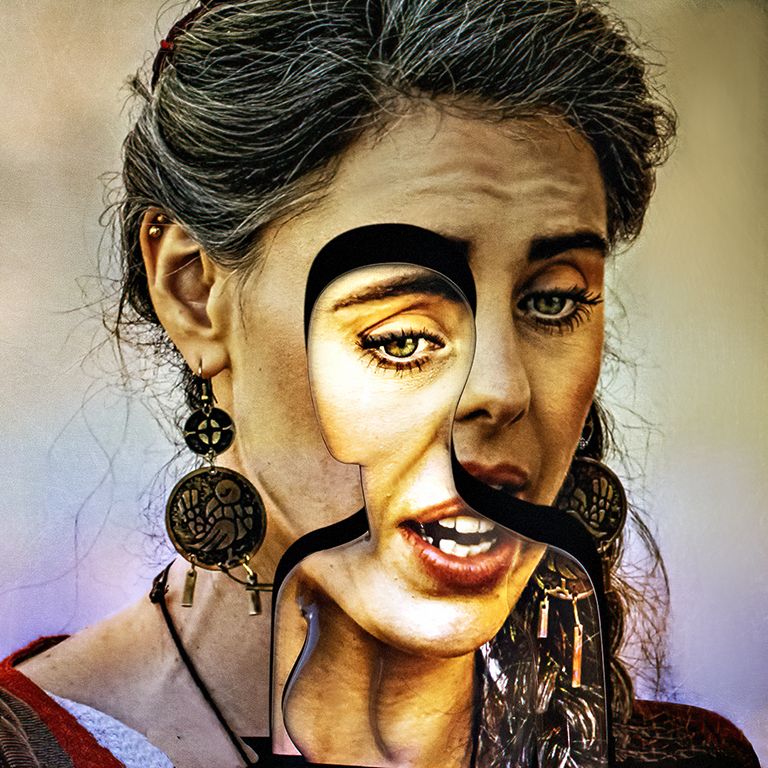
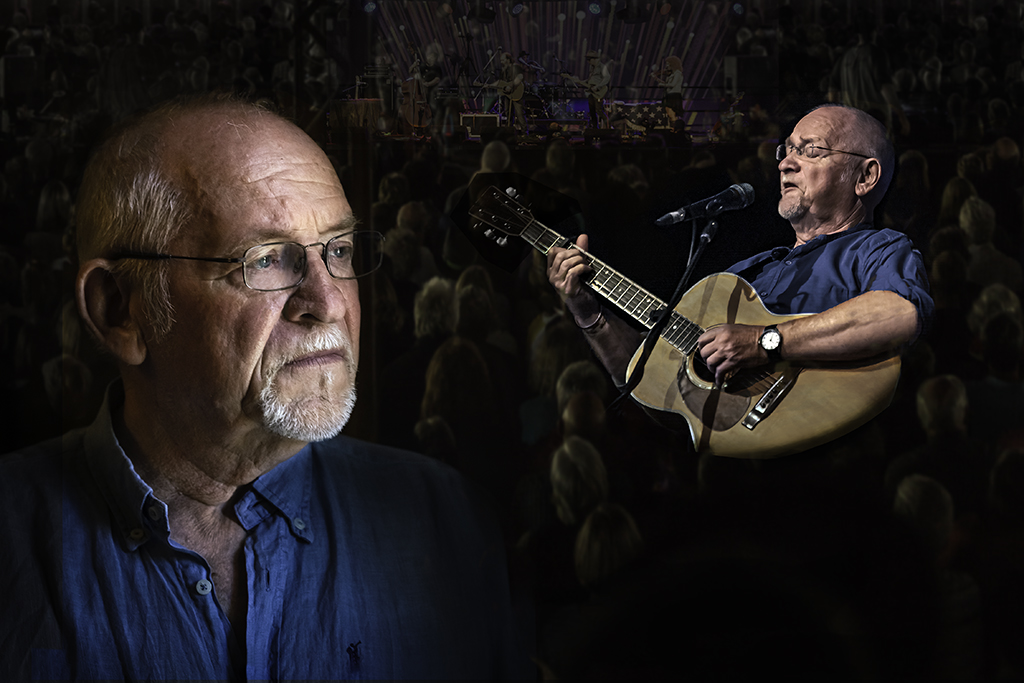
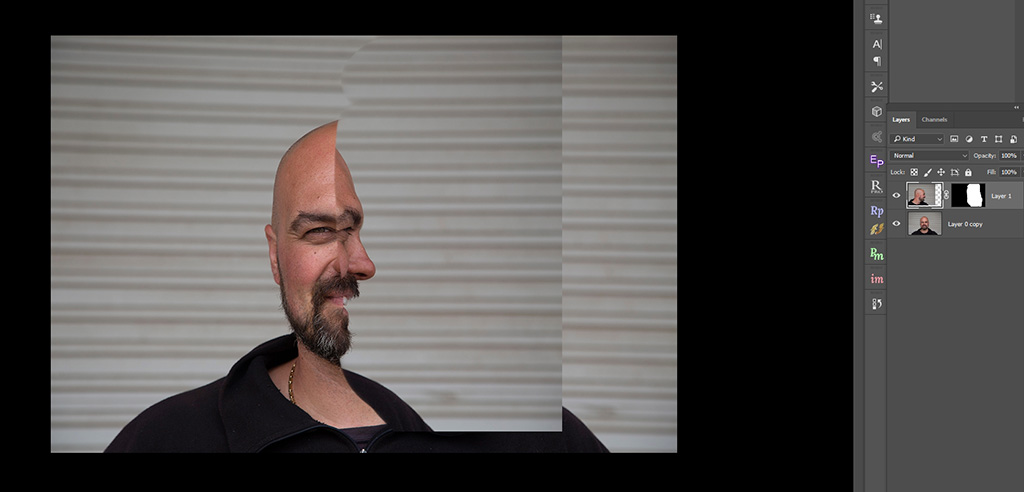
It was some time ago that I did this, so it was a pleasant journey down memory lane to remember how I did it. But this is how I did it.
Load both images into Photoshop. One way to make them into two layers is to open one image then "Select>all>edit>copy open the second image and Edit>paste" Both images should appear in the layers on the right hand side of the screen. There are simpler ways to do this, but harder to describe in words.
Apply a black mask to the top layer and paint with a white brush to reveal the parts of the top image you want to see.
Move this layer around until you have the two images aligned as you want them to be. Paint with the black brush to remove any errors.
Flatten the image and use the clone tool to smooth over any joins that look too obvious.
I hope this helps. |
Aug 25th |
 |
| 2 |
Aug 21 |
Comment |
Hi Hung
This is a great "Nature" action shot. You have caught the two birds fighting rather than just sitting in the nest.
Well done.
It is a pity you didn't take it a second earlier or later, so that the full sun didn't catch on the top bird's right wing, blowing out the exposure on it.
This is a really good photo!
|
Aug 16th |
| 2 |
Aug 21 |
Comment |
Shirley, I like your treatment of the image. I like the cropping to a panoramic aspect and I like the complimentary colours of the orange sunset and the blue light painting.
I have spent a number of minutes looking at your image and my mind is torn between the serenity of the left hand side "landscape" and the busyness of the "light painting" on the right hand side. I wonder if there are not two images here!
|
Aug 7th |
| 2 |
Aug 21 |
Reply |
Thanks Jaqueline. I two images were easy to take, the real challenge came in using Photoshop to meld the two together. |
Aug 6th |
| 2 |
Aug 21 |
Comment |
Thanks Karen. As I said in my introduction, I found similar examples on Pinterest, so the concept is not my own. However piecing the two images together provided the challenge. |
Aug 6th |
| 2 |
Aug 21 |
Reply |
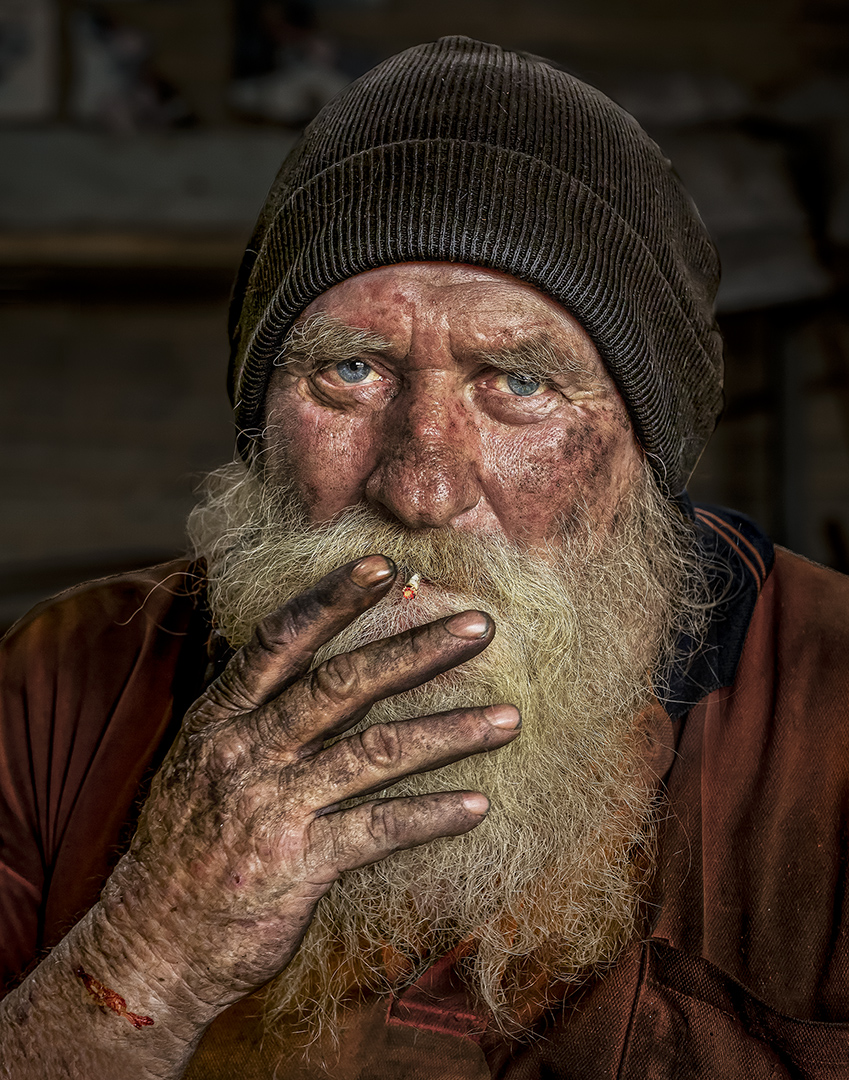
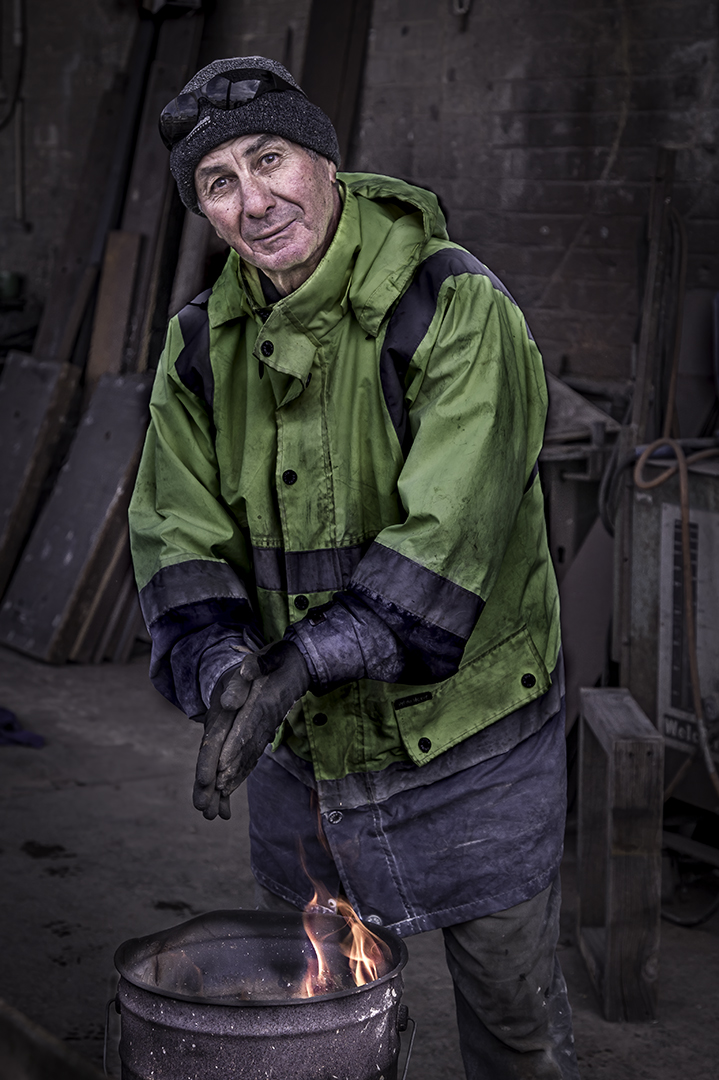
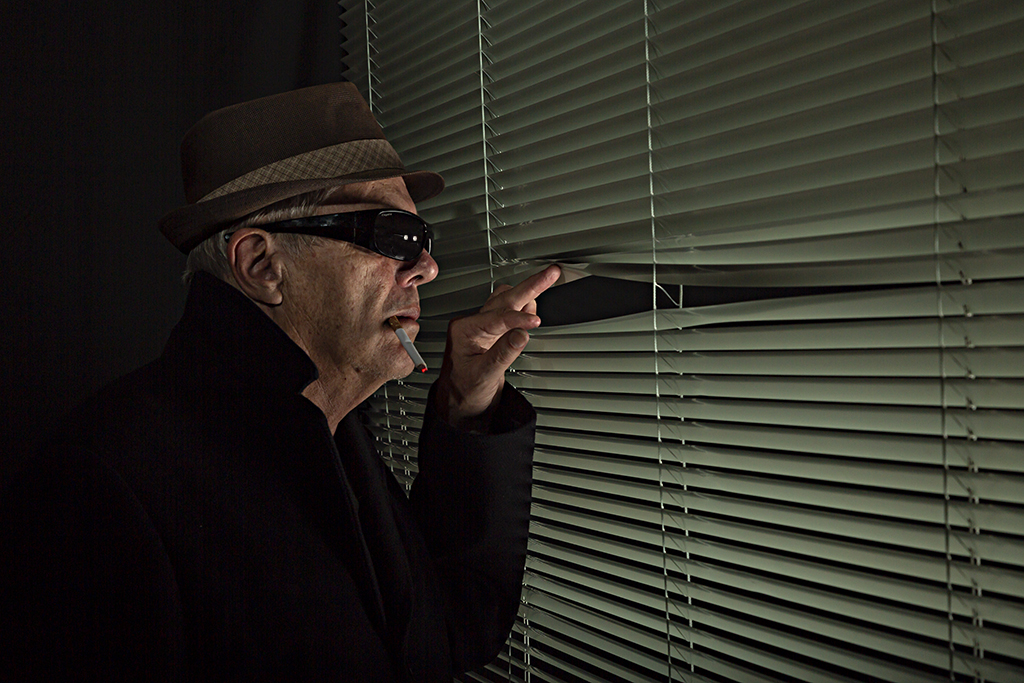
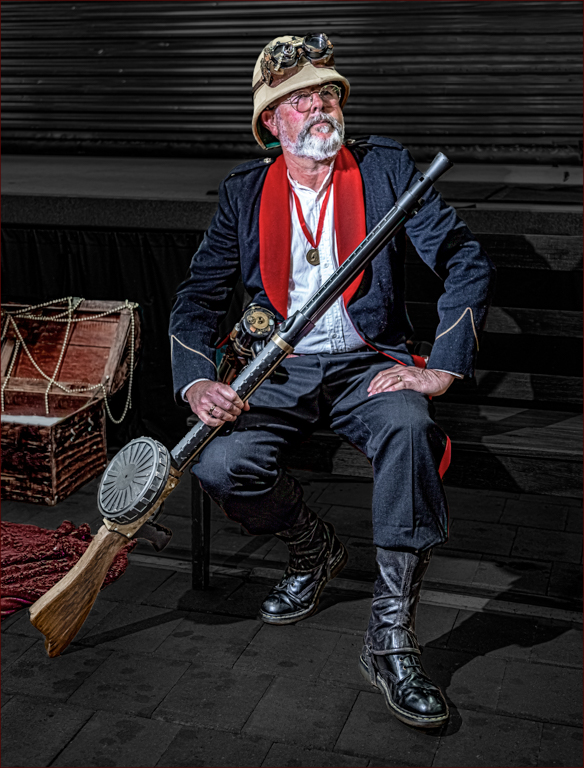
It is a roll-a-door behind him. The steel bars he was fixing were in front of him |
Aug 6th |
| 2 |
Aug 21 |
Reply |
Thanks Shirley |
Aug 2nd |
| 2 |
Aug 21 |
Reply |
Thanks Isaac. It was an interesting exercise |
Aug 2nd |
| 2 |
Aug 21 |
Comment |
I love the old dilapidated barns in the USA. I took a number of photos of them when we were last in Pennsylvania, but it does show the demise of the rural industry in some areas.
I like your treatment, it really improves the image. The "grunge" look suits suits the image. Don't change a thing, this is great!
Well done |
Aug 1st |
| 2 |
Aug 21 |
Comment |
A lovely photo, Jim. It almost has a surreal feel about it. I like that the sun is not blown out and retains it shape as a circle. Well done |
Aug 1st |
| 2 |
Aug 21 |
Comment |
A great image, Piers. It is sharp and the leopard is moving. I really like the monochrome version. It is very dramatic. Well done |
Aug 1st |
6 comments - 6 replies for Group 2
|
6 comments - 6 replies Total
|