|
| Group |
Round |
C/R |
Comment |
Date |
Image |
| 45 |
Dec 19 |
Reply |
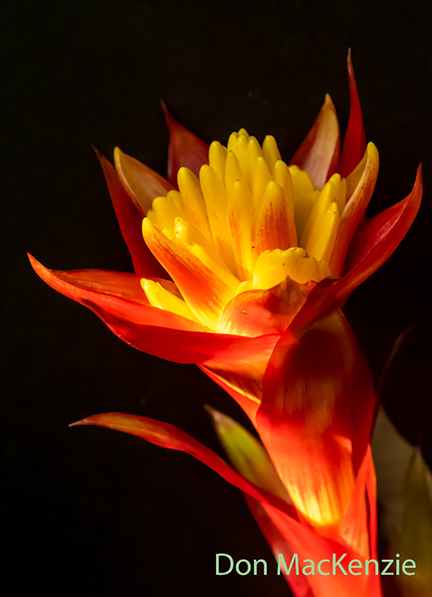
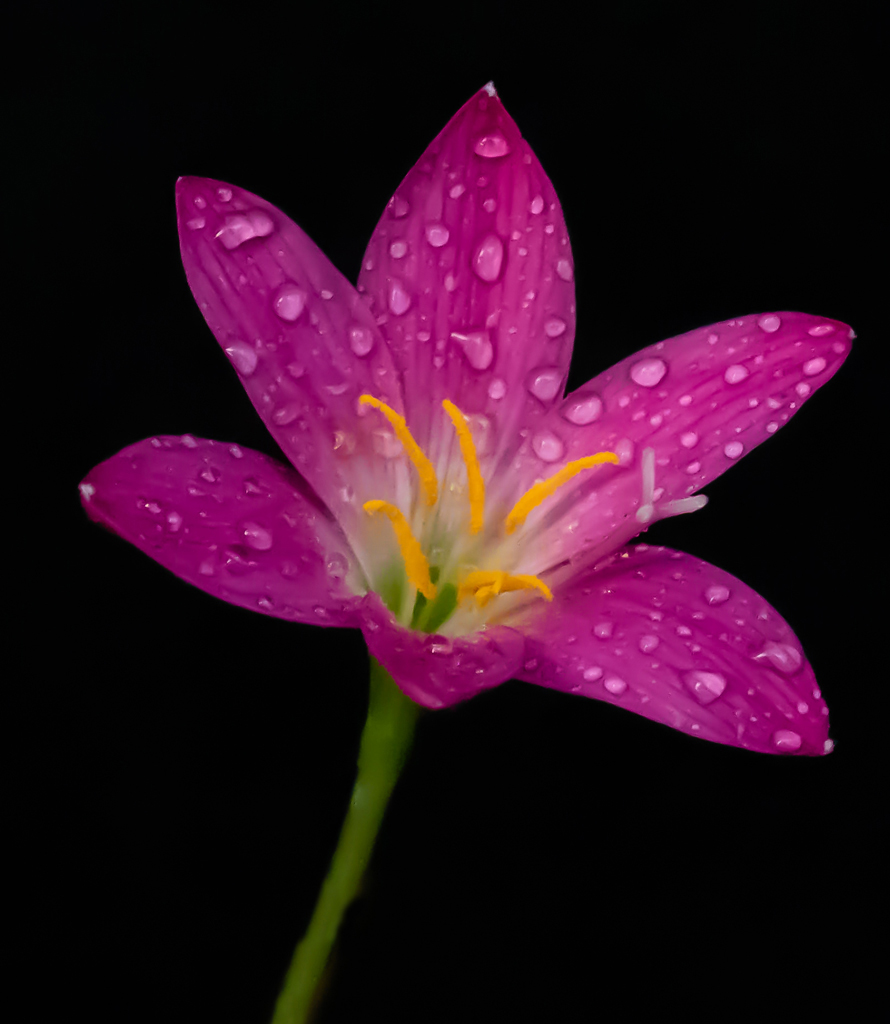
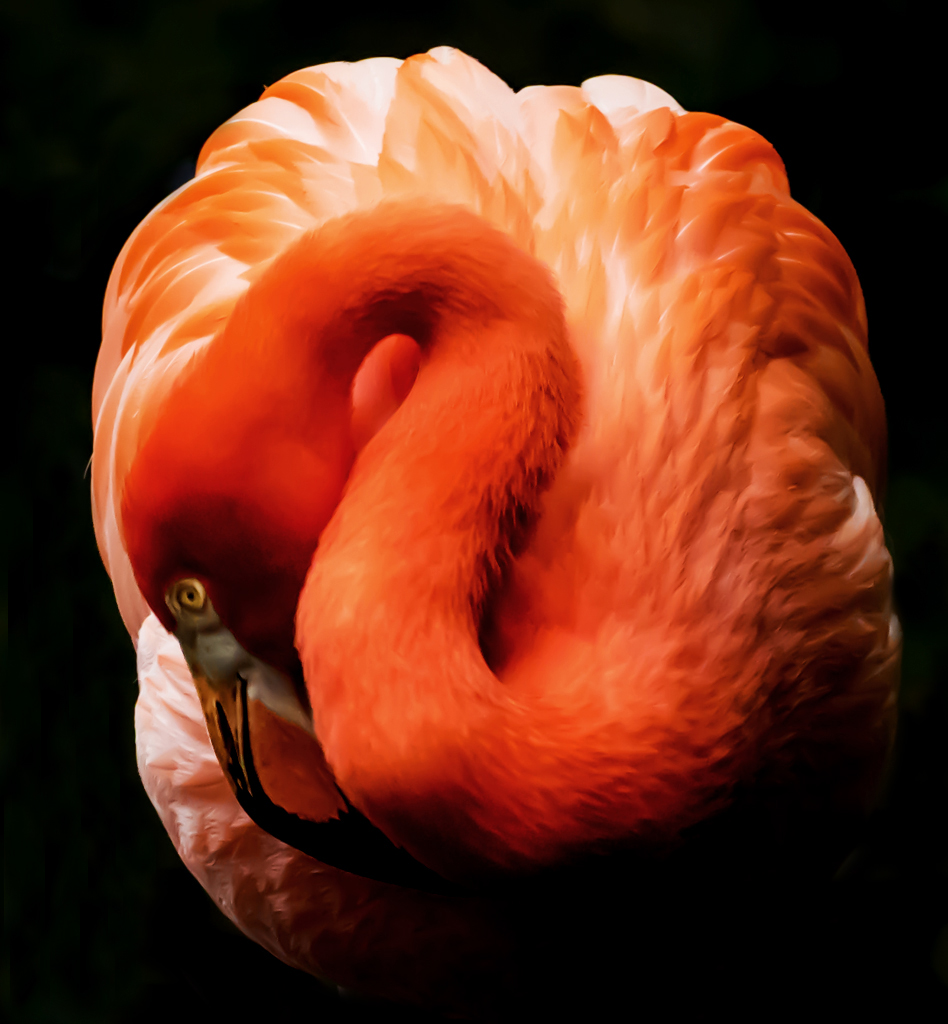
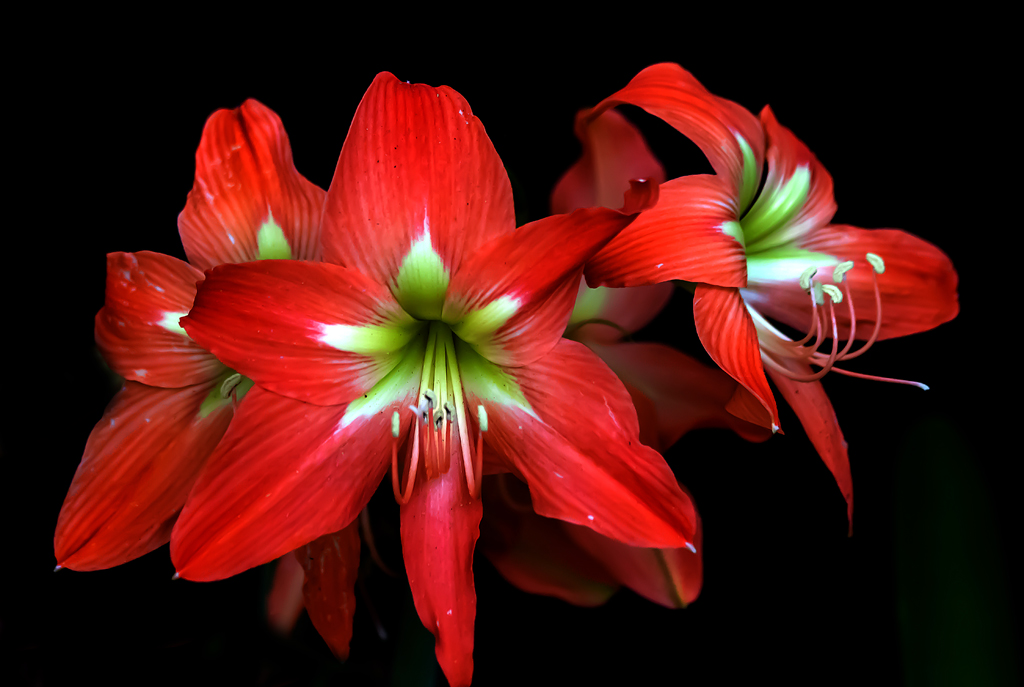
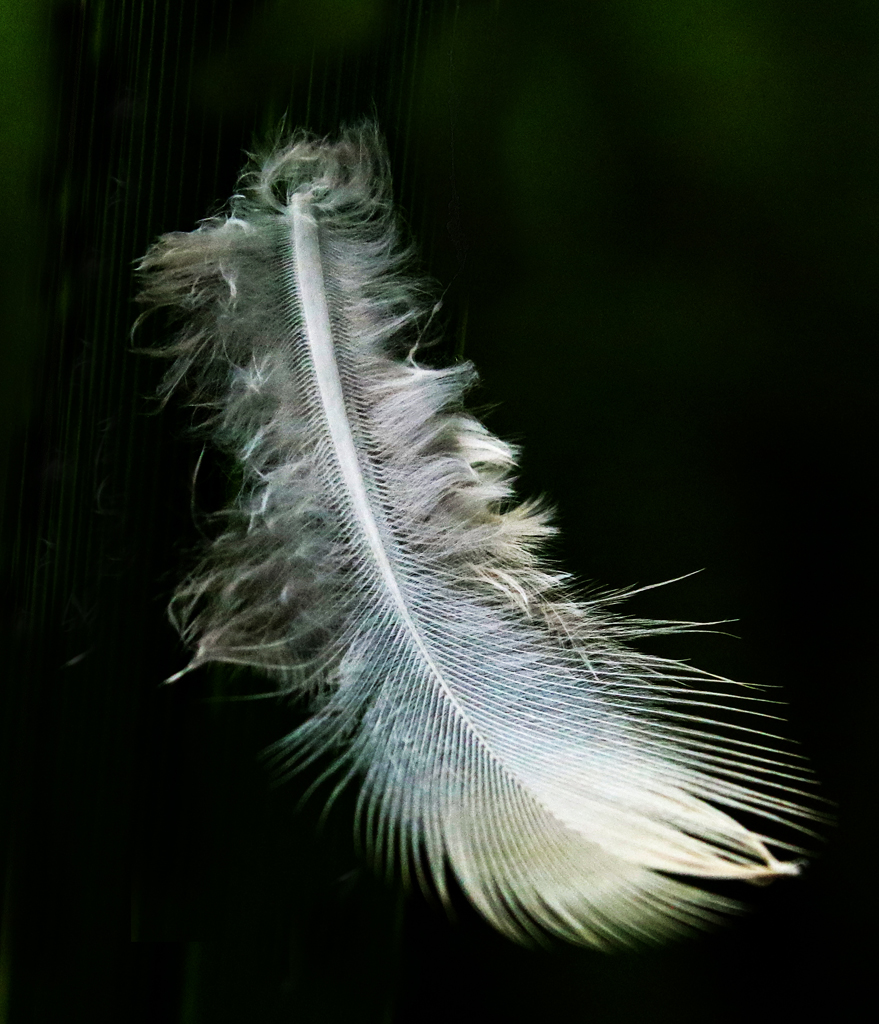
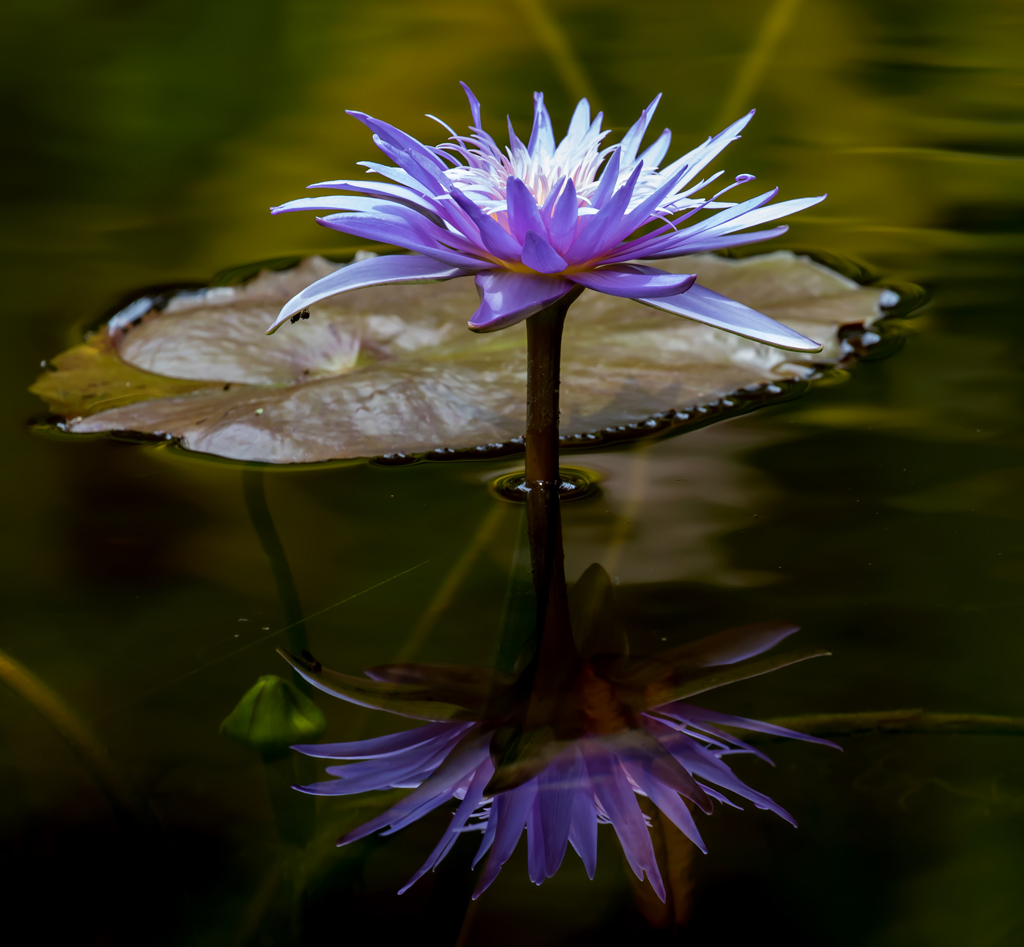
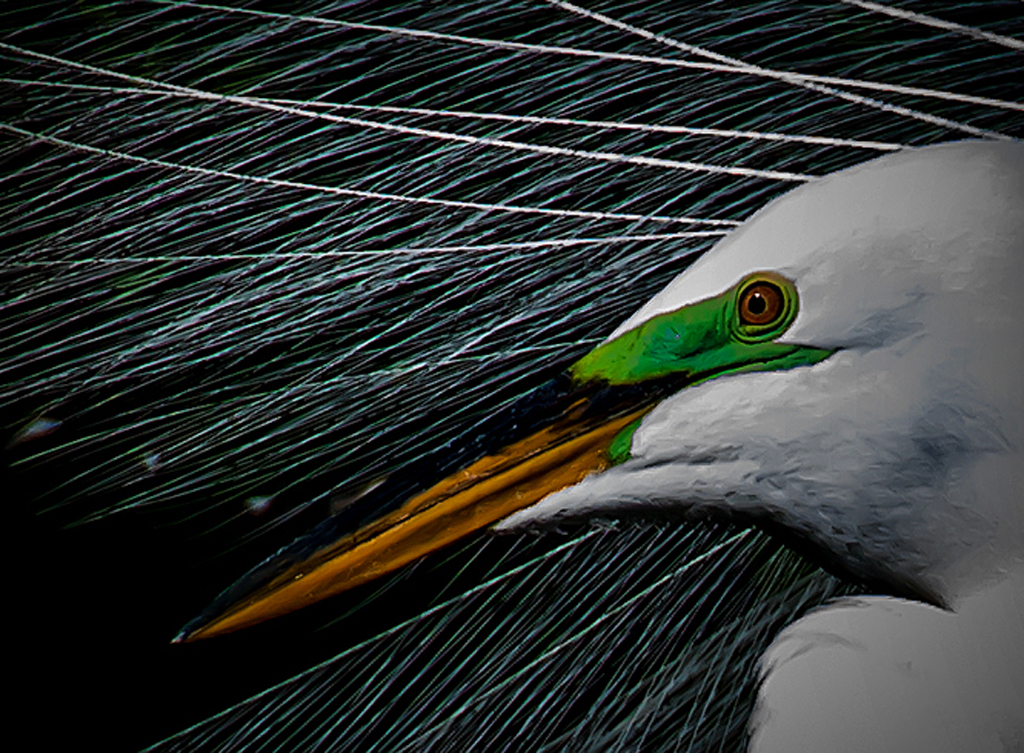
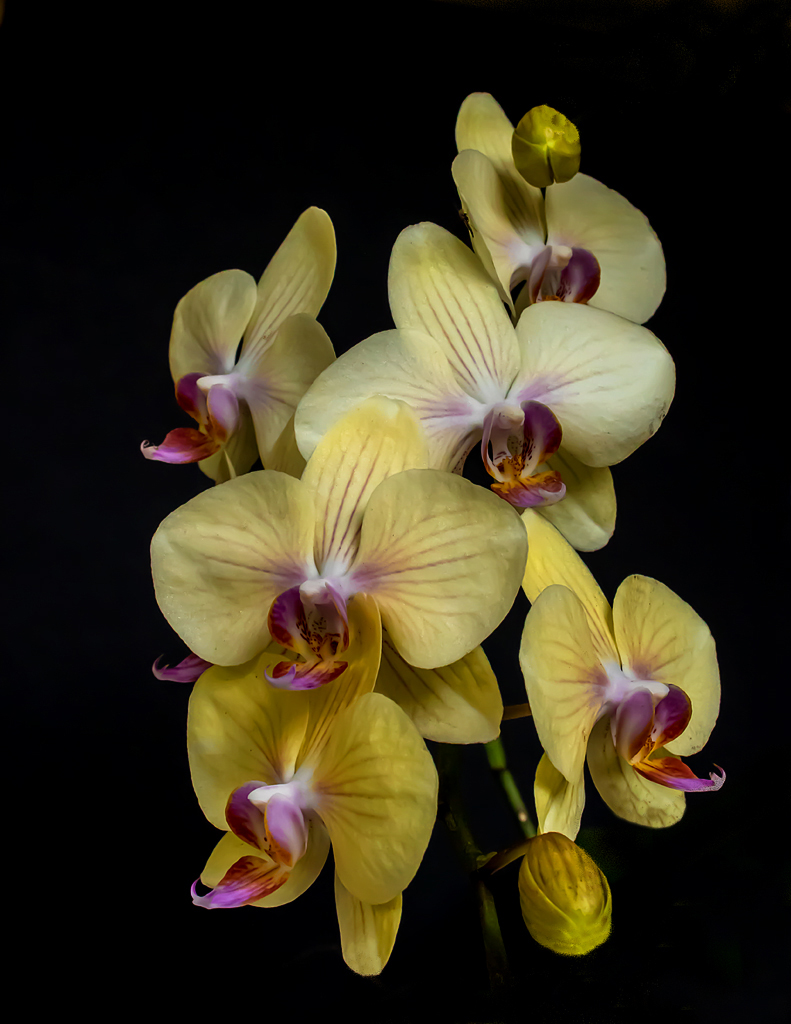
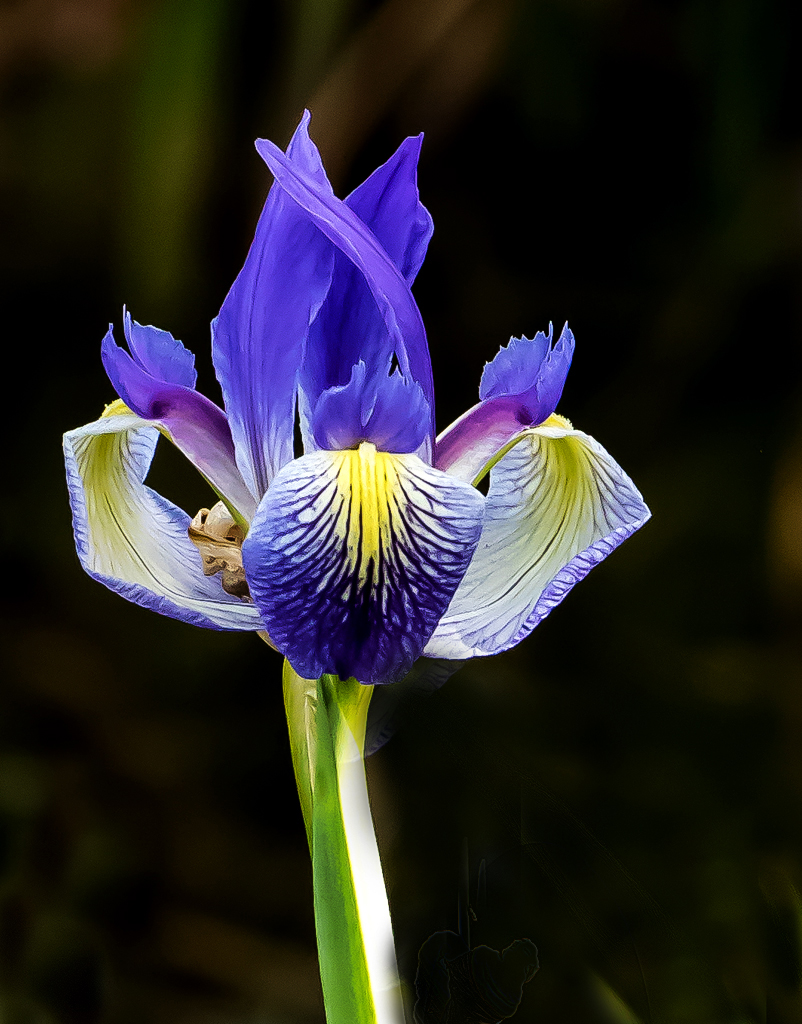
Hi Phyllis: I go to Layer, then New Adjustment Layer and then Levels. I frequently find that using the mid-point (middle) slider and moving it to the right gives me various levels of darkness in the background. In this photo, I moved it until I had a black background. I don't use the left point for background changes since it seems to only increase the amount of black in the photo which means increasing black in the subject and other things in the photo which might be black enough already. I don't understand all the possibilities. For me, what I do know is enough for now. |
Dec 30th |
| 45 |
Dec 19 |
Reply |
Our monitors are responding differently to this feather picture. I went back to my file, called up the feather and enlarged it to 100% (approximately 27" x 21"). No noise could be detected. |
Dec 20th |
| 45 |
Dec 19 |
Reply |
I tried 20 degrees left and could not see any significant improvement. Feather is already on diagonal which I wanted rather than vertical. Tried 25 degrees also. A half turn is not good. I will remember to try these different possibilities in the future. |
Dec 19th |
| 45 |
Dec 19 |
Comment |
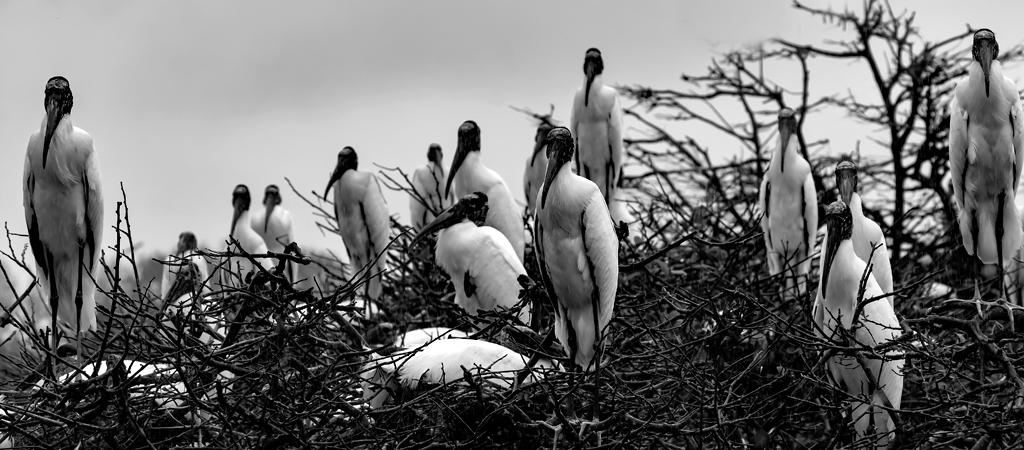
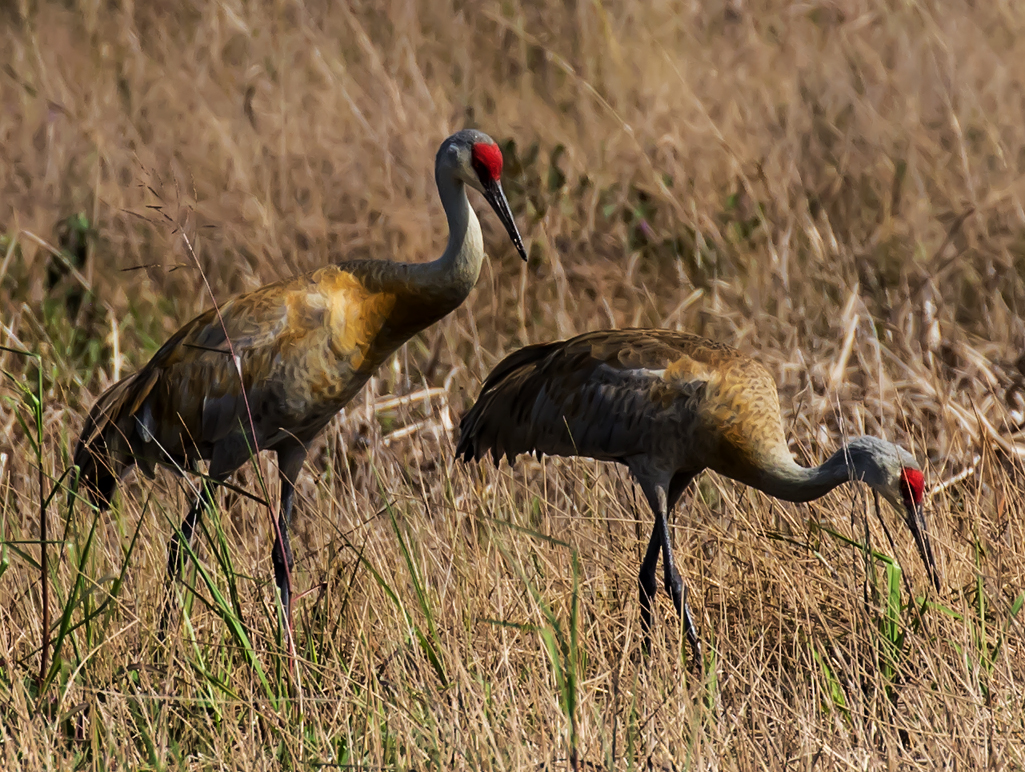
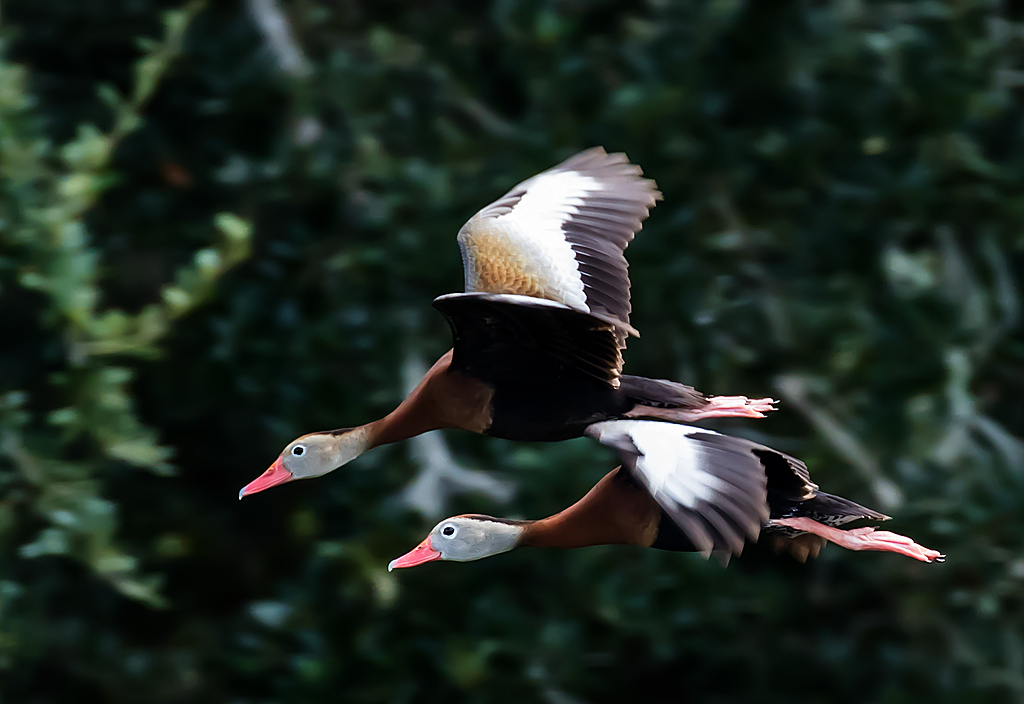
The birds are sharp and the sky is a nice color. Might try removing the bird on the left so you have three remaining. An odd number seems to impact the viewer more than even number subjects. |
Dec 9th |
| 45 |
Dec 19 |
Comment |
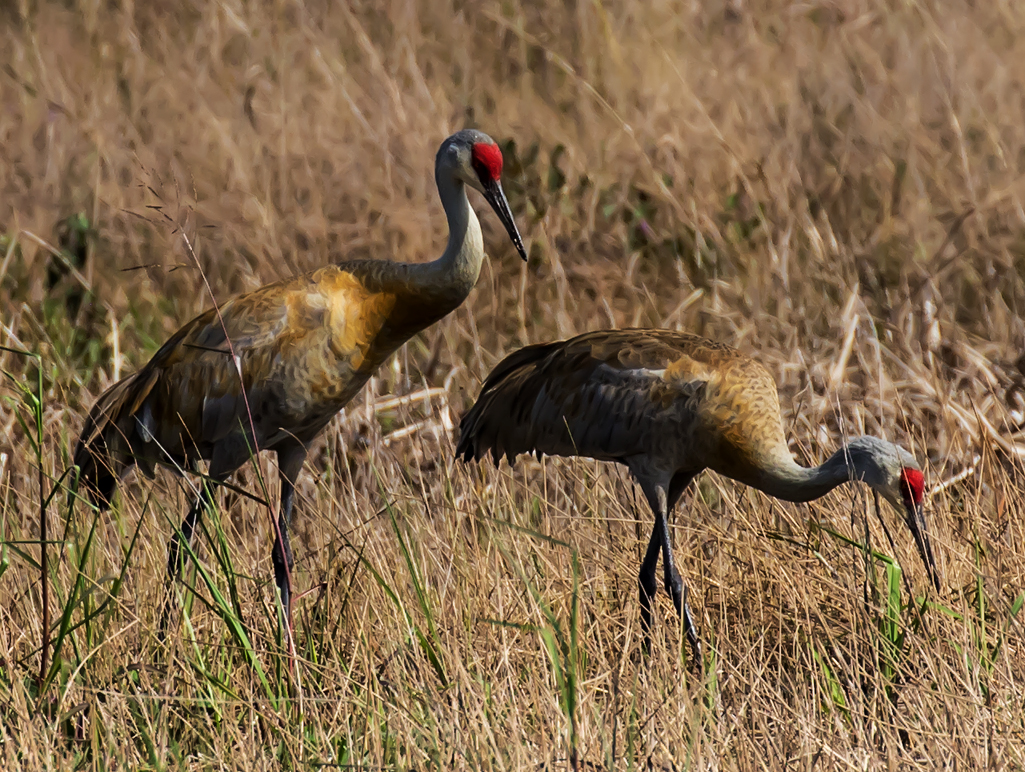
The birds are sharp and the sky is a nice color. Might try removing the bird on the left so you have three remaining. An odd number seems to impact the viewer more than even number subjects. |
Dec 9th |
| 45 |
Dec 19 |
Comment |
I like it but am unsure why. I do some woodworking including the making of utensils and appreciate the nice fine grain in these tools. Maybe I like it because I rarely see things dropping down from the top of the photo! Everything looks sharp and the subject fills the photo. The bright spots are somewhat a distraction. |
Dec 9th |
| 45 |
Dec 19 |
Comment |
Looks like you got the horse's full attention, eyes on the camera and the ears forward. This helps me, thee viewer, make a strong contact with the horse. The pic is so clear and sharp I feel like I could reach in and touch the horse. Great contrast between horse and background. Nicely done (as usual). |
Dec 4th |
| 45 |
Dec 19 |
Comment |
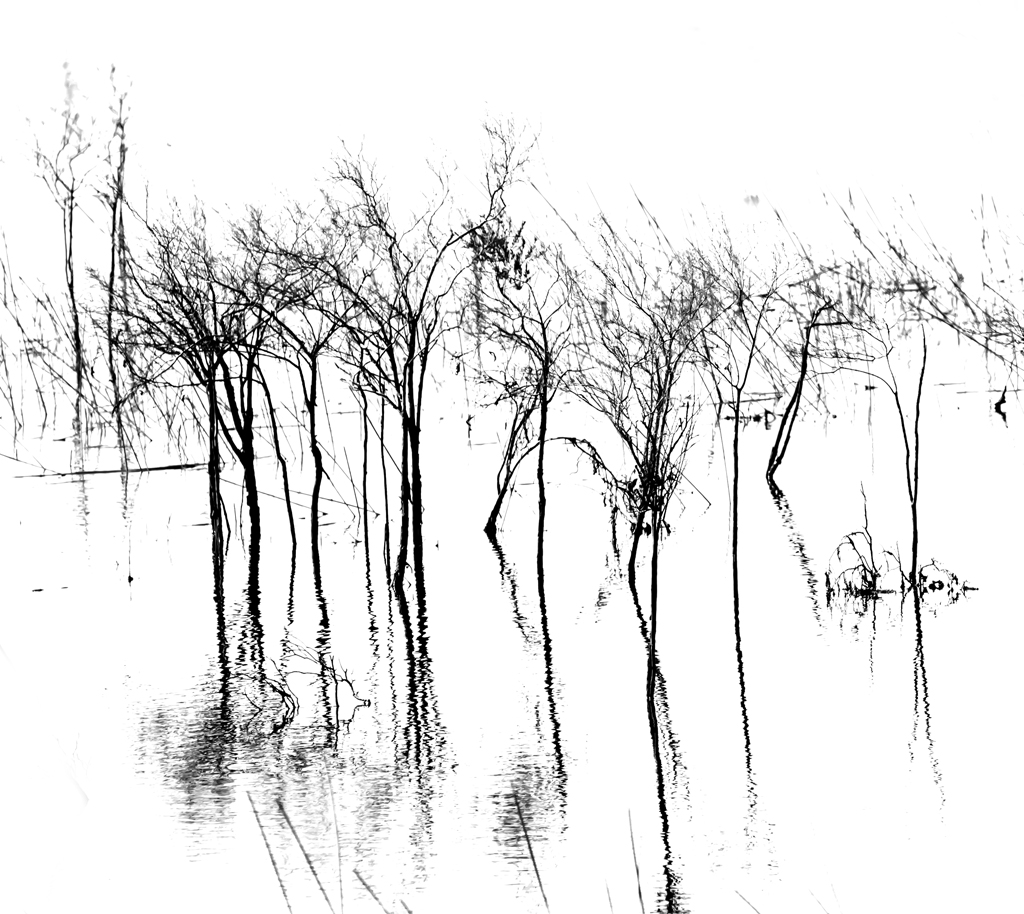
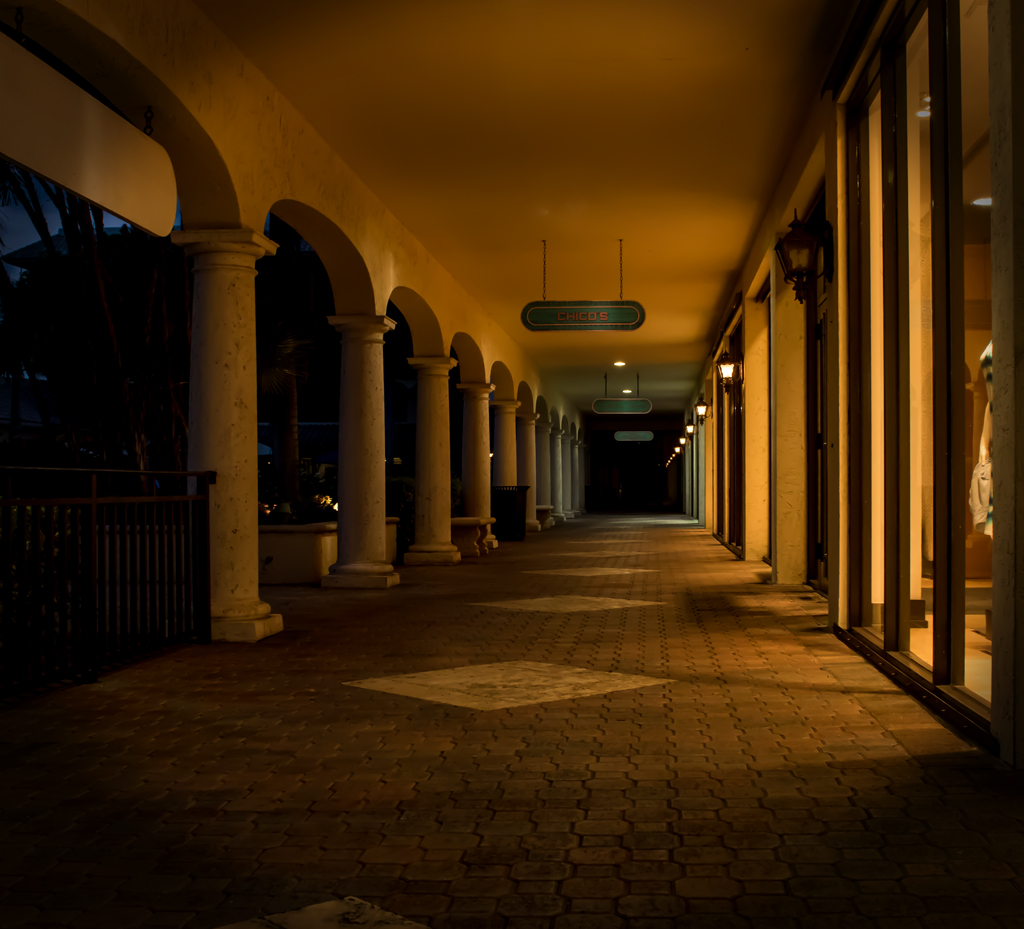
Great B/W with excellent post-processing. Sharp, parallel lines leading us in; I like everything about this photo! |
Dec 4th |
| 45 |
Dec 19 |
Comment |
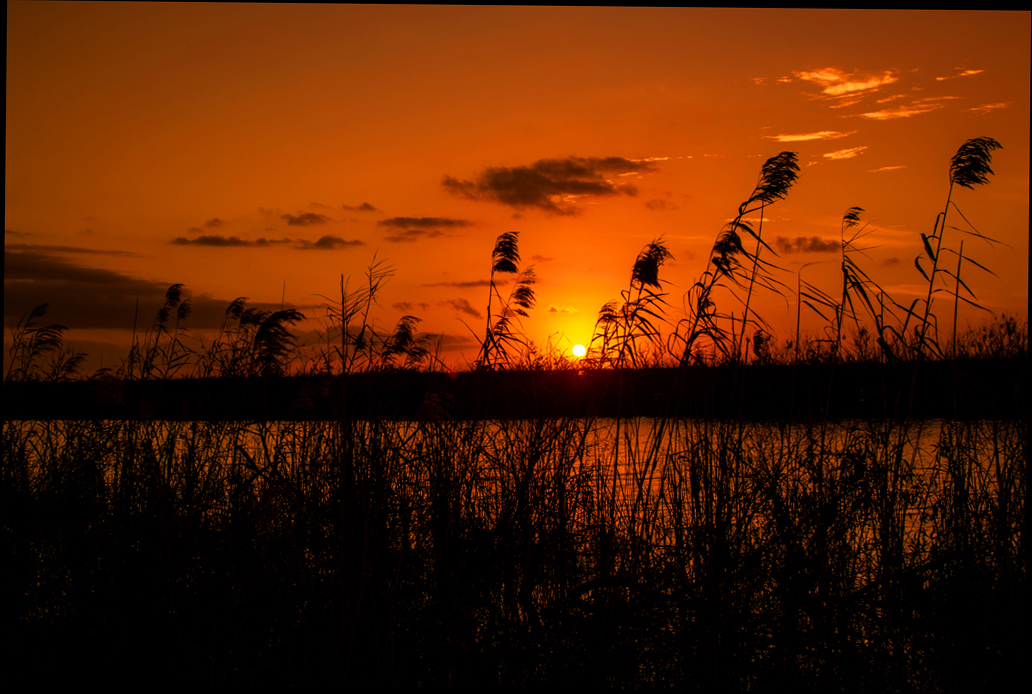
A beautiful evening photo! I like the water curving to the right which pulls my eye from the city to the water and around the bend. Great sky, pink in some of the clouds, sharp front to back. Very well done! |
Dec 4th |
| 45 |
Dec 19 |
Reply |
You're right. I should have seen the lack of sharpness. Getting my sensor parallel to the feather would probably have taken care of that. Thanks. |
Dec 4th |
| 45 |
Dec 19 |
Comment |
Thanks for your comment about the lighting. Frankly, I never saw it! I will keep it in mind. |
Dec 2nd |
7 comments - 4 replies for Group 45
|
7 comments - 4 replies Total
|