|
| Group |
Round |
C/R |
Comment |
Date |
Image |
| 40 |
Sep 25 |
Comment |
|
Sep 17th |
 |
| 40 |
Sep 25 |
Comment |
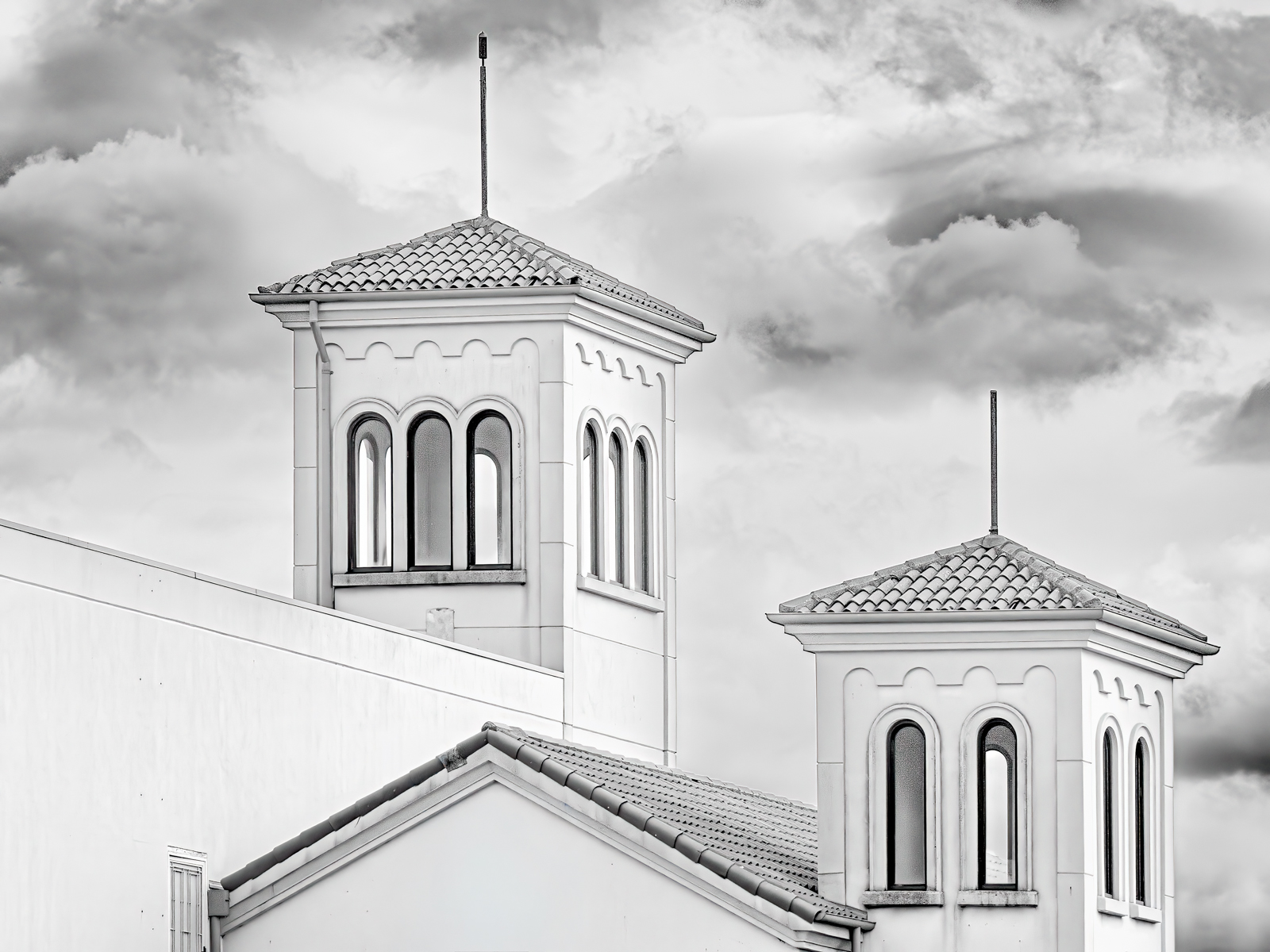
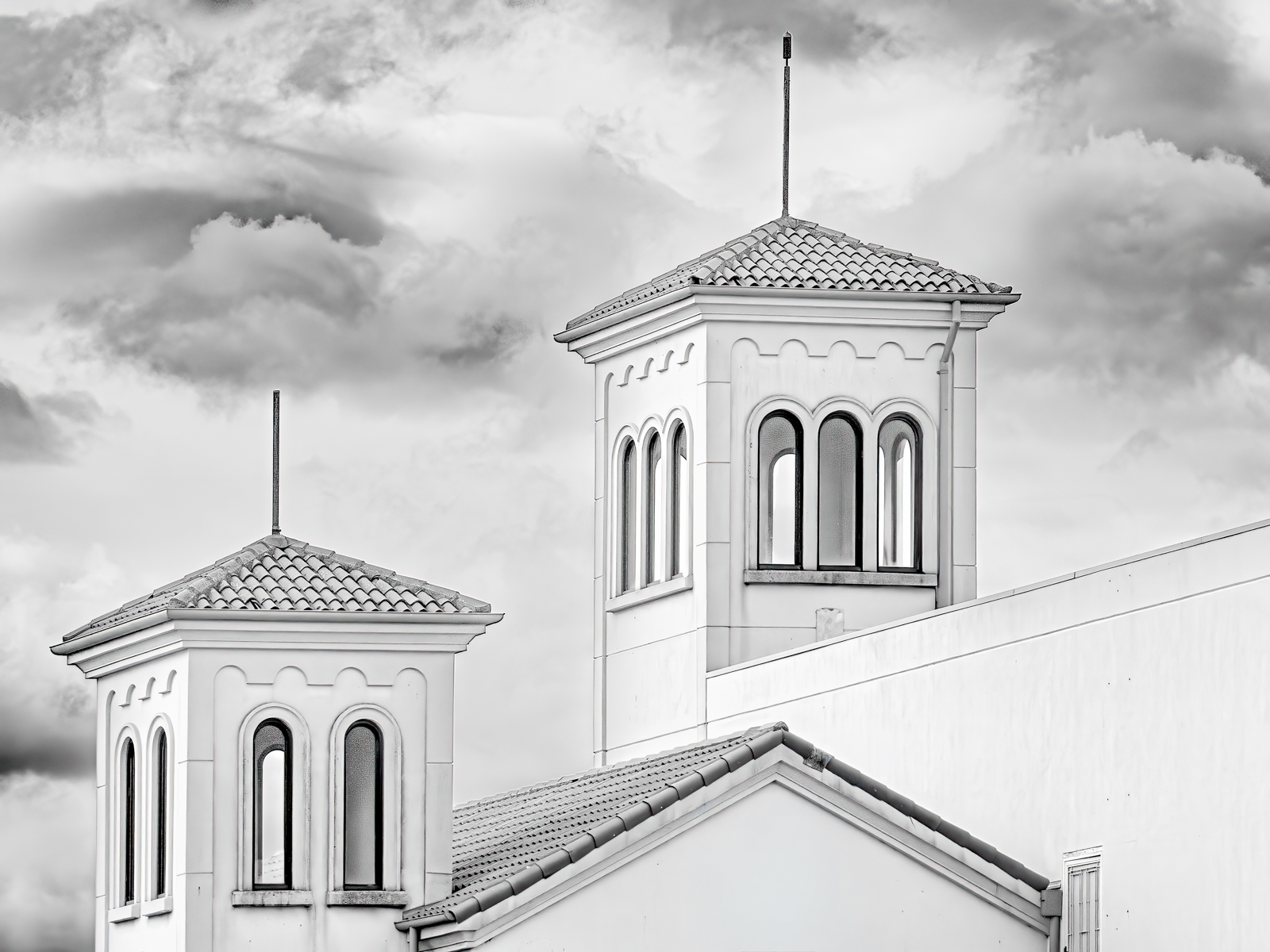
Thank you for your comments. I have cleaned up the image and tried turning it horizontally. Please let me know what you thing and which way is stronger. |
Sep 17th |
 |
| 40 |
Sep 25 |
Comment |
Hi Andrew,
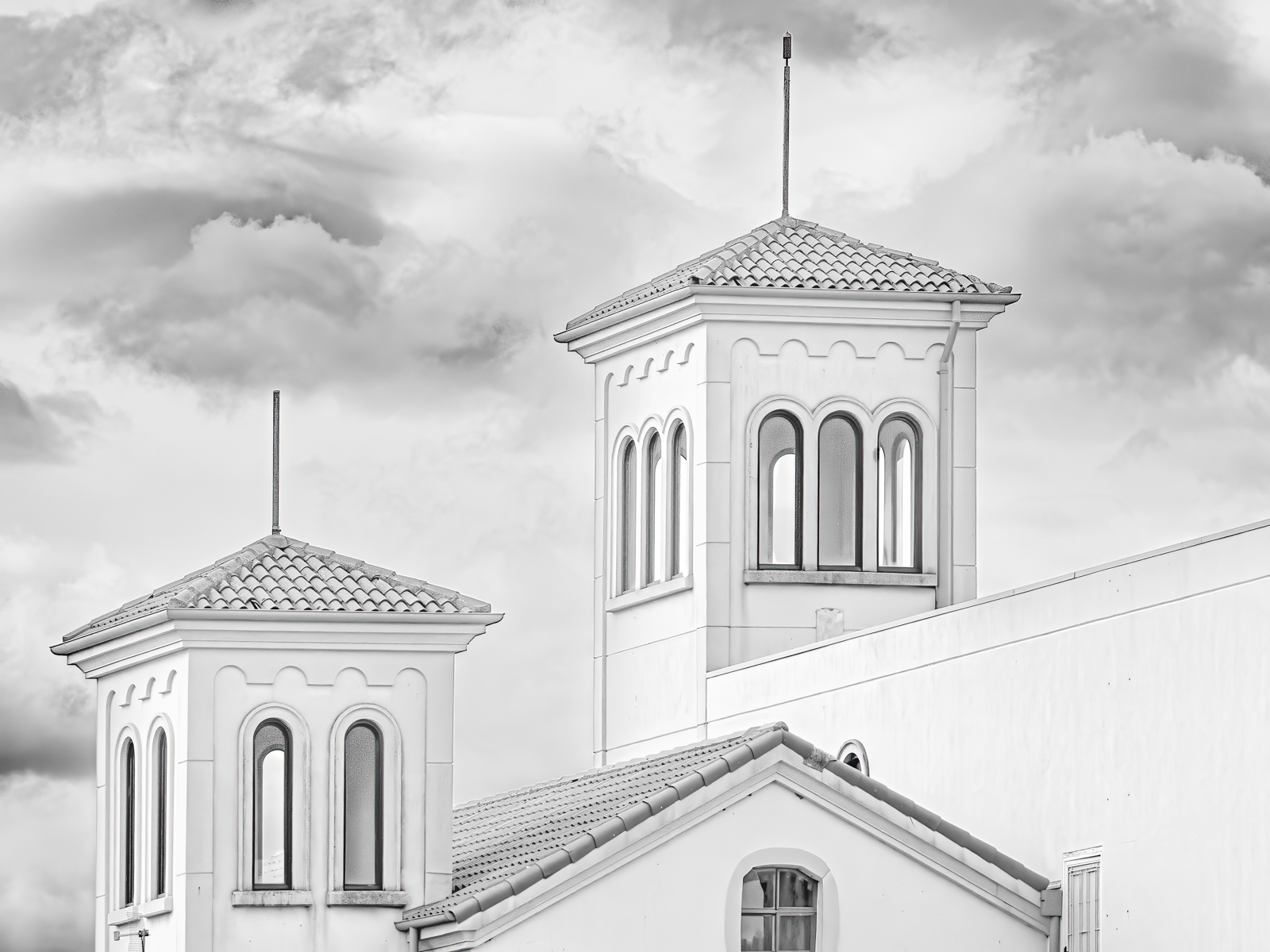
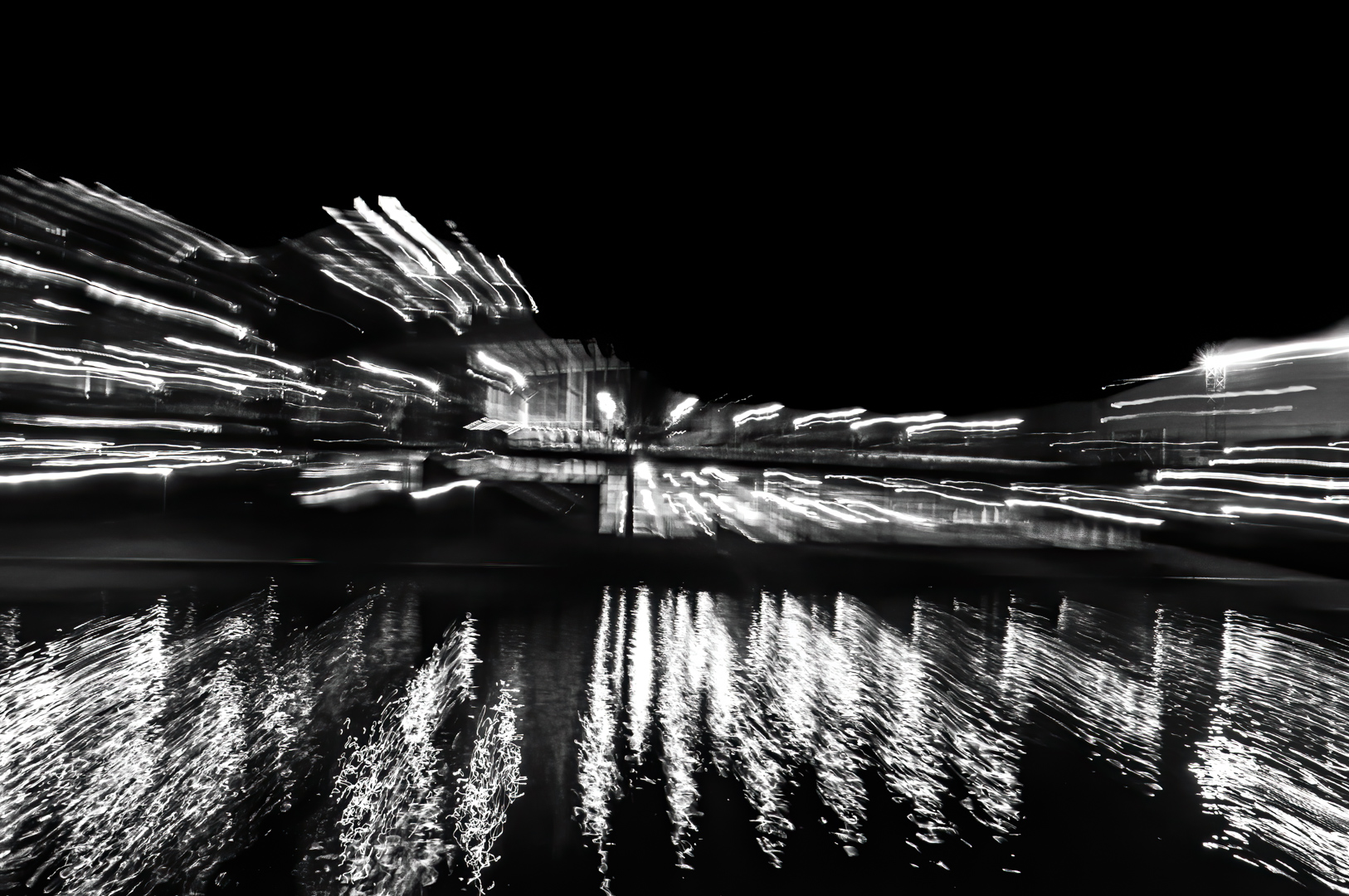
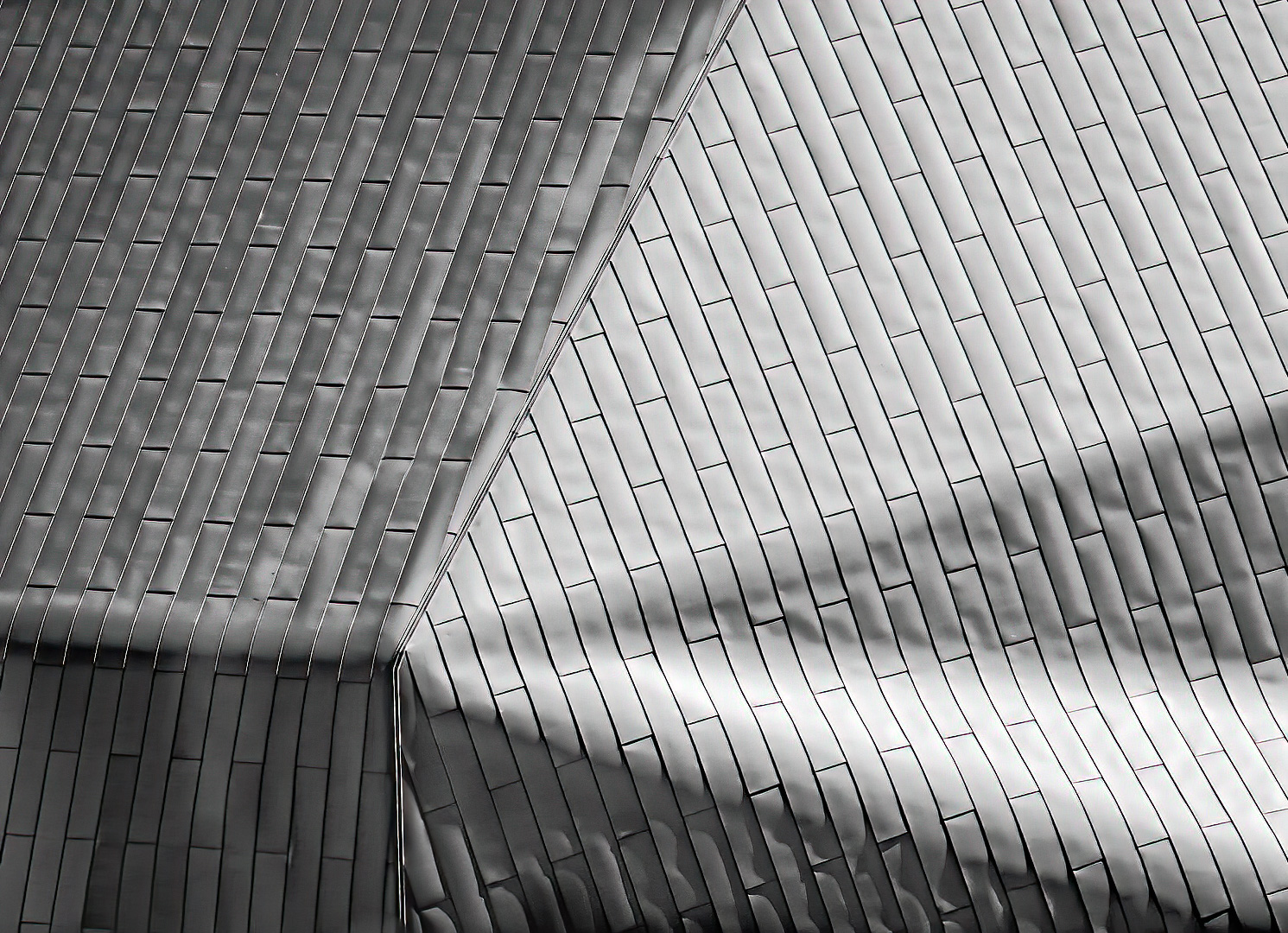
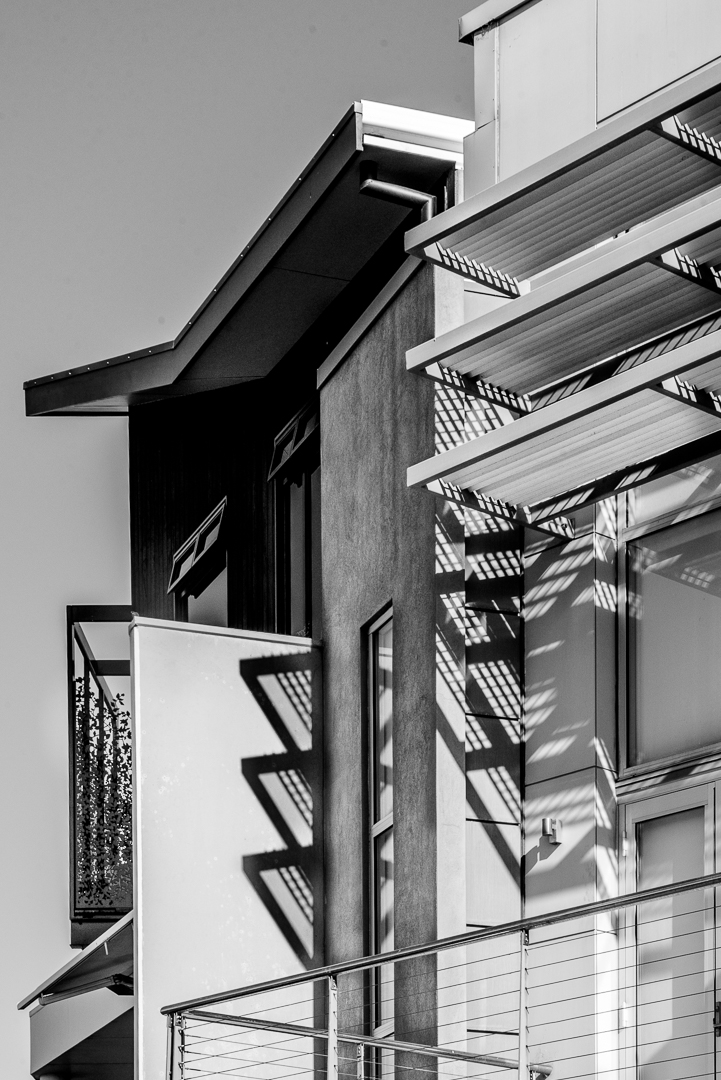
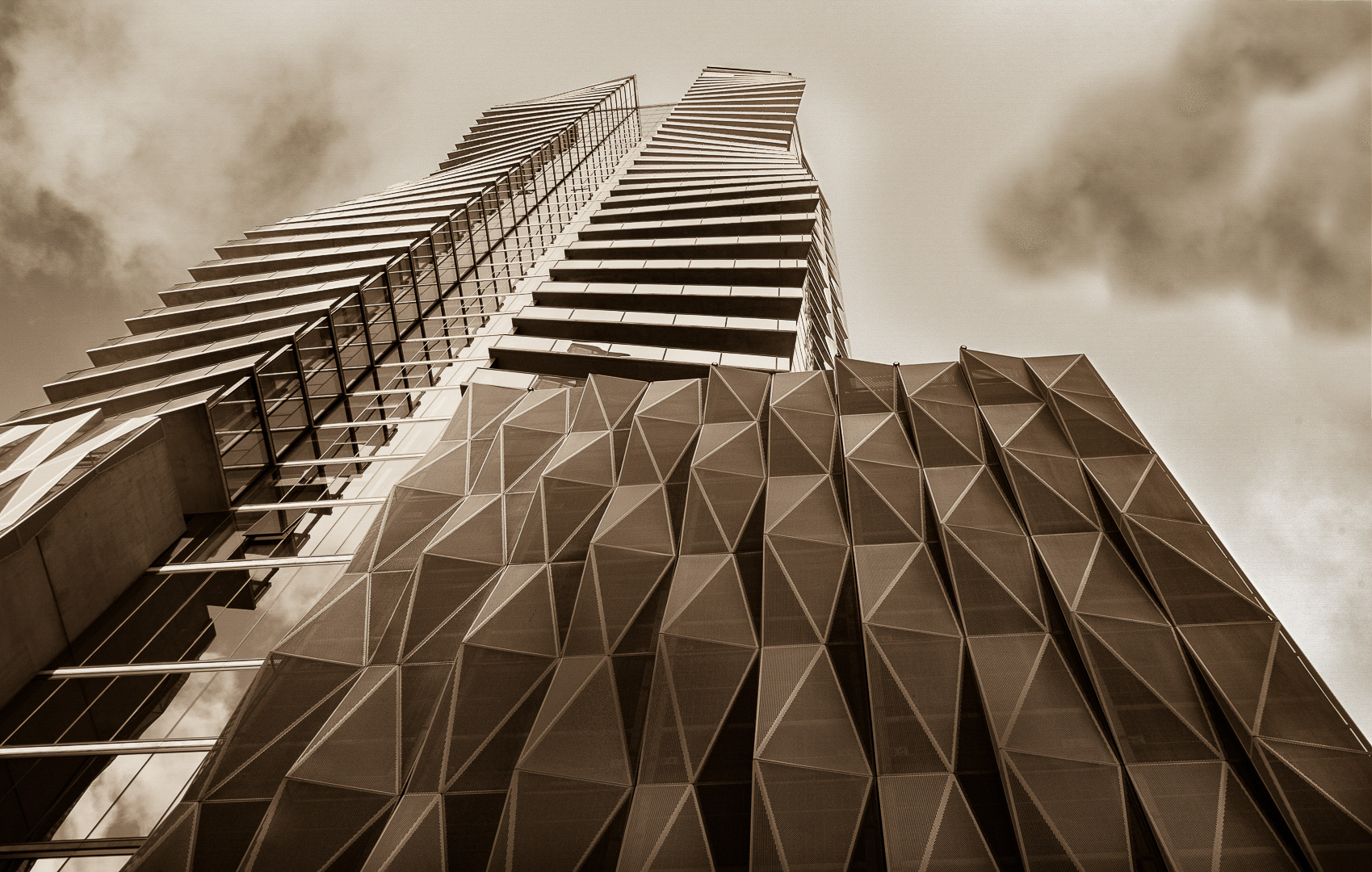
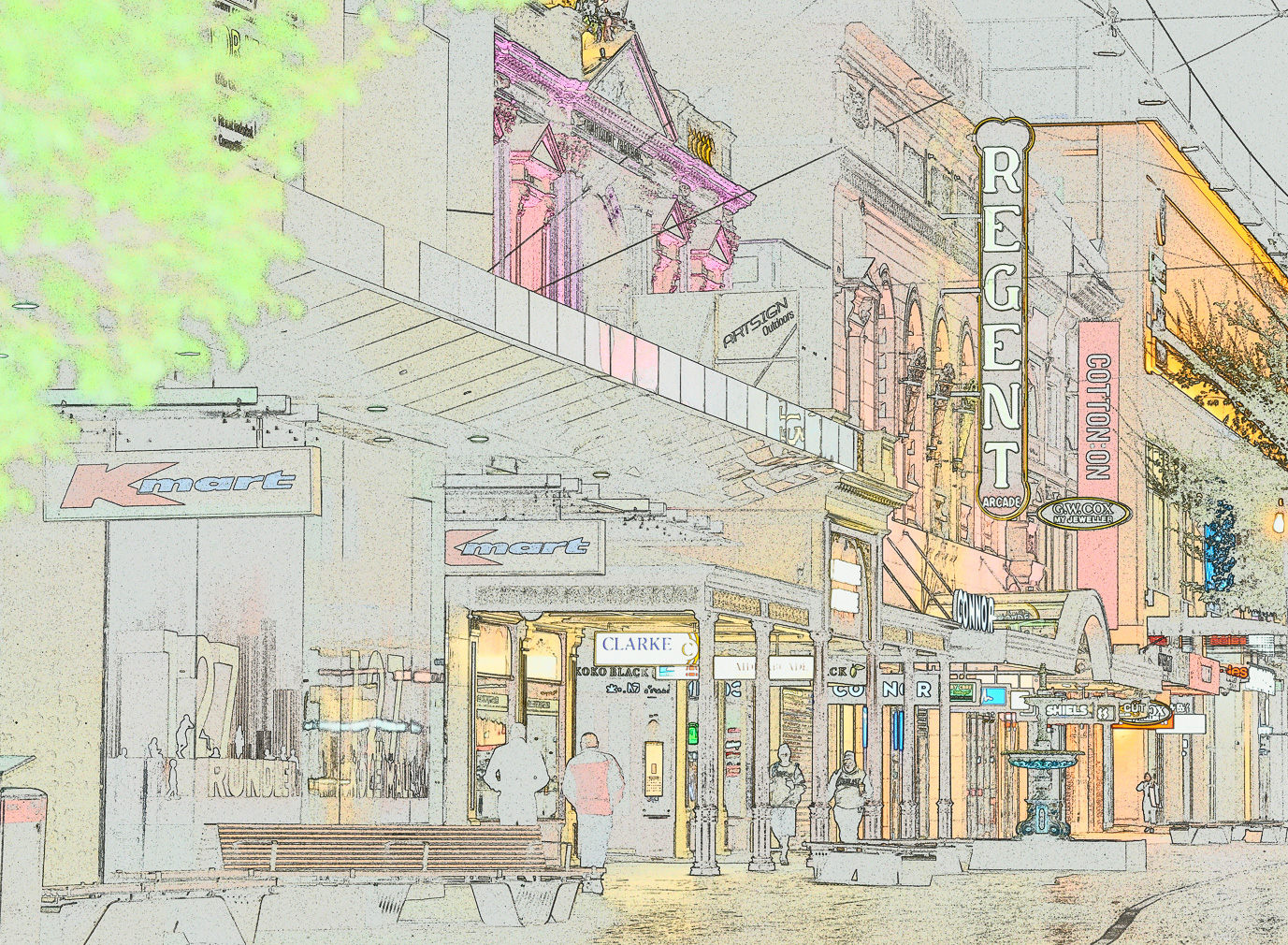
Don's shot is very clean after removing the distractions but the people do give the image a scale. The reflections now look like clouds. It bothers me that because of all the funky angles on this building it looks like it is leaning over. Not sure if straightening the black lines on the building would help this feeling or not. |
Sep 17th |
| 40 |
Sep 25 |
Comment |
HI,
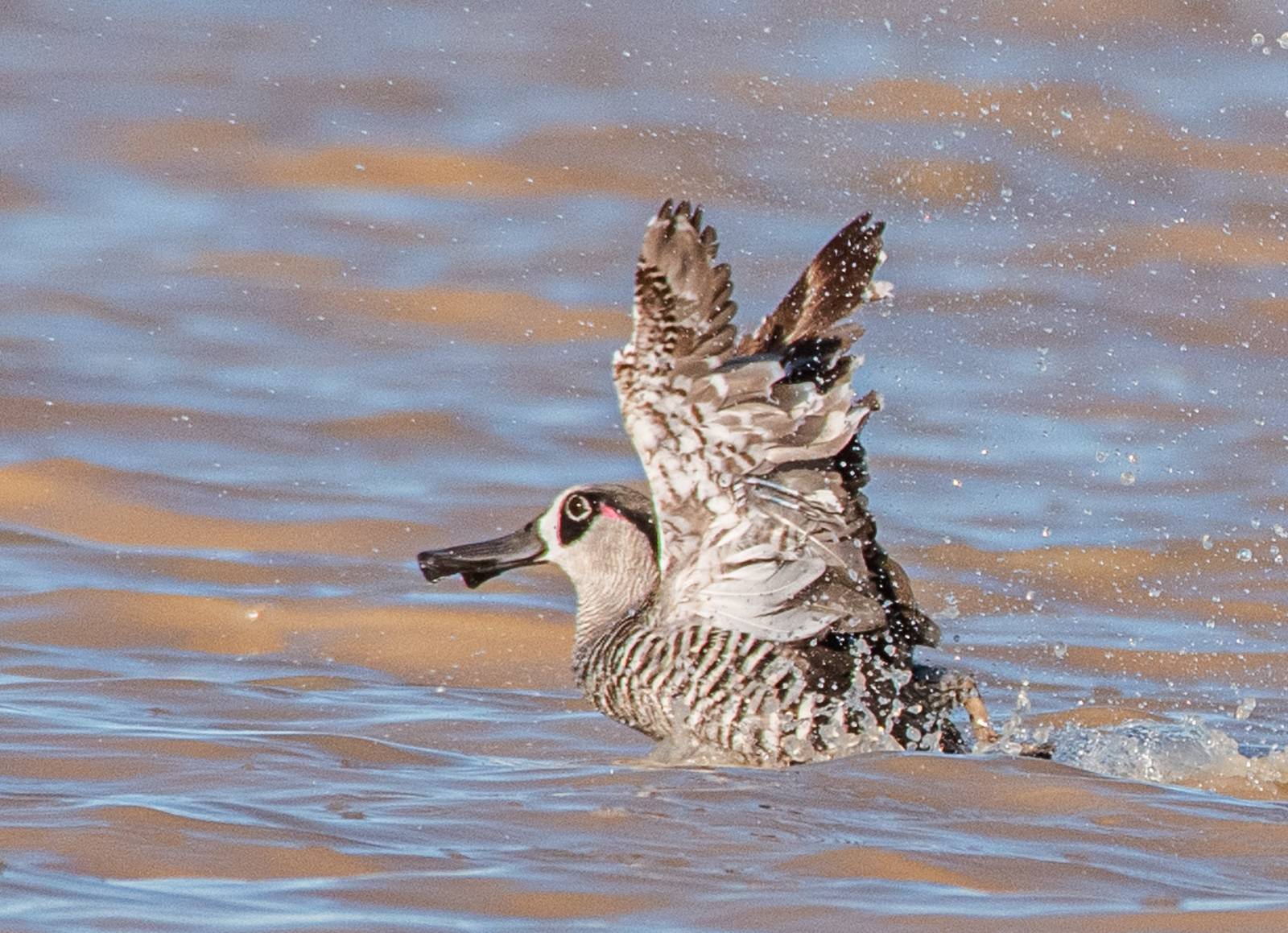
You have a great picture of the flying egret. I can see the lacy feathers in the tail which is also part of the breeding plumage. The green at the eye is stunning. The square presentation works well. There is a strong diagonal line moving from the end of its claws along through the bird and finishes around the tip of the beak. |
Sep 17th |
| 40 |
Sep 25 |
Comment |
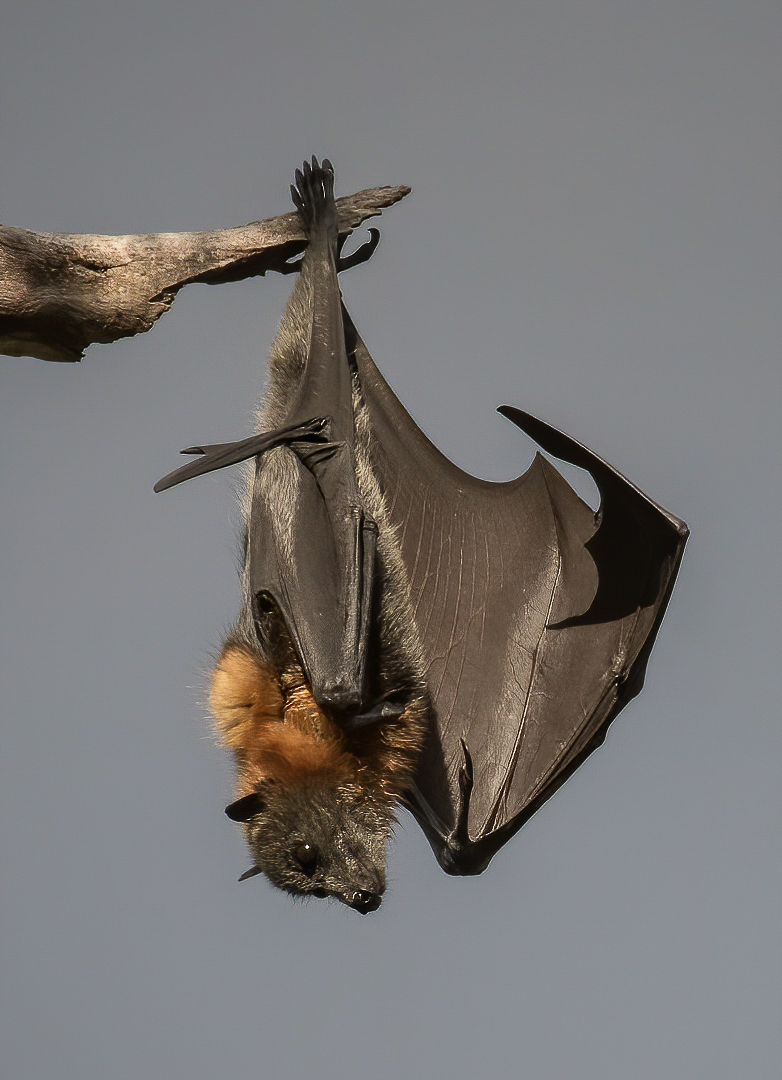
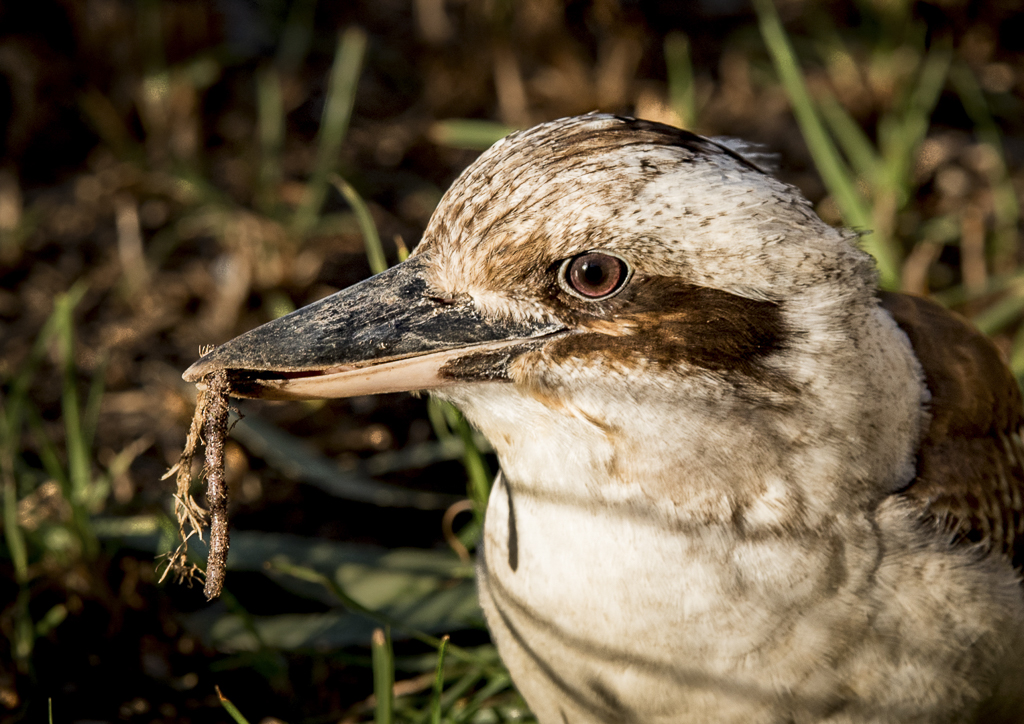
Hi Ling Ling, I would not do anything to your fantastic image. The line of spots running from the baby's nose right down its back is very interesting. Please be careful with how you process this image if you want to put it into a Nature competition! |
Sep 17th |
| 40 |
Sep 25 |
Comment |
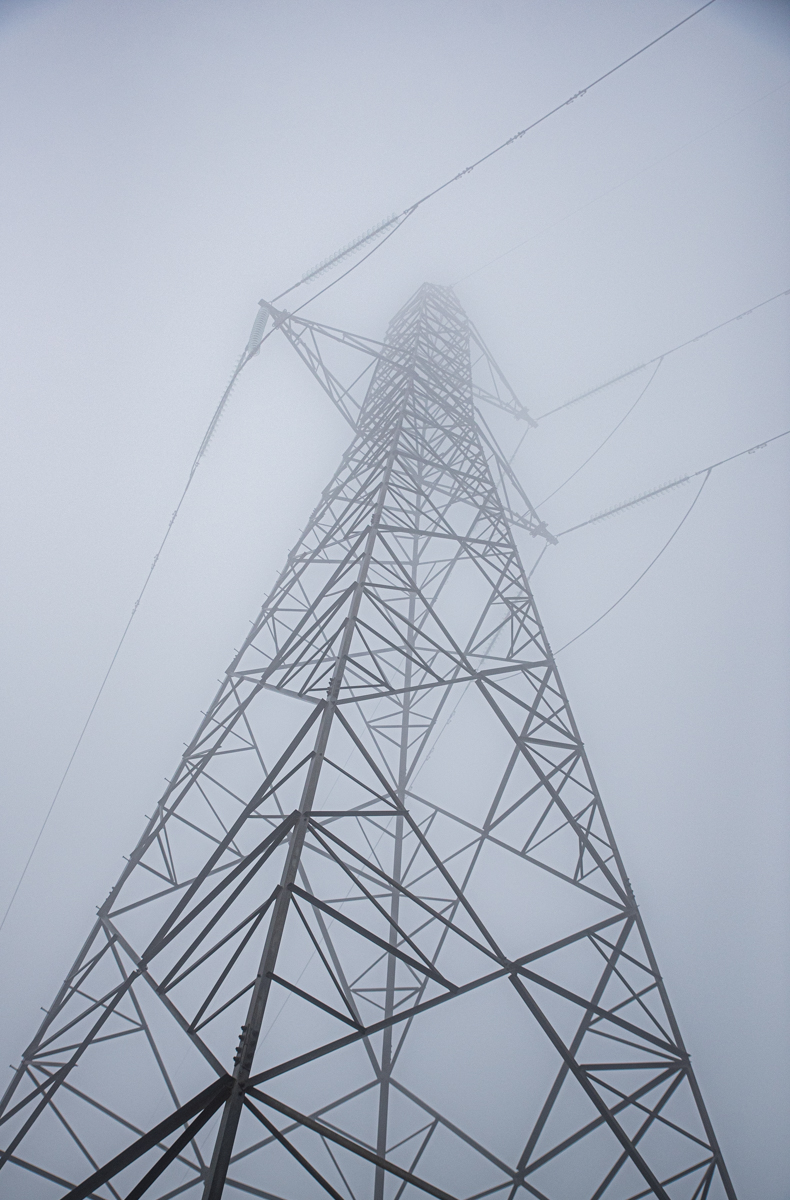
Hi Henry, we have thousands of these "wind farms" planted across South Australia. It is so hard to understand just how big they are. One town has one blade lying on its side as a tourist attraction. Your photo does show the huge size of one of these monsters as it dwarfs everything around it. I wonder if a more panorama style presentation would work as I feel there is too much sky. This would then focus the eye more on the turbine. |
Sep 7th |
| 40 |
Sep 25 |
Comment |
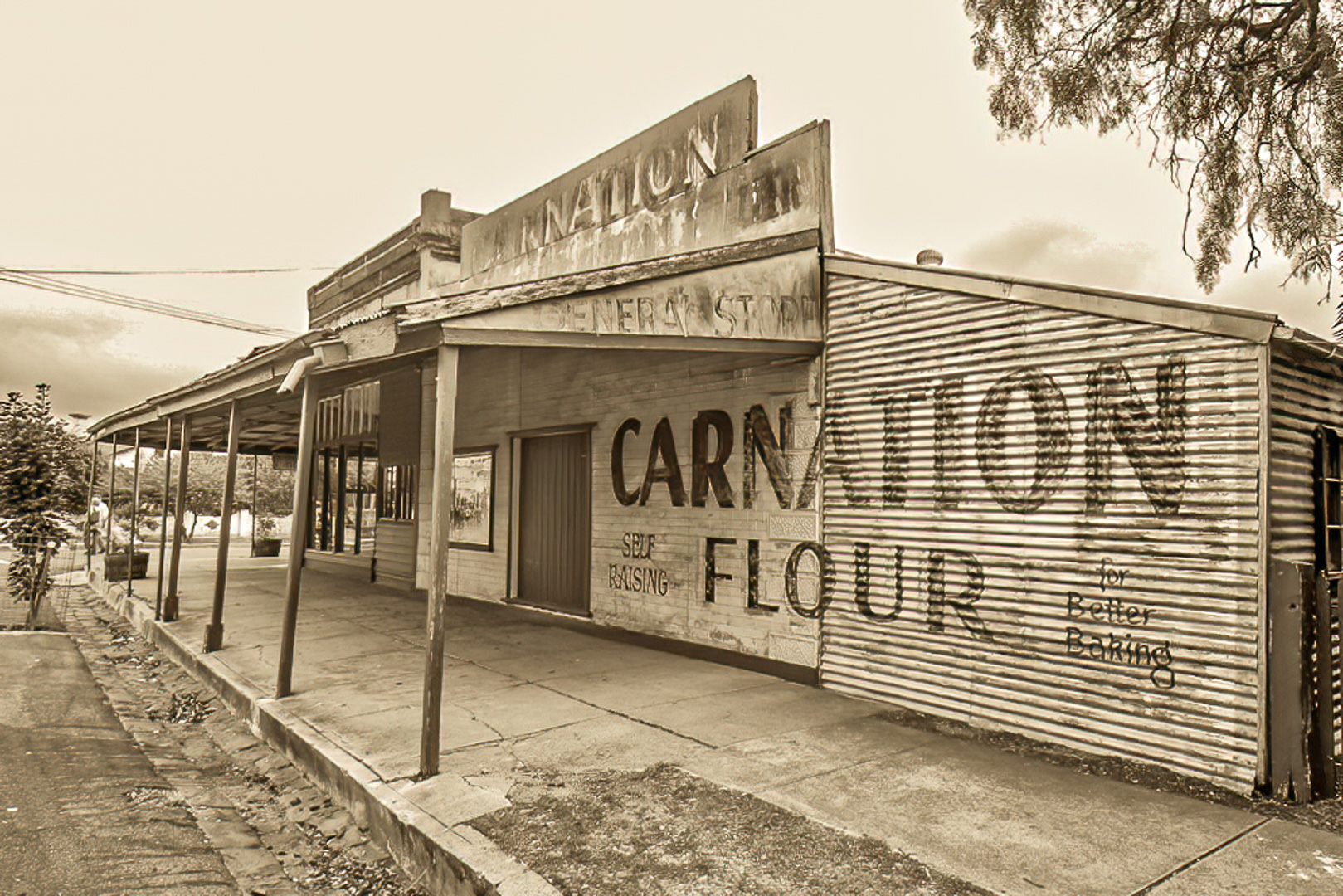
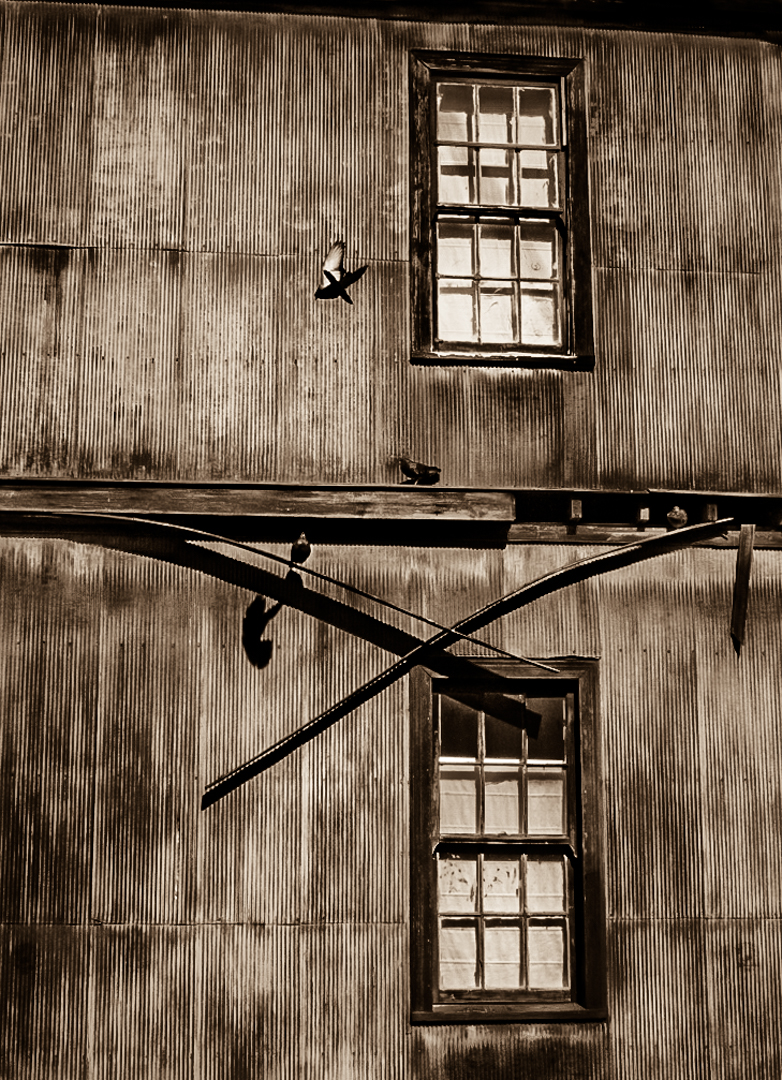
Hi Don, interesting story. Please see the comments I have written on Catherine's image as that might help you straighten things up. You can pull and push the corner handles. Just be careful though as you don't want white areas created that will need to be cropped as your crop is good as it is. Unfortunately, the doors don't stand out. I wonder if they would do that if they were darkened a bit. Your other treatments of colour etc help us see the old building well. |
Sep 7th |
| 40 |
Sep 25 |
Comment |
Hi Catherine, when I have this problem, I go to PhotoShop. Select all so the ants are marching around the outside of the picture. In EDIT go down to Transform> and then find the skew tab. You can then straighten bits of the photograph by pulling the corner handles until the building is straight. You may need to pull each side a couple of times. That;s how I do it, but I'm sure there are many other ways as PS always has more ways hidden in other places. Start with you horizon straight. Good luck
|
Sep 7th |
8 comments - 0 replies for Group 40
|
8 comments - 0 replies Total
|