|
| Group |
Round |
C/R |
Comment |
Date |
Image |
| 40 |
Aug 24 |
Comment |
Hi Andrew. Great shot. I like the feel of the ghostly boats. I can see a few changes that I would do, but I'm not 100% clear on what you were after when you took the shot.
I would crop the red building on the right. I would also bring the top edge down to remove the blue sky. The mooring post in the bottom left could be cloned out as it is sharp compared to the remainder of the image. I would then try B&W, but the slight bits of colour that are left would add interest, so not convinced on the B&W. Lovely shot. |
Aug 24th |
| 40 |
Aug 24 |
Comment |
Hi Henry, how lucky are you to live in such an interesting place! Not sure how much you paid to have them bring the air show to you, but well done! (ha ha ha) As others have said, I would crop some off the right hand side to make it more into a vertical panorama. Love the clouds that are there but only lightly and not big, bold and proud. Love the play of light on the vapour trails too. Well done. |
Aug 24th |
| 40 |
Aug 24 |
Comment |
Hi Janice, I am glad you weren't shot as you took this photo! I do like the colour versions better as I think there is more to see. Don's version shows that it doesn't have to be dark even though you go to B&W. Try doing this manually rather than using presets. I rarely use them. You can adjust the different "colours" to get greater B&W using the Lightroom sliders. As presented, I fell your image is just a little flat. I think I would add a bit of contrast and use the dehaze slider. Maybe adjust the vibrance slider too to add some "oompf". |
Aug 24th |
| 40 |
Aug 24 |
Comment |
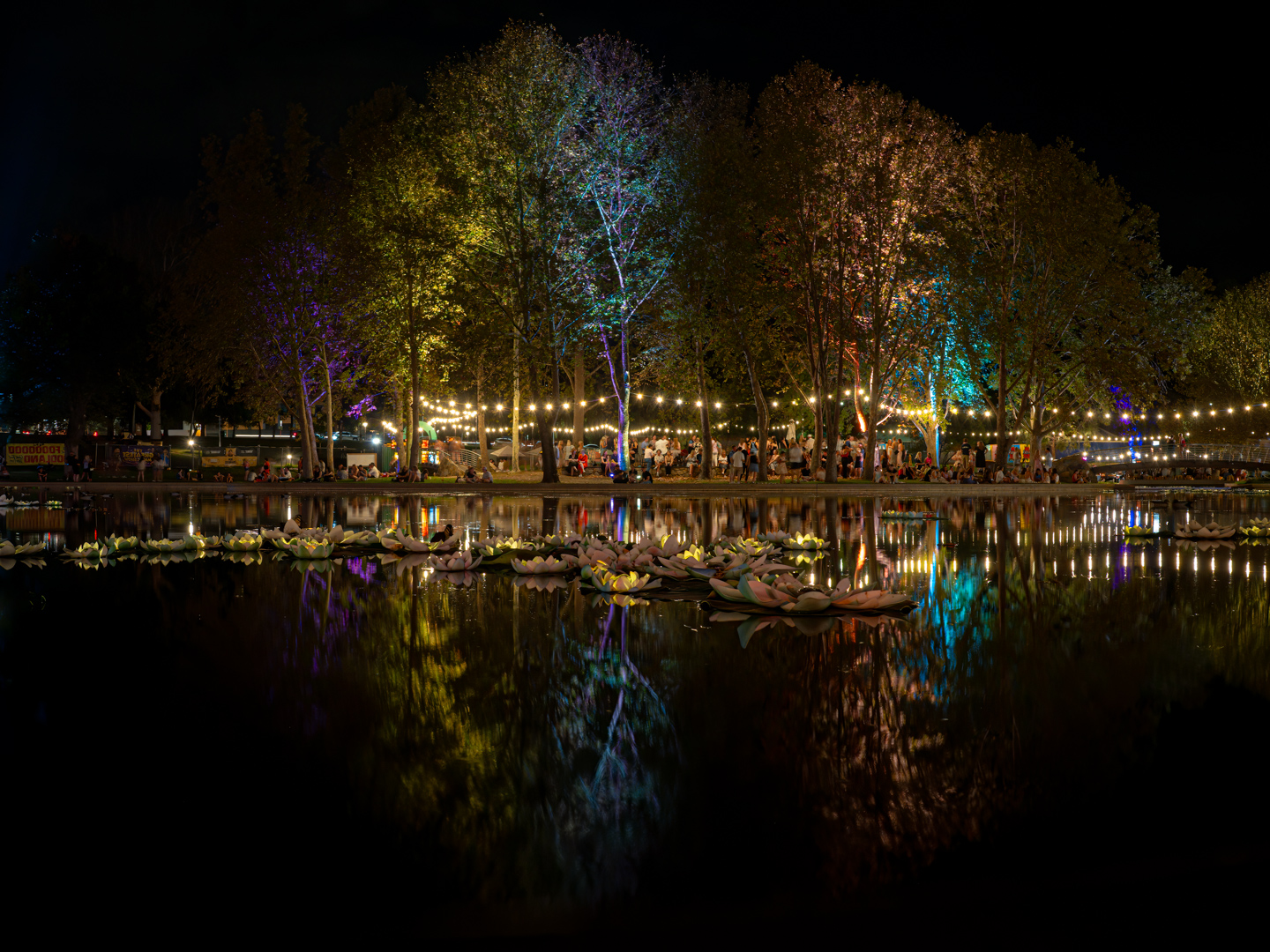
Hi Ling Ling, what a lovely shot! Please keep in mind that if you want to use this in a Travel section of a competition, you can't process it very much. Please look up the rules associated with this genre of photography. If it is in an open section then there are no rules. I do like the colours and the reflections, but I would crop some off the bottom to reduce the amount of water and draw people to the buildings. The people don't bother me as they give a sense of scale. |
Aug 24th |
| 40 |
Aug 24 |
Comment |
Hi Catherine, I know your intention was to photograph the wonderful cloud formation, but I agree with Janice that cropping the clouds would add more to the bridgeworks. Could you use the original sky to replace the sky in the reworked version? 1They do look so good. Alternatively, could you use Lightroom to select the sky using the adjustment brush tab. Then select the inverse which would put the highlight onto the bridgeworks and then process the mechanical parts to your liking without touching the sky. |
Aug 24th |
| 40 |
Aug 24 |
Comment |
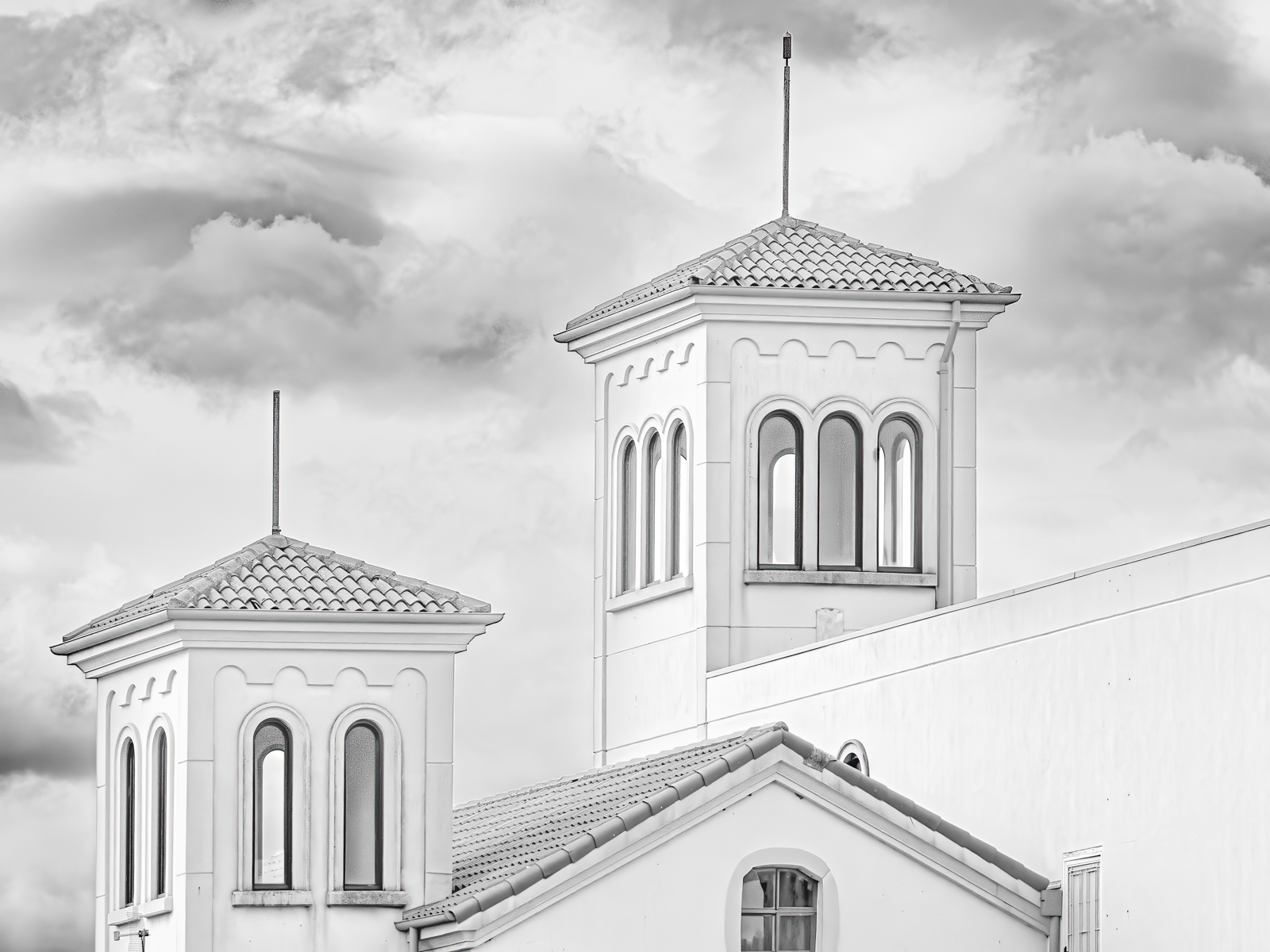
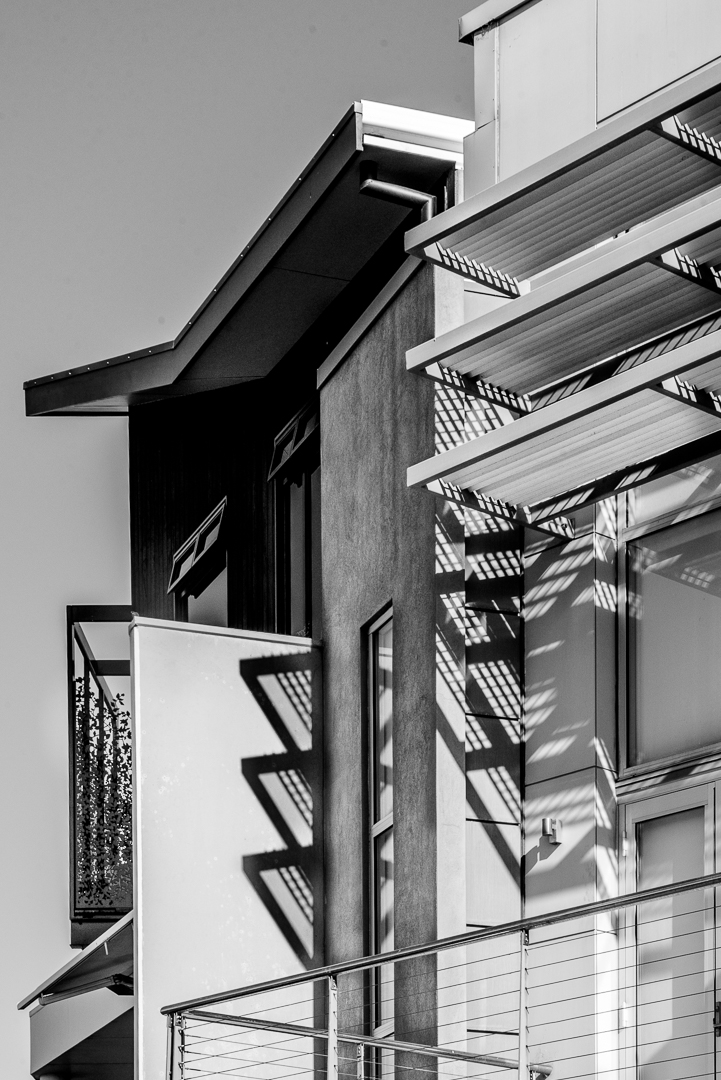
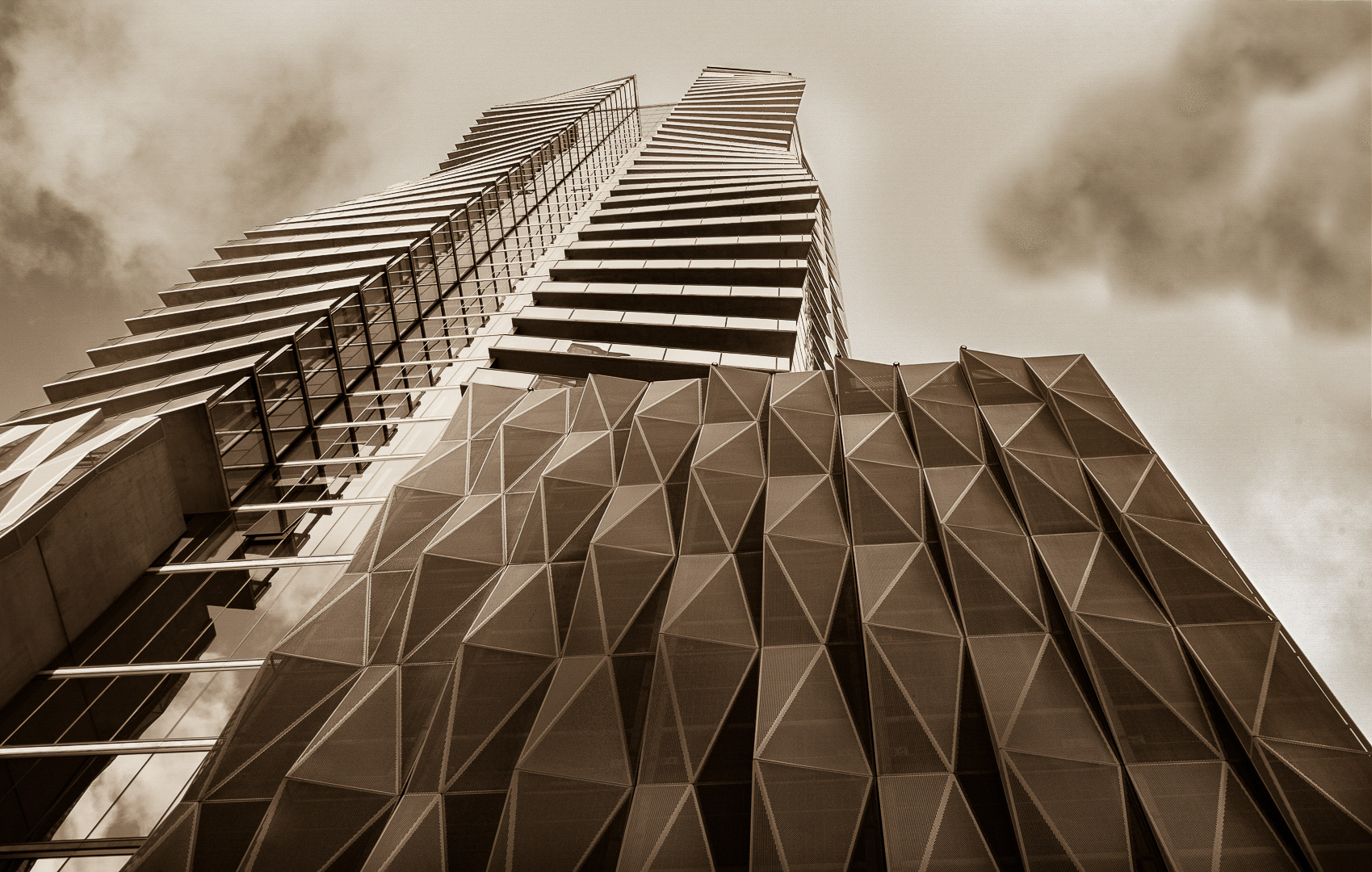
Wow! Winner. Winner. Chicken Dinner! Love this one Don. The play of light is stunning. In PS, select the whole image and then go to the Edit tab. Under there you can find all sorts of adjustments in the lower end of the list. This is where I go to straighten buildings etc. Have a play. Some of them you can pull part of the selection line right out of the image frame, but it keeps on working to straighten that crooked line. I'm not so sure that the middle lines between the two parts of the building are straight. Of course, this could be an optical illusion. I would work on your wife. This one needs a place on the wall. |
Aug 24th |
6 comments - 0 replies for Group 40
|
6 comments - 0 replies Total
|