|
| Group |
Round |
C/R |
Comment |
Date |
Image |
| 82 |
Jul 22 |
Reply |
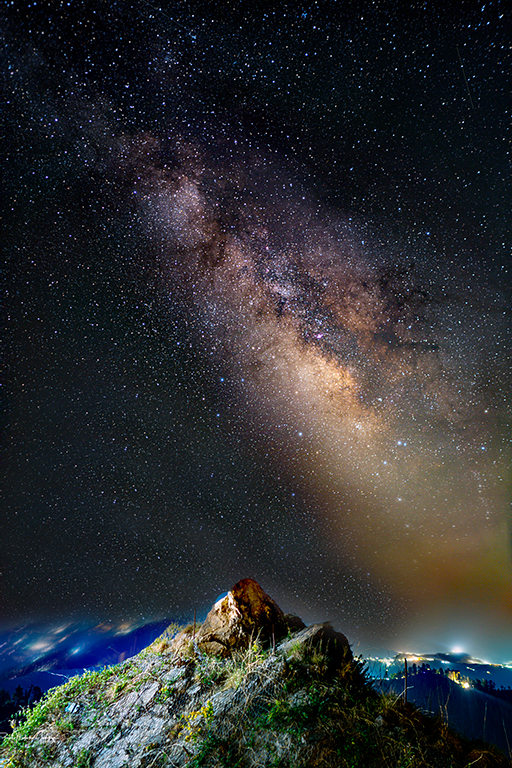
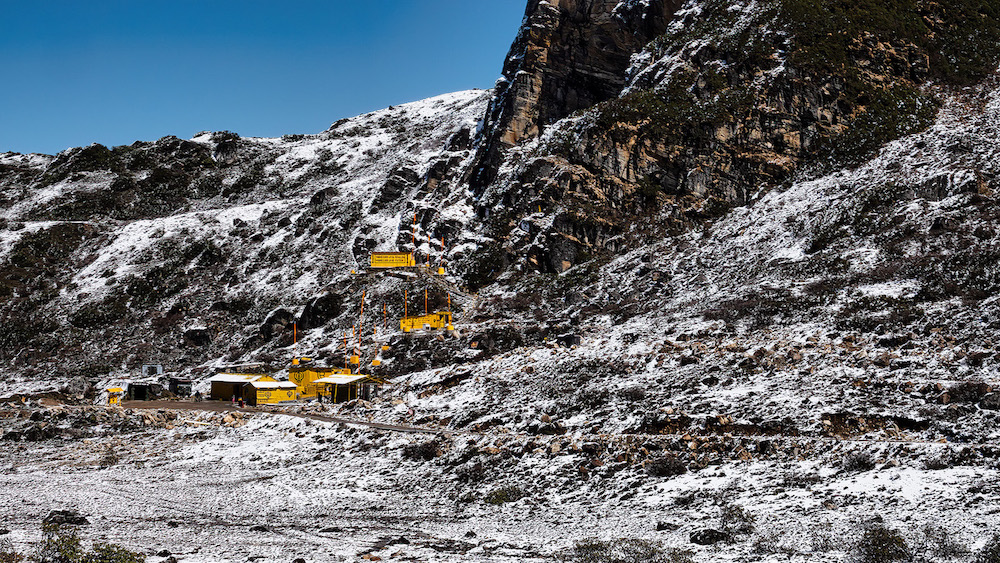
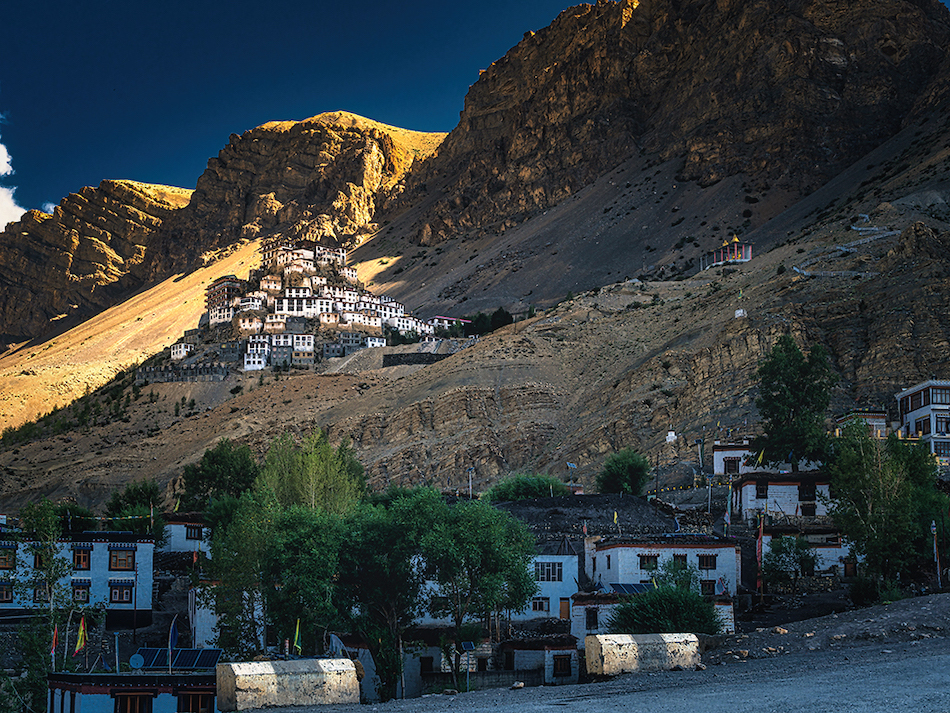
Thank you Laurie, This particular area is under snow for almost 6-7 months , and is inhabitable , ( only Armed services people stay there , as it is close to Indo China border). Once the snow starts to melt , the tourist flow starts , as the roads open up. |
Jul 25th |
| 82 |
Jul 22 |
Reply |
Yes Laurie , it is definately a marathon task to learn something new from scratch, but if you start you ll love it , the learning curve as said by Keith will be steep initially , but it will only help you make your images really come to life.
However I just checked some Lightroom updates , and LR too have added quite a few features which were lacking earlier and was the main differentiating factor between PS and LR. Features such as Masking , Subject selection, Sky Selection, and such AI based features make LR a very powerful tool.
I suggest you give PS a try , start watching the videos , i will share on youtube link with you , i really learnt a lot from this guy. https://www.youtube.com/c/PiXimperfect/videos
watch them first , see if you would like to use these edits on your images. Truly your images are outstanding out of the camera , so until you really wanna manipulate the reality , you dont need PS. LR will do everything that you want.
But if you wanna add/remove, change proportions or the elements in the image then PS will do it for you.
I hope I have not confused you with my explaination. Cheers and Best wishes |
Jul 9th |
| 82 |
Jul 22 |
Comment |
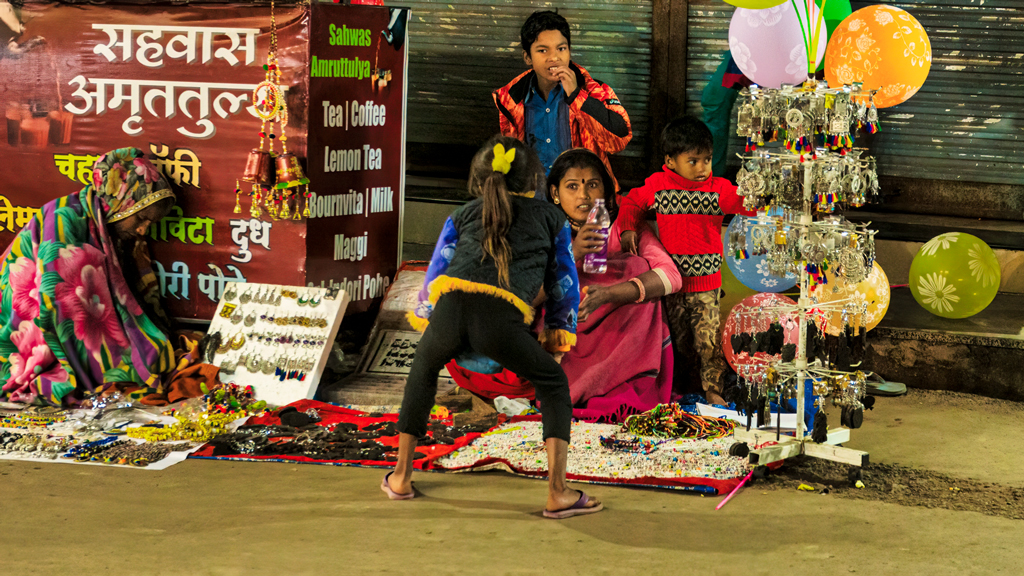
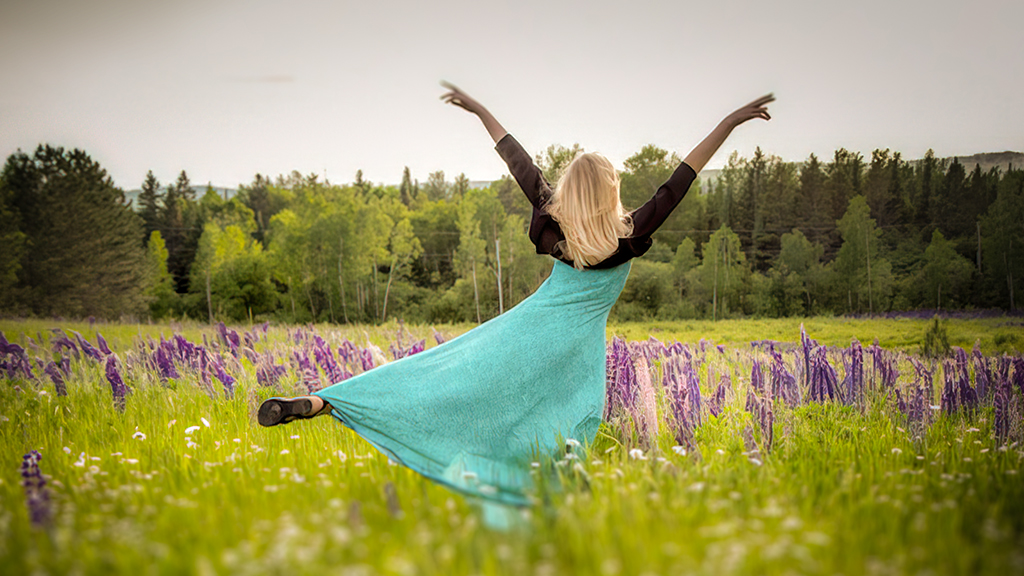
Hi Laurie , great timing and while it may have been a spurr of moment shot , you really nailed it. Horizon it perfect and so is the exposure and frame rate . My two cents on framing would be to have kept her on left of the frame ,to show her moving towards the right ( i think that was her motion too , towards right). Also such frames look very good in landscape mode i.e wider screen , gives it a cinematic appearance. I have edited your image the way i would do it .
About LR or PS , I too was a pure 100% LR user in my early years in photo editing, but later watching a few videos online I saw the potential Photoshop offers over LR . LR does basic edits very good and its quicker to work in LR. So Soon my editing work flow was , to get All images in LR , sort them using Star rating system , Delete the unwanted images , then Apply basic Edit such as Camera model and Lens profile selection , may be one preset profile if all the images are nearly of similar kinds , And I used to apply this setting to entire folder , So i do not have to do them again individually. Then I used to edit the images one by one , and the ones I wanted to really keep as final product , i used to open them in Photoshop to do my final touch up and Logo addition. This was my workflow for many years.
Later thanks to Youtube videos , and many many hours spent watching and learning from them, Now I am 100% on Photoshop, I dont remember last time I opened my LR , infact I may not even have downloaded and installed LR in past 3-4 years.
But this is me , i really like to edit and manipulate my images , I create several versions from one image and hence PS helps me there. But for you and many many of my photographer friends LR still does a fantastic job. So basically its upto you to decide , If you are technologically inclined and have time on your hands to spend on learning PS , it will be only rewarding to you. But if you get your image right in the camera then you are good with LR .
I am attaching a edit of your image here , I will explain what i have done to your image below.
1- increased the resolution of the file ( yours was very low 600x600px) , i increased it to 1920 x 1920 using Topaz Sharpen AI ( Paid s/w)
2- I made minor adjustments to color temp, Contrast.
3- Using photoshops filter applied tilt shift blurr effect , as you can see the lower & top part of the image are blurred and only the subject and her areas are in focus.
4- lastly applied little vignette with higher feather .
I hope you will enjoy my version too . Yours is great. it is so great that it inspired me to try my hand at it , I hope you do not mind .
sorry for the long message. |
Jul 8th |
 |
| 82 |
Jul 22 |
Comment |
Very interesting image indeed , the bus in this image appears to be some old deserted vehicle, I am now wondering how this image would look if the camera was lowered to an angle such that the bus top is in the clouds. If you happen to again pass this place would try this to see how it looks .
Other than that , Its a very well captured image. |
Jul 8th |
| 82 |
Jul 22 |
Reply |
No!, this is better as it shows the House of worship properly . I meant if there was an option of two images , then the wider view of this landscape would give some scale to viewers. |
Jul 8th |
| 82 |
Jul 22 |
Reply |
Thanks Andrew , Truly appreciate your efforts and inputs . You take time out of your schedule to do this. I thank you for the same. |
Jul 8th |
| 82 |
Jul 22 |
Comment |
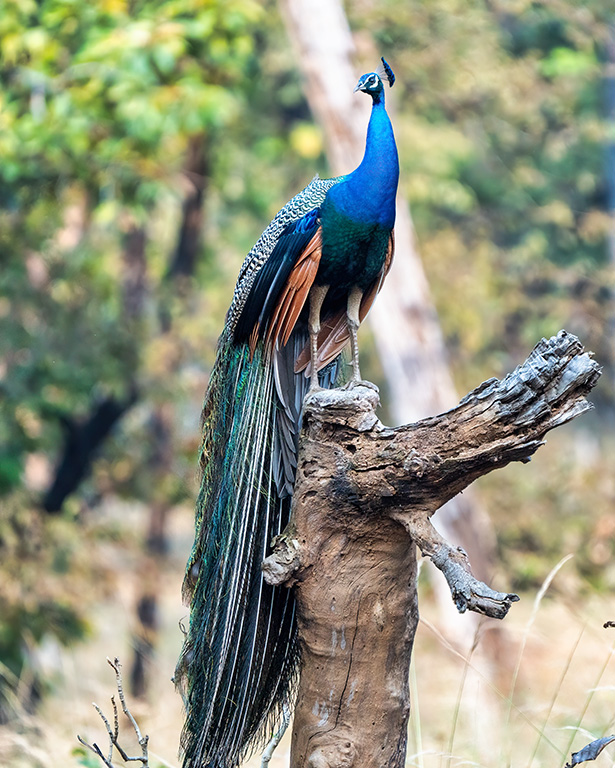
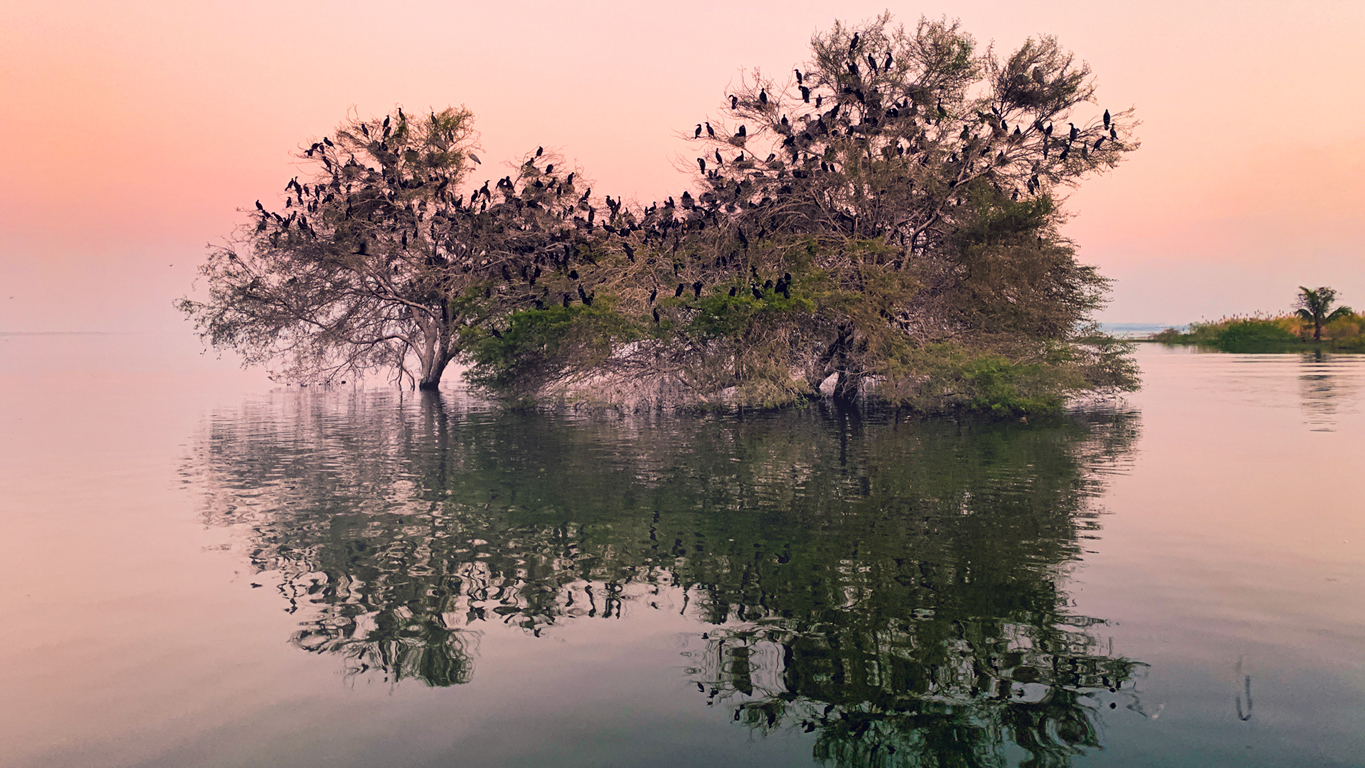
Superb image Kathleen, Once again you really bring out the life in these birds you click. Keith is right f/8 would have given you a sharper image , ( though Topaz Sharpen tool does a good job) . My sweet spot on my RX10 is f/8 , thats my starting point , infact unless the lighting is poor i do not go below f/8 when clicking nature shots. you should try it |
Jul 7th |
| 82 |
Jul 22 |
Comment |
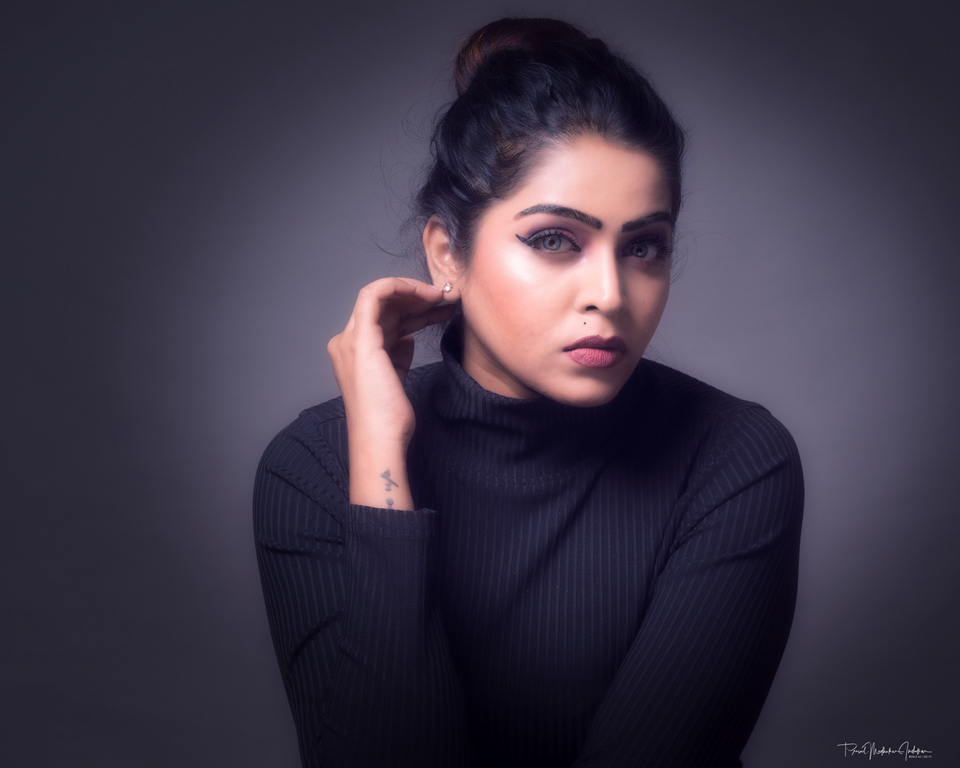
Its a Perfect one for Print and hanging in your living room . Such a beauty . Great work with camera and being there at the right moment. |
Jul 7th |
| 82 |
Jul 22 |
Reply |
Yes Keith I hear ya , unfortunately here we can only show one image , so i sent in the one which shows more of terrain , as i thought until you will not know exactly how remote and difficult the terrain is , one will not truly grasp the spirit of these people who in that sub zero temparatures are living there , serving the country and doing gods work for humanity. hence my image with a lot of habitat.
|
Jul 7th |
| 82 |
Jul 22 |
Reply |
Thanks so Much Kathleen , your images give me much pleasures as well. |
Jul 7th |
4 comments - 6 replies for Group 82
|
4 comments - 6 replies Total
|