|
| Group |
Round |
C/R |
Comment |
Date |
Image |
| 86 |
Nov 23 |
Reply |
I agree with you that more interaction between these two people would strengthen the image. I also agree that brightening up the sand slightly woild allow the viewer to see more detail - and still keep the foreground pretty dark. Thank you! |
Nov 28th |
| 86 |
Nov 23 |
Reply |
Adobe Ps and Lr are mobile apps for both iPhone and iPad; they are great! I asked Jack when I joined this group and he indicated it was acceptable to edit on a computer. In this case, the edits could have been done on phone/ipad. I defer to Jack if there are some guidelines we should be aware of when editing. Tx! |
Nov 28th |
| 86 |
Nov 23 |
Comment |
Interesting image - the backlit clouds are interesting.
I like the idea of cropping differently - the upper half your frame is not very interesting . . . I'd suggest to include more of the road (use it as a leading line to the sun), perhaps darkening the foreground road to lead a viewer to the center. You could then crop out much of the blank sky above the clouds. I see artifact where you removed both the cars and phone poles/lines. I'd suggest trying the Ps for that. Although LR/ACR have improved in recent years (esp with the masking features!) - Ps remains much better to remove/fill-in distracting items. |
Nov 12th |
| 86 |
Nov 23 |
Comment |
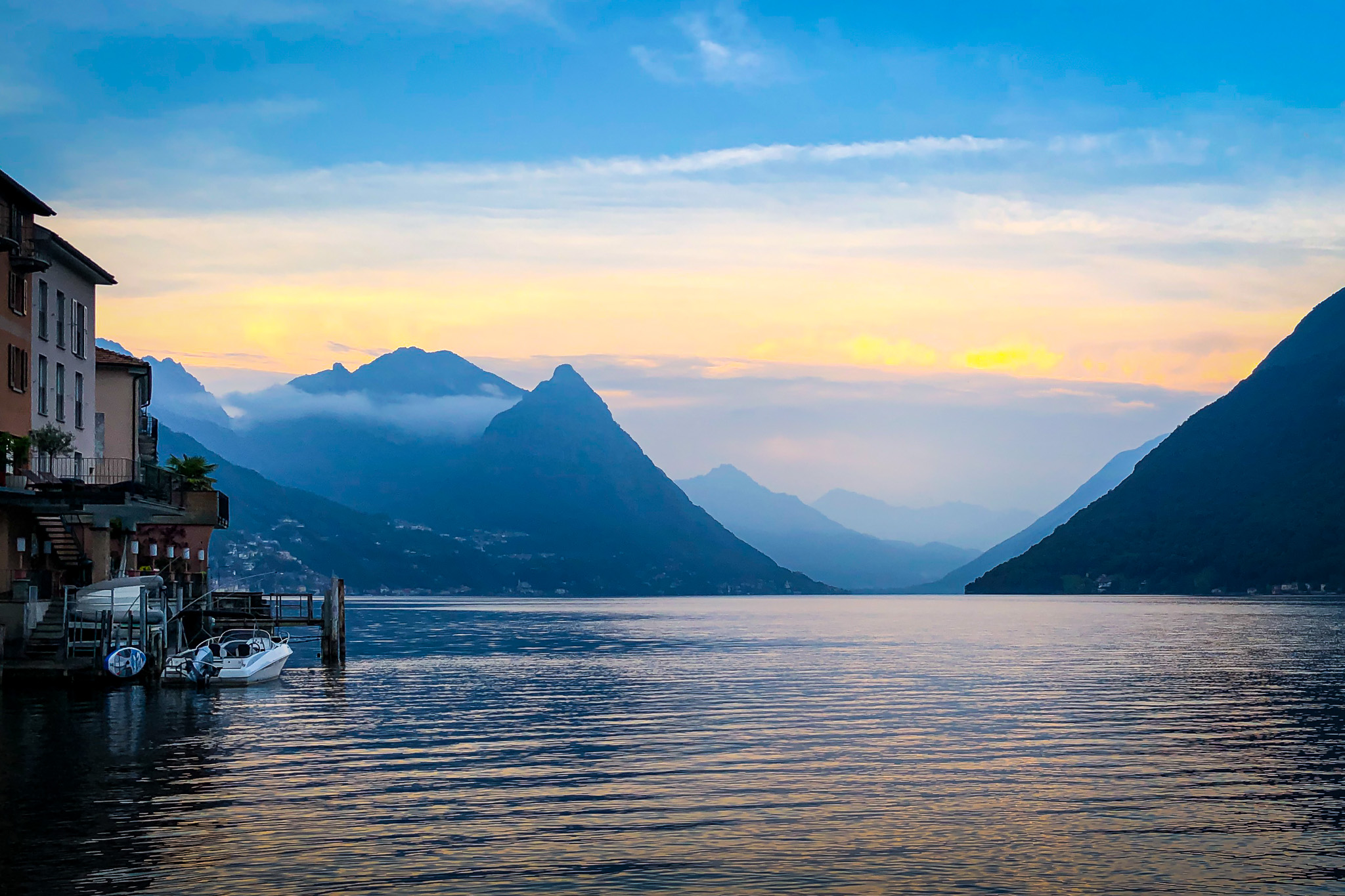
I like this - esp the brown color of the mountain and the reflection in the water. If I was going to edit this - I think that a bit more sky would be helpful (it's feeling little crowded at the top of the frame). I might also try to darken the bright part of the mountain - and at the same time brighten the dark brown area (perhaps in shadow) and distant water to bring out more detail. Right now the brightest areas are the sky and foreground; our eyes get pulled in that direction and away from the best parts of the frame. A peaceful scene. |
Nov 8th |
| 86 |
Nov 23 |
Reply |
I did this in Photoshop (Lightroom Mobile has the same tools). I used a linear gradient from the top to reduce exposure and blur. I also selected the pumpkins and increased their saturation slightly - to make the colors pop. Fun image. |
Nov 6th |
| 86 |
Nov 23 |
Comment |
What a happy/whimsical scene! Great colors! My wife walked by my computer when this image was displayed - she stopped immediately and said "Wow, what is that." I would have gotten rid of the two price tags - but that's personal preference. To my eye the background it bright/busy/sharp and it distracts from the subject. I tried to darken/blur it - so it remains for context but is less distracting. Thoughts? |
Nov 5th |
 |
| 86 |
Nov 23 |
Comment |
I confess I needed to Google Angkor Wat to find out where it is! Interesting image - I agree it's a little flat - i think you could darken the sky a bit - and perhaps bring out more detail in the statue. In my mind - the subject is really the statue - and the bulk of the frame and the brightest parts are the sky. Sounds like an an amazing vista - agree with you that focusing on one statue removes the sense of scale/place; not sure which would be a better photograph? Perhaps a drone would have been needed to capture the whole scene. |
Nov 5th |
| 86 |
Nov 23 |
Comment |
Nice image - I like the bright rays of sunshine poking through the clouds. Can't tell if the storm is coming or going. I do wish there was a bit more interest in the foreground. Not something you can easily choose or manipulate. |
Nov 5th |
5 comments - 3 replies for Group 86
|
| 87 |
Nov 23 |
Comment |
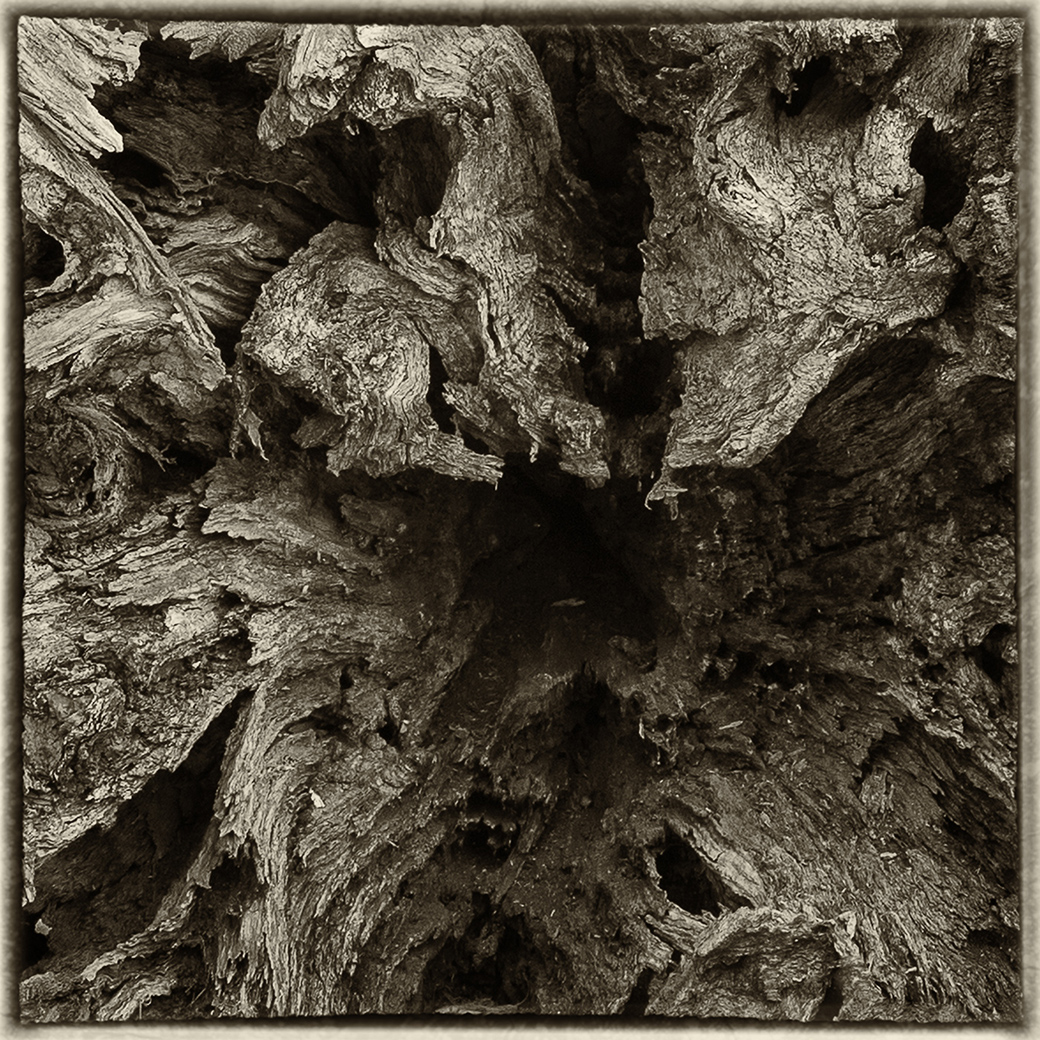
Perfect Autumn colors - sharp and well lit/exposed. The shapes are interesting - not sure what they are supposed to be - but that intrigue adds to the image. They remind me of taco shells! |
Nov 2nd |
| 87 |
Nov 23 |
Comment |
Love the different facial expression of each family member. The youngest enjoying the slide least; but I can see the comfort she is getting from her family. Dad was able to carry his beverage! Smart decision to get rid of the yellow slide; the family is the subject and the slide would have distracted. Sounds like a fun place to photograph. |
Nov 2nd |
| 87 |
Nov 23 |
Comment |
Great colors! Nice Fall image. Although the water isn't still and the reflection not sharp - it's what the scene looked like and the uneven reflection creates some interest. |
Nov 2nd |
| 87 |
Nov 23 |
Comment |
You captured an amazing image - don't worry about the perfectly aligned alternative. The cloud has an almost smokey vibe. I agree with Will that the foreground doesn't really work. It is too bright and the white balance may be off. Not sure about the scale or sharpness. Hard to figure out why something doesn't fit . . . but your brain knows something is off. Having said all that - the image is better with some foreground element; so keep playing with it! Kudos to you for making the trip to capture this! I'm thinking about driving in April to an area in the zone of totality - but the thought of making all that effort with a high likelihood of cloud cover discourages me. |
Nov 2nd |
| 87 |
Nov 23 |
Comment |
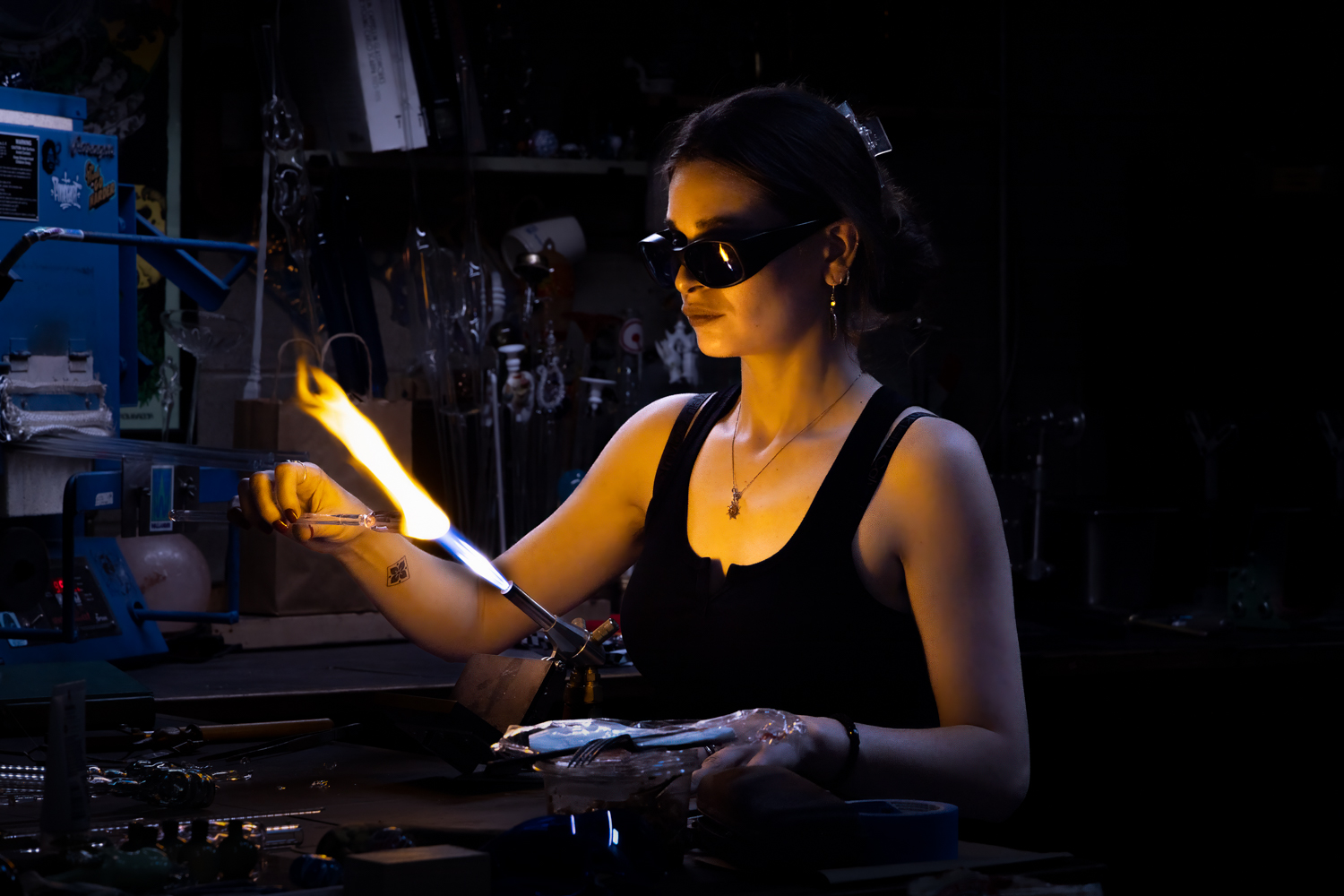
Really good image! Captures the mood/energy of the place. I think that the B&W works; but the hot spot on the wall is a bit too bright. Perhaps there is enough detail in the original image to tone it down and bring out some detail/texture. I prefer the color image (which is unusual for me) - somehow the orange glow of the wall/scene adds to the image; almost a surreal effect. I also like the skin tones on hands/faces in the color. They pop more with the bit of color. |
Nov 2nd |
| 87 |
Nov 23 |
Comment |
Love it! Kudos to you for having the patience/skill/luck to capture this image. I must confess that when I first saw the image - my reaction was "great photoshop composite." It's even more special/authentic knowing that you captured a real scene. I like the important (blurred) background. Do you recall how you focused this frame? |
Nov 2nd |
| 87 |
Nov 23 |
Reply |
Thanks Lance for your thoughtful reply. For me much of the solution hinges on disclosure (as Jennifer and I have done) and as you encourage. Various competitions have introduced rules for specific genres - which I think is appropriate, but almost impossible to "police."
There was an interesting debate in my camera club re creating competition categories for AI altered images. Two comments are pasted below. I'm sure the debate will go on! Clubs in my area have dwindling memberships, a median age likely above 70 and are not very diverse. I'm not suggesting AI is the solution - rather that photography needs to continue to evolve.
Comment #1:
We are photographers first, not painters, not creators of images using others' works. This goes against the very idea of what this is all about. Why encourage the very thing we are trying to stop in photography competitions?
The argument about camera clubs dying is spurious in this case. The reasons for the death of camera clubs has been discussed many times, but has nothing to do with the development of AI. (Clubs in general are going away, younger people do not have time, the popularity of camera phones and computational photography has dropped the need, etc.) The evolution of digital photography has nothing to do with this version of AI. I was one of the founders of the first all-digital camera club, and there was different reasoning involved. People were being luddites, but in this situation, this also involves ethics. But wait, to paraphrase someone I know who had a comment about this: Why don't we just skip Adobe Generative AI and other AI generative software, and just steal other members' images, make some changes, and call it our own work? Yes it is an interesting concept to explore, but not in a competition.
Comment #2
"I must stop AI from coming!" - the Grinch Who Stole Photography!
OK, it's a joke but I think it makes a point: you can't hold back the future! I think the issue depends on "who are our members"? Are they amateur hobbyists who shoot for themselves, or for awards or likes on Instagram? Then AI is irrelevant to them, and they may not be interested. But we'll never know unless we try.
On the other hand, many professional photographers (though not all) see the writing on the wall and want to get ahead of the curve before their jobs disappear. Yeah, we'll always need photojournalists, sports photographers, astrophotographers, wedding photographers. But portrait, product, street, nature, landscape photographers may be in trouble (well, they already are)! Who needs a portrait photographer if you can take a selfie, and have AI put you in any location? OK, it may not be as good as a good portrait shot, but it may be good enough (and the price is much better!)
I think our membership is mostly amateur hobbyists, and are not enticed by AI generated images. But I see nothing wrong with trying something new, in limited Special categories. We don't want to look like "get off my lawn" old fogeys, right? Trying it may or may not attract new members, but with the way things are now, what do we have to lose? |
Nov 2nd |
| 87 |
Nov 23 |
Reply |
I thought the upper part of the house was a distraction - didn't seem to add anything to the image. And since my brain usually goes left-to-right, I decided to flip the canvas so a viewer could follow the red beam from the center to the upper right. What do you/others think? |
Nov 1st |
6 comments - 2 replies for Group 87
|
11 comments - 5 replies Total
|