Activity for User 1211 - Doug Wolters - cellotibb@aol.com

avatar
Avatar

Close this Tab when done


440 Comments / 121 Replies Posted

  = Current Round   = Previous Round
Group Round C/R Comment Date Image
10 Aug 25 Reply See my reply to Donna. Aug 18th
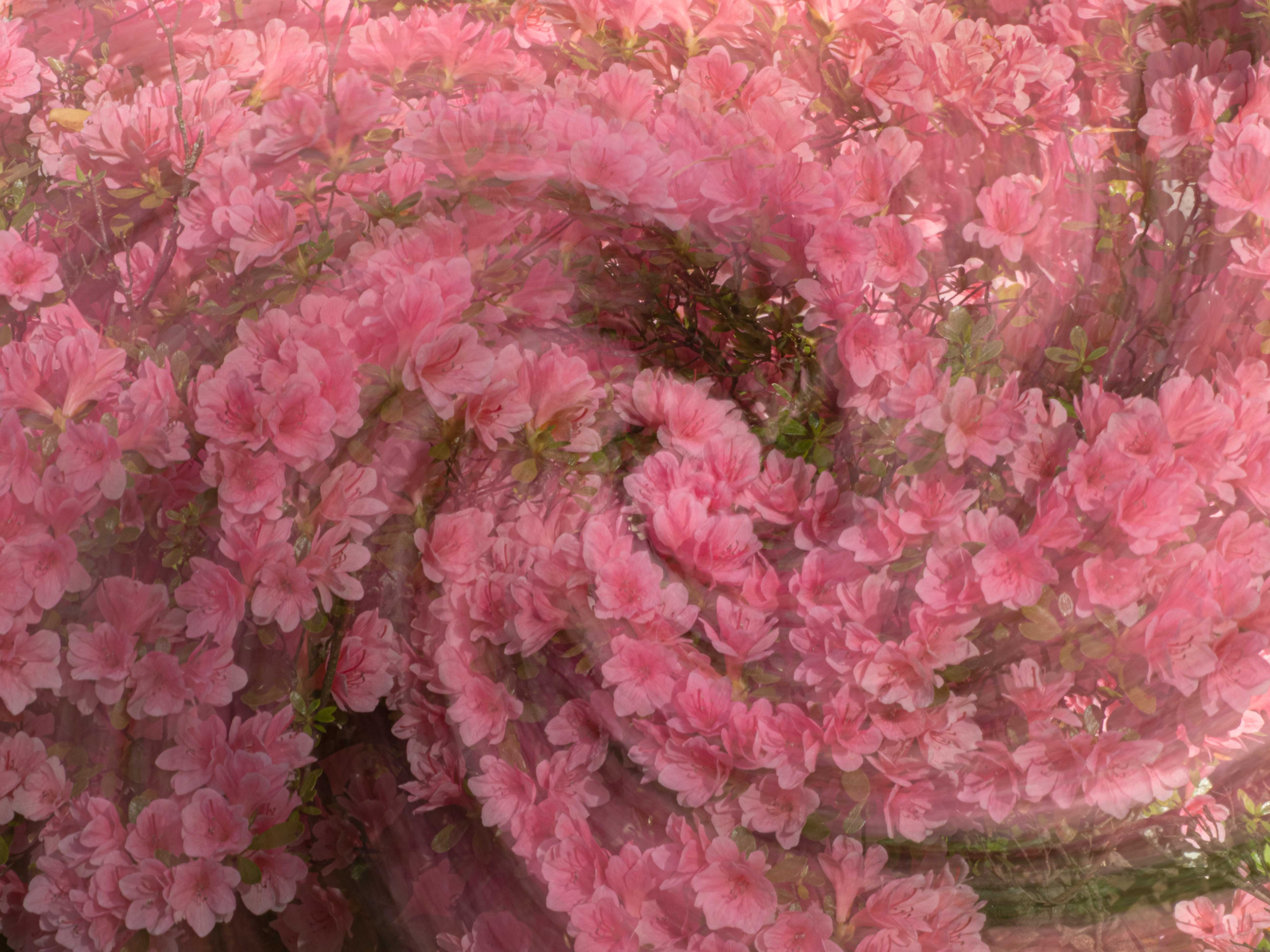
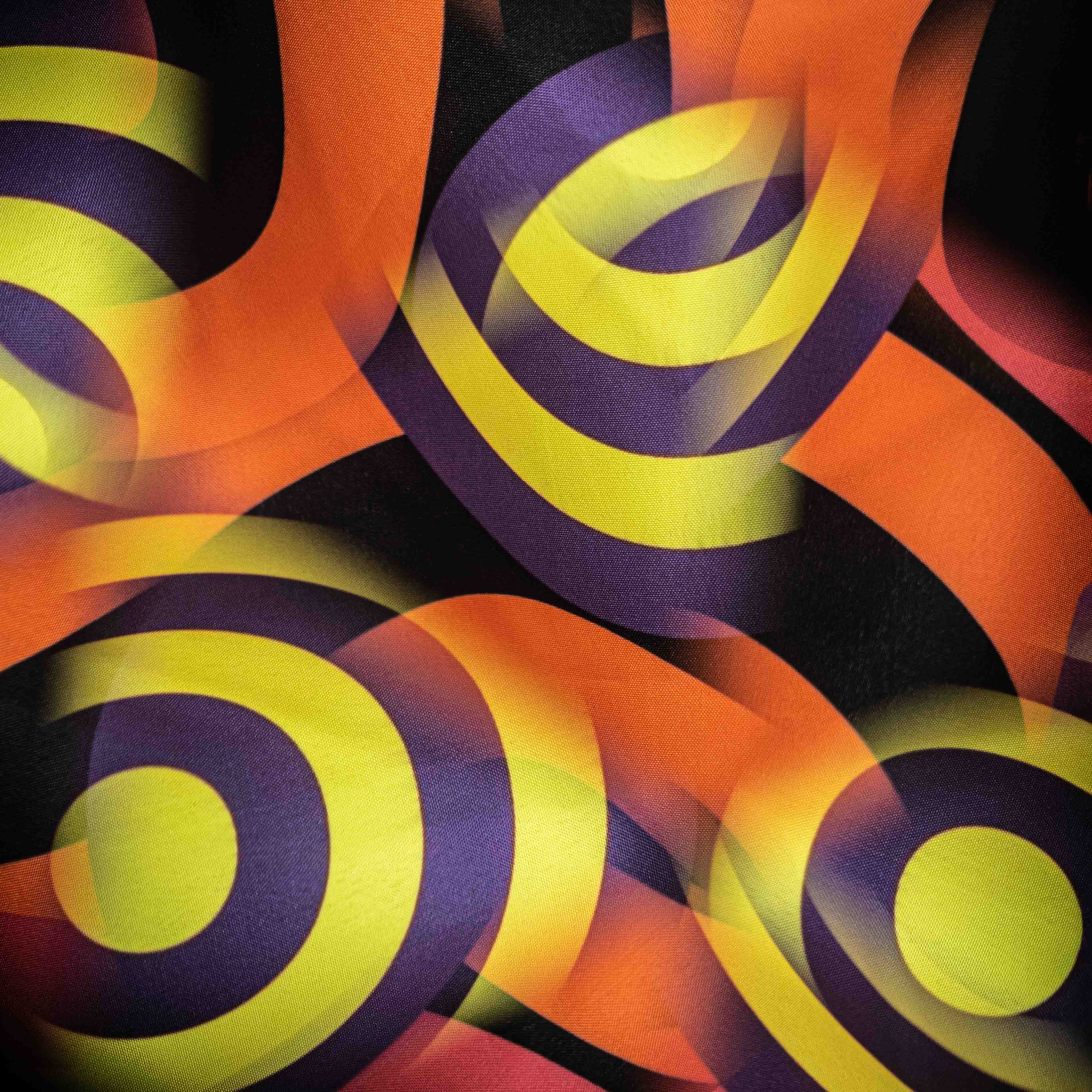
10 Aug 25 Reply The Selection Brush Tool is one of the newer tools in PS. If it is not already in your panel, go to the 3 dots to find it. So, what you do, with the selection brush tool select the entire photo. Set the opacity (for far out images, I use usually 50% - 65%. Go to Generative Fill, set the prompt. With higher percentages, no prompt can also work. And enjoy the results! Aug 18th
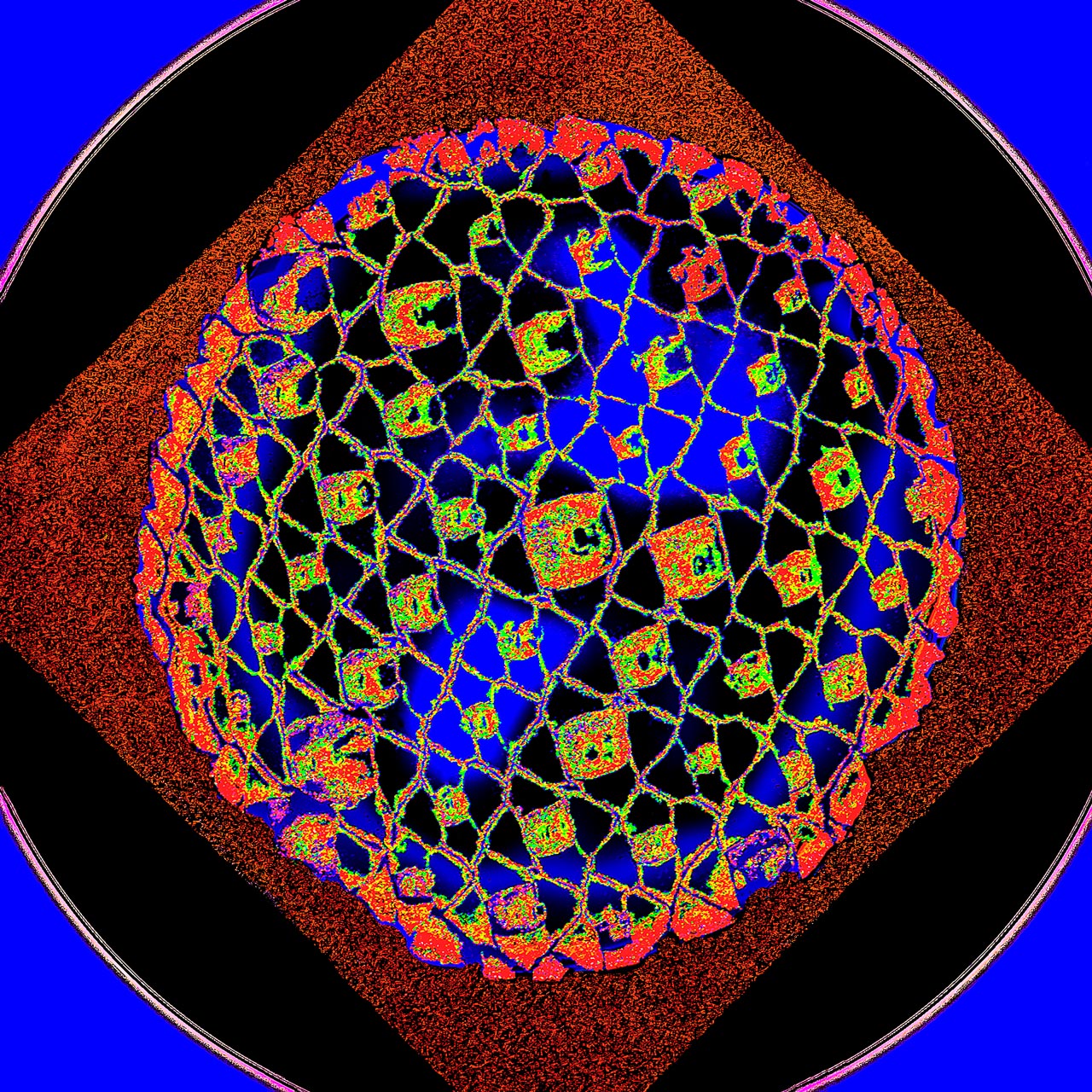
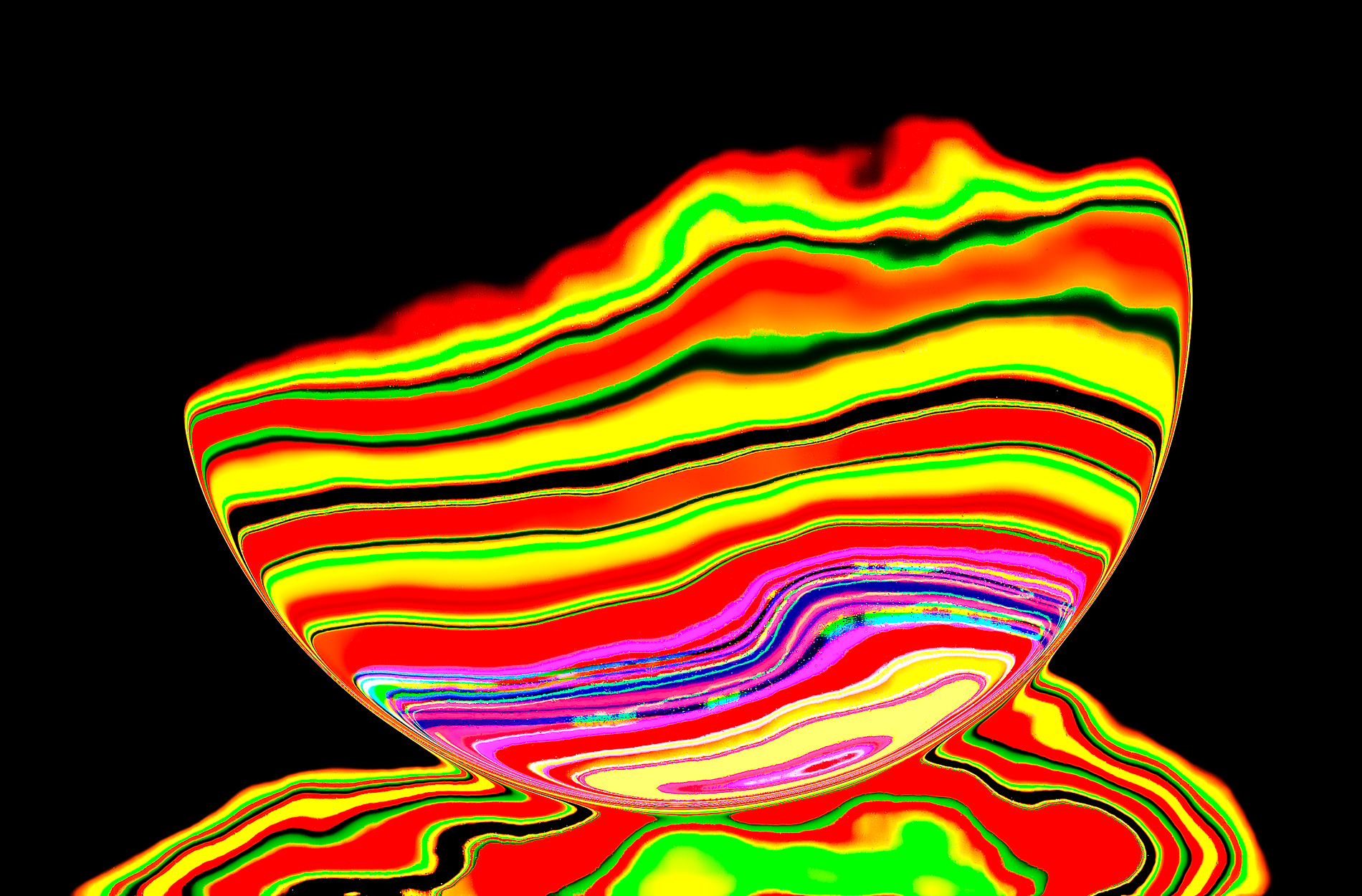
10 Aug 25 Reply The original is fireworks. Aug 17th
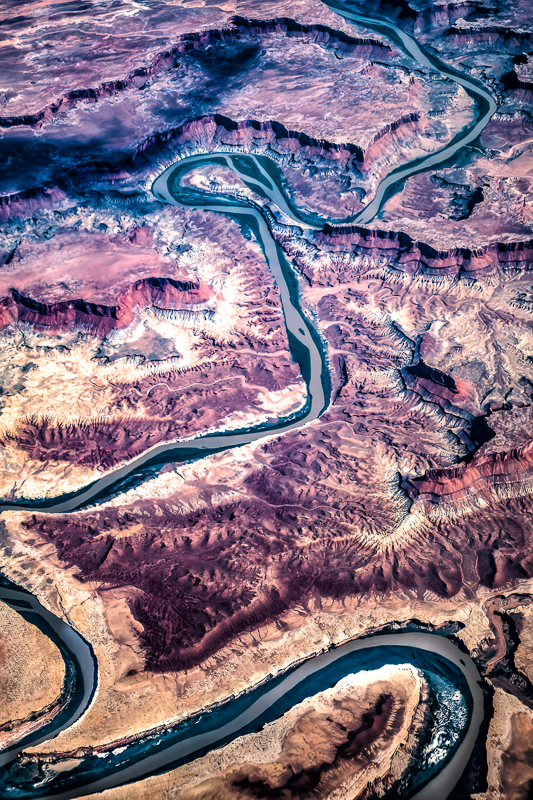
10 Aug 25 Comment The colors are wonderful -- for curiosity, are these the colors you saw? It is very difficult to avoid artifacts like the outlines if you begin with a small file. Aug 15th
10 Aug 25 Comment Love the image; I think it works better in B&W. What do you think of a (perhaps too heavy) vignette? Aug 14th
10 Aug 25 Comment Good capture of a very interesting waterfall. I agree with Donna's edits. Aug 14th
10 Aug 25 Comment Fabulous. I tried bringing up the smoke towards the top; you were right, it looks better your way. To emphasize the Cheetah, I brought up the eyes & down the "mouth". What do you think? Aug 14th
10 Aug 25 Comment Love the image. Fabulous background. Nothing to suggest. Aug 14th

5 comments - 3 replies for Group 10

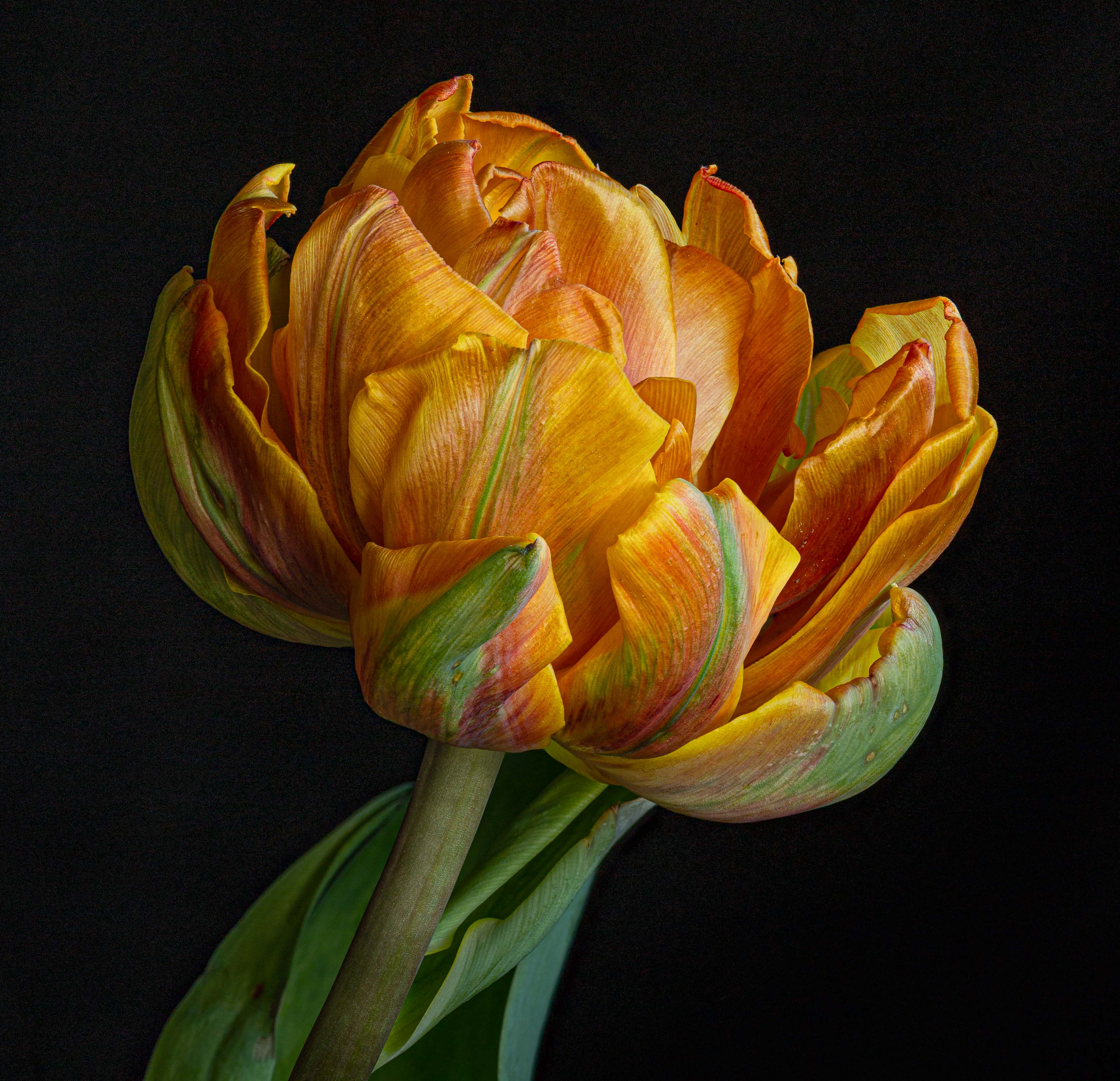
80 Aug 25 Reply I would only take out the left bulb. The right one is great for balance; the left one is partially covered which may not be ideal. Aug 17th
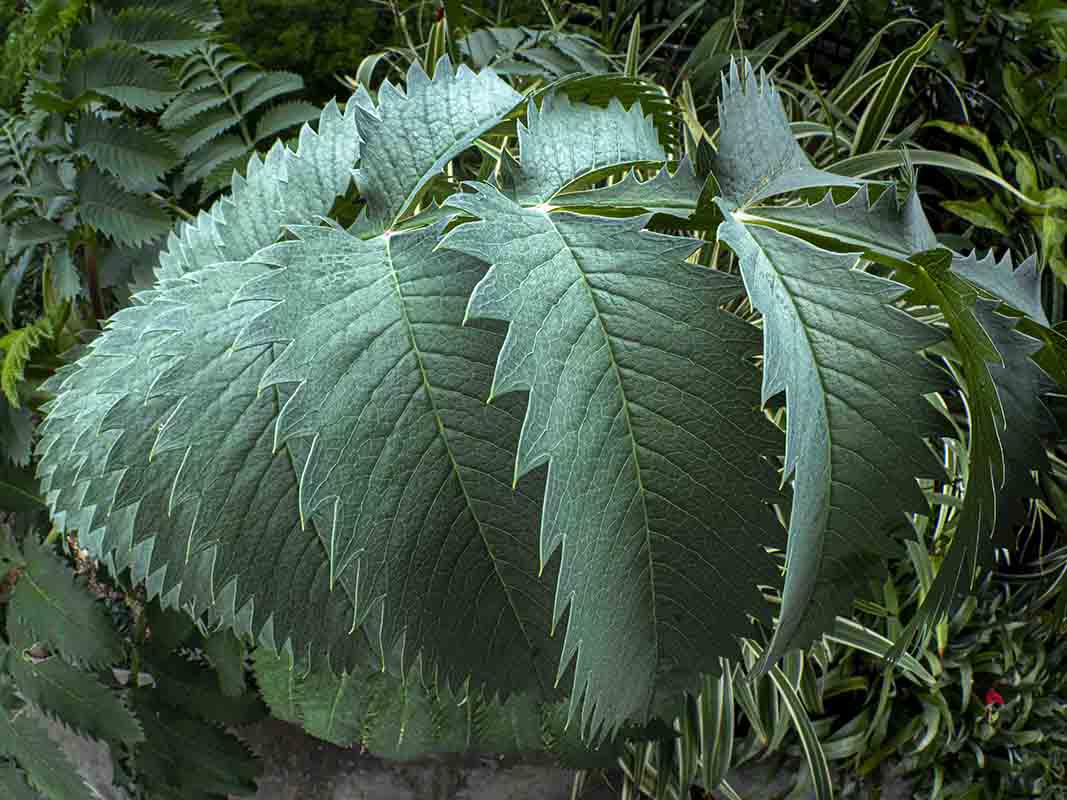
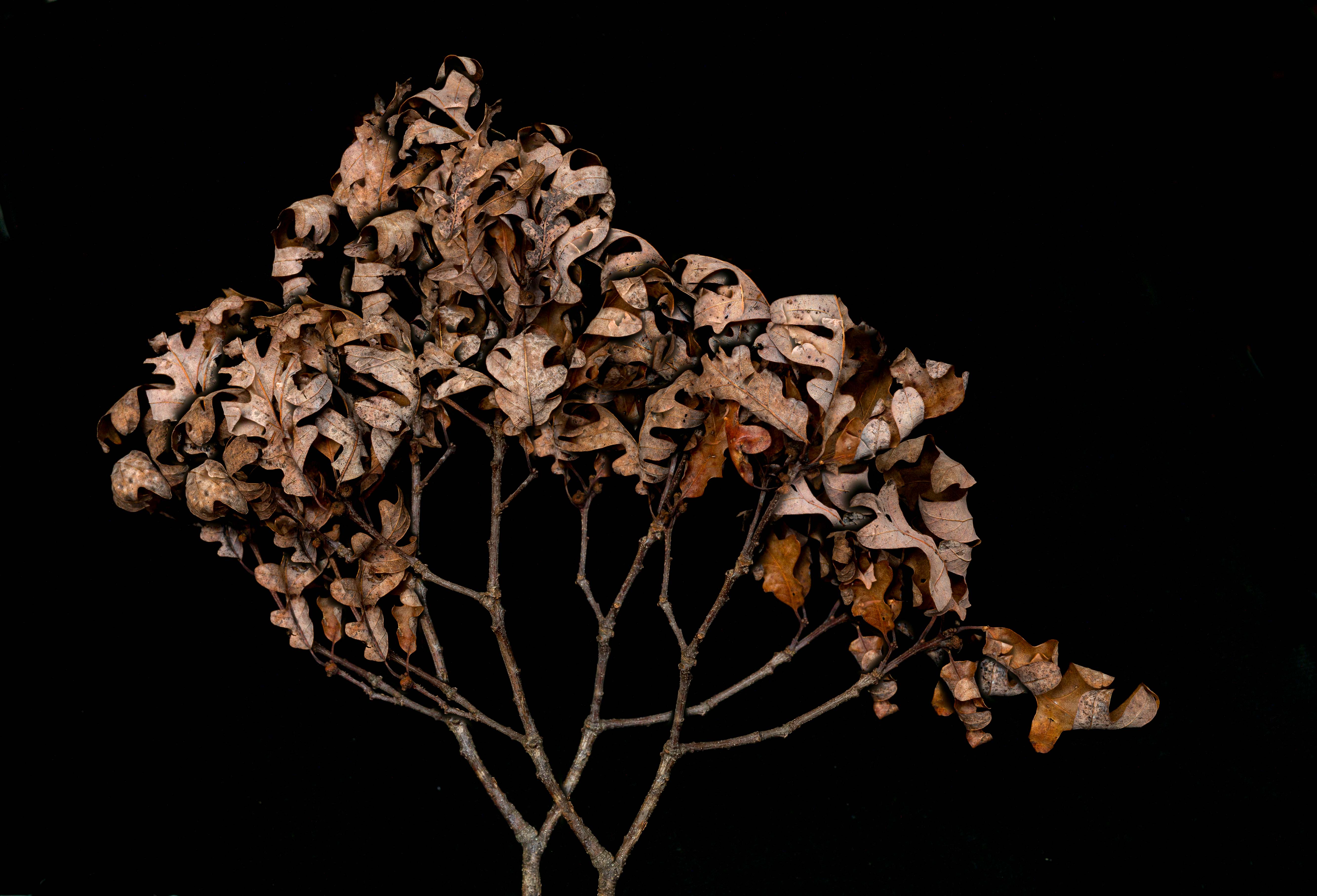
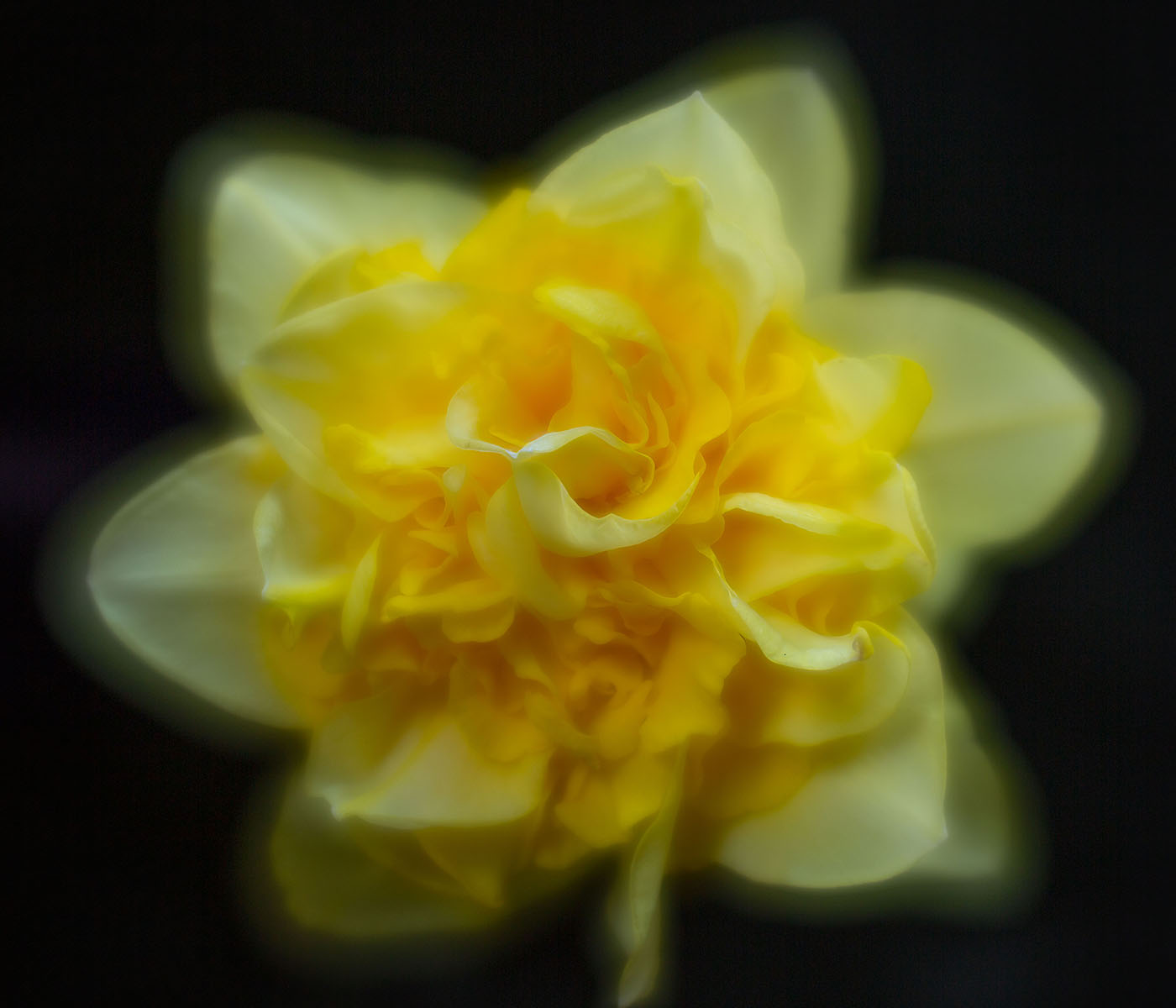
80 Aug 25 Reply For my tastes, the blur in the leaves is too much -- I like the detail in the leaves. However, I agree that the leaves should be darkened, and details softened. What do you think about this? Aug 15th
80 Aug 25 Comment Very creative. I confess that I prefer the original in its simplicity. Aug 14th
80 Aug 25 Comment Wonderful Iris. If you would want to get rid of the left bud, I bet Generative Fill might do a good job. Also, I would crop in a bit from the left, leaving the iris less off center. Aug 14th
80 Aug 25 Comment Very nice capture. I like Rich's crop from the top. I would pull it out slightly on the right so the leaf is not quite so close to the edge. Also, I would pull Rich's crop in a bit from the left, leaving the flower slightly off center. Aug 14th
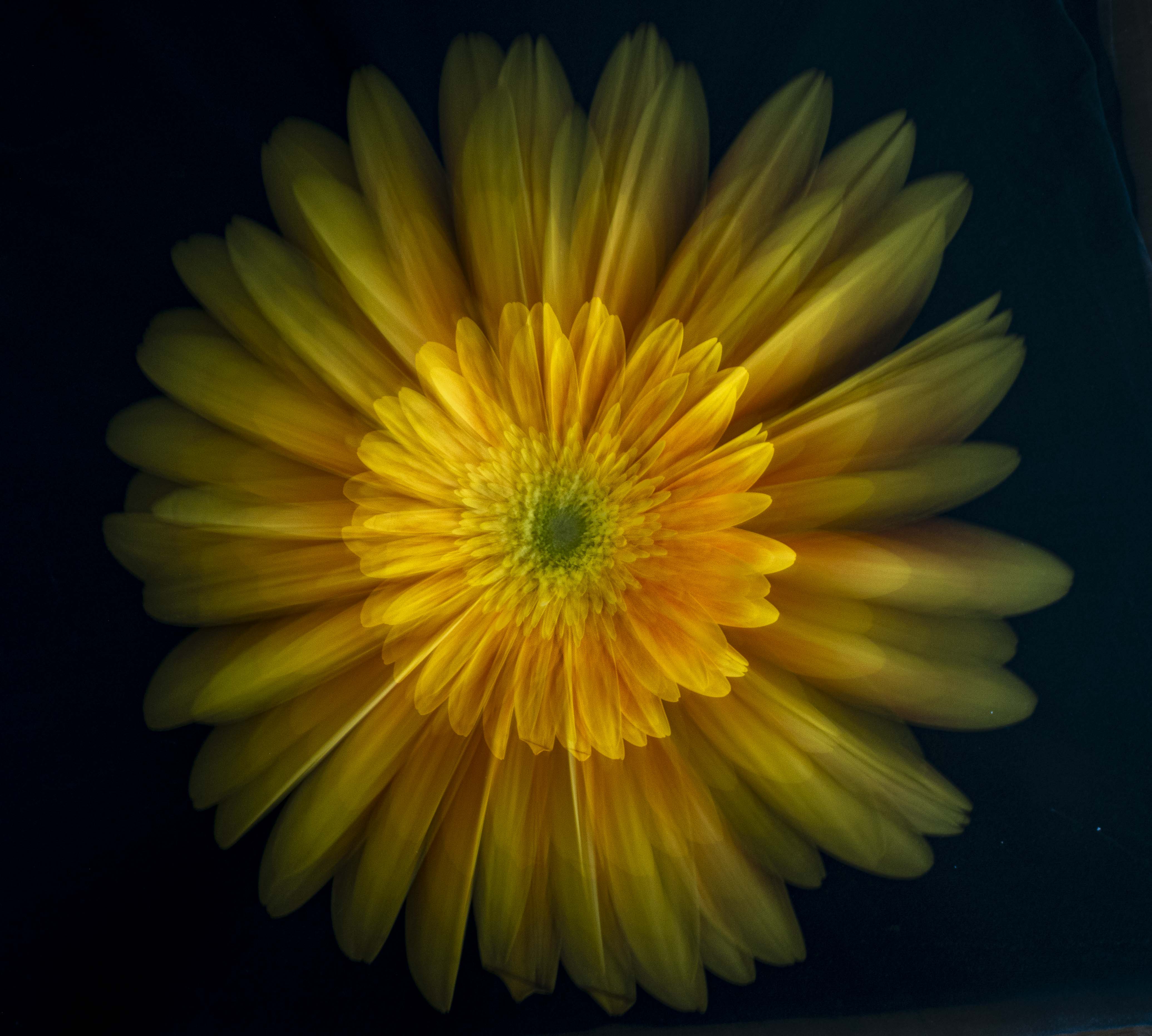
80 Aug 25 Comment As usual, great. I might like to see the lighter shades surround the flower; the upper right gets just a bit lost. Aug 14th
80 Aug 25 Comment The bee really is wonderful What do you think of this crop?
The outer petals of the flower may not be necessary, and this puts the bee more in the spotlight.
Aug 14th
80 Aug 25 Comment I agree with Nadia What do you think of this, cropped in, satureated (maybe too much), and sharpened with Topaz Photo AI? Aug 14th

6 comments - 2 replies for Group 80


11 comments - 5 replies Total


106 Images Posted

  = Current Round   = Previous Round
Group 10

Dec 25

Nov 25

Oct 25

Sep 25

Aug 25

Jul 25

Jun 25

May 25

Apr 25

Mar 25

Feb 25

Dec 24

Nov 24

Oct 24

Sep 24

Aug 24

Jul 24

Jun 24

May 24

Apr 24

Mar 24

Feb 24

Jan 24

Dec 23

Nov 23

Oct 23

Sep 23

Aug 23

Jul 23

Jun 23

May 23

Apr 23

Mar 23

Feb 23

Jan 23

Dec 22

Nov 22

Oct 22

Sep 22

Aug 22

Jul 22

Jun 22

May 22

Apr 22

Mar 22

Feb 22

Jan 22

Dec 21

Nov 21

Oct 21

Sep 21

Aug 21

Jul 21

Jun 21

May 21

Apr 21

Mar 21

Feb 21

Jan 21

Dec 20

Nov 20

Oct 20

Sep 20

Aug 20

Jul 20
Group 60

May 20

Apr 20

Feb 20

Jan 20

Dec 19
Group 80

Dec 25

Nov 25

Oct 25

Aug 25

Jul 25

Jun 25

May 25

Apr 25

Mar 25

Feb 25

Jan 25

Oct 24

Sep 24

Aug 24

Jul 24

Jun 24

May 24

Apr 24

Mar 24

Feb 24

Dec 23

Nov 23

Oct 23

Sep 23

Aug 23

Jul 23

Jun 23

May 23

Apr 23

Mar 23

Feb 23

Jan 23

Nov 22

Oct 22

Sep 22

Aug 22

Close this Tab when done