Activity for User 1211 - Doug Wolters - cellotibb@aol.com

avatar
Avatar

Close this Tab when done


440 Comments / 121 Replies Posted

  = Current Round   = Previous Round
Group Round C/R Comment Date Image
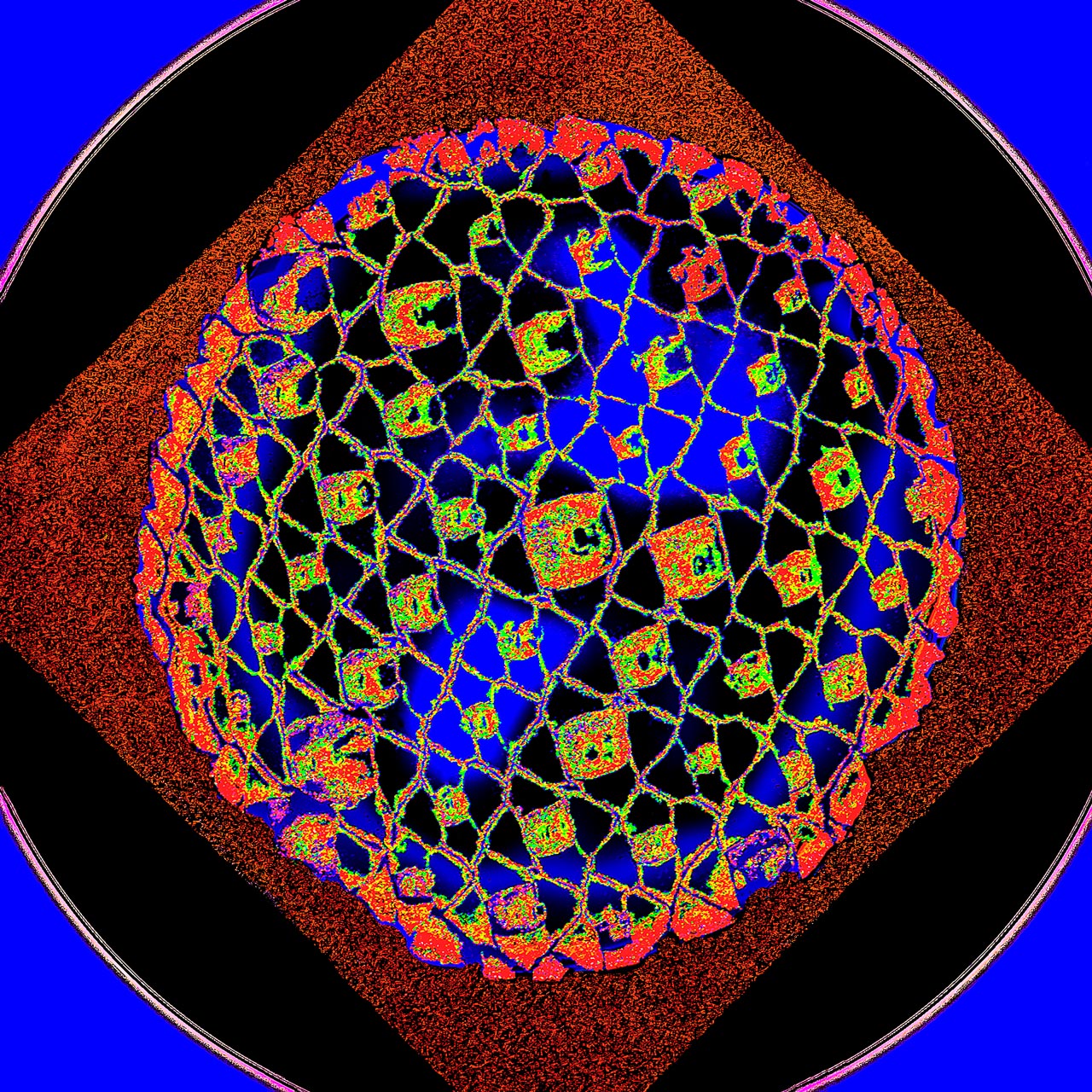
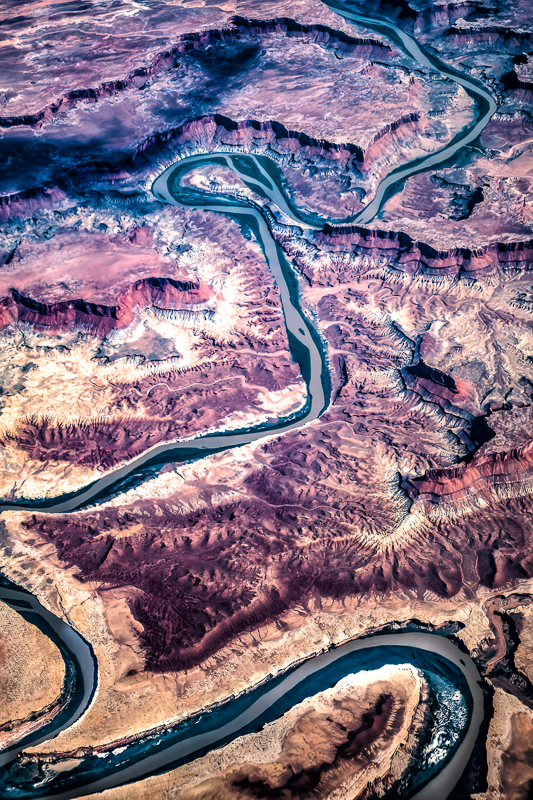
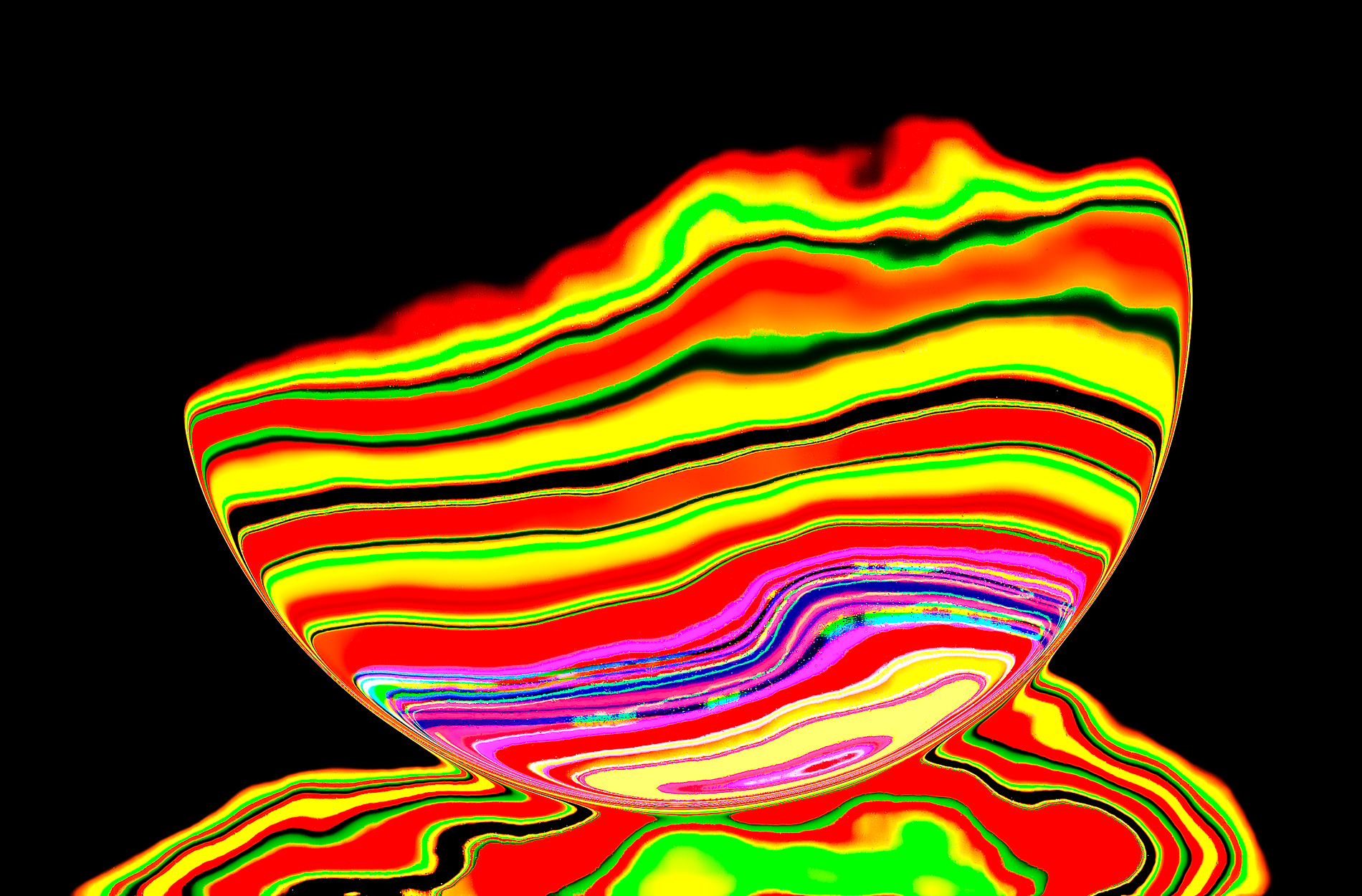
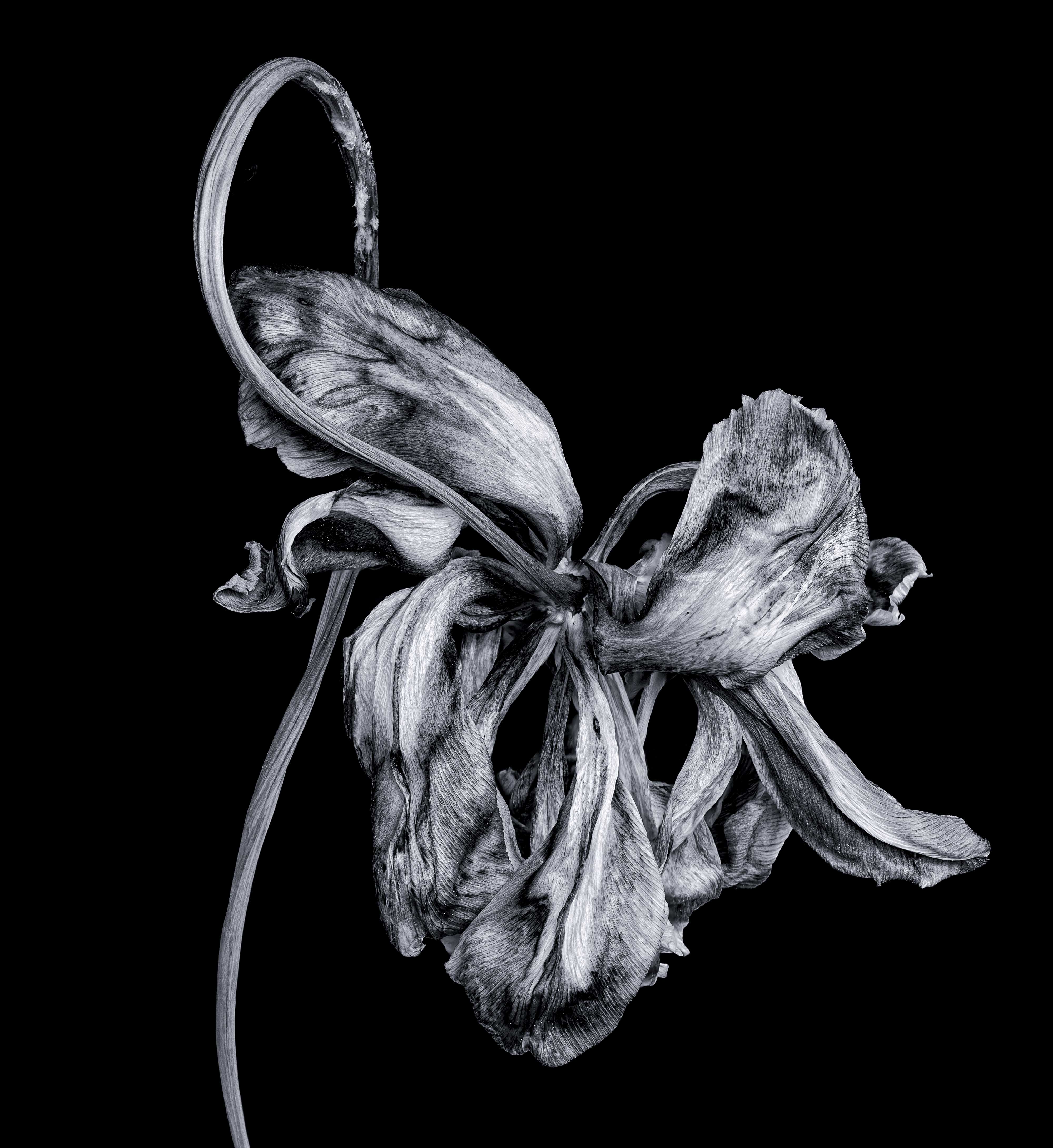
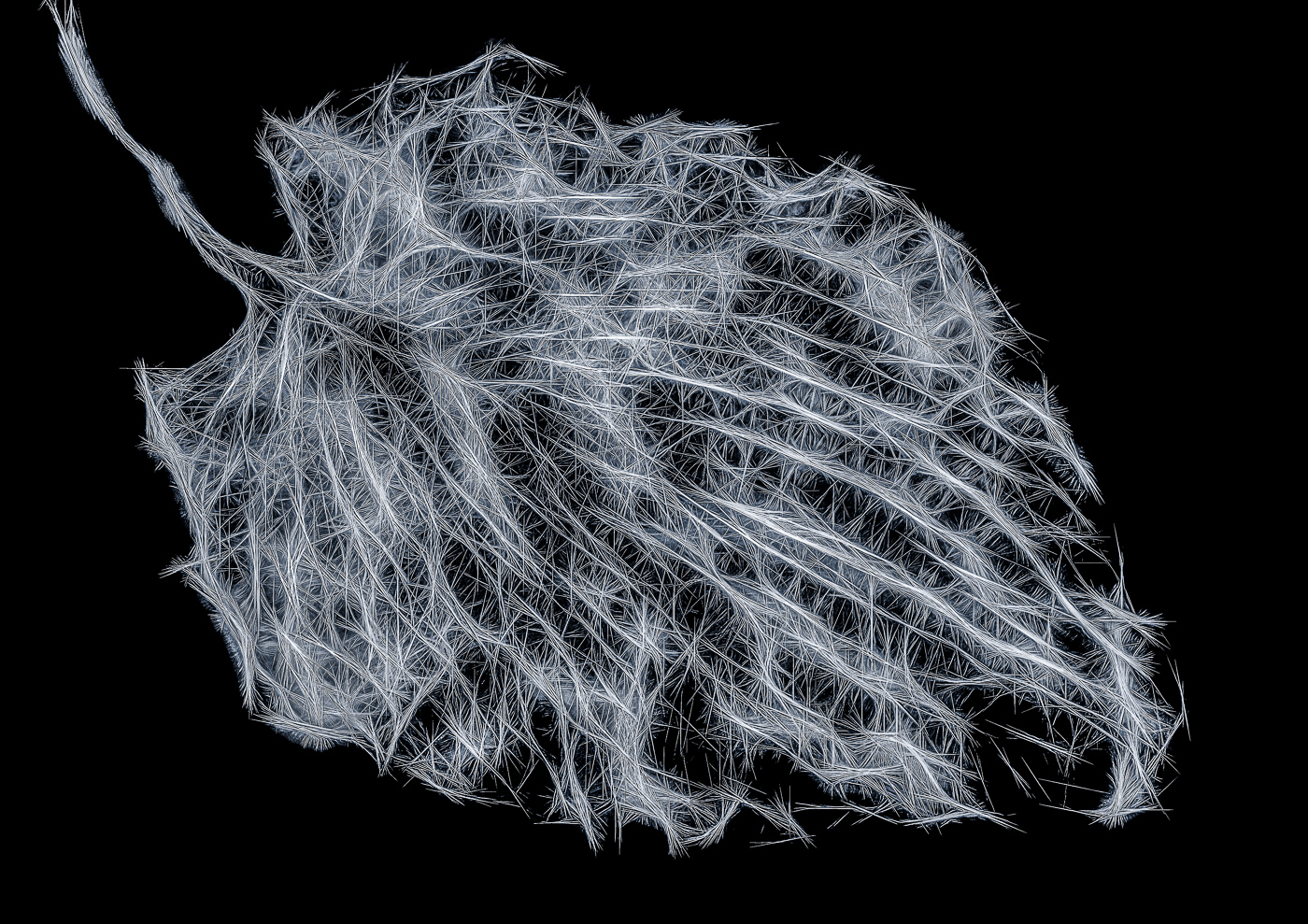
80 Jul 25 Reply Could you post the image? What is the "gradient map with the perceptual method (b&w)"? Jul 22nd
80 Jul 25 Comment There is a way to soften the edges that I recently learned:
• PS - Ctrl J
• Gaussian blur 12 pixes or so
• Black layer mask
• Paint edges with 05% flow

Jul 21st
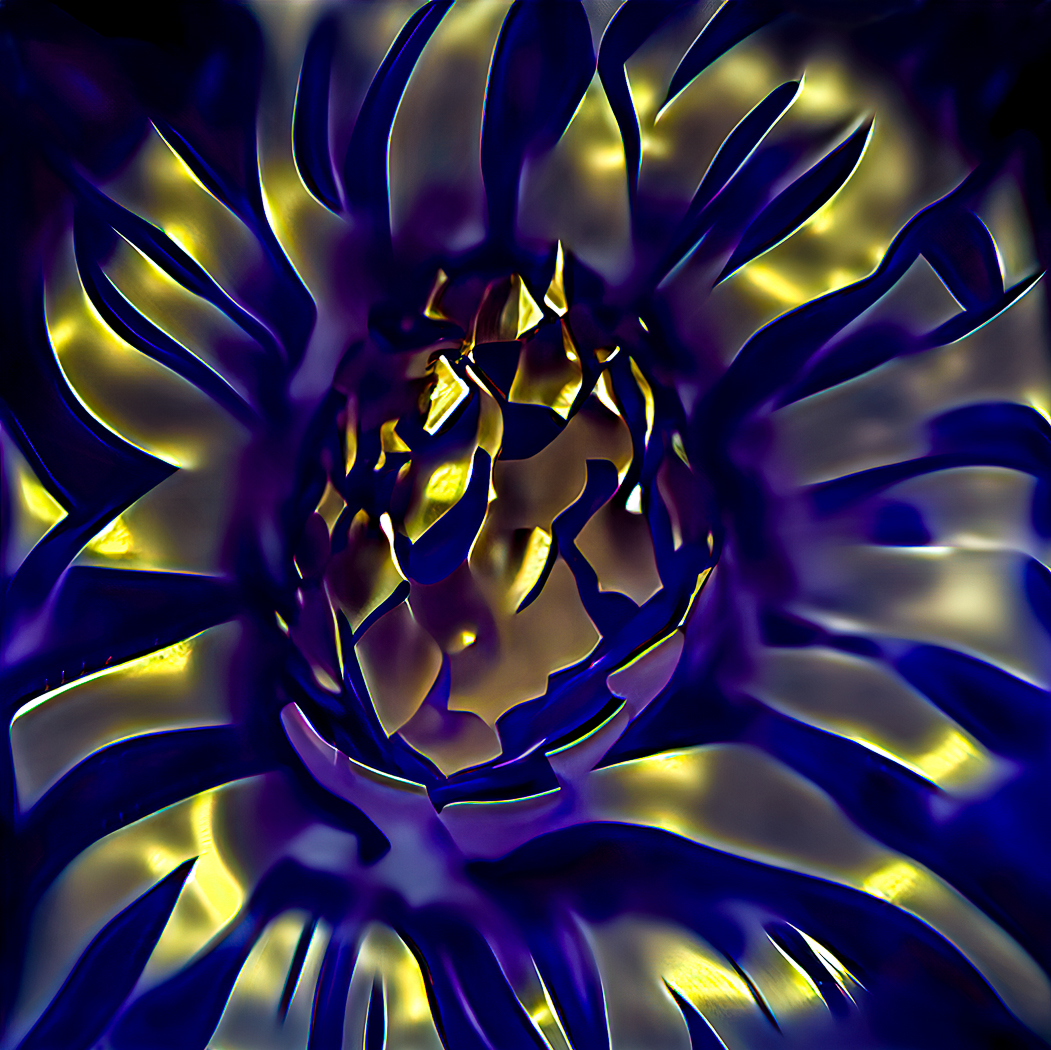
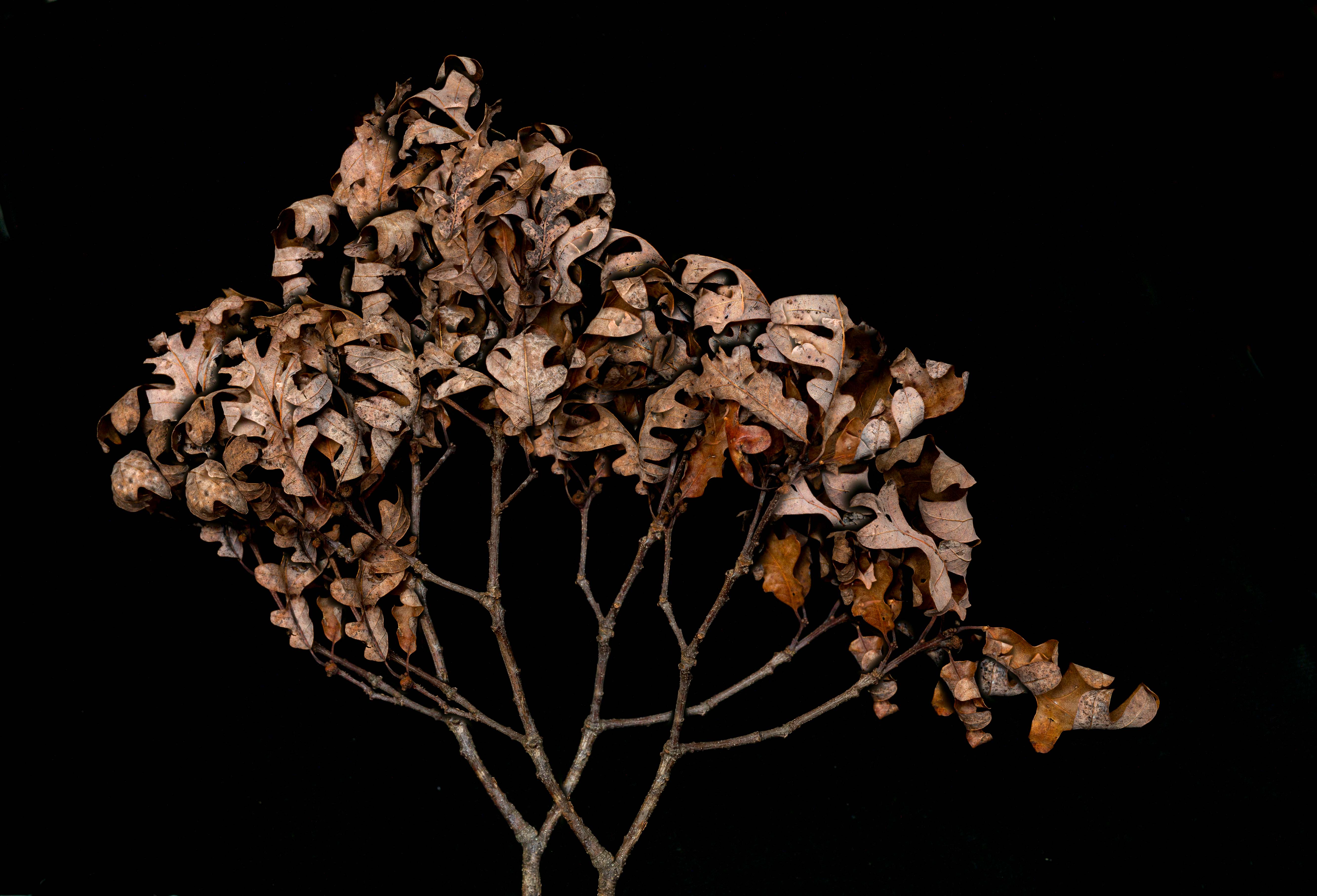
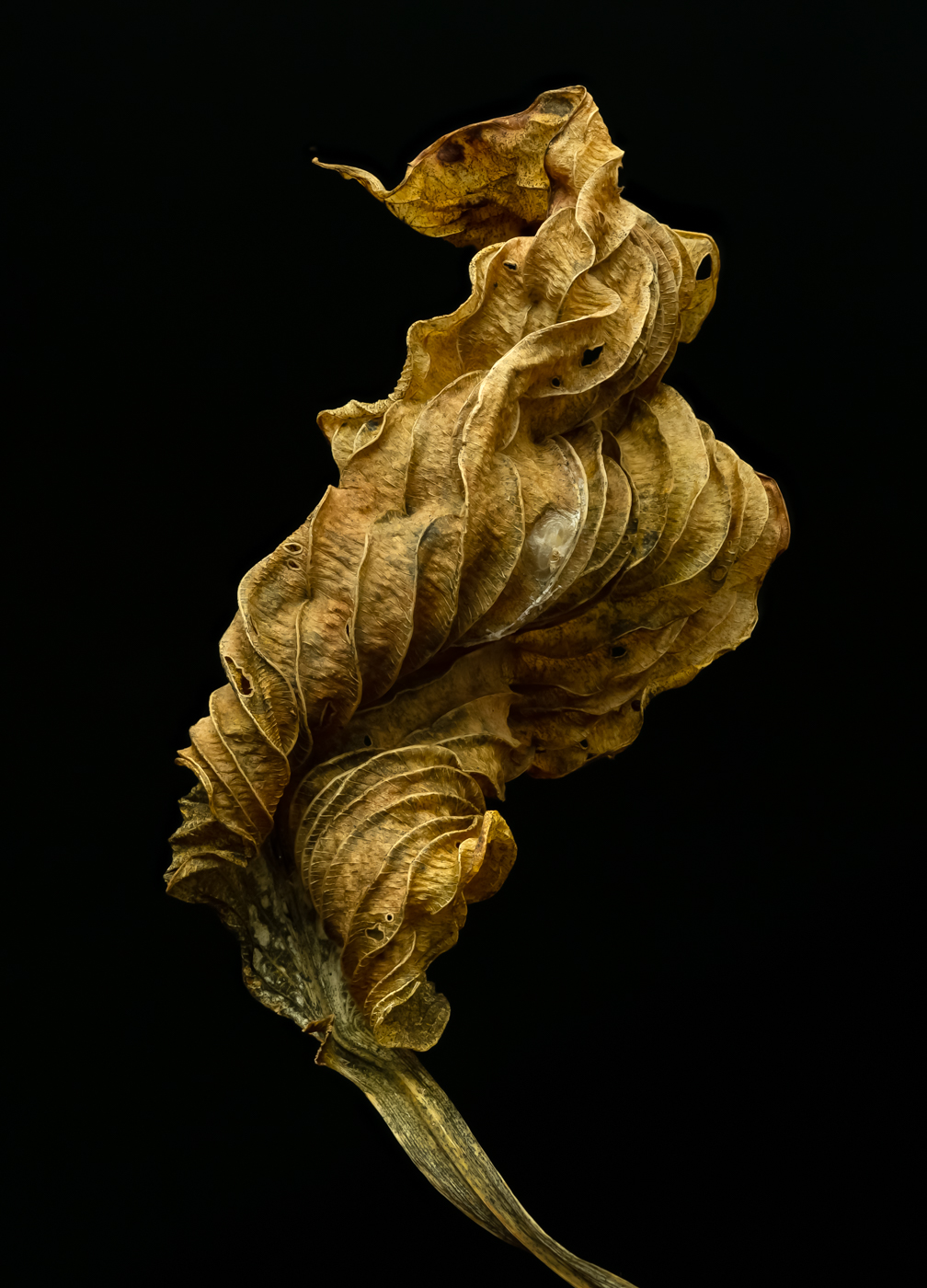
80 Jul 25 Reply I like the blue tone because it makes it look more menacing.
What would you suggest? Sepia?
Jul 21st
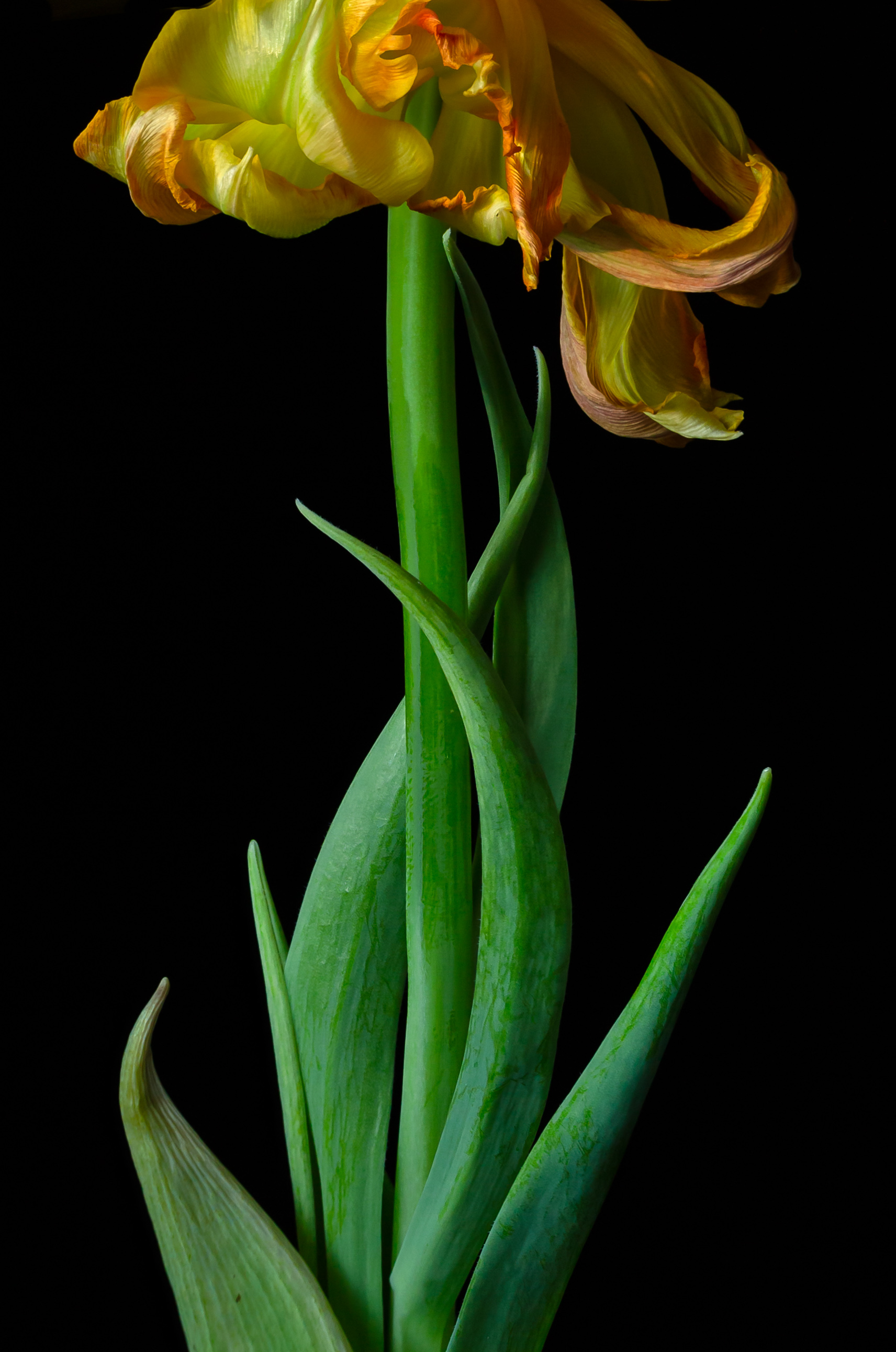
80 Jul 25 Reply Your right -- if displayed against a black background, it definitely needs a stroke. If you blow up this image, there is a small stroke. Sometimes, though, I think a stroke distracts. Jul 13th
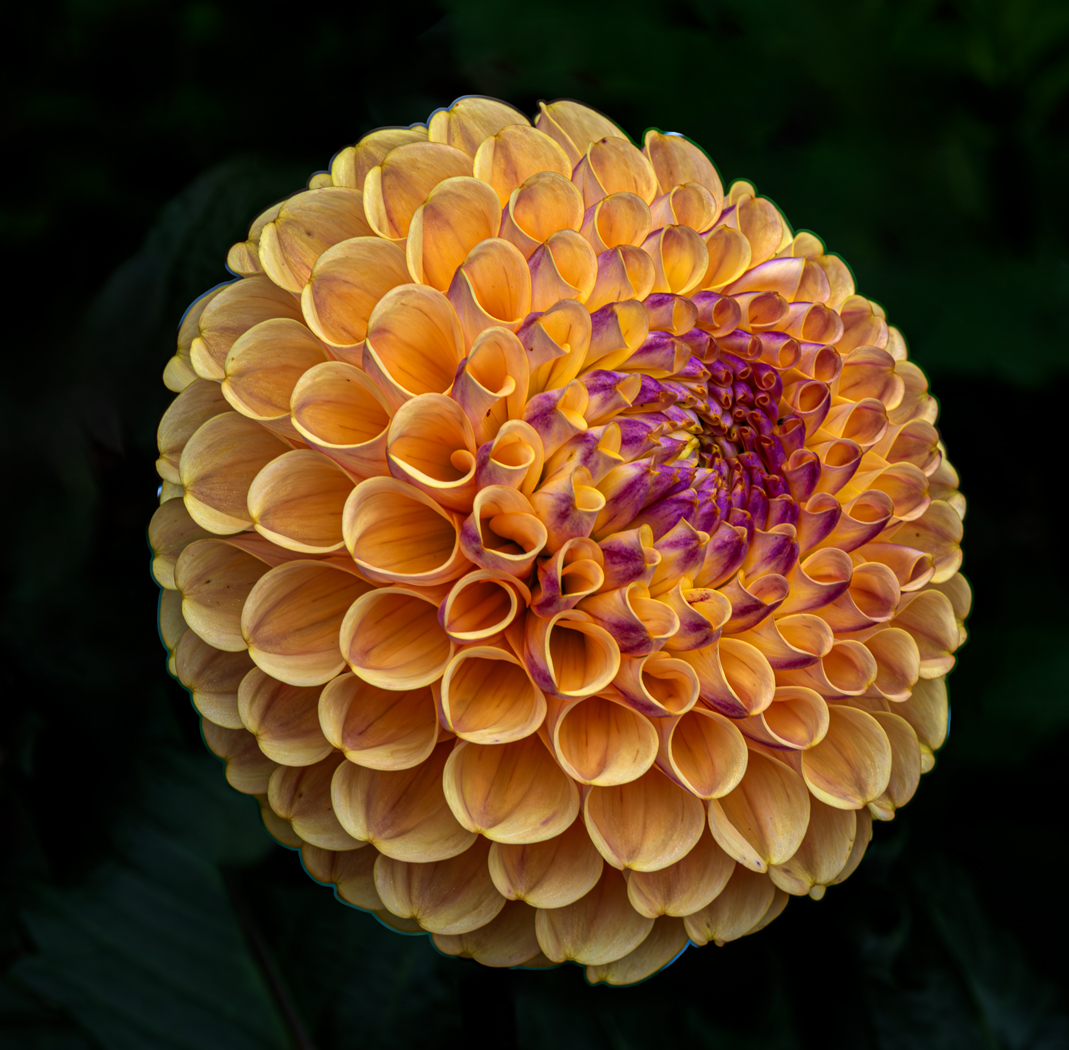
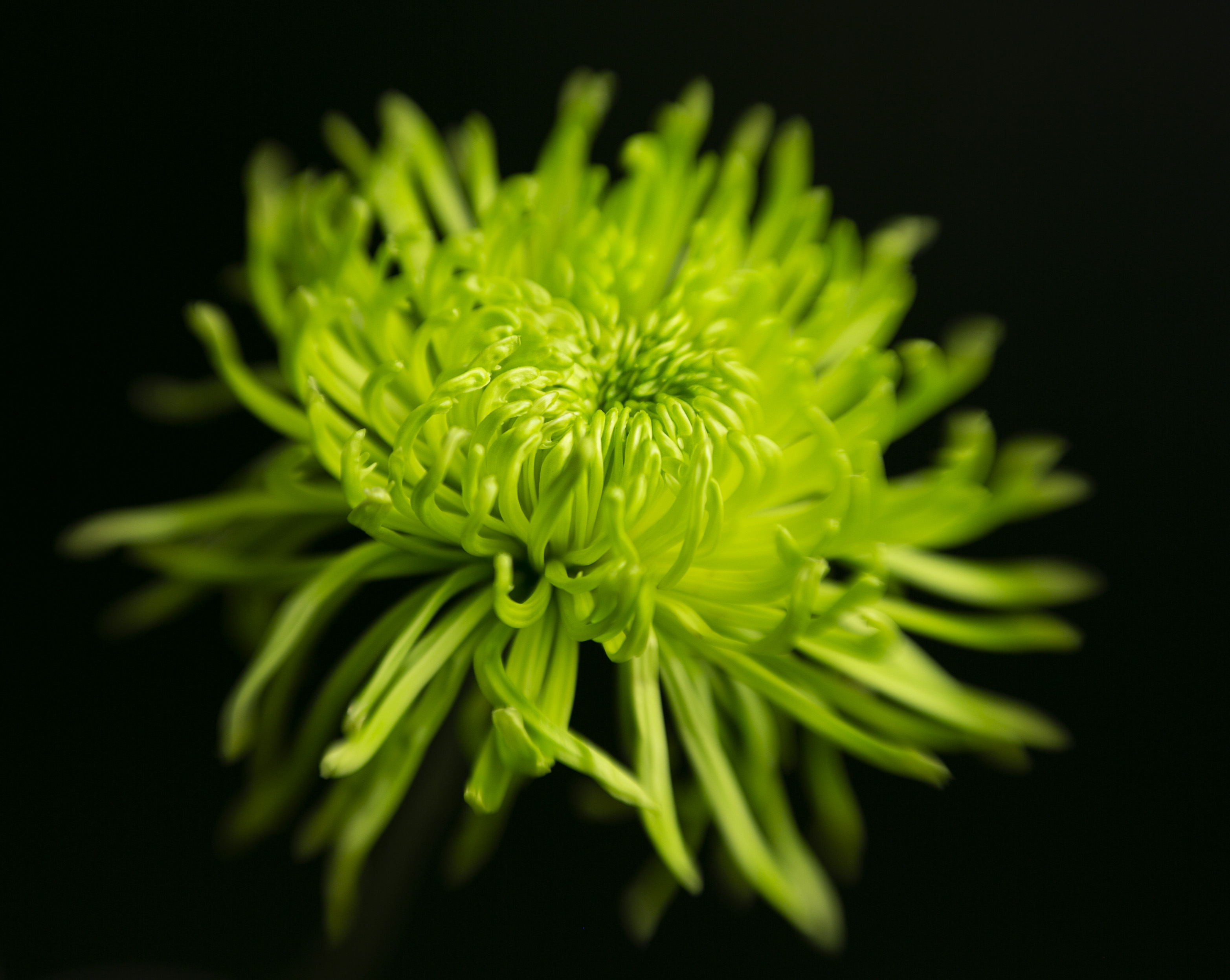
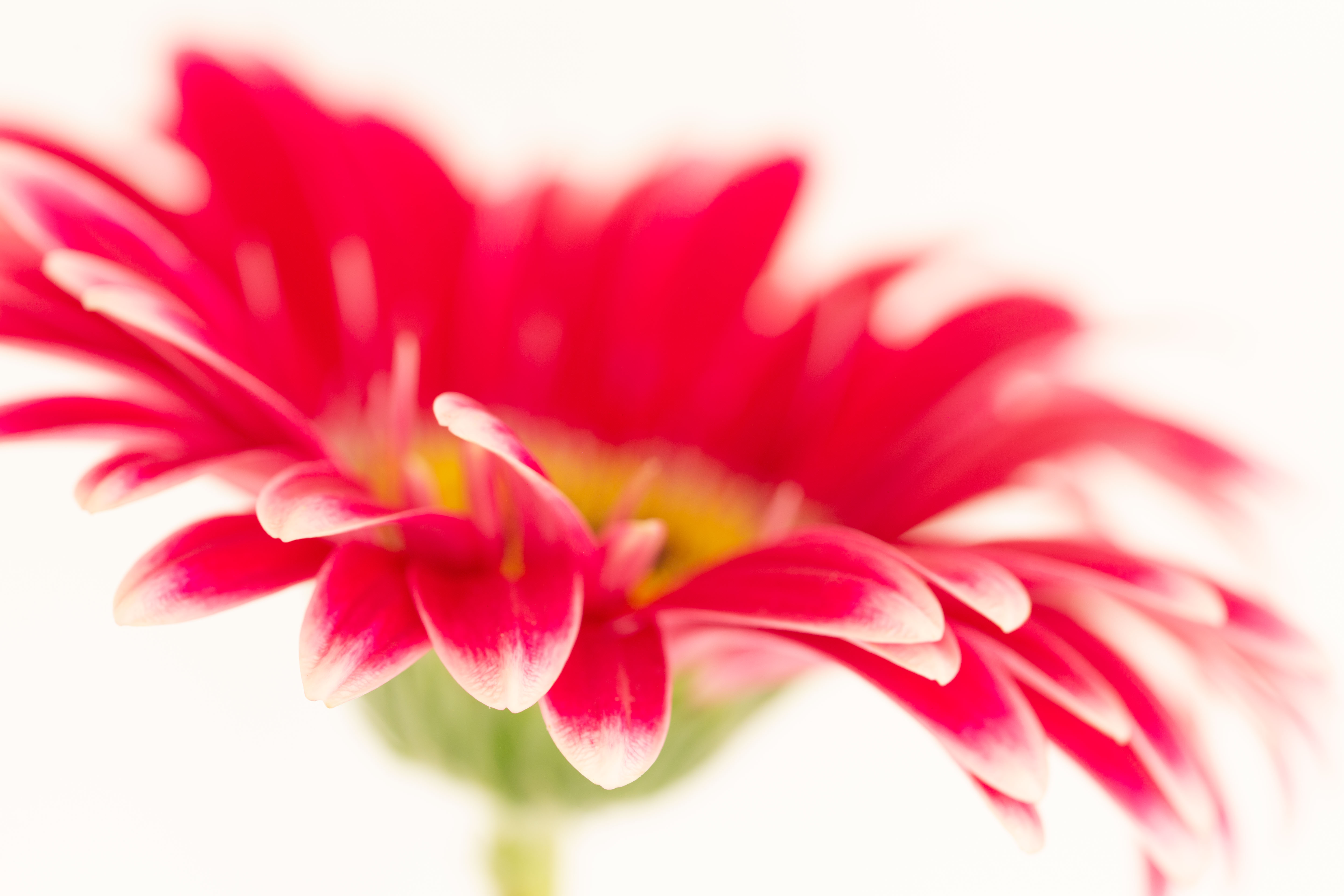
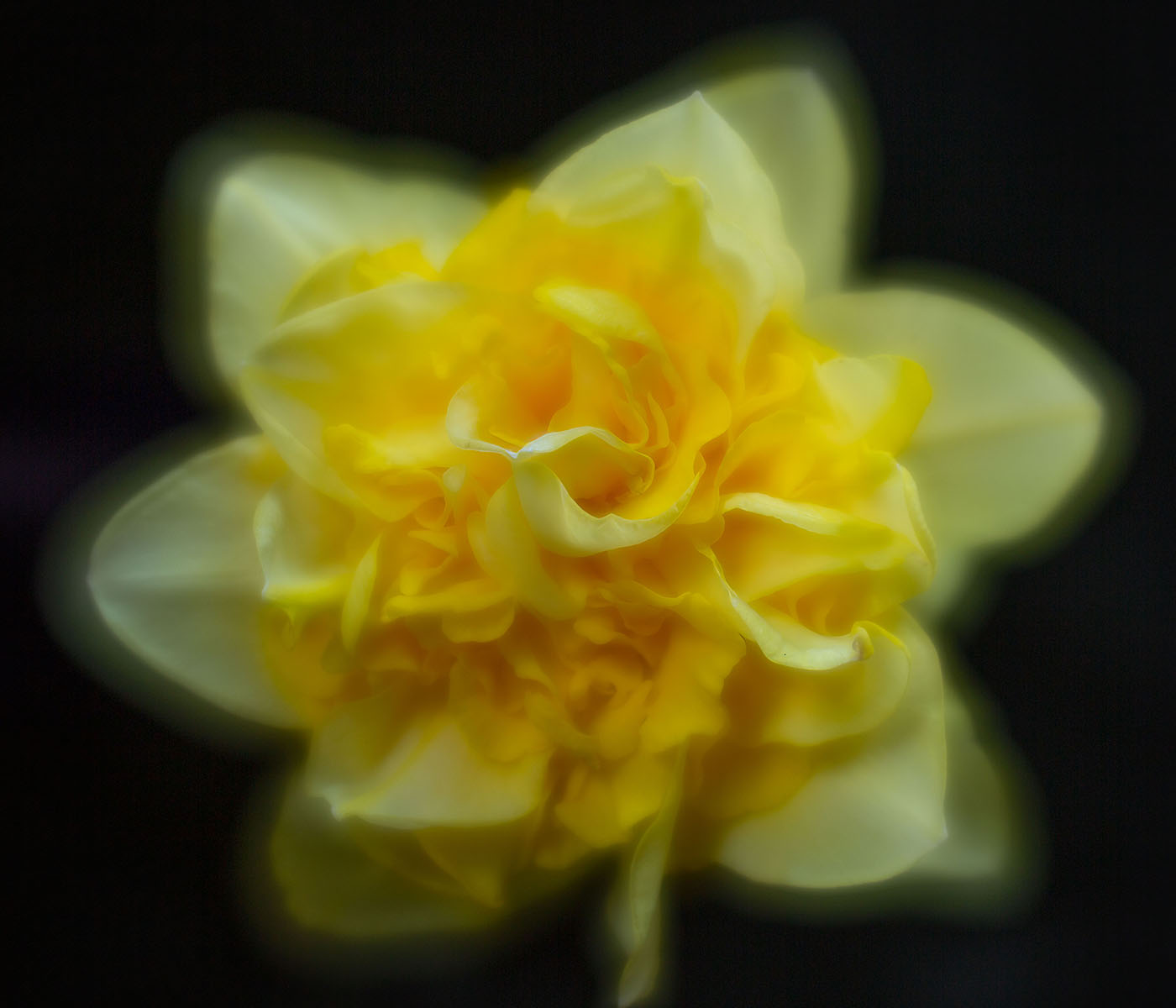
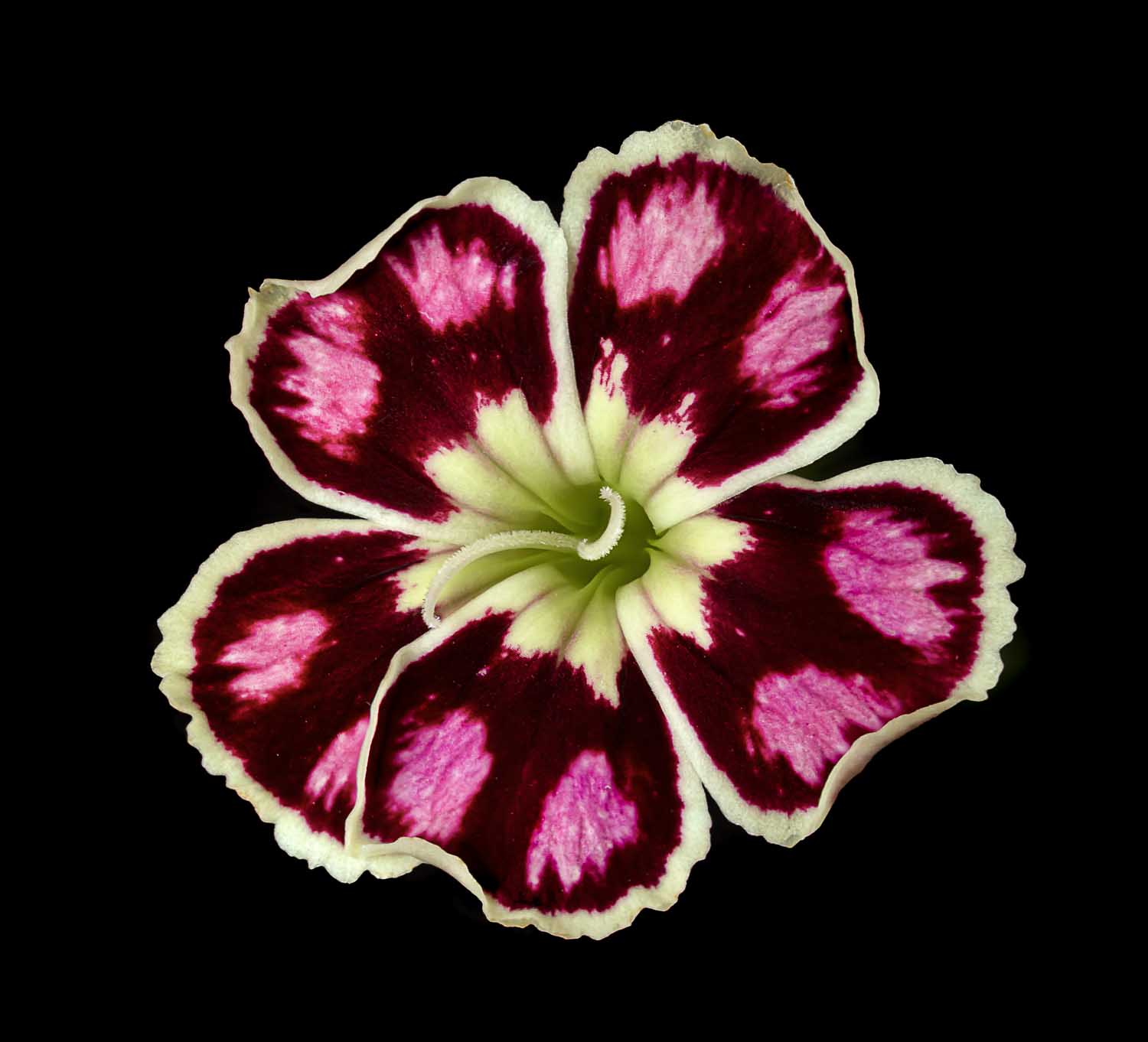
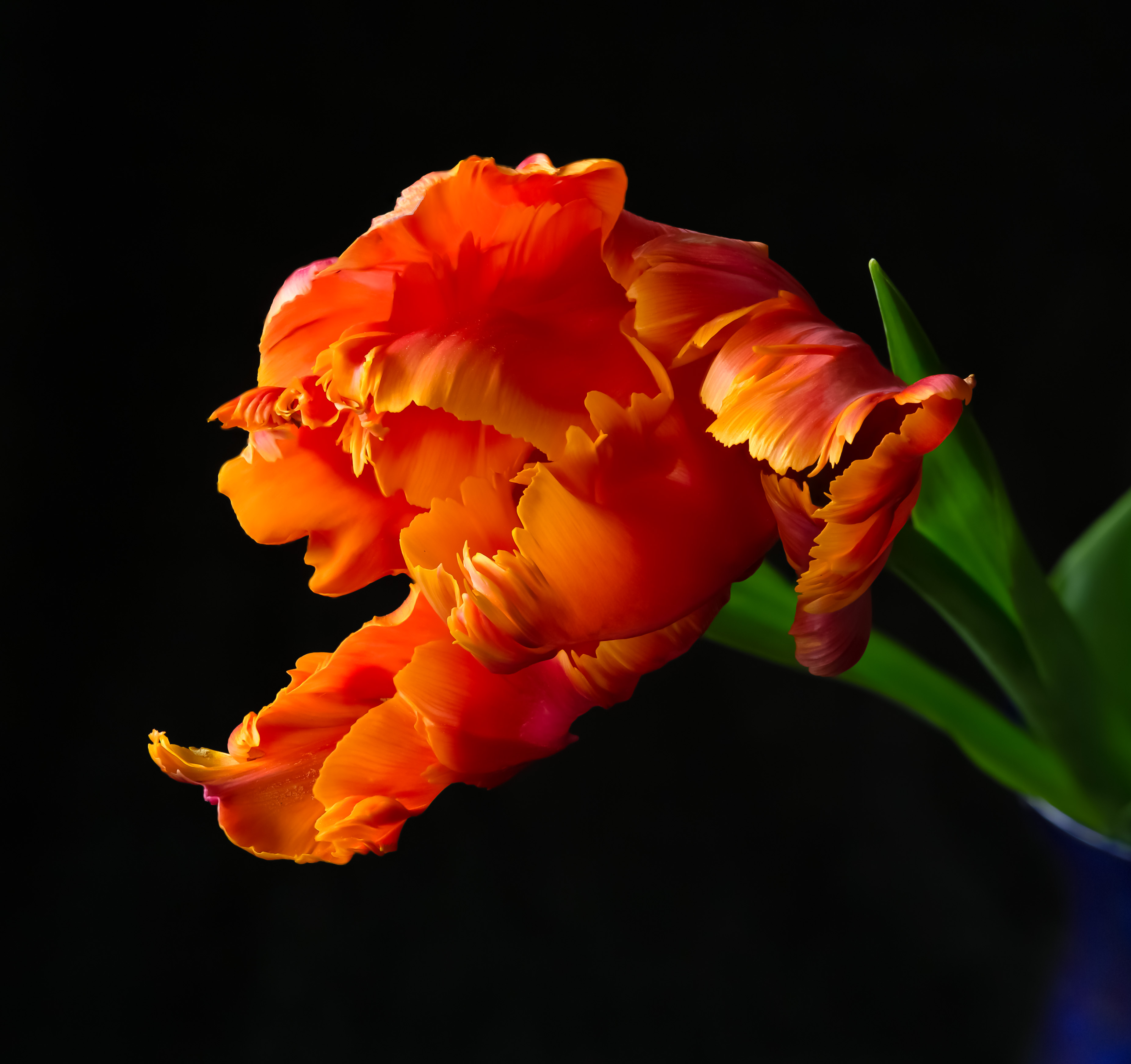
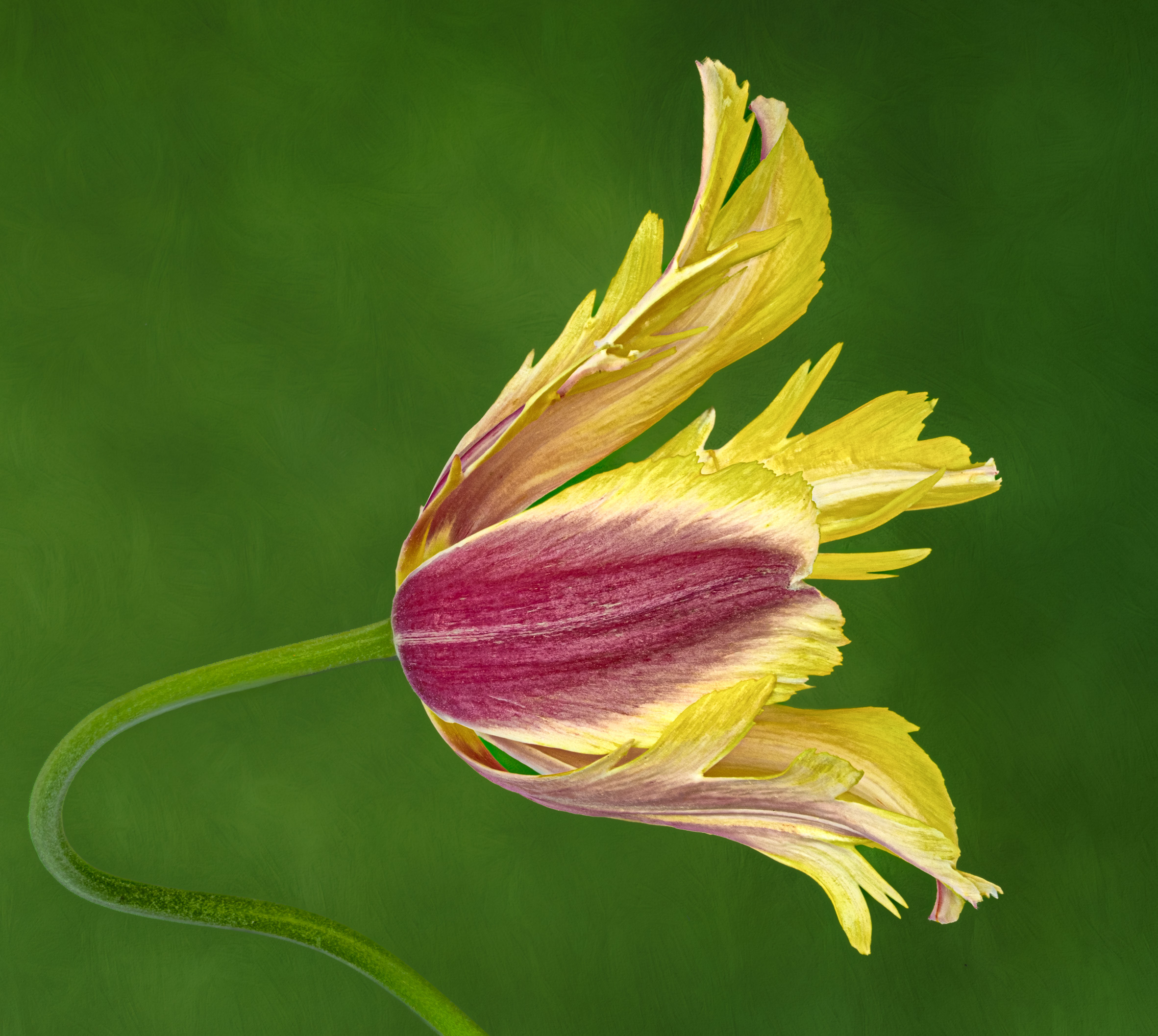
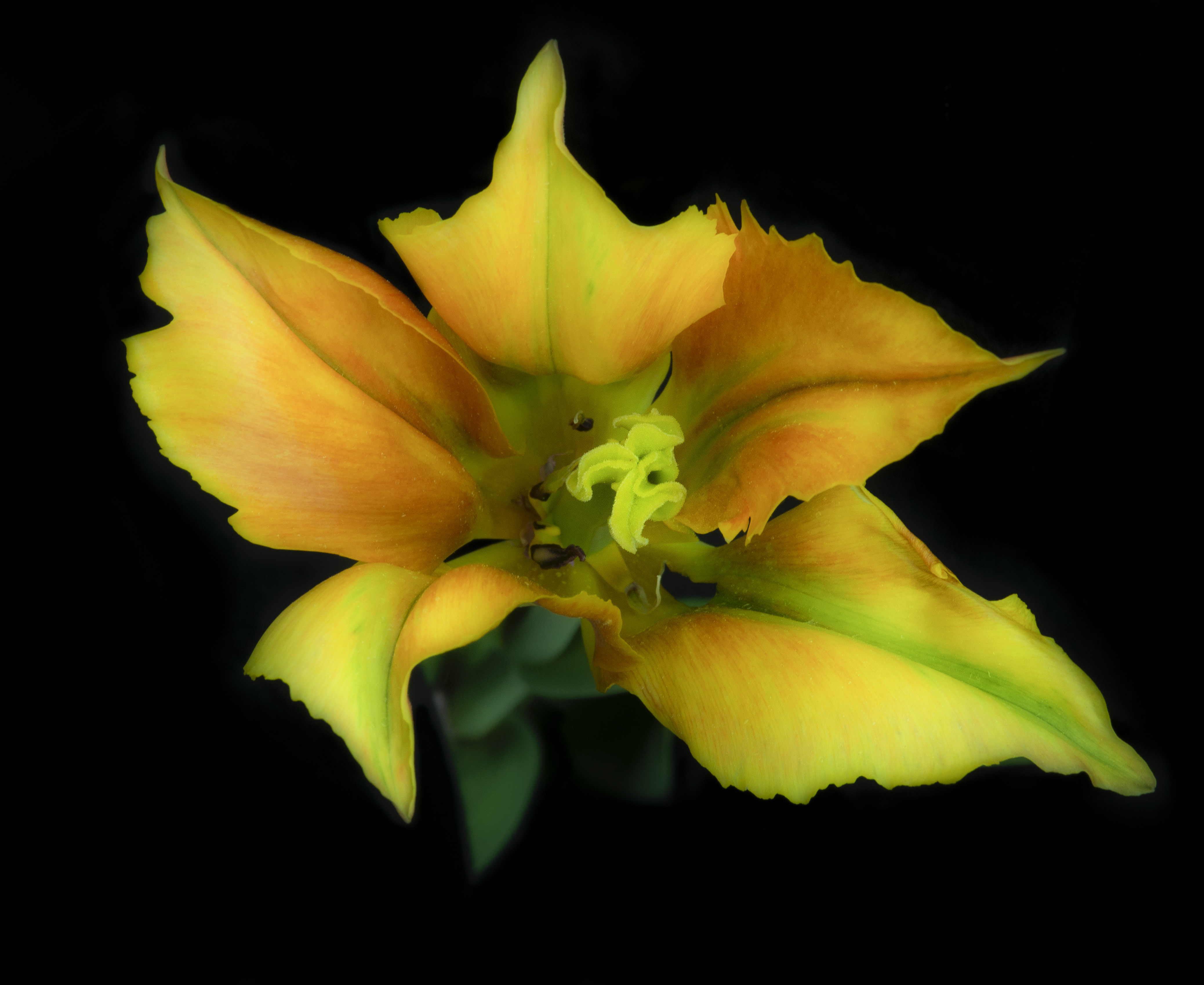
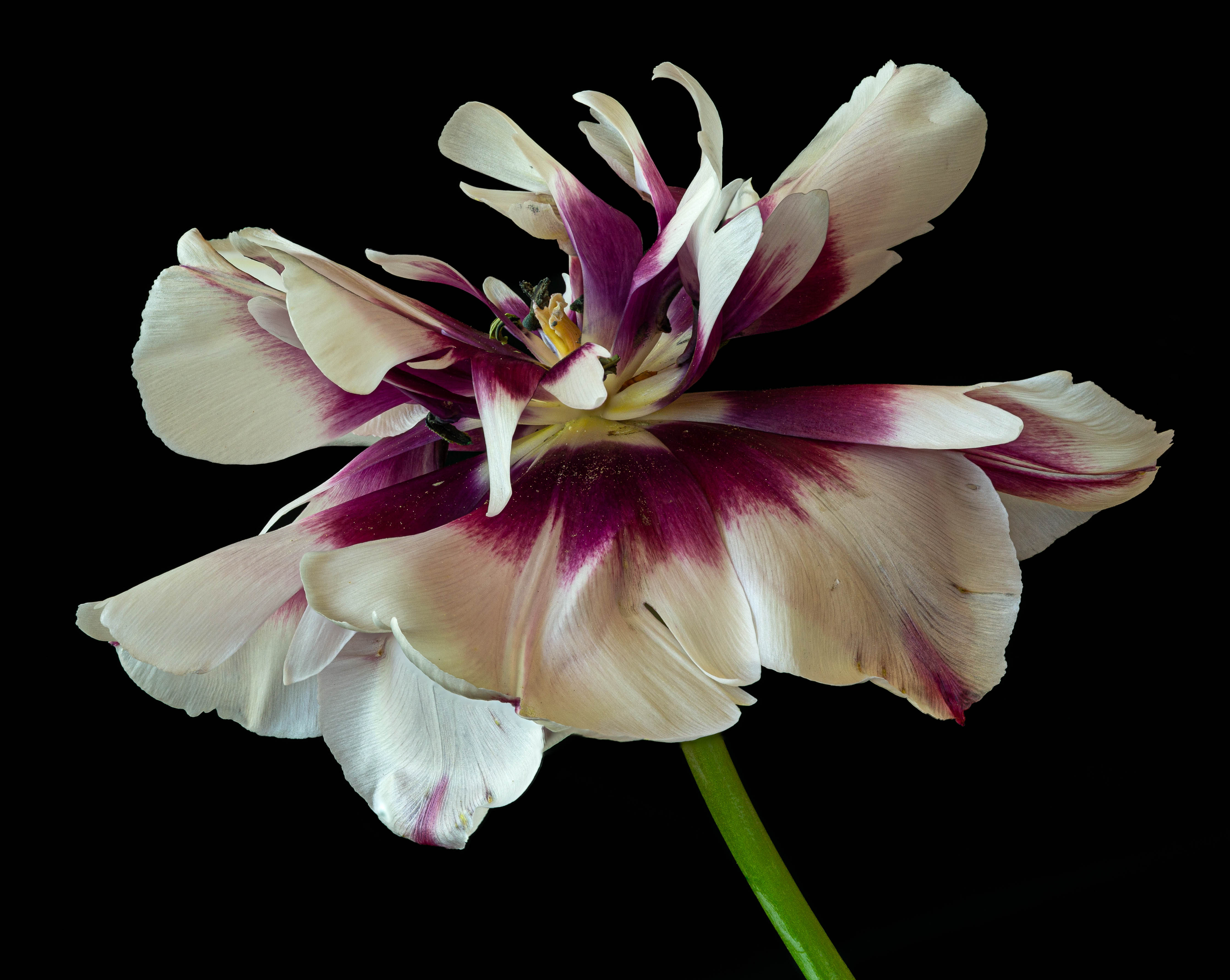
80 Jul 25 Comment Beautiful flower. The problem with cutting out a flower with a soft edge is that the edge becomes sharp, & it looks stuck on to the black. Especially on the right, the sharp edge does not agree with the soft flower before the edge. Jul 13th
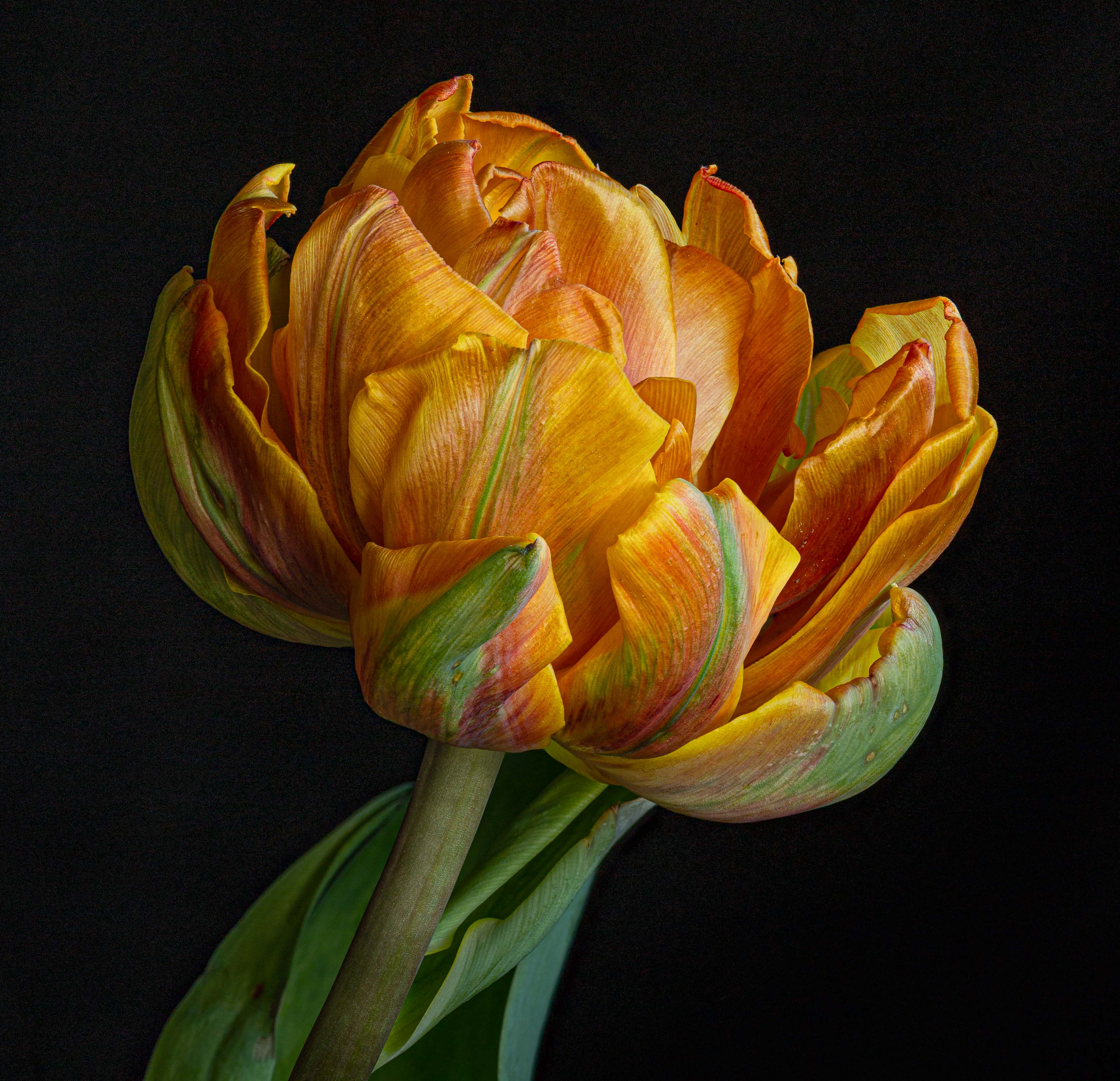
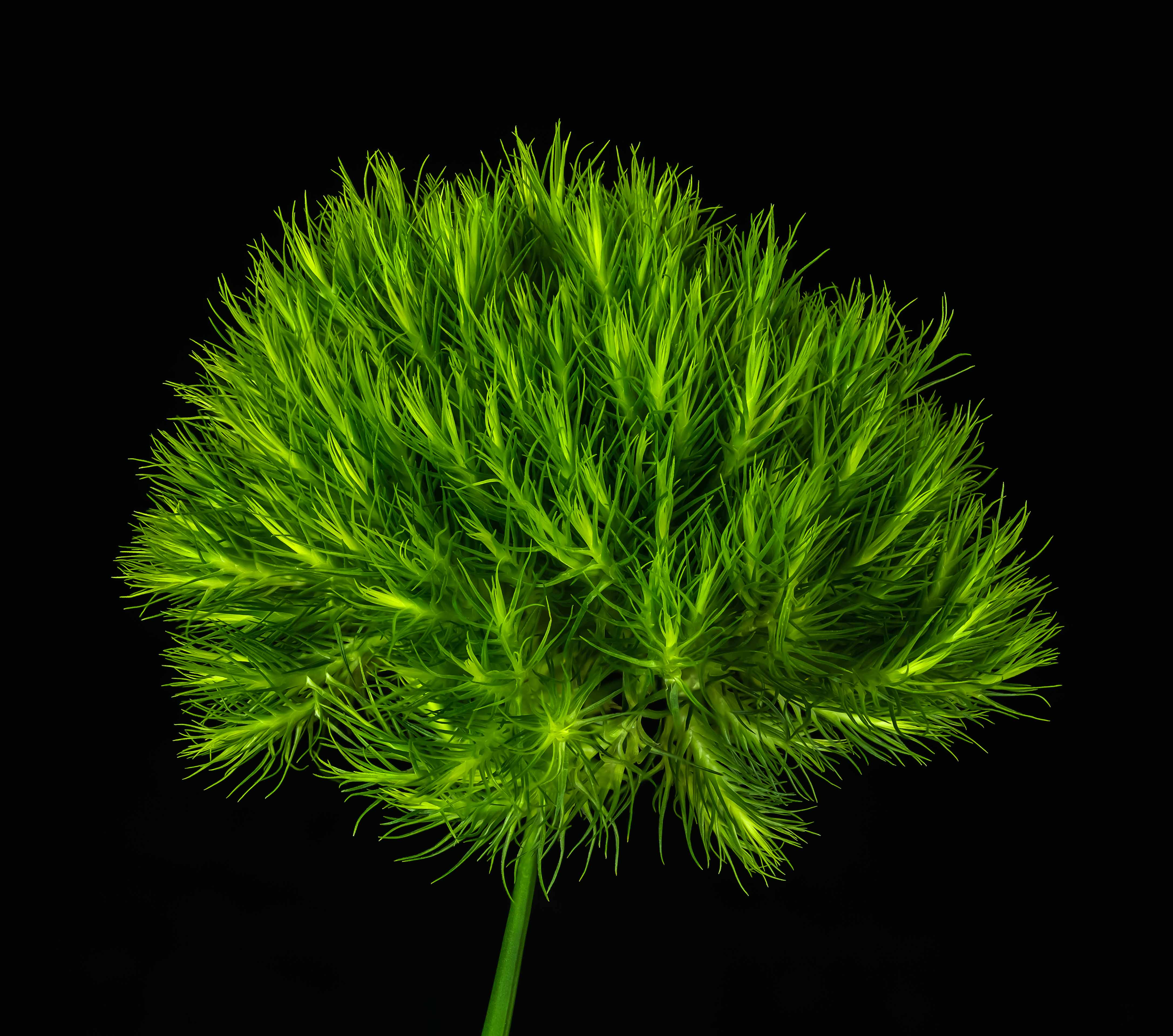
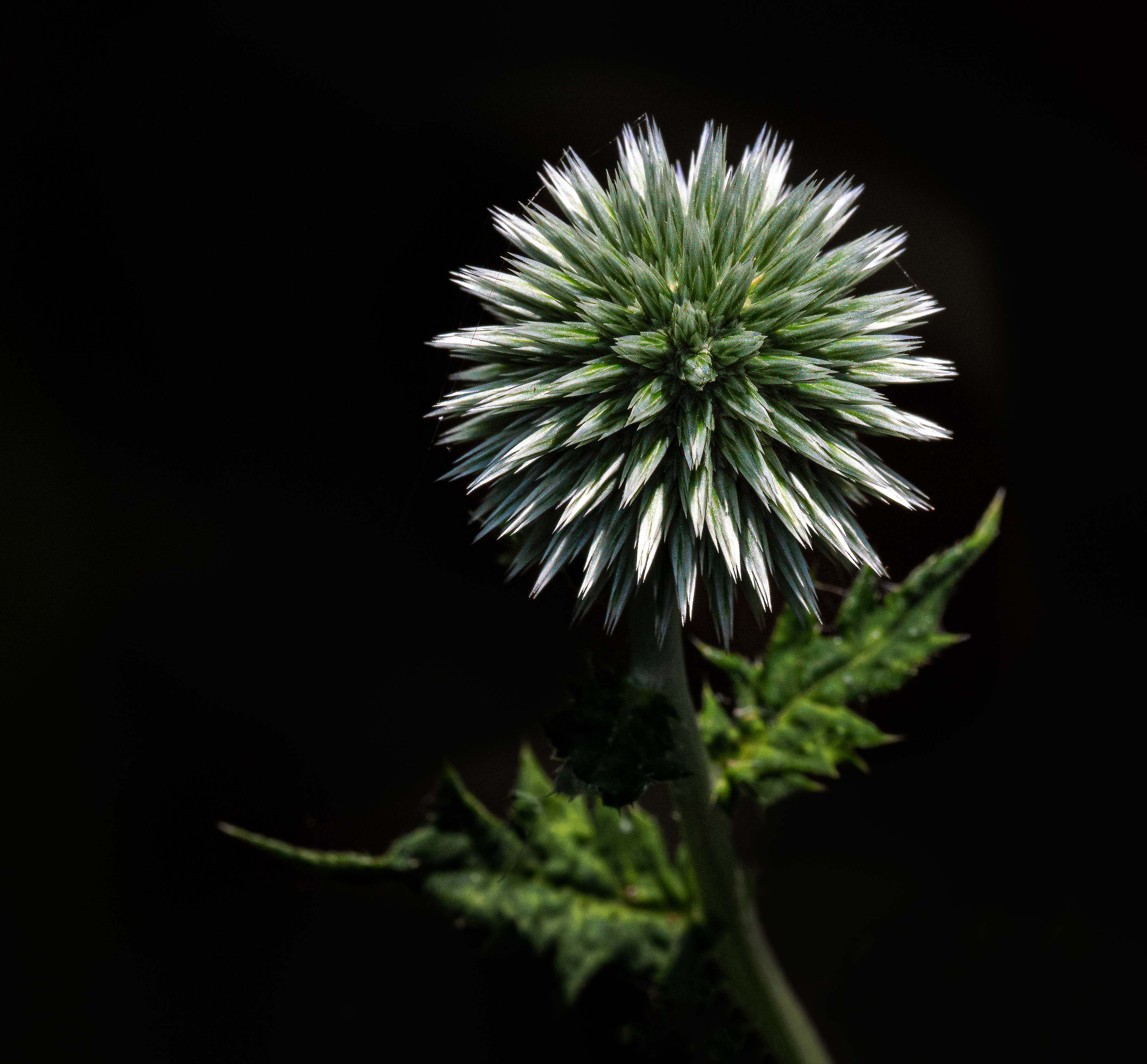
80 Jul 25 Comment A striking image, great composition, nice stem treatment, very nicely cut out & put on black. One does need some stroke for DDG since the image is on black, but as the others said, not so much. It would be better if all of it, especially the center, were more in focus. Jul 13th
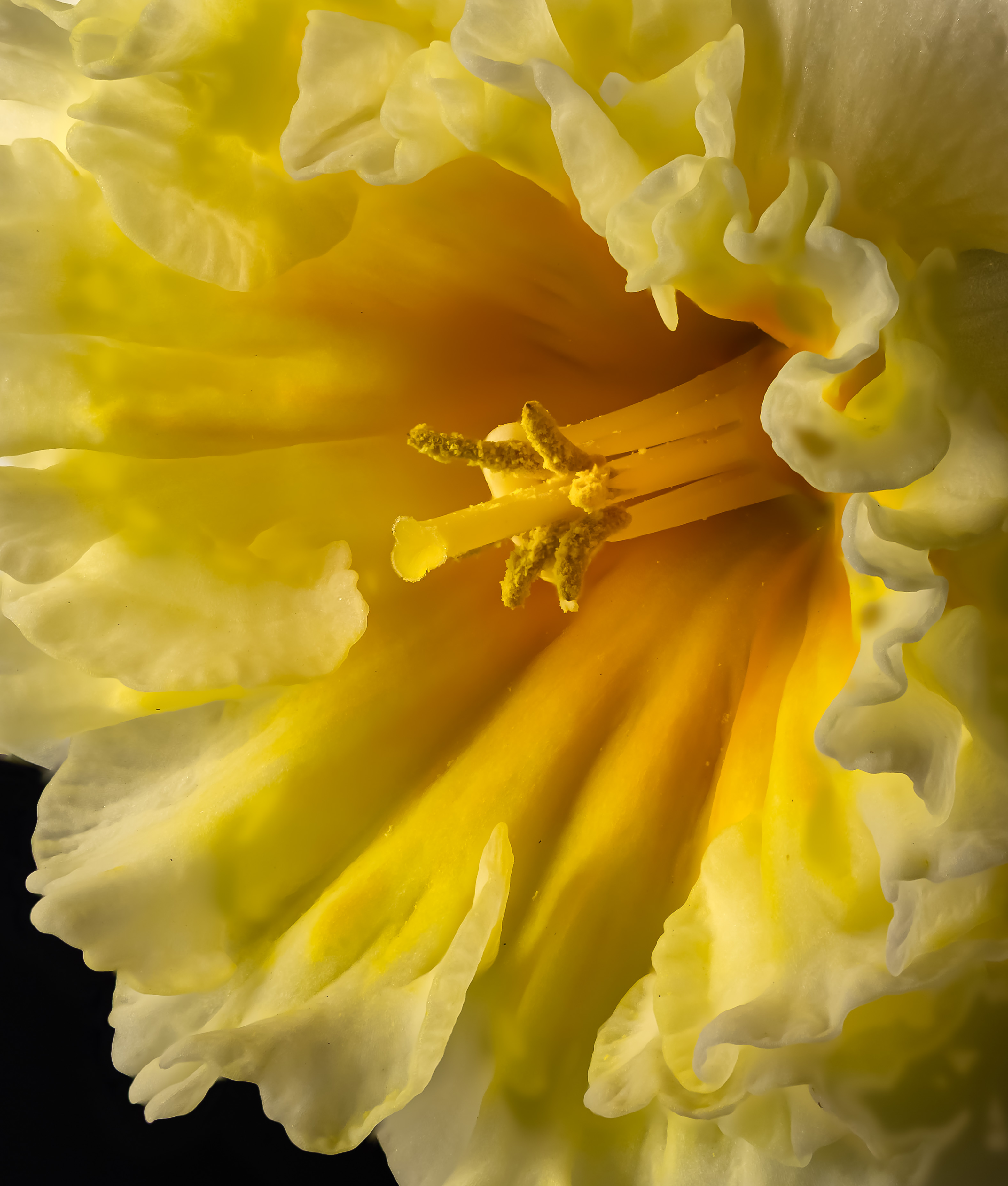
80 Jul 25 Comment The flower is very nice, but you do need to learn how to calm your backgrounds. I did it very simply in Lightroom by decreasing the greens & yellows in color mixer. There have to be ways to do it in CS6, though the on line version of PS with Camera Raw (same as Lightroom) might do it more simply. Also, be careful of harsh shadows. A difuser can take care of that problem. Jul 13th
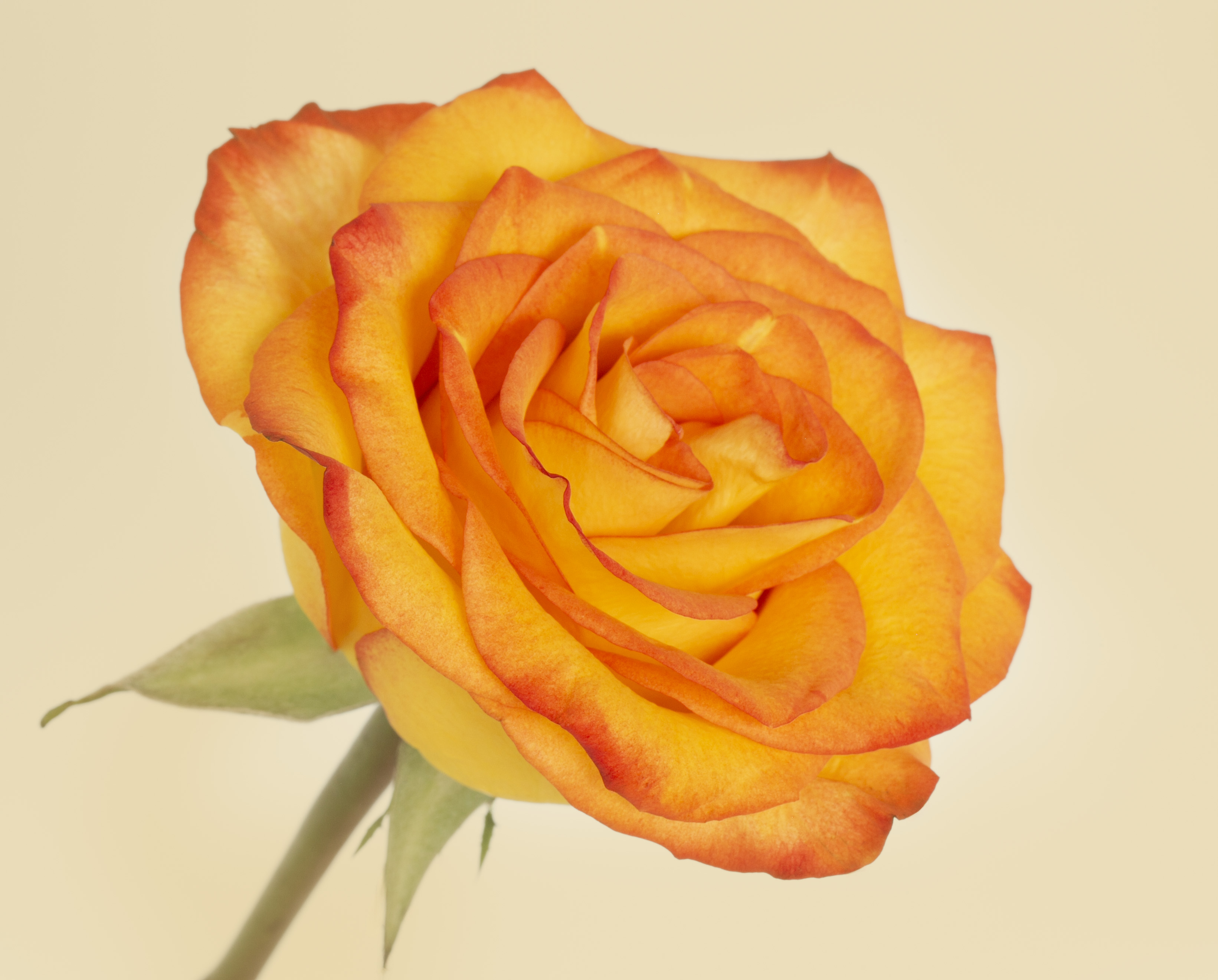
80 Jul 25 Comment As usual, an amazing job of presenting the flower. I would make the stem more prominent; I think the flower floats a bit too much. Jul 12th
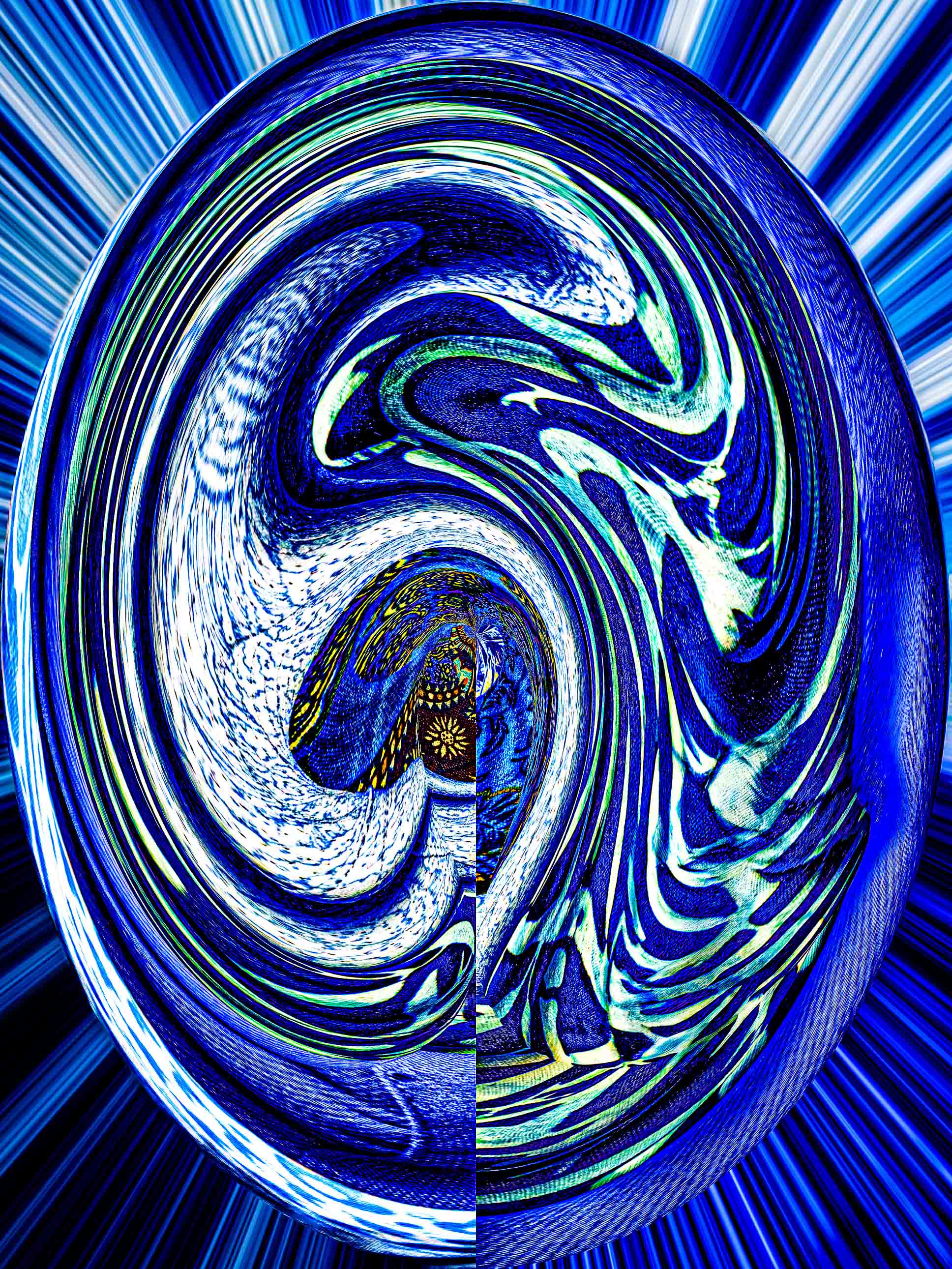
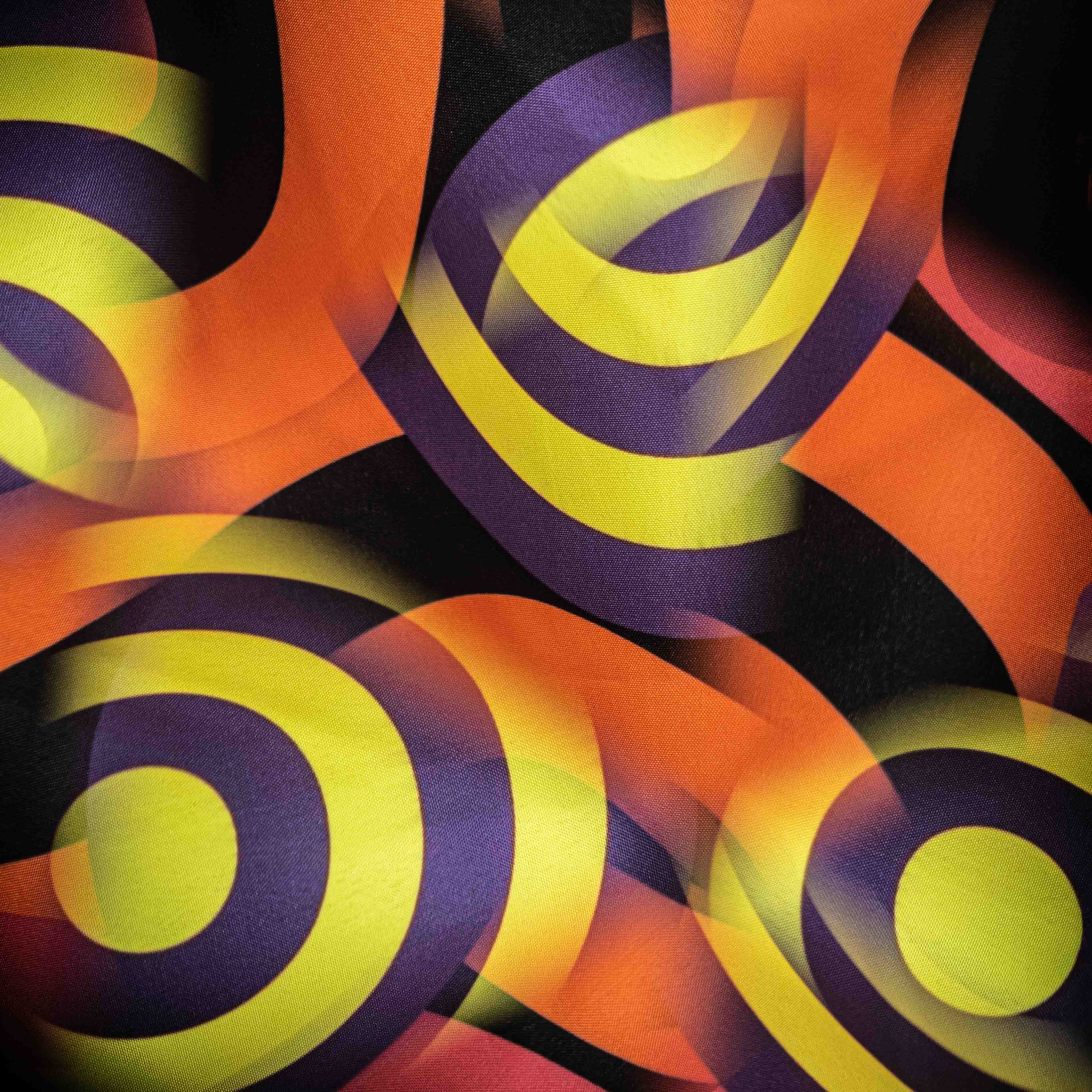
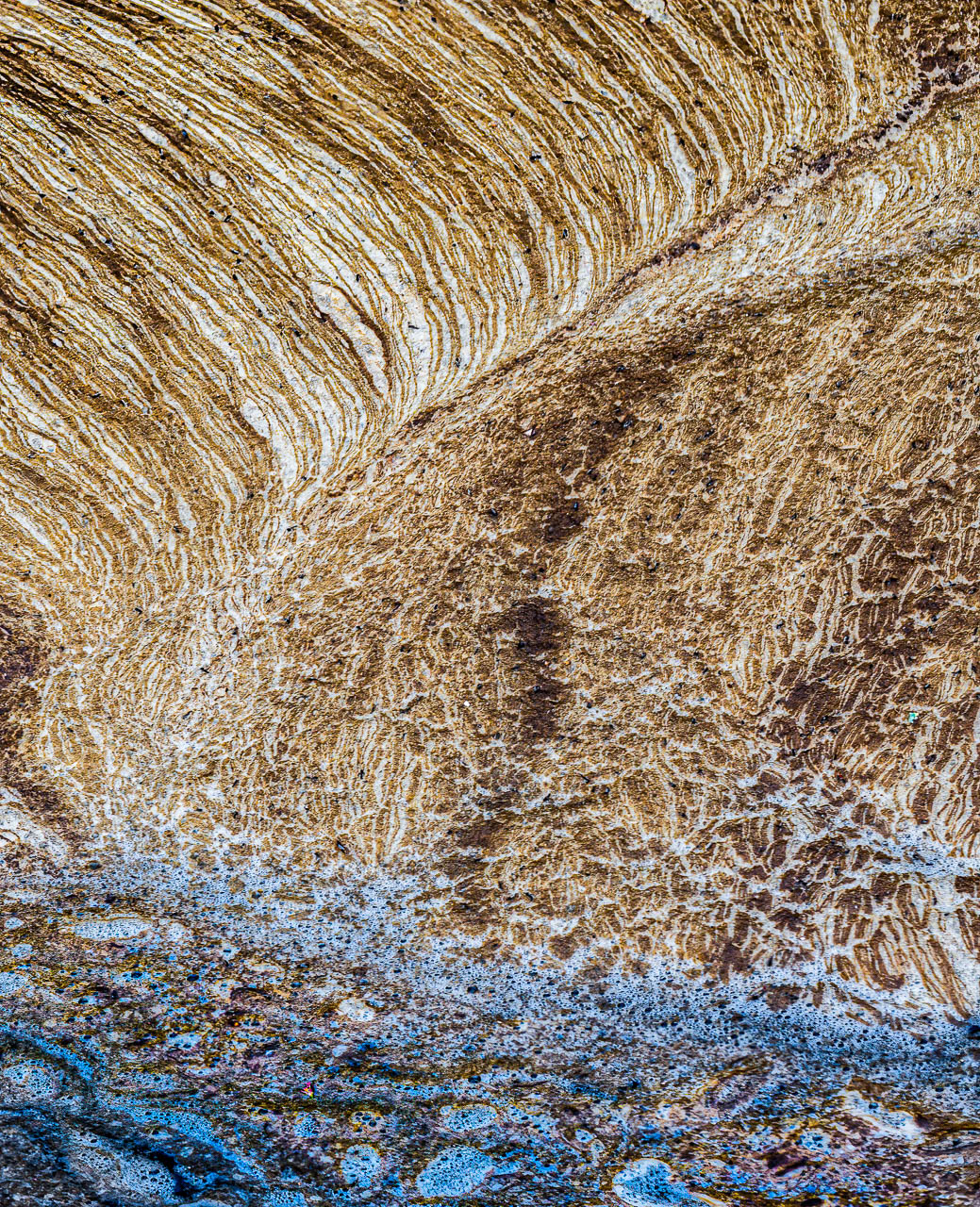
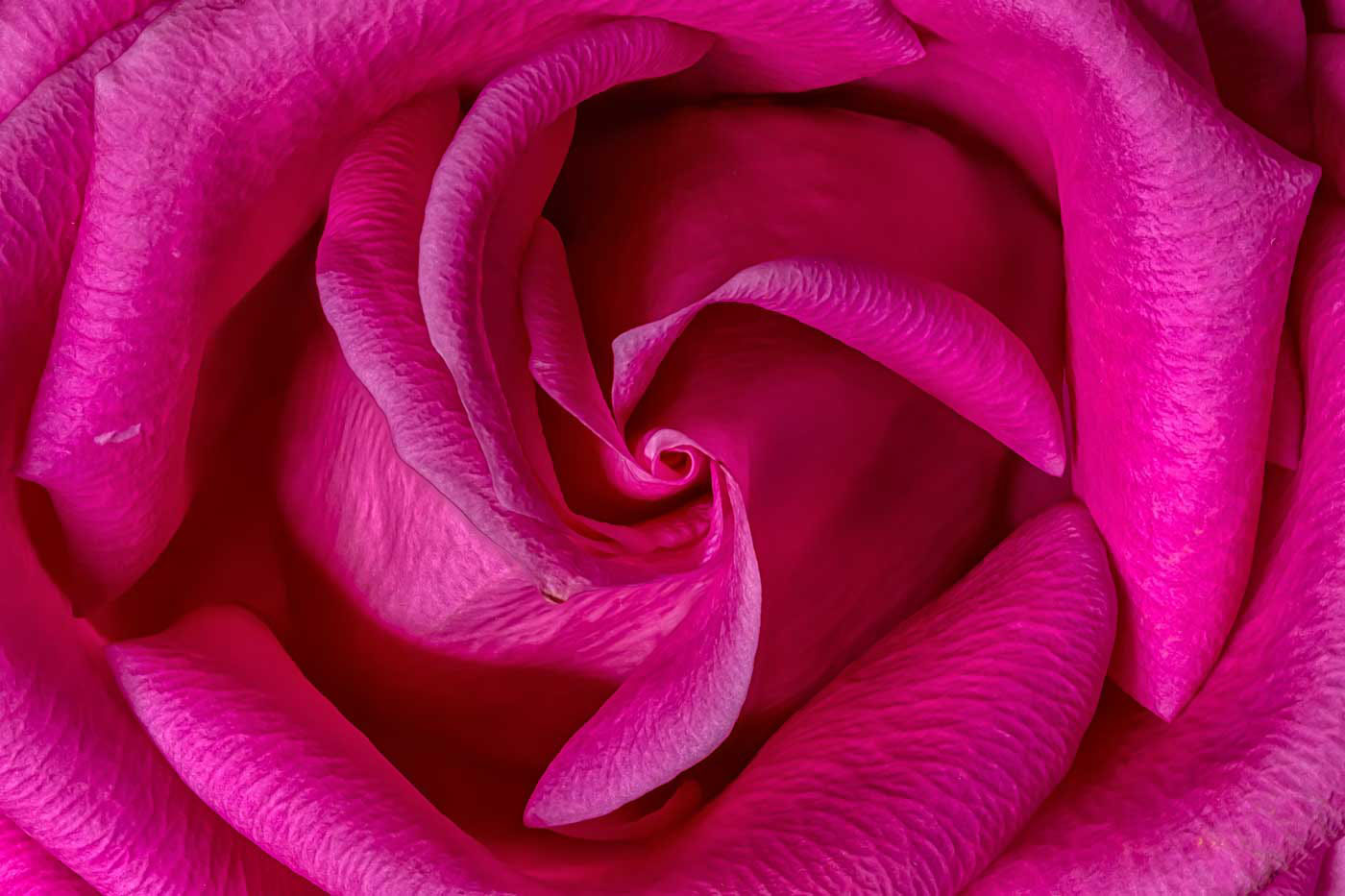
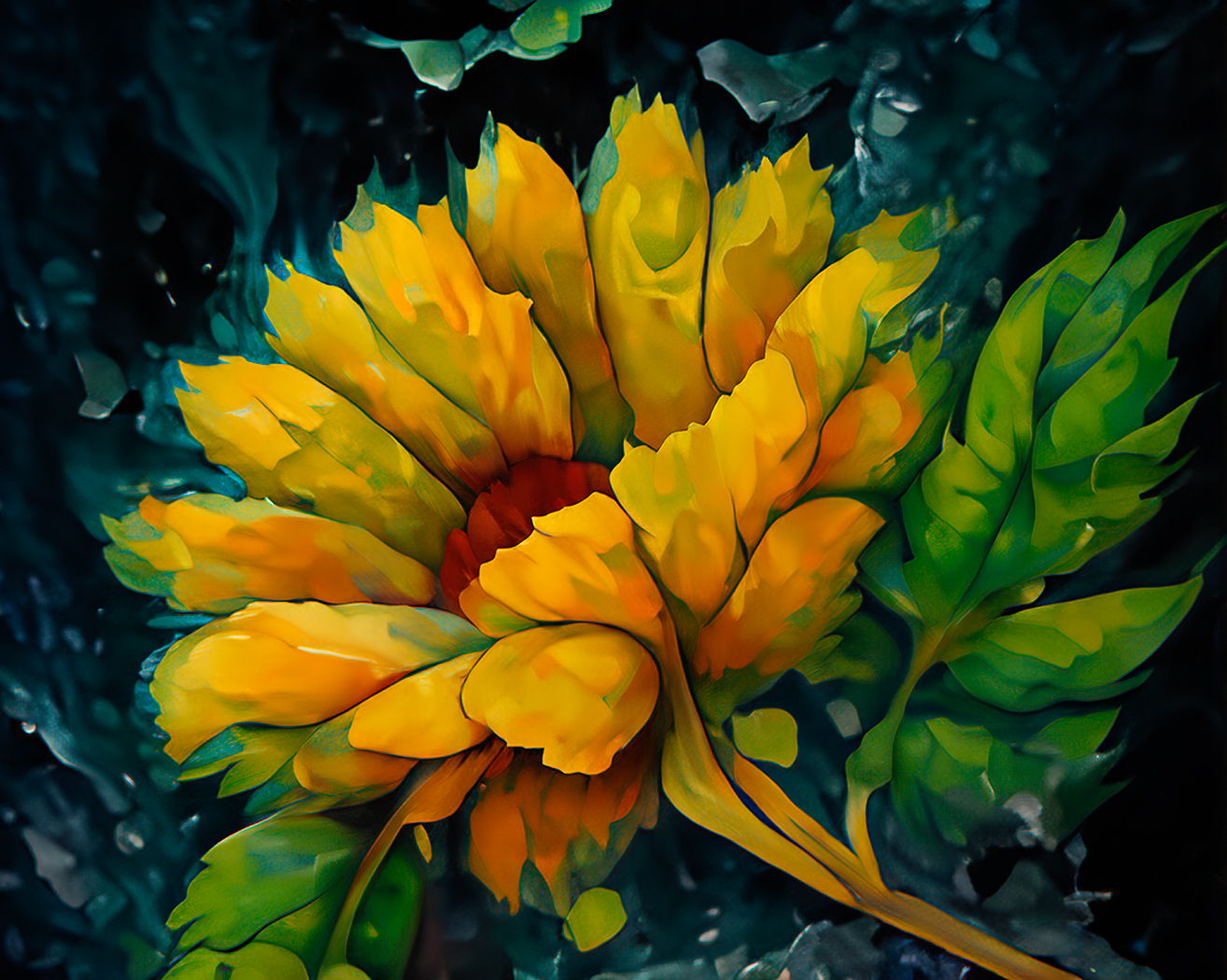
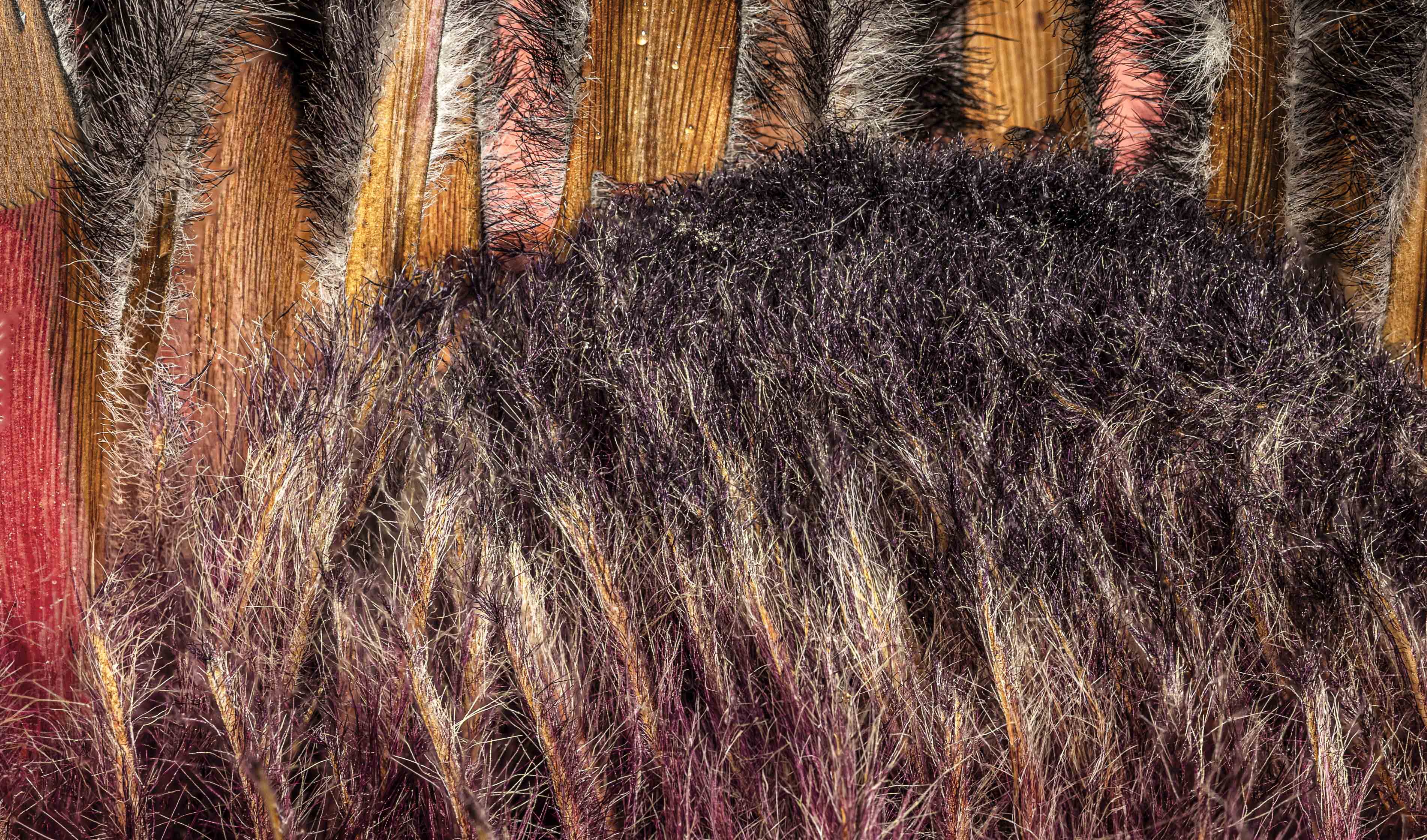
80 Jul 25 Comment The colors are my favorite thing about the photo. I'm not sure the composition works, and all the water drops should be in focus. However, I do like the swirls, too. What do you think of this edit (a bit of Generative Fill)? I don't like it all that much. It does simplify the image & emphasizes the swirls. Jul 12th

6 comments - 3 replies for Group 80


6 comments - 3 replies Total


106 Images Posted

  = Current Round   = Previous Round
Group 10

Dec 25

Nov 25

Oct 25

Sep 25

Aug 25

Jul 25

Jun 25

May 25

Apr 25

Mar 25

Feb 25

Dec 24

Nov 24

Oct 24

Sep 24

Aug 24

Jul 24

Jun 24

May 24

Apr 24

Mar 24

Feb 24

Jan 24

Dec 23

Nov 23

Oct 23

Sep 23

Aug 23

Jul 23

Jun 23

May 23

Apr 23

Mar 23

Feb 23

Jan 23

Dec 22

Nov 22

Oct 22

Sep 22

Aug 22

Jul 22

Jun 22

May 22

Apr 22

Mar 22

Feb 22

Jan 22

Dec 21

Nov 21

Oct 21

Sep 21

Aug 21

Jul 21

Jun 21

May 21

Apr 21

Mar 21

Feb 21

Jan 21

Dec 20

Nov 20

Oct 20

Sep 20

Aug 20

Jul 20
Group 60

May 20

Apr 20

Feb 20

Jan 20

Dec 19
Group 80

Dec 25

Nov 25

Oct 25

Aug 25

Jul 25

Jun 25

May 25

Apr 25

Mar 25

Feb 25

Jan 25

Oct 24

Sep 24

Aug 24

Jul 24

Jun 24

May 24

Apr 24

Mar 24

Feb 24

Dec 23

Nov 23

Oct 23

Sep 23

Aug 23

Jul 23

Jun 23

May 23

Apr 23

Mar 23

Feb 23

Jan 23

Nov 22

Oct 22

Sep 22

Aug 22

Close this Tab when done