Activity for User 1211 - Doug Wolters - cellotibb@aol.com

avatar
Avatar

Close this Tab when done


440 Comments / 121 Replies Posted

  = Current Round   = Previous Round
Group Round C/R Comment Date Image
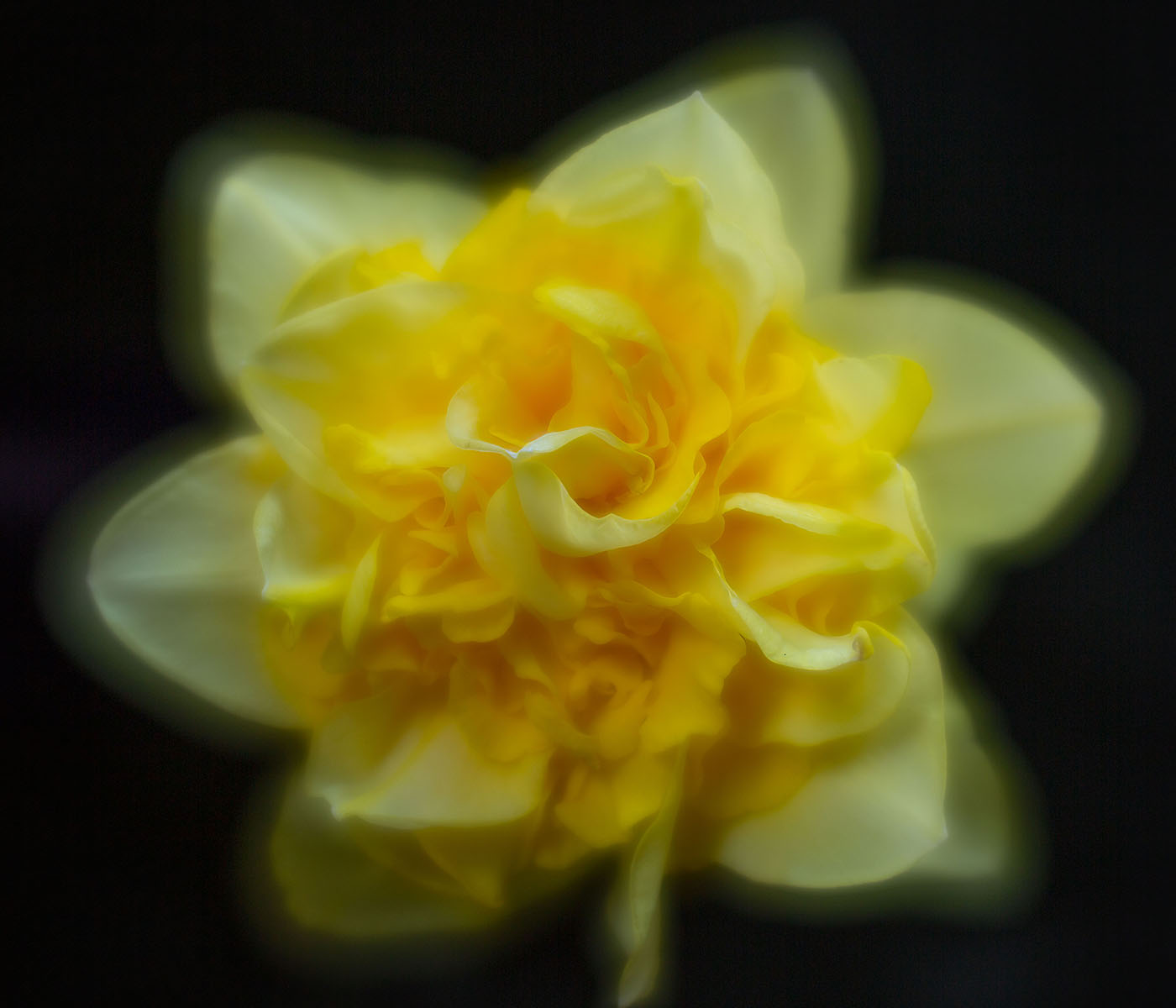
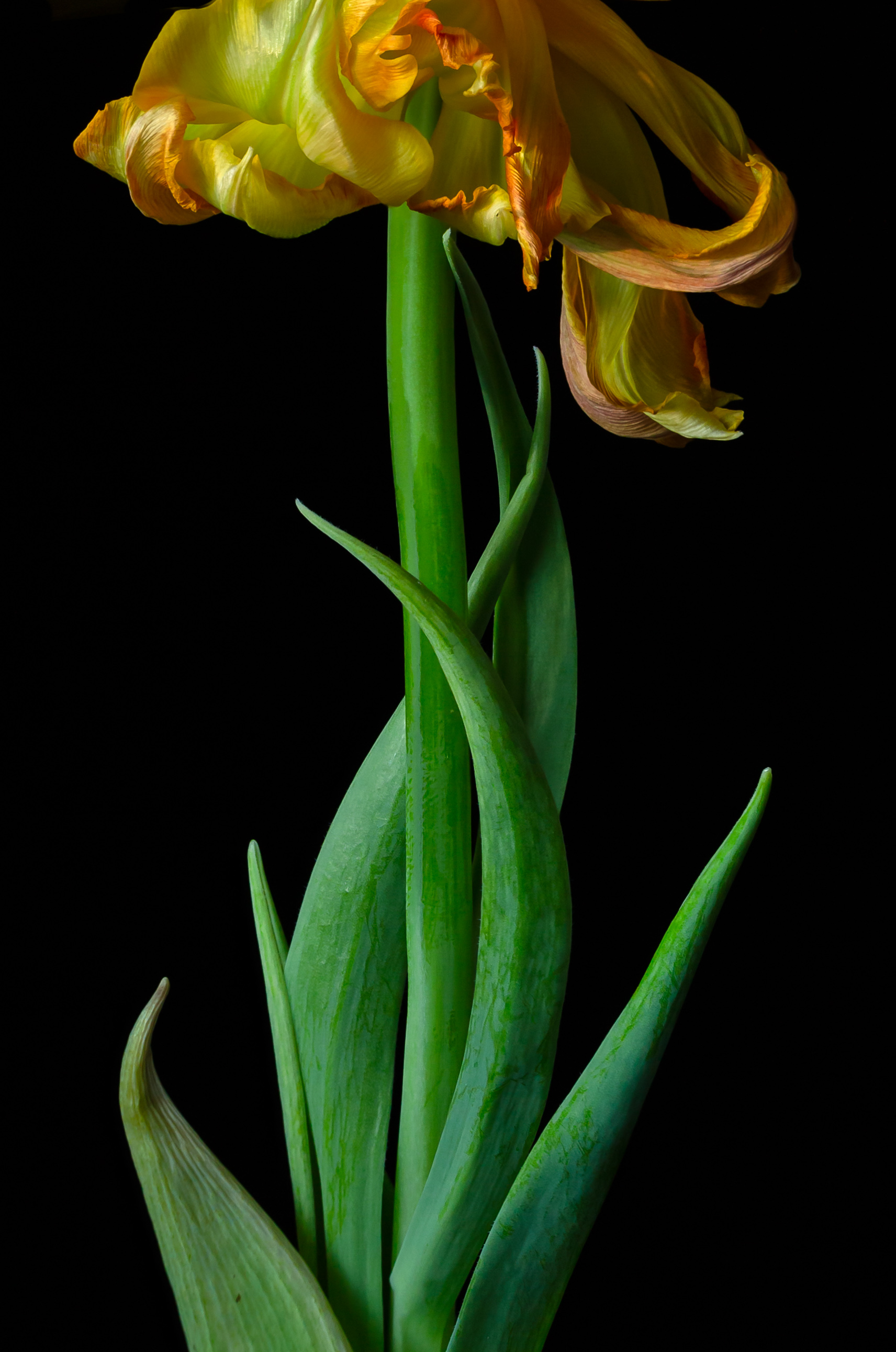
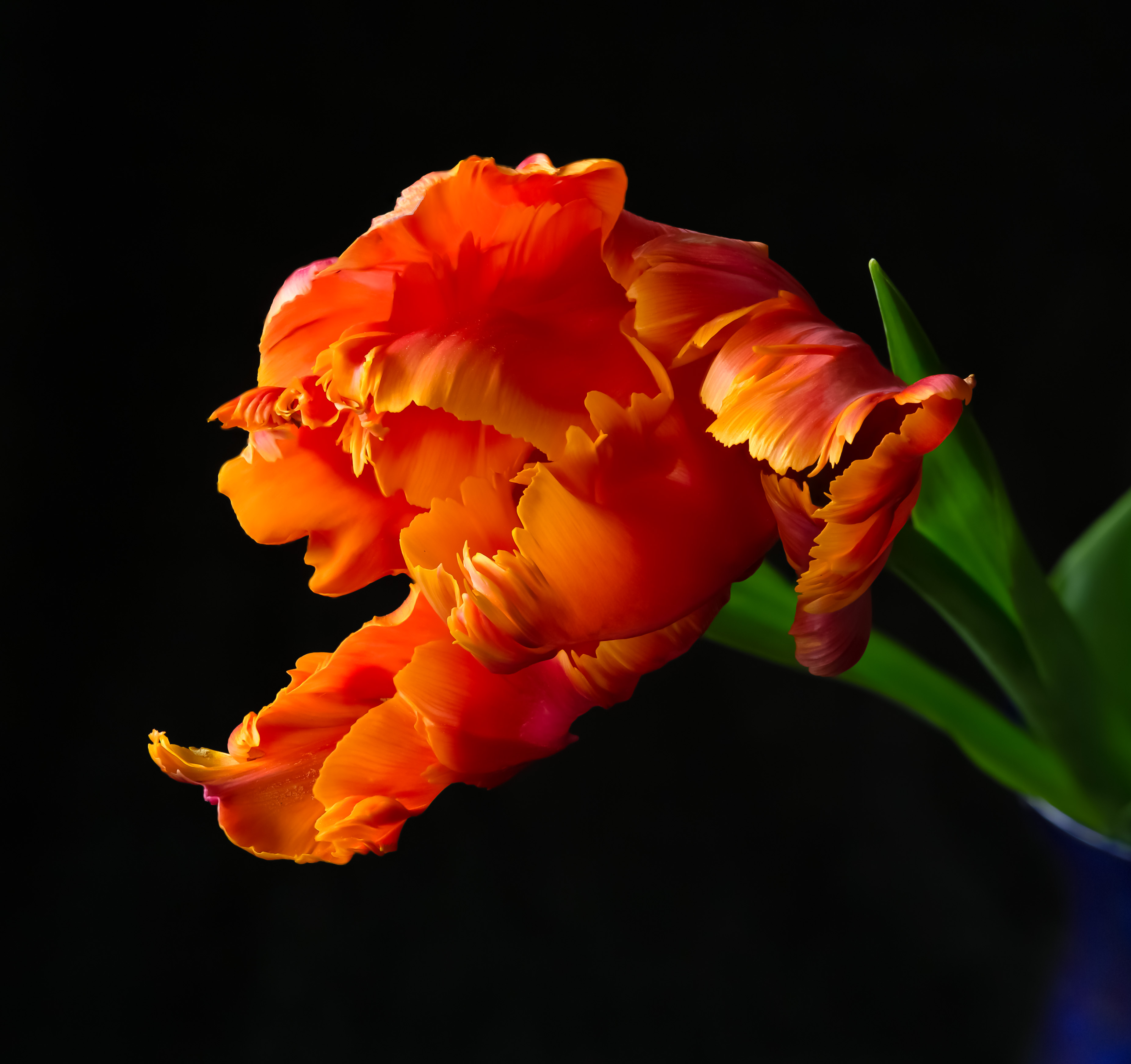
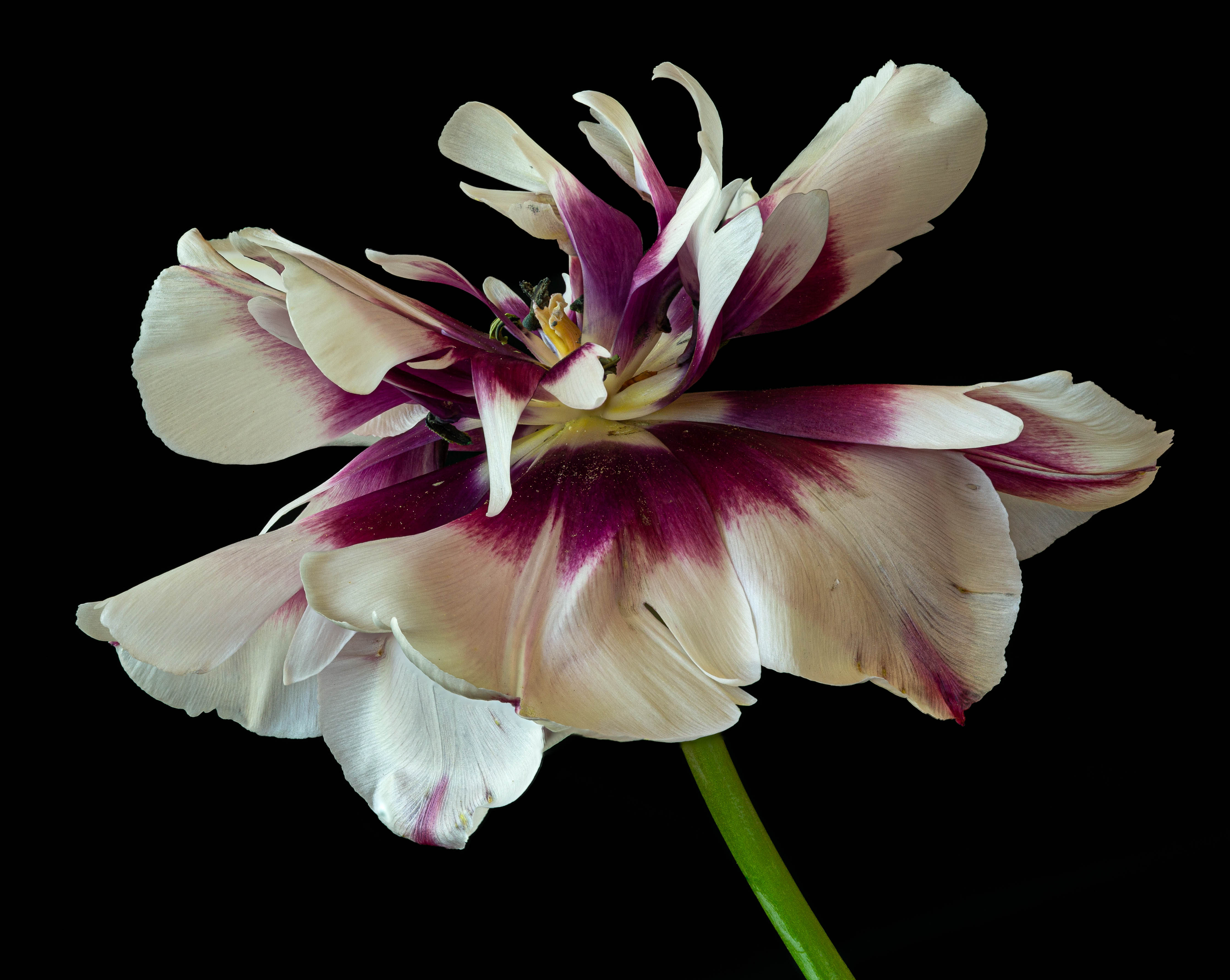
10 Feb 24 Reply BTW. I'm not sure the stem needs to show more. Kathlen C. might dissagree, but I love the having to mentally fill in the stem to get to the tulip. Feb 19th
10 Feb 24 Comment Love it. I agree with Mark's comments Feb 19th
10 Feb 24 Comment Love the image. The whites seem a bit dull. I think they could be brightened just a bit without loosing the mysterious quality of the image. Feb 19th

2 comments - 1 reply for Group 10

80 Feb 24 Reply The crop works -- but there are too many out of focus areas for Generative Fill to work its magic. Also, I'm not sure about the proportions. Feb 21st
80 Feb 24 Comment Very interesting & successful. Perhaps the whites could pop even more, the purple just a shade darker. Feb 19th
80 Feb 24 Comment Wonderful capture. I prefer the original orientation. To me, the little flowers lead one out of the frame. If the top flower could be darkened, I think I prefer it left in. It leads so nicely to the subject. Also, is the top flower in the original more blurred? It would be better to blur that flower even more. BTW, you are missing a lot by not having the latest version of PS. It's amazing what Generative Fill can do! Feb 19th
80 Feb 24 Comment The flower is perfect. I'm wondering about the background, however beautiful it is. The flower itself is a cool color. Kathleen Clemons likes to match a cool flower with a cool background. Is the background too warm for the flower? Feb 19th
80 Feb 24 Reply I think I know what Kathleen Clemons would say -- chose an f stop that gets both the edge and at least some of the water drops in focus. Would that have been possible & still have enough blur in the back? Feb 19th
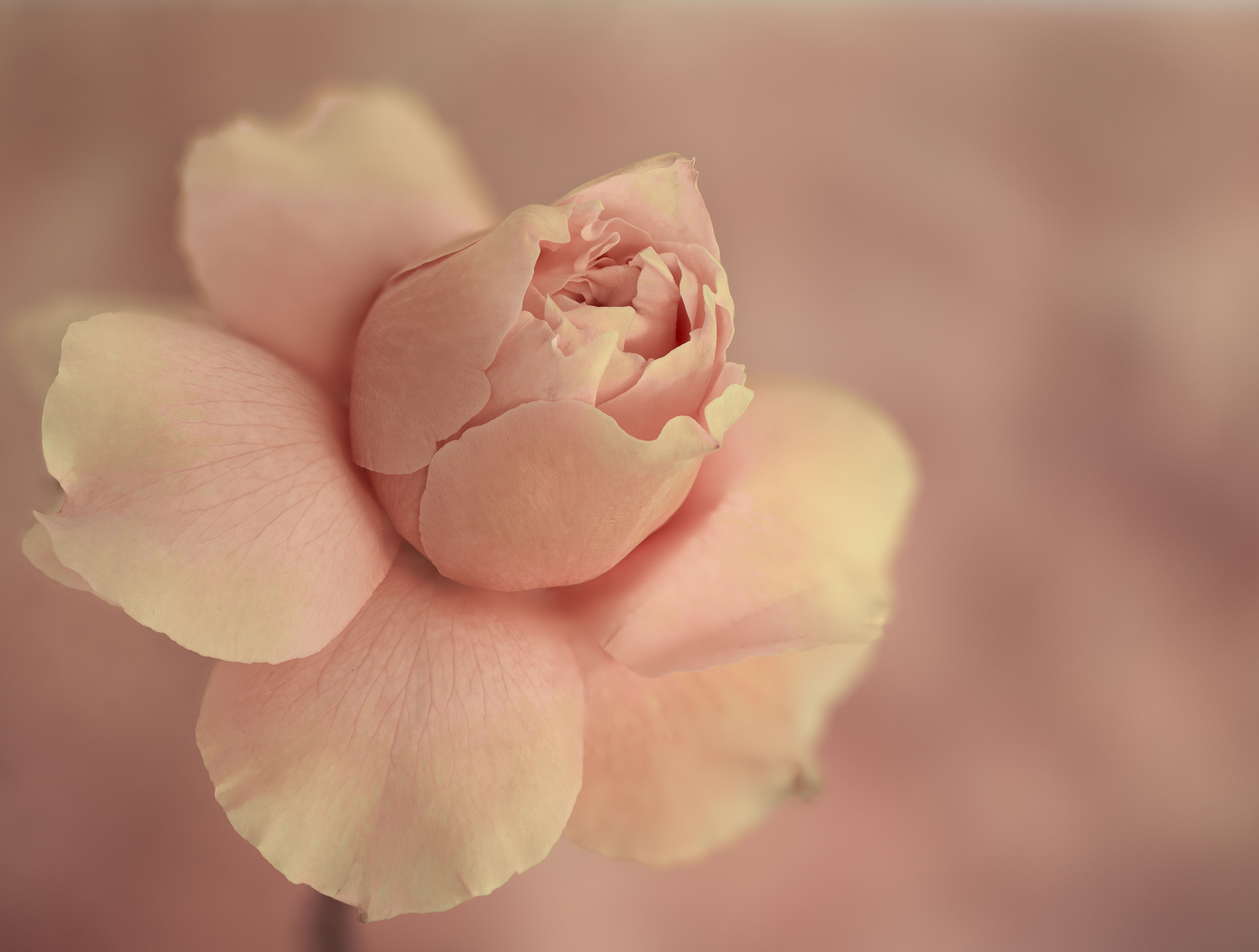
80 Feb 24 Comment Makes me think that someday I may need to get a smart phone, or ipad. The background is amazing. Simple spot remover tool in PS would take care of the black spots to the right; Generative Fill would take care of the degenerate petal on the left. I would prefer the image if the front edge of the rose were really in focus--I think it's a bit back focused. Also, I would mask whatever is obscuring the wonderful water drops. But all that may work against the wonderful softness of the image. Feb 18th
80 Feb 24 Comment Love it. Where is "inverse swirl" in PS? Feb 18th
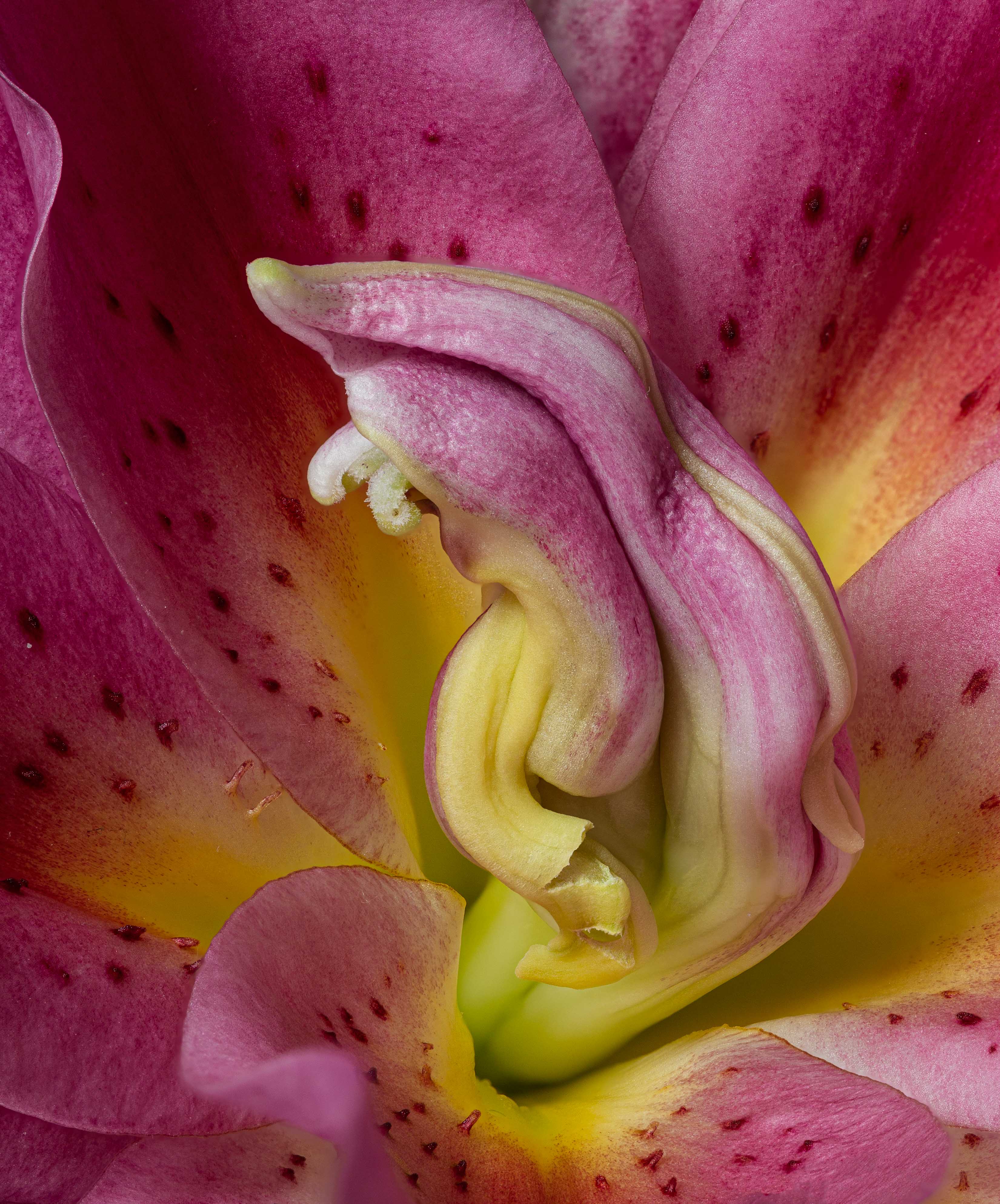
80 Feb 24 Reply It's hard to know where to begin. A protea does not open; I had to peal away the outer coverings to reveal the center. The Center is well below the outer rim; leaves are well below that (you can sort of see a resemblance to the inner walls of the protea between the 2 images) Both images are hairy. I believe proteas are more dark purple to the eye; with strong light, the color gets much brighter. Mine was a very mature protea anyway. The leaves are further down. Through focus stacking, that is not so obvious in Rich's. I would be interested to know what Rich thinks of this rambling. Feb 8th
80 Feb 24 Comment Canon calls it Focus Bracketing. I guess I should say Focus Stacked in camera. Feb 6th

6 comments - 3 replies for Group 80


8 comments - 4 replies Total


106 Images Posted

  = Current Round   = Previous Round
Group 10

Dec 25

Nov 25

Oct 25

Sep 25

Aug 25

Jul 25

Jun 25

May 25

Apr 25

Mar 25

Feb 25

Dec 24

Nov 24

Oct 24

Sep 24

Aug 24

Jul 24

Jun 24

May 24

Apr 24

Mar 24

Feb 24

Jan 24

Dec 23

Nov 23

Oct 23

Sep 23

Aug 23

Jul 23

Jun 23

May 23

Apr 23

Mar 23

Feb 23

Jan 23

Dec 22

Nov 22

Oct 22

Sep 22

Aug 22

Jul 22

Jun 22

May 22

Apr 22

Mar 22

Feb 22

Jan 22

Dec 21

Nov 21

Oct 21

Sep 21

Aug 21

Jul 21

Jun 21

May 21

Apr 21

Mar 21

Feb 21

Jan 21

Dec 20

Nov 20

Oct 20

Sep 20

Aug 20

Jul 20
Group 60

May 20

Apr 20

Feb 20

Jan 20

Dec 19
Group 80

Dec 25

Nov 25

Oct 25

Aug 25

Jul 25

Jun 25

May 25

Apr 25

Mar 25

Feb 25

Jan 25

Oct 24

Sep 24

Aug 24

Jul 24

Jun 24

May 24

Apr 24

Mar 24

Feb 24

Dec 23

Nov 23

Oct 23

Sep 23

Aug 23

Jul 23

Jun 23

May 23

Apr 23

Mar 23

Feb 23

Jan 23

Nov 22

Oct 22

Sep 22

Aug 22

Close this Tab when done