Activity for User 1206 - Lauren Heerschap - lauren@heerschap.com

avatar
Avatar

Close this Tab when done


727 Comments / 253 Replies Posted

  = Current Round   = Previous Round
Group Round C/R Comment Date Image
27 Jun 24 Comment Your crop has turned a ho-hum beautiful bee and dahlia into a much higher impact macro shot. Very sharp, crisp detail on the bee, and nice lighting. What were your settings? Jun 11th
27 Jun 24 Comment Beautifully done. Did this captive mouse climb the stalk or did you place it there? Thanks for the honesty of telling us it was captive. How did you process this image? and how did you get the mouse on the stalk??? Jun 11th
27 Jun 24 Comment Welcome, I have been on vacation so didn't "meet" you. It looks like LR came through with your desired effect of a blurred background. I think your image would be stronger if it was cropped up from the bottom and also from the left, so we could seem more of the player's interaction and faces. Jun 11th
27 Jun 24 Comment Hi, I have been surprised to see these unusual flowers at Keukenhof too. I think your final image is much improved from the high key attempt because the background blends with the plant leaves. It also has a nice targeted vignette. I need to learn more about luminosity filters...thanks for the reminder! Jun 11th

4 comments - 0 replies for Group 27

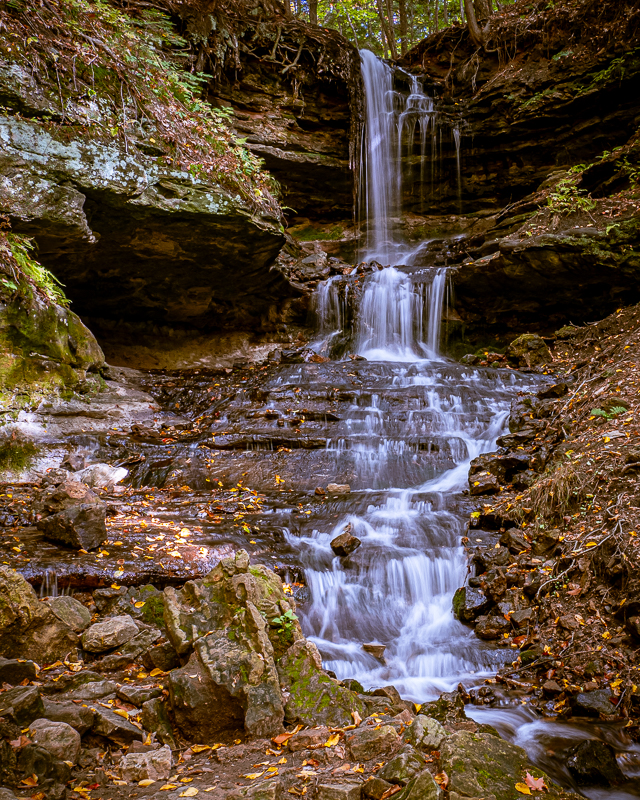
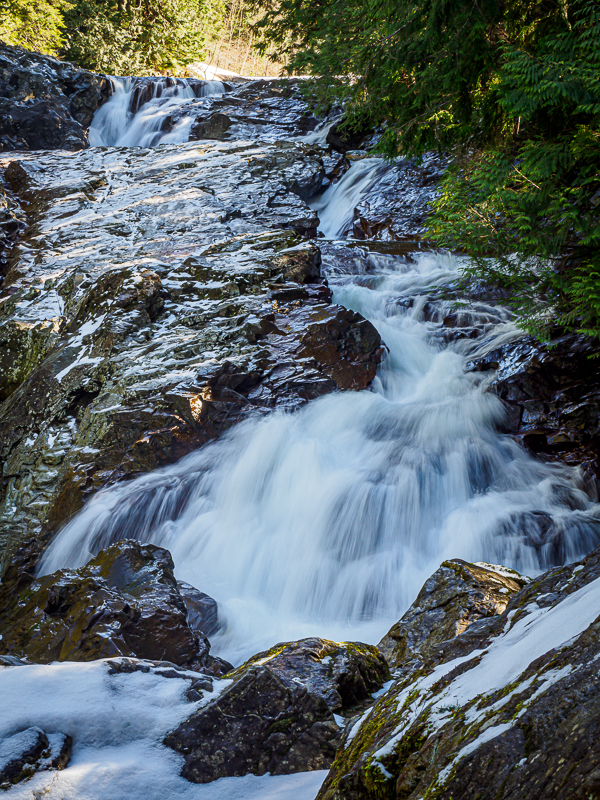
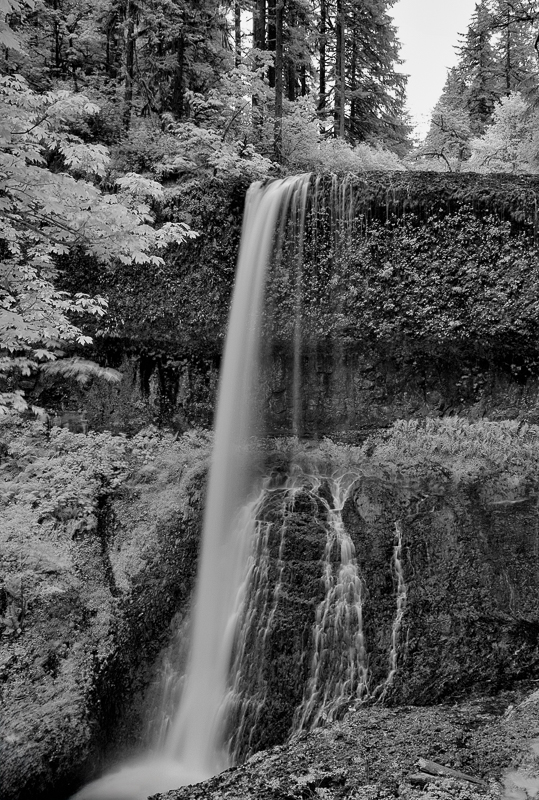
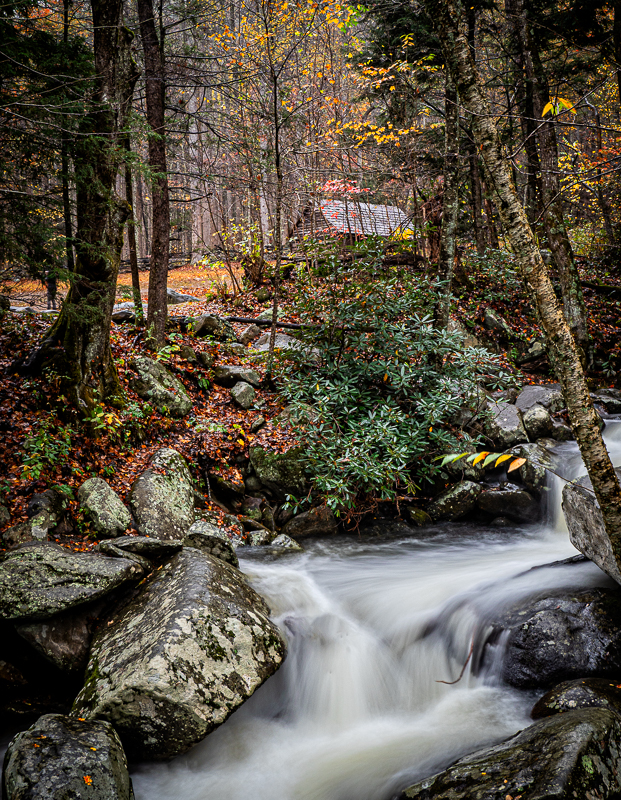
35 Jun 24 Reply Thank you. The title is Middle North Falls. Jun 22nd
35 Jun 24 Comment I love that Olympus lens, perfect for travel. Look carefully at the base of the structure; to me it is slighly tilted down on the left. This could be accurate, but the viewer wouldn't know that and blame the photographer. I'd suggest you straighten it.

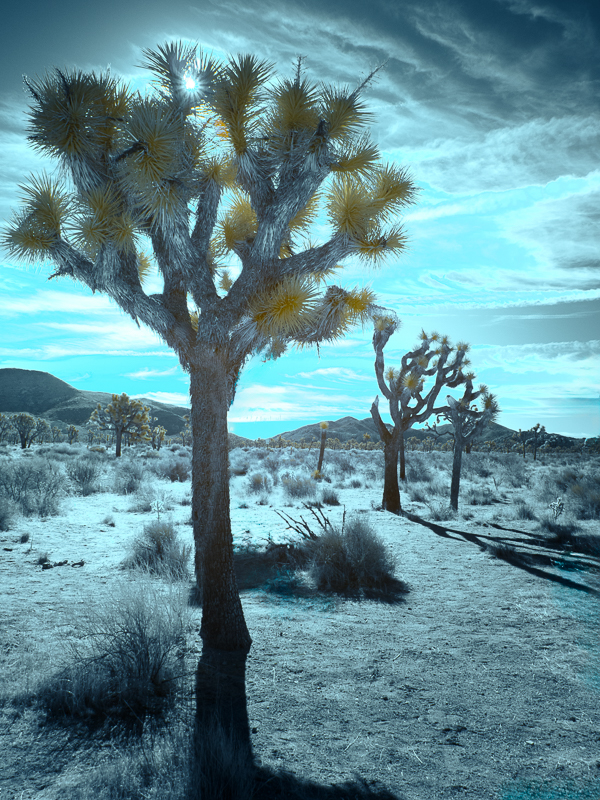
I really like the blue interpretation, a good swap and very Thai. Very strong composition and reflection.
Jun 19th
35 Jun 24 Comment I like this scene. The lighting in the sky is dramatic, as is the foggy landscape. I wonder if more light could be on the church to draw the attention of the viewer? Jun 19th
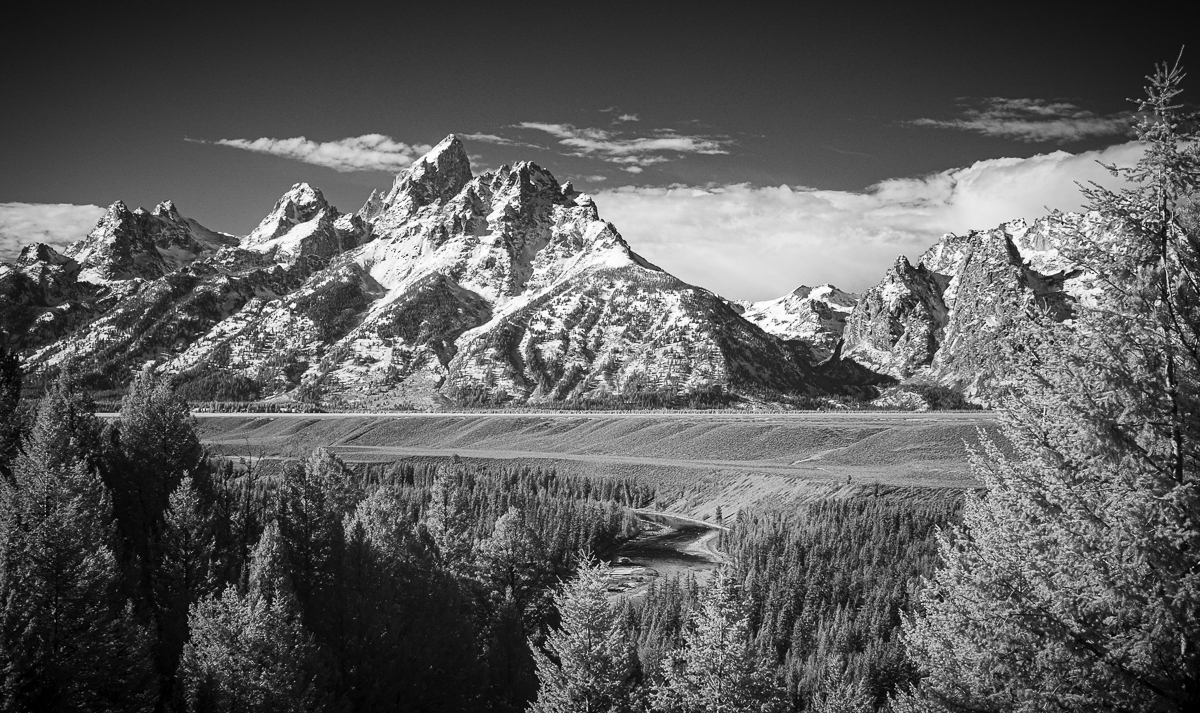
35 Jun 24 Comment I like the hue, and also would like a more bluish tone. Lovely composition with framing by the trees. It is like peeking into a beautiful spot. The mountains are fading; can you bring up the contrast on them? Jun 19th
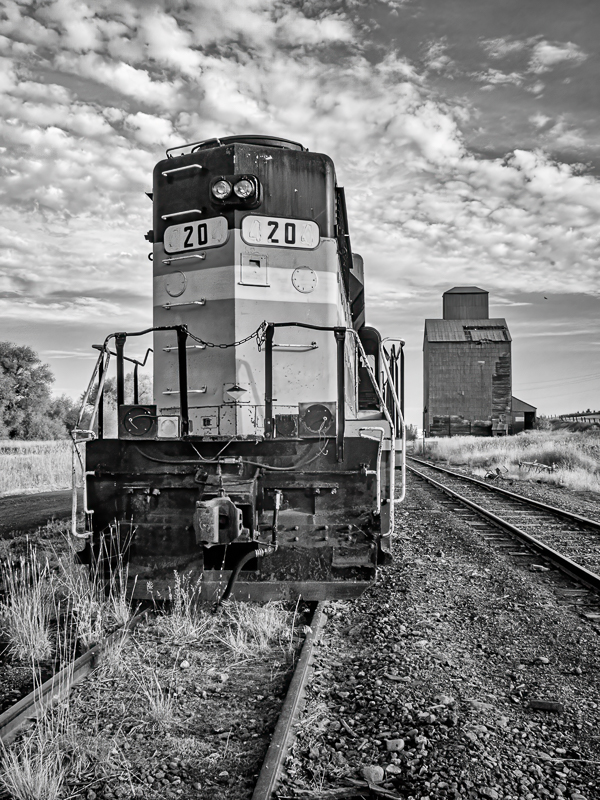
35 Jun 24 Comment Really nice subject here. I am concerned about the range of tone; the sky is dark black; the wood fence posts need more information instead of black sticks. The right end of the barn is dark black. Can you adjust your contrast to be lighter in these areas? Jun 19th
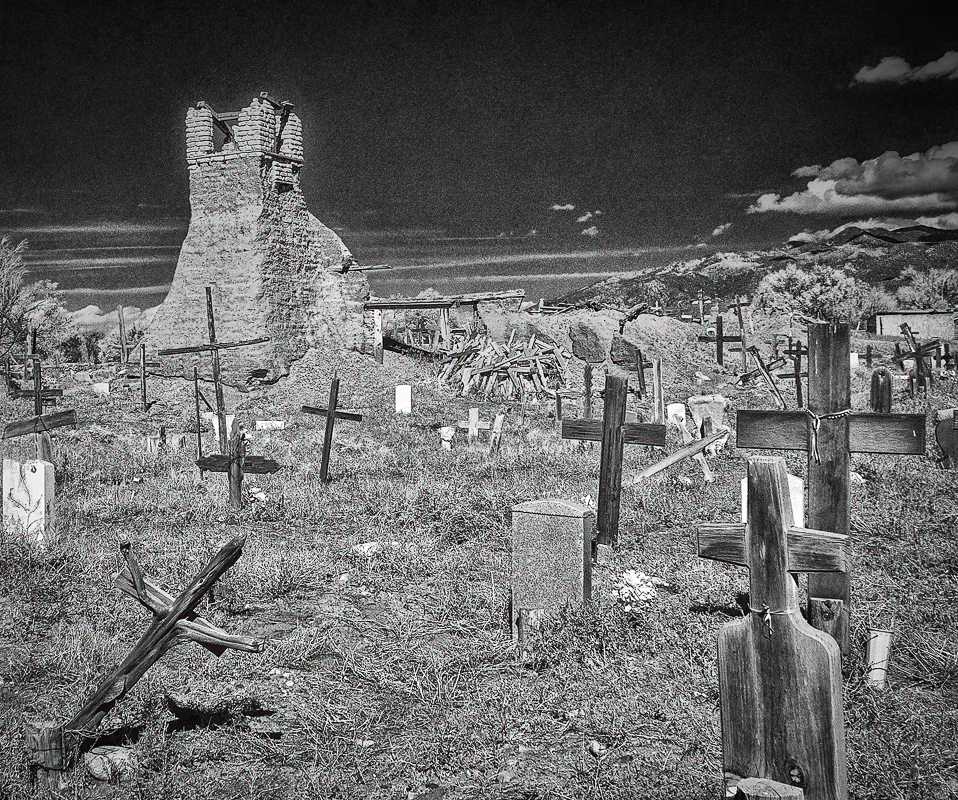
35 Jun 24 Comment Maybe most cemeteries should be illustrated as dark; I think the toning of the framing trees could be lightened. I also would like to see the stombstones lightened. The white tree in the background is more the focus than the graveyard. There is more potential here to tell a story if you think where the eye of the viewer would be focusing.
Jun 19th

5 comments - 1 reply for Group 35

79 Jun 24 Reply You can turn the image in Lightroom or Photoshop. I have to remember how to get the image in my computer so I can try it! Jun 20th
79 Jun 24 Reply Yes, that is improved. I think the colors are better. Jun 19th
79 Jun 24 Comment Well done composite! I agree with Peter, you have created a relaxing fantasy shot. Leave it be, like you should all woodland dancers and faeries. Jun 19th
79 Jun 24 Comment Freddie, as a Christian I had no difficulty seeing the cross or crucifixion in this image. At first glance, before reading your explanation, I thought it was a piece of wood, like driftwood and a "found" image in something natural.

The part that is bothering me is the head of the dancer and the foot. You have flipped the image upside down. What if the same processing was done that allowed for a head on the cross? Also, I do believe Jesus was a man, but there is room for thinking about the female imagery of God in the Scriptures.

So as a woman, I can relate to the dancer presenting a crucifix too. Turn her back upright and see what that portrays after your processing.

Jun 19th
79 Jun 24 Comment I think the color in the sky is distracting from the subject of the photo, which is the ship. Maybe try cropping the photo from the right side and making it a portrait of the ship? Jun 19th
79 Jun 24 Comment I like focus stacking to avoid these kind of issues. The left side seems blown out, and I would think you want the swirl. Can you add some contrast to that and dim it a bit? It does look like a tooth! Jun 19th
79 Jun 24 Comment Very nice, I don't care what PSA says, it is not obvious that you added to the photo anything other than a texture filter and the photo is your original.

I would look at the greens in the photo, I think my first "impression" was that the colors were flat. I'd boost them a little, as did the impressioonist painters.

If you could bring an impressionist painter to our time, I wonder if they would be arguing that painting is an interpretation of reality, and they paint what the artist sees. What would they think of "generative fill" - would it simply be an added touch of paint or brush stroke?
Jun 19th
79 Jun 24 Comment Sorry it took me a while to get to commenting. Busy week with graduation activities.
So I like the color version. I think the crop Peter is proposing loses the lovely raindrop with the patterns of color in it.
I also think this photo would benefit from noise reduction, since croppig to get a macro often results in noise.
Jun 19th
79 Jun 24 Reply I did balance my camera on the rail.
Jun 19th

6 comments - 3 replies for Group 79


15 comments - 4 replies Total


182 Images Posted

  = Current Round   = Previous Round
Group 27

Dec 25

Oct 25

Sep 25

Aug 25

Jun 25

May 25

Mar 25

Feb 25

Jan 25

Dec 24

Nov 24

Oct 24

Sep 24

Aug 24

Jul 24

Jun 24

Apr 24

Mar 24

Feb 24

Jan 24

Dec 23

Nov 23

Oct 23

Sep 23

Aug 23

Jul 23

Jun 23

May 23

Apr 23

Mar 23

Feb 23

Jan 23

Dec 22

Nov 22

Oct 22

Sep 22

Aug 22

Jul 22

Jun 22

May 22

Mar 22

Feb 22

Jan 22

Dec 21

Nov 21

Oct 21

Sep 21

Aug 21

Jul 21

Jun 21

May 21

Apr 21

Mar 21

Feb 21

Jan 21

Dec 20

Nov 20

Oct 20

Sep 20

Aug 20

Jul 20

Jun 20

May 20

Apr 20

Mar 20

Feb 20

Jan 20

Dec 19

Nov 19
Group 35

Dec 25

Oct 25

Sep 25

Aug 25

Jul 25

Jun 25

May 25

Apr 25

Mar 25

Feb 25

Jan 25

Dec 24

Nov 24

Oct 24

Sep 24

Aug 24

Jul 24

Jun 24

Apr 24

Mar 24

Feb 24

Jan 24

Dec 23

Nov 23

Oct 23

Sep 23

Aug 23

Jul 23

Jun 23

May 23

Apr 23

Dec 22

Nov 22

Oct 22

Sep 22

Aug 22

Jul 22

Jun 22

May 22

Mar 22

Feb 22

Jan 22

Dec 21

Nov 21

Oct 21

Sep 21

Aug 21
Group 79

Dec 25

Oct 25

Sep 25

Aug 25

Jun 25

May 25

Mar 25

Feb 25

Jan 25

Dec 24

Nov 24

Oct 24

Sep 24

Aug 24

Jul 24

Jun 24

Apr 24

Mar 24

Feb 24

Jan 24

Dec 23

Nov 23

Oct 23

Sep 23

Aug 23

Jul 23

Jun 23

May 23

Apr 23

Mar 23

Feb 23

Jan 23

Dec 22

Nov 22

Aug 22

Jul 22

Jun 22

May 22

Mar 22

Feb 22

Jan 22

Dec 21

Nov 21

Oct 21

Sep 21

Aug 21

Jul 21

Jun 21

May 21

Apr 21

Mar 21

Feb 21

Jan 21

Dec 20

Nov 20

Oct 20

Sep 20

Aug 20

Jul 20

Jun 20

Apr 20

Mar 20

Feb 20

Jan 20

Dec 19

Nov 19

Close this Tab when done