Activity for User 1206 - Lauren Heerschap - lauren@heerschap.com

avatar
Avatar

Close this Tab when done


727 Comments / 253 Replies Posted

  = Current Round   = Previous Round
Group Round C/R Comment Date Image
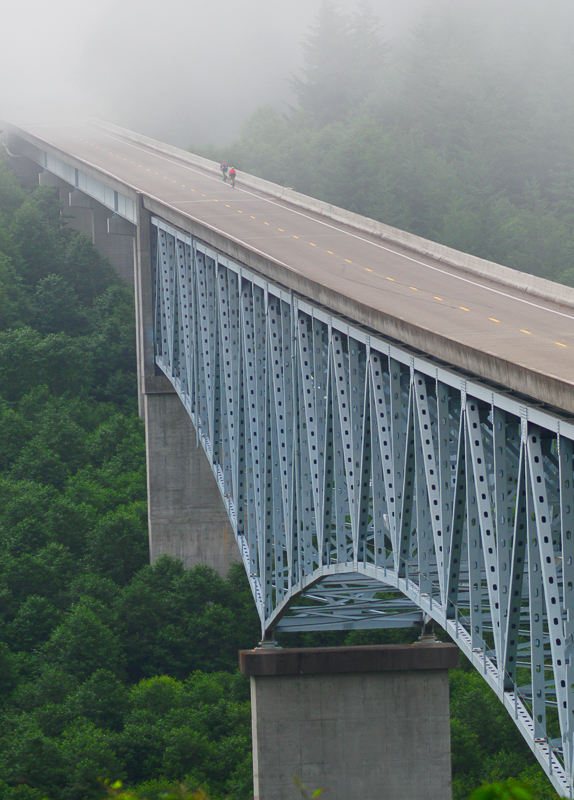
27 May 21 Comment I have a sad story about a friend that just last month lost his life trying to rescue a drone from a tree on a hillside. He slipped, hit his head in the fall, went into a coma, and died a week later in the hospital. Please be careful! I have seen some photographers doing crazy things to retrieve them; in Iceland two photographers were wading into an icy stream...

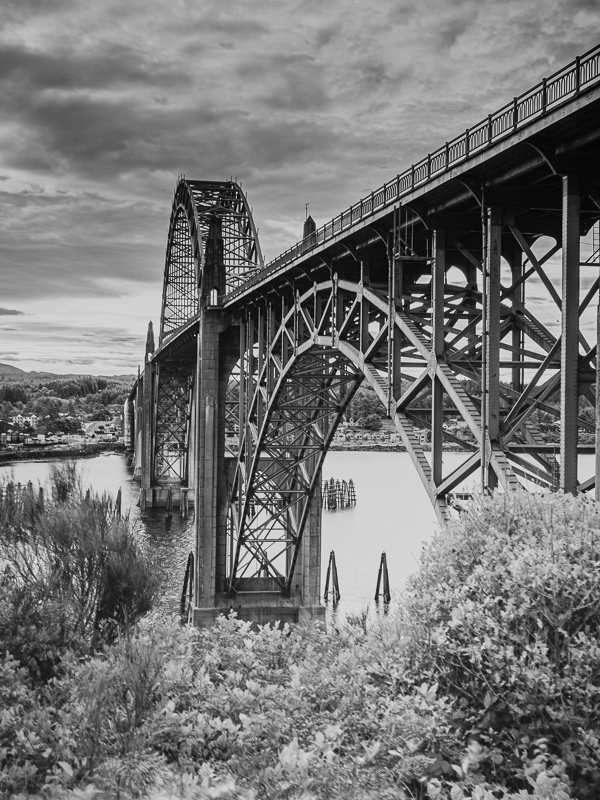
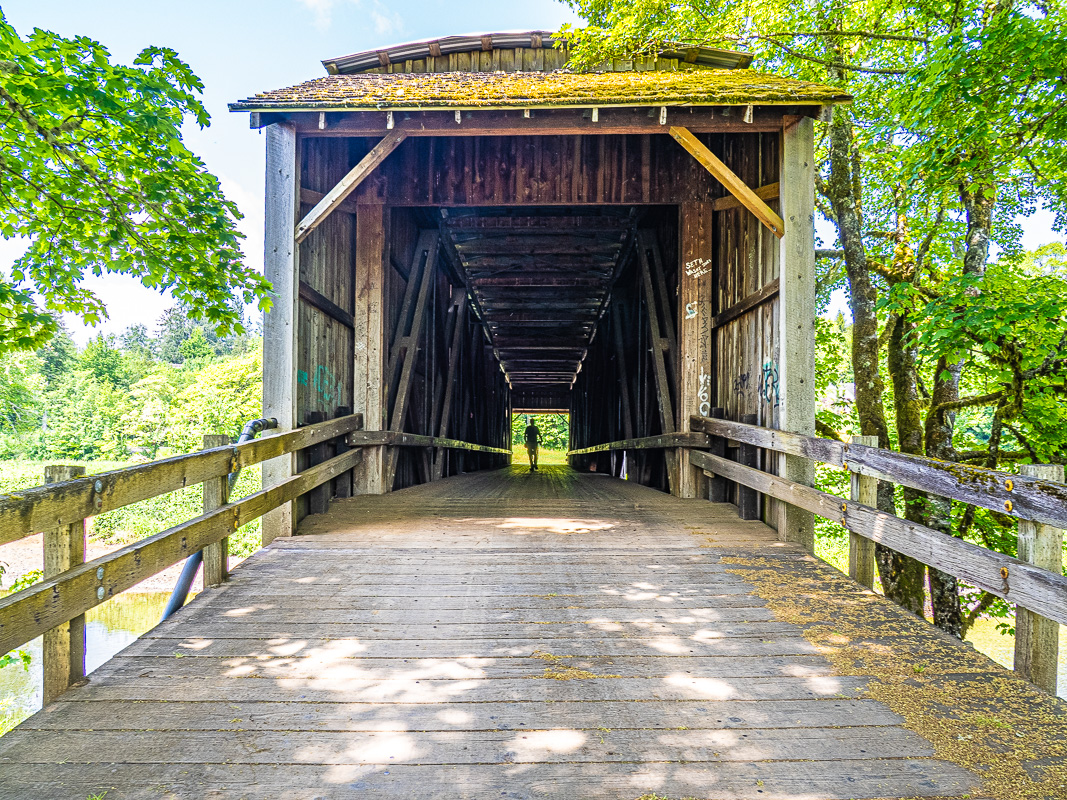
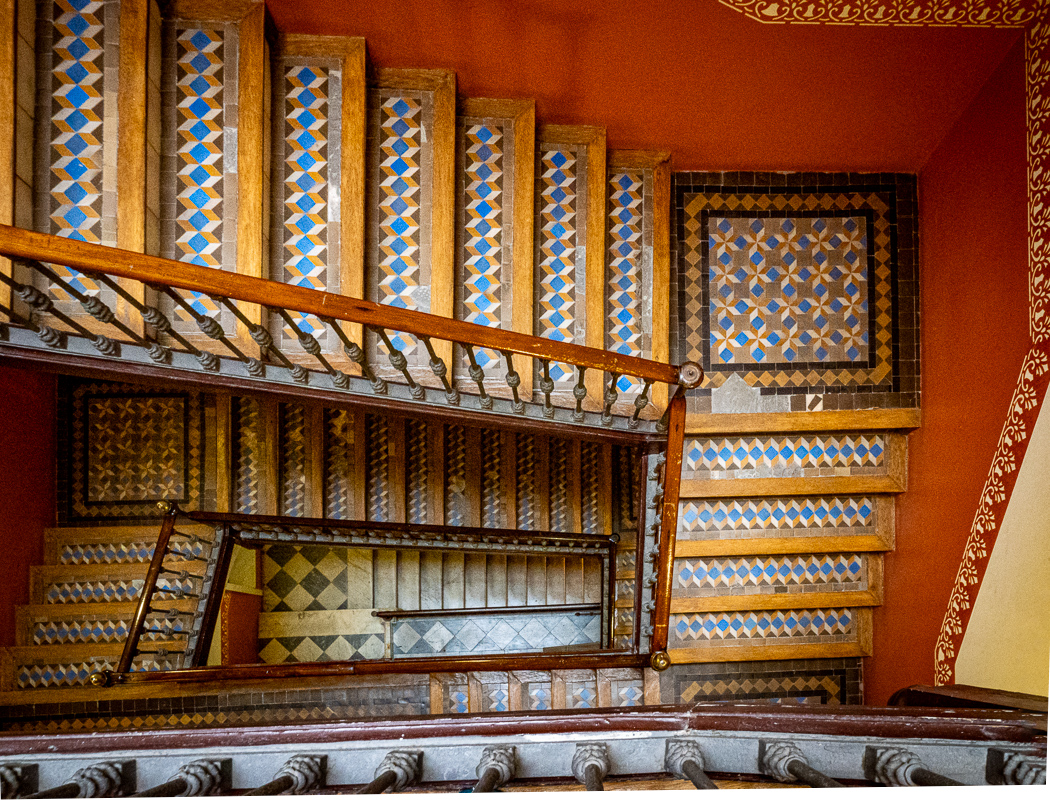
Sorry, this is depressing. You have a gorgeous shot. The perspective makes me slightly dizzy! Nice light and the bridge is sharp. I am sure you will have more wonderful images!
May 11th
27 May 21 Comment The shadows have leading lines into the photo, so I would agree to crop the closer tree on the right. What a lovely invitation into a Spring morning! May 11th
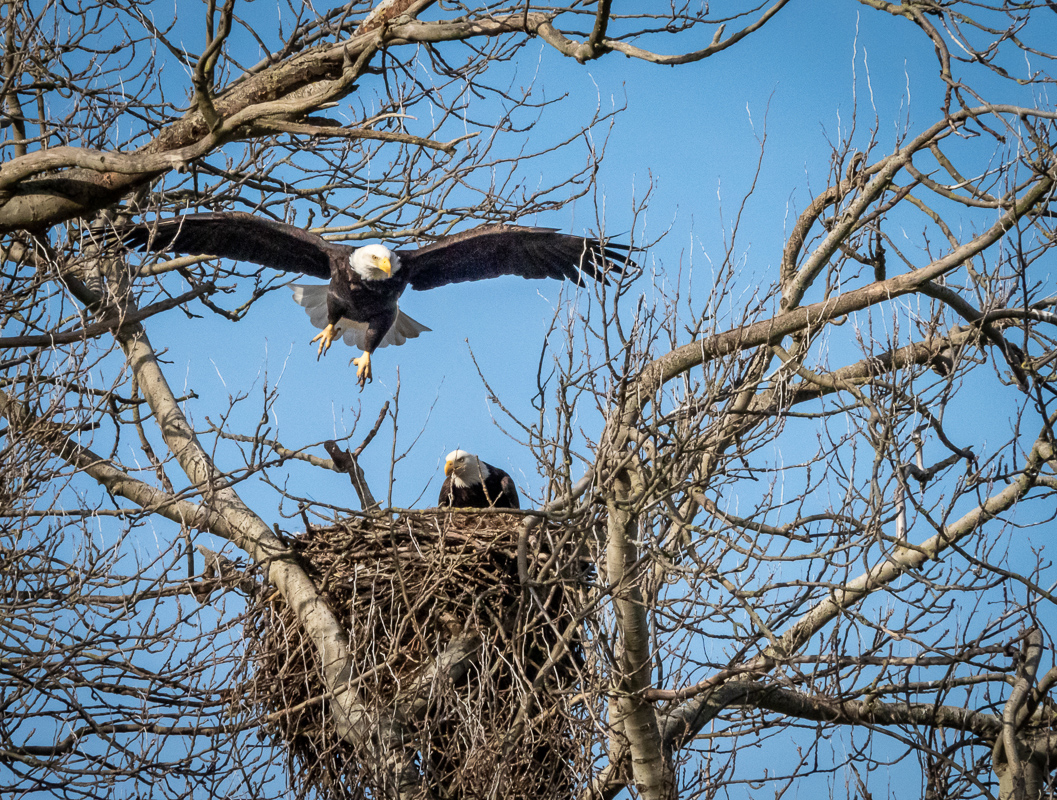
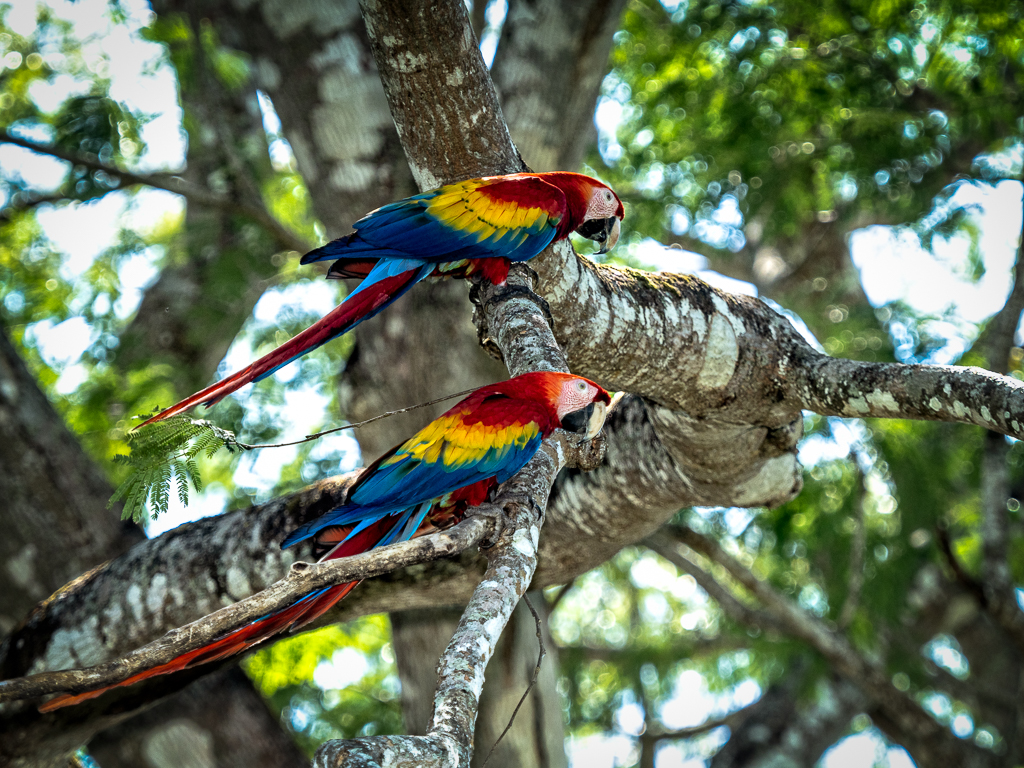
27 May 21 Comment Wow I would agree with everyone, and also your gut instinct, which is simply if you like the photo, it is yours and it is worthwhile to keep it! This is a sweet image of Spring. Right now I have so many bird photographers in our club with amazing sharp photos of birds...the story in this one is important, and I like the idea of nest building. May 11th
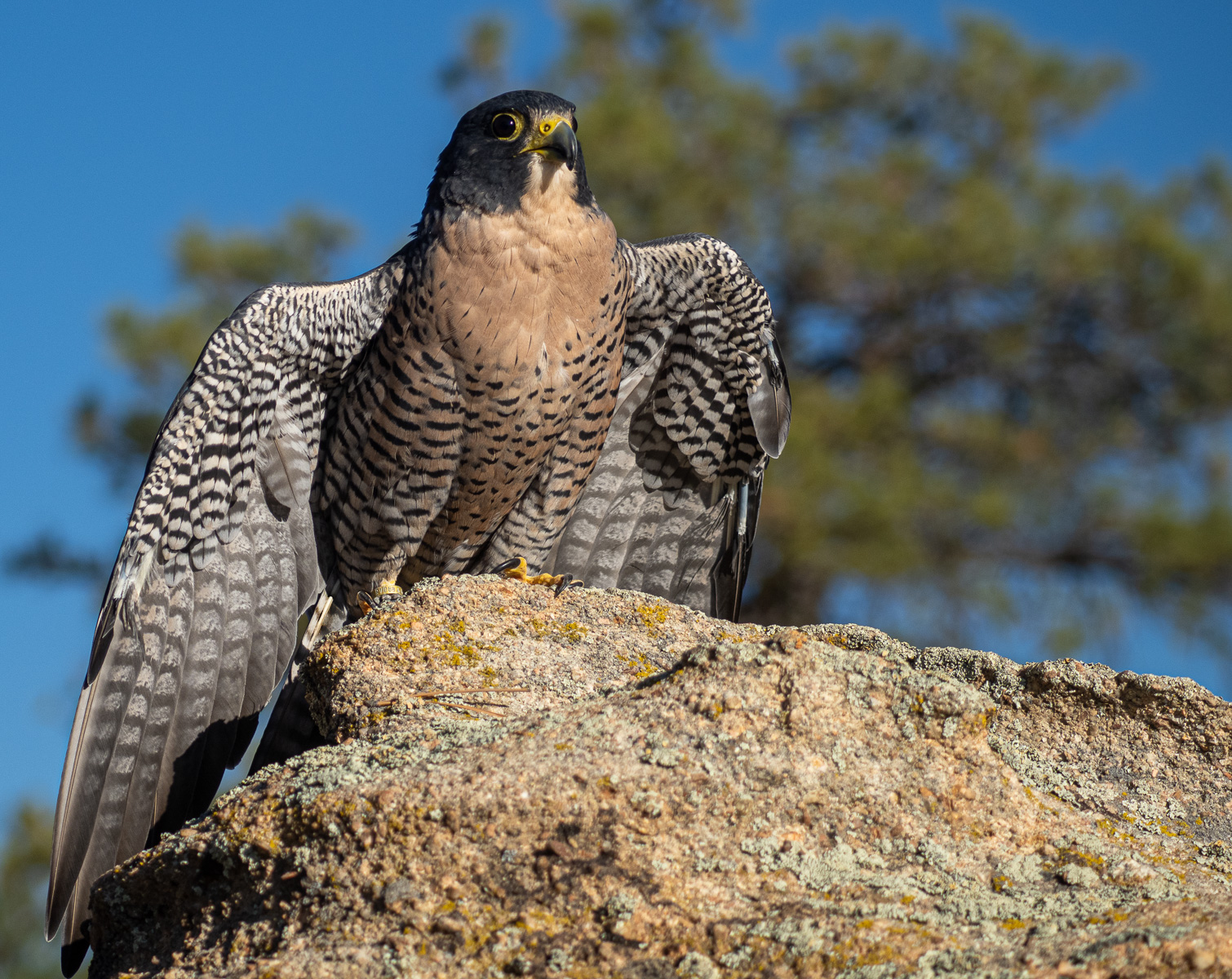
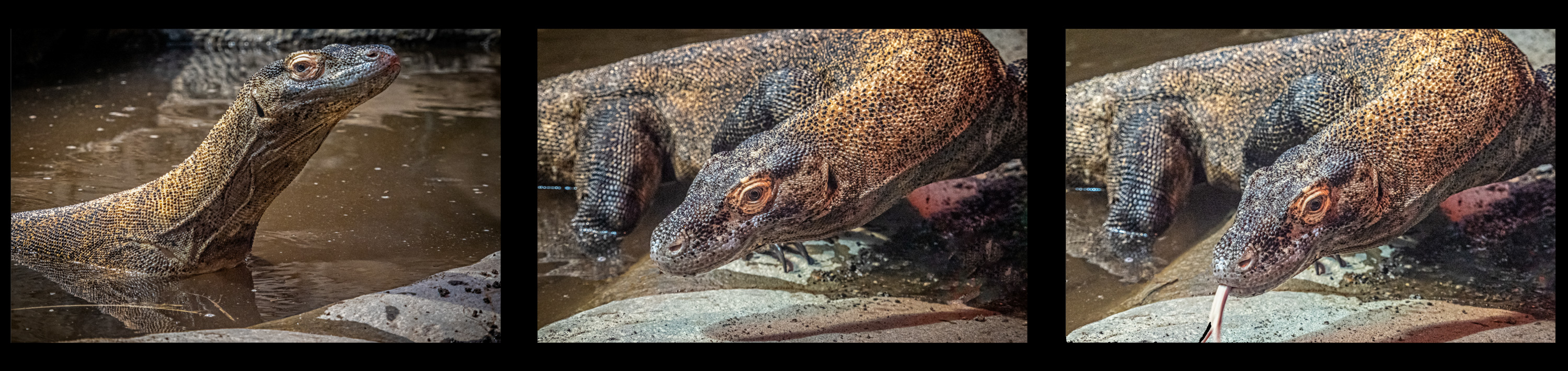
27 May 21 Comment Aw, keep the rock, it allows for contrast with his head; unless you want him to do the chameleon thing and blend in. Great shot, love the colors!
May 11th
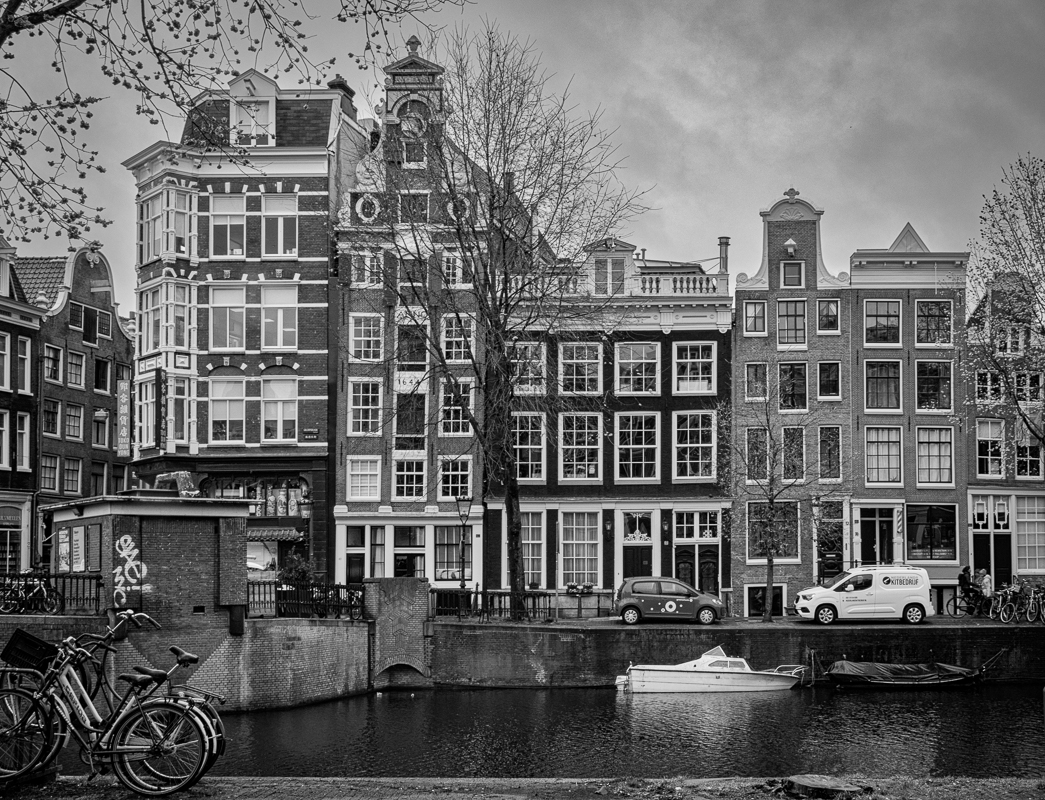
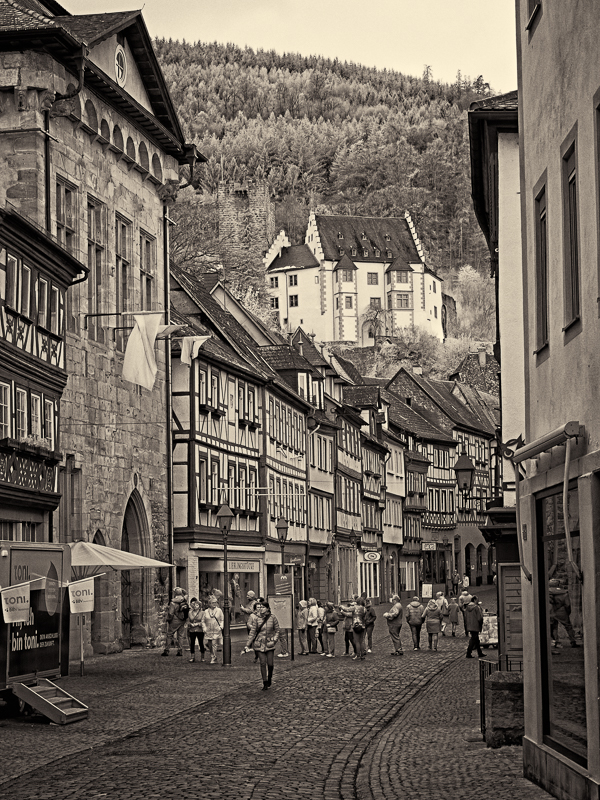
27 May 21 Comment Totally the feel of Amsterdam. I don't know what you used to convert to B&W, but if Silver Efex Pro, I'd suggest the end of the canal to darken the house that is bright white, with a control point. I'd lighten the entire photo, and work as suggested on the flowers. If you converted this in Lightroom, it tends to gray and muddy the monochrome. You have some lovely textures in the road and water. May 11th
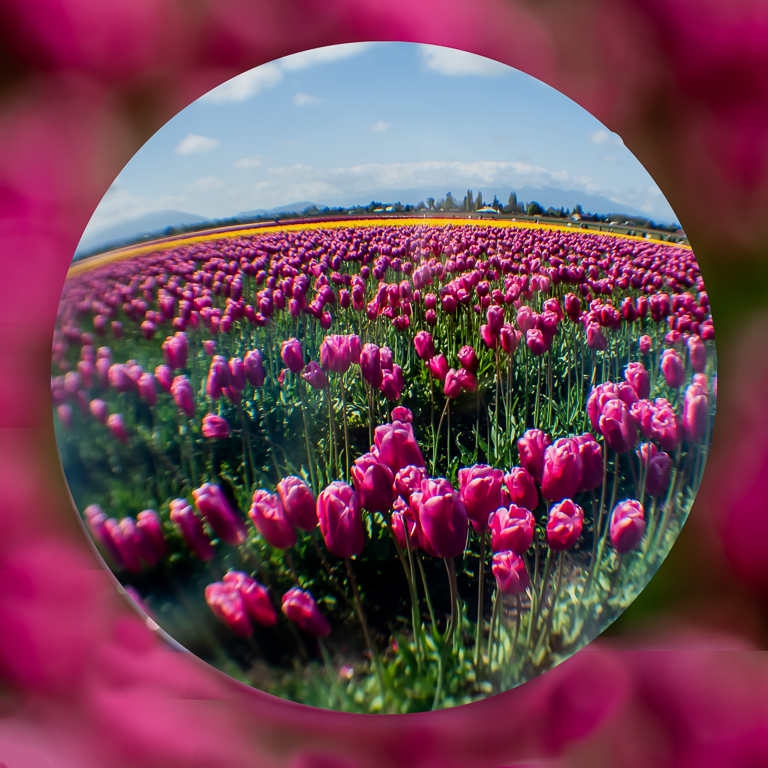
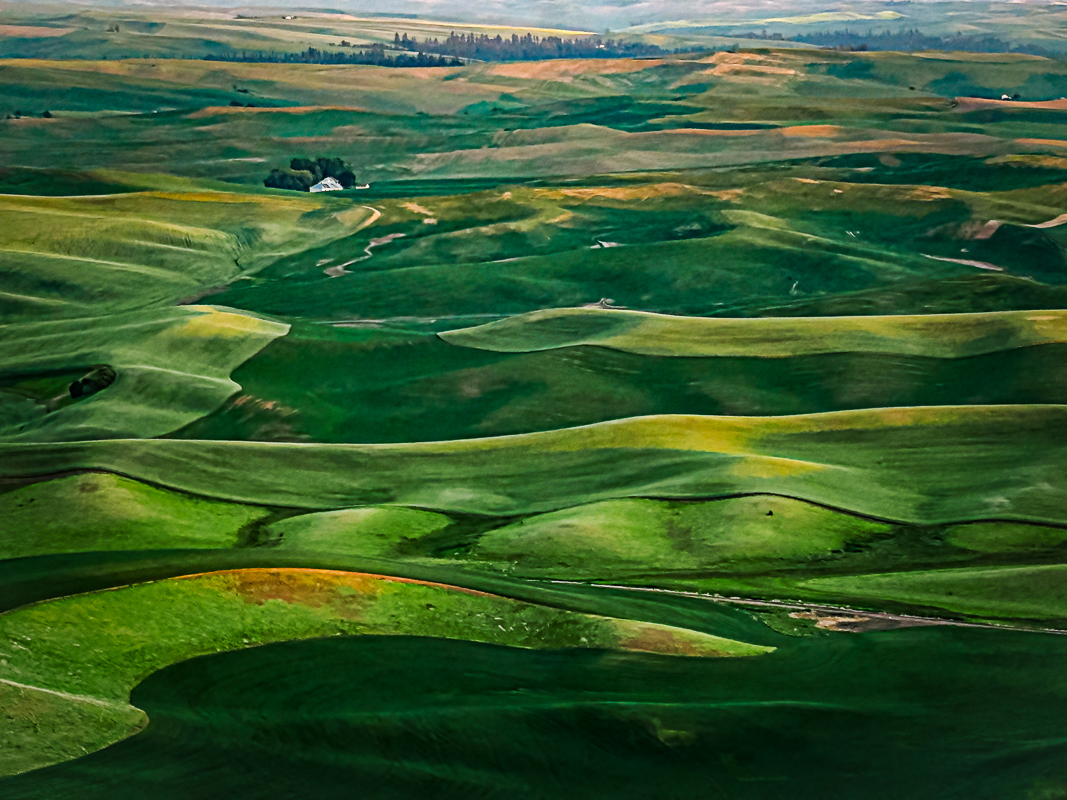
27 May 21 Comment Welcome to our area! This is a very common photo for the NW and familiar - we were there too. It is always a challenge to find a new perspective or way to present it. The "outliers" red ones are actually picked out by the farm workers. Photographers love them. I think the barn and sky is a bit dark, you could brush that up and lighten it. Did you see the daffodils down the road? I hope you enjoyed your stay. May 11th
27 May 21 Reply OK I cropped it. How does this look? May 11th
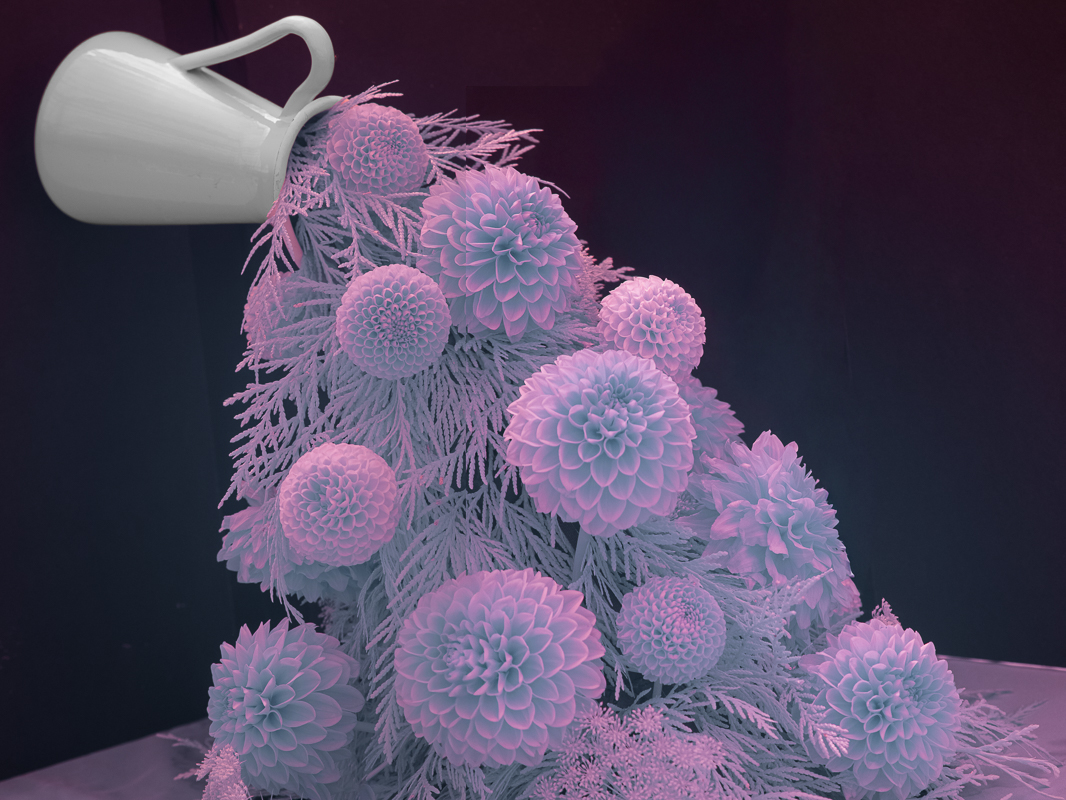
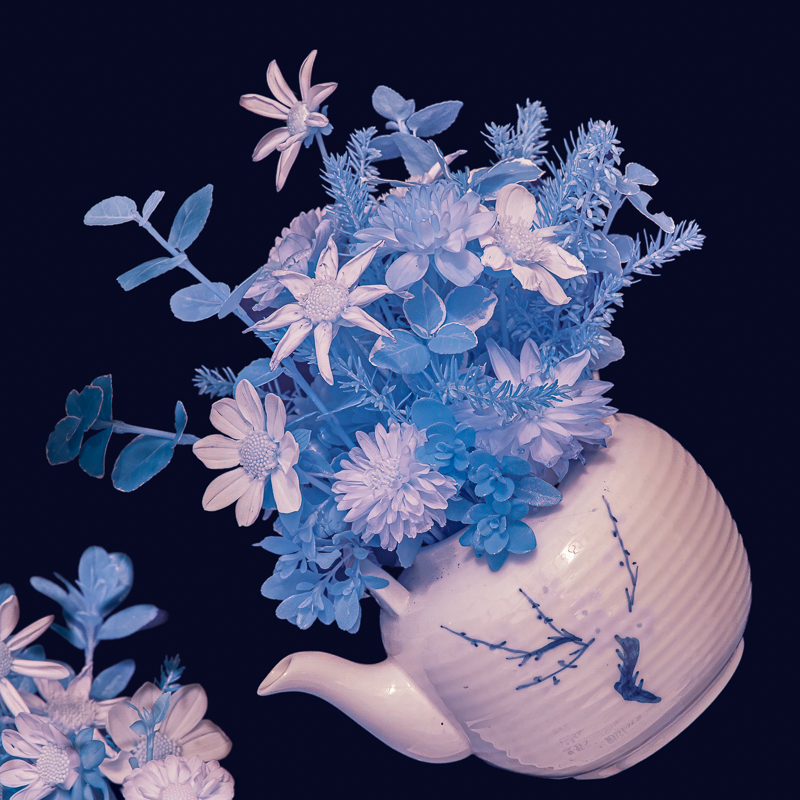
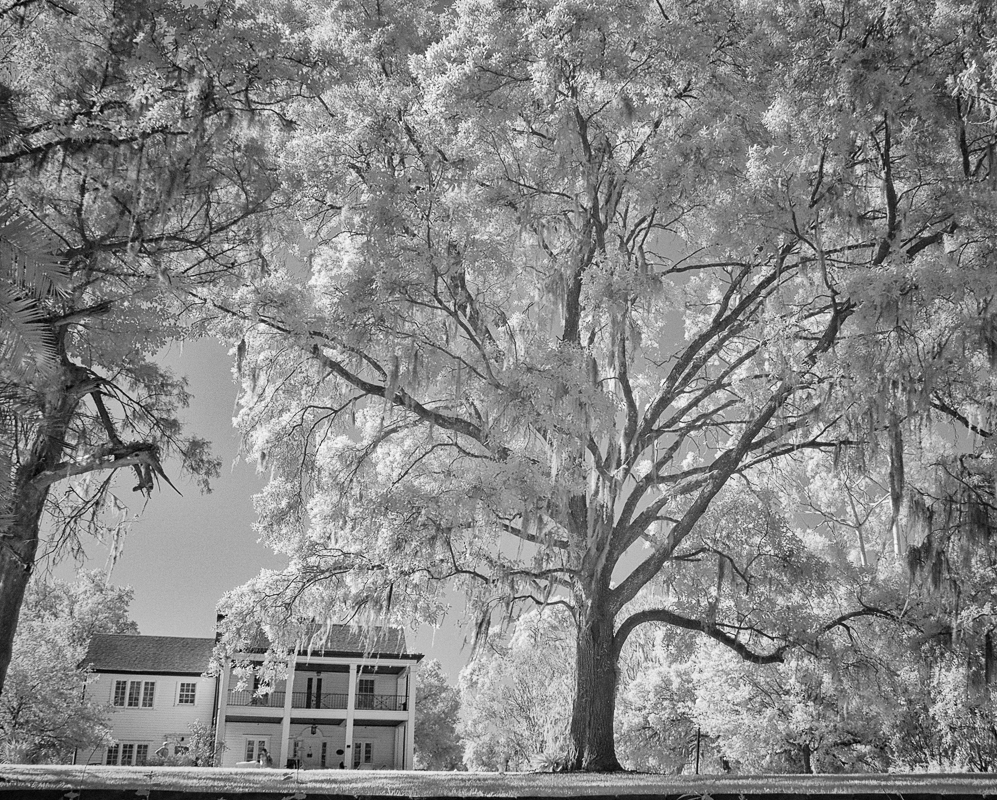
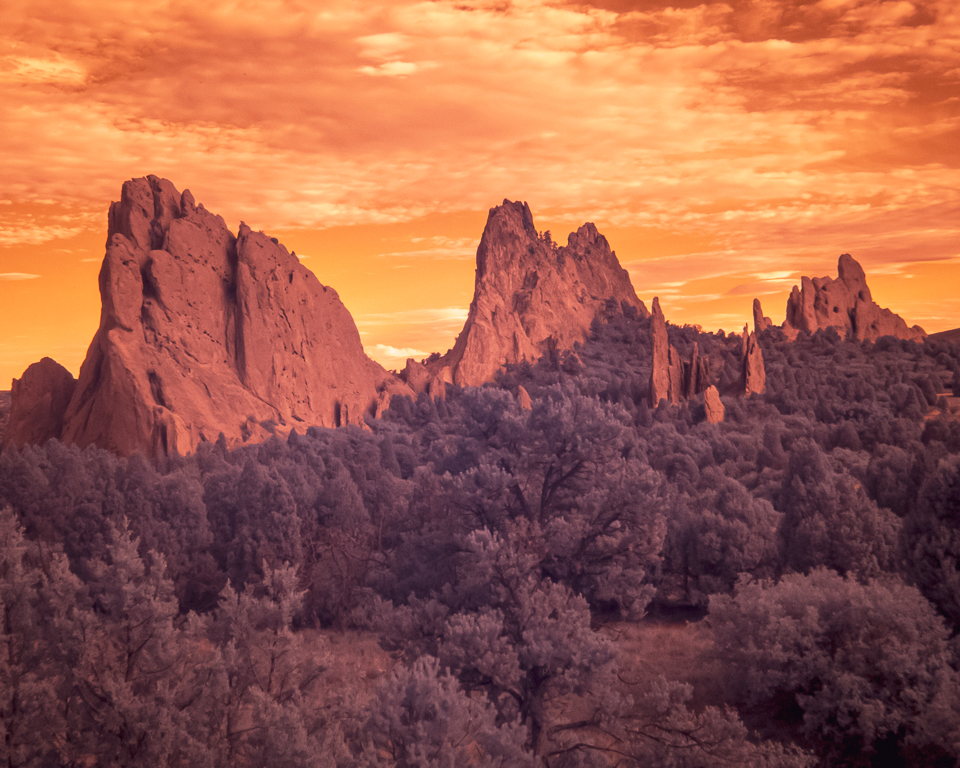
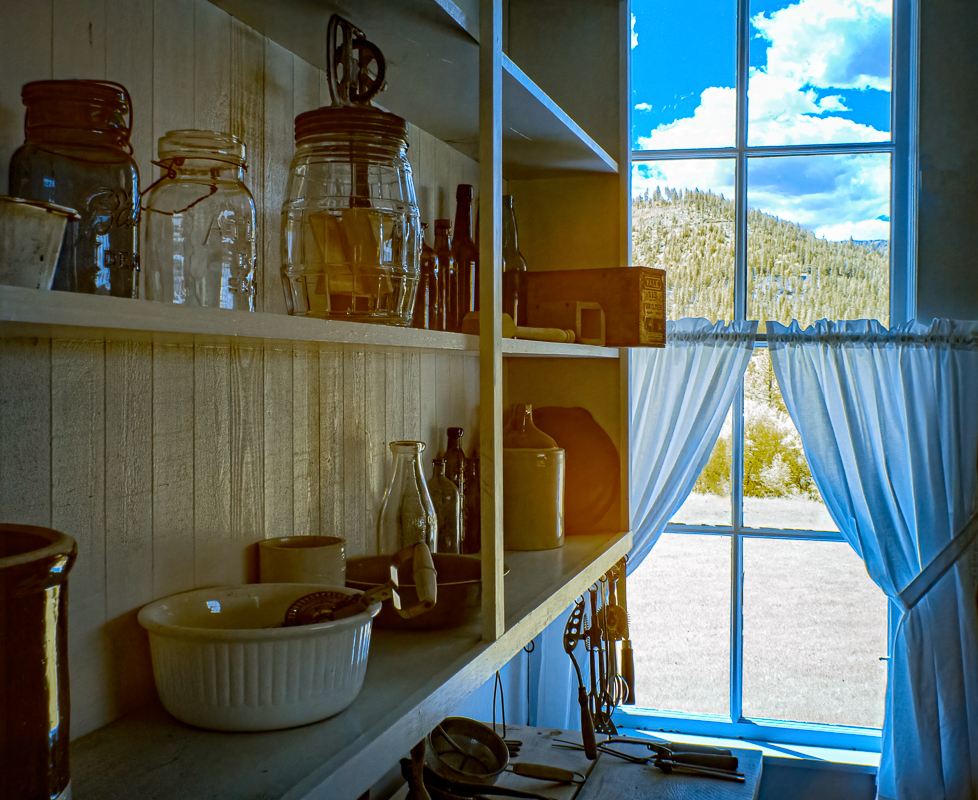
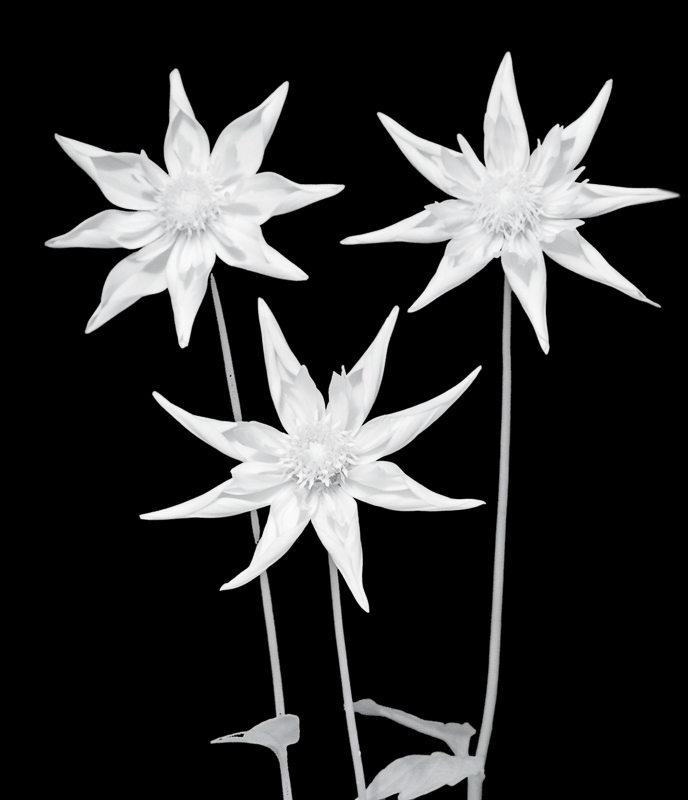
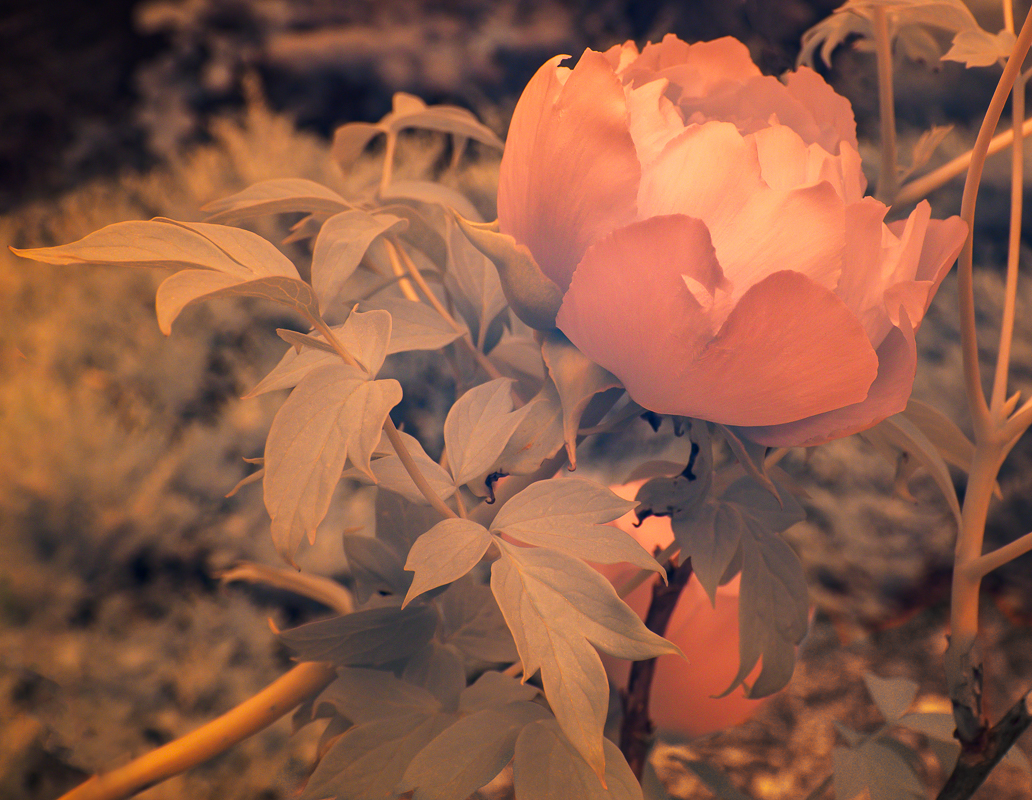
27 May 21 Reply Well, my camera is converted to IR with a 590 filter, and I intend to play around with infrared colors - I am learning more from a class. Check out my Fine Arts group where I just posted an infrared peony, group 79. May 10th
27 May 21 Reply Thanks, I agree that cropping off the bottom might be a good idea. May 10th

6 comments - 3 replies for Group 27

79 May 21 Comment It was a conversion by life pixel to 590 filter.
May 15th
79 May 21 Reply I would suggest that you lighten the triangle, it doesn't match the pepper and is a bit strange in the reflection. May 13th
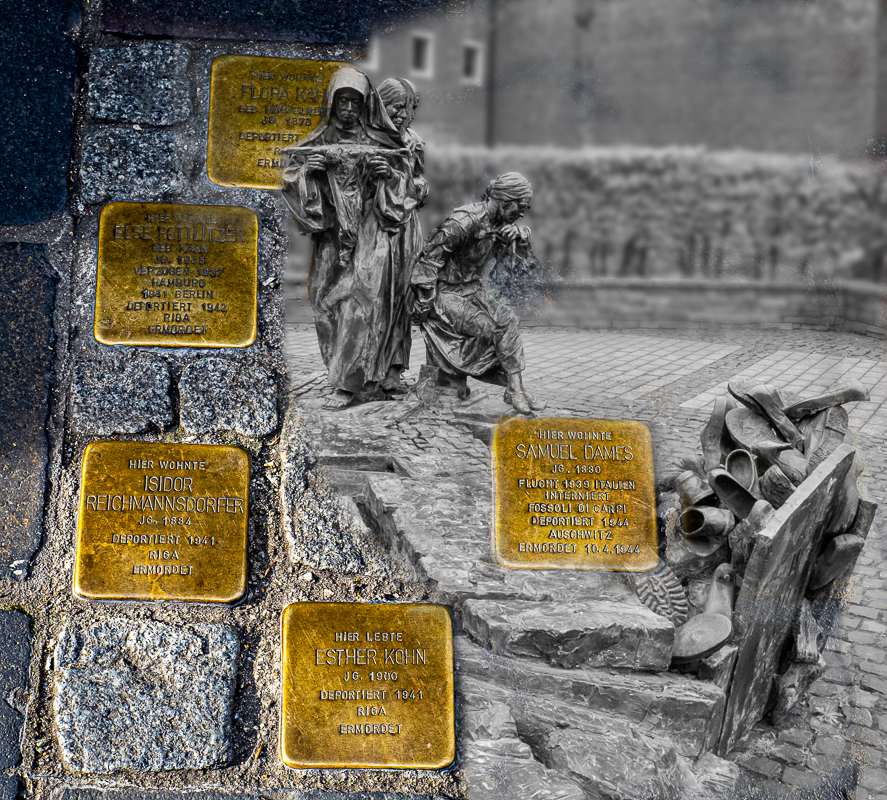
79 May 21 Reply You said that you "copied and reversed part of the tree trunk and pasted it as a mirror image". That is what I meant. May 11th
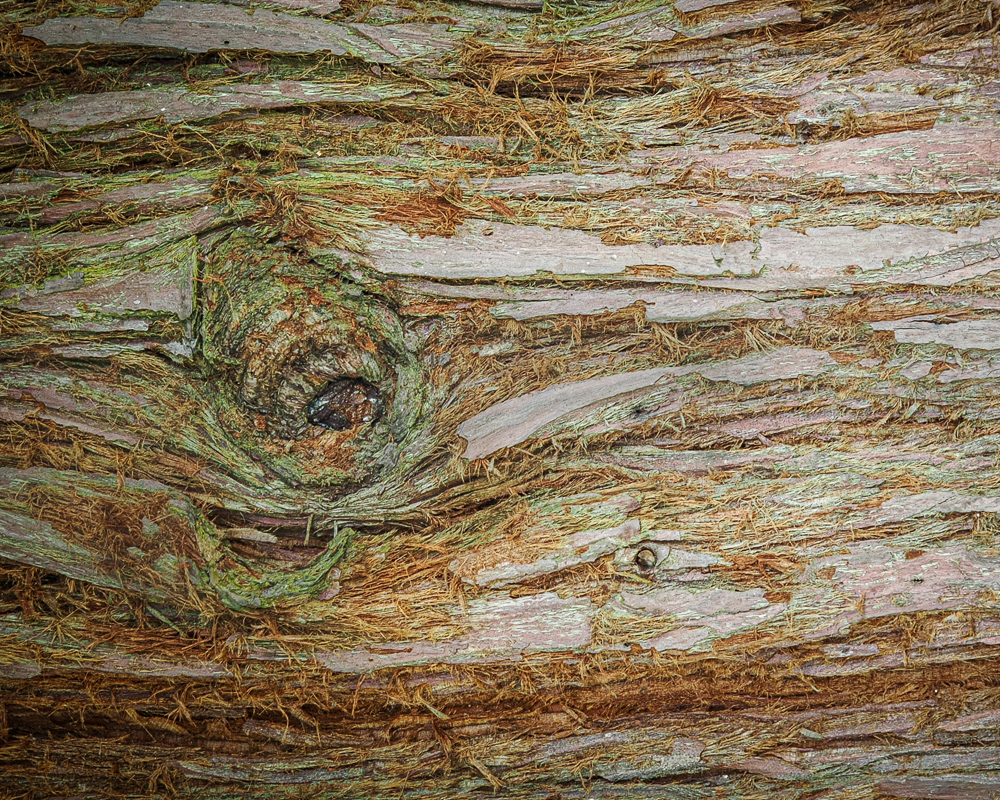
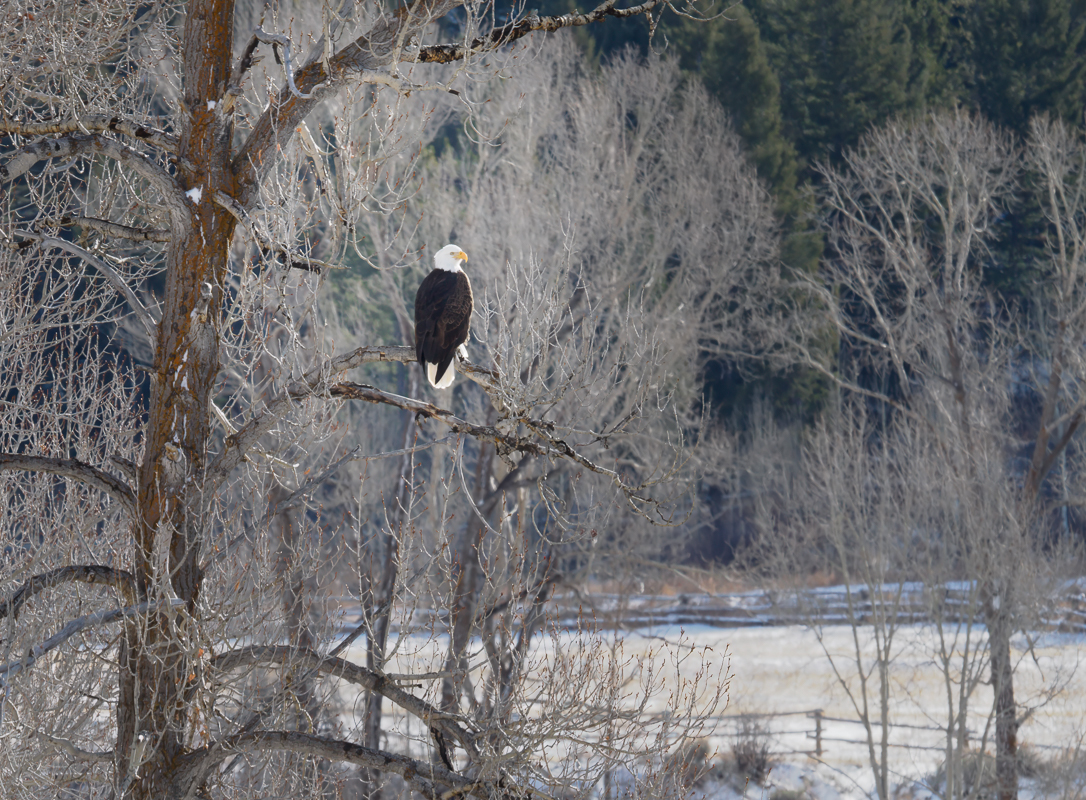
79 May 21 Comment I am impressed with this idea. Um, your tree has breasts. I really like the eagle and the concept of putting images into tree bark. May 10th
79 May 21 Reply Judith, do you think you would lose the tree if you blurred the forest? May 10th
79 May 21 Comment Wrinkles are beautiful. I agree the pepper on the right is more interesting. Why is there a dark triangle on the reflection below the curve of the right pepper? May 10th
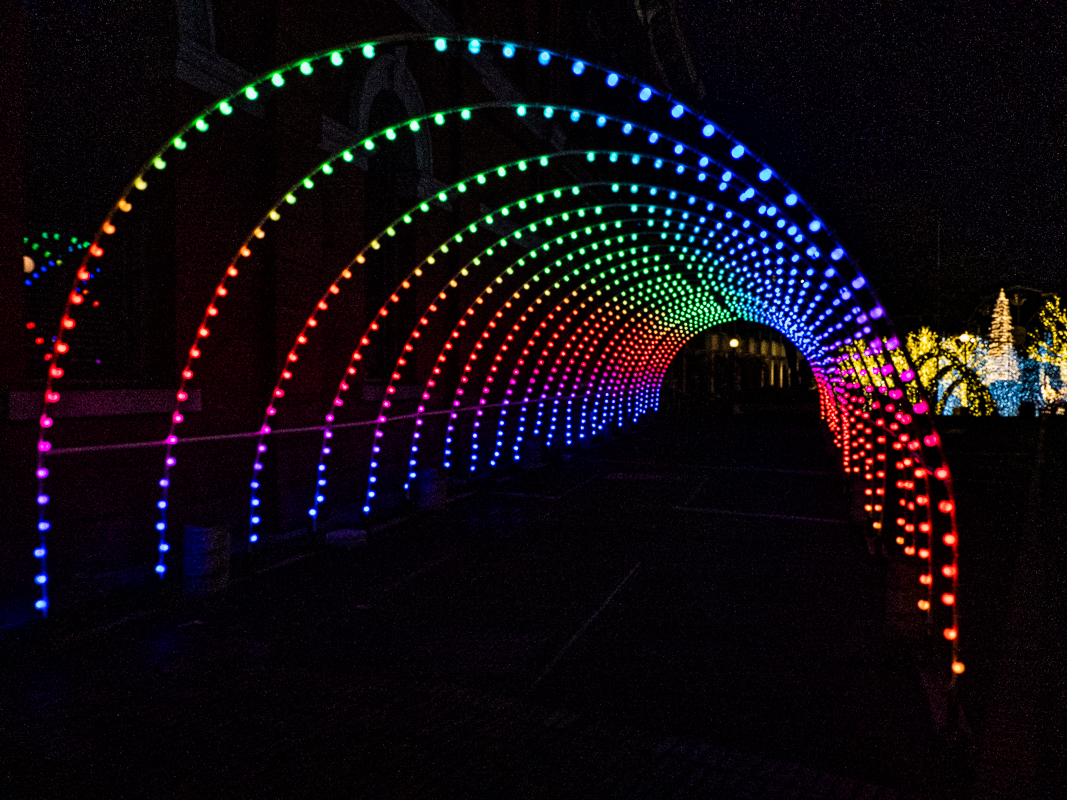
79 May 21 Comment It is fun to work in PS. I would tone down desaturate the white spot which draws the eye on the house. Great way to decorate for Christmas without getting on a ladder! May 10th
79 May 21 Reply You can play around with infrared colors by switching the blue and red channels in Photoshop to 0 and 100%. A hue and saturation layer also allows for different colors. It can be really fun. May 10th

4 comments - 4 replies for Group 79


10 comments - 7 replies Total


183 Images Posted

  = Current Round   = Previous Round
Group 27

Dec 25

Oct 25

Sep 25

Aug 25

Jun 25

May 25

Mar 25

Feb 25

Jan 25

Dec 24

Nov 24

Oct 24

Sep 24

Aug 24

Jul 24

Jun 24

Apr 24

Mar 24

Feb 24

Jan 24

Dec 23

Nov 23

Oct 23

Sep 23

Aug 23

Jul 23

Jun 23

May 23

Apr 23

Mar 23

Feb 23

Jan 23

Dec 22

Nov 22

Oct 22

Sep 22

Aug 22

Jul 22

Jun 22

May 22

Mar 22

Feb 22

Jan 22

Dec 21

Nov 21

Oct 21

Sep 21

Aug 21

Jul 21

Jun 21

May 21

Apr 21

Mar 21

Feb 21

Jan 21

Dec 20

Nov 20

Oct 20

Sep 20

Aug 20

Jul 20

Jun 20

May 20

Apr 20

Mar 20

Feb 20

Jan 20

Dec 19

Nov 19
Group 35

Dec 25

Oct 25

Sep 25

Aug 25

Jul 25

Jun 25

May 25

Apr 25

Mar 25

Feb 25

Jan 25

Dec 24

Nov 24

Oct 24

Sep 24

Aug 24

Jul 24

Jun 24

Apr 24

Mar 24

Feb 24

Jan 24

Dec 23

Nov 23

Oct 23

Sep 23

Aug 23

Jul 23

Jun 23

May 23

Apr 23

Dec 22

Nov 22

Oct 22

Sep 22

Aug 22

Jul 22

Jun 22

May 22

Mar 22

Feb 22

Jan 22

Dec 21

Nov 21

Oct 21

Sep 21

Aug 21
Group 79

Jan 26

Dec 25

Oct 25

Sep 25

Aug 25

Jun 25

May 25

Mar 25

Feb 25

Jan 25

Dec 24

Nov 24

Oct 24

Sep 24

Aug 24

Jul 24

Jun 24

Apr 24

Mar 24

Feb 24

Jan 24

Dec 23

Nov 23

Oct 23

Sep 23

Aug 23

Jul 23

Jun 23

May 23

Apr 23

Mar 23

Feb 23

Jan 23

Dec 22

Nov 22

Aug 22

Jul 22

Jun 22

May 22

Mar 22

Feb 22

Jan 22

Dec 21

Nov 21

Oct 21

Sep 21

Aug 21

Jul 21

Jun 21

May 21

Apr 21

Mar 21

Feb 21

Jan 21

Dec 20

Nov 20

Oct 20

Sep 20

Aug 20

Jul 20

Jun 20

Apr 20

Mar 20

Feb 20

Jan 20

Dec 19

Nov 19

Close this Tab when done