|
| Group |
Round |
C/R |
Comment |
Date |
Image |
| 27 |
Jan 20 |
Comment |
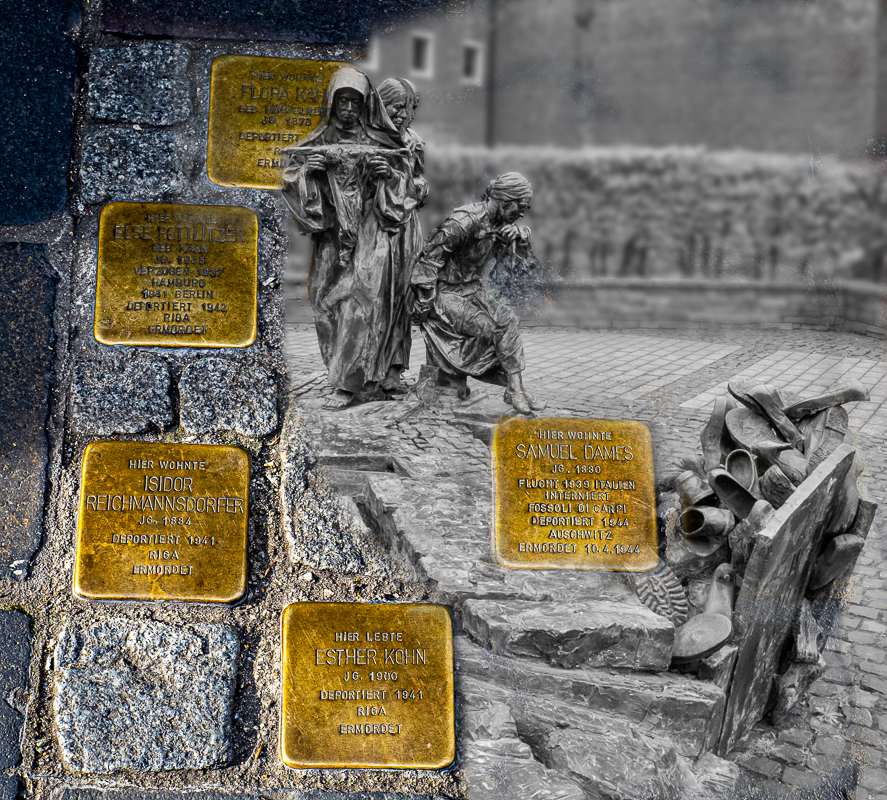
So sorry for the loss of Australians, and my condolences. Photography captures a place and time, and hopefully will keep a memory of this history.
I admire your diligence in trying to get this shot! Wow, 30 trials? The soft light is beautiful, and the image portrays nighttime as it would normally look if there was someone in the cabin.
What a great memorial. |
Jan 21st |
| 27 |
Jan 20 |
Reply |
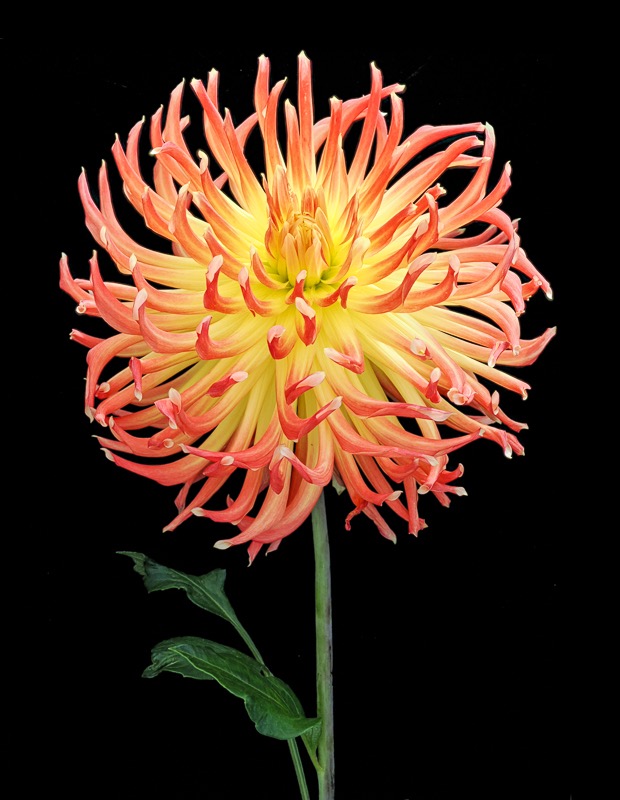
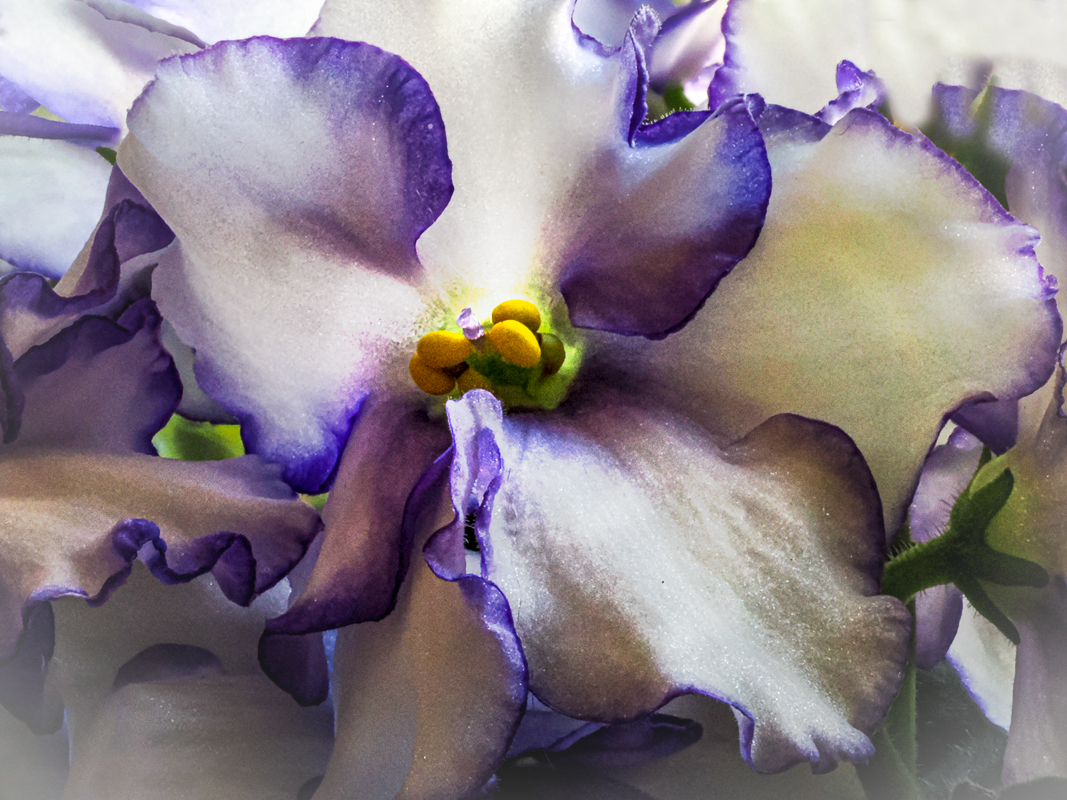
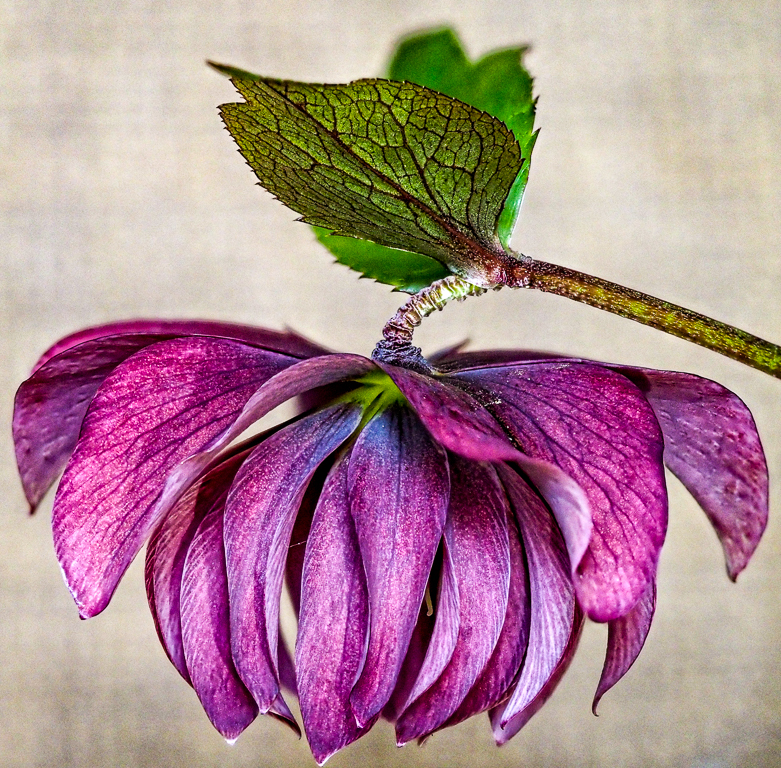
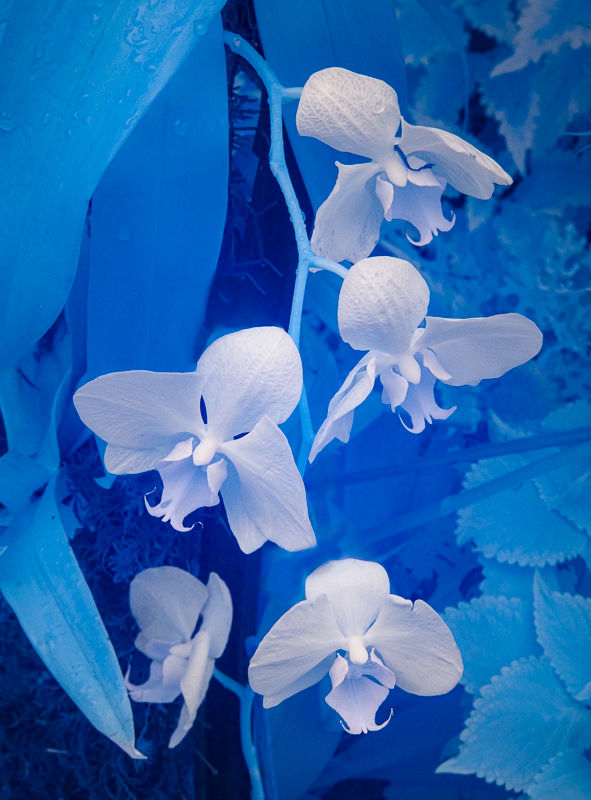
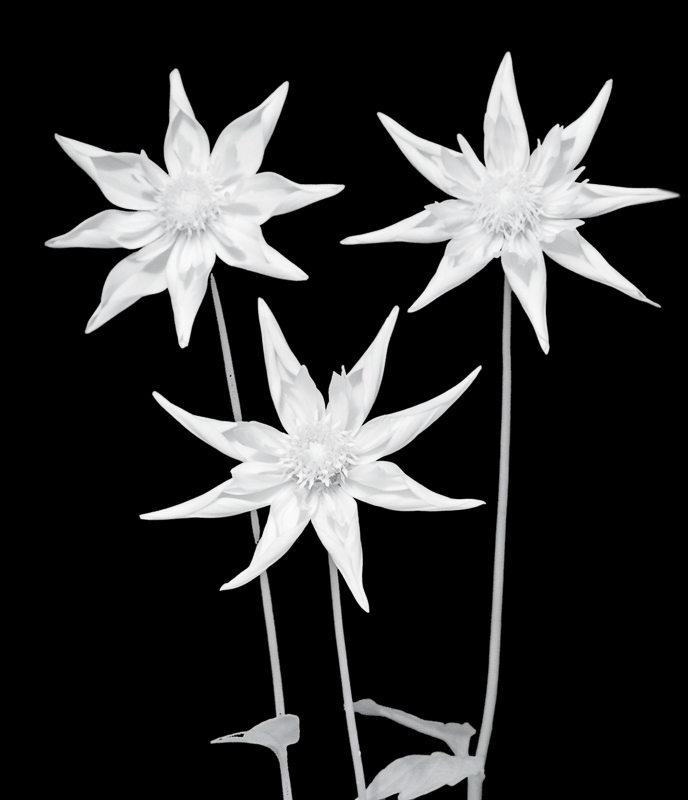
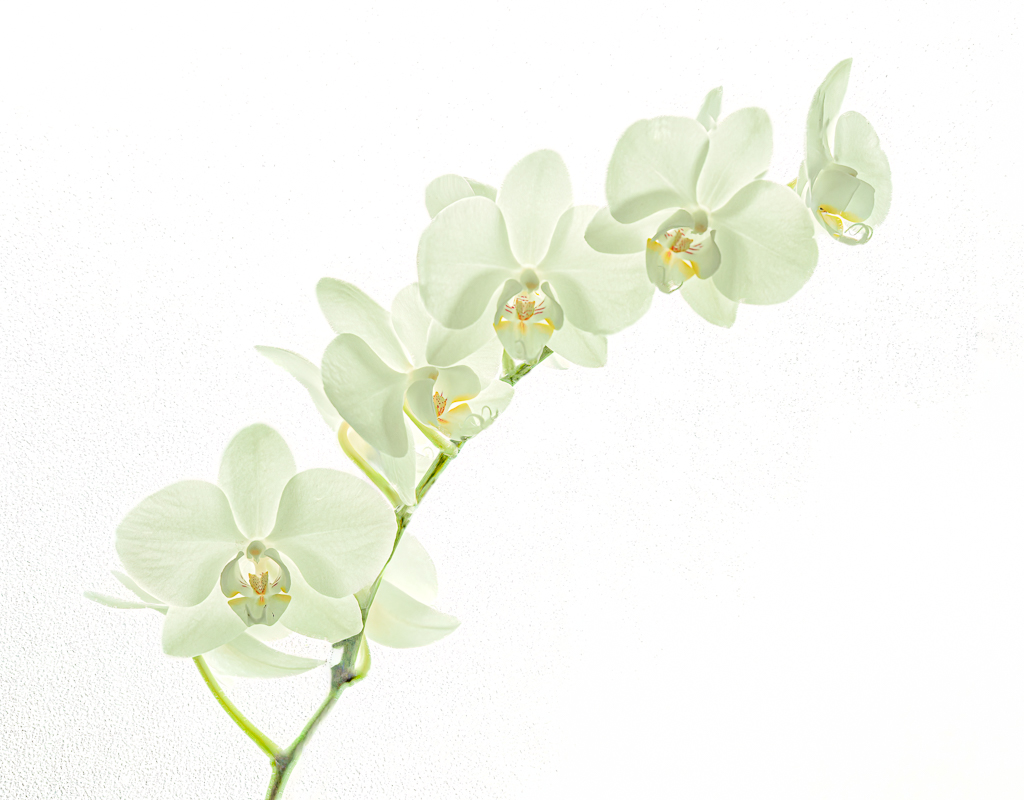
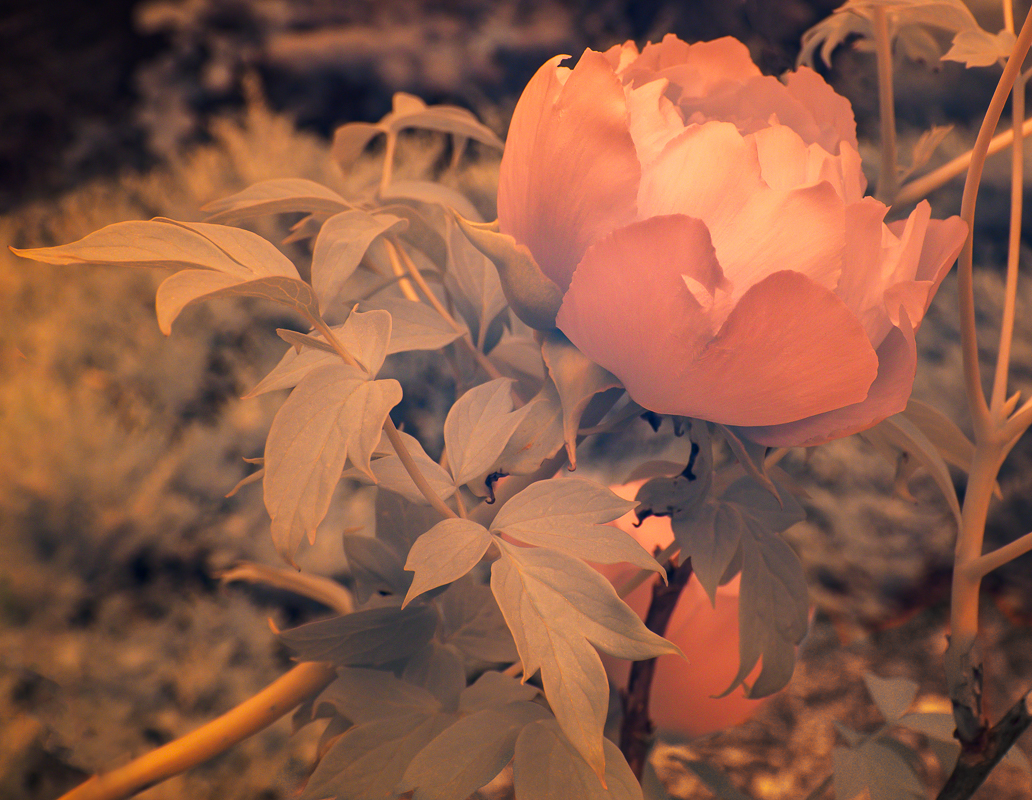
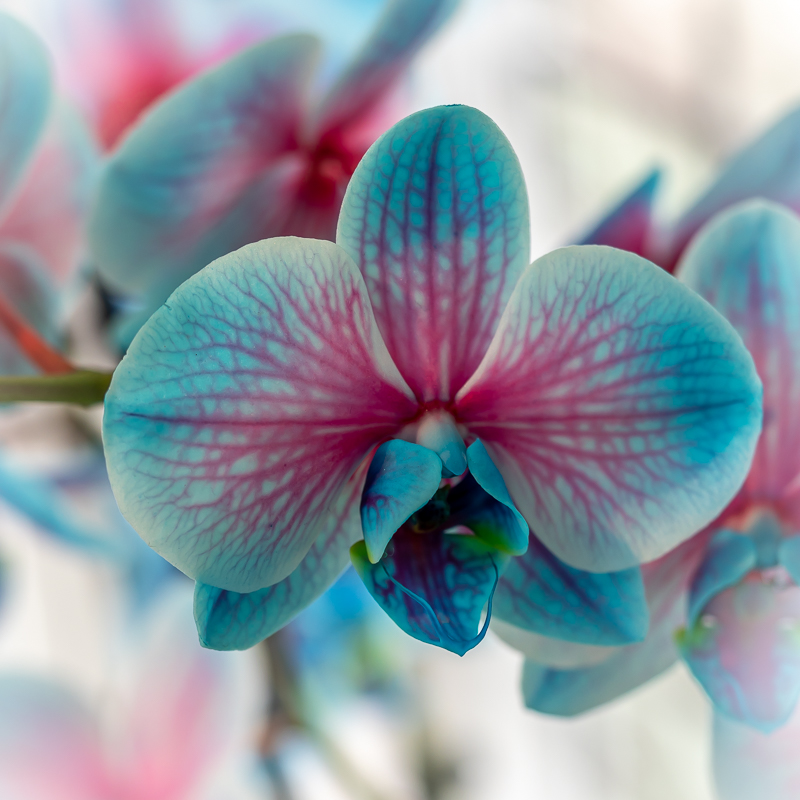
I am not a fan of borders usually, but a thin white line might be interesting, especially if you expand the image to have enough space between the flower and the border. This is amazing image, and I wondered if it was infrared at first. Leave the spots alone IMHO, (which isn't really being humble) I think they are a normal part of this kind of flower. |
Jan 21st |
| 27 |
Jan 20 |
Reply |
I am not a fan of borders usually, but a thin white line might be interesting, especially if you expand the image to have enough space between the flower and the border. This is amazing image, and I wondered if it was infrared at first. Leave the spots alone IMHO, (which isn't really being humble) I think they are a normal part of this kind of flower. |
Jan 21st |
| 27 |
Jan 20 |
Comment |
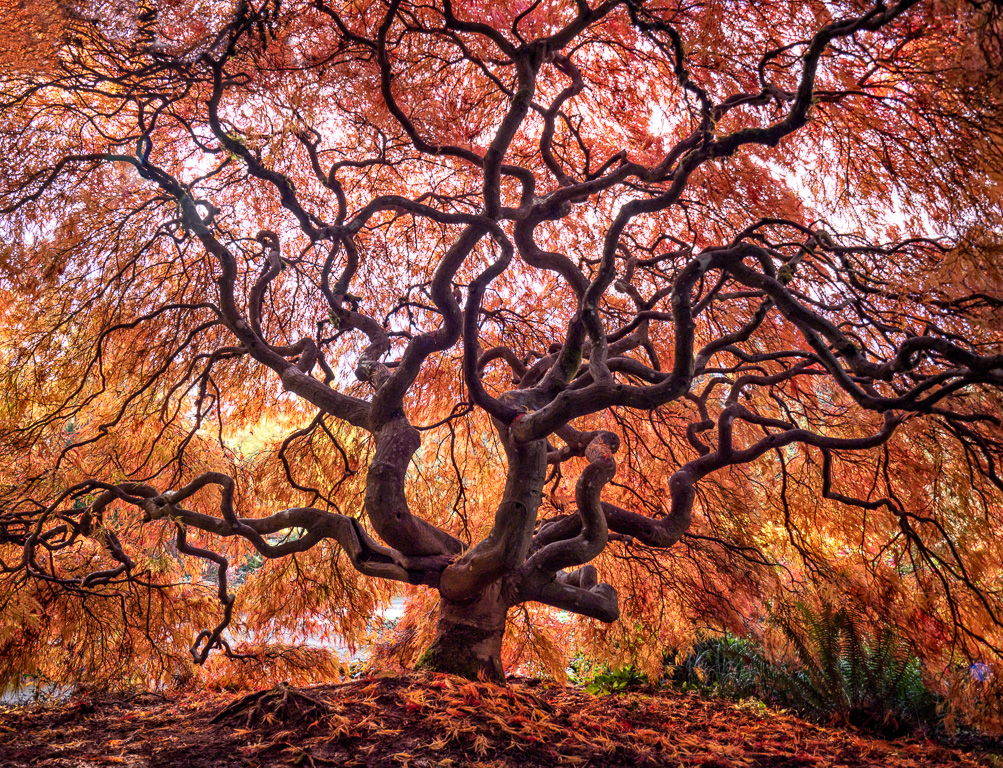
Wonderful balance of earth, water, tree and sky in this composition. I love your decision to crop. I would suggest the foreground could be a bit lighter, some of those leaves might add a bit more color. |
Jan 21st |
| 27 |
Jan 20 |
Comment |
Sorry I am late in commenting, I just got back from a photo trip. I really am enjoying this photo, and you have done an excellent job with the color saturation. From your post processing I can tell you know your way around Photoshop. Have you thought of replacing the entire sky? My husband has a collections of clouds and skies, he regularly uses since we live in Seattle where grey will dominate. Keep it warm and I think you have a keeper here! |
Jan 21st |
| 27 |
Jan 20 |
Comment |
Wow the intensity of this guy's face says it all. I would suggest toning down the highlights in the water, and lightening the face of the kayaker. Great capture! |
Jan 21st |
| 27 |
Jan 20 |
Reply |
Beverly, I think that cropping is not a good solution for a blown out sky. This crop tops off the building, and that does not give balance to the photo. Instead I would remove the bench and work on toning down the highlights, keeping the sky. Using content-aware to fill the sky with trees is tricky - you will find that the branches and leaves are going to give away what you did if you are not extremely careful.
|
Jan 21st |
| 27 |
Jan 20 |
Comment |
I agree with the recommendation of the PSA Judges Analysis course. It is very helpful for your own images and to get a balance on judging photos.
|
Jan 21st |
| 27 |
Jan 20 |
Reply |
Hi, sorry I meant the graduated filter in Lightroom. In the Develop module, at the top there is a rectangle. Click on it and it attaches to your mouse. Right click on the top of the photo and hold the mouse button as you pull down. It will make two parallel lines that widen. If you also hold down the shift key at that same time it will keep it straight. Most folks use this to darken a blown out sky. The tip I was mentioning is that you can also do the same by pulling UP from the bottom of the photo, and get a graduated filter from the bottom to increase the relections in the water. Give it a try. |
Jan 9th |
| 27 |
Jan 20 |
Comment |
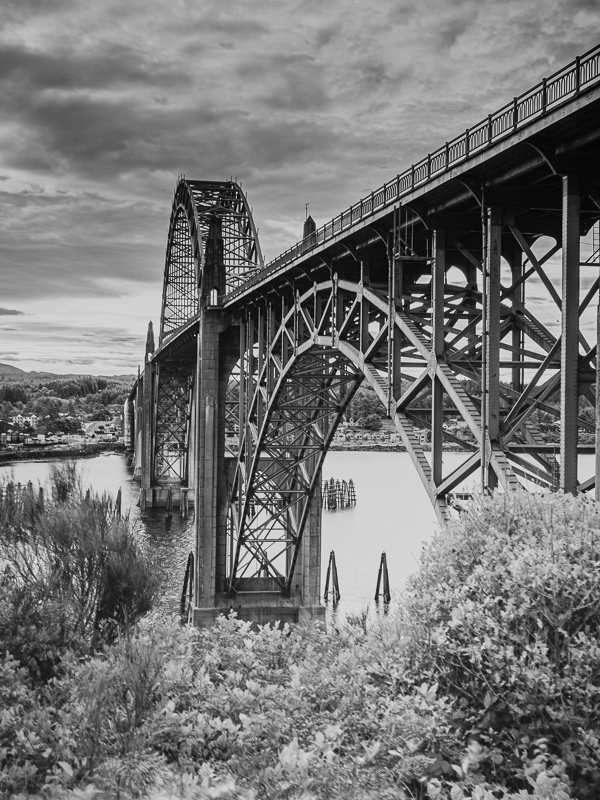
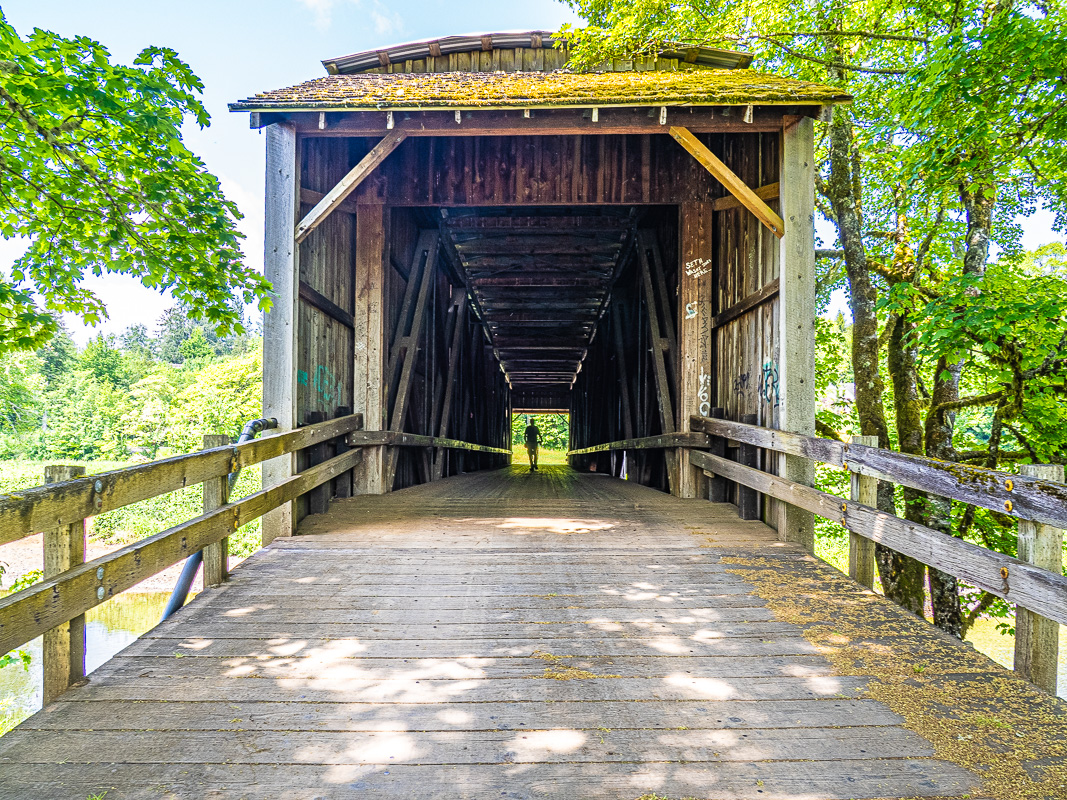
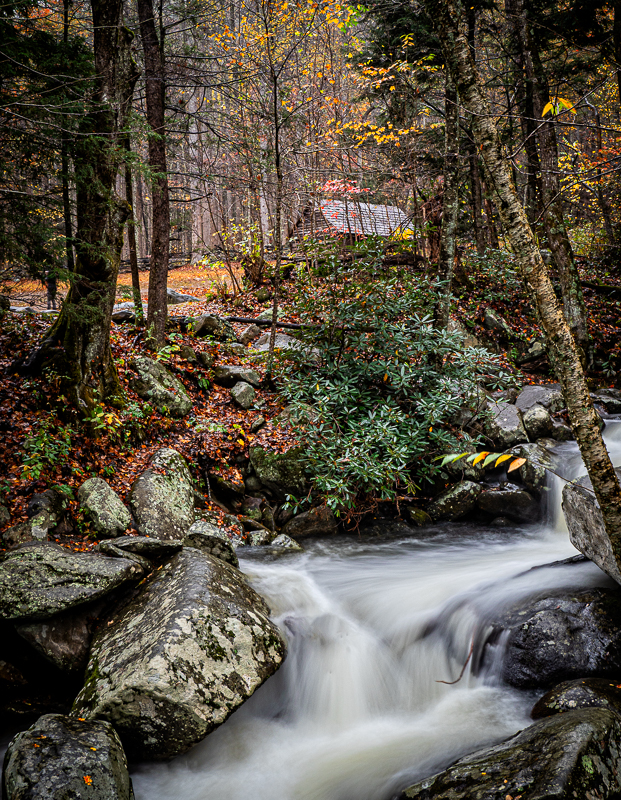
This image has amazing detail and the subject is lovely. Is it a covered bridge or a mill? I am wondering about the reflections that you can see in the upper pool. If you have Lightroom, you could try a neutral density filter from the bottom up, and you might get more information in the pool. You have balanced this shot nicely, I like the perspective. The sky is a bit hot, so I'd try that filter from the top down too.
Did you have a polarizer on your camera? |
Jan 9th |
| 27 |
Jan 20 |
Reply |
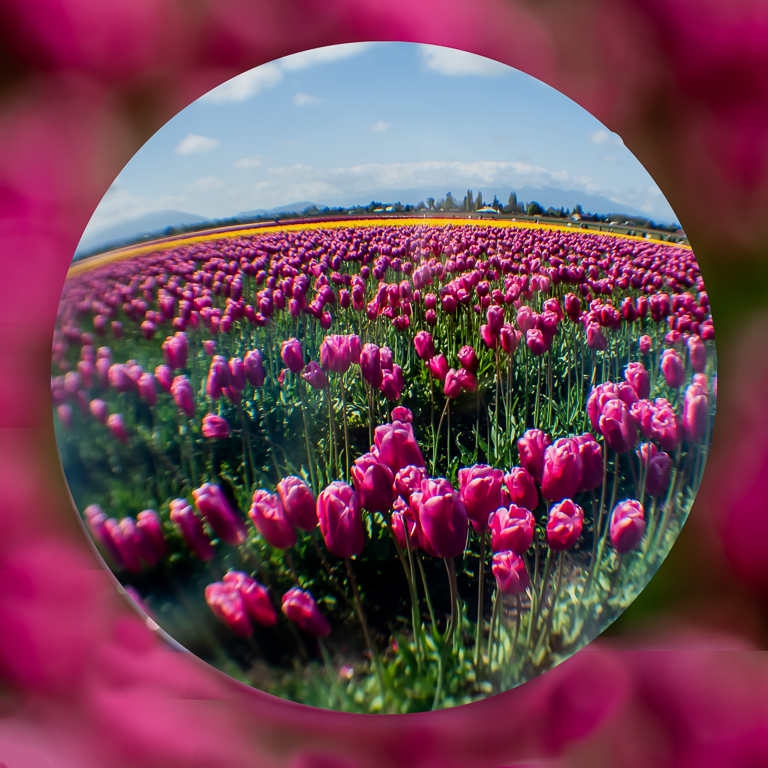
I think the bluish tint is actually the depth of the ball and it is slightly out of focus because of that. I could focus stack it, and I've had mixed results. It is crazy impossible to clone it or stamp it. Any suggestions from the group how to fix that edge would be appreciated!
|
Jan 9th |
| 27 |
Jan 20 |
Comment |
Hi Becca! I am so glad you like this image, and I am eager to know if anyone will comment on how to improve the post processing. The suction cup device my husband found by just searching for crystal ball suction cup device on Google. They range about $20. You can order them from Amazon or a bit cheaper from Adorama.
Hey group I am eagerly awaiting any knowledge about post processing? |
Jan 4th |
7 comments - 5 replies for Group 27
|
| 79 |
Jan 20 |
Comment |
Hi Sandra,
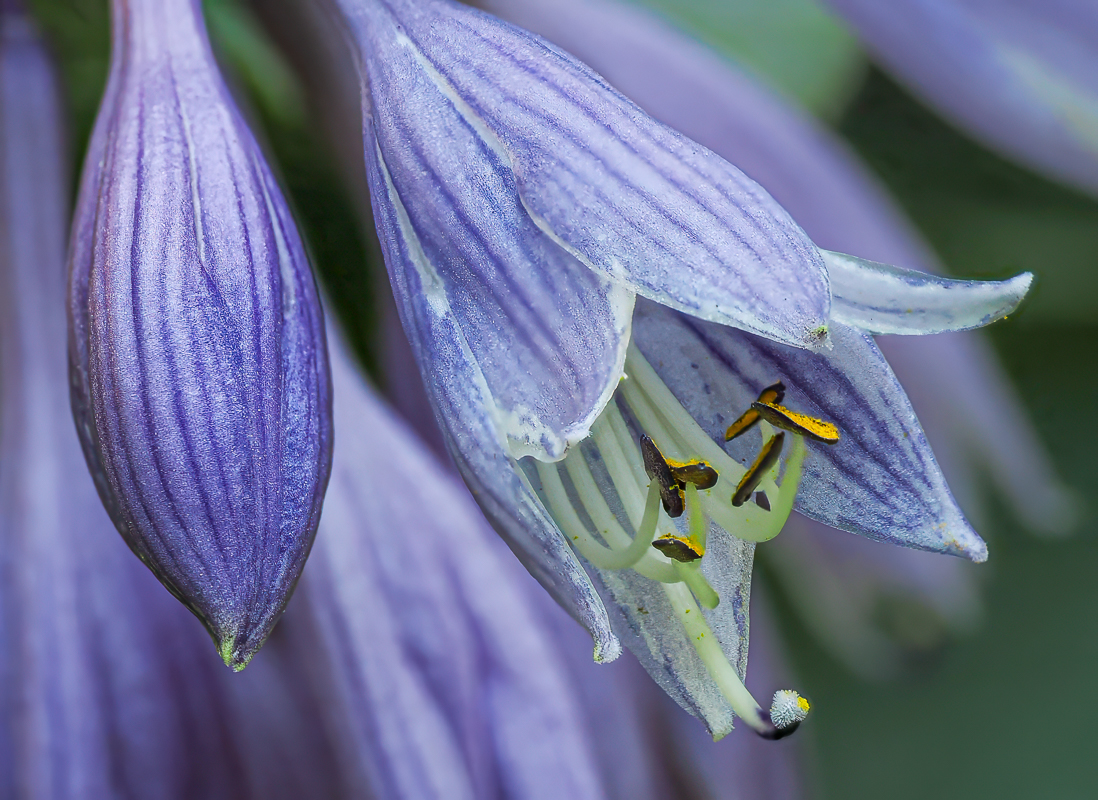
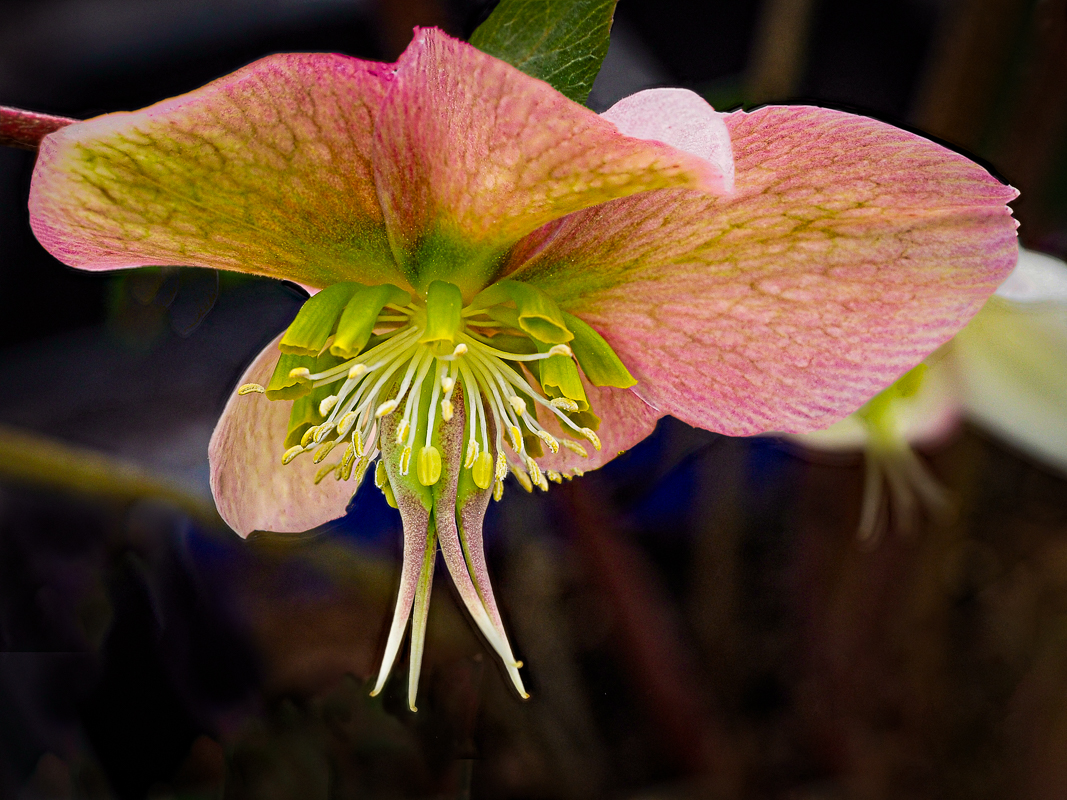
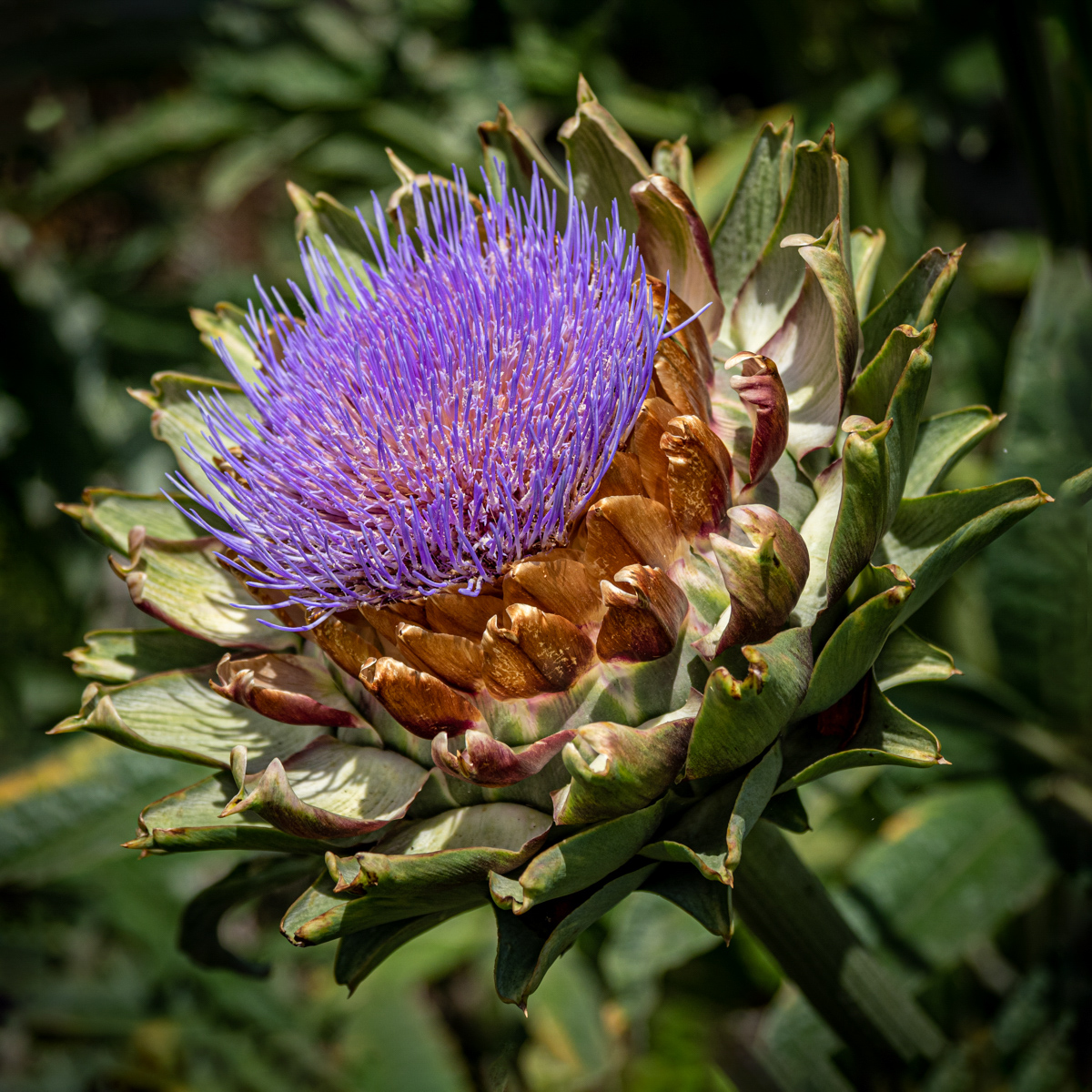
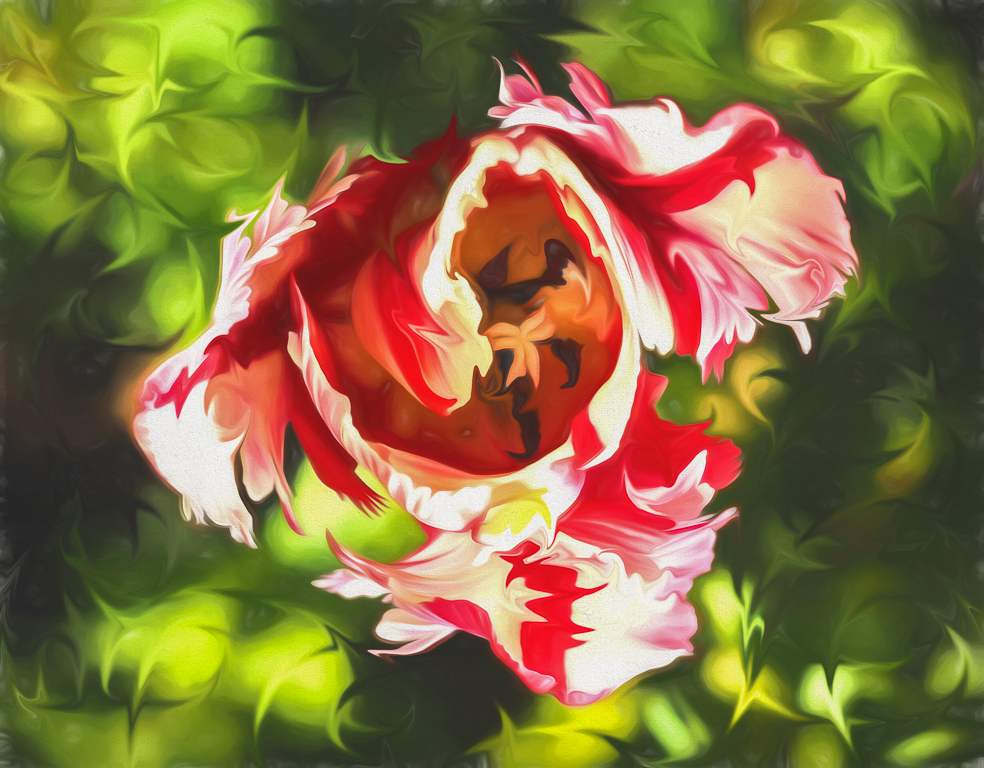
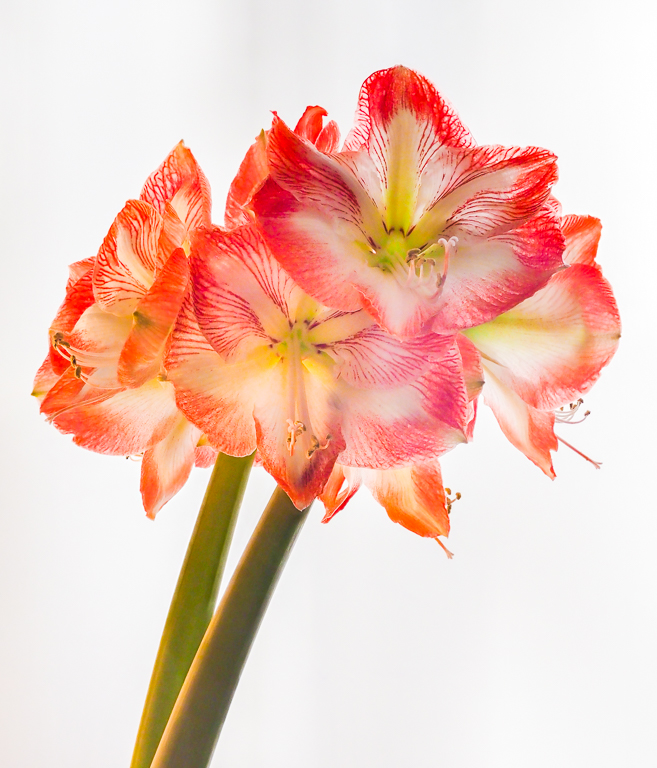
"Stacking" or "Bracketing" in Olympus cameras is a process where you layer the same photo on top of each other in a literal "stack". You can do this process for White Balance, Iso, Auto Exposure, Art settings, and Focus. What is being done is taking a different setting on each photo then stacking on top of each other. What I have done in this photo is Focus stacking. The reason is that I wanted to get the entire flower in focus from front to back. Think of it as a MRI or CAT scan medically where they take slices of a part of the body. You can stack photos without using a fancy camera that has it built in. What you do is try taking a series of photos while on a TRIPOD (because they have to be perfectly aligned). 8 or so photos usually works. Try focusing on the front, then middle, then back of the flower or subject. You can stack them in Photoshop, or there is an app called Zyrene Stacker that I would recommend, it does the job efficiently. Or you can get an expensive camera like Olympus that has this feature. Some have such good stablization you don't need the tripod most of the time. You can stack for different reasons. By the way HDR is a stacking process, but for different reasons. That is to get the range of light and colors. In this image I stacked it to get the focus of three dimensions. Does this explain it? |
Jan 28th |
| 79 |
Jan 20 |
Comment |
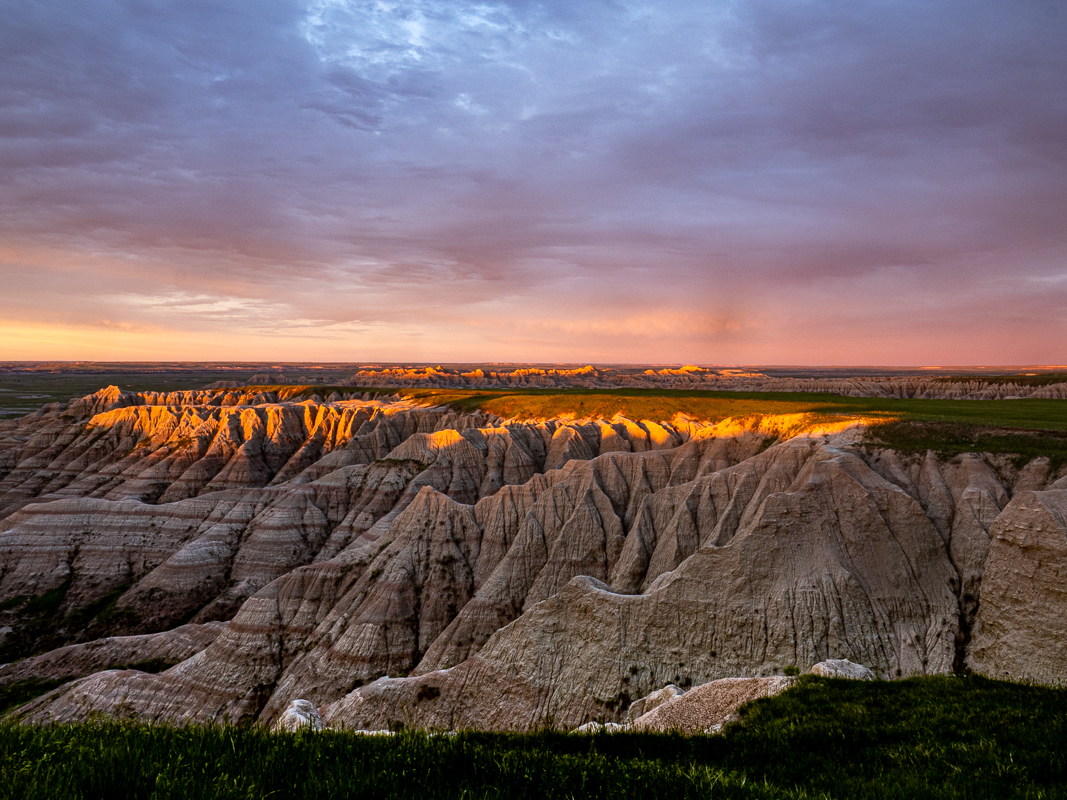
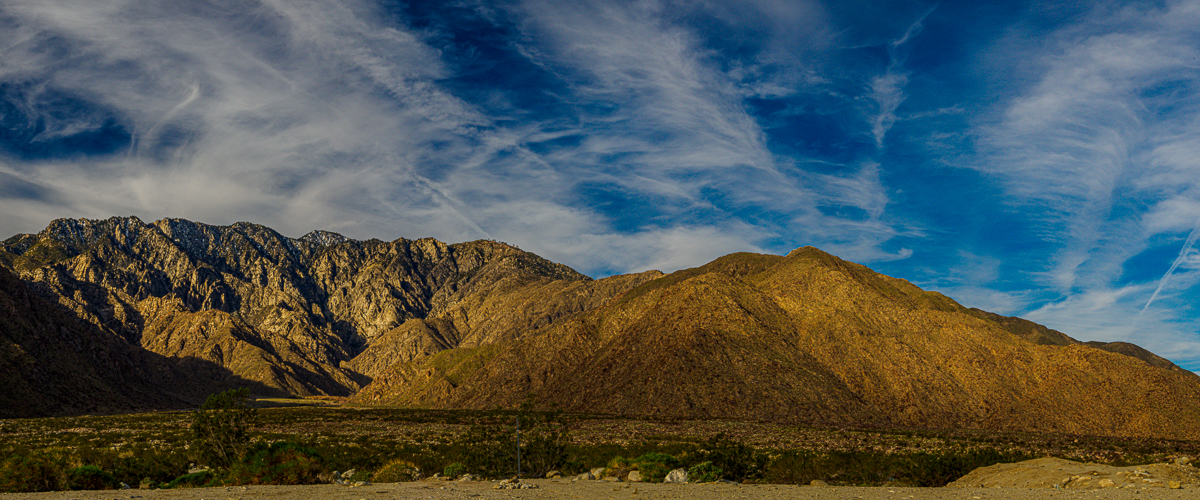
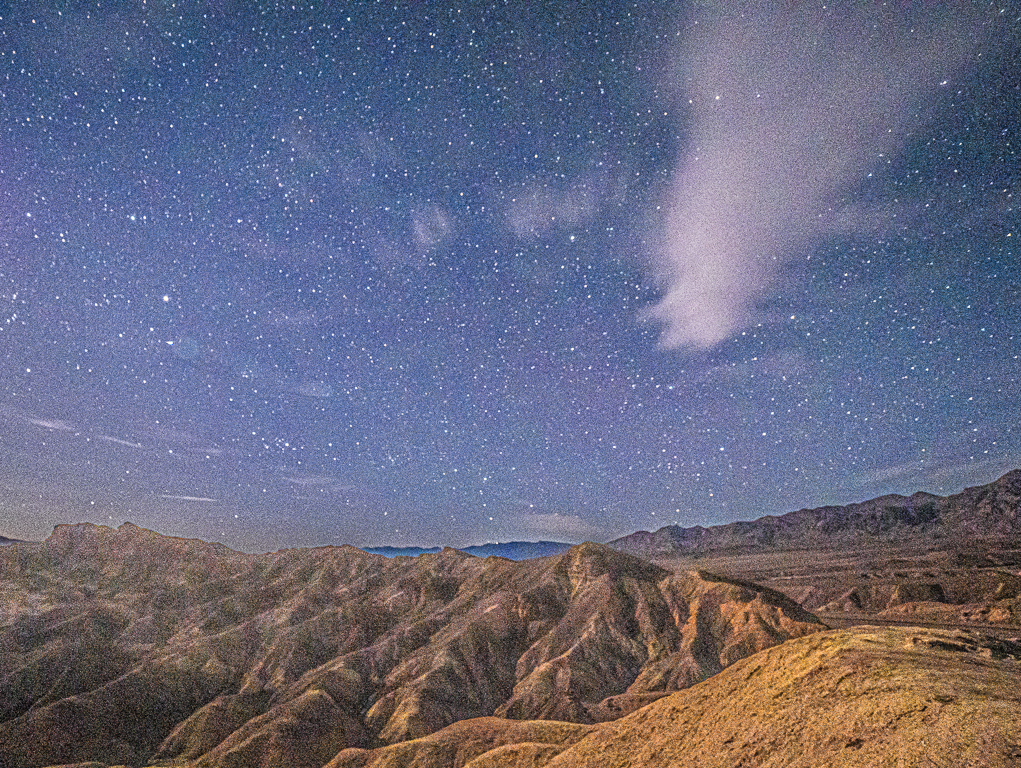
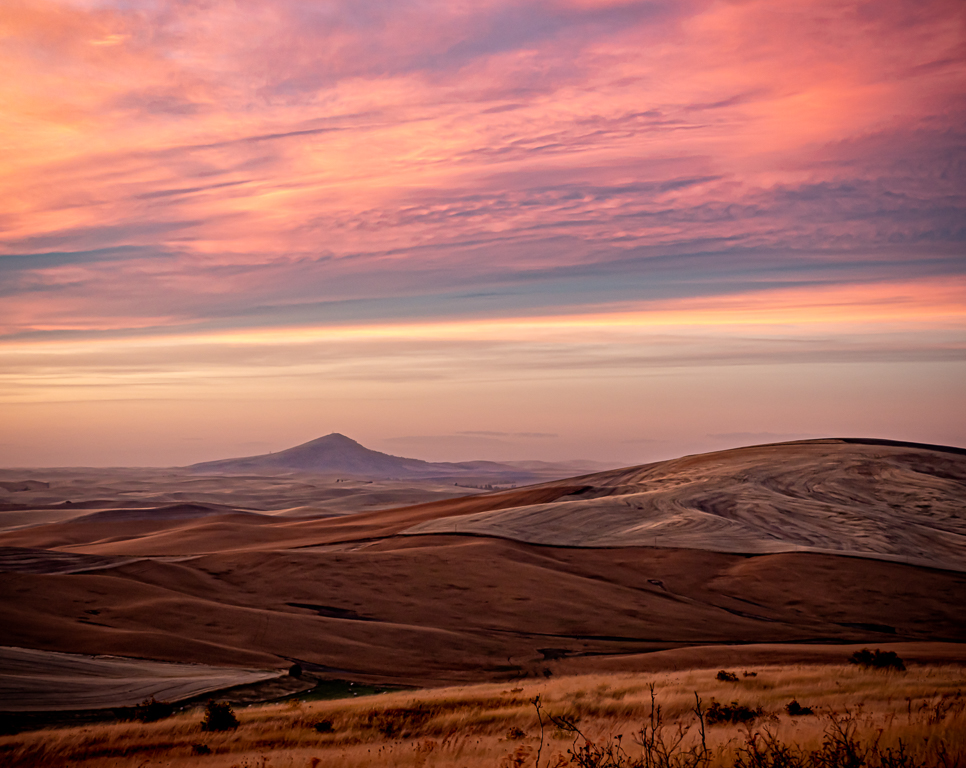
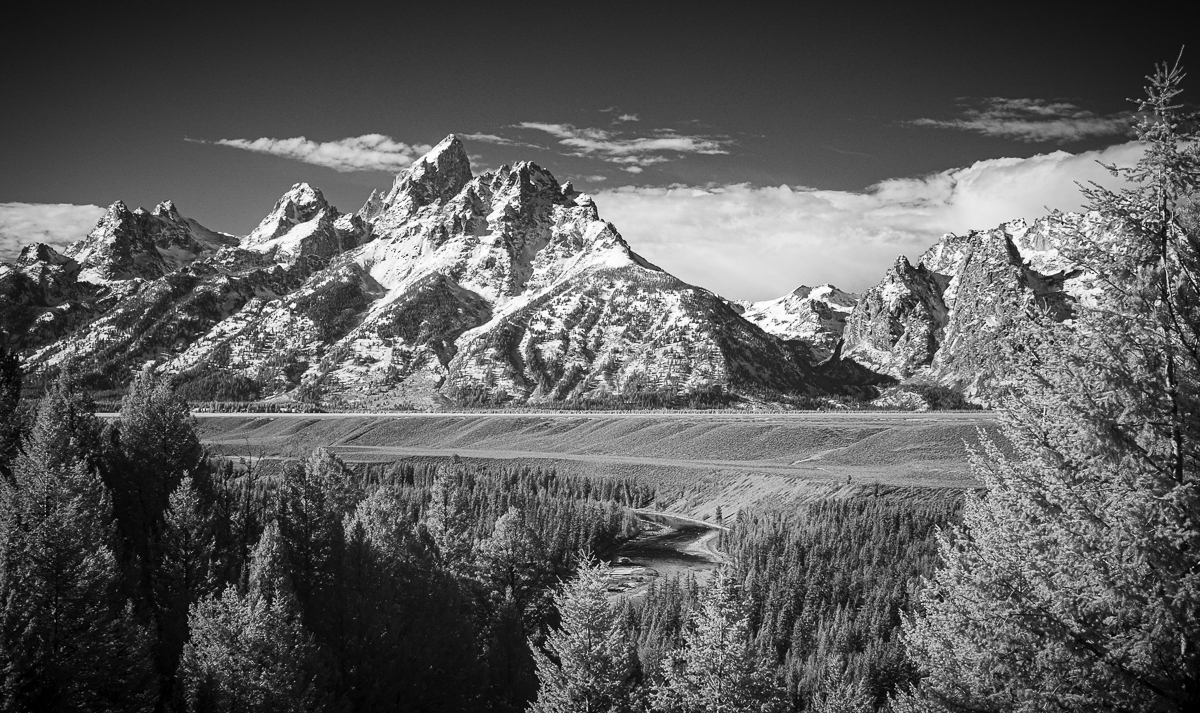
Wonderful shot, and good choices to go with mono. My first reaction was that the mountain in the back is centered as a subject. My second thought was that this might be a photo to break that composition rule, because of the way that the image is framed by mountains.
I love the textures and light, you have done a nice job of highlighting good points of interest in the photo. |
Jan 21st |
| 79 |
Jan 20 |
Reply |
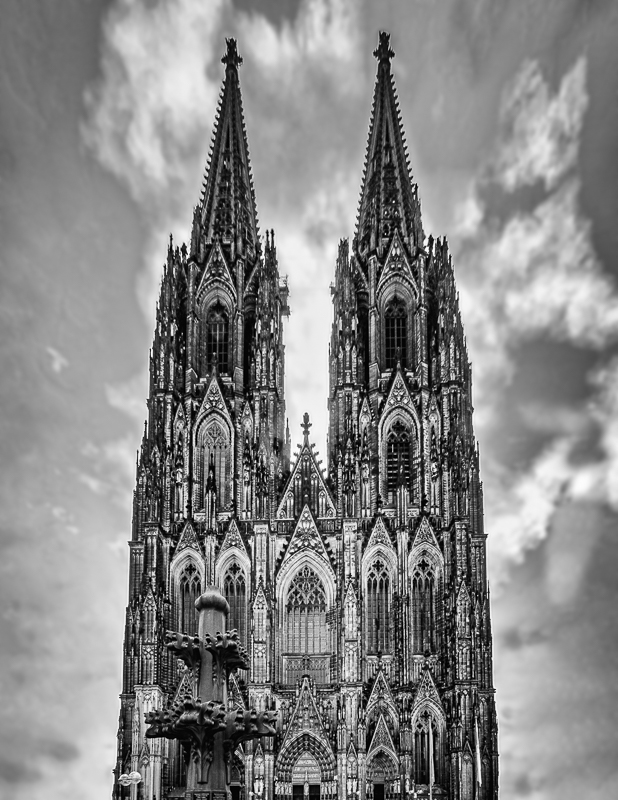
There is detail on the towers on my monitor. |
Jan 21st |
| 79 |
Jan 20 |
Comment |
Motion blur is fun to play with. I think I would prefer to know that this is moonlight if the moon was in the photo. Moonlight can actually be quite clear; this feels like fog. I am not sure that you achieved your goal in the photo, but experimenting is always fun. |
Jan 21st |
| 79 |
Jan 20 |
Comment |
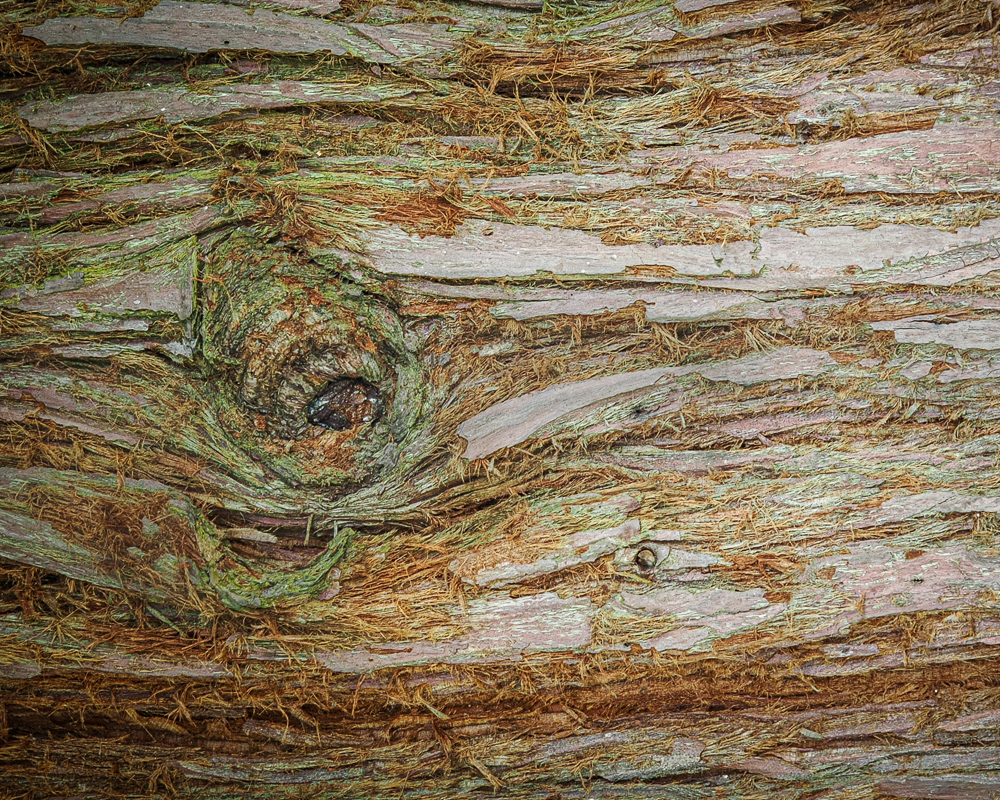
Wow I love the texture in this image, and it is very different texture from the original. Good choice! It brought out the lines of the wood in the guitar; it enhances the face of the busker. Buskers are gritty sometimes, as they work the streets, and I think you have captured some of the life of this man.
I guess Judith we have different ideas about texture. I would argue that in this case being gritty is exactly what the photo needed. |
Jan 21st |
| 79 |
Jan 20 |
Comment |
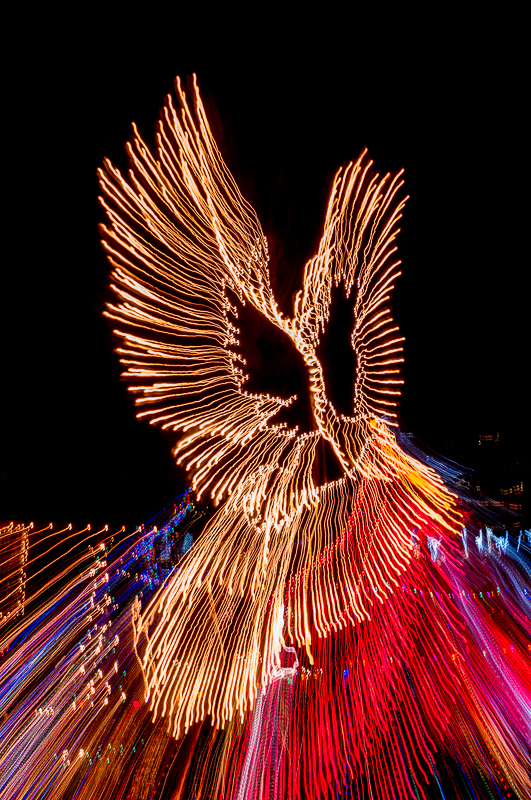
If the image is titled, "Dancing Alone" and there are two human forms, then is the implication that the person is dancing with a reflection of themselves? The motion blur of their arms look like wings of a bird or an angel. |
Jan 21st |
| 79 |
Jan 20 |
Comment |
I agree with Valerie, this image's strength is its impact. The highlights of the white are electrified, if that is what you wanted - so almost blown out. I wonder if the 'bird" is crying? It is always interesting how people interpret what they see from their own perspective. Without your explanation, I would have no clear idea how you got this image, except that it was a zoom lens. Not that that is important, but interesting. I love the gold and red tones, you handled them well. |
Jan 21st |
6 comments - 1 reply for Group 79
|
13 comments - 6 replies Total
|