|
| Group |
Round |
C/R |
Comment |
Date |
Image |
| 27 |
Nov 19 |
Reply |
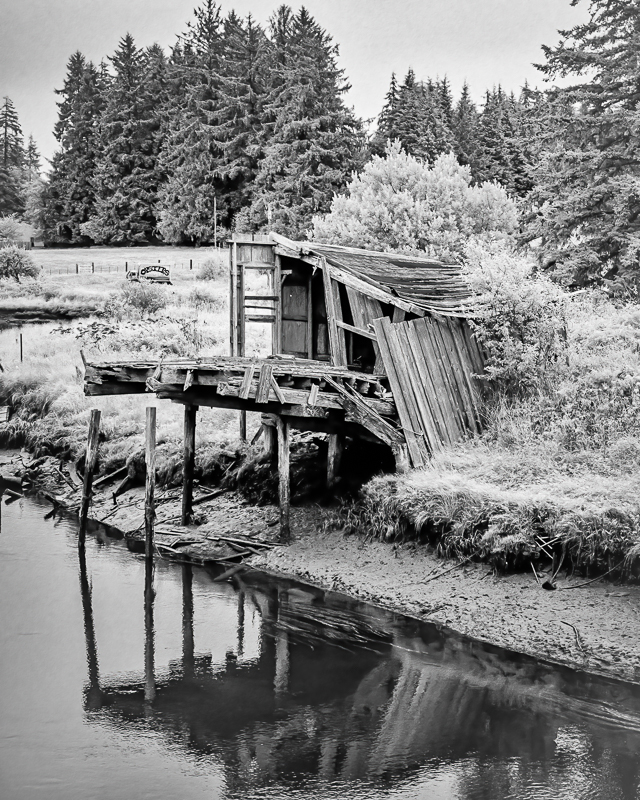
Thanks Danny. I think the monochrome makes the shapes stand out.
|
Nov 27th |
| 27 |
Nov 19 |
Reply |
I like this crop better too. What is DAP? I think the orange on the wall on the left side could be lightened, perhaps a compromise between what I did. This version has a better window too. |
Nov 22nd |
| 27 |
Nov 19 |
Comment |
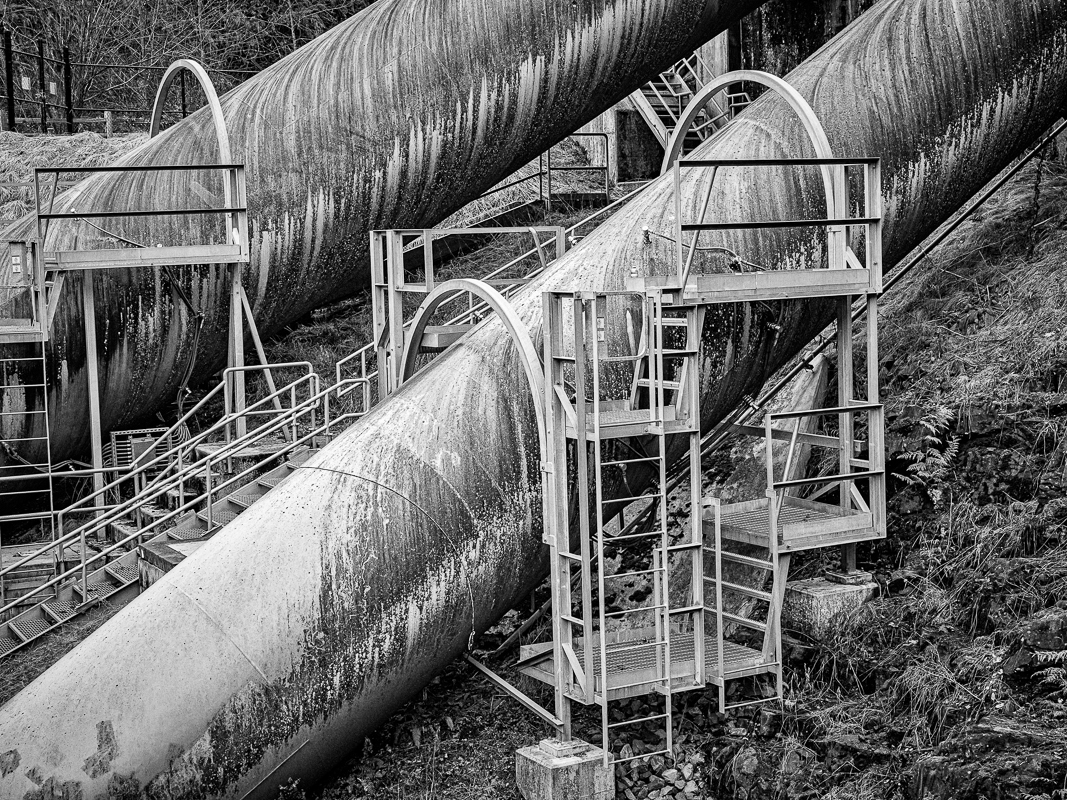
Thanks, Brad for the suggestion. I am beginning to feel like a plumber. I wish I could get paid for the time I am spending on this photo like a plumber! I think if I remove the 2nd pipe, which would be tricky, it would have to extend that main pipe. I am going to play with Jan's suggestion to darken it first, a bit easier. |
Nov 20th |
| 27 |
Nov 19 |
Reply |
Great suggestion. I have not played with a gradient in LR, do you mean the Graduated Filter? |
Nov 20th |
| 27 |
Nov 19 |
Comment |
Very well done! I like the center of the water and the pattern of the spray coming out like a fan. The determination of the firefighters is held in their posture and that group effort that they are supporting one another. This is an excellent photojournalism photo because it tells a story! |
Nov 16th |
| 27 |
Nov 19 |
Comment |
Thank you everyone for your feedback. I have decided to keep the crop, but I did remove the tape and the line in the background. My husband, Henry, who is also a photographer suggested I keep the line because it creates tension. What do you think? I will be entering this in the NW Council of Camera Clubs traveling print salon, and it will get scored feedback from 6 camera clubs. |
Nov 16th |
 |
| 27 |
Nov 19 |
Reply |
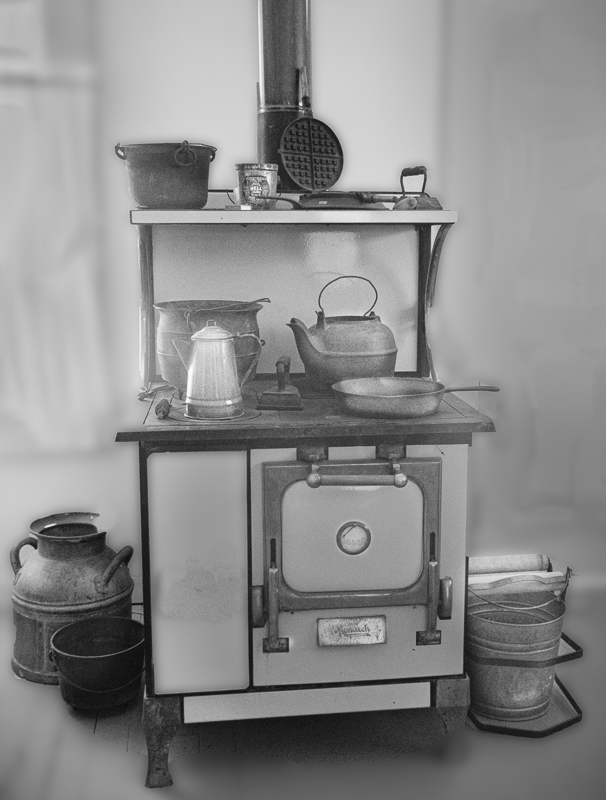
It is always the maker's choice, and I respect the choices you make, I just wanted you to see the possibilities in the image. I actually like the monochrome version because of the same reason you left it in the darkened colors, it plays on the imagination of wondering what the colors are. I prefer that to the darkened colors you chose, because some of the objects in the room are actually very dim but interesting. |
Nov 12th |
| 27 |
Nov 19 |
Reply |
OK Stephen, so I am new to this process, and the group. I don't know you. However, as a woman photographer, I find your crop suggestive? Which I think is kind of funny, and maybe my comment is not appropriate, not knowing you. No offense intended, we sometimes do subconscious things. On the other hand, I could have put your cropped photo in fine arts and got my comment. I like the full photo because it has so many textures, shapes and light, and it comes from a bygone age that is not technical - in a society that is so high tech it is easy to miss the necessary physical pipes and wheels. |
Nov 12th |
| 27 |
Nov 19 |
Comment |
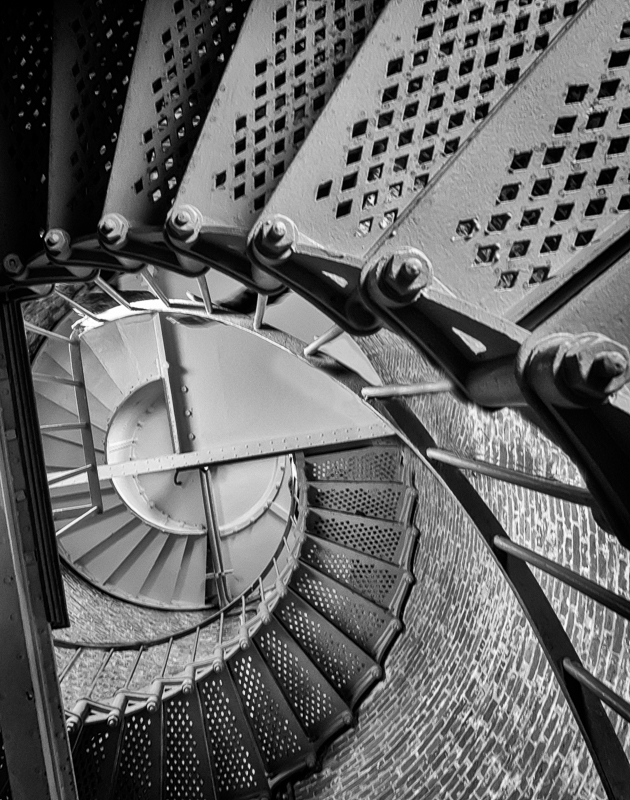
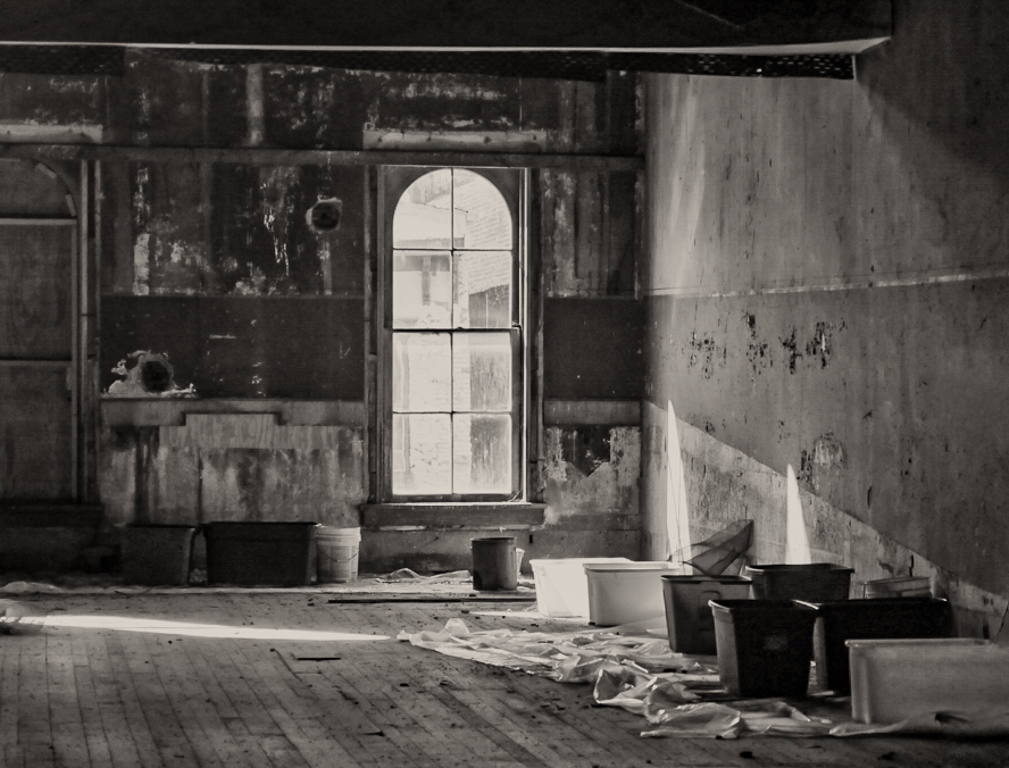
This photo also has wonderful shadows and textures. I converted it in Nik Silver Efex Pro, from the color image above. Look what you have in monochrome: |
Nov 11th |
 |
| 27 |
Nov 19 |
Comment |
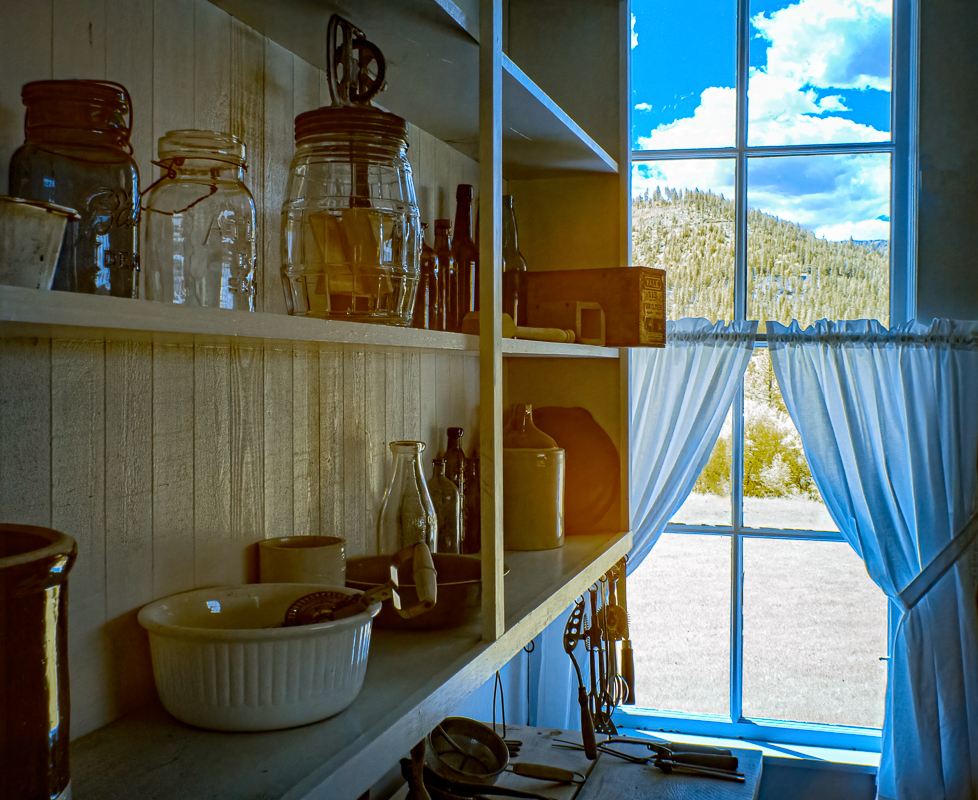
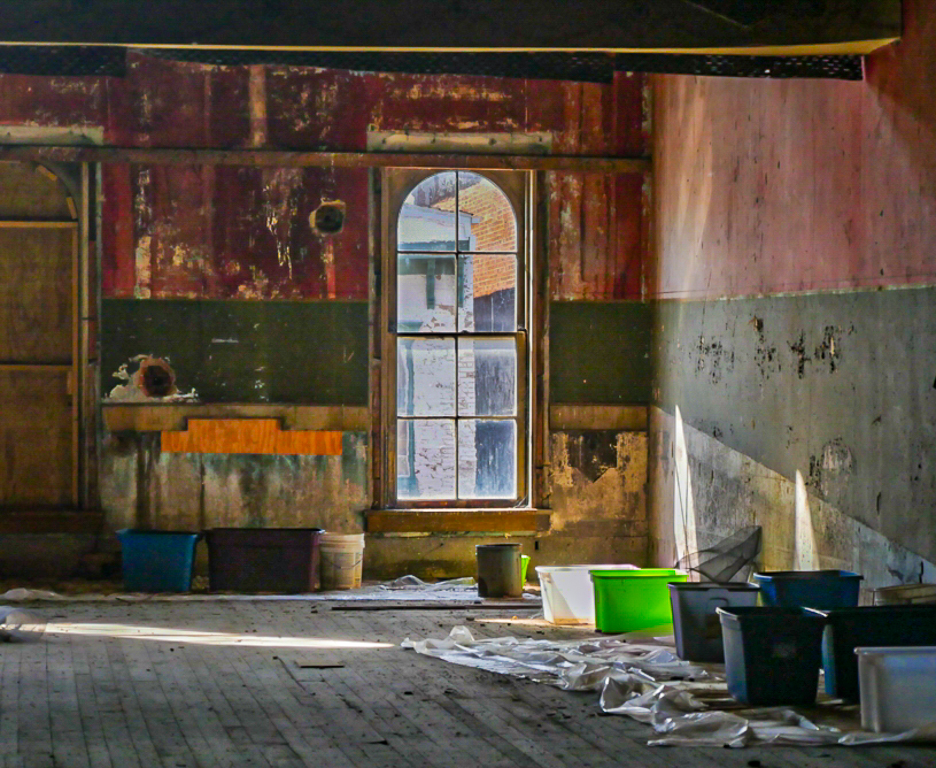
Becca, what a great story this photo holds! Another World is an interesting title, but I think the title could have something about the Opera House to make it more interesting. Good choice in using HDR for this. There is a lot more information in your photo than you give it credit. HDR is great when shooting a window, because it can can catch the outside view as well as the inside. I took your image into Lightroom, and cropped it a bit; added texture slider, down the highlights and up the shadows. I also used Photoshop to remove the pallet on the lower right. What a difference the colors make, and look at your window! |
Nov 11th |
 |
| 27 |
Nov 19 |
Reply |
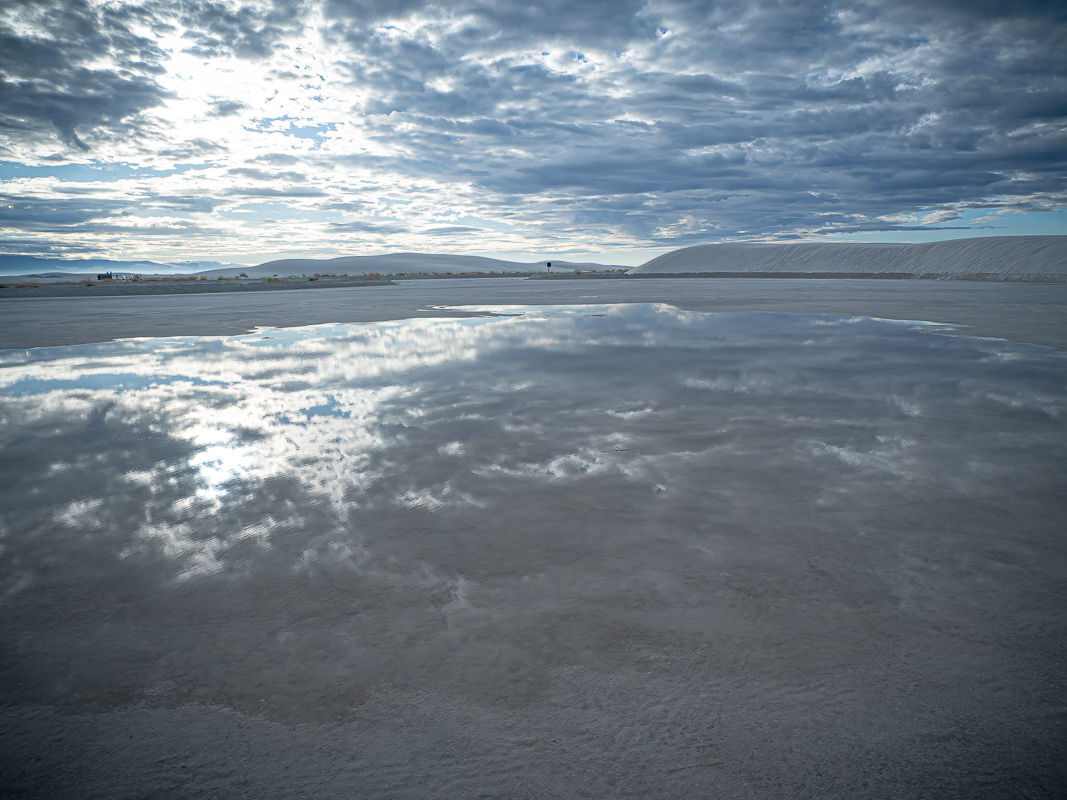
I would prefer to see the white rock in the foreground than to feel like I am standing in the water when I view the photo. |
Nov 7th |
| 27 |
Nov 19 |
Comment |
Wow, what an amazing difference from the original! It makes me think twice about keeping some photos. Such nice soft light, and the fog is just in the right places, with the tree on the left on the third line for composition. You have a water drop or lens spot on the tree on the far right. That can be taken out in Photoshop if you zoom in - try the content aware or you can clone stamp it from another tree. What is the curved white line hanging from a tree on the lower left corner? The colors in this are beautiful. You could give them more pop with more contrast, perhaps Dehaze in Lightroom or Camera Raw Filter in Photoshop. |
Nov 5th |
| 27 |
Nov 19 |
Comment |
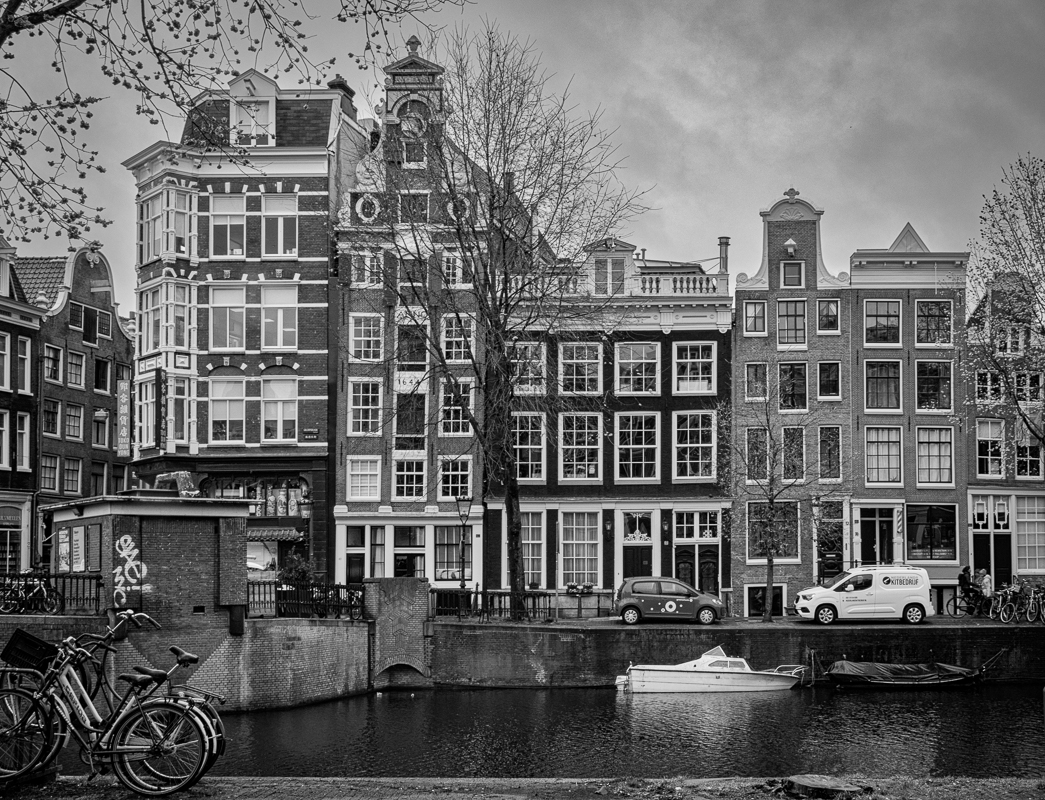
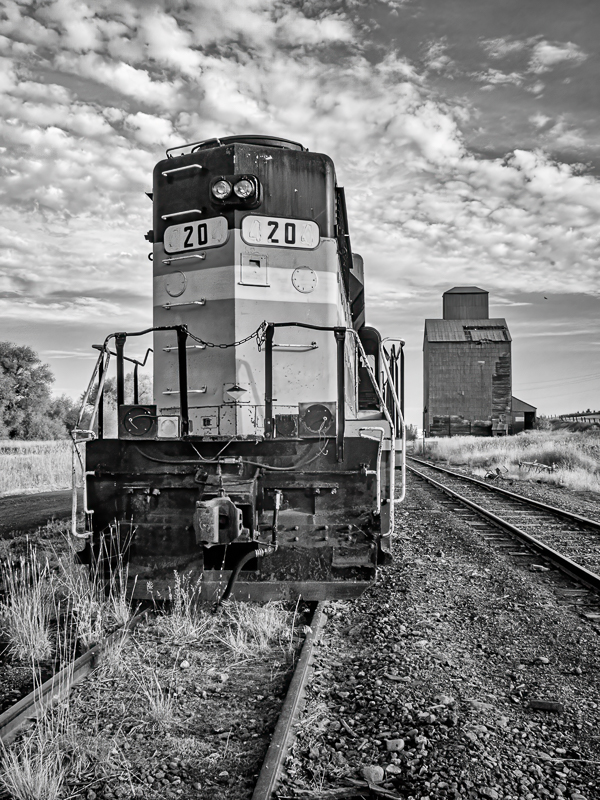
There is a very nice leading line in this photo, and I like the way it follows from foreground to background. The details of the brick on the building make it full of texture. It might be slightly oversharpened, did you sharpen it in post? I think the sky needs help, because you can see the details of clouds there, but the sky is blown out in your monochrome. I would add a graduated filter in Lightroom in color, then convert again. Or try boosting the blue slider in PS. |
Nov 5th |
| 27 |
Nov 19 |
Comment |
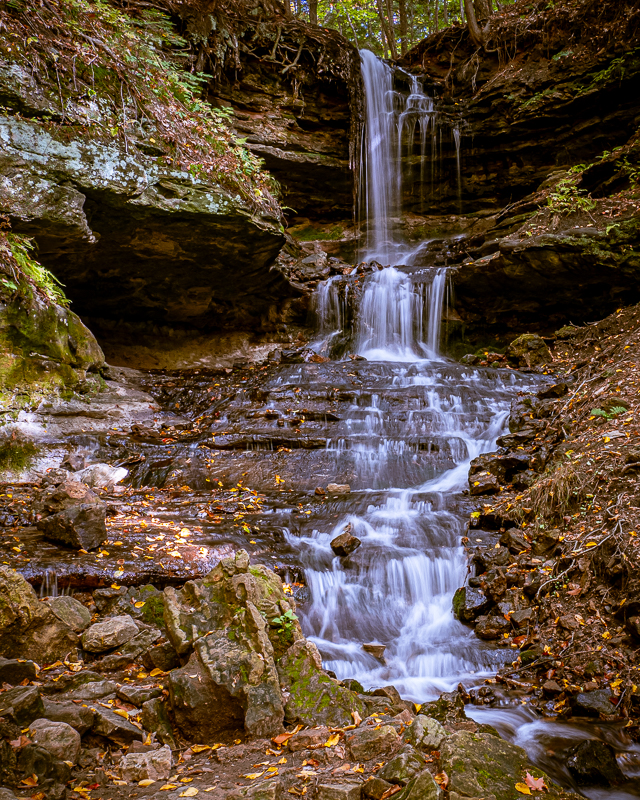
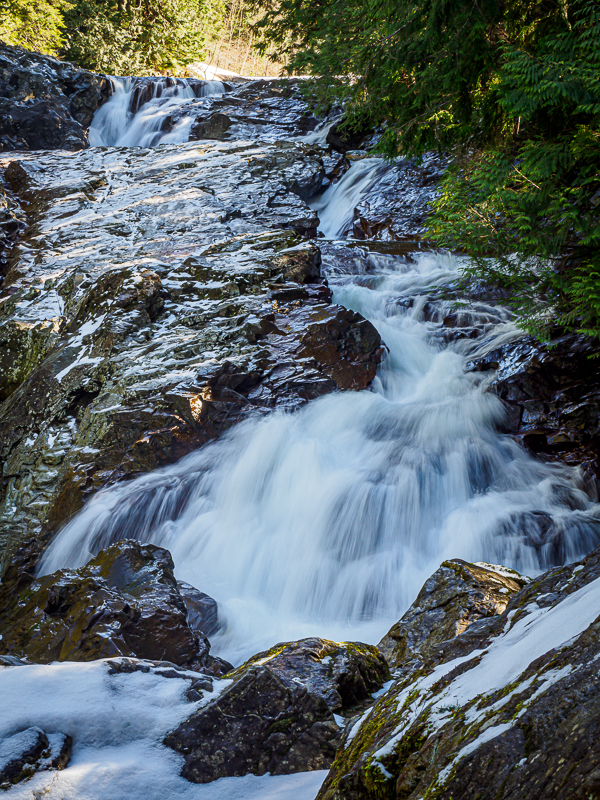
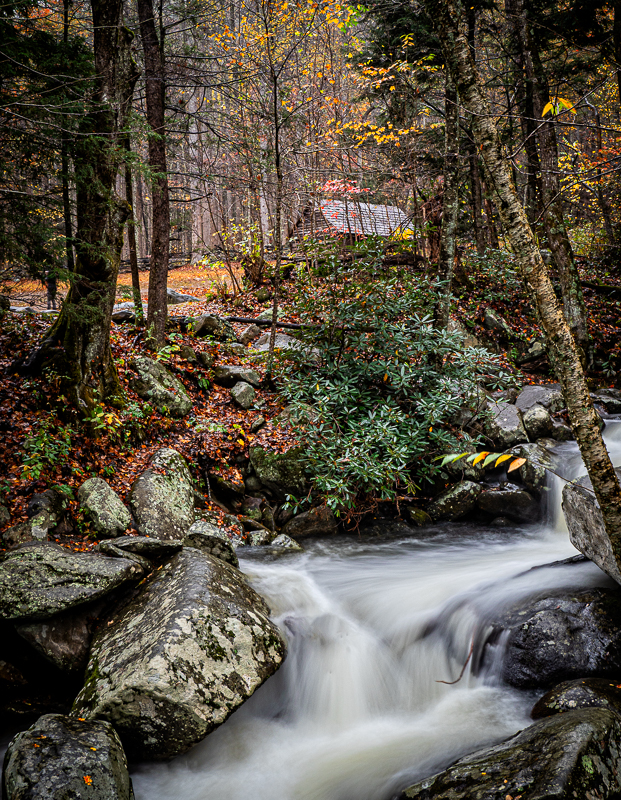
Very nice perspective and crop. You have a good flow of details in the water, even though it is a slow shutter. Something to think about next time is where the viewer's feet would be - in other words, standing on water? Some foreground would help with that. Were you in the water when taking this shot? |
Nov 5th |
| 27 |
Nov 19 |
Comment |
What an interesting image. I love the rainbow of colors and colored "shadows". I would suggest that the model's eye has a
circle of light around it that could be toned down, and you might be able to get the colors also on her face. Also a little work in Photoshop with a dodge and burn layer using a brush would lighten the colors in her hat and make the details pop a bit more. She also has fabric or netting on her chest which could be iridescent, it would be interesting to see the colors repeated there. |
Nov 5th |
9 comments - 6 replies for Group 27
|
| 79 |
Nov 19 |
Reply |
Thank you for all the kind words! |
Nov 25th |
| 79 |
Nov 19 |
Reply |
See my comments and photo above.
|
Nov 23rd |
| 79 |
Nov 19 |
Reply |
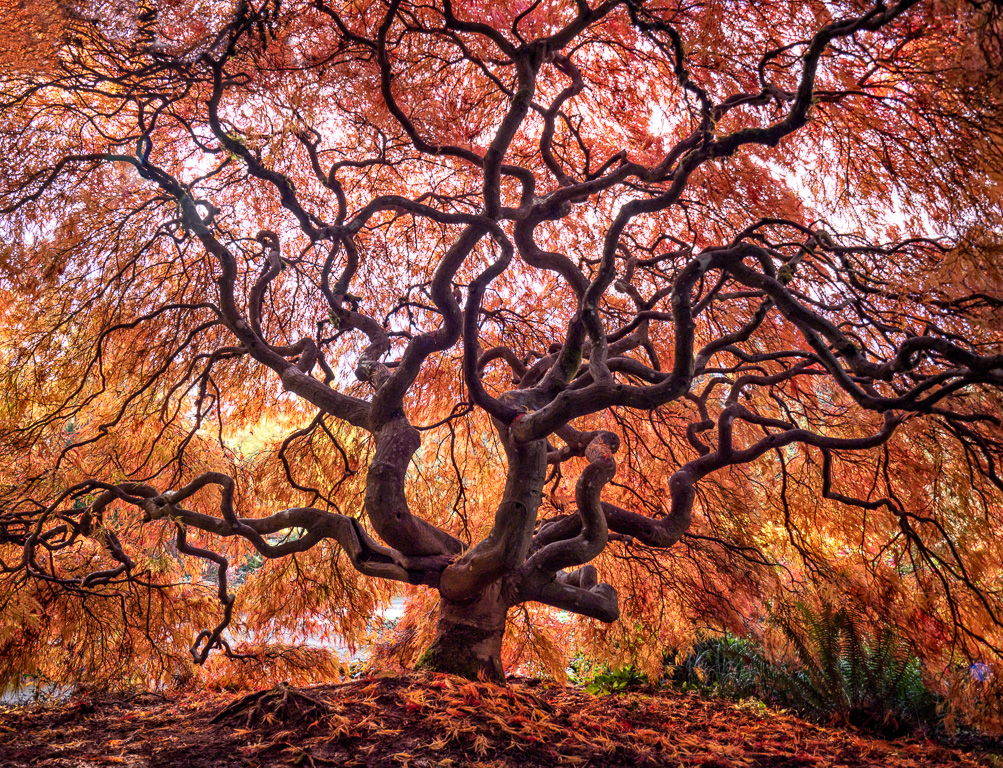
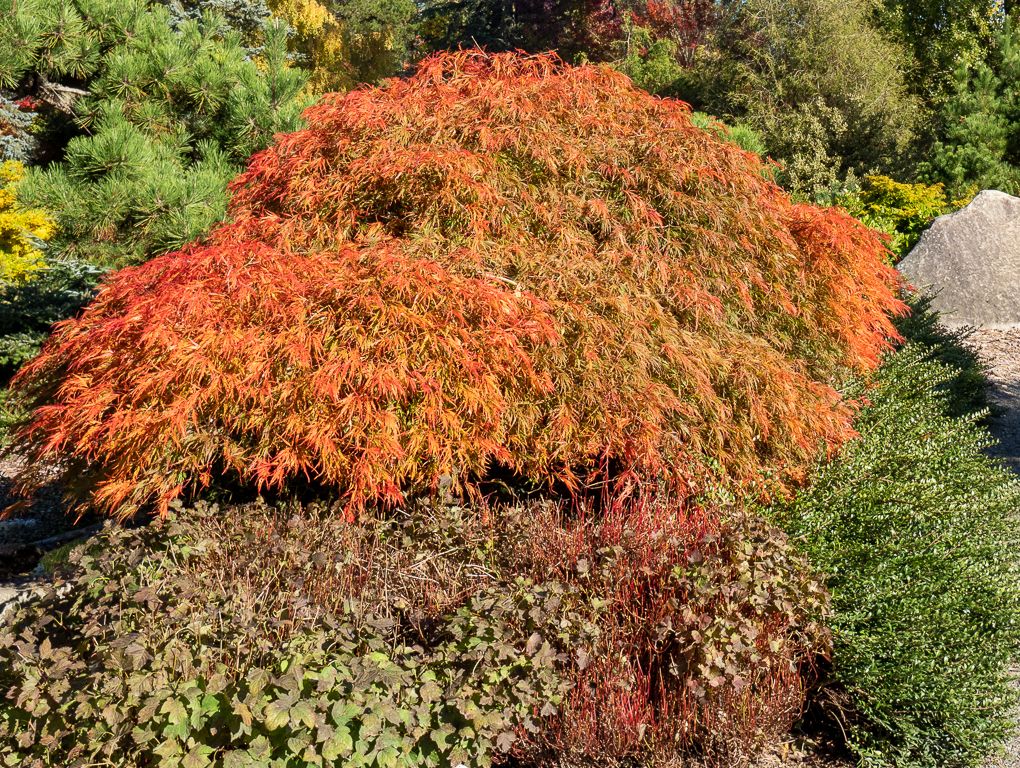
This is a photo of the OUTSIDE of the tree. So if you have read my comments, I was INSIDE UNDER THE TREE. There is no way I could get the "all of the tree". The twisted branches are on the inside, under the leaves! Now this is all of the tree, from the outside. |
Nov 23rd |
 |
| 79 |
Nov 19 |
Comment |
|
Nov 20th |
| 79 |
Nov 19 |
Reply |
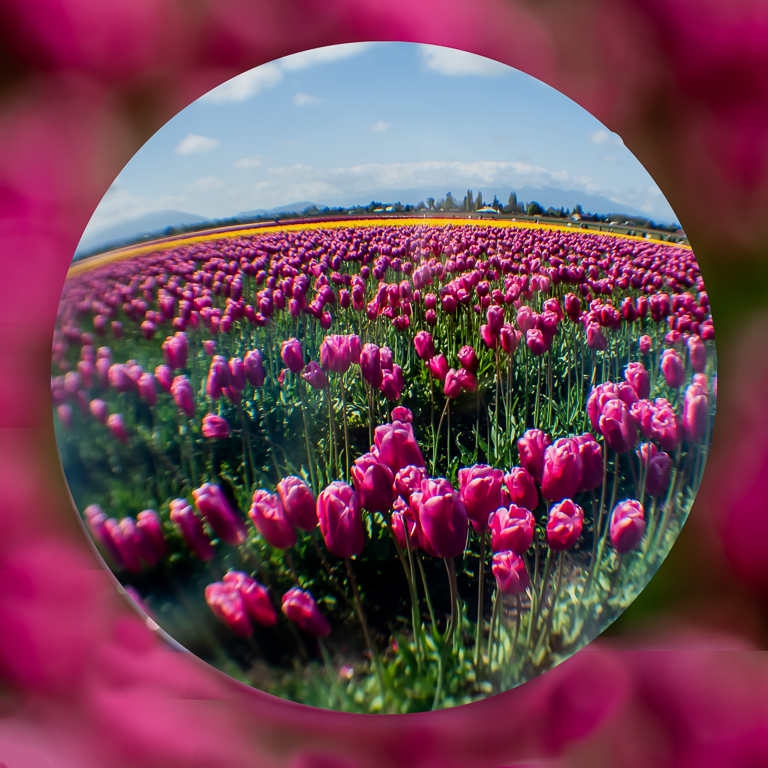
Nice idea for a fish eye. I do have one. Didn't think to use it. Will have to wait until next year now, since the tree has likely dropped all of its leaves. I don't think everyone understands about this tree. it is about 6 feet tall, and it is like an umbrella, the branches come down to the ground. Maybe you can relate to a small weeping willow? I was INSIDE under the branches, shooting up. The sun backlit it. It is a Japanese maple, and so the branches twist. There is no way in that position I could get a photo of the entire tree. Here is an OUTSIDE shot of the tree. |
Nov 20th |
| 79 |
Nov 19 |
Reply |
This is a Japanese maple tree, and it grows like an umbrella, sith branches down to the ground. I was inside the umbrella shape, shooting upward. There is no way to get the entire tree. |
Nov 16th |
| 79 |
Nov 19 |
Reply |
Hi May, what do you mean "Wonderland is a loss for me"? I don't understand. Could you explain? |
Nov 14th |
| 79 |
Nov 19 |
Reply |
Aha. So I think the focus is on the trees if they are in the middle. I will think about a more creative crop to move the trees over somehow.
|
Nov 12th |
| 79 |
Nov 19 |
Comment |
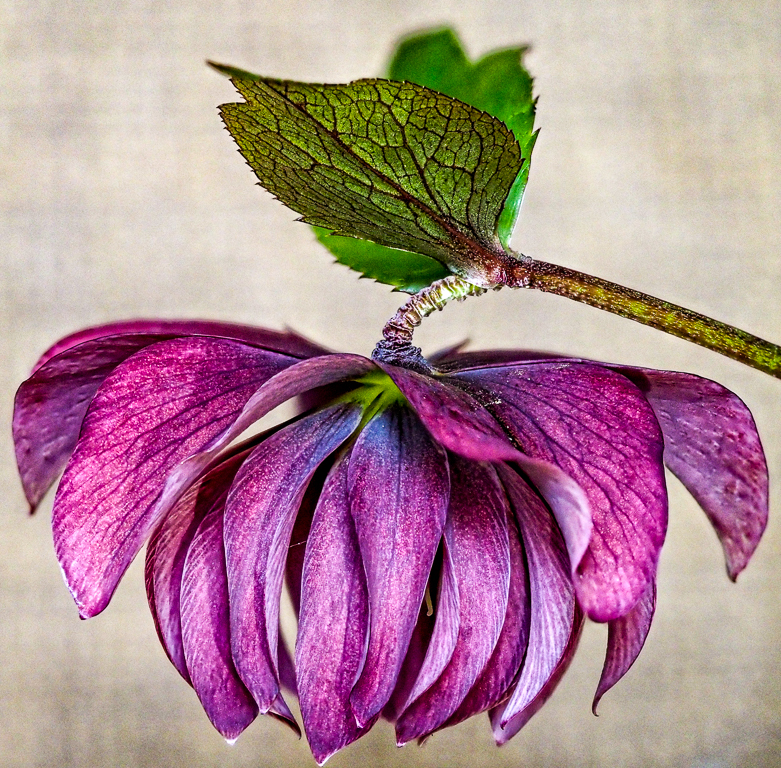
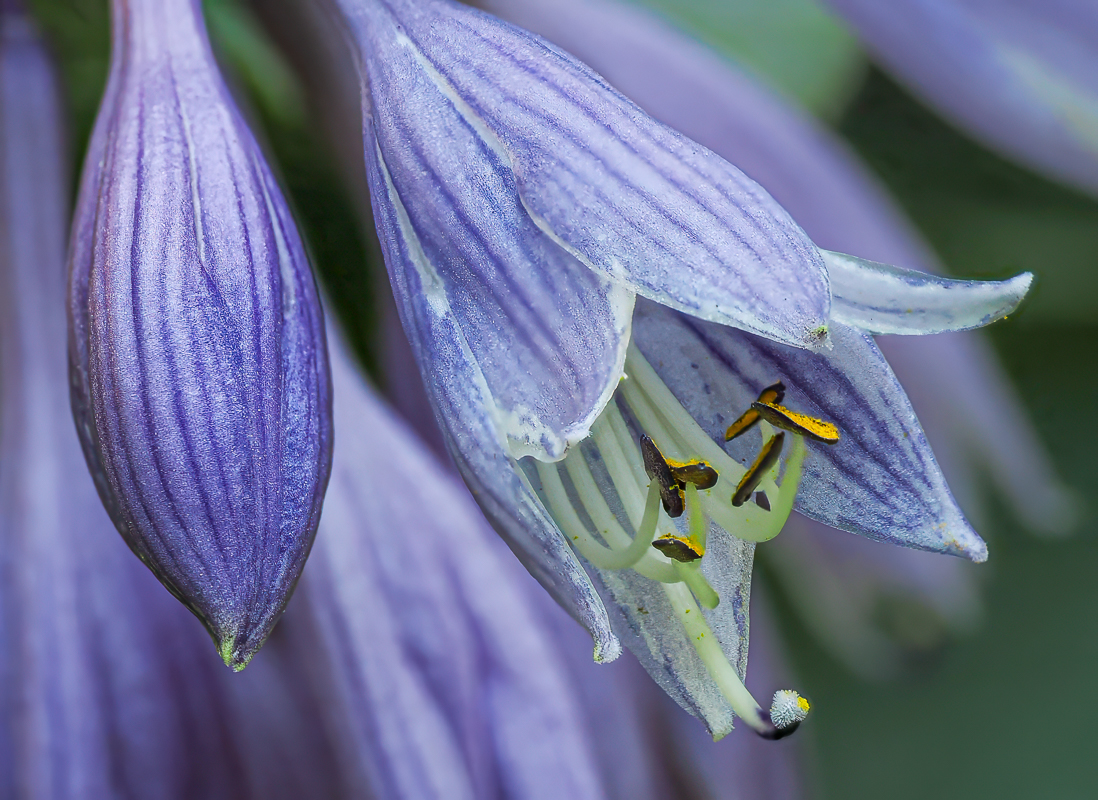
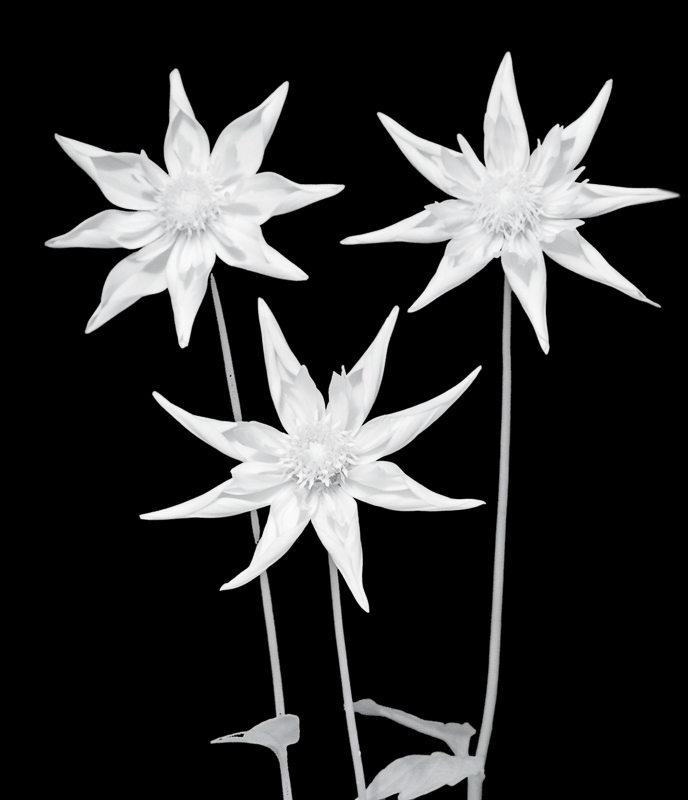
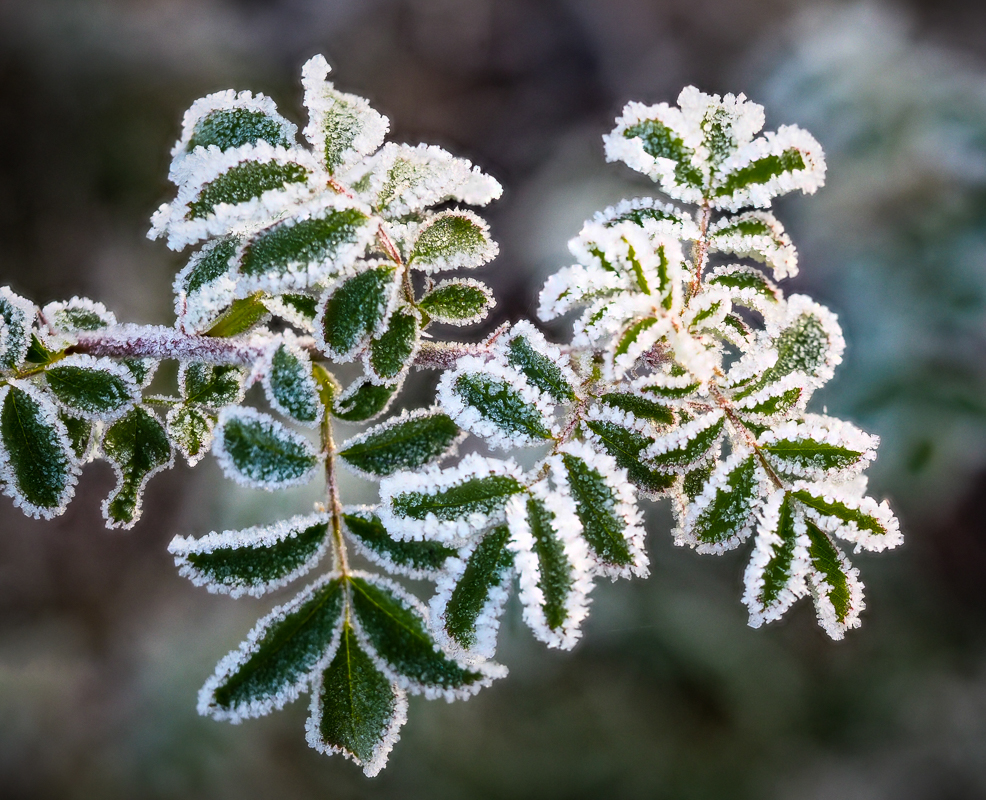
I love the sharpness of this image,and the way you caught the crystals on the flower. I think you made the correct decision not to have the flower floating on black,but to keep the leaf in the background. It gives a nice textural contrast to the sharpness of the flower. |
Nov 11th |
| 79 |
Nov 19 |
Comment |
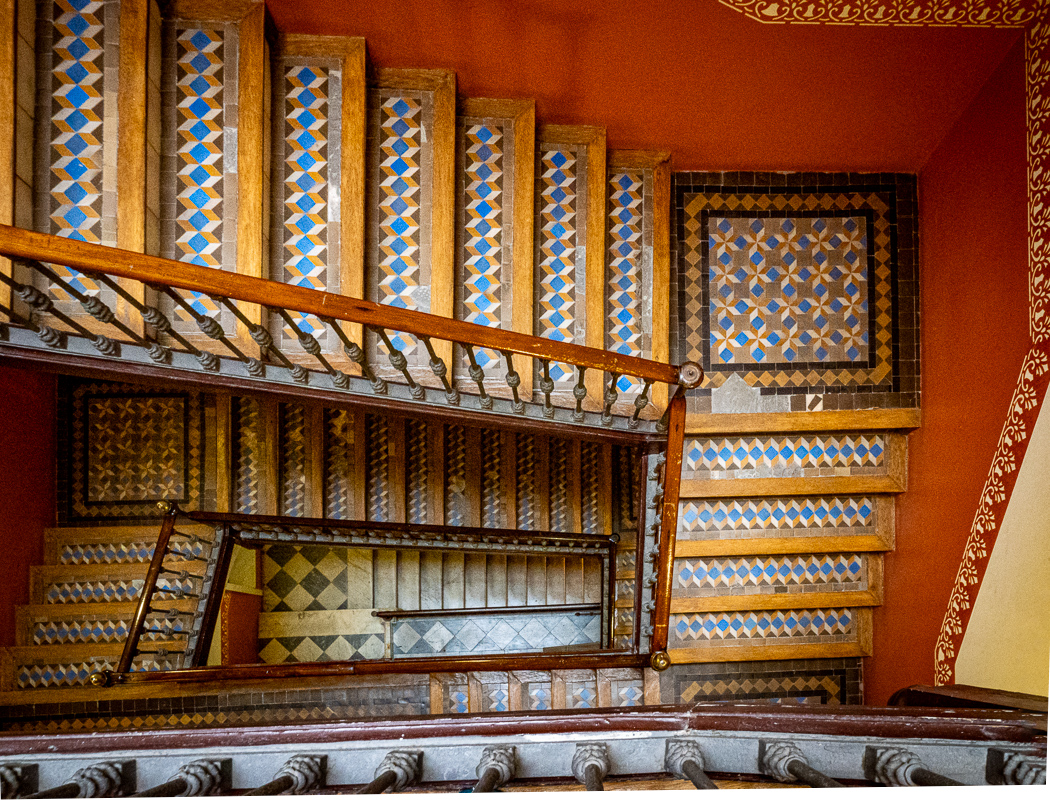
I like the architectural lines in this photo, and the perspective of looking up. I wish there was a way not to center the trees in the middle, and perhaps playing around with the crop might be a good suggestion. The difficulty would be to lose some of the windows which are a strong part of the image. The question is whether the architecture is the subject, or are the trees? |
Nov 11th |
| 79 |
Nov 19 |
Comment |
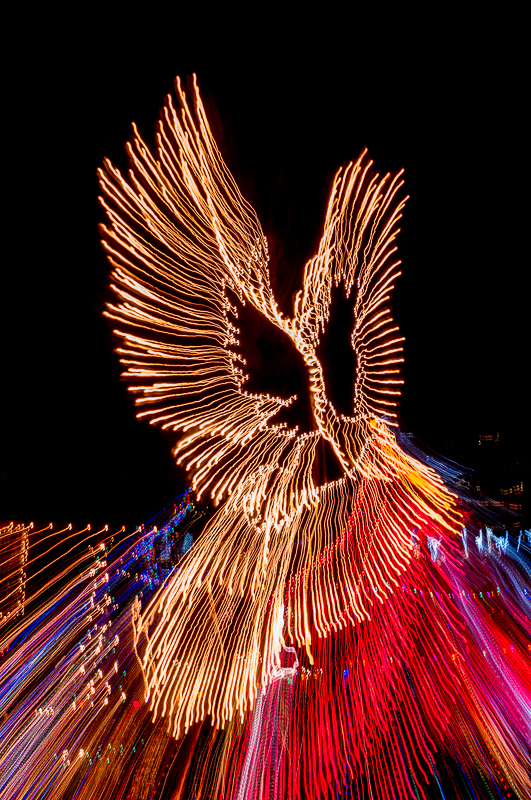
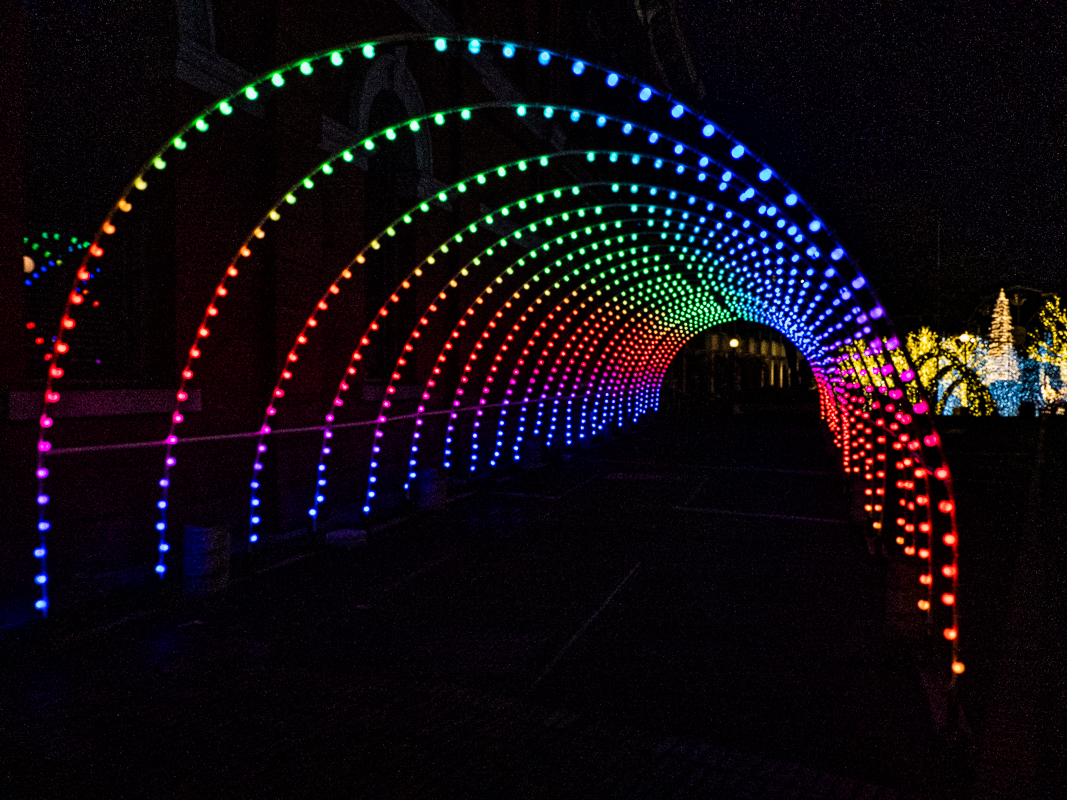
I love the impact of this image, and the abstract nature. It is a motion blur, and often Life goes by so quickly, as if in a blur. The tunnel effect has great analogies too. I like the colors and leading lines. Perfect title. |
Nov 11th |
| 79 |
Nov 19 |
Comment |
My initial reaction to this image was that it was disturbing; I thought of the red marks on a beautiful woman as blood - and the practice that is called "cutting" where those with emotional issues release pain by creating painful incisions. I would urge anyone doing that to get counseling help. On further inspection, I see that the red is actually yarn, not crayon. So I am at a loss to understand the image, or the connection to the title "Wonderland"? |
Nov 11th |
| 79 |
Nov 19 |
Comment |
What a fun way to capture and play with shadows This technique reminds me of the optical illusion, Rubin vase, where you see a vase or see two faces. It looks like from the original, that you removed the white blur object partially. It would benefit from being masked and removed in Photoshop, if you use that. |
Nov 11th |
6 comments - 7 replies for Group 79
|
15 comments - 13 replies Total
|