|
| Group |
Round |
C/R |
Comment |
Date |
Image |
| 4 |
May 23 |
Comment |
Hi Gary,
Lisa said that you can contact her directly with any questions. She and Tom were former Canon shooters
Lisa and Tom Cuchara (Photography)
photographyByLisaAndTom@comcast.net |
May 13th |
| 4 |
May 23 |
Reply |
This is Lisa and Tom's website: http://www.lisaandtomphotography.com/?m=1
|
May 13th |
| 4 |
May 23 |
Comment |
Hi Gary, a PSA photographer, Lisa Chuchara, is a terrific nature photographer and Olympus Ambassador along with her husband Tom. She has posted some outstanding bird photographs on Facebook and has attributed her Olympus OM1 and lenses. Today I questioned her technique and she responded with the following information:
Bill Buchanan
I do not typically use auto iso
Shutter speed is more important
So I tend to make sure I am at least 1/1000 sec
I do use auto iso on occasions
(1) sometimes at the end of a day and I am
Tired and the light gets less and less and less
Then using shutter priority and setting fast shutter speed and auto iso ensures sharp images
(2) bird photography is the early morning hours where there are two three or even five stops difference between the shadow landings and the sky
(3) street photography where scenes are very varied with neon bright and dark darks
Then I use 1/60 sec shutter priority with auto iso
|
May 13th |
| 4 |
May 23 |
Reply |
I'm glad you're accepting the comments. You mentioned that you used a shutter speed of 1/200. Using a long lens with a doubler I would think that a thousandth of a second would be sufficient. Any camera shake is going to be amplified with that lens. You might want to try some focus test on a static object. I don't know how the mirrorless functions but with my 7D MKII I can do a live view at 10x magnification. |
May 9th |
| 4 |
May 23 |
Comment |
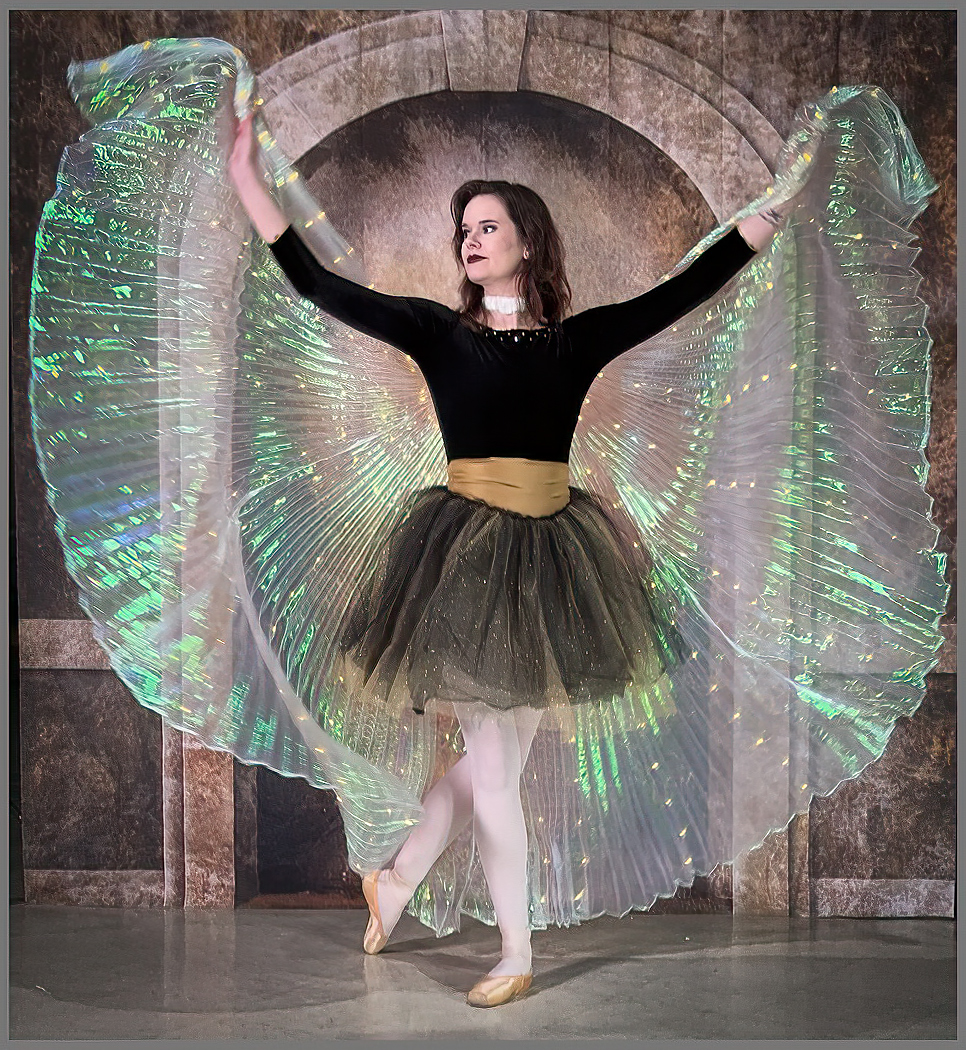
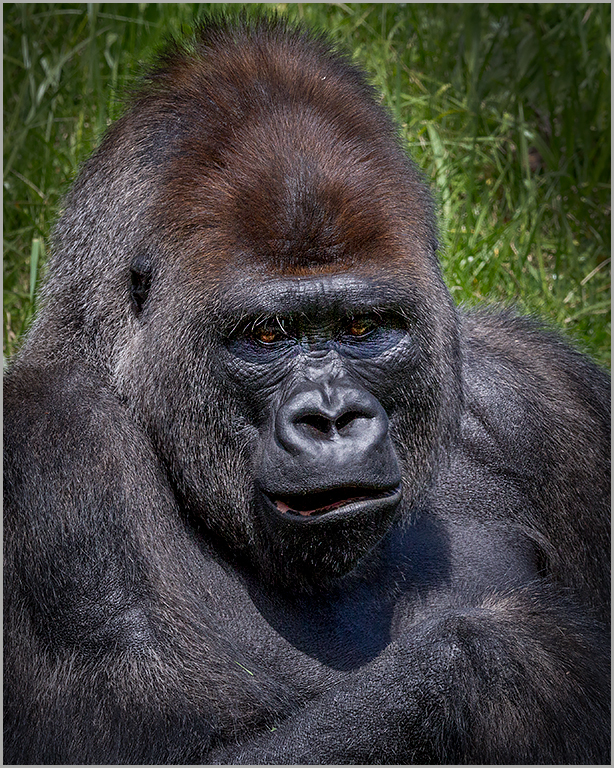
I guess I'm becoming a grumpy old fart. She certainly isn't the girl next door. Okay, let's talk about the image. First there's a lot of detail that makes the viewer's eye wander around this portrait which clearly violates all the rules for model's clothing. I found the color of her eyes penetrating and have captured attention. I took the liberty of isolating the background in the Adobe Camera Raw filter and changing the overall color and adding a vignette. One little nit is the merger of her hand with the edge of the picture. I also added a stroke as a finishing touch. |
May 8th |
 |
| 4 |
May 23 |
Comment |
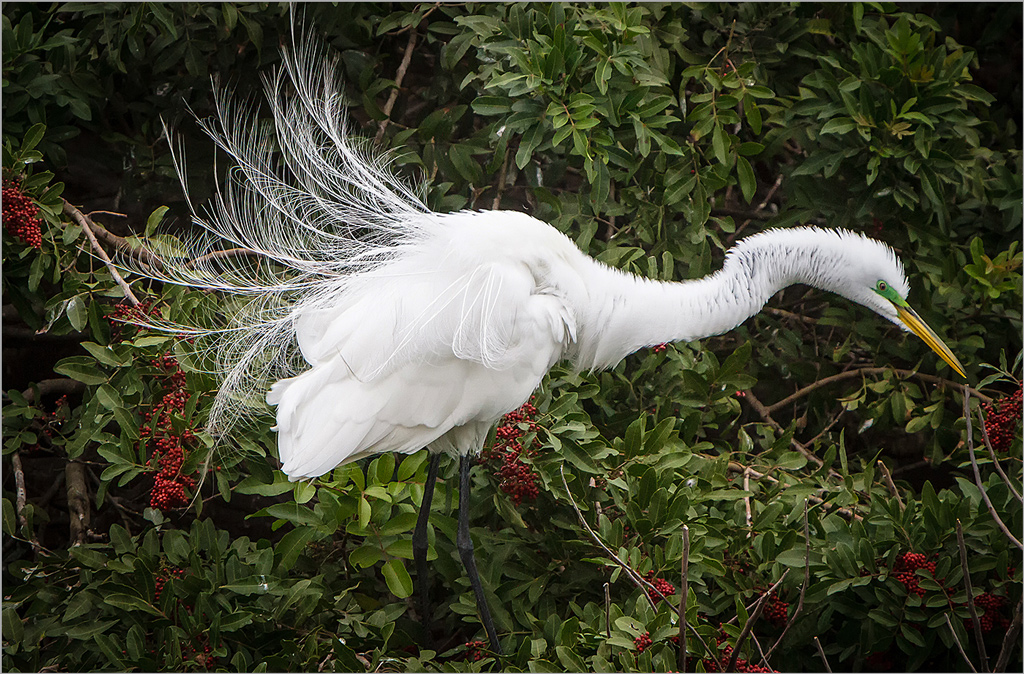
What a beautiful composition. The Eagle with the spread wings is definitely the center of interest. Your background is soft and not distracting. My only recommendation in your post work would be to use the Auto feature in Adobe Camera Raw Filter. Sometimes it brings out some subtle details in the image. |
May 8th |
| 4 |
May 23 |
Comment |
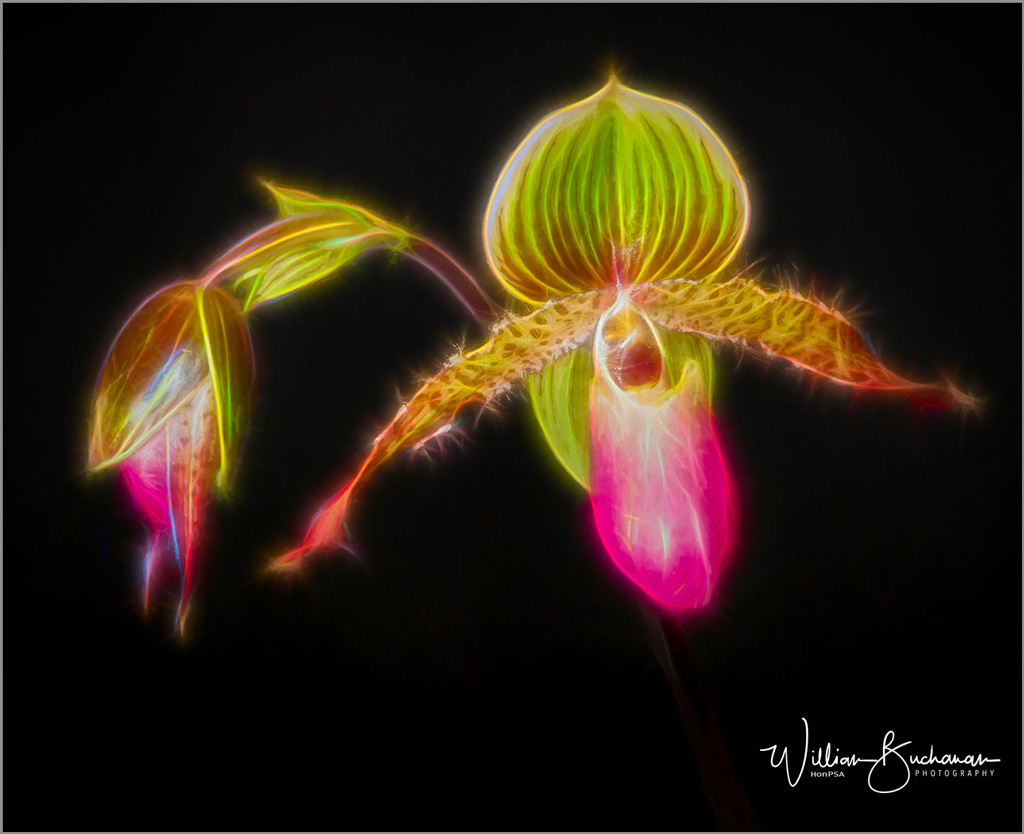
You did a wonderful job with your post editing work. Unfortunately, the edits that you reference are not permitted in the Nature Division. I like the warm tone as it appears as a sunset or golden hour image. I interpret the composition to be as a vertical. |
May 8th |
 |
| 4 |
May 23 |
Comment |
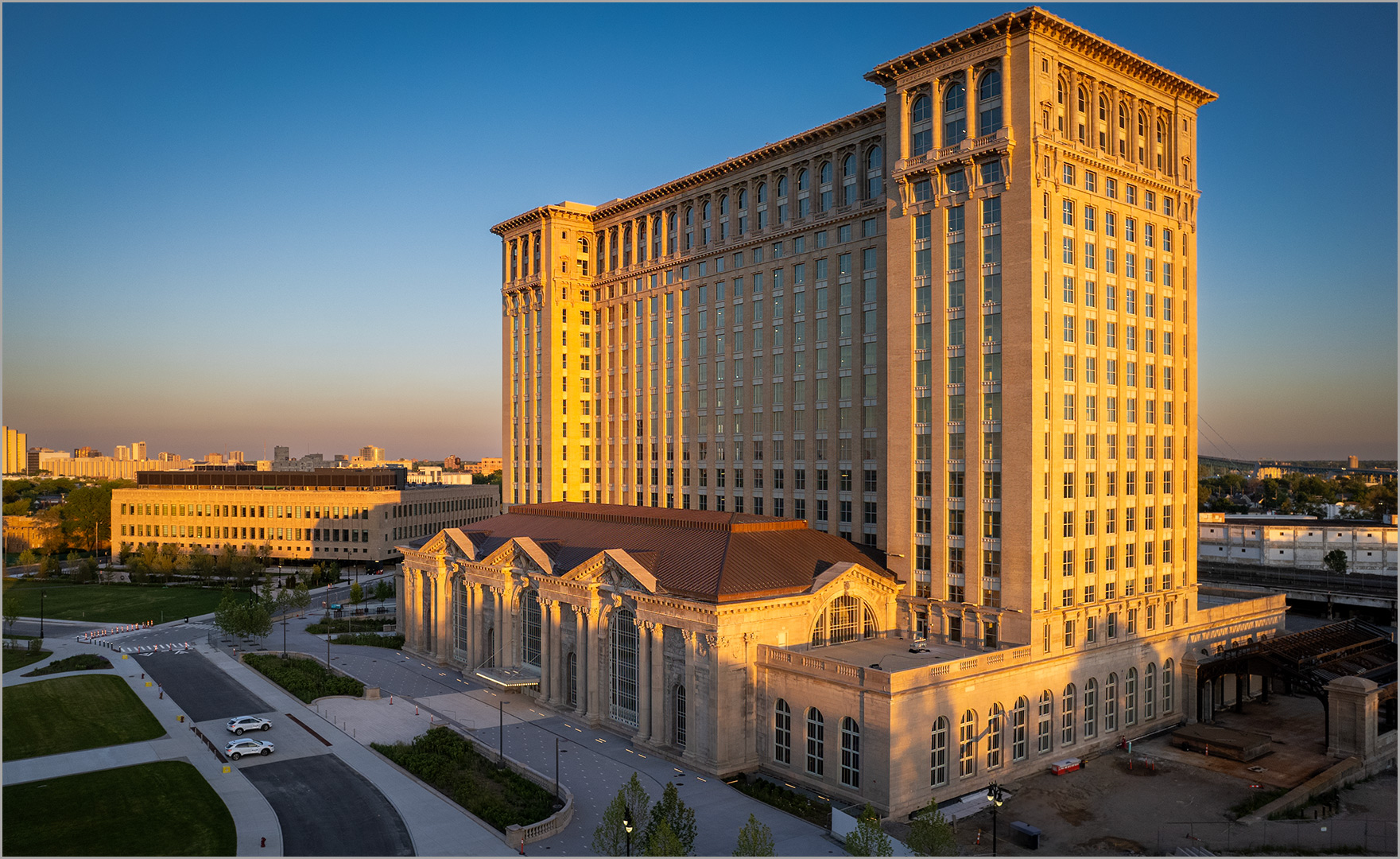
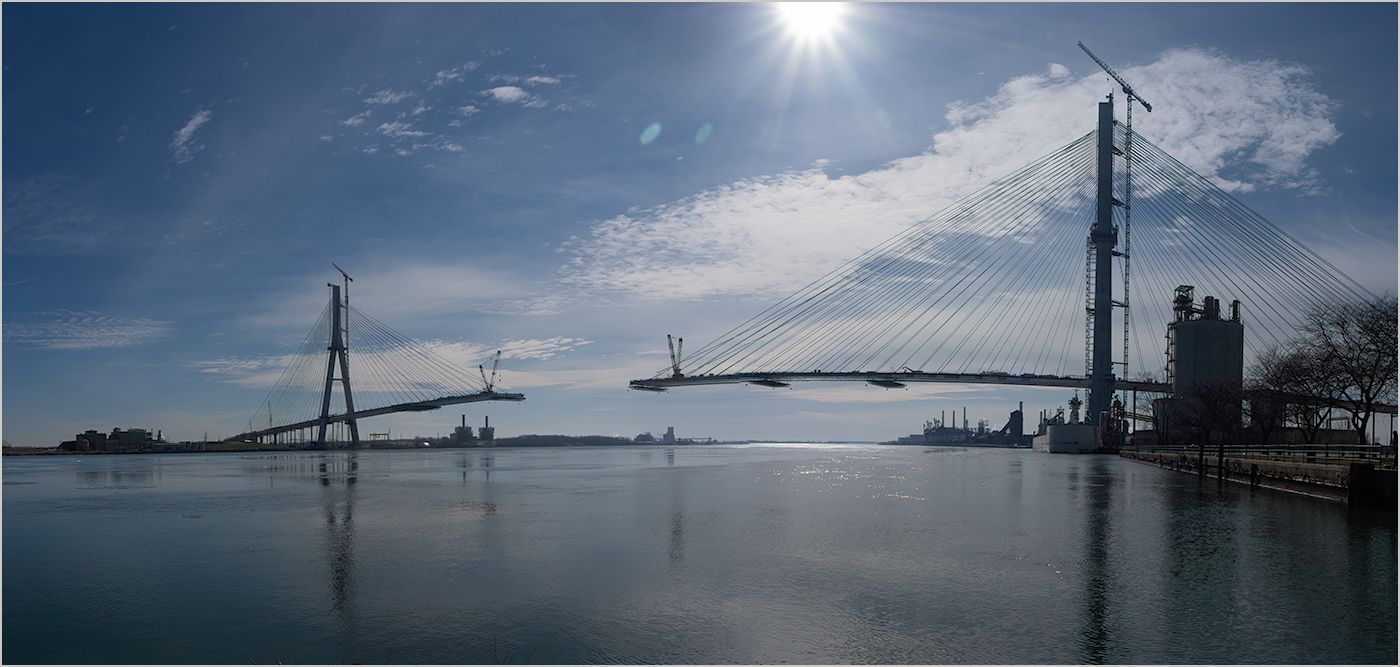
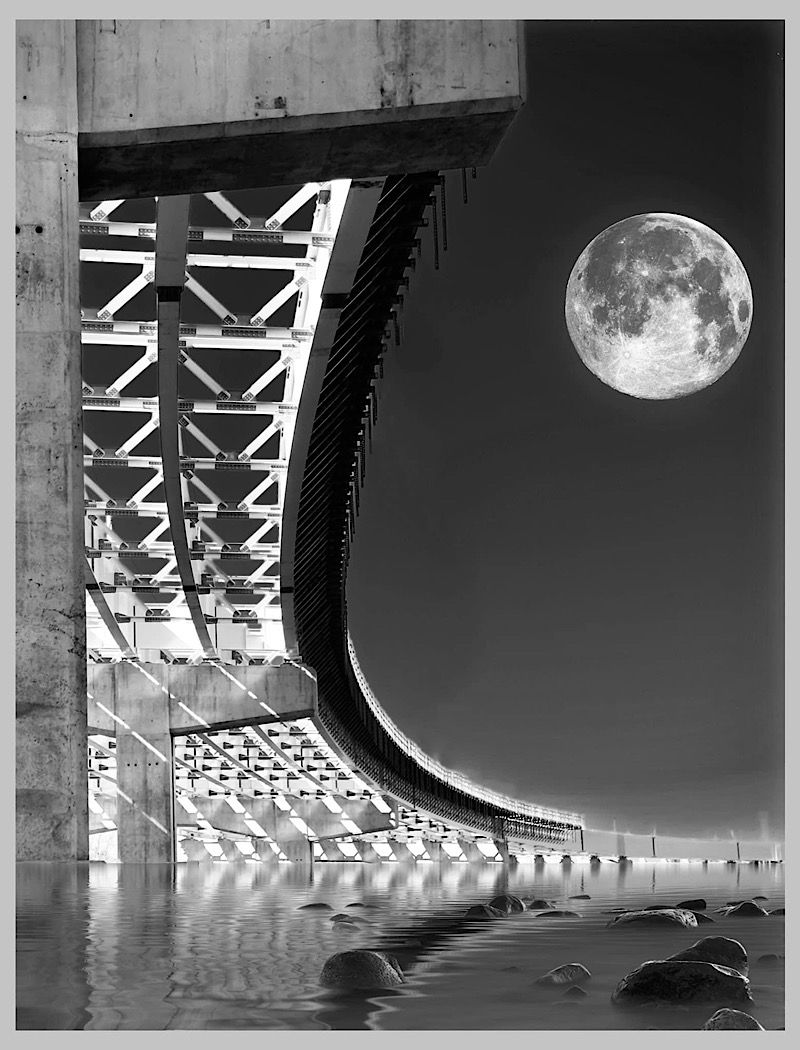
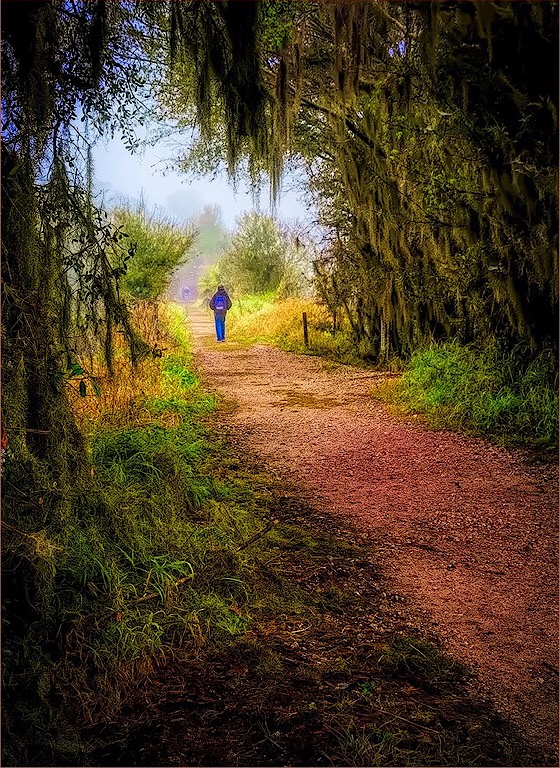
Your image definitely has a lot of impact. Although the structure is strong element, the roadway offers gentle curves to the scene. |
May 8th |
| 4 |
May 23 |
Comment |
One of the keys to successful nature images is the story that's being told. To that, I believe you have succeeded. Your exposure, color balance and composition have been well handled. In viewing your image from a judge's viewpoint, I believe it lacks sharpness, particularly in the lower portion of the chick's bodies. The chick's bodies are not sharp, and the detail seems to become somewhat indistinguishable. I question if something like Topaz AI Sharpen would be of benefit. Also, the fact that we only see a partial eye of the parent is a little concerning but not an image killer. I would hope that if this is part of a series of images there might be some better. |
May 8th |
| 4 |
May 23 |
Reply |
An iPhone works in a similar manner. Instead of pressing the shutter button to take a single frame you press the Up Volume button and use Burst Mode. It continues taking images until it is released. The capture rate is 10 frames per second. |
May 5th |
| 4 |
May 23 |
Reply |
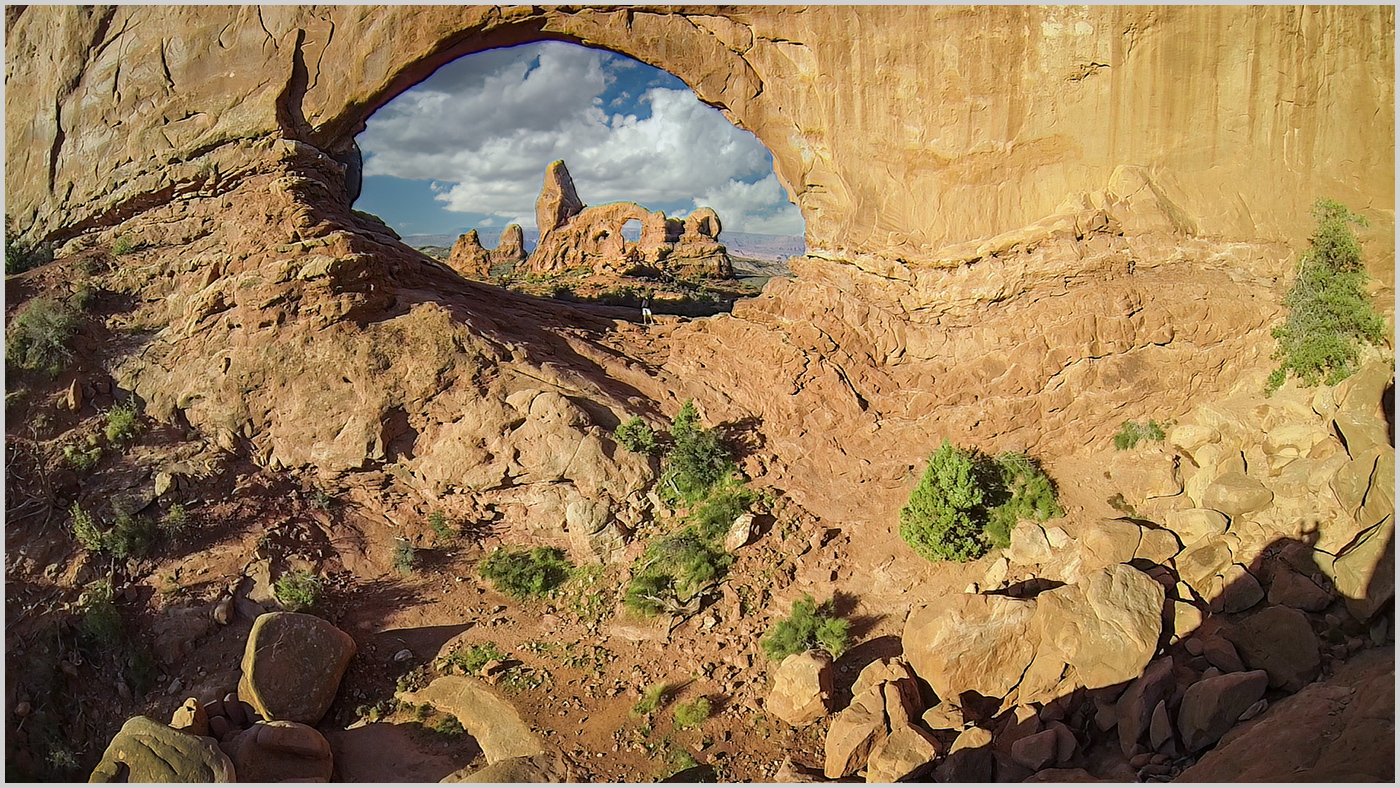
Hi Gary. I have not entered this image in any PSA competitions. This is actually my first attempt to capture a single frame from a video. The camera was a GoPro. The natural resolution was 1920 x 1080. |
May 3rd |
7 comments - 4 replies for Group 4
|
| 44 |
May 23 |
Comment |
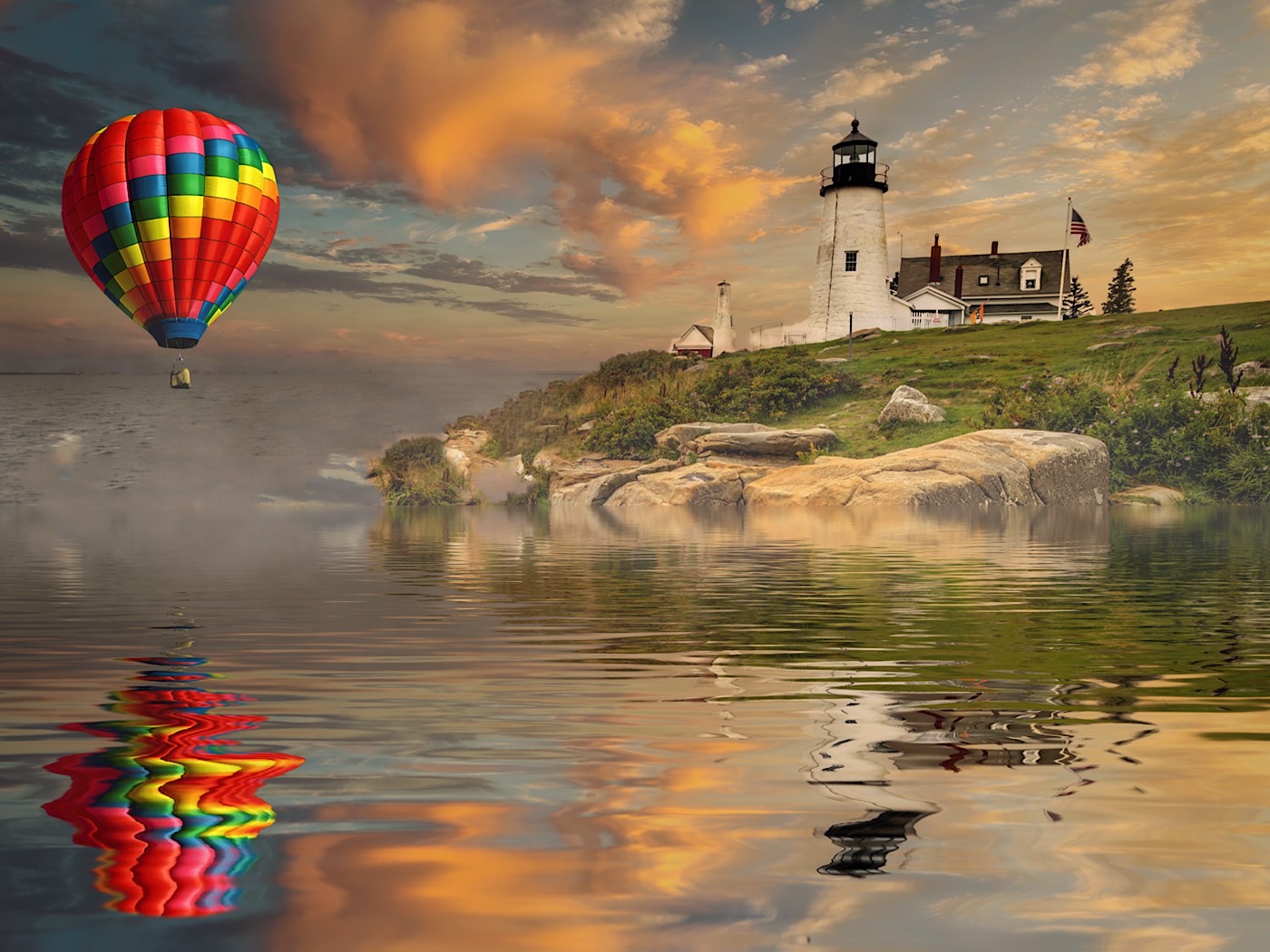
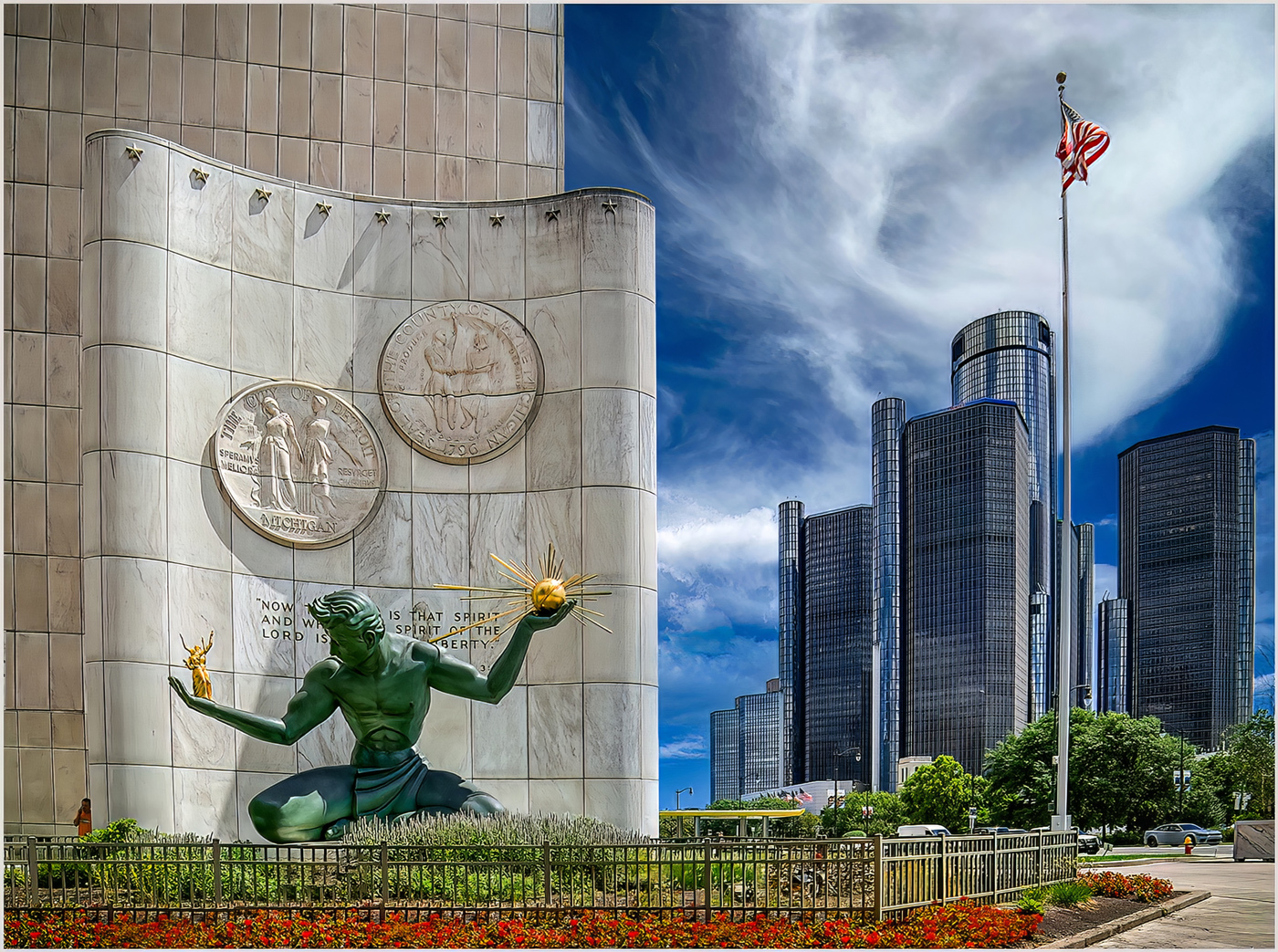
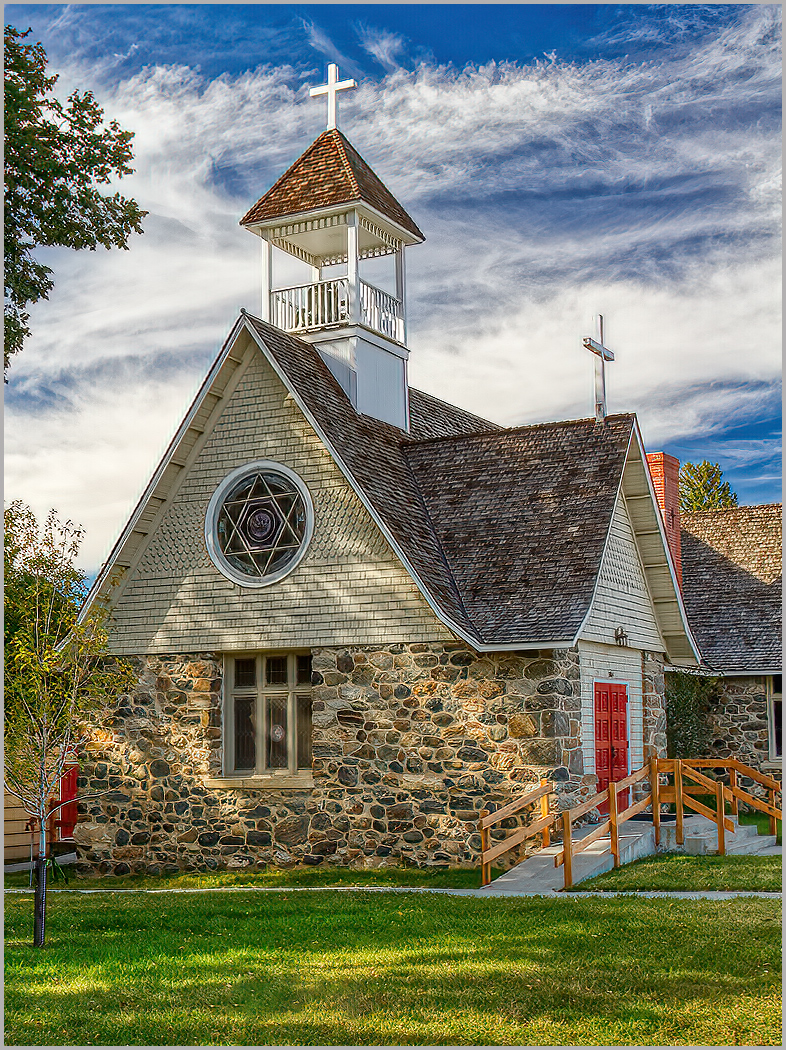
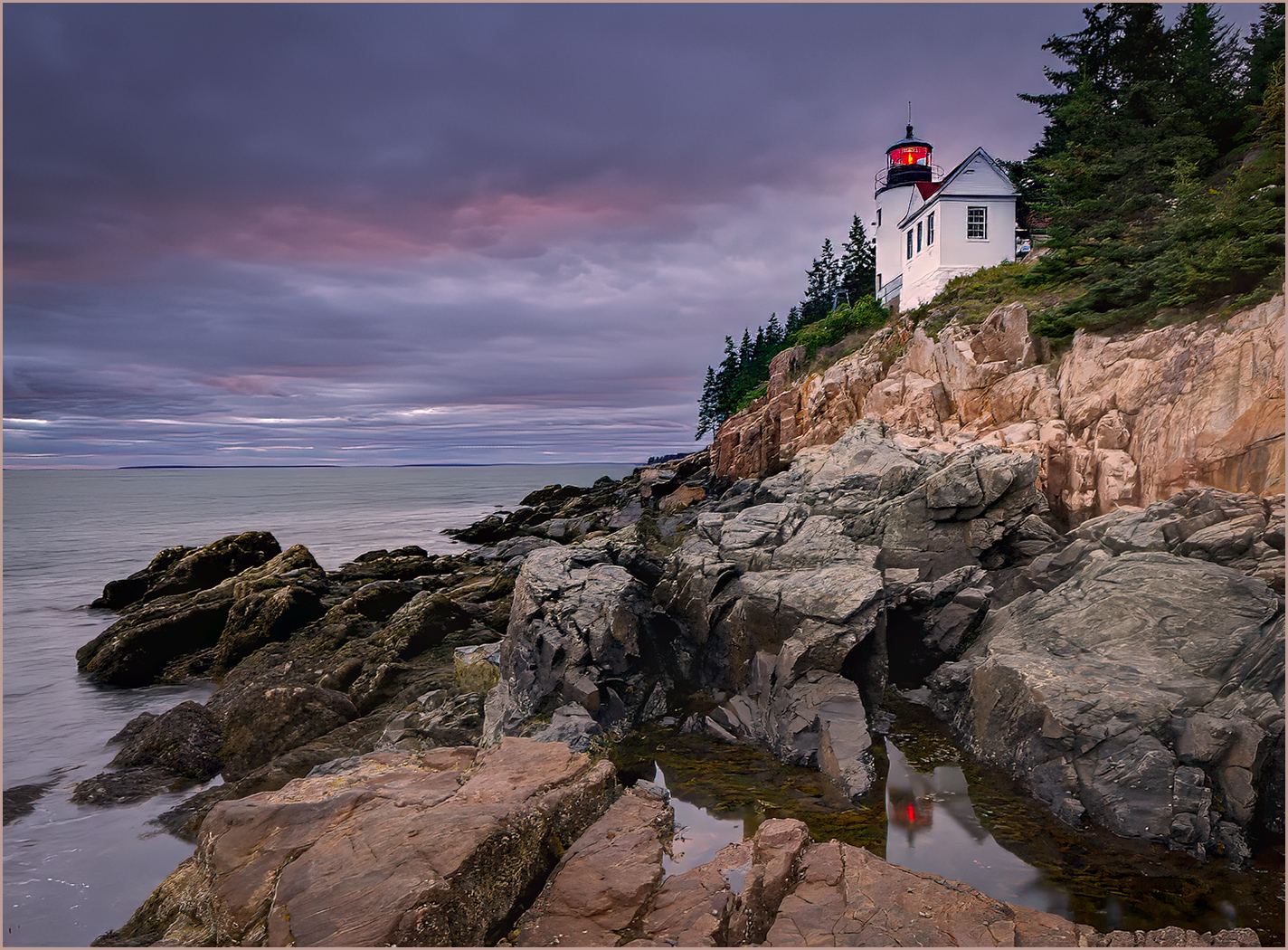
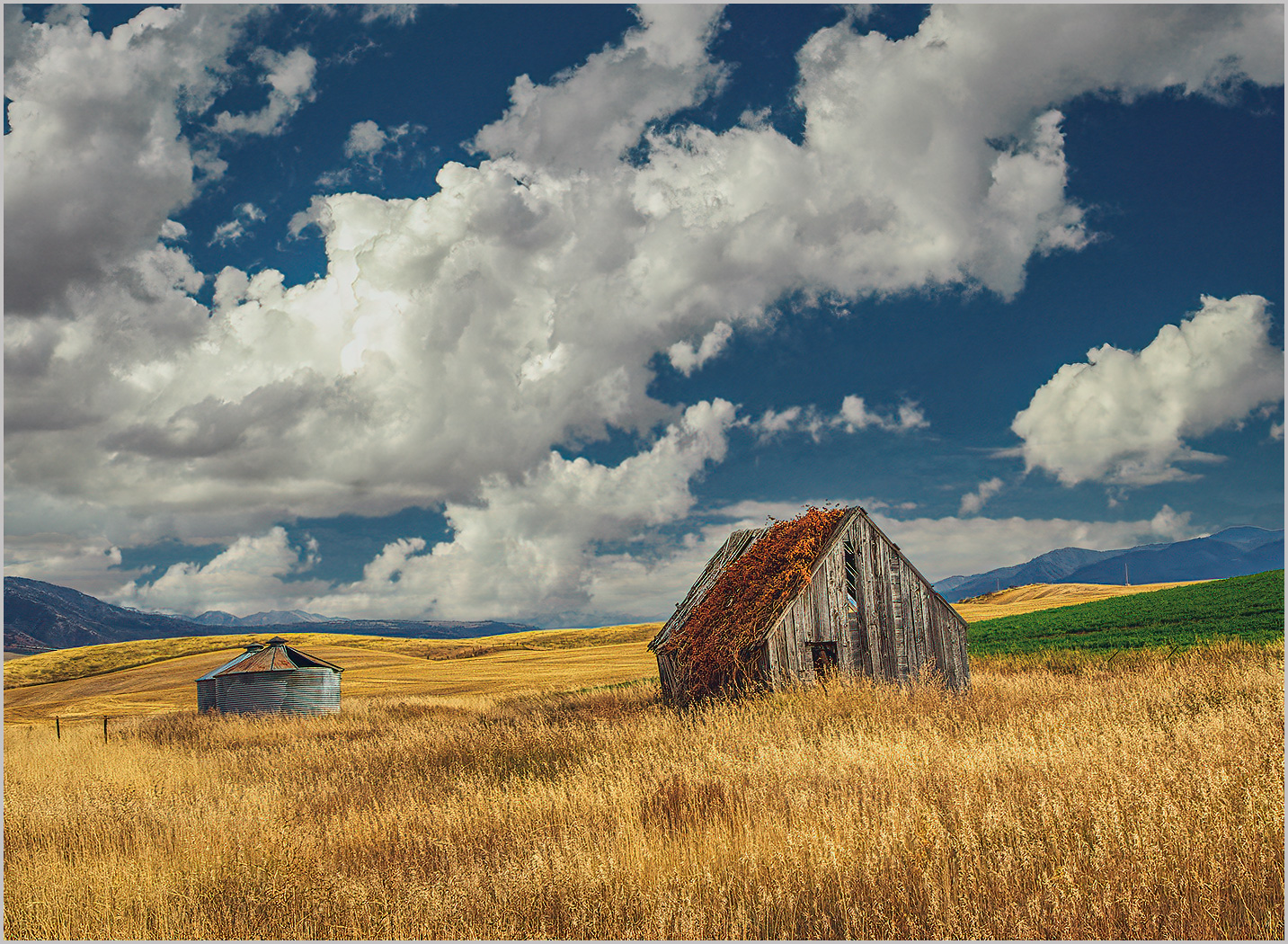
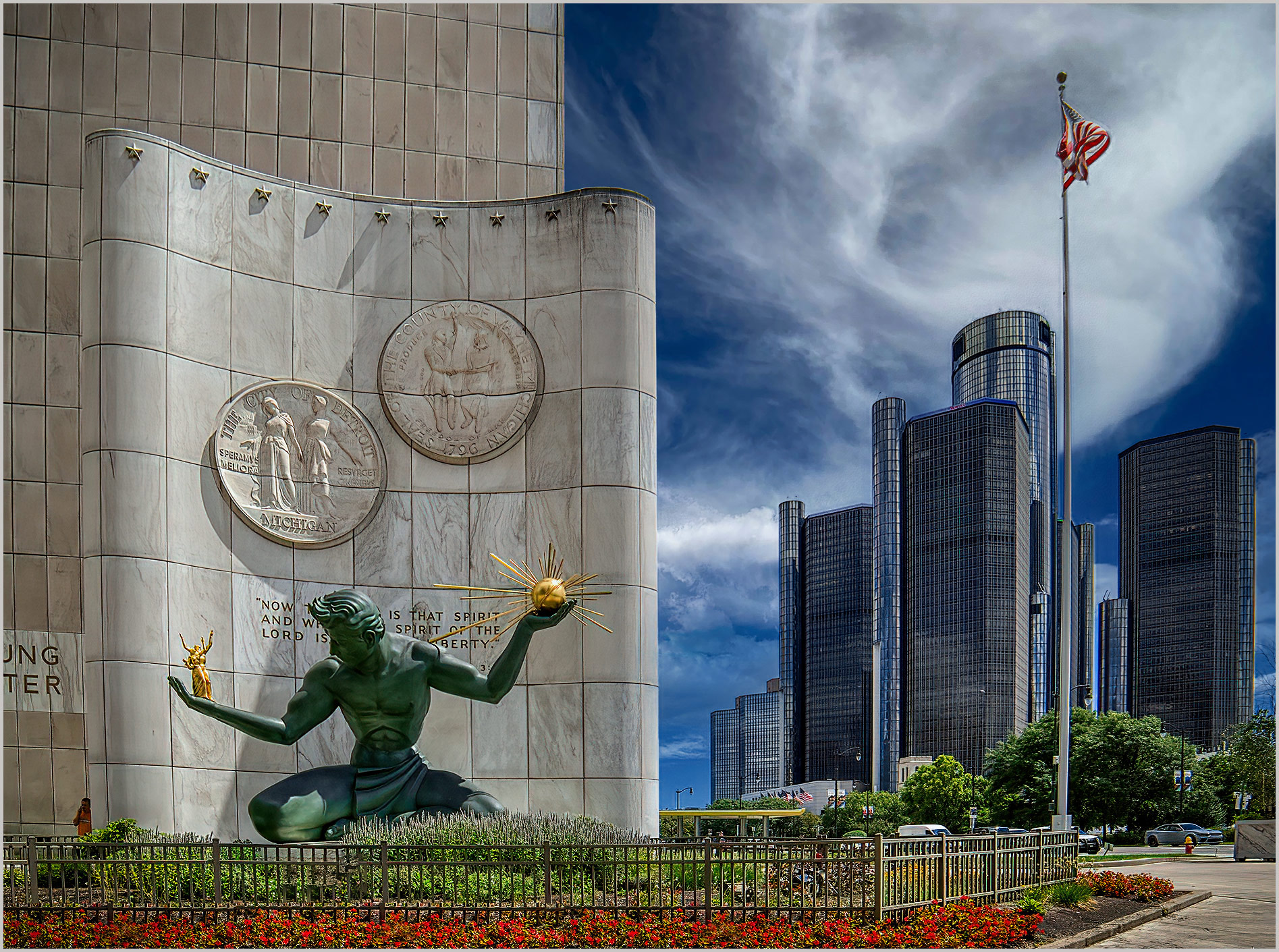
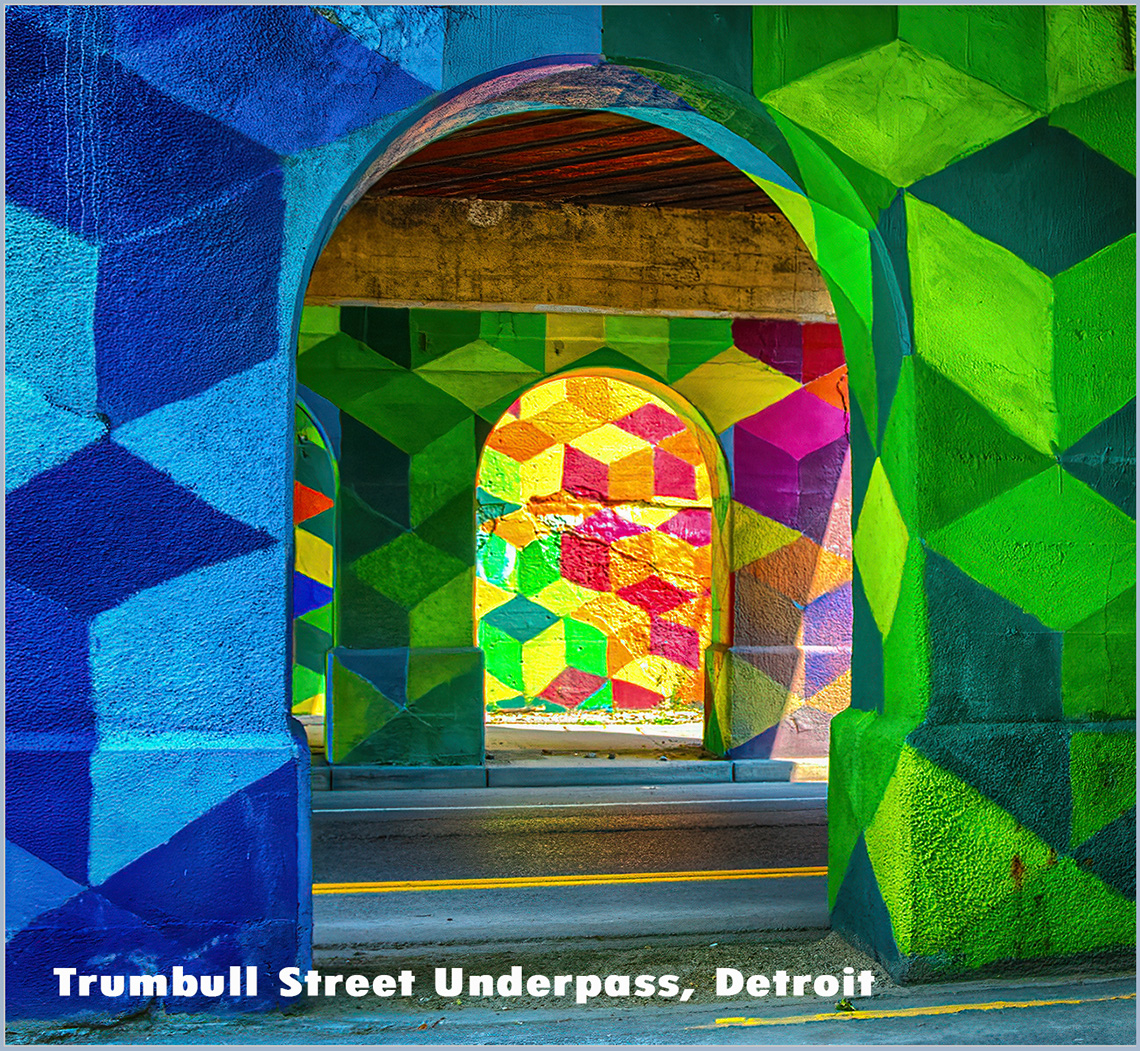
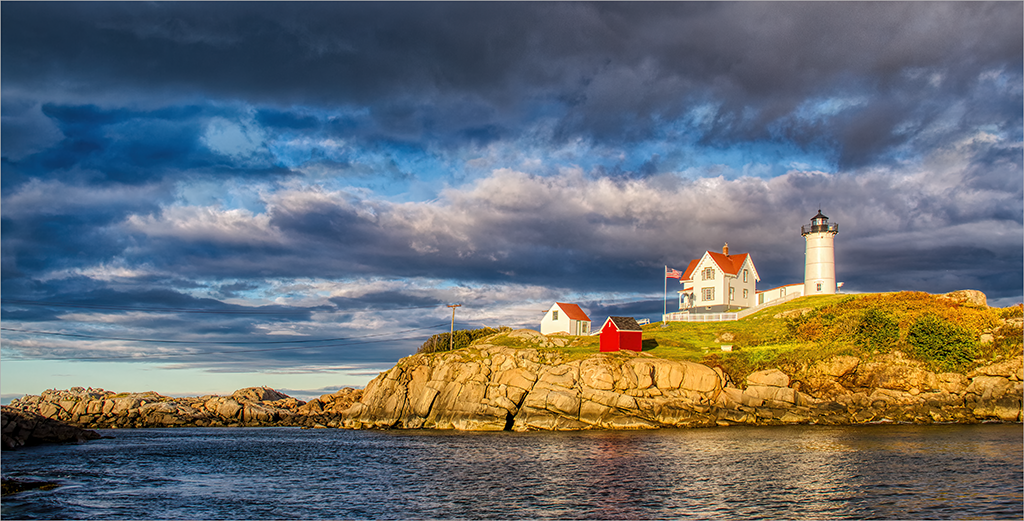
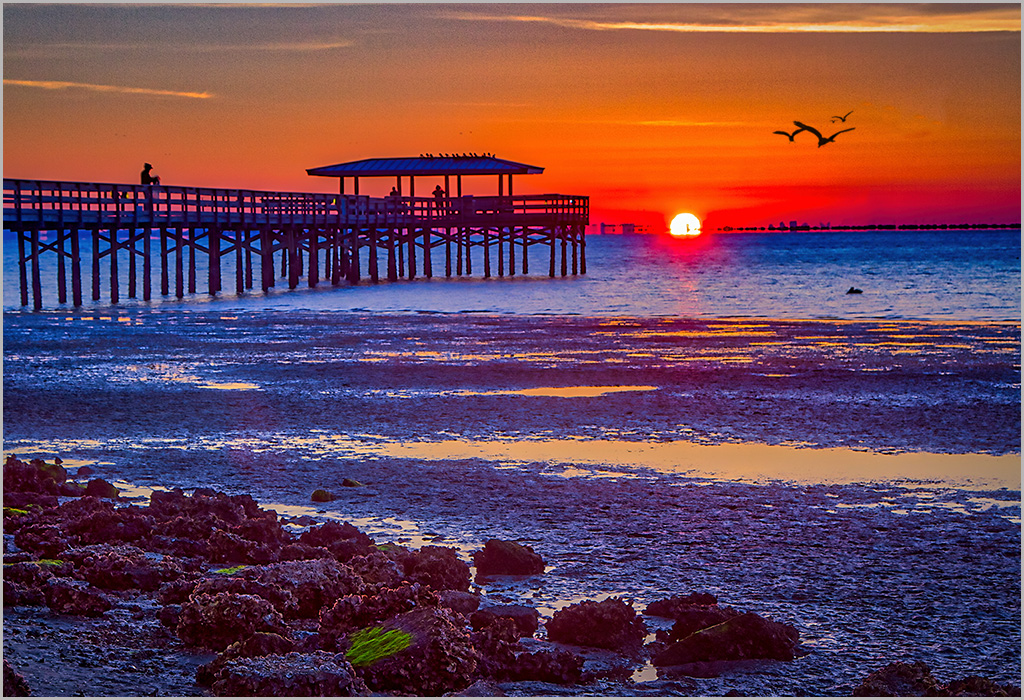
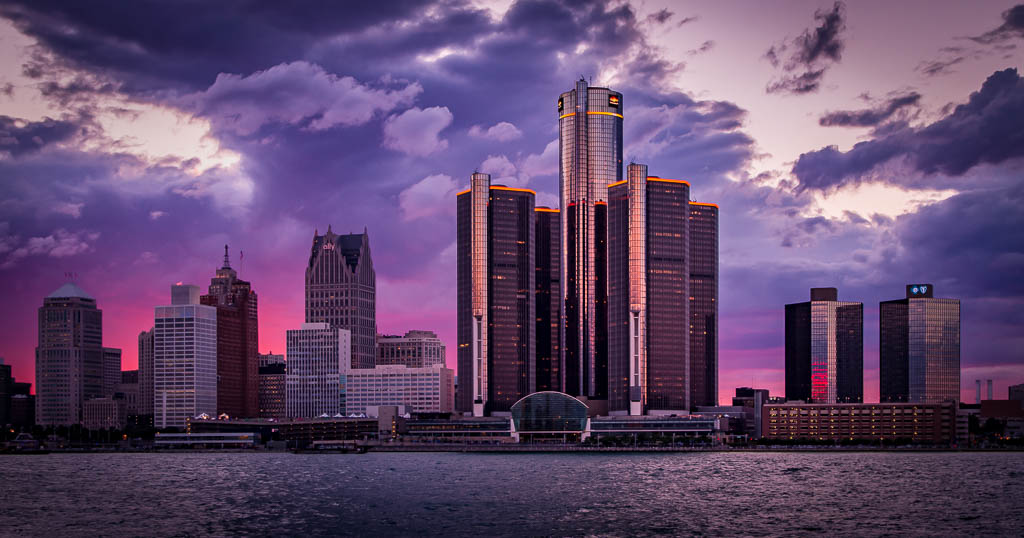
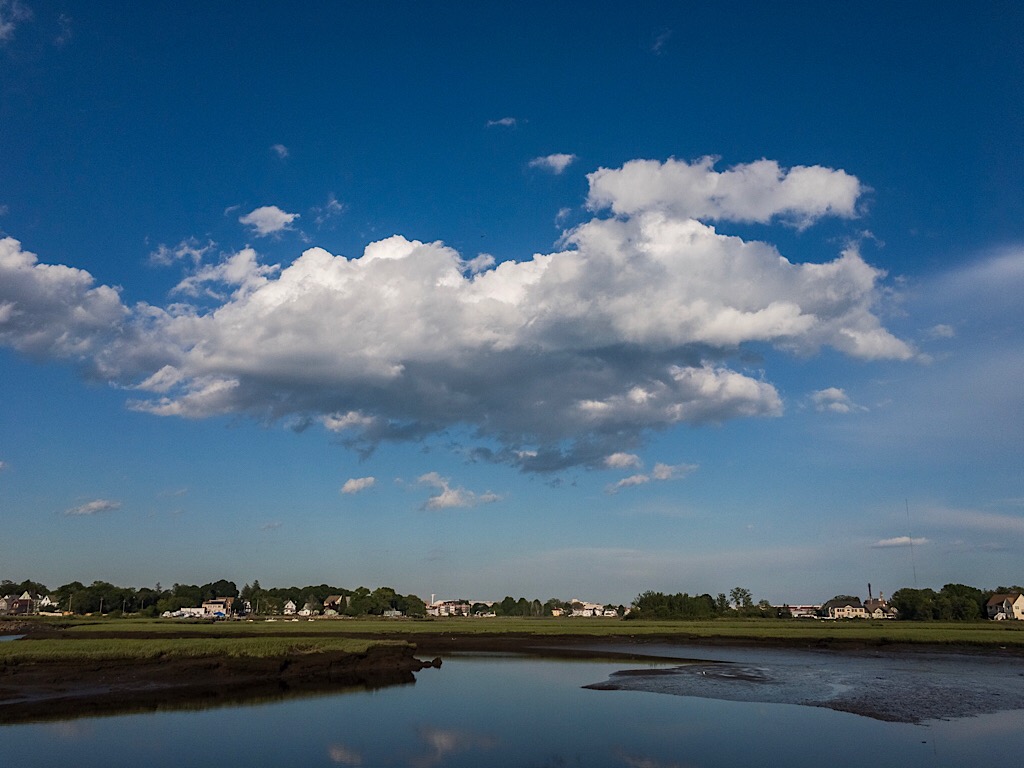
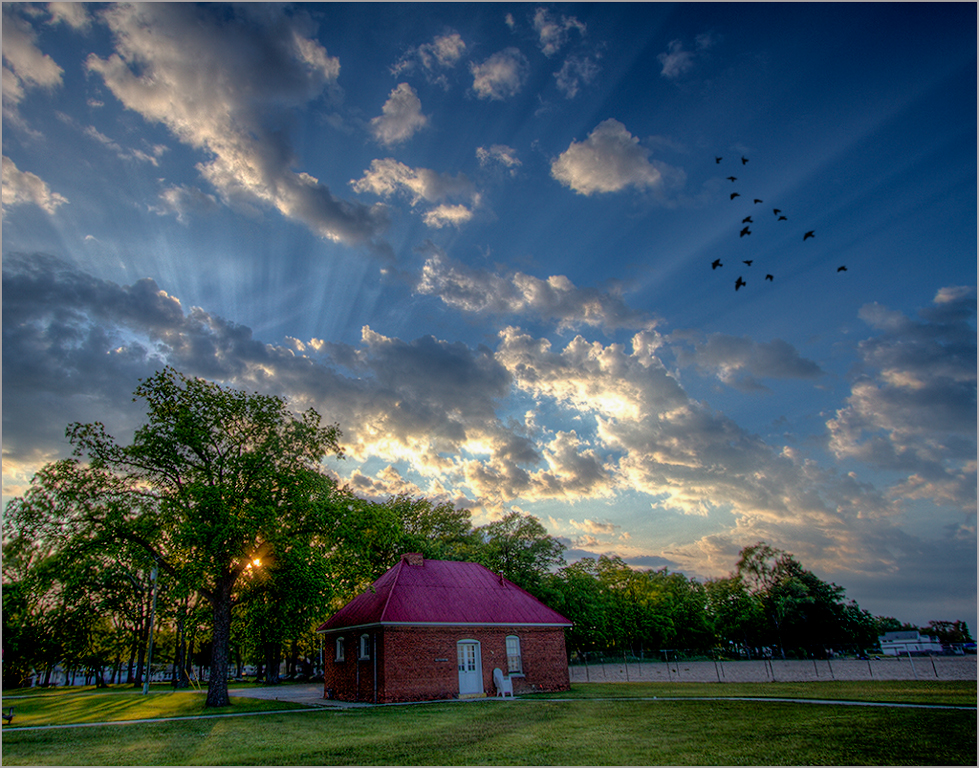
Well done composition. I believe the HDR process may not be suitable for this kind of image and conditions. However, you were able to capture a smooth blend. The unique cloud formation definitely adds to the charm and impact. I would be tempted to push the color in the cloud formation for added artistic effect. I recently took one of Hazels on line workshops and am considering signing up for her three day on site class. |
May 10th |
| 44 |
May 23 |
Comment |
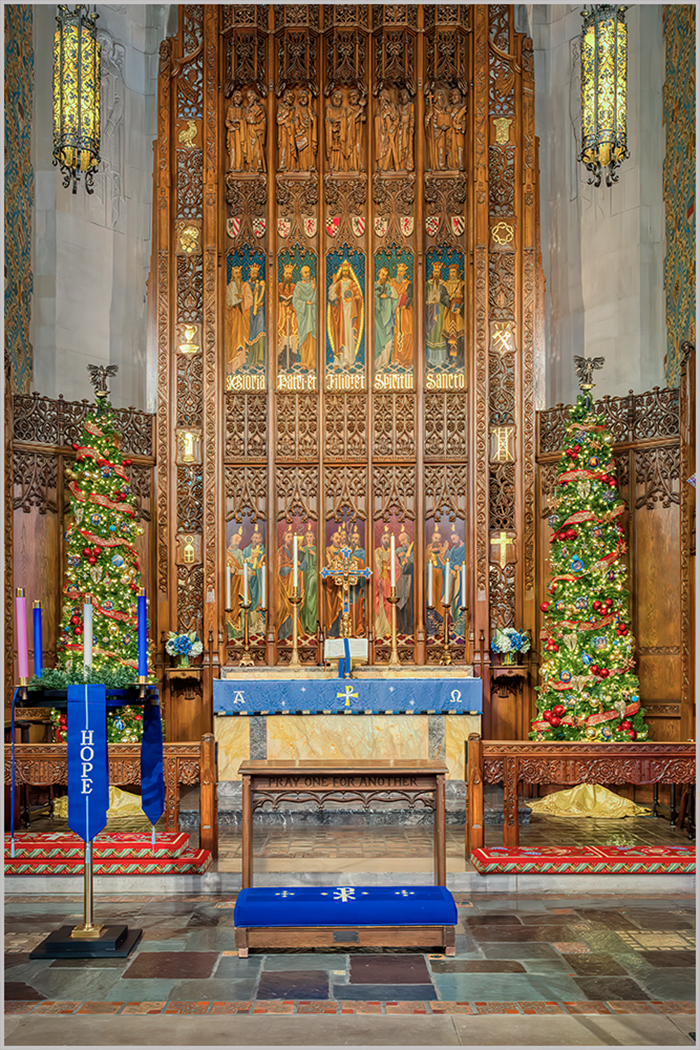
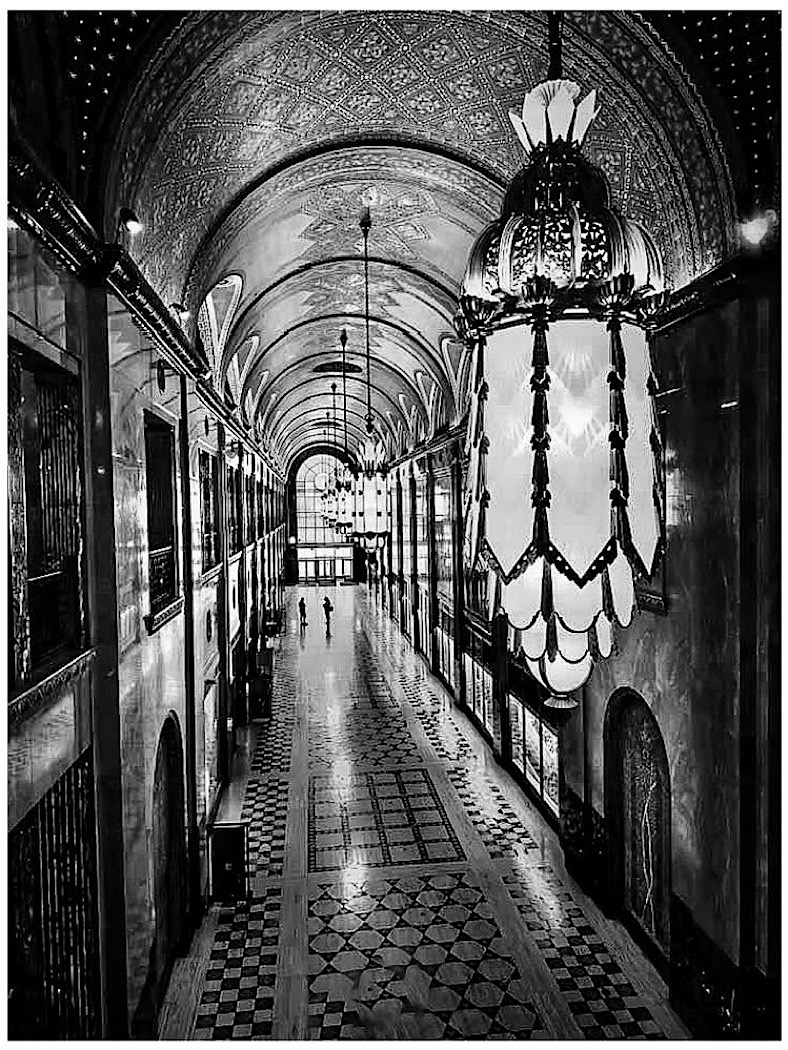
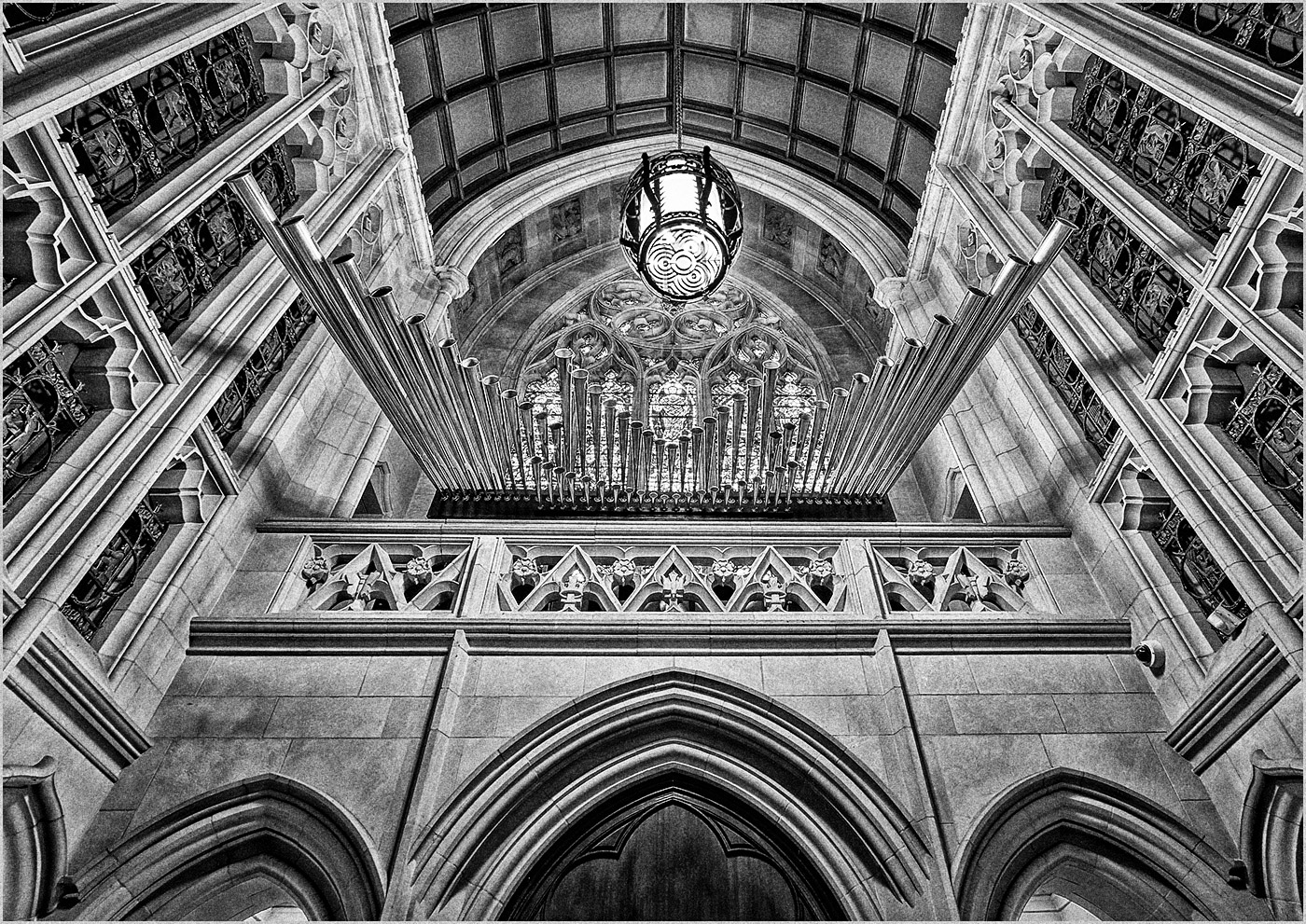
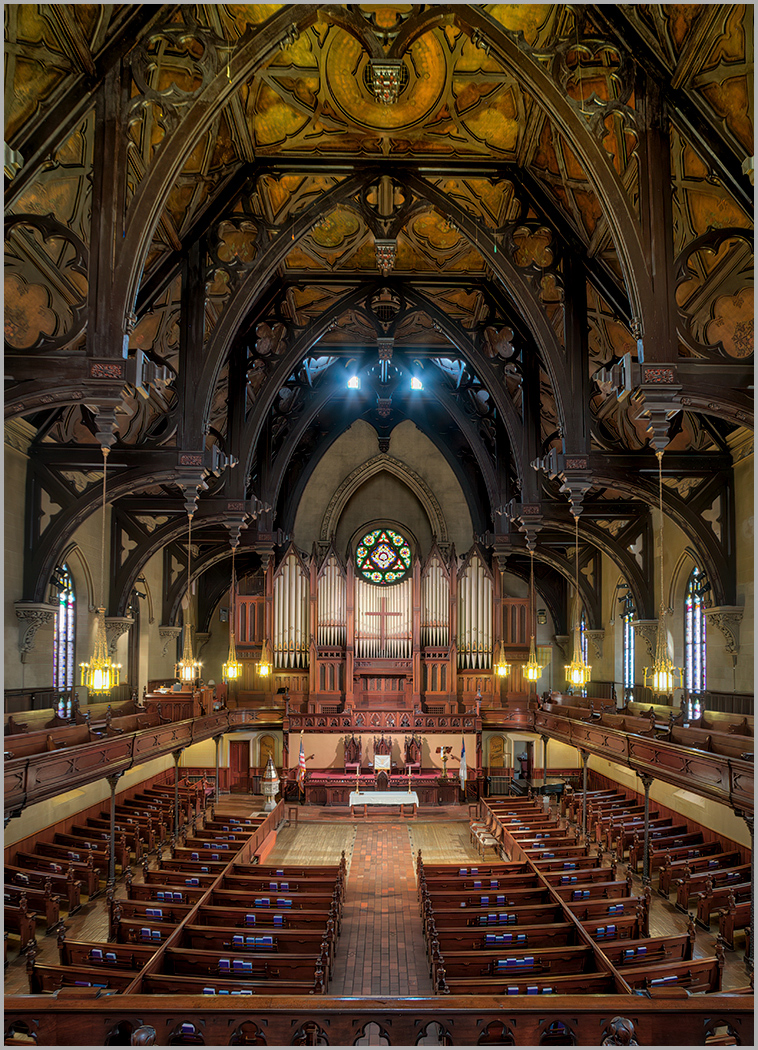
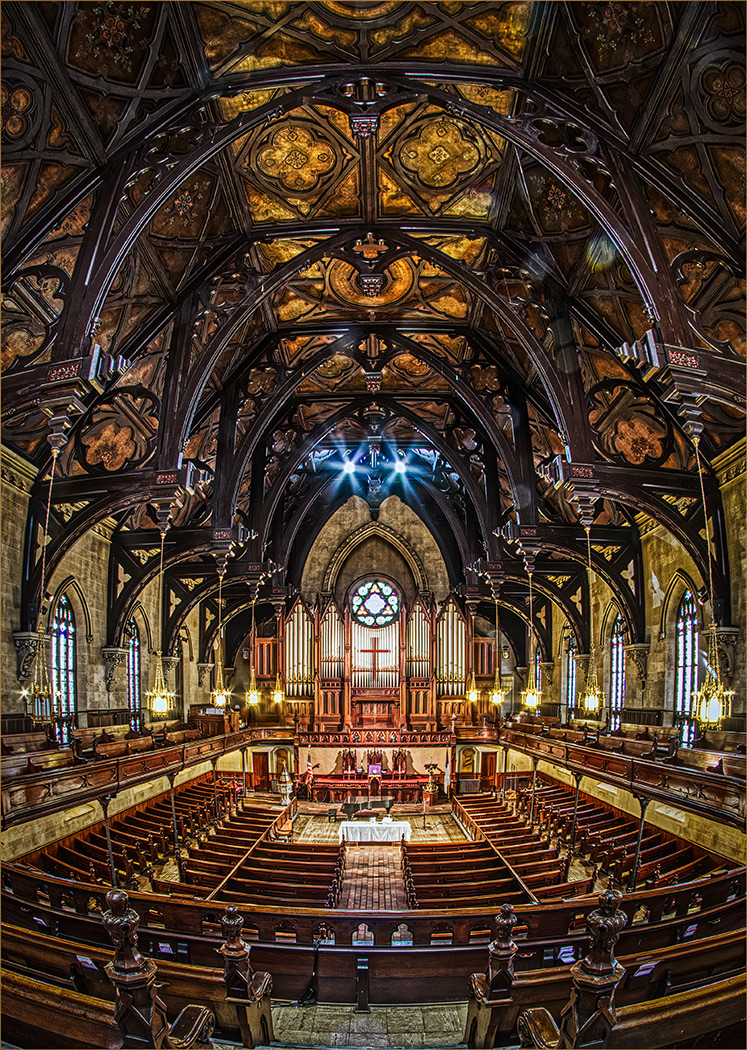
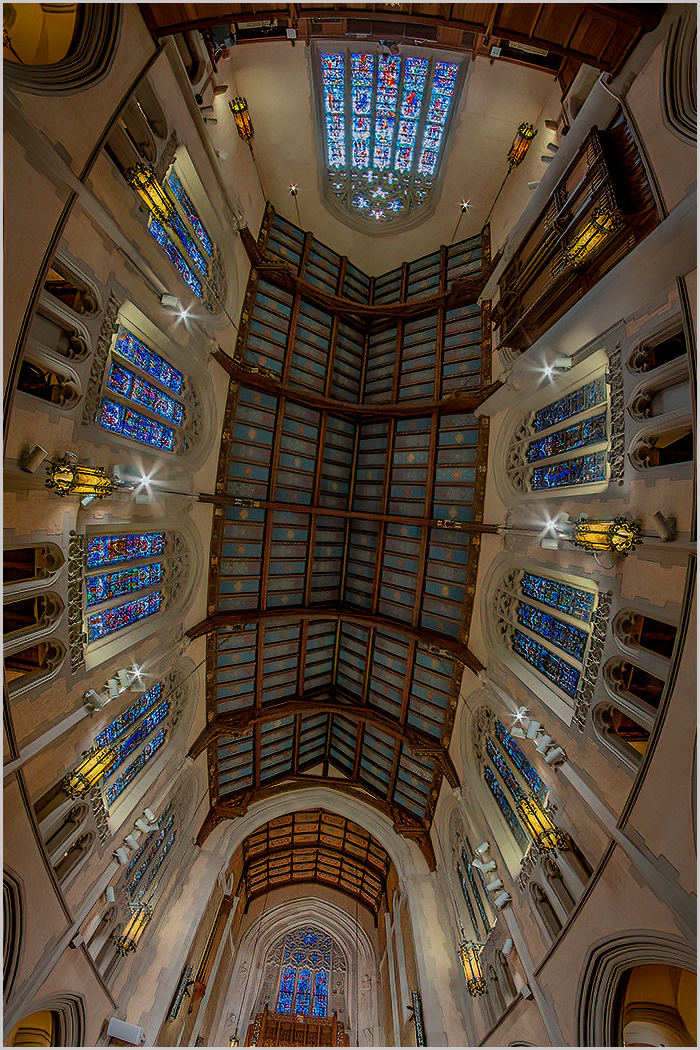
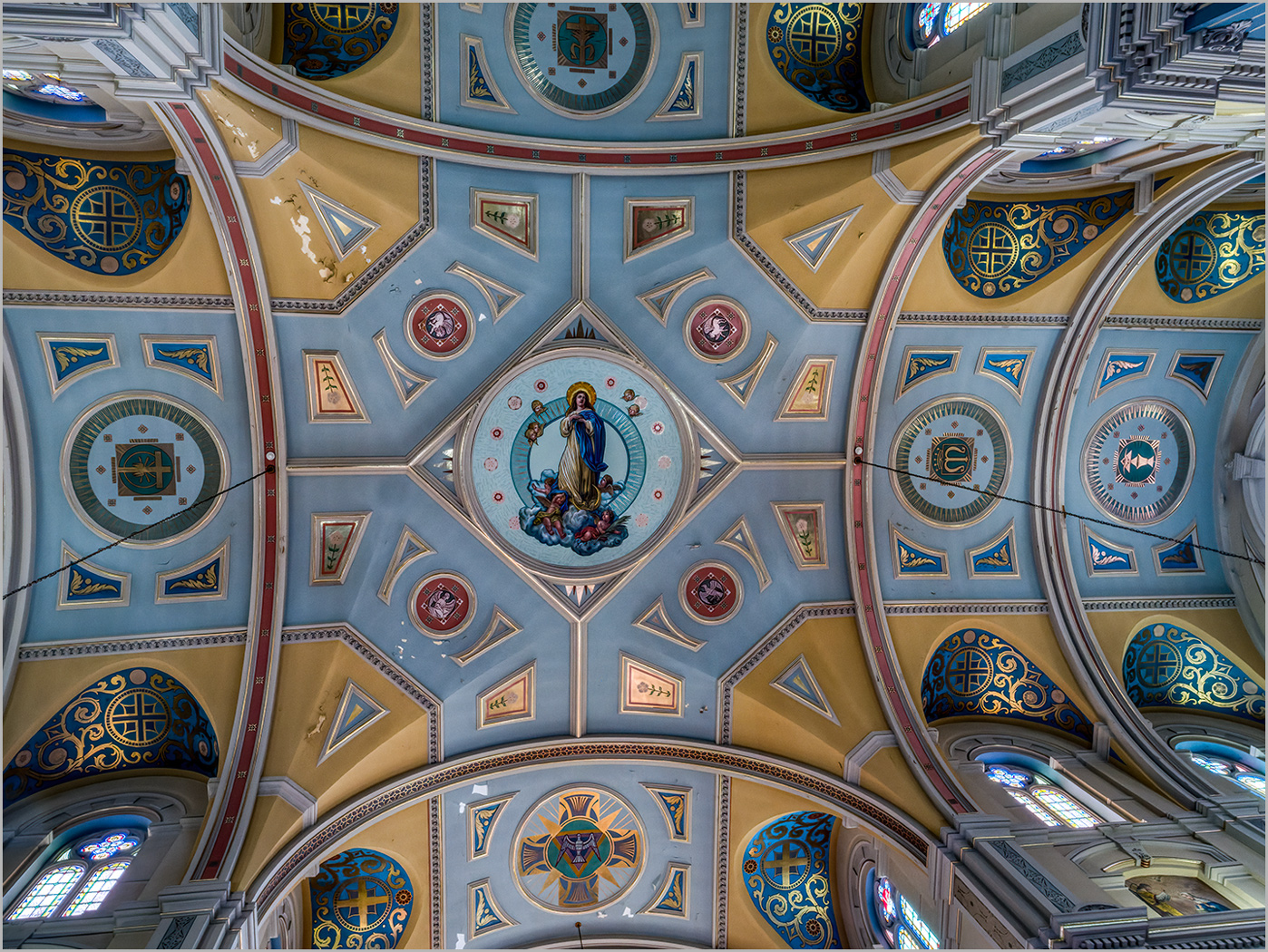
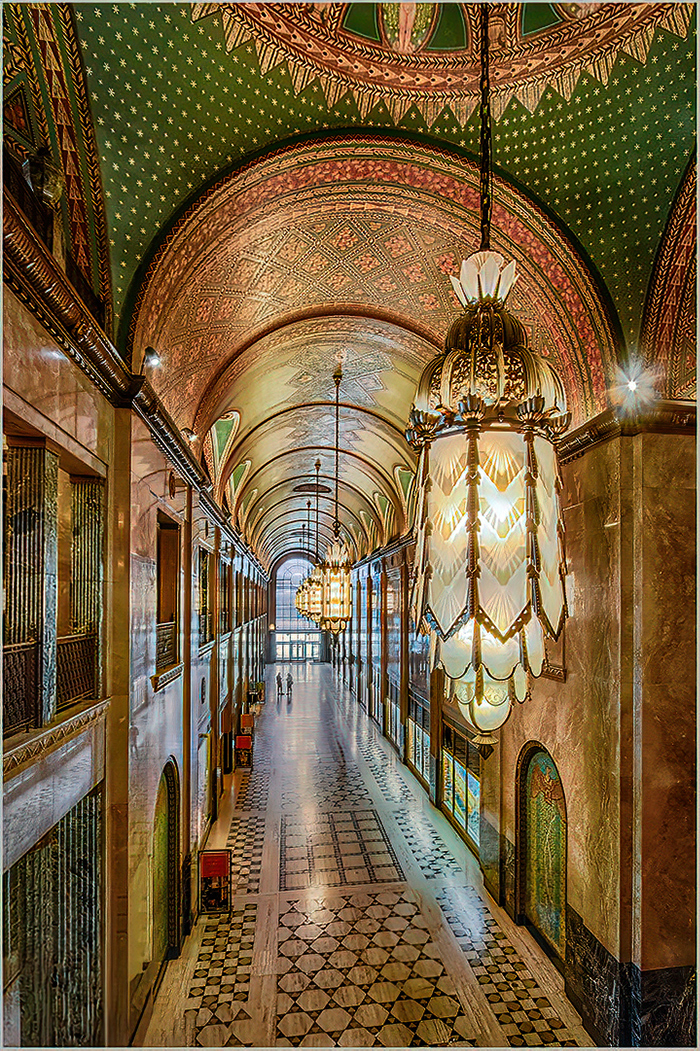
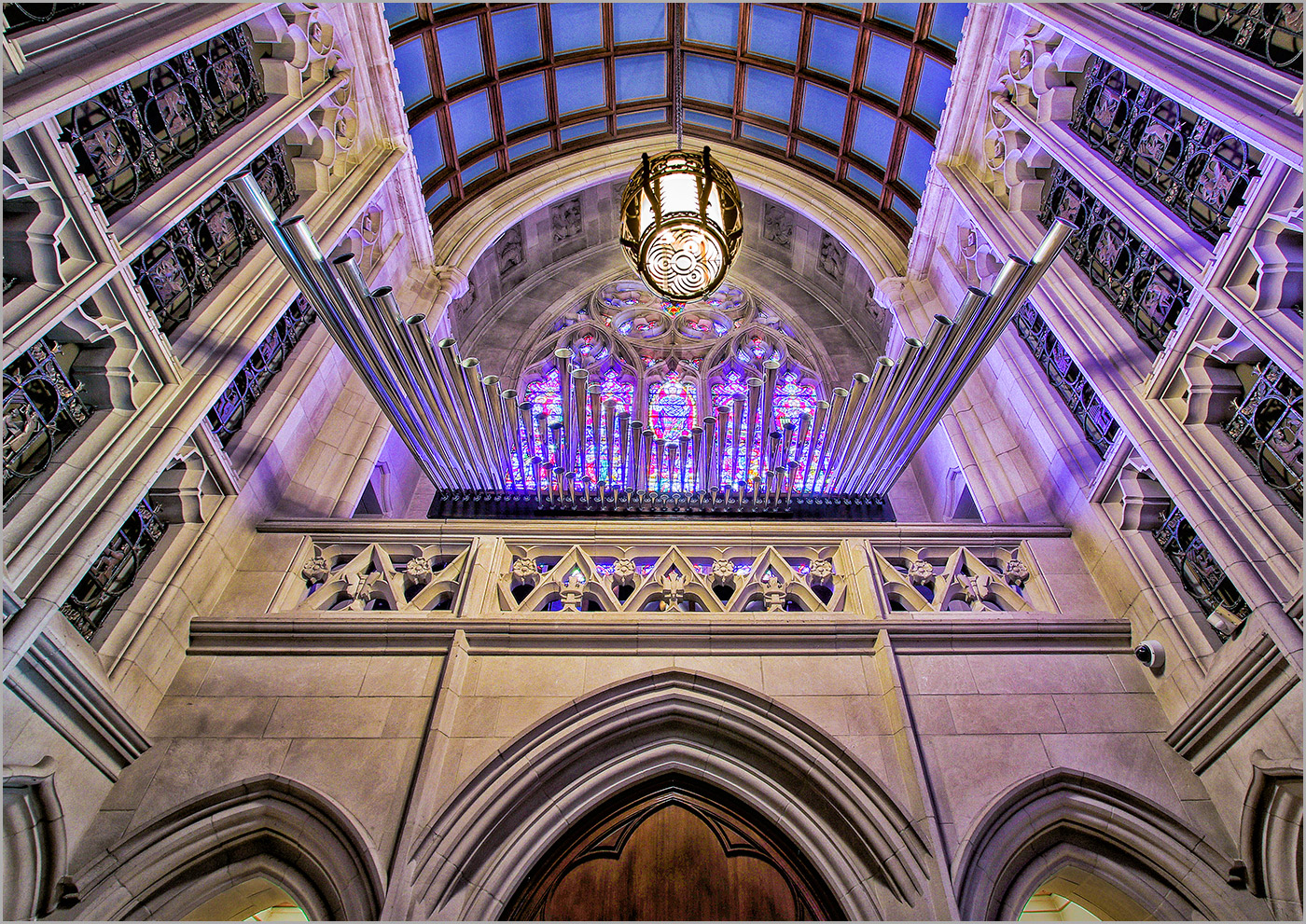
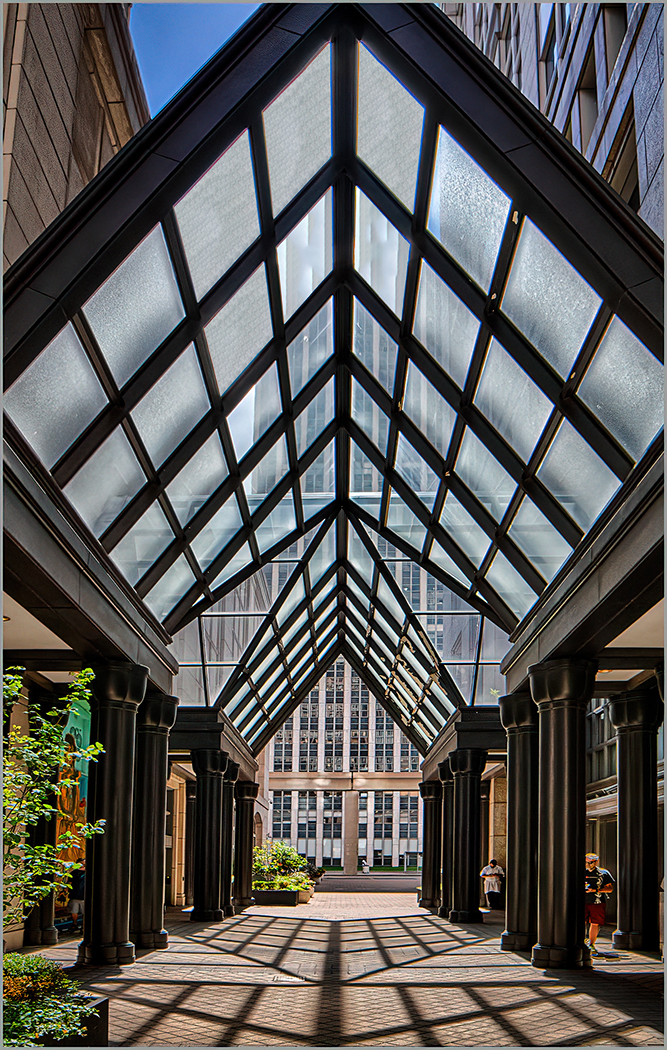
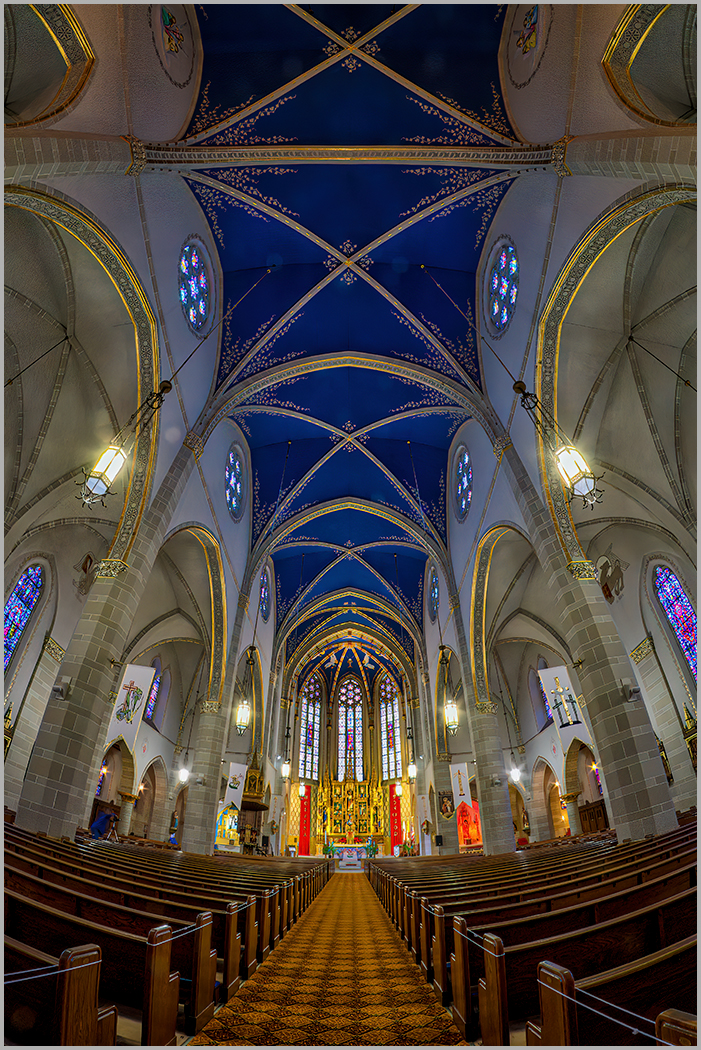
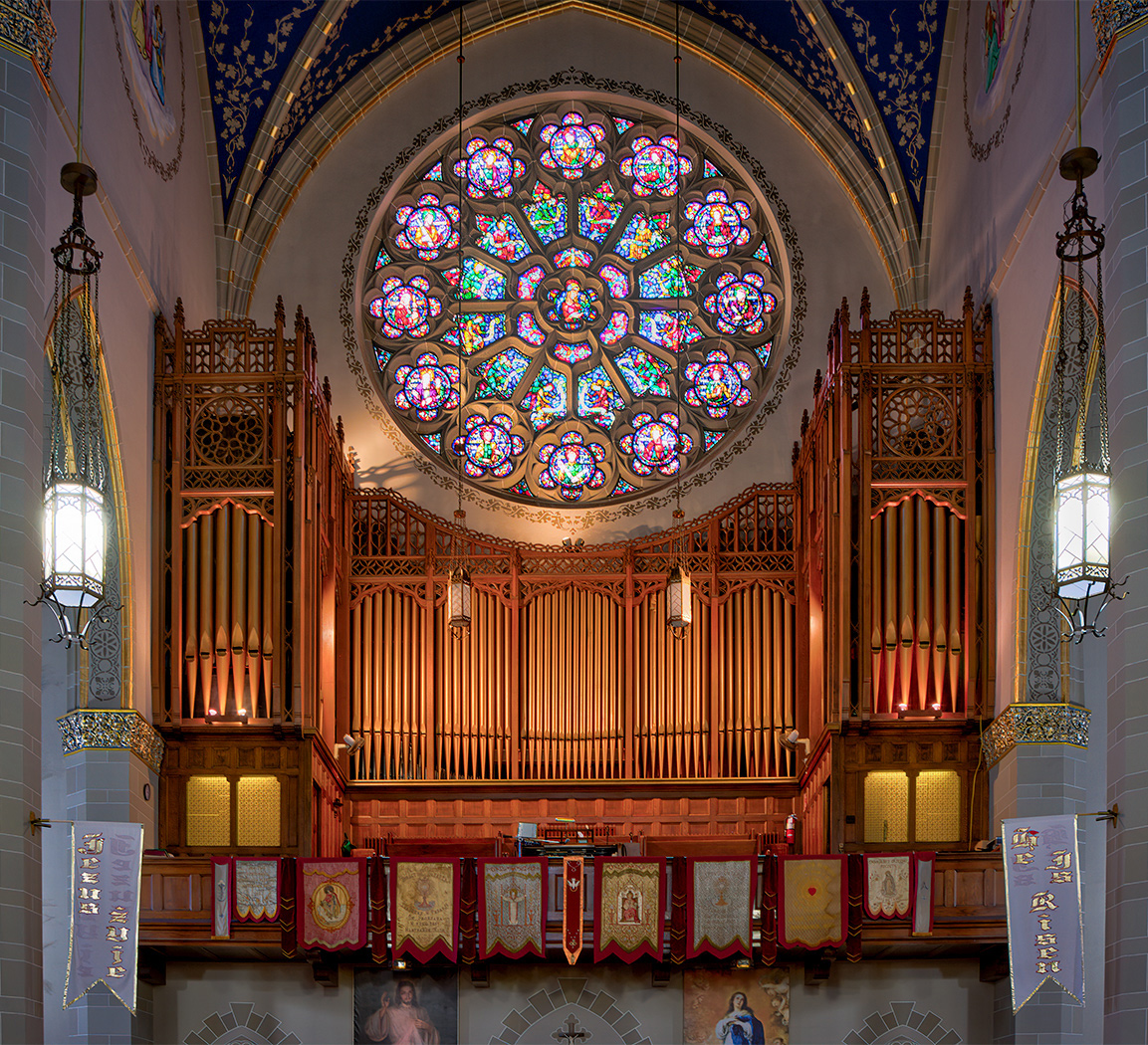
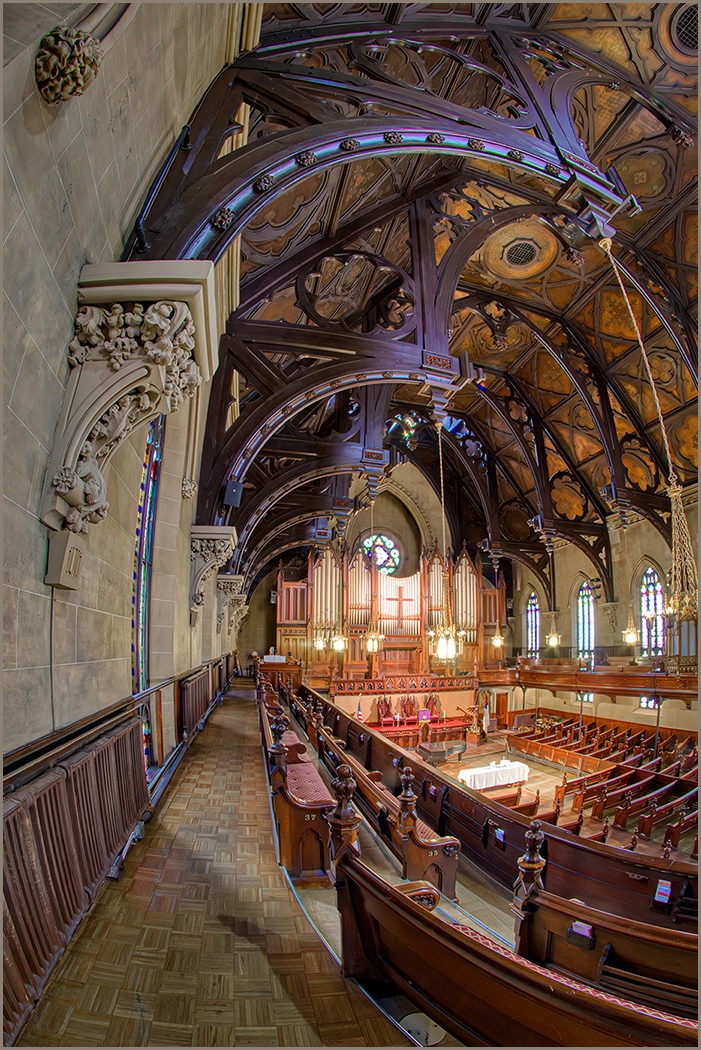
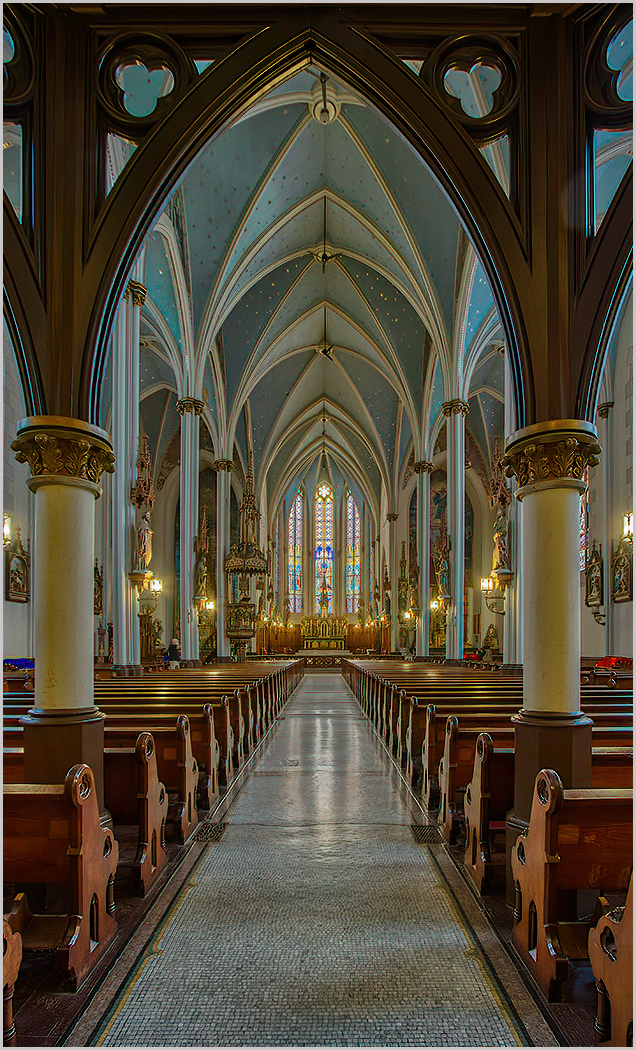
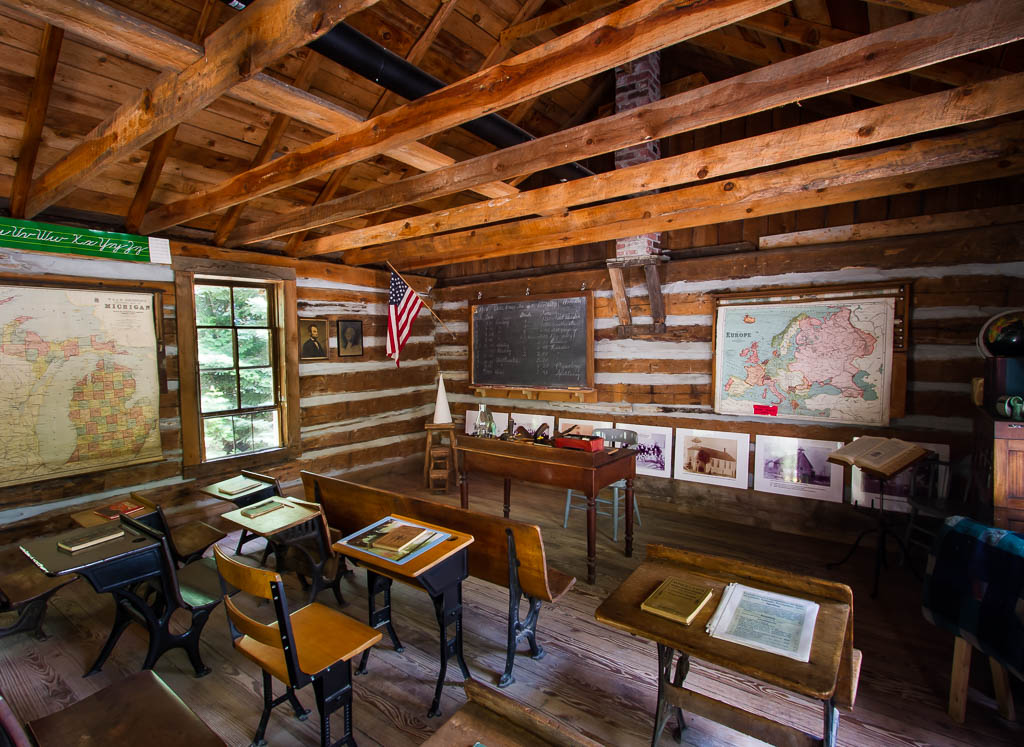
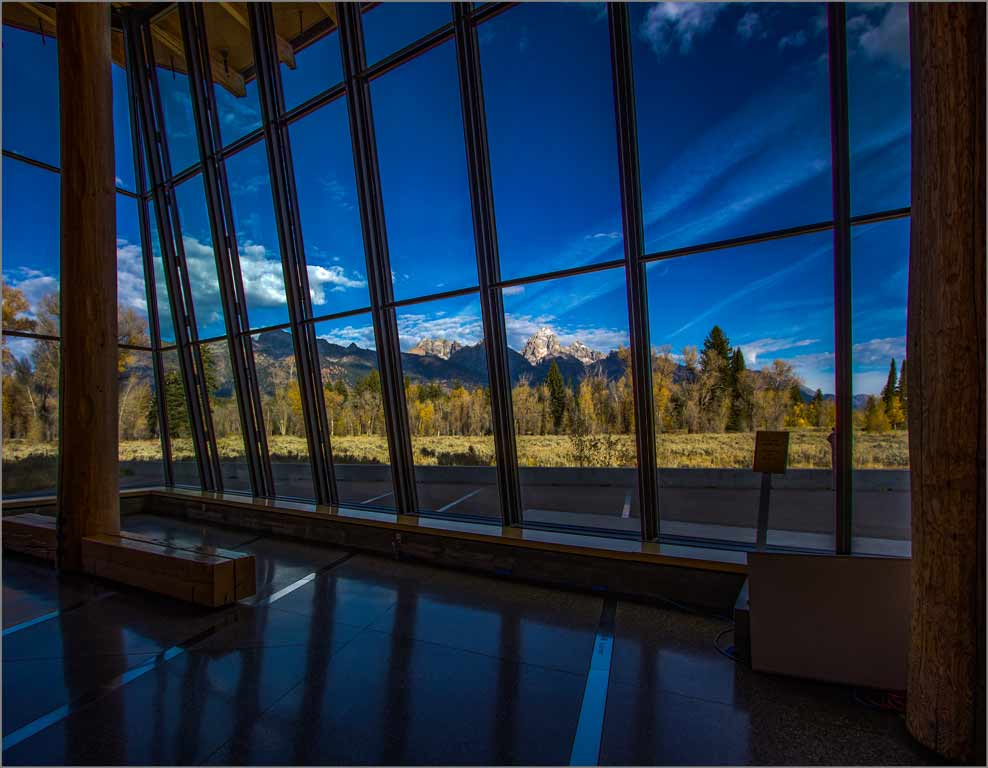
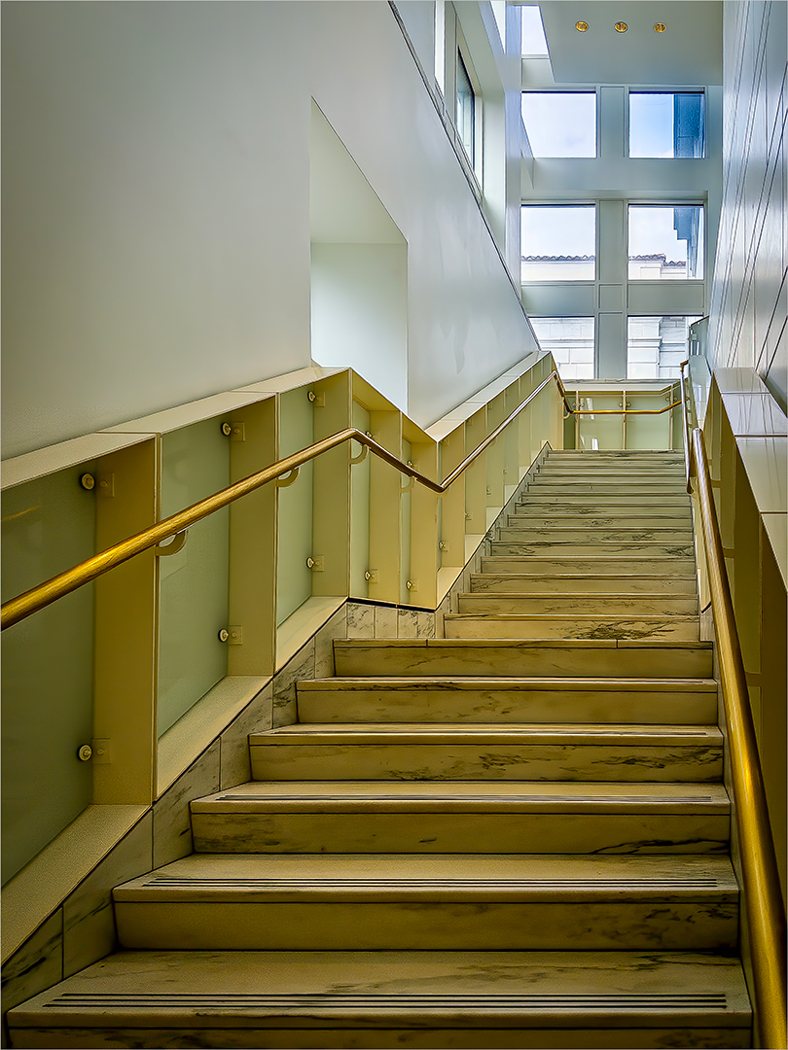
Overall it is a good blend of the pano. Good color, contrast and color balance. Unfortunately software doesn't recognize the perspective adjustments necessary. I personally would crop part of the ceiling. That negative space is not adding to the image. |
May 10th |
| 44 |
May 23 |
Comment |
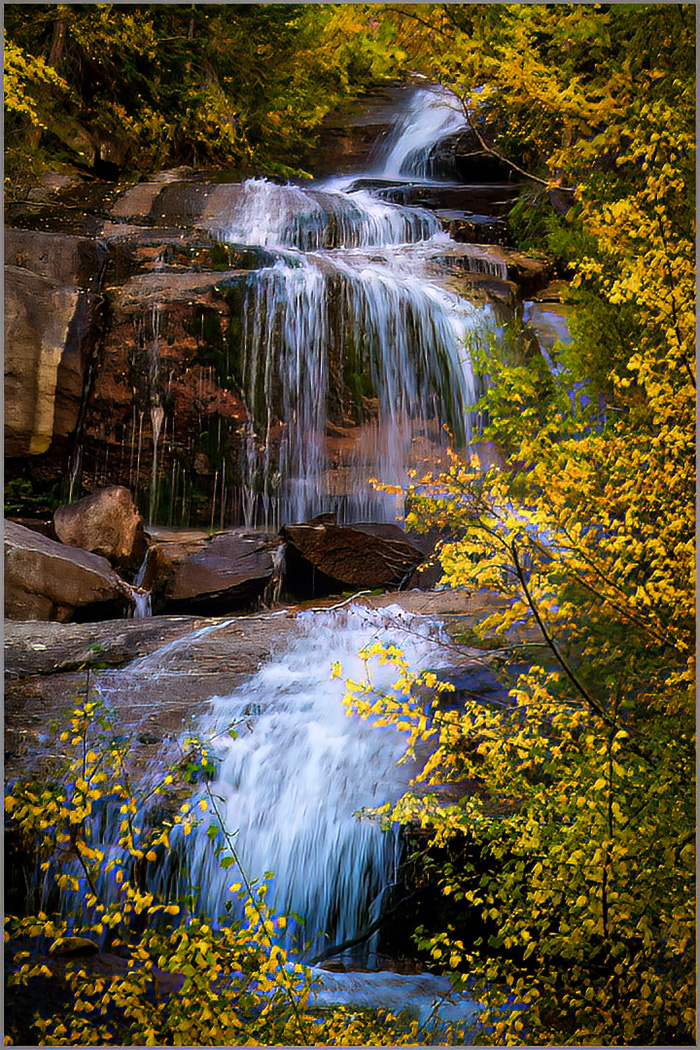
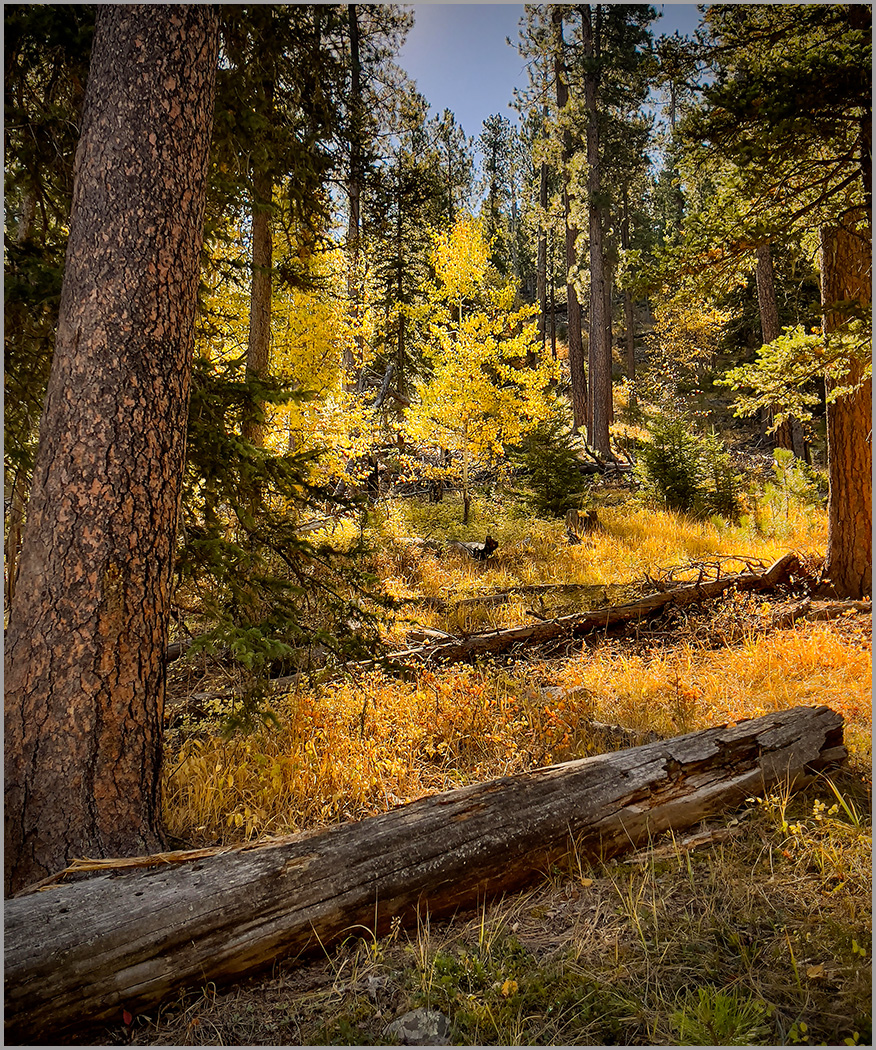
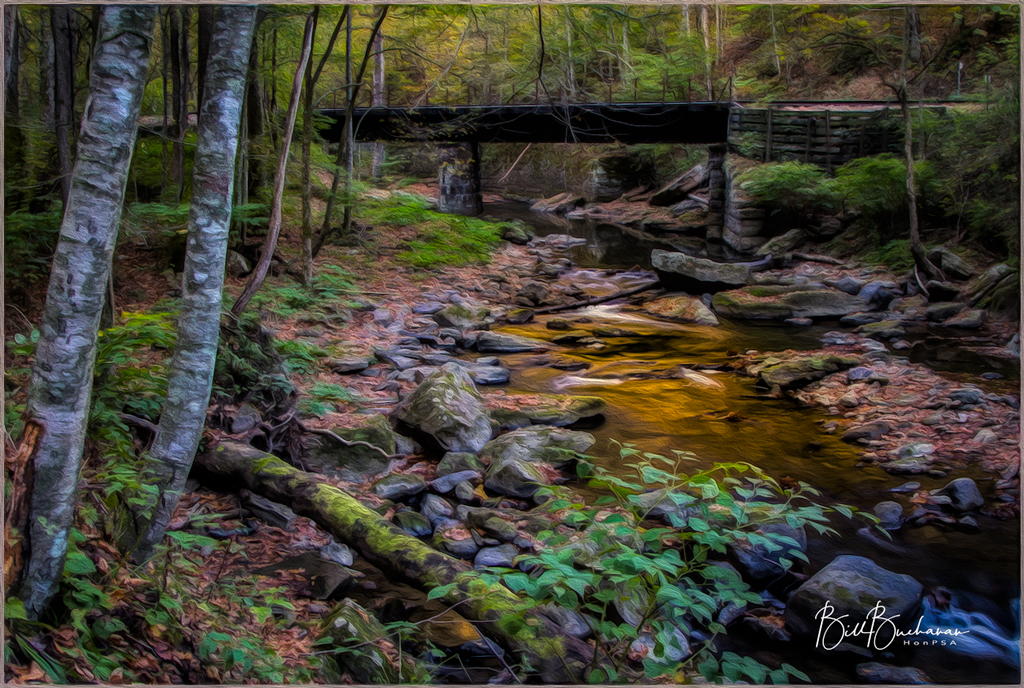
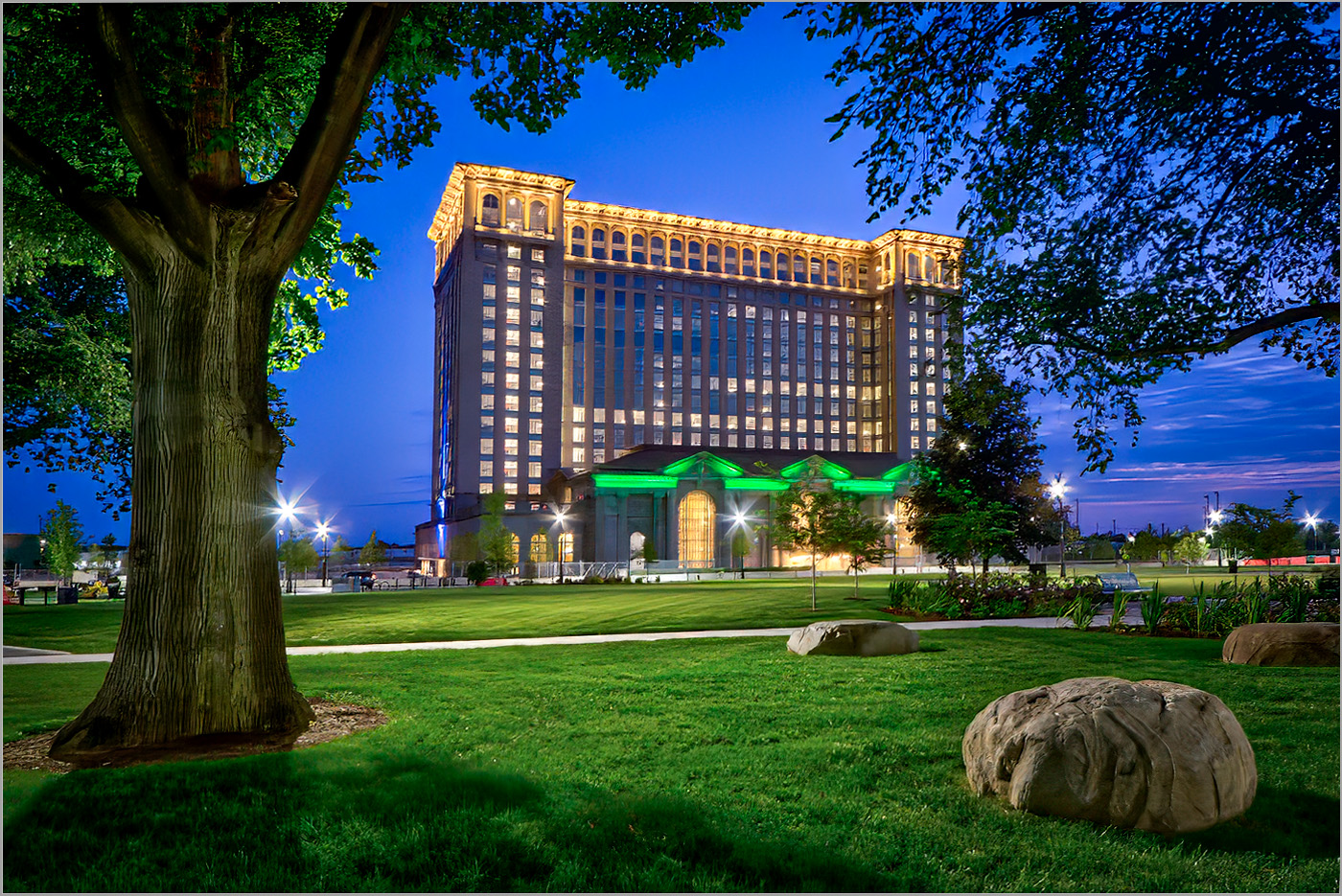
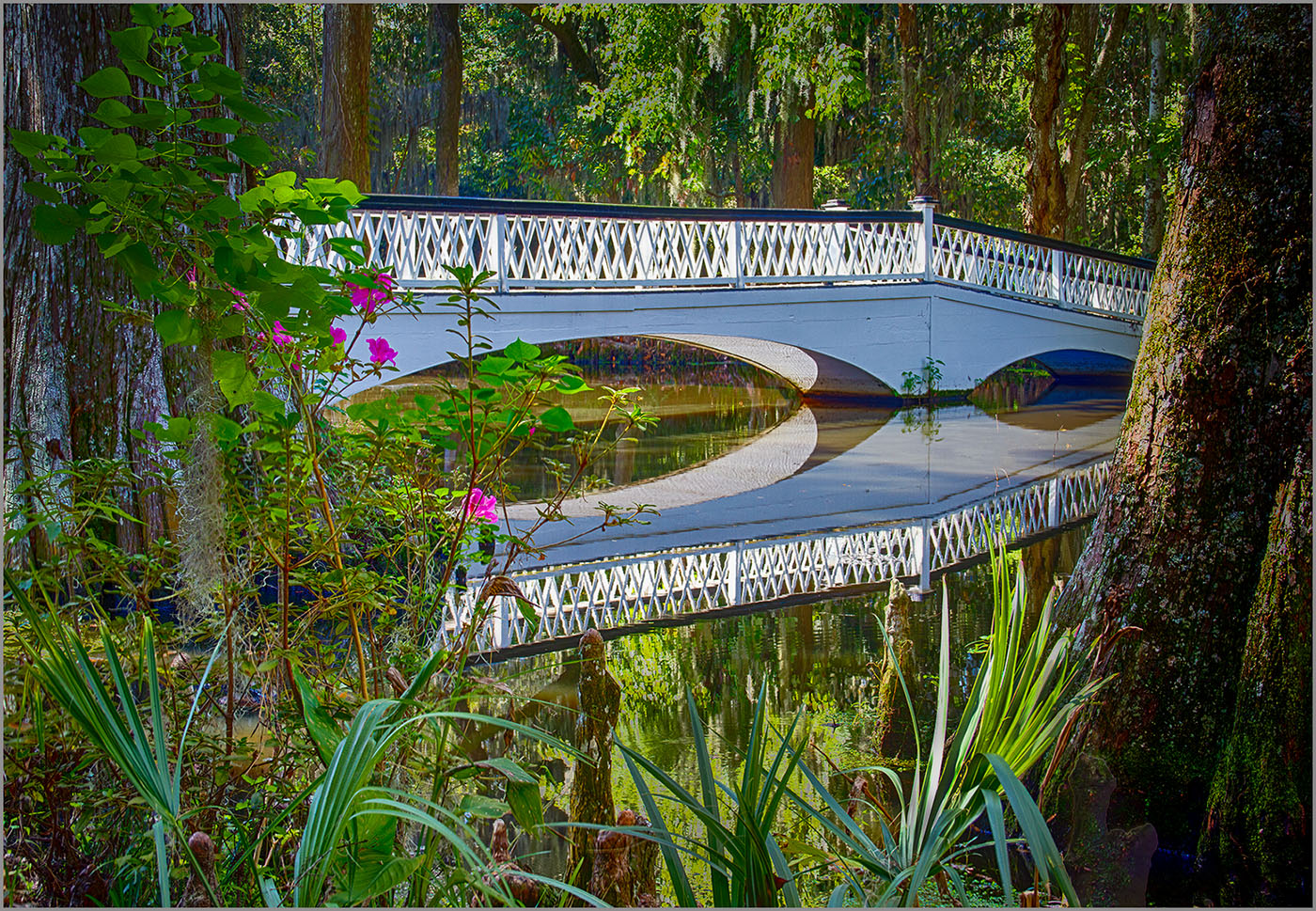
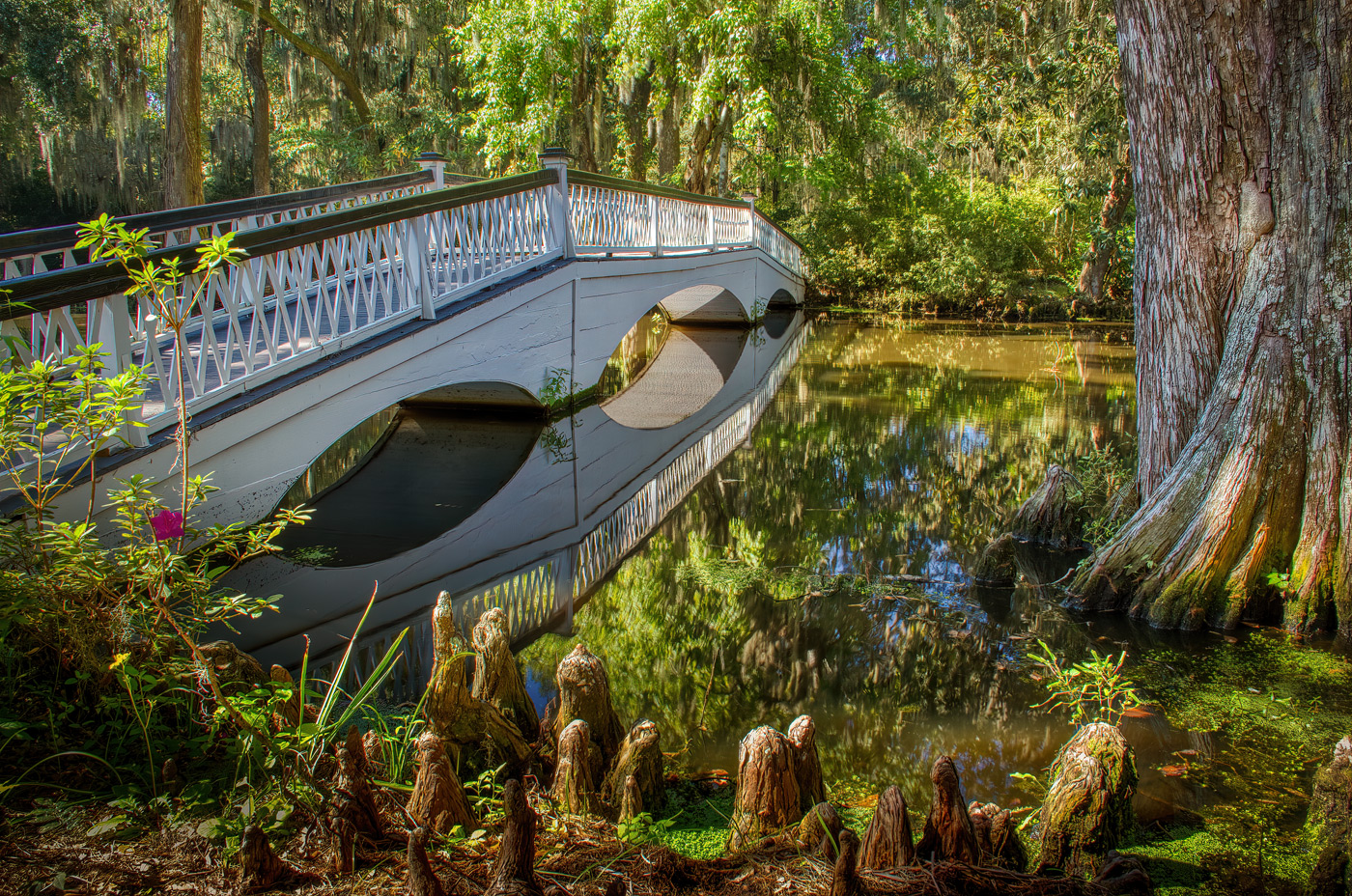
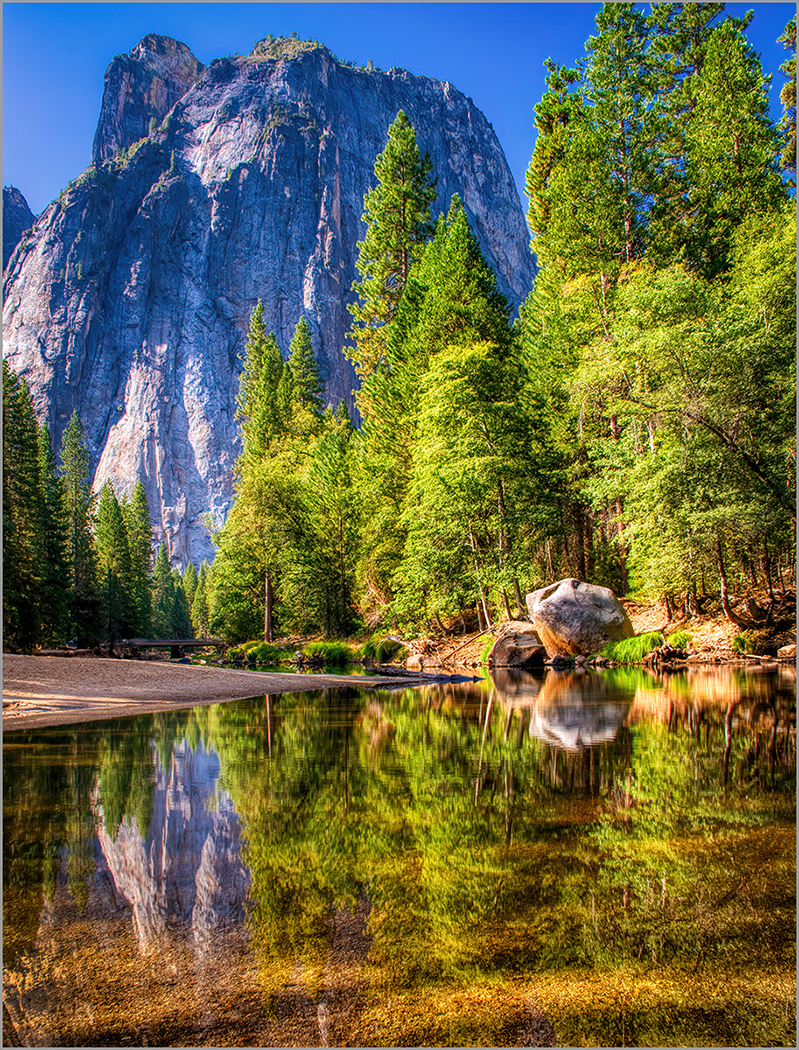
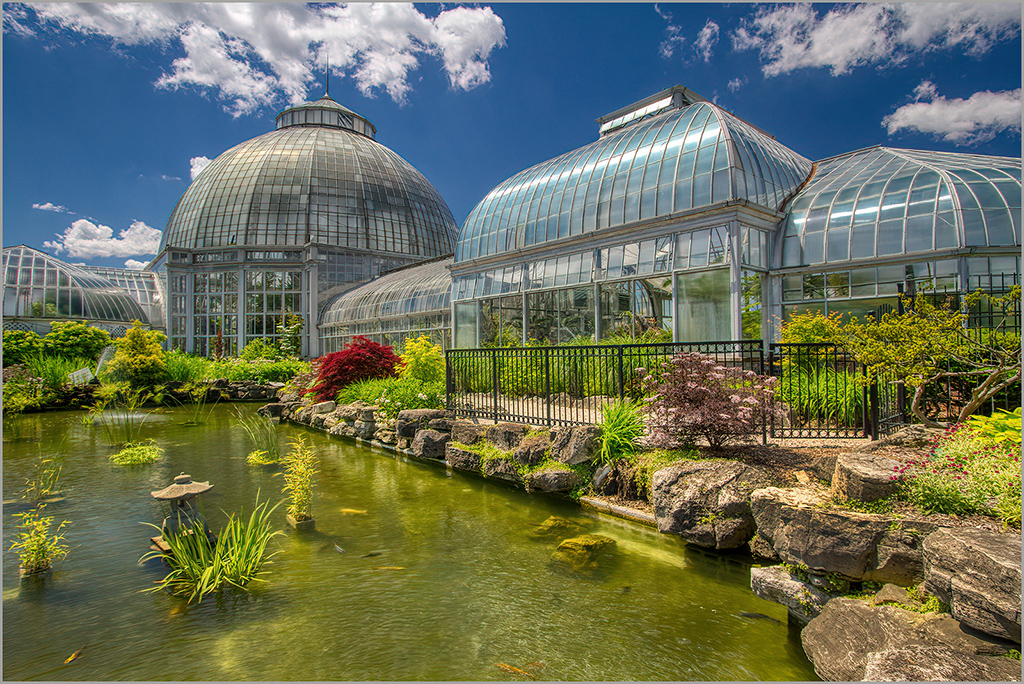
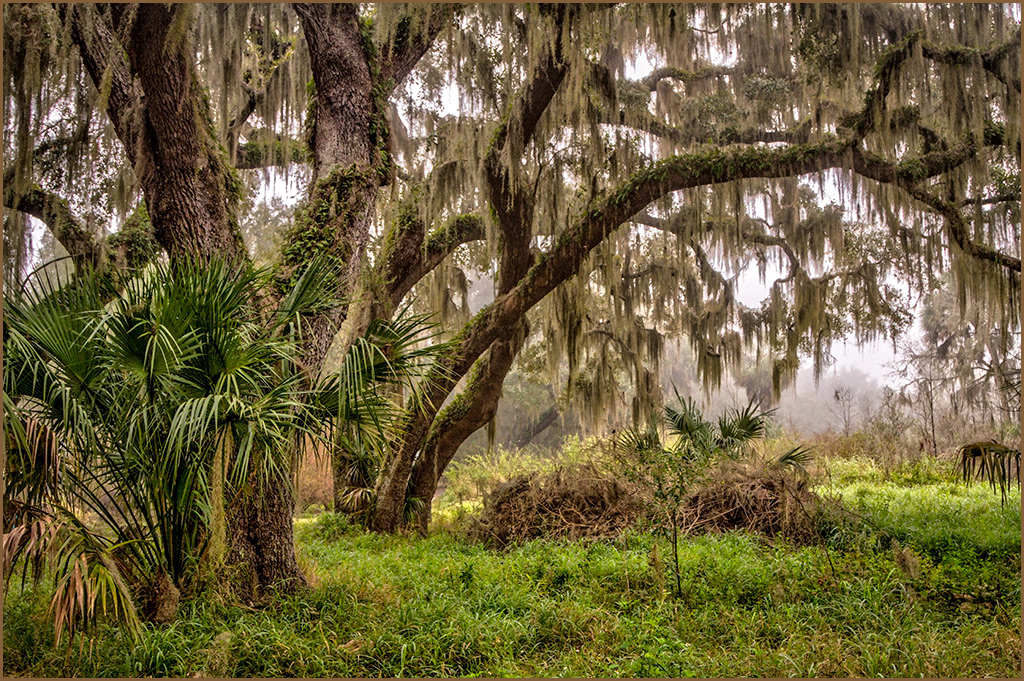
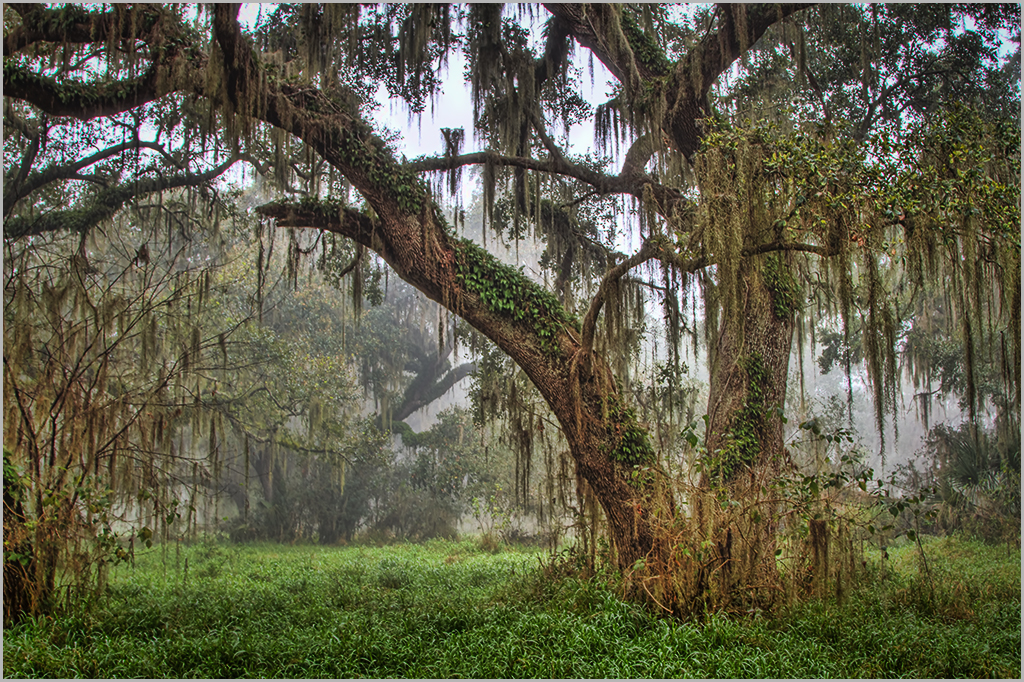
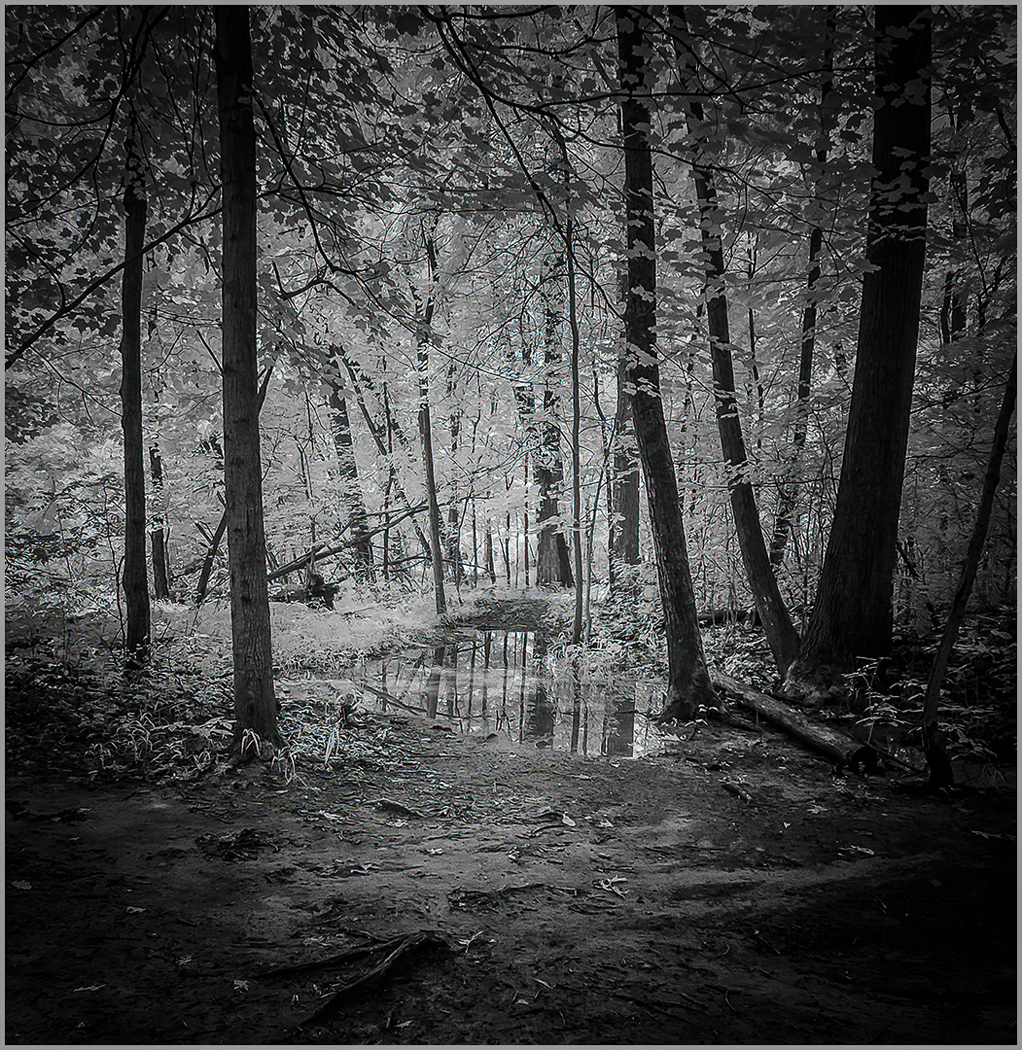
A clean smooth rendering of a tranquil scene. The soft lighting makes this image. I have found that a little tinkering with the Luminance and saturation of greens and yellows in camera raw enhances the foliage. I also applied a slight gradient mask to the foreground to tone down the rocks. |
May 8th |
 |
| 44 |
May 23 |
Comment |
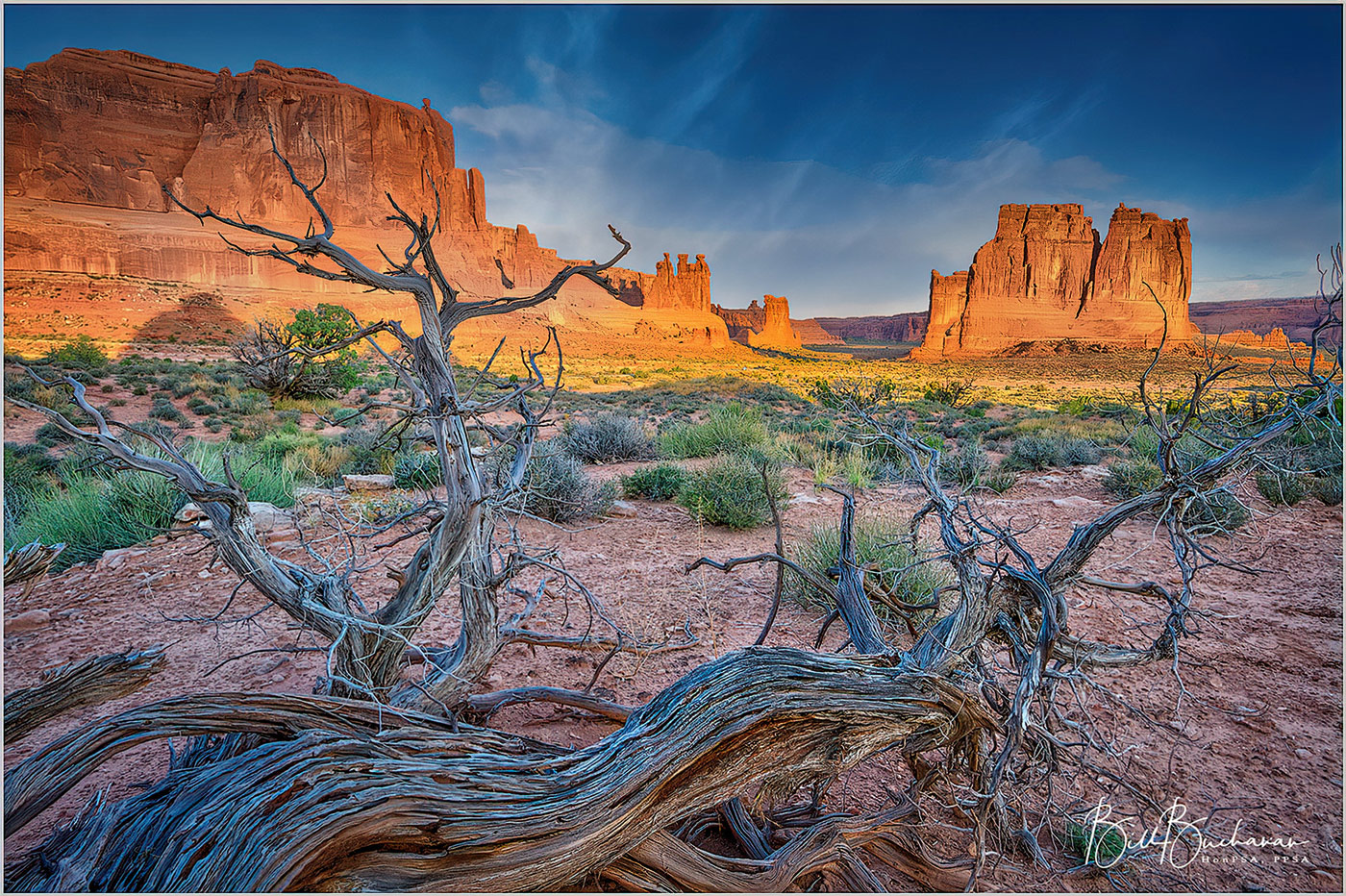
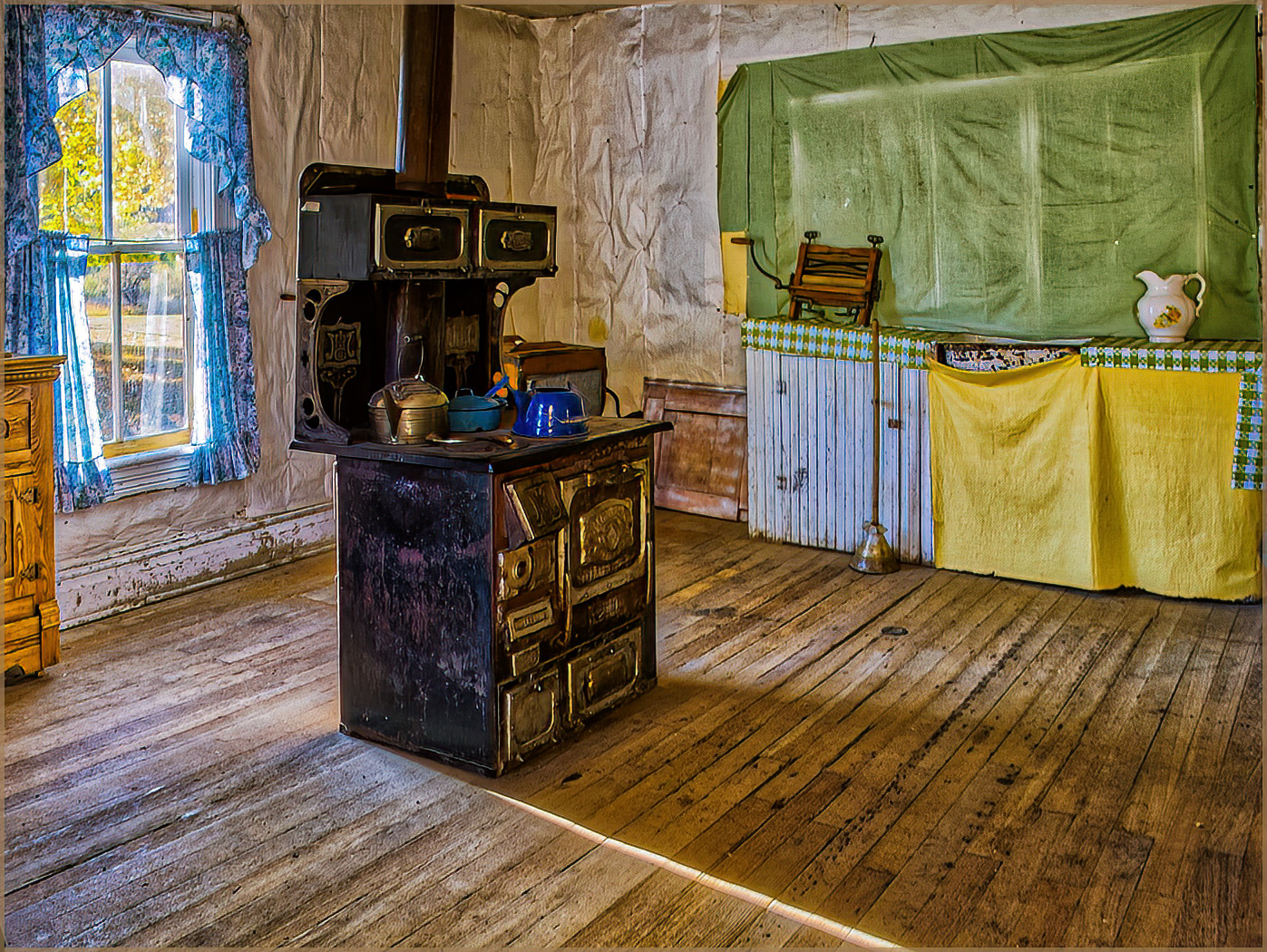
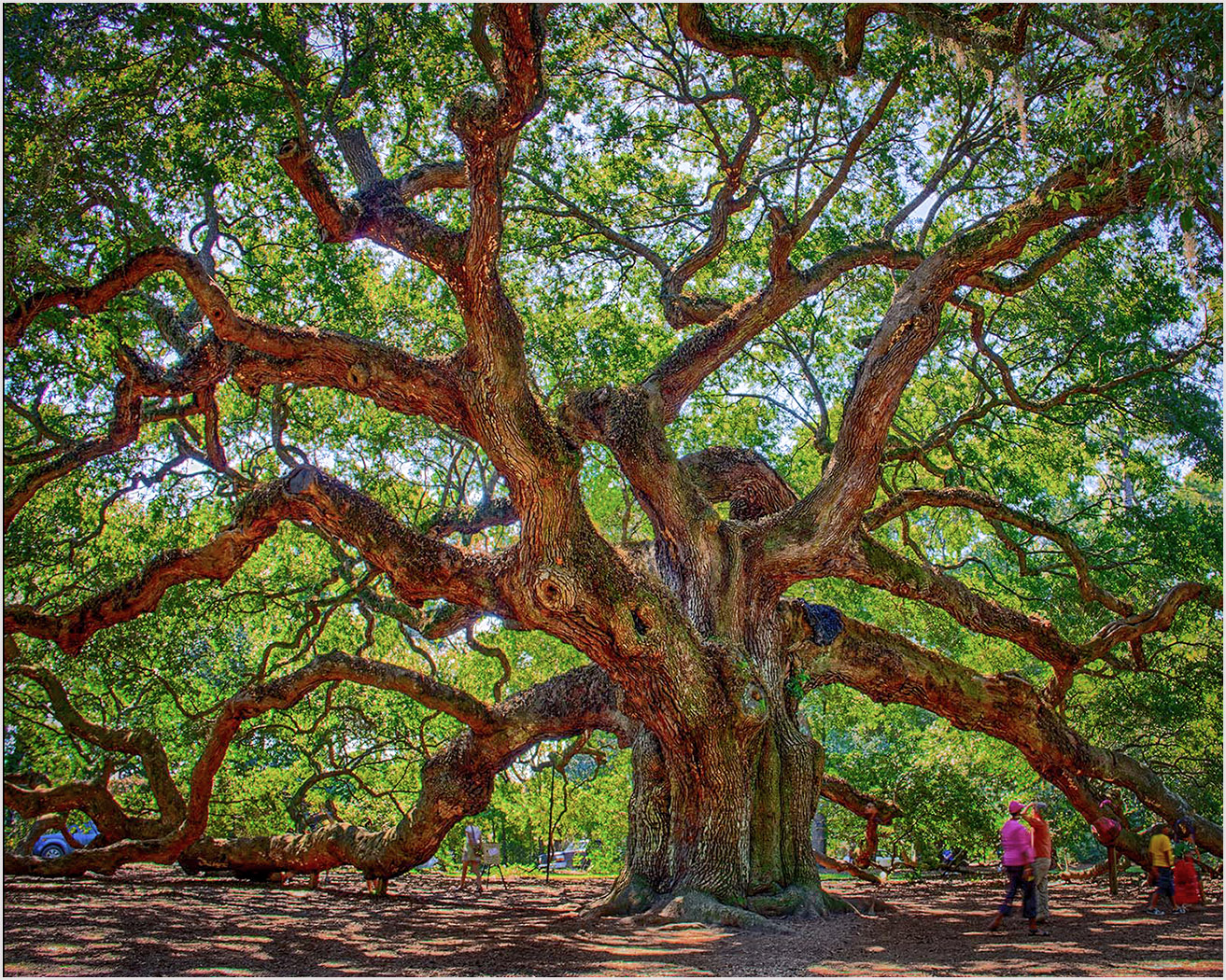
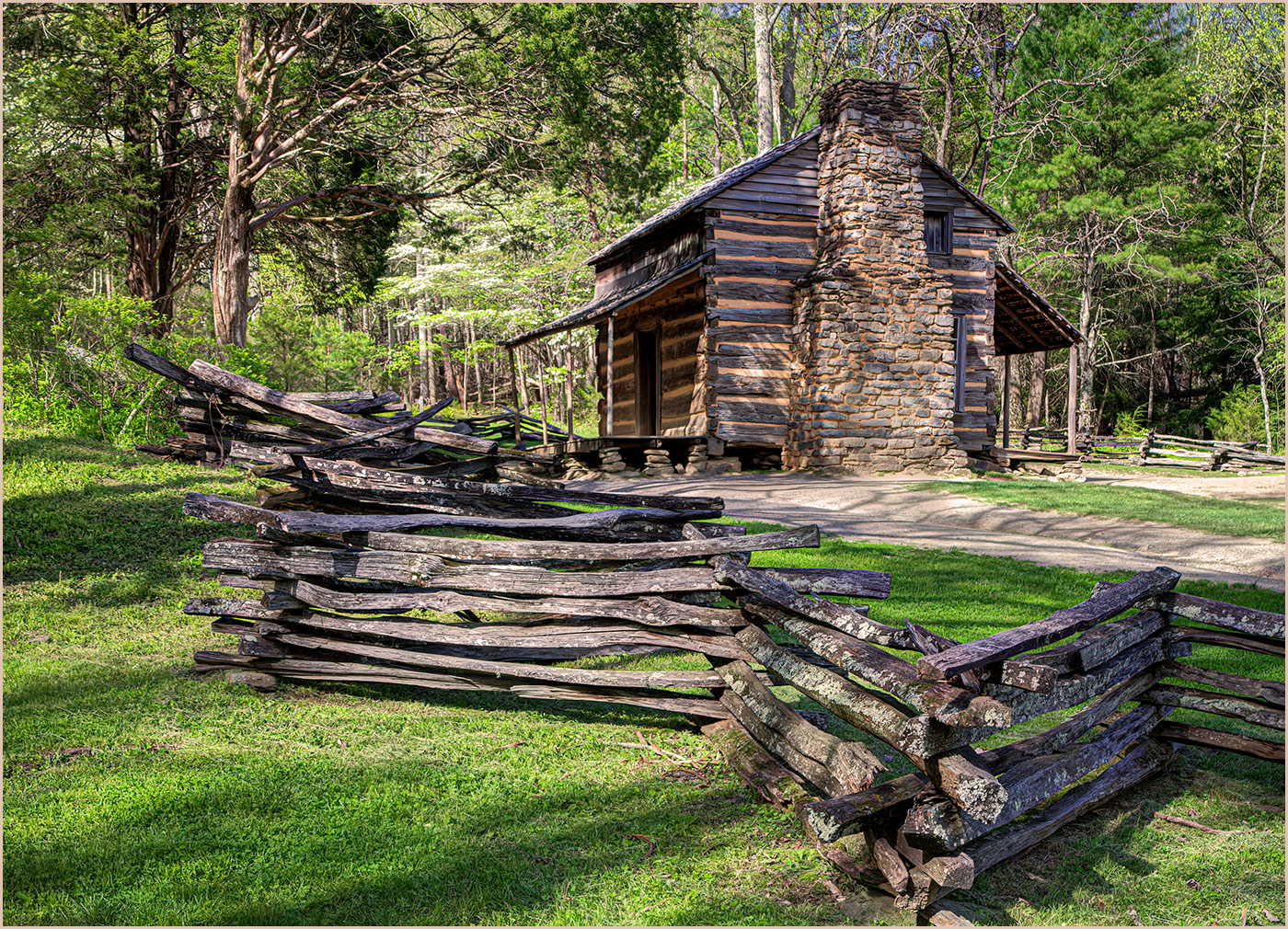
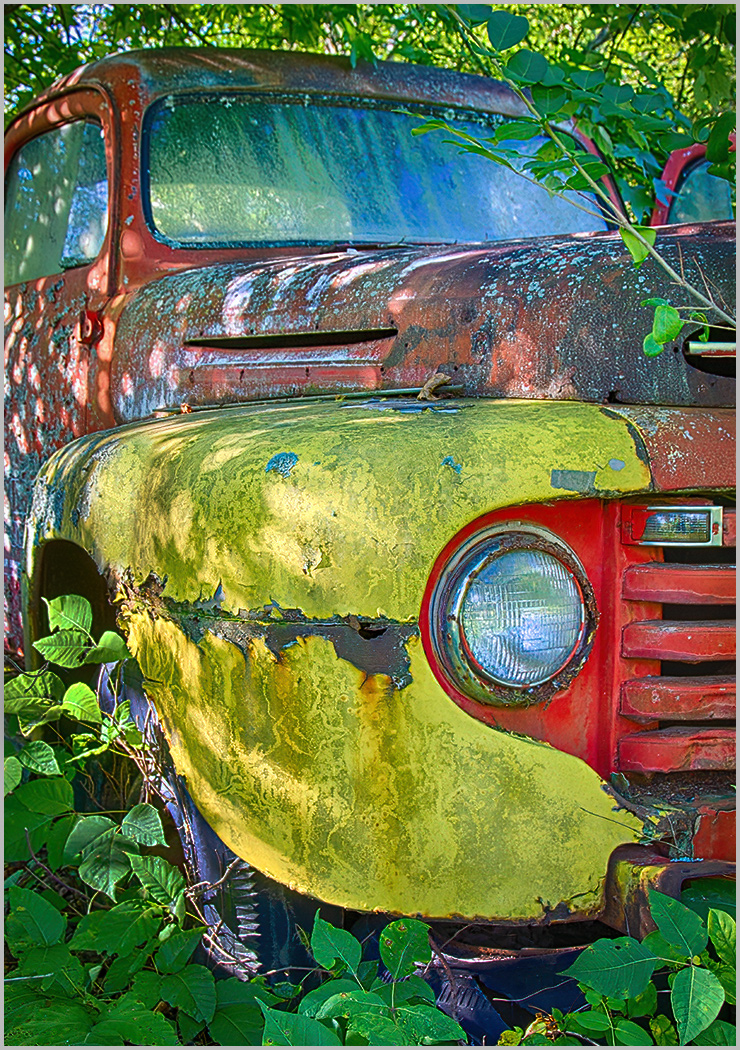
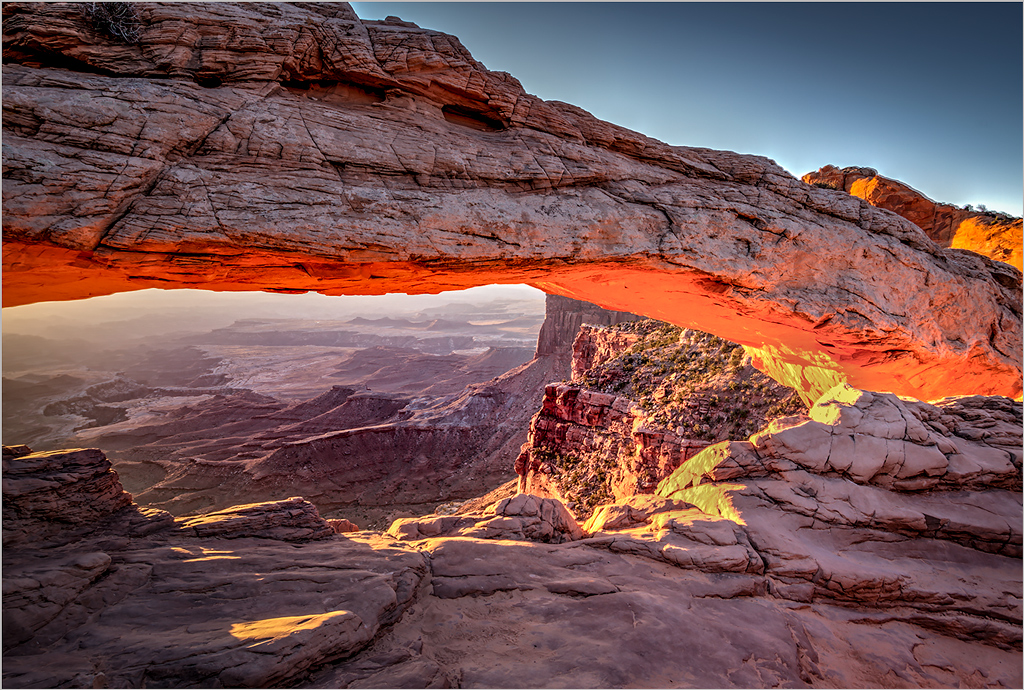
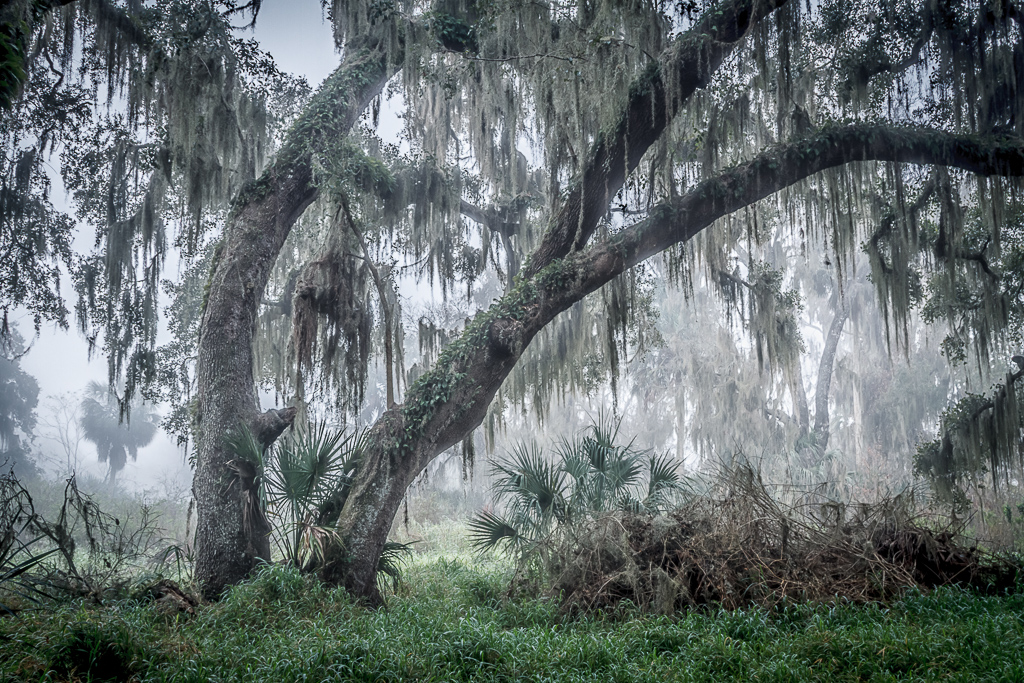
I find it interesting how various software produces different viewer results. Close examination brings out the subtle textures and muted greens in the foreground material. I would personally prefer a slightly more visual pop. I took the liberty of importing your image in Photoshop and applying the Auto setting in the Camera Raw Filter. Scott Kely also taught me a little trick in holding down the Shift key in camera raw and pressing the White and black points. |
May 8th |
 |
| 44 |
May 23 |
Comment |
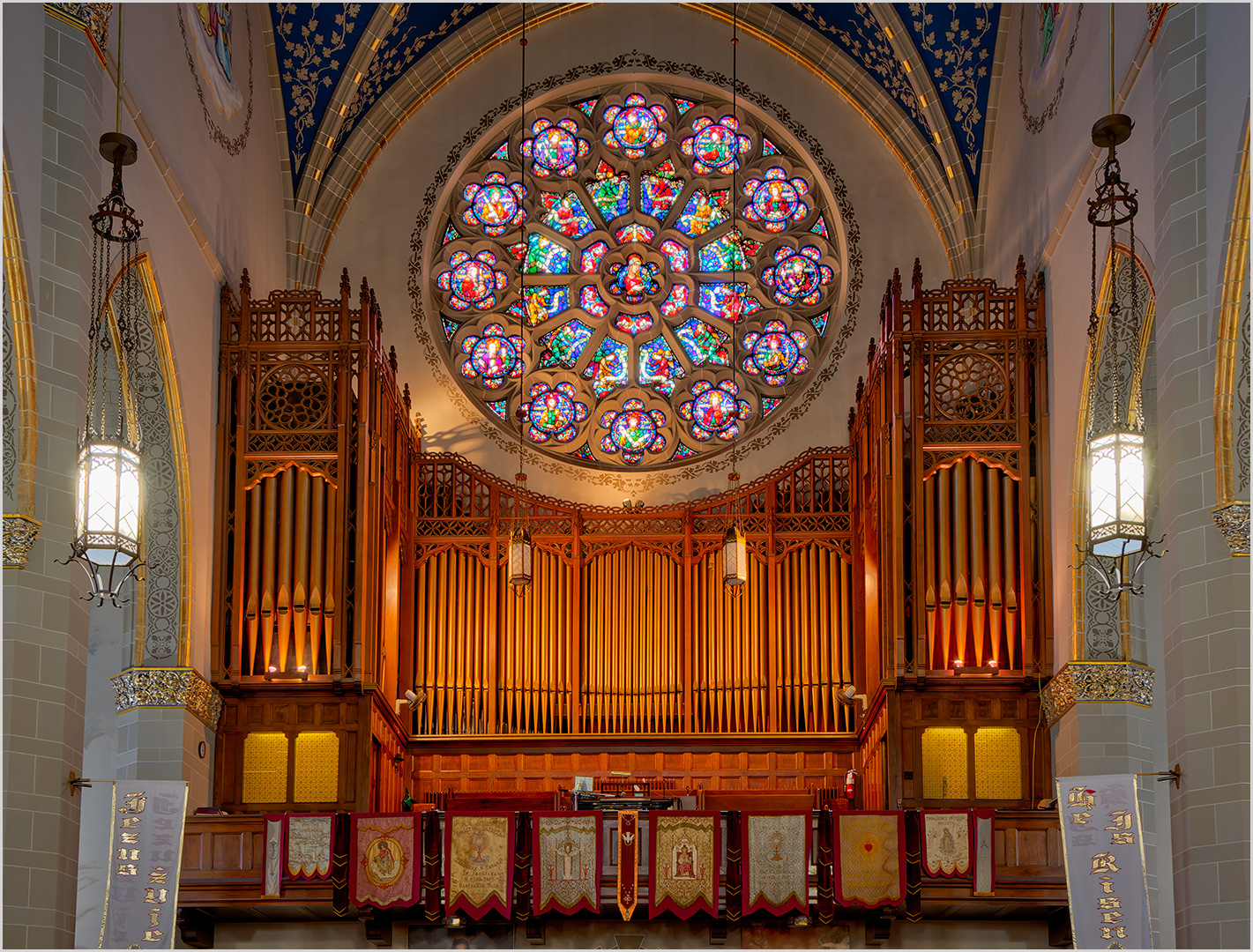
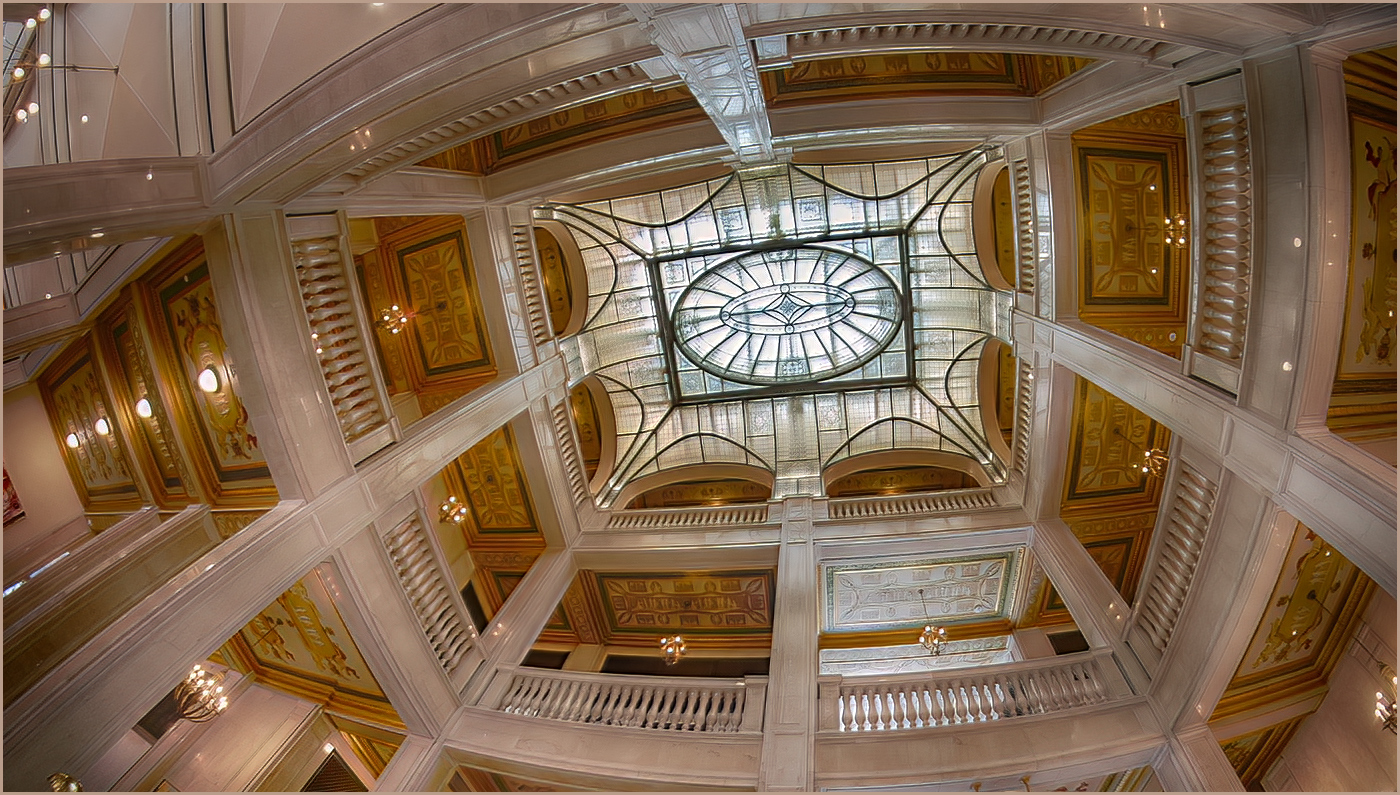
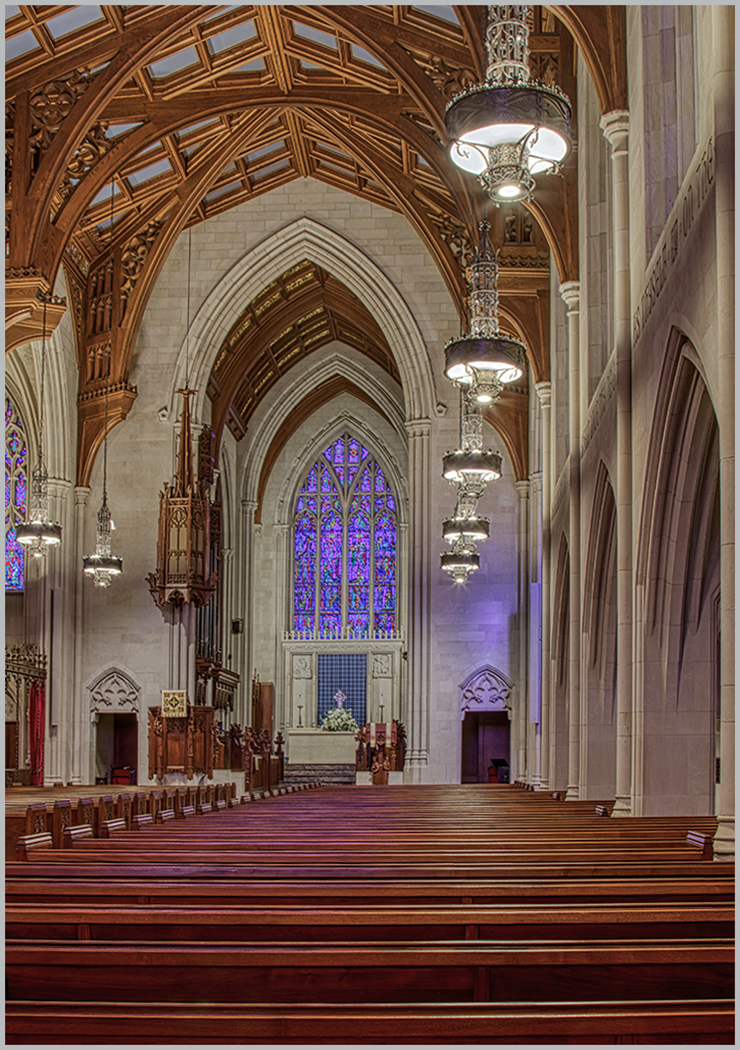
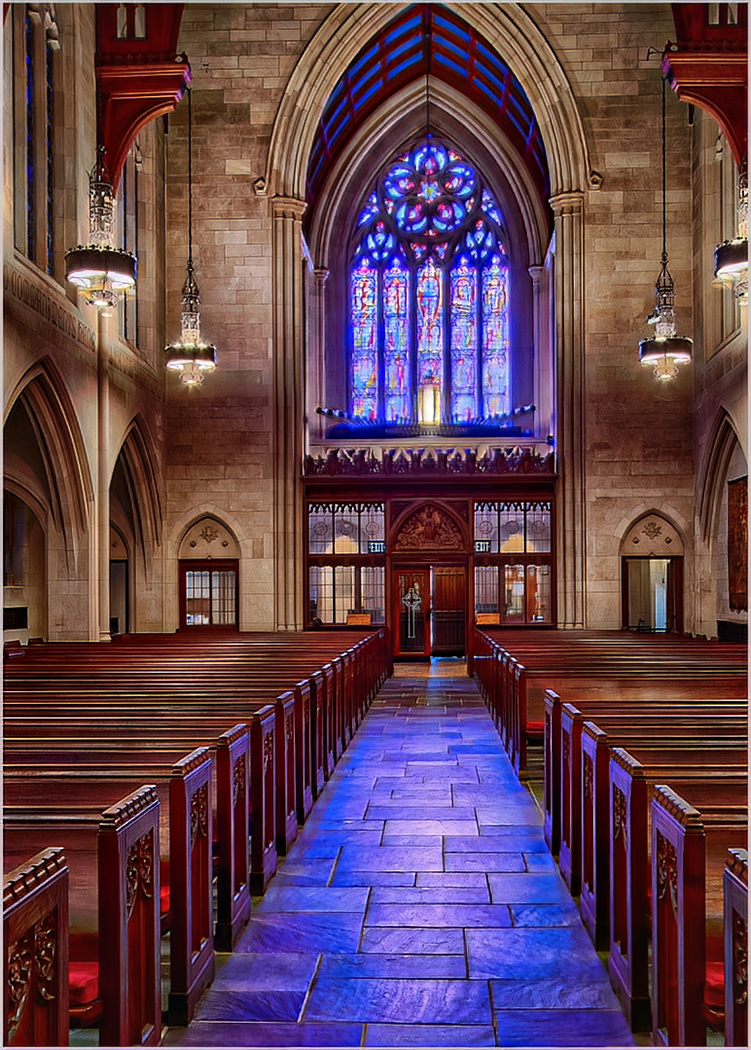
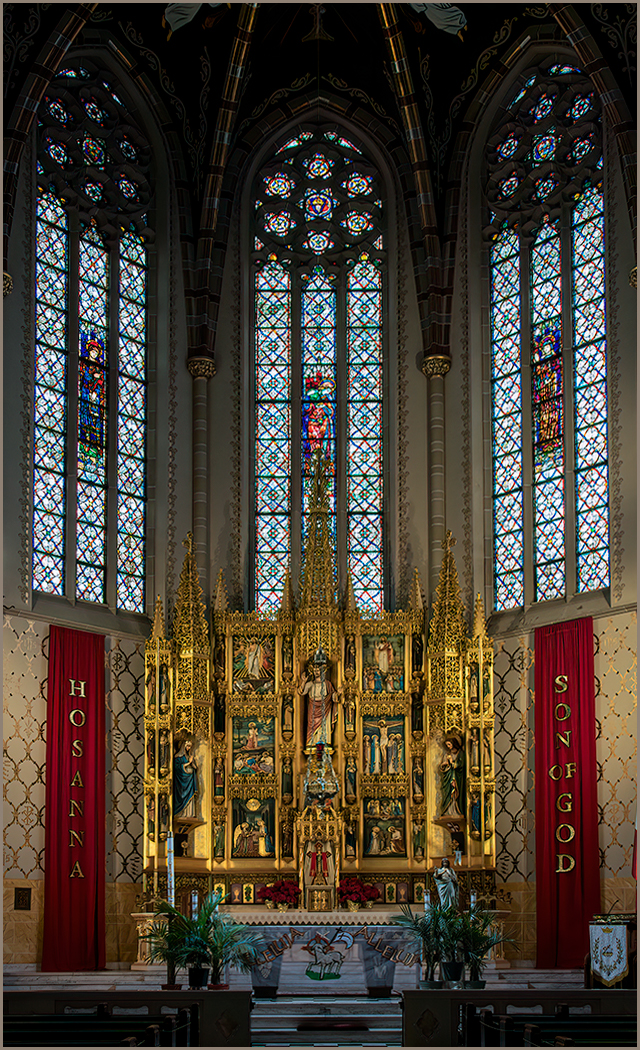
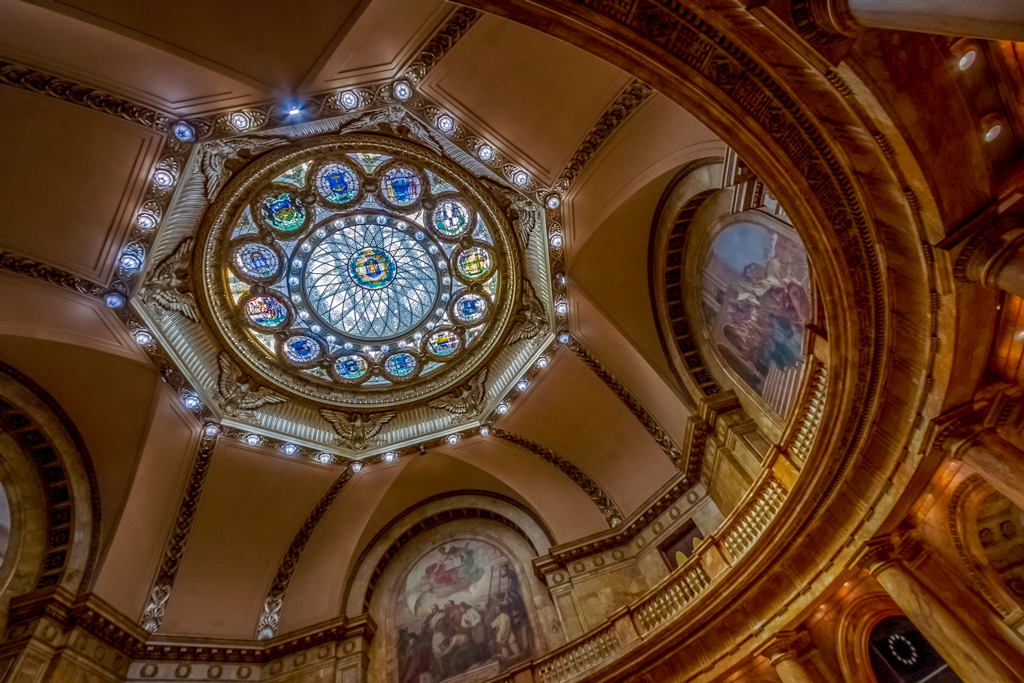
Awesome job Brad. You have captured all the detail in the stained glass with a terrific blend. |
May 8th |
| 44 |
May 23 |
Comment |
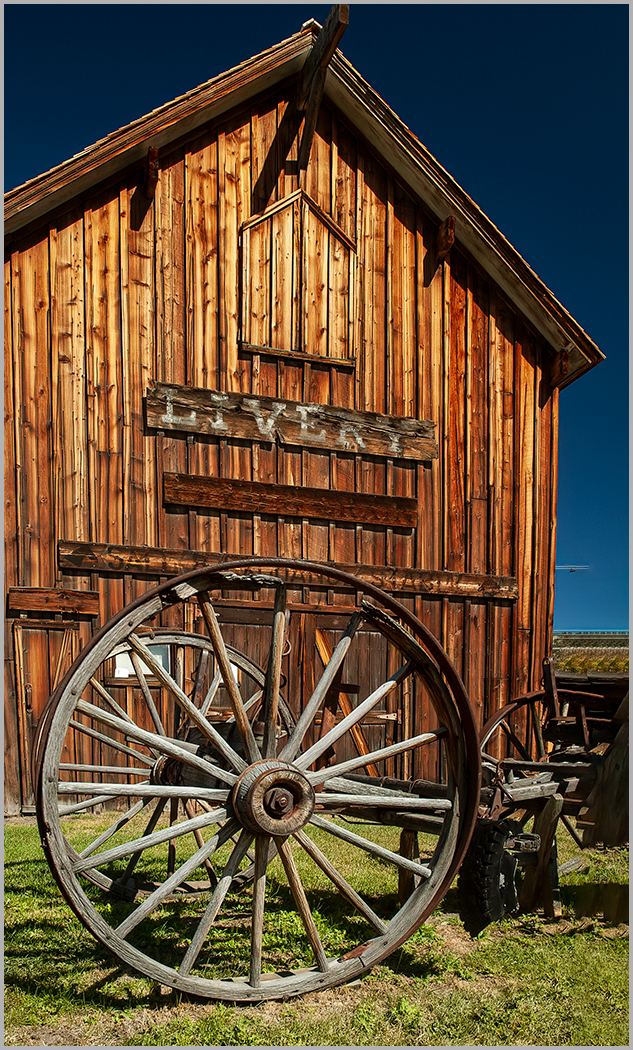
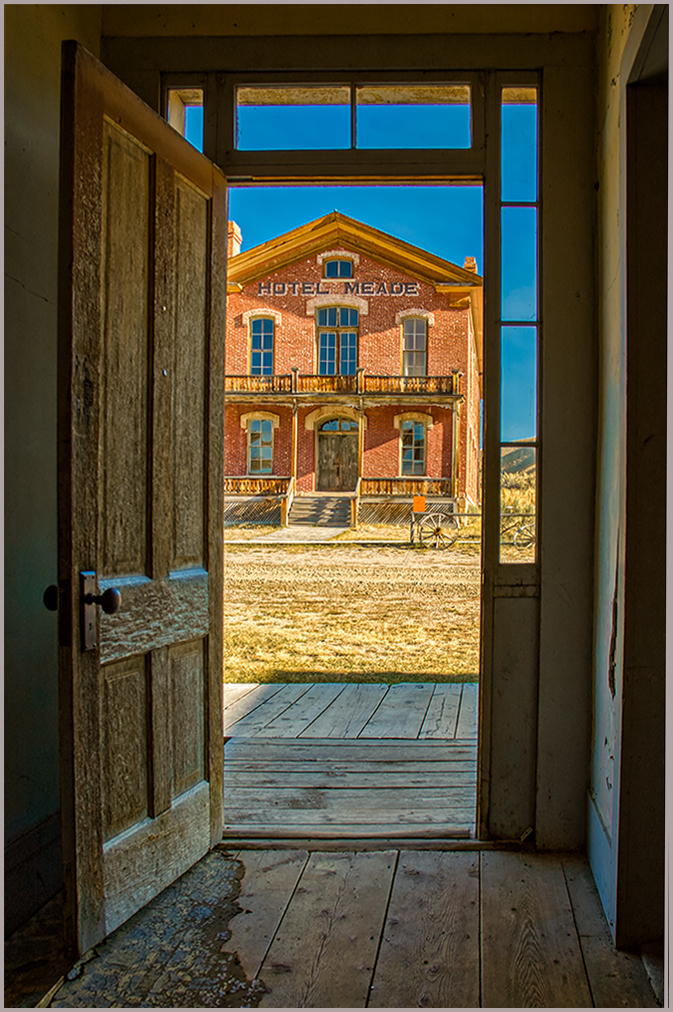
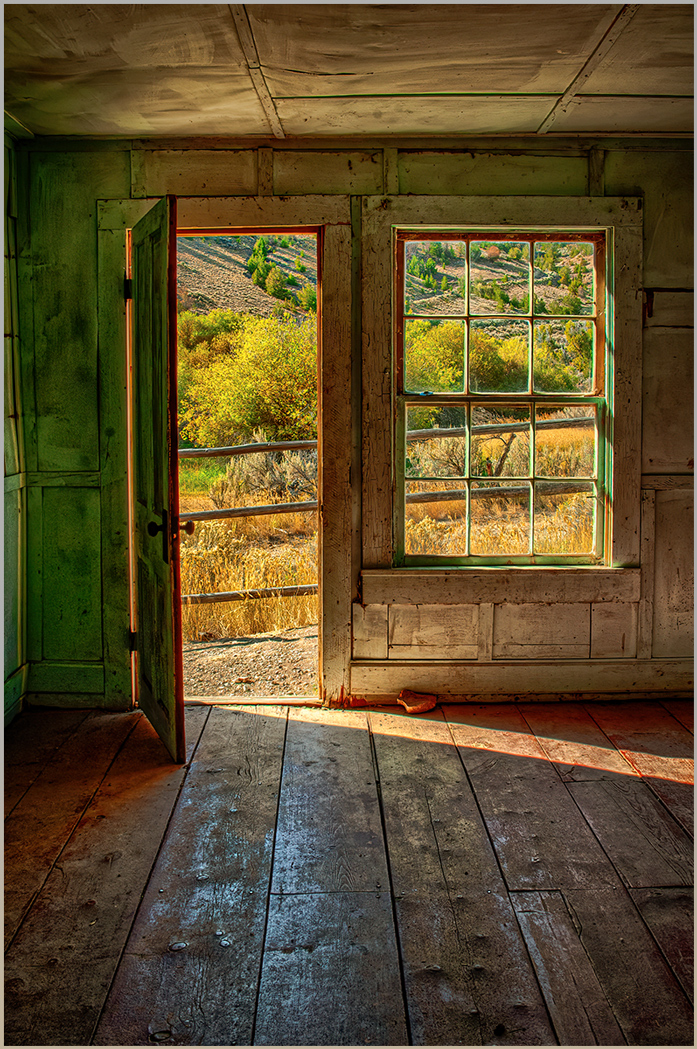
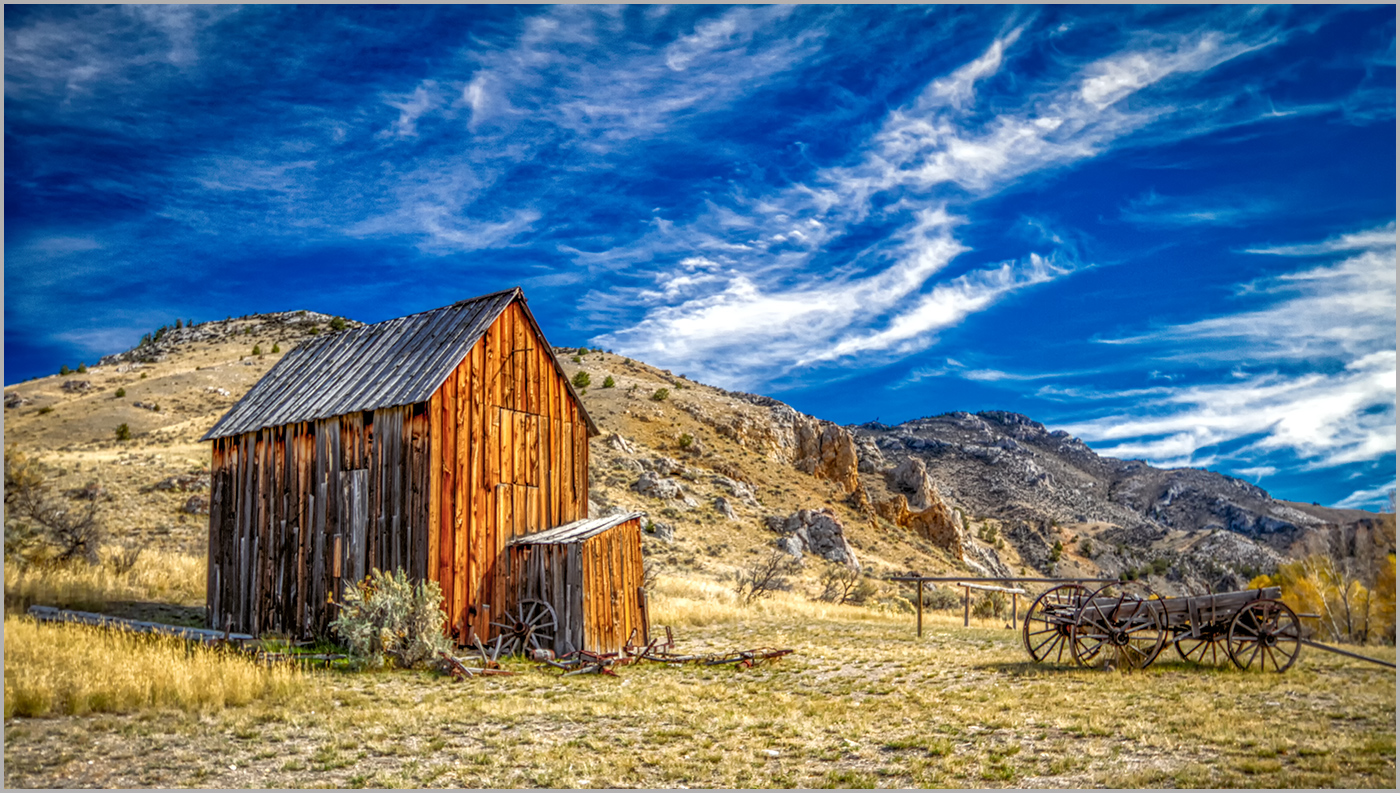
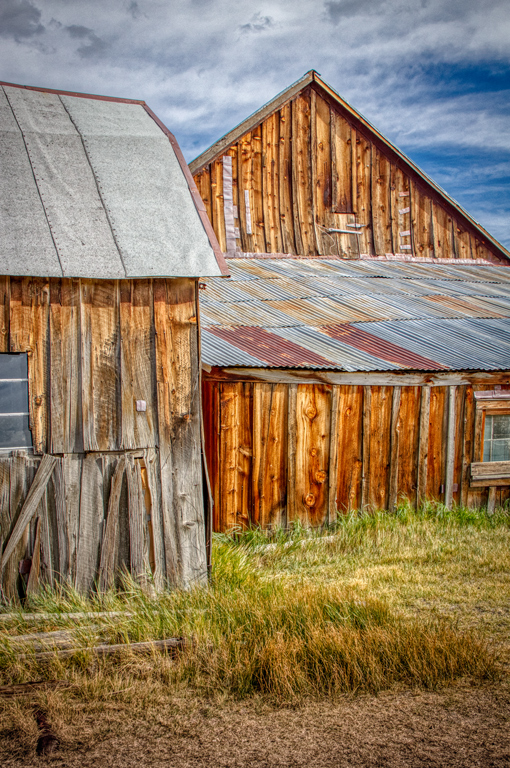
Max, I'm envious of your image. I have been to Bannack twice and have had clear blue skies. The slight overcast helps substantially with the overall details of the building. You composition and processing has served you well. Good job.
|
May 8th |
6 comments - 0 replies for Group 44
|
13 comments - 4 replies Total
|