Activity for User 120 - Bill Buchanan - gwmbuchanan@gmail.com

avatar
Avatar

Close this Tab when done


811 Comments / 201 Replies Posted

  = Current Round   = Previous Round
Group Round C/R Comment Date Image
4 Feb 23 Comment Kudos on your Journal article. The State of Florida owes you for promoting tourism.

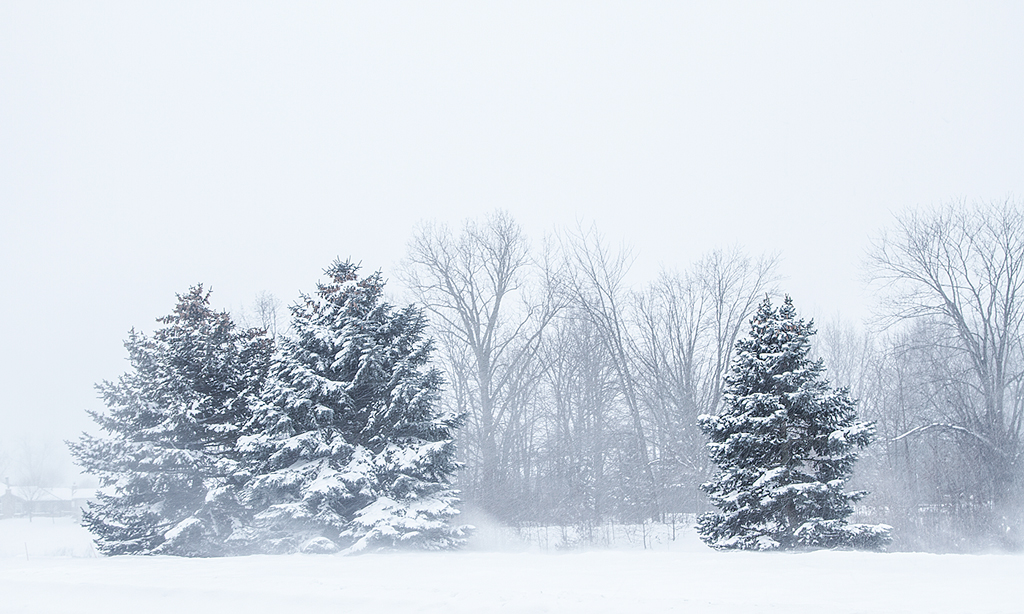
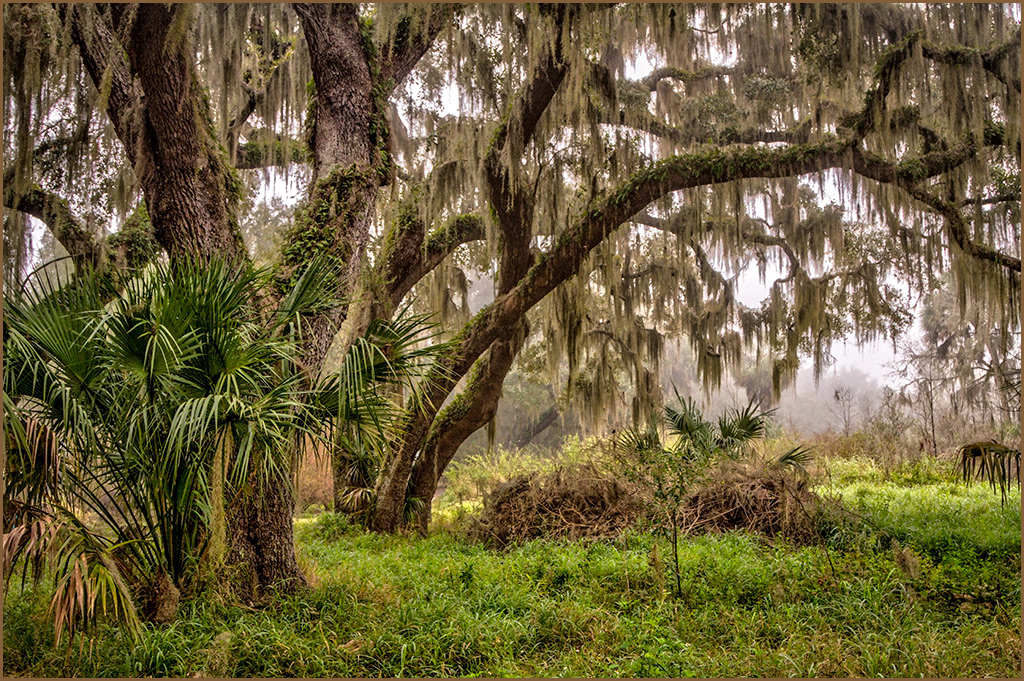
You image this month I find to be extremely challenging. The overall conditions were working against you, the season and the weather. First of all, the trees on the left are a distraction. I would crop them out. Using the tools in Lightroom and Photoshop can help add some snap to the scene by using the latest masking techniques. I created an oval mask of the area and inverted it and warmed up and added contrast to the surrounding areas and added some warmth. I also used the same mask, inverted it, and lightened the trees and buildings just slightly. Finally, I added a vignette to darken the edges.
Feb 24th
4 Feb 23 Comment Perfect timing! Obviously you put yourself in a good location to catch the action of the boats rounding the bouy. The added boat in the background is perfect. I couldn't resist tampering with your image to boost the clarity, dehaze and saturation. Feb 23rd
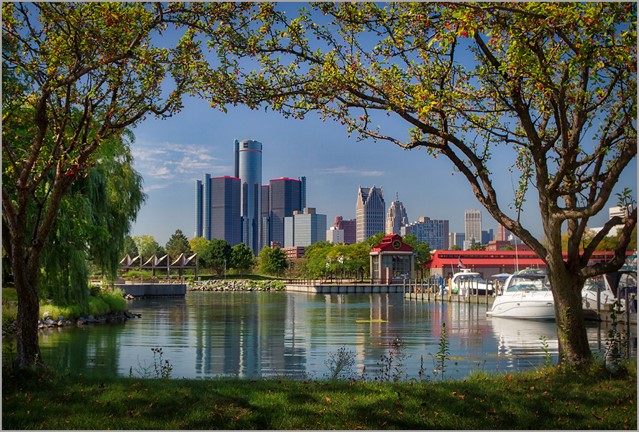
4 Feb 23 Comment The camera angle is perfect and the lake and trees offer a center of interest. I honestly prefer the first original. I did a little work on Photoshop to enhance the existing colors and greens. Feb 23rd
4 Feb 23 Comment Sometimes you have to accept what hand your dealt. It would be easy to criticize the problems such as the trash container, but that a fact of life. I personally wouldn't change anything. You have captured a moment in time that also includes weather and atmospheric conditions. Feb 23rd
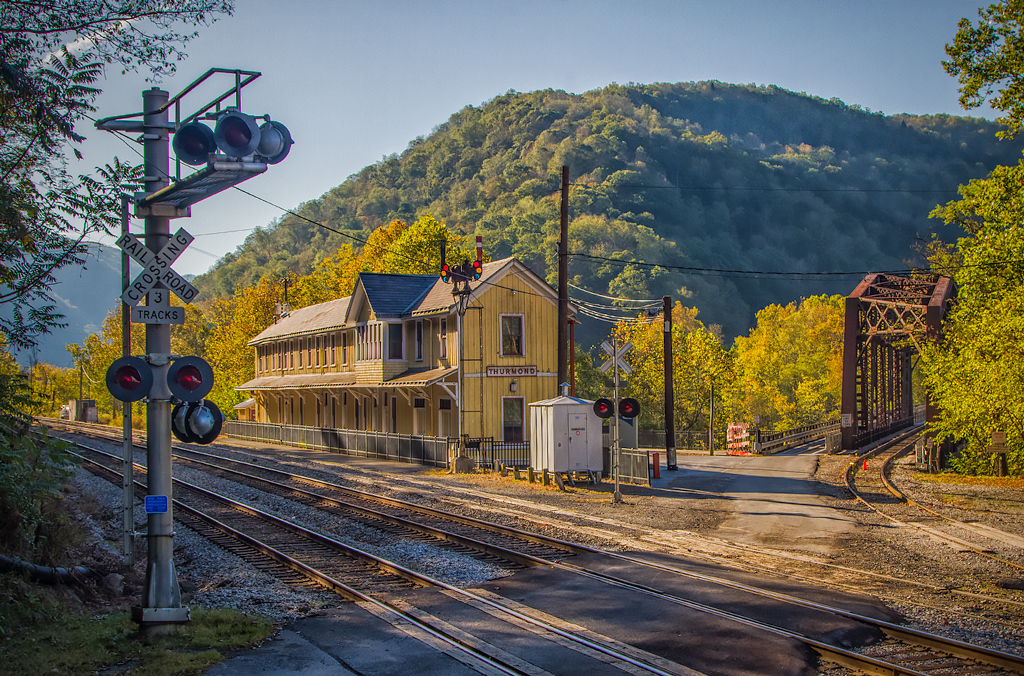
4 Feb 23 Comment Very interesting. I would imagine your newer cameras would have performed differently. I was surprised by his hand movement with a shutter speed of 1/160 of a second. Personally, I would crop a little higher at the bottom to eliminate the rail. A sky replacement and added contrast would help too. Feb 23rd
4 Feb 23 Comment Hi Gary, you have an extremely difficult interior shot. You have captured a lot of information and detail. The overall process looks smooth. Trying to get a good neutral gray on the machines is extremely difficult. You might try Auroara 2019. They have some settings my mixed light which may help. My only negative comment is the bright floor area at the backof the shop. Feb 23rd
4 Feb 23 Comment Kudos on your Journal article. The State of Florida owes you for promoting tourism.

You image this month I find to be extremely challenging. The overall conditions were working against you, the season and the weather. First of all, the trees on the left are a distraction. I would crop them out. Using the tools in Lightroom and Photoshop can help add some snap to the scene by using the latest masking techniques. I created an oval mask of the area and inverted it and warmed up and added contrast to the surrounding areas and added some warmth. I also used the same mask, inverted it, and lightened the trees and buildings just slightly. Finally, I added a vignette to darken the edges.
Feb 23rd
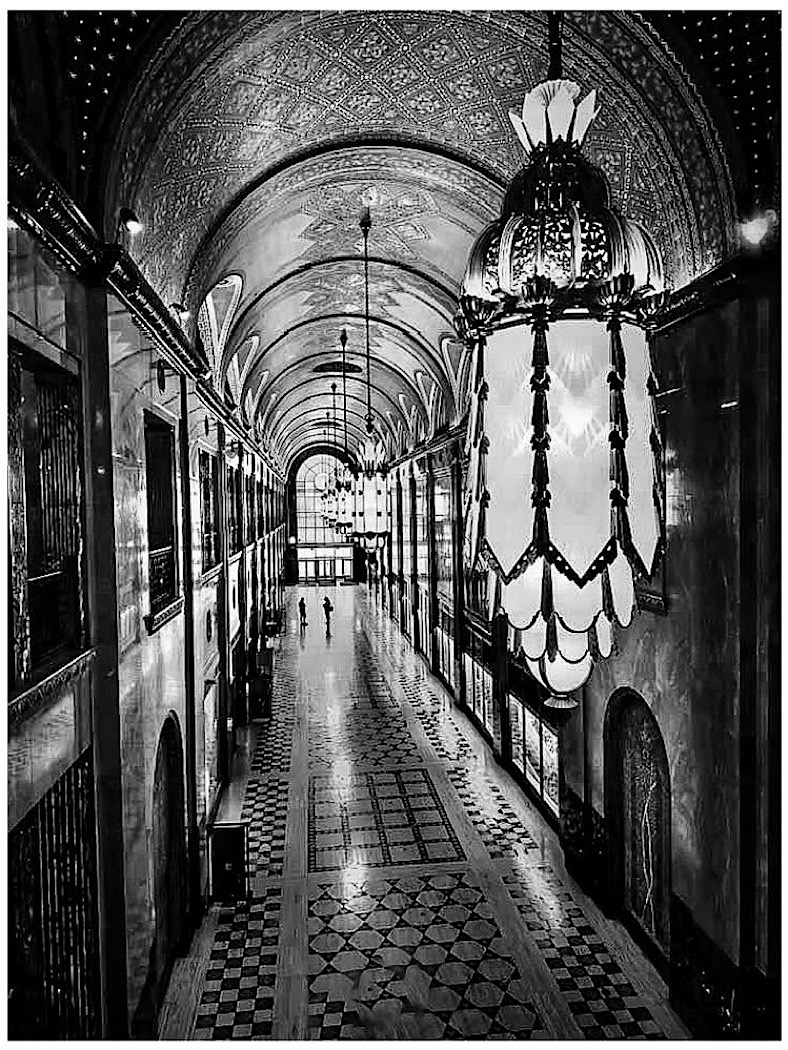
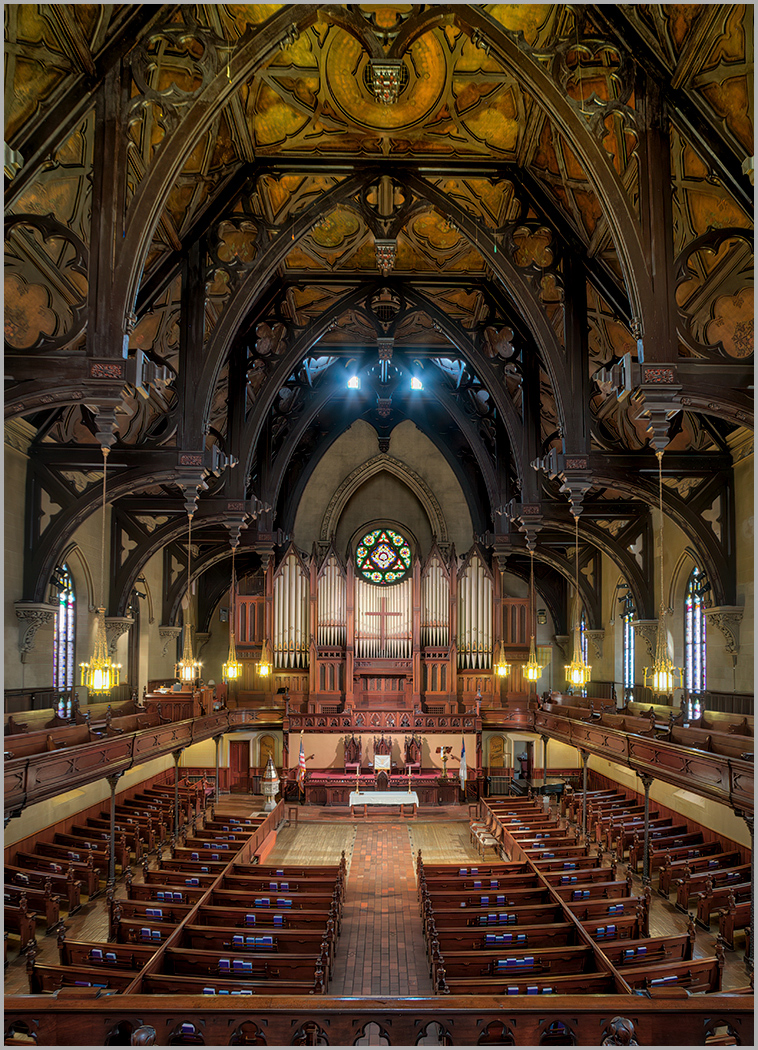
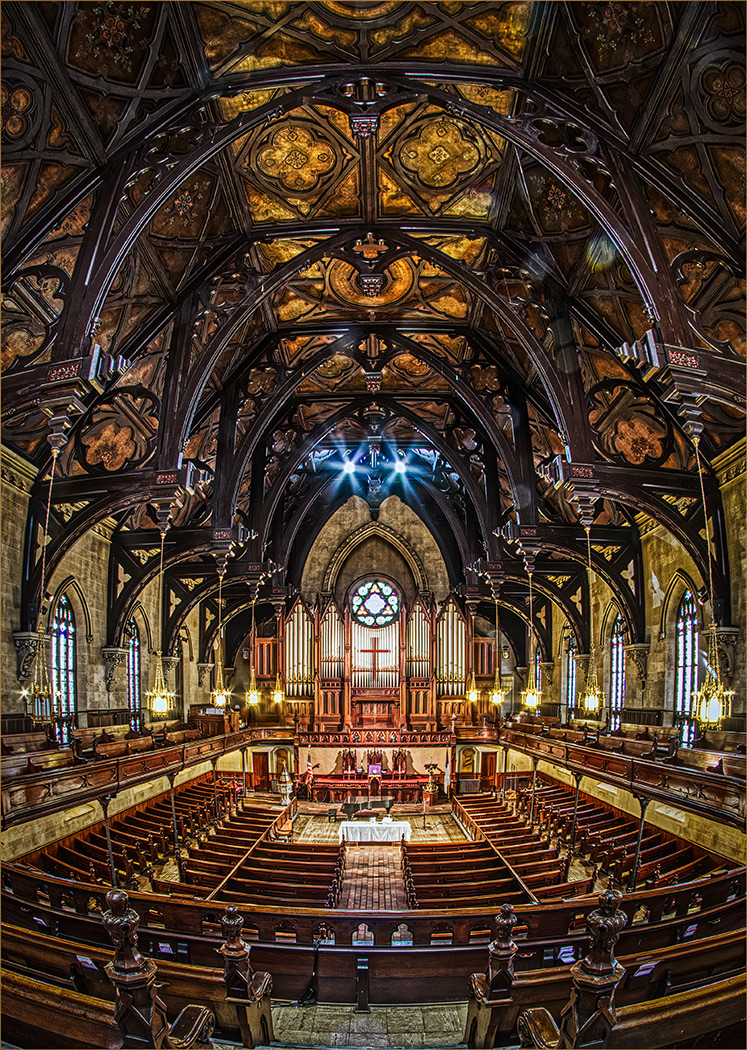
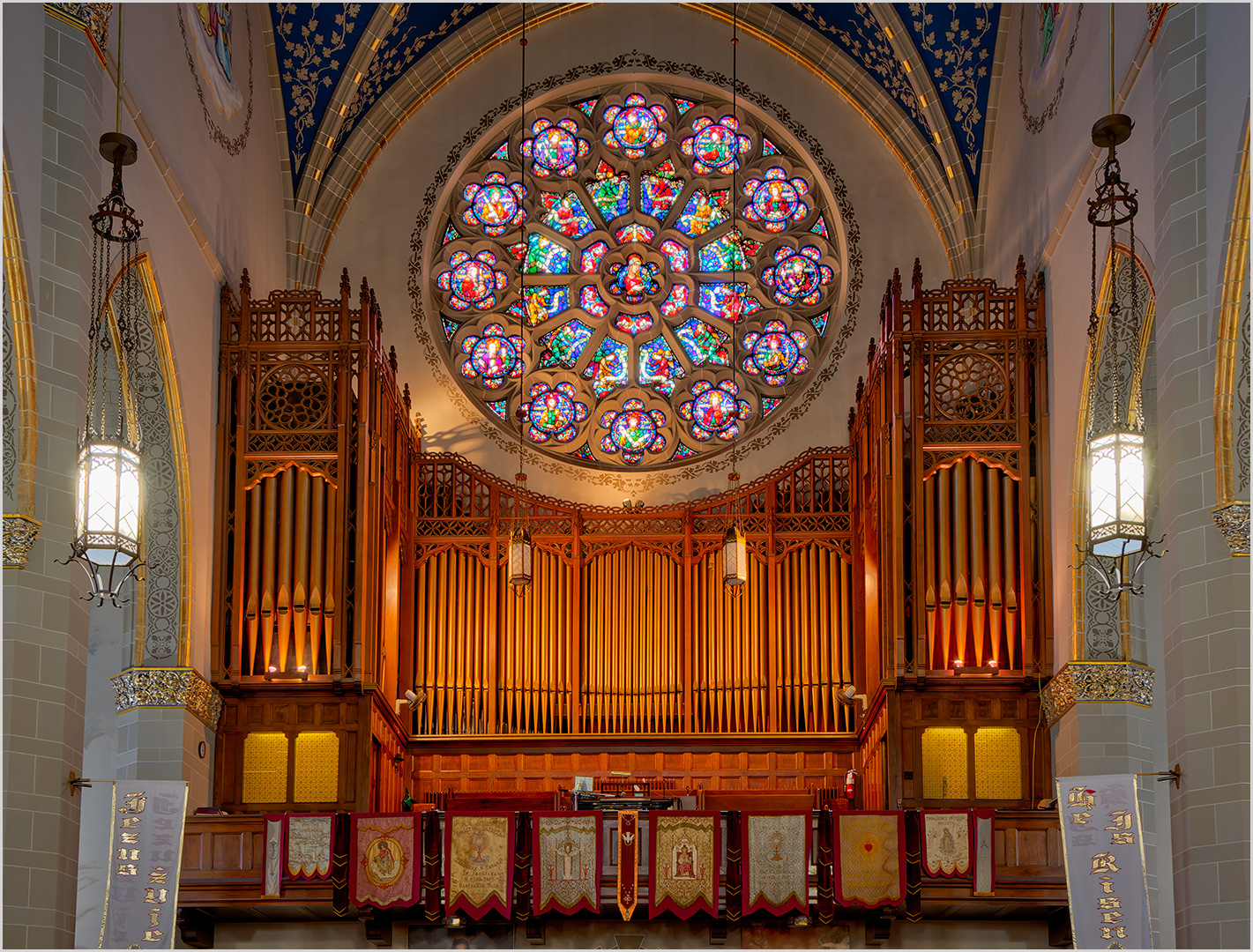
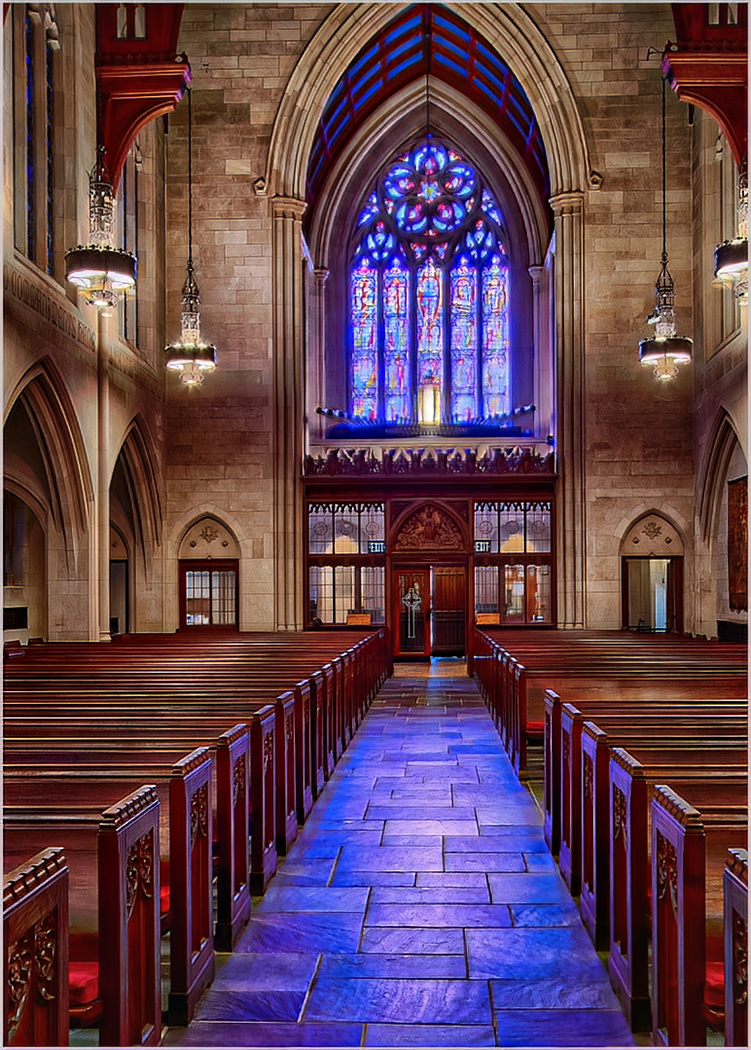
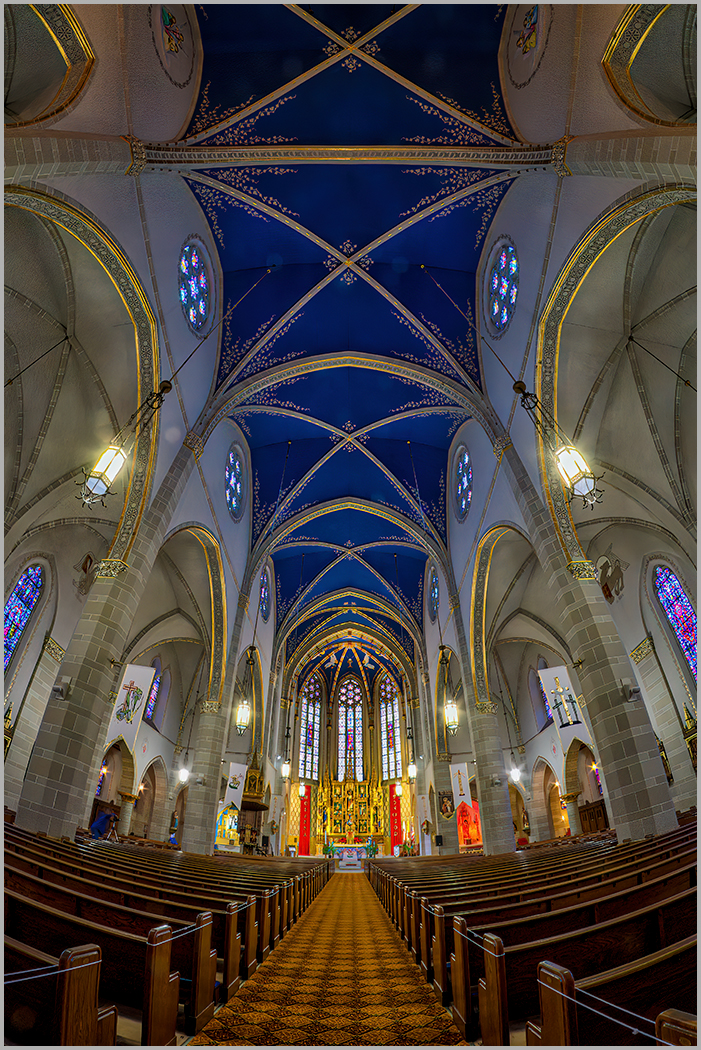
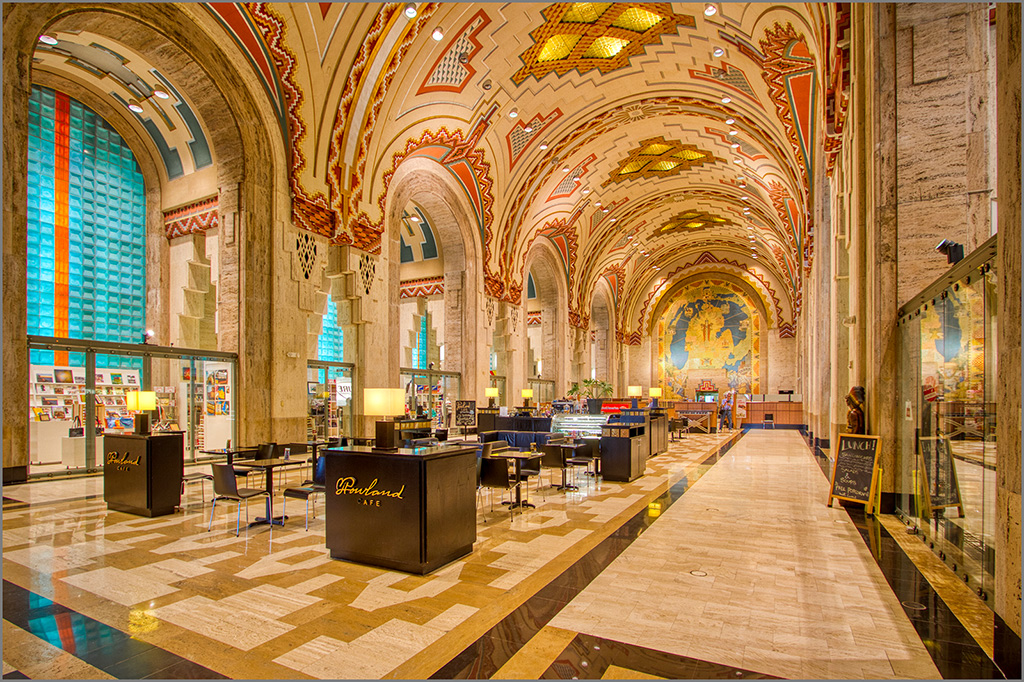
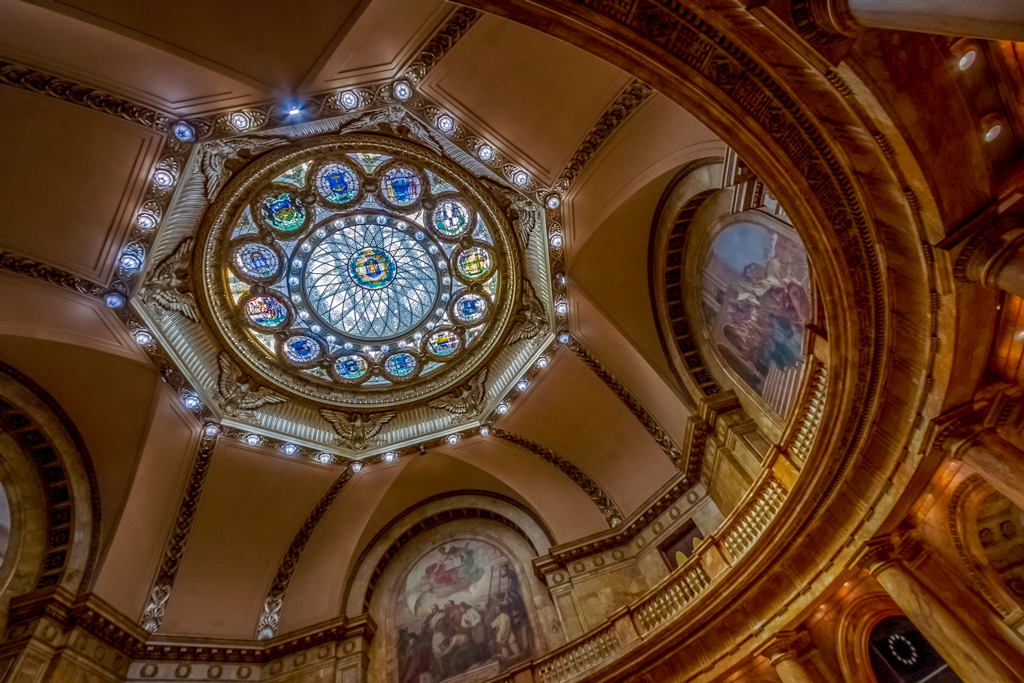
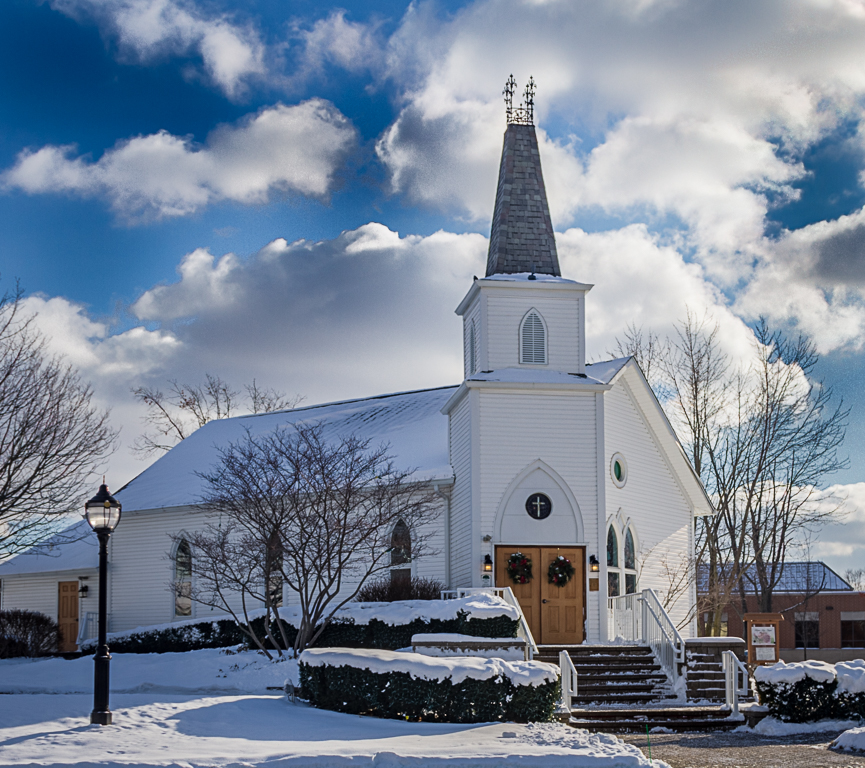
4 Feb 23 Reply Hi Vella, you can see the color version in study group 44. I was not happy with the stained glass windows in color. It's something I need to work on. Feb 4th

7 comments - 1 reply for Group 4

44 Feb 23 Reply I had another thought with your image. I added a Photo Filter Layer. See Layer>New Adjustment Layer> select Warming Filter 85 try 30%. It reduces the blue in the shadows. Feb 23rd
44 Feb 23 Reply You're welcome. Sometimes you need to just play with the sliders and see what works. That's a habit I have developed over time with my iPhone. You wouldn't believe the hours I've spent playing with pictures and apps. I love creating watercolors, paintings and IR images. Feb 23rd
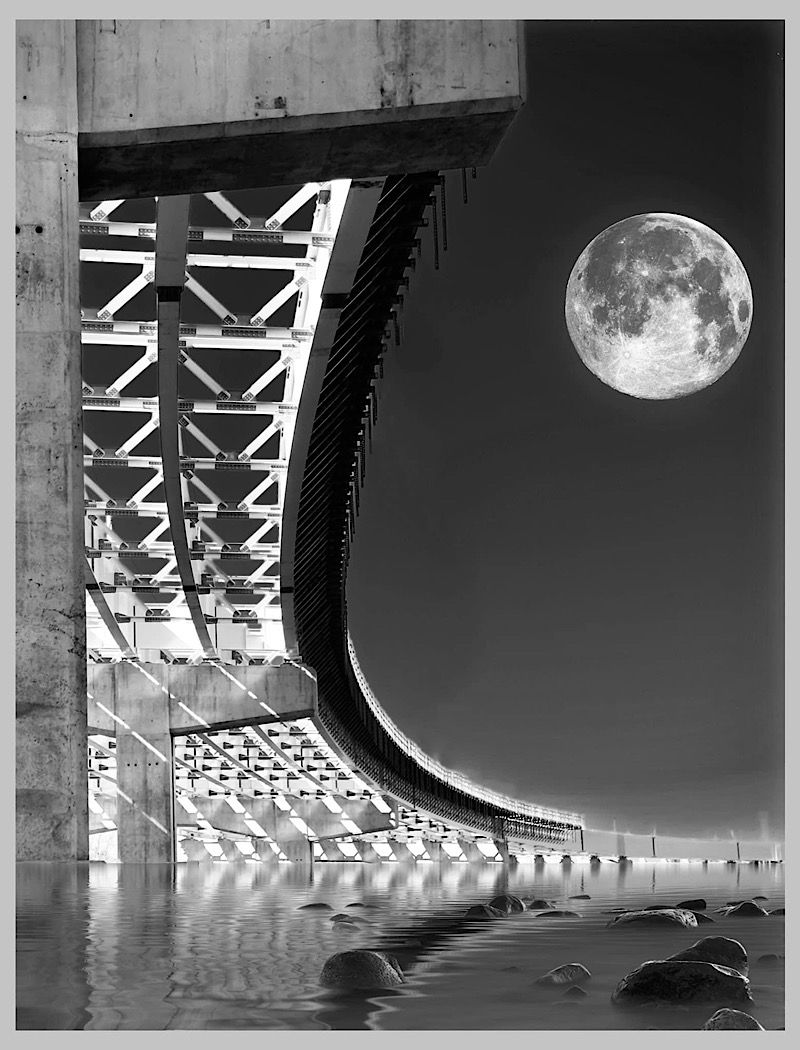
44 Feb 23 Comment A very nice capture. The reflections and sand add a lot of realism to the scene. You were lucky to have a moon too. I don't see any enhancements that you can make to improve the image. Feb 23rd
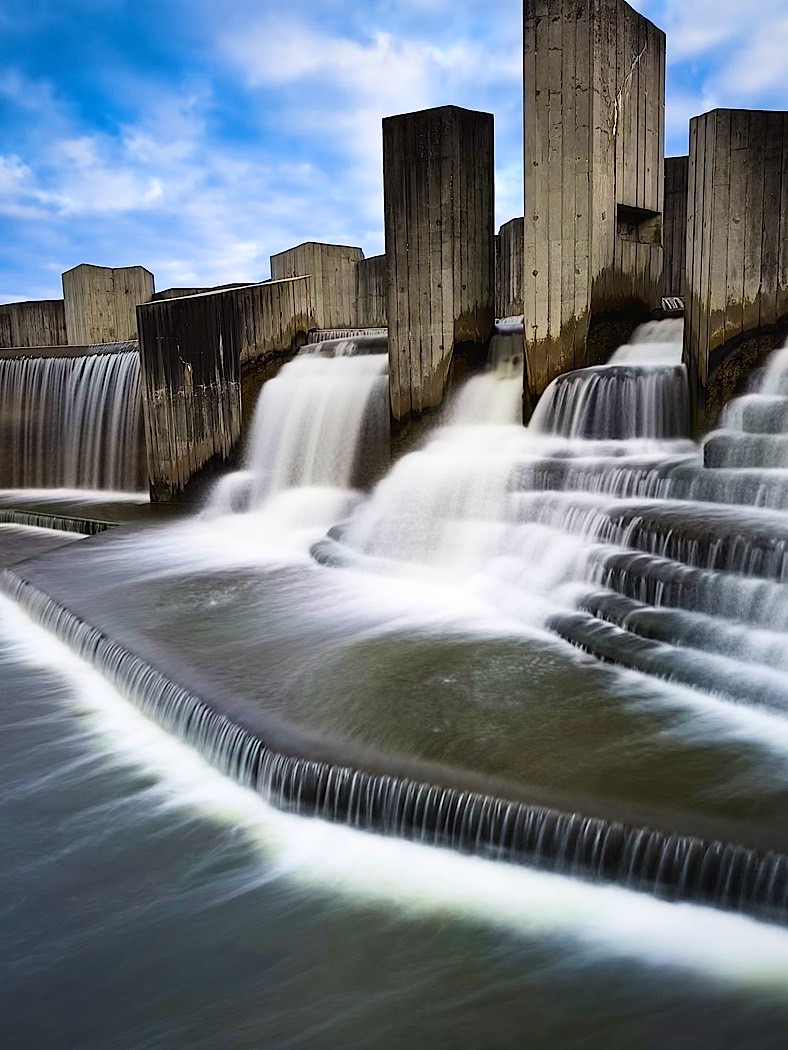
44 Feb 23 Comment Your corrections have made this image. It appears to be perfectly symmetrical. It does lack some contrast however. As I mentioned to Jane, one of the things I try is the Auto setting in Camera Raw Filter. I did that in addition to selecting the sky in Camera Raw Filter and played with the Temperature and Dehaze slider. The combination of added contrast and improved sky gives a different image. Feb 23rd
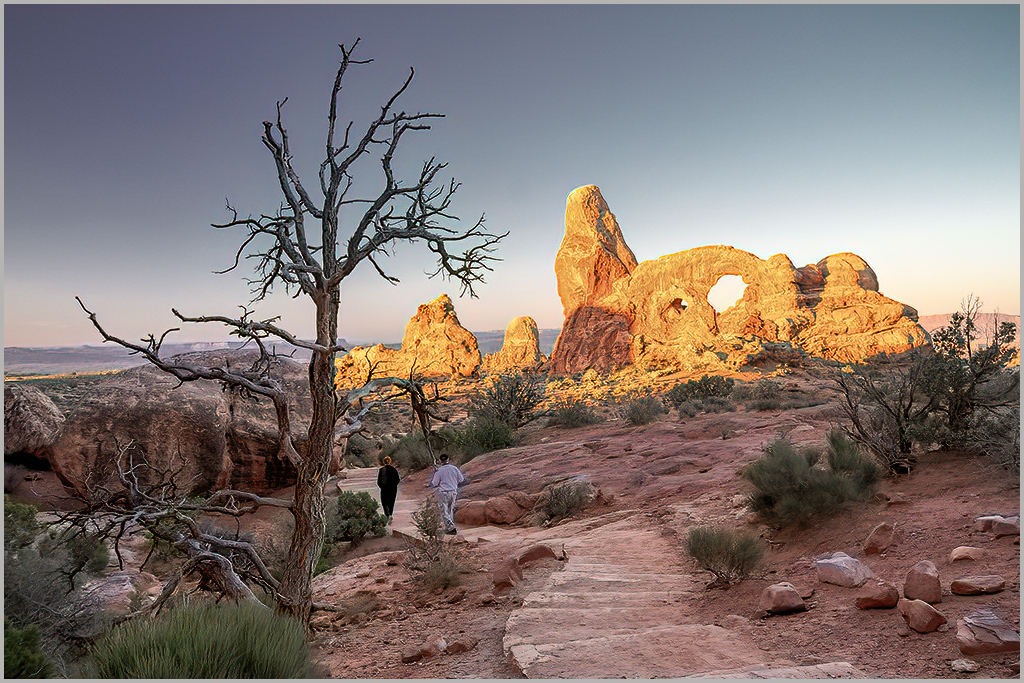
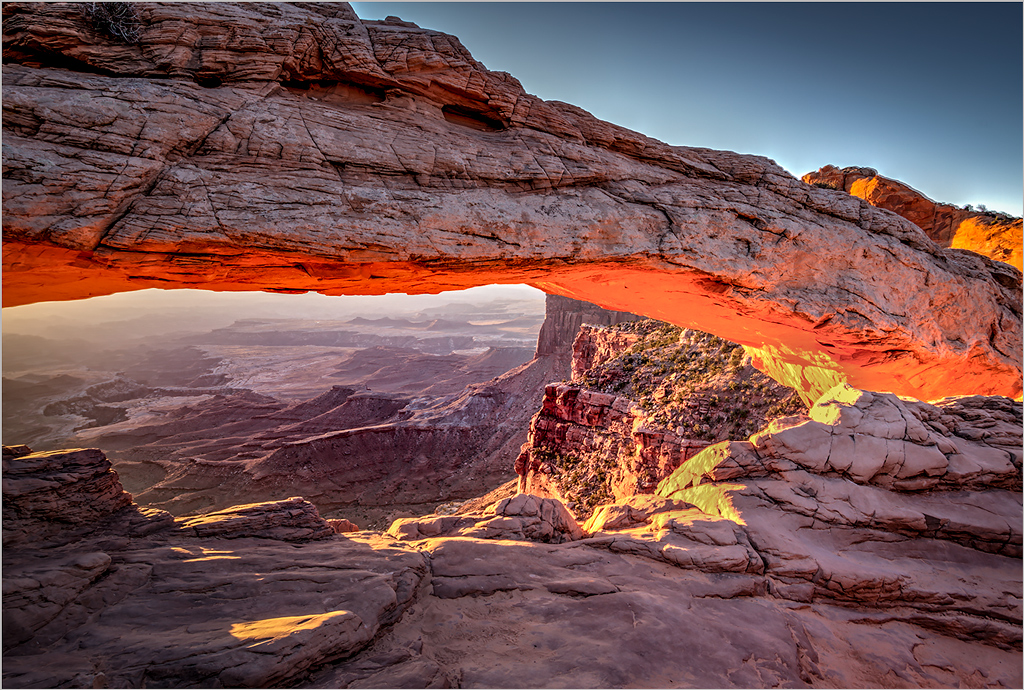
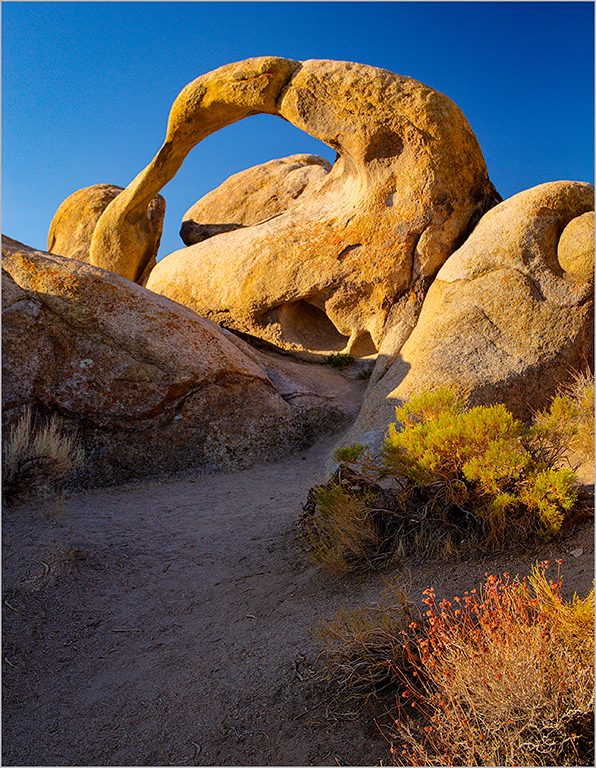
44 Feb 23 Comment Hello Jane and welcome to our little group. You certainly have found a great spot and have a good image. Unfortunately, the dreaded haze in the canyon is not helping. One of the things I do almost consistently is to open my images in Adobe Camera Raw Filter and apply the Auto setting. Adobe has improved this setting and the results can at time be quite surprising. I worked with your image with the Auto setting. I also applied some added Clarity and Dehaze. And a little trick I learned from Scott Kelby is to set the White and Black points by holding down the Shift Key and pressing the White and Black sliders in the Camera Raw Filter. I hope you like the results. Feb 23rd
44 Feb 23 Comment You certainly put a lot of work into this image, and everything works. Unfortunately, I was unable to get to the Badlands while at the Rapid City Conference. Personally, I'm attracted to the foreground area. The background and sky are secondary. I tinkered with your image in PS and added the AUTO in Camera Raw Filter. It gave it a tad of added pop. Feb 23rd
44 Feb 23 Comment I love the challenges of these types of shadowed areas. Your process worked well. Everything is sharp throughout. As others have stated, perhaps some cropping off the bottom. But, that's your choice Feb 23rd

5 comments - 2 replies for Group 44


12 comments - 3 replies Total


206 Images Posted

  = Current Round   = Previous Round
Group 04

Apr 26

Mar 26

Feb 26

Jan 26

Dec 25

Nov 25

Oct 25

Aug 25

Jul 25

Jun 25

May 25

Apr 25

Mar 25

Feb 25

Jan 25

Dec 24

Nov 24

Oct 24

Aug 24

Jul 24

Jun 24

May 24

Apr 24

Mar 24

Feb 24

Jan 24

Dec 23

Nov 23

Oct 23

Sep 23

Aug 23

Jul 23

Jun 23

May 23

Apr 23

Mar 23

Feb 23

Jan 23

Nov 22

Oct 22

Sep 22

Aug 22

Jul 22

Jun 22

May 22

Apr 22

Mar 22

Feb 22

Jan 22

Nov 21

Oct 21

Sep 21

Aug 21

Jul 21

Jun 21

May 21

Apr 21

Mar 21

Jan 21

Dec 20

Nov 20

Oct 20

Aug 20

Jul 20

Jun 20

May 20

Apr 20

Mar 20

Feb 20

Jan 20

Nov 19

Oct 19

Sep 19

Aug 19

Jul 19

May 19

Apr 19

Mar 19

Feb 19

Jan 19

Dec 18

Nov 18

Oct 18

Sep 18

Aug 18

Jun 18

Apr 18

May 18

Mar 18

Feb 18

Jan 18

Dec 17

Nov 17

Oct 17

Sep 17

Aug 17

Jul 17

Jun 17

May 17

Apr 17

Mar 17

Feb 17

Jan 17
Group 44

Dec 25

Aug 25

Jul 25

May 25

Apr 25

Mar 25

Jan 25

Dec 24

Oct 24

Sep 24

Aug 24

Jul 24

Jun 24

May 24

Apr 24

Mar 24

Feb 24

Jan 24

Dec 23

Nov 23

Oct 23

Sep 23

Aug 23

Jul 23

May 23

Apr 23

Mar 23

Feb 23

Jan 23

Dec 22

Nov 22

Oct 22

Sep 22

Aug 22

Jul 22

Jun 22

May 22

Apr 22

Mar 22

Feb 22

Jan 22

Nov 21

Sep 21

Aug 21

Jul 21

Jun 21

May 21

Apr 21

Mar 21

Jan 21

Dec 20

Nov 20

Oct 20

Aug 20

Jul 20

Jun 20

May 20

Apr 20

Jan 20

Dec 19

Nov 19

Oct 19

Sep 19

Aug 19

Jul 19

Jun 19

May 19

Apr 19

Mar 19

Feb 19

Jan 19

Dec 18

Nov 18

Oct 18

Sep 18

Aug 18

Jul 18

Jun 18

May 18

Apr 18

Mar 18

Feb 18

Jan 18

Dec 17

Nov 17

Oct 17

Sep 17

Aug 17

Jul 17

Jun 17

May 17

Apr 17

Mar 17

Feb 17

Jan 17
Group 86

Apr 26

Mar 26

Feb 26

Jan 26

Dec 25

Nov 25

Aug 25

Jul 25

Close this Tab when done