|
| Group |
Round |
C/R |
Comment |
Date |
Image |
| 4 |
Mar 22 |
Reply |
I'm learning more about the Masking capabilities in Camera Raw and Lightroom Mobile. As I mentioned in my comments, people don't realize to power of Adobe's Auto setting. I have watched several Scott Kelby's videos and he's always using Auto to get "In the Ballpark." |
Mar 9th |
| 4 |
Mar 22 |
Reply |
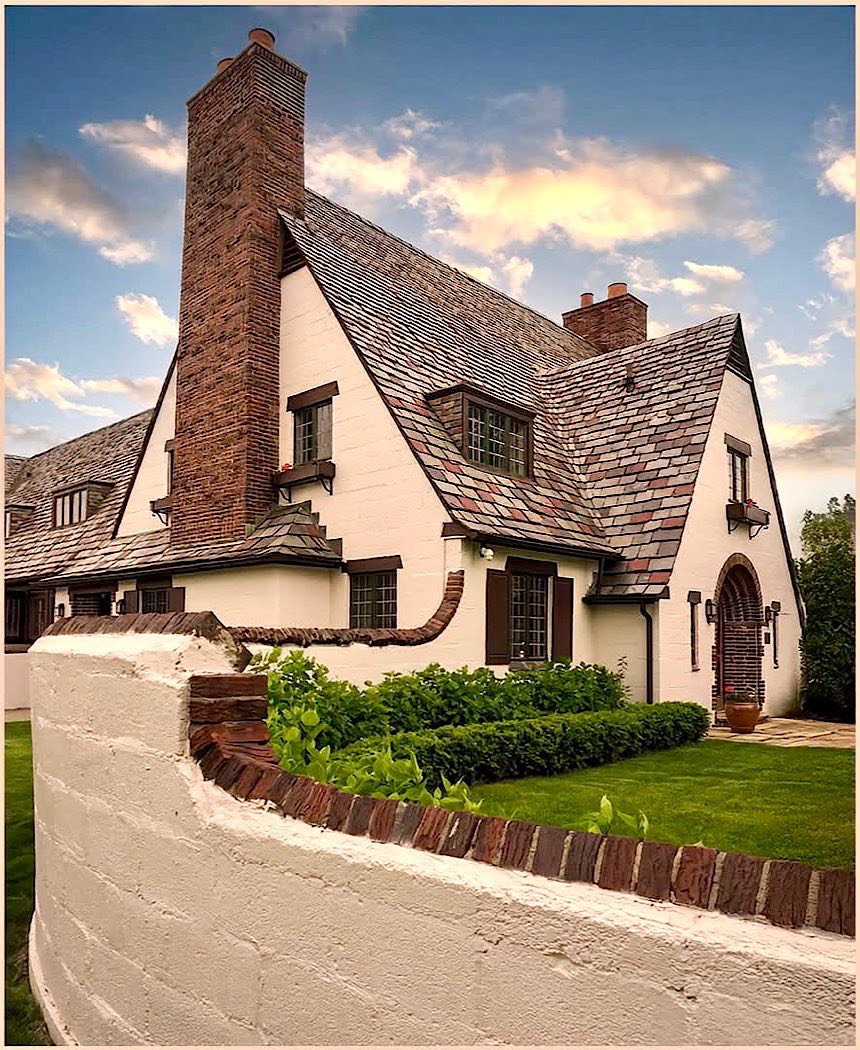
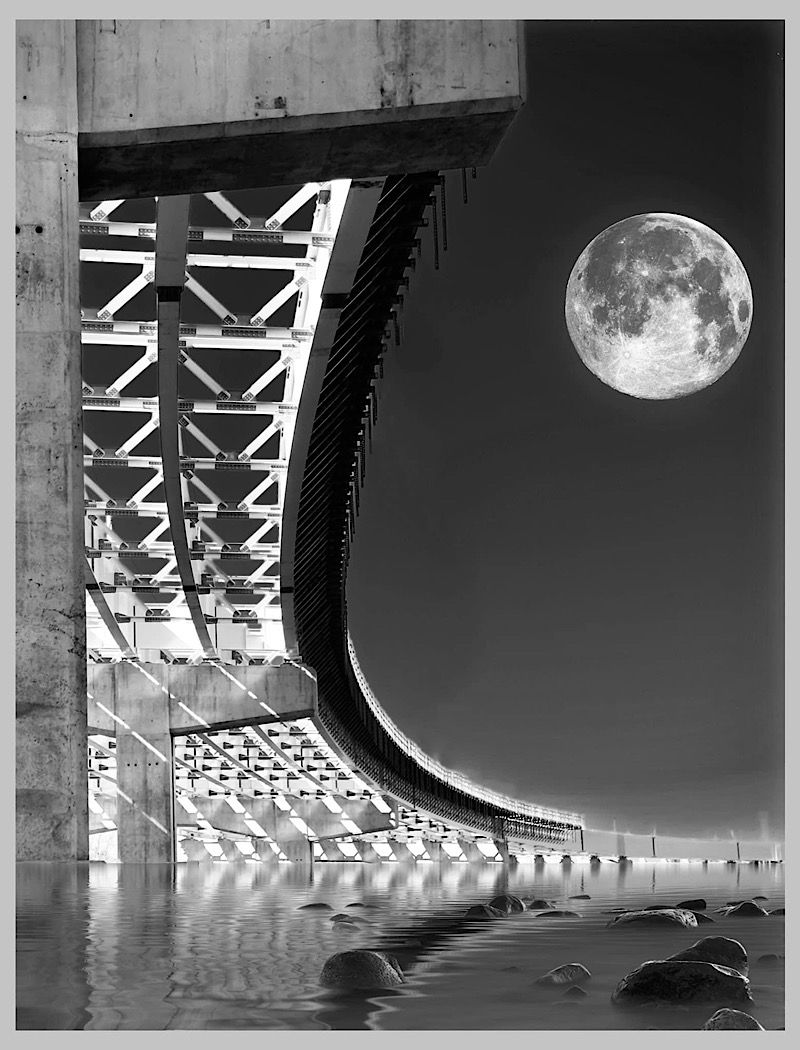
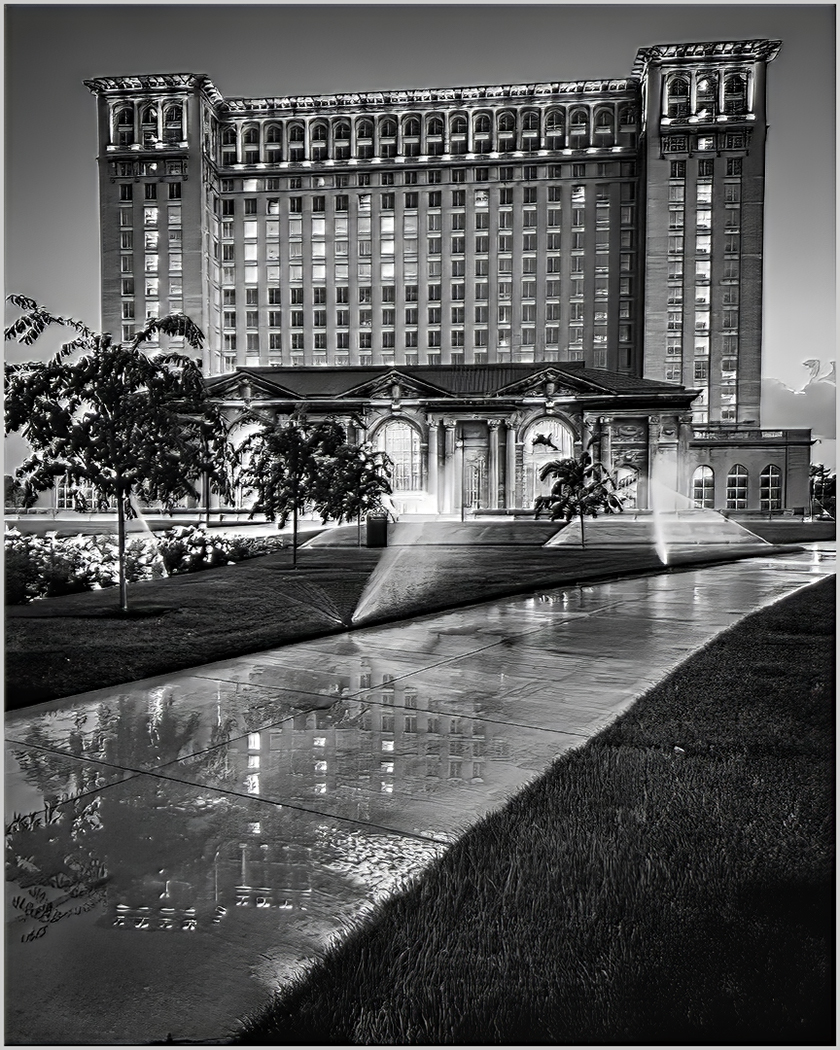
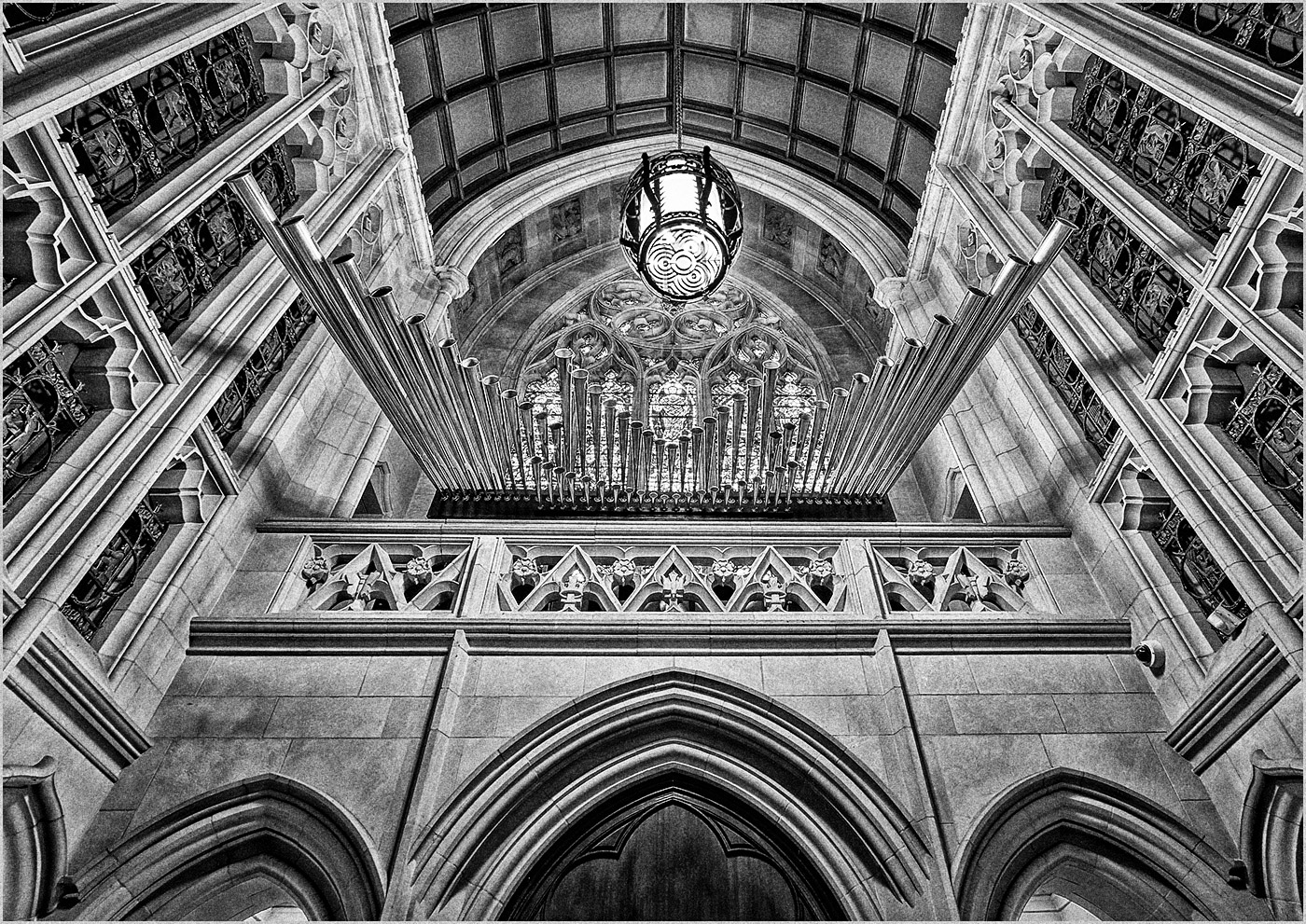
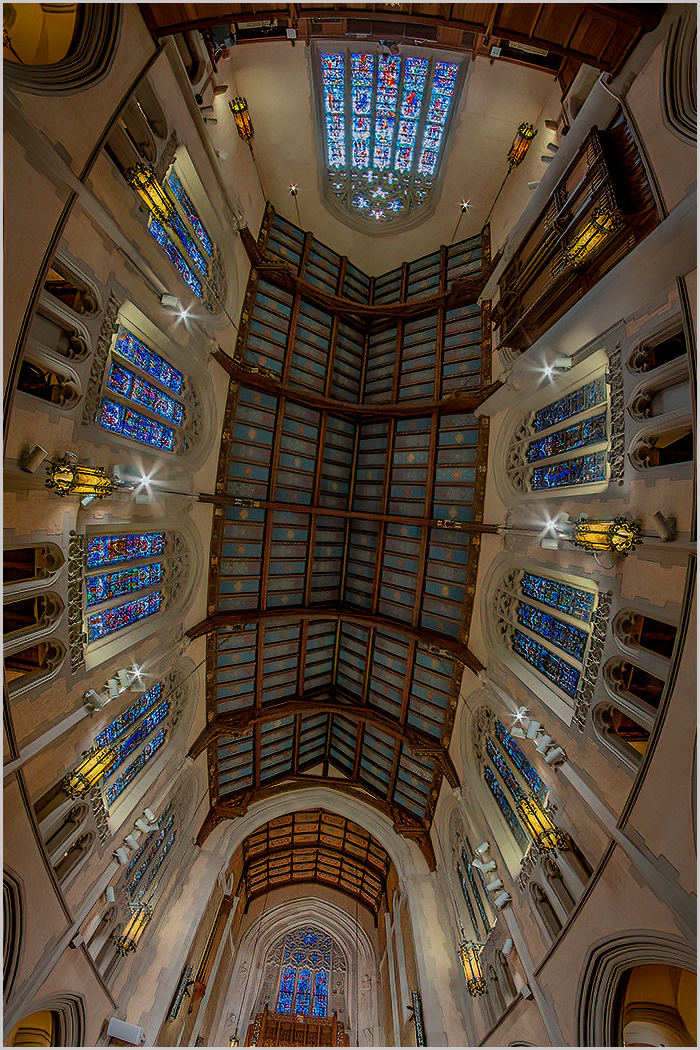
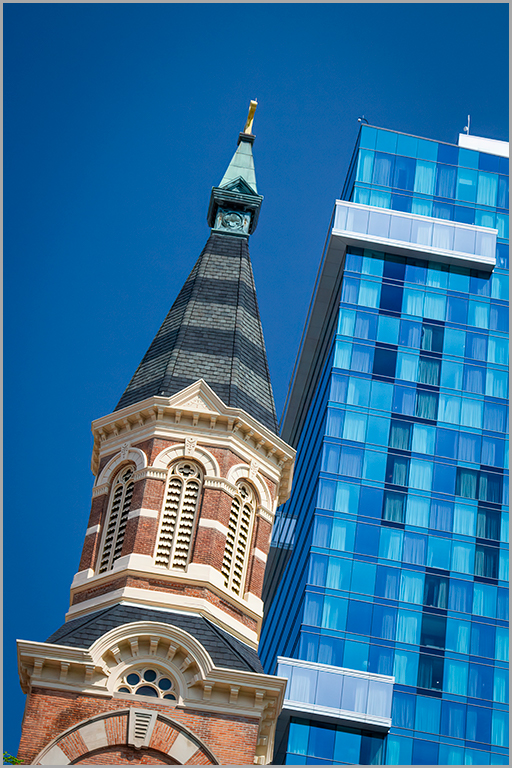
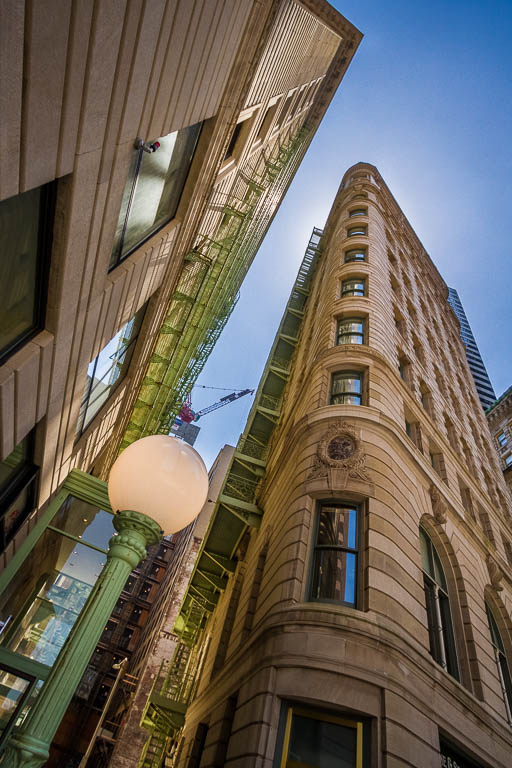
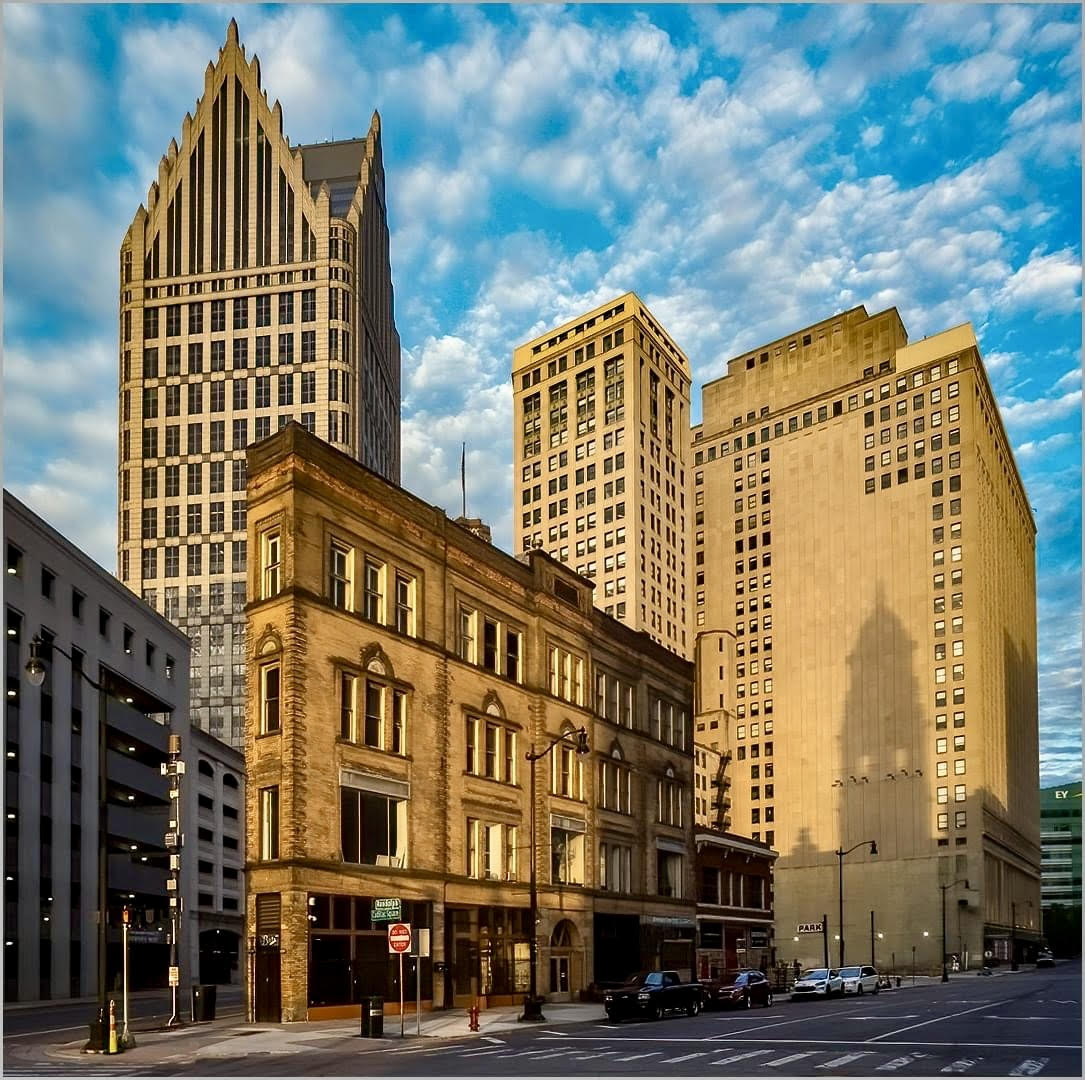
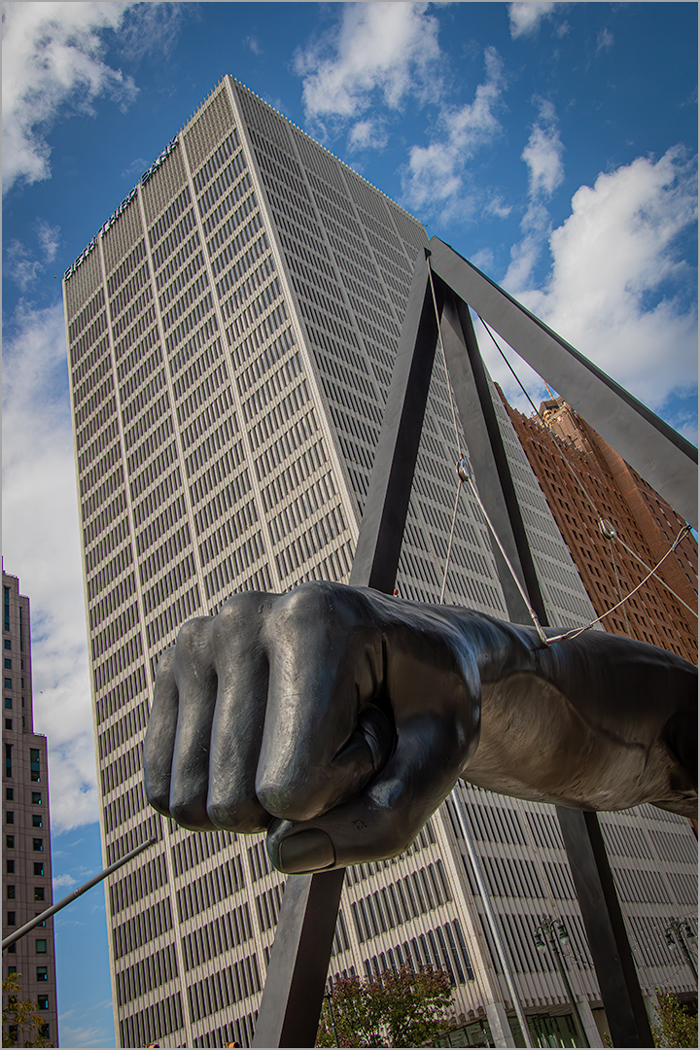
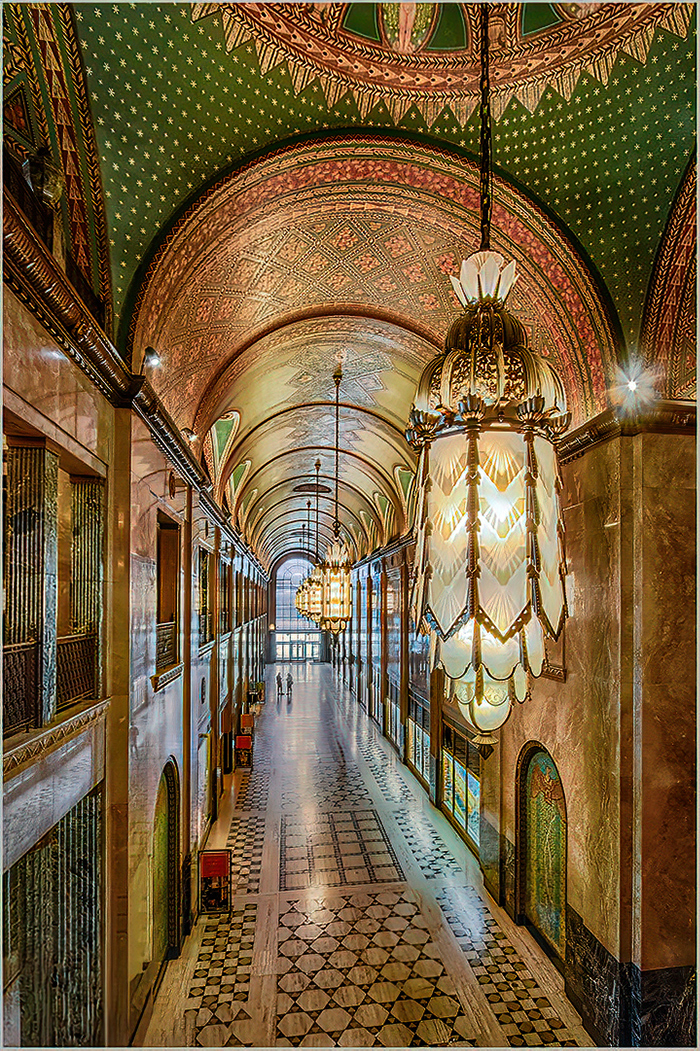
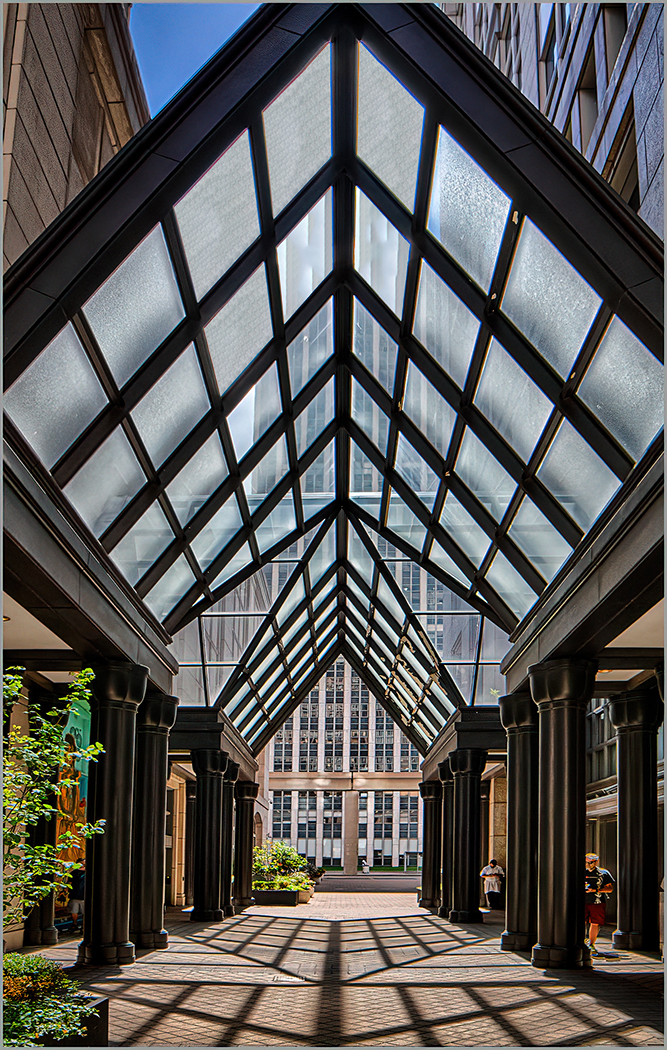
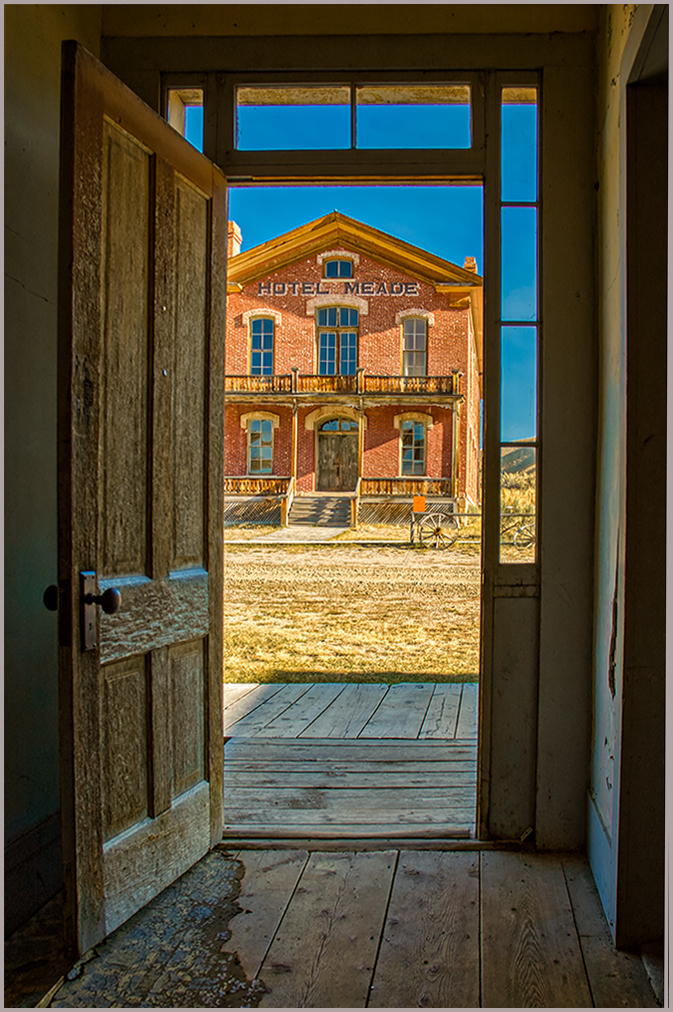
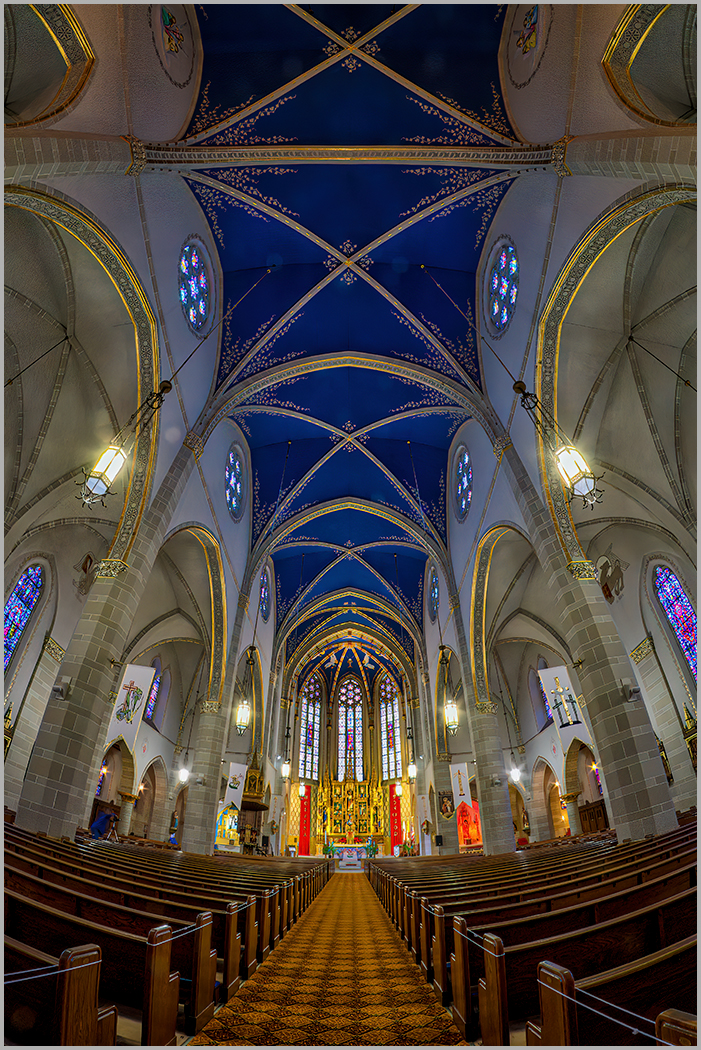
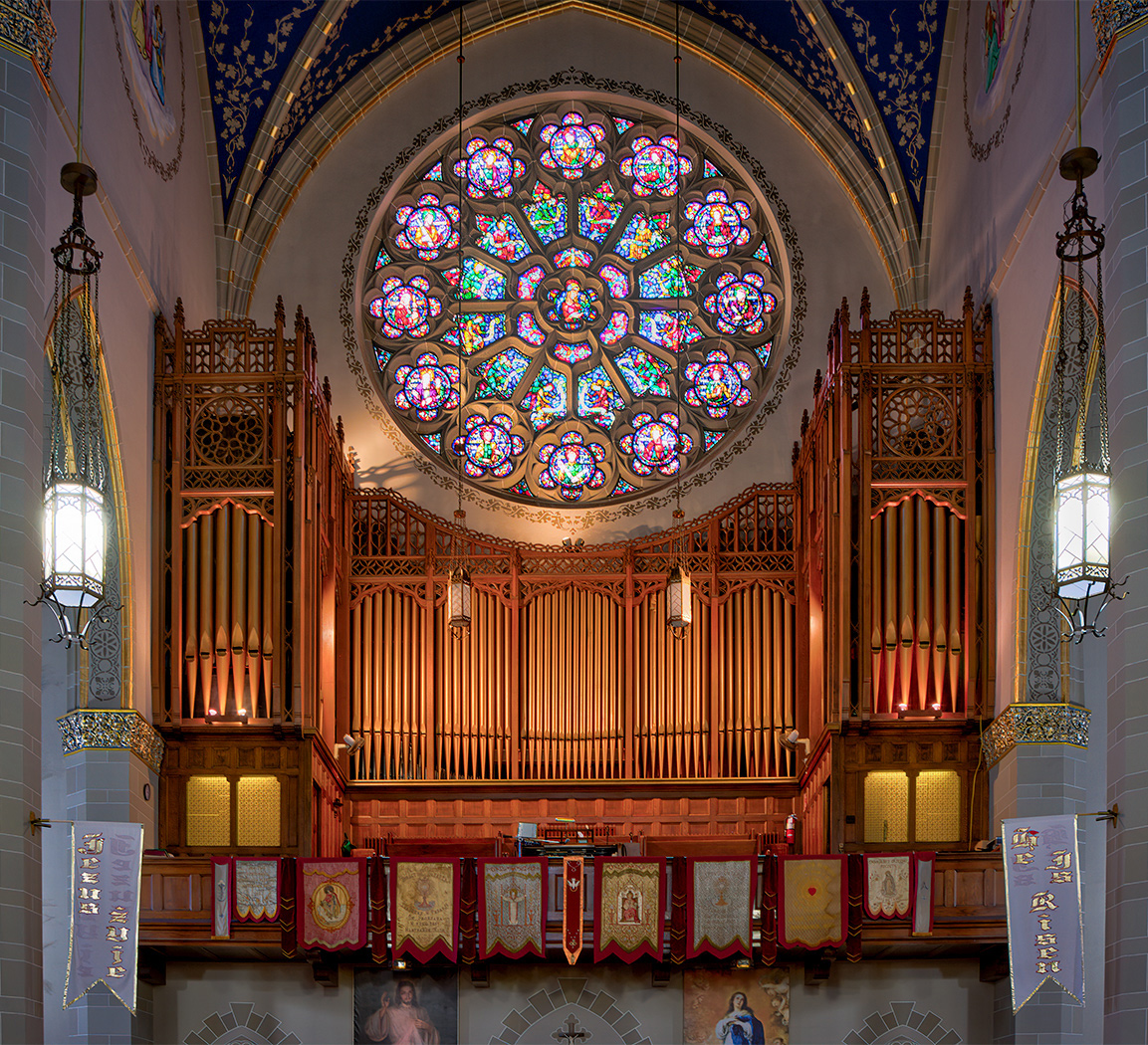
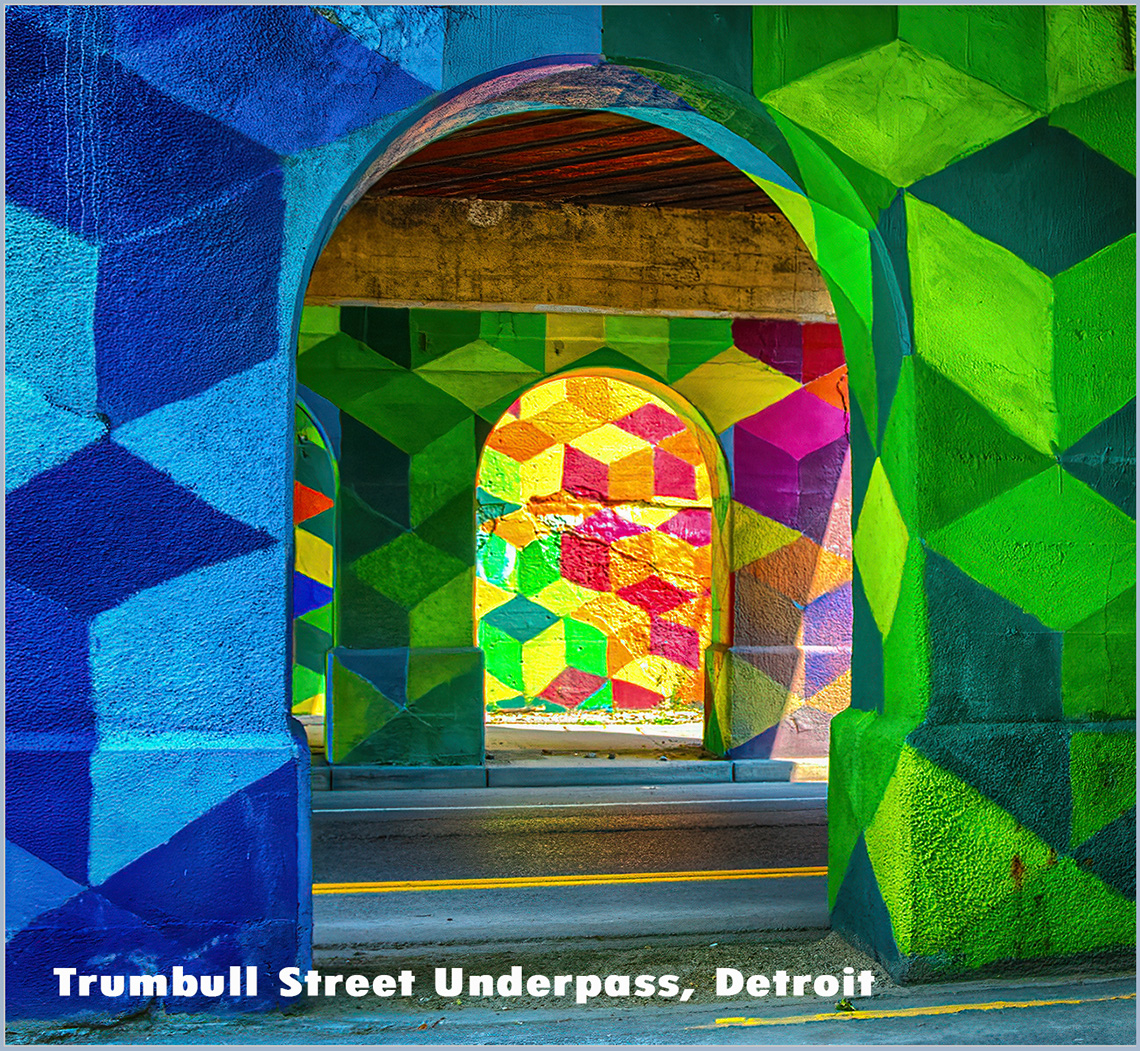
Hi Gary, I got to playing around with the perspective controls in Photoshop and straightened all the vertical lines in your image for a different look. |
Mar 7th |
 |
| 4 |
Mar 22 |
Reply |
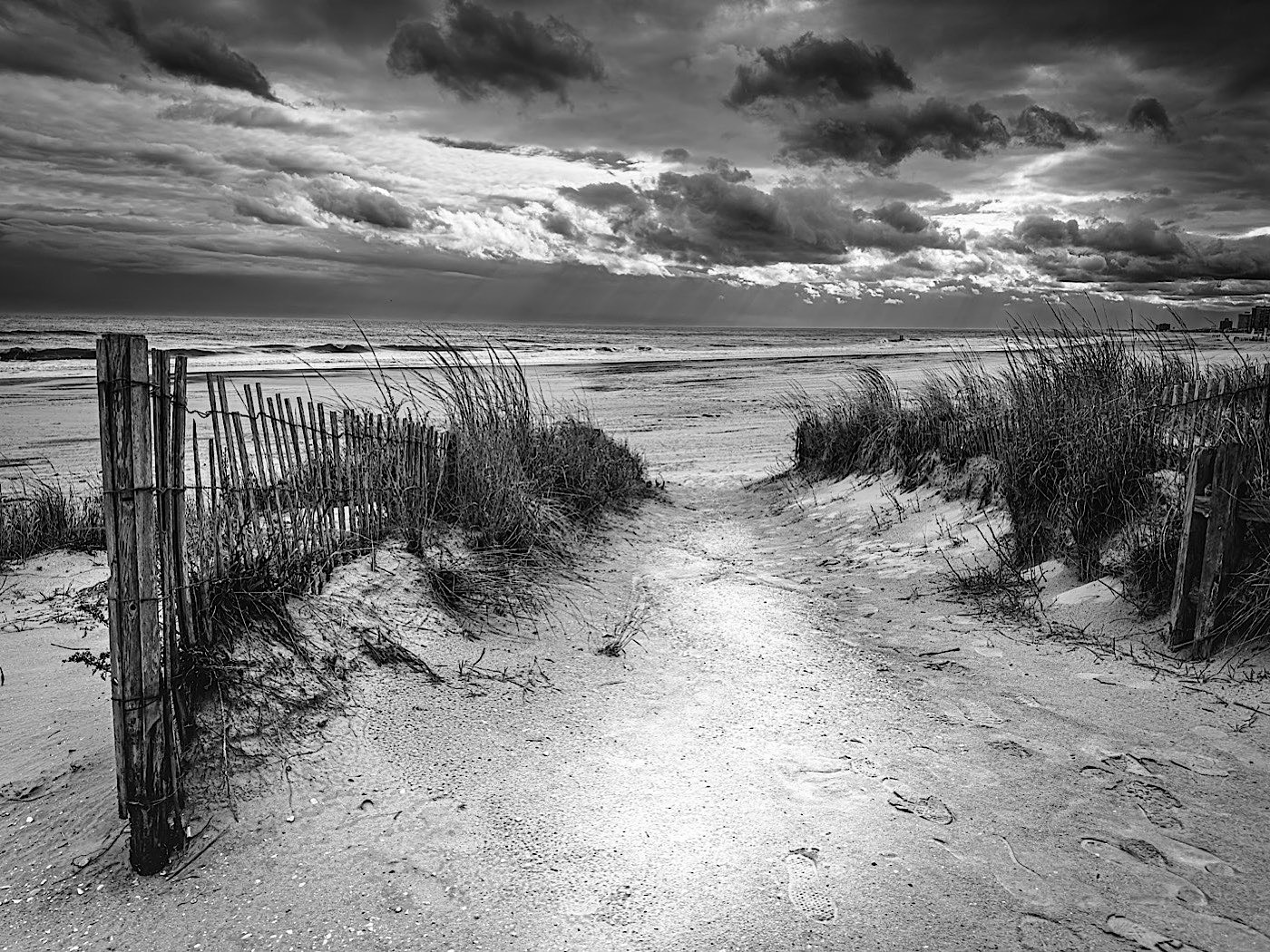
I haven't had any experience with On1 products. I recently bought their plug in but haven't had time to try it. |
Mar 6th |
| 4 |
Mar 22 |
Comment |
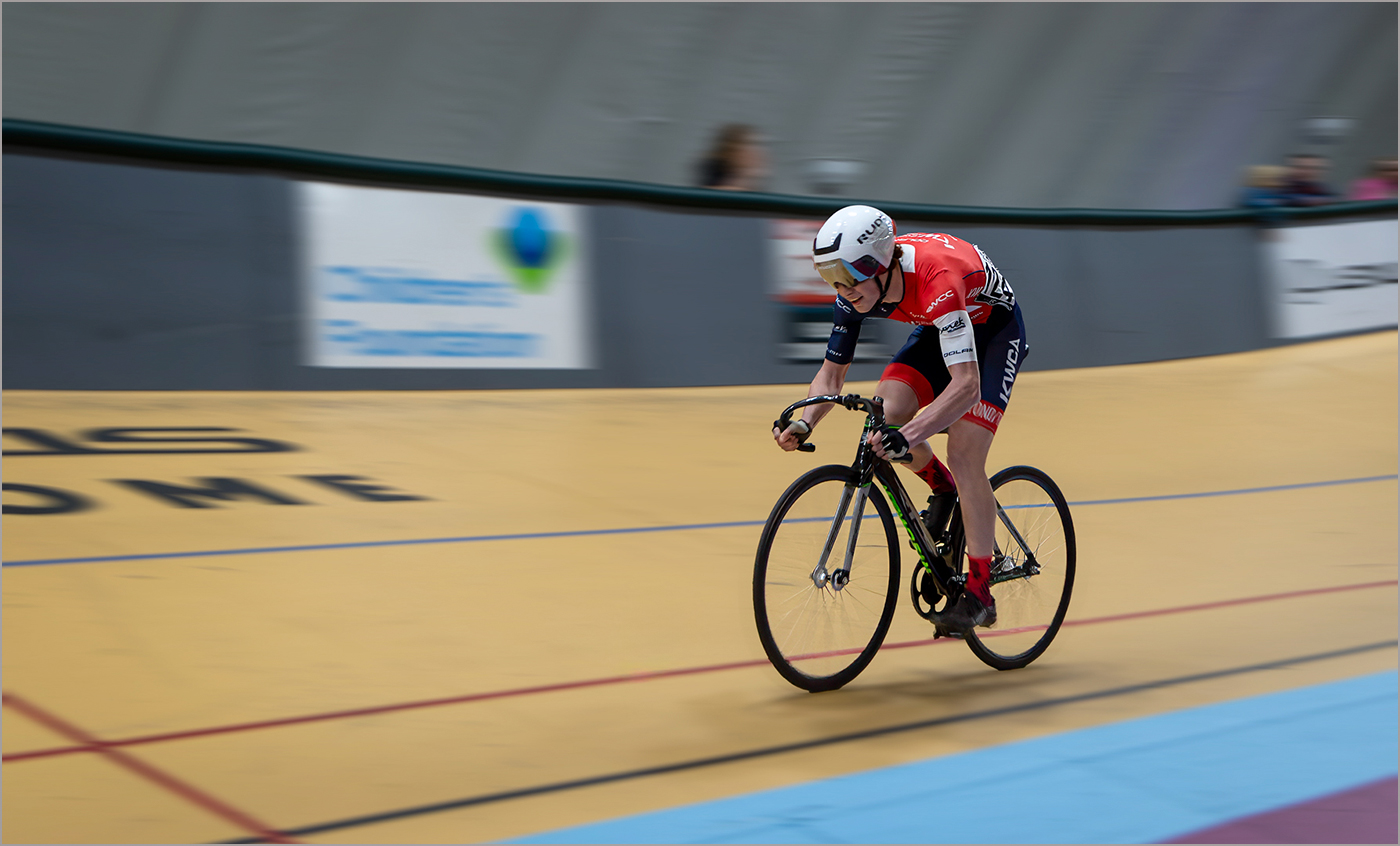
Nice action shot with good exposure. I may suggest Topaz Sharpen AI or Topaz AI Clear. Either one does a nice job of tweaking your sharpness. |
Mar 6th |
| 4 |
Mar 22 |
Comment |
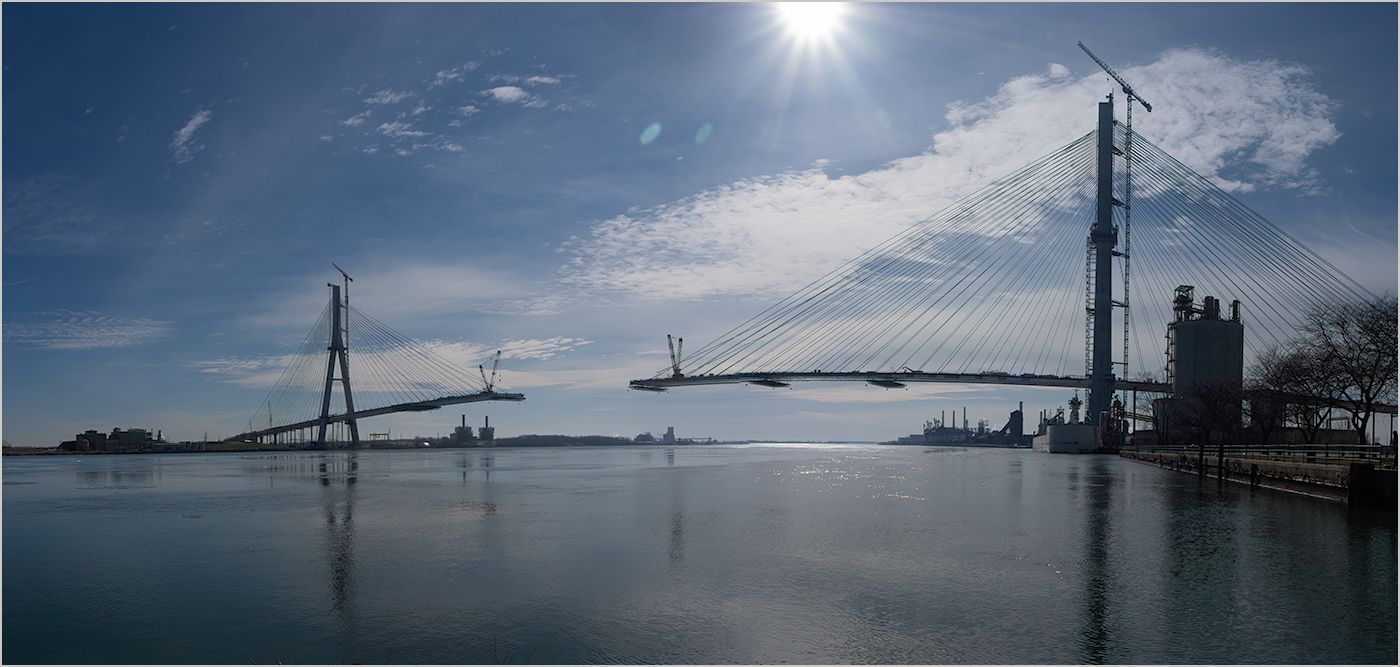
Good catch. NYC has been on my Bucket List for a few years and I have a list of Tripod Holes I'm dying to capture. You just added another tripod hone to my list. One of my favorite techniques that I do in my typical workflow is to check with the Auto Setting will do in the Camera Raw Filter. On this image I did try it and backed off the exposure slightly. I also added some Clarity and created an oval Radial Filter at the left (Port) side of the ship. (I looked that up on Google) Using the filter I toned down the whites and brightness , added some contrast just for some added POP! I also added a slight edge darkening Vignette. |
Mar 6th |
 |
| 4 |
Mar 22 |
Comment |
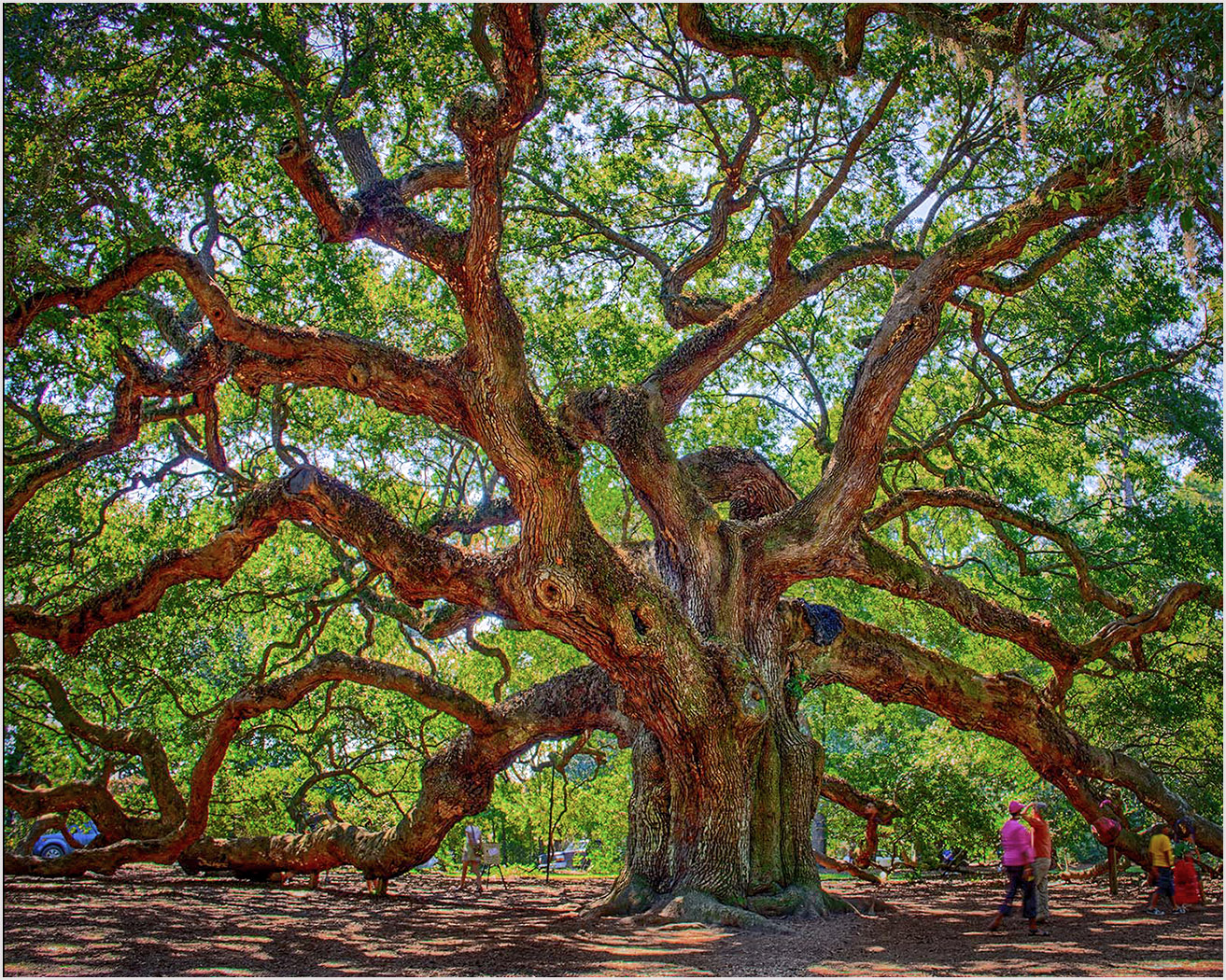
This group is growing in accomplishments. In addition to Dr. Isaac we now have a Tree Surgeon. You had to have the patients of Job to remove that tree. I like everything you have done. My only slight concern is that it appears a bit soft and could stand some added sharpening with Topaz AI Clear or Topaz Sharpen AI. The problem I find with AI Clear is that it leaves a green cast in some areas requiring going back to Photoshop of Lightroom and re-doing B&W |
Mar 6th |
| 4 |
Mar 22 |
Comment |
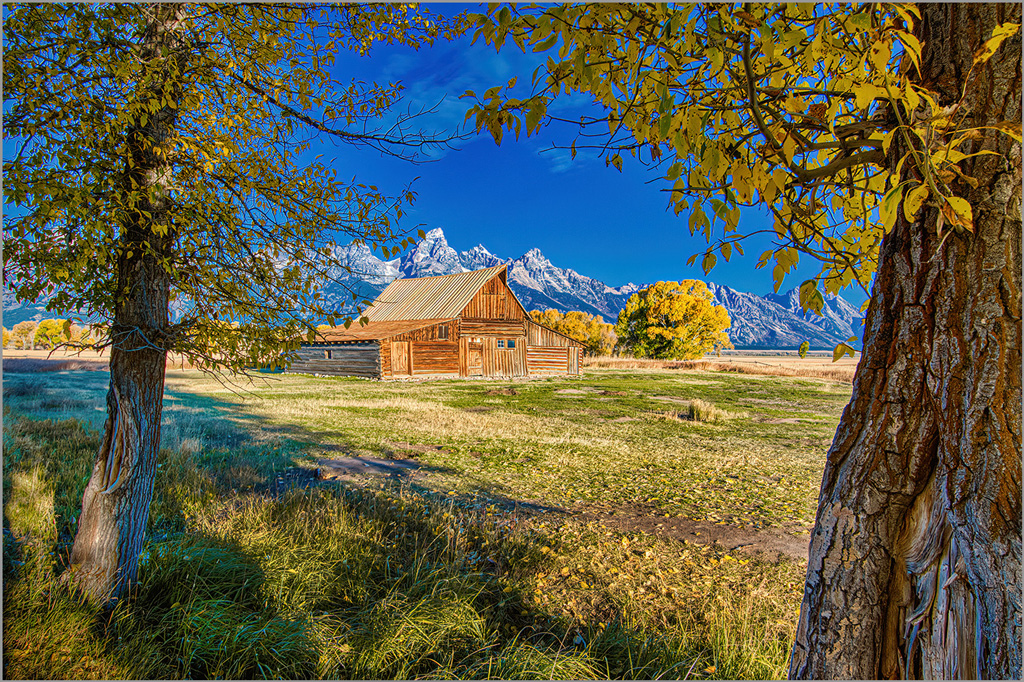
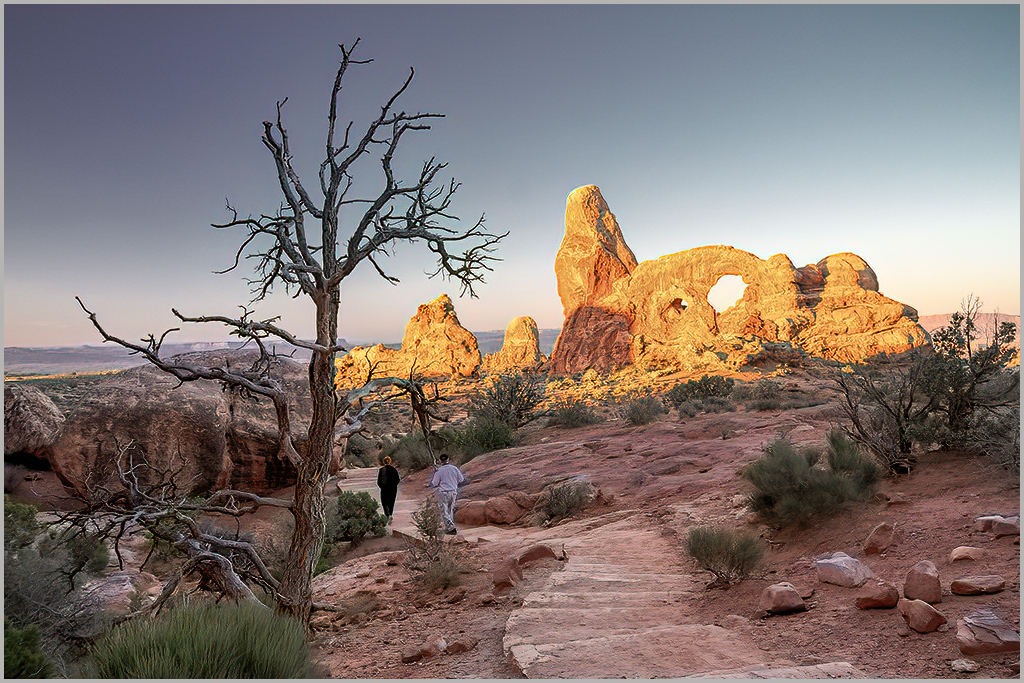
The infamous Monument Valley parking lot shot. Kudos for getting up early for the sunrise. I like the composition, sharpness and tonal values. My only question is why didn't you make an HDR image. The area at the right appears blown out and there's clipping in the whites. I took the liberty of opening your image in Camera RAW. Here's your recipe:
Click on Auto, reduce Whites, Reduce Highlights, Add a little Clarity, add some Dehaze, go to Effects and add Darken Vignette. Voila, masterpiece. I should aslo add one more feature in Adobe Camera RAW is the masking feature. I used the Luminance mask and clicked on the yellow in the sky and was able to tone it down just a bit. I hope you like the results. |
Mar 6th |
 |
| 4 |
Mar 22 |
Reply |
I have been a long-time follower of PSA member Jerry Hug. He recently organized an on-line iPhone club where he demonstrates new and existing iPhone apps. My primary apps are SnapSeed, Lightroom Mobile, Touch Re-Touch and Distressed FX+. Scott Kelby has an excellent book available in Kindle form for about $15.00 on iPhone Photography. |
Mar 6th |
| 4 |
Mar 22 |
Reply |
Yes, I probably could have used the Big Boy camera. But, as usual, I was playing. I am considering getting out my printed green backdrop, camera, tripod and LED light, but that's a lot of work. |
Mar 6th |
4 comments - 5 replies for Group 4
|
| 44 |
Mar 22 |
Reply |
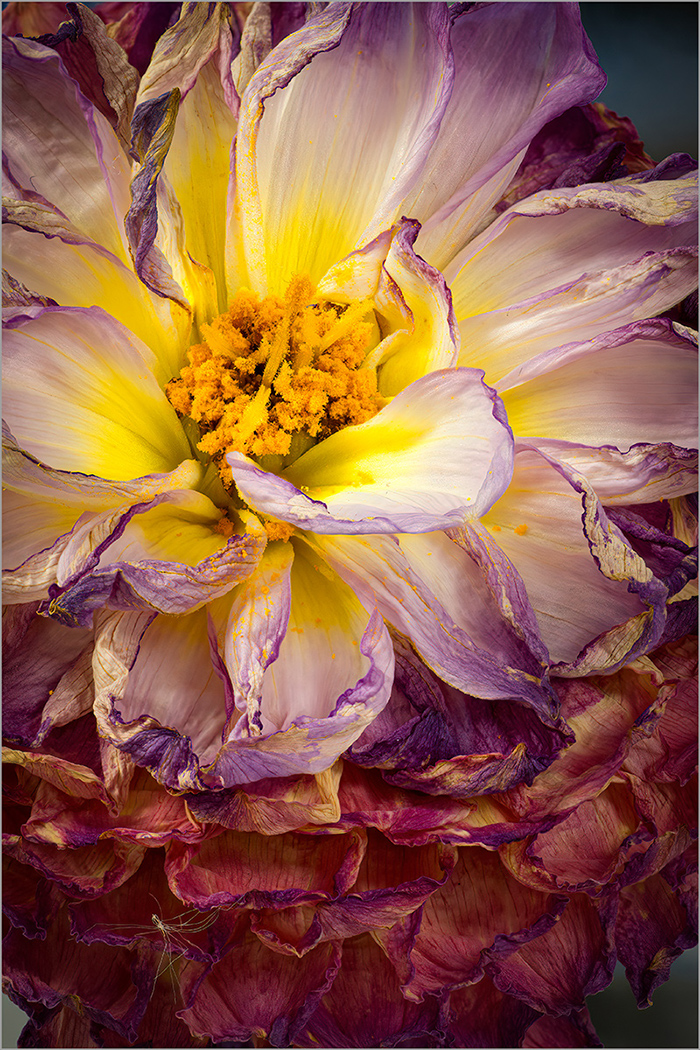
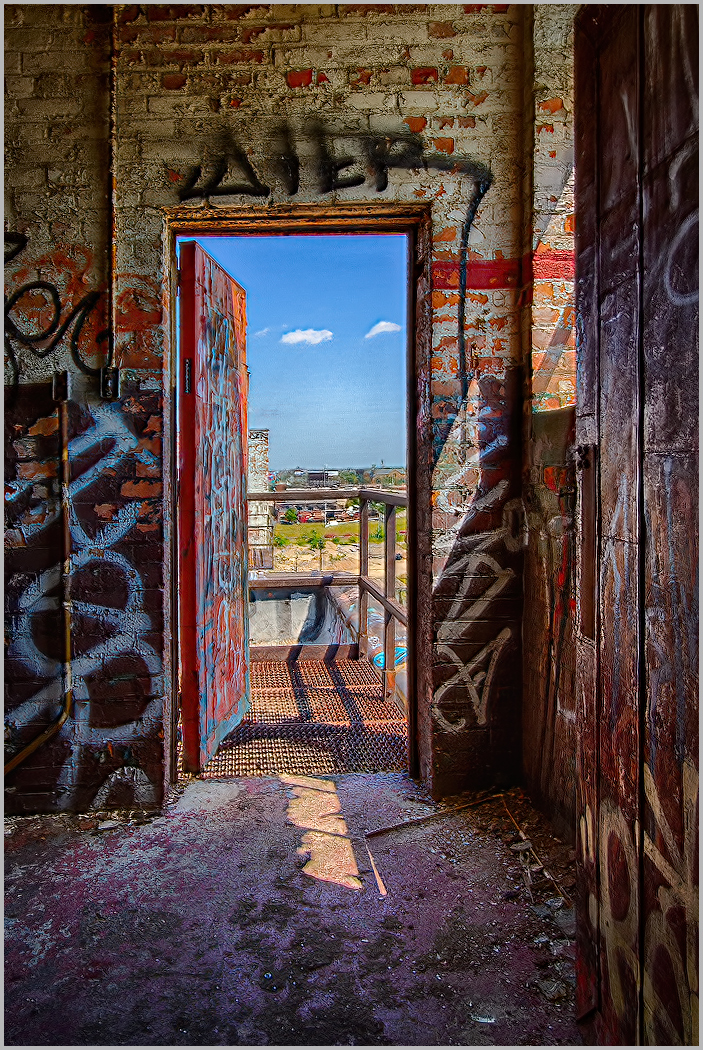
I believe the purple is the painted floor that has faded. |
Mar 17th |
| 44 |
Mar 22 |
Reply |
Yes, that was me. I'm glad you liked the changes. Camera raw filter Auto adjustment & Effects vignette are my favorites. There's something about that Auto setting that 99% of the time really works. Sometimes it takes a little tweaking to get it right |
Mar 7th |
| 44 |
Mar 22 |
Comment |
The process has worked well. All elements appear natural in color, texture and tones. I personally would prefer a tighter crop to see a larger view of the sheep. From a presentation point I may have applied some selective darkening to the surrounding area to draw the viewers' attention to the bright area where the sheep are. |
Mar 7th |
| 44 |
Mar 22 |
Comment |
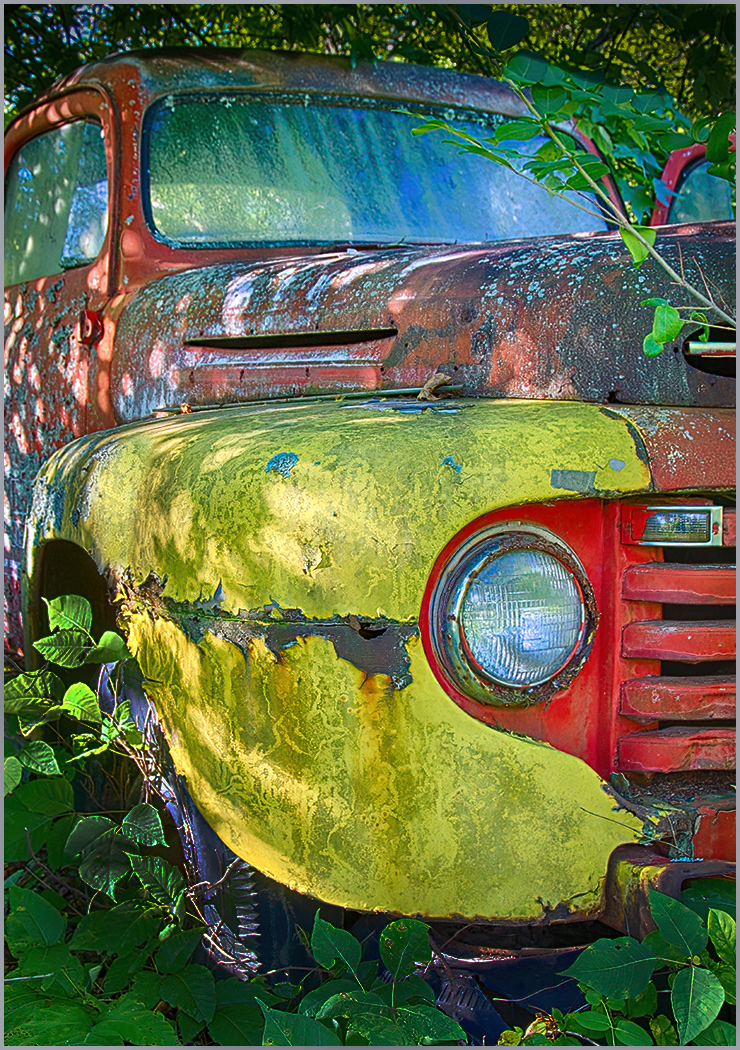
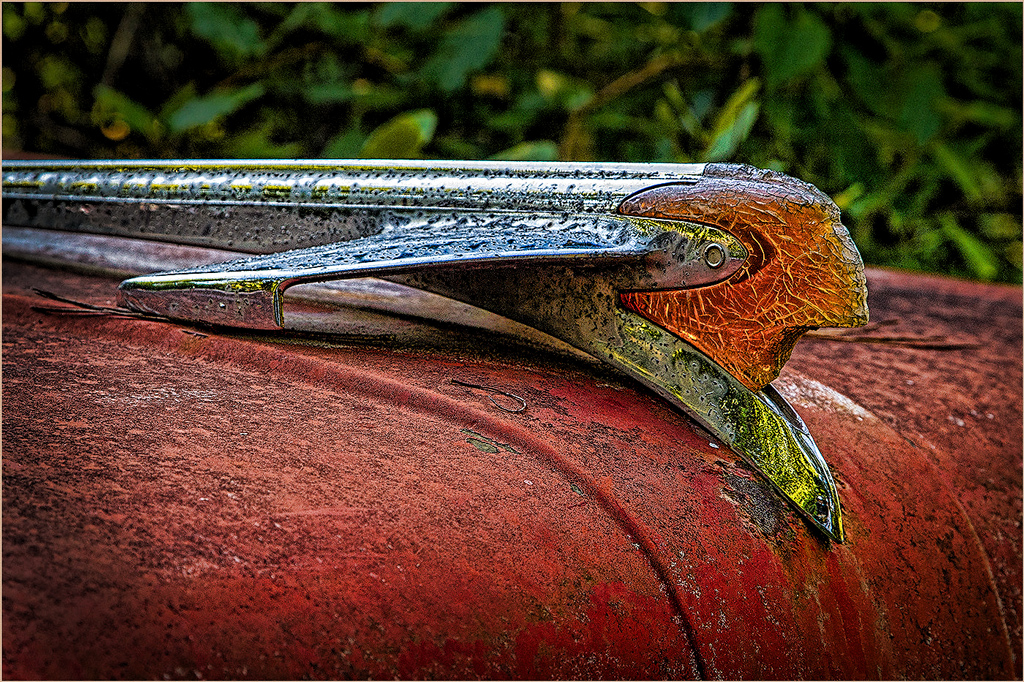
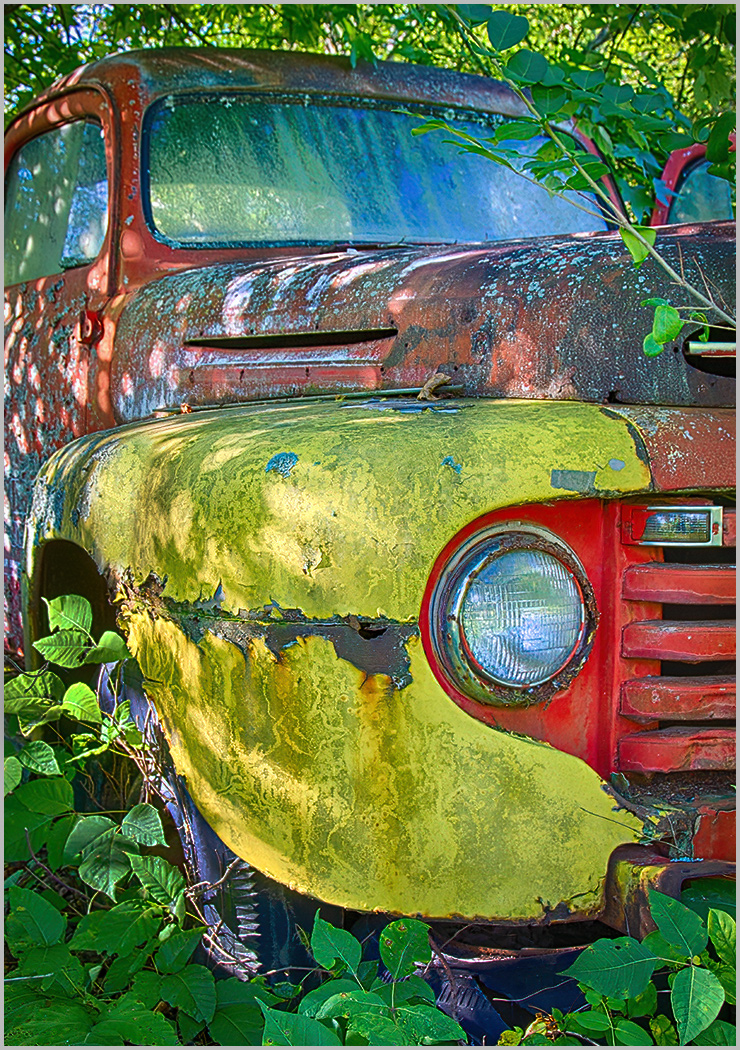
I have been to Old Car City twice. My first trip was a two day adventure. These are the type of scenes where one can go wild with the Grunge. I made two quick adjustments to your image to make it pop. 1. Camera Raw Filter, Click Auto. 2. Added vignette in effects. I added mor than the usual to bring the viewers attention to the steering wheel. |
Mar 7th |
 |
| 44 |
Mar 22 |
Comment |
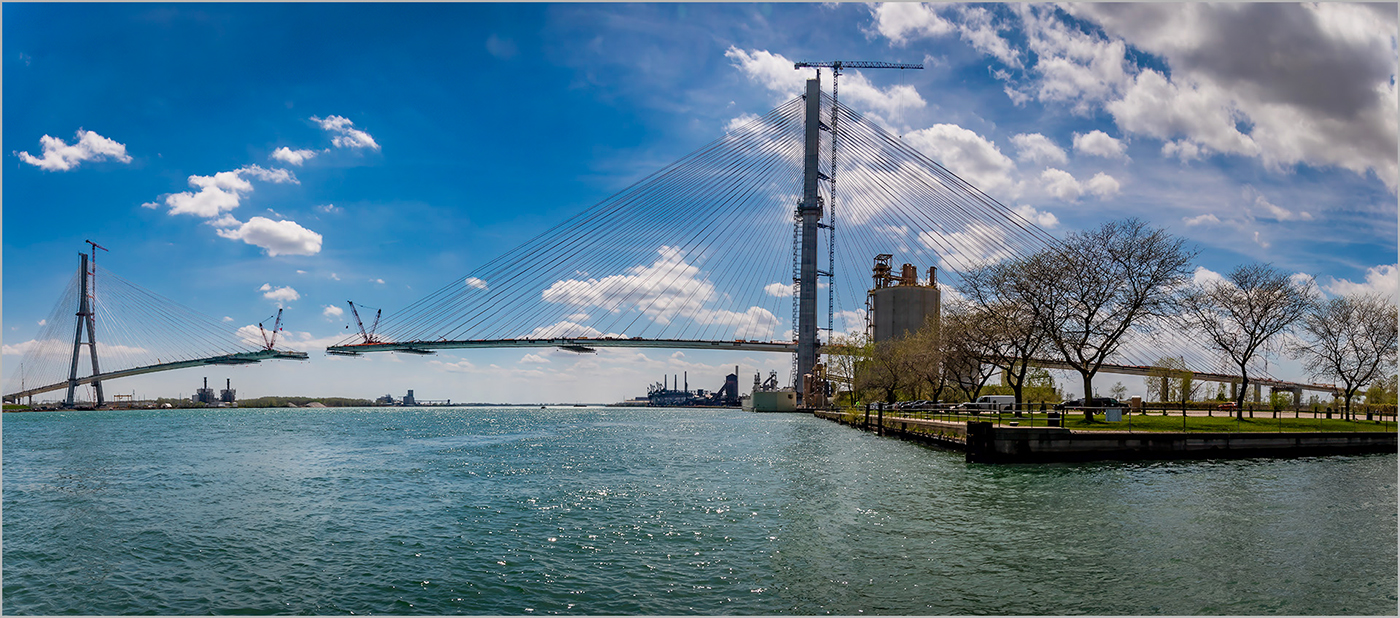
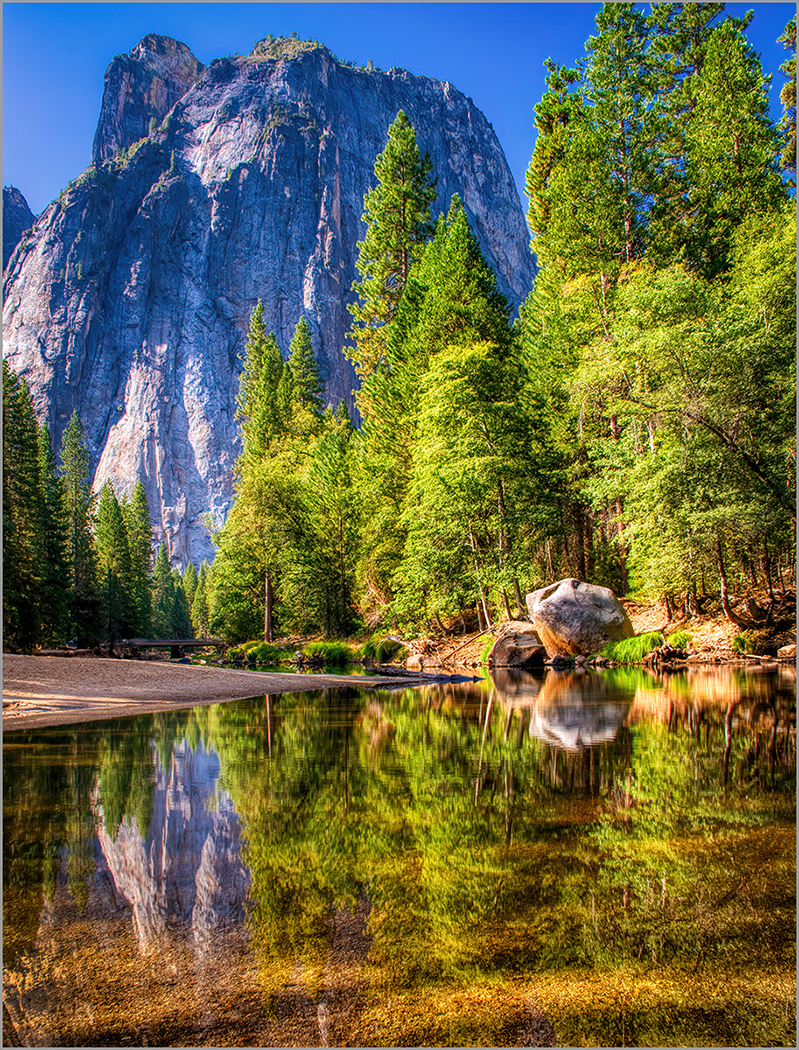
Interesting comparison. While the new tools have resulted in a better product, I prefer the tone and color of the mountains in your original. I have experienced similar problems with the overall tone, color and luminance of the mountains. |
Mar 7th |
| 44 |
Mar 22 |
Comment |
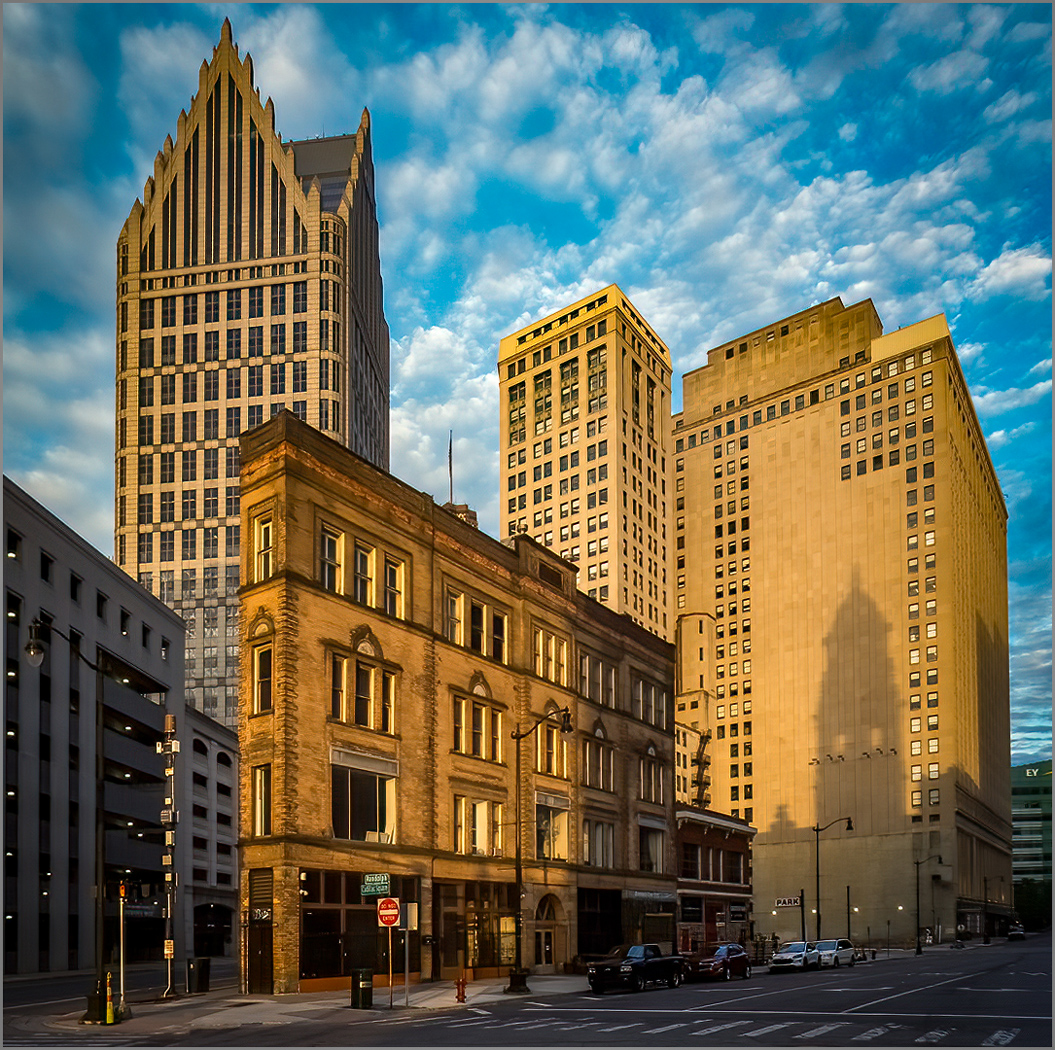
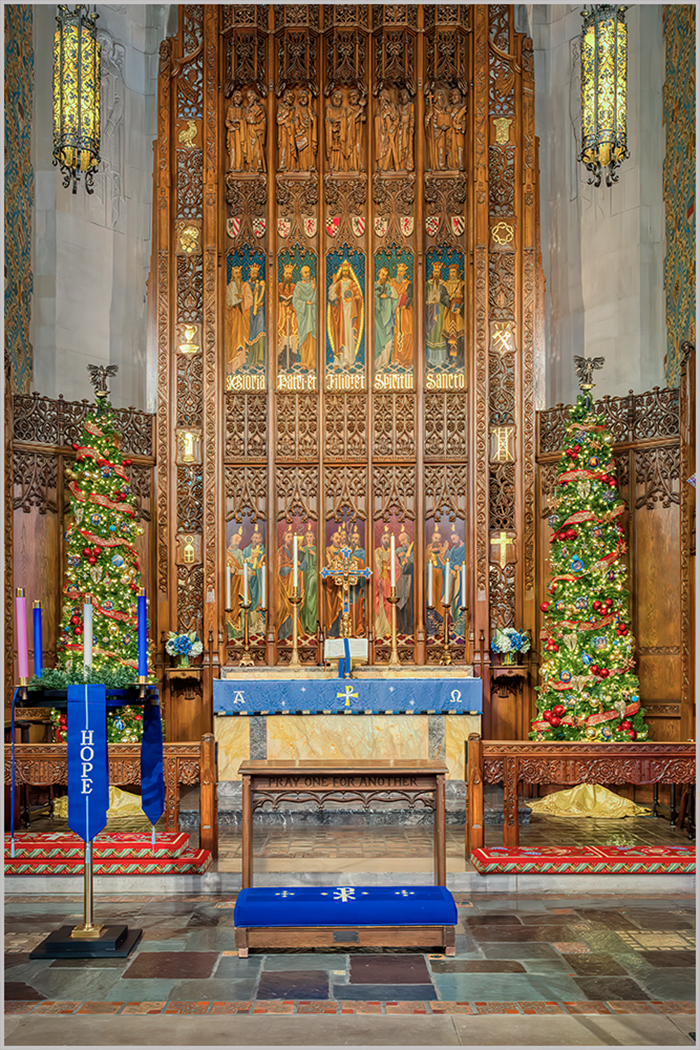
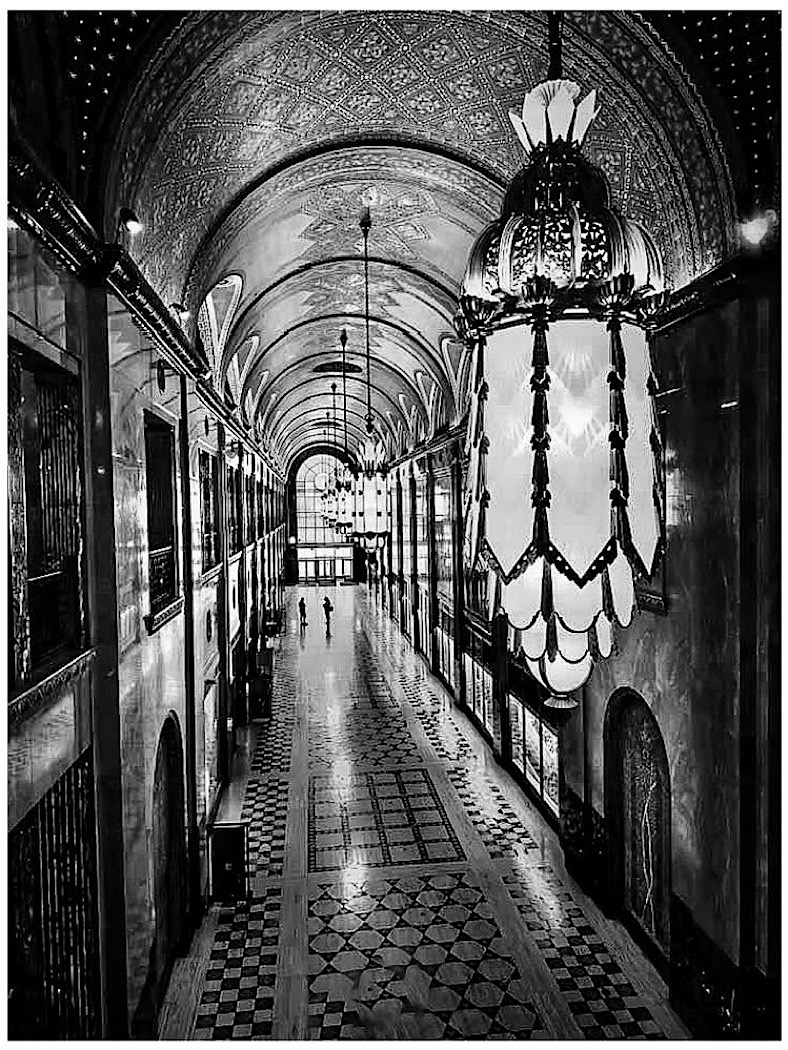
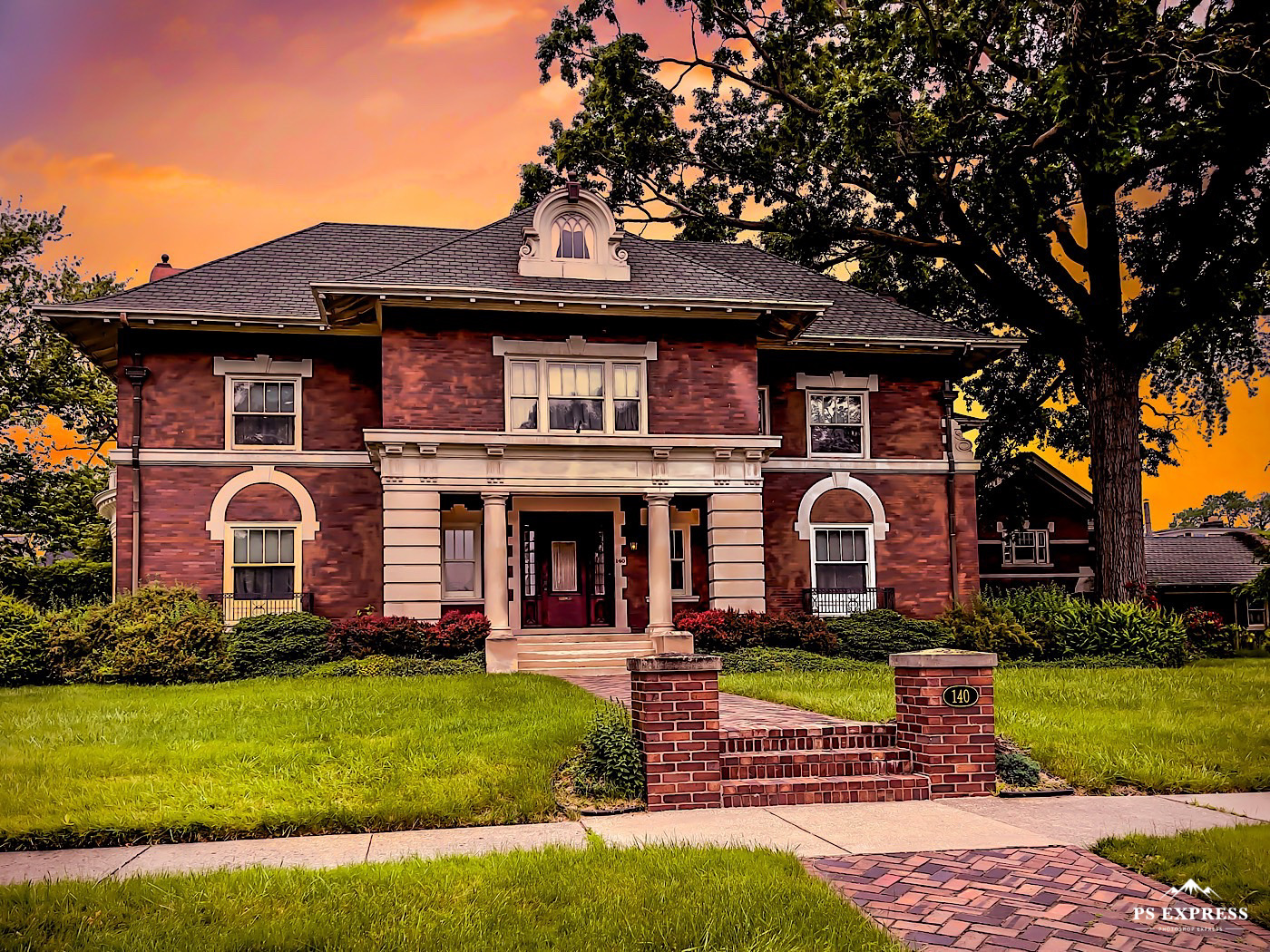
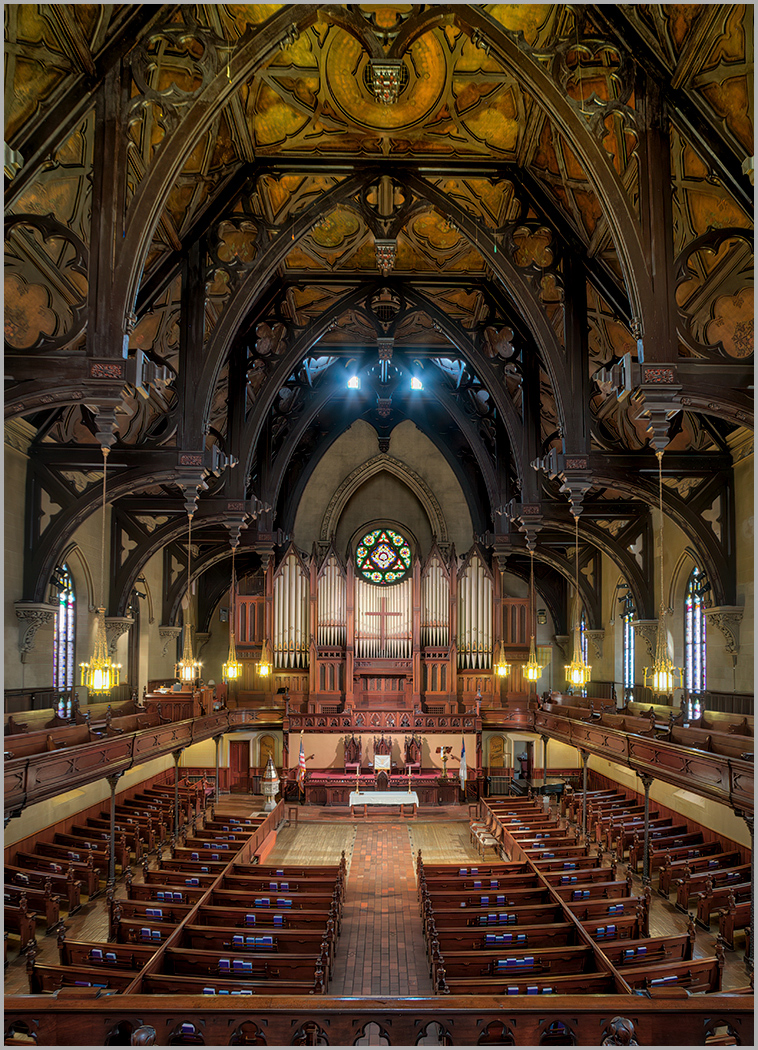
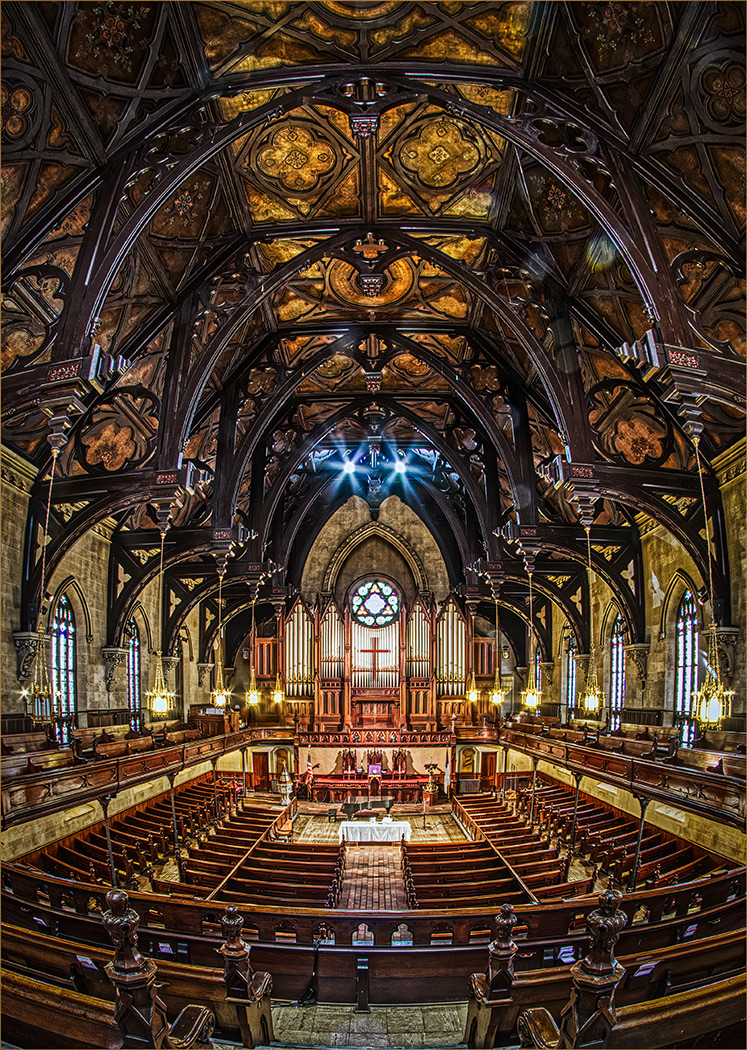
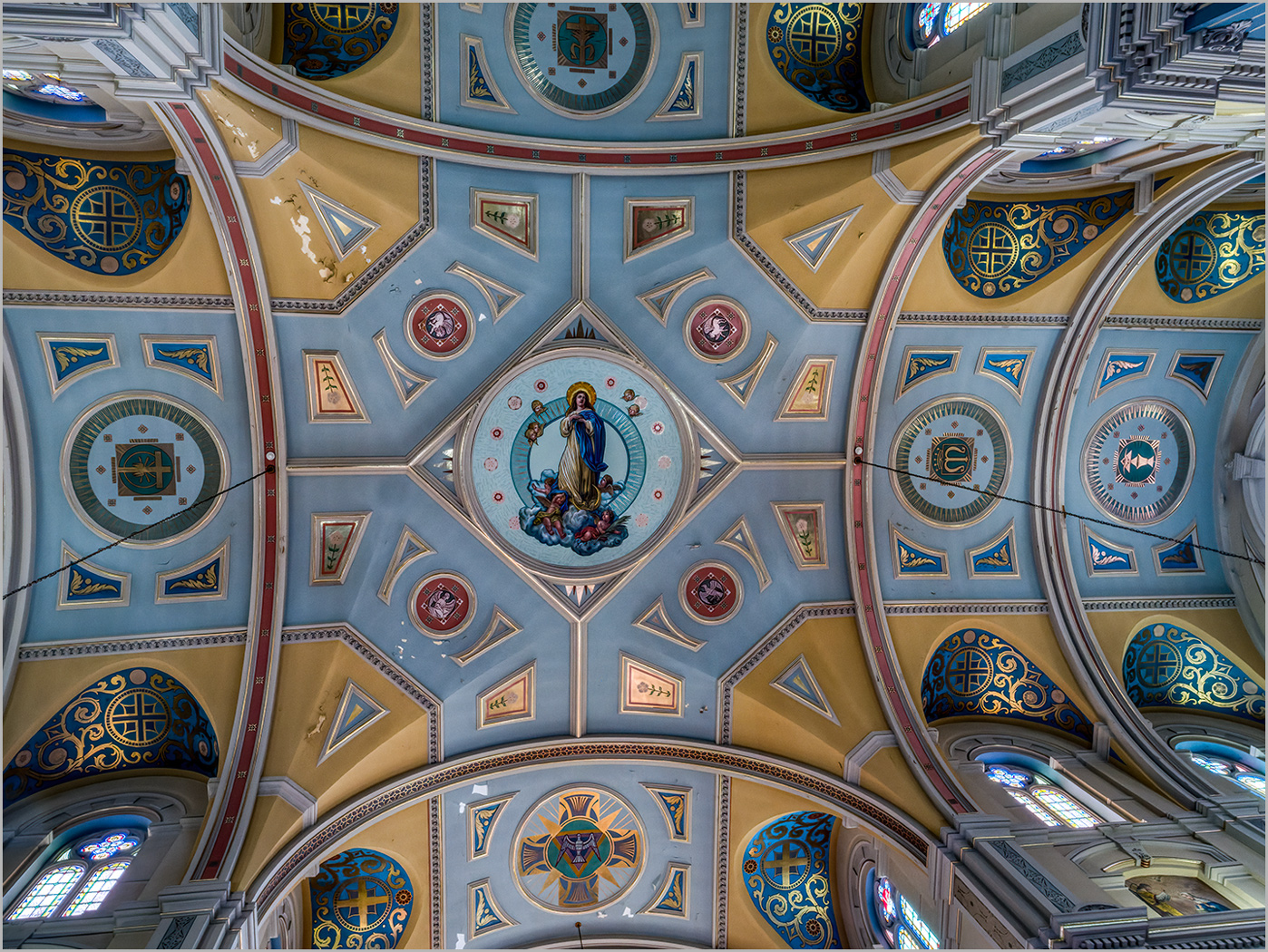
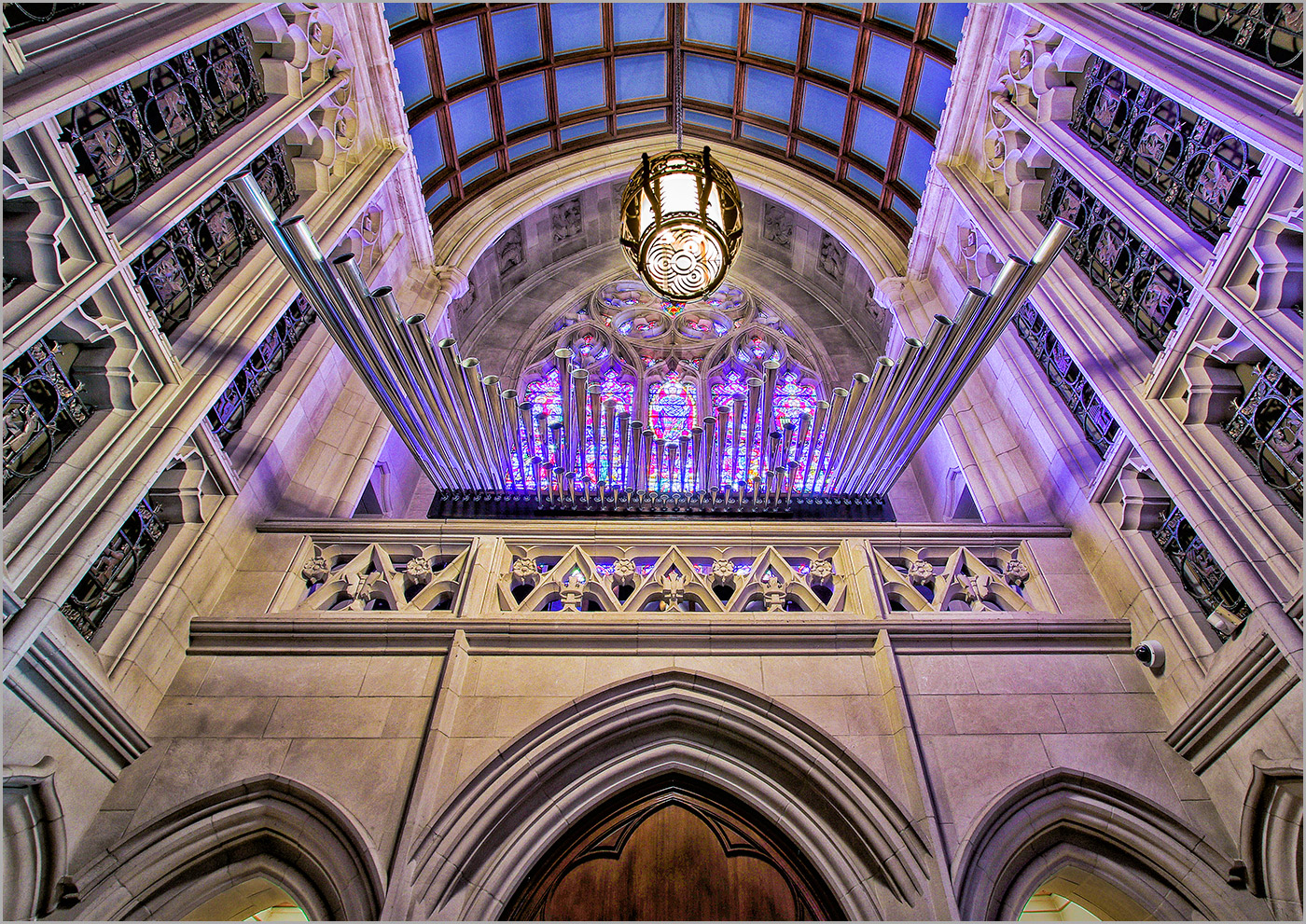
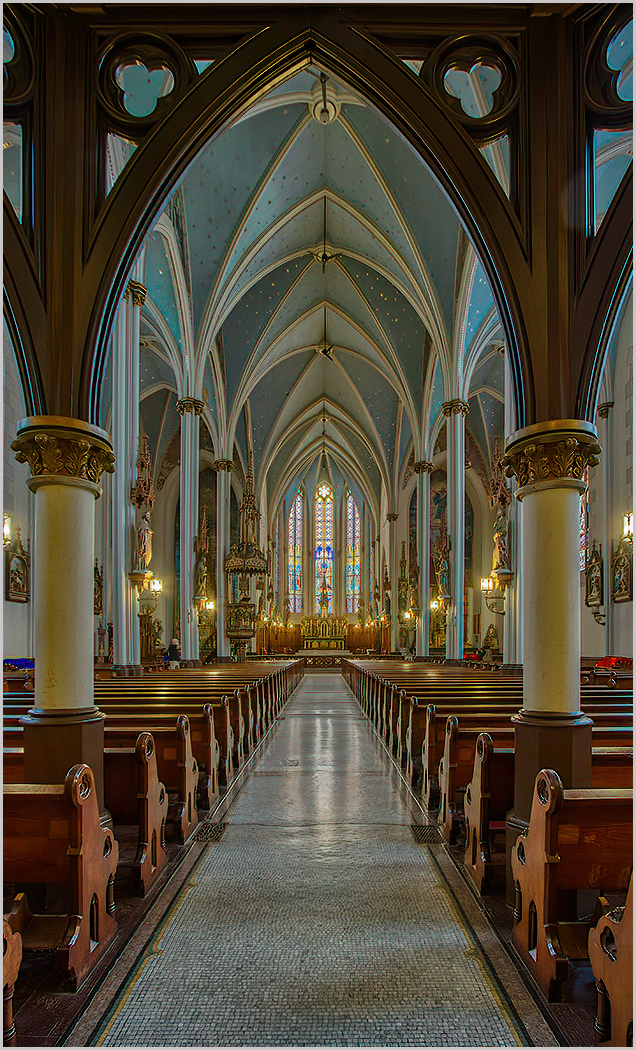
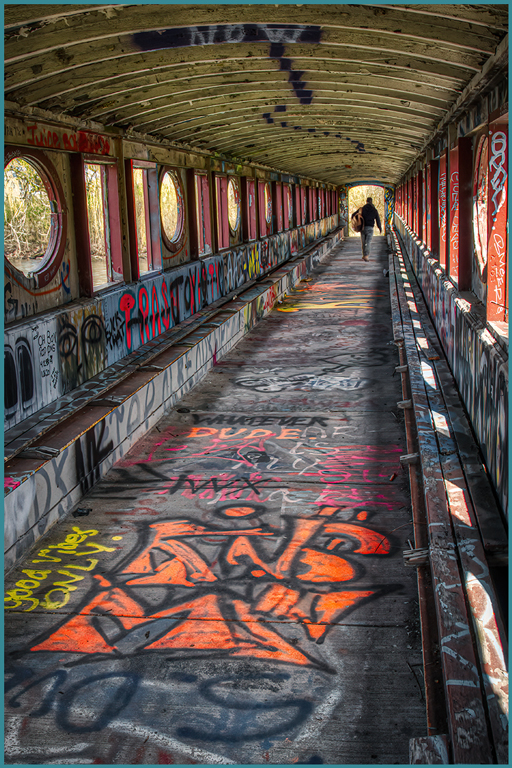
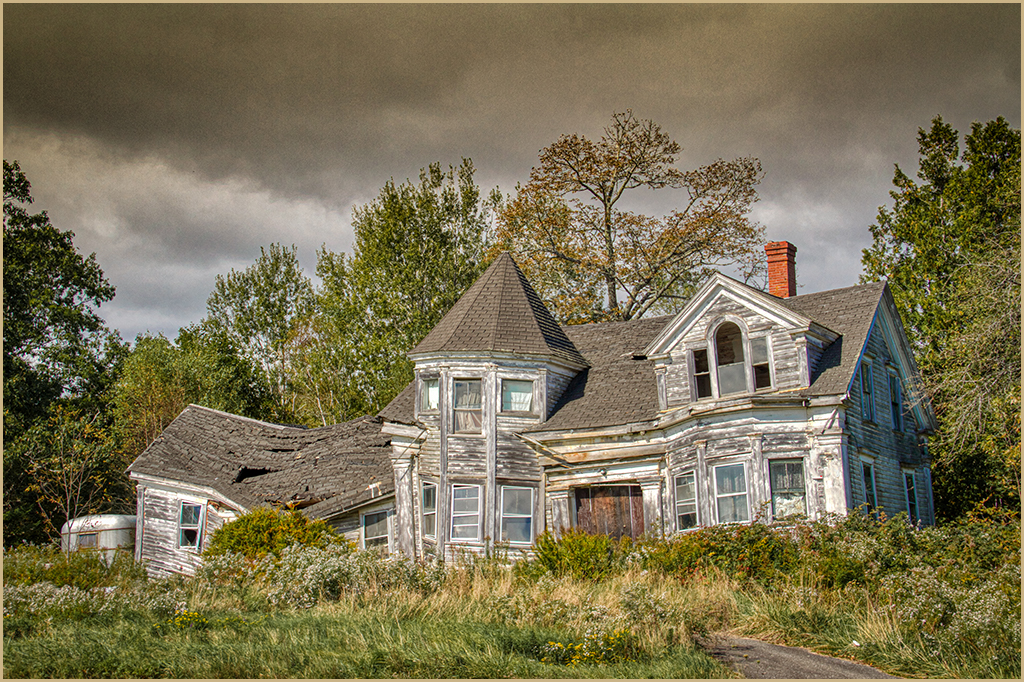
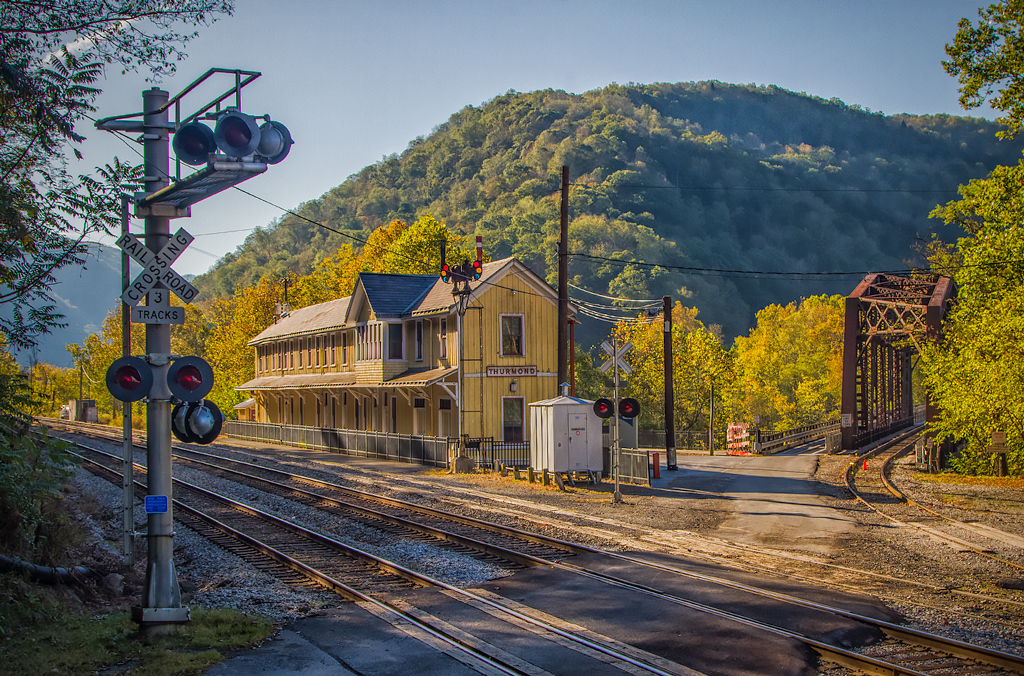
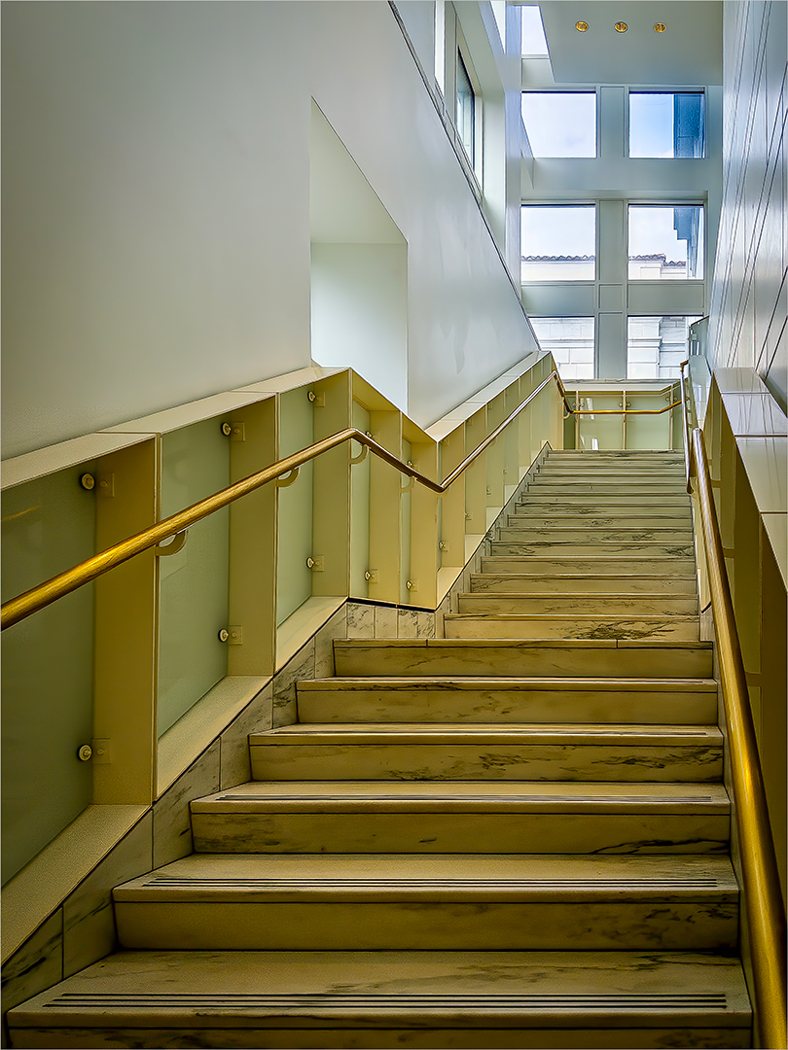
A unique image. The colors appear true and the exposure looks great. My one nit is the perspective. I opened in Adobe RAW Filter and applied the "A" Auto perspective control. While it did clip the edge windows, it did straighten the scene. |
Mar 7th |
 |
| 44 |
Mar 22 |
Comment |
I find your process interesting. Sometimes we need to nudge our computer to interpret what we visually saw or experienced. I personally find that in many instances it becomes my interpretation. Everything worked here. |
Mar 7th |
5 comments - 2 replies for Group 44
|
9 comments - 7 replies Total
|