Activity for User 120 - Bill Buchanan - gwmbuchanan@gmail.com

avatar
Avatar

Close this Tab when done


787 Comments / 193 Replies Posted

  = Current Round   = Previous Round
Group Round C/R Comment Date Image
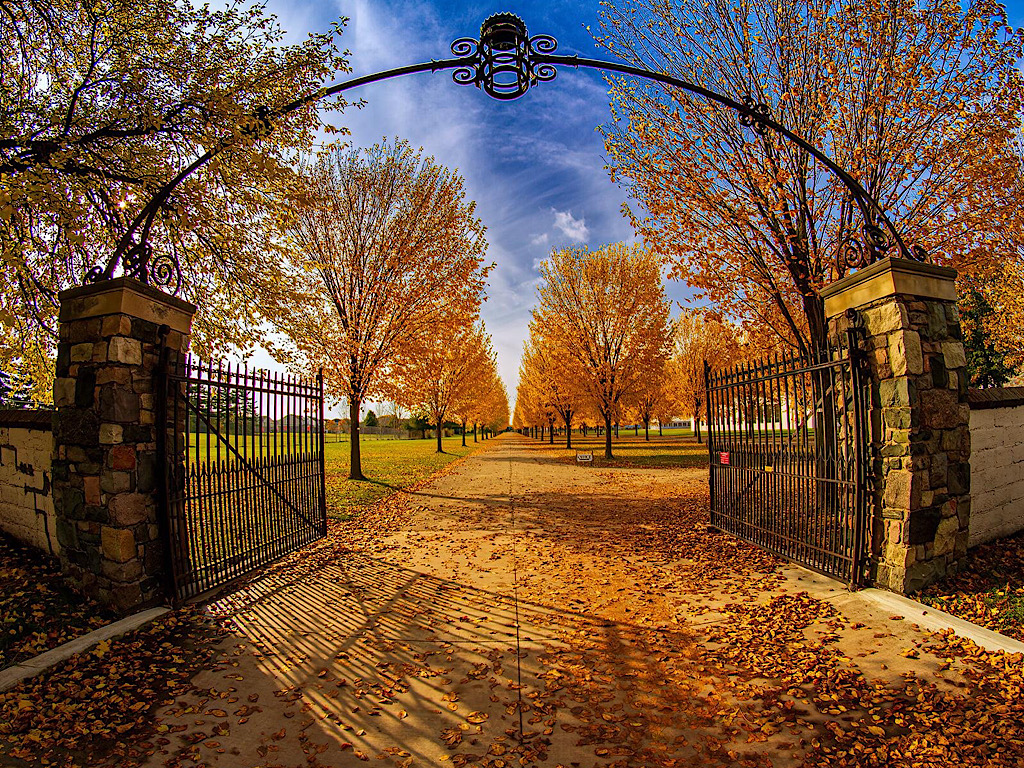
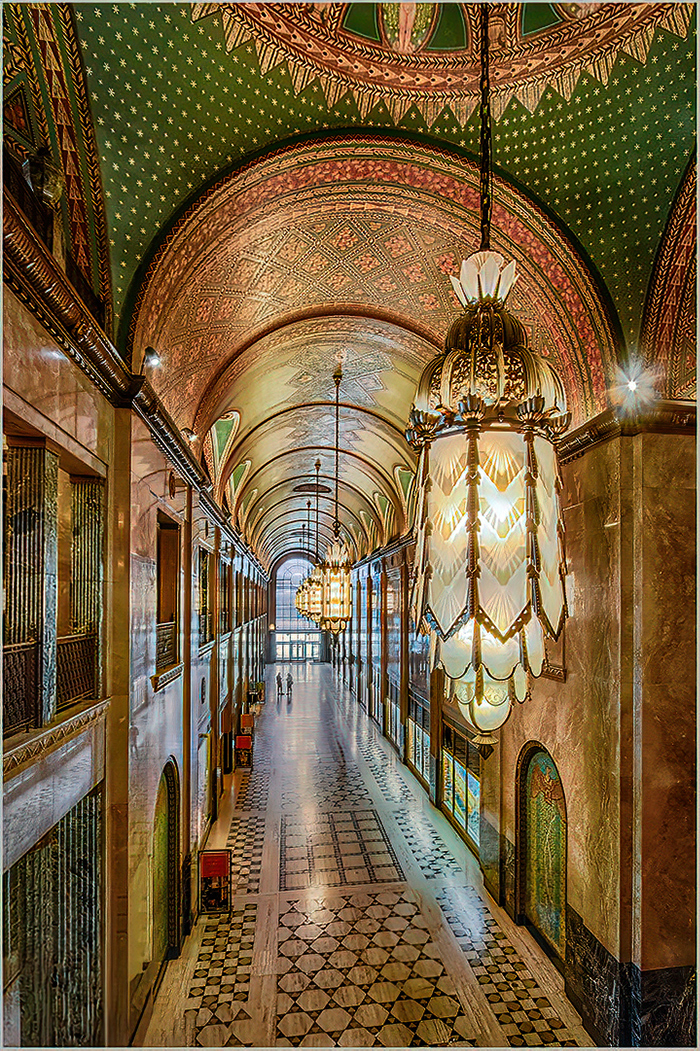
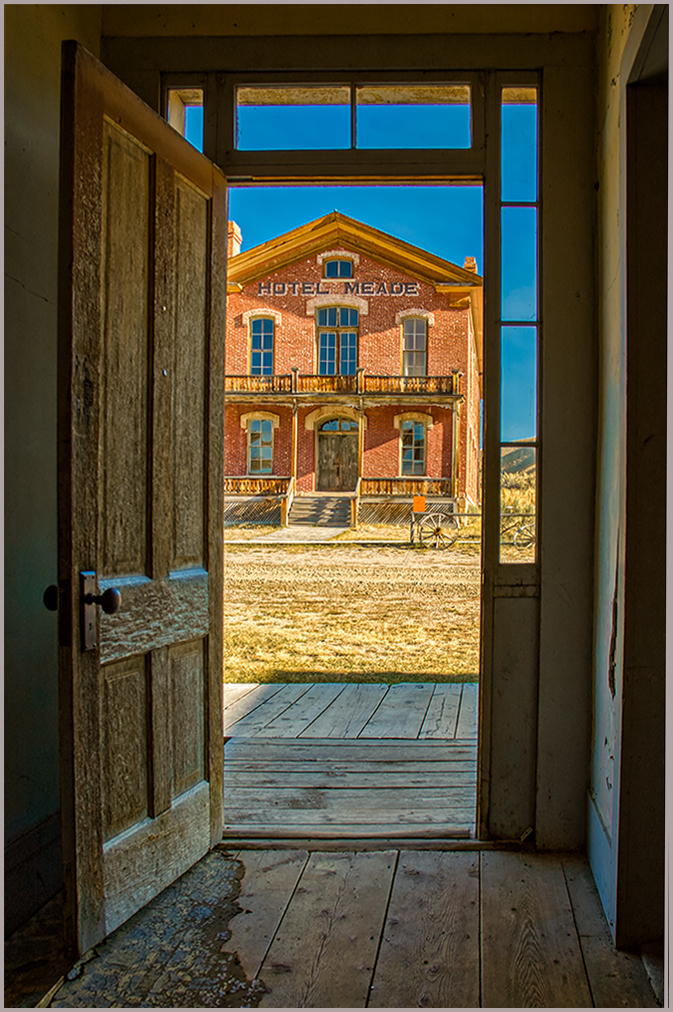
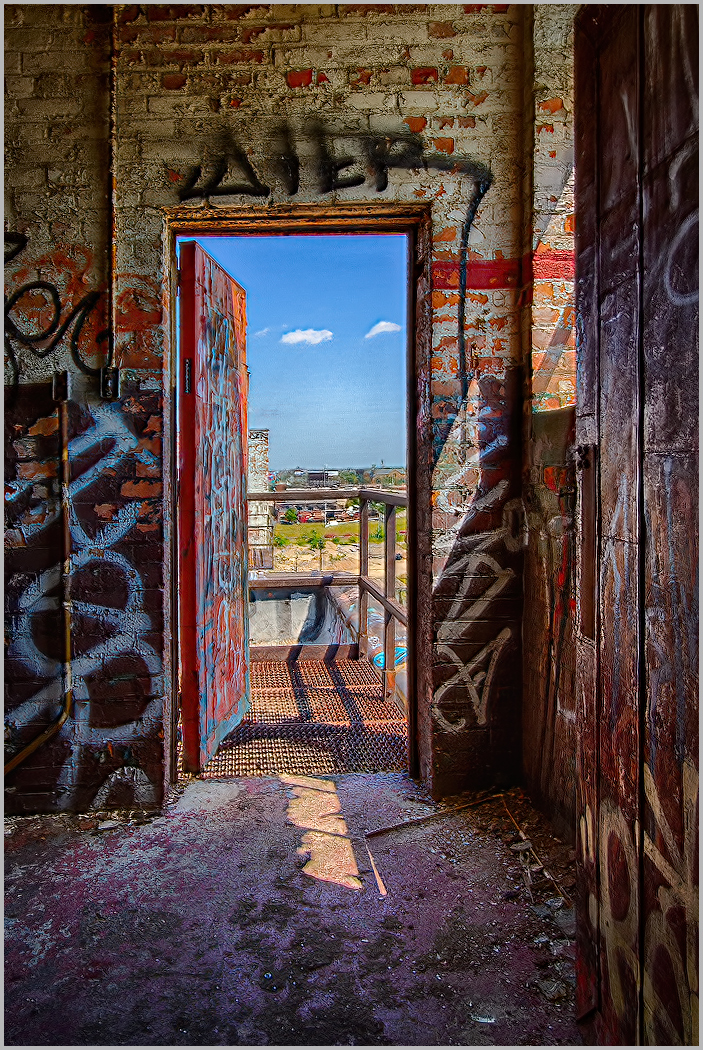
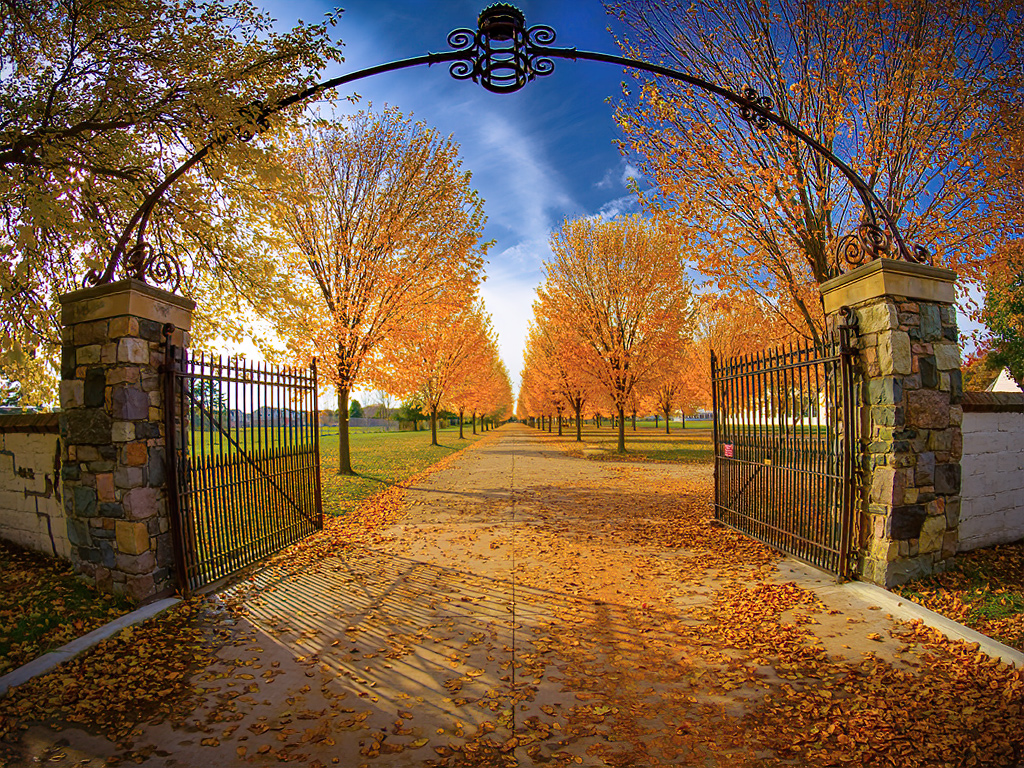
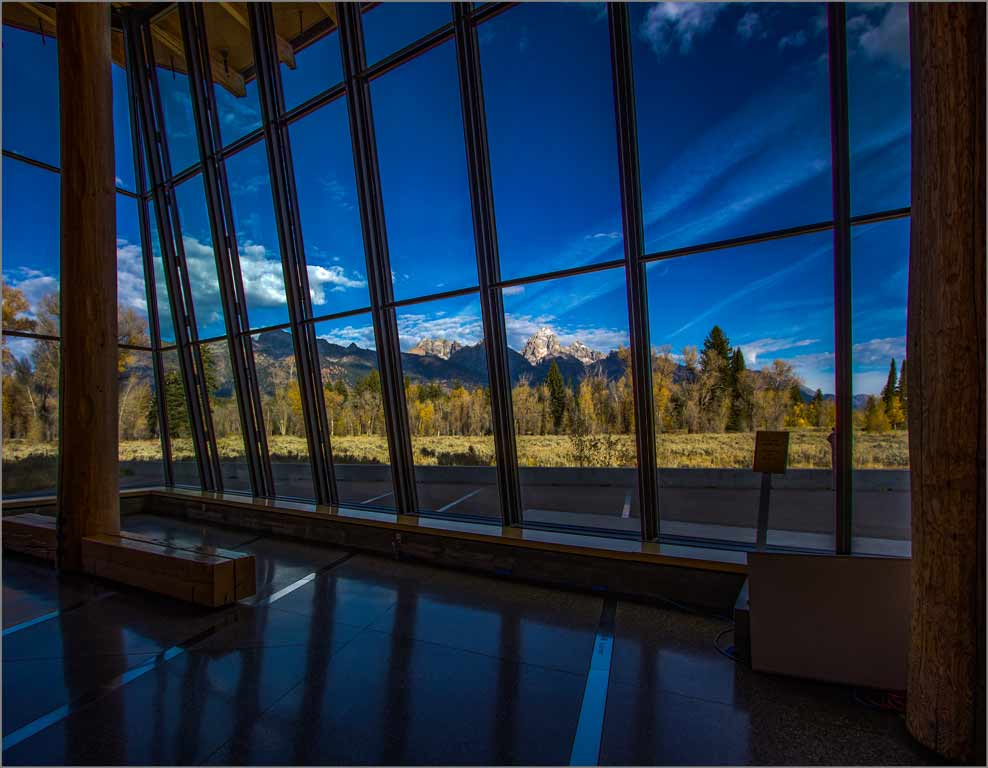
4 Nov 20 Comment I really like the framing of this image. It's almost as if it was created for printing and framing. As a former architectural designer and construction manager I have the uncanny ability to detect horizontal and vertical lines being out of plumb. It get me lot of trouble some times. The bottom edge of the sill and iron rail was slightly off. I straightened it out and used NIK Viveza to strengthen the colors of the fall foliage. Also adding a selection of the opening above the rail I was able to push the brightness, contrast and saturation for added pop. Nov 21st
4 Nov 20 Comment Thanks Erik, That was a great shoot. I'm sorry I was unable to join you and Mayo to the UP.

You know me, I cannot resist tinkering with images. There's a little known feature in the new Photoshop 2020. It's called "Select Sky." It's hidden in the Select pallet. I saw a hint of color and decided to work on enhancing the sky for added pop and, in my opinion, it worked.

Your horizon line was just a bit off and I straightened it up. I also added some vibrance to the scene. Finally, upon closer examination I detected movement in the trees in the foreground; probably undetected.
Nov 21st
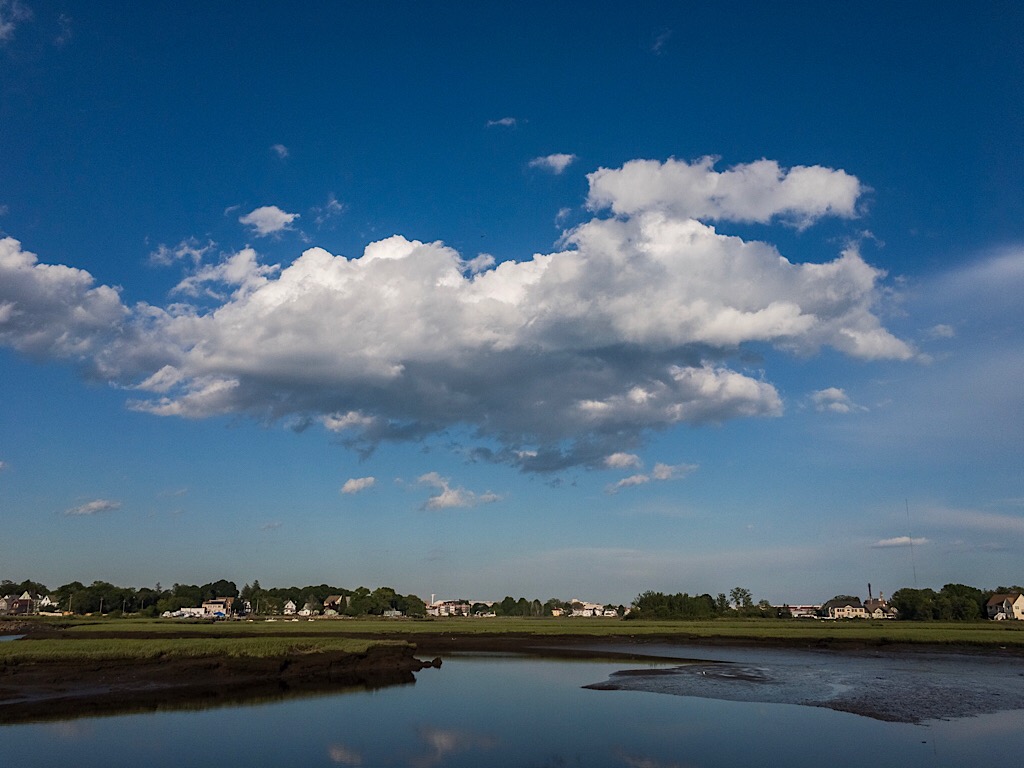
4 Nov 20 Comment You certainly made some lemonade out of lemons. These type of situations can be extremely challenging. My primary objection was the horizon line was too high. I felt the greens in the hillside could use some boost along with the clouds in the sky. I made a few adjustments in NIK Viveza. Nov 21st
4 Nov 20 Comment Perhaps this image typifies 2020. Dark, overcast and obstructions in our photography, the pontoon boat. Even Content Aware Fill will not remove it. :-(
Your enhancements have brought some life to this image.
Nov 21st
4 Nov 20 Comment Beautiful capture enhanced by the warm light of the Golden Hour. It's tack sharp. While some may the background to be distracting it's a natural setting. I would consider cropping some off the left side. Nov 21st
4 Nov 20 Comment I like the overall composition however I found the colors to be overpowering. I took the liberty of reducing the Clarity in Adobe Camera Raw filter and adding a touch of brightness in the area of the man. I added a graduated filter across the top to slightly darken and an darkened vignette to the entire image. Anyway, it's my interpretation. Nov 21st
4 Nov 20 Reply Isaac, I have tried photoshop previously on simple images but find Helicon works better and much faster too. Nov 11th

6 comments - 1 reply for Group 4

44 Nov 20 Comment I would say you nailed it with good composition, exposure and color. My only nit would be that the clouds seem a bit harsh. Nov 21st
44 Nov 20 Comment Nice simple composition without a lot of distractions. As Rick noted, the sky does not look natural. Perhaps a replacement with one of your single captures might work. Nov 21st
44 Nov 20 Comment Excellent capture with a natural look. My eye drifts between the foreground and the background. Perhaps a gradient filter in Camera Raw Filter could tone it down slightly.

BTW, the new Photoshop 2020 has a new select tool, "Sky." it does a good job selecting skies for further enhancement.
Nov 21st
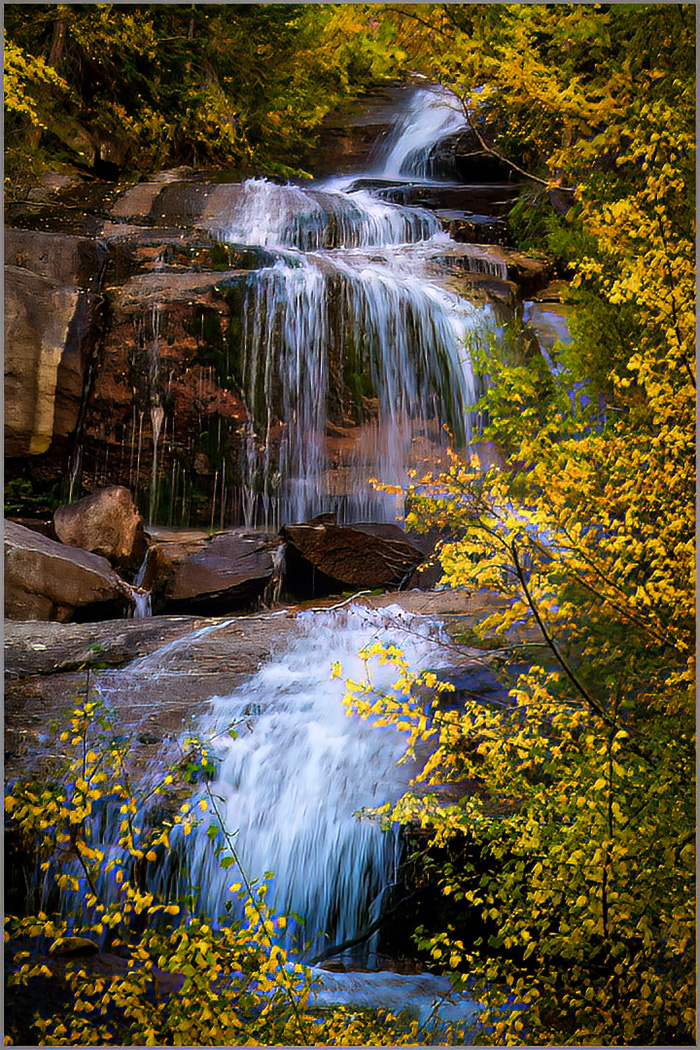
44 Nov 20 Comment I like the composition although it may be a bit tight. The overall process looks natural. I would prefer some darkening of the areas around the falls to give it some pop. That's my personal preference. Nov 21st
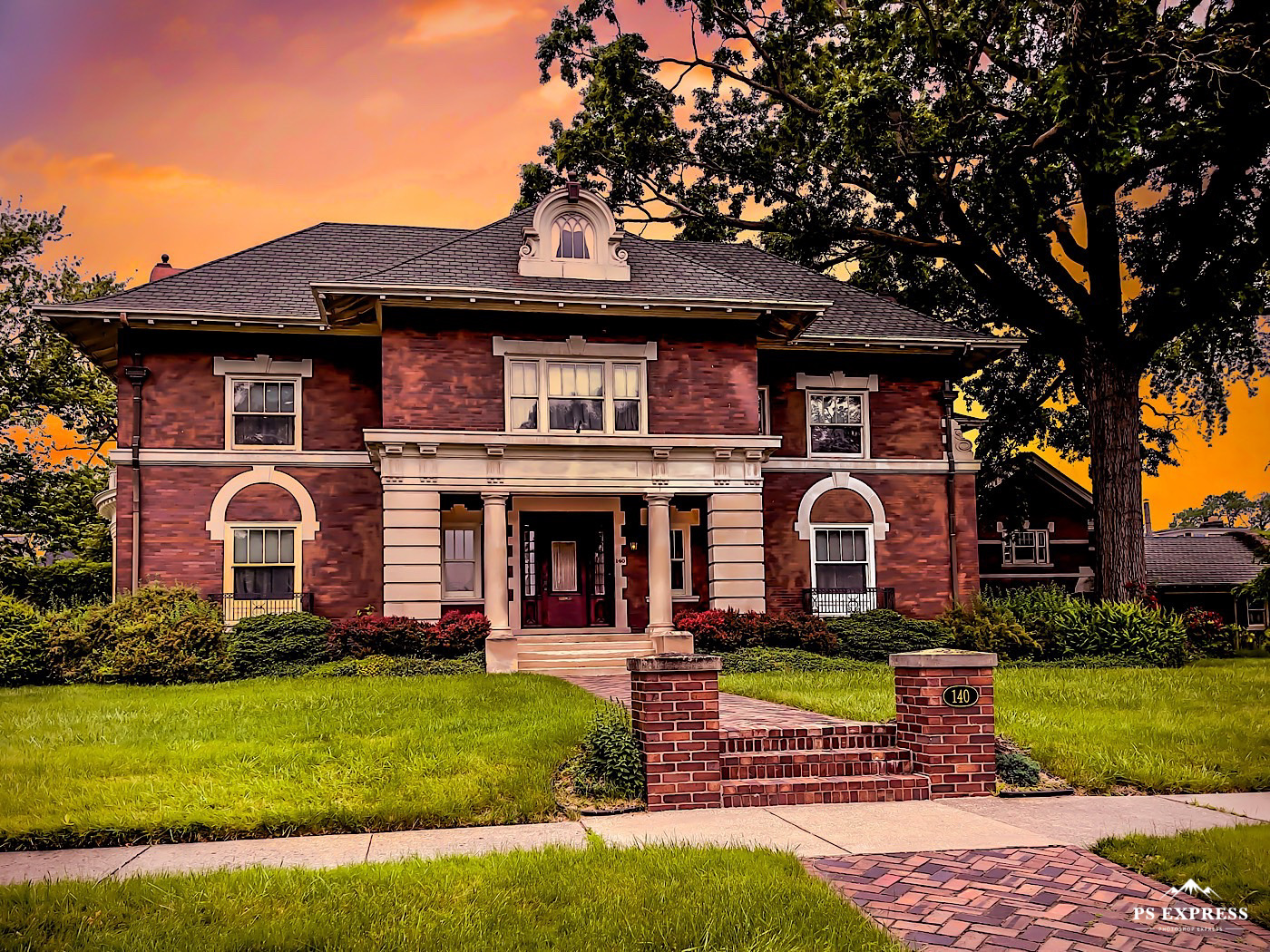
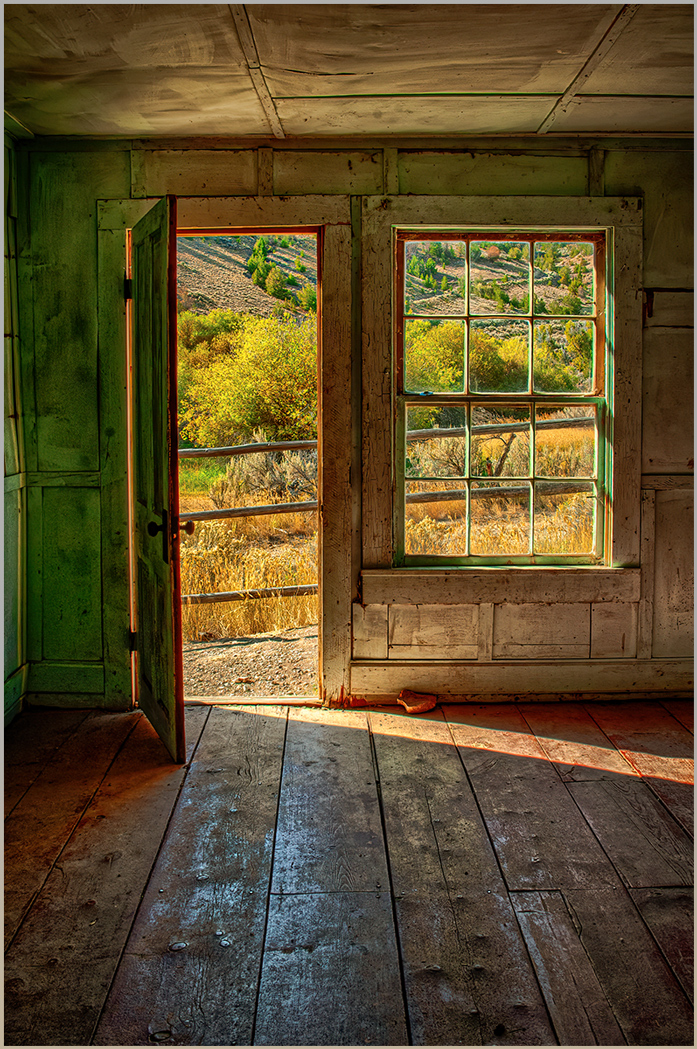
44 Nov 20 Comment An interesting composition. The overall process worked well. I might prefer a slight more exposure and contrast in the shadow areas. I would also do some perspective control to straighten the door frame. Congratulations on your recent marriage and Honeymoon. Nov 21st
44 Nov 20 Reply HI Rick, Upon reviewing your comments I took a second look at my image. I agree the blue shadows are a bit heavy. I also didn't like to tone of the greens. I opened the image in Adobe Camera Raw and put a radial filter on the rocks and warmed them up. I also went into the Color Mixer, Luminance, and dialed down the yellows and pumped up the greens. I think it appears more natural. Thanks for the comments Nov 12th

5 comments - 1 reply for Group 44


11 comments - 2 replies Total


198 Images Posted

  = Current Round   = Previous Round
Group 04

Dec 25

Nov 25

Oct 25

Aug 25

Jul 25

Jun 25

May 25

Apr 25

Mar 25

Feb 25

Jan 25

Dec 24

Nov 24

Oct 24

Aug 24

Jul 24

Jun 24

May 24

Apr 24

Mar 24

Feb 24

Jan 24

Dec 23

Nov 23

Oct 23

Sep 23

Aug 23

Jul 23

Jun 23

May 23

Apr 23

Mar 23

Feb 23

Jan 23

Nov 22

Oct 22

Sep 22

Aug 22

Jul 22

Jun 22

May 22

Apr 22

Mar 22

Feb 22

Jan 22

Nov 21

Oct 21

Sep 21

Aug 21

Jul 21

Jun 21

May 21

Apr 21

Mar 21

Jan 21

Dec 20

Nov 20

Oct 20

Aug 20

Jul 20

Jun 20

May 20

Apr 20

Mar 20

Feb 20

Jan 20

Nov 19

Oct 19

Sep 19

Aug 19

Jul 19

May 19

Apr 19

Mar 19

Feb 19

Jan 19

Dec 18

Nov 18

Oct 18

Sep 18

Aug 18

Jun 18

Apr 18

May 18

Mar 18

Feb 18

Jan 18

Dec 17

Nov 17

Oct 17

Sep 17

Aug 17

Jul 17

Jun 17

May 17

Apr 17

Mar 17

Feb 17

Jan 17
Group 44

Dec 25

Aug 25

Jul 25

May 25

Apr 25

Mar 25

Jan 25

Dec 24

Oct 24

Sep 24

Aug 24

Jul 24

Jun 24

May 24

Apr 24

Mar 24

Feb 24

Jan 24

Dec 23

Nov 23

Oct 23

Sep 23

Aug 23

Jul 23

May 23

Apr 23

Mar 23

Feb 23

Jan 23

Dec 22

Nov 22

Oct 22

Sep 22

Aug 22

Jul 22

Jun 22

May 22

Apr 22

Mar 22

Feb 22

Jan 22

Nov 21

Sep 21

Aug 21

Jul 21

Jun 21

May 21

Apr 21

Mar 21

Jan 21

Dec 20

Nov 20

Oct 20

Aug 20

Jul 20

Jun 20

May 20

Apr 20

Jan 20

Dec 19

Nov 19

Oct 19

Sep 19

Aug 19

Jul 19

Jun 19

May 19

Apr 19

Mar 19

Feb 19

Jan 19

Dec 18

Nov 18

Oct 18

Sep 18

Aug 18

Jul 18

Jun 18

May 18

Apr 18

Mar 18

Feb 18

Jan 18

Dec 17

Nov 17

Oct 17

Sep 17

Aug 17

Jul 17

Jun 17

May 17

Apr 17

Mar 17

Feb 17

Jan 17
Group 86

Dec 25

Nov 25

Aug 25

Jul 25

Close this Tab when done