|
| Group |
Round |
C/R |
Comment |
Date |
Image |
| 14 |
Apr 20 |
Reply |
One thing I didn't say, but should have, is that I almost never make changes to the background layer that I can avoid, and instead make each kind of change on its own layer, so that I can adjust the opacity of the change by itself if I need to, or throw it away if necessary. |
Apr 15th |
| 14 |
Apr 20 |
Comment |
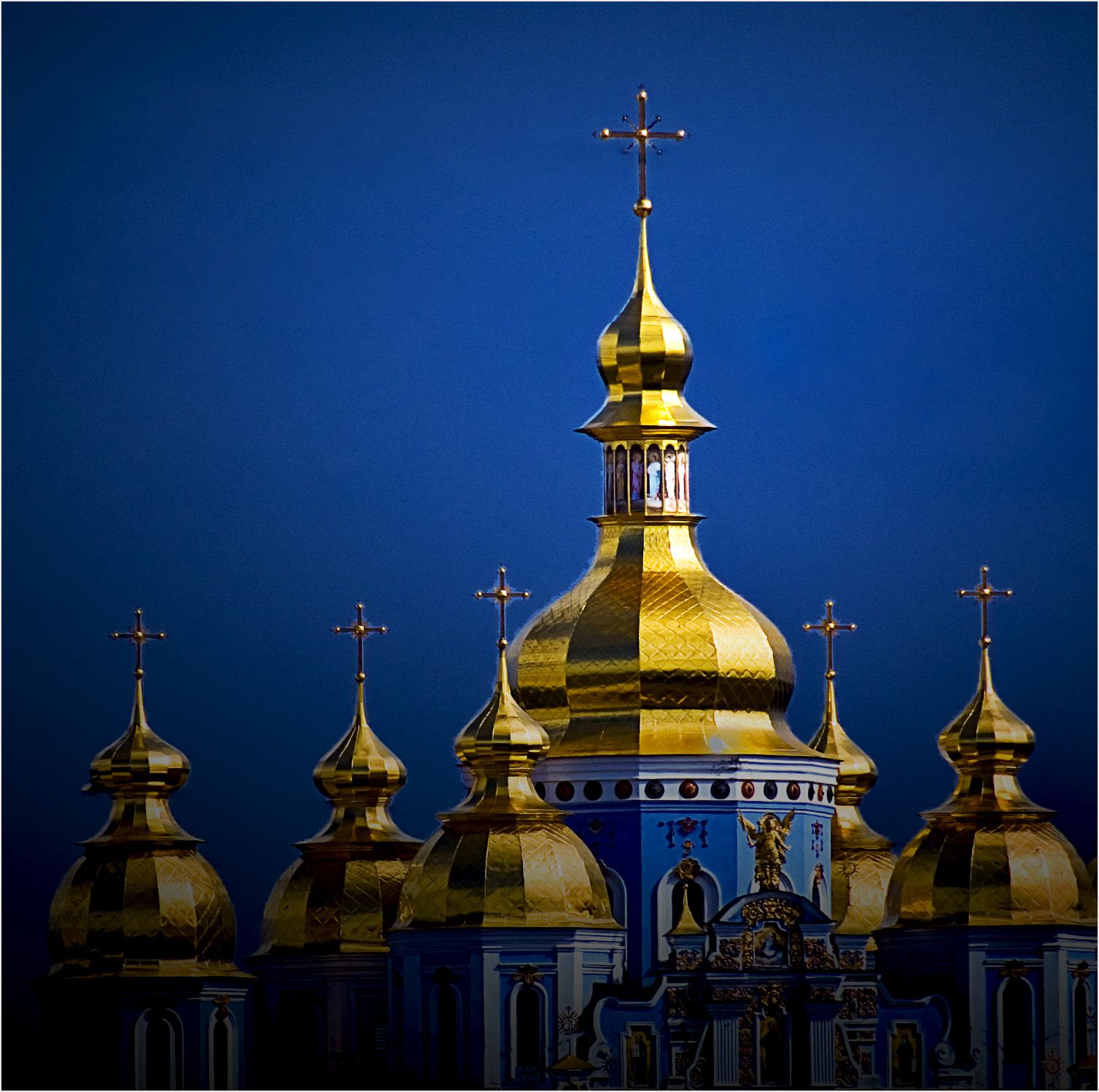
Here's something I suggest you try. Using your monitor, adjust the image so that the vertical dimension of the image of the monastery fills the vertical dimension of your monitor in Photoshop or your equivalent. Then pull a vertical guide from the side and place it over the image so that it passes through the upper tip of the cross on the major dome. You will find that the guide not only coincides with the the lines of the cross, but of the dome itself, all the way to near the bottom of the frame, where it disappears. The dome does not lean. One might call this a "second degree optical illusion" which goes away when I remove the black shading to the left of the image, which is on a separate layer so I can adjust its opacity independently from the rest of the image. |
Apr 15th |
| 14 |
Apr 20 |
Reply |
I don't know that my technique is particularly special. I process in Photoshop. The first bit of post processing I usually do is to adjust each of the six colors and white, black, and neutral and tones (adjusting brightness if necessary.) Then I decide final crop and composition, add a thin gray border to separate the image from the usually gray or black background on which it will be displayed, followed by final adjustments to everything. This way, I will have used essentially all of Photoshops primary controls in a consistent way |
Apr 11th |
| 14 |
Apr 20 |
Reply |
Thank you for your kind words. I plead guilty, Your Honor, to having done a poor job of removing the background; I will do it better the next time. |
Apr 11th |
1 comment - 3 replies for Group 14
|
1 comment - 3 replies Total
|