|
| Group |
Round |
C/R |
Comment |
Date |
Image |
| 92 |
Oct 20 |
Reply |
Hi Jill
You can do much the same thing in Lightroom. Play with the dehaze slider in the Develop mode. If you want you can also apply the dehaze filter locally using the gradient/radial/paintbrush local adjustment tools (so you can increase the dehaze effect by applying dehaze with multiple local filters, if needed - though probably don't want to go too overboard). Also the split toning tool in LR does exactly the same thing as in Photoshop, so you can adjust the tone in the shadows, and tune the intensity of the change using the saturation control, and the balance slider in split toning lets you adjust the density range of the shadows that are affected by the tone change.
Let me know if this is not clear and I will try to elaborate more. :-) |
Oct 7th |
| 92 |
Oct 20 |
Reply |
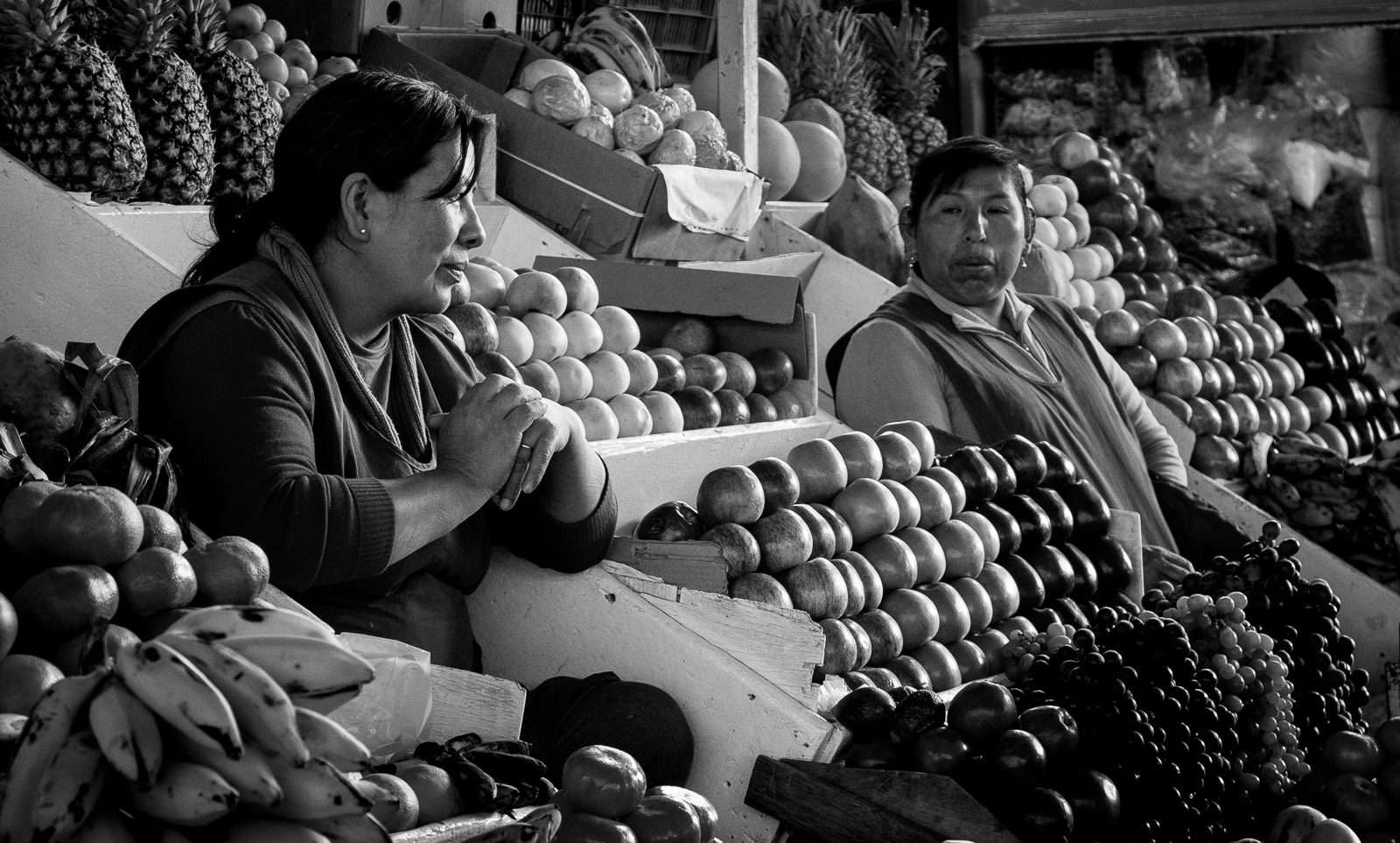
Thanks. Yes I have a few more taken at the market, but this was the one I thought was best. When I get some time I will revisit the trip and see if any others are worth working up with post-processing. |
Oct 6th |
| 92 |
Oct 20 |
Comment |
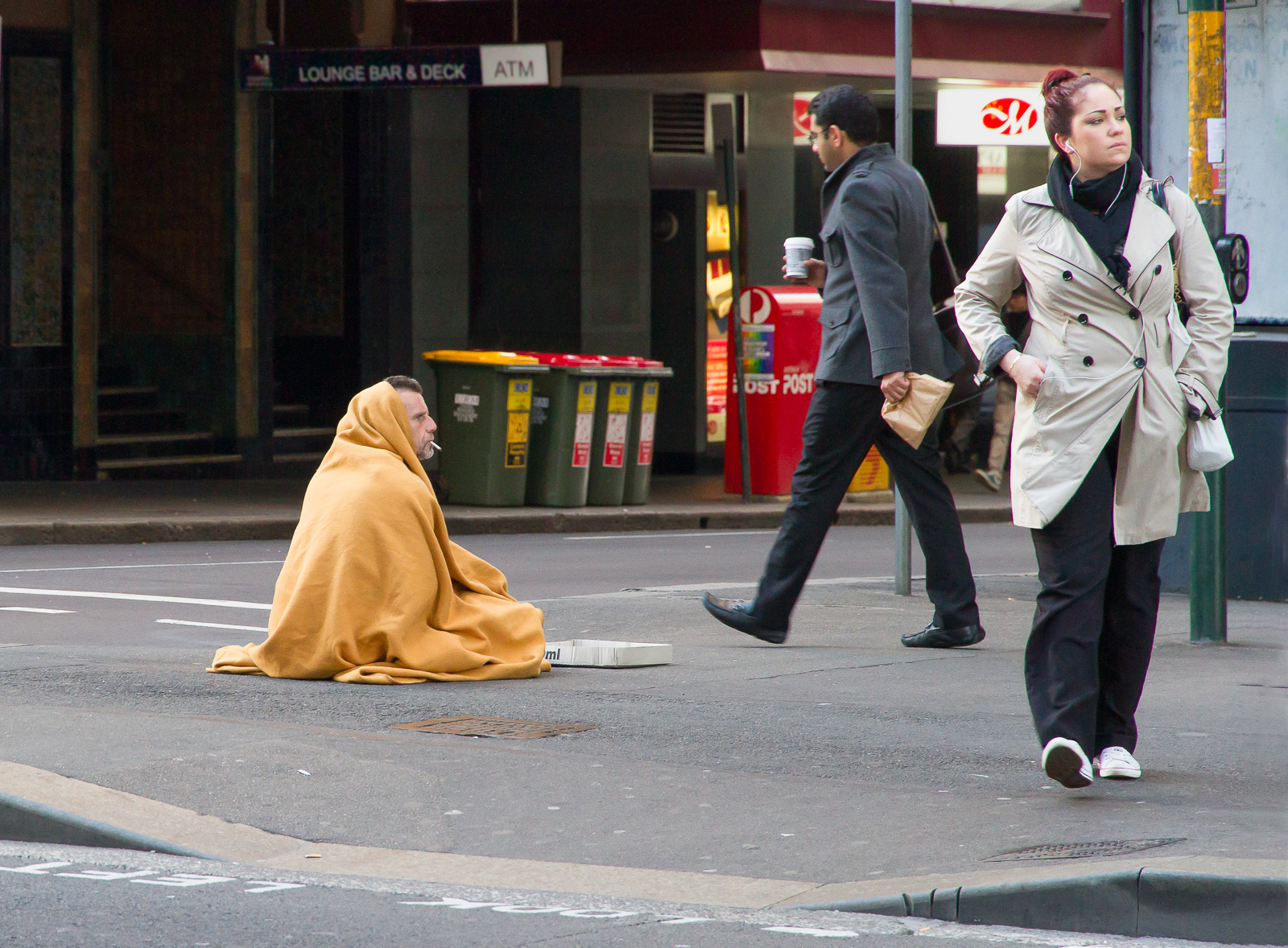
An image is worth 1000 words. I feel so fortunate here in Australia that we don't have the same level of social unrest that we see all too frequently in the USA on the news media. I agree with Chuck's suggestion to bring out the shadows a bit but I think the vignetting is a bit too obvious (at least in the thumbnail). Would a tighter crop help focus the eye on the baricaded doorways? |
Oct 5th |
| 92 |
Oct 20 |
Comment |
Hi Albert
Lovely image. The reflections on the wet road really give the image a lift. Cropping the sign on the left as suggested before makes an improvement. |
Oct 5th |
| 92 |
Oct 20 |
Comment |
A fine candid street shot with lovely soft lighting. |
Oct 5th |
| 92 |
Oct 20 |
Comment |
Nice summery feel to this. The left one third of the image doesn't add anything to the main story, so I suspect a tighter crop might improve the image. |
Oct 5th |
| 92 |
Oct 20 |
Comment |
Hi Marianne
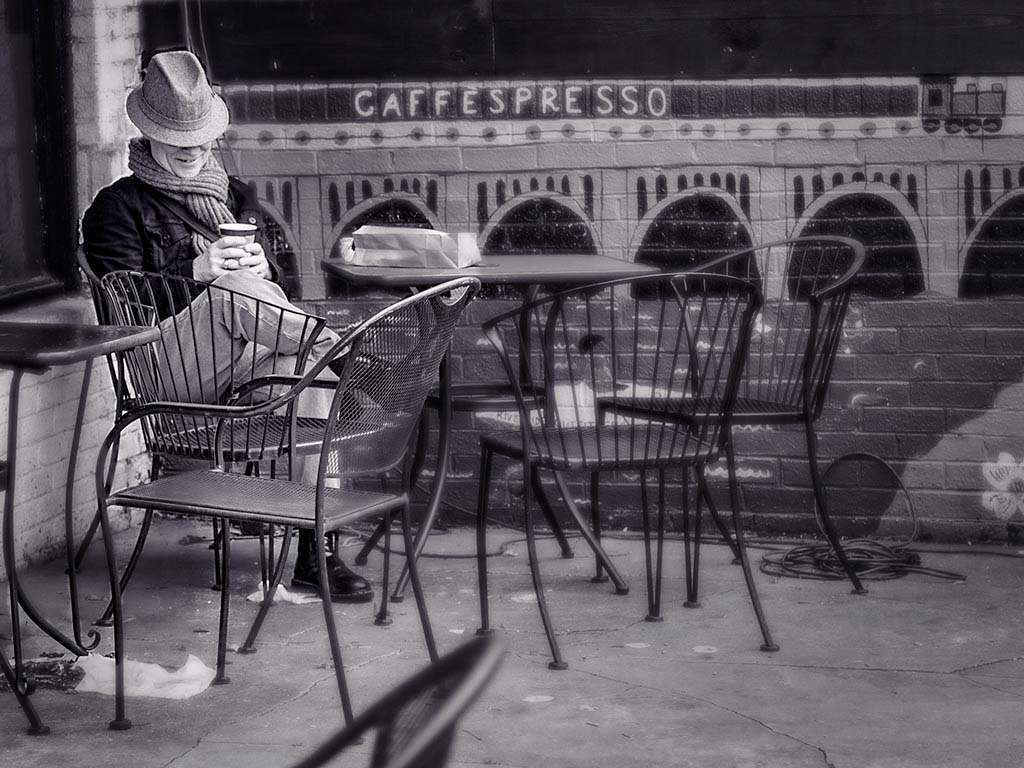
This image works well in Mono. It worries me that the subject does not appear to have a face mask, which is the norm here in Australia. It looks like you have applied some softening/defocus effect but it is patchy and does not look natural to me. Because of all the criss-crossing bars on the chairs and tables, all at different focal distances, this is a very challenging image for that sort of adjustment. I wonder if you can focus attention on the man and de-emphasise the other features using adjustments lighting and tone. I had a quick play in PS to see if that might work... what do you think? |
Oct 5th |
 |
| 92 |
Oct 20 |
Comment |
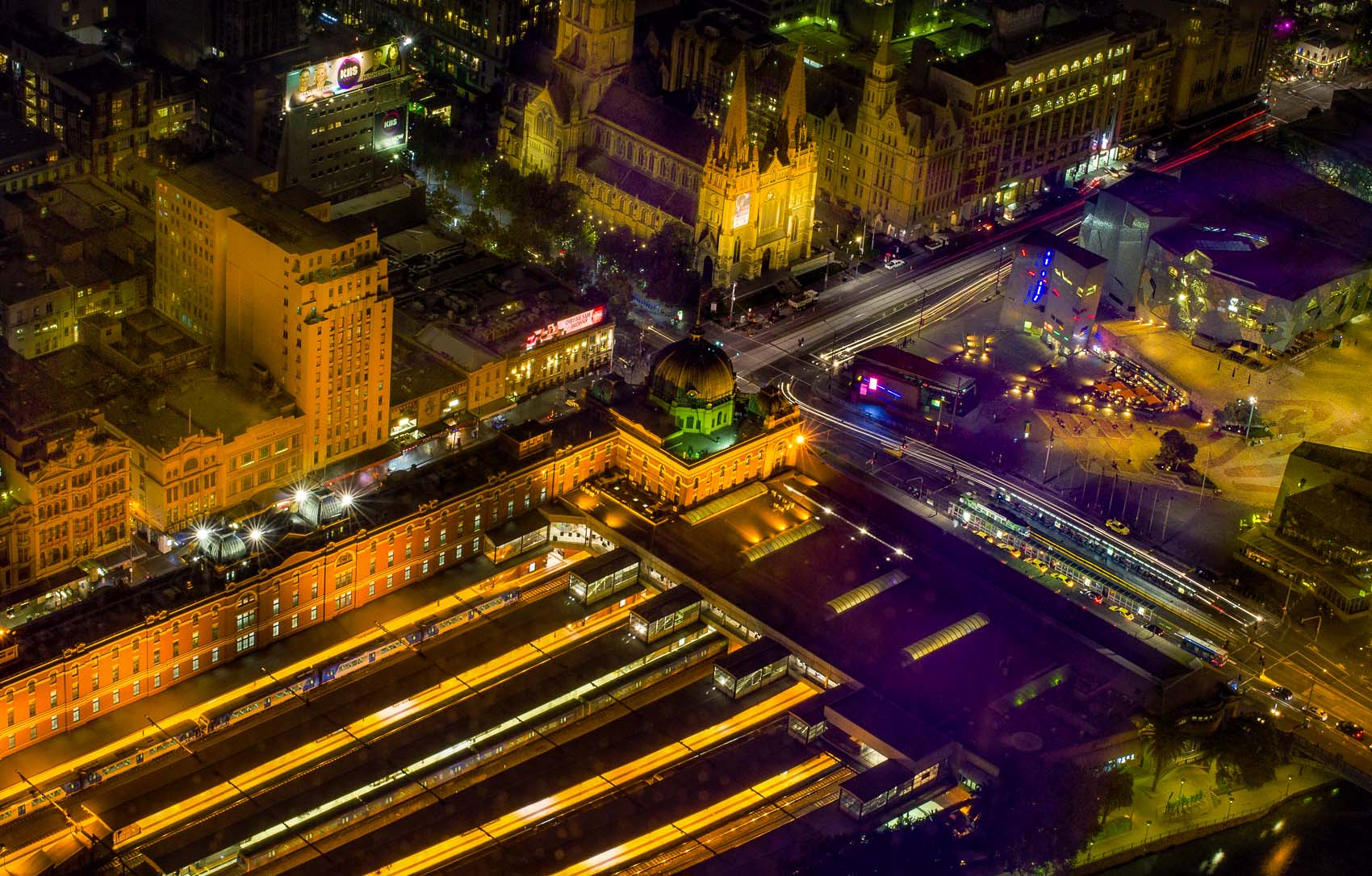
Nice image that captures some of the colour and light of night-time Melbourne. I had a play in PS to see what I could do to reduce the appearance of flare/reflections from the window - The attached has a lot of Camera Raw dehaze (100% applied twice) and a bit of clarity, plus a small amount of split toning to slightly shift the blue shadow tones to a slightly more neutral tone. What do you think?
Marianne's suggestion of a rubber lens hood is another approach. I usually don't have one but cupping a hand to form a light shade between the window and lens can do the same thing. A polarizing filter is also useful for minimising reflections when shooting through windows. |
Oct 5th |
 |
| 92 |
Oct 20 |
Reply |
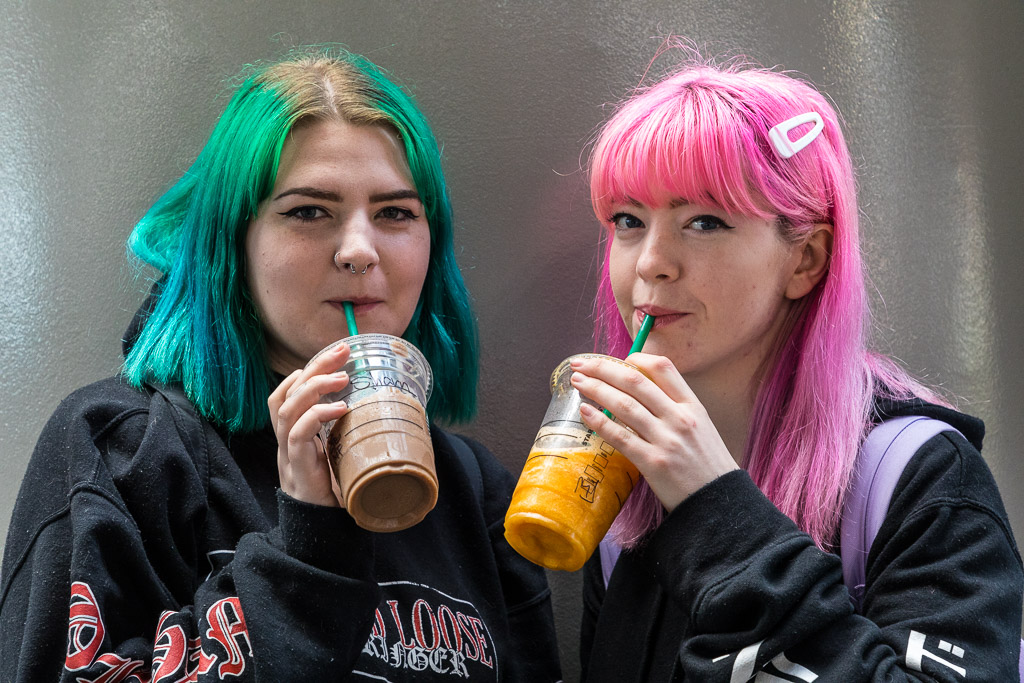
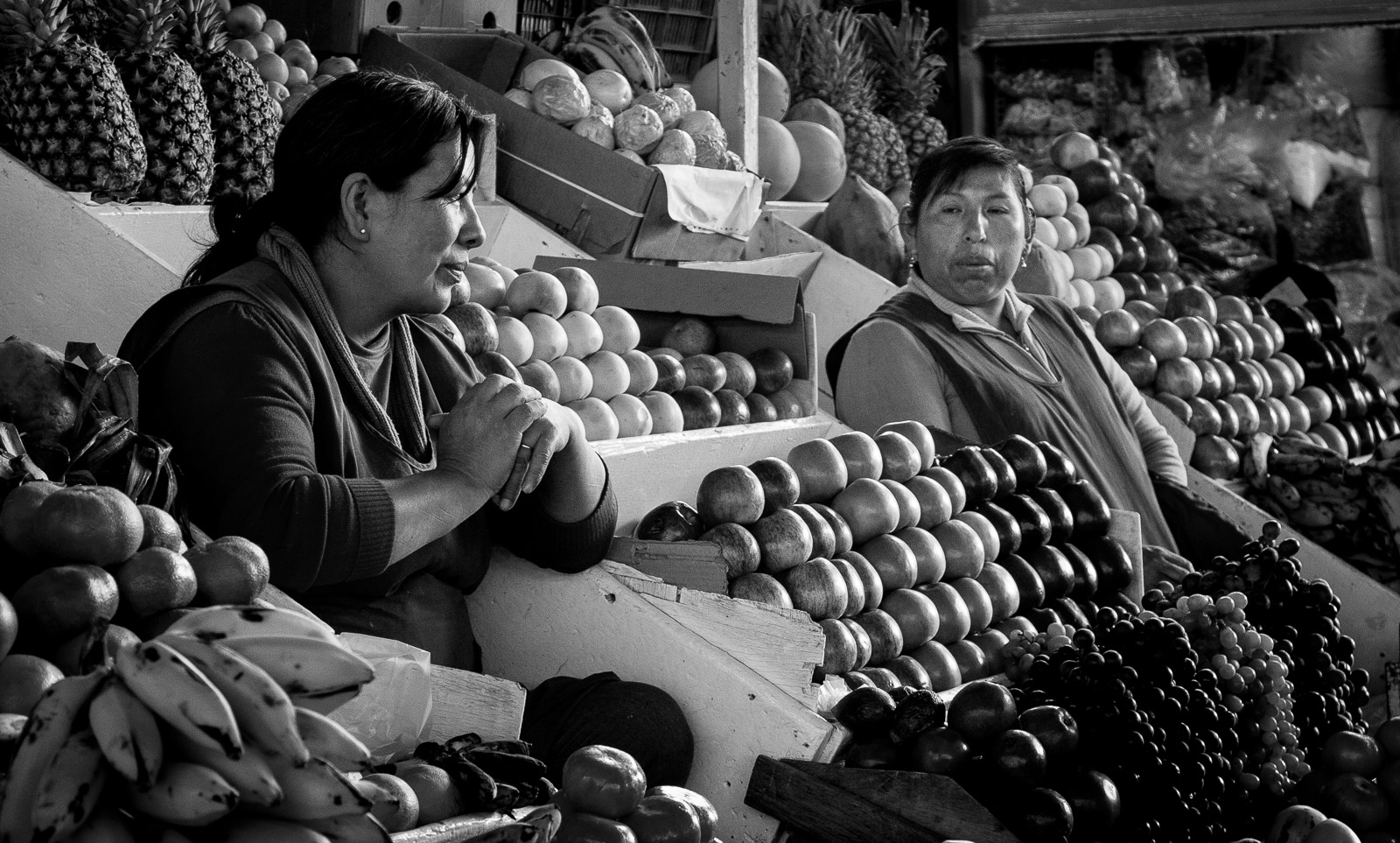
Thanks for the feedback Chuck. I've made a revision with a brighter face (see reply to Lou's comment) |
Oct 4th |
| 92 |
Oct 20 |
Reply |
Thanks for the suggestion Lou. Brightening the face of the woman on the right is better, I think. |
Oct 4th |
 |
6 comments - 4 replies for Group 92
|
6 comments - 4 replies Total
|