|
| Group |
Round |
C/R |
Comment |
Date |
Image |
| 45 |
Aug 25 |
Reply |
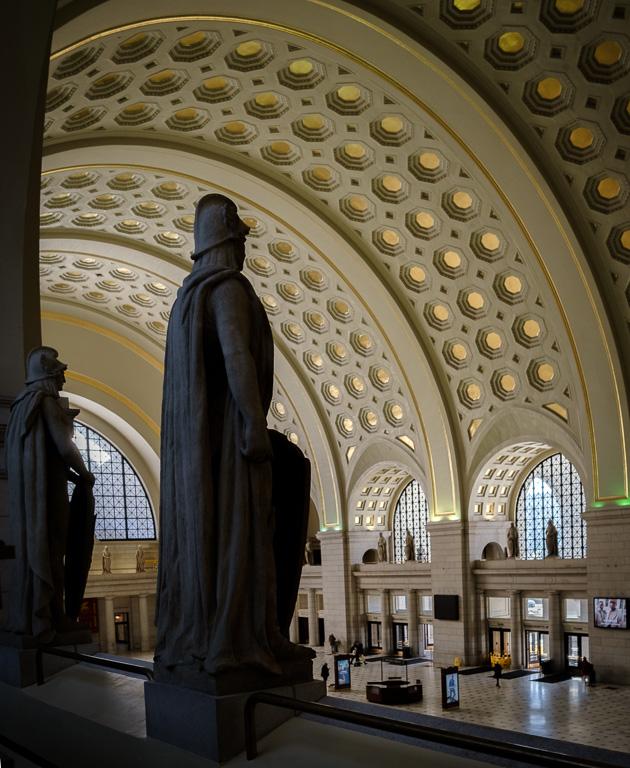
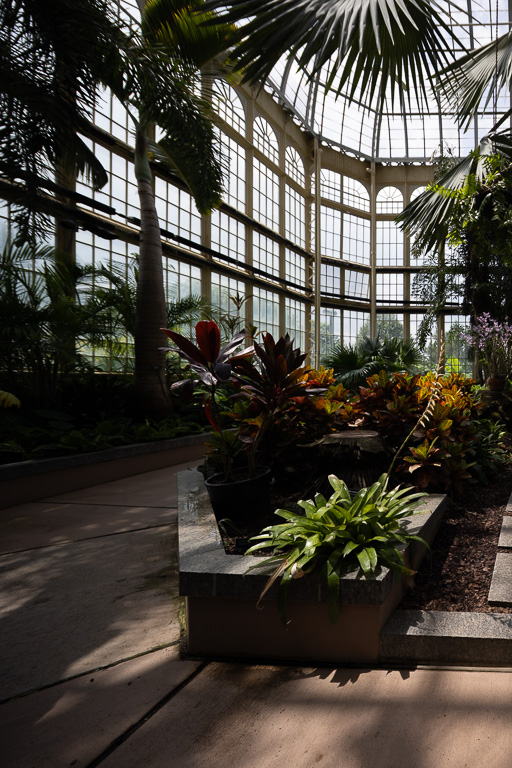
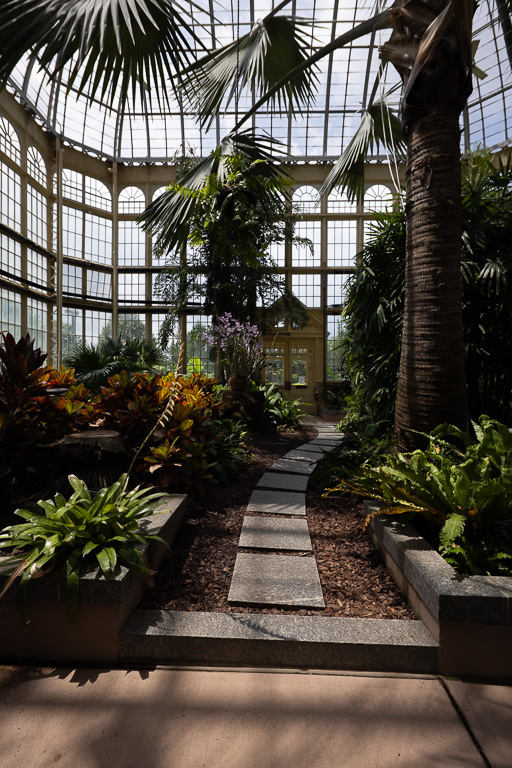
Thanks for visiting, Judy! I've been to Rawlings conservatory many times to shoot close-ups of their cacti and other desert and tropical plants. So, this time I wanted to try something different and capture the conservatory itself. I was quite pleased with the results considering how cramped the place is. |
Aug 17th |
| 45 |
Aug 25 |
Reply |
Good question! First, let me say with a normal (non-tilt shift) lens, if you shoot a panorama, you must rotate the camera around a vertical axis. This can cause distortion and close objects might not align properly without a specialized panoramic tripod head. With a tilt-shift lens, you don't need one. You just shift (not tilt) the lens from one side (e.g., left), to the middle, and then to the other side (e.g., right) taking three bracketed shots. It's very easy! Of course, you will need a tripod. |
Aug 10th |
| 45 |
Aug 25 |
Comment |
I agree with Cindy's and Robert's comments about the blown-out yellow highlights. If you shot in raw and still have the original file, you might try reducing the highlights in the overall image or even just in the yellow channel. |
Aug 10th |
| 45 |
Aug 25 |
Reply |
Thanks, Cindy. I was pleasantly surprise at the outcome as well! |
Aug 10th |
| 45 |
Aug 25 |
Reply |
The red roof's condition didn't bother me at all. It looks like you de-saturated it a bit which doesn't call attention to it. The inclusion of the roof helps frame the overall composition. |
Aug 7th |
| 45 |
Aug 25 |
Comment |
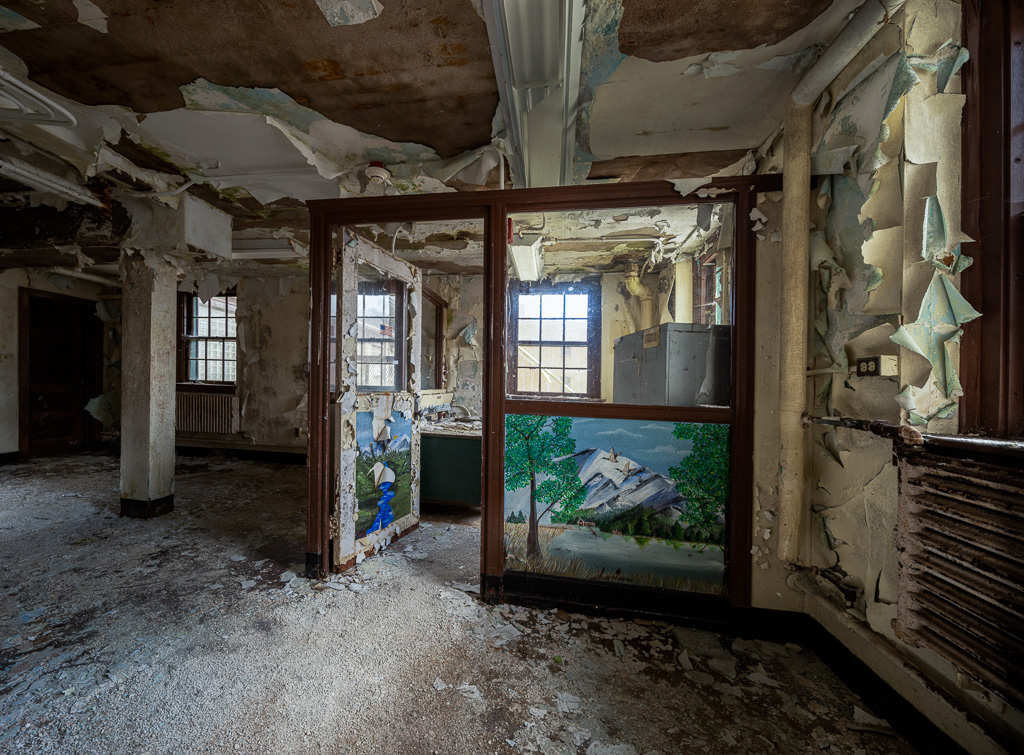
Robert, you made an eye-sore of a building into a work of art. Peeling paint and grunge has a certain appeal when presented in the right way, and you captured it. Removing the ugly black cable and including only the original architectural details and decorations was a good decision. |
Aug 6th |
| 45 |
Aug 25 |
Reply |
Image shifted to the right. |
Aug 6th |
 |
| 45 |
Aug 25 |
Reply |
Image shifted to the left. |
Aug 6th |
 |
| 45 |
Aug 25 |
Reply |
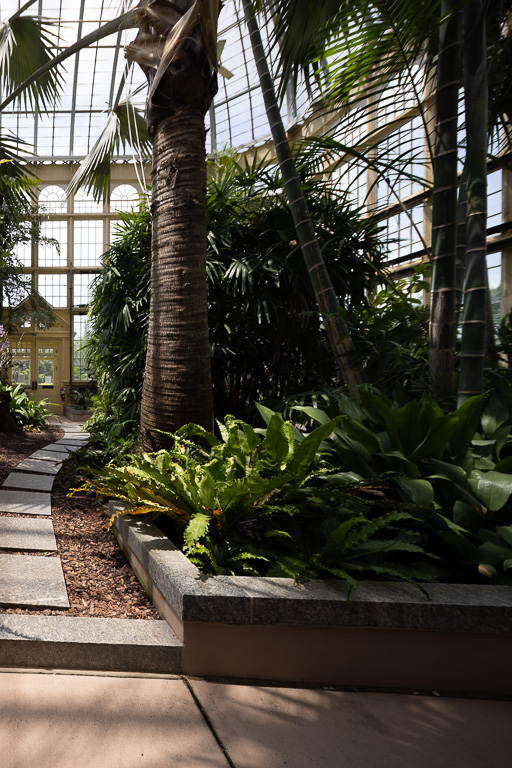
The image is a stitched panorama made up of 5 images. The inside of the conservatory is very cramped. I used a 17mm super-wide-angle, tilt-shift lens, but I couldn't get a decent single shot of the whole inside conservatory. Because I can't attach more than one image, I'm attaching the "middle image" to show what a 17mm lens will produce on its own. I'll send two more responses with images taken to the left and right of the middle image. For the final image, I had to take shots shifted to the left and right of the middle image. |
Aug 6th |
 |
| 45 |
Aug 25 |
Comment |
This is a lovely silhouette of two palm trees against a dramatic sunset. Well captured! |
Aug 4th |
| 45 |
Aug 25 |
Comment |
At first glance, the scene seems rather chaotic with people facing both left and right. But a race is supposed to be chaotic, so it works well! That person in the middle with the green hat makes the image because it looks like she (or he?) is going in the opposite direction of the rowers and creates the sense of chaos. |
Aug 4th |
| 45 |
Aug 25 |
Comment |
A lovely still life! I like the simple and clean, yet strong composition with three fruits forming a triangle and framing the antique scale. The side lighting creates beautiful shadows and textures on the objects. The colors work well, too. Great job! |
Aug 4th |
5 comments - 7 replies for Group 45
|
| 65 |
Aug 25 |
Reply |
Thank you, Maria. I've been shooting a lot of dahlia this month. But, I'll try to submit a different flower next month. |
Aug 14th |
| 65 |
Aug 25 |
Comment |
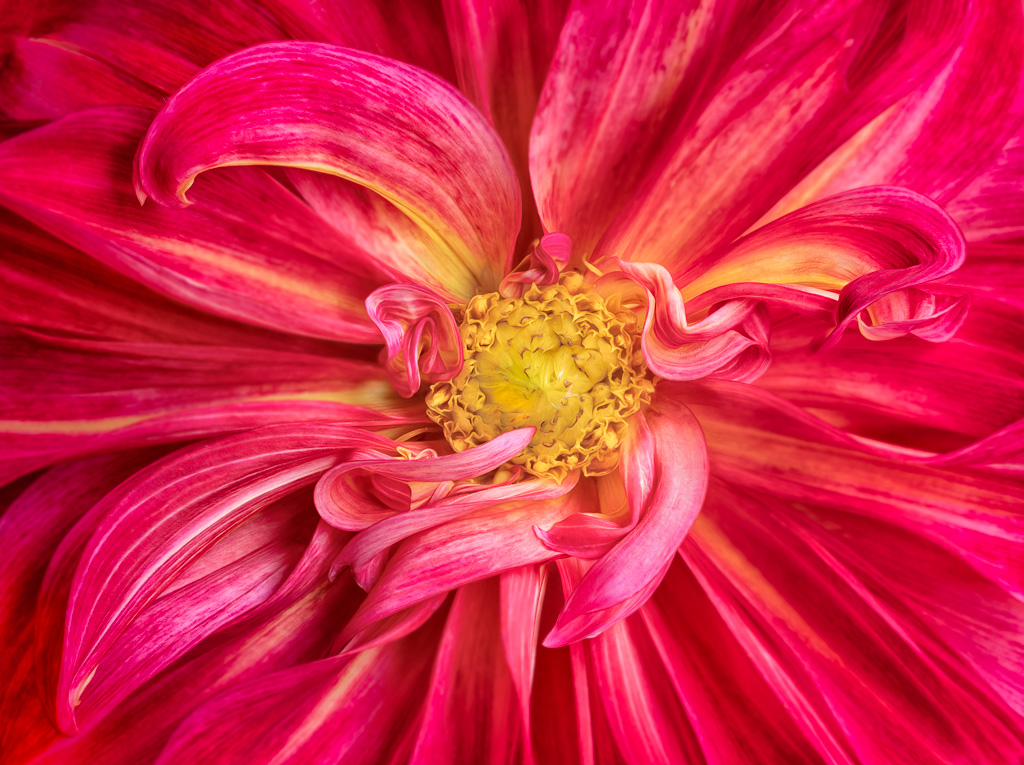
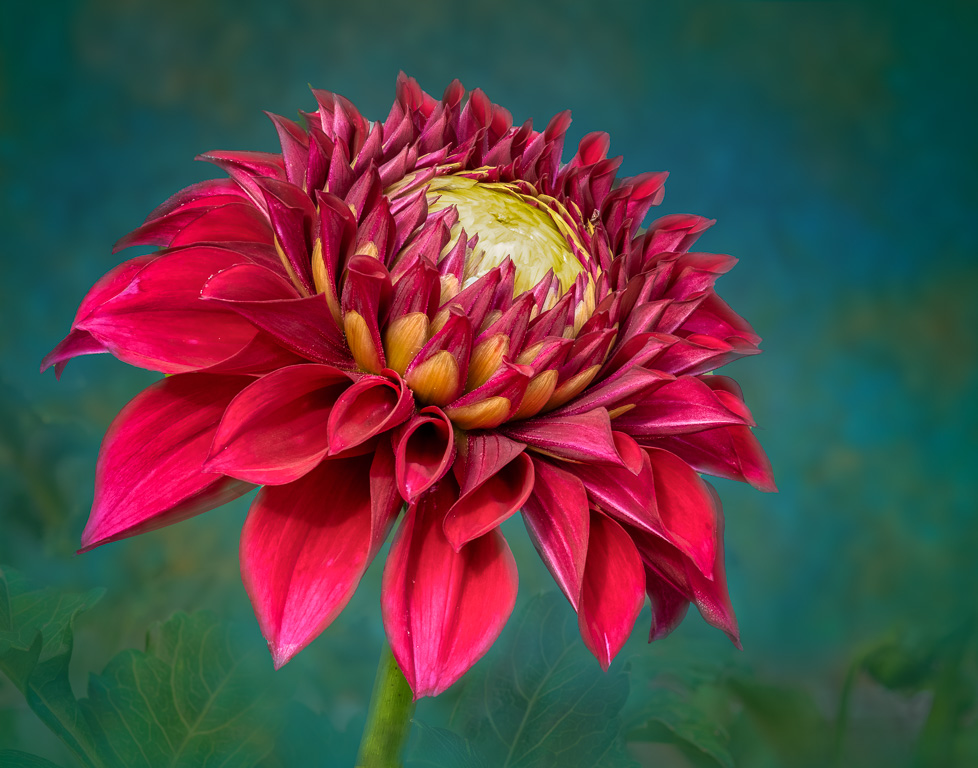
Wow! The detail in the center is absolutely stunning! The pointy-and-swirling, red tips draw your eyes right into the center. I notice your lens description says the image was taken with a "RF 100mm lens @ 340mm." Did you mean to say you used the RF 100-500mm zoom lens? |
Aug 7th |
| 65 |
Aug 25 |
Reply |
Thank you, Mark. I often use Photoshop's clone tool to "repair" damaged leaves. In this case, generative AI worked much better and faster. I did use Topaz Labs' Photo AI to sharpen the image which is part of my normal workflow. |
Aug 7th |
| 65 |
Aug 25 |
Comment |
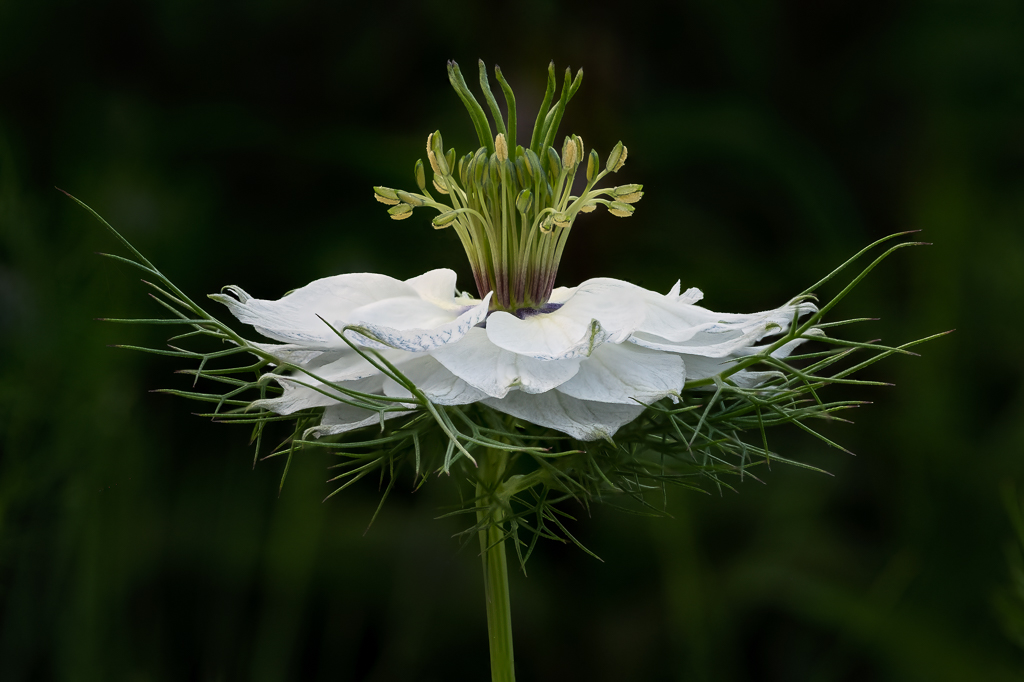
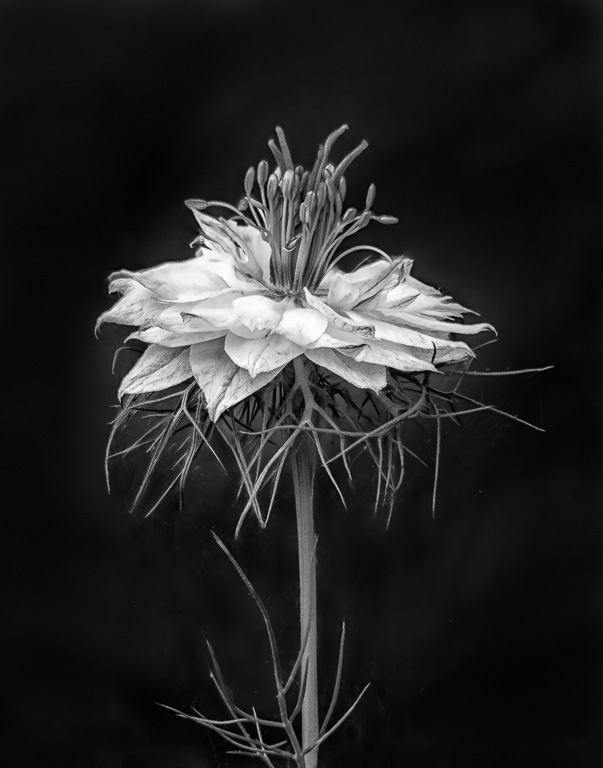
Nice! Very nice!!! I really like how the crisp, outer white outline of the thistles strongly accentuates the plant against the beautifully blurred background, making the plant jump out of the image. |
Aug 3rd |
| 65 |
Aug 25 |
Reply |
Thank you, Dick. At first, I was a little reluctant to use generative fill to fix the eaten petal. Generally, I avoid using AI as much as possible. But I did want to use my wife's first dahlia for this picture. |
Aug 3rd |
| 65 |
Aug 25 |
Reply |
Thank you, Barbara. At least we didn't shoot the same variety of dahlia this month! |
Aug 3rd |
| 65 |
Aug 25 |
Comment |
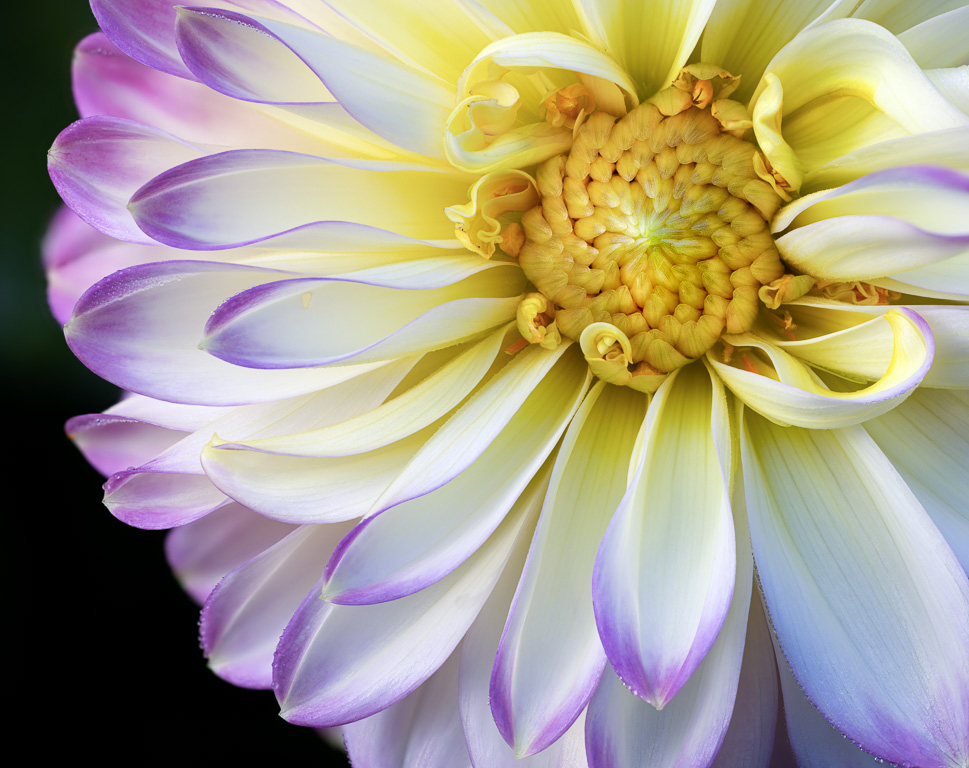
Looks like you and I had the same idea to photograph the first dahlia of the season. It's interesting that you decided to shoot it from the side while I decided to shoot it straight on. Your image has all the front petals and stamen in good focus. I would suggest cropping a little off the top and left side and adding a thin white stroke (border) around the image. |
Aug 1st |
| 65 |
Aug 25 |
Comment |
Another fabulous image! I love how the seeds and floss are coming out of the pod in such an even, circular pattern. The white border really emphasizes the intricate detail of the white floss. I particularly find it interesting that you deliberately composed or cropped the image to have the floss touching the border; and it works! |
Aug 1st |
| 65 |
Aug 25 |
Comment |
I realized that this website does not print certain words. It will not print the word c-u-r-l. So, my second sentence should have read, " I liked the c-u-r-l-s in the petals..." |
Aug 1st |
5 comments - 4 replies for Group 65
|
10 comments - 11 replies Total
|