|
| Group |
Round |
C/R |
Comment |
Date |
Image |
| 45 |
Oct 23 |
Reply |
Thank you for your feedback, Bai. |
Oct 31st |
| 45 |
Oct 23 |
Comment |
Thanks, Ray! The image does have a Rorschach-test quality to it. |
Oct 16th |
| 45 |
Oct 23 |
Reply |
Thank you, Phyllis. I see what you mean about petal definition. I'll have to give it another try. |
Oct 15th |
| 45 |
Oct 23 |
Reply |
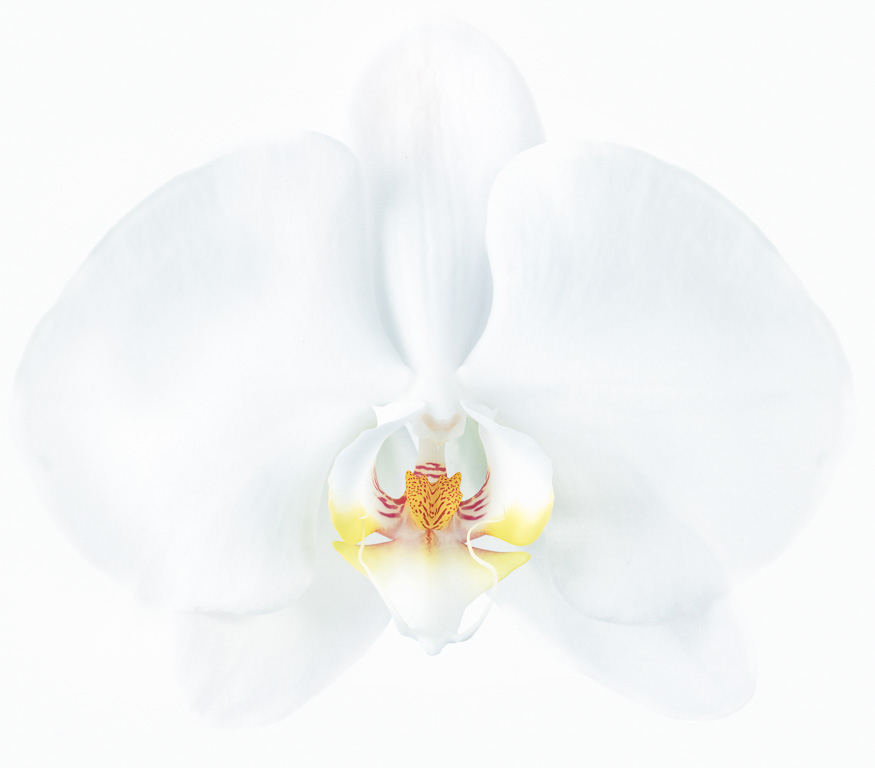
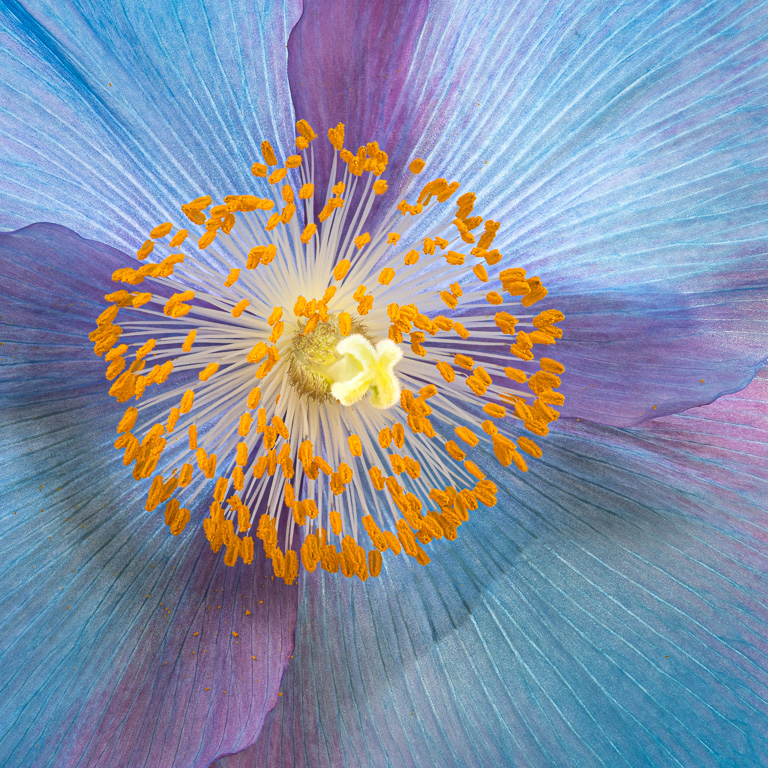
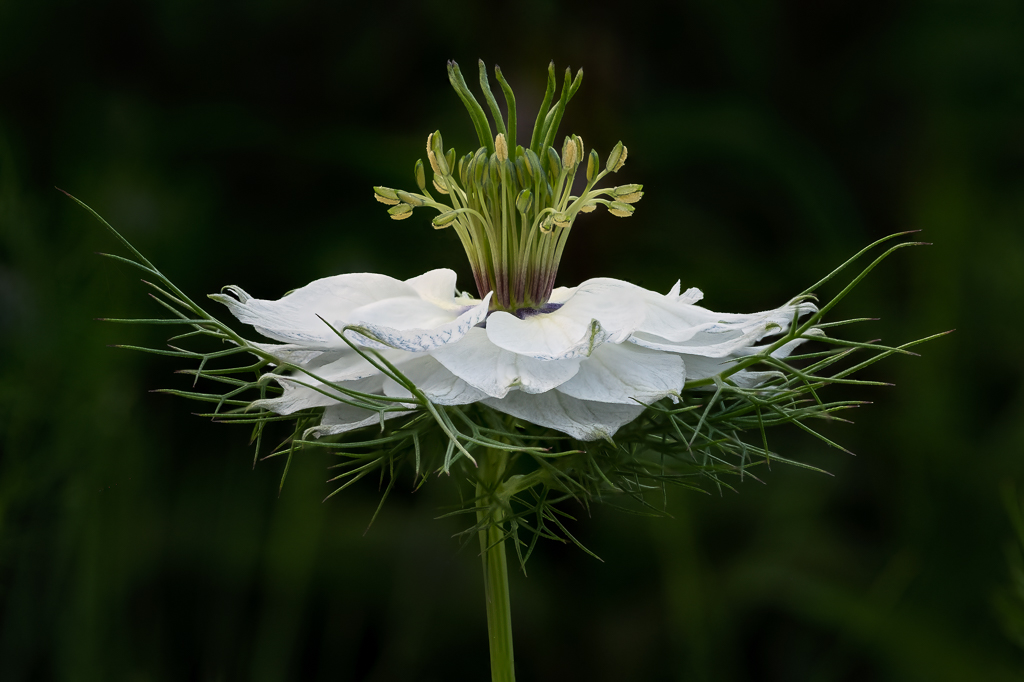
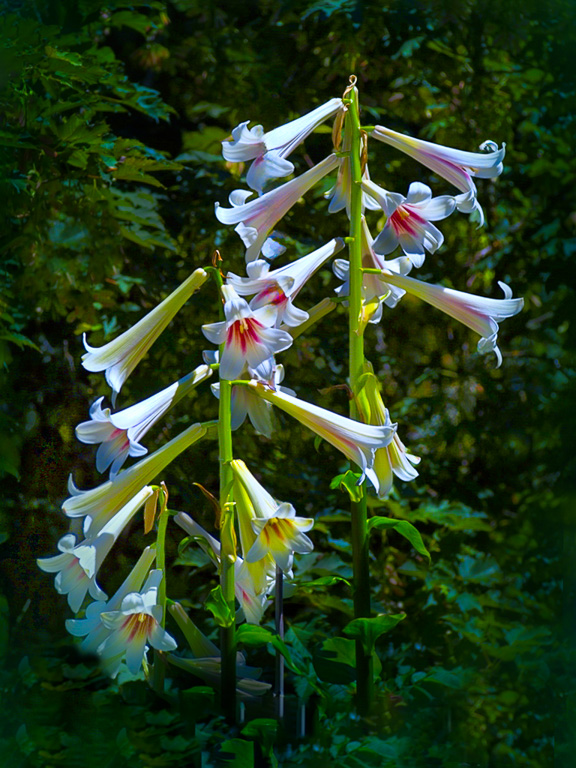
Thanks, Charlie. The most difficult part in post processing this image was to get the correct white balance so that the orchid petals barely stood out from the white background. |
Oct 14th |
| 45 |
Oct 23 |
Comment |
What a great colorful garden image! Everything is in nice focus, and I like that the three white garlic heads are slightly off center. Because they are the brightest items, my eye went there first. I like the image as is, but I wonder if adding a vignette would help keep one's eyes from drifting off the frame. |
Oct 11th |
| 45 |
Oct 23 |
Reply |
Thanks, Cindy. We have a competition on "High Key" coming up next year, so I appreciate your feedback. But, we also have a competition on "Minimalist," and this image fits that one, too. I'm still debating which one to submit this to. |
Oct 10th |
| 45 |
Oct 23 |
Reply |
Yes, great cloning job! It took me awhile to find from where you cloned the trees. At first, I thought you might have used some AI generative fill. |
Oct 8th |
| 45 |
Oct 23 |
Reply |
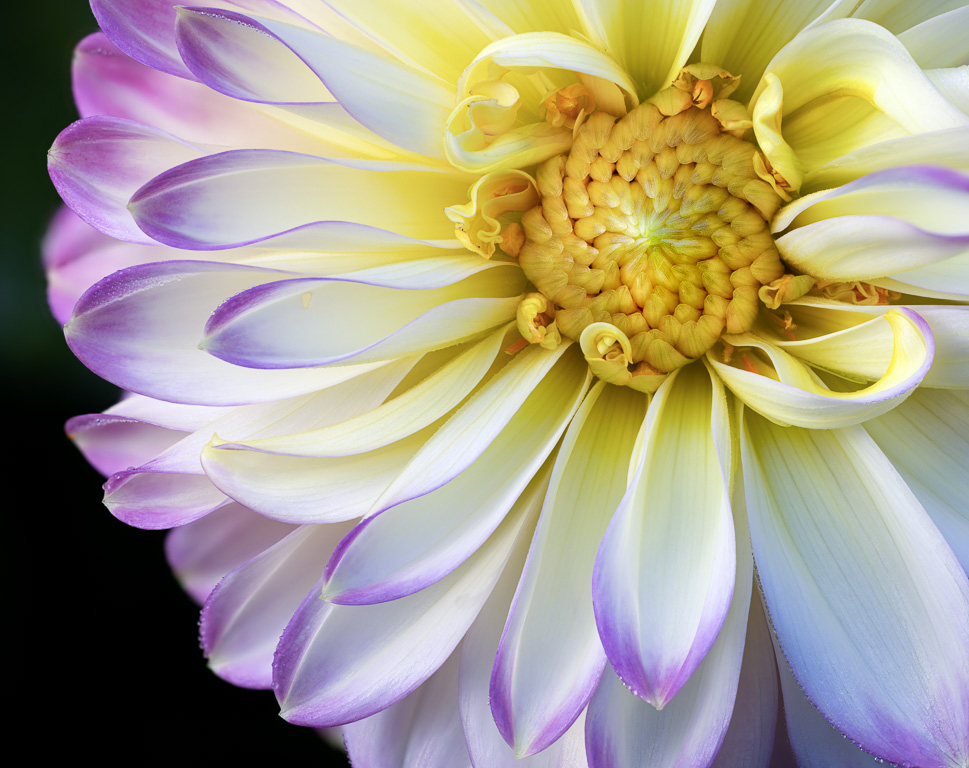
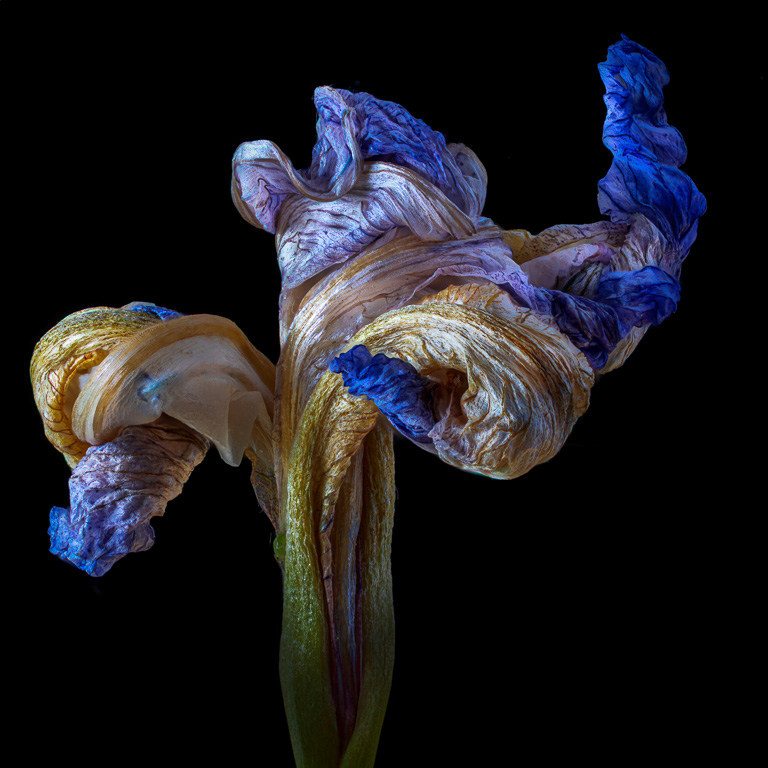
I tried using a small aperture to get all of the colorful part of the orchid in focus. But, either the closest tip or the furthest rear portion (or both) would be out of focus. It might not be apparent from looking at the image, but that distance is about 1-1/4" (3 cm). The final focus-stacked image might not have needed all 30 stacked images (maybe only 20-25), but it didn't require any more effort to include more than absolutely necessary. I used the automatic focus-stacking feature of the camera. I didn't manually focus stack it. |
Oct 8th |
| 45 |
Oct 23 |
Comment |
I like the colors and textures, too! I'm not too fond of the grasses at the bottom though. Can you possibly crop them off and clone out any buoys that would be cut off? |
Oct 8th |
| 45 |
Oct 23 |
Comment |
How fortunate you were to travel through the Swiss landscape on such a unique train...despite its slowness. My only suggestion would be to clone out those poles and wires; and maybe replace that modern building behind the arches with trees. I also wish you had been able to capture more of the train. Beautiful image! |
Oct 8th |
| 45 |
Oct 23 |
Comment |
Phyllis, I like this simple shot of a rose with its strong red and green contrasting colors. It is very well composed. I would suggest you add a thin white border (or stroke) to offset it from a black background page. |
Oct 8th |
| 45 |
Oct 23 |
Comment |
Hi, Charlie. Both images have their unique strong suits. The cobblestone street surrounded by brick buildings with the archway in the background is compelling. In this case, I think the people in modern garb are a distraction. Maybe you can remove them in Photoshop. The woman dressed in a quaint country outfit has some potential. But, I wish she was looking more towards the camera. |
Oct 8th |
| 45 |
Oct 23 |
Comment |
This is a beautiful scene, and you captured it exquisitely. The boat in the foreground adds a nice touch albeit it is a bit blurry. I'm curious about the glowing cliff. I assume it was a sunlight, but why is the lit area so localized? |
Oct 8th |
7 comments - 6 replies for Group 45
|
| 61 |
Oct 23 |
Reply |
Thank you, Shirley. Already added it. |
Oct 21st |
| 61 |
Oct 23 |
Reply |
Thank you, Marti. Good suggestion about adding a pink stroke. I only think about using a stroke for images with black edges. |
Oct 19th |
| 61 |
Oct 23 |
Reply |
Thank you. You're so kind! |
Oct 18th |
| 61 |
Oct 23 |
Reply |
Thank you, Ingrid. After posting this image, I'm not sure I like the outer white border. It looks too much like a lightened vignette that was popular in the 1980's instead of a high-key effect that I was going for. |
Oct 18th |
| 61 |
Oct 23 |
Comment |
This is beautiful! The evenness of the lighting makes the colors uniform and the image cohesive with no distracting bright or dark areas. The overall image has a nice, moody feel to it. Excellent shot! |
Oct 13th |
| 61 |
Oct 23 |
Comment |
Ingrid, I too have been shooting a lot of dahlias these past couple months, but in a public garden. You are so fortunate to have a bouquet of dahlias sent each week! And, using a texture and framing, you made such an interesting floral illustration or "painting." Did you use a "Look" from Topaz Studio or other software? It's a classic! |
Oct 8th |
| 61 |
Oct 23 |
Comment |
You did an excellent job removing the background and leaving the stem. The final image is wonderful except for that cut-off petal in the rear. Here is where you might consider using Photoshop's Generative Fill to complete the petal. I know many people would find the suggestion to be inappropriate, maybe even offensive. But, the boundary of the rules for using AI is always being pushed these days. |
Oct 8th |
| 61 |
Oct 23 |
Comment |
This is a very nice still life. My only suggestion would be to leave the whole vase in the image as it and the table would ground the image. This image is also screaming for an added texture. |
Oct 8th |
4 comments - 4 replies for Group 61
|
11 comments - 10 replies Total
|