|
| Group |
Round |
C/R |
Comment |
Date |
Image |
| 28 |
Sep 23 |
Comment |
Wow! Amazing shot! I was just scanning this month's thumbnail images, and your image jumped out at me. When I viewed the full image, I was amazed at the beautiful, even lighting and smooth color rendering, not to mention the great composition. I would never have guessed this was shot with film. Outstanding! |
Sep 1st |
1 comment - 0 replies for Group 28
|
| 45 |
Sep 23 |
Reply |
Thank you for your comment and suggestion, Bai. I might try adding a gradient to the blue background. Good suggestion. |
Sep 30th |
| 45 |
Sep 23 |
Reply |
Thank you, Phyllis. Actually, the caterpillars' eyes are in the picture, but they are hard to see. |
Sep 30th |
| 45 |
Sep 23 |
Reply |
Thanks, Charlie. I made the background blue because it is the complementary color to the yellow in the caterpillar and makes the caterpillar stand out. But, I wasn't sure if it was too much. |
Sep 15th |
| 45 |
Sep 23 |
Reply |
Thanks, Cindy, although I wouldn't say I mastered focus bracketing. You just don't see all the focus-stacked images that didn't come out correctly. I was lucky in this case that the caterpillars didn't move much while the 20 images were being taken. |
Sep 9th |
| 45 |
Sep 23 |
Comment |
What a great view of Dubai! You captured the modernness of the city beautifully. It looks so futuristic. It must have been quite an experience. |
Sep 4th |
| 45 |
Sep 23 |
Comment |
You captured a colorful grouping of cone flowers with the complementary magenta and green colors. However, the left side of the image is not congruous with the green and magenta colors and is a bit distracting. You might try cropping the left side of the image to eliminate the dark brown patch of mulch and gray stone. |
Sep 4th |
| 45 |
Sep 23 |
Comment |
This image has some unique appeal to it with all the negative space. It really makes the raspberry colored flowers stand out. However, the white blurry spot is quite distracting. Why is it like that? Was that where the hummingbird was located? |
Sep 4th |
| 45 |
Sep 23 |
Comment |
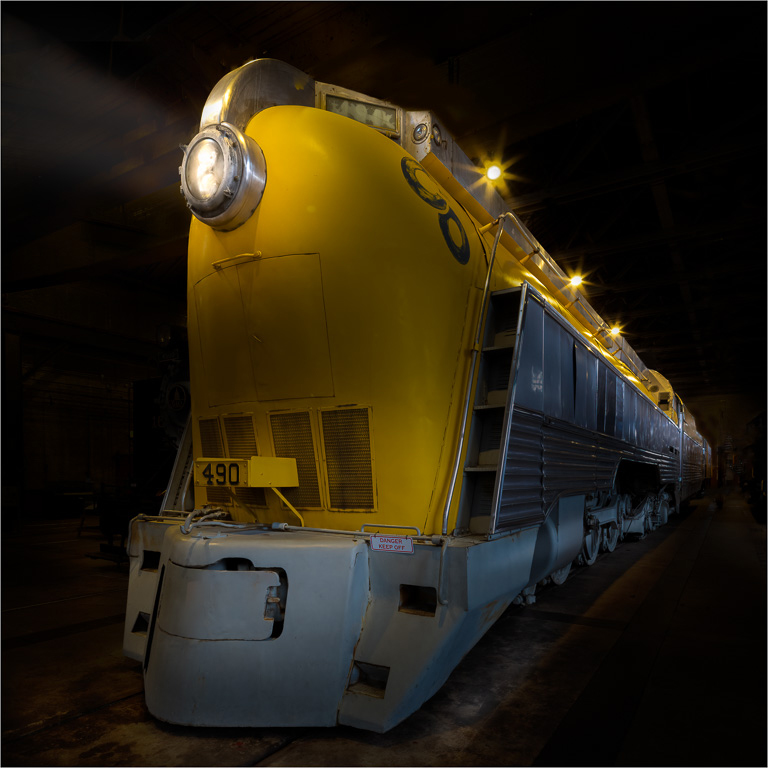
What a nice grunge subject with lots of rusty character. You did well in recovering the details from the original image. It's too bad you were unable to get out and get close-up shots of the rusty locomotive. |
Sep 4th |
| 45 |
Sep 23 |
Comment |
This is a beautiful scenery of colorful leaves. The red leaves make the image pop while the green leaves adds a dynamic framing. Very well composed! |
Sep 4th |
| 45 |
Sep 23 |
Comment |
What a great street portrait of an alley cat. Your post processing really brought out the character of the cat and elevated the initial shot into a work of art. I prefer the final image to the other two "originals" because the stairs behind the cat are simpler and adds a nice graphic to the background. I like the image more the longer I look at it. |
Sep 4th |
6 comments - 4 replies for Group 45
|
| 61 |
Sep 23 |
Comment |
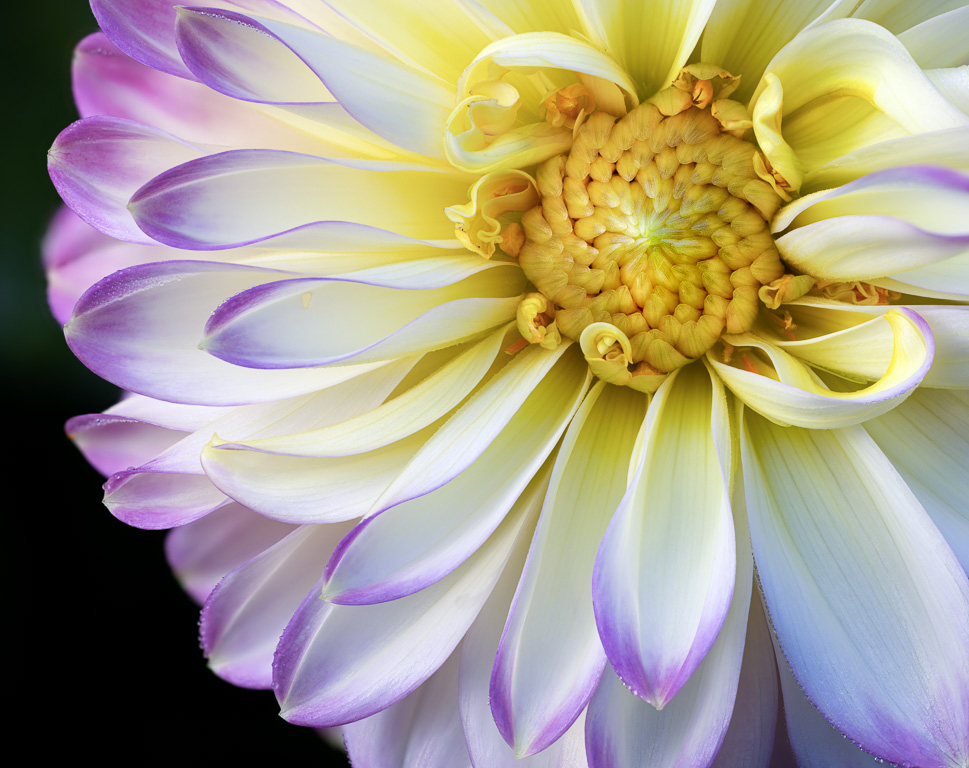
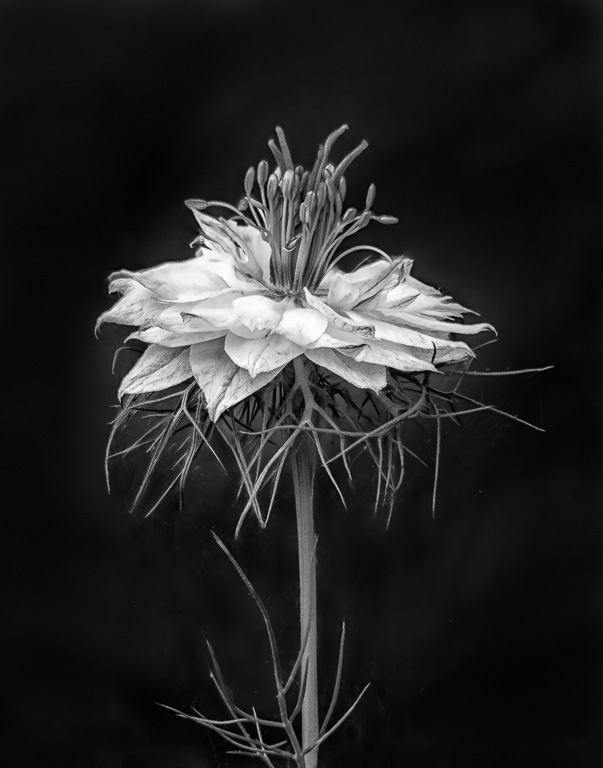
Gene, you captured this unusual dahlia very nicely! The black background makes the round shape stand out. The center is quite interesting with its twisted pattern contrasting the straight petals emanating from the center. |
Sep 9th |
| 61 |
Sep 23 |
Comment |
A classic bee-on-a-flower shot beautifully achieved with the bee and the center of the dahlia in perfect focus. It looks like it was taken on a bright day, but somehow you managed to avoid any harsh shadows. You must have used a fast shutter speed, too, to stop the motion of the bee. If I were to make any suggestions, it might be to darken those brighter leaves in the background. But, otherwise, an excellent image. |
Sep 5th |
| 61 |
Sep 23 |
Comment |
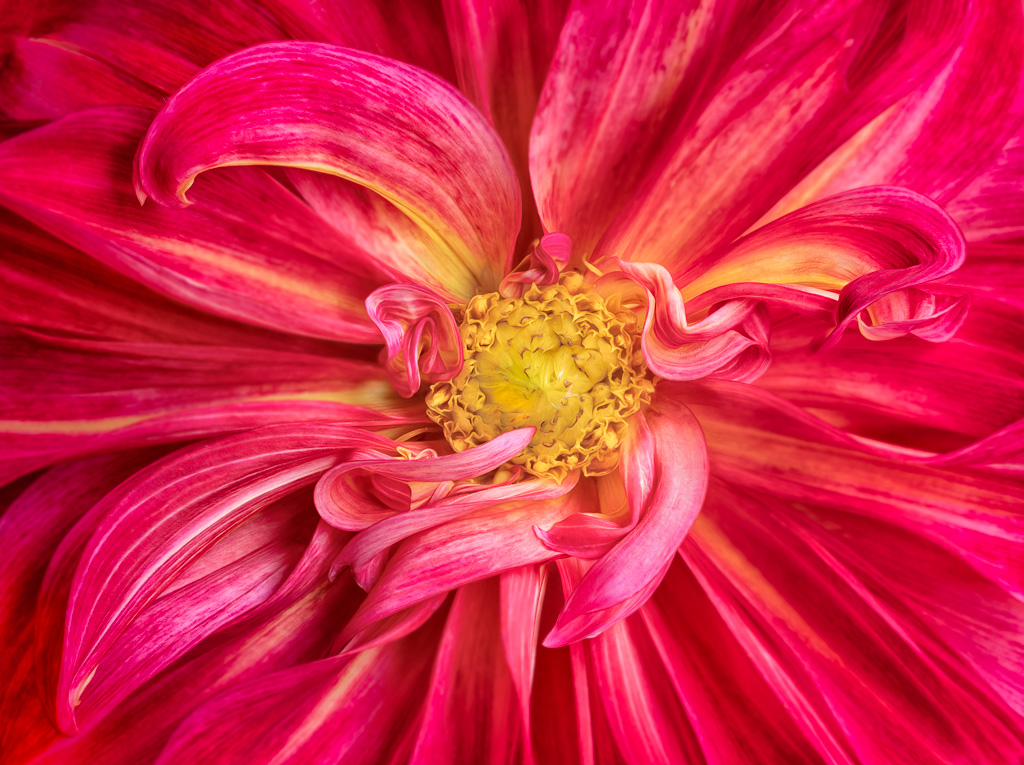
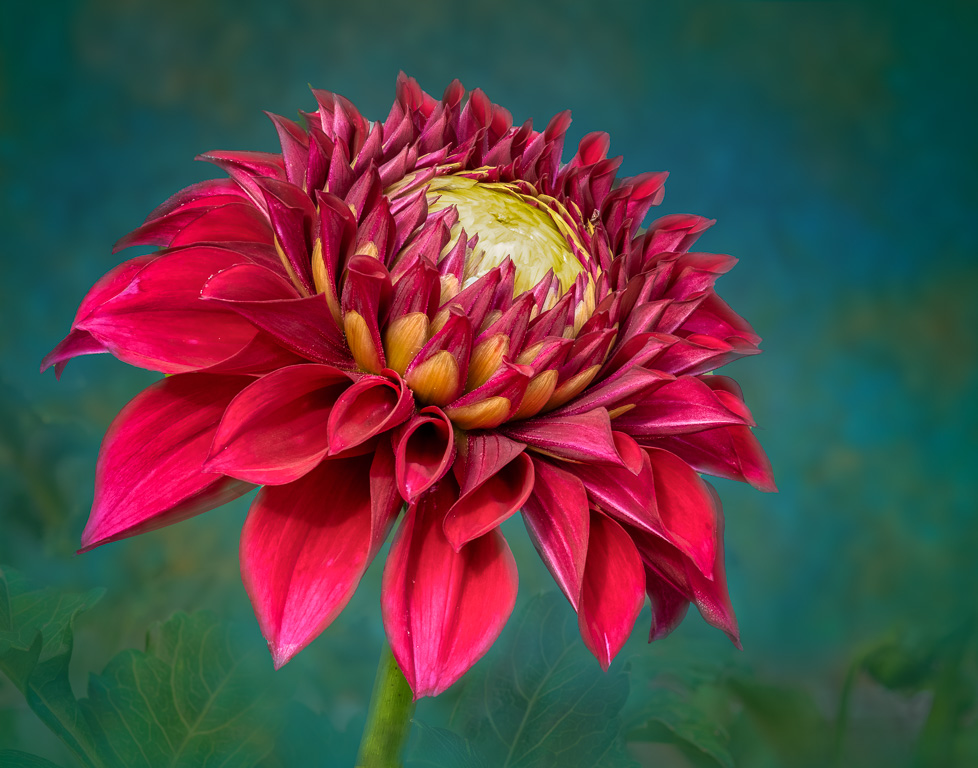
Ingrid, you created a beautiful dahlia image with vibrant yellow and magenta colors that were brought out with your excellent post processing skills. The magenta border adds to the consistent color scheme. If I were to suggest any changes, I would add a vignette blur to the outer petals and stem to focus attention on the center of the dahlia. Of course, that is only my personal preference. I took a stab at doing this using Nik Collection's Color Efex vignette blur filter. |
Sep 5th |
 |
3 comments - 0 replies for Group 61
|
10 comments - 4 replies Total
|