|
| Group |
Round |
C/R |
Comment |
Date |
Image |
| 45 |
Aug 22 |
Reply |
Thank you for stopping by and commenting! |
Aug 20th |
| 45 |
Aug 22 |
Reply |
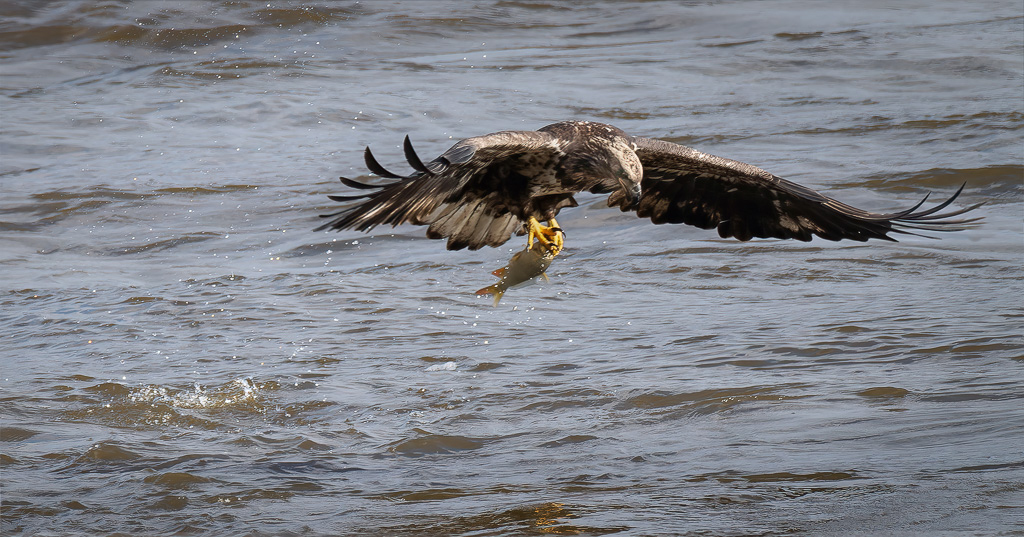
Thank you, Phyllis. I still have a lot to learn about photographing birds. Fortunately, I enjoy the learning process. |
Aug 17th |
| 45 |
Aug 22 |
Reply |
Thank you, Cindy. I was fortunate to get close enough for this shot. I've learned not to stand up while photographing the bird as they'll take off right away. Instead, I have to crouch and waddle like a duck. |
Aug 13th |
| 45 |
Aug 22 |
Comment |
The bright, red-and-white S-curve is the star of this show, and I might suggest darkening anything else that might draw one's attention away from it. For example, I might try toning down the brightness of the tower as well as the upper third of the image...maybe even desaturate somewhat the blue light at the bottom so as not to compete too much with the red lights. I took a quick stab at revising the image. Overall, very nicely captured! |
Aug 13th |
 |
| 45 |
Aug 22 |
Reply |
Thank you, Charlie. Even though I'm just getting started photographing birds, I'm learning to appreciate the many varieties with all their wonderful colors, mannerisms and distinctive features...not to mention the unique challenges that come with trying to get a decent image. |
Aug 12th |
| 45 |
Aug 22 |
Reply |
Thank you, Ray. I agree. With the dark background blurred in a monochromatic color, the bird just pops out in the image. |
Aug 12th |
| 45 |
Aug 22 |
Reply |
Nice shot! |
Aug 5th |
| 45 |
Aug 22 |
Reply |
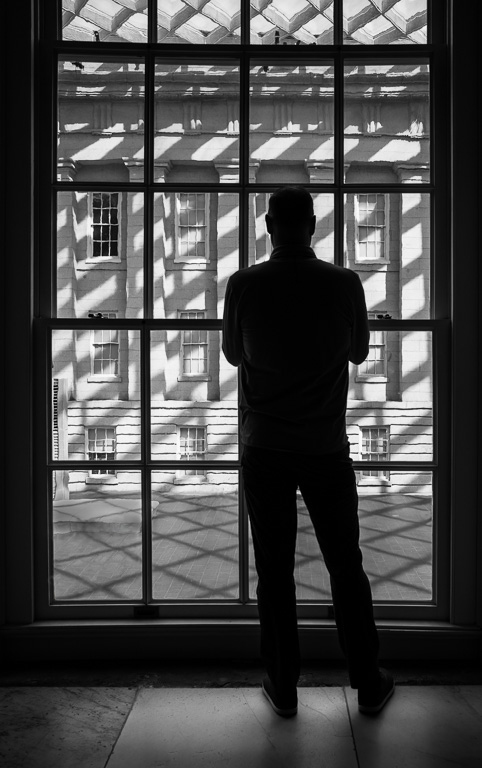
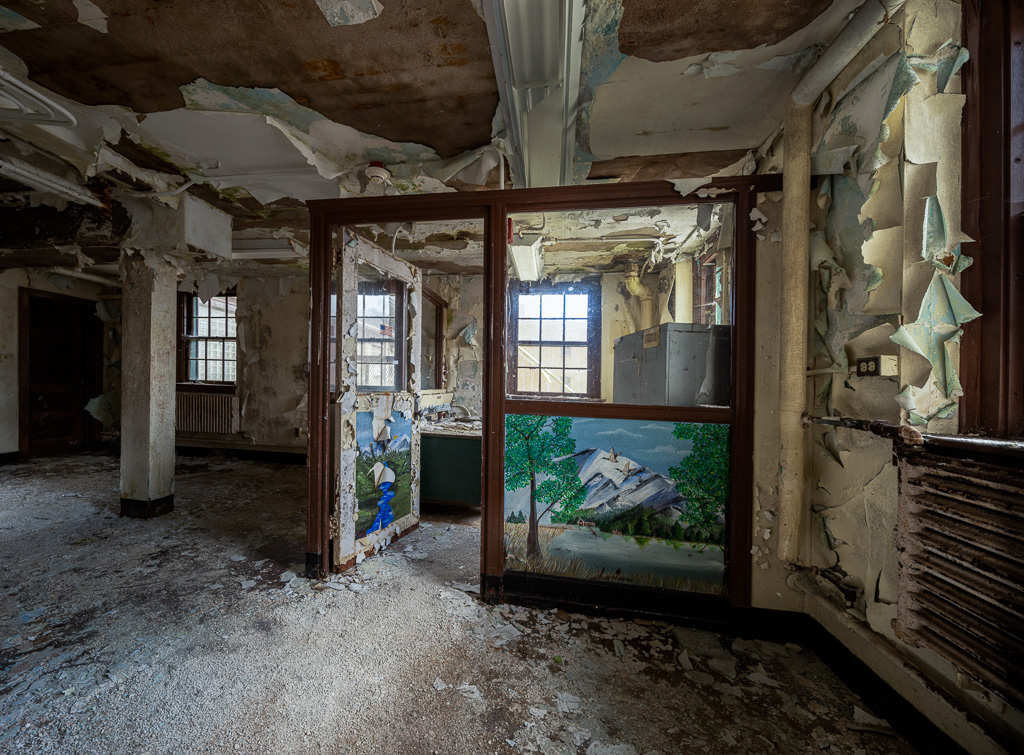
I like your black-and-white treatment and darkening the windows. It keeps my attention on the interior details without all the distractions of color. |
Aug 4th |
| 45 |
Aug 22 |
Reply |
That is quite interesting about European goldfinches being so colorful. I googled European goldfinch to see pictures of them. Of course, the bright yellow American goldfinches are male. The female goldfinches are a drab brown. |
Aug 4th |
| 45 |
Aug 22 |
Comment |
It's too bad you weren't able to get a decent shot of lotuses. Those are such beautiful flowers. So, instead, you get a shot of an ugly bull frog. :-) It's probably a handsome bullfrog in bullfrog land. You captured the bullfrog nicely. The bullfrog and especially its eyes are sharp, but there is so much empty space. Maybe cropping the image leaving only the portion of the bullfrog above water and the plant on the left might help. I also found that the reflection of the left plant looks like a leaping frog. |
Aug 1st |
 |
| 45 |
Aug 22 |
Comment |
I like the overall feeling of this image with the different colorful window dressings and flower pots against a plain white-painted brick wall. The composition might be improved by cropping off one-third of the windows on the right in order to match the cropped windows on the left making the image more symmetrical. |
Aug 1st |
| 45 |
Aug 22 |
Comment |
I like the amount of HDR in this image; not too strong, just enough to bring out all the details. Everything is nice and sharp. The only thing I'm not too keen about is the sky replacement. The pretty blue sky and white fluffy clouds don't seem to match the grungy feel of the inside of the airplane. The orientation of the clouds also makes the plane seem to be flying high in the air above the clouds. Maybe using dramatic, gray clouds slightly blurred would be more complementary. |
Aug 1st |
| 45 |
Aug 22 |
Comment |
The framing of the old clock tower within the arches makes this an interesting and unique image. The darkening of the clouds brings out the details in the sky without overpowering the clock tower. And, You did a nice job of correcting the perspective, too. I can't think of any changes to improve the image. Well done! |
Aug 1st |
5 comments - 8 replies for Group 45
|
| 61 |
Aug 22 |
Reply |
Thank you, Ingrid. I still don't know which version I like better. They are almost two different images. |
Aug 14th |
| 61 |
Aug 22 |
Reply |
You must have used the relatively new masking feature in PS's Camera Raw Filter. You have quite a lot patience! |
Aug 14th |
| 61 |
Aug 22 |
Reply |
Thank you, Linda. I like your explanation of how you see this image. |
Aug 5th |
| 61 |
Aug 22 |
Comment |
I like what Marti did with your original image. But, I like how you had the stem coming out of the corner. Maybe if you cloned out that one blade of grass crossing the stem (like you did in your final image) and put the stem in the corner, it might work better. I know there are judges who prefer stems (and other leading lines) coming out of the corner. |
Aug 4th |
| 61 |
Aug 22 |
Comment |
I took the liberty to brighten the center using LR radial gradient, darken the leaves in the upper right using LR brush, sharpen the berries using PS smart filter and brighten the berries using PS dodge tool. |
Aug 3rd |
 |
| 61 |
Aug 22 |
Reply |
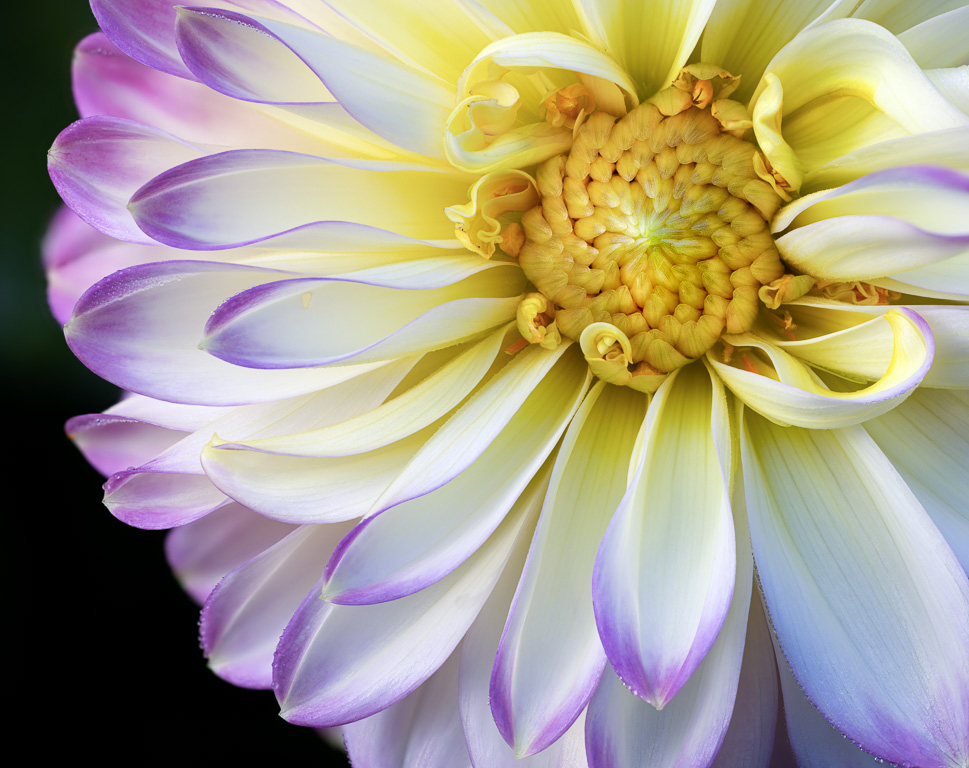
Thank you, Randy. Yes, I probably should have taken one shot of the tips of the petals and focus stacked the images. Everything would then have been in focus. |
Aug 3rd |
| 61 |
Aug 22 |
Reply |
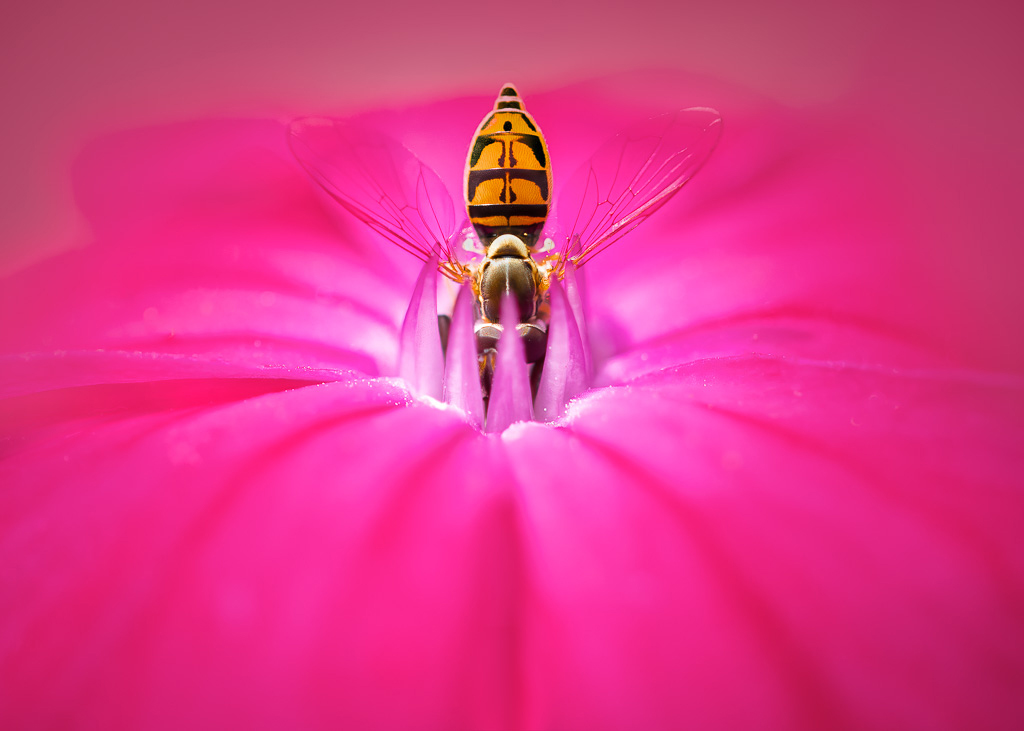
Thanks, Marti. I actually like the cropped version better (mainly because I'm partial to macro and abstract images), but because this is a flower group, I thought I better submit the flower version here. |
Aug 2nd |
| 61 |
Aug 22 |
Reply |
Yes, I think it adds a little more interest to an already interesting image. |
Aug 2nd |
| 61 |
Aug 22 |
Reply |
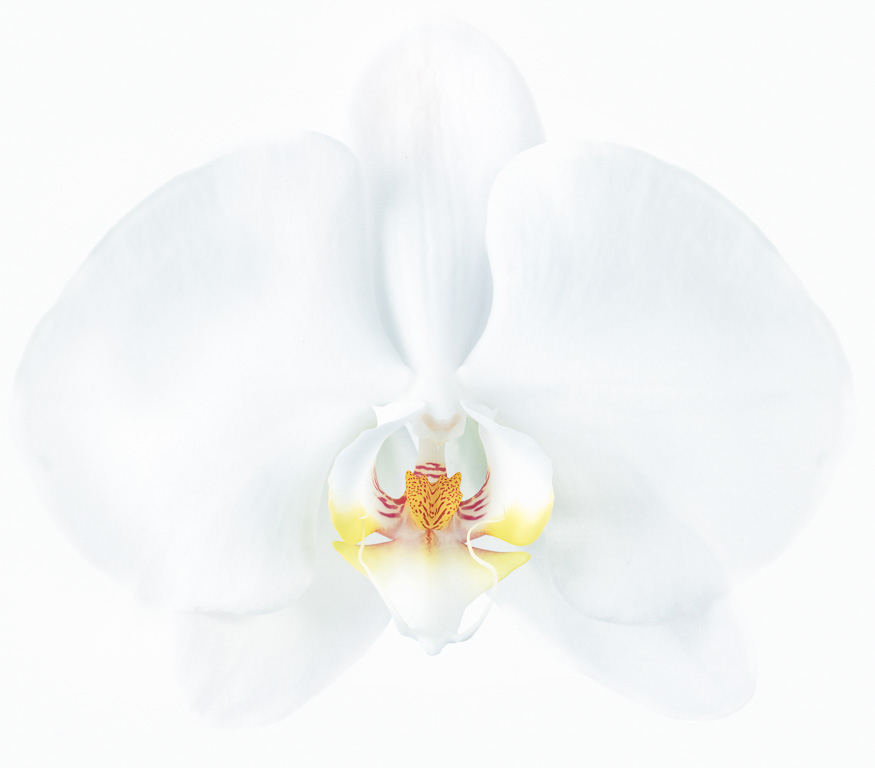
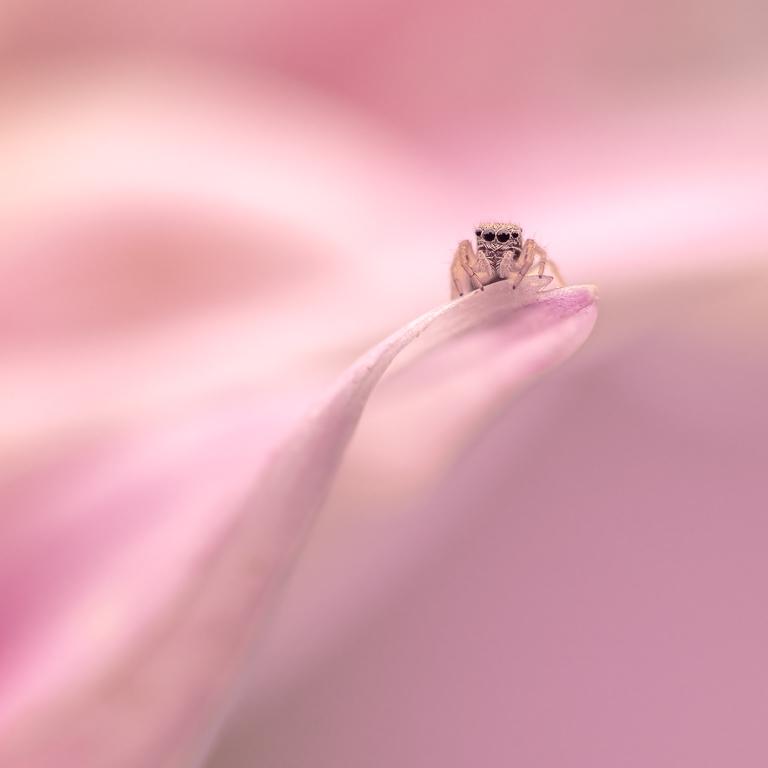
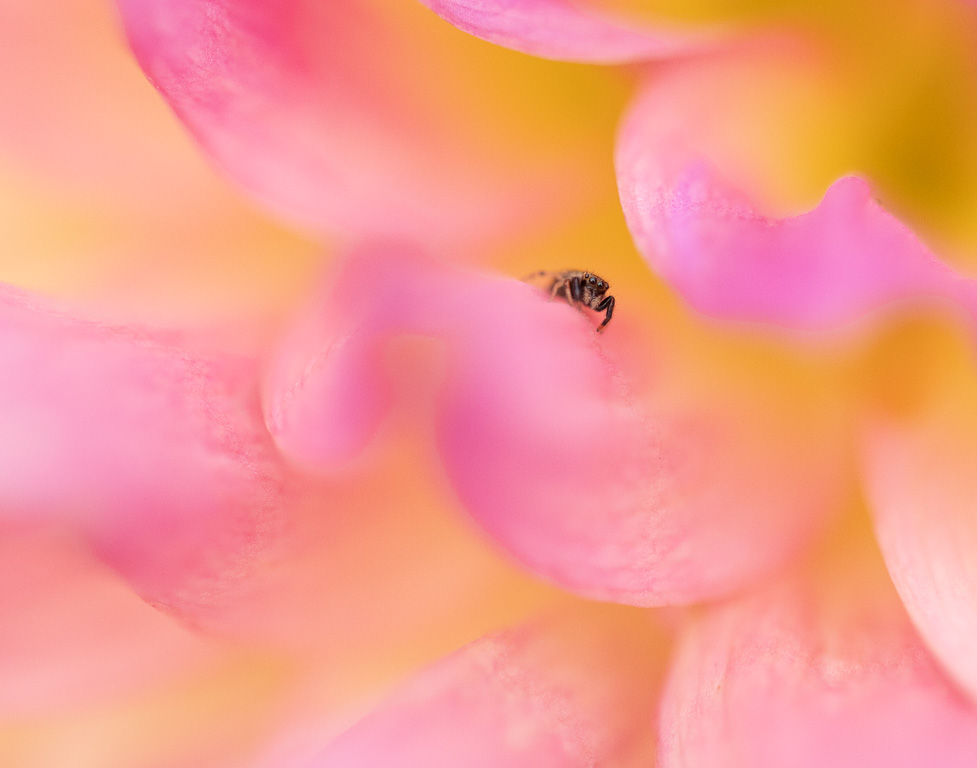
I appreciate your feedback. To me, the subject of the primary (whole flower) image is the lotus flower that happens to have a bug inside whereas the subject of the alternative (cropped) image is the bug that happens to be inside a lotus. The second image is more an abstract nature image. |
Aug 2nd |
| 61 |
Aug 22 |
Comment |
This is a lovely shot of a prairie crabapple flower (I believe). You did an outstanding job in post processing to highlight the center of the main flower and darken everything else. My attention goes right to the center of the main flower. And, all the stamen and pistil are sharp. Great editing and well-composed, too! I can't suggest anything that might improve it.
You obviously did quite a lot more in post processing than what you described. Can you explain in a little more detail what you did to the background to get such a lovely blur and even tonalities? |
Aug 2nd |
| 61 |
Aug 22 |
Comment |
I love the subtle shades of yellow and orange in this rose. And, the water drops add a nice sparkle to the overall image. I also like how the center of the rose is not centered. Well done! I wouldn't change a thing. |
Aug 2nd |
| 61 |
Aug 22 |
Comment |
You are very creative in using Topaz Labs' filter to accentuate the details in the tulip. I've never tried using Topaz filters myself even though I own Topaz Studio. If I were to do anything differently, I might try changing the flower's stigma to a bright yellow to add contrast to the image and bring attention to the inside of the flower. I believe the red tulip's stigma is naturally a yellow color. |
Aug 2nd |
| 61 |
Aug 22 |
Comment |
This is a great image of water lilies - one of my favorite flowers. They are so photogenic. And, you did an excellent job of bringing out their exquisite qualities. I wouldn't change a thing. |
Aug 2nd |
| 61 |
Aug 22 |
Comment |
The original image was quite dark, and you did improve it by brightening the overall image. The blueberries are the main subjects, but unfortunately the brightest ones are not in focus. They can be sharpened using some software such as Topaz Labs' Sharpen AI. I'm not familiar with Paint 3D. I use Adobe Lightroom and Photoshop. If you can use Paint 3D to brighten and darken portions of the image, I would suggest brightening the center of the image and darkening the brighter green leaves in the upper left corner. The brighter leaves grab my attention, and I don't think you wanted those leaves to be the primary focus of attention. |
Aug 2nd |
7 comments - 7 replies for Group 61
|
12 comments - 15 replies Total
|