|
| Group |
Round |
C/R |
Comment |
Date |
Image |
| 65 |
Sep 20 |
Reply |
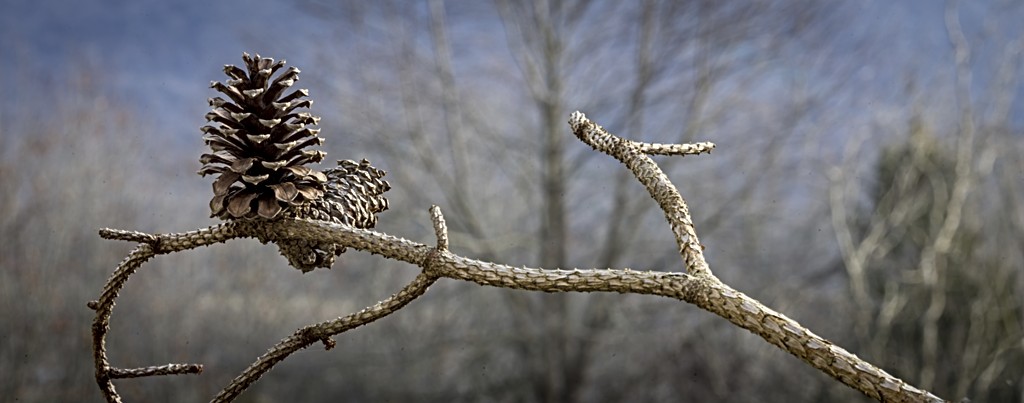
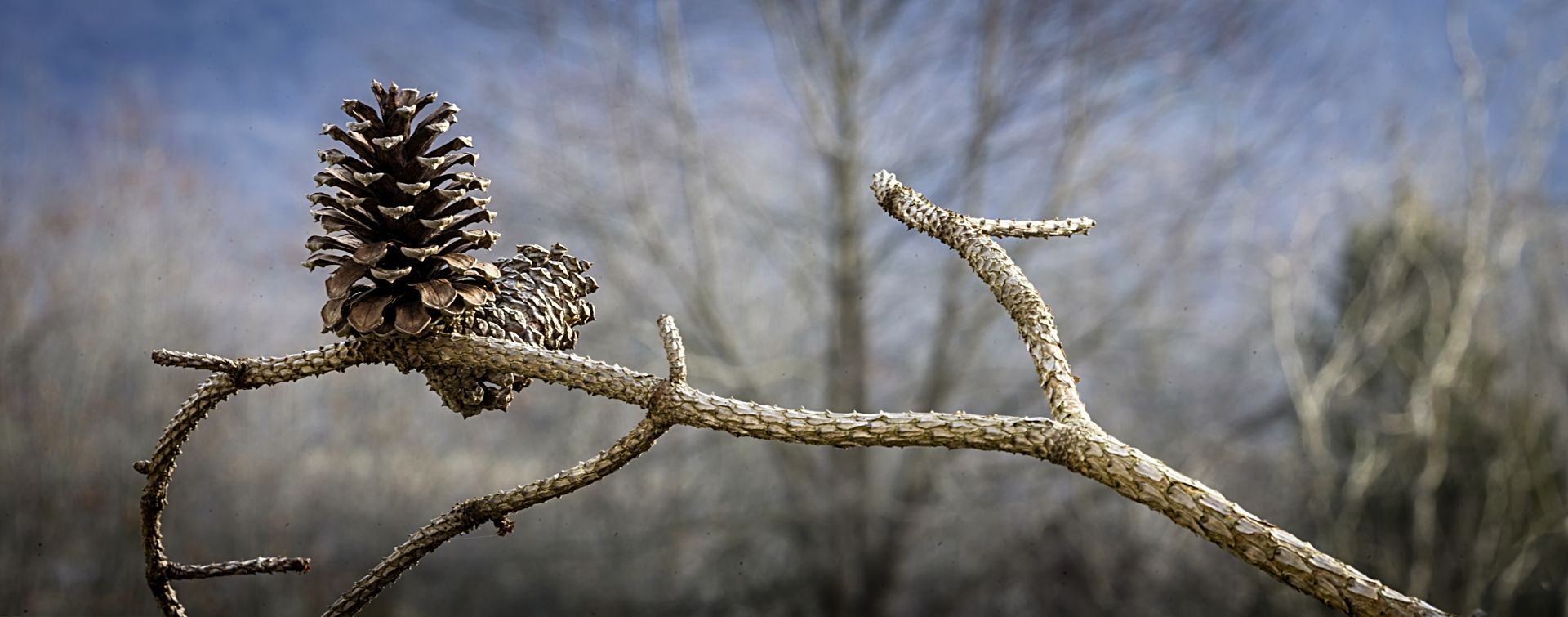
After I sent my note I went into On1 and added a 'Sunshine' filter and that added more light to the scene and brightened up the pine cone and branch. I think that helped the image.
Jeff |
Sep 14th |
 |
| 65 |
Sep 20 |
Reply |
Hi Peter,
Thanks for the comments about the composition. I did try hard to keep the foreground in focus ans blur out the background.
I have to say that I do like my exposure/tonal range better than the image you modified. I do use a vignette but try to keep it very subtle which is why you may have thought it was too dark. I think the lighter image reduces the separation between the foreground and background and it looks like the pine cones and branch are over sharpened. You didn't mention adding any sharpening but it looks 'crunchy' to me now. Just my thoughts!
Thanks,
Jeff
|
Sep 14th |
| 65 |
Sep 20 |
Comment |
A good habit to get into is to scan the edges of the frame just before you shoot to make sure you are including everything you want and excluding everything you don't want. You don't want anything cut off and you don't want anything touching the edge of the frame....give things room to breathe. I like to compose in the camera and minimize cropping in post processing but it is always good to leave a little extra room so that you crop if you need to.
If you haven't tried Helicon Remote you should give it a try. I use it tethered via a cable connection to the camera...I can never get their wifi version to work correctly. You can use a smartphone or tablet/ipad in the field. You can set the near focus point and the distant focus point and it calculates how many images to collect given your focal length and lens combination. You can over-ride all settings so you have control of what you want to collect. |
Sep 11th |
| 65 |
Sep 20 |
Comment |
I'm new to the group so I haven't seen many of your earlier images. I did look at some earlier months and the technique is very interesting.
The thing that strikes my eye is the counterbalance between the well behaved bubble(s) at the bottom and the explosion of action in the upper part of the image. The red color is a good choice to help enhance the action against the green background. |
Sep 10th |
| 65 |
Sep 20 |
Comment |
I like the tight square crop to emphasize the subject and remove any unnecessary distractions. The colorful mask and the sharp focus of the hair really capture my attention. To me, the reflection in the glasses is very interesting. I get the feeling that I am looking at what is going on at the parade through the eyes of the girl. Well done. |
Sep 10th |
| 65 |
Sep 20 |
Comment |
I like the overall image especially it showing both a flower in full bloom and then complimented by the unopened buds. The backlight really emphasizes the color along the inner edge of the rose. To my eye I may have toned down the highlights on the top of the unopened buds. I do like the texture on the lower portion of the lower petal of the flower.
Overall a very nice image. |
Sep 10th |
| 65 |
Sep 20 |
Comment |
I do like the rouge fibers sticking out...it gives it character. The reflection gives balance to the image but to my eye, I may not have cut off the tip on the reflection. I use Helicon Focus with my stacks but mainly because I don't use Photoshop very much.
Are you manually changing the focus position or using a tether/wifi to change the focus position? I've used Helicon Remote to control the focus and that works really well.
Did you use all 26 slices in your final image? At f/9 I would have thought the rear fibers would have been in focus as well. I do like the effect with the Q-tip slowly going out of focus, however. |
Sep 10th |
5 comments - 2 replies for Group 65
|
5 comments - 2 replies Total
|