|
| Group |
Round |
C/R |
Comment |
Date |
Image |
| 29 |
Nov 23 |
Comment |
I Love all the above edits. There is no perfect version. It's about fun and learning.
Thanks for your comments and edits. |
Nov 19th |
| 29 |
Nov 23 |
Reply |
Glad you like it Gunter. |
Nov 19th |
| 29 |
Nov 23 |
Comment |
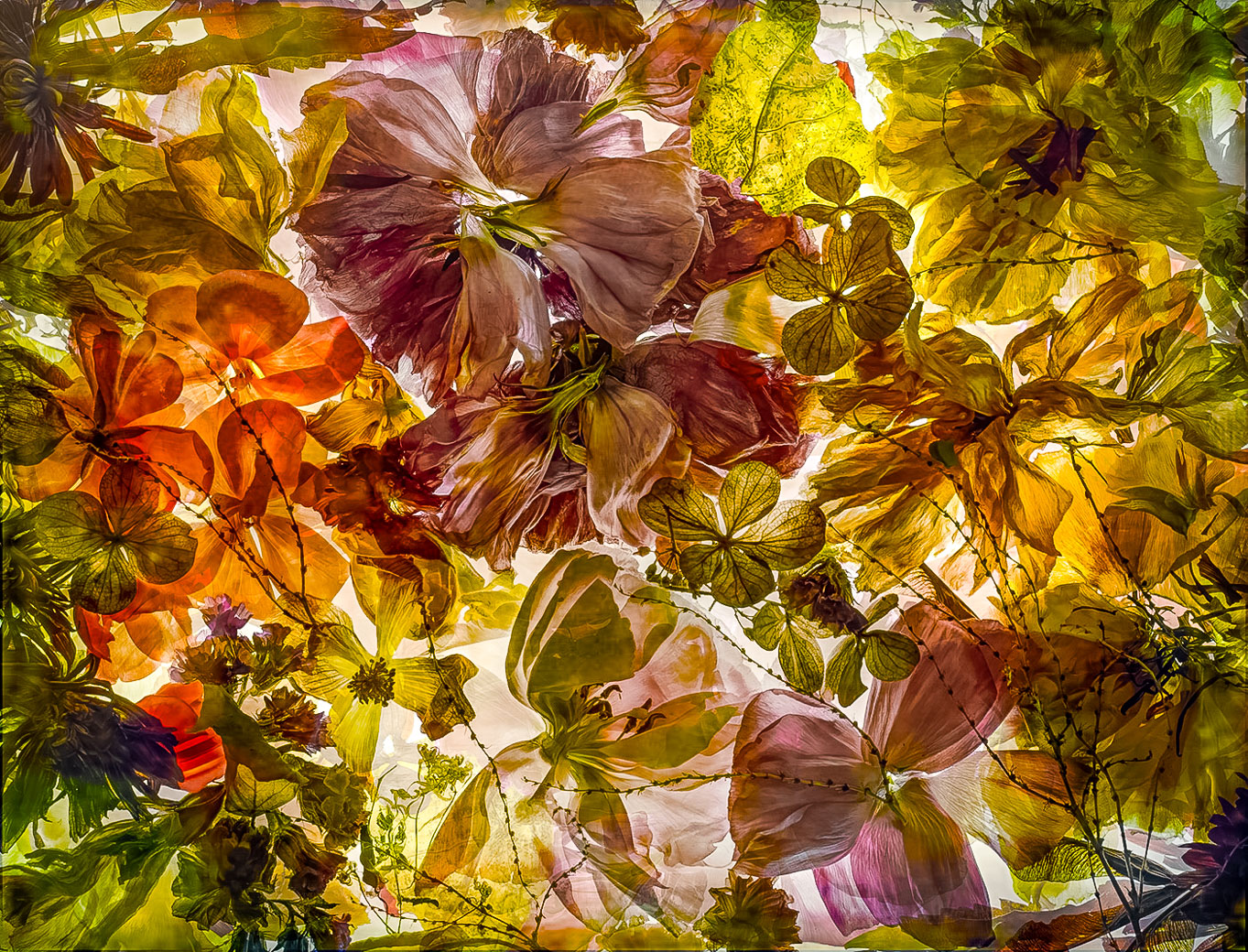
I didn't go crazy, just made some of the colors and intensity a little brighter using the LrC "Point Color" picker. Did I do it justice? |
Nov 12th |
 |
| 29 |
Nov 23 |
Reply |
Excellent Elaine. Hope you find it useful. I know of no reason where it has harmed, Opps, yes 1 when I was shooting closeup and a bird landed maybe 30' away and I forgot to push the back button resulting in a trashed image. As you use it more, it becomes 2nd nature and it also makes recomposing as the focus is locked until you refocus. Everyone generally confirms that they wouldn't go back to straight autofocus. Enjoy |
Nov 12th |
| 29 |
Nov 23 |
Comment |
I agree.
|
Nov 12th |
| 29 |
Nov 23 |
Reply |
Nothing wrong with using a tripod. I don't see whether you are a Nikon shooter or not, but Nikon has a feature called "back button" focus and that allows the shooter to push that button with their thumb and it will allow you to keep focus on your subject while "we" try to stay as steady as possible. Neuropathy causes my unsteadiness. |
Nov 6th |
| 29 |
Nov 23 |
Comment |
A great idea Ron, however, that Lensbaby has some drawbacks. I don't own one because of the manual settings that are required and my style is that something be sharp and I'll forget about changing the f-stops speeds and I believe that the image could be improved also without having the deep green ring around the flower. Not sure if that is from the lens or editing. All your non lens baby flower images have been much better so we chalk this one up to defective flower. |
Nov 5th |
| 29 |
Nov 23 |
Comment |
Gunter becoming a more subdued color photographers. You know I vote for more brilliant or vivid colors. Yes, some may be past prime but using the new "color point tool" in LrC would bring out the colors that are close to prime like the purples and oranges. Can also use the remove or repair tools to remove defects. I've downloaded and hopefully will find time to expose the beautiful possibilities of this image. |
Nov 5th |
| 29 |
Nov 23 |
Comment |
What? No wildlife in the image? Beautiful grouping of red maple leaves and most importantly how you grouped them into this Wonderful composition. One little nit would be to rearrange the center bottom leaf or use software to rid the uglies at the tip of this leaf. You didn't mention the light source, but it worked well. |
Nov 5th |
| 29 |
Nov 23 |
Comment |
Miss your beautiful spirals and stairs Judy. This couch is very nice and well done and your choice of lens made it possible to capture the details of the ceiling. My only suggestion would be to suggest that it is not perfectly level. Not sure if that could be done in Elements? And the chandelier is off center. Both become more important when trying to show a room or building to be old but level. Exposure and Light color are beautiful. |
Nov 5th |
| 29 |
Nov 23 |
Comment |
A nice job Elaine. You didn't mention but I assume you had the camera on a tripod. That made good sense. I love that you picked the partially opened sunflower and the green that protects the bud when it's smaller and makes such a beautiful detail to the side and underneath of the flower. No suggestions, you did a. beautiful job. |
Nov 5th |
| 29 |
Nov 23 |
Comment |
Tim, I have found that blacksmiths operate in dimly lit areas. Perhaps goes back to the beginning when there was no Lights. Excellent job of recording the tools and such in the background and having your trigger finger ready to catch that expression. Beautiful job of using that high iso, shutter speed and F stop, all more important than a high iso. Well Done. |
Nov 5th |
9 comments - 3 replies for Group 29
|
| 62 |
Nov 23 |
Reply |
Hi Pete, I cut to submit earlier this afternoon as I had some contractors drop in. Your panorama idea is great but I want to take a few minutes to see what the color version looks like. It looks more promising than the BW when the highlites are dropped down by those brighter grasses in the top. Thanks for your edit. |
Nov 7th |
| 62 |
Nov 23 |
Reply |
Pete, I agree with what you have done IF the image is considered a landscape/panorama, but ...It was taken with very little editing and with the idea it is an Abstract. |
Nov 7th |
| 62 |
Nov 23 |
Comment |
Pete, I believe this is a Sycamore tree that has great branch structure and White limbs creating beautiful contrast. Without those qualities your task might have been more difficult to separate the limbs and branches from the background. I also like that you enhanced the shadows at the bottom of the tree. Well done. |
Nov 5th |
| 62 |
Nov 23 |
Comment |
Hi Mandy. I commend you for composing such that most of the birds are facing you or at least not getting their backsides. Great shutter speed and f stop to stop action and great depth of field. I do think that the birds on or near the rocks at the bottom of the image cause too much confusion and Pete's method of removing them is the best solution. |
Nov 5th |
| 62 |
Nov 23 |
Comment |
A Fantastic job Emil to make the jellyfish look so perfect. Almost like you took your underwater housing and cam and dove right in. No suggestions. |
Nov 5th |
| 62 |
Nov 23 |
Comment |
Mark this is an excellent image. While Pete's edits read accurate, this old guy couldn't follow those directions and can't even scroll from the original to Pete's and see a marked difference between them. I judge most images by their Impact and yours has Impact from the tower sheen and the sky. While Pete's also has Impact from the sheen and the sky the only difference I'm able to detect is that the clouds behind the tower seem to be lighter than in the original. Mark, Pete is absolutely correct , Use Ps where its needed to do an edit that can't otherwise be done. |
Nov 5th |
| 62 |
Nov 23 |
Comment |
Bunny, you picked a once beautiful building to photograph but it really has fallen into repair. In my mind, You therefore had the obligation to record it like you found it in photojournalist style. Black and white as you did. I don't see any significant way to enhance it. Cherry trees are just stumps and the walkway unfixable. Sorry, I bet you were hoping for more elaborate details showing decay. |
Nov 5th |
| 62 |
Nov 23 |
Comment |
Thanks Bunny. I Love it. I find it much easier now to do the colors separately using the LrC color point filter. I didn't change those lily pads to Blue, but I really like the way you did it. Thanks.
Bob |
Nov 4th |
6 comments - 2 replies for Group 62
|
| 80 |
Nov 23 |
Comment |
Great idea. Thanks Nadia
|
Nov 17th |
| 80 |
Nov 23 |
Comment |
Thanks, that's generally the case with all black backgrounds. |
Nov 12th |
| 80 |
Nov 23 |
Comment |
|
Nov 12th |
| 80 |
Nov 23 |
Comment |
A nicely composed and exposed flower. Some petals are not sharp due to the lack of a great f-stop and higher iso. But I don't find them objectionable as my eye travels to the center which is sharp. I think the misting helps. I would have gone into the latest version of Photoshop and used the remove tool and complete fixed the upper left corner. Still a very nice simple image, and that's fine. Can't spend multiple hours on every image as that becomes work vs doing a hobby that pays. |
Nov 12th |
| 80 |
Nov 23 |
Comment |
Wow Kamal. Be proud of the editing improvements you have been making to your photos. If the background is not adding to your image, make it black and you did that. And you found the Ps paint tool and used it to highlight the lines on the flower.
Just wonderful. |
Nov 12th |
| 80 |
Nov 23 |
Comment |
Very nice Doug. A great job getting the image and eliminating the distracting parts using the select color tool to whiten the beautiful curves. And yes, the purple background works for me. Just an excellent job. Another one for your wall. |
Nov 12th |
| 80 |
Nov 23 |
Comment |
Nadia, what a perfect job making this background to remove the background distractions. No suggestions, just beautiful. |
Nov 12th |
| 80 |
Nov 23 |
Comment |
Jacob, your editing is progressing nicely. No distractions in the background and reducing the exposure brought the greens down and bringing out the greens in the flower center works great. I also agree with Rich that the clone tool will do a great job repairing the bug eaten petals. |
Nov 12th |
| 80 |
Nov 23 |
Comment |
Rich, I think this Flower is a stunner and I can understand getting the capture was necessary. I'm fine with the front flower and feel it is exposed correctly and is short front to back, Two edits I would try is to select subject and see how Lightroom or Ps selects the petals, if good then I would select background and drop the exposure. If that works, I would try Ps remove tool and see if that back flower can be removed. BTW, I have that same Sony camera, that I bought for my wife but she doesn't want the weight and is happy with her iPhone 14. She just shoots while waiting for Me. I bought that cam because it shoots nice Raw pics but I could never get my brain to learn two cameras. I have it at my desk without having a good way to sell it. I figure the exercise of carry my Nikon D780 and 28-300 lens is good for my physique. |
Nov 12th |
| 80 |
Nov 23 |
Comment |
Thanks Rich., yes the new editing tools make everything much better and faster to get edits done. I like your cropping on my dahlia. I generally have not been cropping that much with no good excuse except my camera is still loaded with Velvia ðŸ˜â‚¬ slide film and no great way to do cropping that accurately. I was doing some editing last night on flower pics from 2021 &22 and I kept thinking what a difference your edit made. Thanks. |
Nov 12th |
10 comments - 0 replies for Group 80
|
25 comments - 5 replies Total
|









































































































































































