Activity for User 117 - Judy Merson - hisjudy@yahoo.com

avatar
Avatar

Close this Tab when done


708 Comments / 73 Replies Posted

  = Current Round   = Previous Round
Group Round C/R Comment Date Image
30 May 22 Reply It was part of the Photoshop Virtual Summit 4 moderated by Dave Cross It was a whole week of webinars on Photoshop The one I refer to was by Sebastian Michaels on day 5 Dramatic Lighting And Shadows You might still be able to purchase the webinar if you contact Dave Cross May 13th
30 May 22 Comment Very interesting capture of the crested anole I read that it is adapting to big city life in Puerto Rico
Nice composition I would crop in even more Perhaps Topaz Gigapixel will allow for more enlargement without pixelation
Also need more sharpness in eye and face Try Topaz Sharpen AI or Topaz Studio 2
I just watched a webinar on light and shadow in Photoshop Virtual Summit 4 It was recommended to use a layer filled with 50% gray above a selection of what you want lightened clip to the selected layer and switch blend mode to overlay and then paint in white with a soft round brush where you want lightness I would clone out the tree
I did these things
May 10th
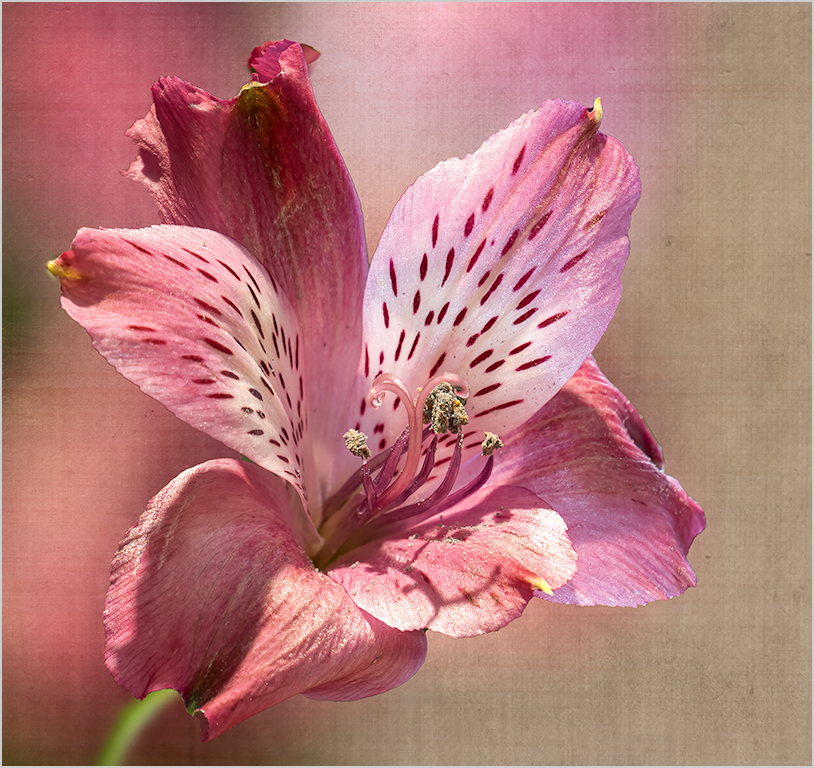
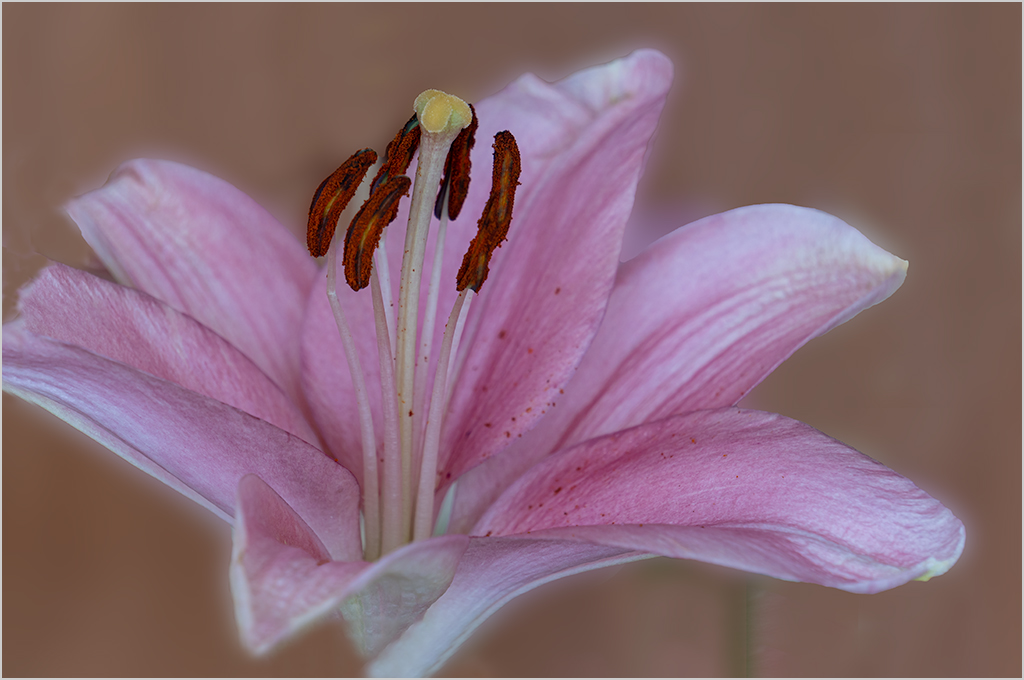
30 May 22 Reply You are correct Robert the 90 mm 2.8 lens was at f 8 The colors are the same because they are from the blurred image of the same flower which I took at the same time If you want to do it with an old image I think you could do a Gaussian blur I have been taking classes in making my own textures lately from Lisa Langell, Hazel Meredith and Matt Kloskowski
To make the selection I used select subject in Photoshop CC 2021 and used the quick selection tool to refine it Using textures helps not see the edges of a selection
I added a texture from some peeling paint on our rowing shell I took that photo in 2021 I attach that image I used a mask to select the flower so there is no texture on most of the flower
I have been taking photos of interesting textures whenever I see them for several years at least since 2016

May 7th
30 May 22 Comment Nice sharp capture of the bike shadows colors and textures of the wall I might just crop in slightly more May 5th
30 May 22 Comment Beautiful capture of the egret Lovely blowing crest I would replace the lower white sky with the upper so the bird would contrast with the entire background and draw one's eye to the bird May 5th
30 May 22 Comment Nice sharp capture of the cemetery Good for story telling But I agree with Leonid and the others that there is no one area to focus on May 5th
30 May 22 Comment Nice sharp capture of the Magnolia I agree with Dorinda's crop I know you were telling a story with the bees but I would prefer just one bee May 5th
30 May 22 Comment Nice sharp capture of the main rose I think the surrounding petals need to be slightly desaturated to make the subject rose stand out more In my May image I put my subject flower on a background of a blurred photo of the image this makes a texture with the same colors as the inage May 5th

6 comments - 2 replies for Group 30


6 comments - 2 replies Total


121 Images Posted

  = Current Round   = Previous Round
Group 30

Apr 26

Mar 26

Feb 26

Jan 26

Nov 25

Jan 25

Sep 24

Aug 24

Jul 24

Jun 24

May 24

Apr 24

Mar 24

Feb 24

Jan 24

Nov 23

Oct 23

Sep 23

Aug 23

Jul 23

Jun 23

May 23

Apr 23

Mar 23

Feb 23

Jan 23

Dec 22

Nov 22

Oct 22

Sep 22

Aug 22

Jul 22

Jun 22

May 22

Apr 22

Mar 22

Feb 22

Jan 22

Nov 21

Oct 21

Sep 21

Aug 21

Jul 21

Jun 21

May 21

Apr 21

Mar 21

Feb 21

Jan 21

Dec 20

Nov 20

Oct 20

Sep 20

Aug 20

Jul 20

Jun 20

May 20

Apr 20

Mar 20

Feb 20

Jan 20

Nov 19

Oct 19

Sep 19

Aug 19

Jul 19

Jun 19

May 19

Apr 19

Mar 19

Feb 19

Jan 19

Nov 18

Oct 18

Sep 18

Aug 18

Jul 18

Jun 18

May 18

Apr 18

Mar 18

Feb 18

Jan 18

Nov 17

Oct 17

Sep 17

Aug 17

Jul 17

Jun 17

May 17

Apr 17

Mar 17

Feb 17

Jan 17
Group 75

Mar 25

Jan 25

Sep 24

Aug 24

Jul 24

Jun 24

May 24

Apr 24

Mar 24

Feb 24

Jan 24

Nov 23

Oct 23

Sep 23

Aug 23

Jul 23

Jun 23

May 23

Apr 23

Mar 23

Feb 23

Jan 23

Dec 22

Nov 22

Oct 22

Sep 22

Aug 22

Close this Tab when done