|
| Group |
Round |
C/R |
Comment |
Date |
Image |
| 30 |
Sep 21 |
Comment |
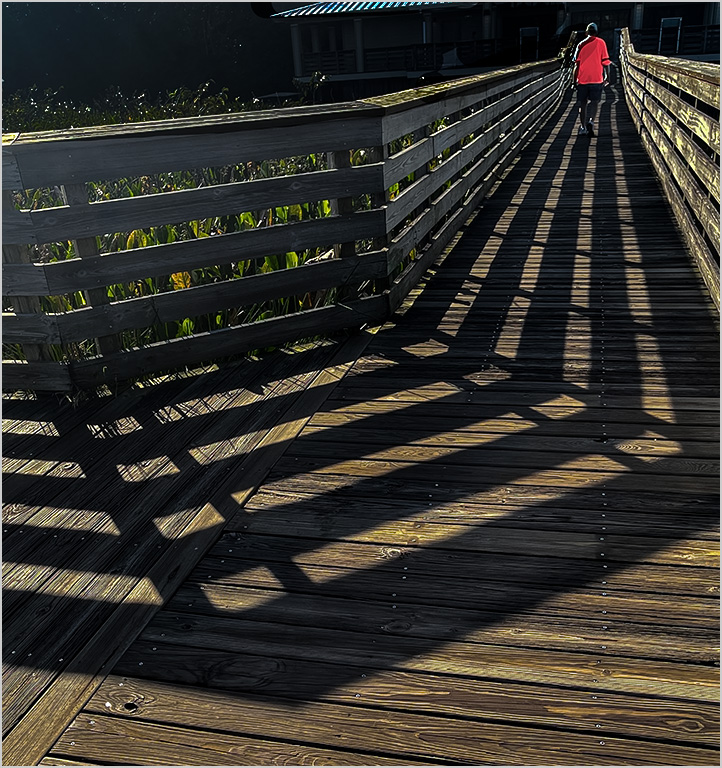
I think the image is too dark There needs to be more light perhaps from the lamps lights being larger and spilling onto the bridge or an overall bright moonlight version
I agree with Dorinda to make a vertical crop |
Sep 18th |
| 30 |
Sep 21 |
Comment |
Nice sharp capture of action Your original shot works better for me of course with power lines removed as well as front rail If you had the same shot with less room in front of top horse and the while tail and legs of number 7 I think it would work even better With this photo you could crop in further from our right and clone in the rest of the tail and hooves of 7
I think having all of 7 makes a more dramatic image
If you do all this alteration you could also use a motion filter to mimic panning or just blur the background more after selecting it |
Sep 18th |
| 30 |
Sep 21 |
Comment |
I like the greens better in the reworked image but the barn does not pop as much as with the original vibrant red
I also like the color of the top field better in the original However with the toned down colors the original crop with slightly less vibrant red and greens as here would work better for me |
Sep 18th |
| 30 |
Sep 21 |
Comment |
I agree with Jody's crop However for me the scene is not striking It needs a more dramatic sky since the sky is the focus of interest For me it is a reminder of a nice day Changing the sky may make it in authentic but more striking If you leave this sunset you might lower the tree frond frame |
Sep 6th |
| 30 |
Sep 21 |
Comment |
Lovely farm scene I agree with Jody's crop I think the greens and red and blue should be slightly desaturated |
Sep 6th |
| 30 |
Sep 21 |
Reply |
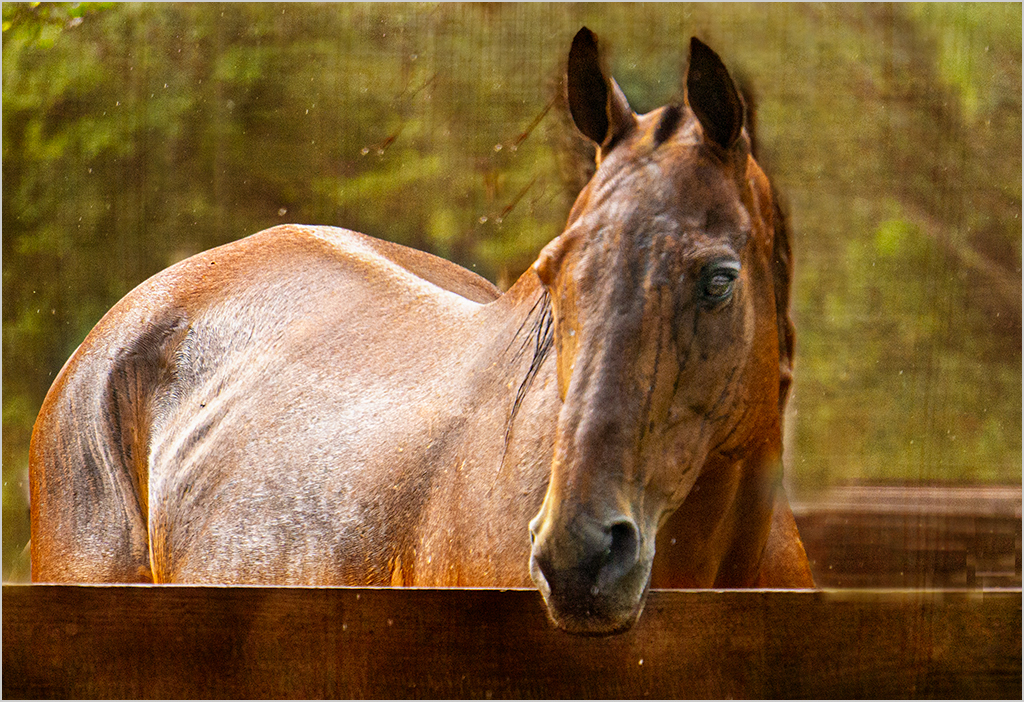
I watched videos by Hazel Meredith
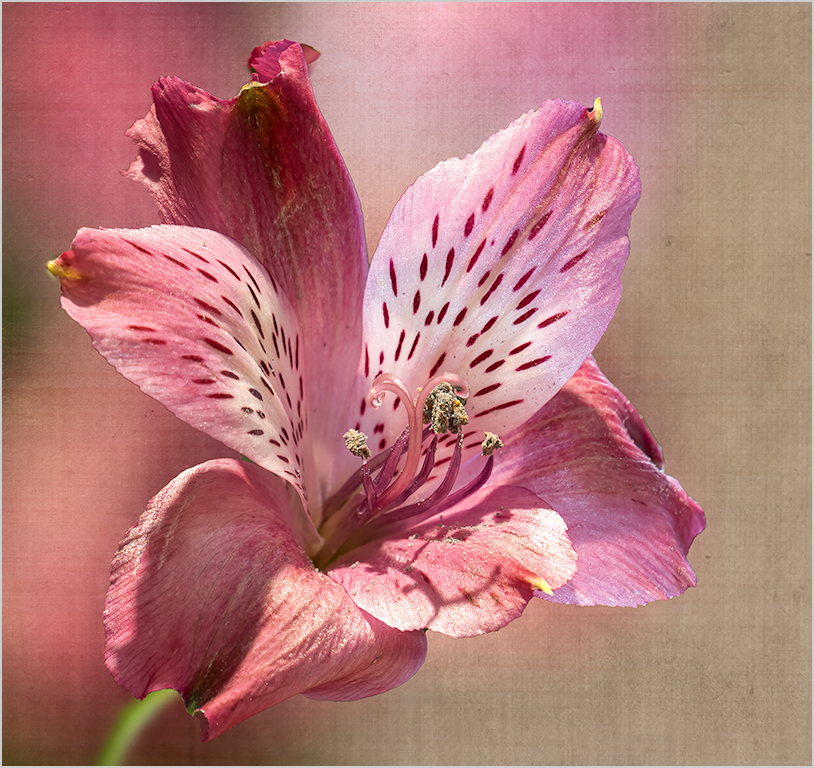
at MeredithImages and Max Kloskowski videos on Wildlife Textures For one texture I had photographed a concrete wall from straight on (The presenters say this is better than an angle You can also start with photographing anything so it is blurred or any texture or a normal photo)
I used an artistic filter on the concrete wall image in Photoshop CC to make it softer Then I opened the texture in Photoshop and put it over the horse I used a mask to remove the texture from the horse I blurred the texture with a Gaussian blur
Another texture I used I made from my photo of a flower bed I used a set of brushes which I had bought and downloaded from Max Kloskowski to brush and smudge and move the color around until I liked it You can experiment with several brushes It is best to make them big (about half the image ) and soft and then click and brush or smudge slightly
You can choose the blend mode of your texture once you apply it and the opacity You can remove it from your main subject or not or remove parts The choices are endless If you make a texture you like you can use hue saturation to change the color If you purchase a texture you can vary it and make it your own I keep the textures in libraries in Photoshop and folders in Lightroom |
Sep 5th |
5 comments - 1 reply for Group 30
|
5 comments - 1 reply Total
|