|
| Group |
Round |
C/R |
Comment |
Date |
Image |
| 62 |
Dec 23 |
Reply |
Hi Bob,
Thank you very much for your comment.
All the best,
Israel |
Dec 11th |
| 62 |
Dec 23 |
Reply |
Hi Bunny,
Thank you very much for your comment.
Yes, there is always something to learn from Pete.
All the best,
Israel |
Dec 11th |
| 62 |
Dec 23 |
Reply |
Hi Mandy,
thank you very much for your comment.
Sincerely,
Israel |
Dec 10th |
| 62 |
Dec 23 |
Comment |
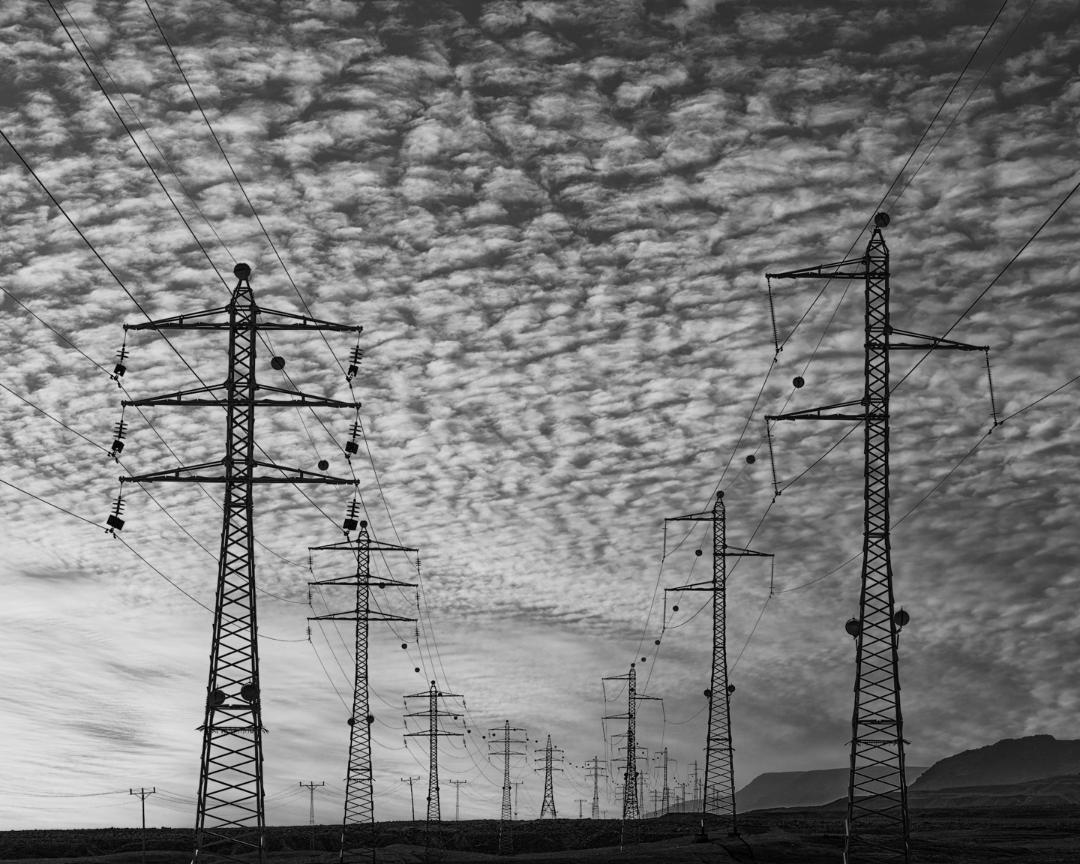
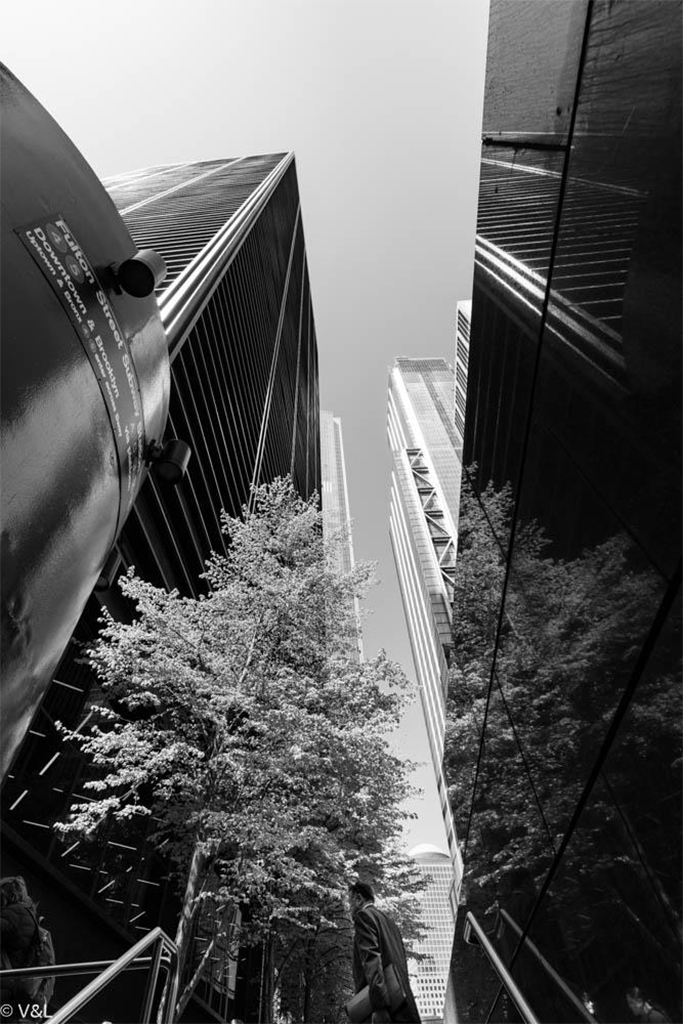
Hi Pete,
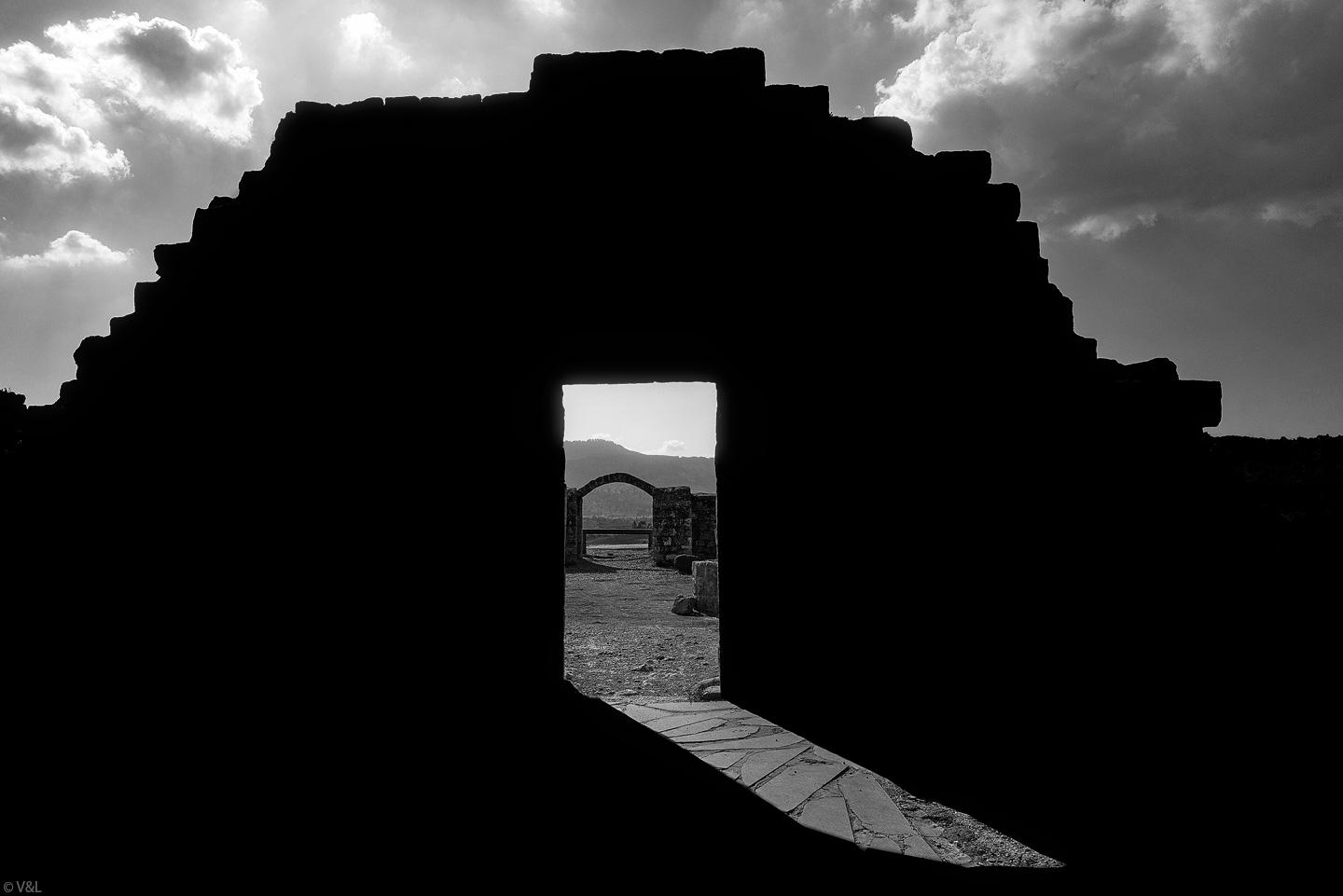
Another cool shot.
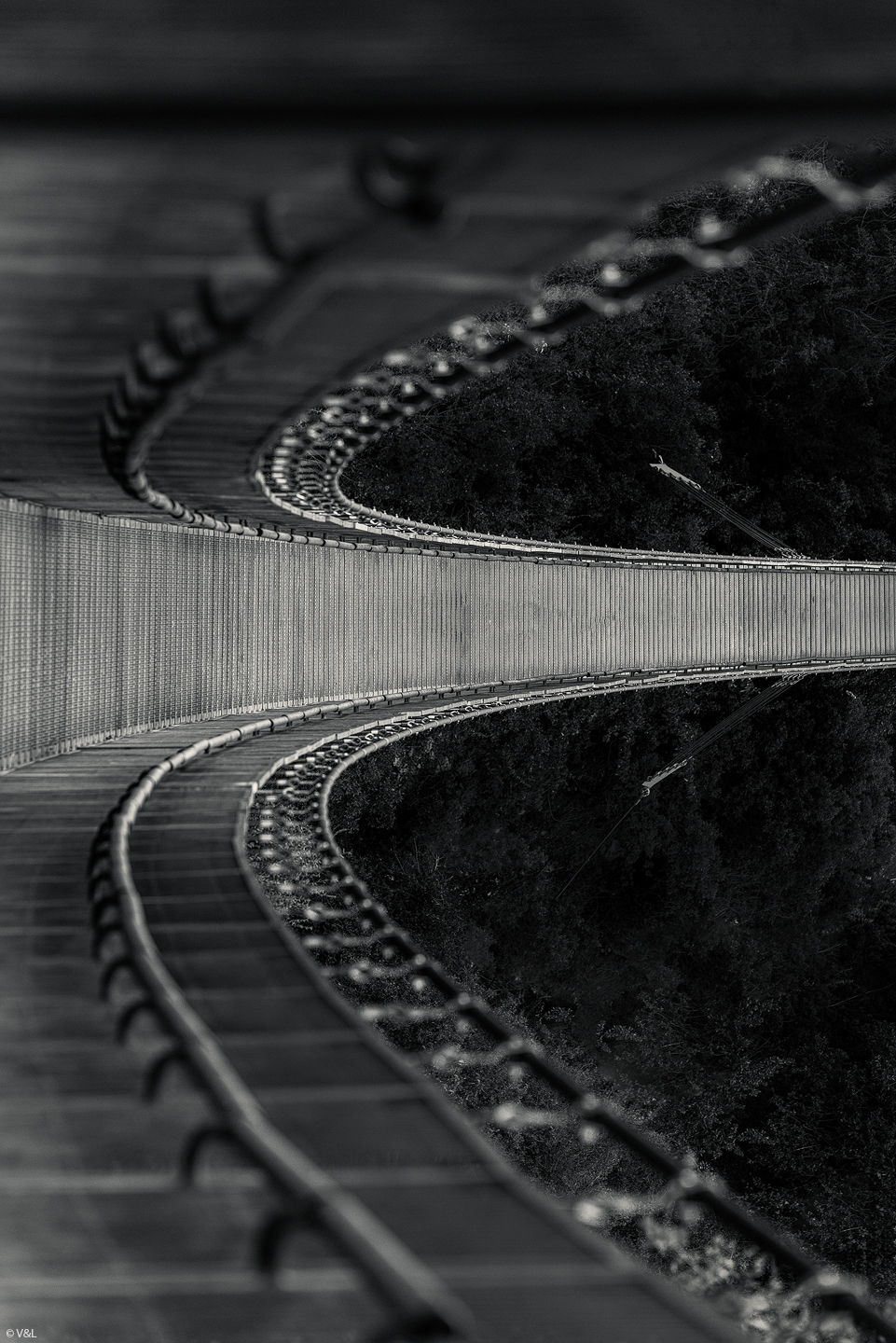
Everything is clearly calculated, straight vertical lines,
I really like the composition.
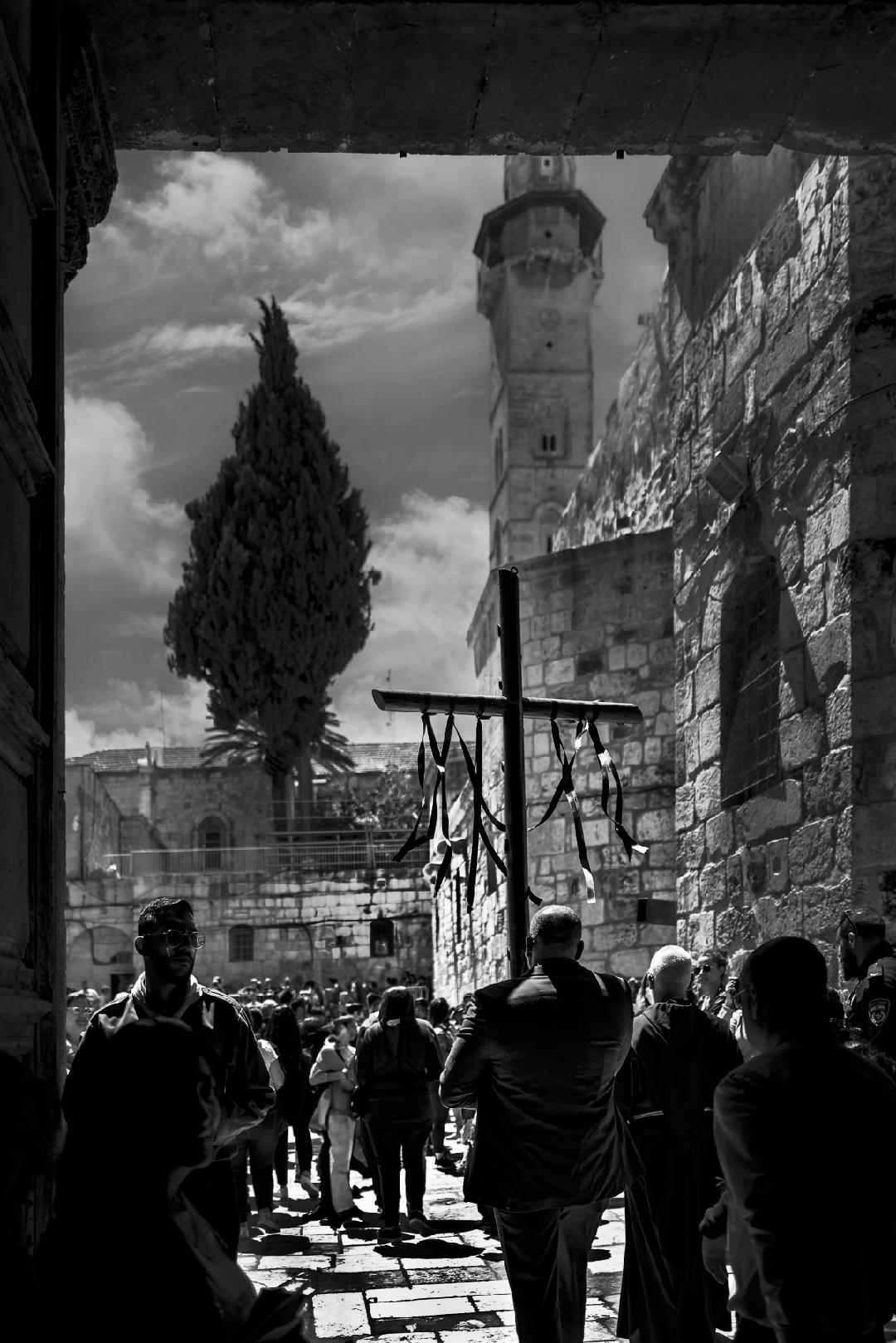
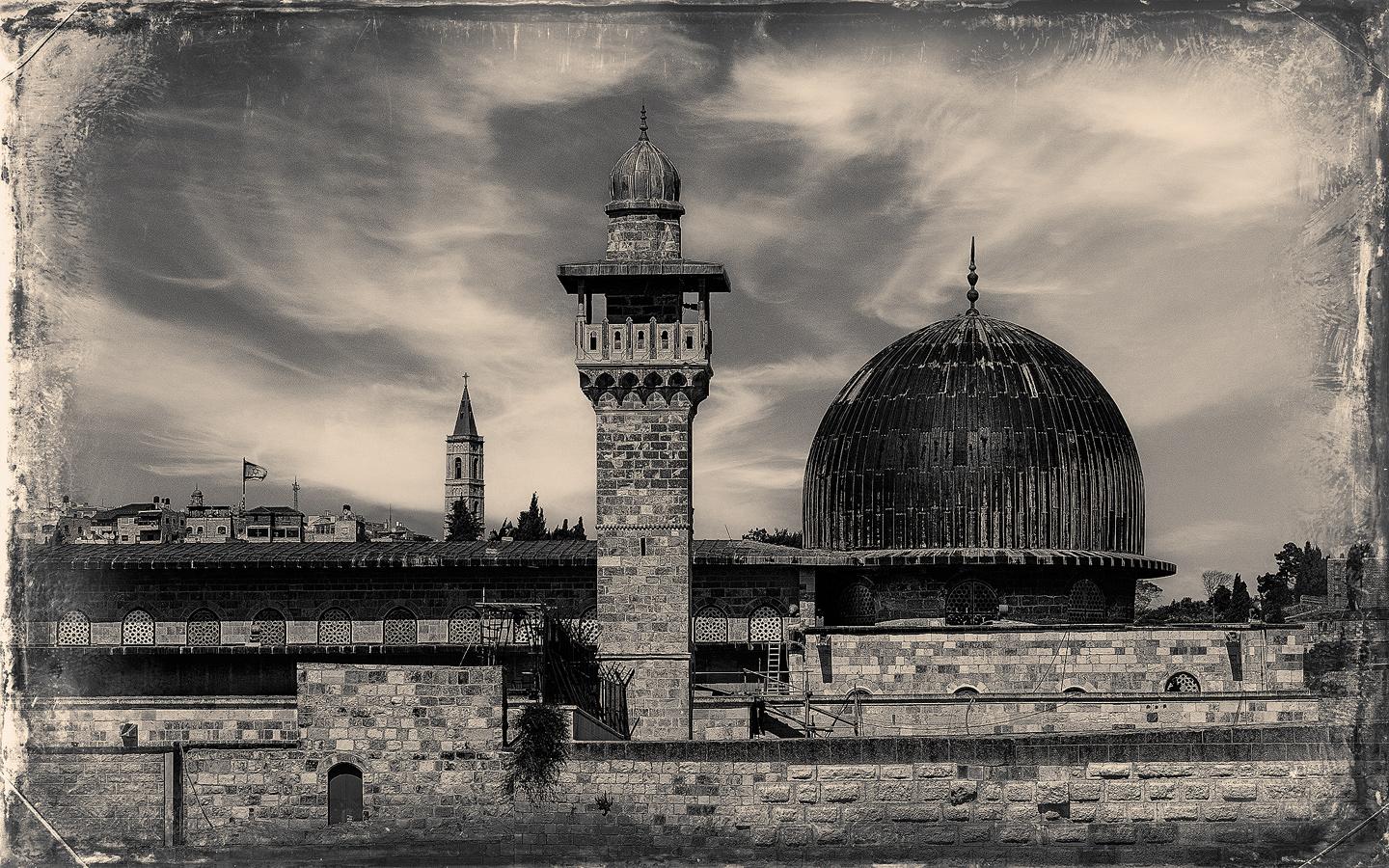
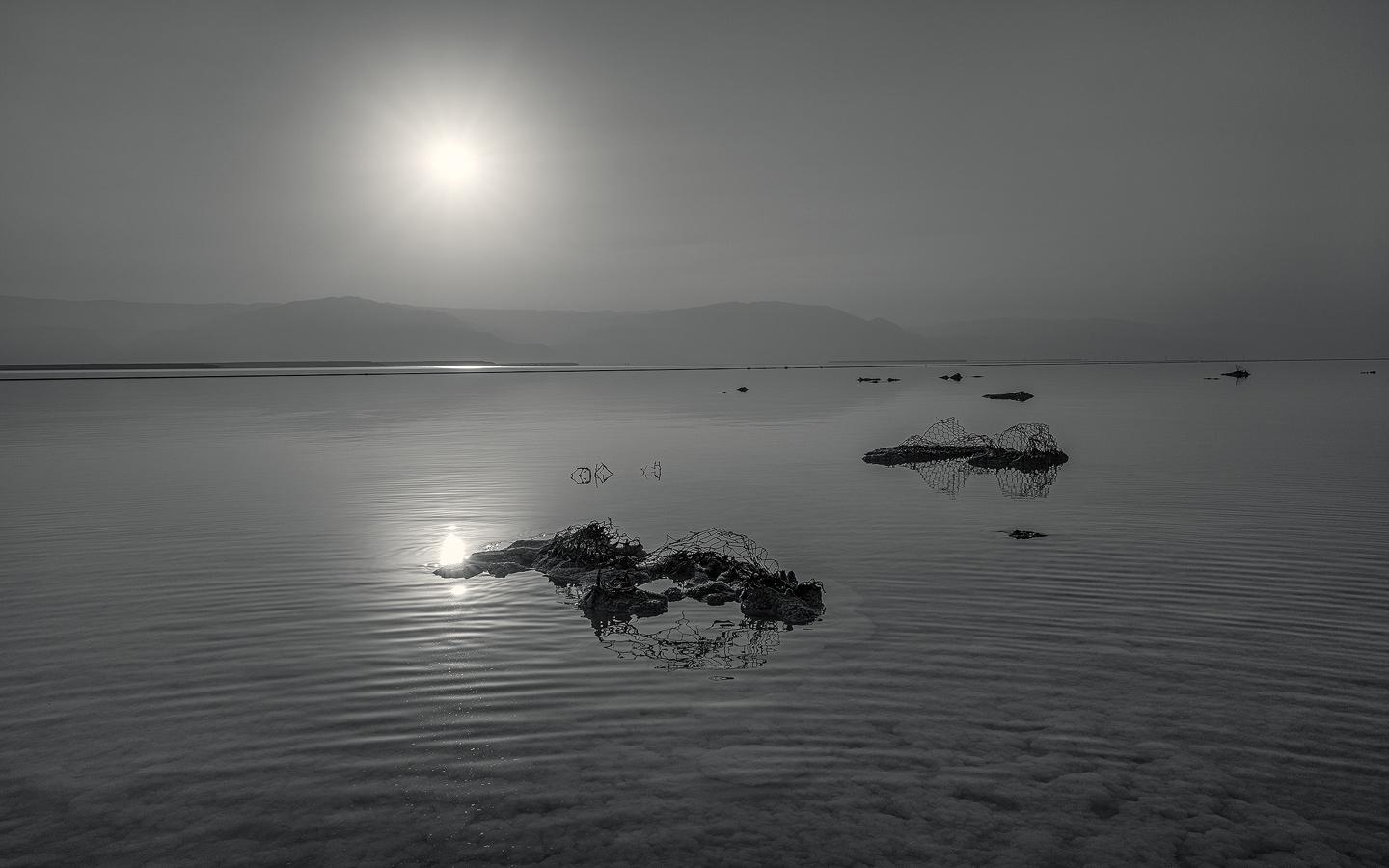
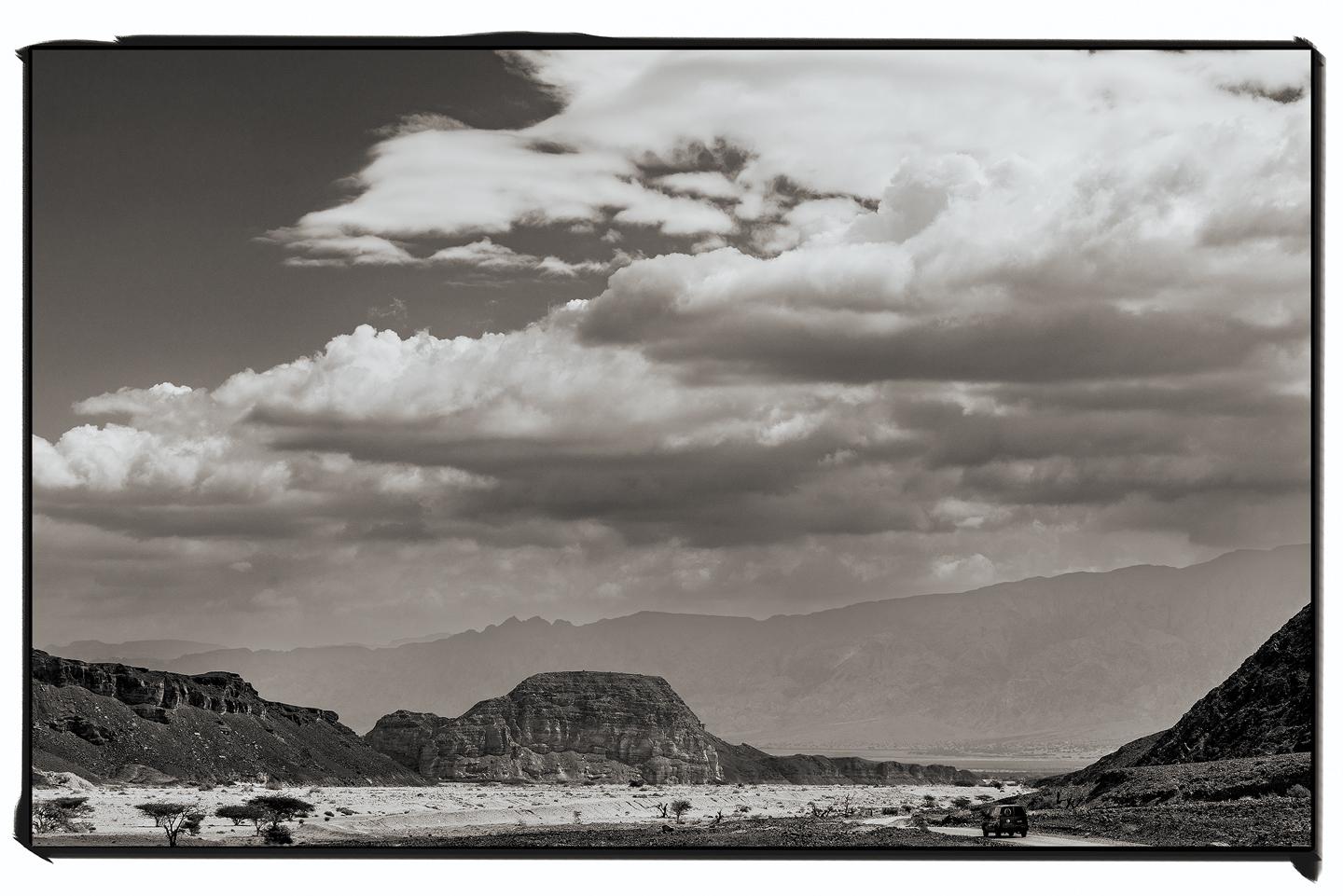
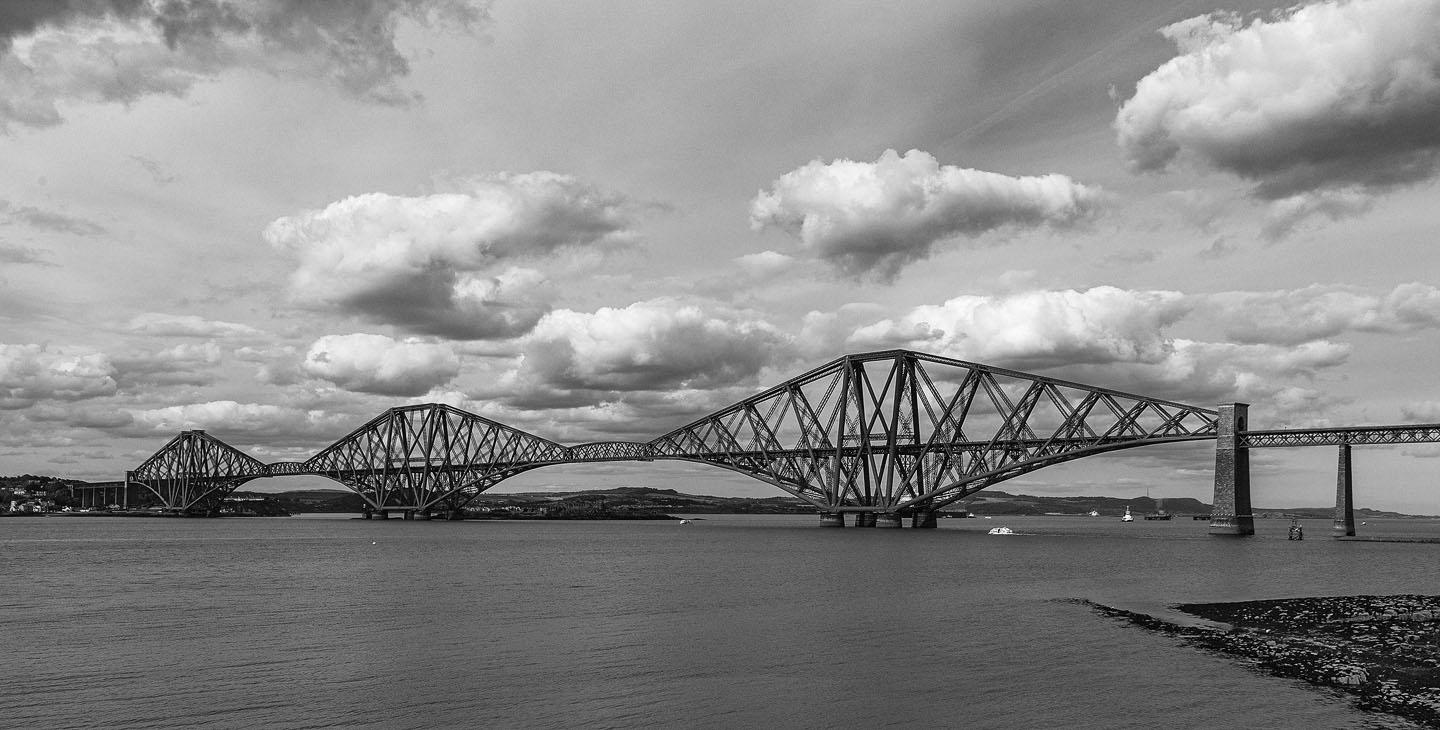
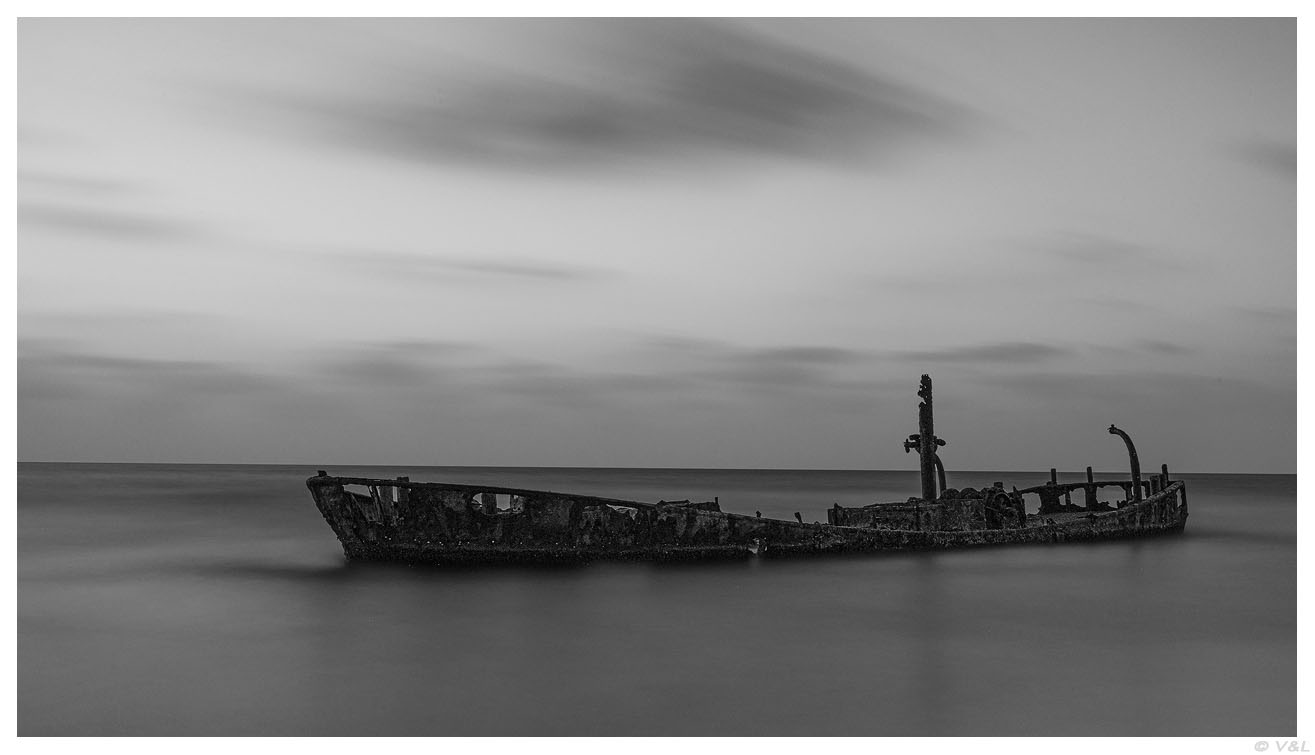
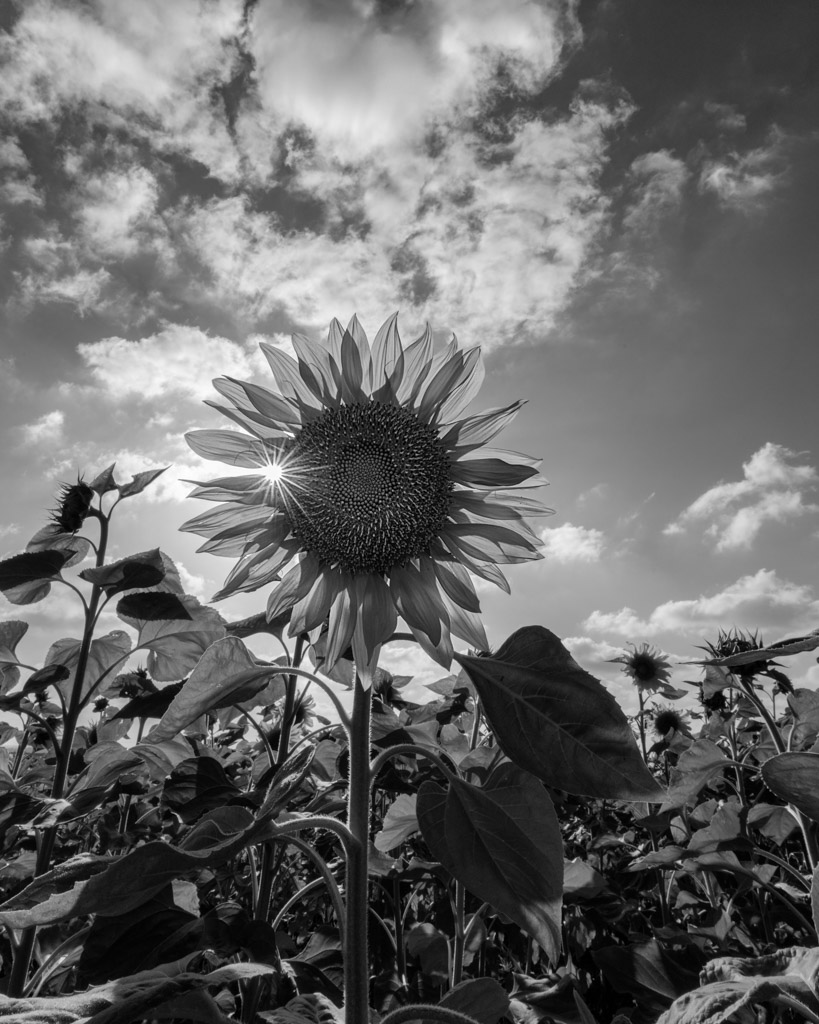
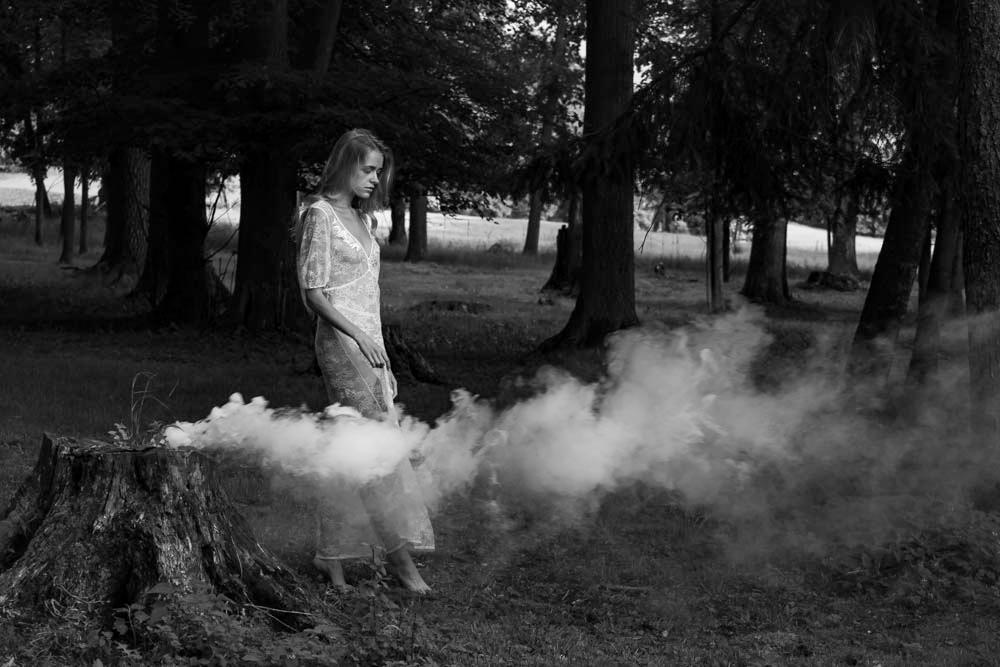
I took the photo after Emil's editing and did the following:
1. added clouds and converted them to b/w in Photoshop.
2. Added layer Levels and moved the b/w sliders to enhance them.
3. added a frame
Your thoughts?
All the best to you and your family.
Sincerely,
Israel |
Dec 8th |
 |
| 62 |
Dec 23 |
Reply |
Hi Pete,
Your explanations are always clear and instructive for me.
I will try to do this.
Thank you for the offer to meet with you on Zoom, it's a great pleasure and educational for me, I'll write to you by email and we'll arrange a meeting.
All the best to you and your family.
Sincerely,
Israel |
Dec 8th |
| 62 |
Dec 23 |
Reply |
Hi Pete,
Wow,
fantastic, I really like it.
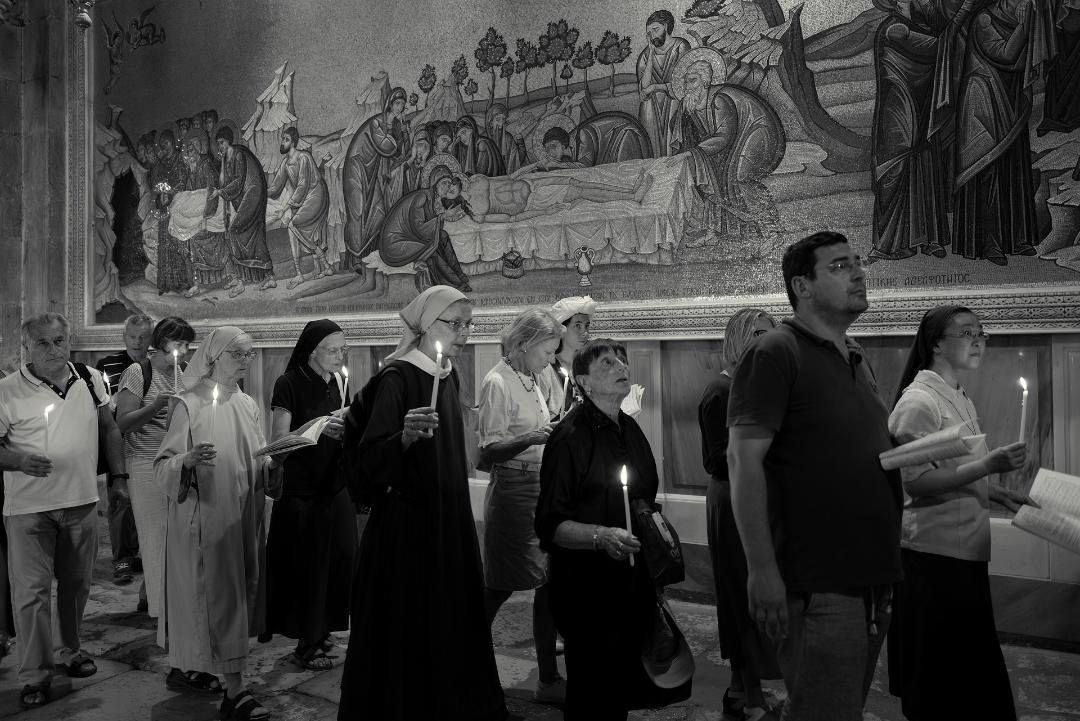
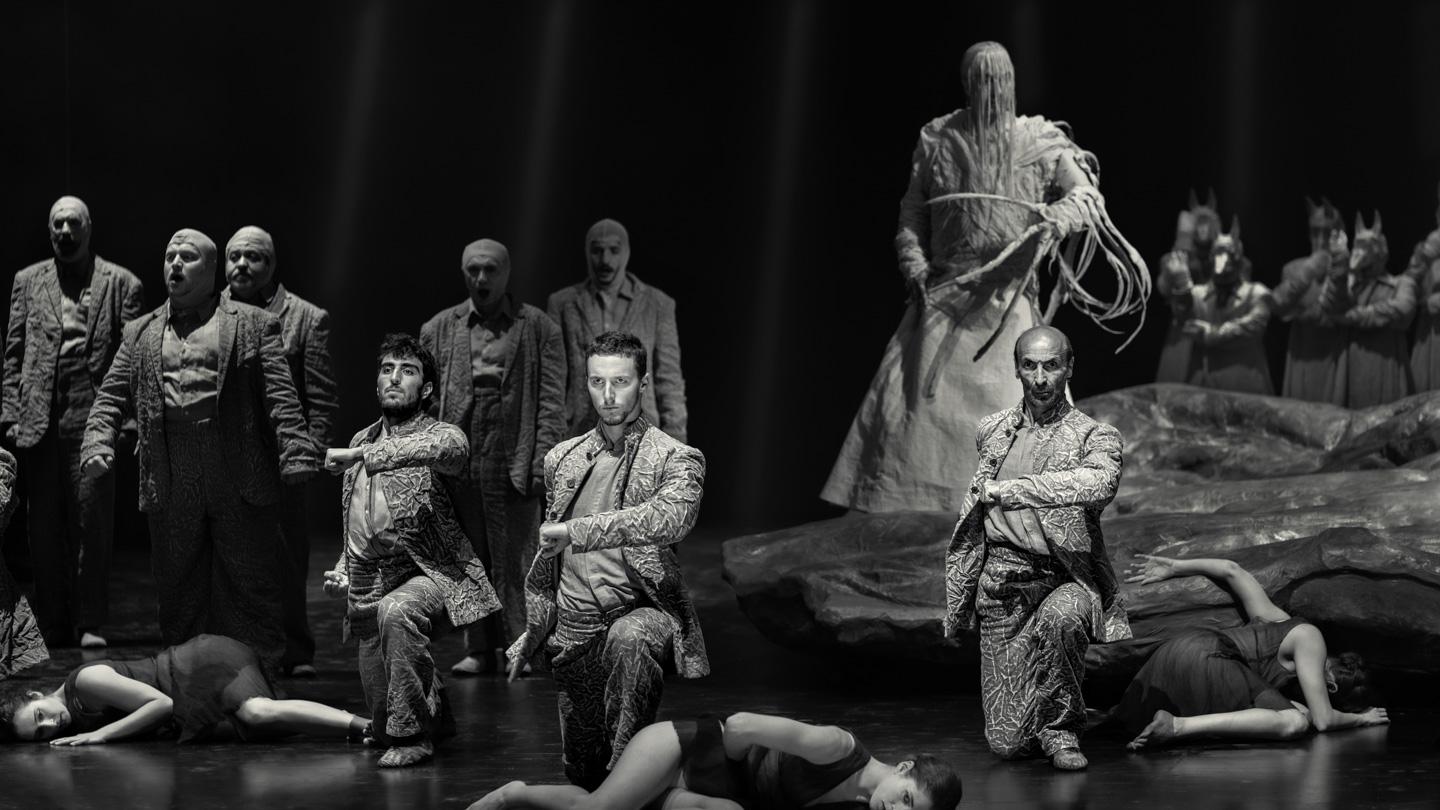
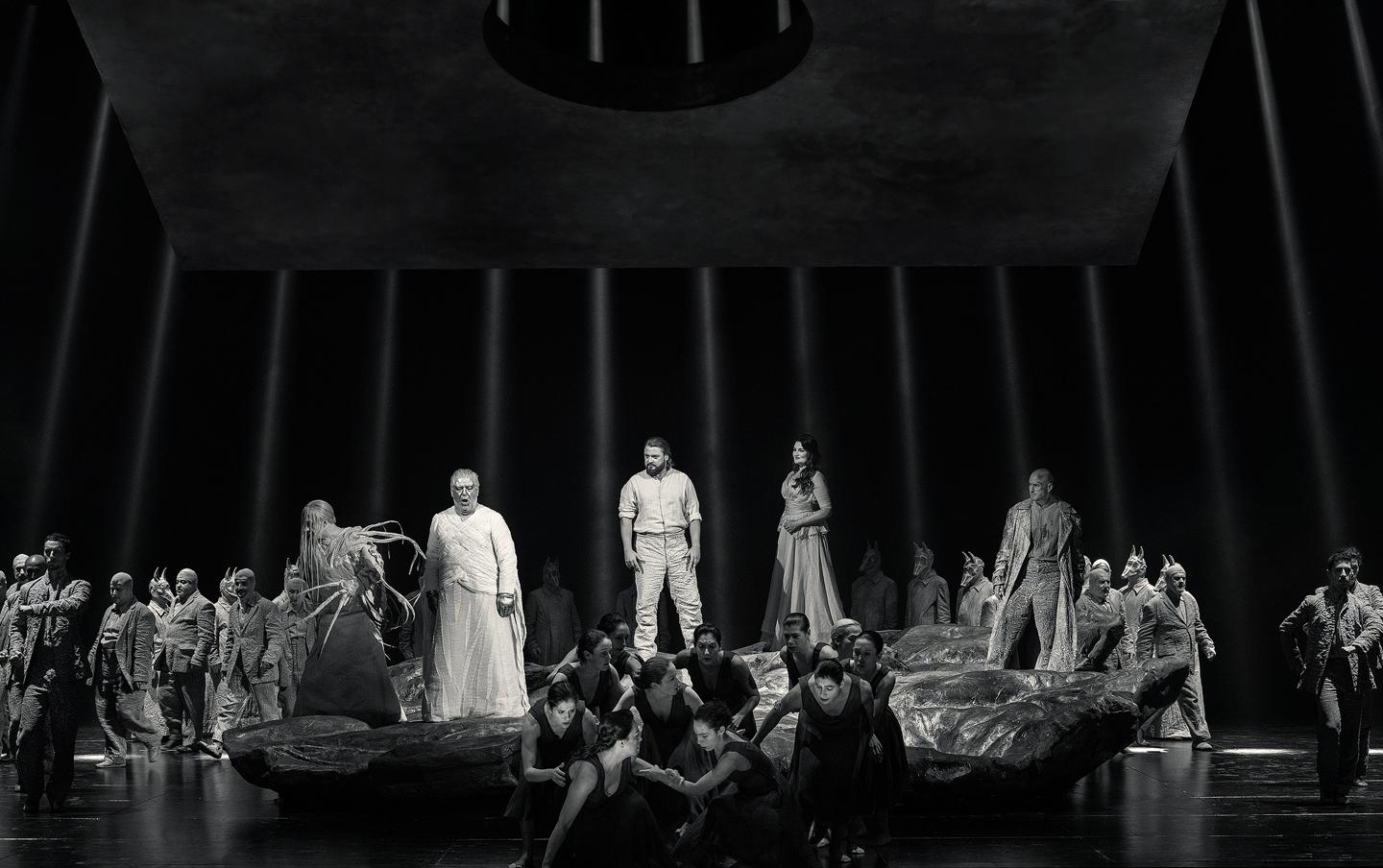
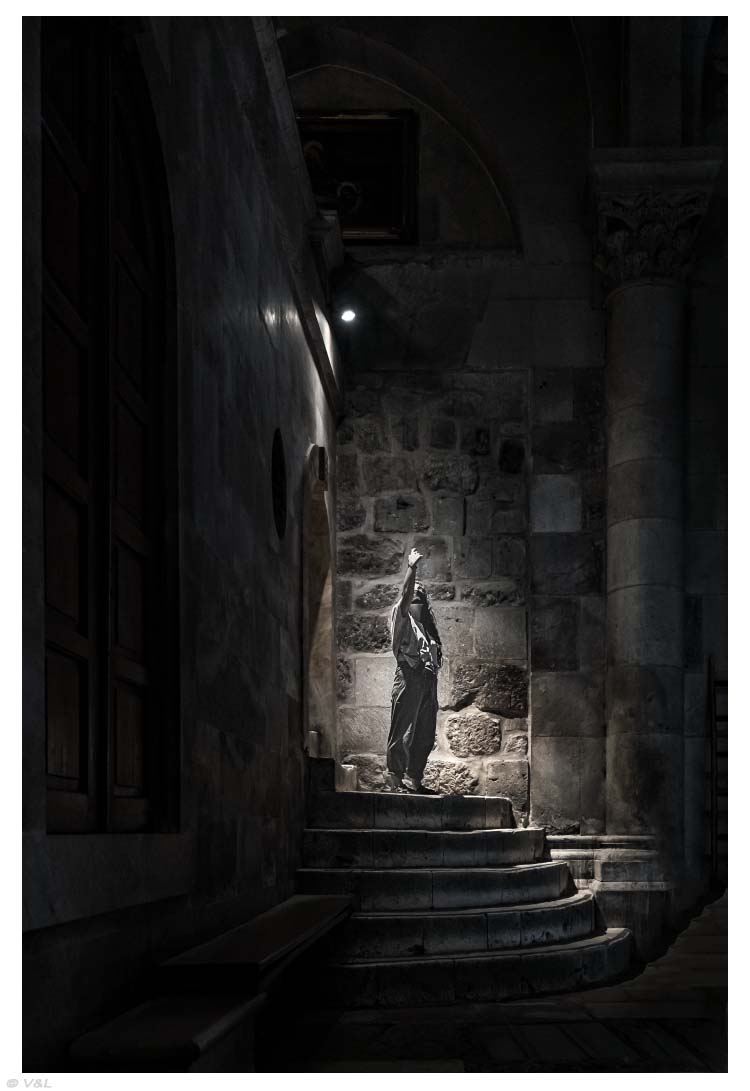
I would be grateful if you could explain how you edited the fresco on the wall and the people.
Thank you very much.
Sincerely,
Israel |
Dec 7th |
| 62 |
Dec 23 |
Comment |
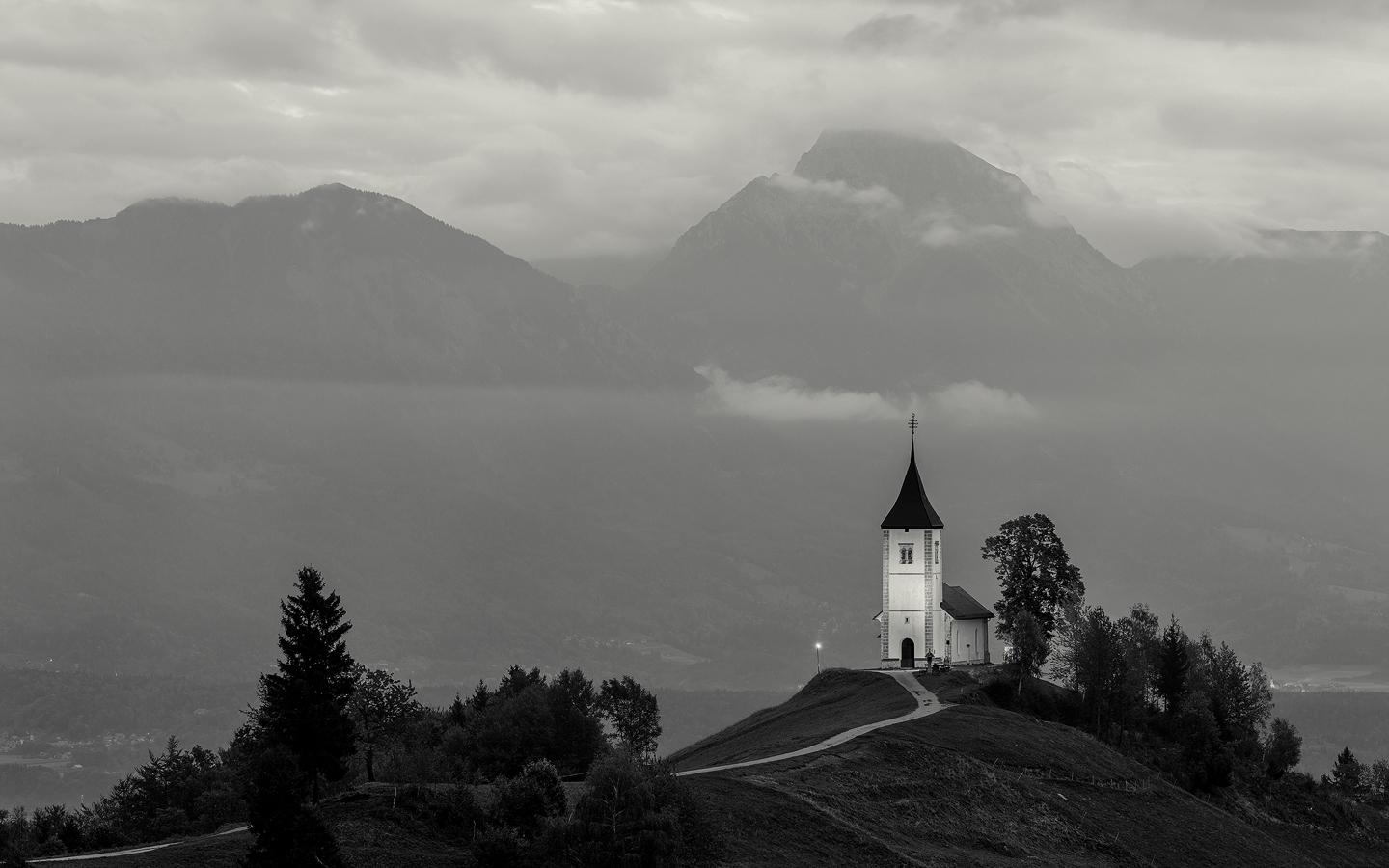
Hi Emil,
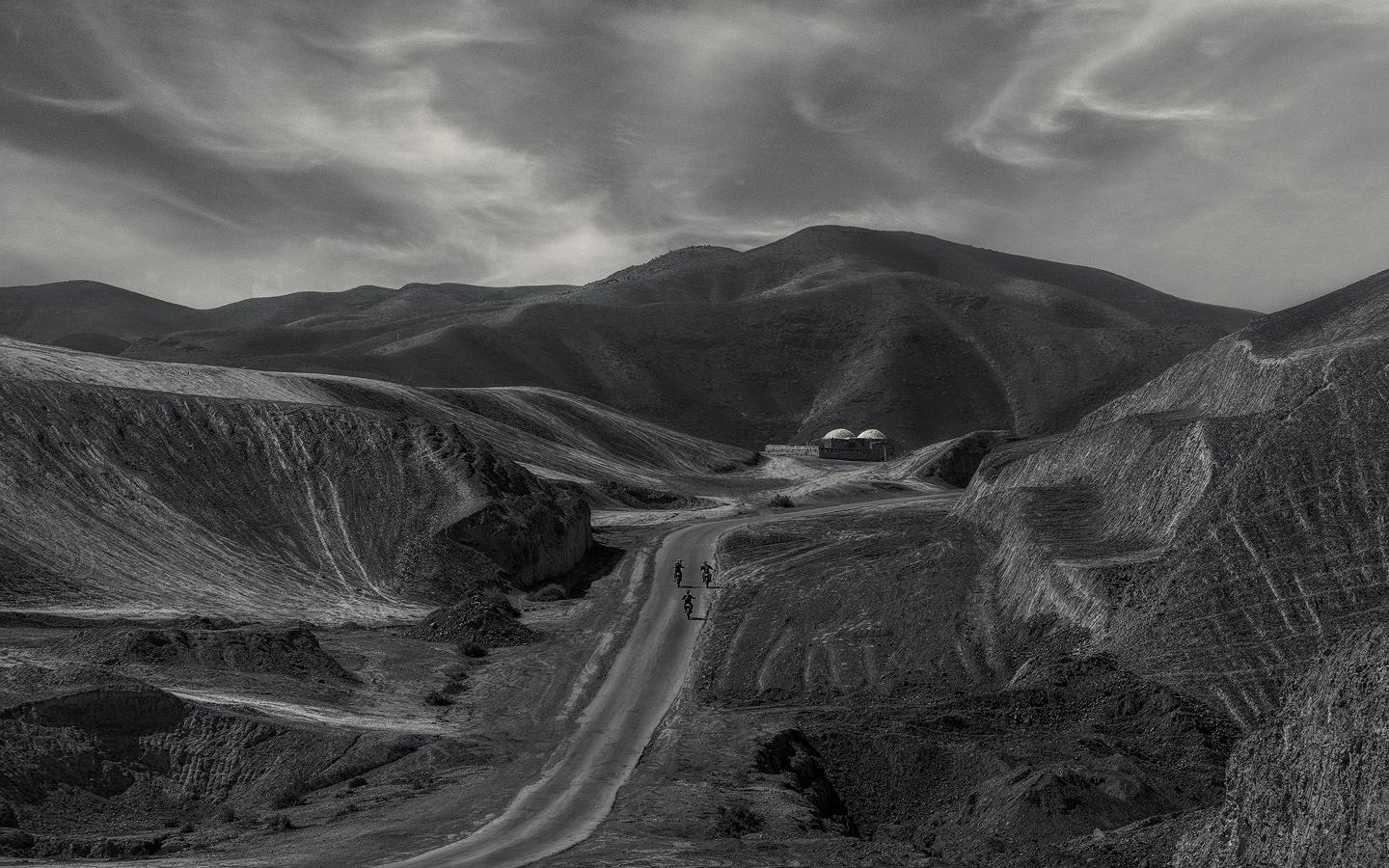
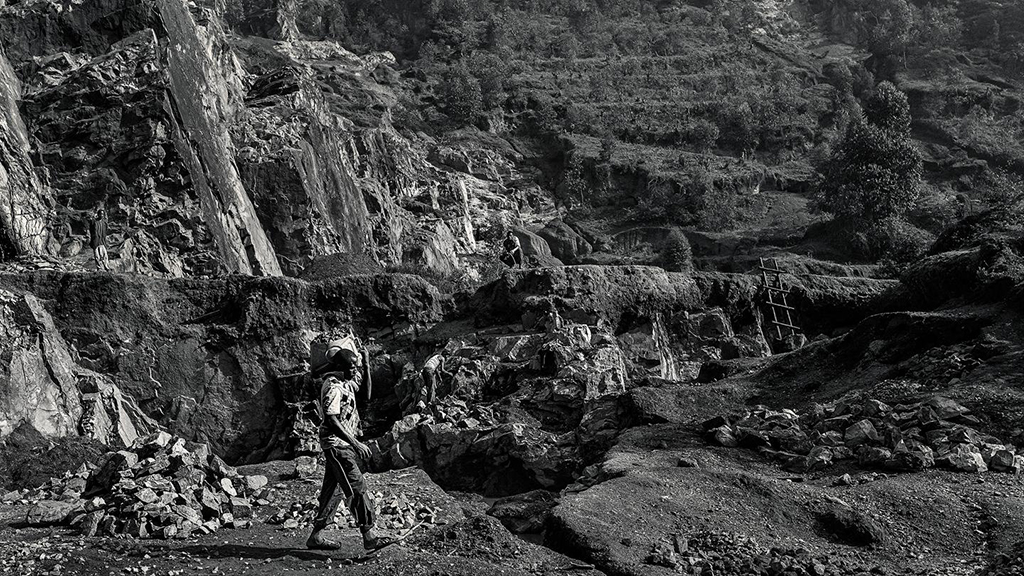
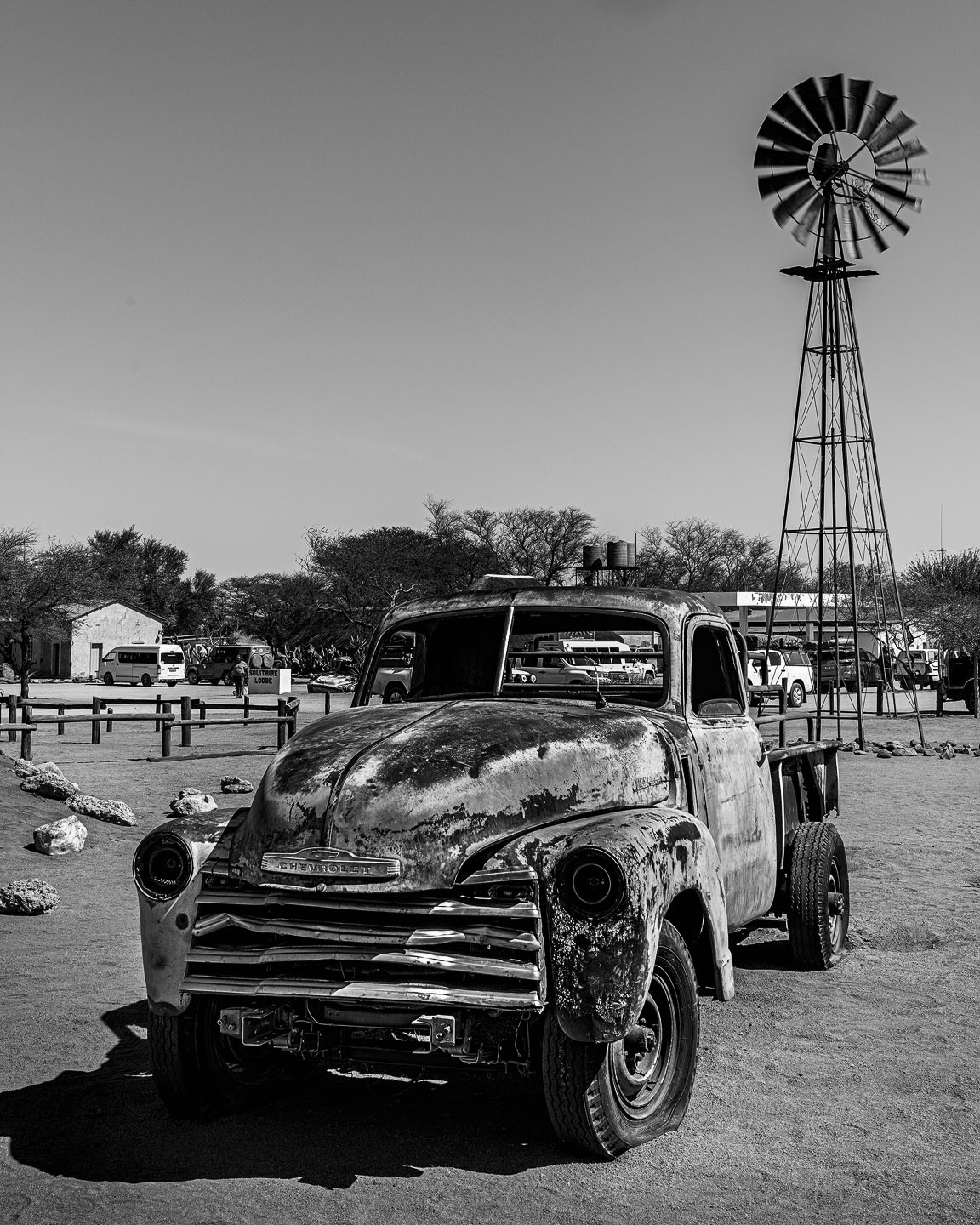
I decided to edit your second version of the photo.
I increased the size of the photo and then applied "Generative Fill" in Photoshop to fill in the empty areas.
I wanted to add the sky and make the road smaller.
Your thoughts?
Sincerely ,
Israel |
Dec 6th |
 |
| 62 |
Dec 23 |
Reply |
Hi Emil,
I'm always happy to receive your comments detailing your edits.
Thank you very much.
Sincerely,
Israel |
Dec 6th |
2 comments - 6 replies for Group 62
|
2 comments - 6 replies Total
|