Activity for User 115 - Nick Muskovac - nmuskovac@gmail.com

avatar
Avatar

Close this Tab when done


574 Comments / 52 Replies Posted

  = Current Round   = Previous Round
Group Round C/R Comment Date Image
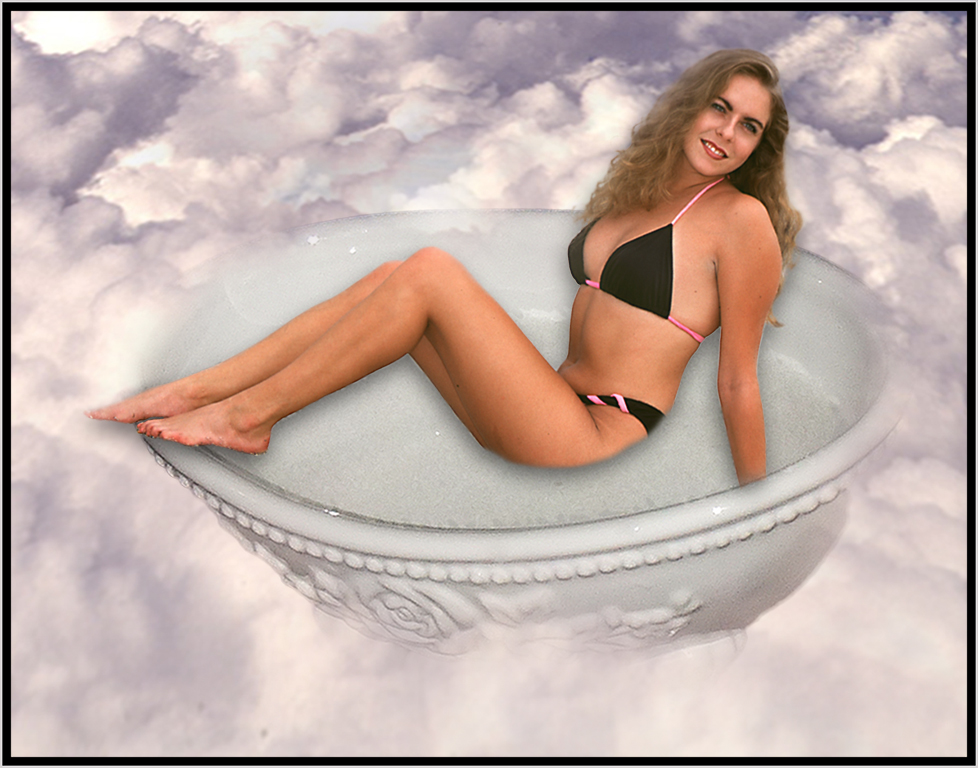
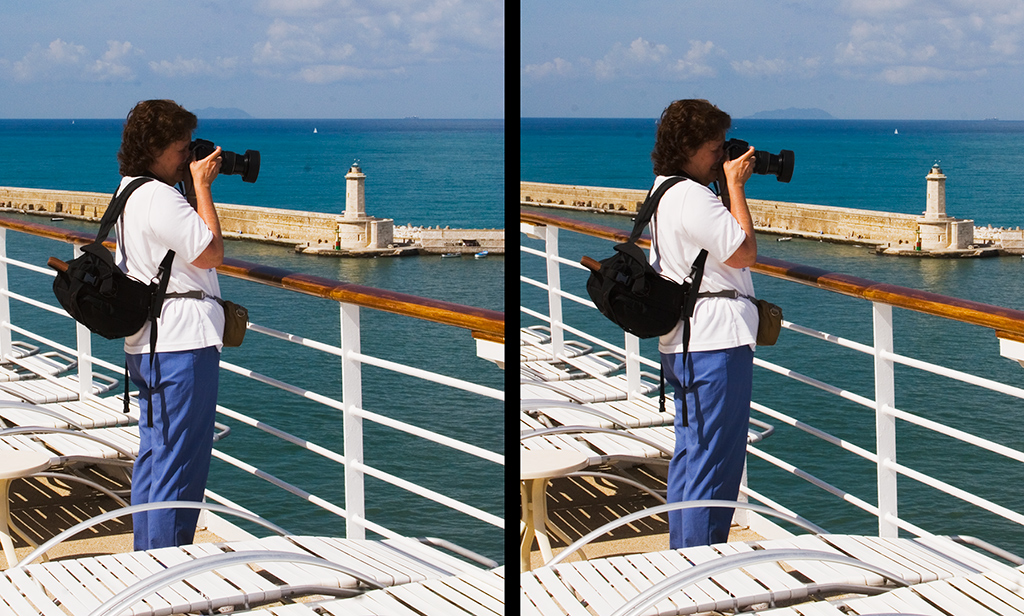
5 Sep 17 Comment What a great place for a photo-shoot;
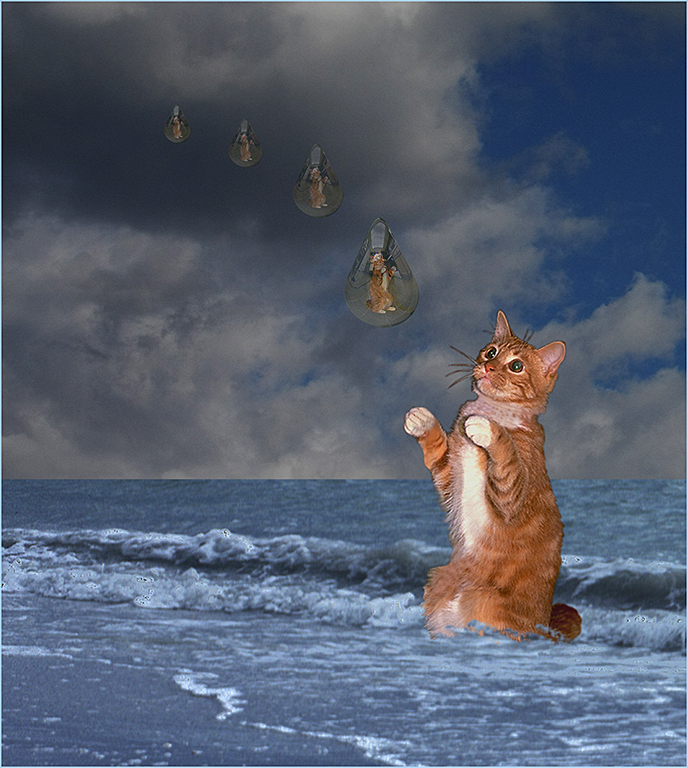
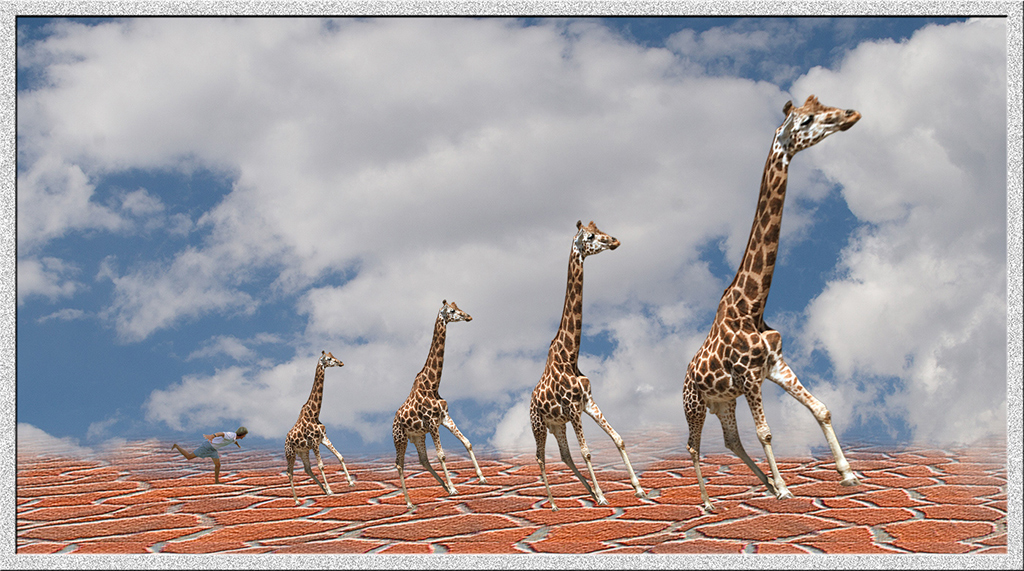
I agree that these are clouds hovering above the water. I think Barbara's sky came out very nice. And as John said, I might have cropped some off the bottom.
Sep 20th
5 Sep 17 Comment John, you have done a great job of producing a fine monochrome image. Great expression on the woman's face. I can't think of any improvements except a border!! Sep 20th
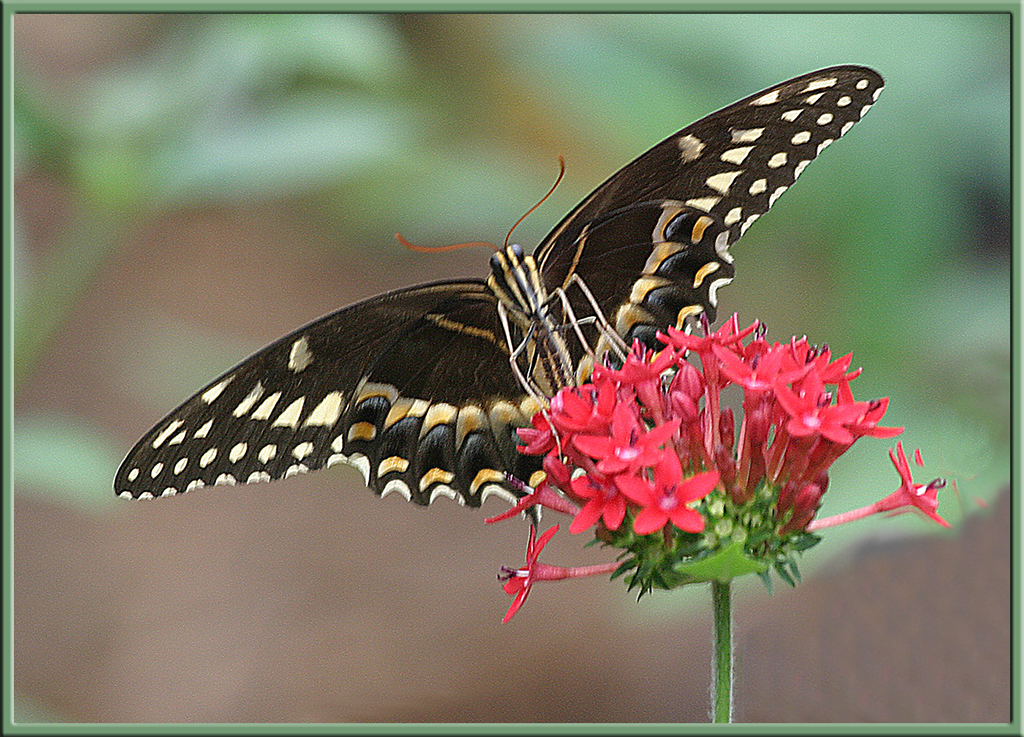
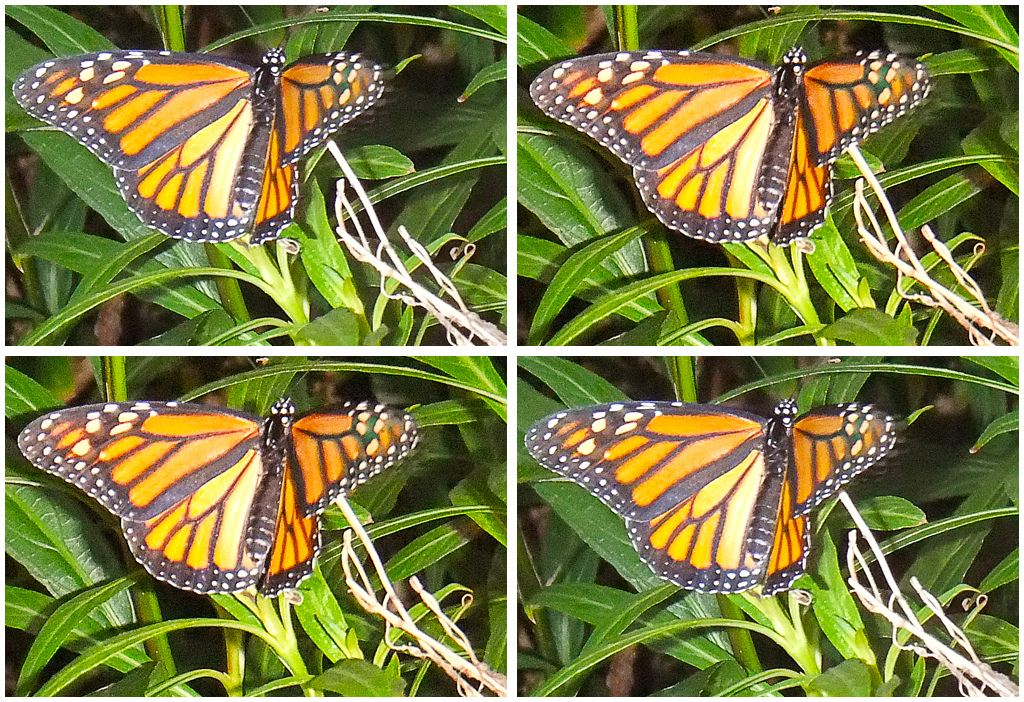
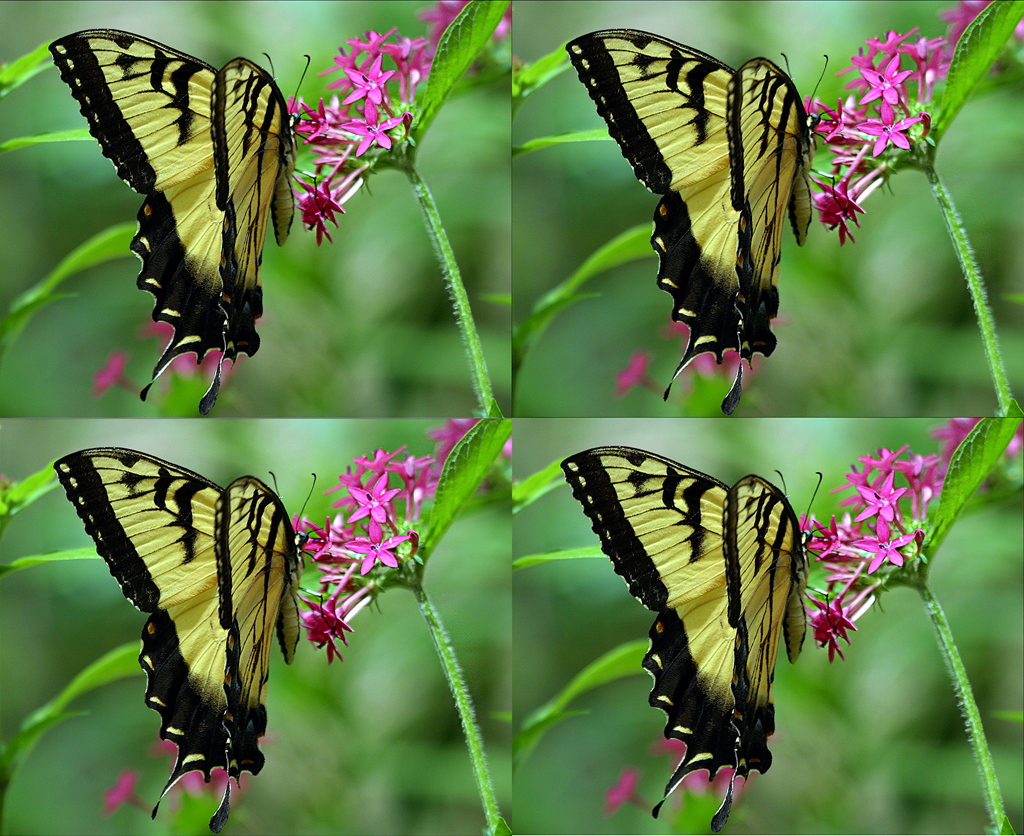
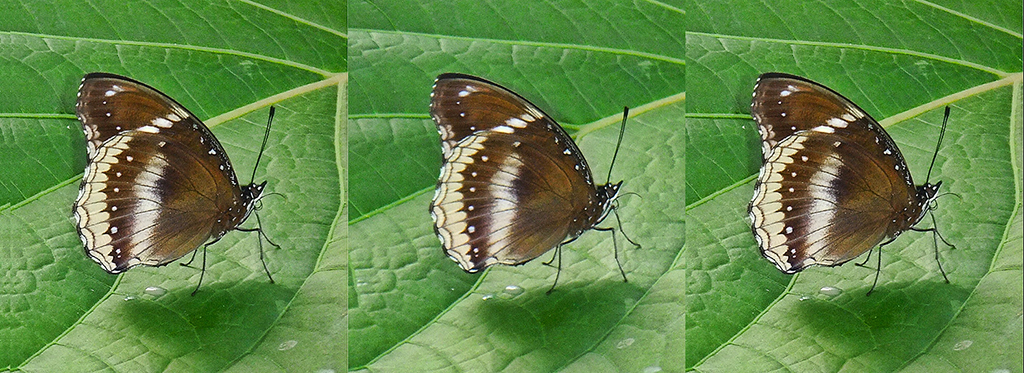
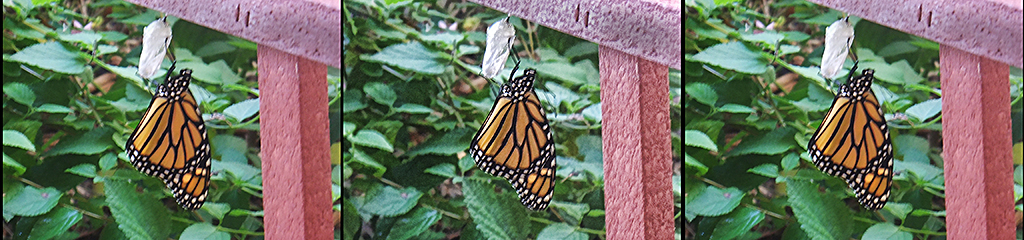
5 Sep 17 Comment Very nice shot of the butterfly. It may be a bit over sharpened. I don't mind the flower being slightly out of focus. Another hint on the High Pass and Overlay sharpening technique; To fine tune the sharpening, adjust the opacity of the Overlay layer. Sep 20th
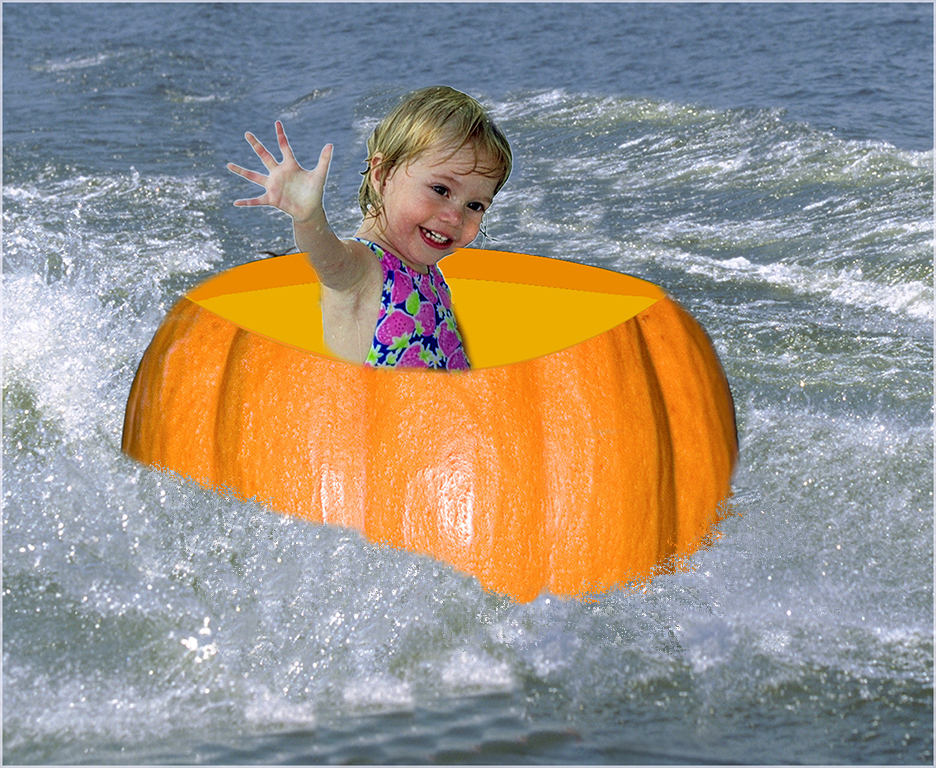
5 Sep 17 Comment Great picture of a pretty young child. I agree with the cropping that Oliver did. I might have burned the small white object that appears on the left side of her shirt. Sep 20th
5 Sep 17 Comment As usual, you have done some wonderful post processing to isolate the two people. I can't think of any improvements.
However, you know how I like borders and frames; I would add a very light skin-tone border to set it off from the black background that our page uses.
Sep 20th
5 Sep 17 Comment I am back; lost power for a week............
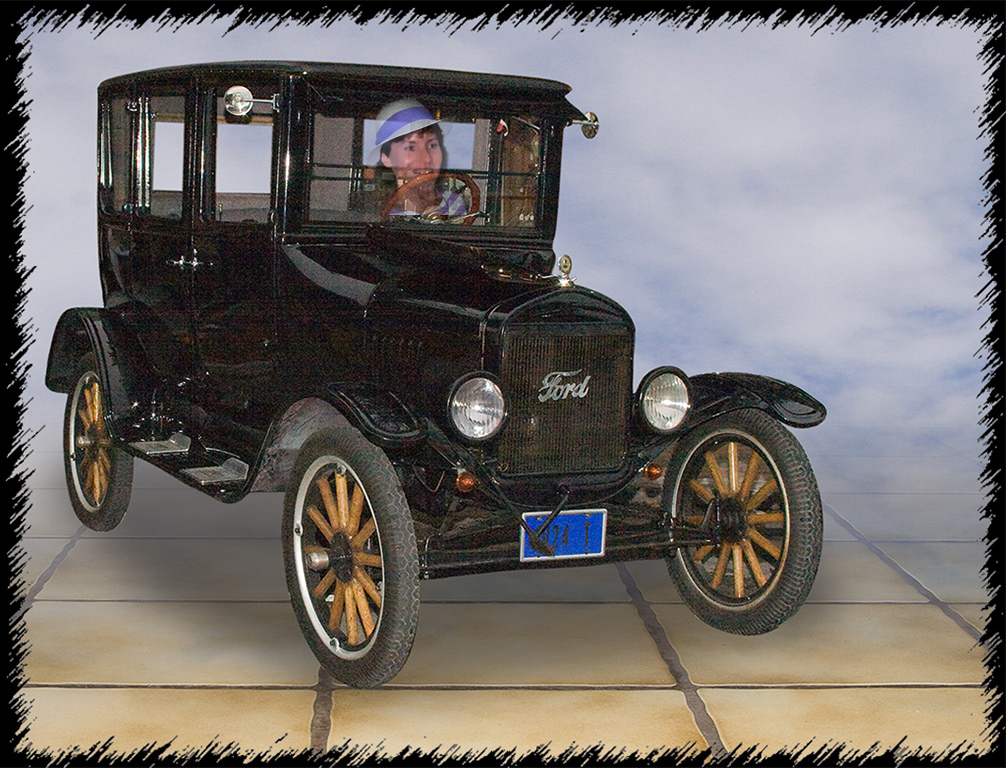
I like the treatment that you did on the image.
I believe the border that you stroked was not on an image that is cropped. You probably added the border in psd extension.
I have seen that some of the layers will extend beyond the outer edges of the image! Then select ALL does not work on all sides. To prove this, you can increase the canvas size and look at the layers before you flatten it. What I do is crop the image after I flatten it, while still in .psd
The issue that bothered me most about the image is the merger of the hat. I took the liberty of adding some canvas to the top to see all the hat. Added light gray 11 pixel border and embossed.
Sep 20th
5 Sep 17 Comment Oliver,
Glad you got your 3D viewer and was able to enjoy it.
thanks.........
Sep 19th
5 Sep 17 Comment Oliver,
try this website for 3D viewers:
www.loreo.com
I use the Pixi 3D viewer; It works great for looking at 3D pairs on the computer screen......only $5
Sep 3rd

8 comments - 0 replies for Group 5

68 Sep 17 Comment David,
I see it now....................
thanks
Sep 21st
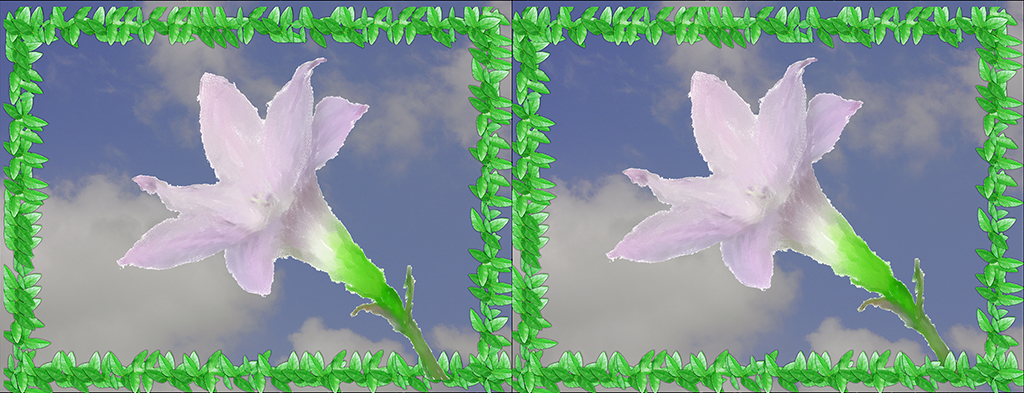
68 Sep 17 Comment The leaves coming out in front of the window make the picture. I think I see a spider in the center top; but my monitor does not define it very well. Border is nice............. Sep 20th
68 Sep 17 Comment Good 3d of people on the bridge enjoying the scenery. The cityscape behind the railings give the picture some nice depth. The lighting looks fine to me. Sep 20th
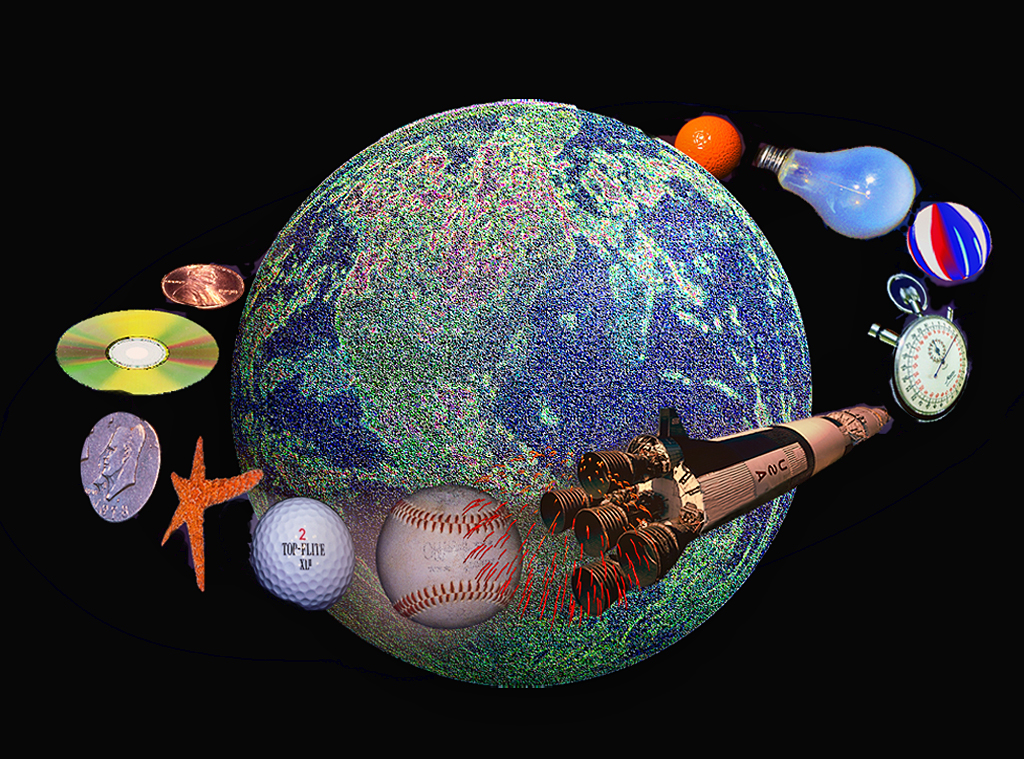
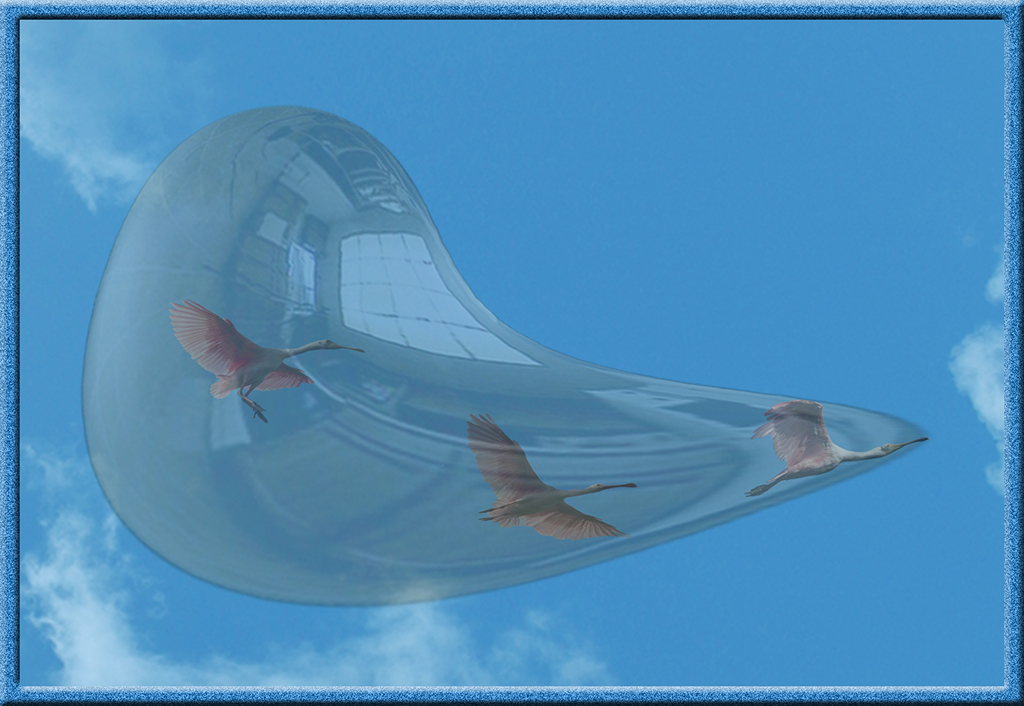
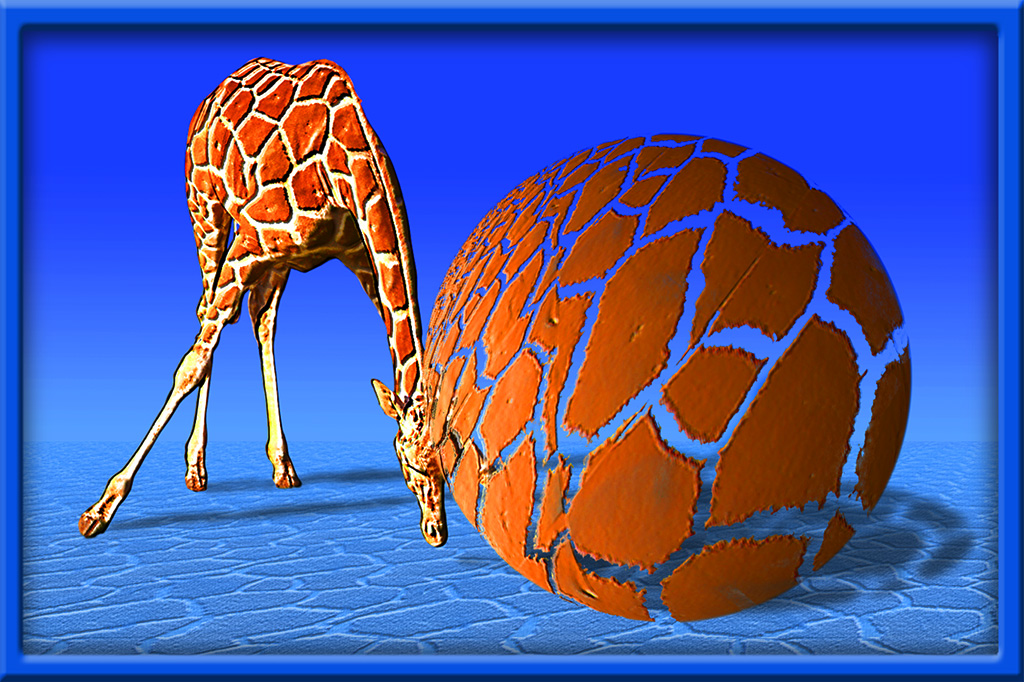
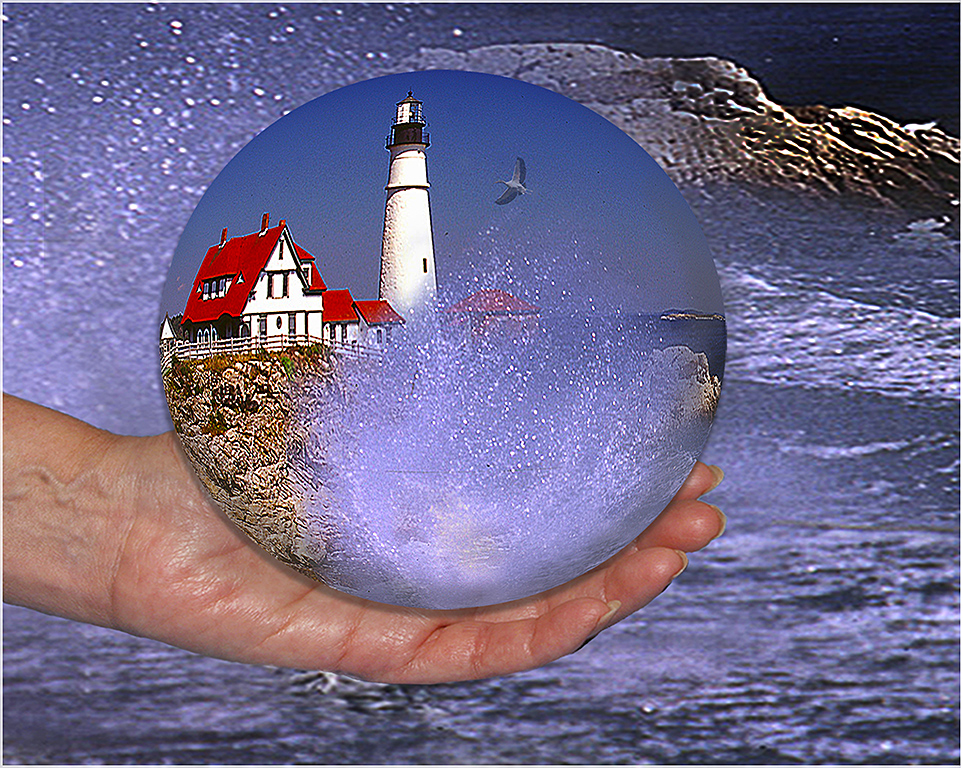
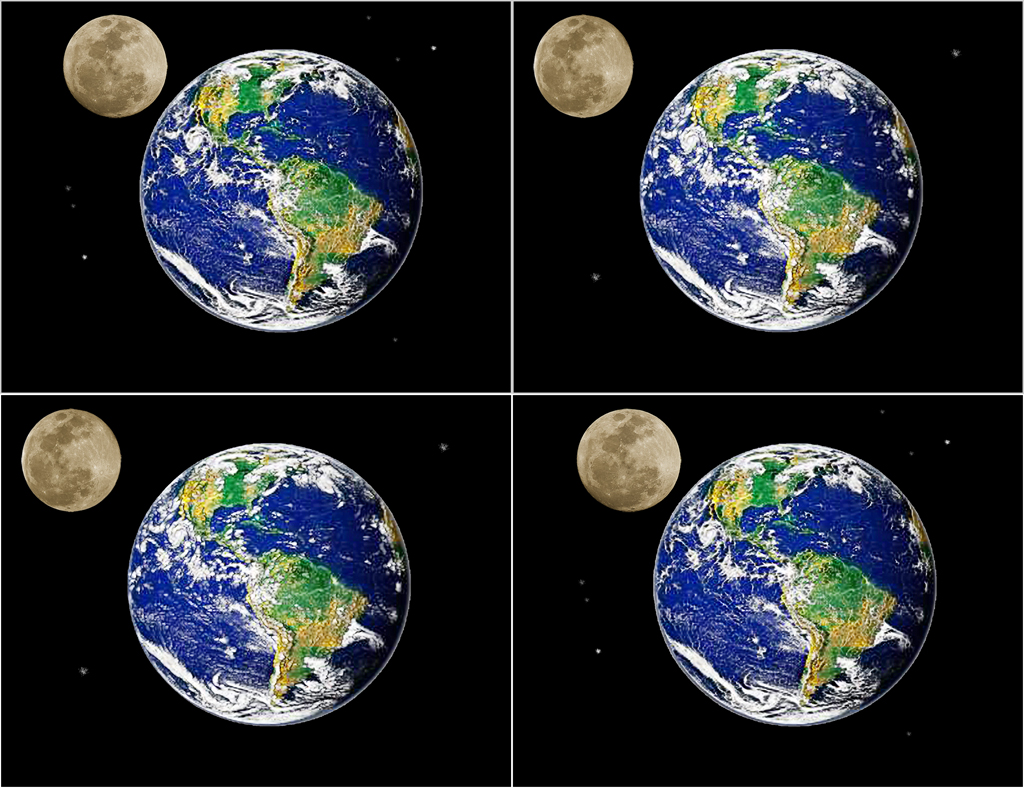
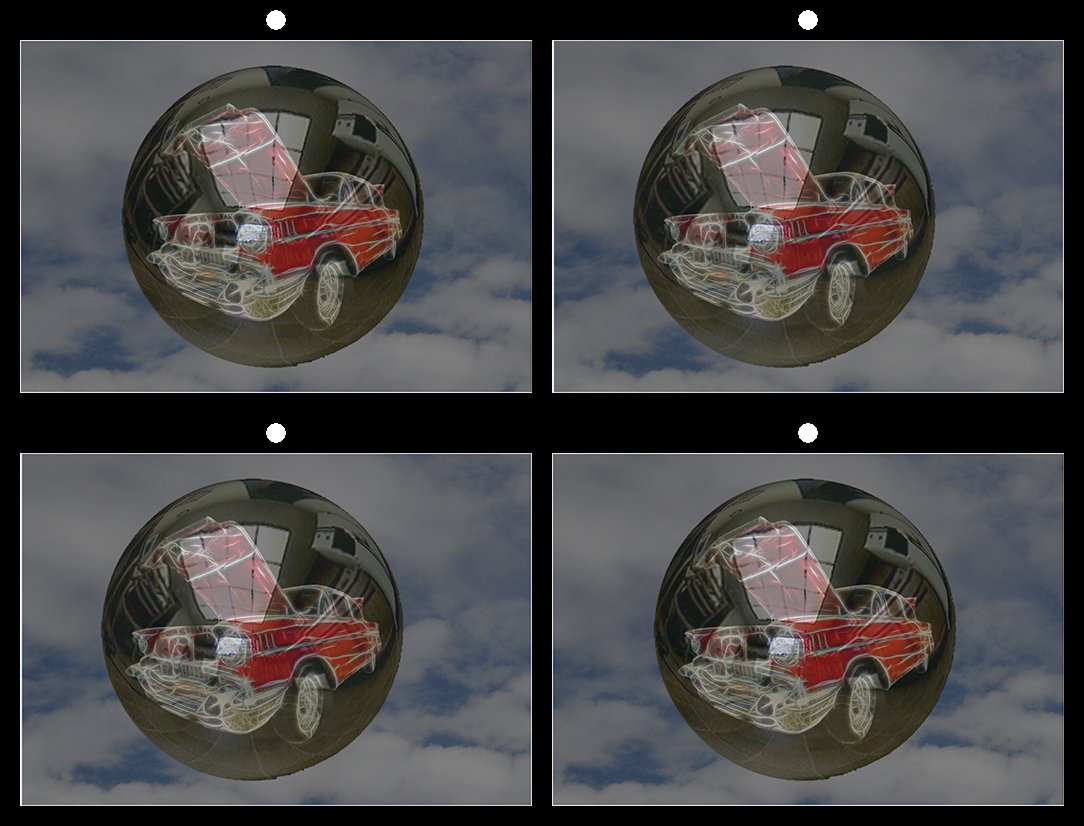
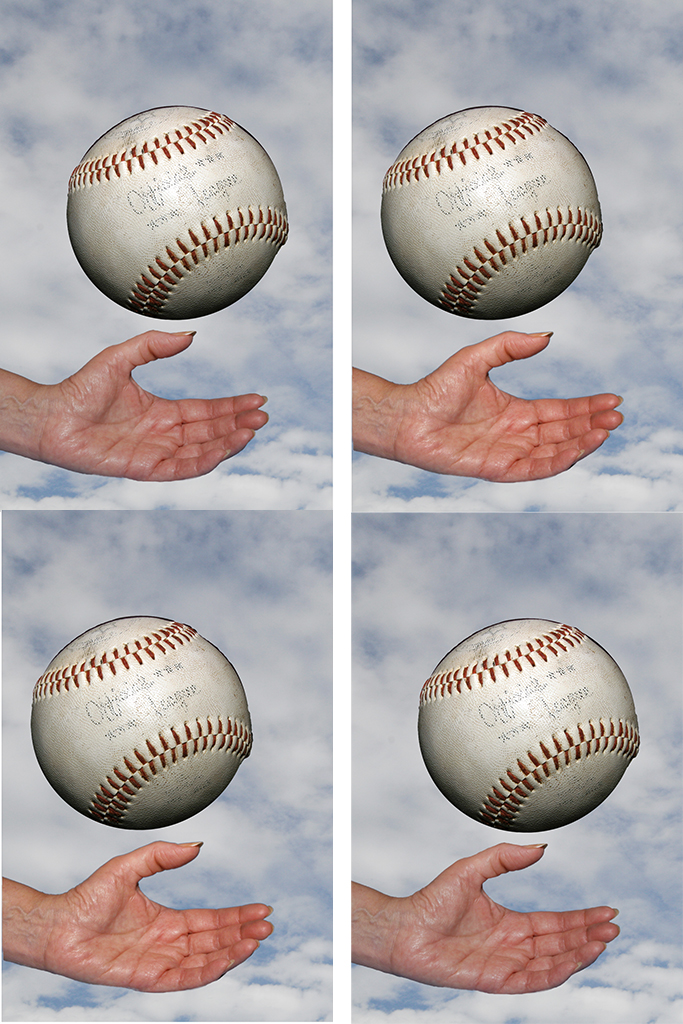
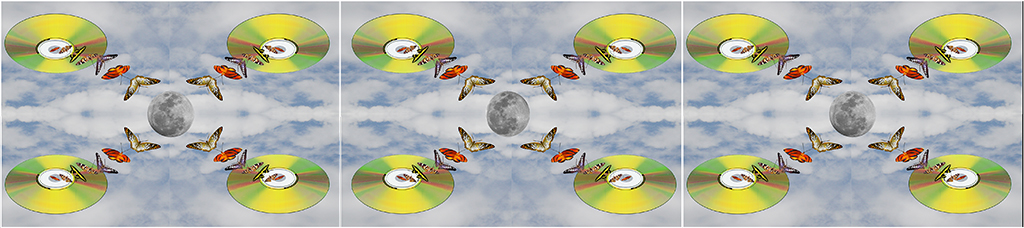
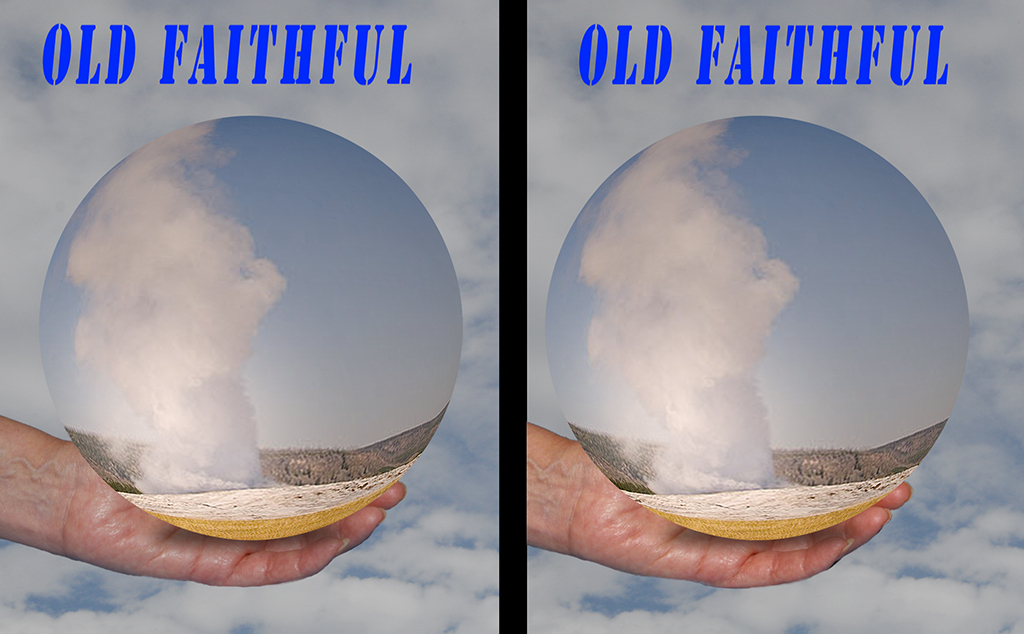
68 Sep 17 Comment I love the sphere. This is the kind of stuff that I like to do; I am glad you mentioned the spherical deformation in SPM; I did not know it was there; I enjoy making creative images, whether they are 3D or 2D. I will check the distortion and compare it with the 3D andromedia sphere-making software that I use.
Sep 20th

4 comments - 0 replies for Group 68


12 comments - 0 replies Total


113 Images Posted

  = Current Round   = Previous Round
Group 05

Nov 21

Oct 21

Sep 21

Jul 21

Jun 21

May 21

Apr 21

Mar 21

Feb 21

Jan 21

Nov 20

Oct 20

Sep 20

Aug 20

Jul 20

Jun 20

May 20

Apr 20

Mar 20

Feb 20

Nov 19

Oct 19

Sep 19

Aug 19

Jul 19

Jun 19

May 19

Apr 19

Mar 19

Feb 19

Jan 19

Nov 18

Oct 18

Sep 18

Aug 18

Jul 18

Jun 18

May 18

Apr 18

Mar 18

Feb 18

Jan 18

Dec 17

Nov 17

Oct 17

Sep 17

Aug 17

Jul 17

Jun 17

May 17

Apr 17

Mar 17

Feb 17

Jan 17
Group 68

Nov 21

Oct 21

Sep 21

Aug 21

Jul 21

Jun 21

May 21

Apr 21

Mar 21

Feb 21

Jan 21

Dec 20

Nov 20

Oct 20

Sep 20

Aug 20

Jul 20

Jun 20

May 20

Apr 20

Mar 20

Feb 20

Jan 20

Dec 19

Nov 19

Oct 19

Sep 19

Aug 19

Jul 19

Jun 19

May 19

Apr 19

Mar 19

Feb 19

Jan 19

Dec 18

Nov 18

Oct 18

Sep 18

Aug 18

Jul 18

Jun 18

May 18

Apr 18

Mar 18

Feb 18

Jan 18

Dec 17

Nov 17

Oct 17

Sep 17

Aug 17

Jul 17

Jun 17

May 17

Apr 17

Mar 17

Feb 17

Jan 17

Close this Tab when done