Activity for User 115 - Nick Muskovac - nmuskovac@gmail.com

avatar
Avatar

Close this Tab when done


574 Comments / 52 Replies Posted

  = Current Round   = Previous Round
Group Round C/R Comment Date Image
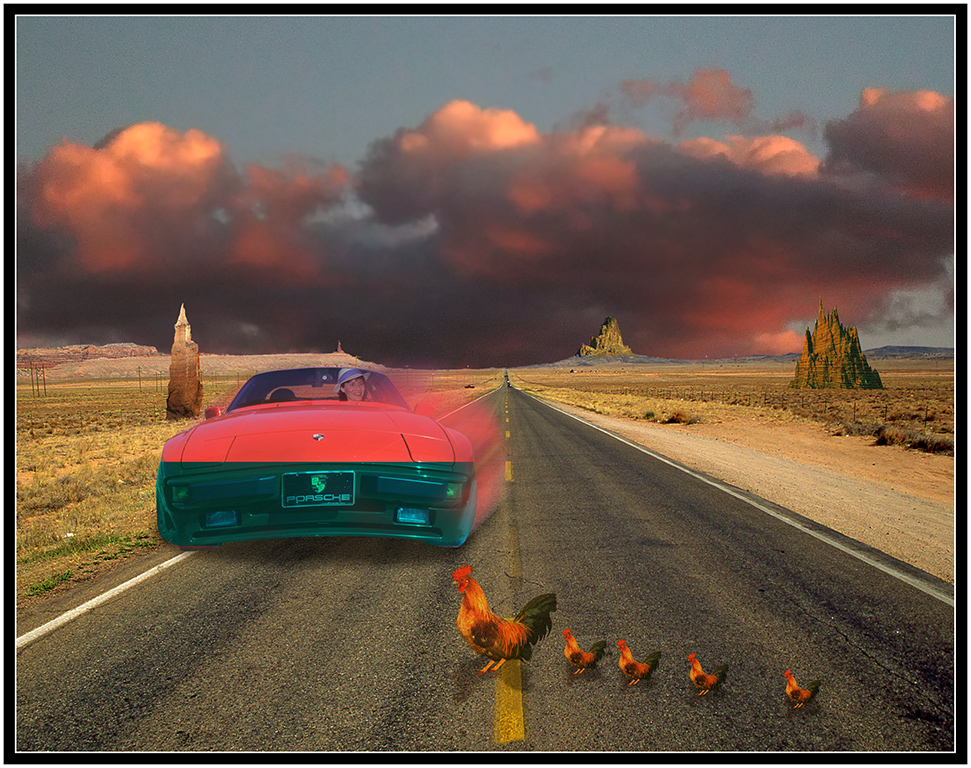
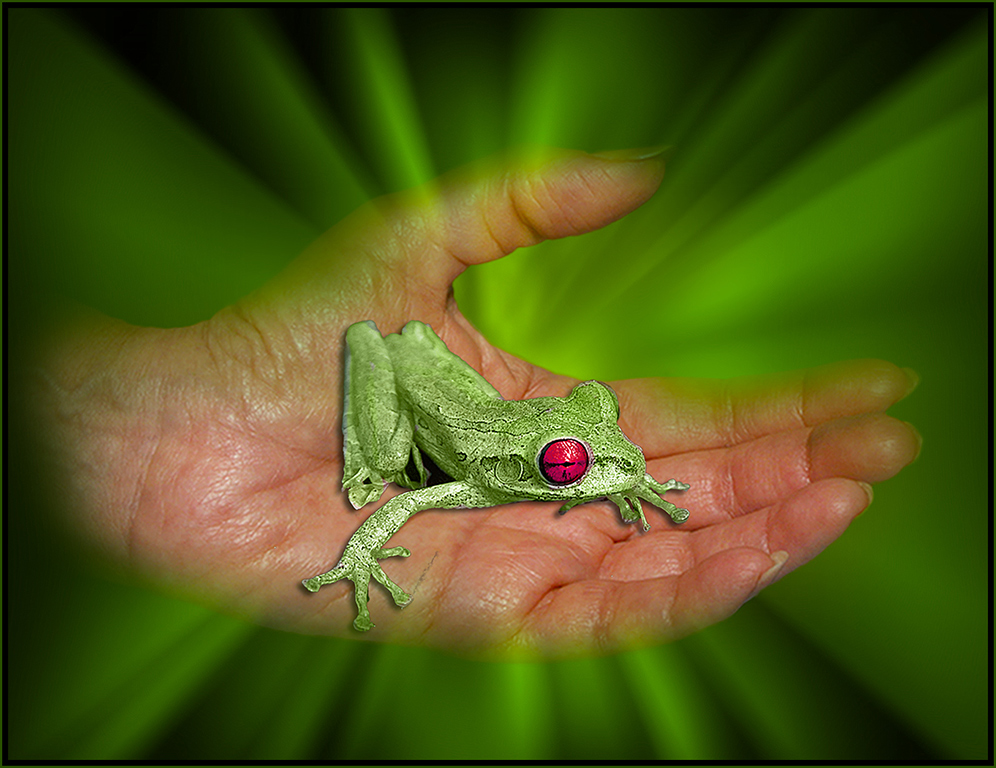
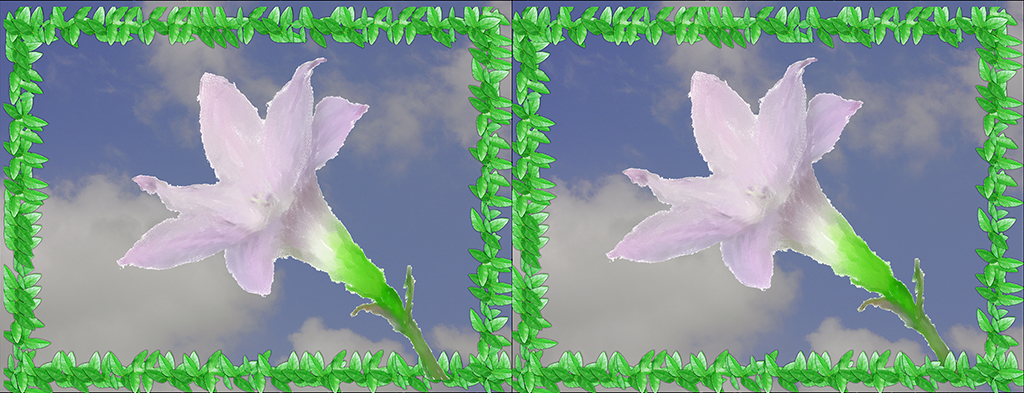
5 Aug 17 Comment Oliver, I make my simple borders (frames) in Photoshop.
1. make a new layer above the image. (for the border)
2. sample a color from the image that you want to use.
3. make the other color black, in this case I had green and black.
4. select all; edit: stroke inside 9 pixels black.
5. edit: stroke inside 2 pixels green......DONE
Aug 23rd
5 Aug 17 Comment This is a very nice image; I like the old style print look; it makes the image..............nice border............ Aug 22nd
5 Aug 17 Comment A great action shot; I don't mind that you can see parts of three players in the image. The teeth of the main subject sure matches the image on his shirt! I would have toned down the bright spot in the upper right corner. Aug 22nd
5 Aug 17 Comment You have produced another one of your masterpieces. The work you did on the background is excellent as it makes the man the prominent subject of the image. I don't see anything wrong with the man's soiled clothing and apron; It fits right in with the work he is doing; Naturally, I would have added a thin border, using the color of the man's hair. Aug 22nd
5 Aug 17 Comment This is a great image; The dragon fly is very sharp and with the blurred background, it stands out nicely. I thought cropping the image would bring the subject closer to the viewer; I also added a border. Aug 22nd
5 Aug 17 Comment A great action shot. The water spray and the man's reflection go good together.........well done........ Aug 22nd
5 Aug 17 Comment The composition of the image is very good; captures just what one likes to see. I agree with others that it could be improved by increasing the contrast. A white/black border would set it off nicely. Aug 22nd

7 comments - 0 replies for Group 5

68 Aug 17 Comment The shadows add a lot to the picture. keeping the sky adds depth. You did a good job making the walls at an angle. Aug 22nd
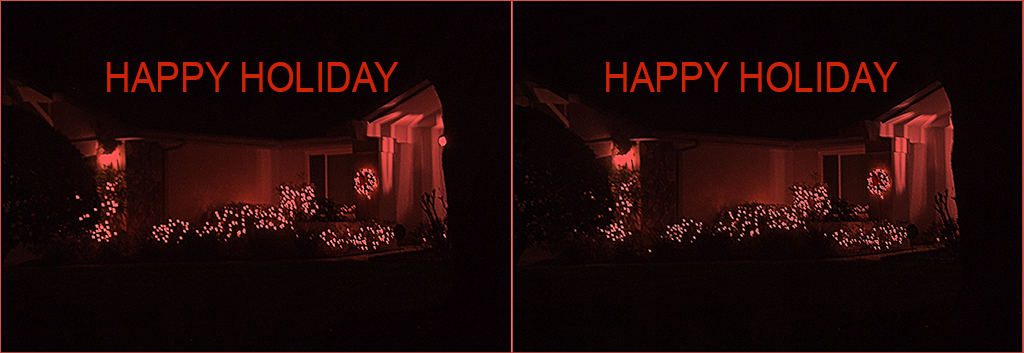
68 Aug 17 Comment The first thing that I notice is that photo is basically one color. I would like to see one portion of the image another color like red. The black sky adds a lot to the image along with the border. Aug 22nd

2 comments - 0 replies for Group 68


9 comments - 0 replies Total


113 Images Posted

  = Current Round   = Previous Round
Group 05

Nov 21

Oct 21

Sep 21

Jul 21

Jun 21

May 21

Apr 21

Mar 21

Feb 21

Jan 21

Nov 20

Oct 20

Sep 20

Aug 20

Jul 20

Jun 20

May 20

Apr 20

Mar 20

Feb 20

Nov 19

Oct 19

Sep 19

Aug 19

Jul 19

Jun 19

May 19

Apr 19

Mar 19

Feb 19

Jan 19

Nov 18

Oct 18

Sep 18

Aug 18

Jul 18

Jun 18

May 18

Apr 18

Mar 18

Feb 18

Jan 18

Dec 17

Nov 17

Oct 17

Sep 17

Aug 17

Jul 17

Jun 17

May 17

Apr 17

Mar 17

Feb 17

Jan 17
Group 68

Nov 21

Oct 21

Sep 21

Aug 21

Jul 21

Jun 21

May 21

Apr 21

Mar 21

Feb 21

Jan 21

Dec 20

Nov 20

Oct 20

Sep 20

Aug 20

Jul 20

Jun 20

May 20

Apr 20

Mar 20

Feb 20

Jan 20

Dec 19

Nov 19

Oct 19

Sep 19

Aug 19

Jul 19

Jun 19

May 19

Apr 19

Mar 19

Feb 19

Jan 19

Dec 18

Nov 18

Oct 18

Sep 18

Aug 18

Jul 18

Jun 18

May 18

Apr 18

Mar 18

Feb 18

Jan 18

Dec 17

Nov 17

Oct 17

Sep 17

Aug 17

Jul 17

Jun 17

May 17

Apr 17

Mar 17

Feb 17

Jan 17

Close this Tab when done