|
| Group |
Round |
C/R |
Comment |
Date |
Image |
| 78 |
Nov 22 |
Reply |
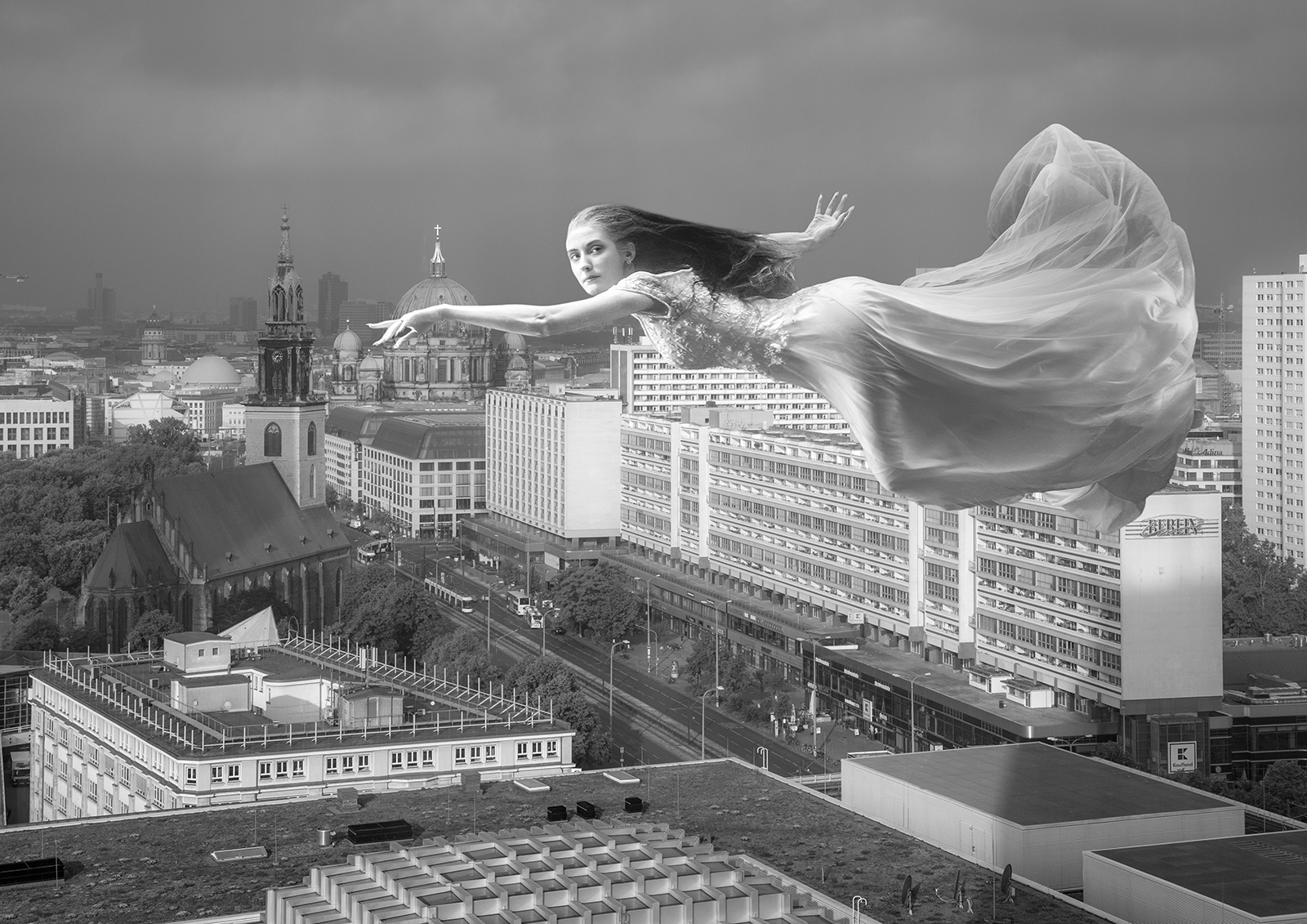
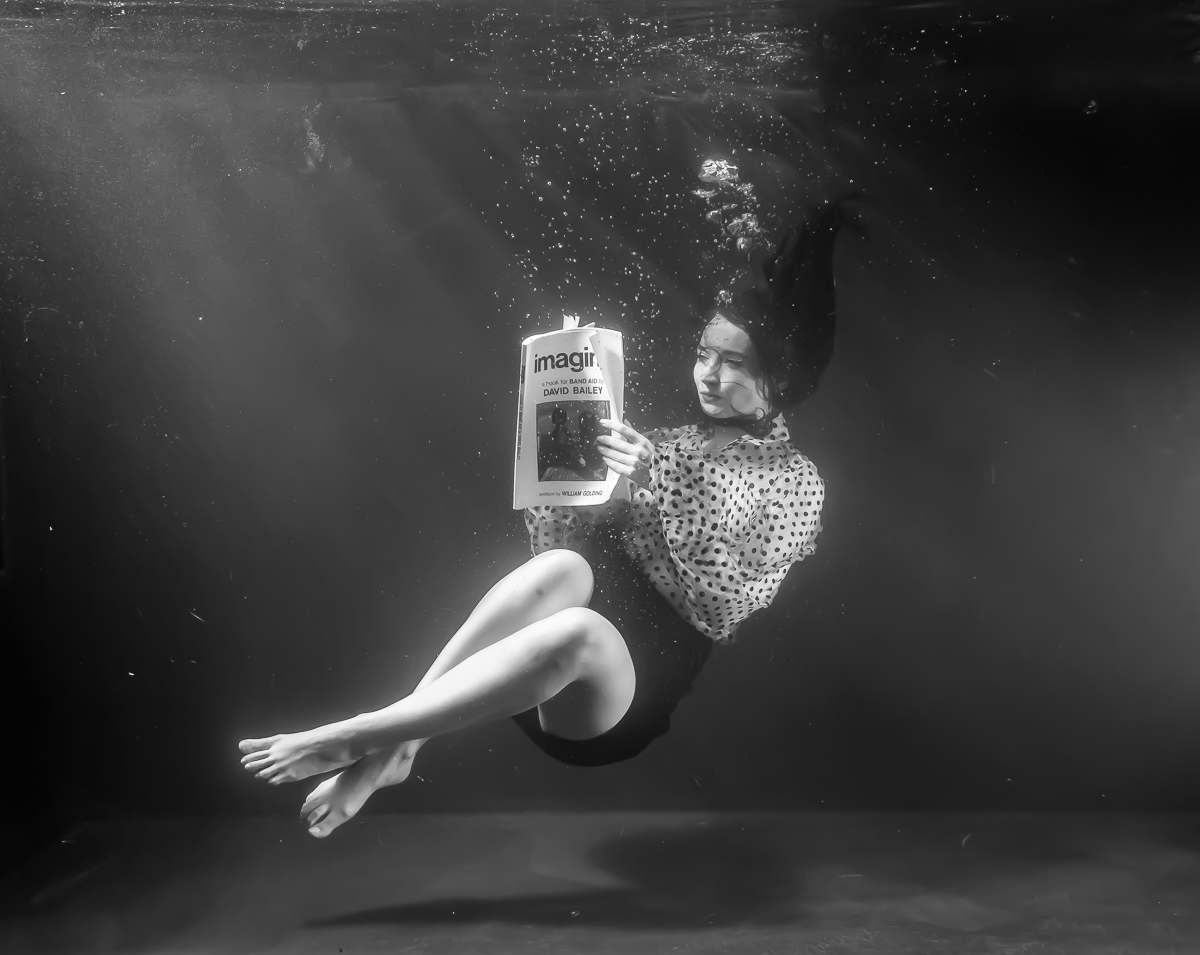
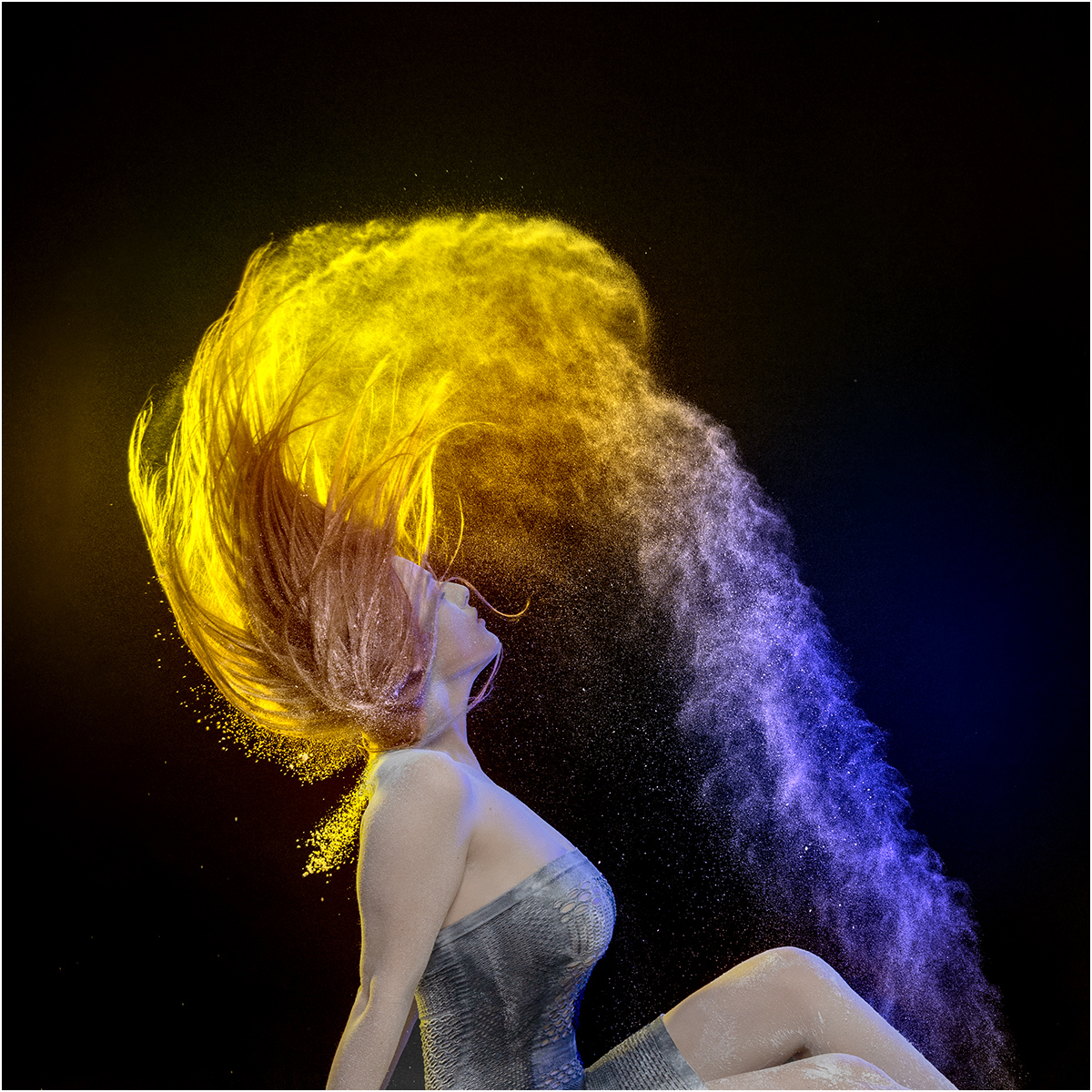
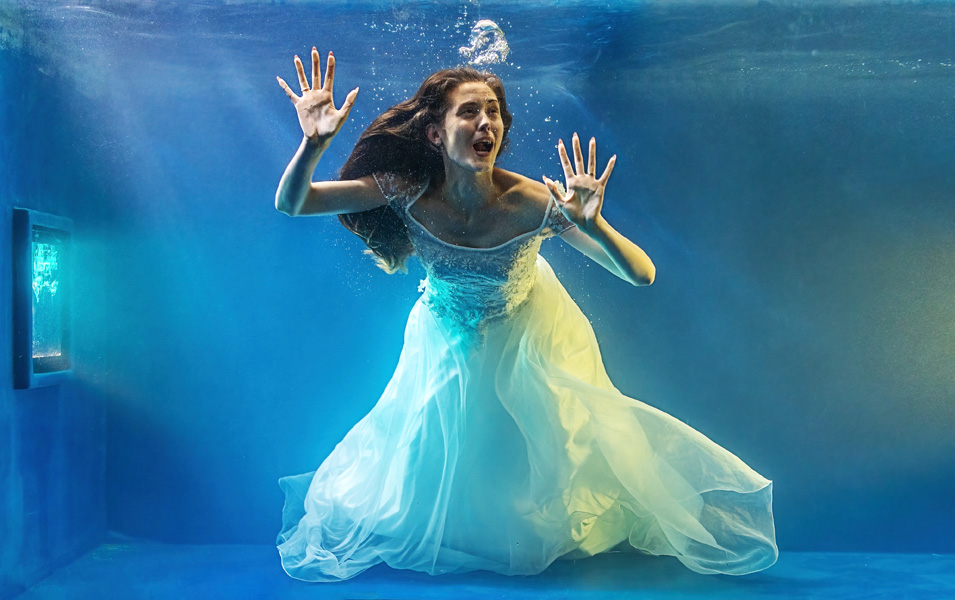
Taken at the same time as my August 2021 submission where I hired a large tank of water and 3 models for an underwater shoot. The girls chose different outfits including this wedding dress that I bought in a charity shop, and a fishtail outfit for mermaid shots. They took turns to enter the tank and just enjoy shooting from side to side, or performing twists and turns with coloured veils. Direction was impossible as they were underwater so only had a concept from before they started each session. This was another from the same model still in the dress.
|
Nov 15th |
 |
| 78 |
Nov 22 |
Reply |
I have softened the background and used a gradient to apply it primarily to the distance, so I'll try making it even softer and see.
|
Nov 11th |
| 78 |
Nov 22 |
Reply |
She was in a water tank and just launching from one side to the other, the pose was just lucky I guess.
|
Nov 11th |
| 78 |
Nov 22 |
Reply |
Thanks Sunil, I agree.
|
Nov 11th |
| 78 |
Nov 22 |
Comment |
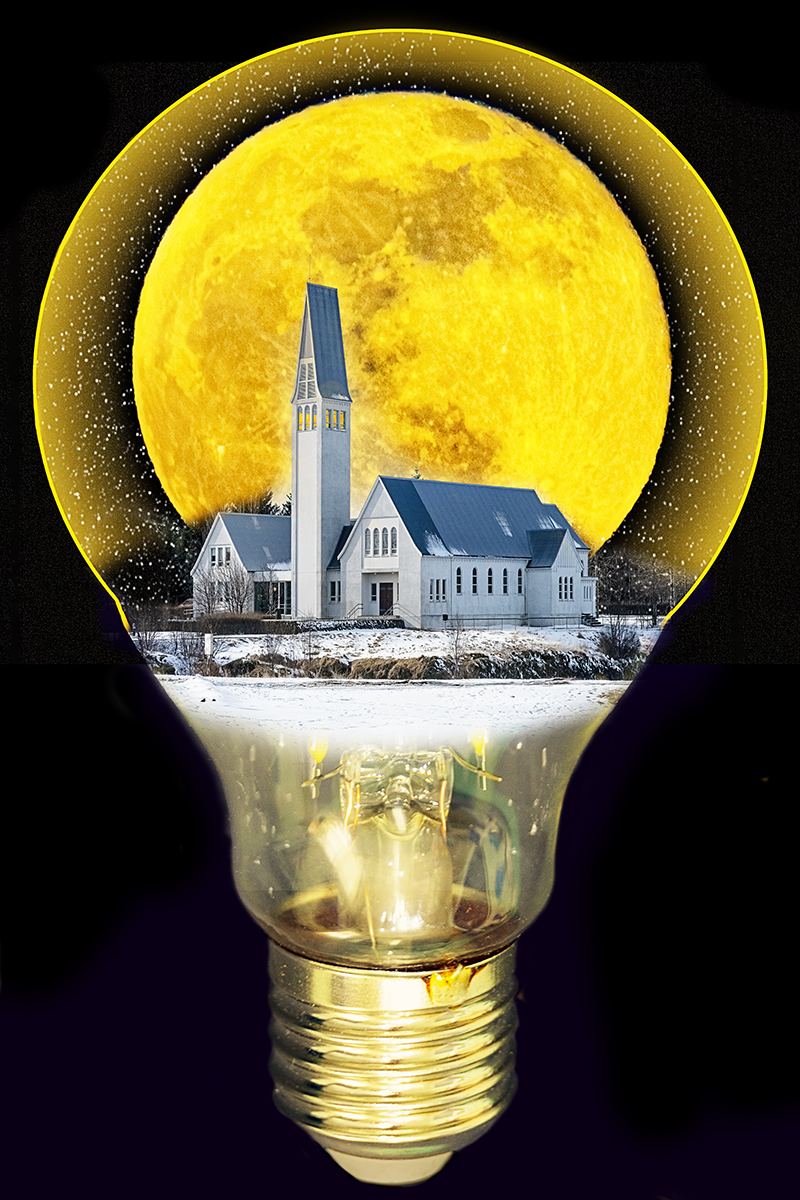
Hi Brenda, this look better to me. I see what Jim is suggesting re the light on the grass, but if you go down this road it needs to be subtle as the moon is not that bright.
|
Nov 11th |
| 78 |
Nov 22 |
Reply |
Just on the cropped version. I've noticed differing results when using the specific version rather than the new overall AI version. |
Nov 6th |
| 78 |
Nov 22 |
Comment |
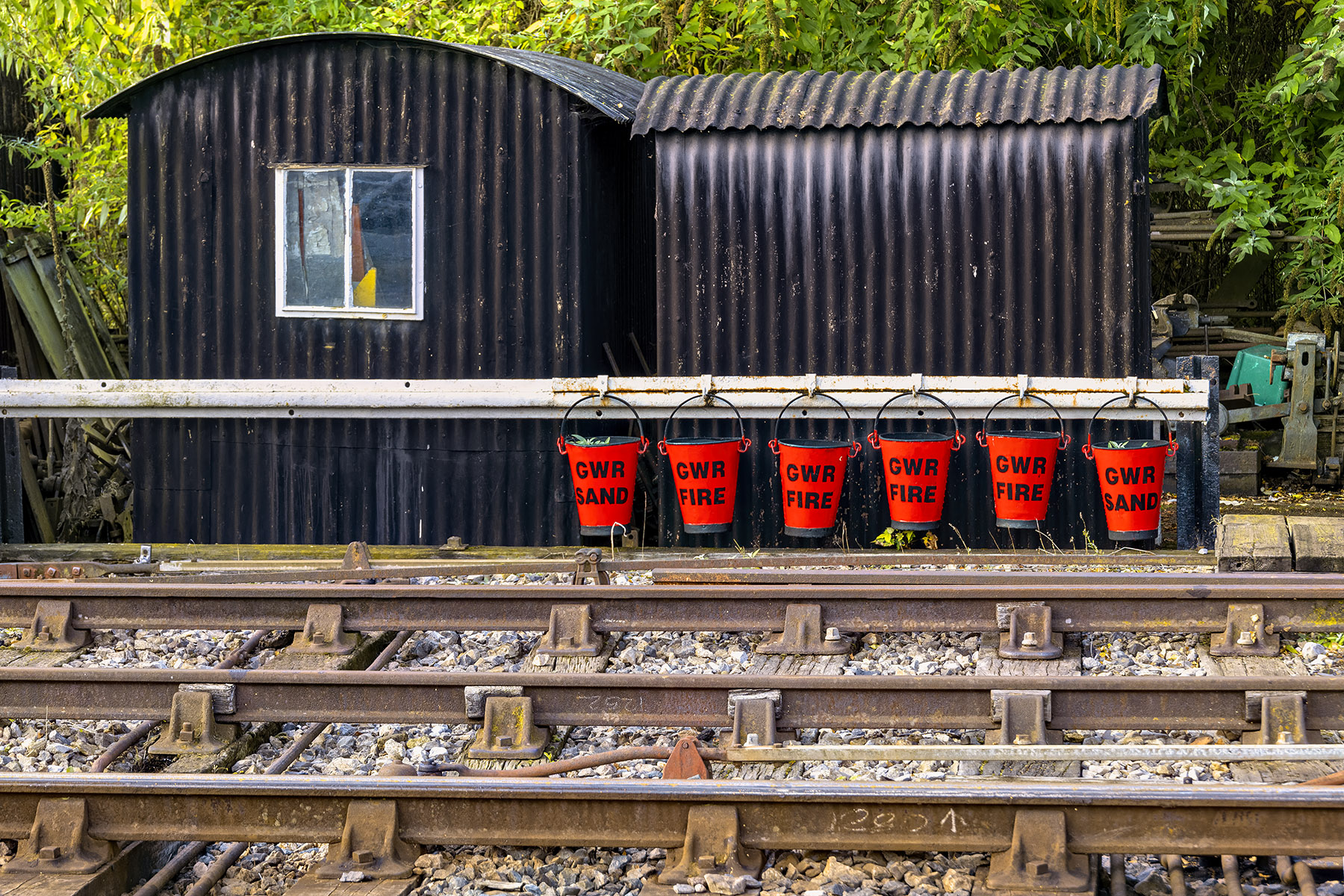
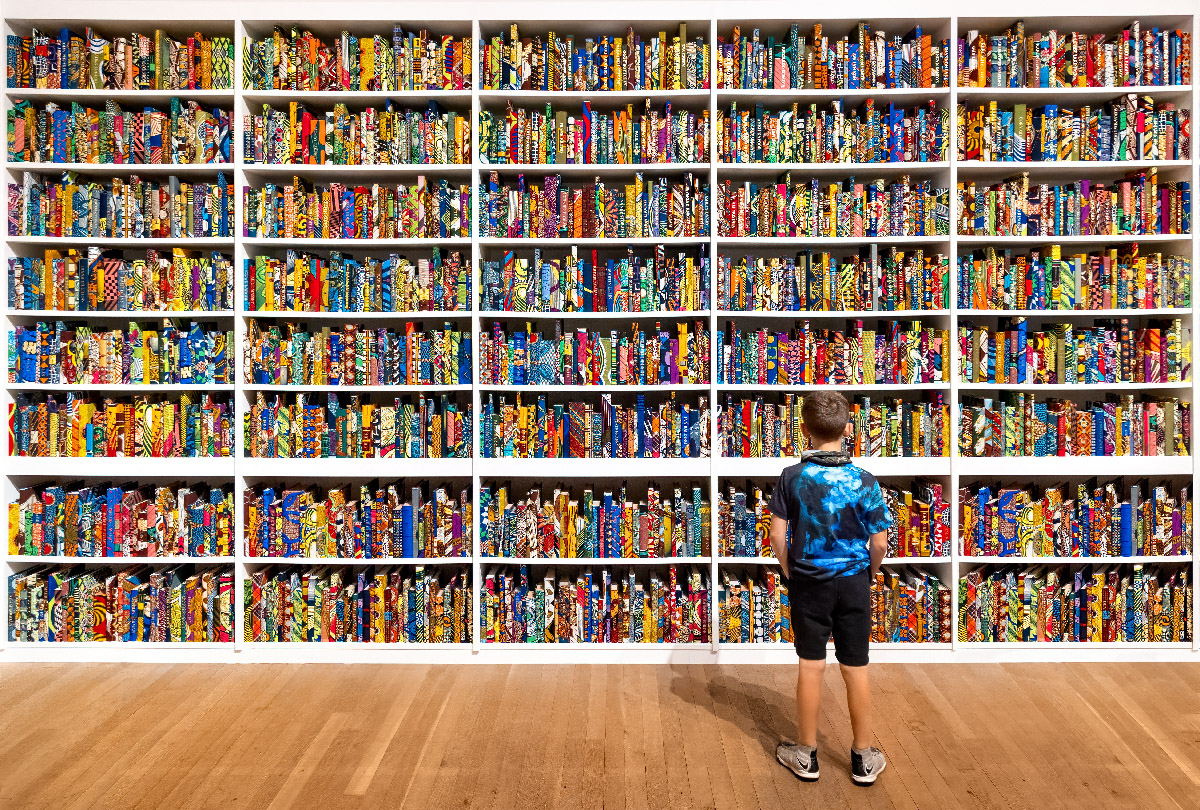
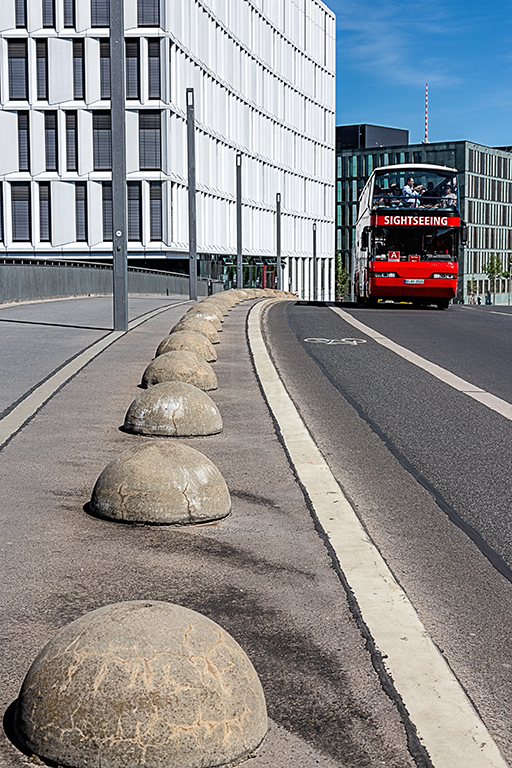
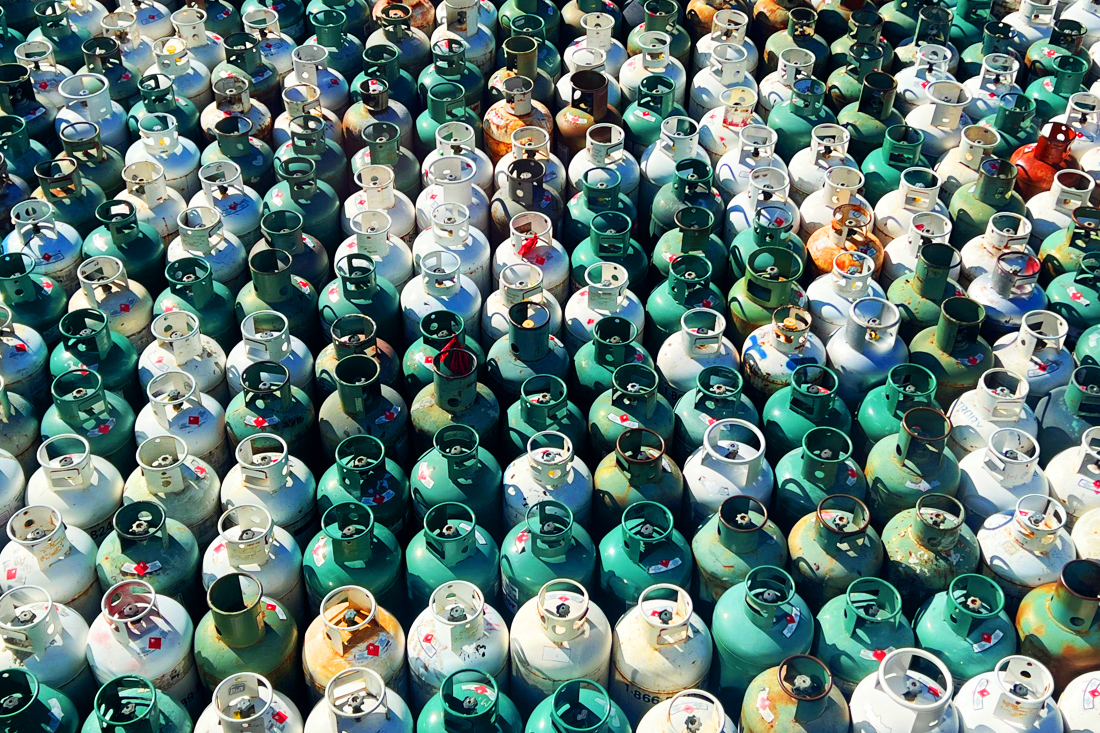
I can see why you took this as an interesting pattern picture, but for me it needs some oomph so I added a generous amount of saturation and contrast. With there being just one red tank, I also thought of the 'Where's Wally' books and wondered how to incorporate something on these lines.
|
Nov 5th |
 |
| 78 |
Nov 22 |
Comment |
Super colours, and Sunil is correct about darkening down the chair to keep the overall tones in balance, as is Mitch with the straightening.
I have to ask if you have one without the chair as it's quite
dominant even after darkening, and I think it would be much stronger without it, I did try cloning it out but then clicked quit not save - doh!
|
Nov 5th |
| 78 |
Nov 22 |
Comment |
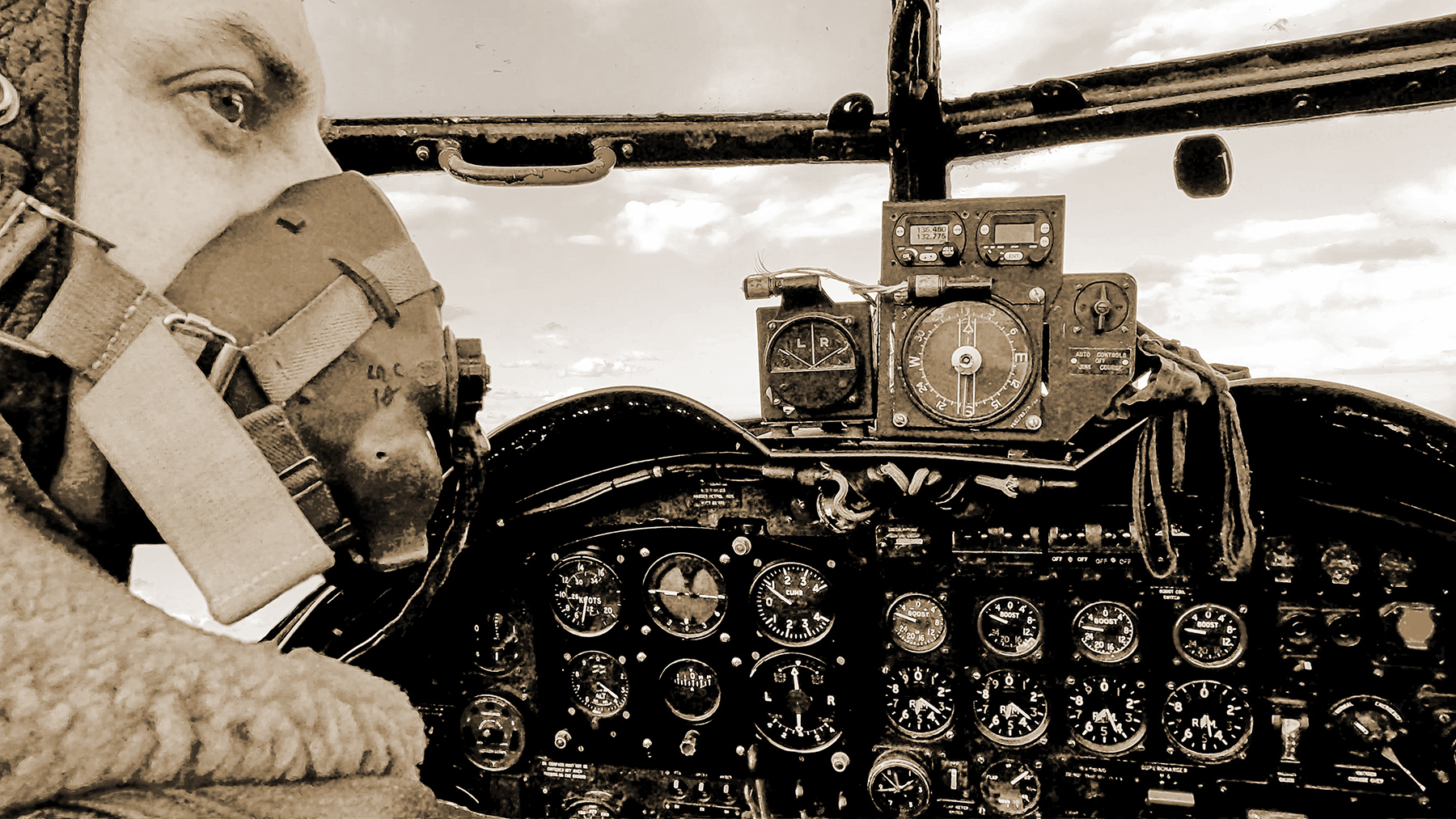
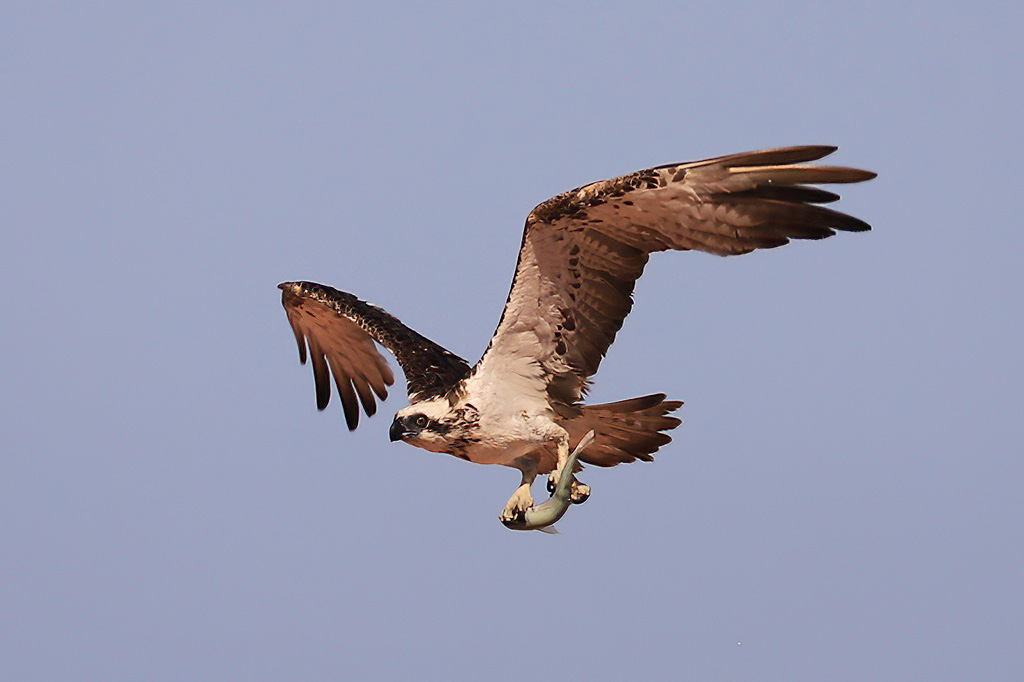
I just tried Topaz Sharpen on its own, setting to motion blur and pushing the blur slider to max, and noise reduction to zero. My issue with this is the very flat sky with no context.
|
Nov 5th |
 |
| 78 |
Nov 22 |
Comment |
I think Mitch has nailed the comments so nothing more to add.
|
Nov 5th |
| 78 |
Nov 22 |
Comment |
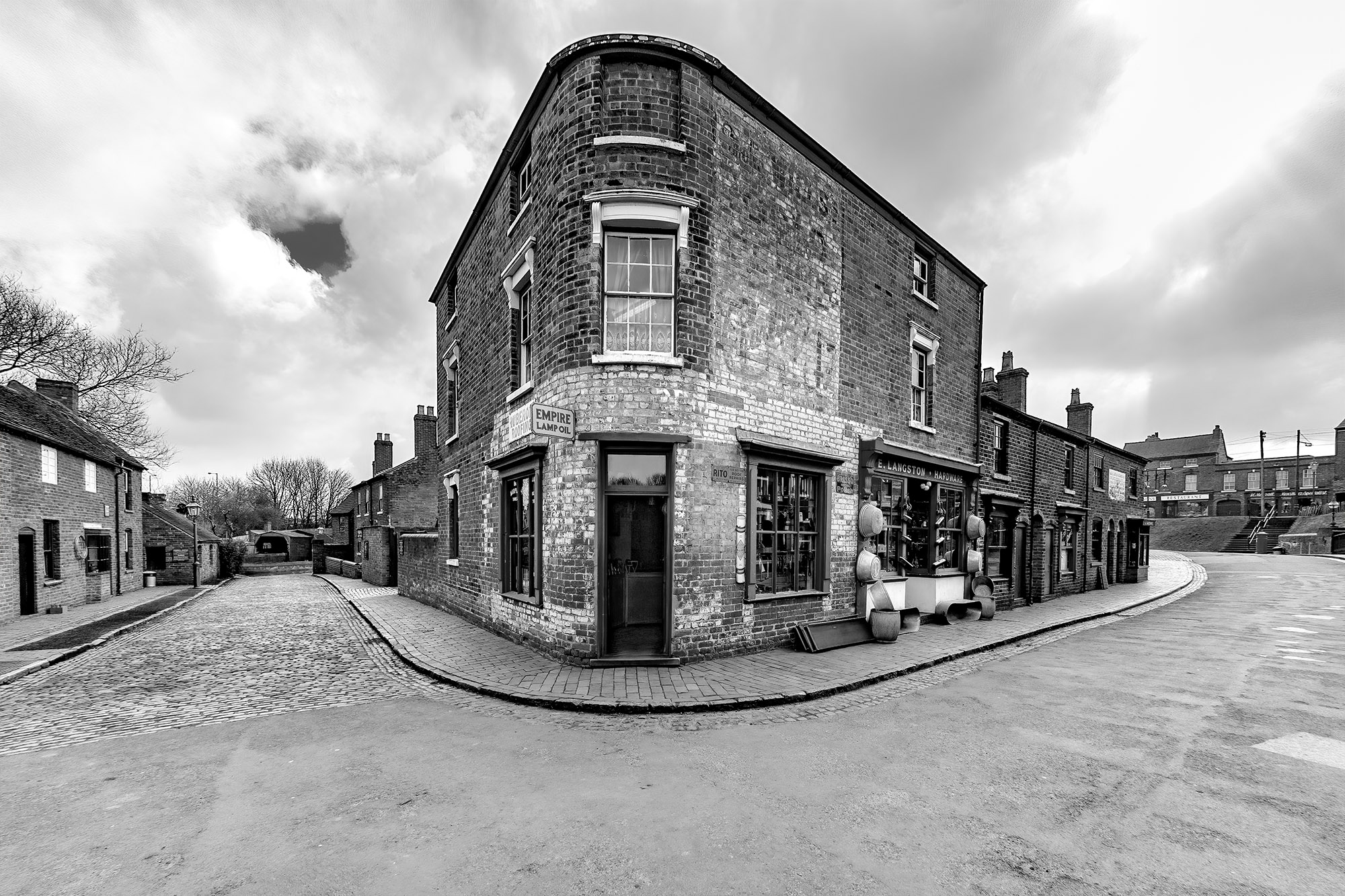
As Sunil as said, your correcting of the perspective of the mausoleum works well, as does the choice of crop. However this now looks over-sharpened to me, but the bricks in the building are still soft and losing texture. Do you have another original to work from because this one looks to be slightly soft too making your adjustments harder? |
Nov 5th |
| 78 |
Nov 22 |
Comment |
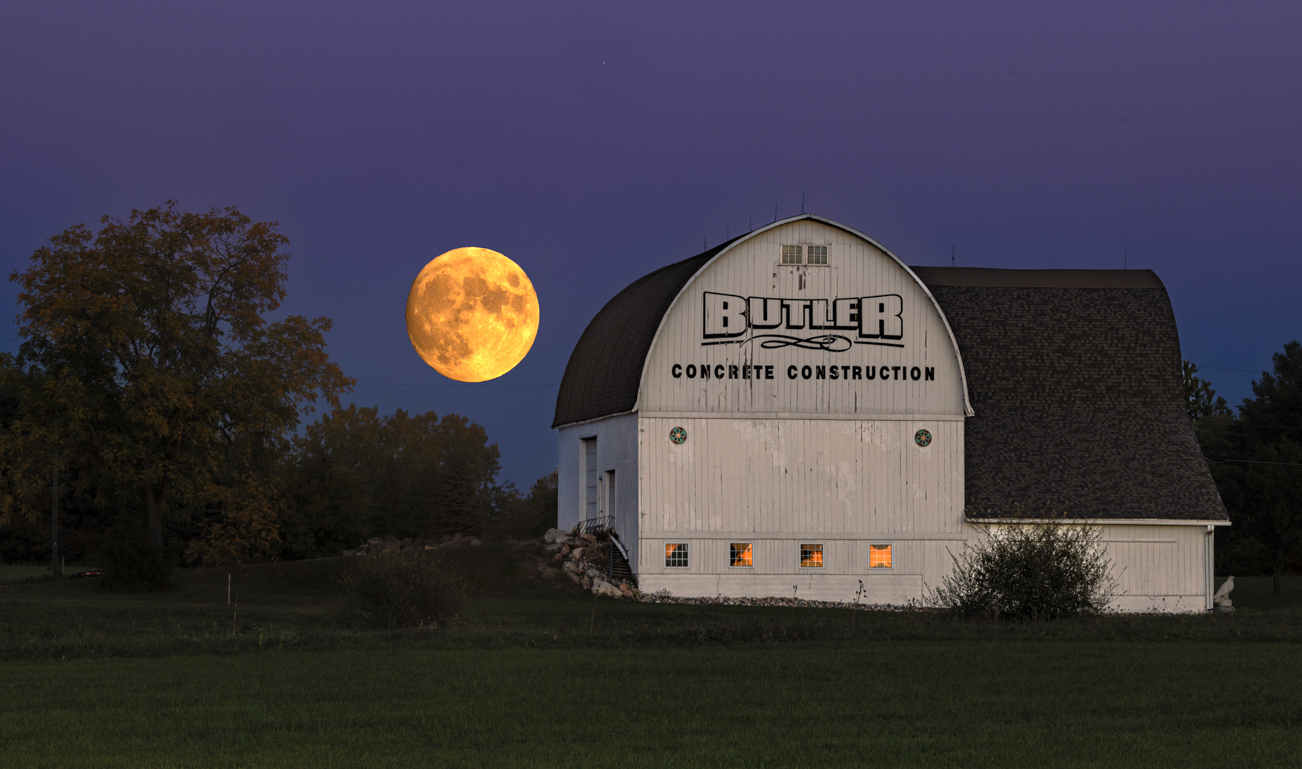
I prefer the bigger moon, it makes it's own statement, plus the fact that the colour is coming through the barn windows adds to its strength. I would also leave the grass as per your image, but darken down the barn as it's contrajour to the light source, and very white.
There is a lot of sky and grass in the image, together adding up to around 50% of the image, so I'd crop these down.
|
Nov 5th |
 |
7 comments - 5 replies for Group 78
|
7 comments - 5 replies Total
|