|
| Group |
Round |
C/R |
Comment |
Date |
Image |
| 78 |
Sep 21 |
Reply |
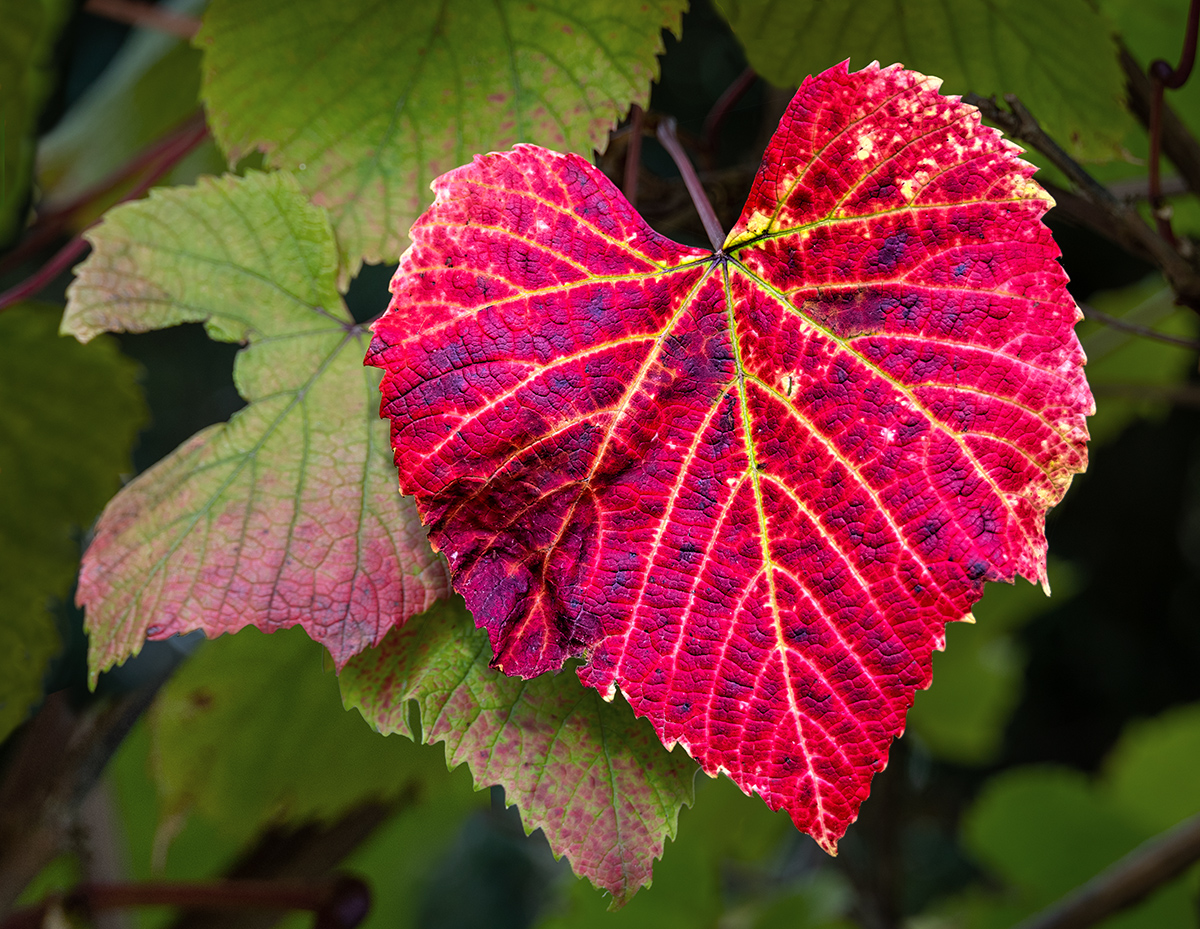
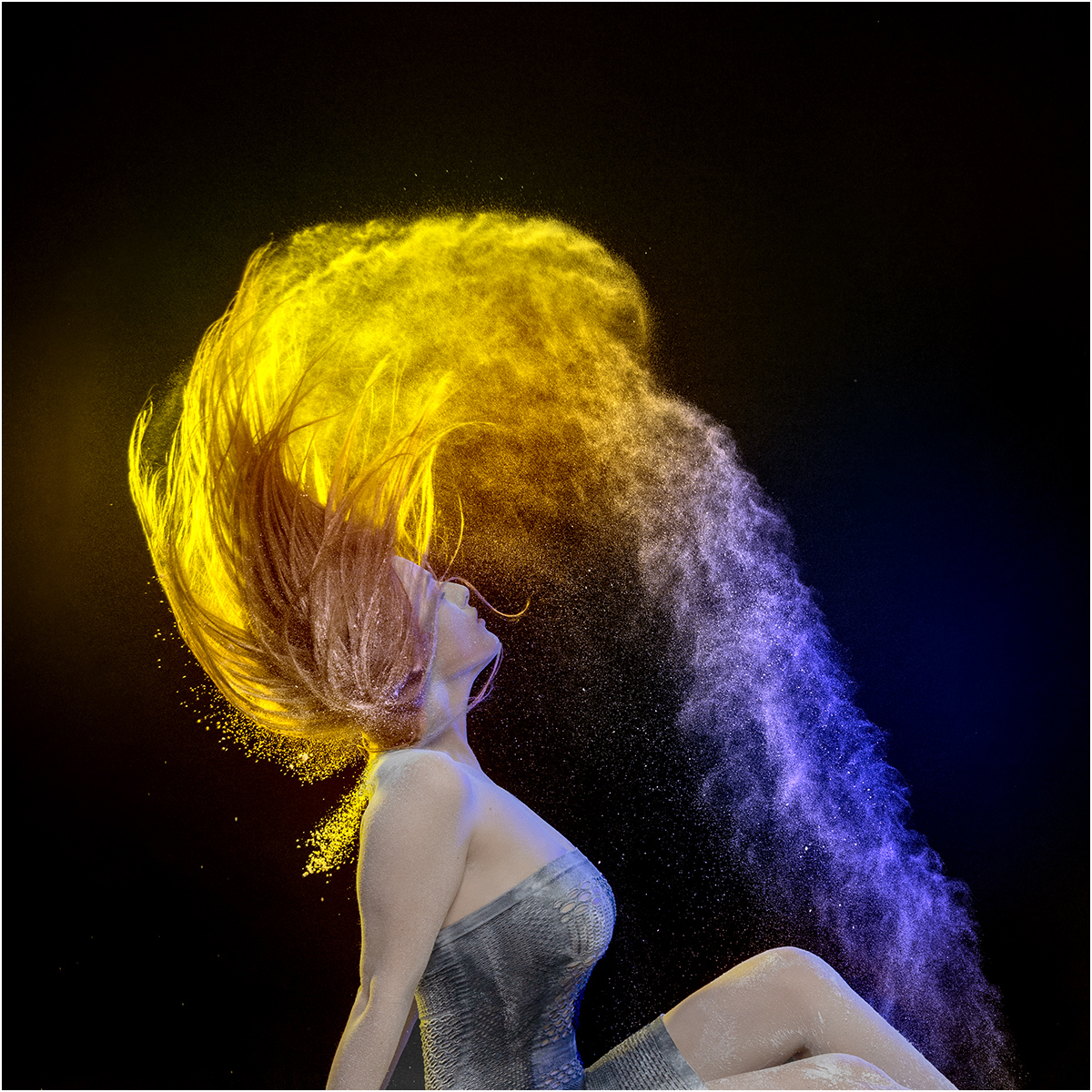
Looking good to me, the colours look more natural than my version, and the space and shape look excellent. I still prefer the colour to the monochrome version.
|
Sep 23rd |
| 78 |
Sep 21 |
Reply |
Sunil is right about the lost detail in this version, I prefer the original toning too.
|
Sep 23rd |
| 78 |
Sep 21 |
Reply |
Glad you liked it, sometime though it just creates an absolute mess :(
|
Sep 19th |
| 78 |
Sep 21 |
Comment |
Super image, and as Jason has already said I would add a bit more contrast, what about a simple Curve layer?
|
Sep 5th |
 |
| 78 |
Sep 21 |
Comment |
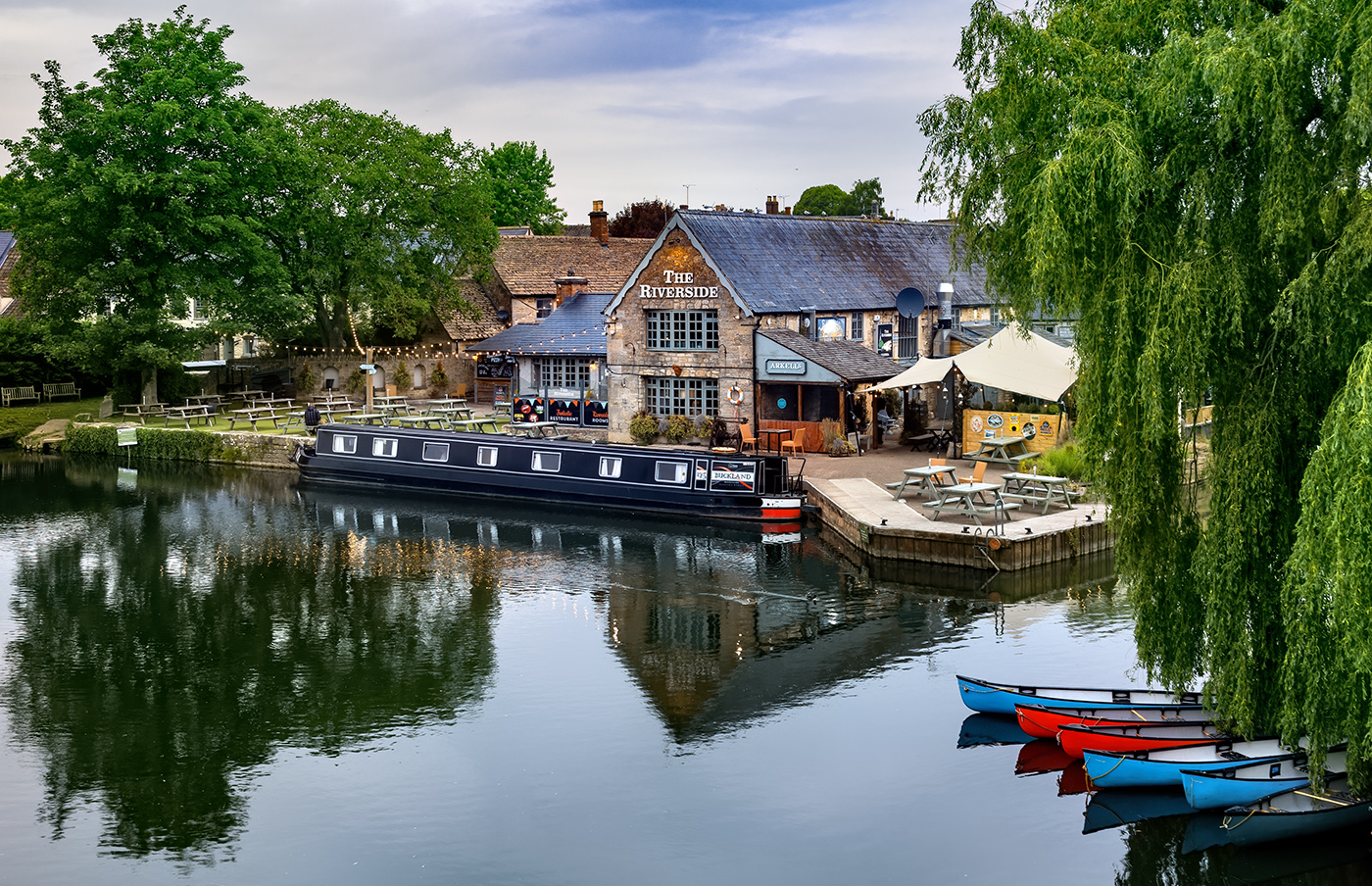
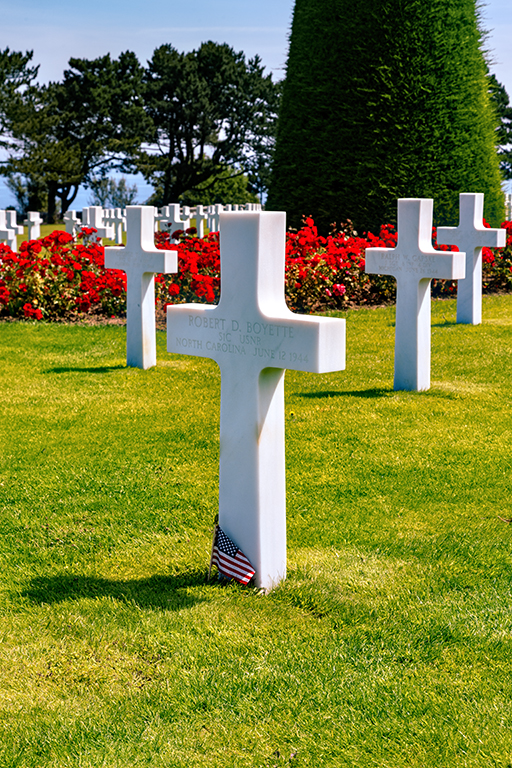
I love the sky in this one, but prefer the details in the tree on your web site, if they are from the same image (or something very similar) then can you copy the web version using shift to keep it in register, and mask off the sky so as to get the best of both images?
I also would crop of the right to make this a square, bringing the tree more on a third.
|
Sep 5th |
| 78 |
Sep 21 |
Comment |
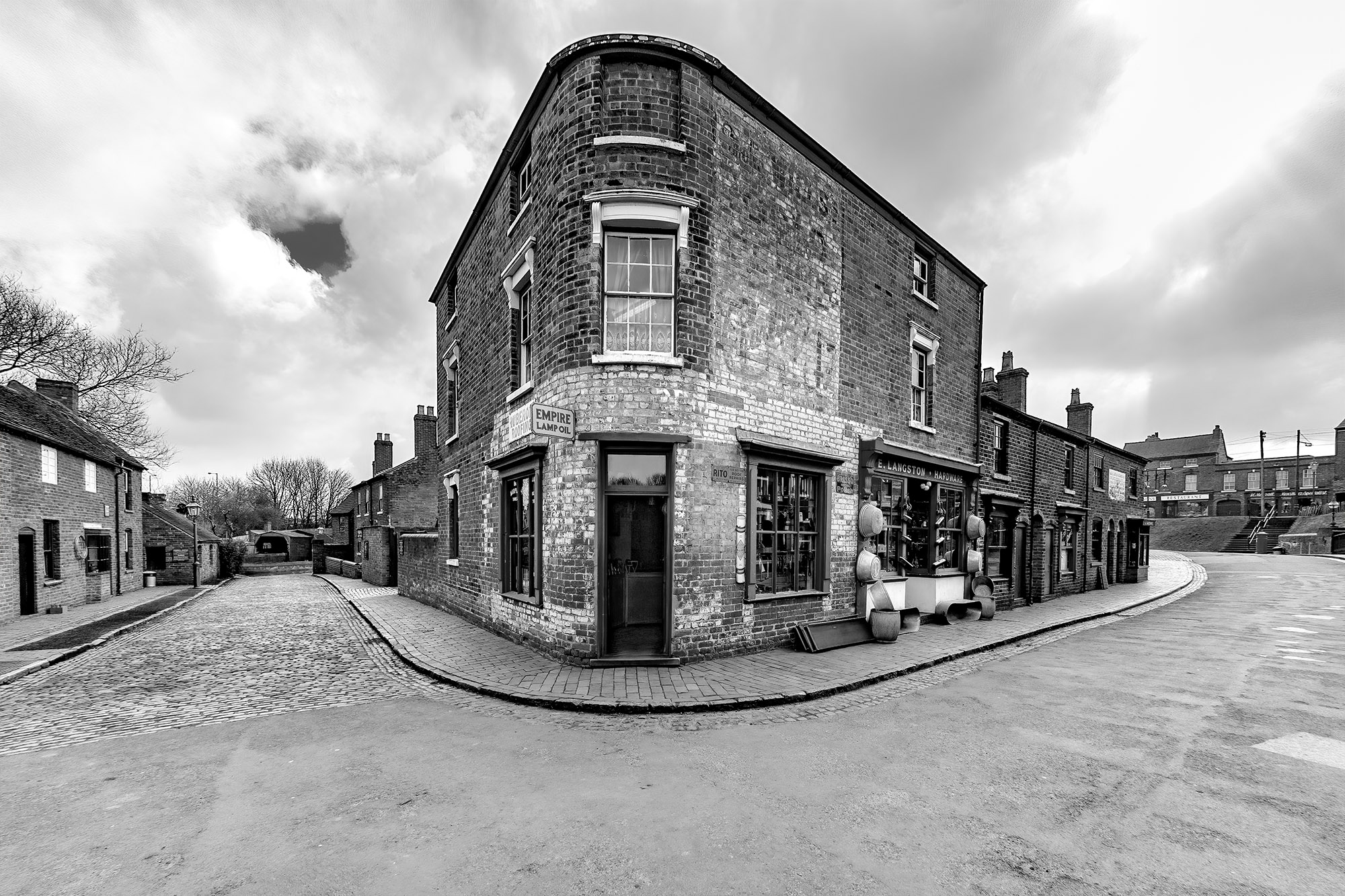
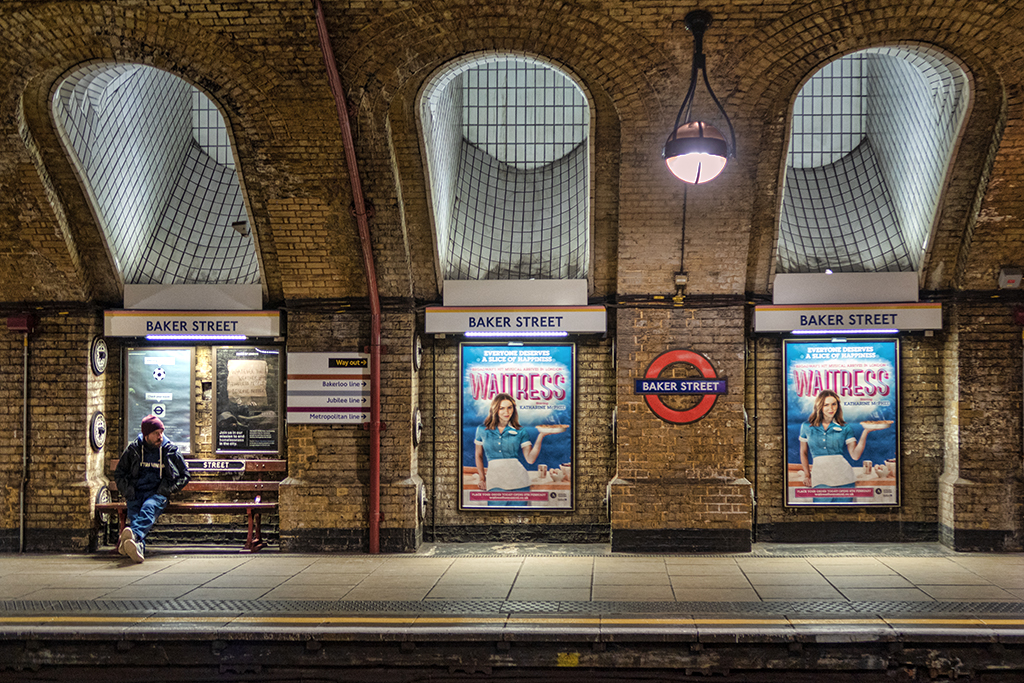
I love the idea of morphing the lines to make them more curved, but then ask for something that will take a lot more work. Can you isolate the window bars and bend them, and then clone the background to keep it straight?
|
Sep 5th |
| 78 |
Sep 21 |
Comment |
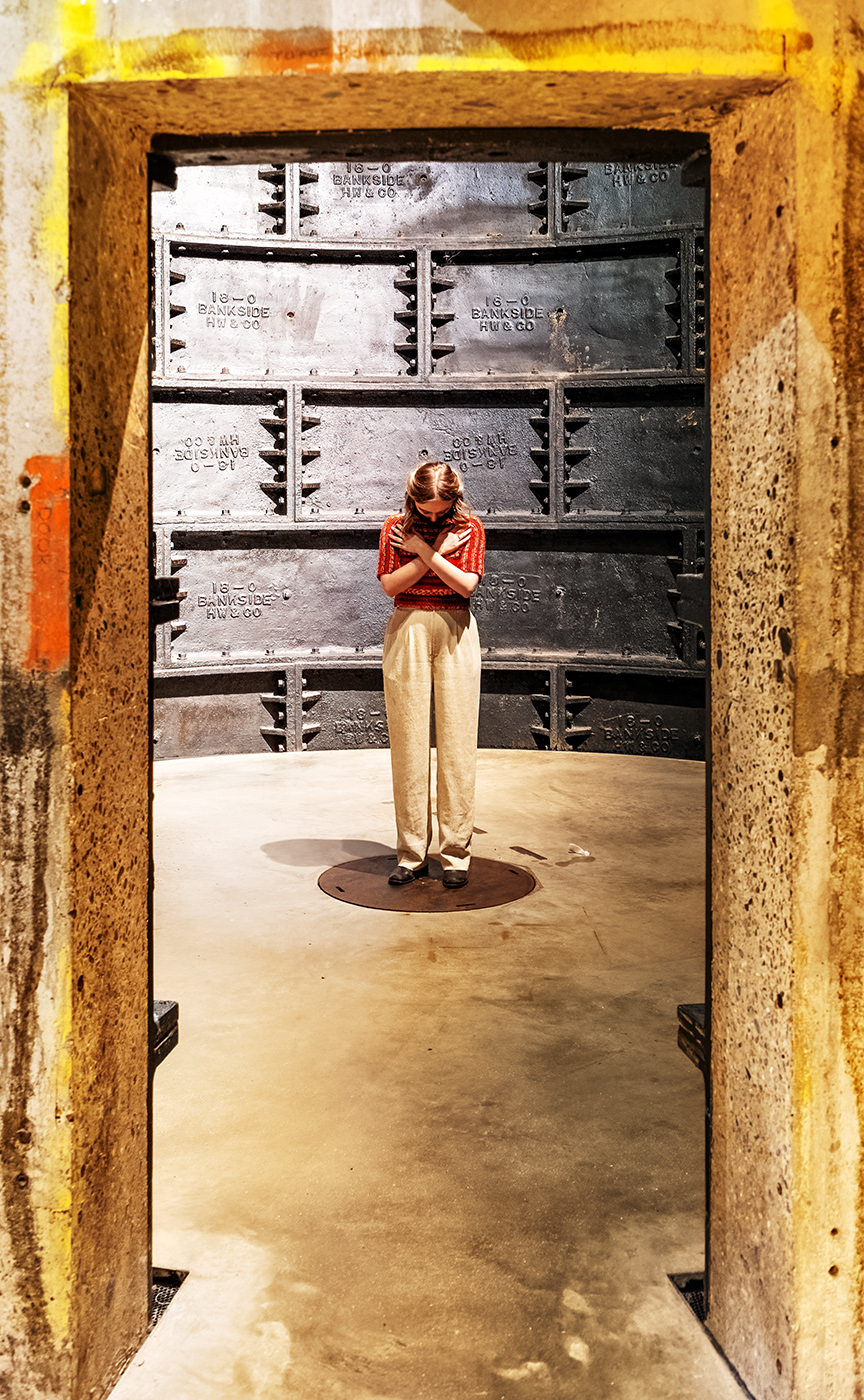
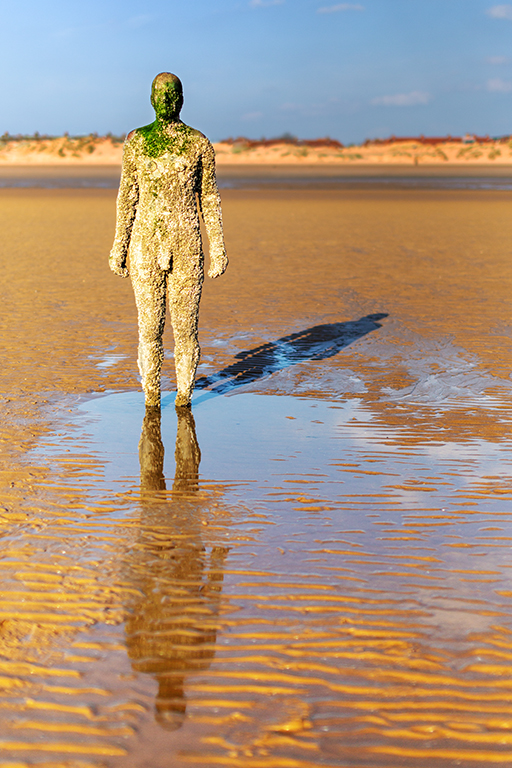
Helen is right in saying it does look like it's floating, and the darkened windows in version 2 do help with that. I have to ask what you feel you have added to the sculpture's artwork or is it just a record of what you saw?
|
Sep 5th |
| 78 |
Sep 21 |
Comment |
Jason seems to have nailed it this time, so nothing more to add except a simple method of removing a colour cast, it works 80% of the time so give it a try.
Copy the layer and Blur Average, you should get a blueish screen (or whatever colour the cast is). Create a Levels layer and use the Grey (middle) dropper to select the coloured later, turning it to mid Grey. Delete the layer that was Blurred.
|
Sep 5th |
| 78 |
Sep 21 |
Comment |
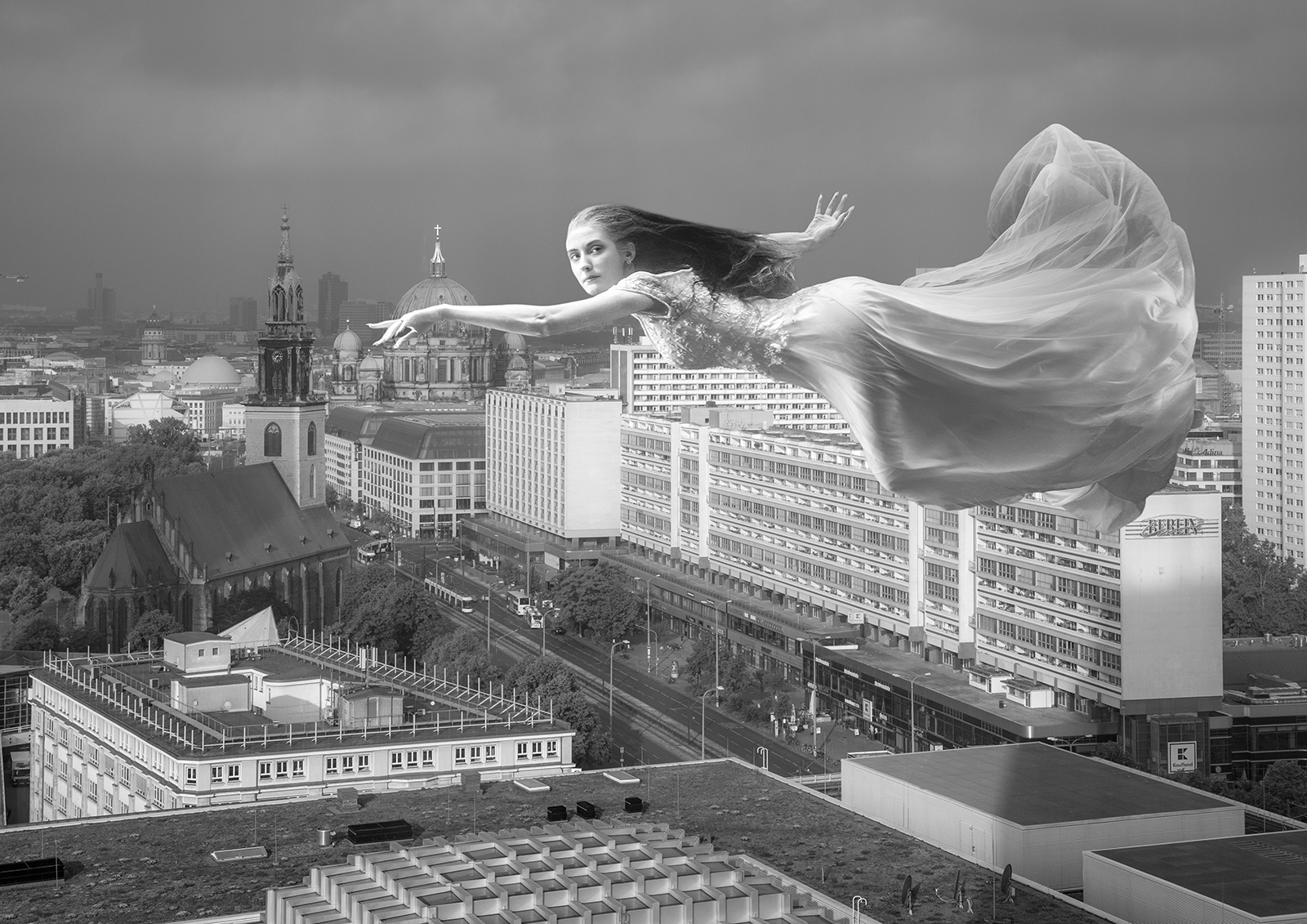
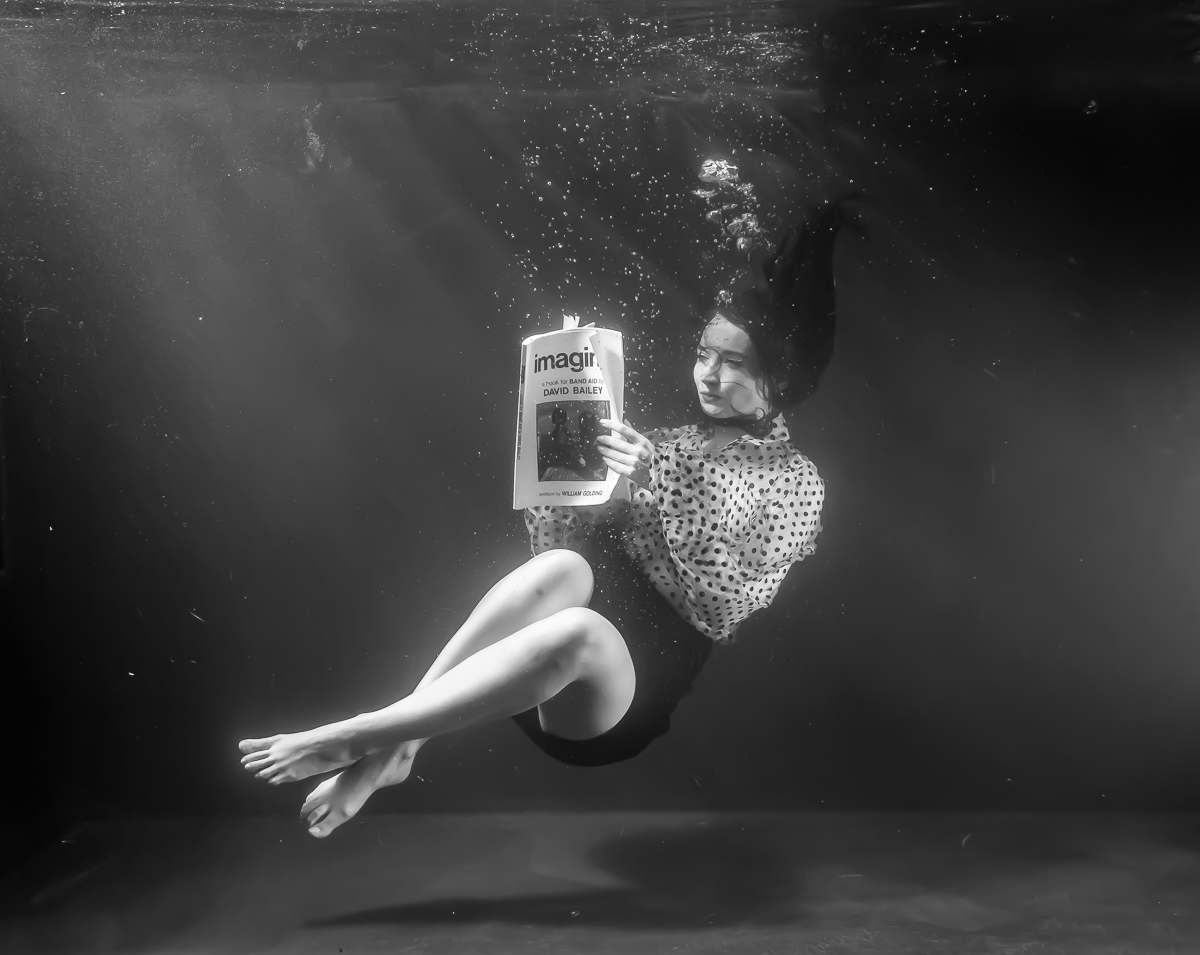
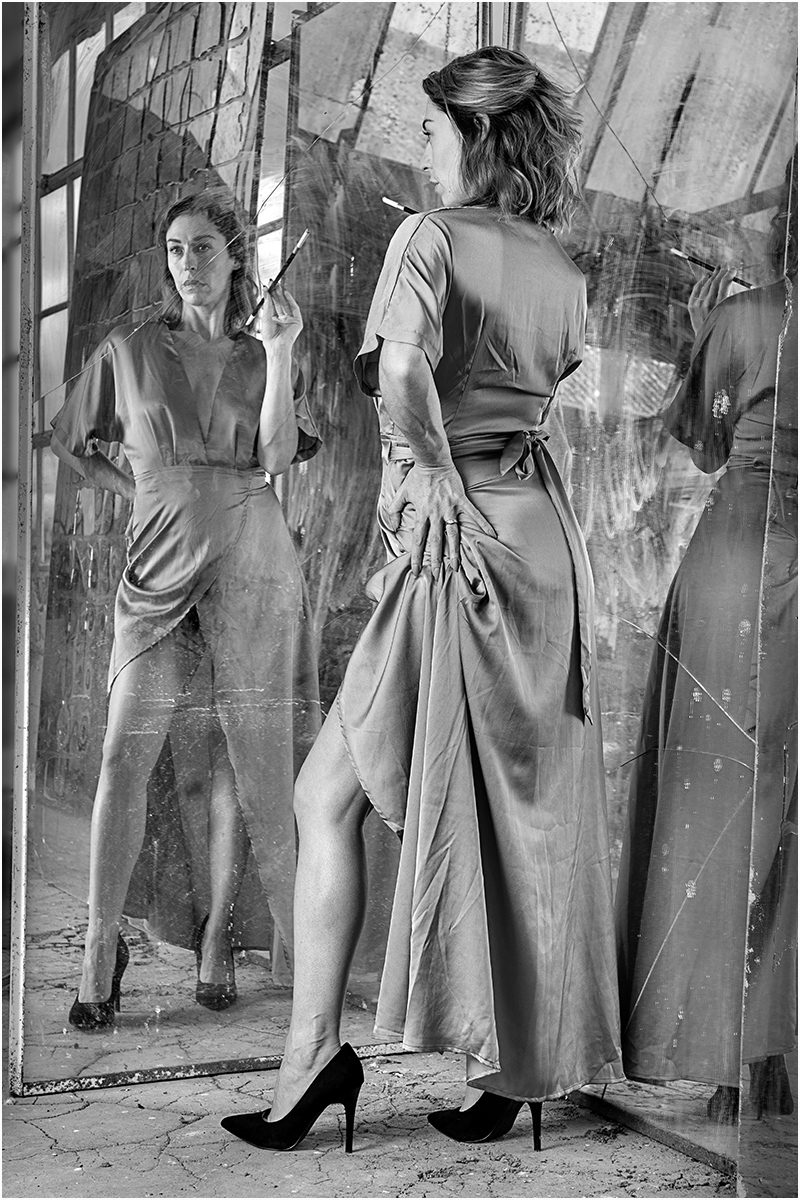
Lets start with this is an excellent image that has real potential as there is a story behind it.
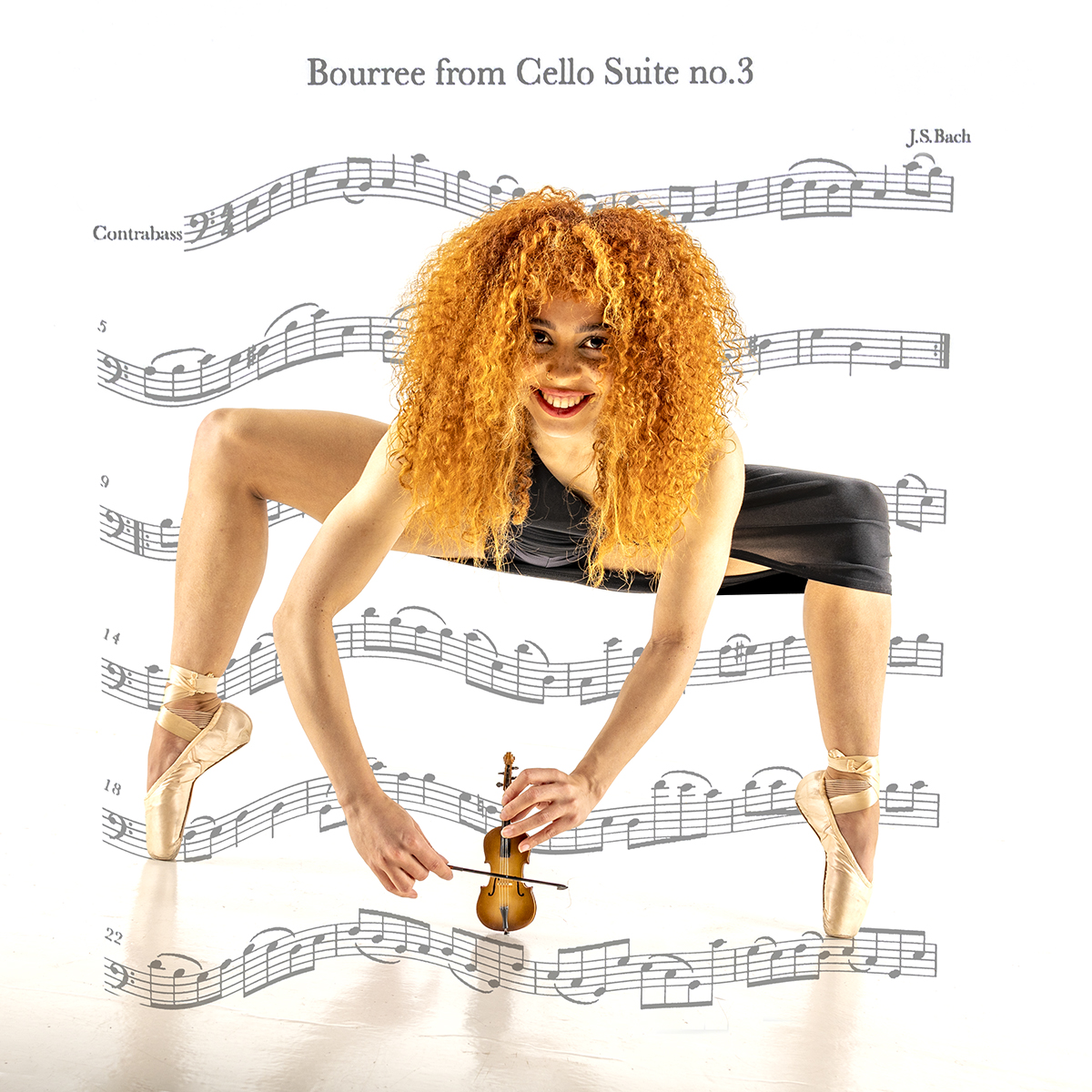
I'm with Helen that it could be grounded better but with a bit more at the bottom (excuse the pun) as per Jason's version. I'm also agree with Jason that the colour image is more powerful then the mono version.
I would never change the shape of a model without her permission, it may affect how her portfolio looks if one image has thinner thighs than all the rest. I also don't feel the original thigh is too big, it shows that some models can be more rounded than twig like.
Looking at the original I can see nothing showing that would not be acceptable in any newspaper/facebook/club competition in the UK, and as I used to shoot a lot of nudes this is pretty tame. Presumably she was wearing underwear, or a costume, so expected her form to be on display, plus using the nearest leg to cross over the other ensures nothing is displayed that wasn't intended.
Taking Mitch's comments about balance that a bit more on the left compared to the right would work better, so this is my attempt using Levels and then Topaz Adjust.
As for title I would avoid the word Ballet as this is more dance than ballet, so how about 'Stepping Out'
|
Sep 5th |
 |
6 comments - 3 replies for Group 78
|
6 comments - 3 replies Total
|