|
| Group |
Round |
C/R |
Comment |
Date |
Image |
| 78 |
Mar 21 |
Reply |
Thank you Stephen, if any of my images can stir an emotional response then I consider them winners :) |
Mar 29th |
| 78 |
Mar 21 |
Reply |
try this
https://www.ebay.co.uk/itm/SCREW-ON-72MM-RUBBER-COLLAPSIBLE-LENS-HOOD-FOR-SLR-LENSES-QUALITY/201690941637 |
Mar 16th |
| 78 |
Mar 21 |
Comment |
Hi Mitch and welcome to the group.
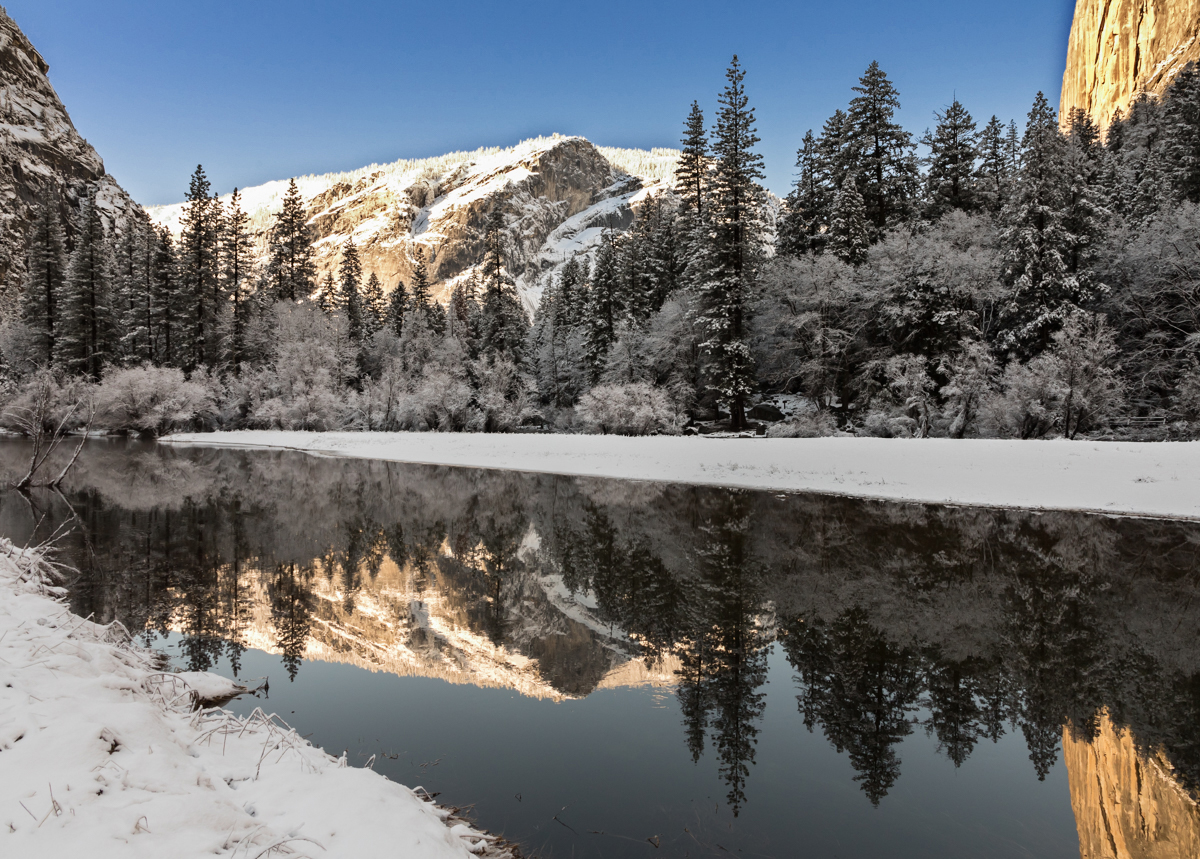
A superb landscape, and for which most of the comments have already be made for improvements. I would consider leaving some of the Blue in the image as its very cold and this will reflect that.
Helen's point about the bright edge at the bottom is very important, you don't want the viewer to stop there, but want them to explore deeper. If this goes too dark it will just look wrong, so a middle ground needs to be found, try reducing brightness and contrast with the selective edit feature of the RAW converter.
Helen's point about sharpness can be resolve by using a High Pass filter on the top half only.
|
Mar 15th |
 |
| 78 |
Mar 21 |
Comment |
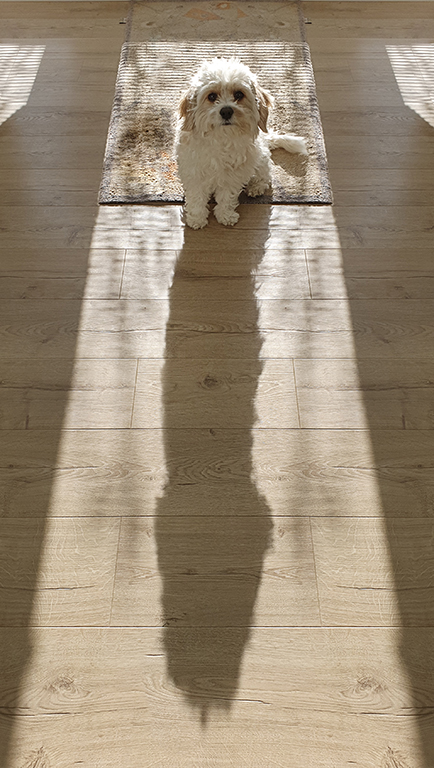
The updated version is definitely better, and as per Brenda's suggestion the fence could be a bit darker. I also think some sharpening wouldn't go amiss as the face is soft. If you have it try Topaz AI sharpen as the new options for stabilise or focus can be very successful.
The dehaze function from Sunil is also in the RAW converter (and does affect the mid-tones primarily), so you can use the adjustment brush to selectively apply it, or just play with the sliders to get the best effect.
I have a rubber/silicone hood that packs flat so lives in the bag, but when used it can be pressed against the glass, even at some angles, removing most glare and reflections, but doesn't scratch the lens.
|
Mar 15th |
| 78 |
Mar 21 |
Comment |
Hi Helen
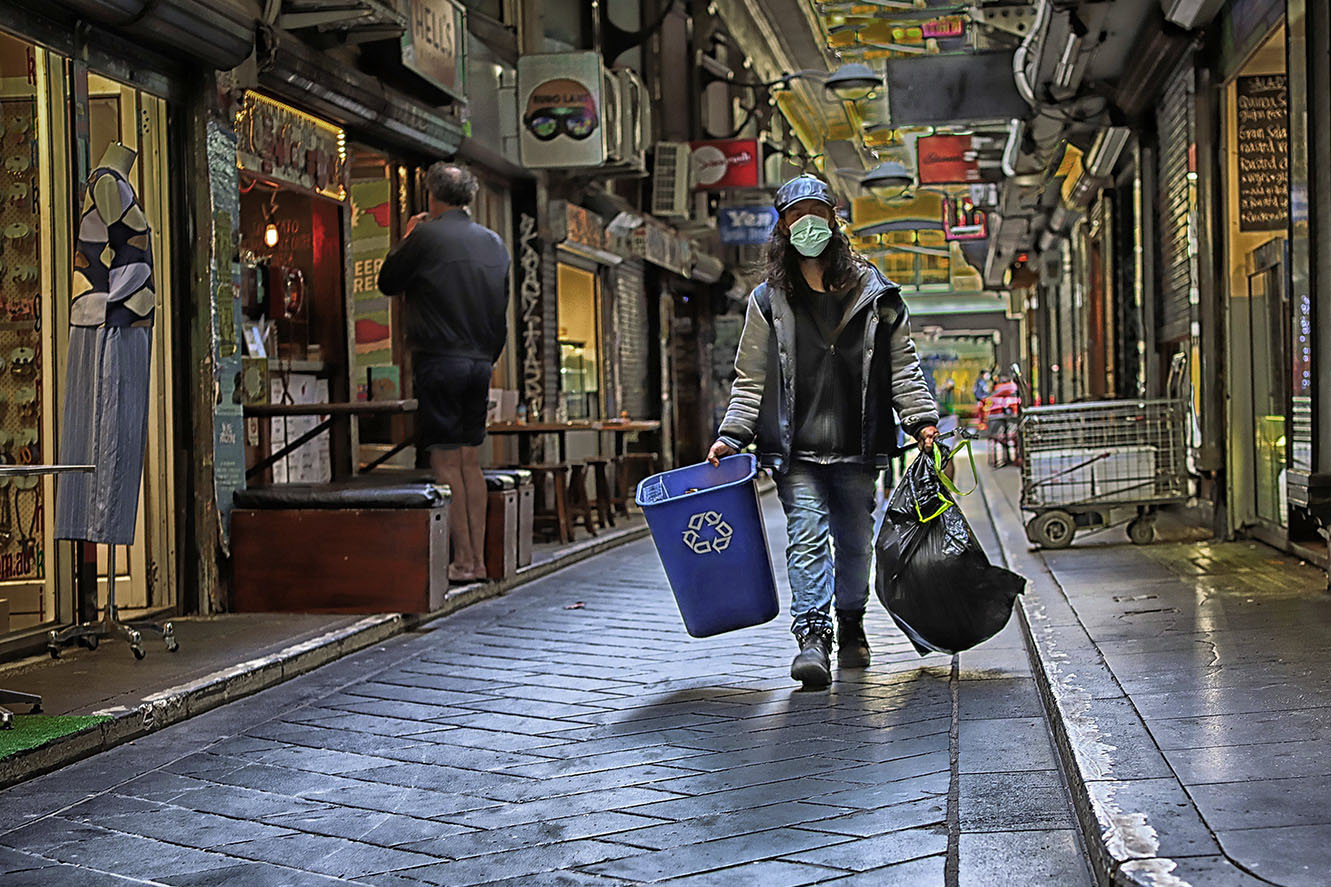
The latest version is coming along nicely, but I have to agree with Sunil about cropping off some of the bottom to remove that curved kerb, plus a bit off the right where its dark.
The overall image is still very busy with colours so have you considered desaturation the background a little, and maybe bringing up the levels on the main figure?
There also a halo around the figure and especially the bin that you may want to look at now the direct light from behind has been removed.
|
Mar 12th |
 |
| 78 |
Mar 21 |
Comment |
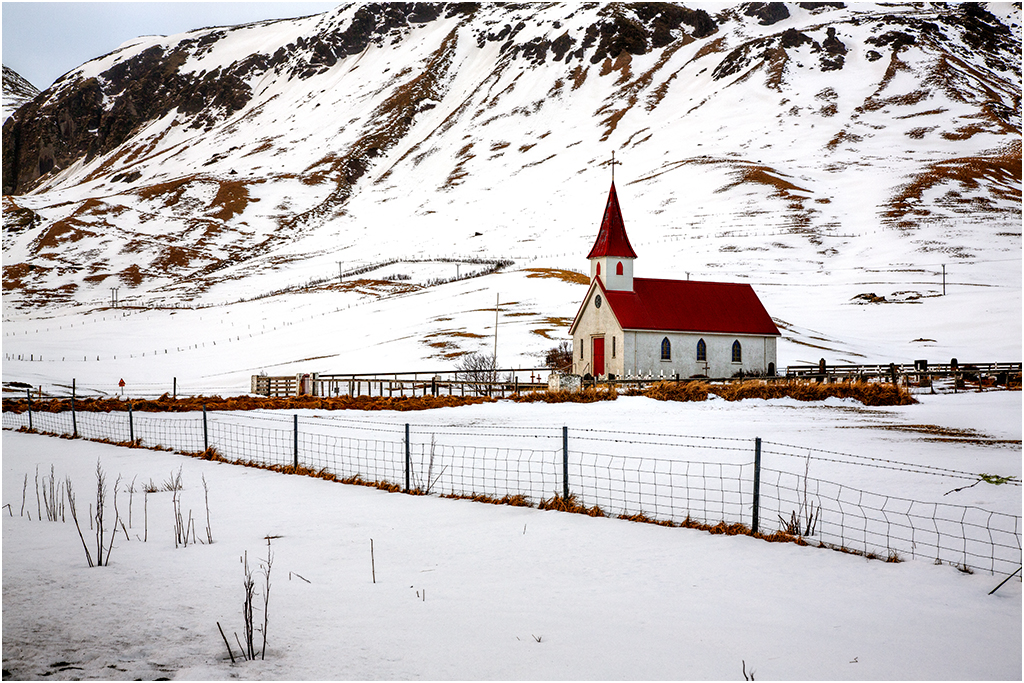
A lovely capture recording what was happening at that time, and apart from the levelling of the horizon which you have done, it remains true to the original. There is more detail to be had from the snow but others have already commented on that.
I personally don't like the sign as it draws me to read it, but as you say its documenting reality and has to stay, in which case I agree with Jim to crop some off the right hand side to balance the image.
|
Mar 12th |
| 78 |
Mar 21 |
Comment |
I have to agree with Helen, the original composition flows better and brings the eye back into the image. Removing the wall item (sprinkler?) as you have done is a plus.
As Sunil has said, removing yourself from the image is essential, you said you used a tripod so if you can redo this use a cable release and step back.
Jason's point about the colour temperature is also valid, I tried using a method of removing a colour cast but that didn't work so yes play with the colour temperature, you can always mask off the top floor if you don't want to change that area.
|
Mar 9th |
| 78 |
Mar 21 |
Comment |
Hi Brenda
Lovely image which should catch the eye of the judges. The main comments about the bottom left and right, plus a green line on the right edge have all been covered, and removed by Eugene.
Jason has also covered the feather on the left hand parrot, and you mention using 'replace sky' so did you try it with this image, bearing in mind you can upload your own 'sky' into PS using the your green background?
Sunil has suggested toning down the branch and I agree, maybe just a brightness/contrast layer and mask would do it?
As I'm late most comments have already been made, so I will offer some competition advice instead. If the competition is open colour, make sure there in NOT a Nature/Wildlife section in the same Exhibition or it will be dismissed as not in the right section (even though it is ineligible for Nature), as it looks like it could be authentic.
Good luck with the competition :)
|
Mar 9th |
6 comments - 2 replies for Group 78
|
6 comments - 2 replies Total
|