|
| Group |
Round |
C/R |
Comment |
Date |
Image |
| 78 |
Feb 21 |
Reply |
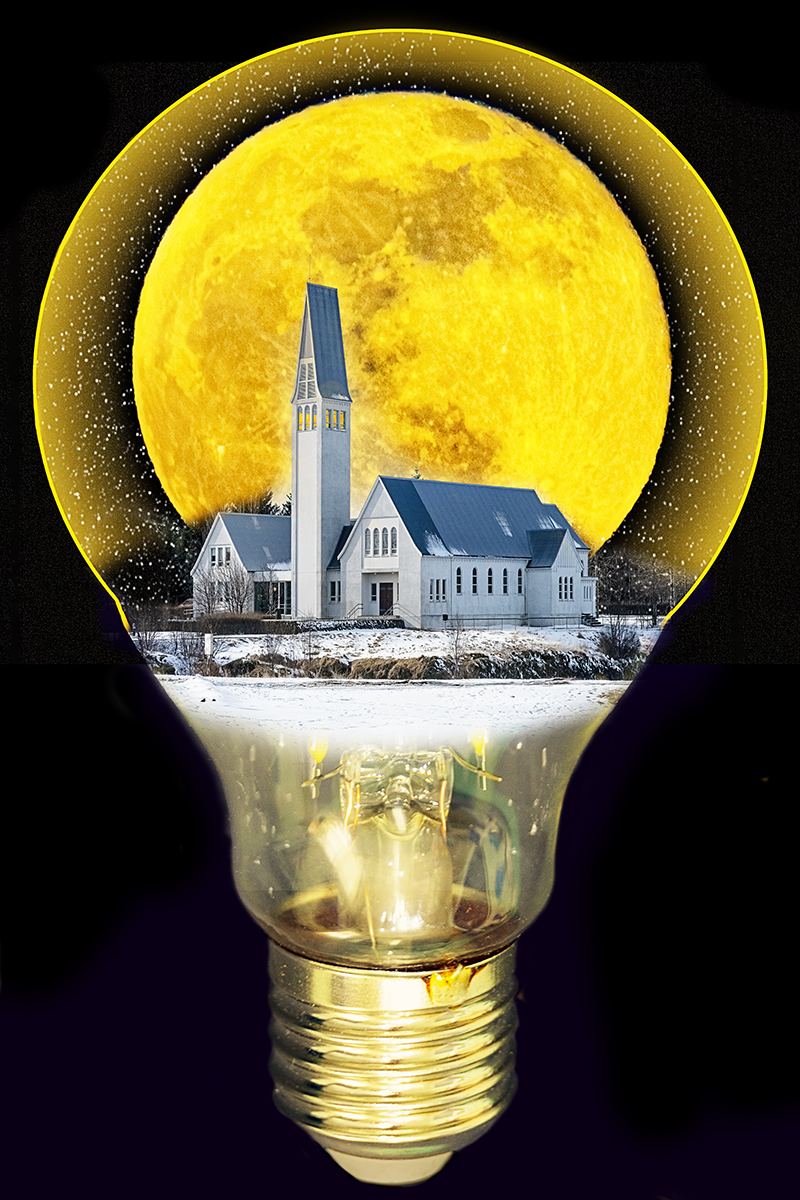
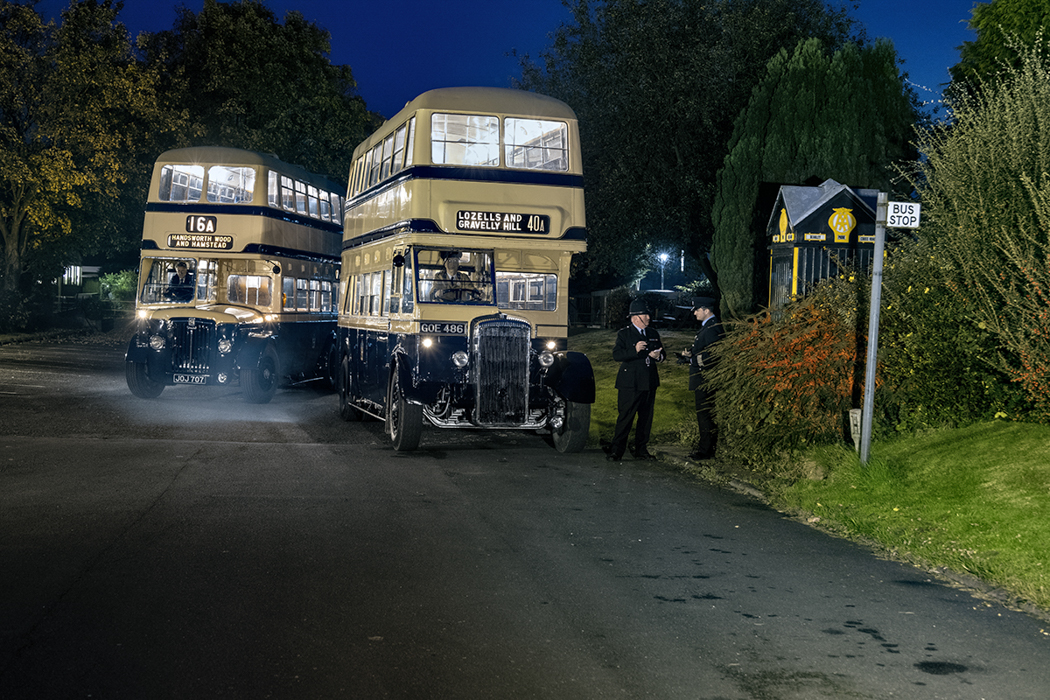
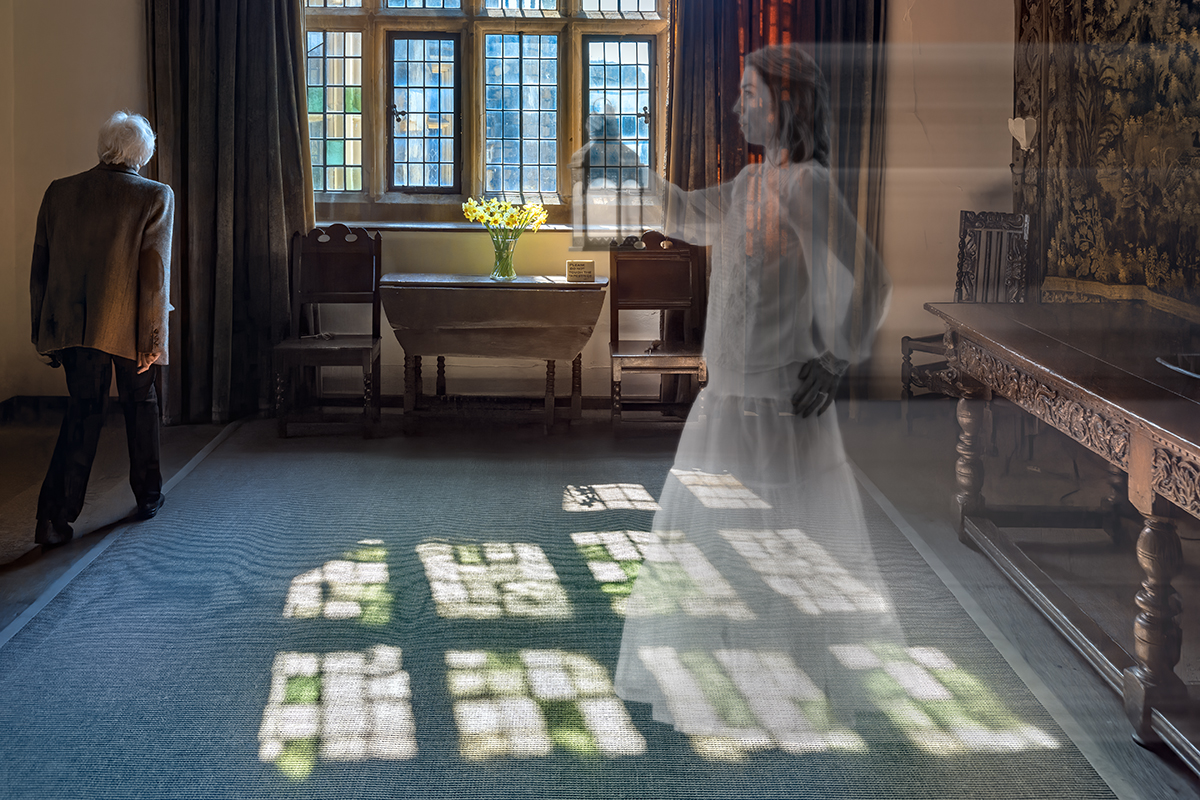
Thank Helen, I don't want to move the ghost as she is passing behind the other figure, however I have increased the light in the lamp to make it stand out more. It's now in a Salon so keeping fingers crossed.
|
Feb 27th |
| 78 |
Feb 21 |
Reply |
Hi Helen
Using Photoshop, first copy the layer you want to sharpen so its non-destructive.
On the copy layer go to Filter, Other, High Pass. You get a muddy looking image and an option for Radius, play with the setting to get happy but I always use 10, click OK.
On this same layer I then use Image, Adjustments, Black and White and go through the Presets to get different looks, which will all affect the final sharpening, so try them out.
If there's an area you don't want to sharpen then use the dropper tool to pick a mid grey and then paint that area to be plain grey, it doesn't need to be that precise.
On the Layers panel, change the Blending Mode to Soft Light and it should be instant non-destructive sharpening. Using Hard Light sharpens more but adds to the risk of halos.
If you think the sharpening is too much, reduce the Opacity of this layer to suit.
Have fun :)
|
Feb 18th |
| 78 |
Feb 21 |
Reply |
I love the moon, and the darkness behind it, I will have to steal that idea. No other comments, looks great to me.
|
Feb 13th |
| 78 |
Feb 21 |
Reply |
I agree but there isn't any more in the original so its a big job to create some.
|
Feb 9th |
| 78 |
Feb 21 |
Reply |
This is from the PSA Nature rules
"No techniques that add, relocate, replace, or remove pictorial elements except by cropping are permitted."
"Techniques that enhance the presentation of the photograph without changing the nature story or the pictorial content, or without altering the content of the original scene, are permitted including HDR, focus stacking and dodging/burning."
So for me sharpening is allowed.
|
Feb 5th |
| 78 |
Feb 21 |
Comment |
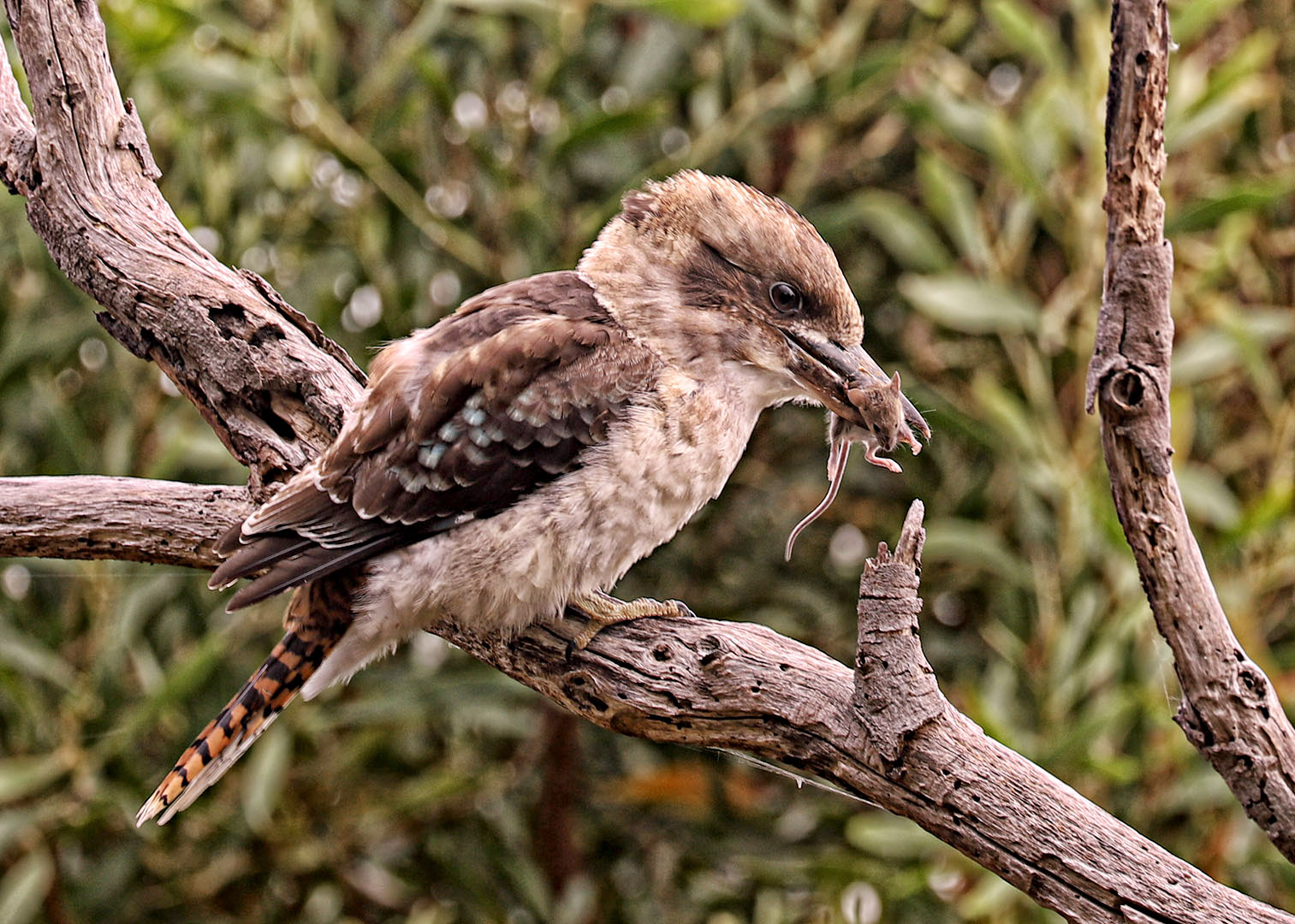
What an amazing capture, and the crop you have chosen is just about perfect for me, nicely framed and no distractions in the background. It makes my wildlife shots look boring in comparison, and since they have been accepted in numerous salons then this should go far.
The bird itself is a bit soft, but a 400mm lens hand held 1/40 sec is a big ask. I've sharpened with High Pass filter and blend mode soft light, then added a levels layer and hit auto, then hue/saturation and reduced green and yellow a tad to make the bird stand out a bit more.
|
Feb 3rd |
 |
| 78 |
Feb 21 |
Comment |
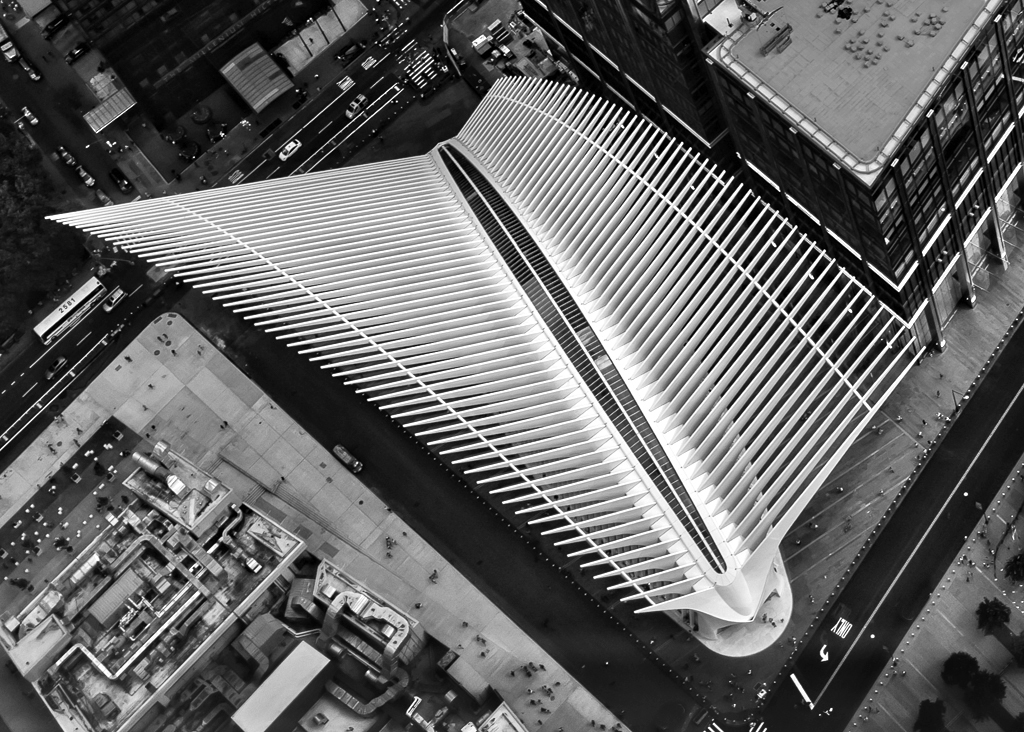
Well done for getting rid of all the haze and reflections from the glass, I use a polariser for this sort of shot and carry a rubber hood which can be pressed against the glass to remove more reflections.
It is a striking monochrome image and doesn't need much else doing to it, I did add a levels layer and then set the white point to the brightest white in the middle which brought up the contrast.
There is also a white car with its ghost on the bottom right that I removed but could just be darkened down if you prefer.
|
Feb 3rd |
 |
| 78 |
Feb 21 |
Reply |
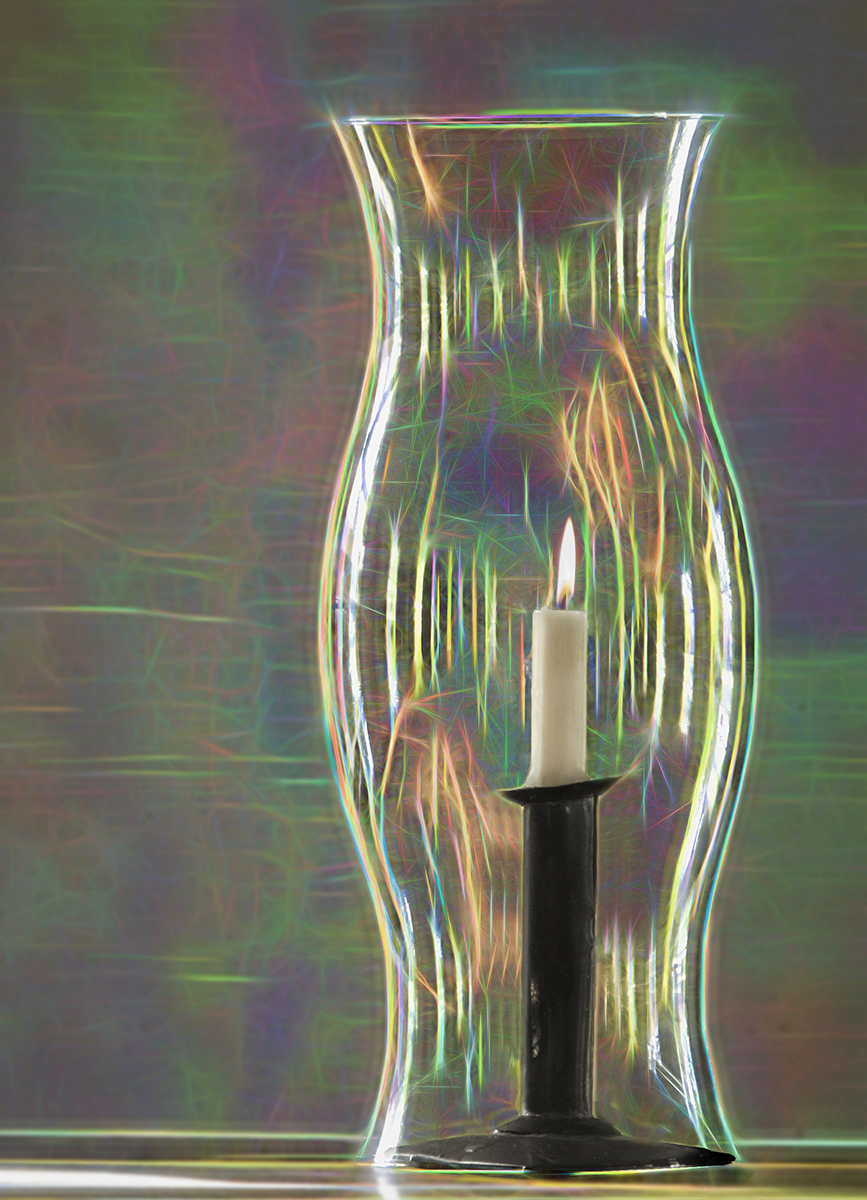
I also thought about adding a flame or some smoke to the candle so thoughts?
|
Feb 3rd |
 |
| 78 |
Feb 21 |
Comment |
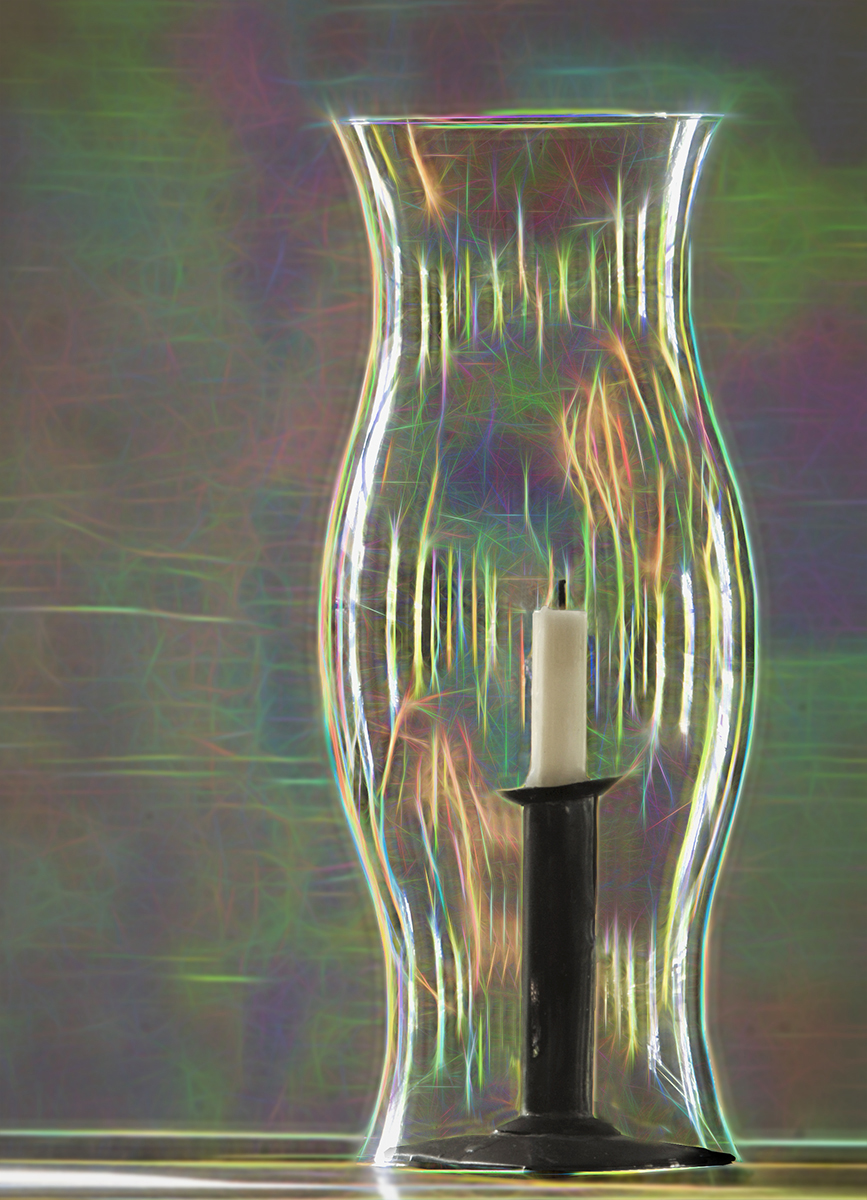
I really love what you've done to transform this into something very different, the abstract background really makes the whole image shout out and catch the attention of the viewer. This is not something I would/could have done but it's just magical.
I find the halo around the candle a bit too strong so tried reducing it to keep the darker edge of the candle holder.
|
Feb 3rd |
 |
| 78 |
Feb 21 |
Comment |
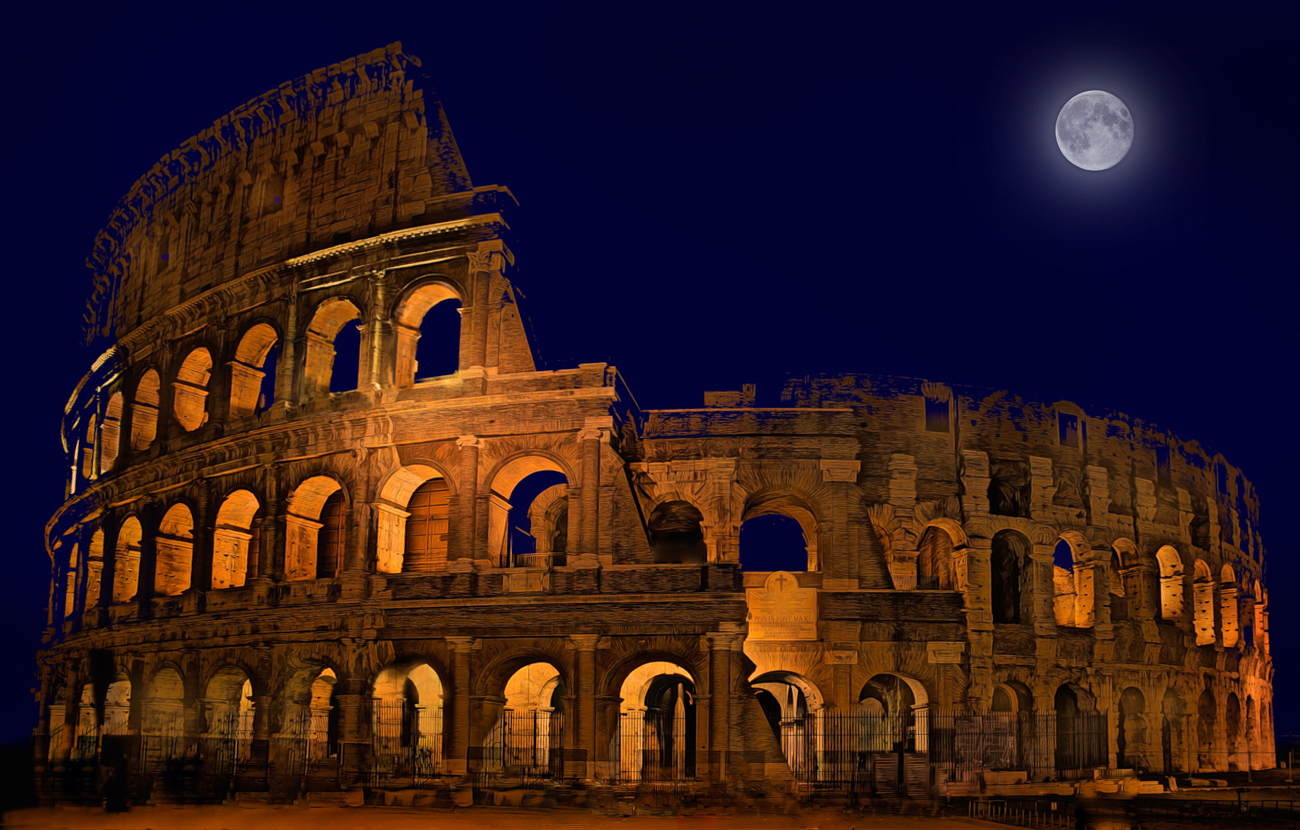
Tourists huh! always get in the way of a good photo. A lot of work has been done to get to this point and very worthwhile, its a much better stronger image. I love the blue sky, the tone says late evening and as you say it complements the golden hue of the building.
The building may well lean inwards but probably not as much as this, so some transform of the verticals would help.
Having never seen this building there appears to be a dark square repeating across the base, and it's on the original too, so was this there or was it something moving across the image?
I've also added a moon to the larger expanse of Blue, do you like it or prefer the simplicity of the sky?
|
Feb 3rd |
 |
4 comments - 6 replies for Group 78
|
4 comments - 6 replies Total
|