|
| Group |
Round |
C/R |
Comment |
Date |
Image |
| 20 |
Jan 21 |
Comment |
Im not a fan of twirling as it has zero photographers input. Press a couple of buttons and hey presto but this has been used very creatively by adding the moon. Id like to see the colours extended to the bottom which would also remove the white area bottom left |
Jan 26th |
| 20 |
Jan 21 |
Comment |
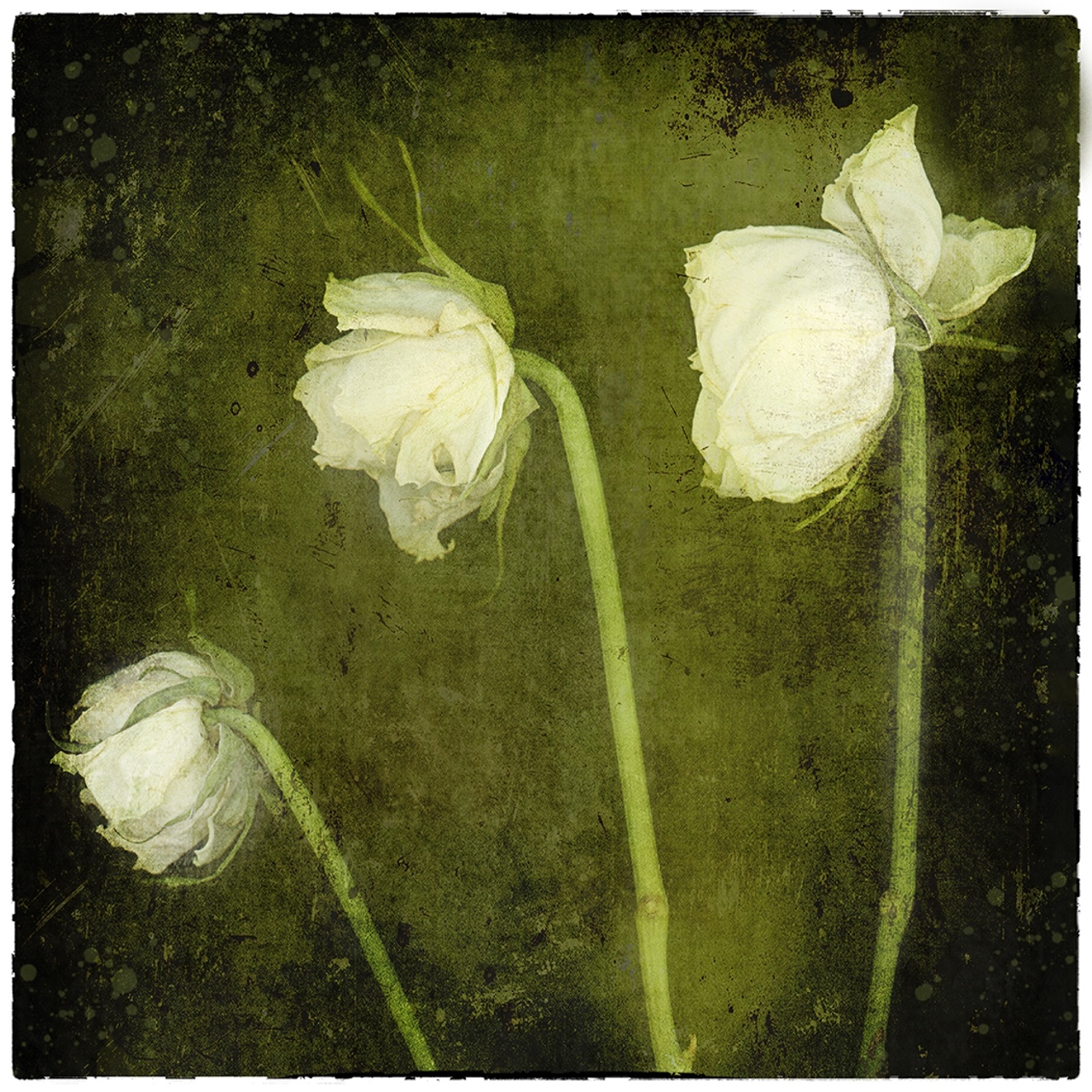
Interesting how fluid they now look after being overcooked! |
Jan 26th |
| 20 |
Jan 21 |
Comment |
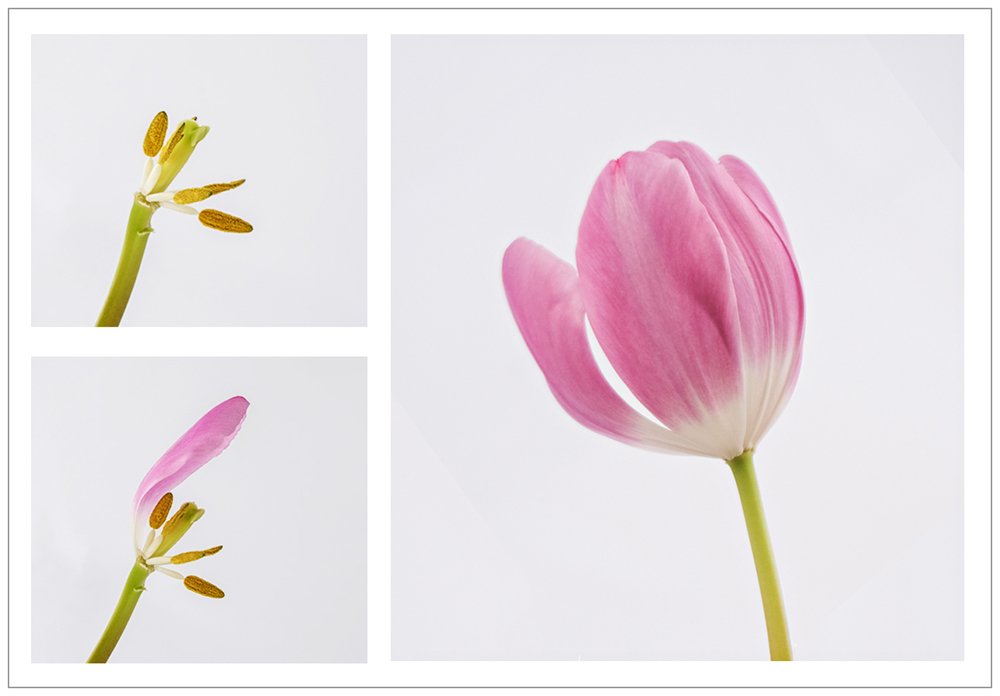
Love it Fred. What a lovely idea for the New Year (which is getting grimmer by the day!) I would simple add a 2 pixel key line |
Jan 26th |
| 20 |
Jan 21 |
Comment |
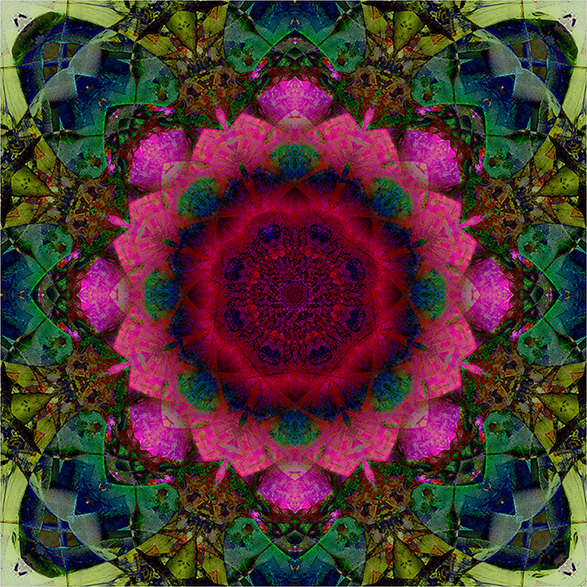
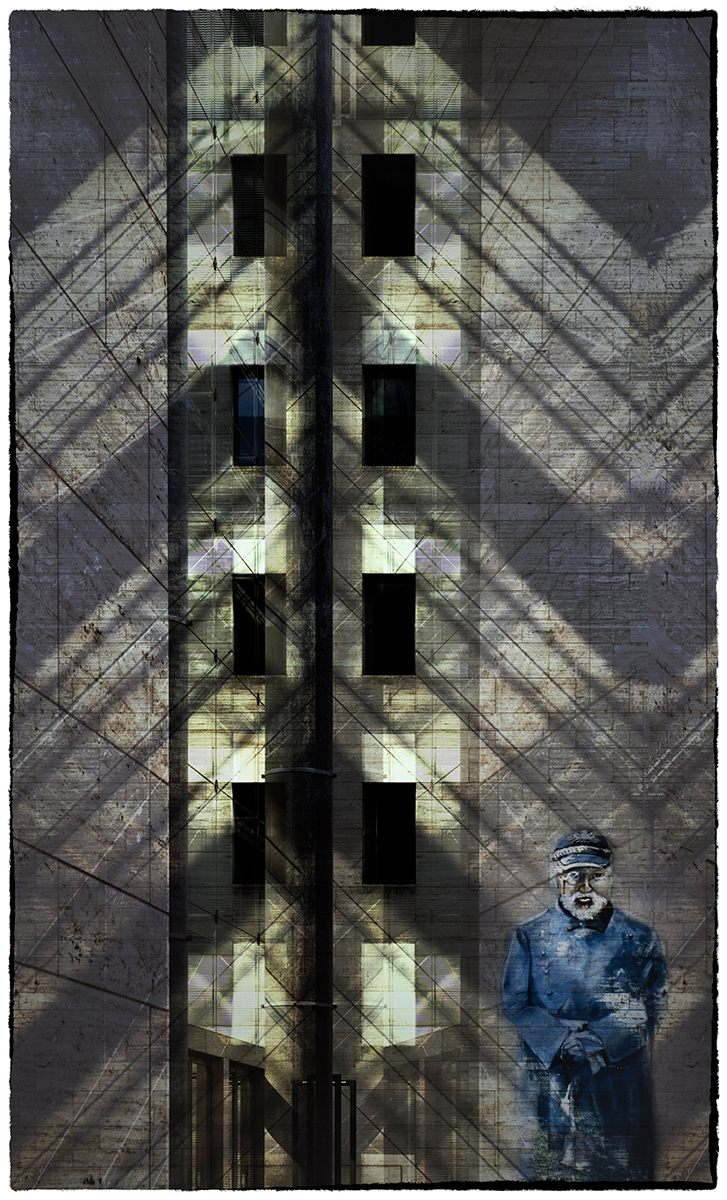
Agree with whats already been pointed out with the bright spot in the middle. Nice effect although I'm not sure its enhanced the original image, just made it different version! |
Jan 26th |
| 20 |
Jan 21 |
Reply |
I followed a tutorial online ...google kaleidoscope photoshop and there are a few. I cant remmber how i did it now but its a a lot of flipping & rotating |
Jan 26th |
| 20 |
Jan 21 |
Comment |
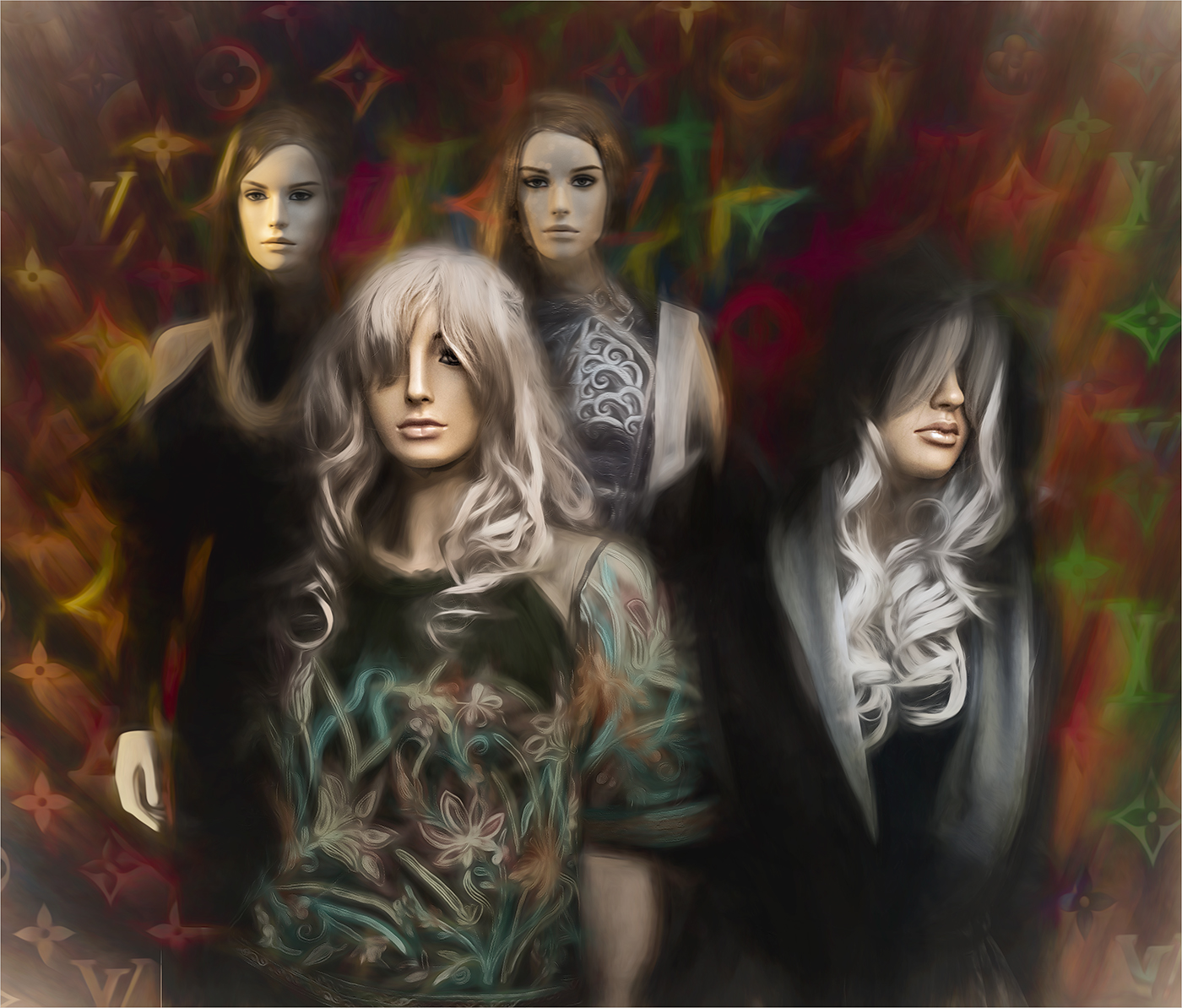
the effect has worked a treat on this Jerry! |
Jan 26th |
5 comments - 1 reply for Group 20
|
5 comments - 1 reply Total
|