|
| Group |
Round |
C/R |
Comment |
Date |
Image |
| 43 |
Aug 24 |
Comment |
Hi Harley,
Topaz used to have a dedicated Denoise app. Now, for DeNoise only, I use Topaz AI Sharpen, turn off the blur option, and turn up the denoise option. Unless it is really heavily noisy, I only denoise the subject. Unfortunately, not only does Digital Dialog require jpegs, but it restricts the size of the image. We end up submitting images with jpeg artifacts that compound any noise problem. So I typically take people's advice, and apply to my RAW. For my own purposes, I export my processed images as TIFFS, original size. When I have to resize or use a different format, I use the largest file size with the least compression. |
Aug 23rd |
| 43 |
Aug 24 |
Comment |
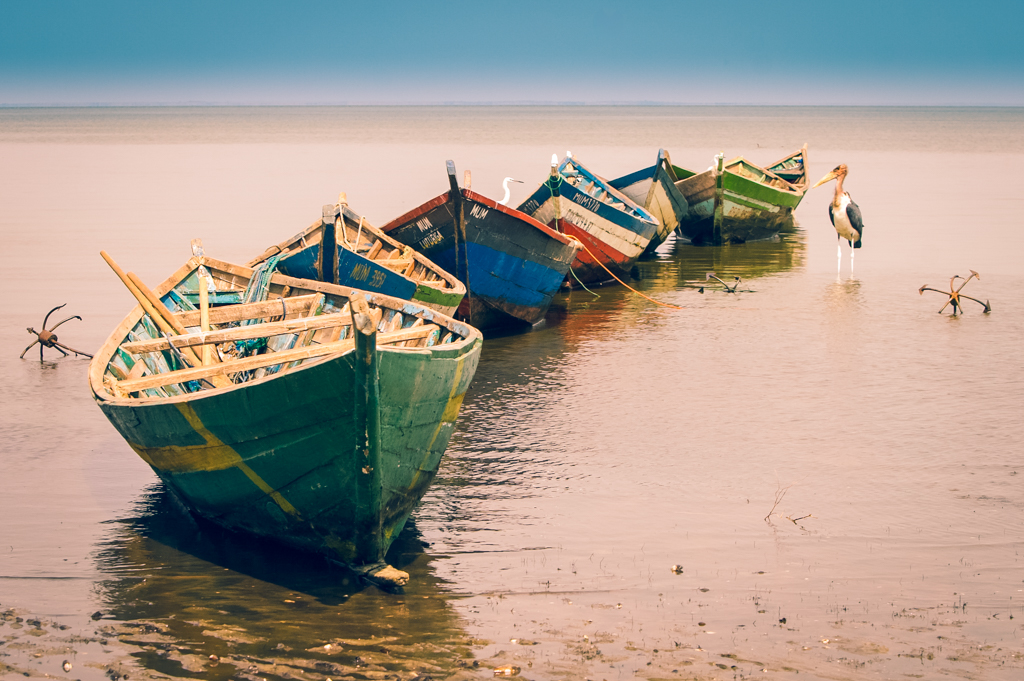
WOW! It looks as if the fish is flying into the mouth of the heron. I can't suggest anything. How did you arrange for this pose?!!!
I am a big fan of reflections, so the fact your framing includes the reflection of the entire heron is quite pleasing to my eye. I think the heaviness of the bird offsets the open space nicely. |
Aug 19th |
| 43 |
Aug 24 |
Comment |
Hi Harley,
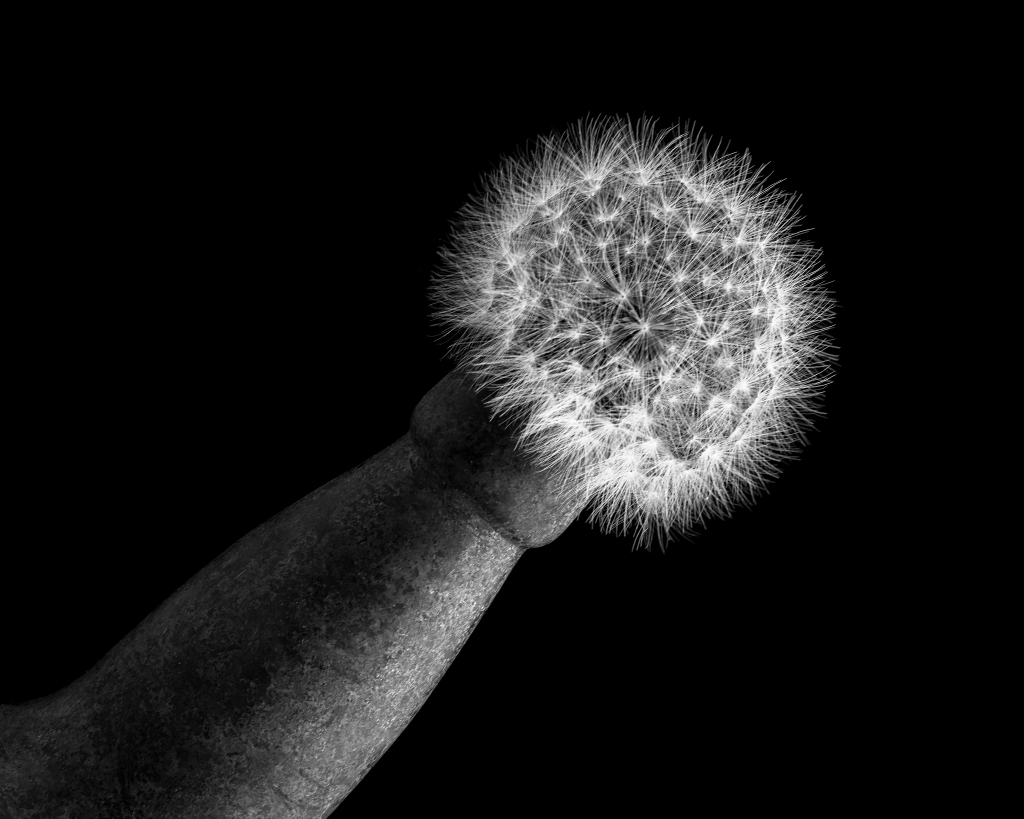
Tilting the Teasel made is aesthetically pleasing. I agree that removing the bits at the bottom right would keep our focus on the Teasel even more. I love the colors.
I used PS Generative Fill, although other removal tools would work just as well. |
Aug 19th |
 |
| 43 |
Aug 24 |
Comment |
Hi Mark,
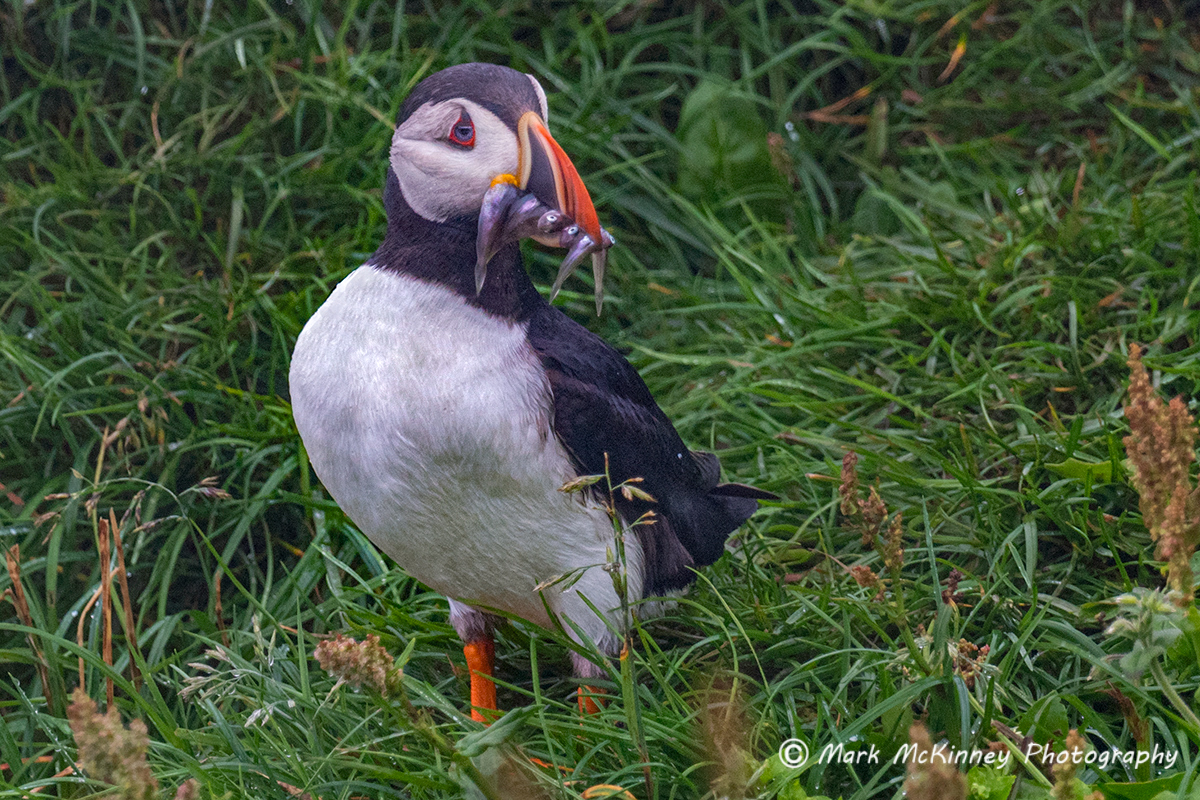
I was in the Faroe Islands last year, in a Zodiac on rough water and the puffins were all in the sea. With my bobbing around and their bobbing around, I never got an image there. Since then, I've seen puffins everywhere! Iceland, Ireland, and last week in Gwaii Haanas in British Columbia. They are so cute.
Your framing and the fact you got fish in the puffin's beak are terrific. All I would do is use the Dehaze in LightRoom, as Andrew suggested. My version is just Dehaze.
I hope you are feeling better soon. It's tough to take a tumble. |
Aug 19th |
 |
| 43 |
Aug 24 |
Comment |
Hi Andrew,
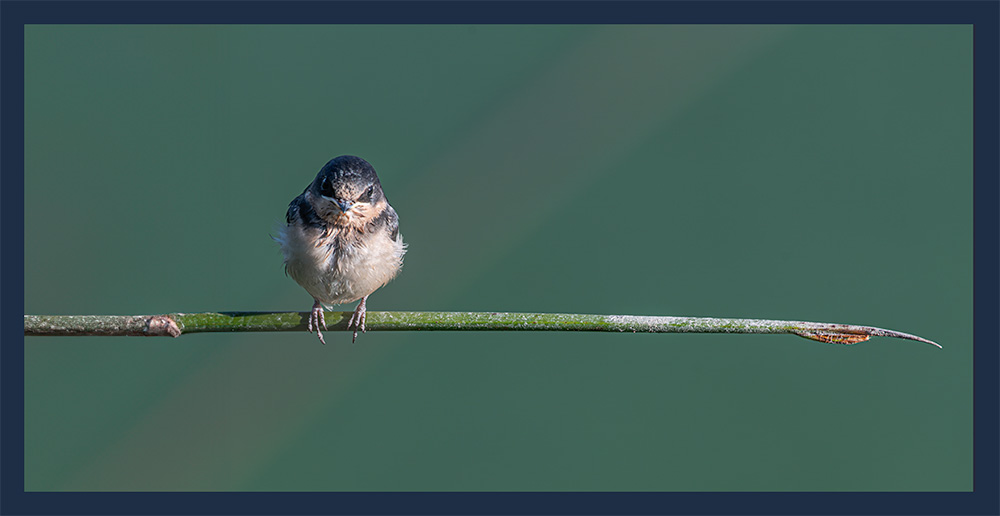
I love the simplicity of this image. I am also a fan of the one-third line as an aesthetic. I used the Generative Fill feature of Photoshop to put your bird out on a longer limb. Just an idea. What do you think? |
Aug 19th |
 |
| 43 |
Aug 24 |
Comment |
Hi Leo,
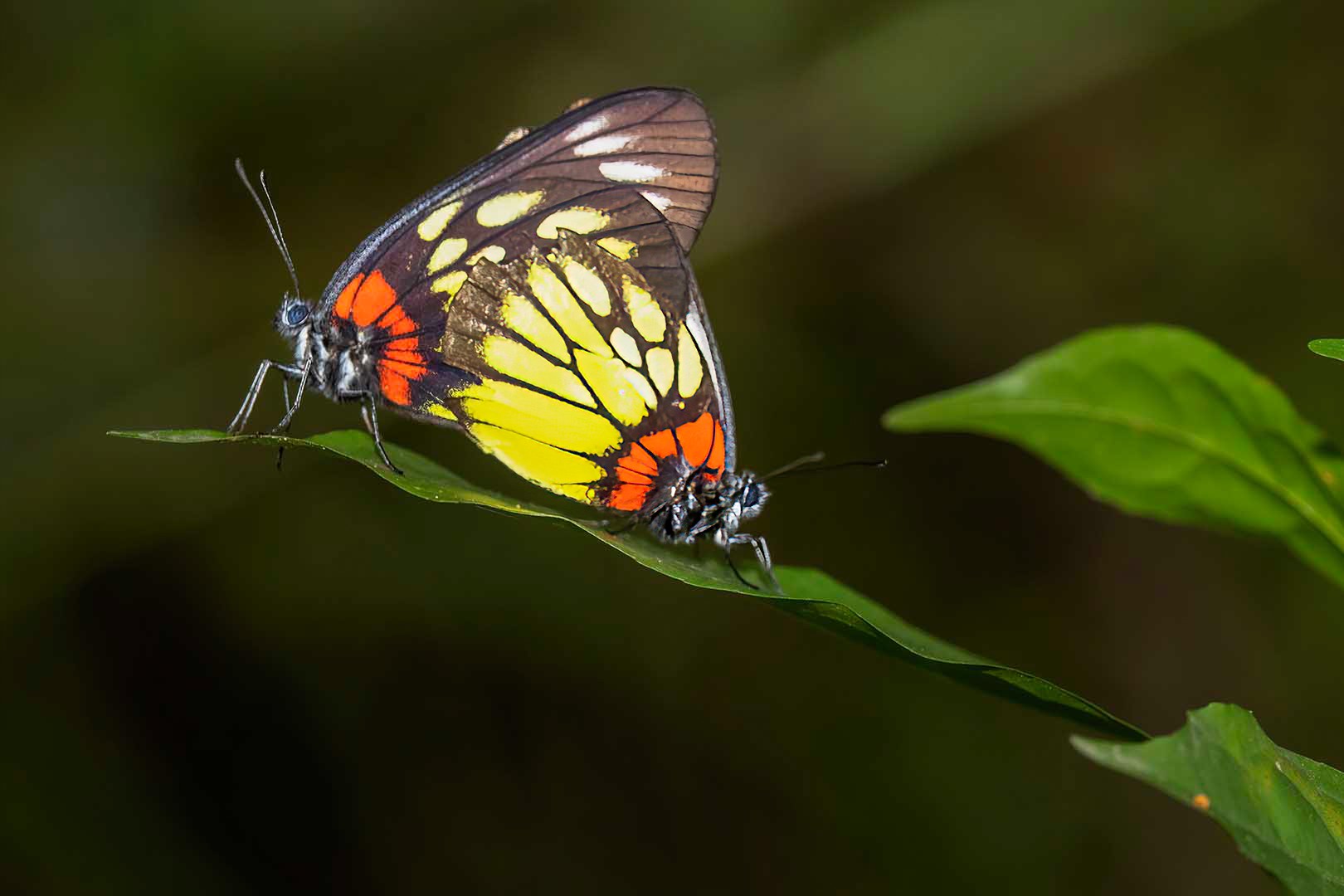
The butterflies are beautiful. I like your framing and the soft background. I believe they are Chinese Red Base Jezebel butterflies. They look to be mating.
If you have a sharpening program like Topaz, you could try sharpening just the butterfly on the left. It's best to use a RAW file. Here's what I did with the jpeg. |
Aug 19th |
 |
| 43 |
Aug 24 |
Comment |
Hi Harley,
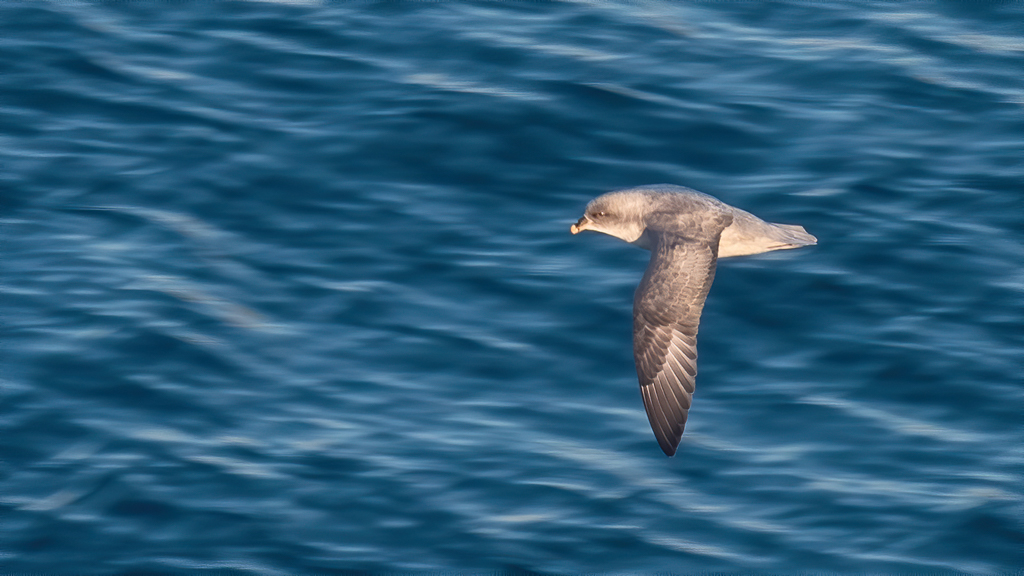
I use Topaz AI Sharpen, selection mode, on just about every image. It typically provides just the right amount of sharpening. And I also use it with sharpen turned off in the case of wanted to remove noise. Do you prefer the more flat look for birds rather than showing feather texture? I tend to want to show the feather texture, so perhaps I tend to be judicious in noise reduction.
Just for fun, I moved in the other direction to get more texture. This time I used one of the looks in Topaz Studio. I typically reserve the Looks just want I am trying to be obvious in creating a particular effect. What do you think?
BTW, I am still traveling so I don't have access to the RAW. This image is using the jpeg on the Digital Dialogue site. |
Aug 19th |
 |
| 43 |
Aug 24 |
Reply |
Thanks for your comments Leo. |
Aug 19th |
| 43 |
Aug 24 |
Reply |
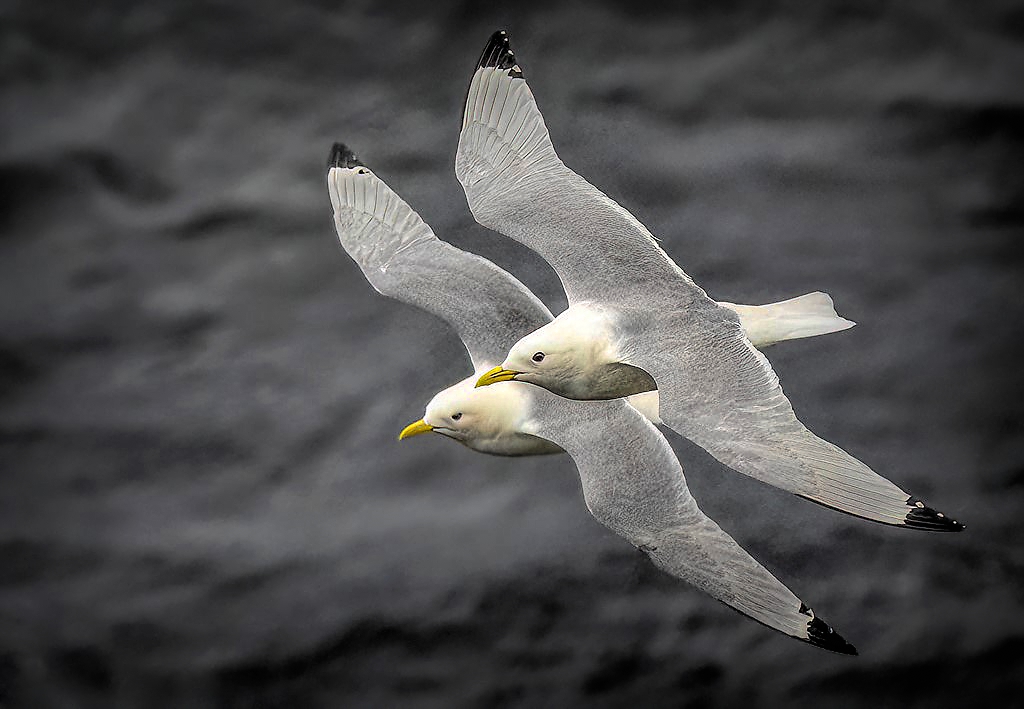
Hi Bruce,
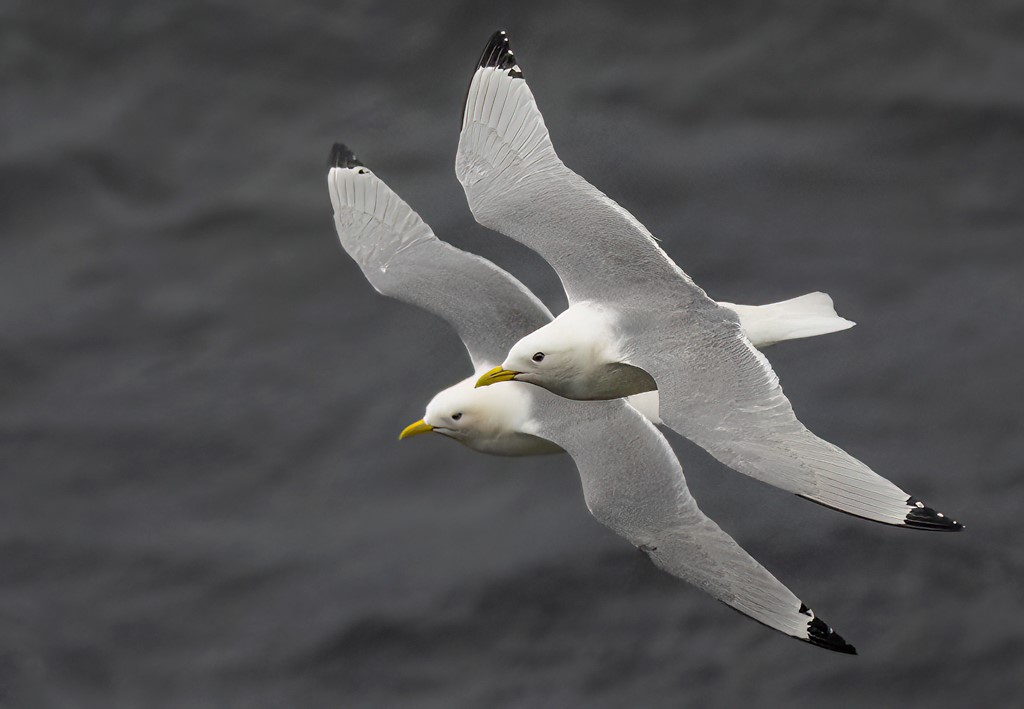
Kittiwake gulls have gray wings, so your processing turned them into a different species! :-)
I'll think about the "bluing." It was a gray, rainy, and extremely windy day. I don't mind showing the actual grayness of the day to add to the story. |
Aug 19th |
| 43 |
Aug 24 |
Reply |
Thanks for the fix Mark. |
Aug 17th |
7 comments - 3 replies for Group 43
|
7 comments - 3 replies Total
|