|
| Group |
Round |
C/R |
Comment |
Date |
Image |
| 62 |
Jan 22 |
Comment |
Hi Lu Ann,
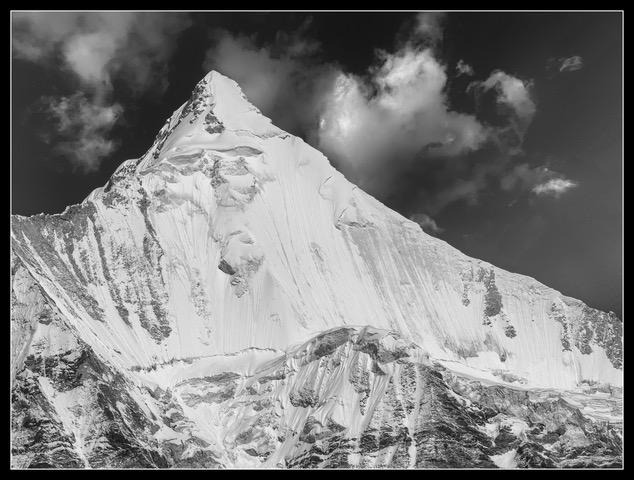
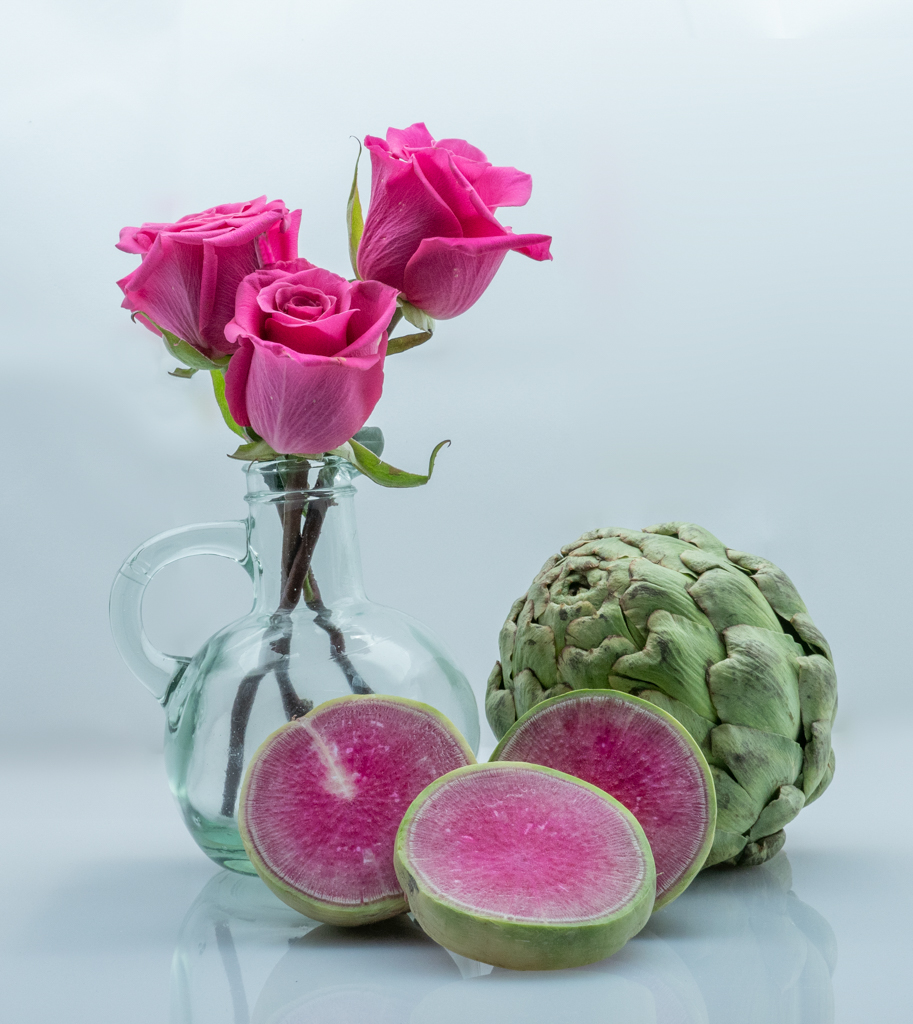
That is a great idea! Great image. How did you get him to haul up complementary colors?
If I set my goal to capture images of climbers, I could certainly get them in California. There are many climbing spots in addition to Yosemite, and less crowded, such as Pinnacles. Now you have me thinking about a field trip!
My Sony zooms to 600 mm equivalent. Thank you for the suggestion.
|
Jan 15th |
| 62 |
Jan 22 |
Comment |
Thanks for the suggestion LuAnn. I'll try it with my RAW file.
Yes, the workshop started at 9:00. First with a bit of history. By the time we made it to the famous Half Dome photo spot, it was mid-day. I'd like to go back when I can stay overnight and enjoy the early morning and early evening times. And night time too. I've wanted to photograph the moon bow created by Yosemite falls. I had reservations in March 2020, but we all know how March went! |
Jan 10th |
| 62 |
Jan 22 |
Reply |
Hi LuAnn, Let me know how the frequency separation goes. The workflow I learned uses a median filter. The typical technique uses a Gaussian. If you understand the math behind this, you'll know that the Gaussian causes a halo effect at the edges, whereas the median doesn't. Earth Oliver refers to his technique (which is what I learned) as FS 2.0. He gave a talk at Adobe Max in 2020. Good luck! |
Jan 4th |
| 62 |
Jan 22 |
Reply |
I just downloaded the beta version of Luminar Neo. It has a relighting feature, powered by AI, and based on a depth analysis of the image. Essentially, it is doing what Emil can so skillfully do with his RI (Real Intelligence). So perhaps this feature is for the rest of us who need Augmented Intelligence.
I applied the Relighting feature to the original color image and converted to BW using the built BW in LR. I twiddled a few knobs that made global changes, but that did not effect the relighting scheme. What do you think? |
Jan 4th |
 |
| 62 |
Jan 22 |
Reply |
I certainly think it is something to explore. PerhGiven that your goal is "mystery walker", I am wondering if a title change would complement your idea--"Mysterious Walker in the Fog." I like LuAnn's version.
I just downloaded Luminar Neo (which is in beta) and played around with your image. I think what I did is a bit extreme, but for what it's worth. The idea was to make it seem as if the maker is peering through something and spying on this person. |
Jan 4th |
 |
| 62 |
Jan 22 |
Reply |
Thanks for the suggestion Bob. I'll try it! |
Jan 3rd |
| 62 |
Jan 22 |
Comment |
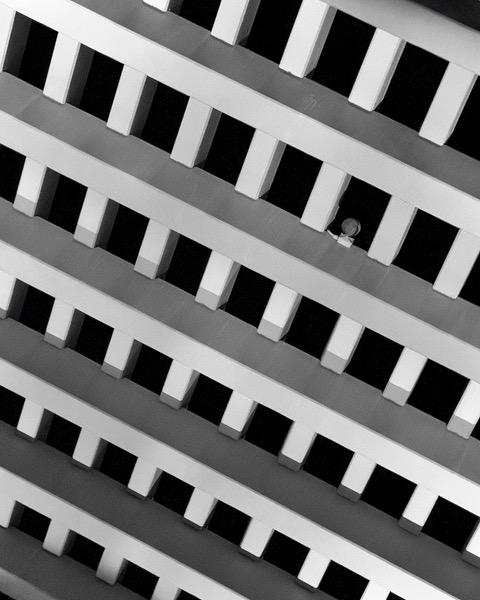
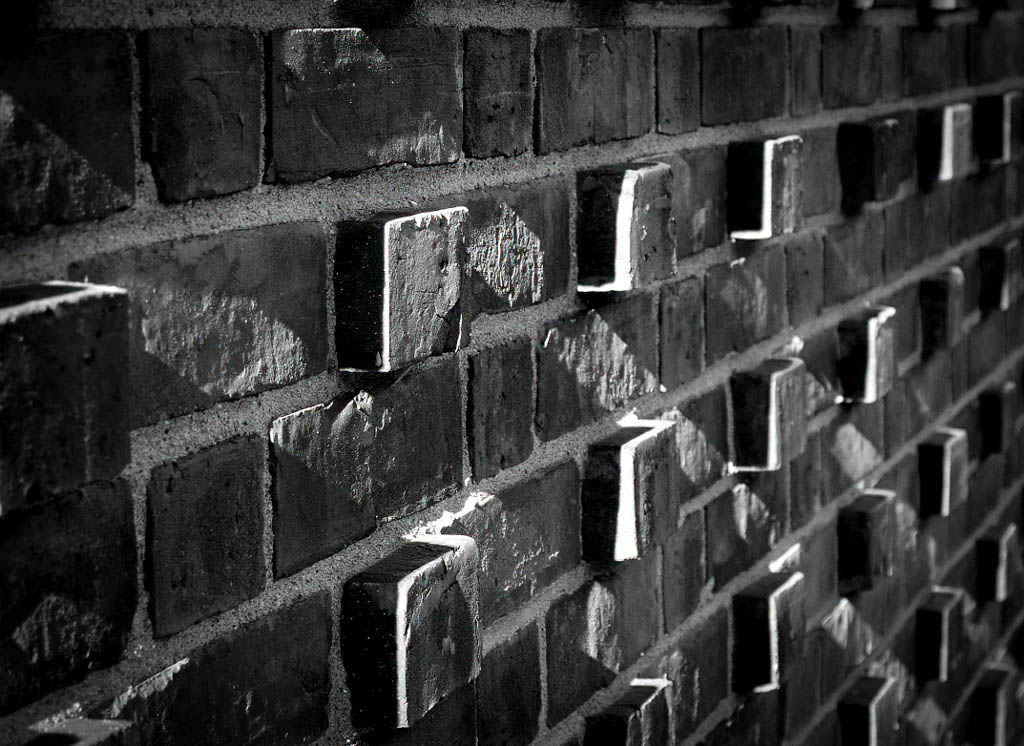
Hi Leah, The bricks make for a good composition, and the sun pattern on them make the image even better! Nice capture. I enjoy these sorts of abstracts.
For me, I would prefer to have my eye drawn to the in-focus portion of the image. I tried a few things similar to what Emil suggested. Let me know what you think. First, I gently cropped the top to eliminate the two very bright patches near the border. I increased the blacks and the whites to give more contrast. Finally, I added a vignette to further put some emphasis on the focused section.
|
Jan 3rd |
 |
| 62 |
Jan 22 |
Comment |
Hi Pete, You did a great job salvaging this image. It went from blah to WOW! The look on the player's face is intense. The depth of field works well to emphasize his concentration. Your choice of monochrome is spot on, as the colorful pieces would have been a distraction.
After reading Emil's comment, I see his point. I sometimes focus on getting things lightened up and then forget whether it would be realistic in that setting. I've now learned something from Emil! |
Jan 3rd |
| 62 |
Jan 22 |
Comment |
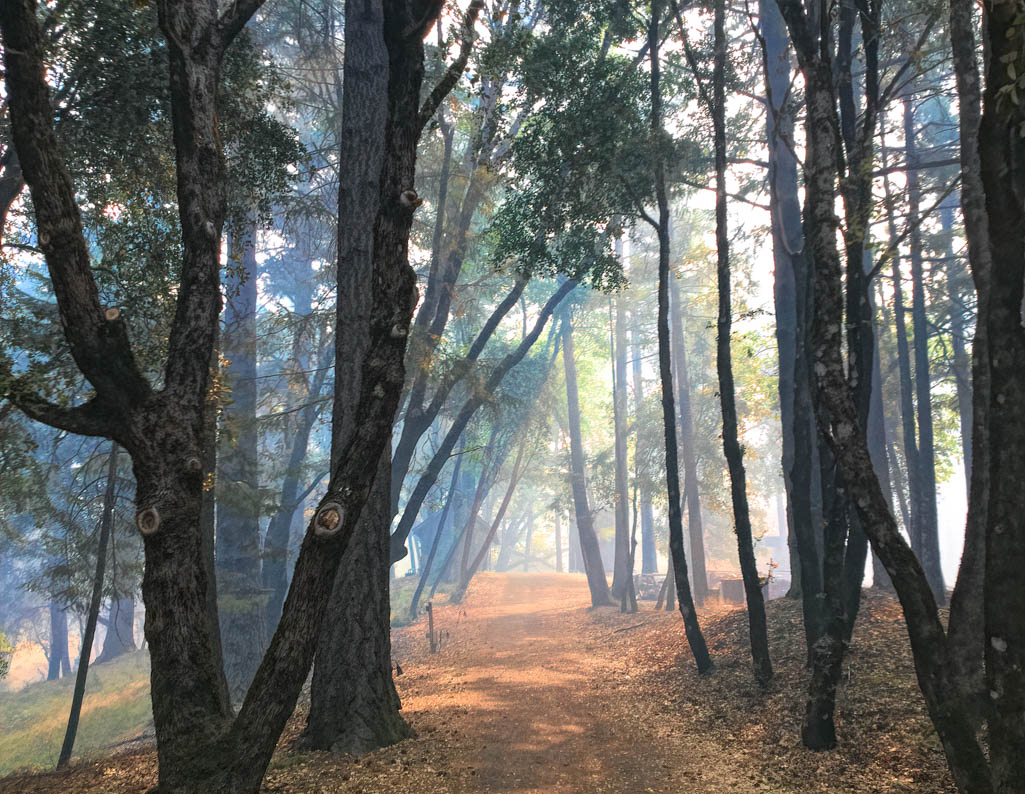
Hi Emil, I love the leading line that the curve of the walkway provides and the way the two trees frame the mysterious walker. I like the idea of obscuring the walker, as it adds mystery to the image. The leaves look a bit blurred, and for my taste, I would like to see them a bit sharper. Then I think obscuring the walker would add more mystery.
You said that the shutter speed was slow. Did you use a tripod? |
Jan 3rd |
| 62 |
Jan 22 |
Comment |
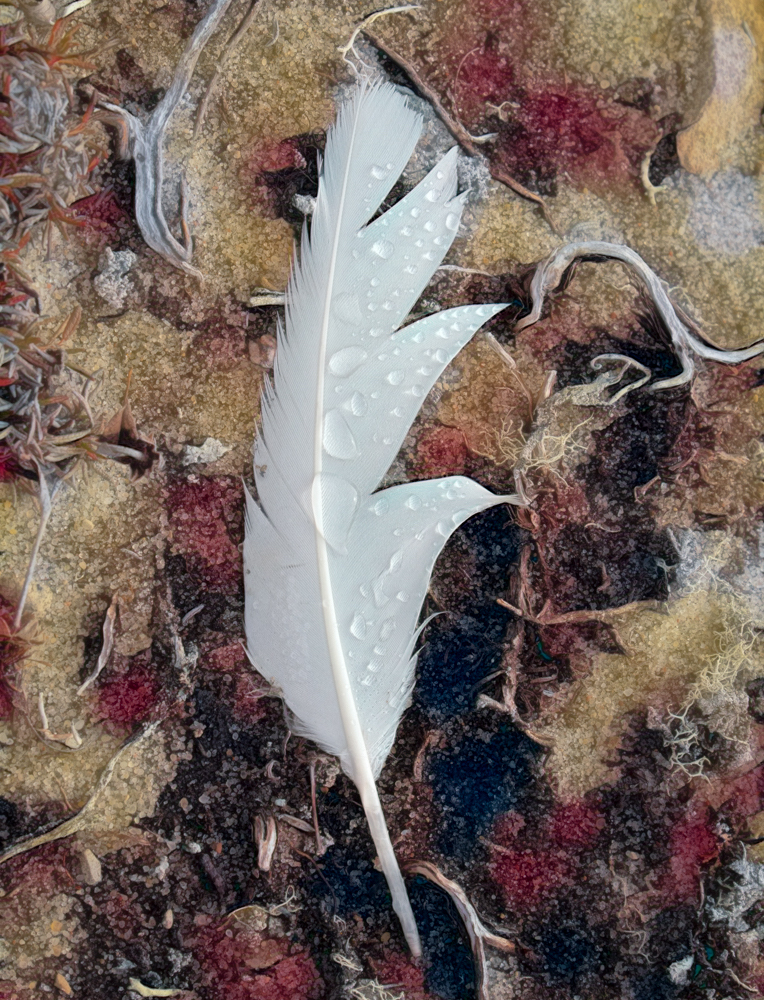
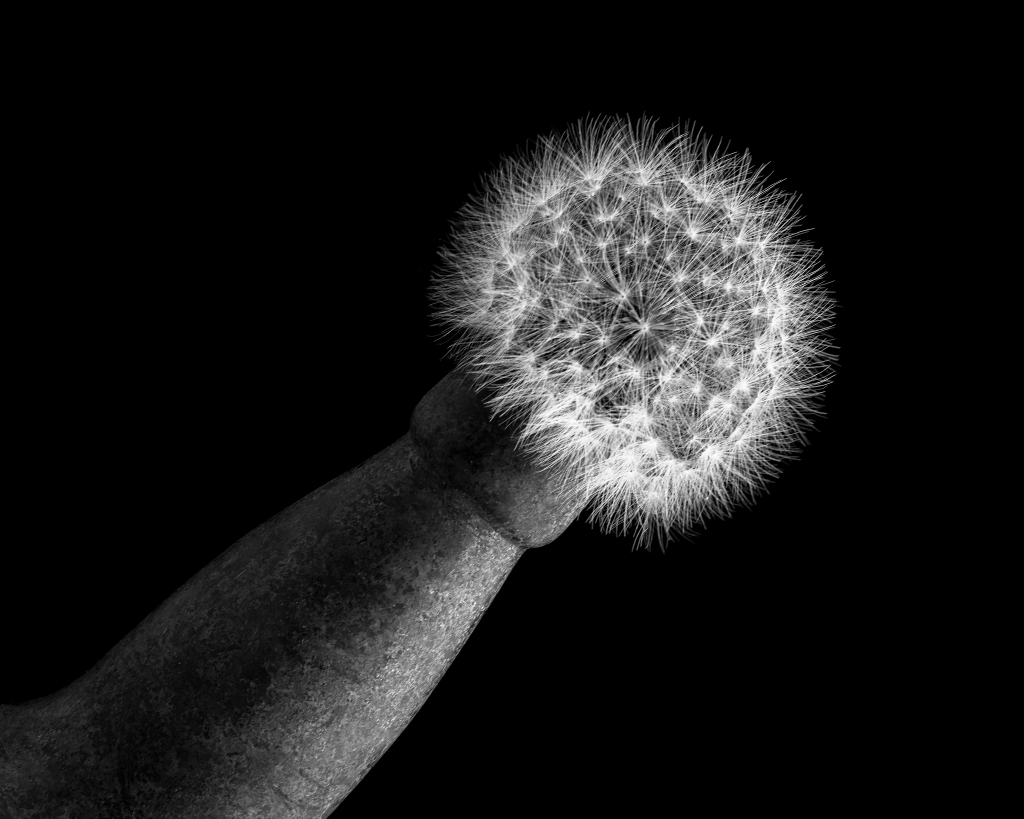
Hi LuAnn, I am very impressed at your ability to capture a floating feather. I was unsuccessful when I tried, but you have inspired me! The soft feather - hard rock composition works well for me. It's minimalist and open to interpretation by the viewer, which I like. I have nothing to suggest, but after reading Emil's suggestion I learned something. Great job! |
Jan 3rd |
| 62 |
Jan 22 |
Comment |
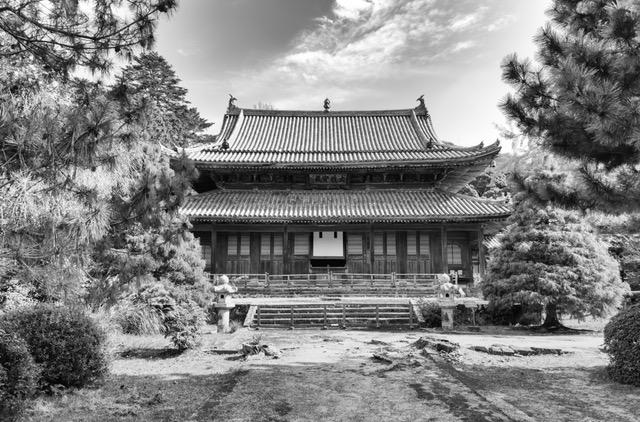
Hi Israel, Your treatment of the image imparts a mystique to it, which I think is fitting for this historic Church. It makes all the difference to have the keeper looking out, and standing next to the enormous door. I'm glad you persisted in asking each keeper when you visited. It inspires me to be persistent to get a great capture.
The only thing I would suggest is something that Pete has already suggested, and that is to crop out the door on the left that is barely visible. It is visible enough to be a minor distraction on the left, bottom part of the image. |
Jan 3rd |
| 62 |
Jan 22 |
Comment |
Hi Bob, I love it! I think it is a good sign that you got so wrapped up in creating this wonderful image that you can't reproduce it. To me, that's the sign of an artist lost in thought. I see the image as very airy and uplifting--a good way to start the New Year, and certainly a far cry from the bullet-riddled train. So you made the swirl in Topaz Studio? I haven't tried that yet. I knew that it's possible in PS. Is there a "swirl" filter or some such in Topaz?
|
Jan 3rd |
8 comments - 4 replies for Group 62
|
8 comments - 4 replies Total
|