Activity for User 112 - Robert Schleif - rfschleif@jhu.edu

avatar
Avatar

Close this Tab when done


923 Comments / 309 Replies Posted

  = Current Round   = Previous Round
Group Round C/R Comment Date Image
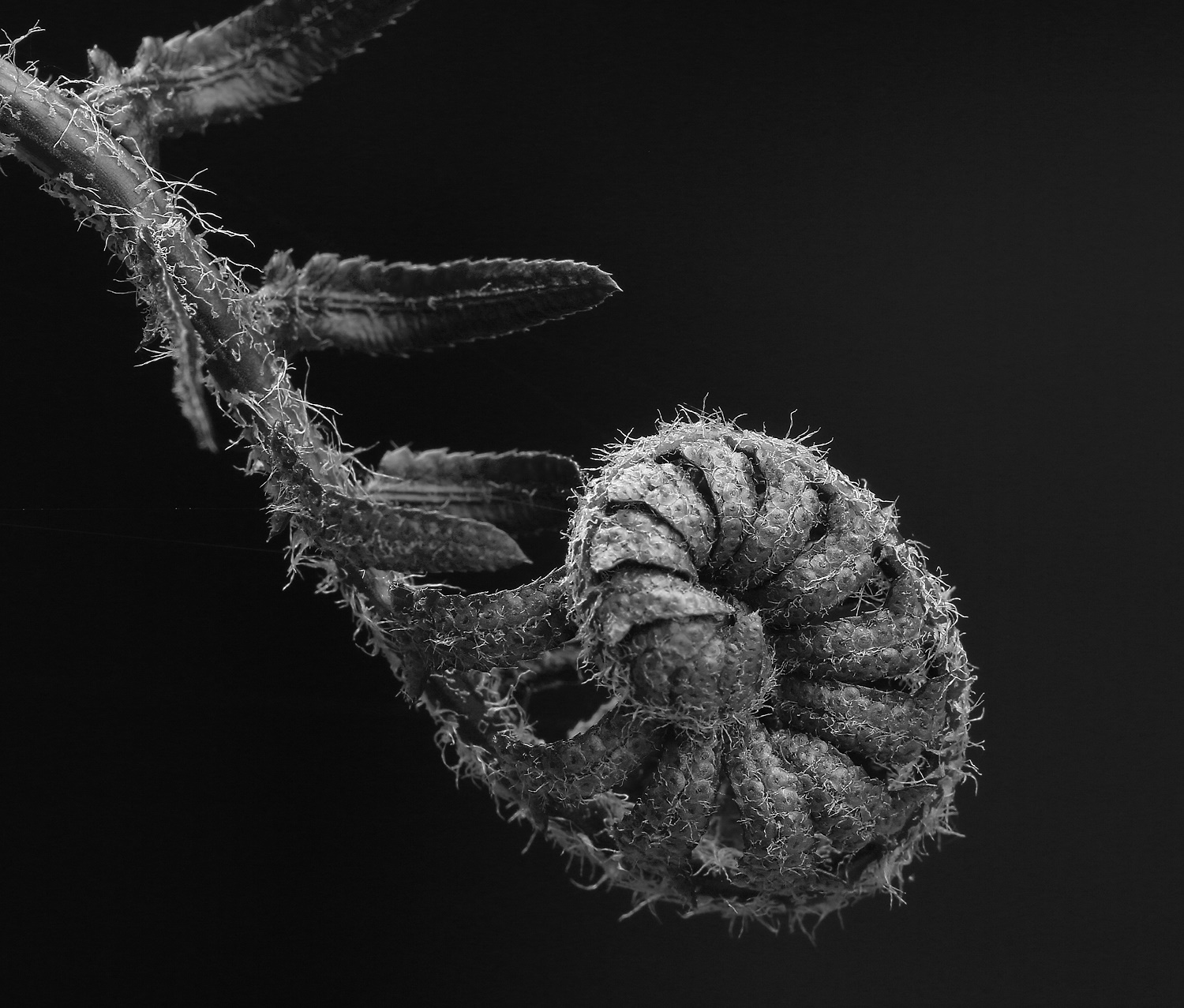
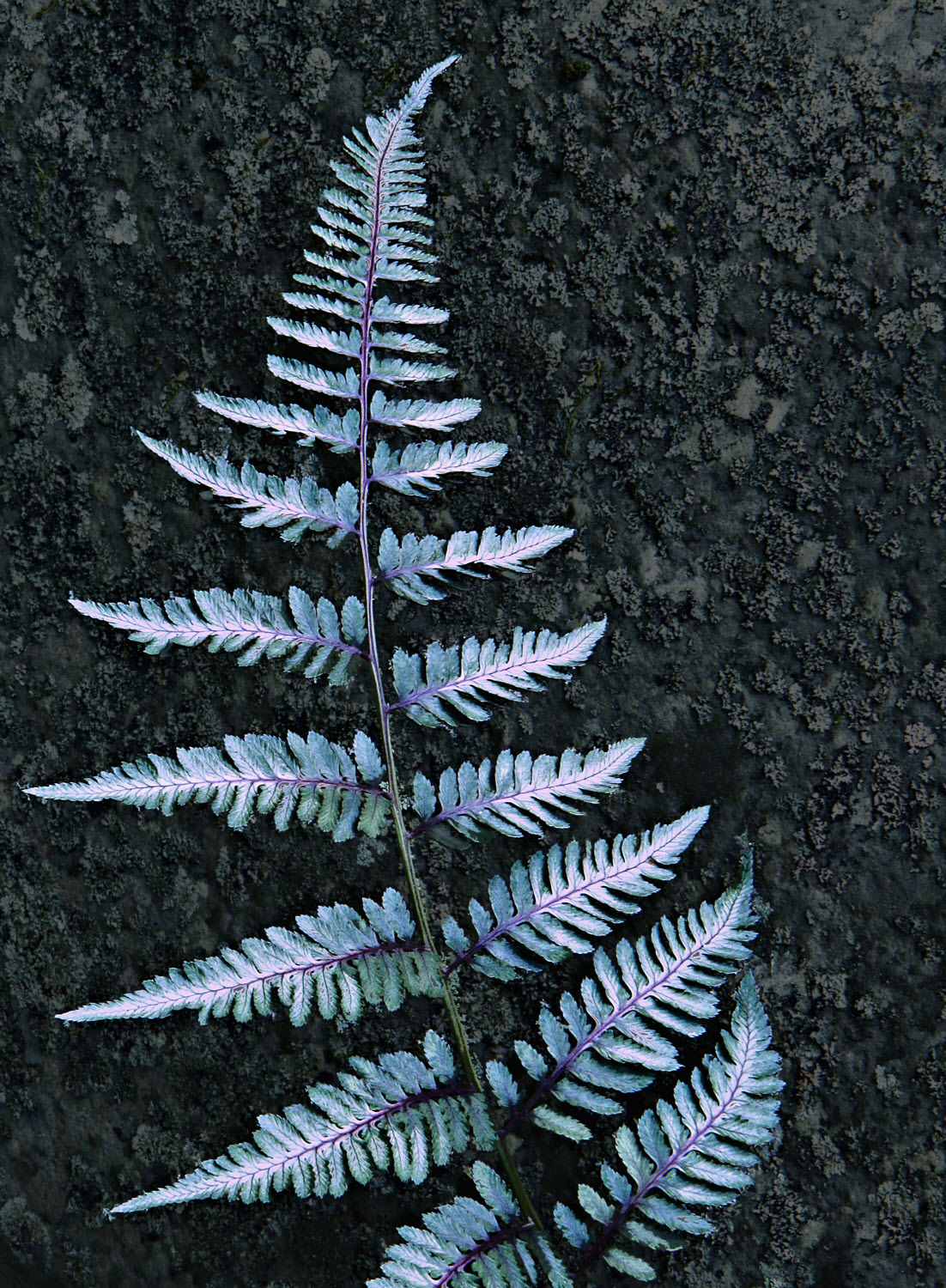
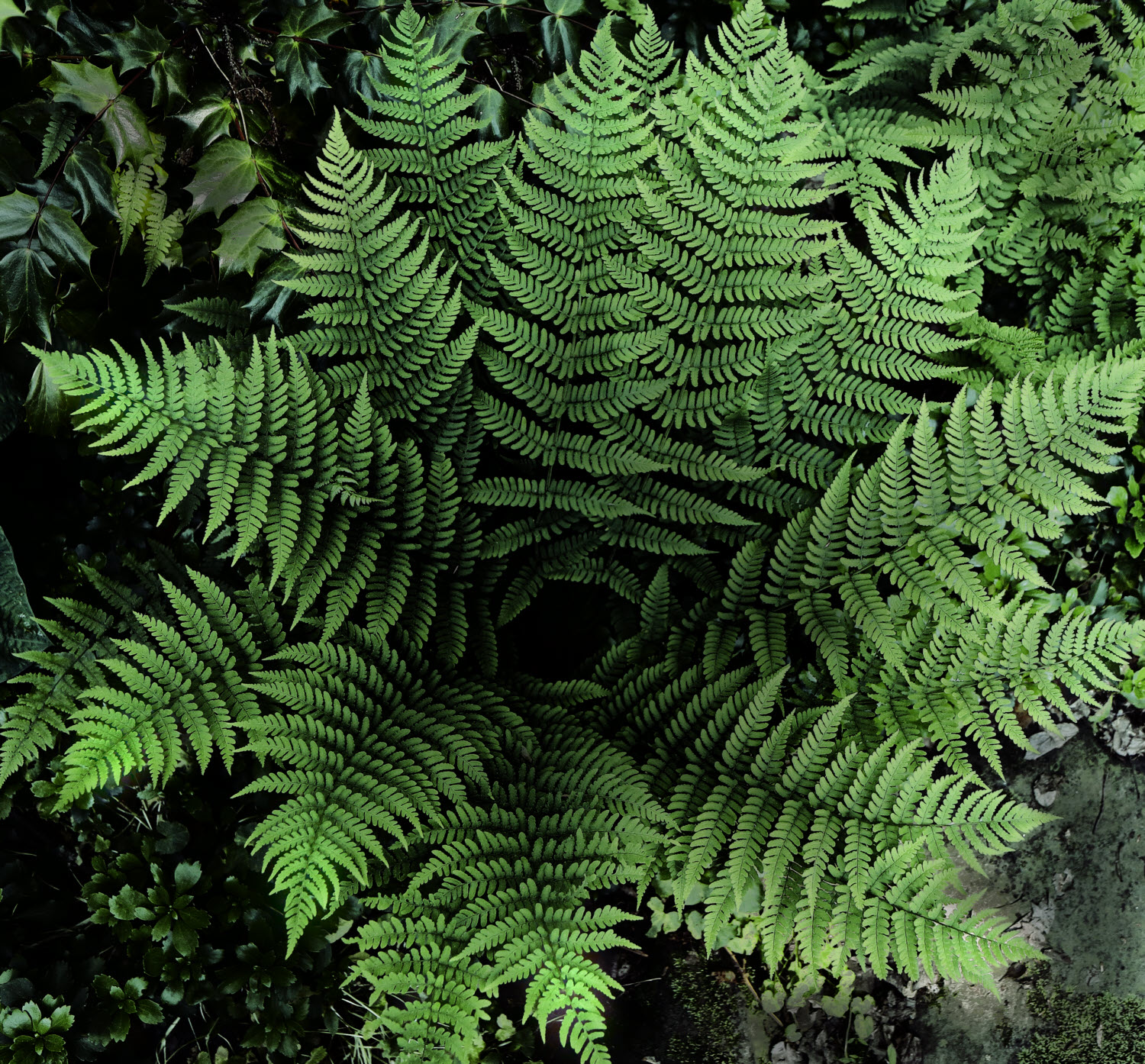
30 Oct 19 Comment In the full sized TIF image the fern is quite sharp and cannot be further sharpened digitally without the appearance of halos. The reduced size jpeg format does lose some sharpness. I've been playing with the full sized image, and to my mind, reducing contrast away from the fern looks the most pleasing.
As the weather has cooled, the fern's colors have changed, and now are dominated by a muddy green where it used to be white and red.
Oct 25th
30 Oct 19 Comment Thanks to the help from Jon and Dorinda, I like the latest version more than the earlier versions. As for Judy's comment about the white--that's the way this fern looks, and changing the white to green or red might look interesting, but it isn't the way I saw the fern. Oct 18th
30 Oct 19 Comment Well, in blurring the background, I did lose some sharpness of the fern. Do you think that this could be the reason the image is no longer interesting to you? Alternatively, in the original, there was some consistency in the sharpness of the fern and the background stone. In the modification, this unanimity is gone, and perhaps some tension is generated as a result. Perhaps this is what you are feeling?
I've played with blurring or reducing the contrast of the background outside the immediate area of the fern. Here's what reducing the contrast looks like. I would like to know how both you and Dorinda like this version.
Oct 17th
30 Oct 19 Comment Thank you for the name of the fern. It seems as if I have great difficulty in learning, despite a number of similar suggestions in the past, to tone down the backgrounds in such pictures. Here is the fern with the background blurred as, I think, you are suggesting. Oct 13th
30 Oct 19 Comment Spectacular! I'd love to see this blurred as though the car were in motion, either as though the camera were still or the camera were panned. My editing program cannot do such blurs, but Photoshop can. Perhaps someone could give it a try? Oct 7th
30 Oct 19 Comment I like this better in B&W. Oct 7th
30 Oct 19 Comment My initial thought that cropping from the left wouldn't work proved to be wrong. Here is such a crop combined with Dorinda's thought of reducing the green of the rocks. Oct 7th
30 Oct 19 Comment When are one of your frog images going to be titled "The Prince"? Both Dorinda's and Judy's images this month depend on the fact that red inescapably draws one's eye. In the case of your image, the red draws my eye away from the frog. Thus, I'm saying pretty much the same thing as Jon. Since I don't see how to crop and retain balance in the image, perhaps it would be possible to change the red to a dark brown? Oct 6th
30 Oct 19 Comment I think we all have seen some stunning photographs of this region of Washington. I'd have found it frustrating to have been at the right place, but at the wrong time for a great picture, and you did wonderfully well at making the best of the situation. As Jon noted, the color of Maude's coat is crucial to the success of your shot. Oct 6th

9 comments - 0 replies for Group 30


9 comments - 0 replies Total


104 Images Posted

  = Current Round   = Previous Round
Group 30

Mar 21

Feb 21

Jan 21

Dec 20

Nov 20

Oct 20

Sep 20

Aug 20

Jul 20

Jun 20

May 20

Apr 20

Mar 20

Feb 20

Jan 20

Nov 19

Oct 19

Aug 19

Jul 19

Jun 19

May 19

Apr 19

Mar 19

Feb 19

Jan 19

Nov 18

Oct 18

Sep 18

Aug 18

Jul 18

Jun 18

May 18

Apr 18

Mar 18

Feb 18

Jan 18

Nov 17

Oct 17

Sep 17

Aug 17

Jul 17

Jun 17

May 17

Apr 17

Mar 17

Feb 17

Jan 17
Group 42

Jan 23

Dec 22

Nov 22

Oct 22

Sep 22

Aug 22

Jul 22

Jun 22

May 22

Apr 22

Mar 22

Feb 22

Jan 22

Nov 21

Oct 21

Sep 21

Aug 21

Jul 21

Jun 21

May 21
Group 78

Apr 26

Mar 26

Feb 26

Jan 26

Dec 25

Nov 25

Oct 25

Sep 25

Aug 25

Jul 25

Jun 25

May 25

Apr 25

Mar 25

Feb 25

Jan 25

Nov 24

Oct 24

Sep 24

Aug 24

Jul 24

Jun 24

May 24

Apr 24

Mar 24

Feb 24

Dec 23

Nov 23

Oct 23

Sep 23

Aug 23

Jul 23

Jun 23

May 23

Apr 23

Mar 23

Feb 23

Close this Tab when done