|
| Group |
Round |
C/R |
Comment |
Date |
Image |
| 30 |
Mar 18 |
Reply |
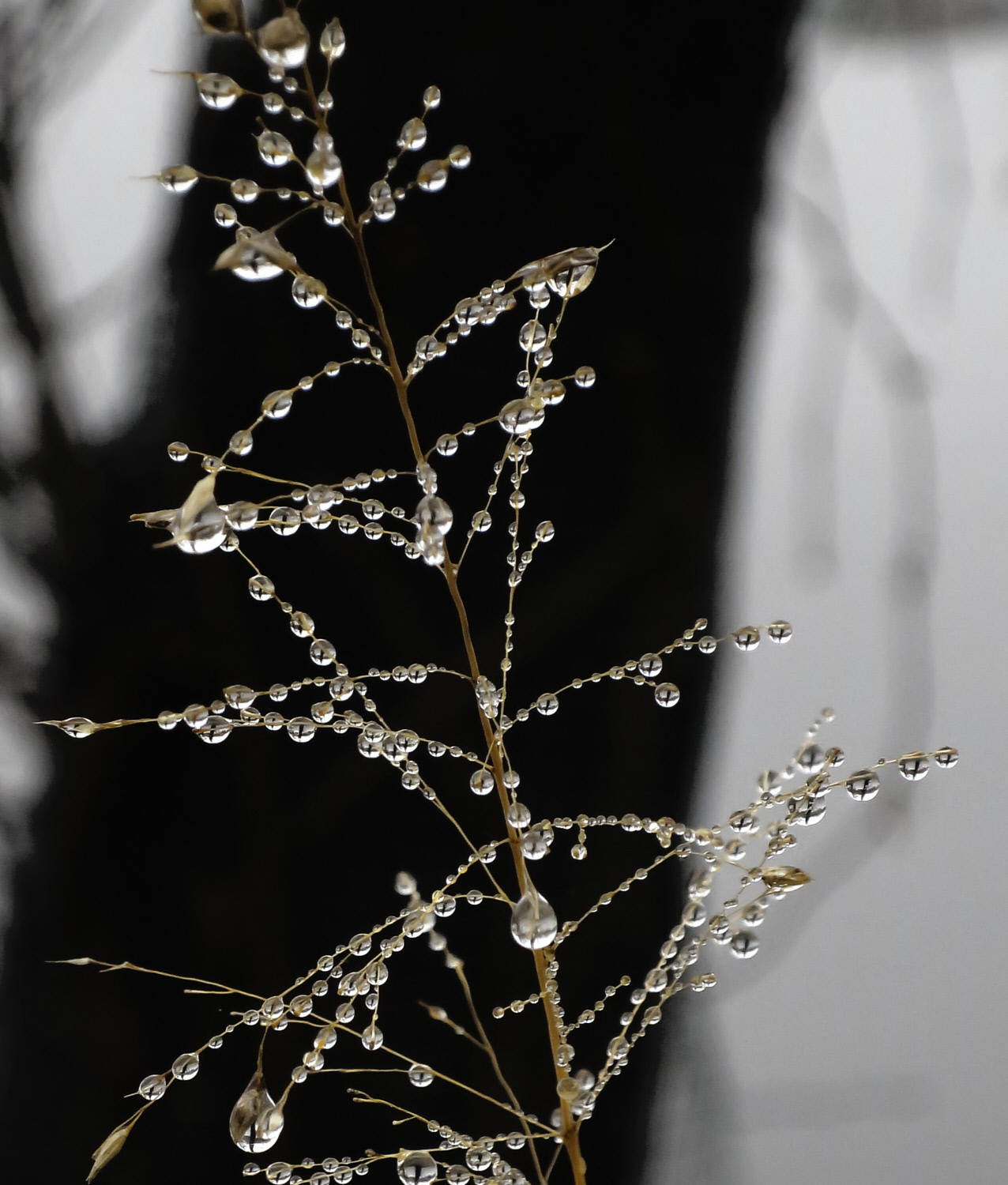
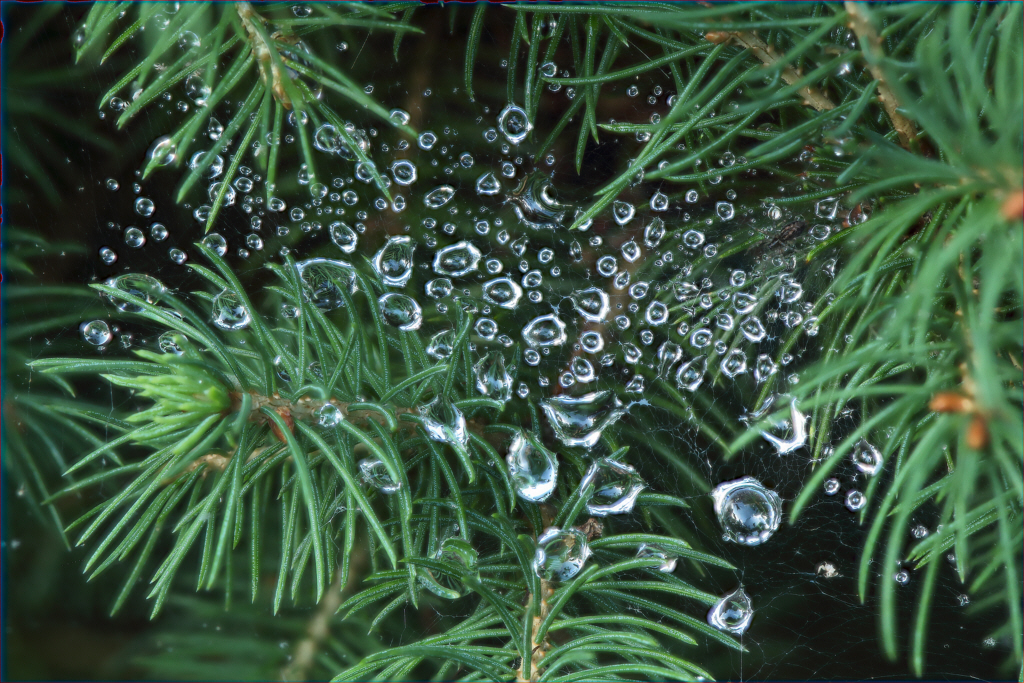
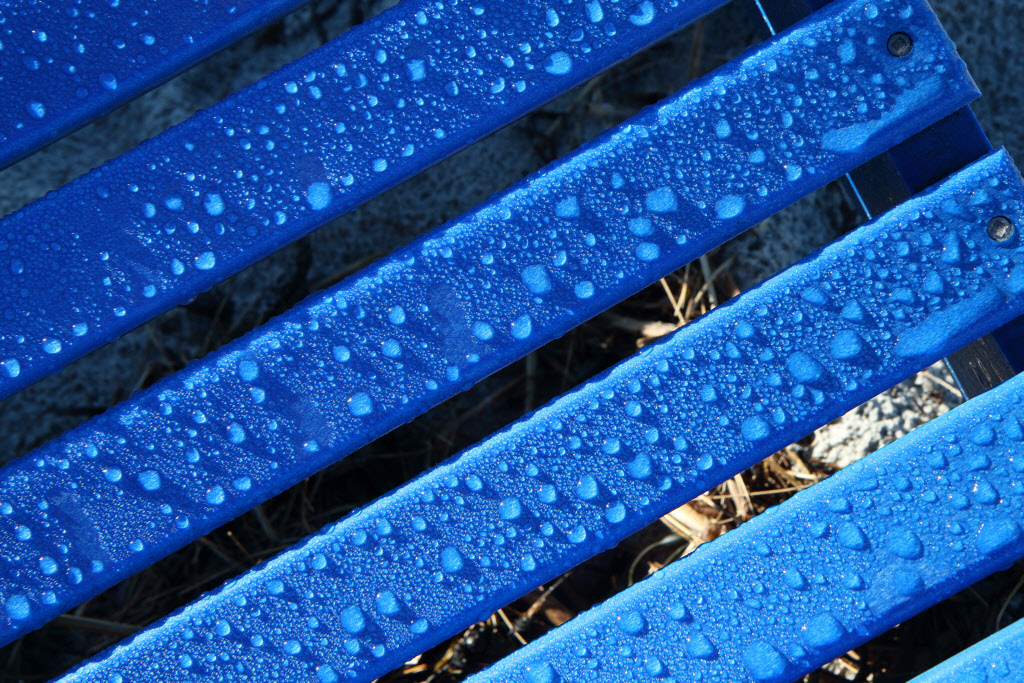
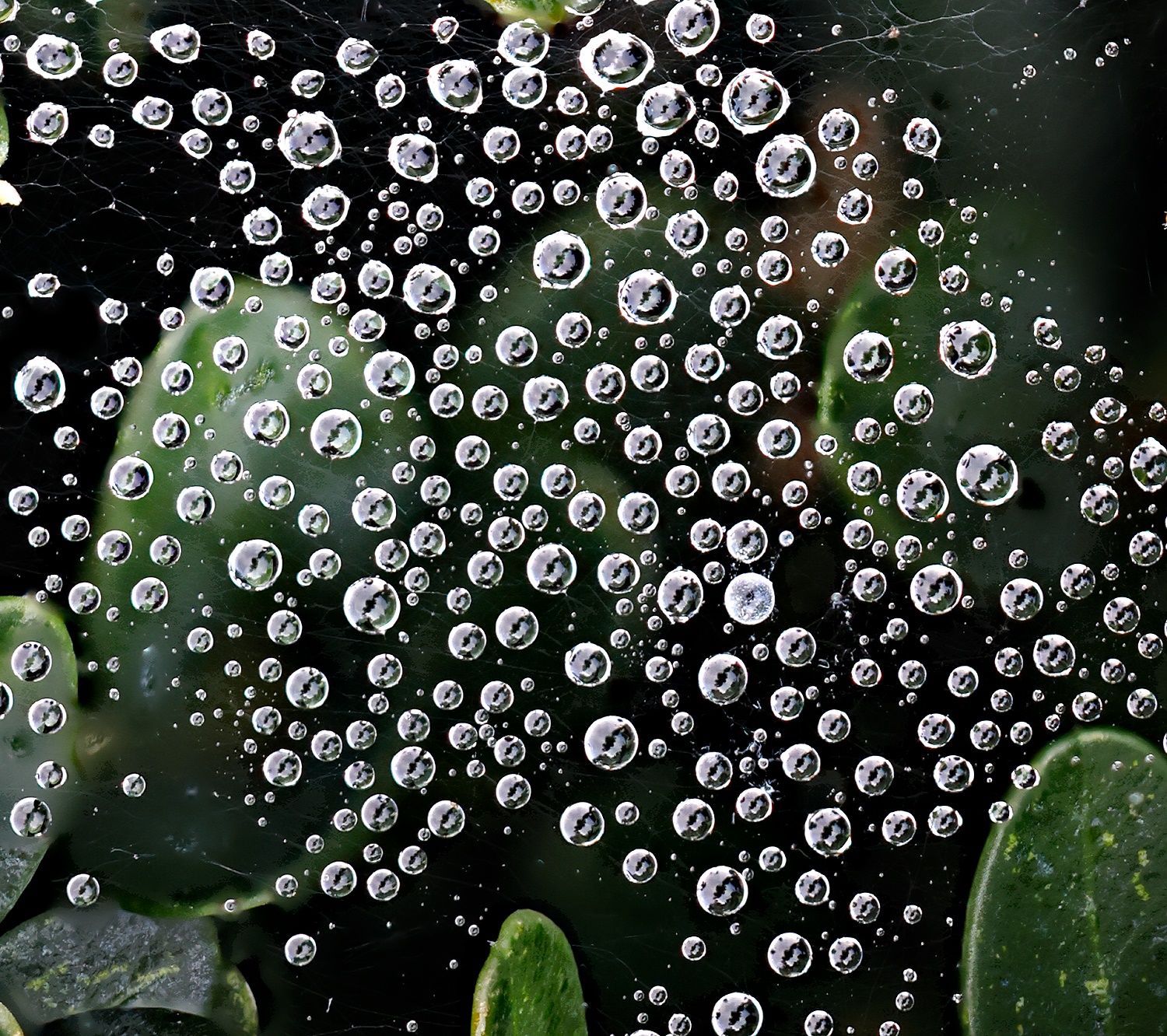
Is there a quantitative way to measure sharpness in macro photography? After looking on the web and not finding anything practical, I decided to photograph a textile, oxford cloth, from one of my shirts. This doesn't provide a quantitative measure of sharpness, but it did show that sharpness was uniform across the field, and no chromatic aberration was visible. |
Mar 26th |
| 30 |
Mar 18 |
Comment |
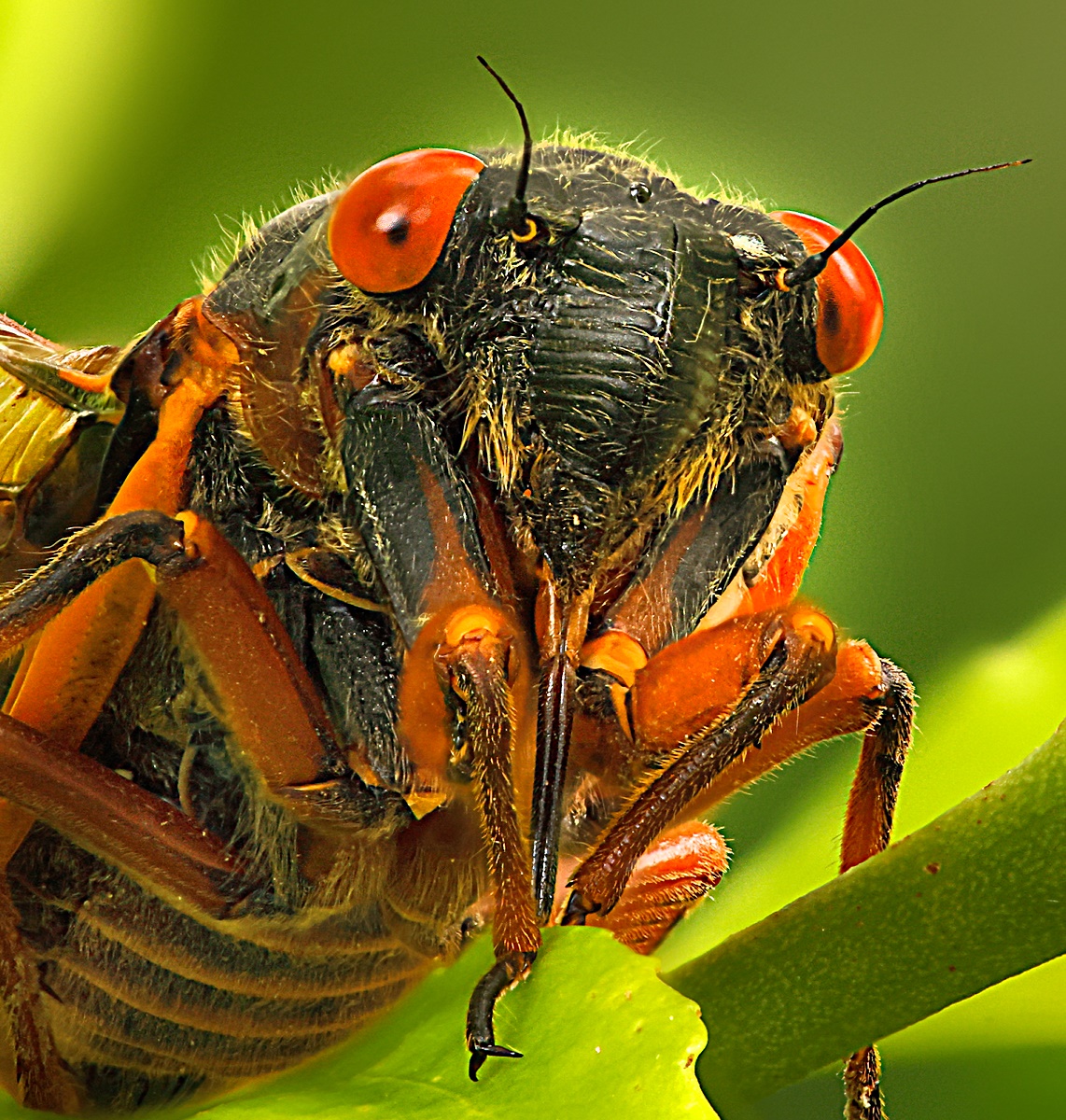
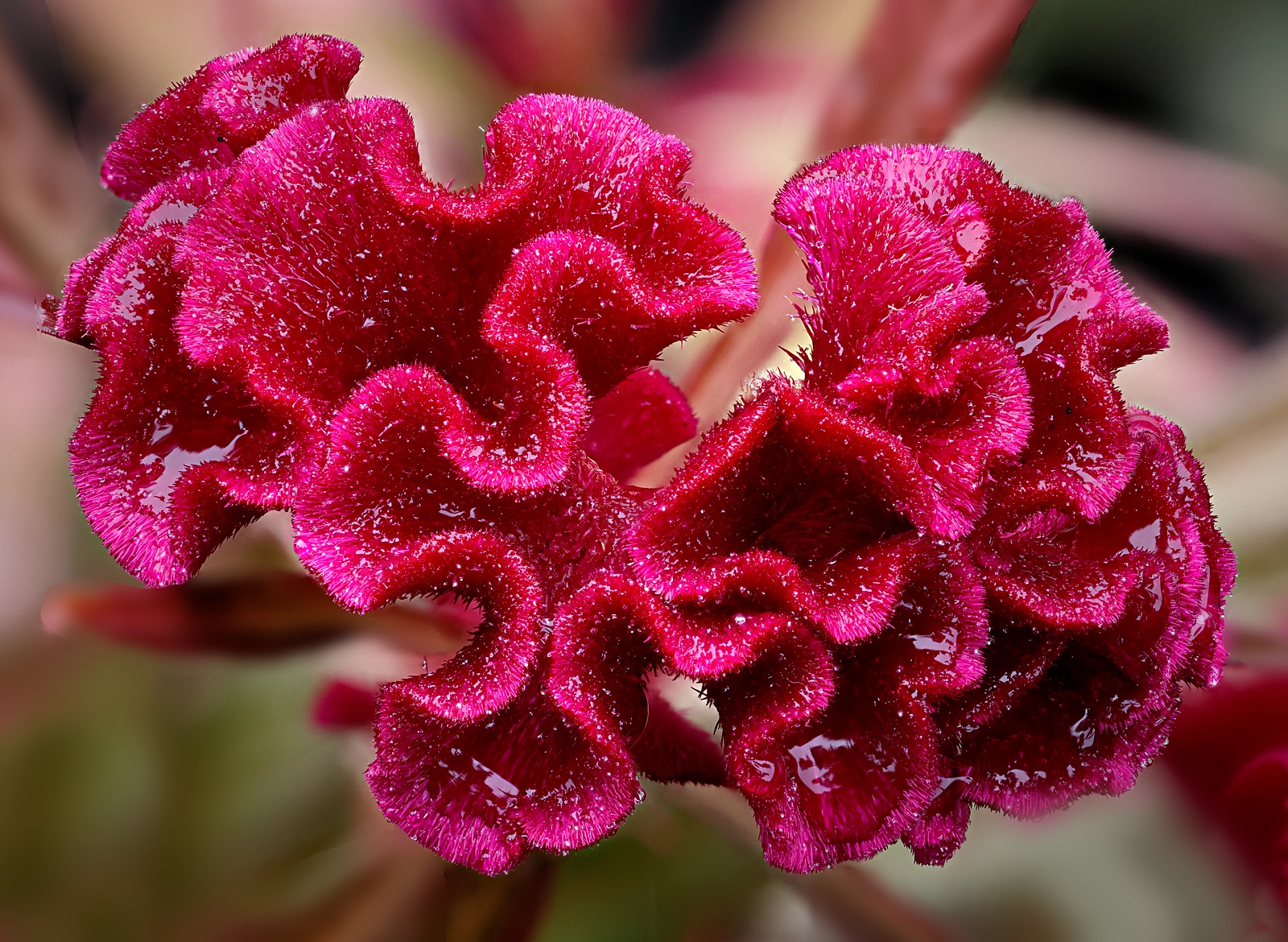
In playing with a few more macro shots I'm finding the D500 on my 70-200 is giving very sharp pictures. It is very nice also that the working distance is enormous for a macro lens, 12-20 inches from the lens to the object. Thus special lighting fixtures as are usually necessary for macro photography are unnecessary in this case. |
Mar 24th |
| 30 |
Mar 18 |
Comment |
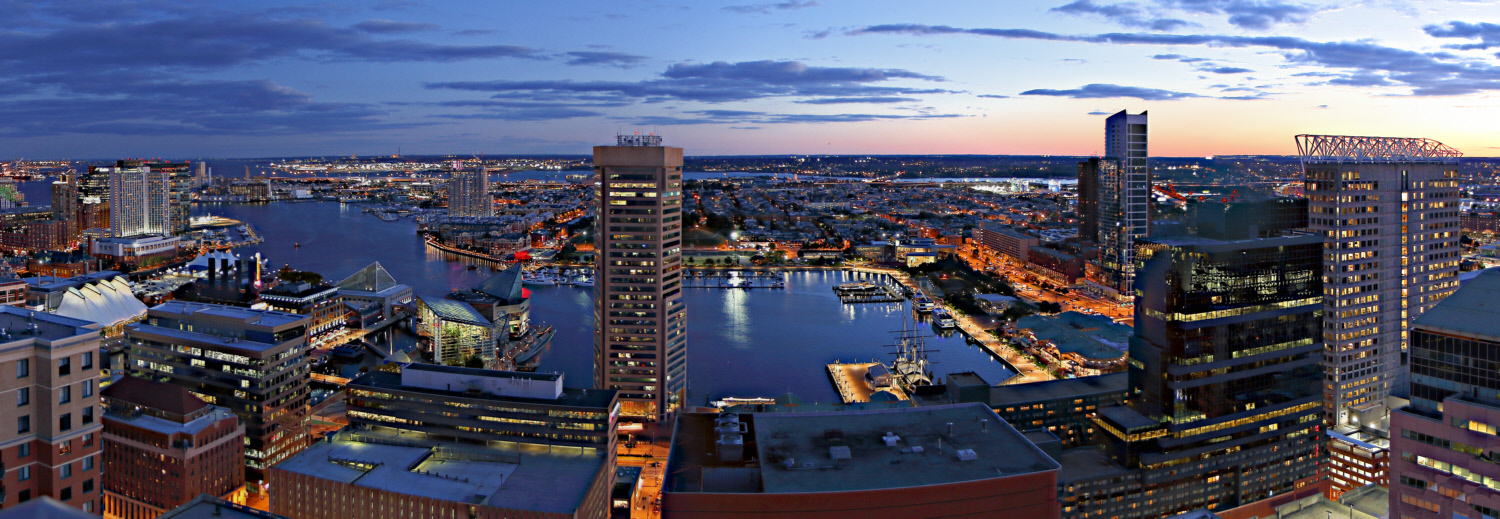
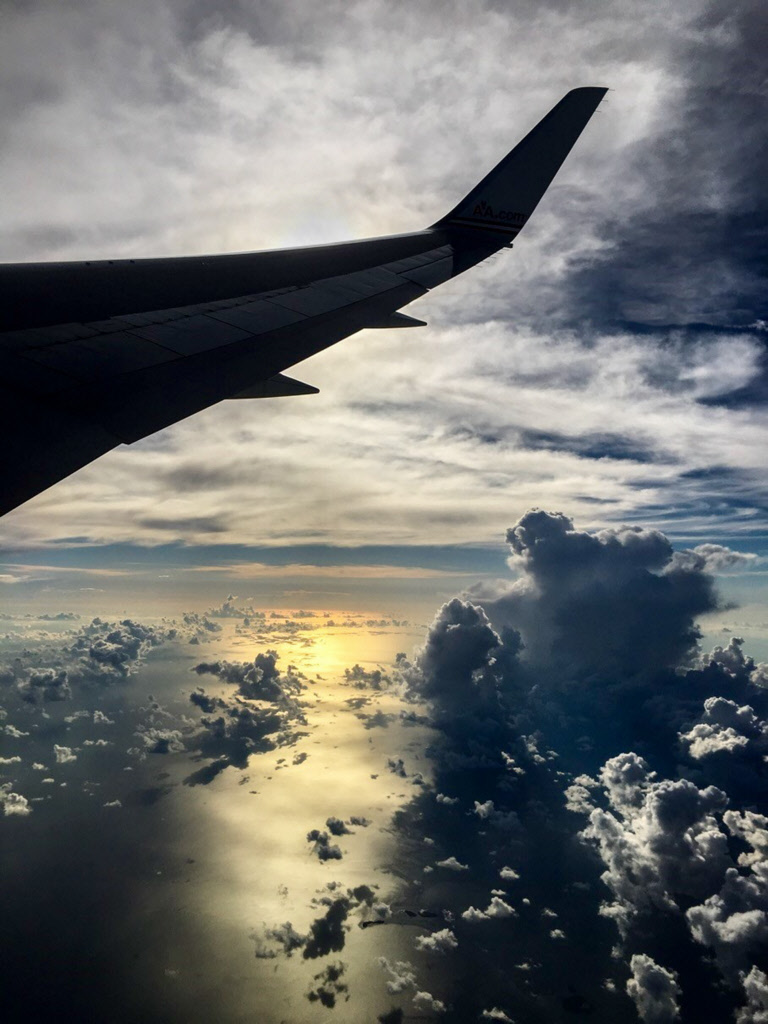
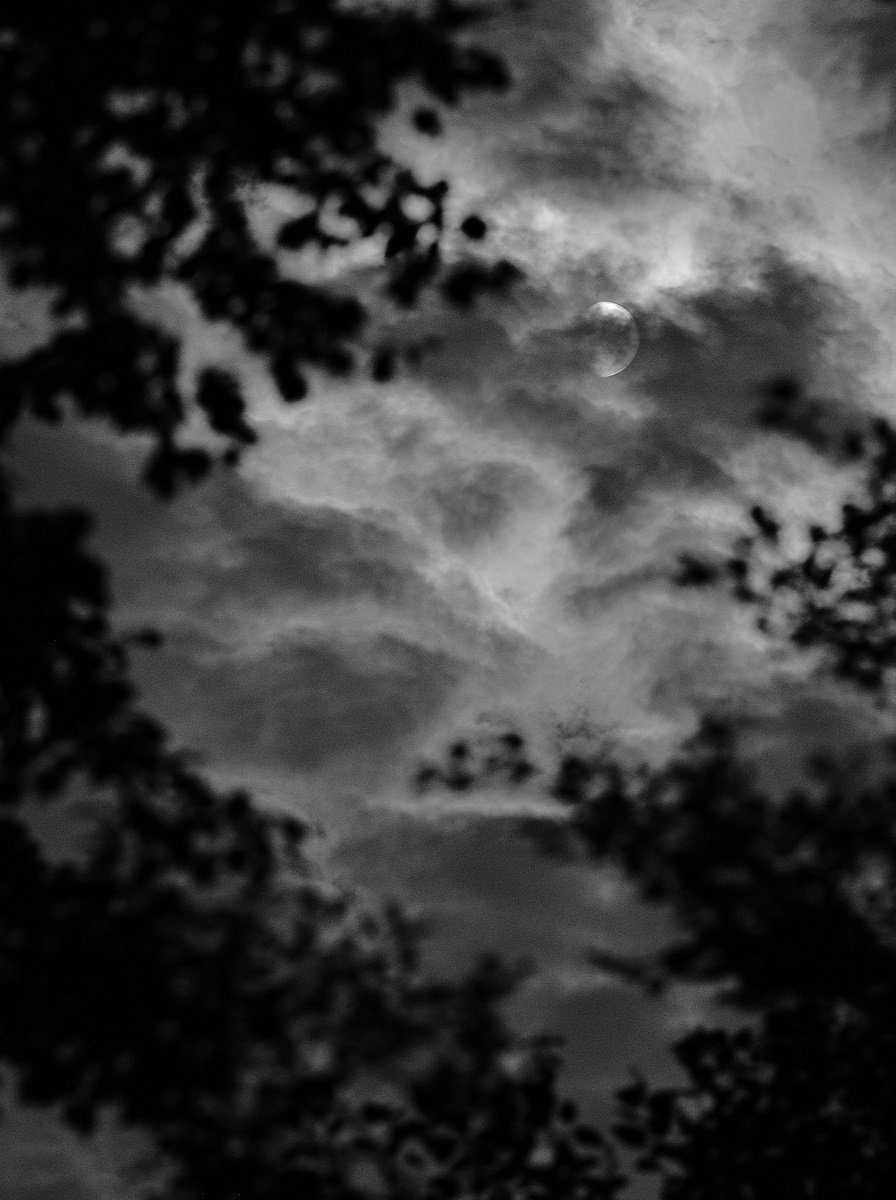
Is it possible for the sun to set in this position? From Google maps it looks like this picture may have been taken facing almost due north. |
Mar 19th |
| 30 |
Mar 18 |
Comment |
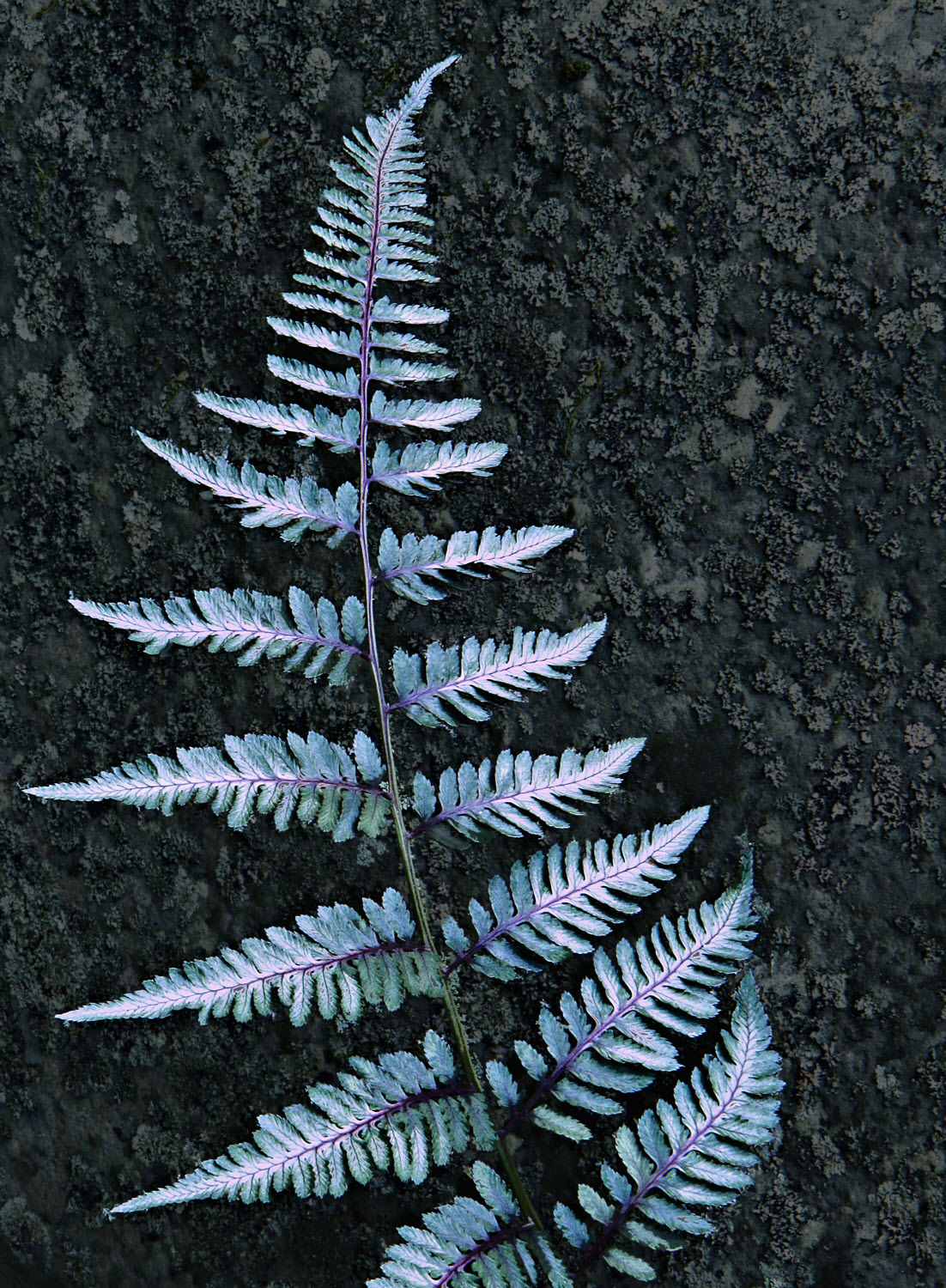
Sometimes I wonder what is wrong with me. All you folks, and my wife as well, prefer the image without the leaf. Given this, be sure when reading my comments on your images, to take those comments with a grain of salt. |
Mar 13th |
| 30 |
Mar 18 |
Comment |
I wonder if I'm alone in finding the effects of vignetting on this image to be unattractive. Possibly I'm happier with vignetting on black and white, or possibly it is just some colors for which I don't like vignetting, or possibly it is because one color dominates through this entire image, and seeing it change unnaturally near the corners bothers me (but likely no one else). |
Mar 13th |
| 30 |
Mar 18 |
Reply |
Thank you. I appreciate the guidance. |
Mar 9th |
| 30 |
Mar 18 |
Reply |
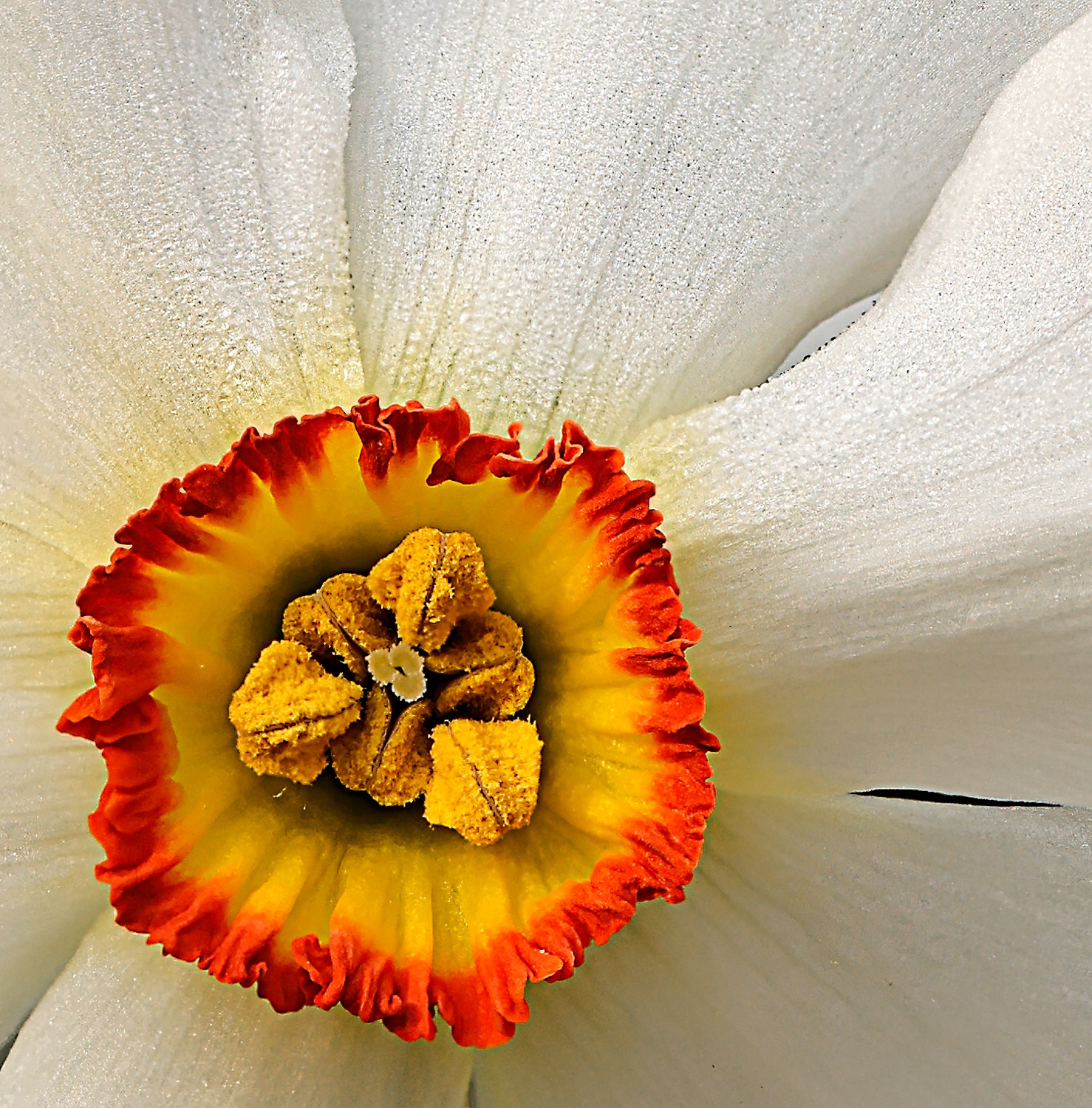
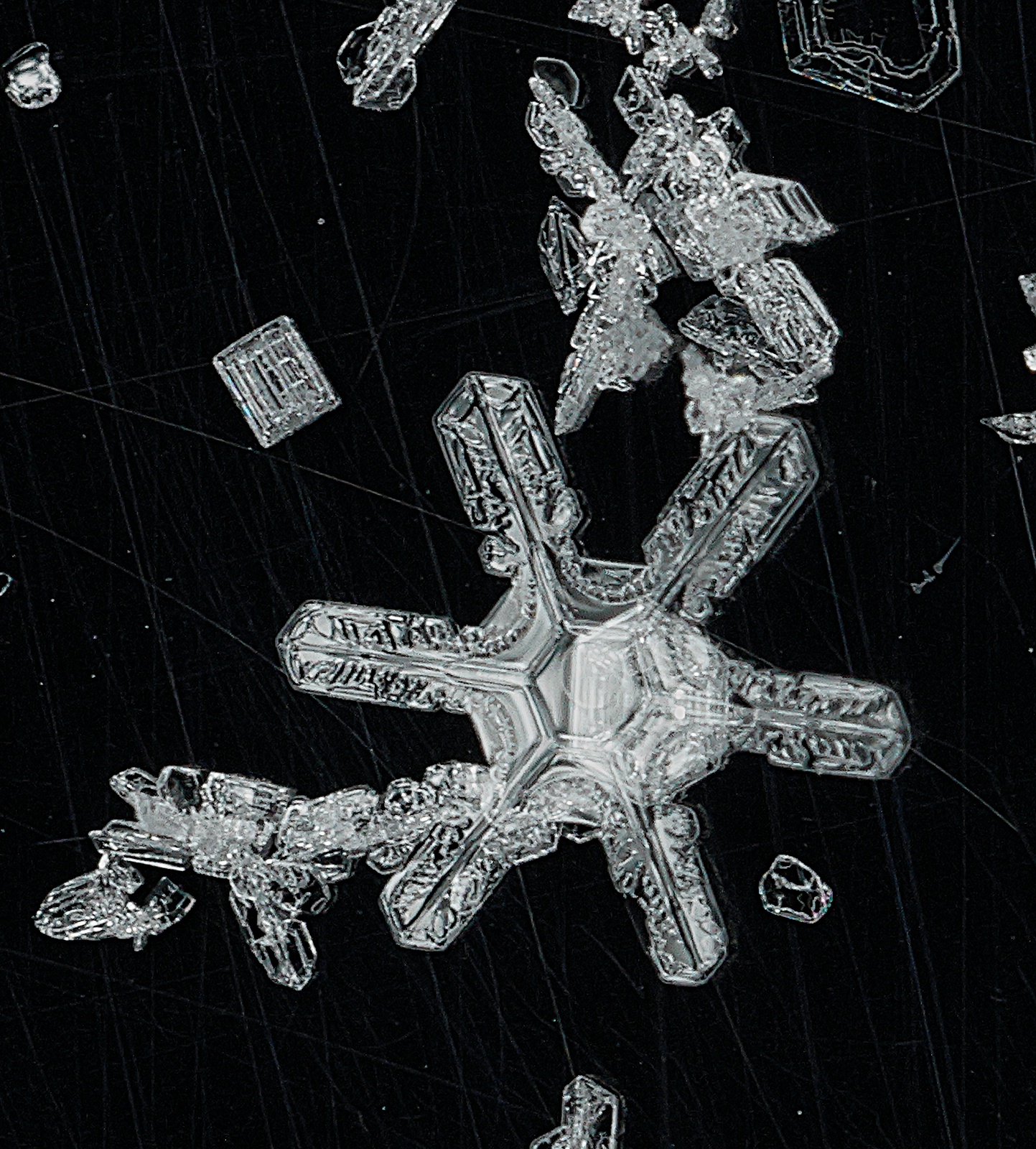
A 10 x 14 print of this displays striking sharpness. I was surprised as I expected less. I guess a jpeg at this resolution is not up to the sharpness of the full resolution tiff. At this point I don't have much else to show from the close up lens. I need to learn how to see "small". If I can, perhaps I can then justify purchasing a macro lens etc. |
Mar 9th |
| 30 |
Mar 18 |
Comment |
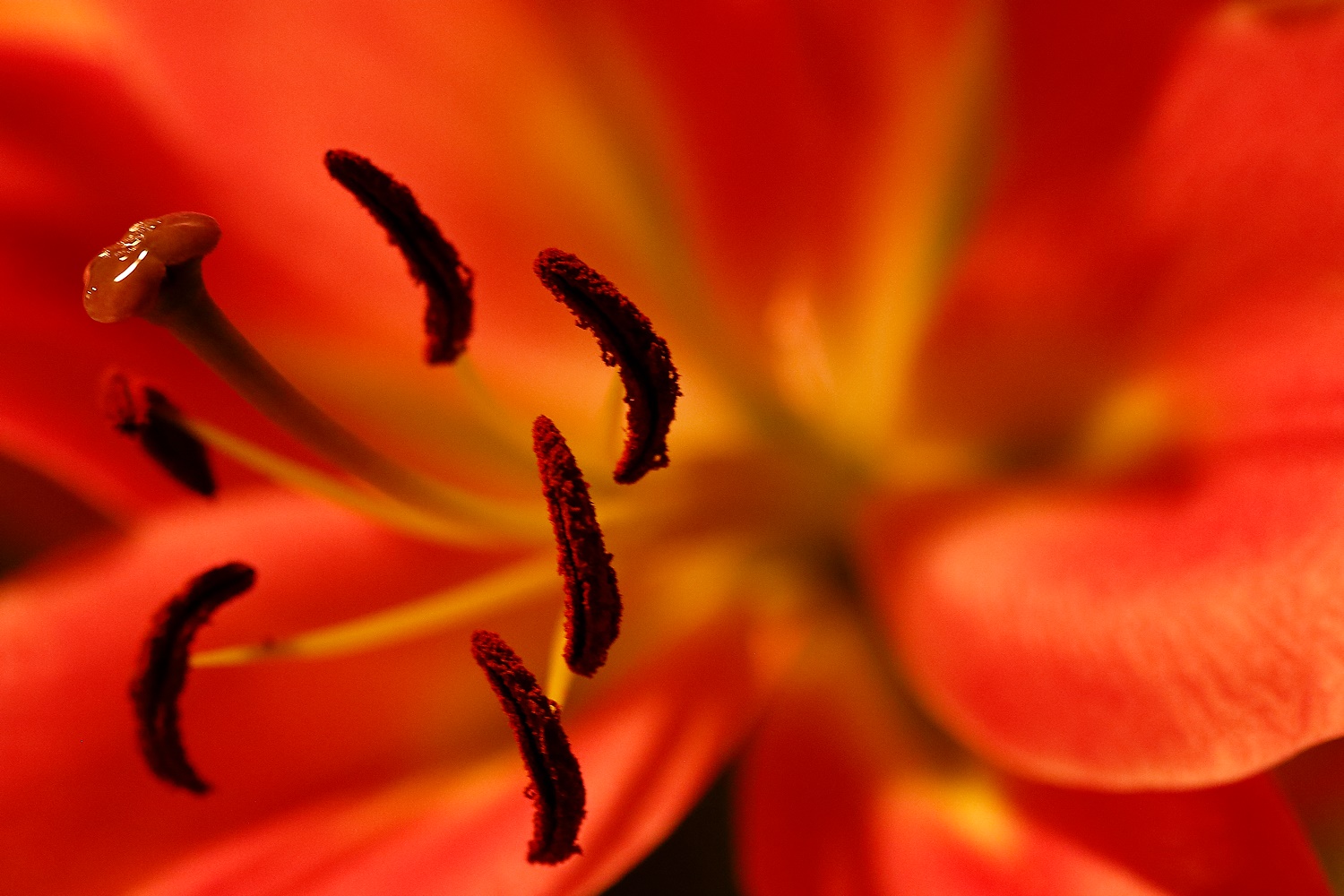
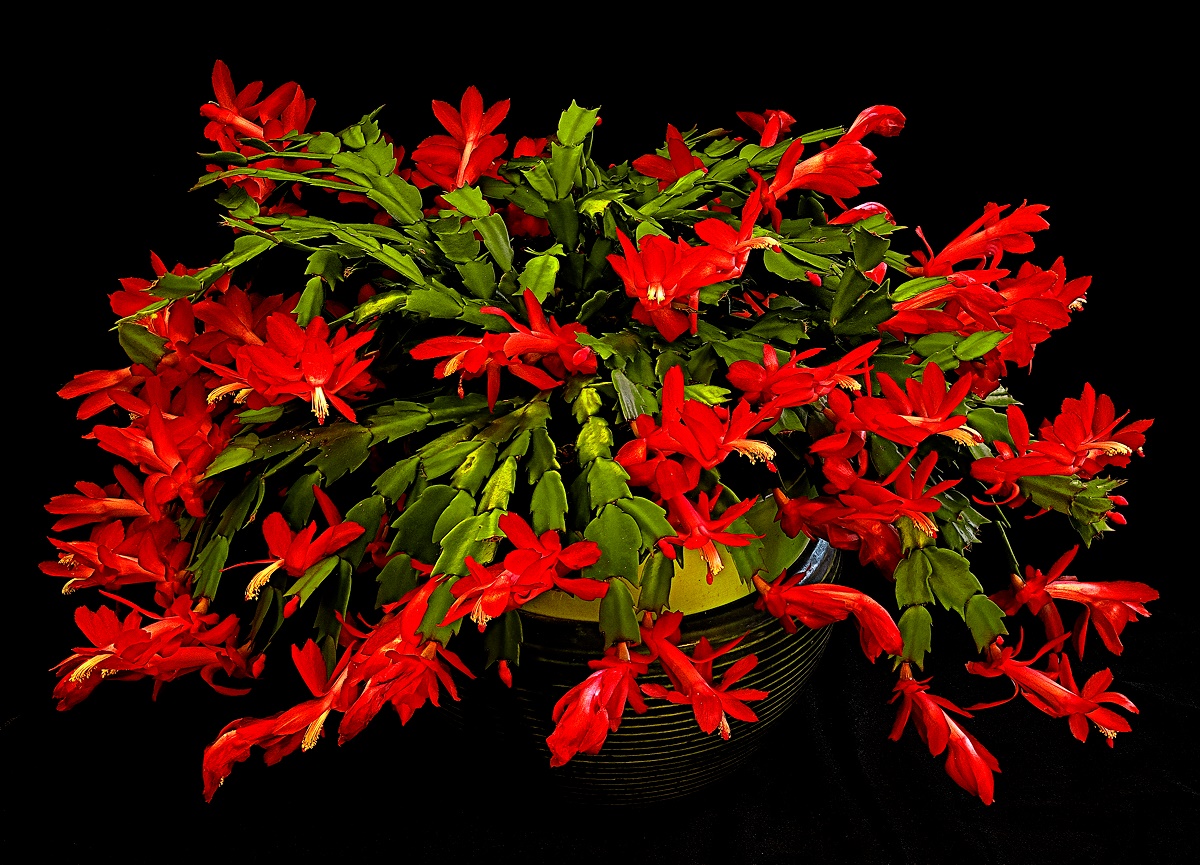
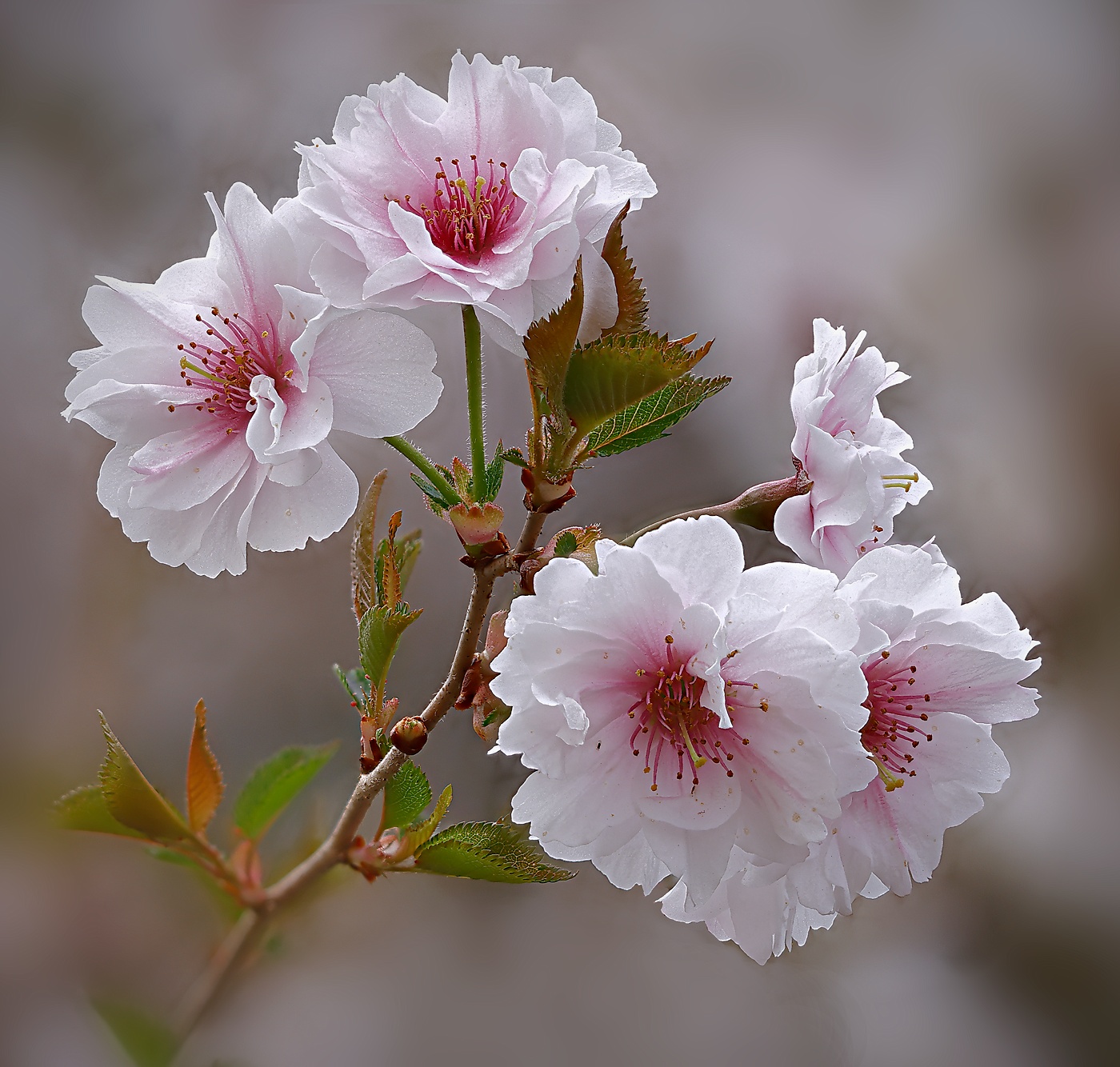
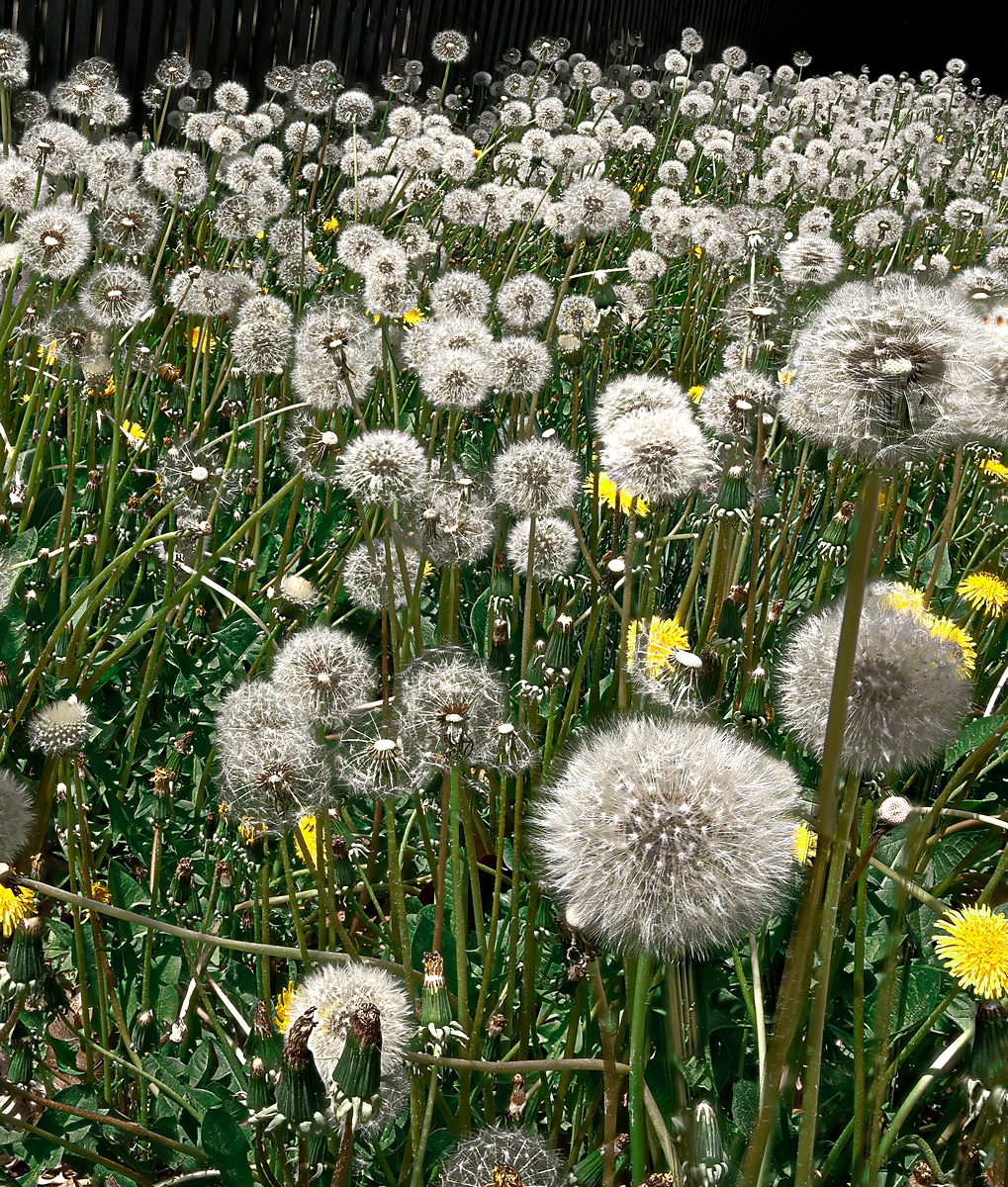
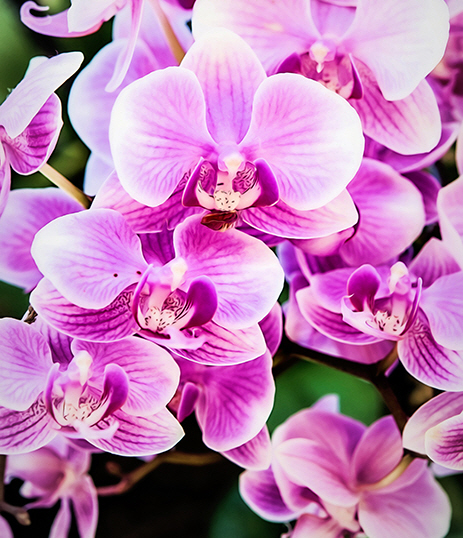
It is very nice, for a change, to see multiple layers of flowers. Although your original is a little blown, it still feels OK to me, and possibly I would like it even more if the reds were less saturated. To me Dorinda's fix of the blown highlights makes the "over"saturation feel somewhat unnatural. I like the improvement resulting from her crop. The vignetting however generates grays in the corners that I'm not fond of. I wonder whether this comes closer to what Dorinda was seeking. In this I did "saturation vignetting" to Dorinda's crop of Jessica's original image. |
Mar 9th |
 |
| 30 |
Mar 18 |
Reply |
I know you asked Judy, and I know you are interested in how to do it in PS, but being far from a fan of Lightroom or PS, (I use Picture Window Pro, which currently is free as a new version is to come out shortly. By the way, the originator and writer of this program participates on the software's web site, and he and I have had several exchanges where he has answered questions, and he has incorporated at least one of my suggestions into the software.) I thought you might be interested in hearing how the operation can be done with other software.
1. Resize the original 2x.
2. Clone the bird out of the original.
3. Clone the 2x bird back onto the branch which requires no mousing skills if you use the "darken only" option.
I'm neutral on your branch removal
Altogether the operations take about a minute. |
Mar 9th |
| 30 |
Mar 18 |
Reply |
Yes, the increased contrast helps.
Judy's inverted version is interesting, but seeing the uncapped end on the circular pipe is disquieting as such a state would never exist in functional plumbing. I'm afraid that to me (resulting from a lot of experience) it is like seeing a car on the street with one flat tire. |
Mar 7th |
| 30 |
Mar 18 |
Reply |
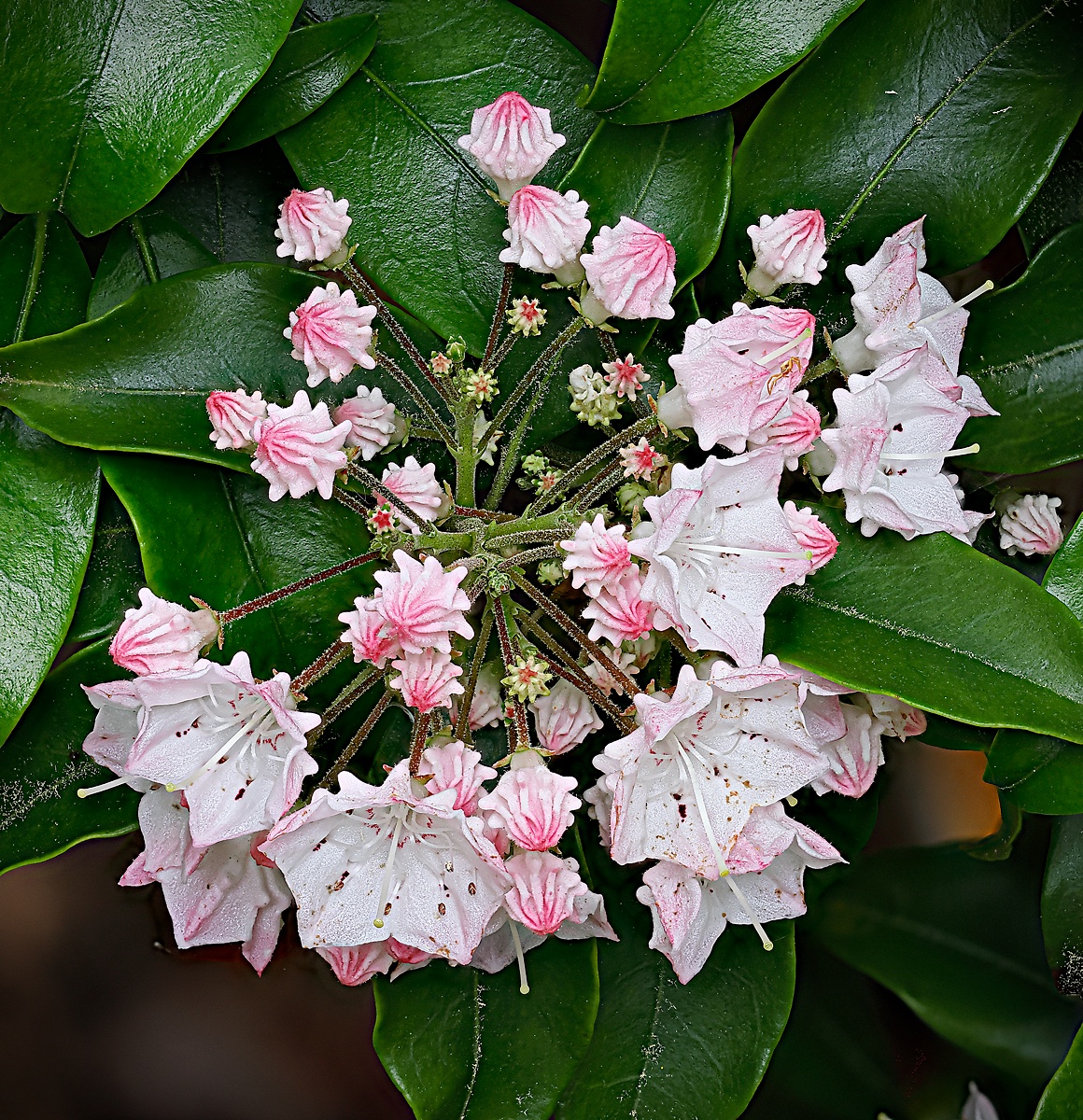
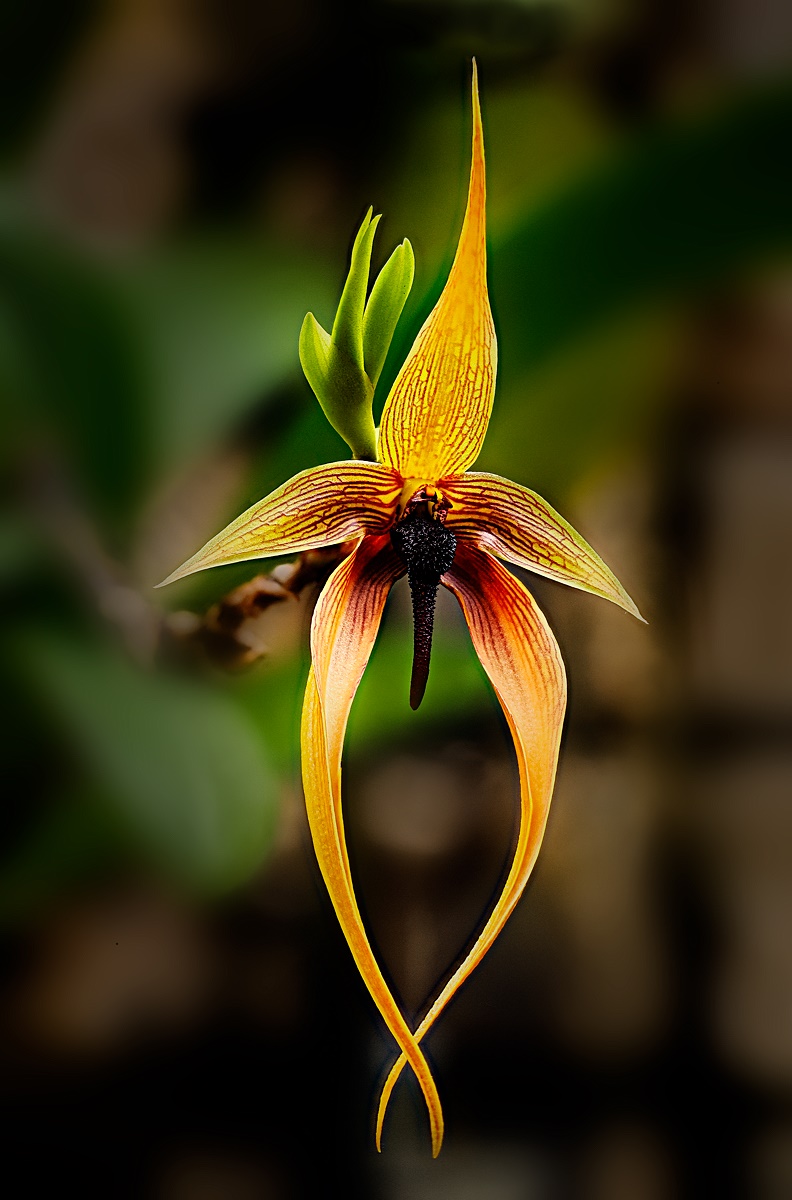
Thank you for the multiple tips. I will be trying them.
I do like the change you have made in the tones.
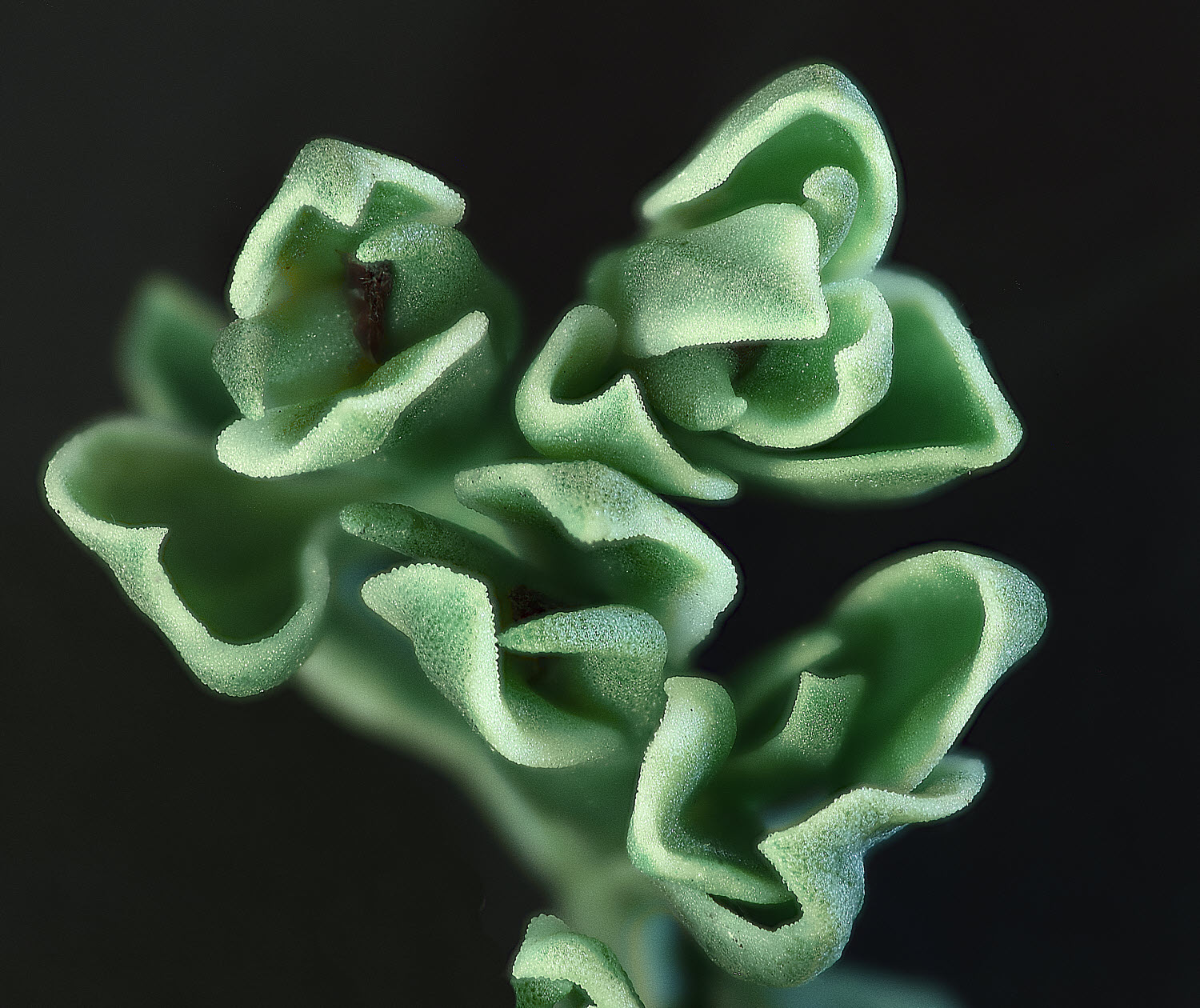
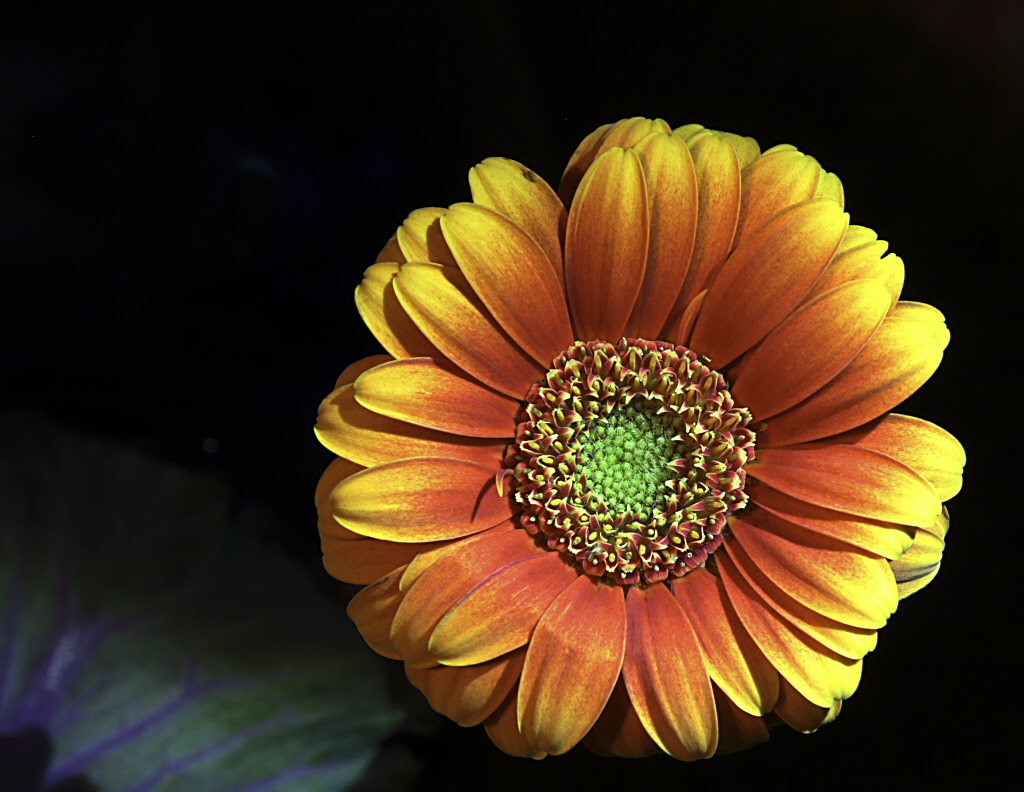
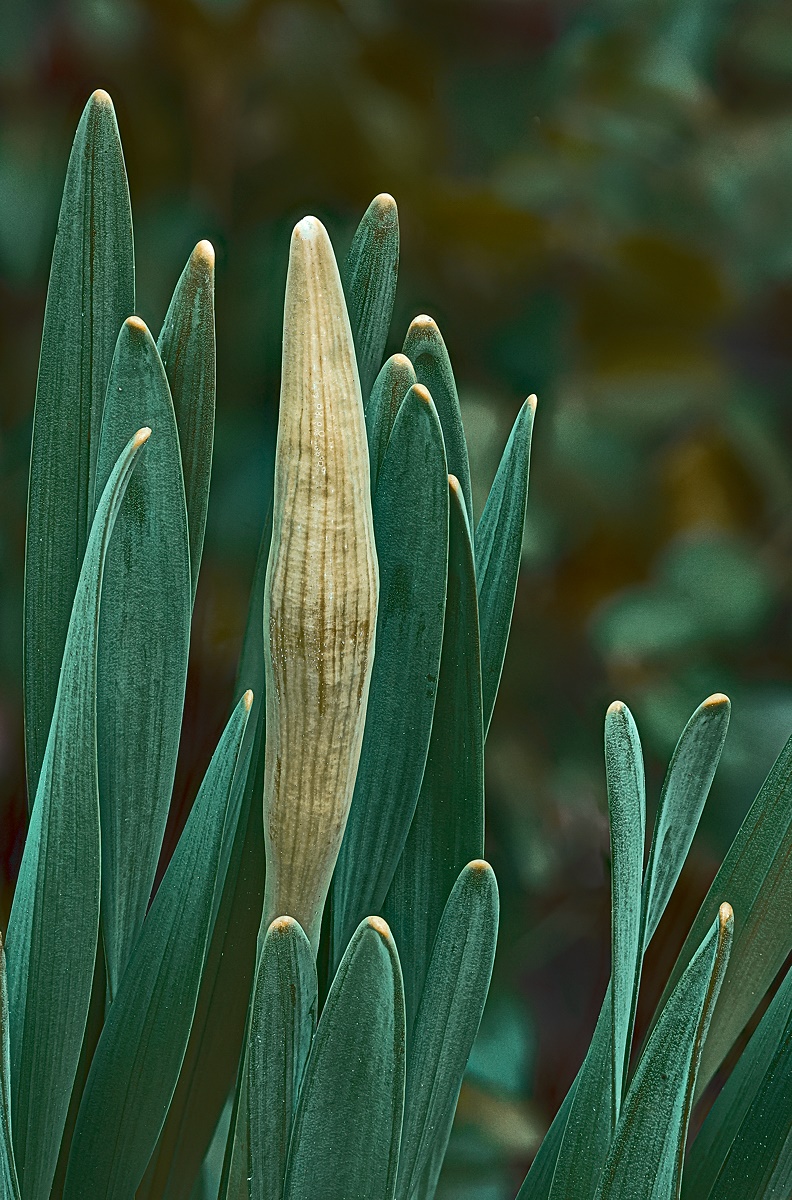
Your crop is certainly a logical one. I included the blue-green leaf on the left because I felt that cropped as you tried, the image would be a bit "in your face", and I was seeking a comfortable, easy to live with image. I also experimented with a larger view of just part of the flower, and while that also possessed nice detail, it felt a little cut up. |
Mar 7th |
| 30 |
Mar 18 |
Comment |
The contrast seems a little low for a B&W that grabs you. The circular pipe certainly does pique my curiosity about what it is connected to, a gauge? I might love the subject more if I hadn't had to do so much dirty plumbing work in the various houses we have owned. |
Mar 2nd |
| 30 |
Mar 18 |
Comment |
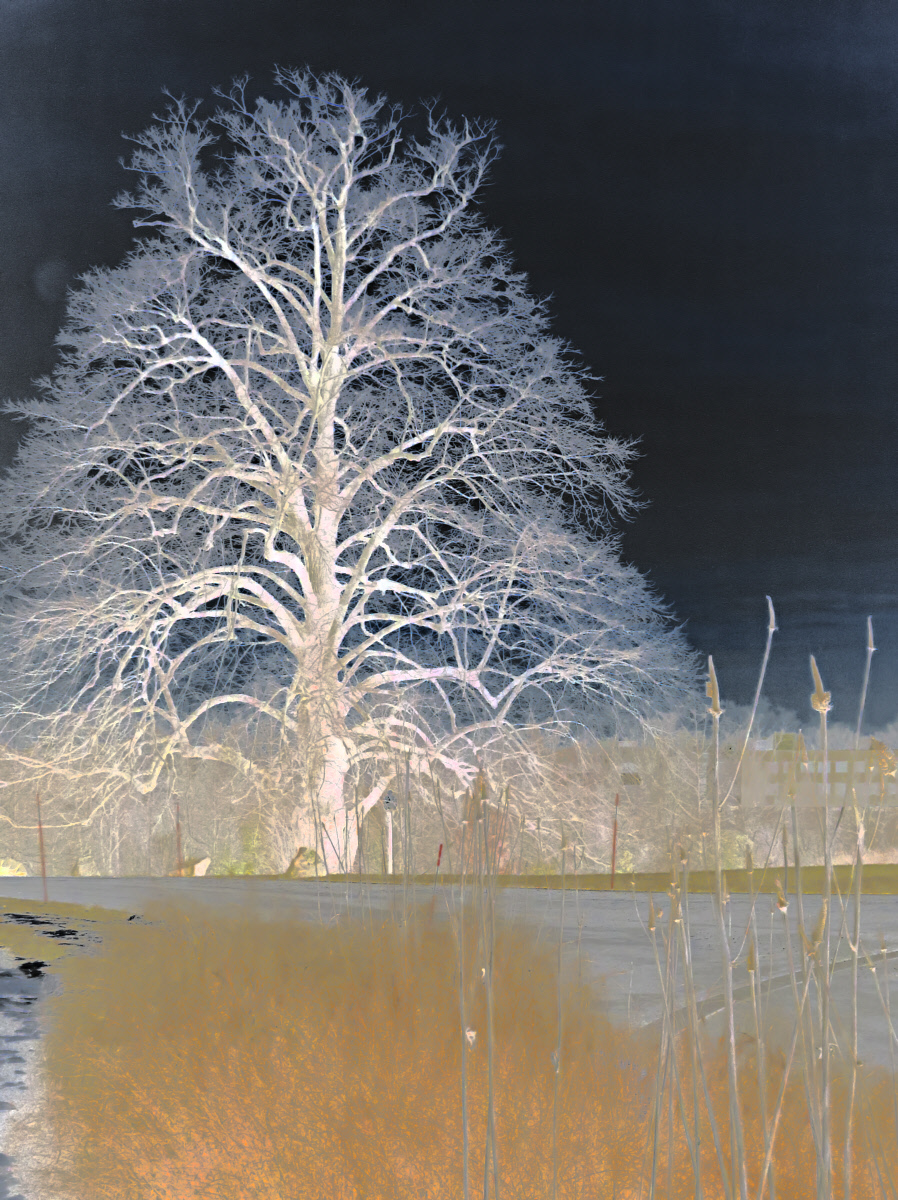
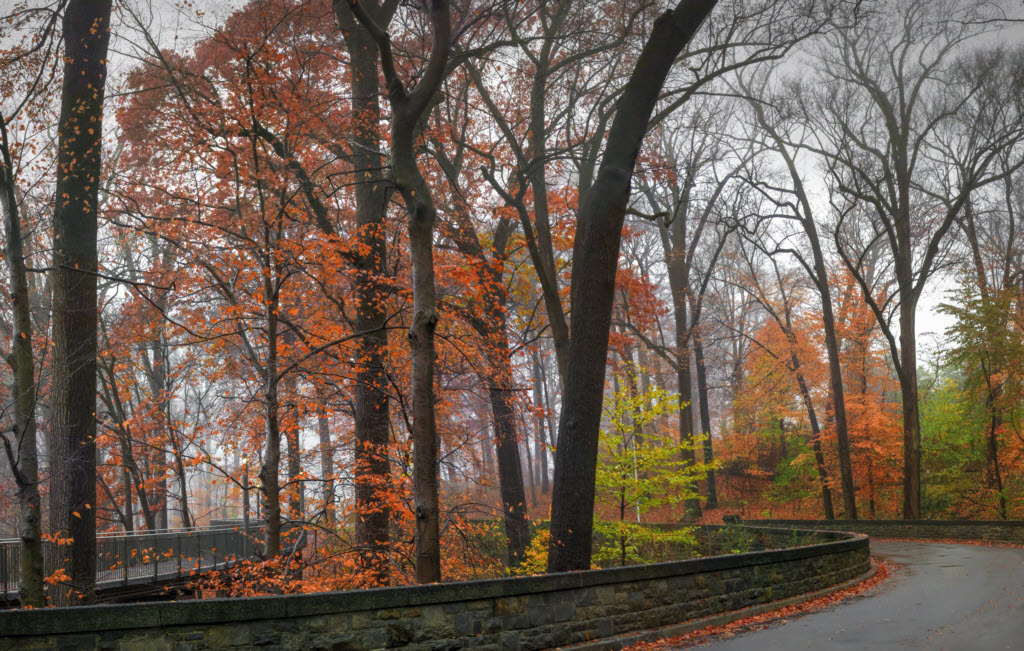
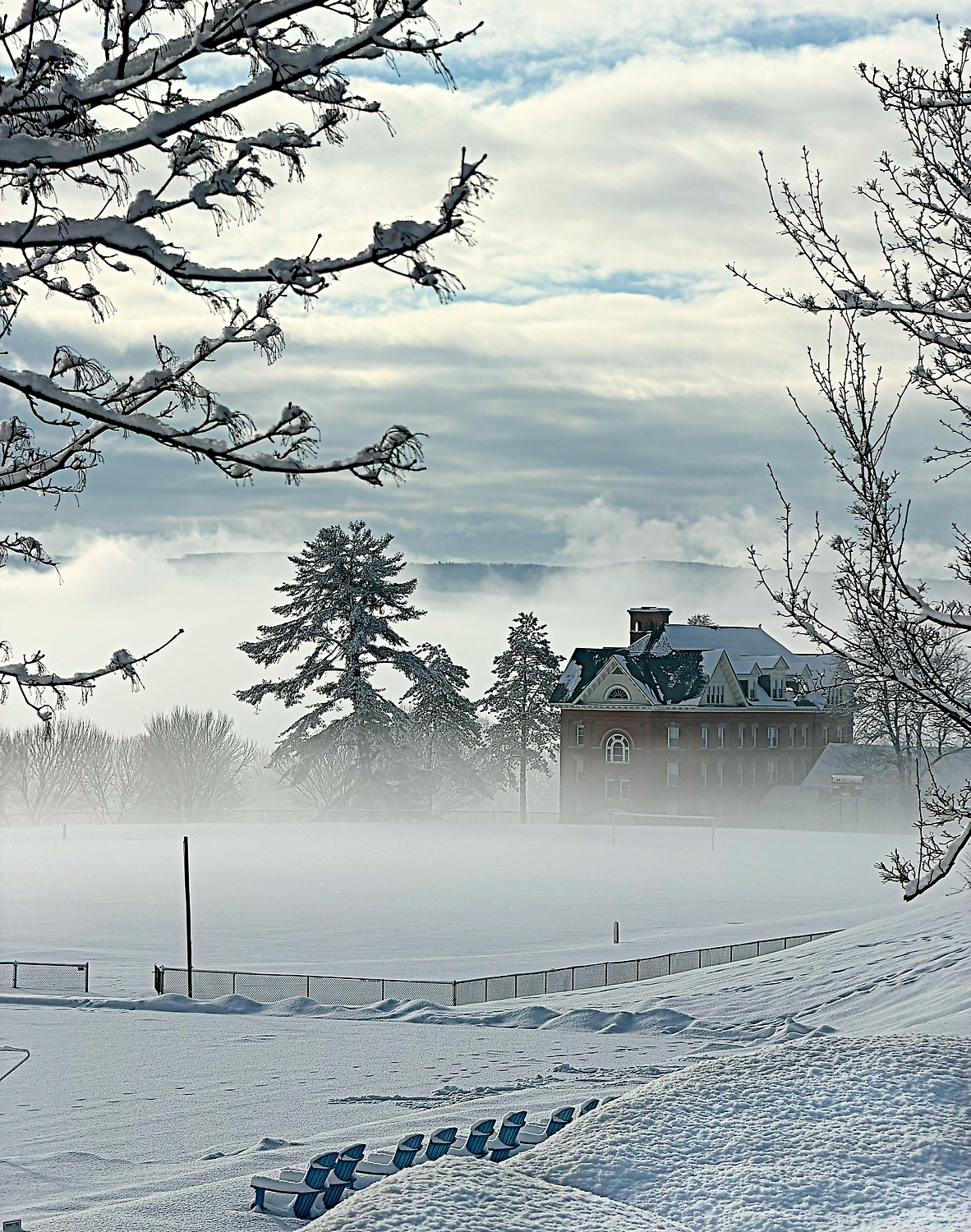
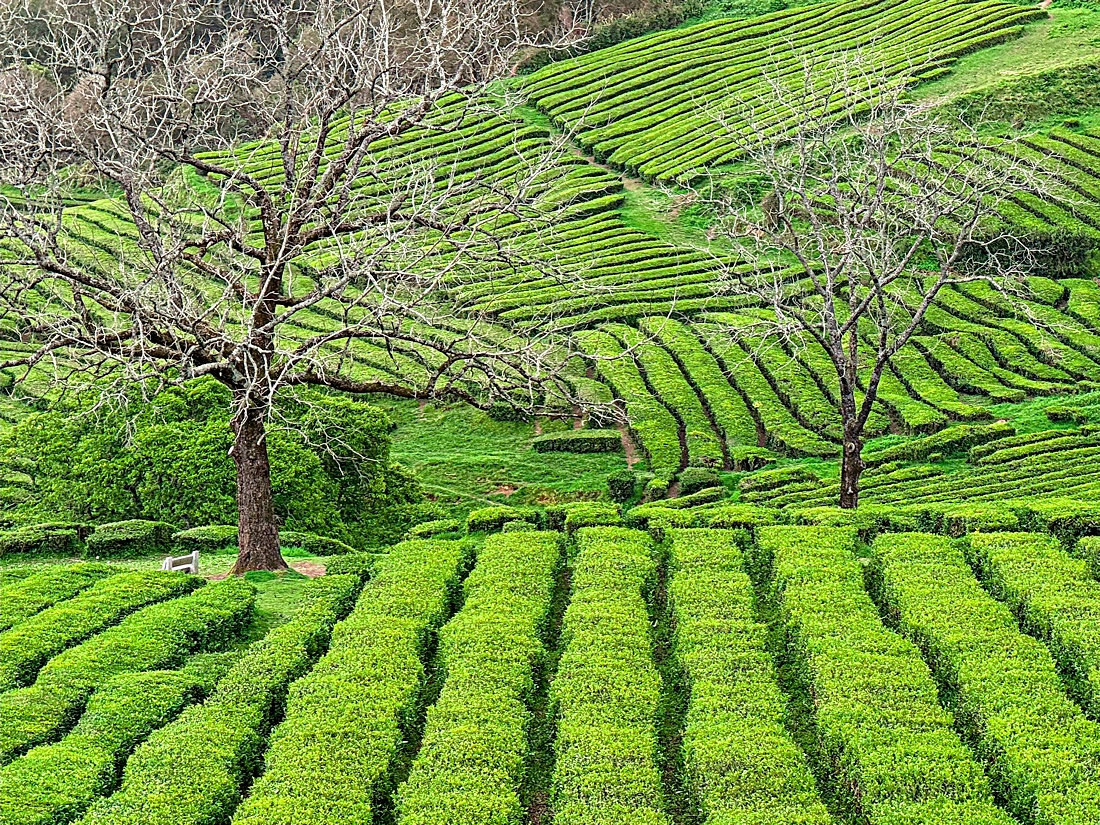
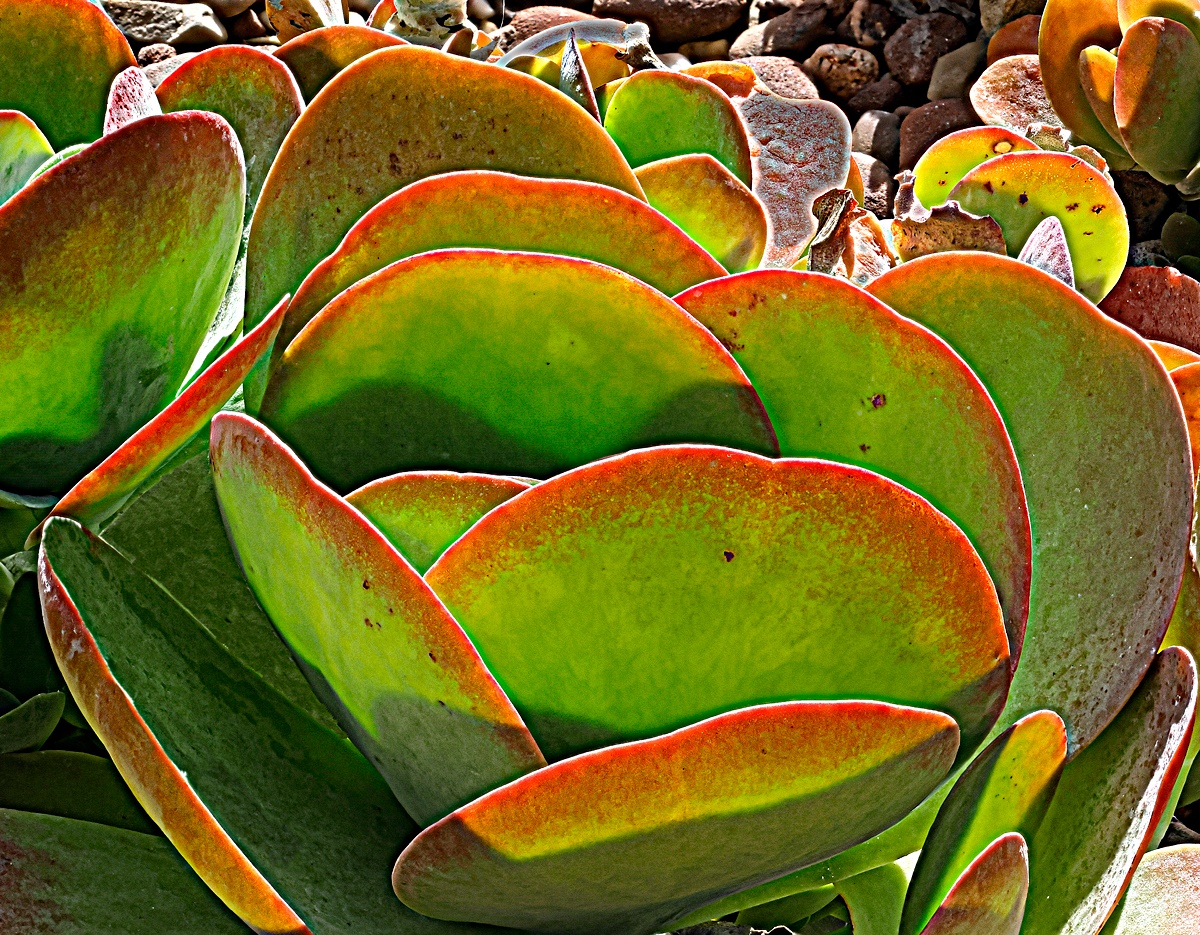
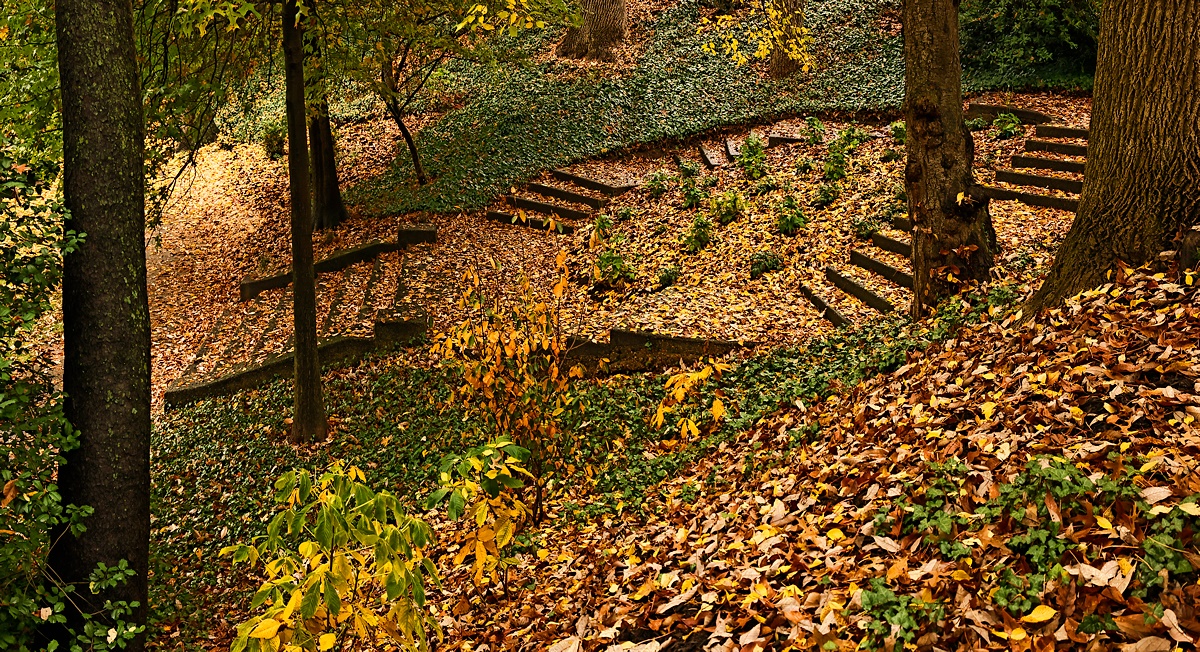
It is a beautiful subject, and a beautiful time to have been there, but the end result feels like a fantasy land. Is this what you intended? |
Mar 2nd |
| 30 |
Mar 18 |
Comment |
A really nice image. The colors and the composition seem perfect. |
Mar 2nd |
| 30 |
Mar 18 |
Comment |
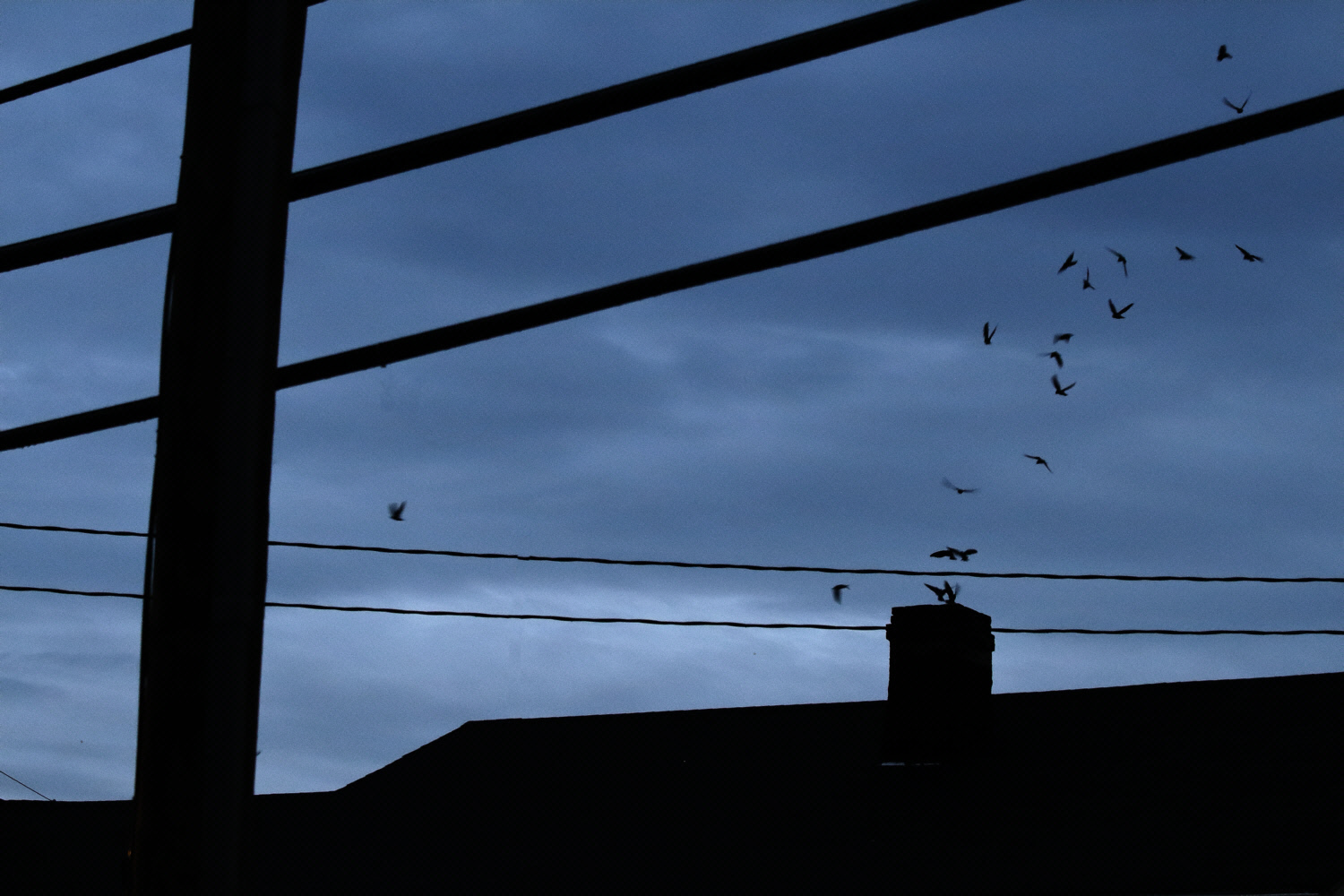
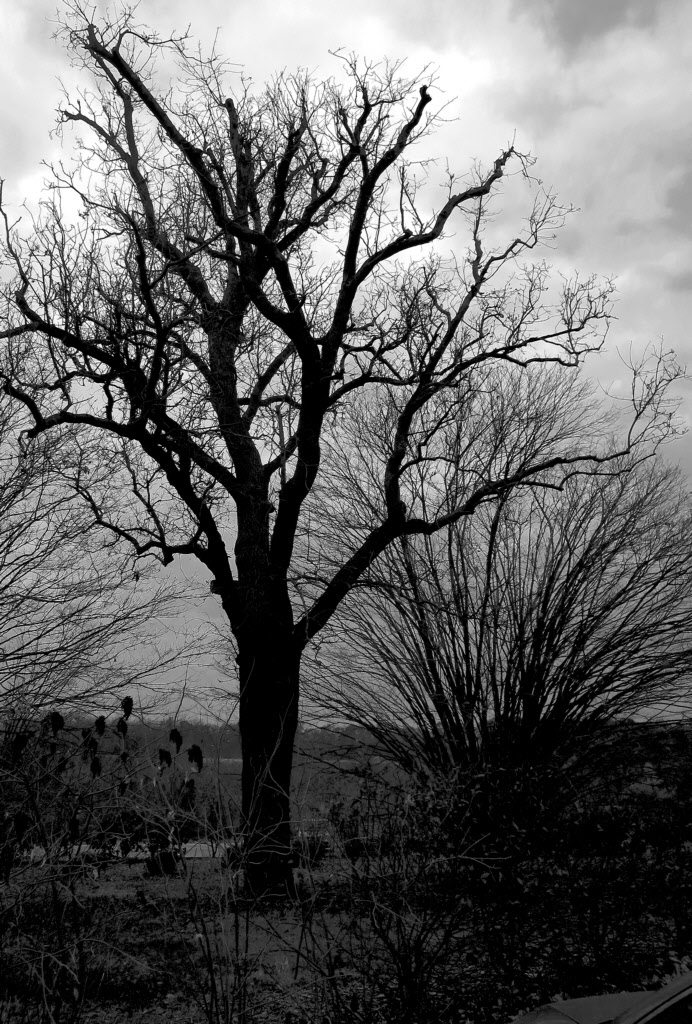
Cool idea. Pity that the vulture isn't about twice as large. Curiously, my "need" for a larger bird changes with the size that I display this image. I wonder if anyone else finds this. |
Mar 2nd |
9 comments - 6 replies for Group 30
|
9 comments - 6 replies Total
|