|
| Group |
Round |
C/R |
Comment |
Date |
Image |
| 30 |
Feb 17 |
Reply |
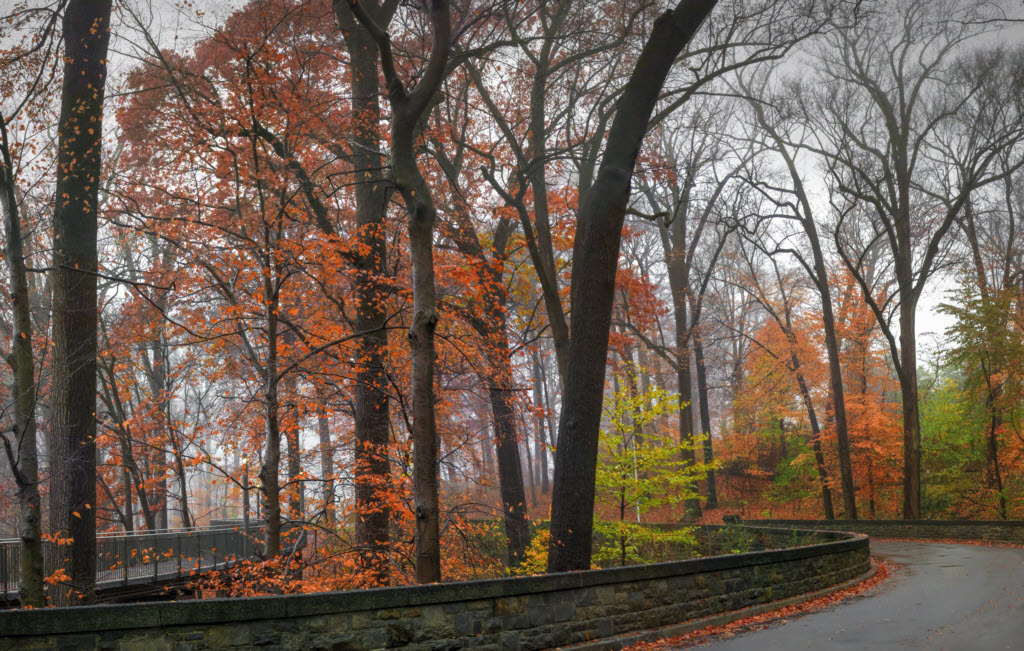
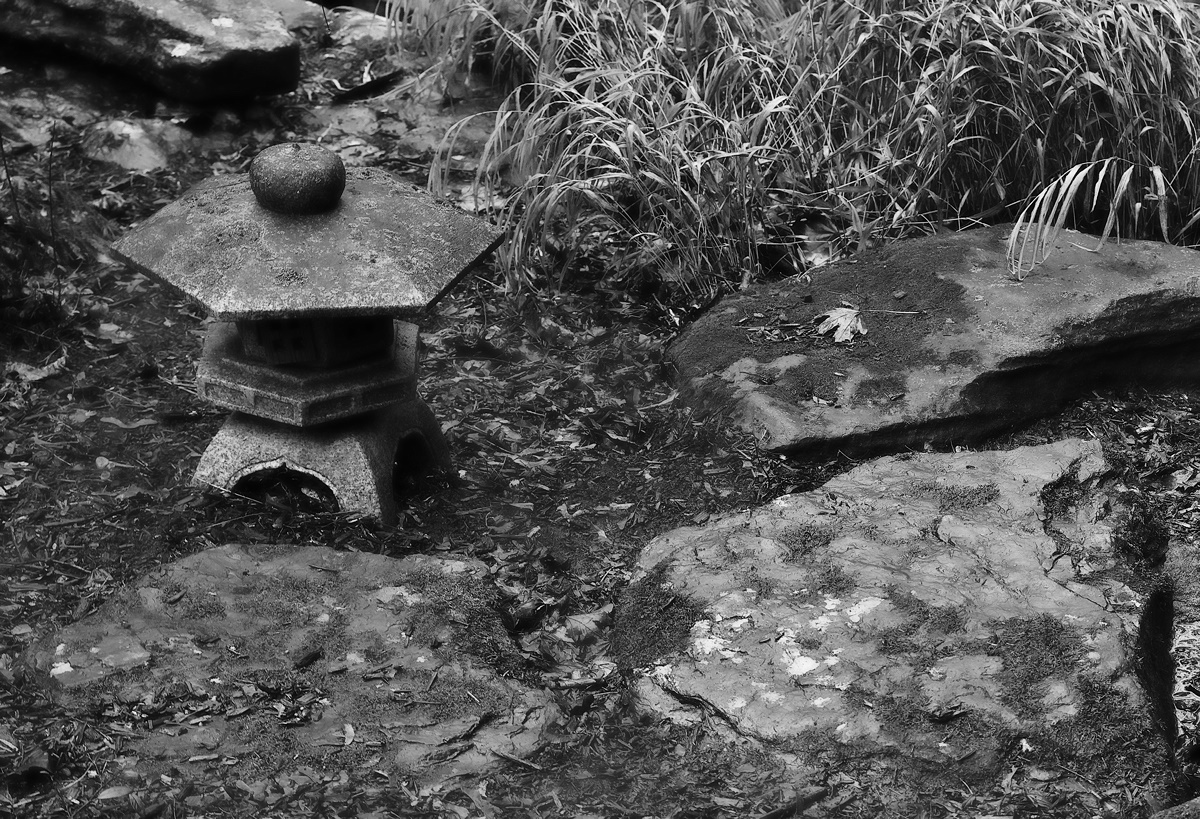
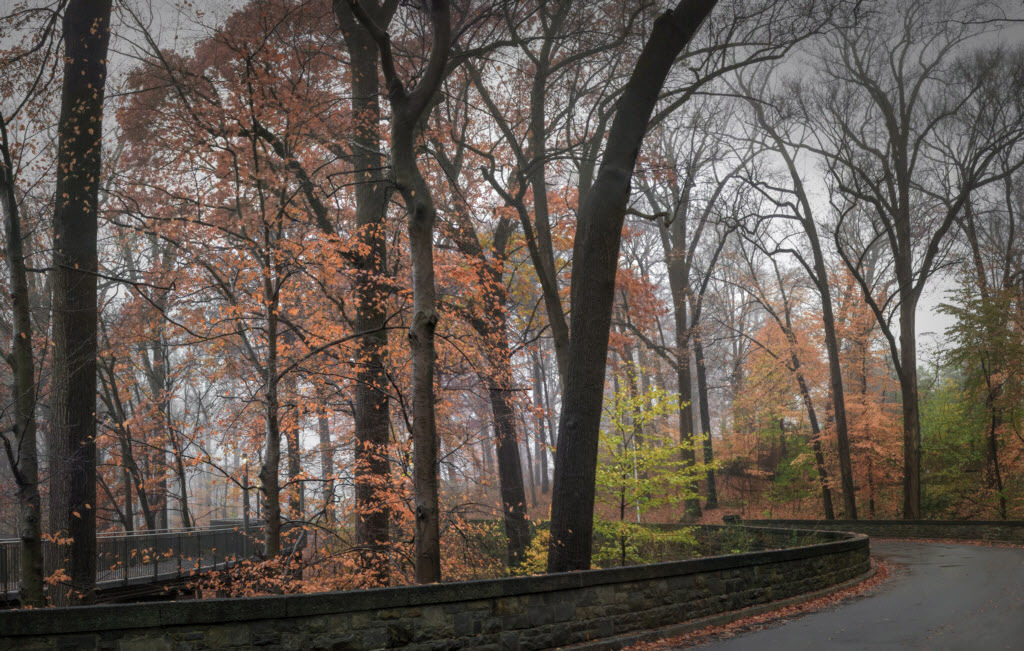
Well, this is pretty dreary to me compared to the brilliance I remember of New England foliage. Here is a modification where I've added vignetting and reduced saturation and I wonder if you find that this helps make it more dreary than my original attempt. |
Feb 27th |
 |
| 30 |
Feb 17 |
Reply |
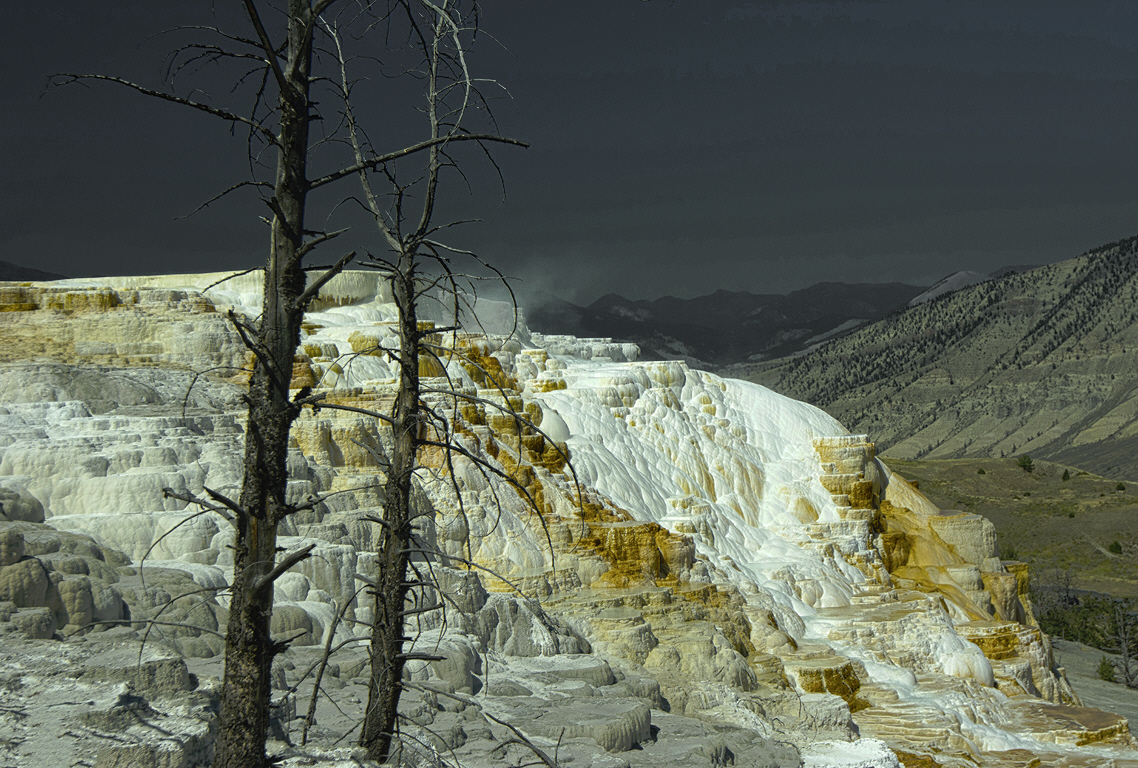
Jon's explanation helps me, and the solution seems to be as Dorinda recommended. This is about all you can do with the original image. If you were there to try again, moving closer to the trees and using a shorter focal length lens would magnify the trees and still retain the full view of the colorful mineral deposit. While I often think about moving left or right or zooming, this situation suggests that we also consider simultaneously moving closer or further and changing the focal length to consciously change the relative sizes of near and far objects. |
Feb 27th |
| 30 |
Feb 17 |
Reply |
It must be a very smart program to perform such a good composite. I would surely like to know how it works, as there ought to have been a problem at either the left or right horizon. |
Feb 12th |
| 30 |
Feb 17 |
Reply |
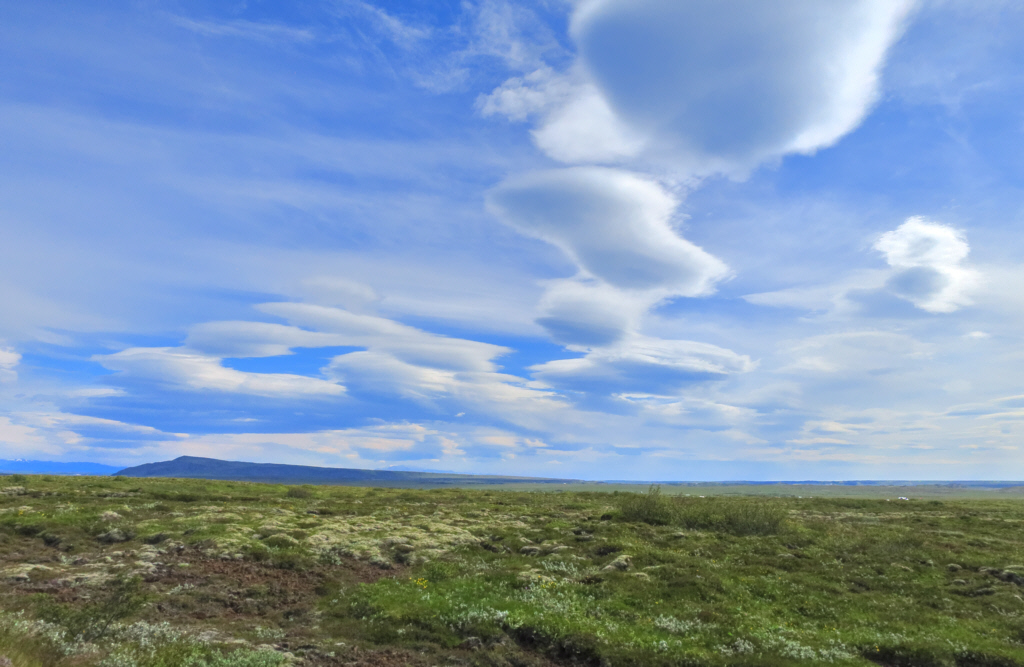
By cropping a bit from the top, Dorinda's image reduces the uneasiness caused by the somewhat unnatural color of the sky. I tried making it a more natural blue, but that didn't help much. By going in the other direction, the formations are emphasized, and at the same time, the trees become less of an issue. |
Feb 8th |
 |
| 30 |
Feb 17 |
Comment |
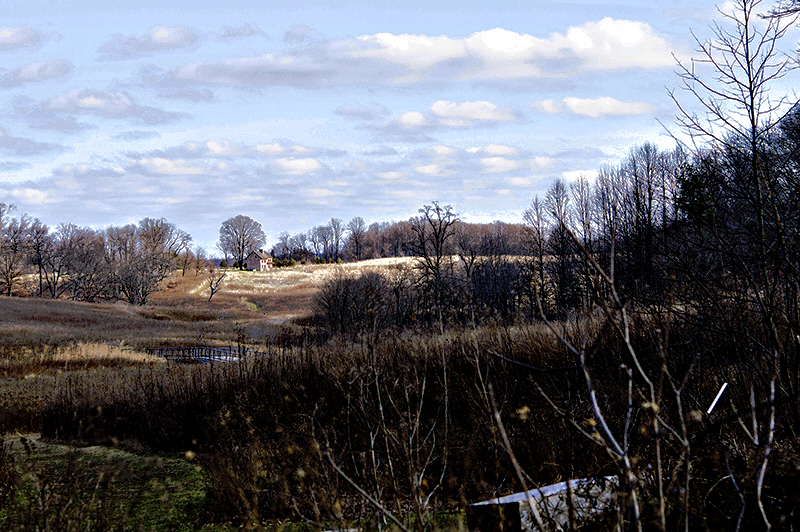
In this version I have used a tone curve to increase contrast in the sky and then I used a little color correction to increase the saturation of faint blues. I have not included Dorinda's crop, but I think that it also moves the image closer to what attracted you to take the shot. This image also illustrates the problem I tried to address in Leonid's image--when you look at the sky, you see the texture there and you don't notice the dark ground. Then when you look at objects on the ground, your eye adjusts and you see them, but your visual system now is no longer processing the clouds, it remembers how the clouds looked. Thus, you end up feeling that the entire scene is decently exposed, but when your camera takes the picture, it takes the whole thing at once with one exposure, and either the sky and clouds are overexposed or the ground is underexposed. The resulting image then needs some processing in order for it to look as your brain "saw" the scene. |
Feb 8th |
 |
| 30 |
Feb 17 |
Reply |
I can give it a try next year. It will be a bit hard to include more of the road to the bottom-left as immediately below the bottom of this image is a very ugly set of very white lines defining a crosswalk. I tried for a long time to clone them out of the image you are requesting, but I couldn't do it in a realistic fashion and finally I just said heck with it (or something a bit more colorful) and cropped as you see above. |
Feb 4th |
| 30 |
Feb 17 |
Comment |
Very nice. I like the calmness as indicated by the near perfect reflection. As there is quite a lot of sky in this, it would have been nicer if it contained a little more texture. A minor problem with this, and which was more apparent in your November? reflection image is that there is more texture in the reflection of the sky than in the sky itself. This makes the image feel a little unreal to me. I know that it is very hard to keep from blowing clouds in the sky while keeping the ground sufficiently bright. I have taken to bracketing all my landscape shots and setting my camera so that the central shot is 2/3 of a stop dark. This way I usually obtain a shot without the clouds being blown, and it generally is possible to bring up the ground without the image becoming too gaudy. Once in a while I have to resort to using HDR processing of the three images, and then I have to do some work to keep it looking real and not obviously a product of overzealous HDR enhancement. |
Feb 4th |
| 30 |
Feb 17 |
Comment |
Very nice. I am afraid I don't have much experience with portraits, and although I like this, I can't say much about any ways to improve it or even why I like it. |
Feb 4th |
| 30 |
Feb 17 |
Comment |
The colors and sharpness are great. The trees are an issue for me as well, but instead of drawing my out the top, they feel a little like they are poking me in the eye. I know, it is really helpful to have something in the foreground. Therefore, I wonder how this would look with only the left tree remaining? |
Feb 4th |
| 30 |
Feb 17 |
Comment |
I too, agree that cropping from the bottom to remove the white object helps this image, and I also agree that more texture in the sky would help this. The overall composition of your shot and Dorinda's crop is very nice. |
Feb 4th |
| 30 |
Feb 17 |
Comment |
Wow, what a wonderful image. I tried for the Milky Way last summer,and even posted my attempt (July, August, or September), but mine was nothing like this.
Because your shooting had to span over ten minutes, there would have been significant movement of the sky relative to the ground between your first and last shots. How did you align the images so as to prevent "double stars" or multiple horizons? Actually, as I look more closely, the horizon looks awfully sharp. Is your image perhaps a composite of the sky shots separately placed on a properly masked composite of the ground? |
Feb 4th |
| 30 |
Feb 17 |
Comment |
I really love this because of the gentle tonal changes. I did not notice the blown areas of the leaves until I read Judy's comments. A simple backing off of the brightness would make the rest of the image too dark, but if no areas are blown in the raw file, it may be possible to tone down the brightest areas without making the rest too dark. I'm quite happy with the number of blossoms in the image, and perhaps because the dogwood flowers are somewhat plain, it might be better with the complexity of your image rather than a simpler one. |
Feb 4th |
7 comments - 5 replies for Group 30
|
7 comments - 5 replies Total
|