|
| Group |
Round |
C/R |
Comment |
Date |
Image |
| 87 |
Mar 20 |
Comment |
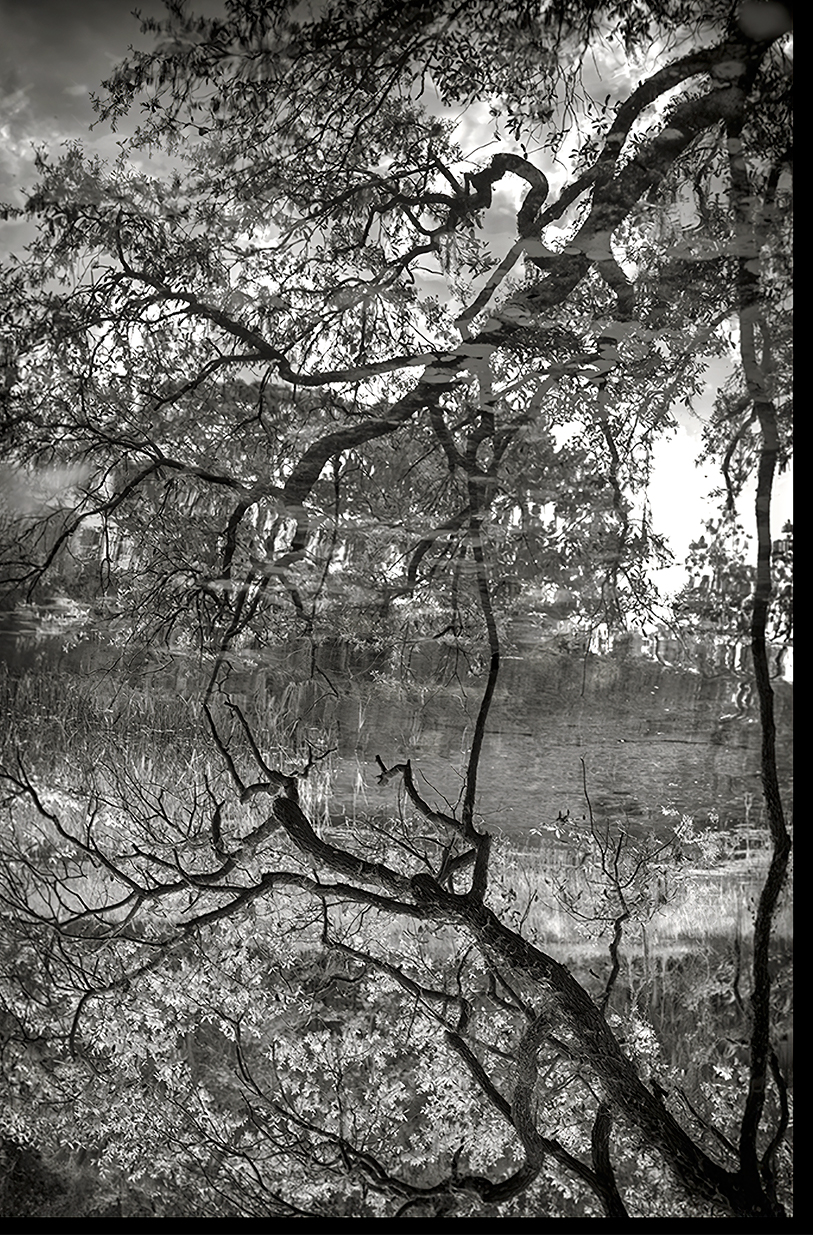
Lance, I agree with the premise that the image itself is the subject. My observation was from the point of view of hoping to find a hidden easter egg in the frame of what first appeared to be a portal in the woods, not yet realizing the reality of an inverted reflection, My mind takes me to strange places, at times. I took the liberty of a screen capture of your image to play with it in PS. by laying a levels adjustment layer on top and choking the black & white points, inverting the layer and bushing with white, targeted areas like the blossoms and areas that could benefit with a little contrast pop. I also added a curves layer, targeting highlight contrast in the reflected area then used a gradient mask to mask out the non reflected area. When completed, I think I may prefer the natural upright orientation. I beg your pardon for this reinterpretation or your vision, but while sheltering in place I am finding more time to futz around. |
Mar 21st |
 |
| 87 |
Mar 20 |
Comment |
Lance, without looking at the title of your image, I was looking at it through a different lens and perspective, which included issues with murky tonal values and the offset branch frame surrounding no subject. When I discovered the title, I flipped the image and had the ah-ha moment. I often engage in this type of reflective shooting and should have picked up on it immediately. This would have been a prime candidate for infrared photography to accentuate the tonal values. I do belive this image could benefit with a little more adjustment in clarity and/or micro contrast to separate some of the simular values. I also belive this image works well in both orientations.
|
Mar 21st |
| 87 |
Mar 20 |
Comment |
Lance, without looking at the title of your image, I was looking at it through a different lens and perspective, which included issues with murky tonal values and the offset branch frame surrounding no subject. When I discovered the title, I flipped the image and had the ah-ha moment. I often engage in this type of reflective shooting and should have picked up on it immediately. This would have been a prime candidate for infrared photography to accentuate the tonal values. I do belive this image could benefit with a little more adjustment in clarity and/or micro contrast to separate some of the simular values. I also belive this image works well in both orientations.
|
Mar 21st |
| 87 |
Mar 20 |
Comment |
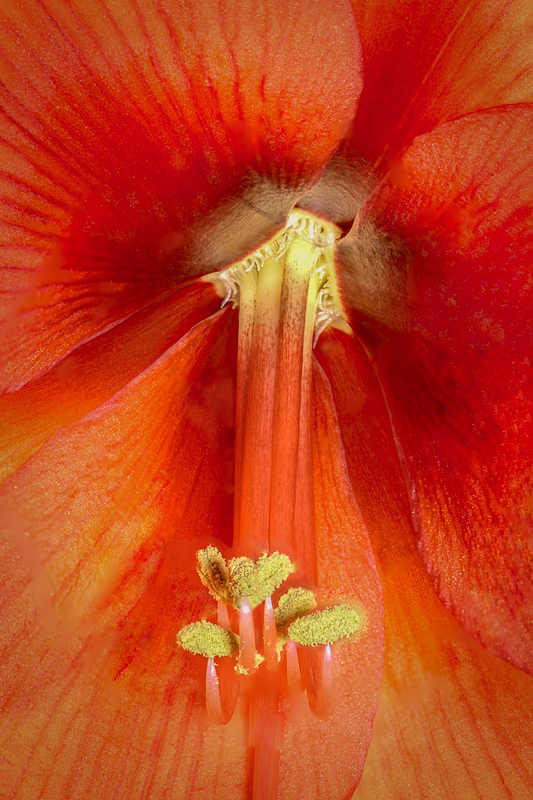
Here is an example of a stacked macro, I took a few days ago. It's a Amaryllis I lit from both the front and back. Stacked 15 images 180mm macro lens, 1/3 sec at f/5.6, ISO 80 |
Mar 13th |
 |
| 87 |
Mar 20 |
Comment |
Chan, Nice composition and color contrast of this ready to pop christmas cactus bud. You didn't note your f stop in your description. Macro lenses have wafer thin DoF. It appears your focus was along the top ridge of tip of the leave and the first petal of the bud. Since you were using a tripod, you could stop down another stop or two to widen your DoF and pull more of the bud in tack sharp focus. Focus stacking is another option. Inexpensive focus (knock off)rails are available on Amazon to aid in this process. In Photoshop, you can open all the shots in one doc, go to Edit>Auto Align Layers, then Auto blend layers, which concentrates on the focused areas and masks out the soft areas. It does a reasonable job. For more detailed focus stack jobs, I recommend dedicated software like Helicon Focus, which allows your to stack 100's of images (think super macro insects). My camera, Nikon D850 has built in focus stacking, which I use with Helicon Focus with some pretty incredible results. With Helicon, you can also tether your camera to your laptop, control your settings, Aperture, speed. then put in the parameters of your nearest point of focus and your furthest point of focus and how many shot it will take to cover that distance based on your Dof of each shot. The program will take the shots and adjust the focus, then take you to the blending process.
Your shot has inspired me. I have a brunch of different colored Christmas cactus in full bloom now. I think I'll give 'em a shot. |
Mar 13th |
| 87 |
Mar 20 |
Reply |
Thanks, Chan. I agree. It is mostly unessential space. Less is more. |
Mar 12th |
| 87 |
Mar 20 |
Comment |
Good day, Jennifer and happy dawn of Spring. I believe this image nicely captures the essence of this months theme. The leaves and buds are bright and fresh and the focal drop off into a painterly bokah adds a nice punch and emphasis to the subject. I am a big advocate of phone photography. The camera you always have with you. The technology is so improved with the supplemental apps available to shoot raw with manual settings and a plethora of editing and effects apps, makes this a viable photography genre. It does, however have its limitations. Close up is one of them. Although you can get a macro lens for your phone, the DoF is so shallow it's use is very limited. The minimum focus range for a typical phone is a few inches. If hand holding your phone for a closeup, that close to the edge of your range, I suggest keeping your finger on the trigger for a burst of 10 or more shots to increase your likelihood of success. Even then, the resolution of detail is not as comparable to a "grownup" camera lens.
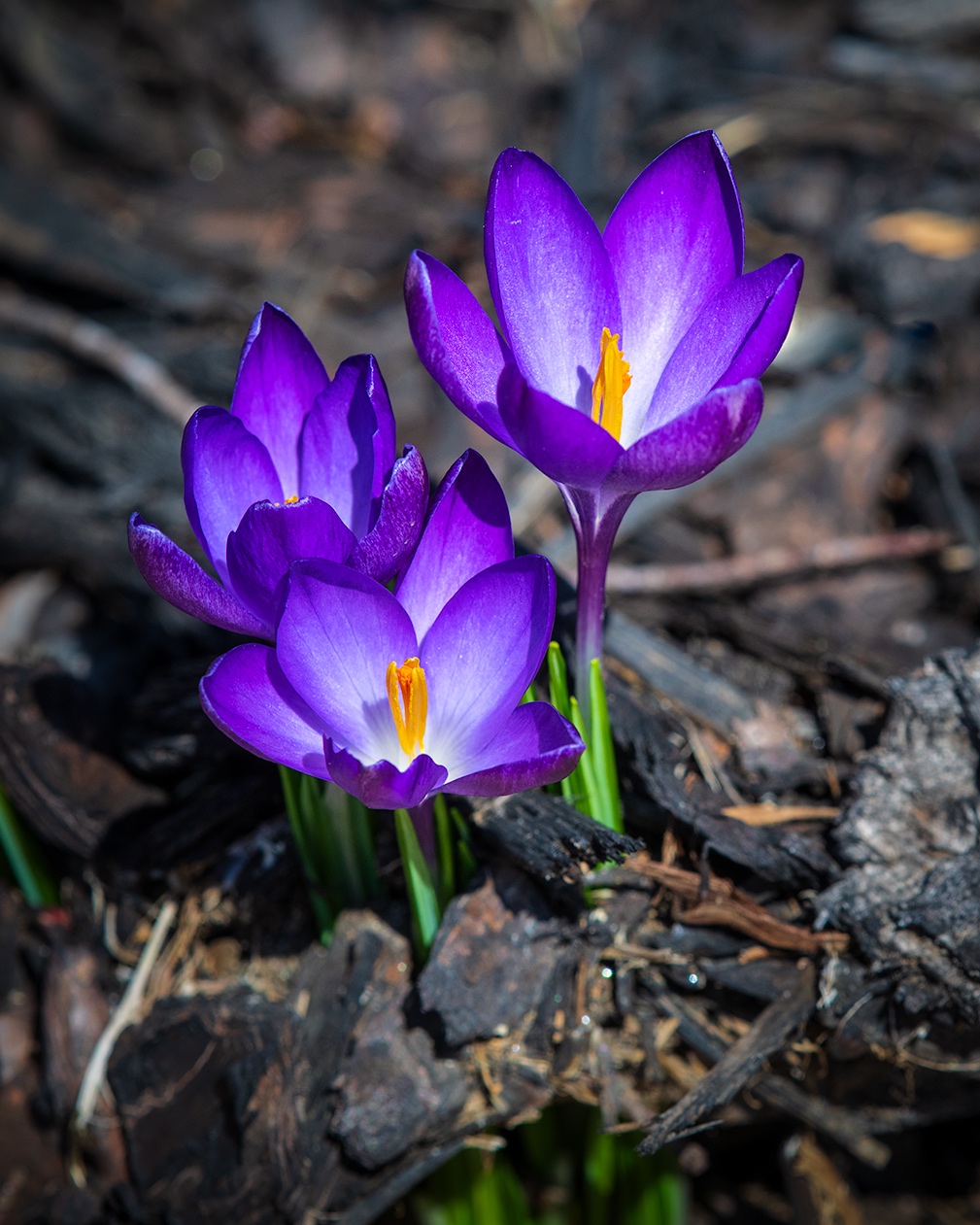
I have an iPhone 11 pro max with 3 lenses and a large screen. I also attempted some shots of this years first arrivals of crocus and Siberian iris, utilizing the 2x lens. The results were ok, to the novice eye, good enough to share with friends and family. The resolution of fine detail, however, was laking and not ready for prime time. Getting you photo's from phone to computer, either Mac or PC is not difficult and there are numerous ways of doing it. I personally edit most of my phone photo's on my phone or iPad. The Lightroom mobile app not only offers mostly all the same capabilities as the desktop version, but also makes those photo's available on your desktop version to finish them off, if you sync your desktop and mobile versions. Another great app for mobile editing is Snapseed. Both of these apps are free and available in iOS and Android flavors. |
Mar 2nd |
6 comments - 1 reply for Group 87
|
6 comments - 1 reply Total
|