|
| Group |
Round |
C/R |
Comment |
Date |
Image |
| 24 |
Aug 19 |
Comment |
Jim: Apologies, but the effect is not in the filter section of PS. Instead, look at the adjustment choices in PS. You will see that one of the choices is called "posterize". It is on the third line, second from the left, in my layout. Try this and see what you get. Good luck. |
Aug 29th |
| 24 |
Aug 19 |
Reply |
Laura: I shoot everything in a 2x3 standard camera format. However, when I frame most things I use a 16" X 20" black standard wood frame from Hobby Lobby (4X5 proportion). The frame comes with an 8" X 10" white top mat. Very reasonable pricing. By sticking to standard dimensions, I can easily move pictures around in a grouping, or swap pictures out when I have one I like better.
So, it really comes down to cost and ease of presentation. Hope this helps. |
Aug 26th |
| 24 |
Aug 19 |
Comment |
Laura: here is a version with a wider crop. My preference is the original, but I see the merits of your suggestion. |
Aug 25th |
 |
| 24 |
Aug 19 |
Comment |
Laura: Here is your edited image adjusted for a tighter crop and 5X4 proportions. More pleasing to my eye, but the true test is what you like. |
Aug 25th |
 |
| 24 |
Aug 19 |
Comment |
Agree with Laura on the noise in the shot. Your second edit did improve the image, however, the noise is still there. One fun thing you might want to try is to rasterize the image in PS as a poster (there is a built in filter for this). I removes the noise and lets you do some creative thins with the colors. |
Aug 25th |
| 24 |
Aug 19 |
Comment |
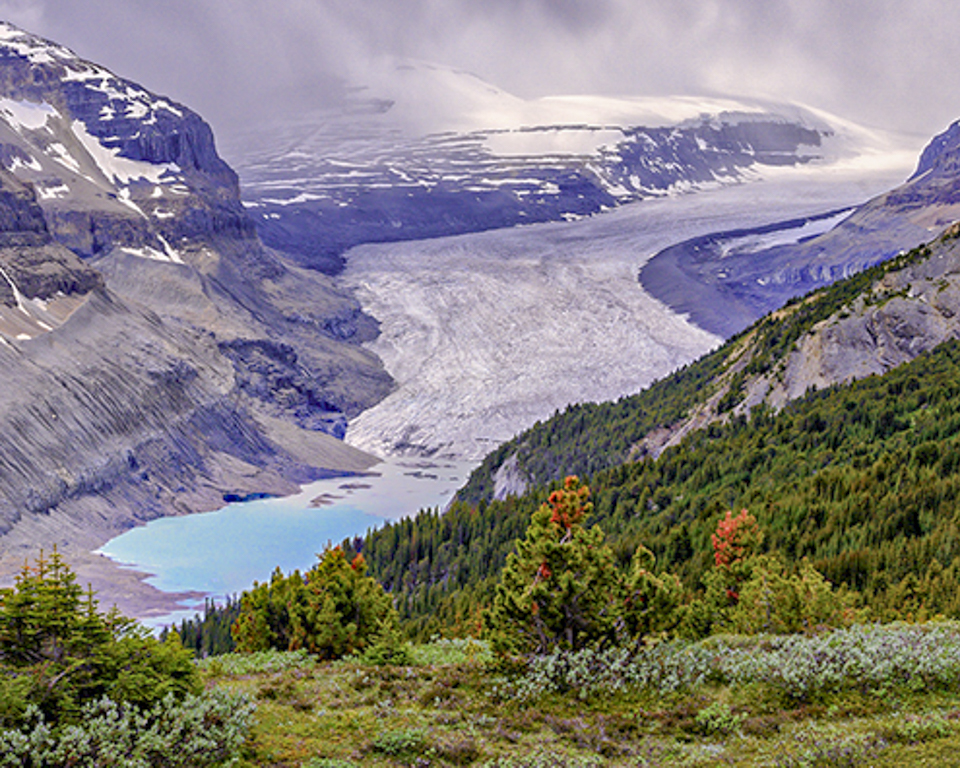
Laura, like the composition elements in focusing the eye. Colors are also pleasing, although everything is very green and grey. Personally, I'd try to crop this to 5X4 proportions to tighten the image to the key points, but that is a matter of personal taste. Overall, a lovely shot. |
Aug 25th |
| 24 |
Aug 19 |
Comment |
Philip: great overall job on this image, considering how hard it is to deal with the wide variation in light. The shadows are great, and the focus is sharp and crisp. Only suggestion I can make is to tighten the crop to eliminate some of the extraneous info on the left side. Consider putting the people on the right lower one-third crossover point and then eliminating any extra space. Also try a vertical orientation with the sun in the image to see if this improves the composition. |
Aug 25th |
| 24 |
Aug 19 |
Comment |
Donna: for starters like your composition idea on using the road to focus the eye. Also, the colored flowers in the bush on the left were a nice touch. However, have a couple improvement suggestions: (1) consider changing the cropping to avoid having the road intersecting/ending at the bottom right hand corner of the picture, and (2) toning down the sky a bit to remove the HDR effect...little distracting. As an aside, would be interested in knowing more about who you worked with for your Iceland trip. |
Aug 25th |
| 24 |
Aug 19 |
Comment |
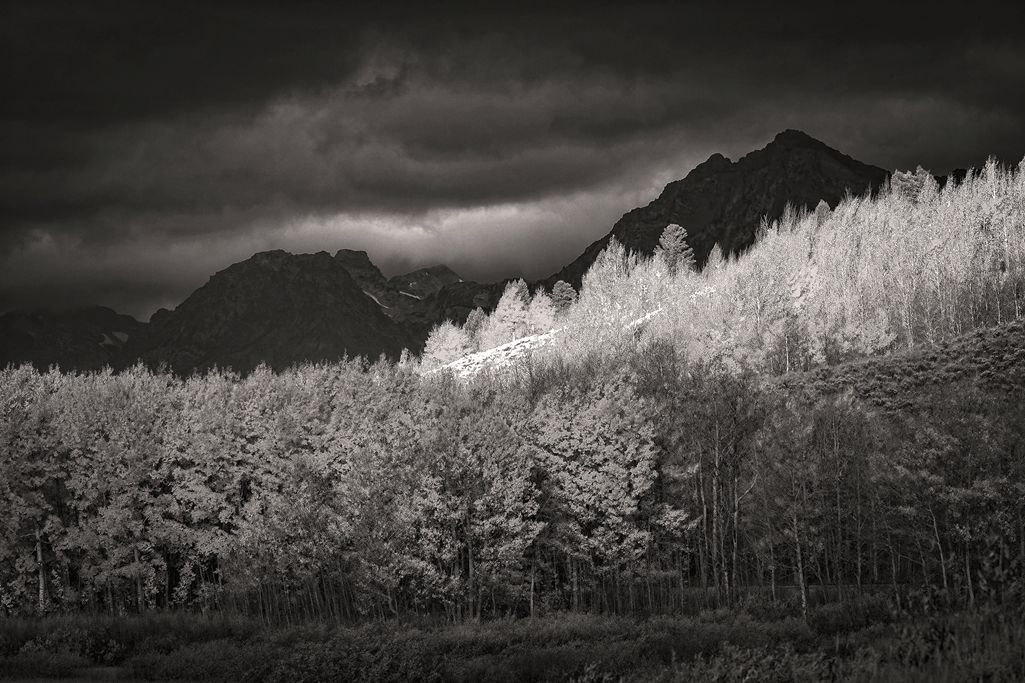
Sue: like the simplicity of the image. Have two suggestions: experiment with (1) tightening the crop to the top left-hand quarter of your edited image and (2)reverting to the original image tones to emphasize the silhouettes. These suggestions only reflect my personal taste as a "black and white" buy who looks for opportunities to work with vertical or horizontal patterns. |
Aug 25th |
| 24 |
Aug 19 |
Reply |
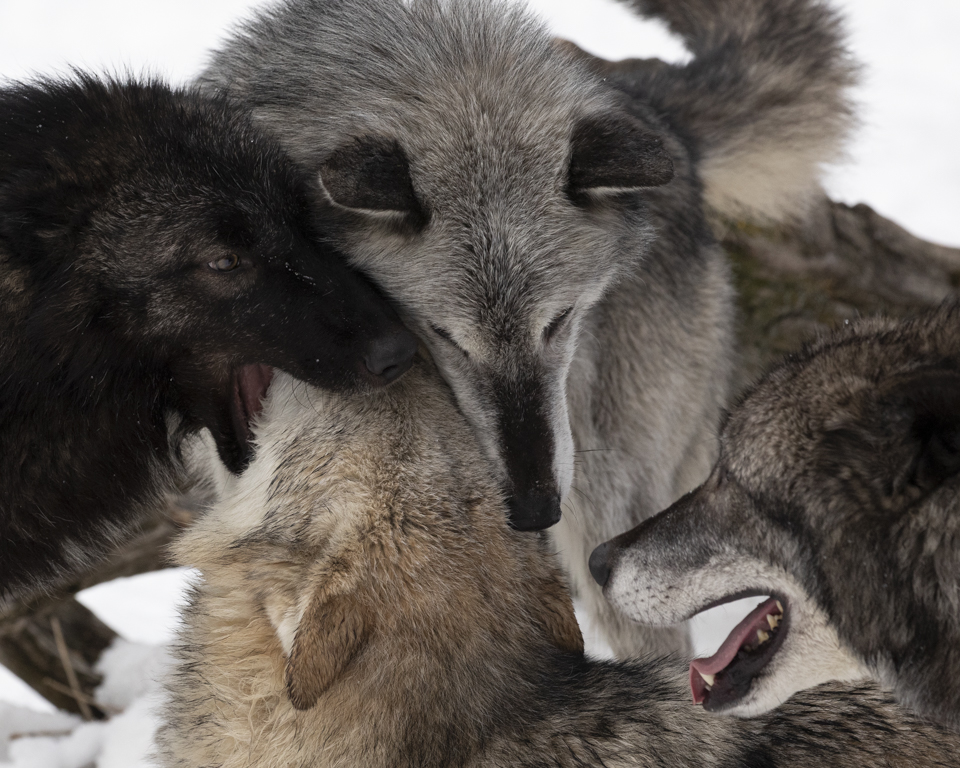
Thanks for the feedback. Will redo the crop, reflecting your suggestion. FWIW, my wife had the same thought. Note that my bias most times is towards tightly cropping to fill the picture frame versus loosely cropping for context. The point was their having fun being wolves. |
Aug 14th |
| 24 |
Aug 19 |
Reply |
Donna: thanks for the positive feedback. Wolves are amazing creatures to photograph. Let me know how it goes in trying out the alternative long lens shooting technique. |
Aug 14th |
8 comments - 3 replies for Group 24
|
8 comments - 3 replies Total
|