|
| Group |
Round |
C/R |
Comment |
Date |
Image |
| 66 |
Nov 22 |
Reply |
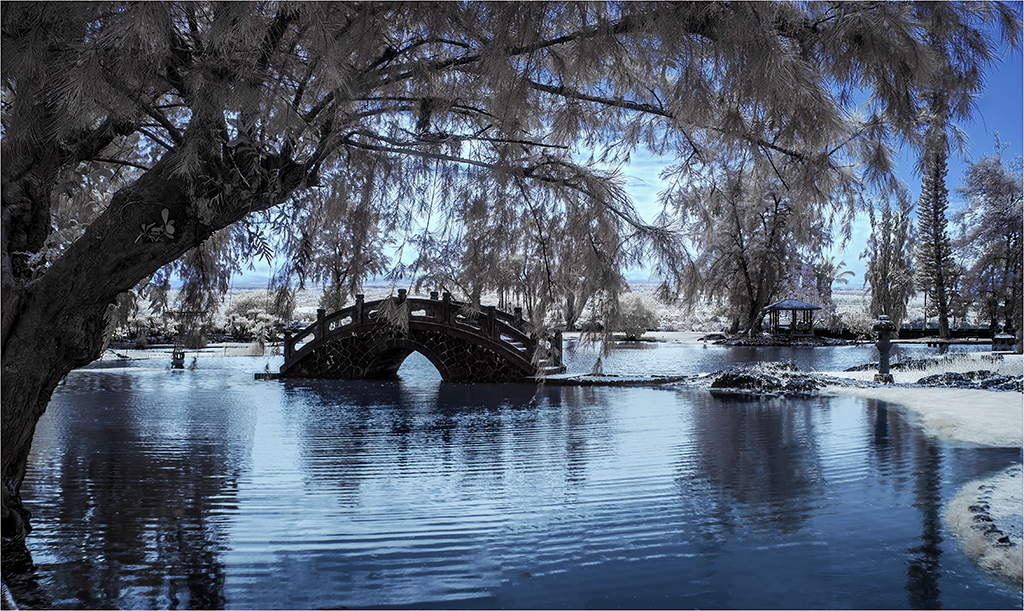
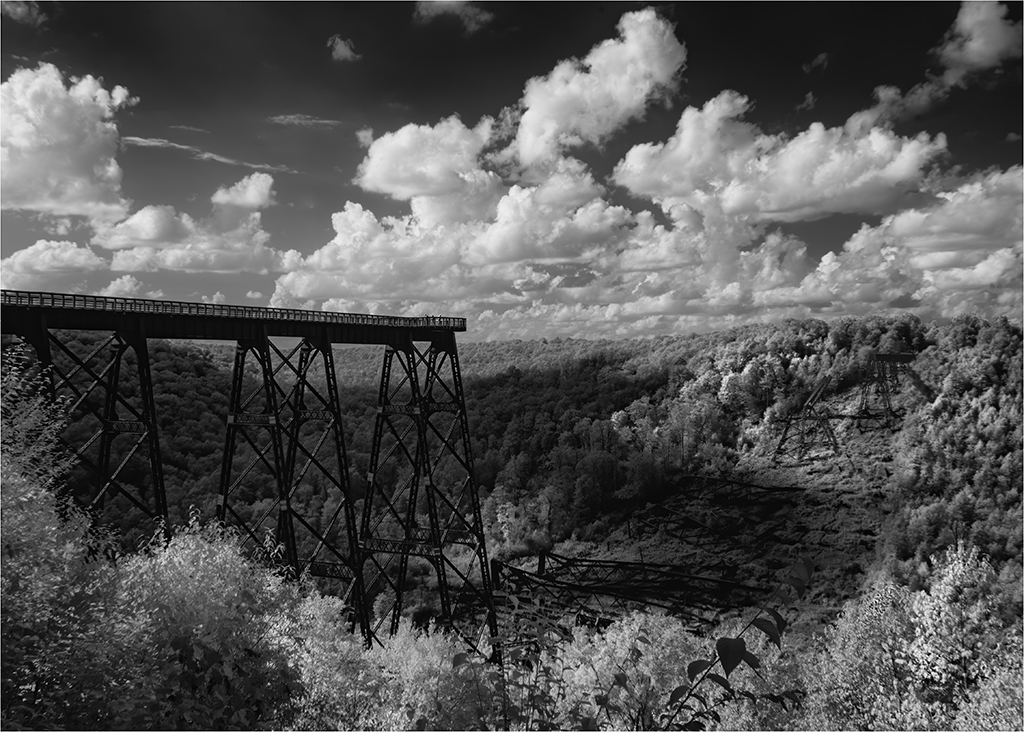
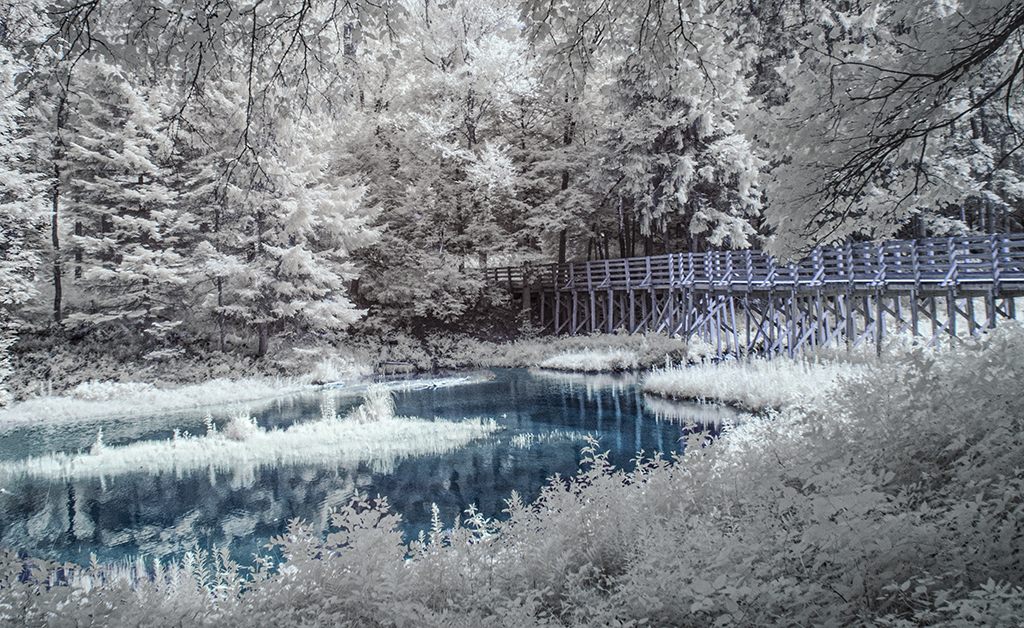
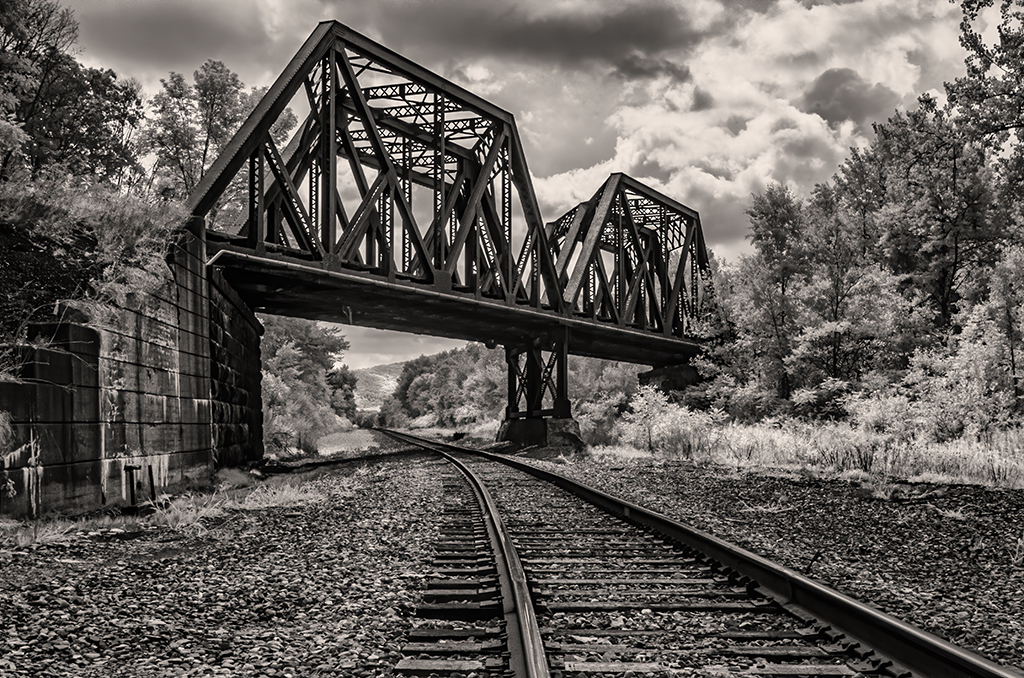
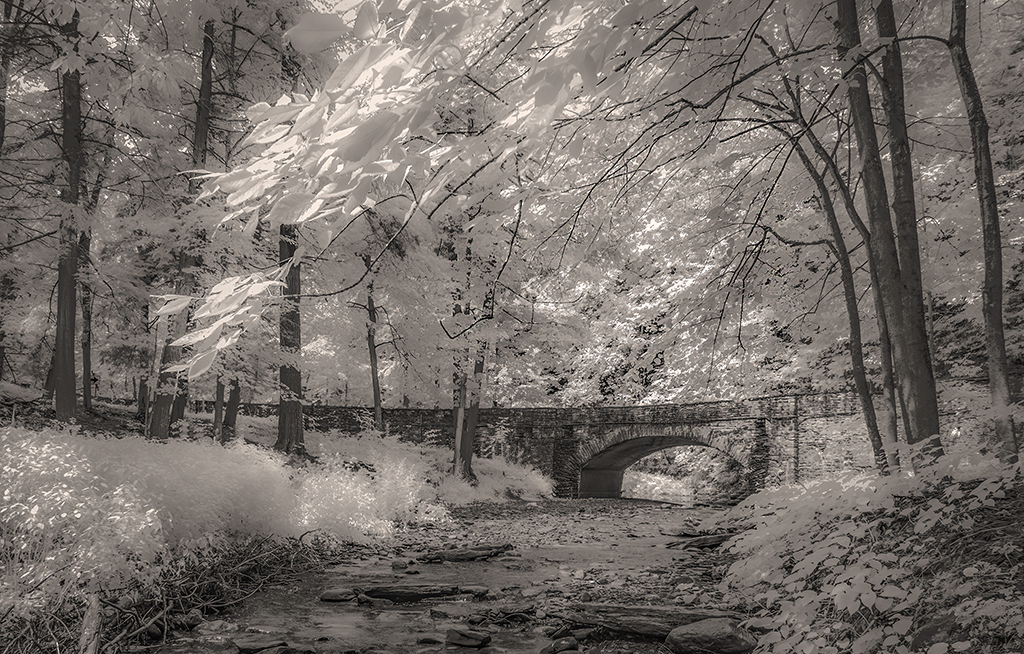
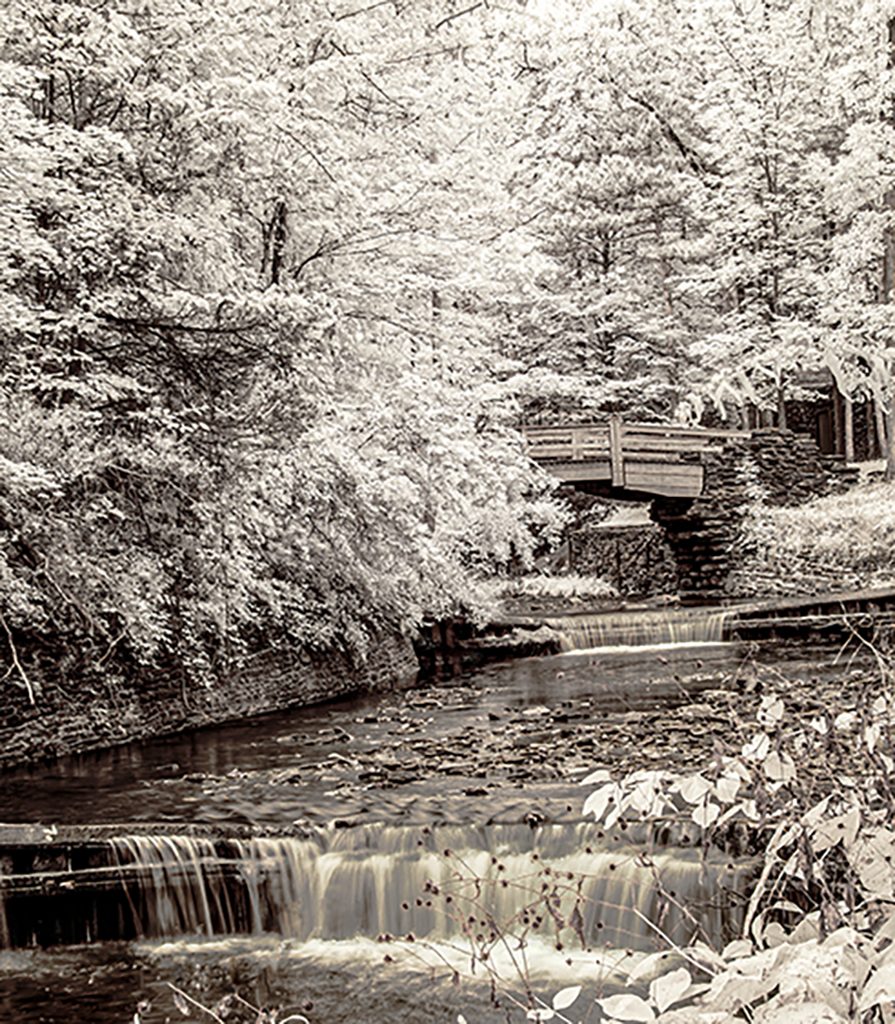
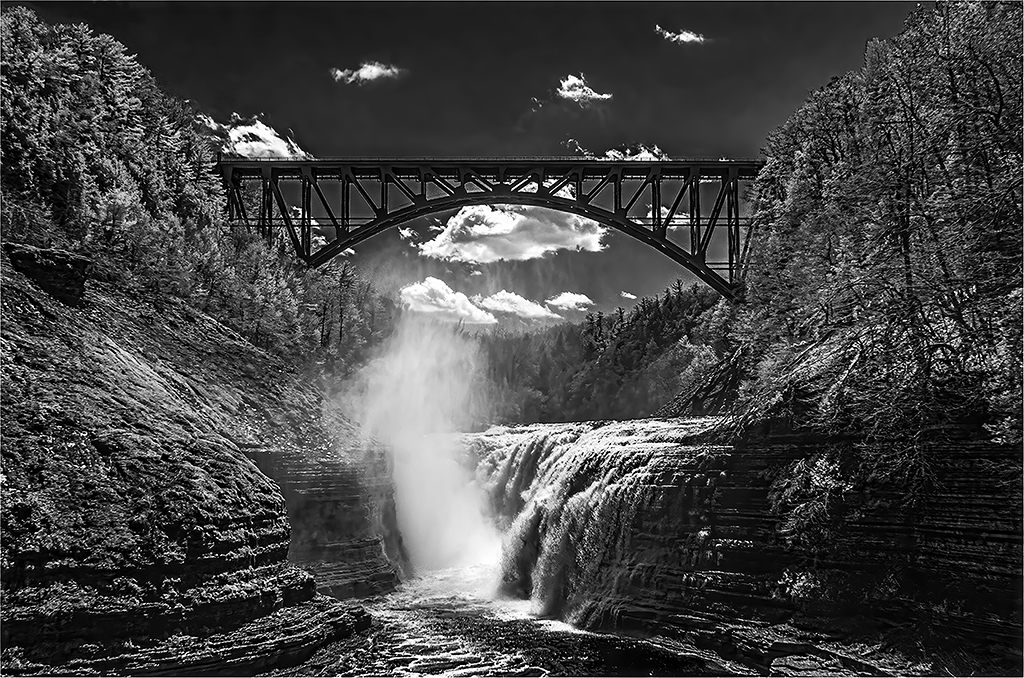
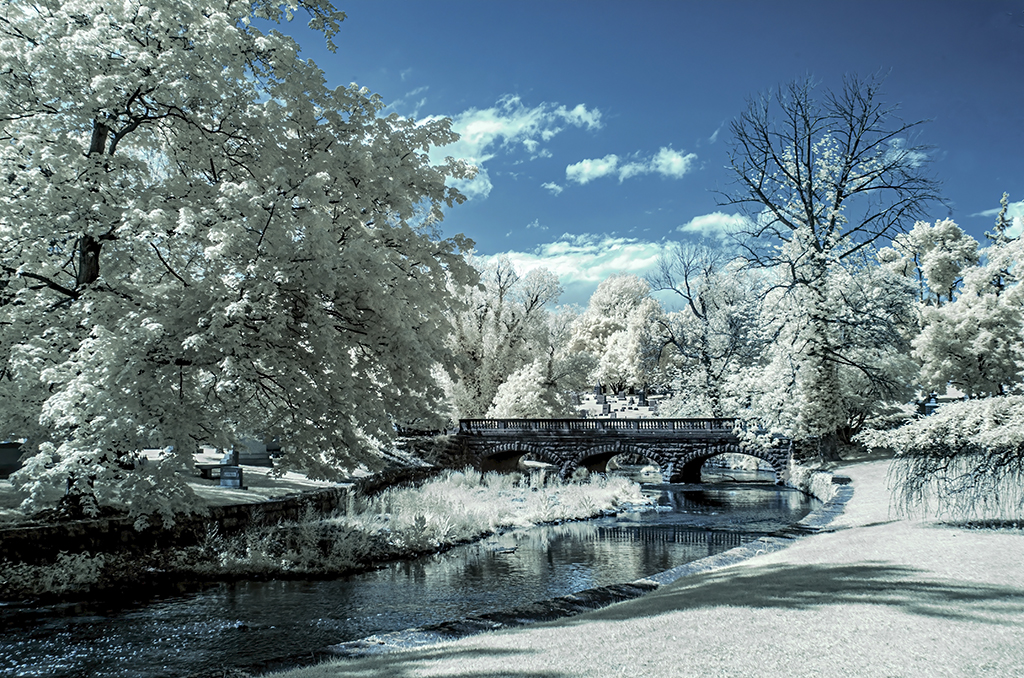
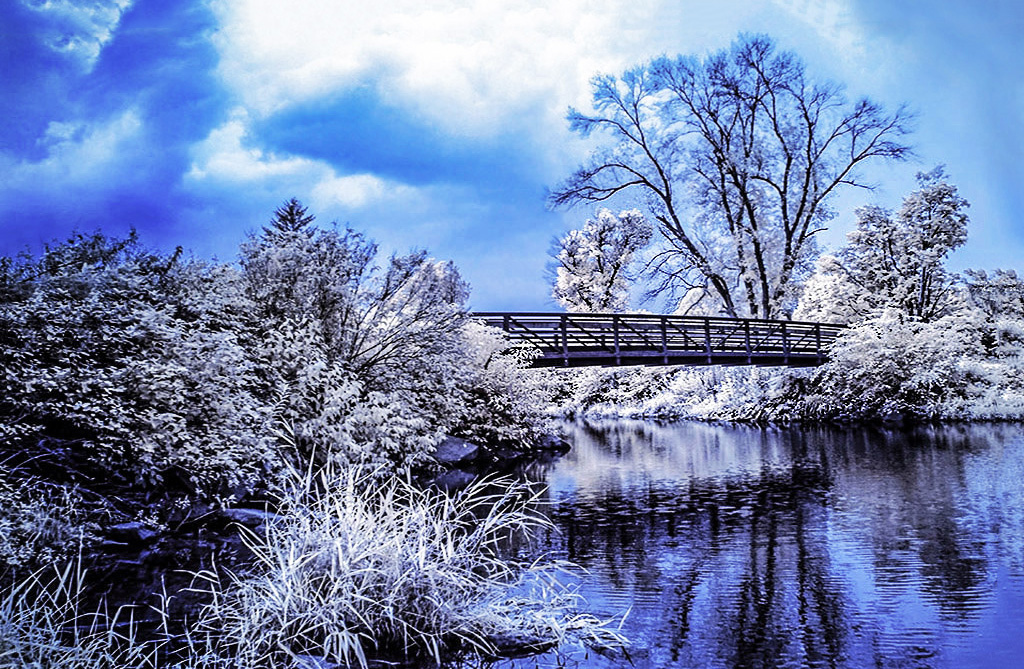
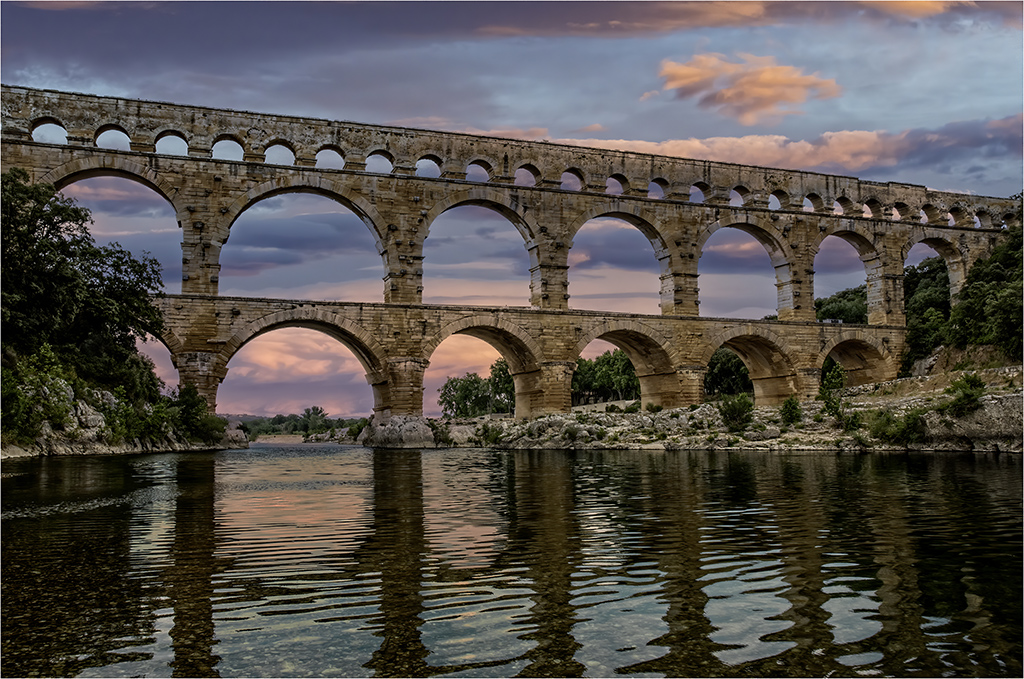
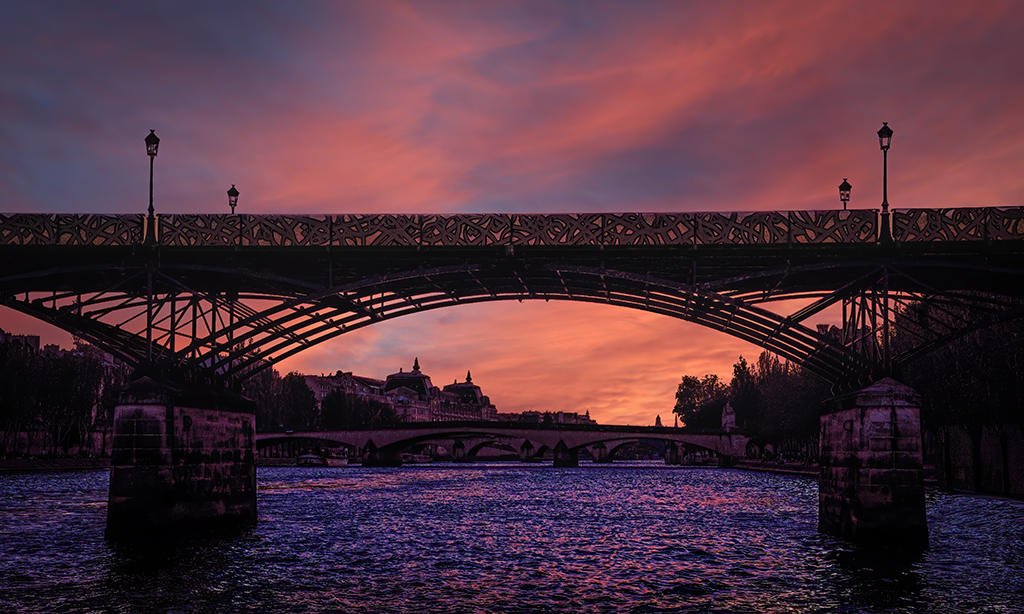
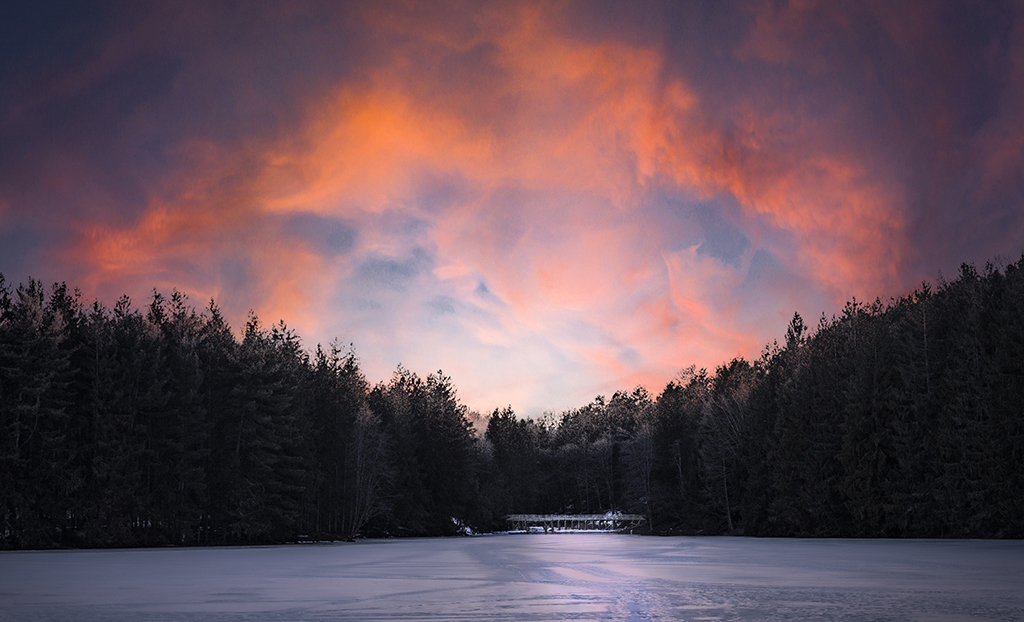
Melanie, I took your suggestion in a remake, and also did some dodging and burning to shift attention to the bridge. Doing this relieved some artistic dissonance. Thank you. |
Nov 8th |
| 66 |
Nov 22 |
Reply |
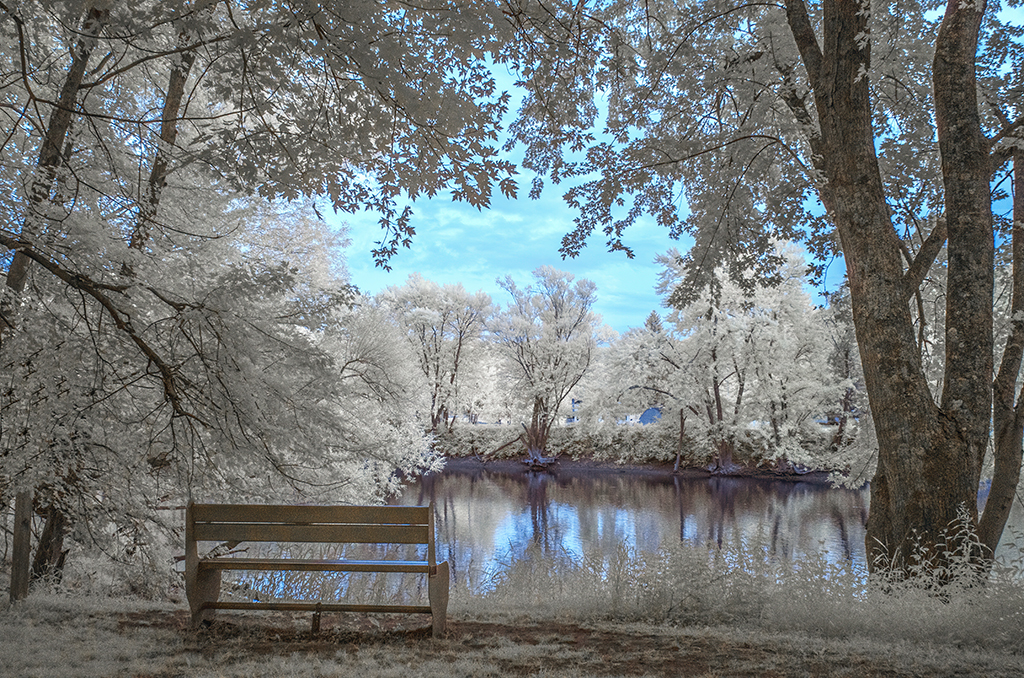
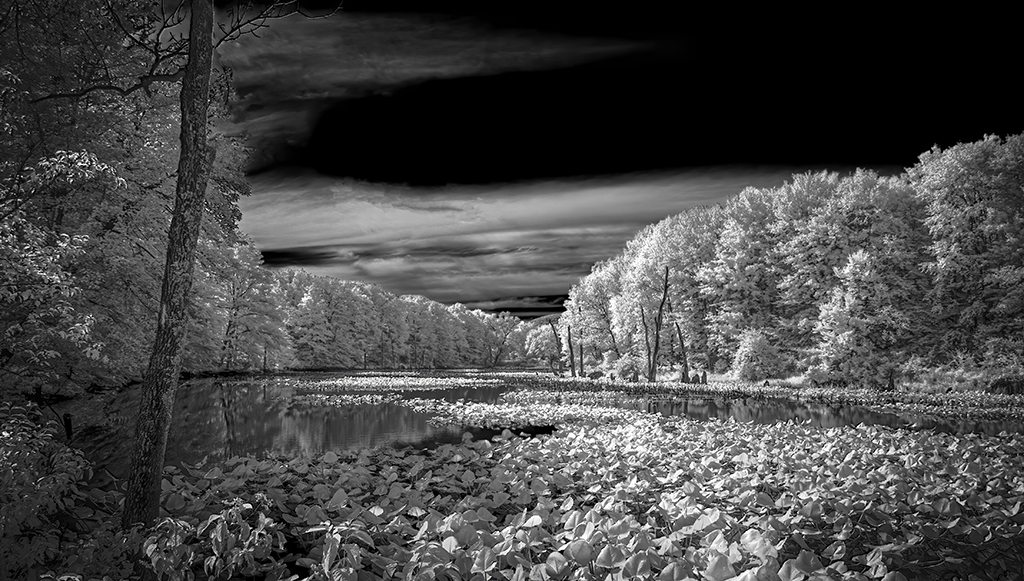
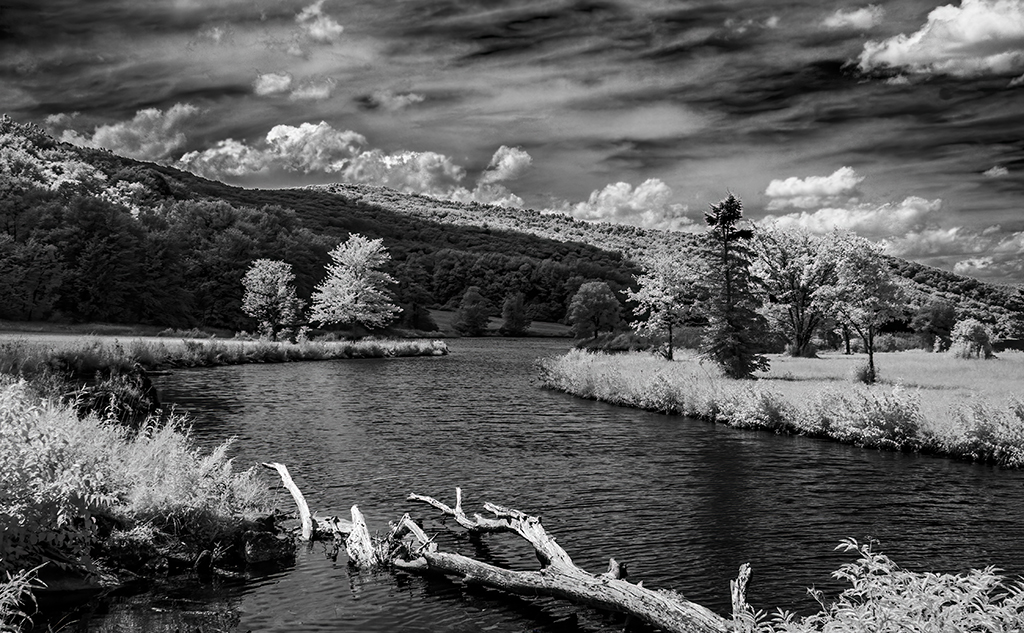
Gary, I tried a monochromatic version. This image relieved some of my artistic dissonance. Thank you. |
Nov 8th |
| 66 |
Nov 22 |
Reply |
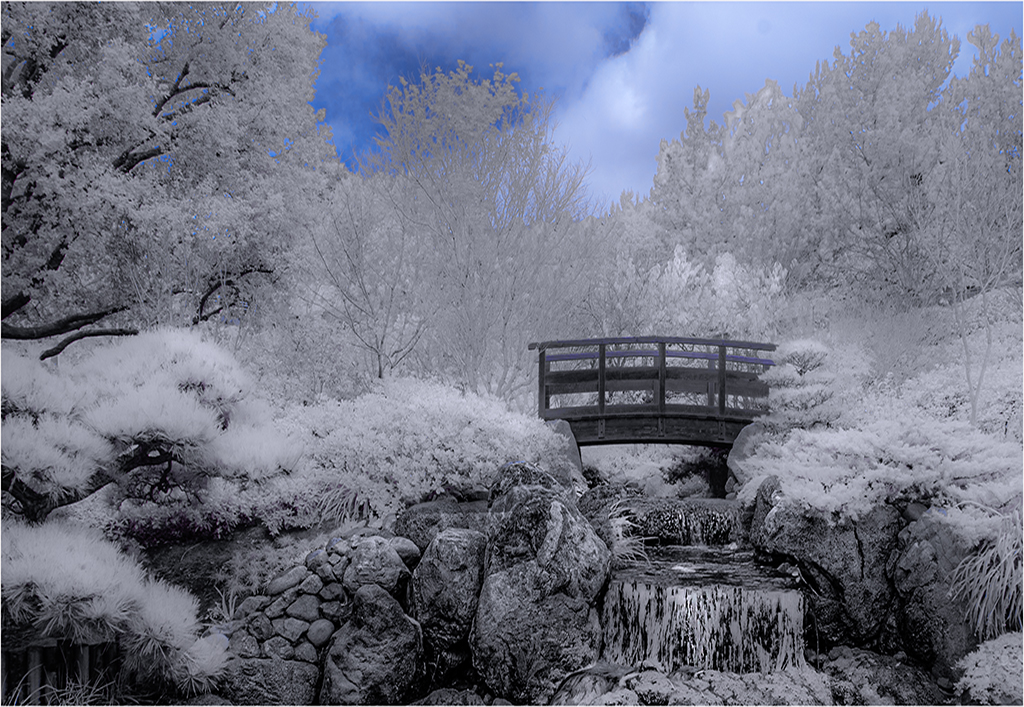
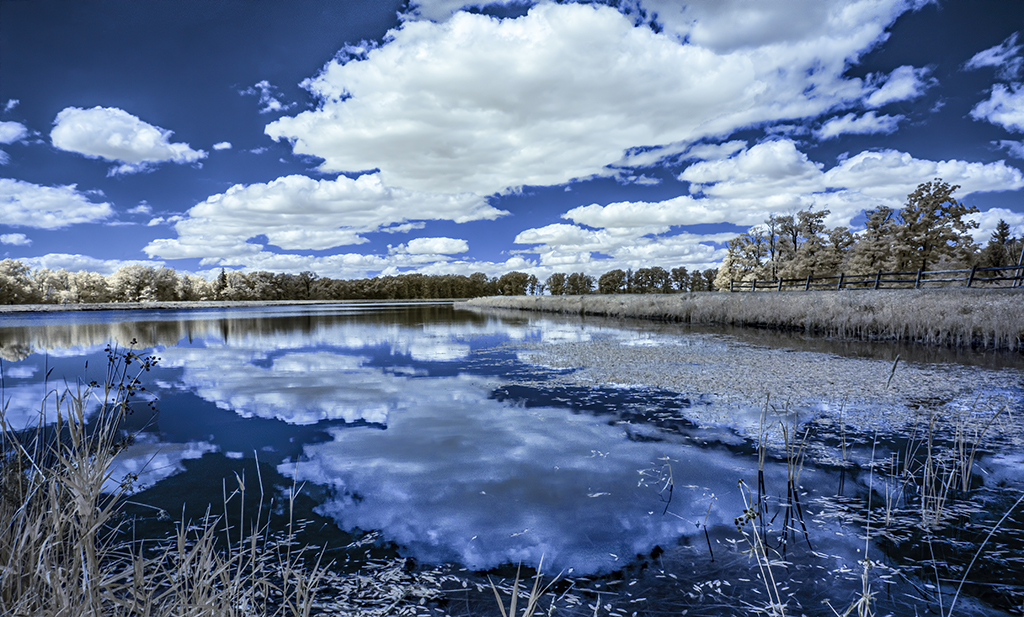
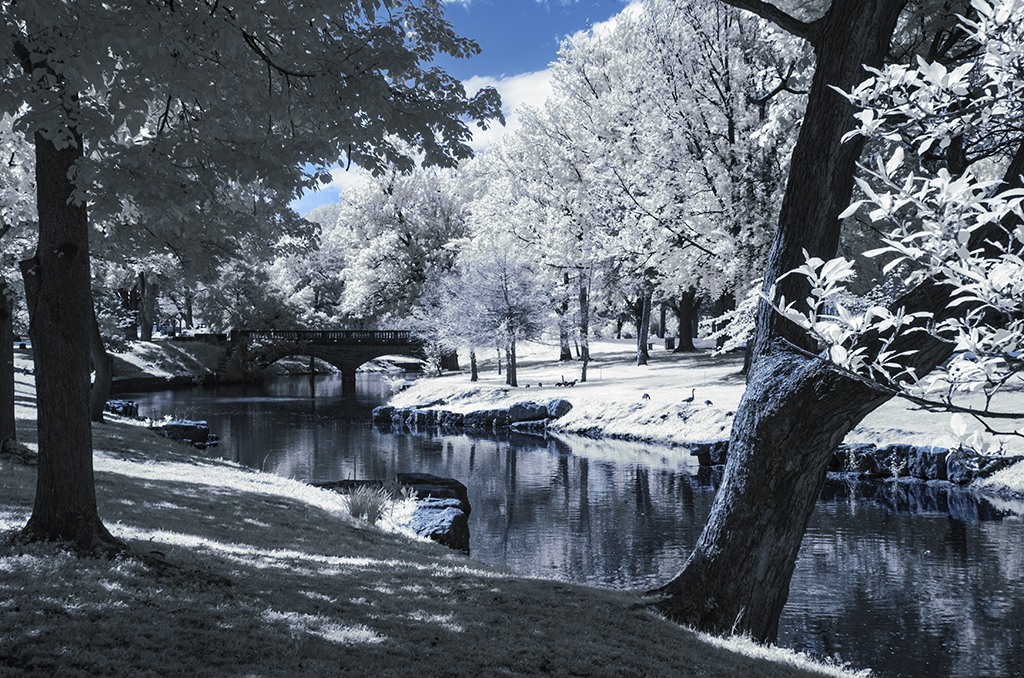
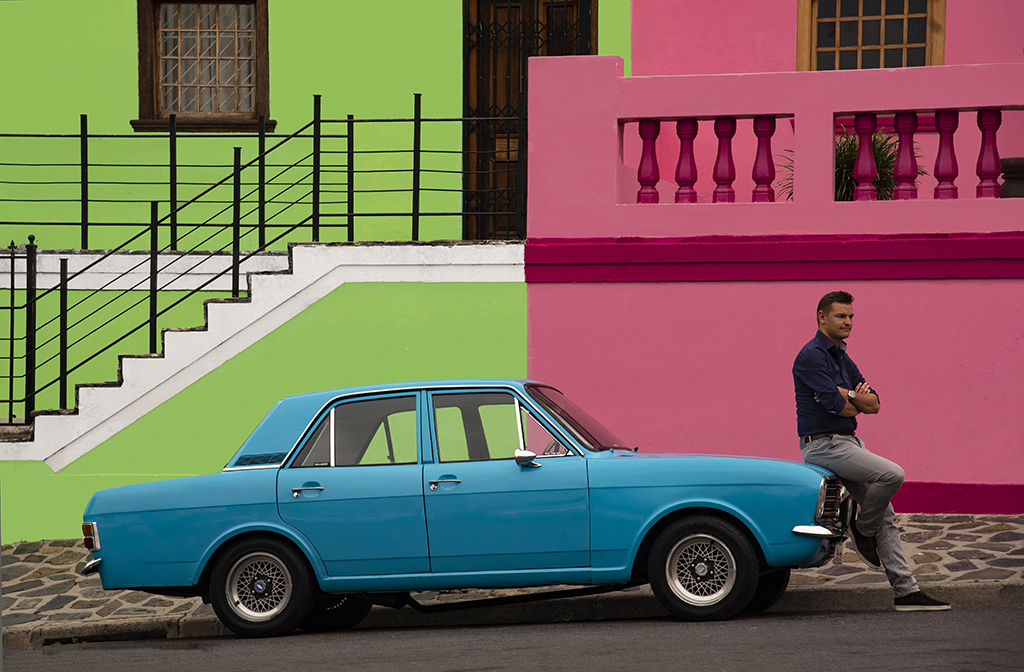
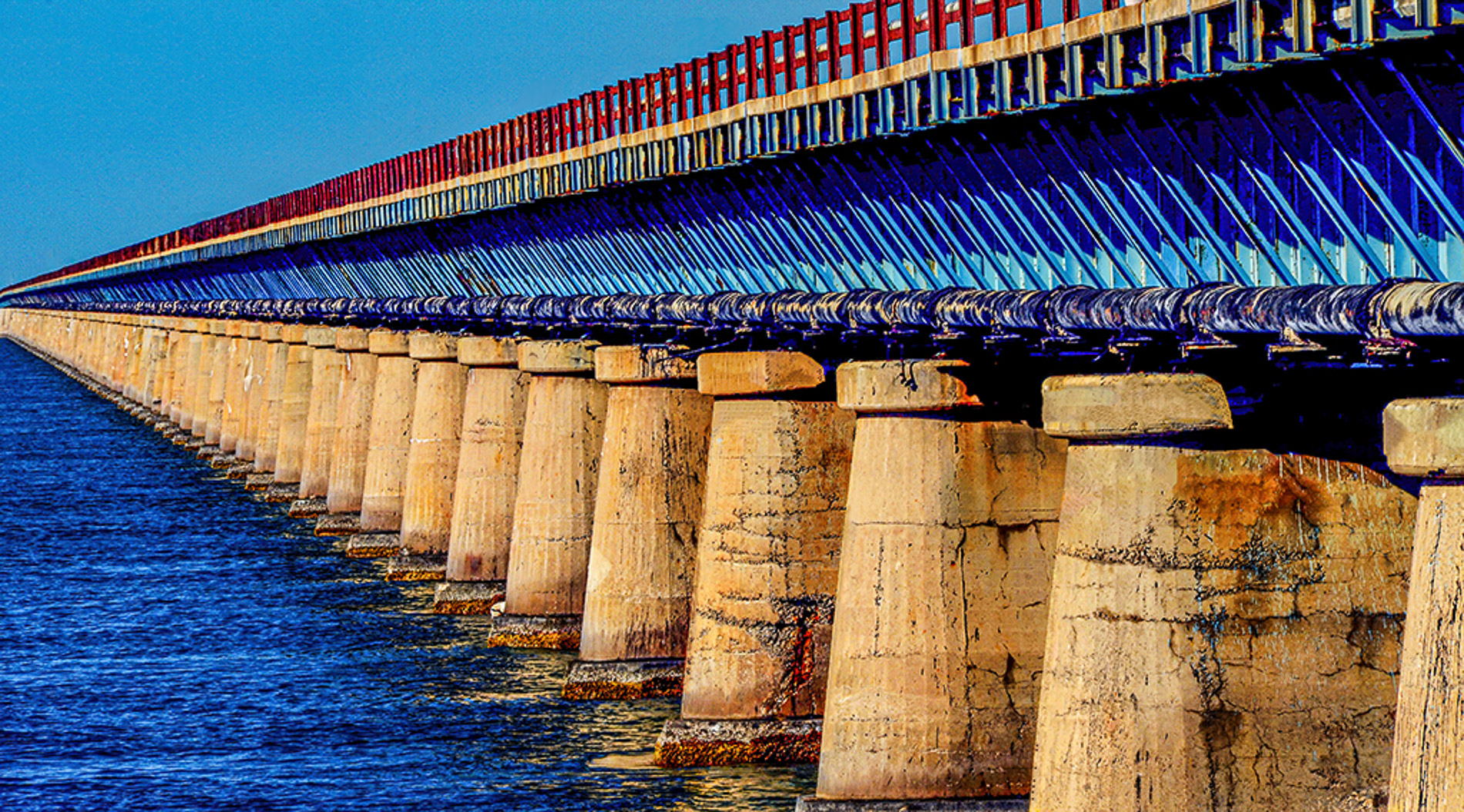
I agree Jack, the blue is too novel, not natural and too saturated. I will try to change it, but it's tricky. |
Nov 7th |
| 66 |
Nov 22 |
Comment |
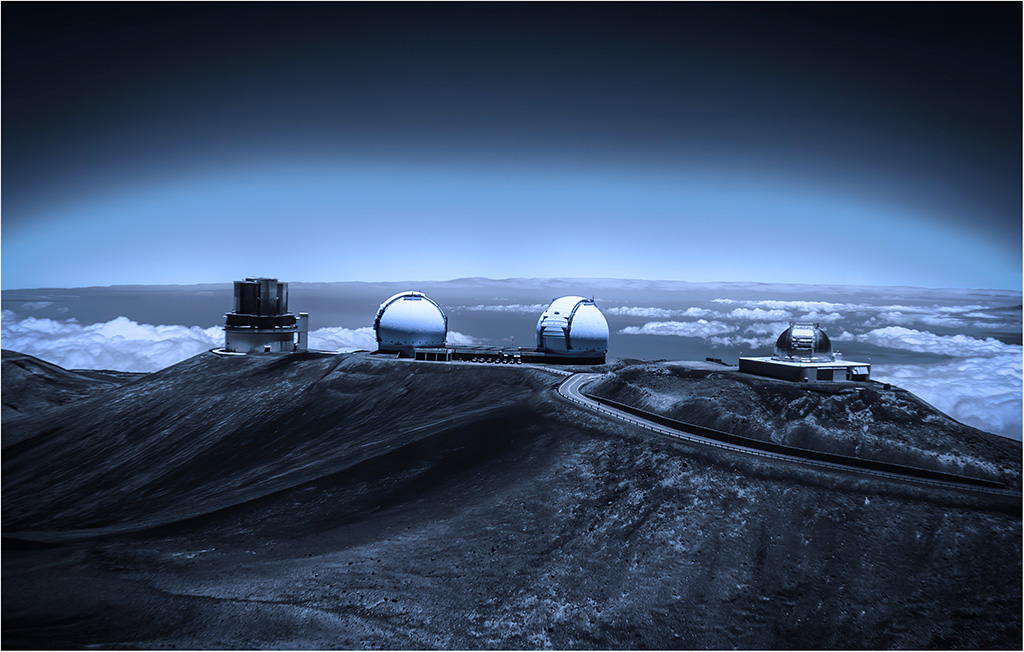
Emil, I like the composition, especially putting the silos in the middle of the image. I wonder if increasing contrast and lightly dodging the highlights might make the image even more interesting. I noted that in the original you had, as we all do, captured some dust spots. You may have skipped some subtle ones in processing, also there are faint powerlines that can be distracting to some viewers. |
Nov 7th |
| 66 |
Nov 22 |
Comment |
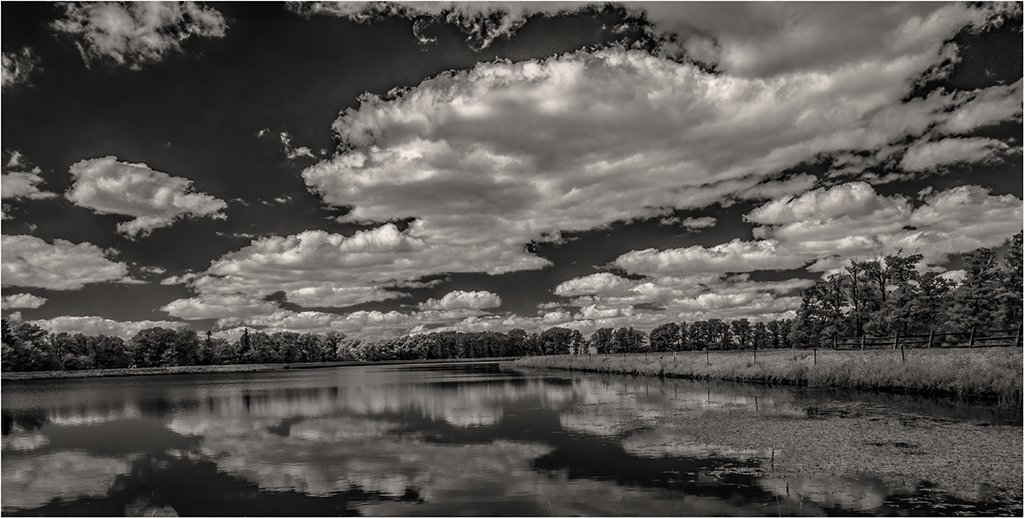
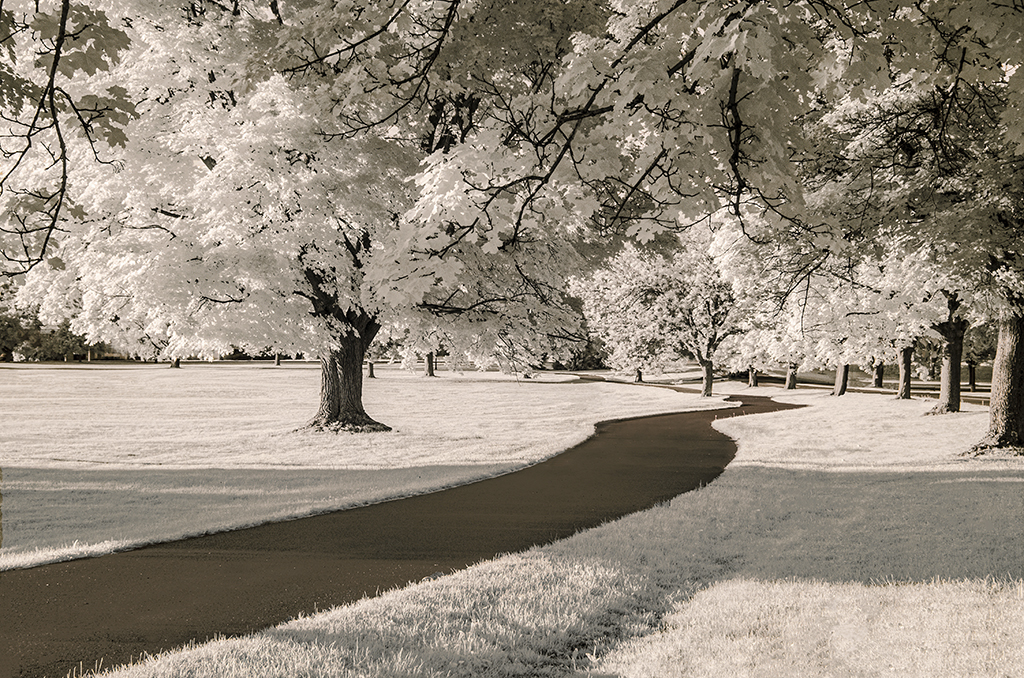
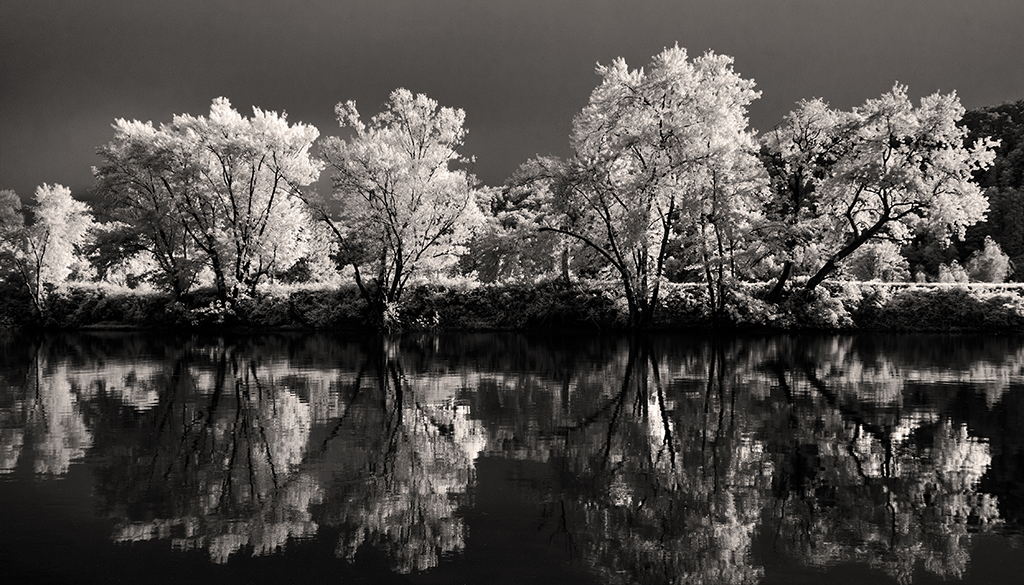
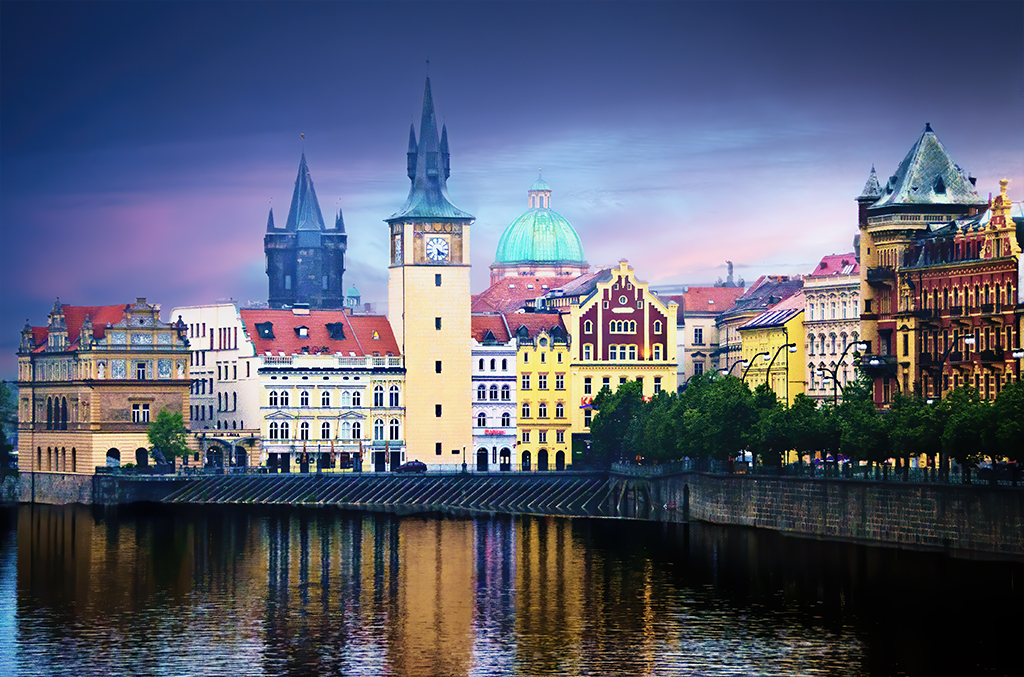
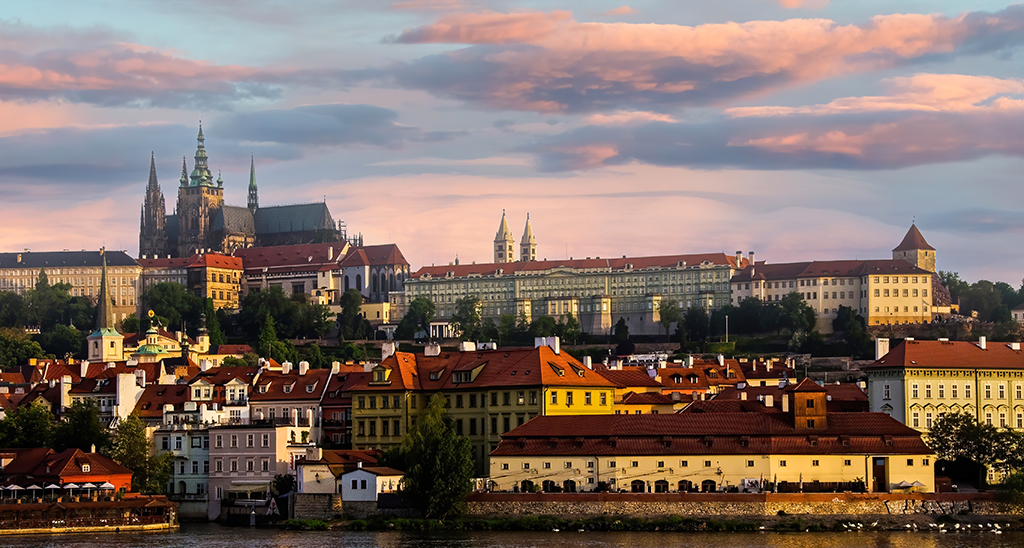
Henry, this is one of those scenes that draw you in, that make you want to be there. Your post-processing made it more so. I like your use of the canal as a strong element of composition and the darkening of some details to keep the viewer's eye on the center of this lovely scene. |
Nov 7th |
| 66 |
Nov 22 |
Comment |
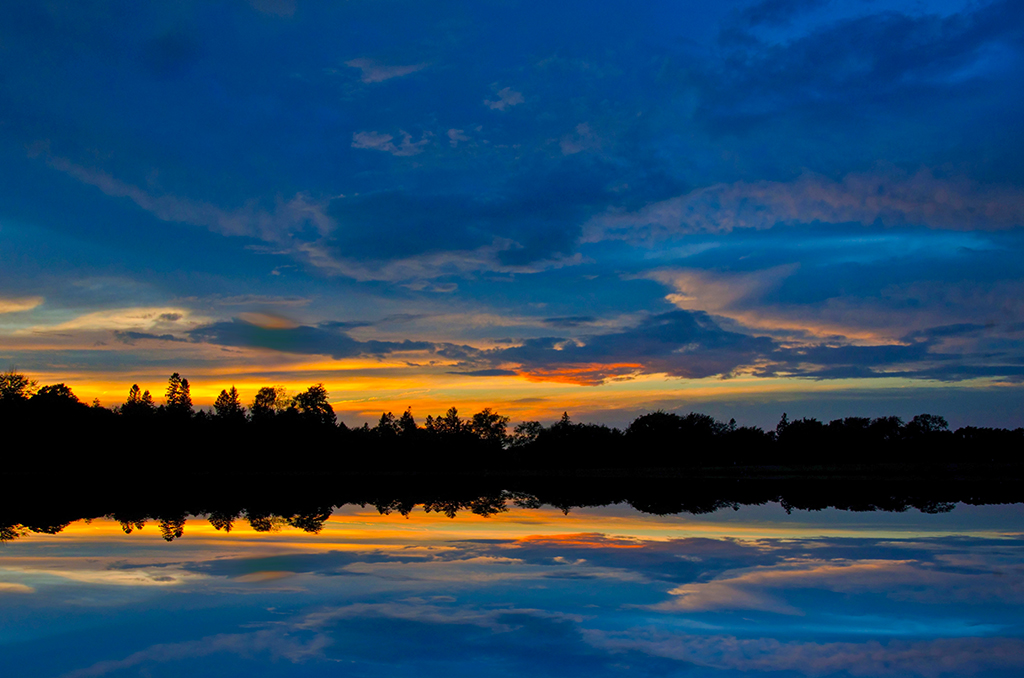
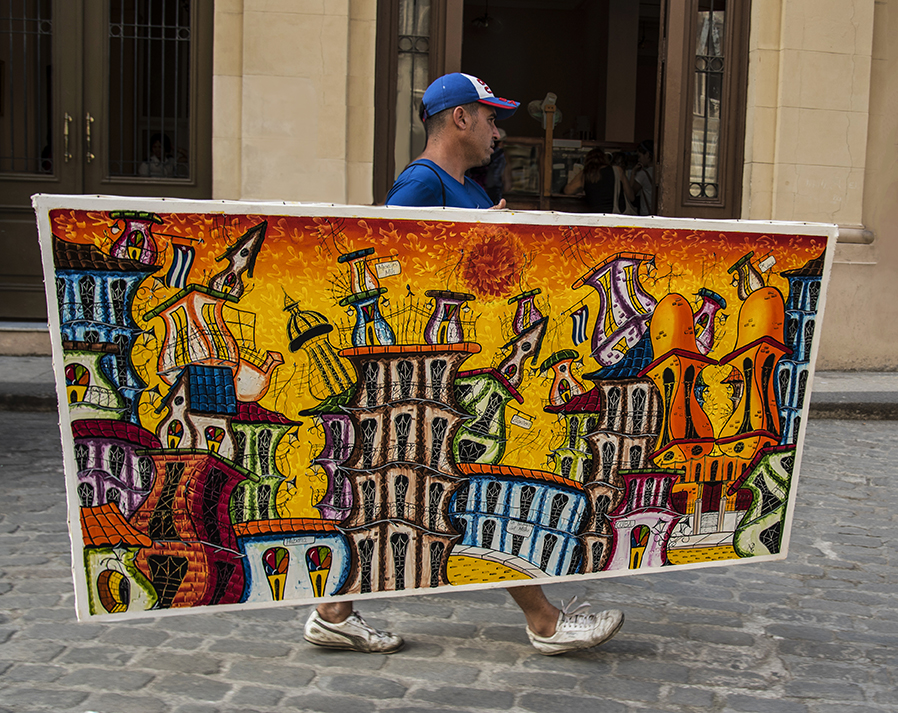
Gary, your image this month was an attention getter for me. It was the first I opened. I was very curious about how you did it. As the others have said, you are an inspiration for trying new techniques and experimenting. I wonder about what other overlays would look like and what colors other than orange-gold might better tell the story. |
Nov 7th |
| 66 |
Nov 22 |
Reply |
Thank you Henry for improving the image and decreasing my artistic dissonance. Desaturating the bridge helps a lot. Now, following the advice of others, I agree, the pond color has to be less saturated too and more ""real" |
Nov 6th |
| 66 |
Nov 22 |
Comment |
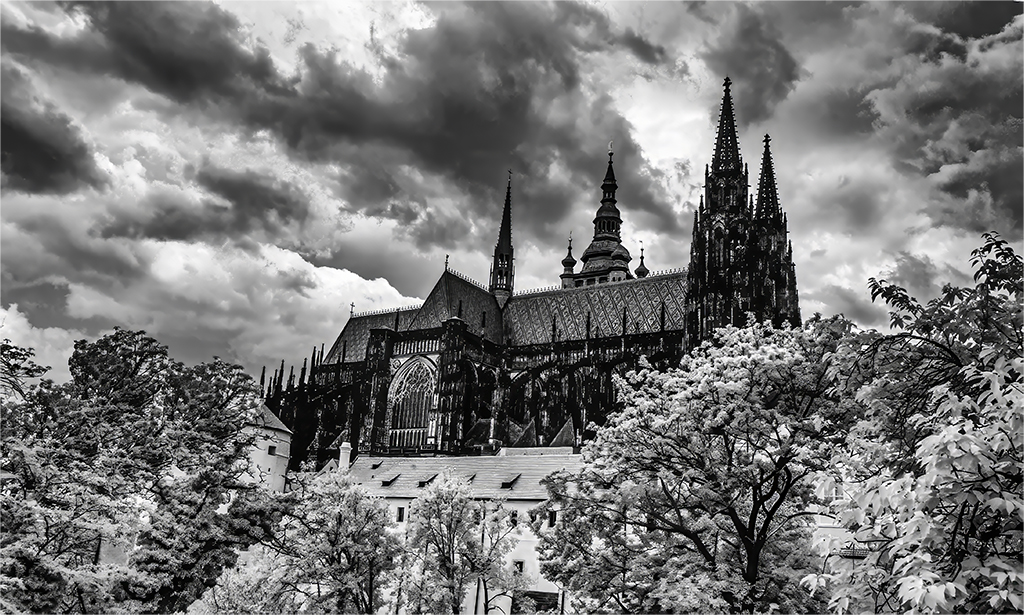
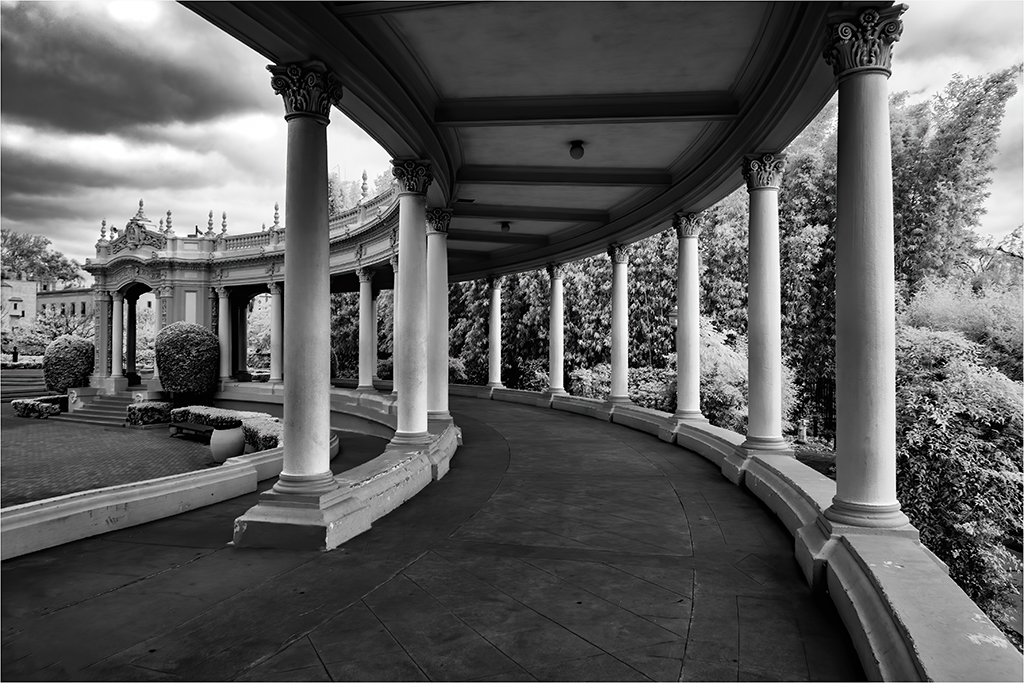
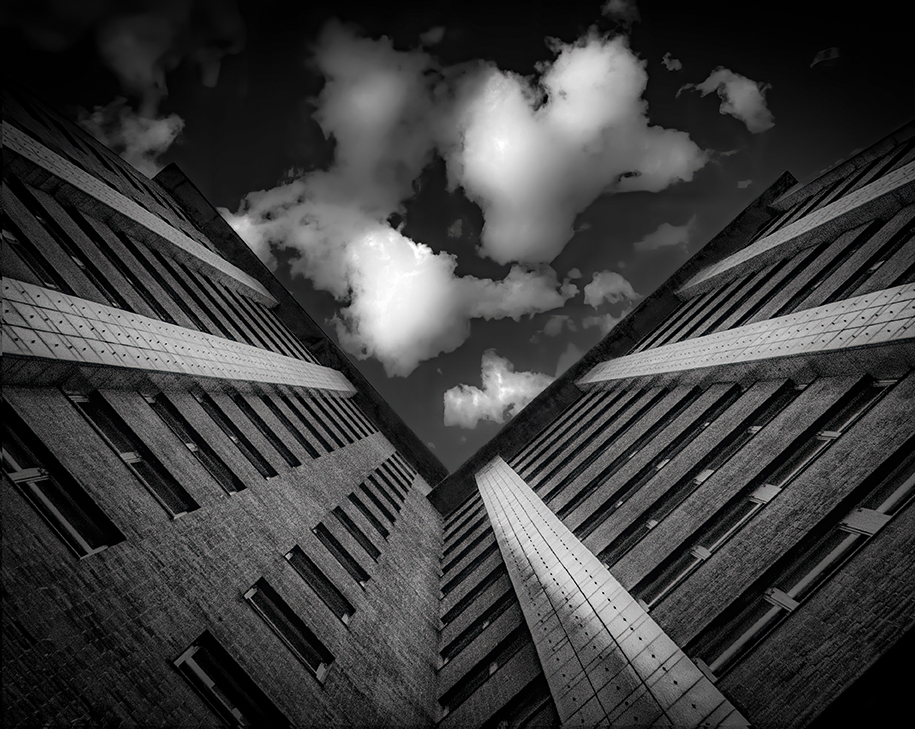
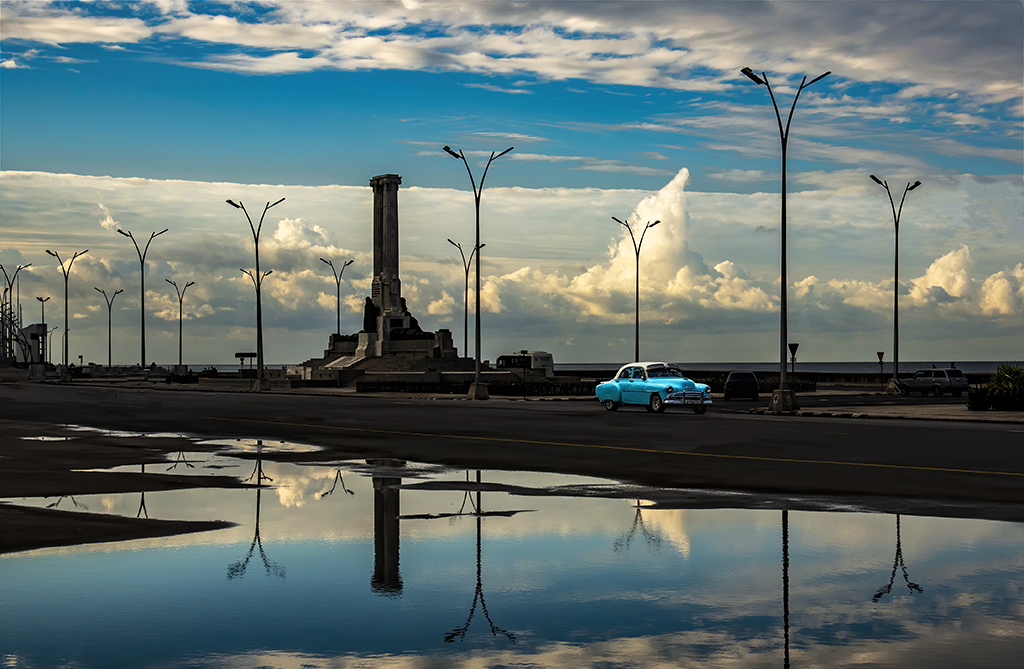
Jack, the clouds make this image so interesting. The adjustments of contrast increase the magnificence of the clouds. Would the image be slightly better with the lampost light head removed? |
Nov 6th |
| 66 |
Nov 22 |
Comment |
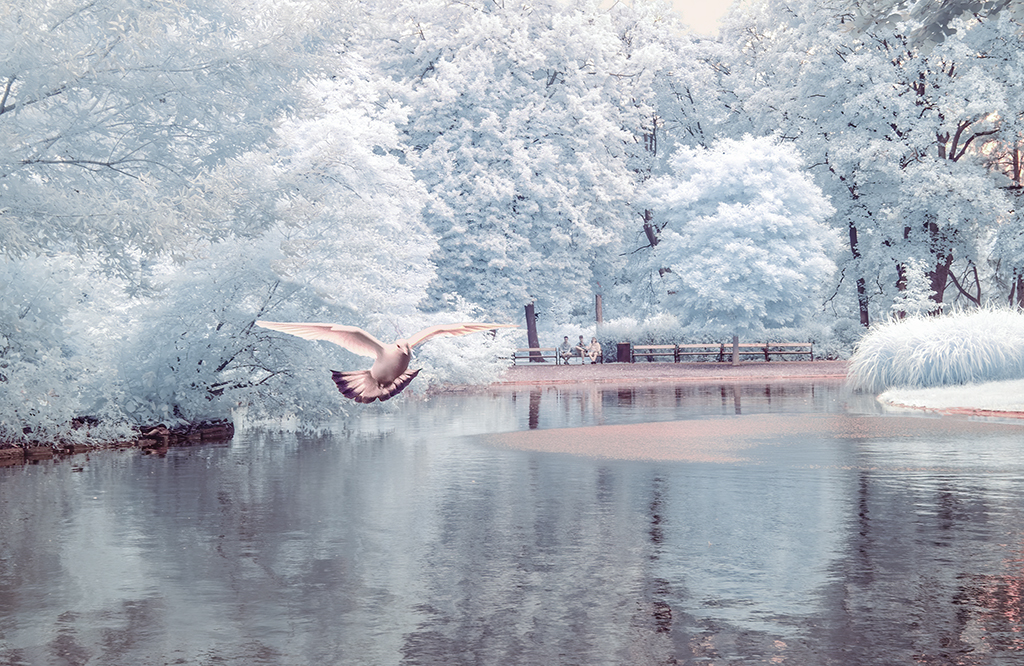
Arik, I like the way you framed in this shot with the distant road visable through the bridge. As another person who experiments with color, I like your rendering of soft pastel blues and pinks. One minor suggestion: Why not remove the the road signs on the right side of image infront of the bridge? |
Nov 6th |
| 66 |
Nov 22 |
Comment |
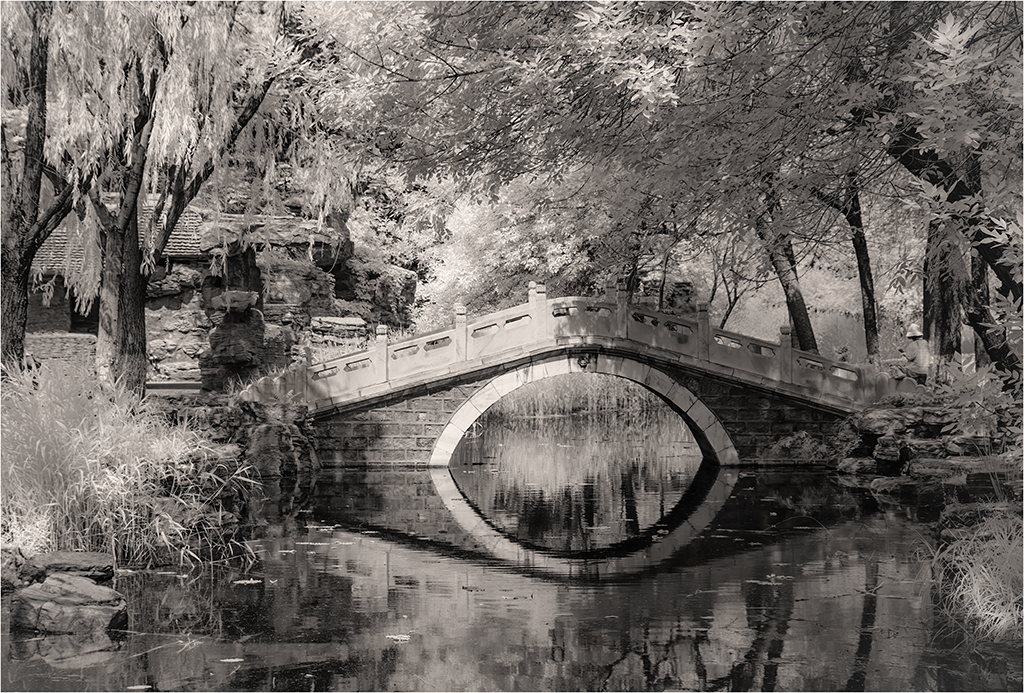
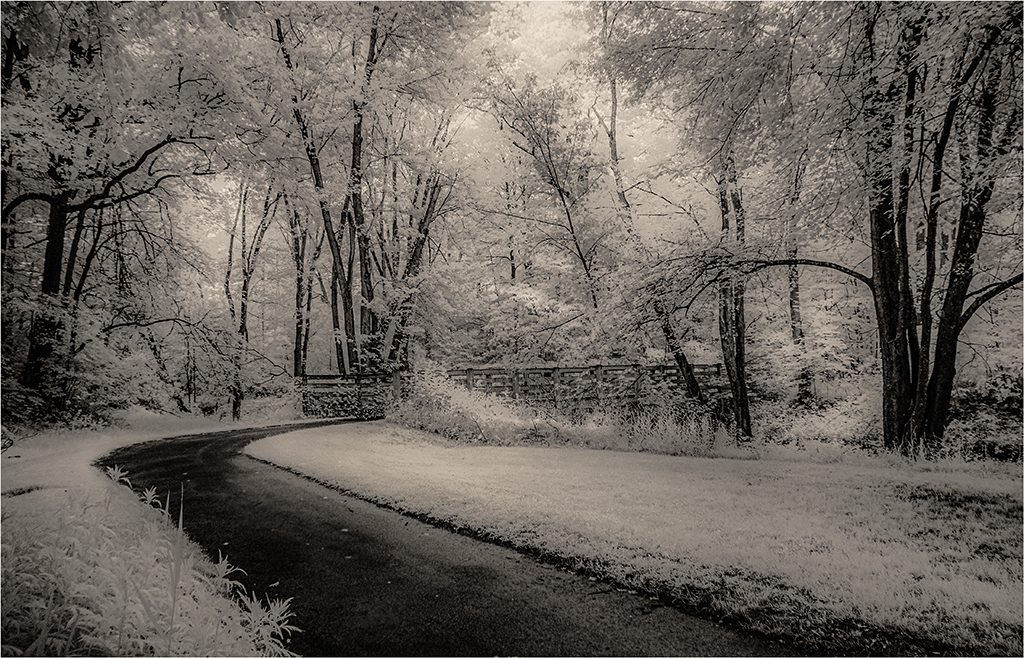
Melanie, old decaying buildings are a great subject for IR. This very interesting bridge is a case in point. There is a lot going on in this image. It is complex. Is that a roofline above and to the right of the bridge? You very skillfully repaired the hot spots. Is there anything that might be done to make the image less busy? For example, would a vignette help? |
Nov 6th |
6 comments - 4 replies for Group 66
|
| 88 |
Nov 22 |
Reply |
Thank you for the kind words and comments. Your suggestions on the setting of the horizon resolve some issues I have had with this image and several like it. |
Nov 21st |
| 88 |
Nov 22 |
Comment |
Welcome Brian to our DD88. Accidents and getting lucky can help us capture splendid images, which certainly happened with this sunset photograph. I like what you did in post processing. Correcting WB was a key and increasing illumination without burning out the sunrise gave life to this image. Great use of the tree and keeping some of the path. Like you, I remove distractions. Why not? Thank you for sharing this image, I am looking forward to seeing more images from you in the coming months. |
Nov 16th |
| 88 |
Nov 22 |
Reply |
Thanks. The geometry is better. |
Nov 15th |
| 88 |
Nov 22 |
Comment |
This is a great scene for a landscape photo. The mountain is so powerful, so majestic. Good use of people to show scale. I can see why you changed the sky, however, with the clouds and fog lingering at the top of the mountains, the edge on the replacement was not clean, but not a big issue. In the original there is a lot grain showing. With an ISO of 100, this is puzzling. |
Nov 7th |
| 88 |
Nov 22 |
Comment |
Again Trey, your skills in processing have taken a seemingly ordinary image to another level. I like what the presets did to enhance coloring and sharpen details. Indeed the HDR preset rendered a much richer and interesting sky. Very nice work. |
Nov 7th |
| 88 |
Nov 22 |
Comment |
Mark, this is a great subject for landscape photography. Great use of the stone lane to draw the viewer in and hold their eye. Good cropping helped the composition. The sky does benefit from a replacement, however, the pink-purple maybe too heavy. Your f-stop helped capture details in the foreground but lost them in the distance, e.g., the human figures seem a little out of focus. What would the image look like without the tourists? But there is also a reason to retain them. |
Nov 7th |
| 88 |
Nov 22 |
Comment |
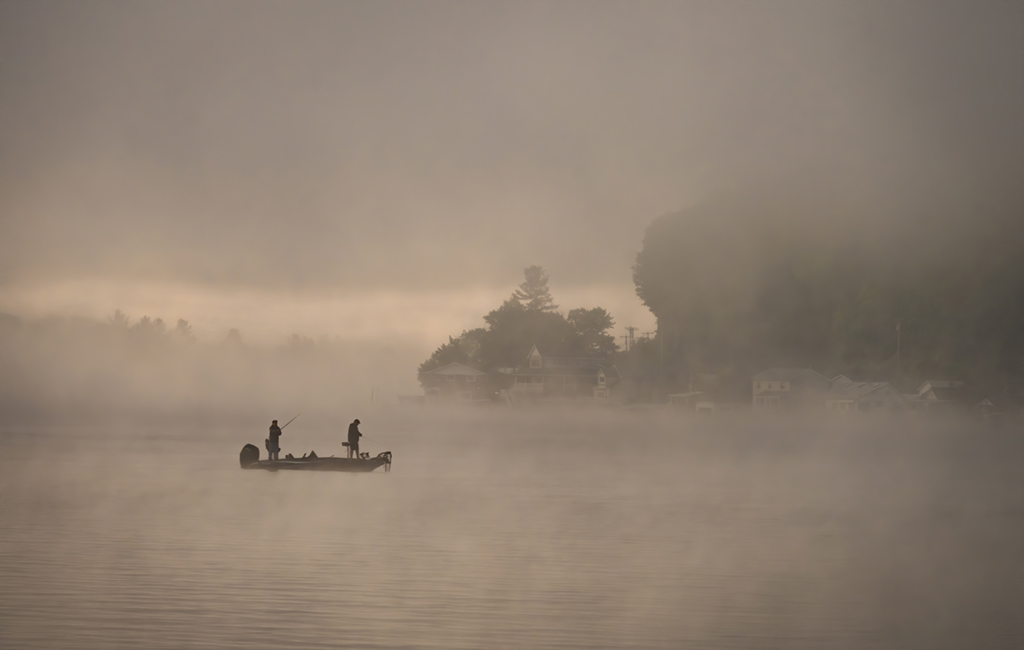
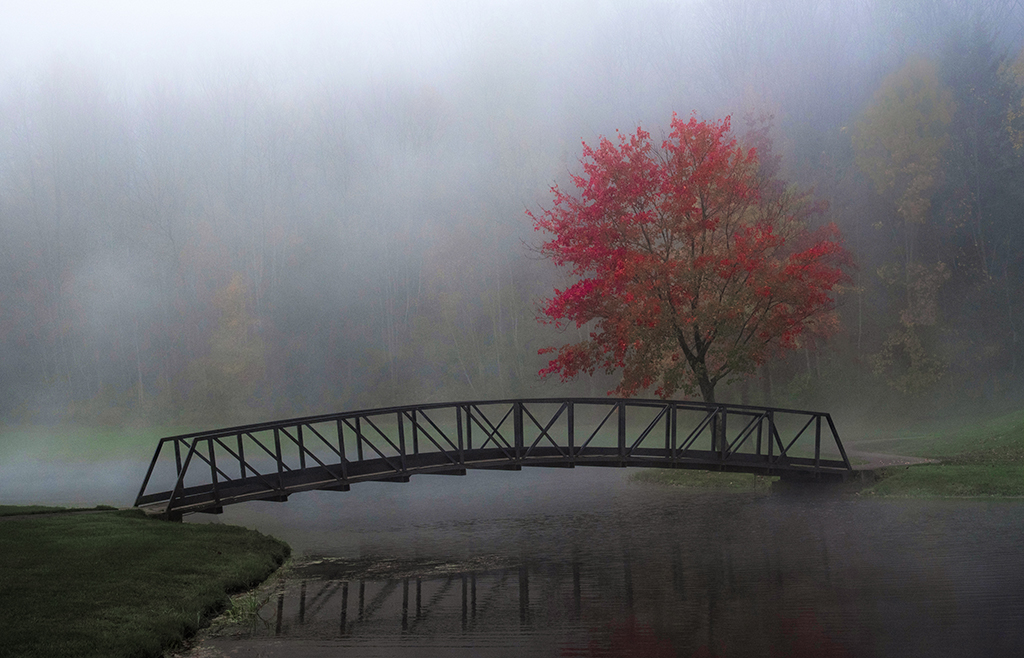
There is nothing like fog to soften an image and define its subject. Here you have captured the last of the Fall color in trees that under normal light would be less interesting. Your saturation adjustment is subtle, but just right. My eye wants to move to the left side of the image where it is greated by a sidewalk and lampost. Why not use the Content Aware Fill tool to fill in that area and remove the lampost? |
Nov 6th |
5 comments - 2 replies for Group 88
|
11 comments - 6 replies Total
|