|
| Group |
Round |
C/R |
Comment |
Date |
Image |
| 36 |
Aug 20 |
Comment |
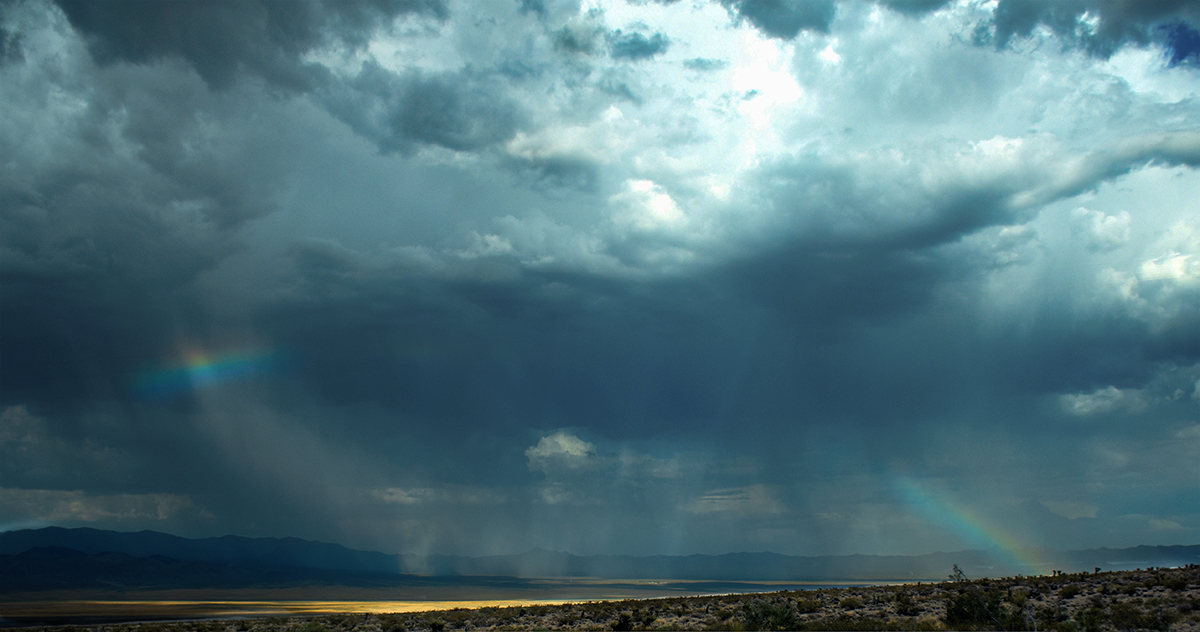
Thanks for all your comments. Micheal, I think I might be OK for travel with the sky. I only used the Gaussian blur to remove specific water droplets which seems to be allowed, at least in this competition. The only other thing done to the sky was a dehaze, which was applied to the whole image and brightness/contrast. Those two things brought out more of the blue color in the right of the image, but it was actually there, just harder to see. I know cloning is in general not allowed, but scratch removal is specifically allowed and there is some wording about "Restoration of the appearance of the original scene" and I think lens water droplet removal would qualify. |
Aug 9th |
| 36 |
Aug 20 |
Comment |
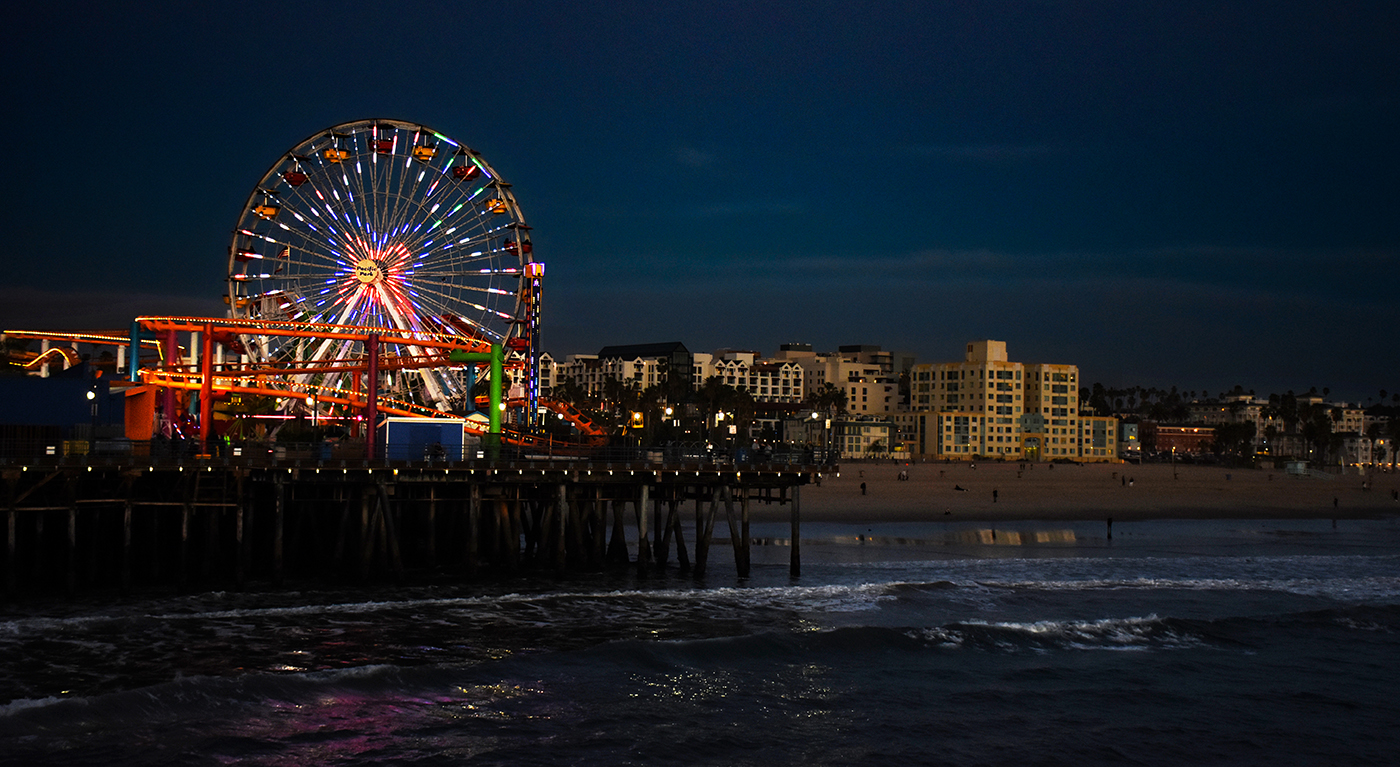
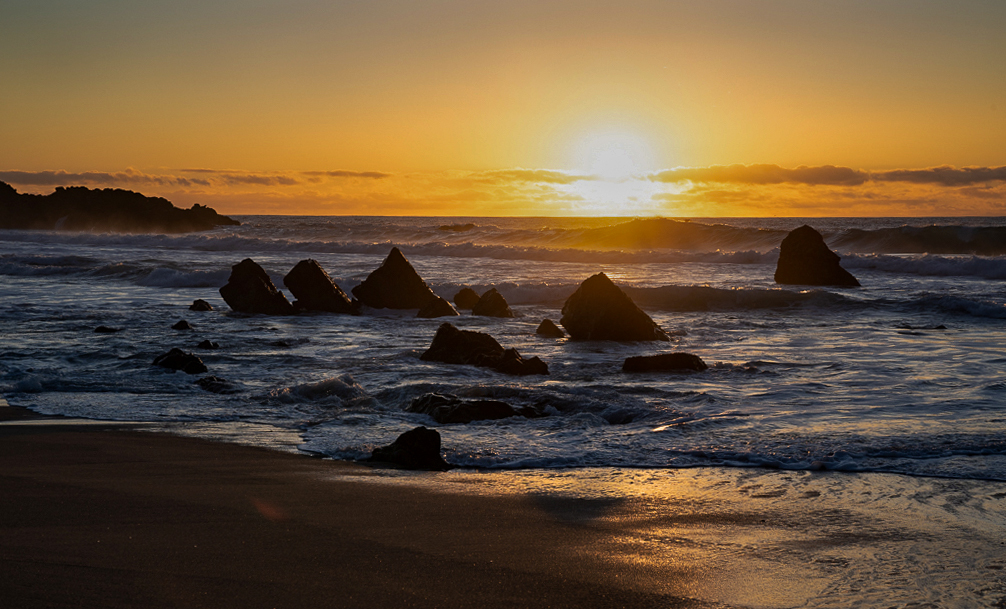
Hi Debbie and welcome to the group. This is a nice image and has potential to be really good. I do agree with Larry about there being too much sky, and I like Richards treatment of the image. Since I live in SoCal, I have many images like this one. The problem with the image is the sun is so bright, it tends to draw you eye away from the rest of the image. Here is my take on the image. I did my work in Photoshop. I straightened out the image as Larry and Richard did. I then used Camera Raw's automatic settings to do an initial adjustment and added some dehaze. I then separated the image into a sky zone and sea zone. For each zone I added a brightness contrast adjustment layer. In both zones I bumped up the the contrast and decreased the brightness slightly. I added an exposure layer with a mask to decrease the brightness of the sun. I was going to try enhancing the water a bit more, I actually like Richard's treatment of it better that my own. Unfortunately I accidentally forgot to save the PSD file, and doing multiple edits on a jpg tends to decrease the quality of the image. |
Aug 7th |
 |
| 36 |
Aug 20 |
Comment |
This is a fantastic image. I love the colors in the sky, and the composition of the barren tree against it. The pink snow does not bother me, I think it reflects the sky color and I would not expect it to be white. Great job! |
Aug 4th |
| 36 |
Aug 20 |
Comment |
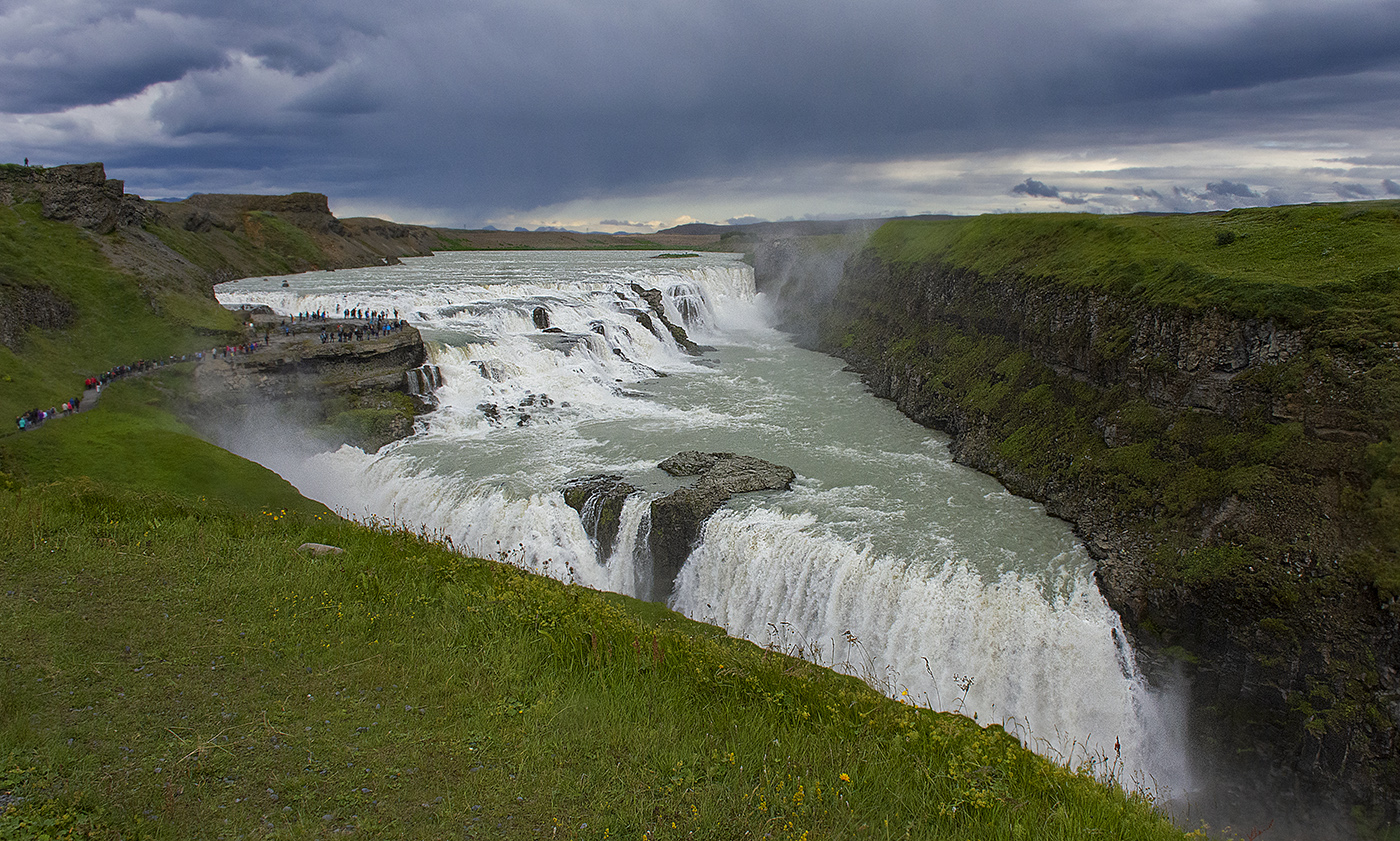
A very dramatic image of the falls. You did a great job with the HDR. I would not have known it was used. You have pretty good detail in the cliffs for a midday shot. I agree with the others that wider angle view might have been better. |
Aug 4th |
| 36 |
Aug 20 |
Comment |
Really nice image! Composition is great. The pano crop works great for it. It really conveys a sense of isolation. |
Aug 4th |
| 36 |
Aug 20 |
Comment |
That's a really nice image, Larry. I love the swirling pattern in the water and the stars in the sky, which to my eye almost looks light daytime except for the stars. It gives it an almost otherworldly feel. I do see the horizon problem. One thing you can do is rather than aligning the somewhat irregular landscape to a horizontal grid line in Photoshop, use the vertical of the building. To my eye it seems off a degree or two clockwise. I do agree with Micheal that the stone in the structure could be a little sharper. What I do is duplicate the layer and set if for smart filter, and then use an unsharp filter set really sharp, about 350 or so. Then I create a layer mask set to black and paint in the sharpness on the elements I want to sharpen with a soft white brush set to a flow of about 8% on the layer mask. I usually overdo it a bit and then use the layer opacity setting to back it off. I saw this technique in a YouTube video to fix up images that were slightly out of focus. This way you are only sharpening the important parts of the image, not the entire thing. |
Aug 4th |
6 comments - 0 replies for Group 36
|
6 comments - 0 replies Total
|