|
| Group |
Round |
C/R |
Comment |
Date |
Image |
| 38 |
May 25 |
Comment |
Thank you, Marge. |
May 26th |
| 38 |
May 25 |
Comment |
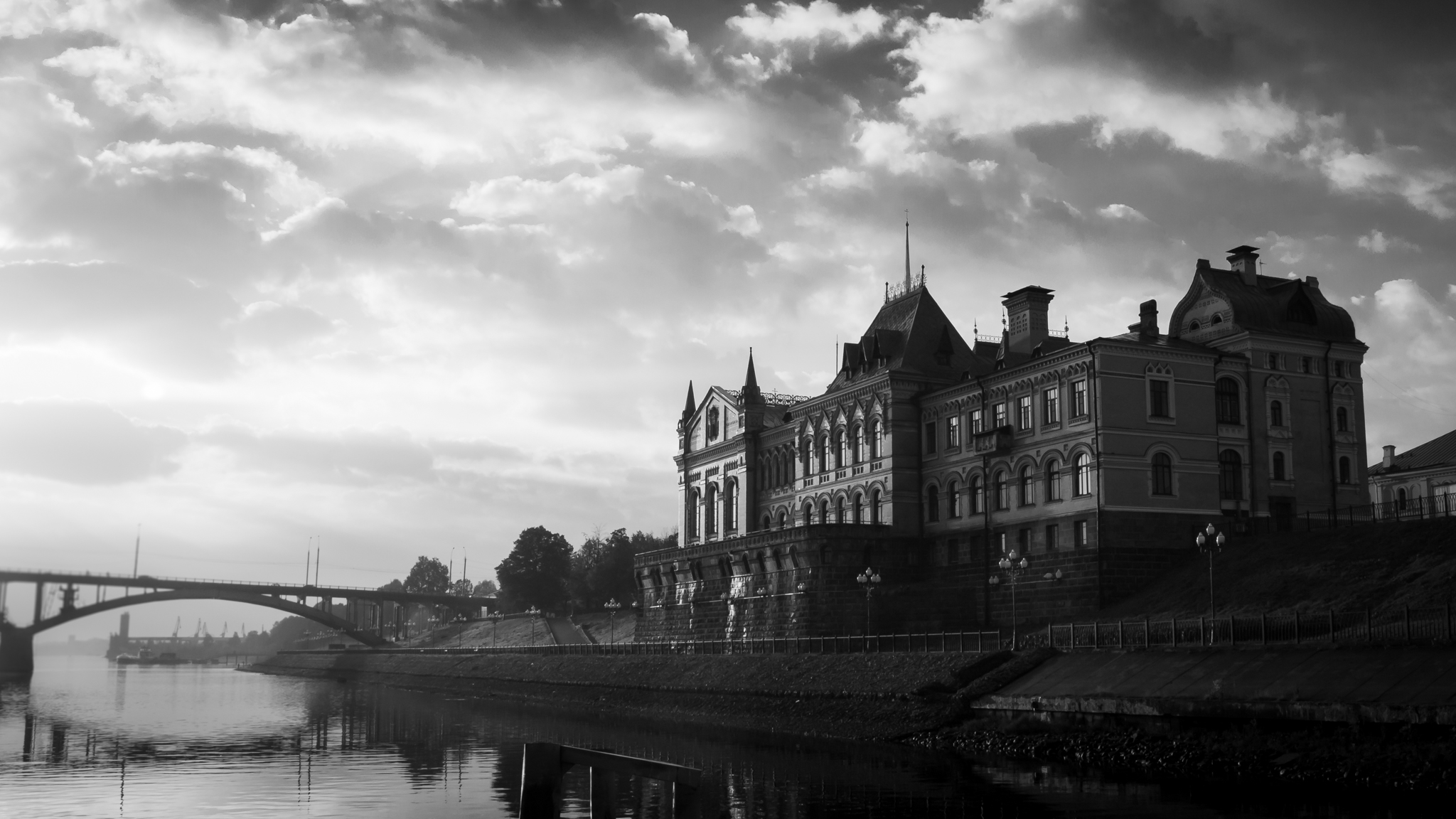
First, there is a feature in Photoshop 2025 that does a pretty good job of eliminating window glare/reflections. It's just a nightmare (in my opinion) to find and use. You may need to go to You-Tube to find an instructional video. Good luck. You are a very good photographer and when I saw your picture, I had to ask why you took a picture with a HUGE post smack-dab in the middle of the image. Maybe it wasn't possible, but if you had moved closer to the window you might have eliminated both the glare and the distracting post. It's true that most window glass is NOT optical glass so there would have been some distortion. But, I think the trade-off would have been a good deal. I rarely carry my CP filters with me so that option might be unrealistic. Just food for thought for later situations. |
May 9th |
| 38 |
May 25 |
Comment |
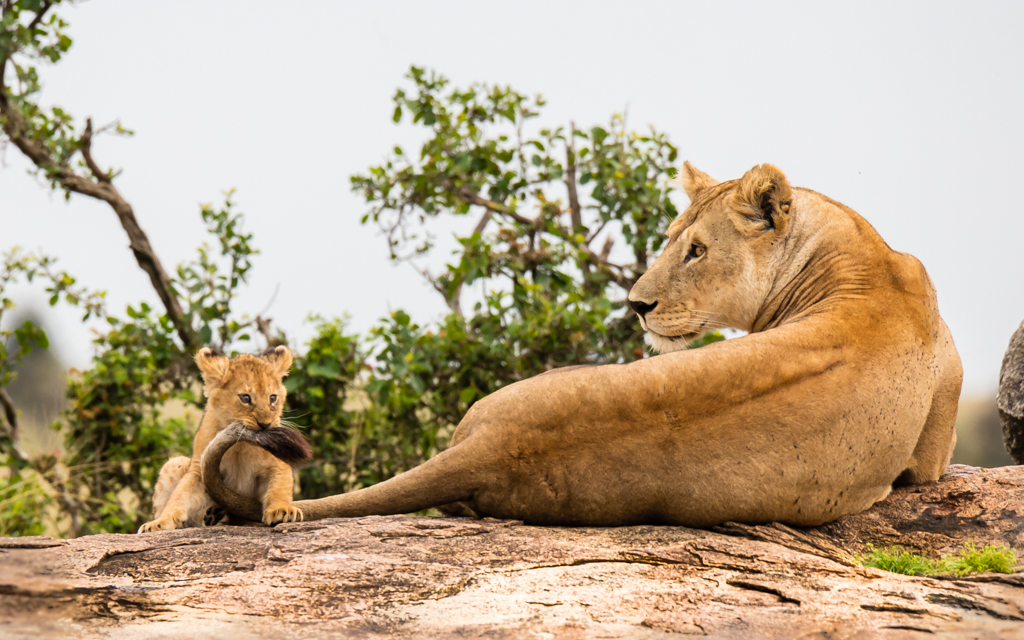
For me, I don't think the image looks over processed, but as I like to remind myself, it is a visual medium and we all see things a little differently. I use Topaz Photo AI on most of my images. I've seen videos that purport to demonstrate that it doesn't make a difference (or it does) whether you denoise first or sharpen first. Do your own test. I always denoise first but that is the work flow I'm most comfortable with. I nearly always use the auto-pilot recommendations unless I don't like the results. Honestly, I have tried both and don't see a difference, but...
Nice shot of a wood duck in flight. |
May 9th |
| 38 |
May 25 |
Comment |
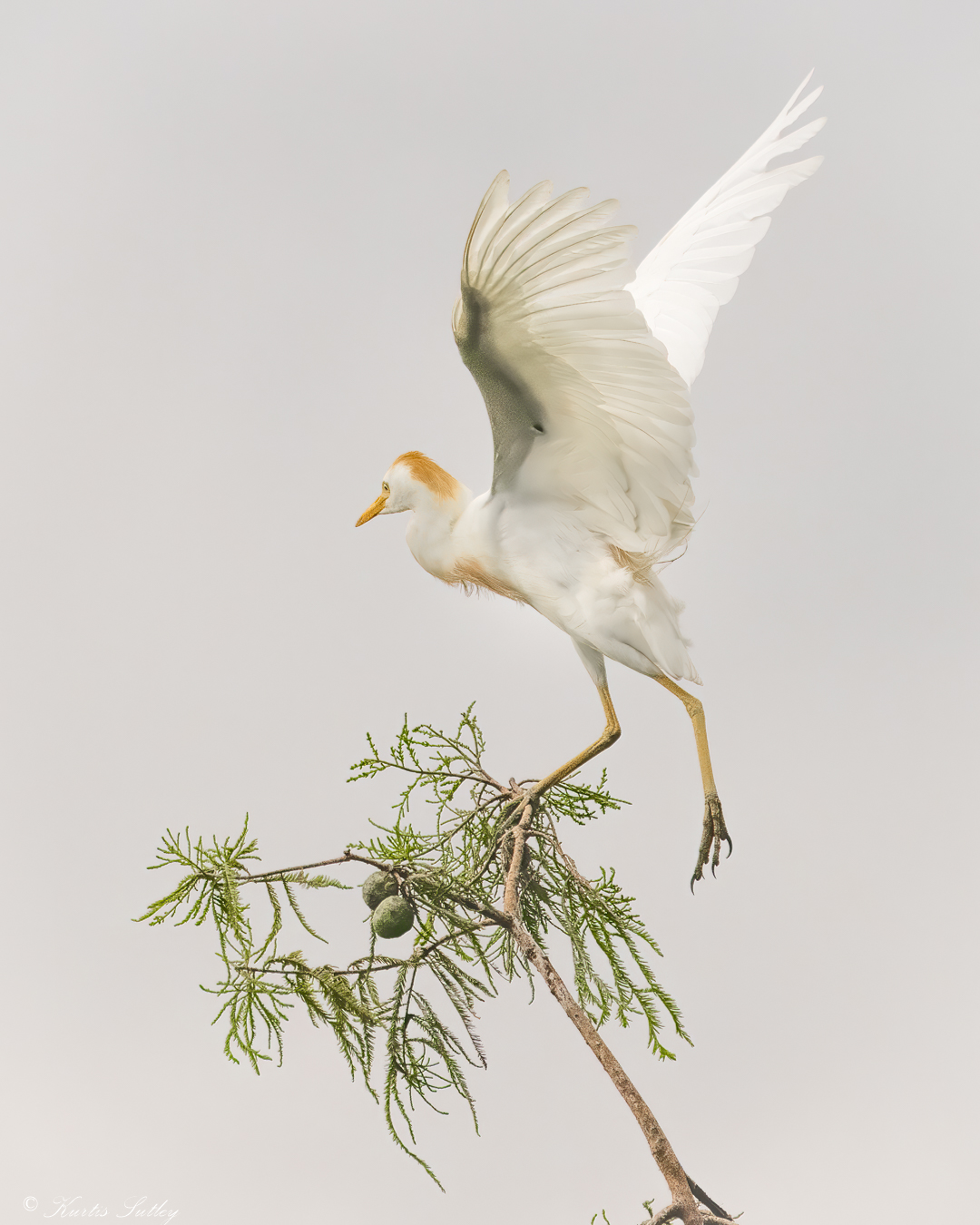
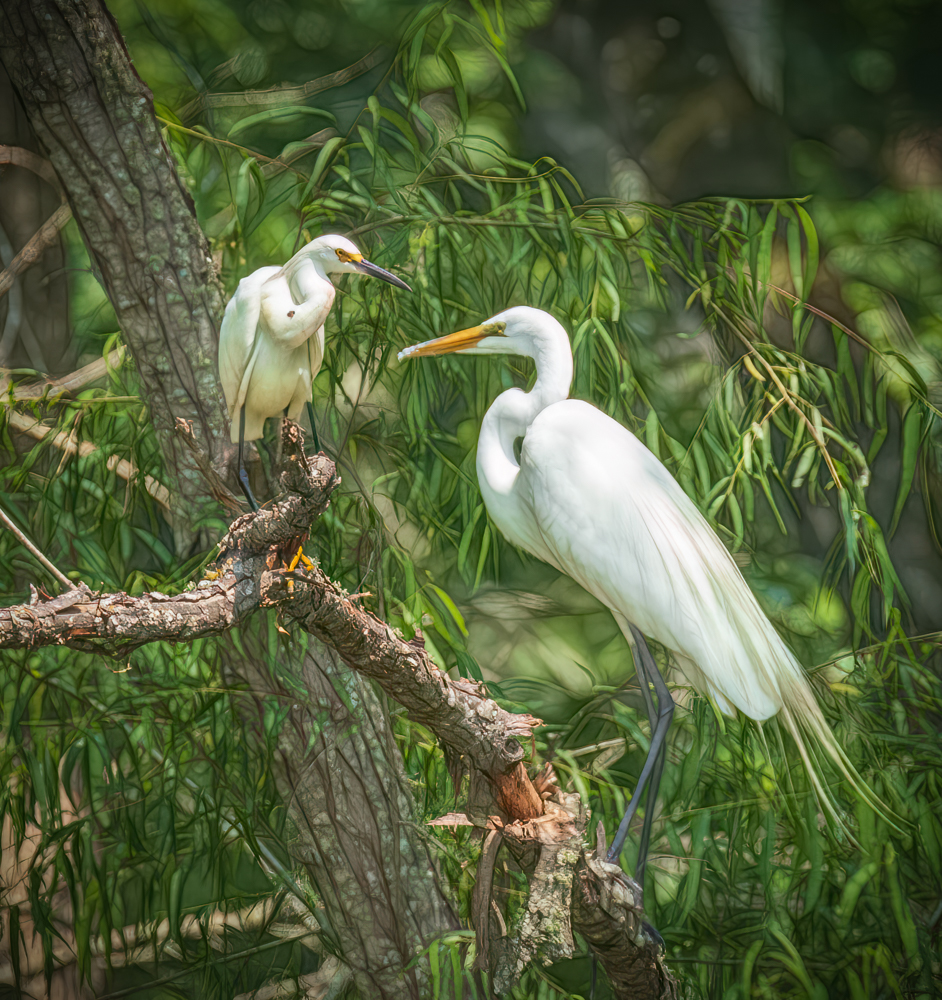
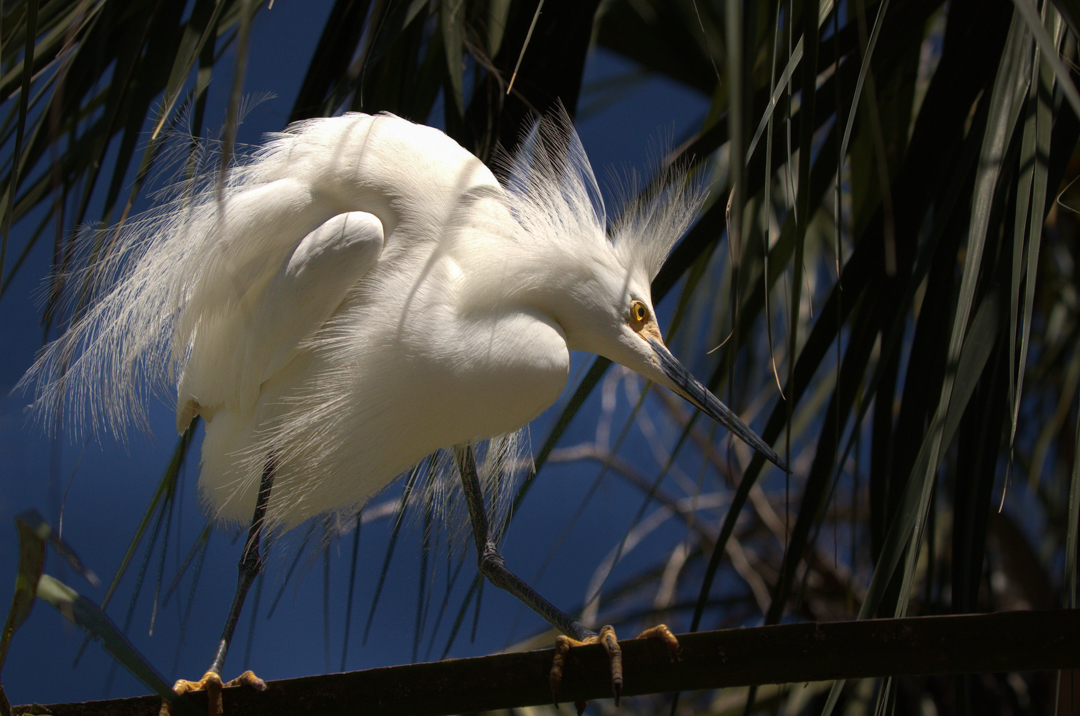
You did a good job capturing the egret without a bunch of foliage distracting the subject. You didn't say, but it looks like you may have been using "spot" metering because the feathers on the egret's back are blown out and have lost all detail. For me the subject blended too much into the background. I actually darkened the background and lightened the shadows on the bird. I added a bit of a vignette on the right using the radial masking tool in Lightroom CC. If you weren't already, in these situations I like to use "evaluative" metering. Reducing exposure with "exposure compensation" by 1/3 - 2/3 stops may have saved the details in the back feathers. Just food for thought. |
May 8th |
 |
| 38 |
May 25 |
Comment |
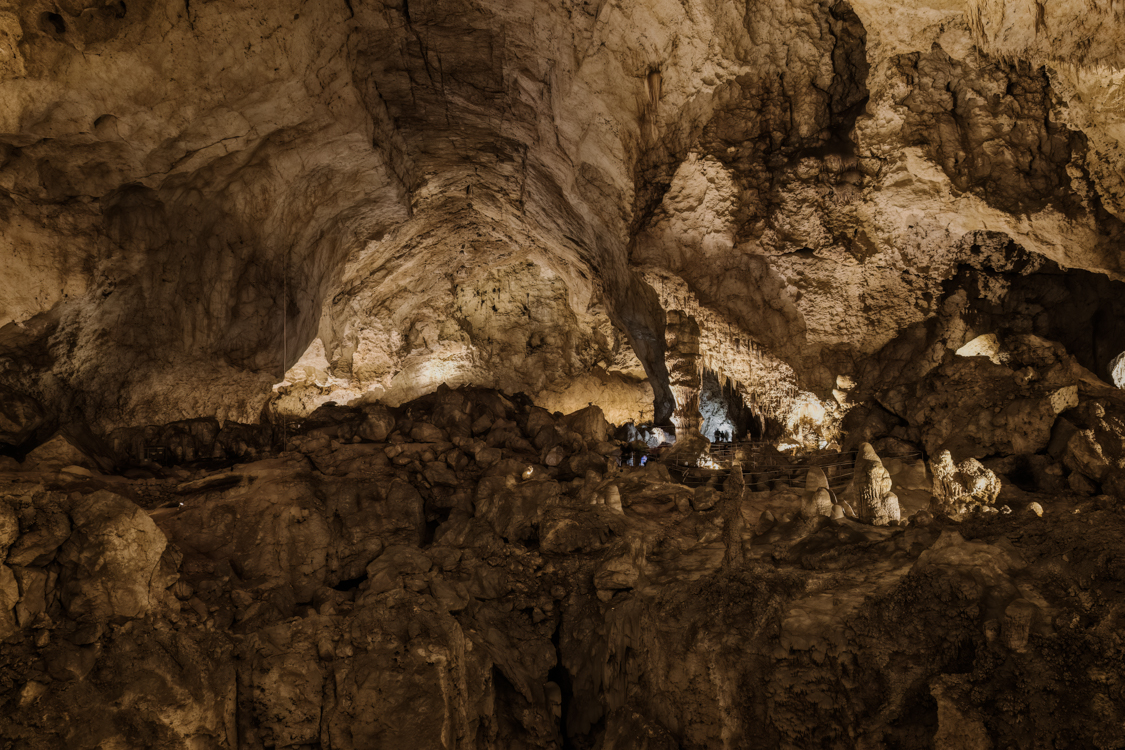
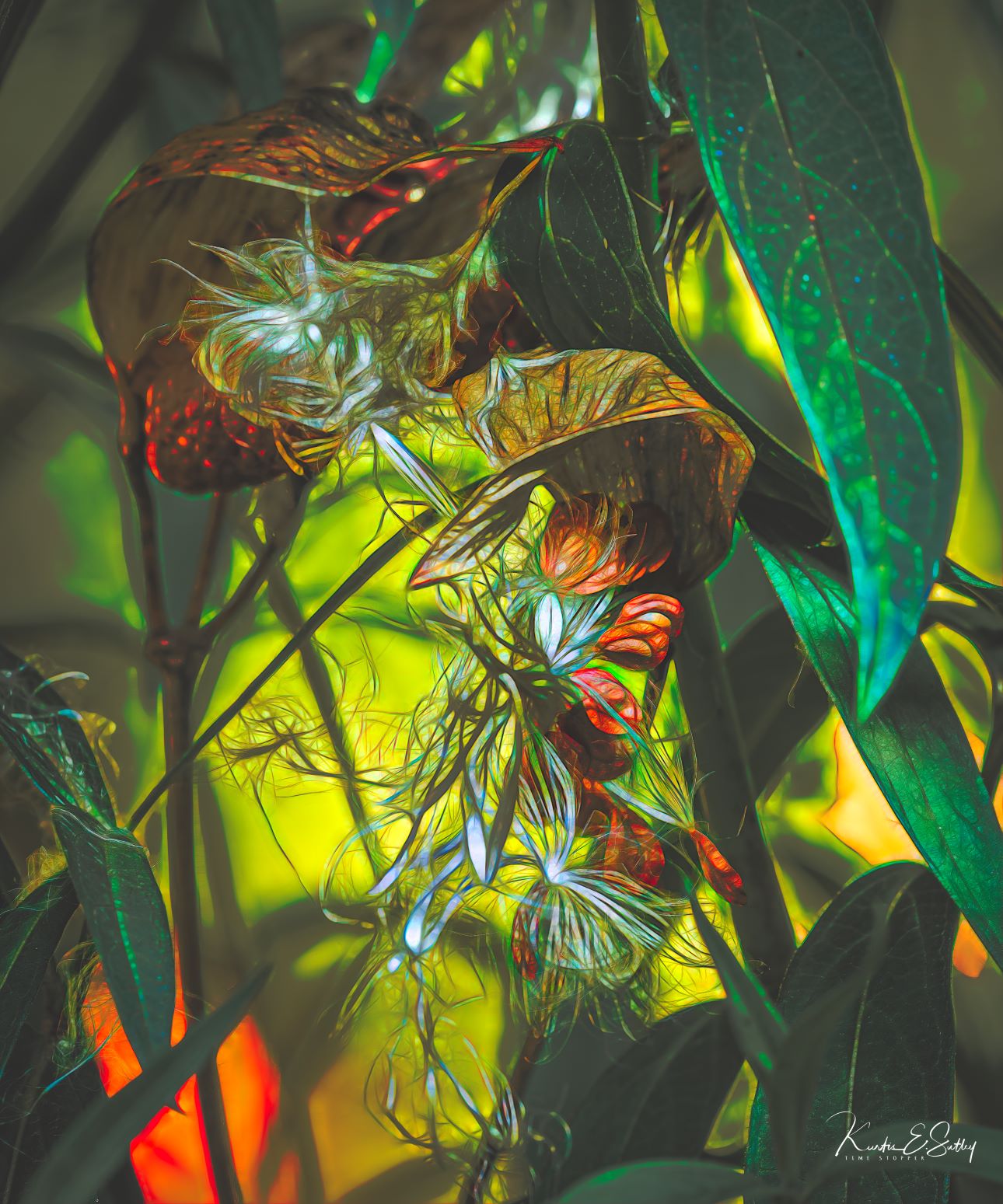
Interesting, in an academic kind of way. My first response (literally) was "What in the world!?". Like I said, interesting. I'm not sure where my eyes are supposed to go. For me it's too busy, but that's just me. You didn't leave much of a clue what and where this is. Can you elaborate? Kudos for even noticing the opportunity. |
May 8th |
| 38 |
May 25 |
Comment |
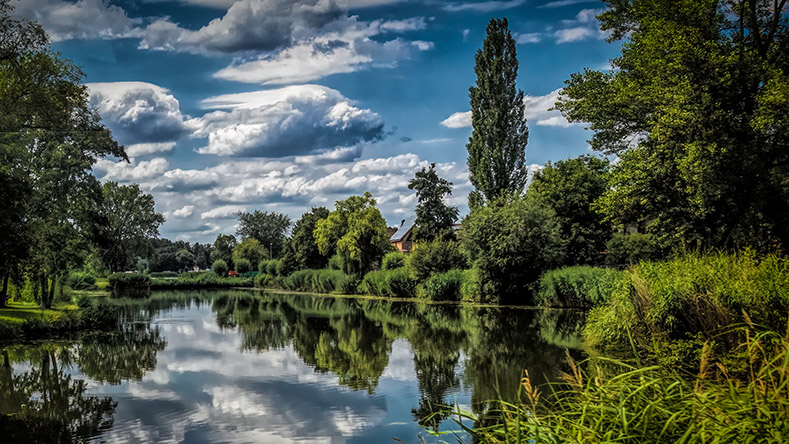
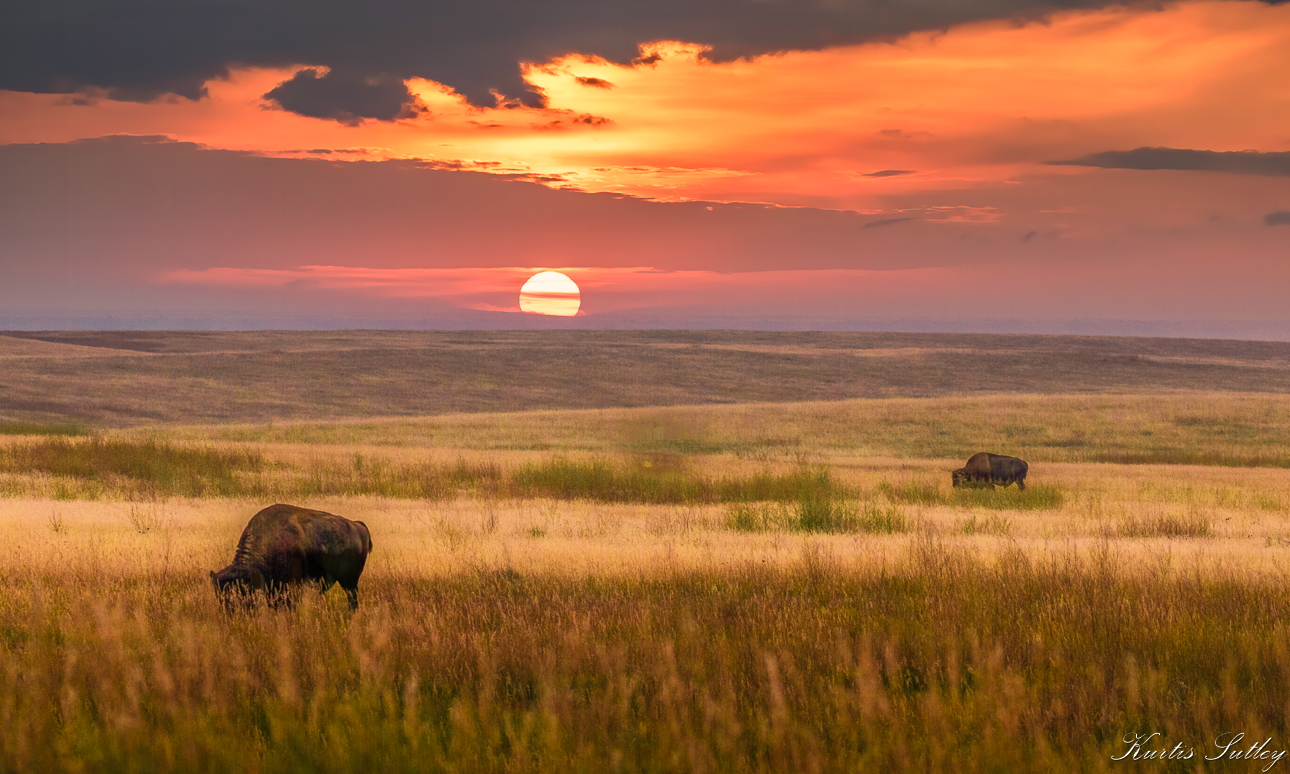
Very relaxing. The sun draws me into the layers of red. I like that you left just enough (in my opinion) detail in the lower shadows to keep my attention on the whole image. Very nice. |
May 8th |
6 comments - 0 replies for Group 38
|
6 comments - 0 replies Total
|