|
| Group |
Round |
C/R |
Comment |
Date |
Image |
| 30 |
Aug 19 |
Comment |
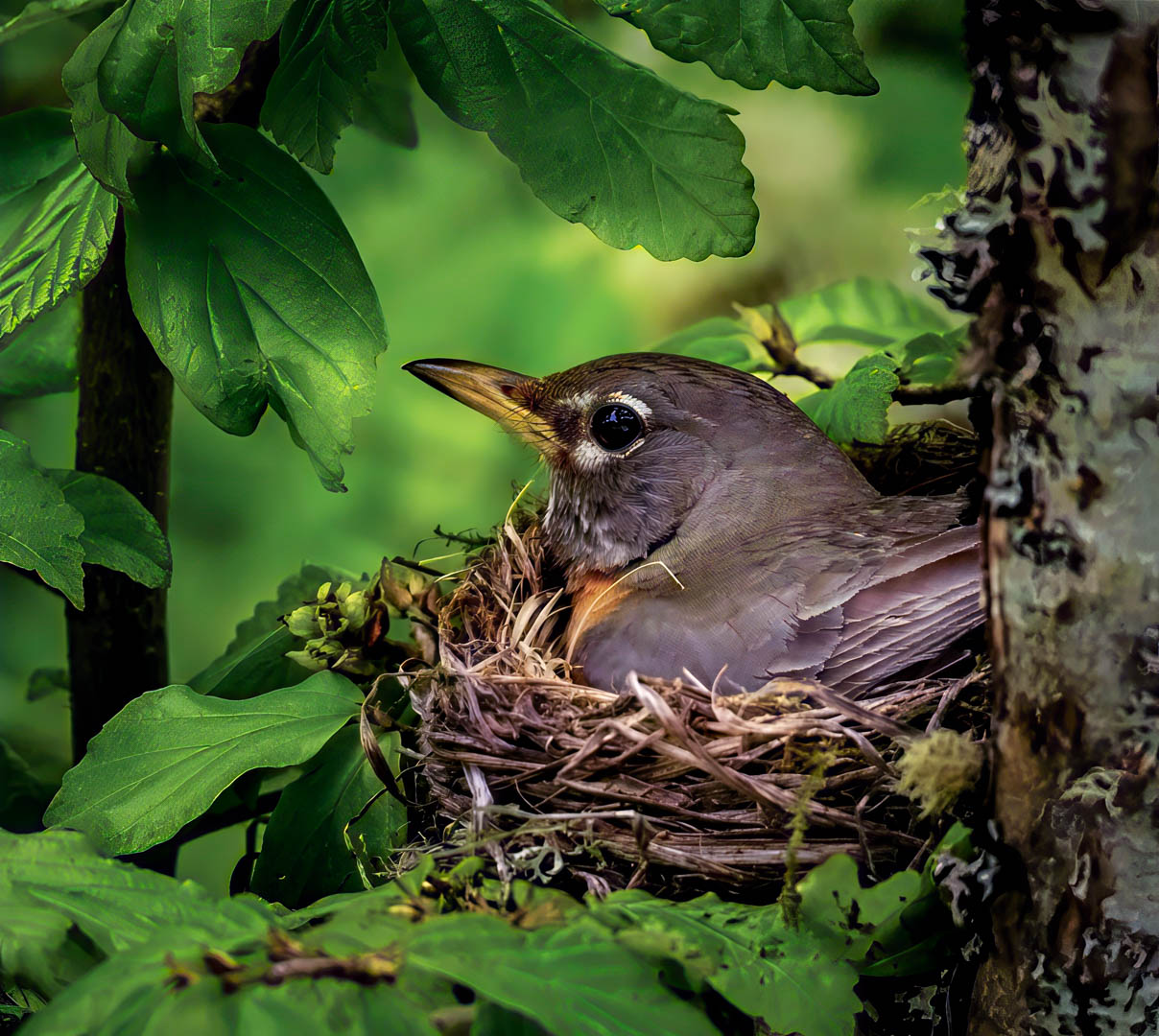
This little guy is definitely well camouflaged. Because of that, it is difficult to see him as the subject. I cropped more off the top and tried to reduce the hilites on him. |
Aug 10th |
 |
| 30 |
Aug 19 |
Reply |
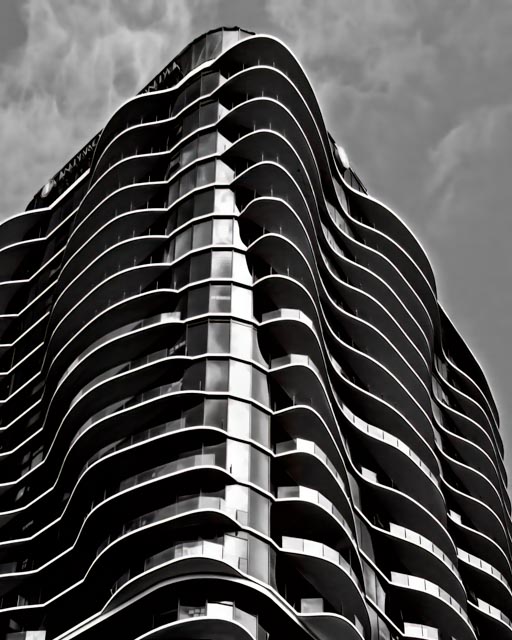
Yes. You are right. Plus with black and white images the first thing you want to do is check the black and white points to get the best contrast. |
Aug 7th |
| 30 |
Aug 19 |
Comment |
|
Aug 6th |
 |
| 30 |
Aug 19 |
Comment |
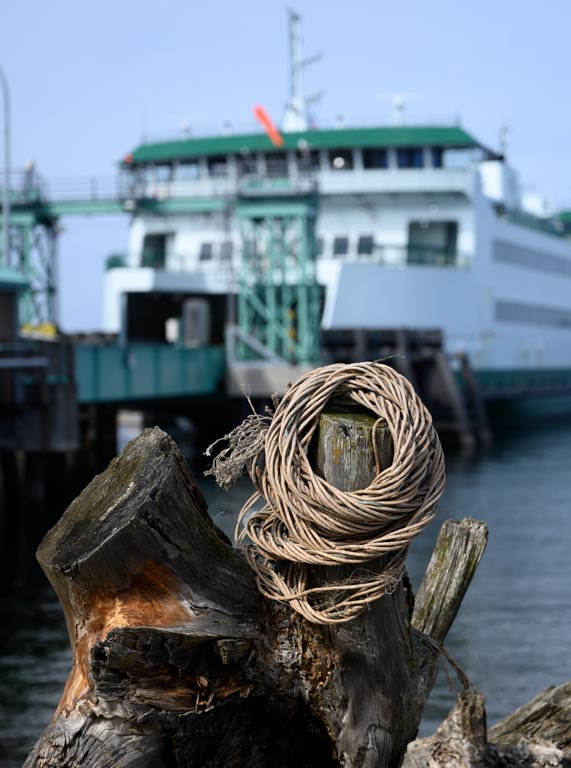
I just now went in and played with your image. I decided, as it appears did Leonid, that the buoy is distracting so I removed it and brightened the image slightly. |
Aug 6th |
 |
| 30 |
Aug 19 |
Reply |
Thank you Leonid. I think I did give it a softer effect.
|
Aug 6th |
| 30 |
Aug 19 |
Reply |
Thank you Leonid. I like it, but was a little confused by it as well.
|
Aug 6th |
| 30 |
Aug 19 |
Comment |
Very clever image, way beyond my skill level in compositing... Three questions: 1. why is the hand on the clock burry? Is that part of the story or can it be made sharper? 2. The point of impact for the rock (hole in the glass)... is it possible to make it more obvious? 3. I am not sure if the rock is going in or coming out towards the viewer? Since there is a hole in the glass I'm assuming it is coming towards the viewer??? Doesn't quite make sense to me. But, as said before, WAY beyond my skill level.
|
Aug 6th |
| 30 |
Aug 19 |
Comment |
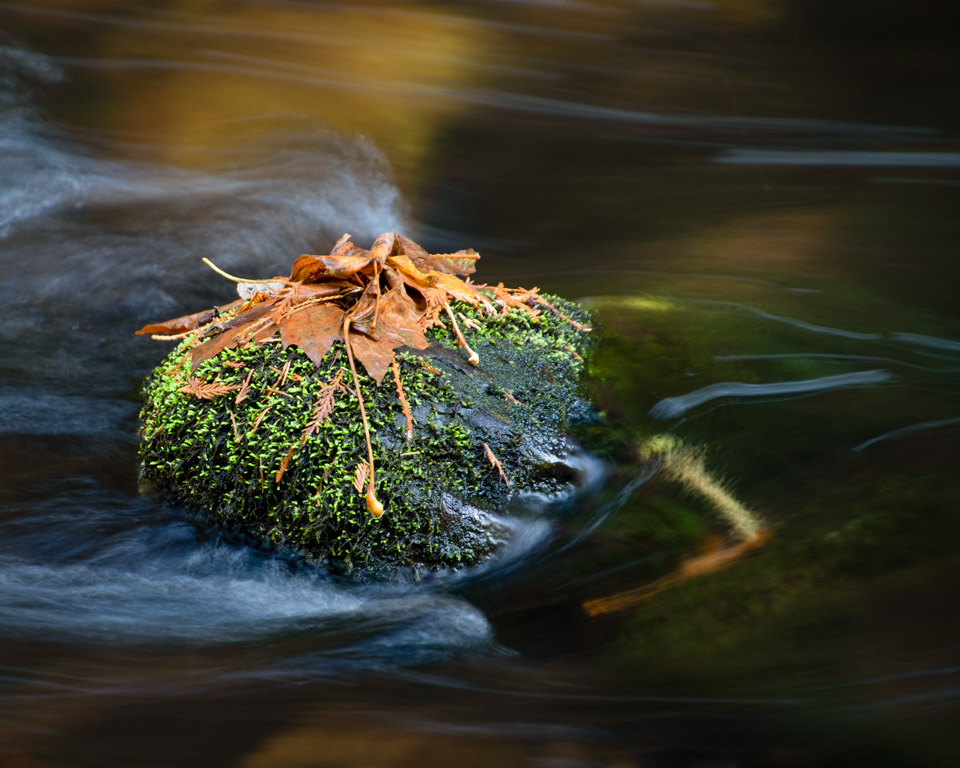
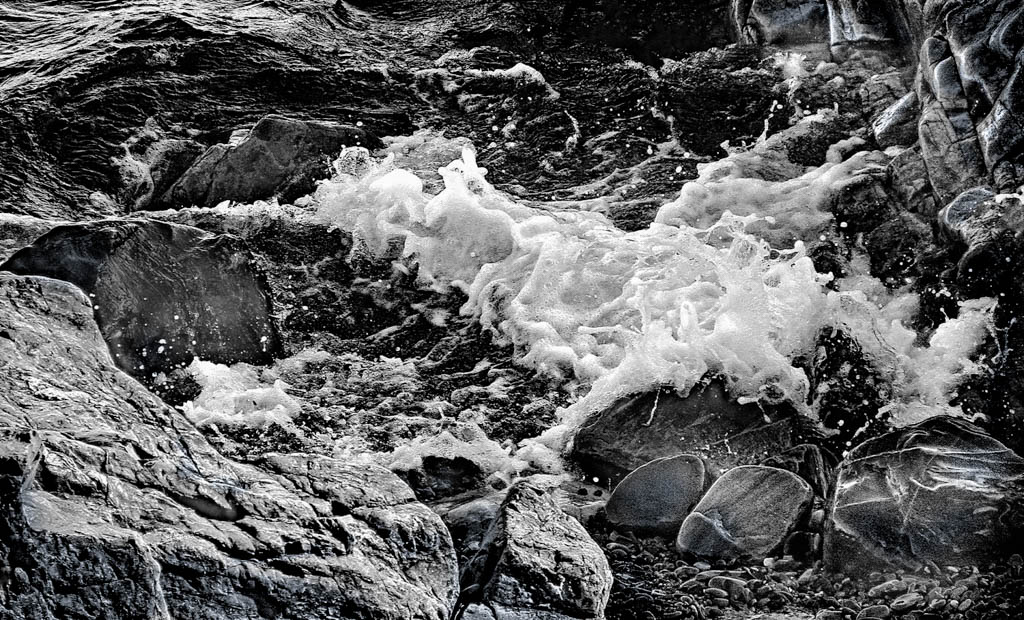
Robert, I spent a little time trying to rework the bw image. It seemed grainy and flat. First I took it into Topaz AI to reduce some of the noise. Then I played with the tone curves in attempt to bring more contrast. Finally I used a brush in LR to selectively brighten the waves with special emphasis on brightening the foamy "tips" of the waves. I used a brush to selectively lighten and darken areas of the rock as well. I''m not the best at post processing but am trying to learn to better do these steps.While my attempts are not perfect I hope they might give you some ideas about selectively dodging and burning areas of the image to create more depth. |
Aug 6th |
| 30 |
Aug 19 |
Comment |
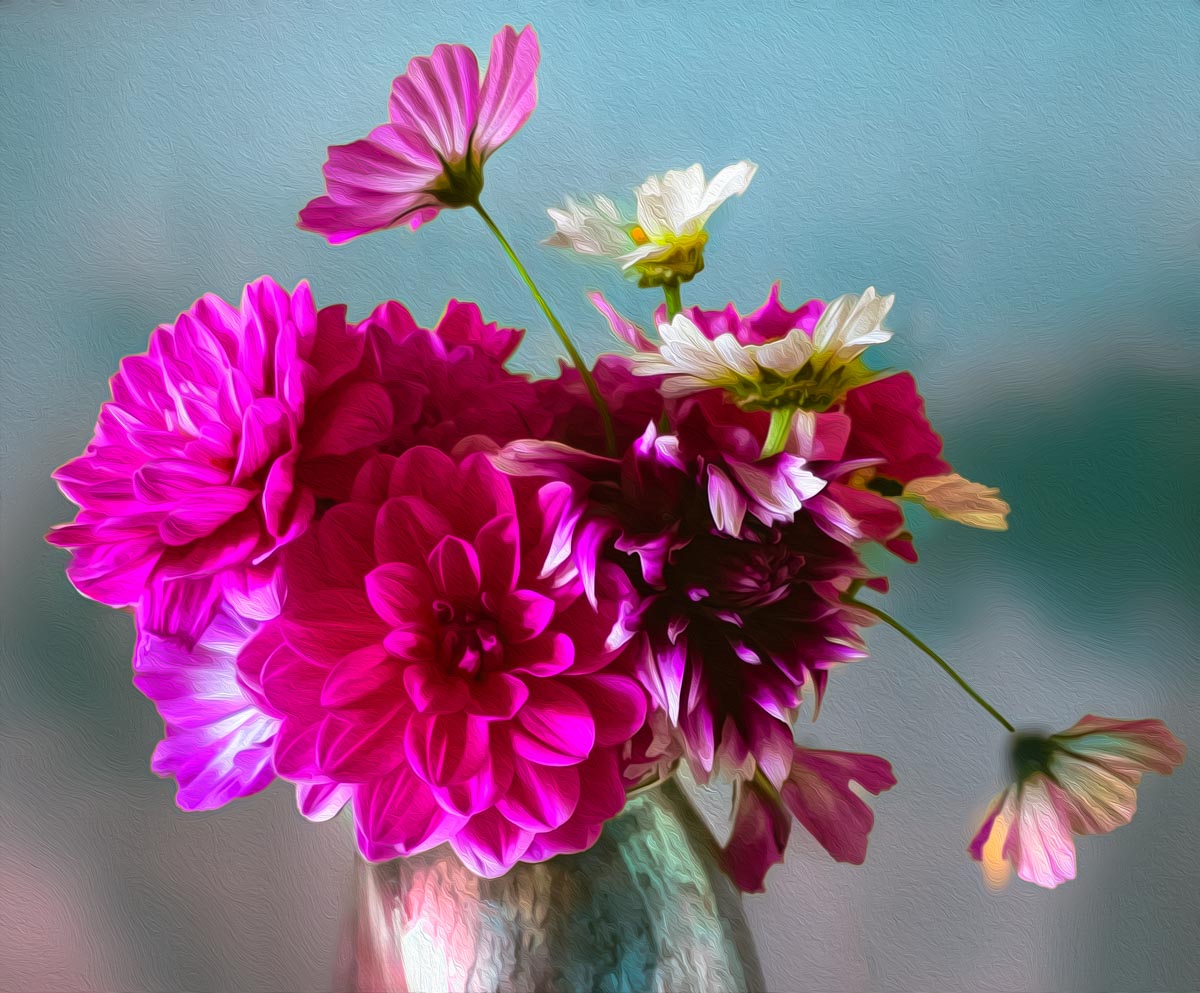
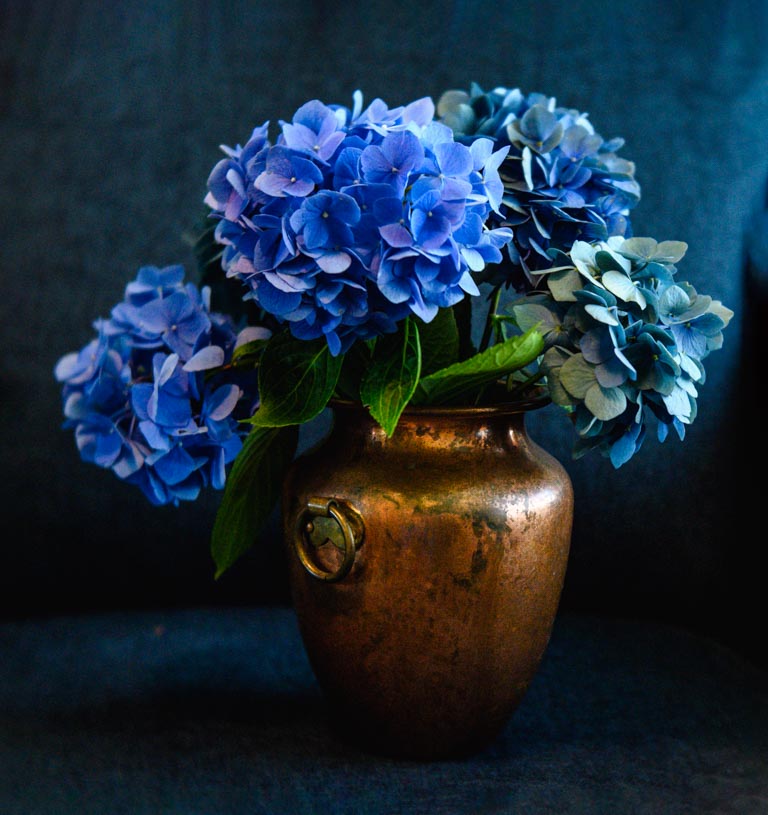
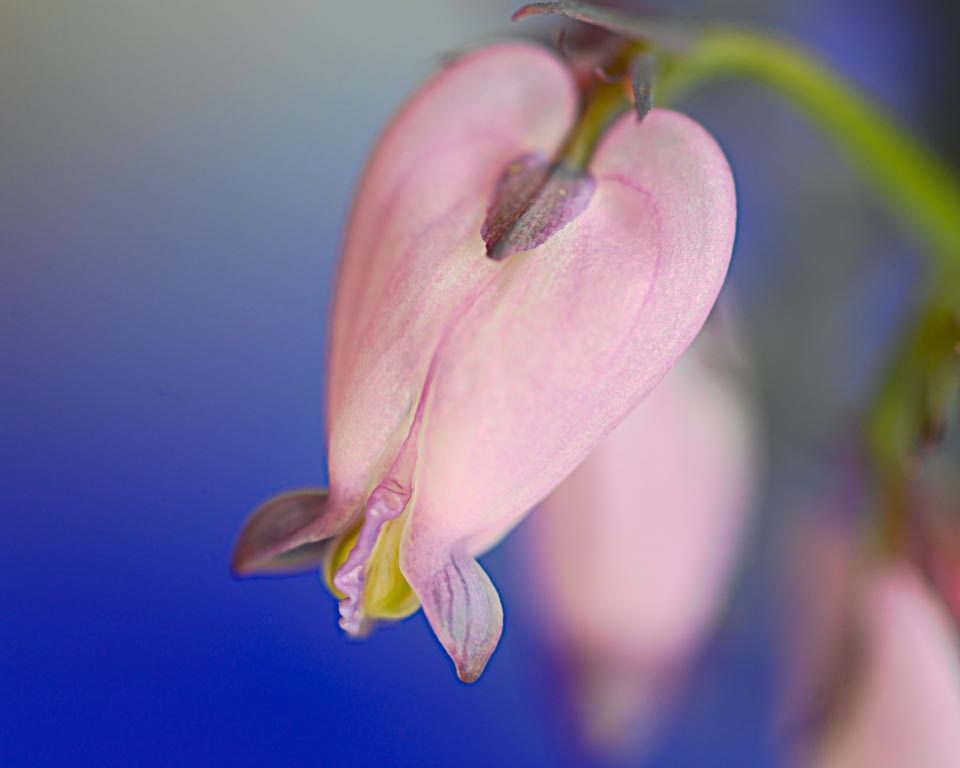
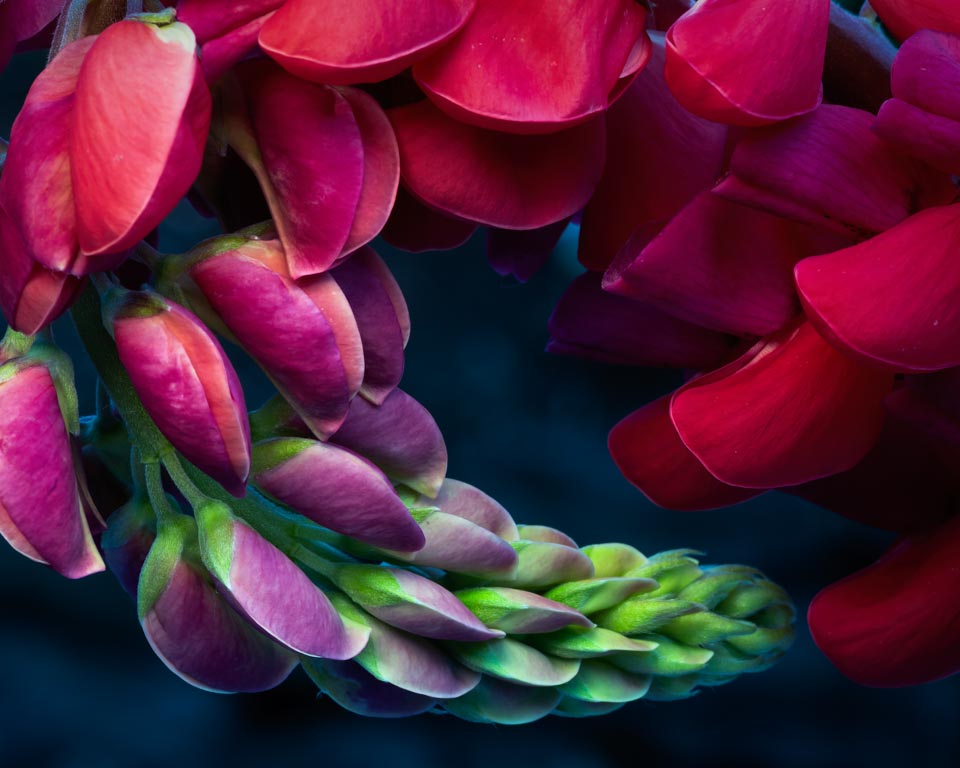
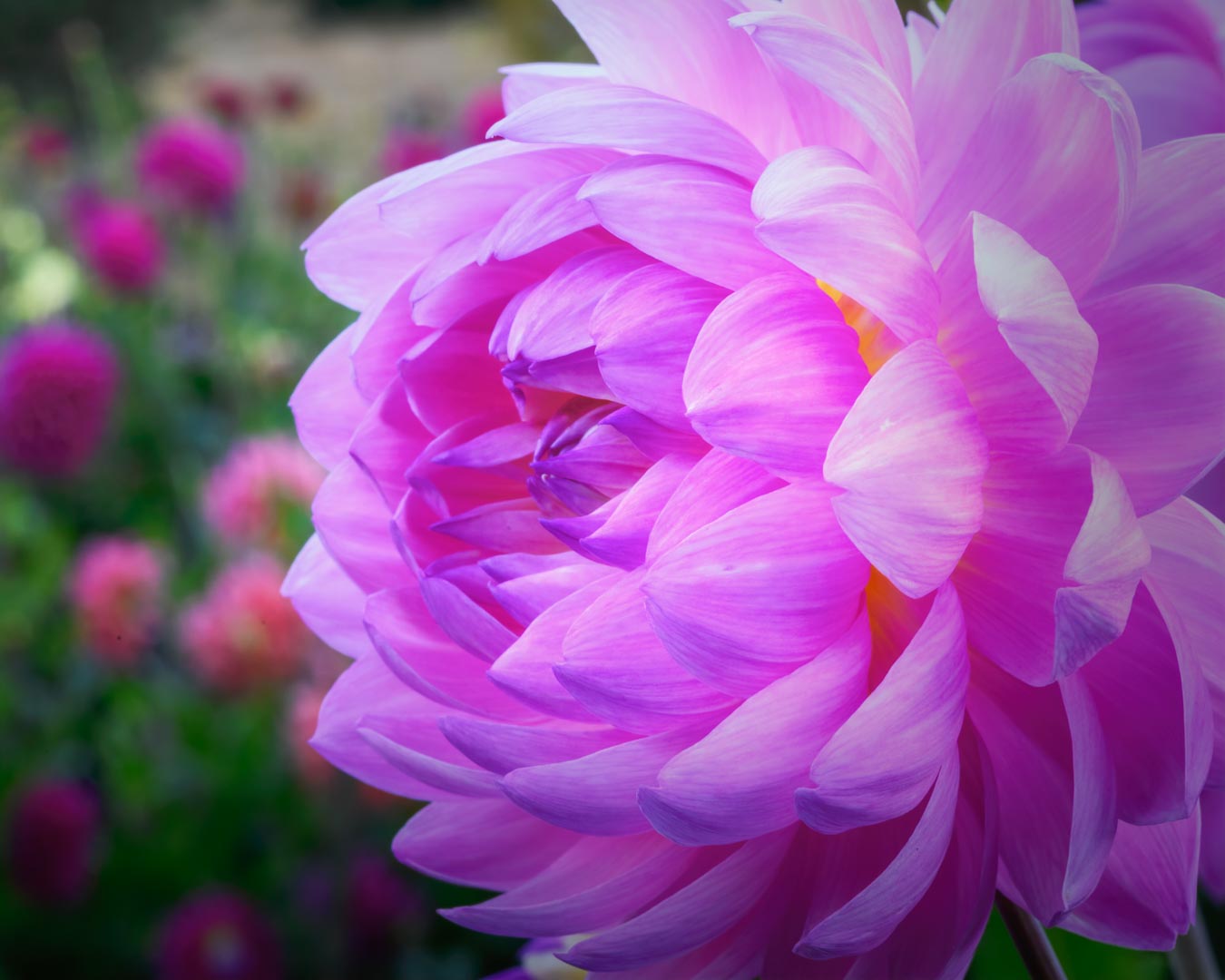
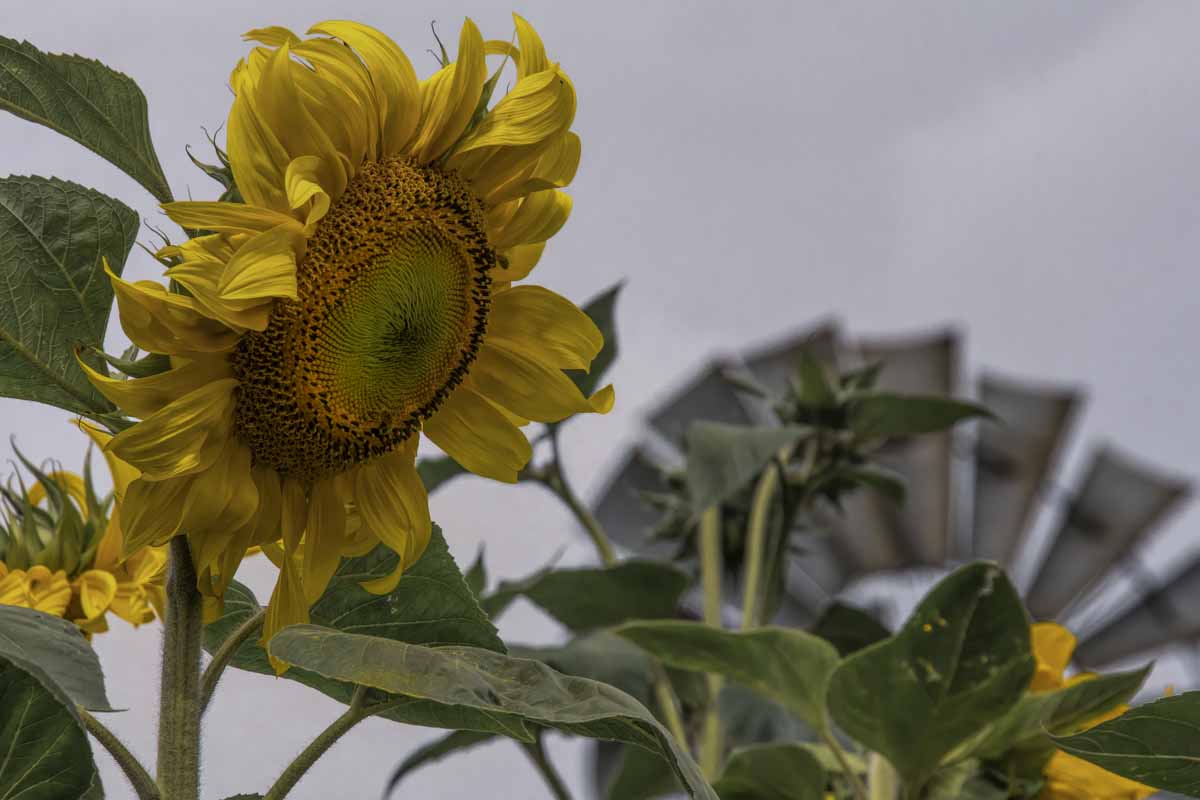
You did a great job capturing the color and detail on these lovely flowers. I like the colors in the image including the blue fence or wall. For me the four green upright branches in the background are a little distracting. I would try cloning them out or blurring them more. The other foliage works perfectly. |
Aug 6th |
| 30 |
Aug 19 |
Comment |
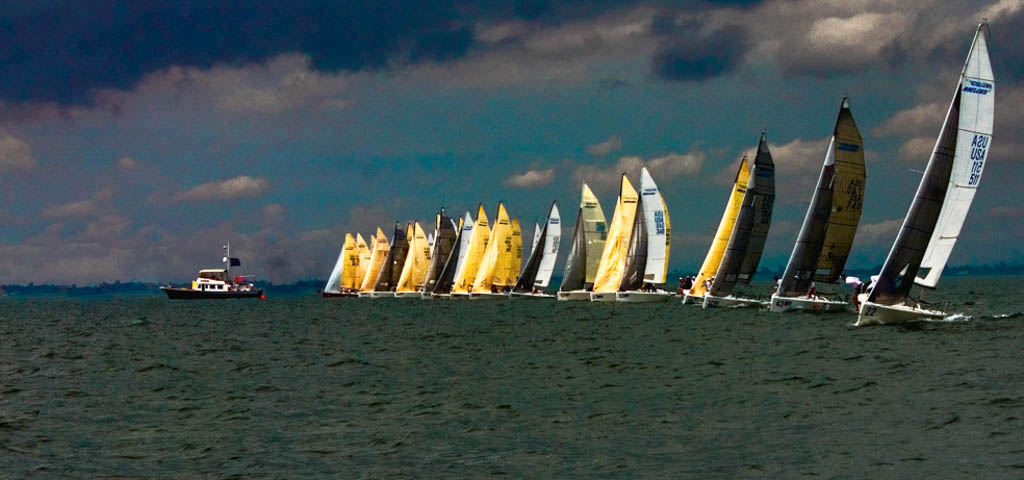
Interesting subject. A couple of things that work well with this image (in my opinion): the white sail on the far right is the largest, but this doesn't matter because the smaller sails closer to the center, have a pleasing bright golden color, drawing our eyes to them. I feel my eye goes from the large sail on the right, down the leading line of boats to the judging boat, then to the red buoy. What I would like to see: over all lighter sky and water. Not a lot, but it feels too dark for me. I would keep the buoy red, but possibly reduce the luminance. It's brightness overwhelms that of the subject boats for me. |
Aug 6th |
| 30 |
Aug 19 |
Reply |
I enjoy photojournalism, but am often hesitant to intrude with my camera as well. My "story" fits then, if the hospital is that close.
Absolutely, try again with the cloning, otherwise I still recommend cropping the feet out.
|
Aug 2nd |
| 30 |
Aug 19 |
Comment |
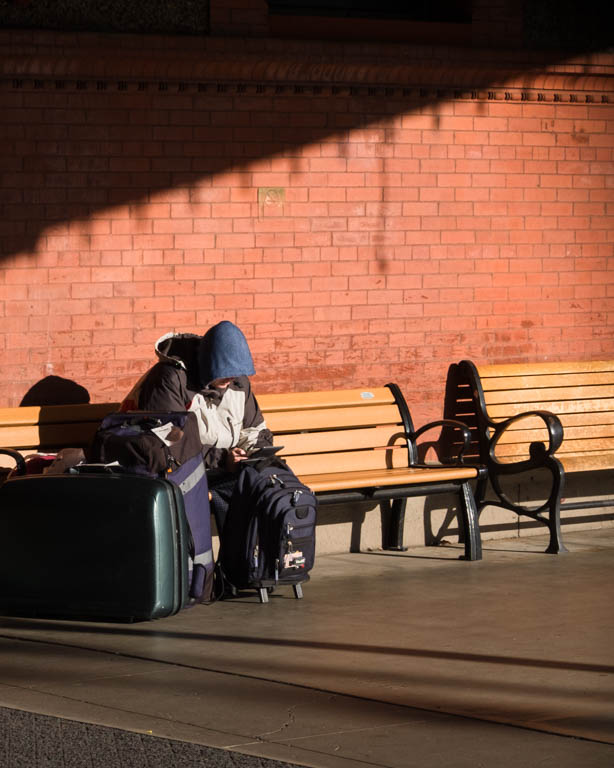
This image tells a story, and makes me feel sad. I'm guessing he was recently released from a hospital: he has a hospital wristband on his left arm, and the yellow socks are "hospital" socks. Yellow socks mean "high risk for fall". They released him but he has no place to go. As per photographically, I agree about removing the car, but I would also crop to just above his pants cuff. I'm sorry to say the area you cloned does not look right. Good story, however.
|
Aug 2nd |
| 30 |
Aug 19 |
Reply |
Robert, Thank you for your critique. This is exactly the sort of in put I am looking for.
|
Aug 1st |
8 comments - 5 replies for Group 30
|
8 comments - 5 replies Total
|