|
| Group |
Round |
C/R |
Comment |
Date |
Image |
| 29 |
Sep 25 |
Reply |
Thank you, Judy. Topaz has changed to Topaz Photo, and should be a free upgrade for Photo AI owners. I downloaded it on our three PC's and it is quite new. Gigapixel remains the same, but may have upgrades since you haven't been able to work much.
You know I like to push boundaries, and your edit sure does that. I love it when members try new stuff. |
Sep 29th |
| 29 |
Sep 25 |
Reply |
Thanks, Karen. It probably doesn't appeal to many people, it just seemed too nice having the triangles to dump. Maybe I can use a wave or some other filter to make it interesting, without distracting from the eagle, and flag. |
Sep 23rd |
| 29 |
Sep 25 |
Reply |
Highlights is probably the wrong word. There is too much white outlining her leg, and the poles in the background are also too white, in my opinion. Just nitpicks for me. It is still a great sport shot. |
Sep 19th |
| 29 |
Sep 25 |
Reply |
Thanks Tim. Good ideas, and I'll see if I can remove them in PS or LR. I might leave the flag as a third element?? |
Sep 18th |
| 29 |
Sep 25 |
Reply |
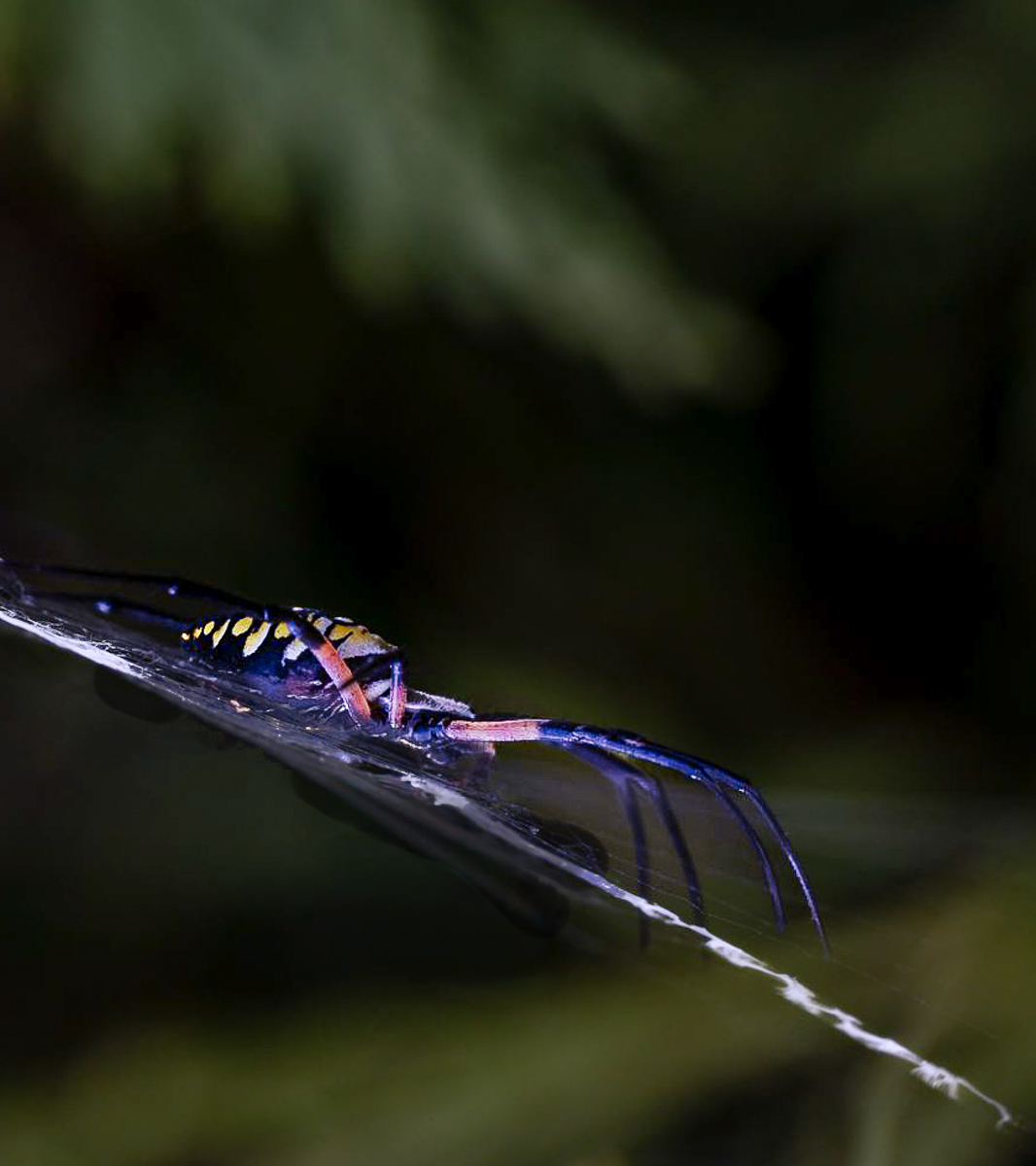
Yeah, I should have cropped more from the left on the flip. I just can't figure out what all the black stuff is. The tighter crop hurts the clarity.
|
Sep 18th |
 |
| 29 |
Sep 25 |
Reply |
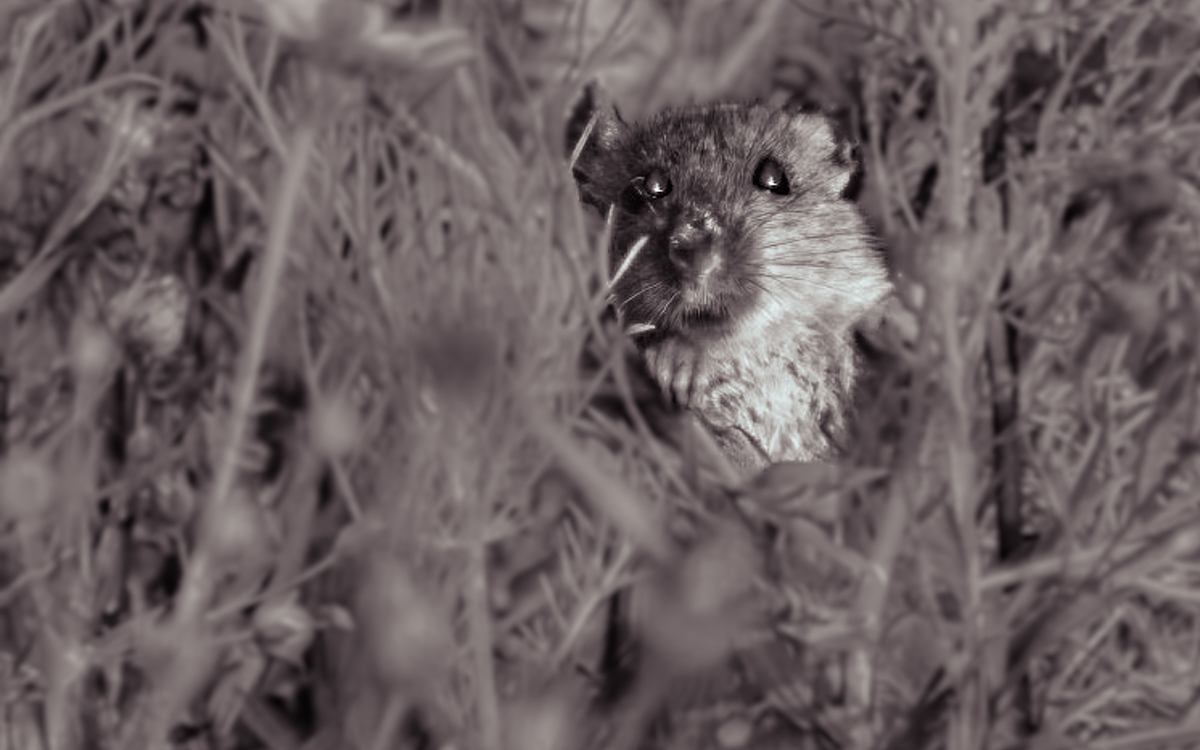
I agree that it could be more striking as a B&W. Here is one option I tried in LR and cloned the right eye over the left since it was blocked by some grass. It could be cloned better but you get the idea, if it appeals to you. |
Sep 18th |
 |
| 29 |
Sep 25 |
Reply |
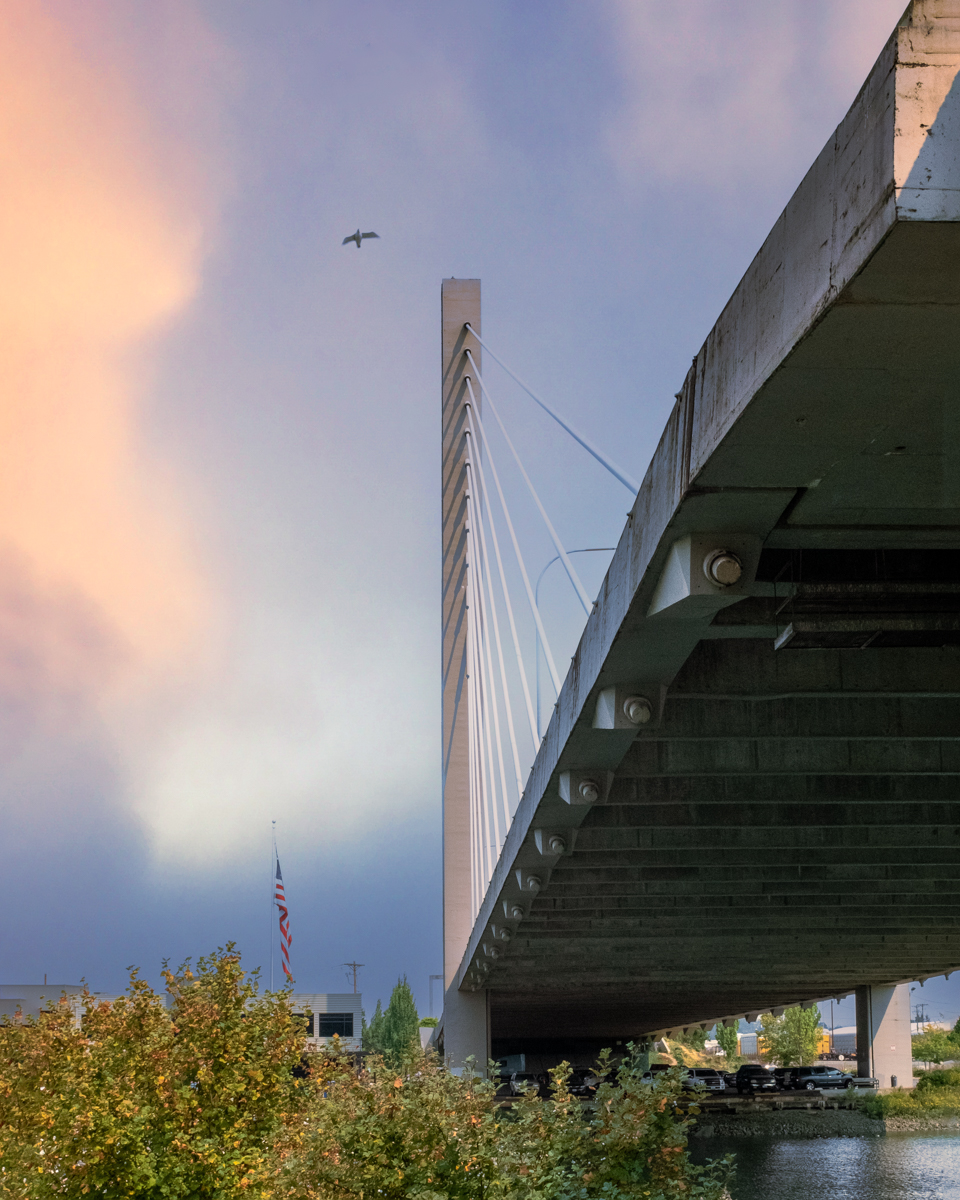
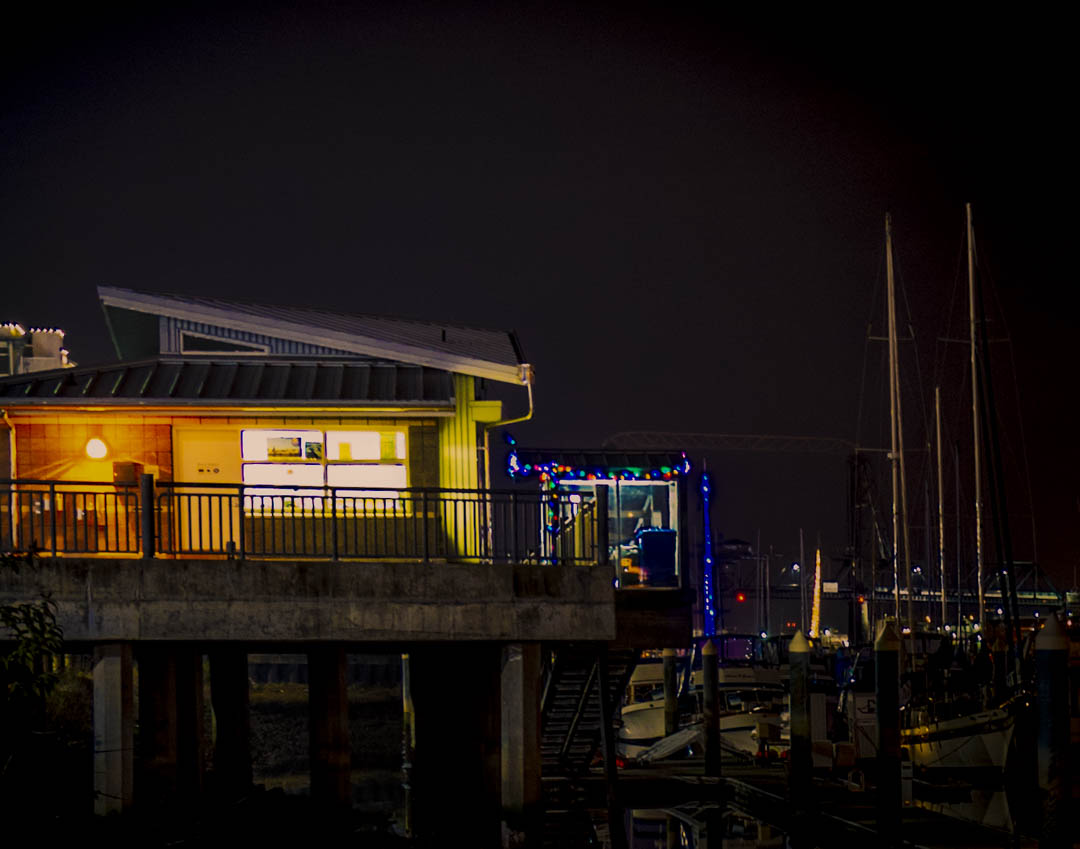
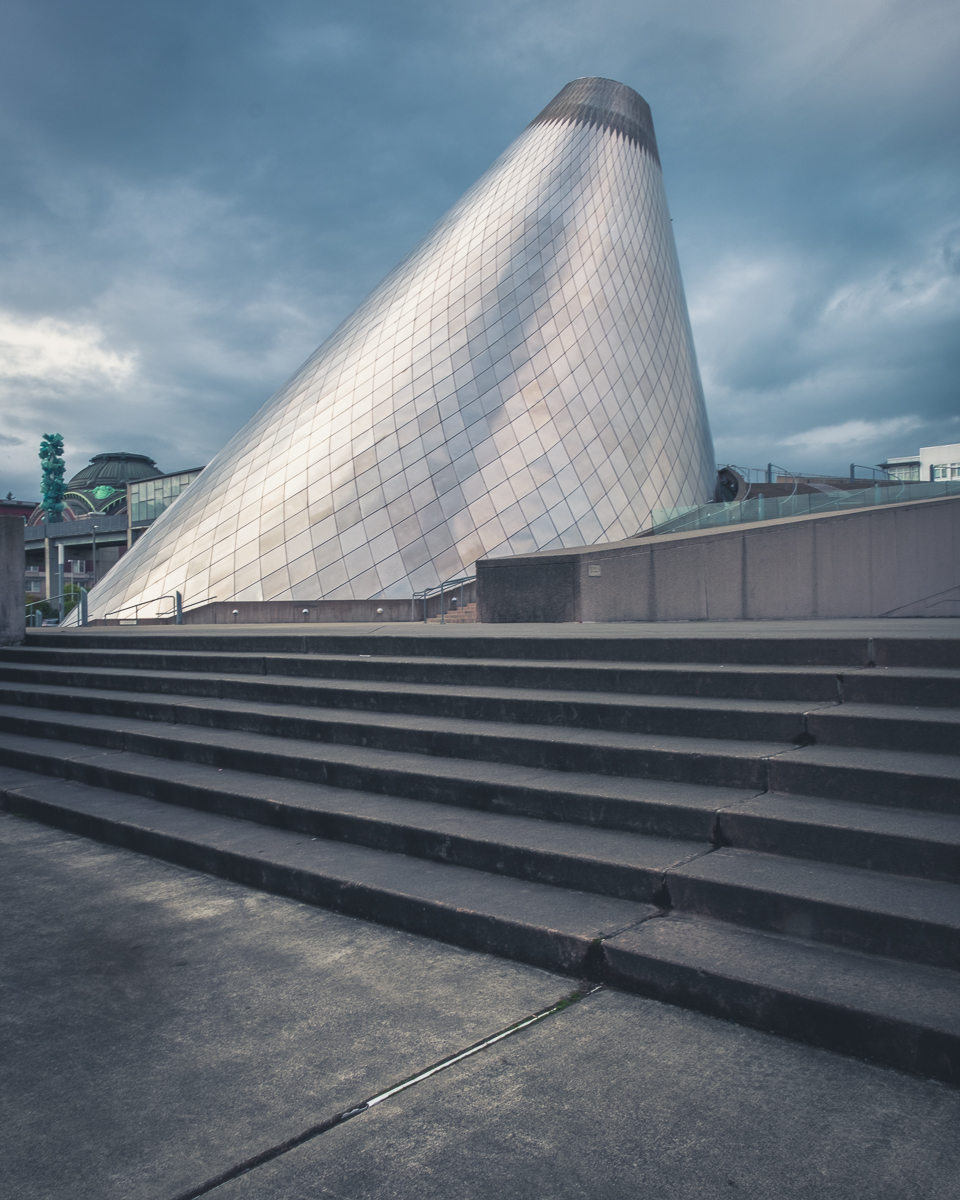
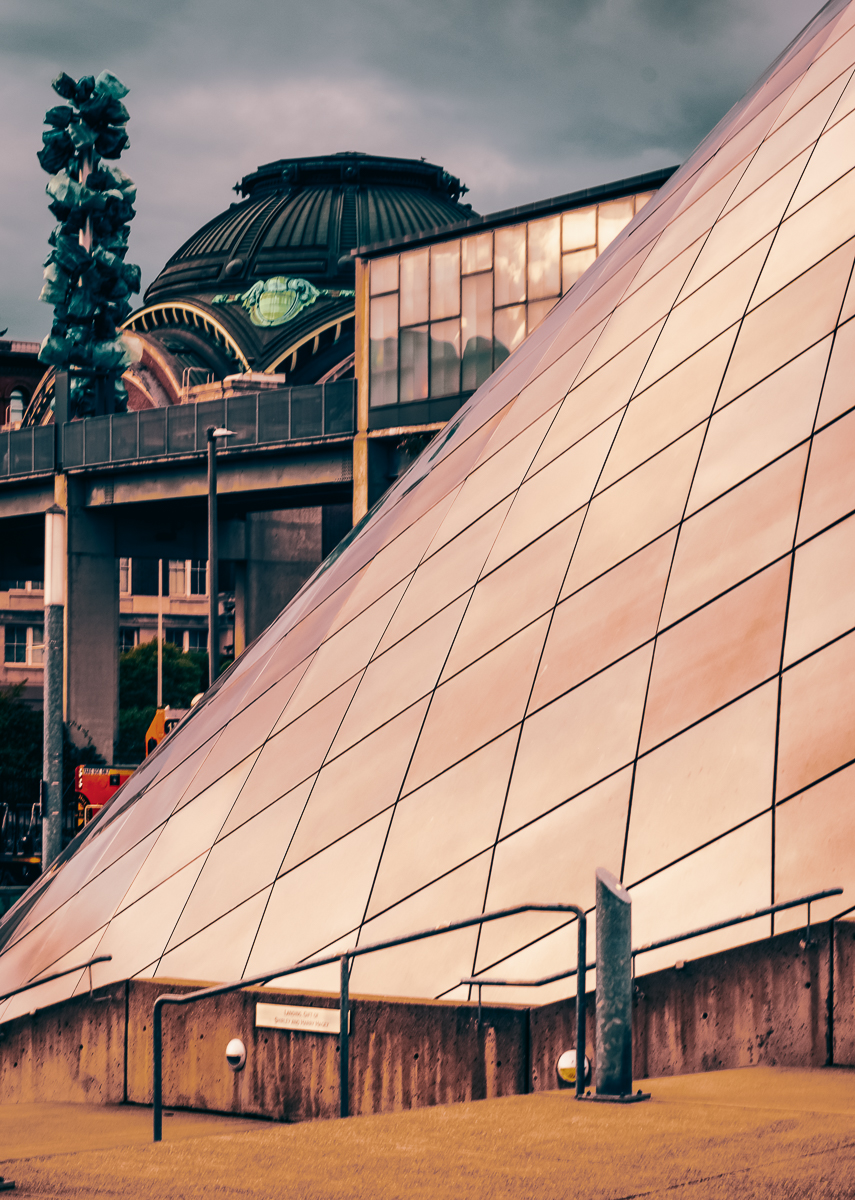
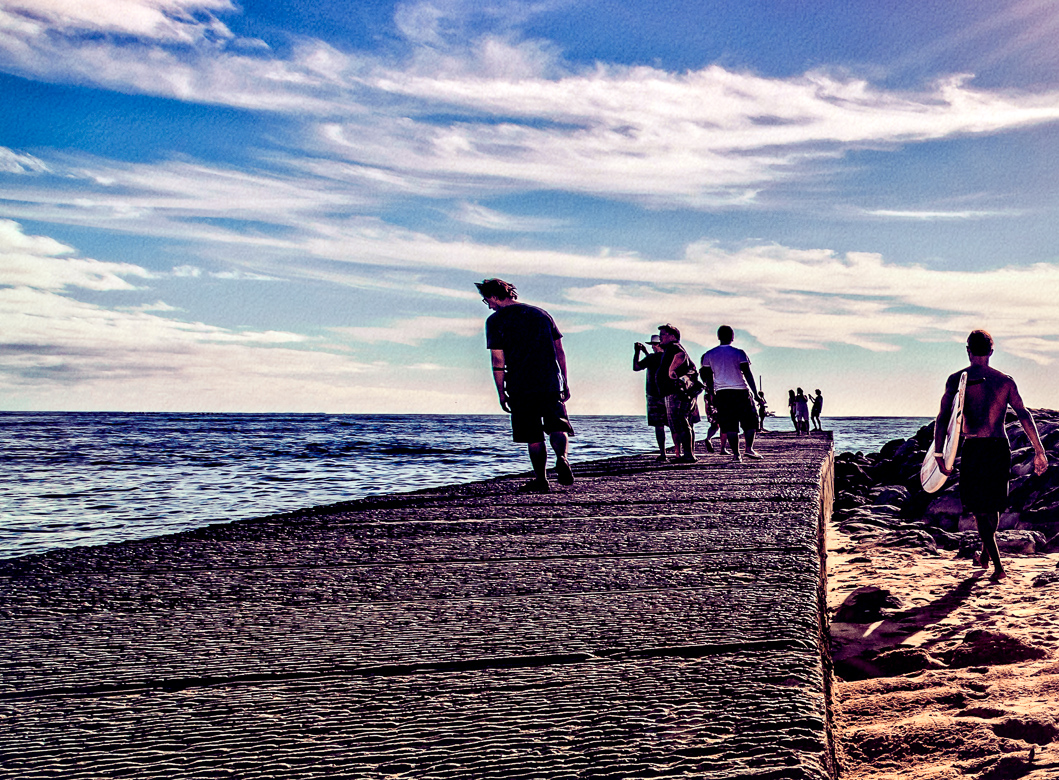
Thanks, Elaine. I think it is a cool bridge, and we go to the Tacoma waterfront a lot, especially when we were younger and more agile. |
Sep 14th |
| 29 |
Sep 25 |
Reply |
Thanks Kathy. I do have many angles, times of night and day images of this scenic bridge which I've previously submitted over the years. It is a nice waterfront trail. |
Sep 14th |
| 29 |
Sep 25 |
Comment |
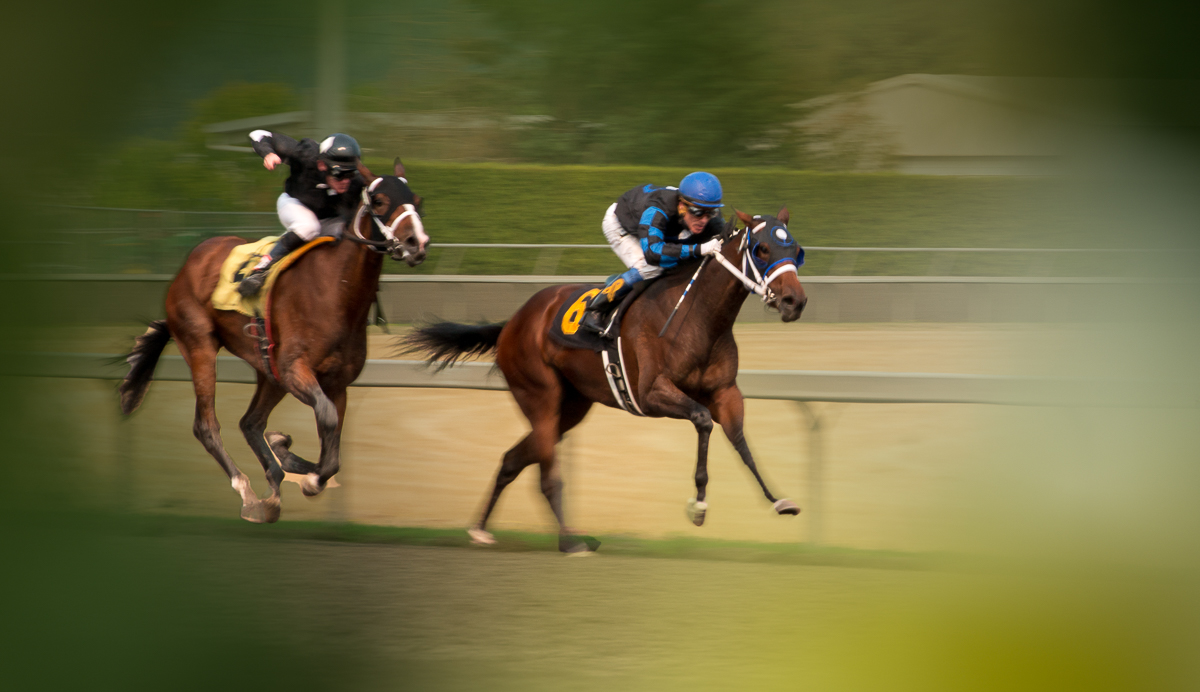
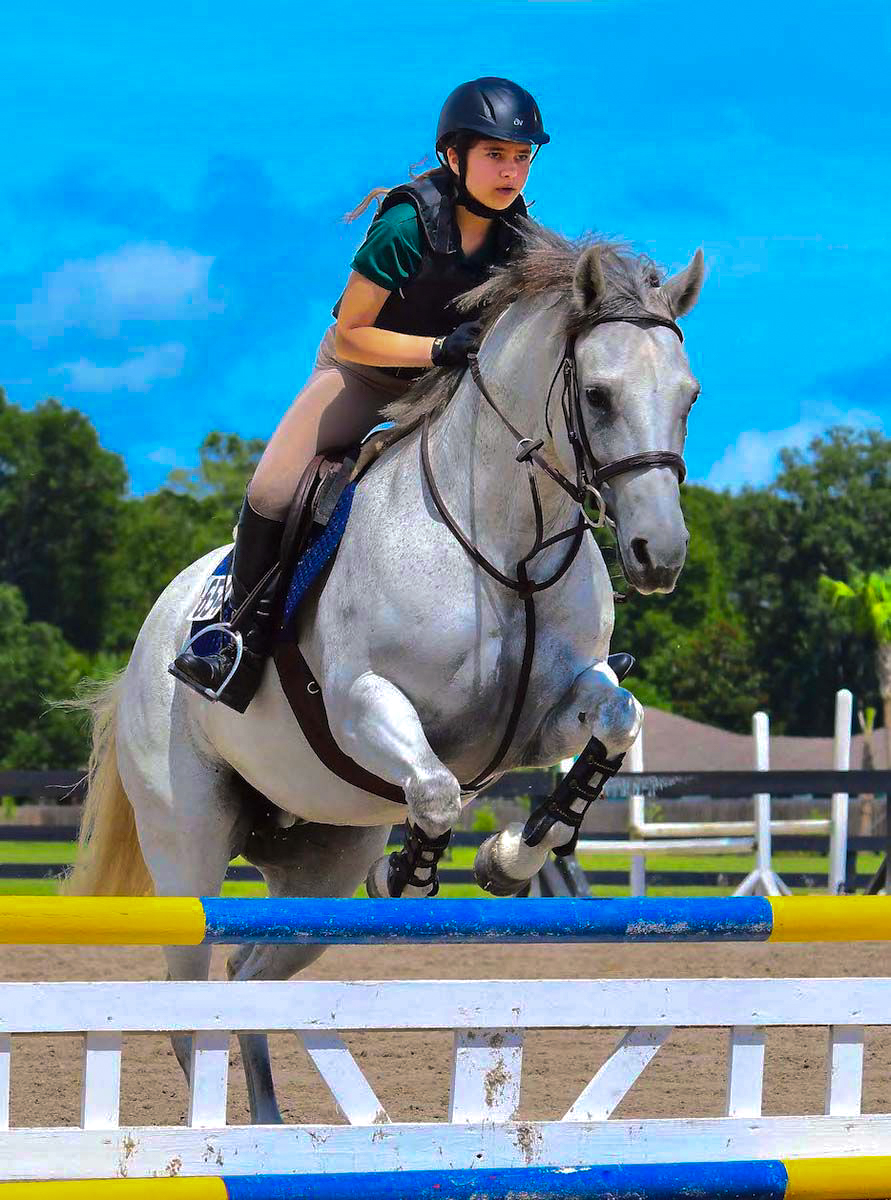
Great sports action shot, Kathy. Excellent focus and subject isolation. Blurred background adds depth. I assume you added a little exposure to brighten her face, when done globally has created some of the highlight issues elsewhere. I used the LR masks to isolate and increase the light just on her face and neck, and added a color shift. I probably should try to smooth the results, but I didn't. I'm not always sure what is allowed in PSA, but who cares. |
Sep 14th |
 |
| 29 |
Sep 25 |
Comment |
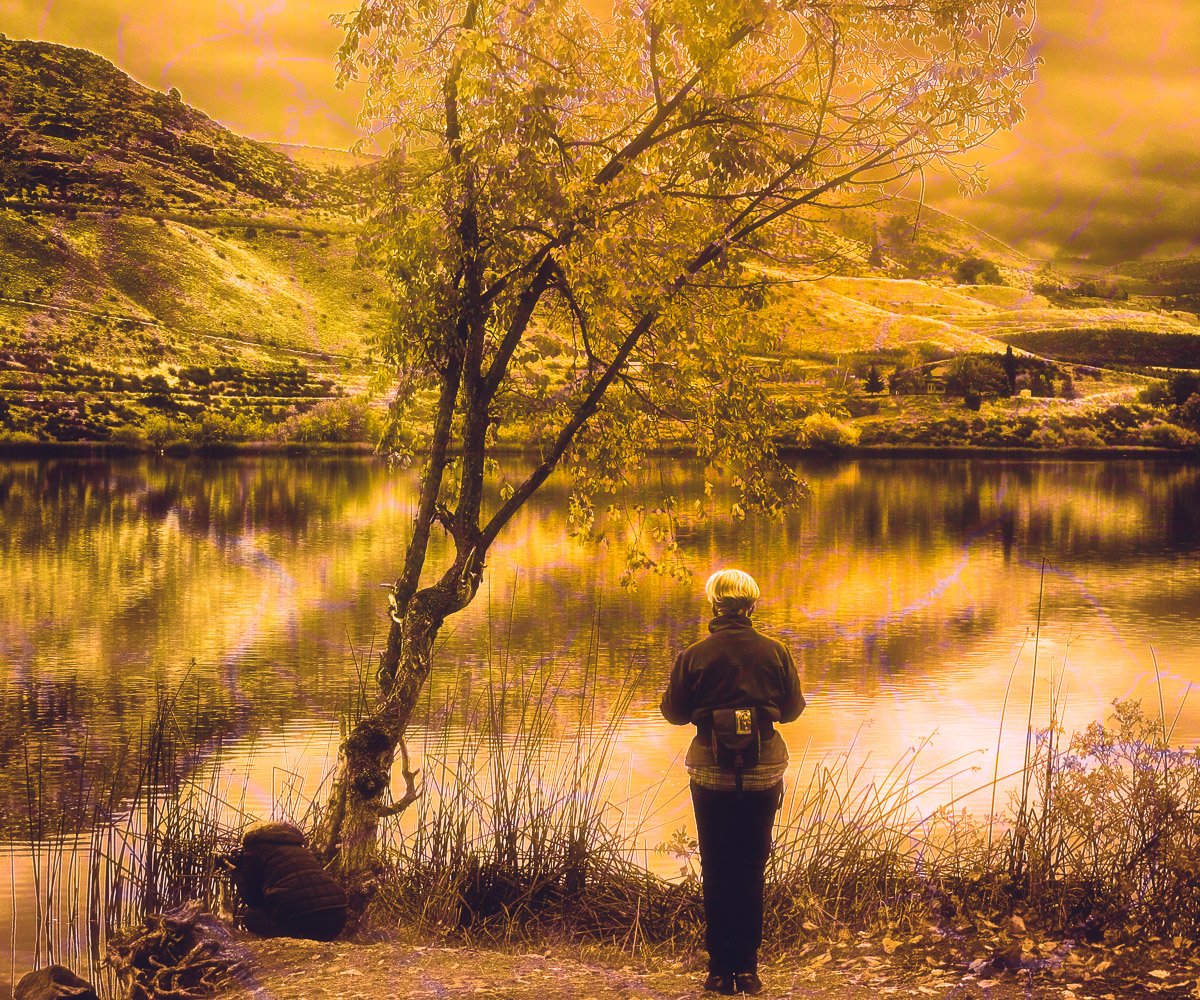
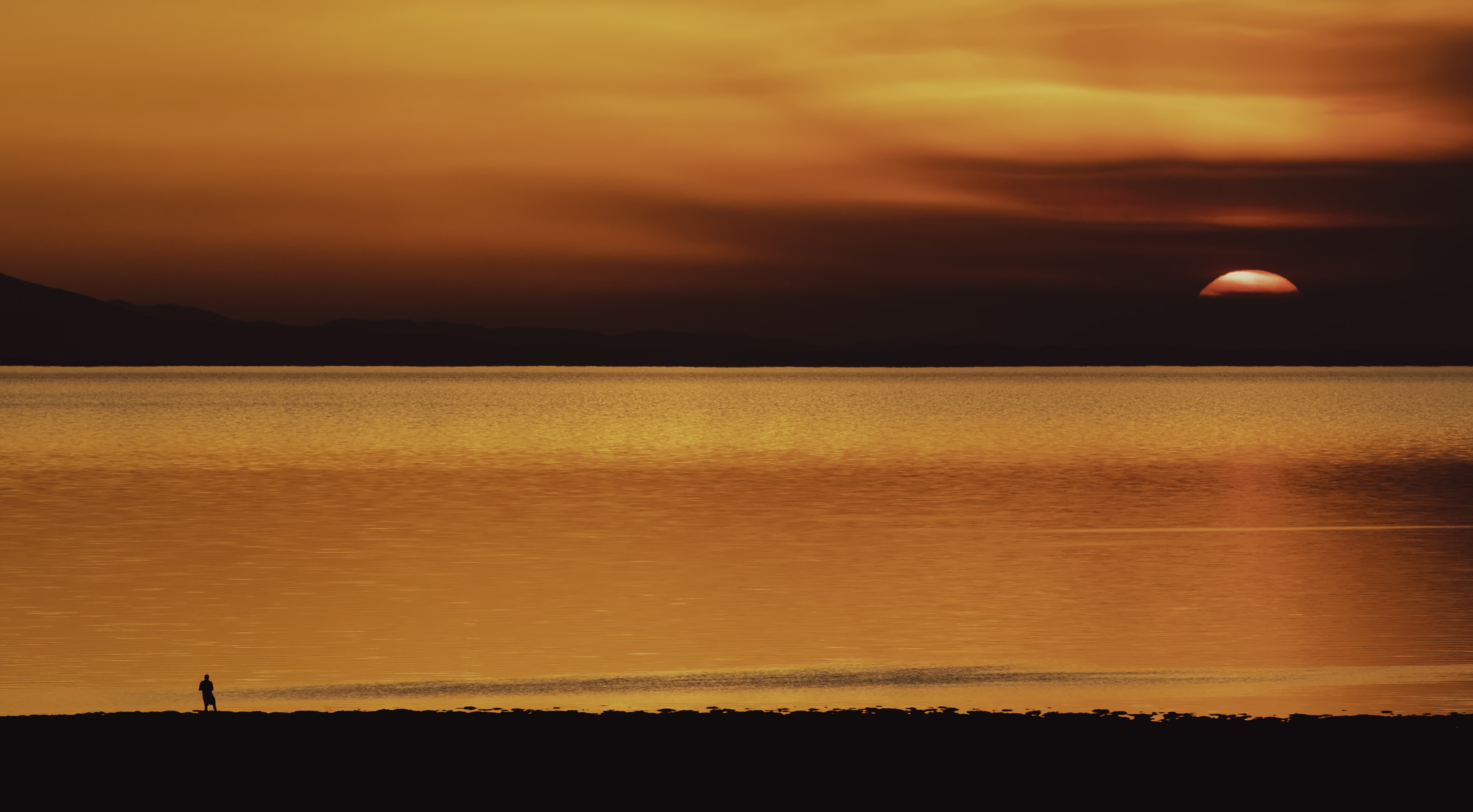
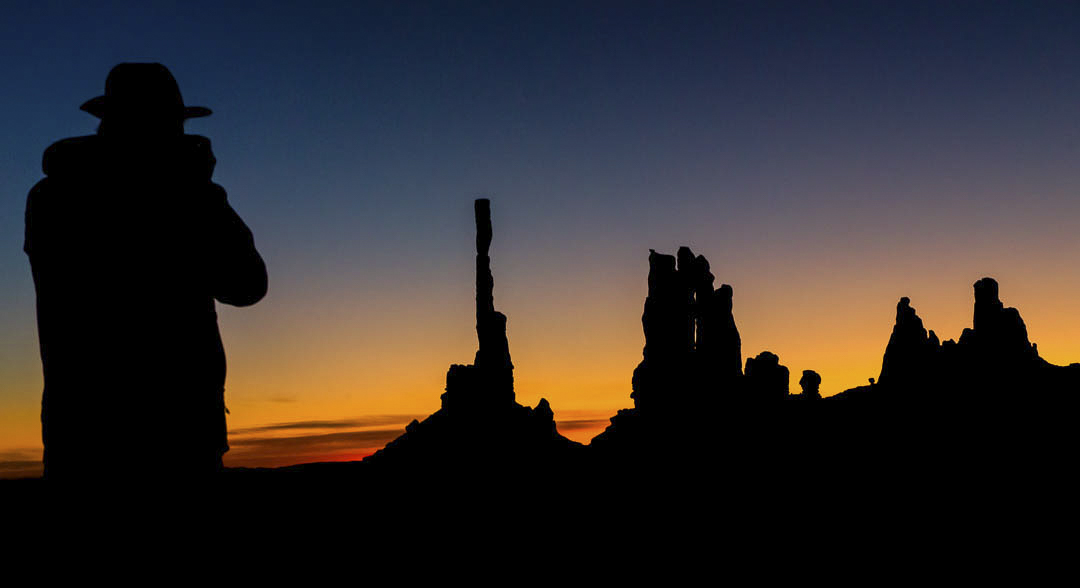
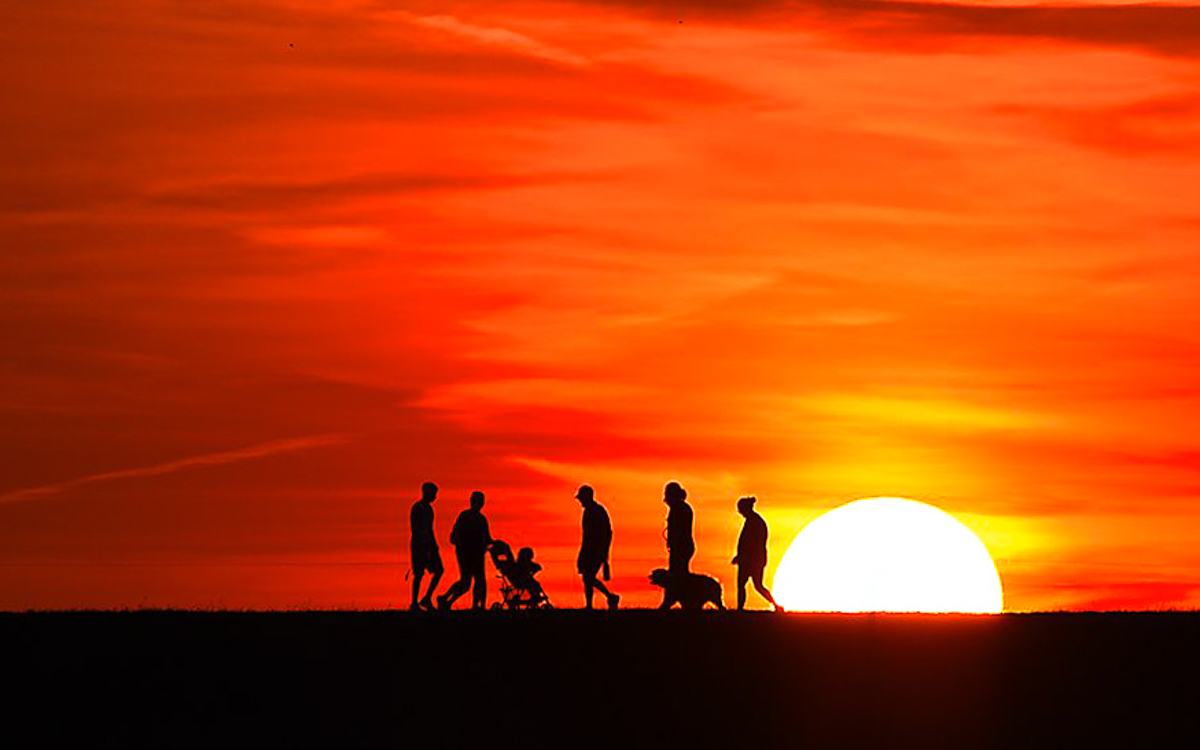
Great sunset silhouette, Karen. It is hard to know where the bottom of the image is on our screens, but it isn't an image issue. I like the vast negative space, even though it might convey some anxiety because of all the red. Great job. I must play, and just tried a different crop and added a radial gradient to the sun. |
Sep 14th |
 |
| 29 |
Sep 25 |
Comment |
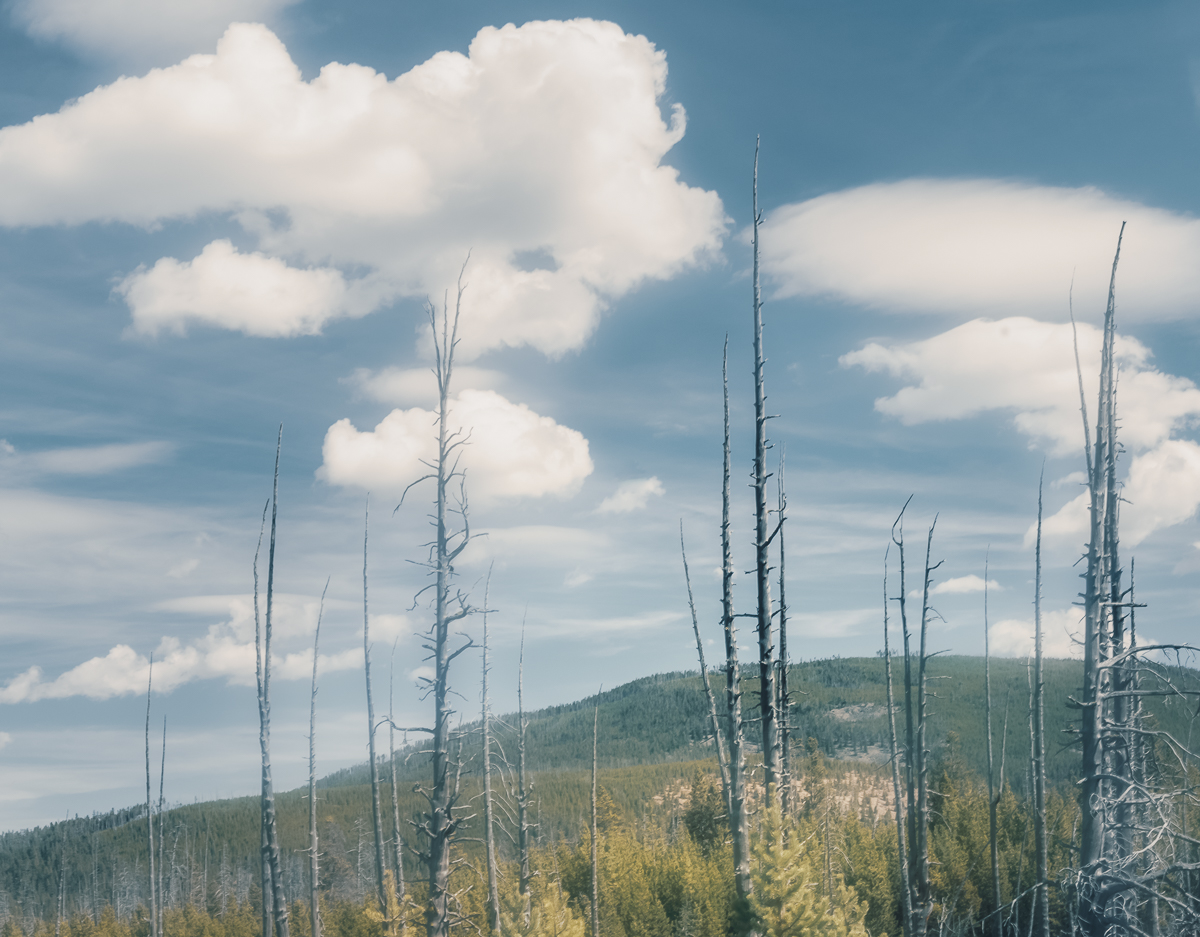
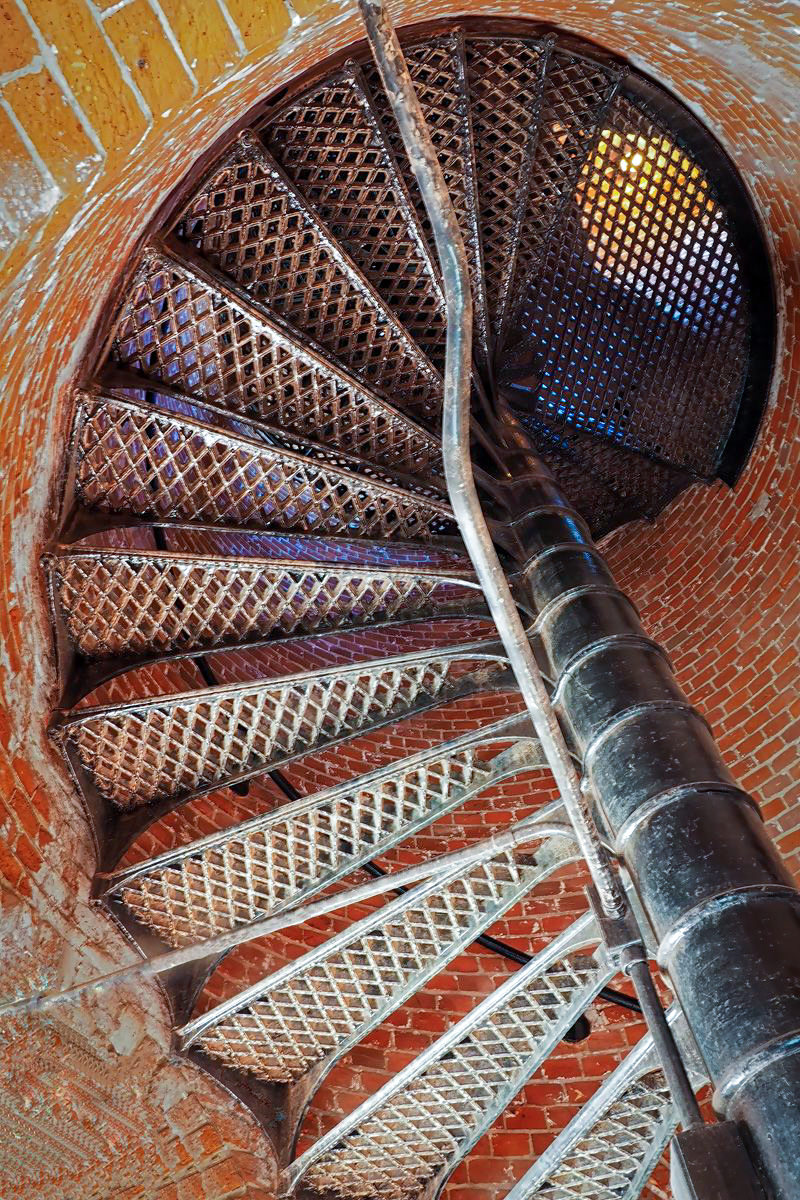
I just enjoy your work so much, Judy. Sharp, interesting angle, perfectly exposed and very natural looking. As always, I must play anyway, although I wouldn't say it needs any work. Tim has a point. although it is probably a mismatched repair job. |
Sep 14th |
 |
| 29 |
Sep 25 |
Comment |
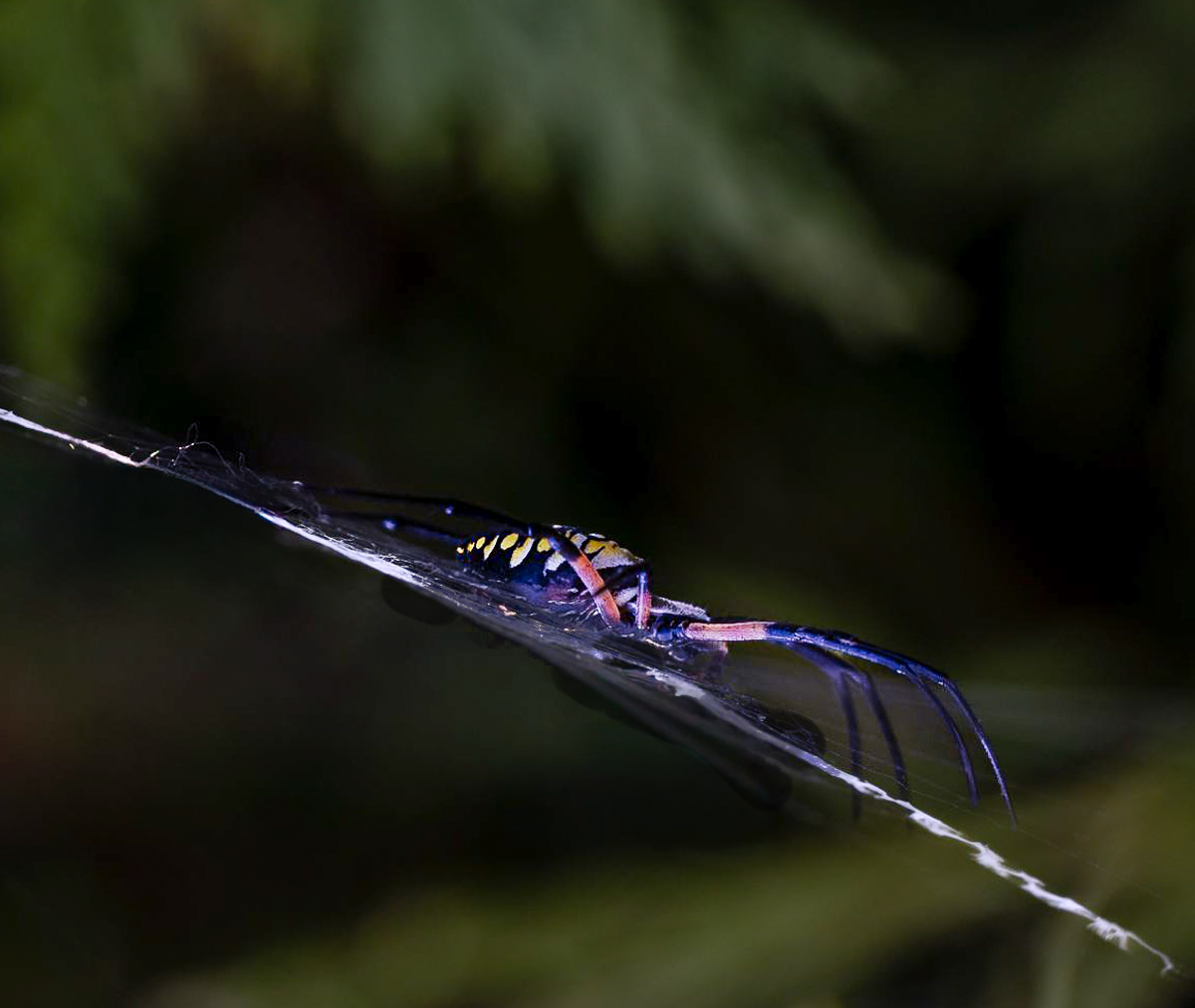
A very good image, Elaine. I agree with Tim on the crop. I like it flipped to so it appears moving left to right. Nicely exposed if a little dark. |
Sep 14th |
 |
| 29 |
Sep 25 |
Comment |
What a great shot, Tim. Very sharp, and the color is great. I do think a different crop, and more processing can help the rat emerge from the background. I used LR masking to isolate the rat and background. Maybe over exposing might have pushed the background, rather than under exposing? |
Sep 14th |
 |
5 comments - 8 replies for Group 29
|
| 34 |
Sep 25 |
Reply |
I'm sorry then for cropping out the pipe in the upper left. I usually just try to give some other ideas to contemplate. I get that from the comments on my images and I use them a lot. Ultimately we have to rely on our own vision. I just wish my vision were more inspired as yours are.. |
Sep 23rd |
| 34 |
Sep 25 |
Reply |
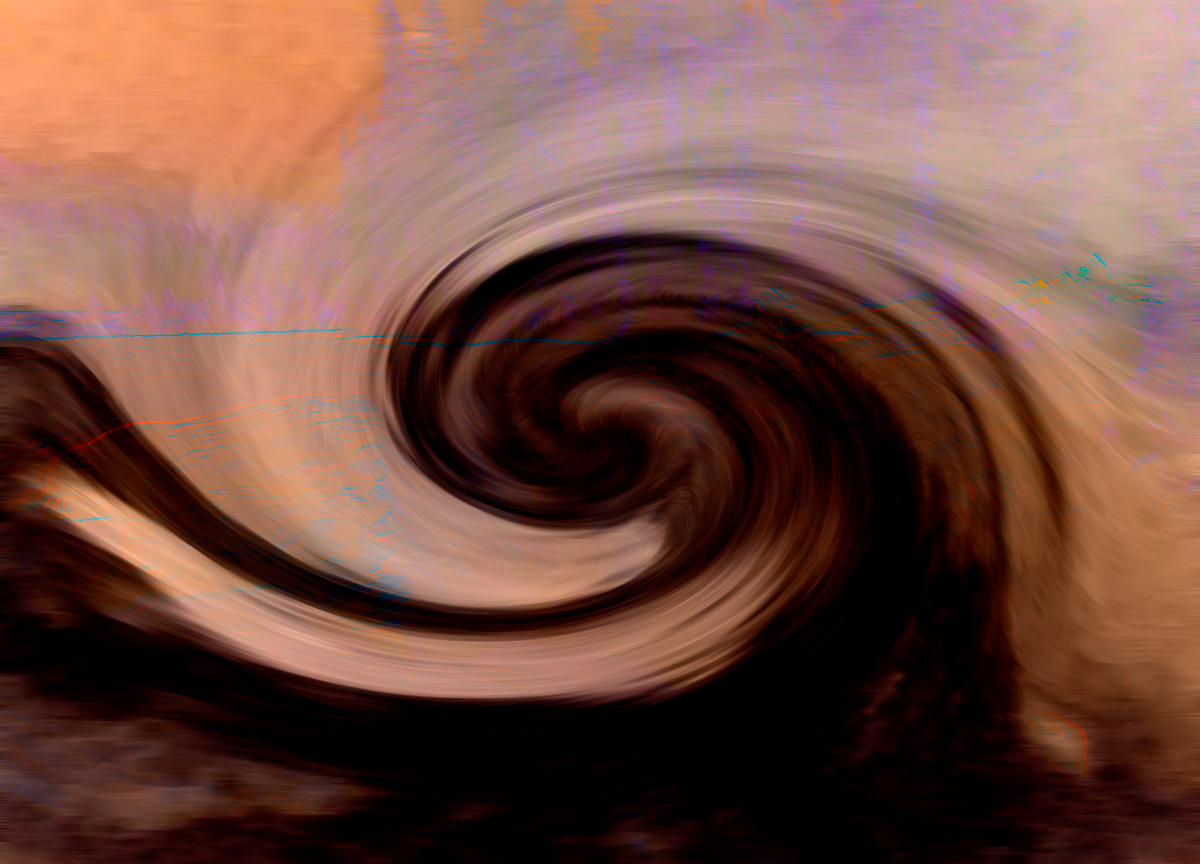
Thanks, Peter. A vintage feeling wasn't in my plan. The blues were mostly replaced by the blurry Original, which I used Gaussian Blur, Rotate it 90 degrees to get the dark area on the bottom and cropped it. I meant to include it as an original, but some things are being lost on my PC. The background colors are different than the final product because I used the Gradient (Noise) as described above. This video might help. I got the idea from Blake Rudis.
www.youtube.com/watch?v=Eik0RDzMULY |
Sep 19th |
 |
| 34 |
Sep 25 |
Reply |
Thanks Frans. Glad to be here. |
Sep 19th |
| 34 |
Sep 25 |
Reply |
Thanks, Frans. Lovely image that should look great as a print. |
Sep 18th |
| 34 |
Sep 25 |
Reply |
Thanks, Peter. Fun image to enjoy and play with. |
Sep 18th |
| 34 |
Sep 25 |
Comment |
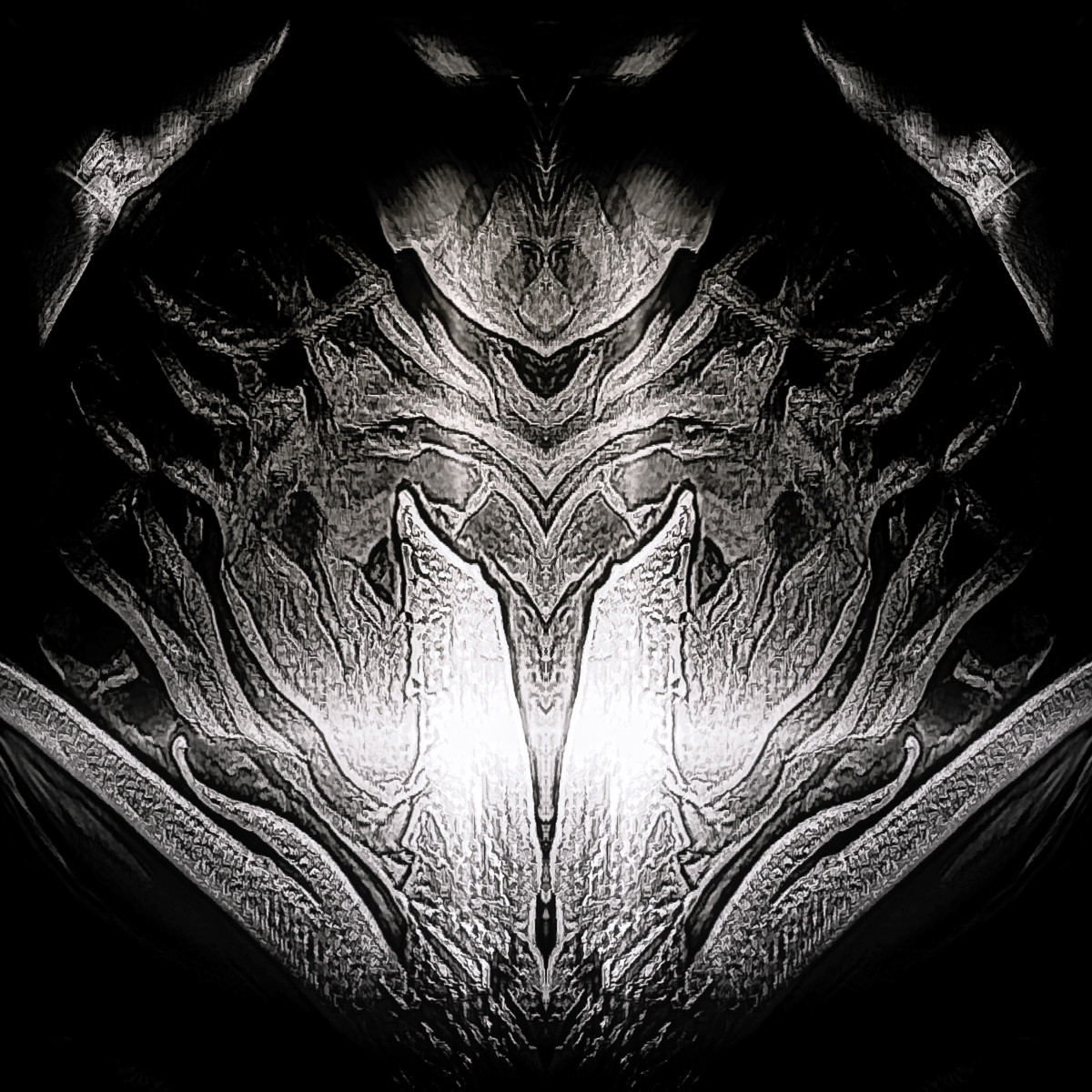
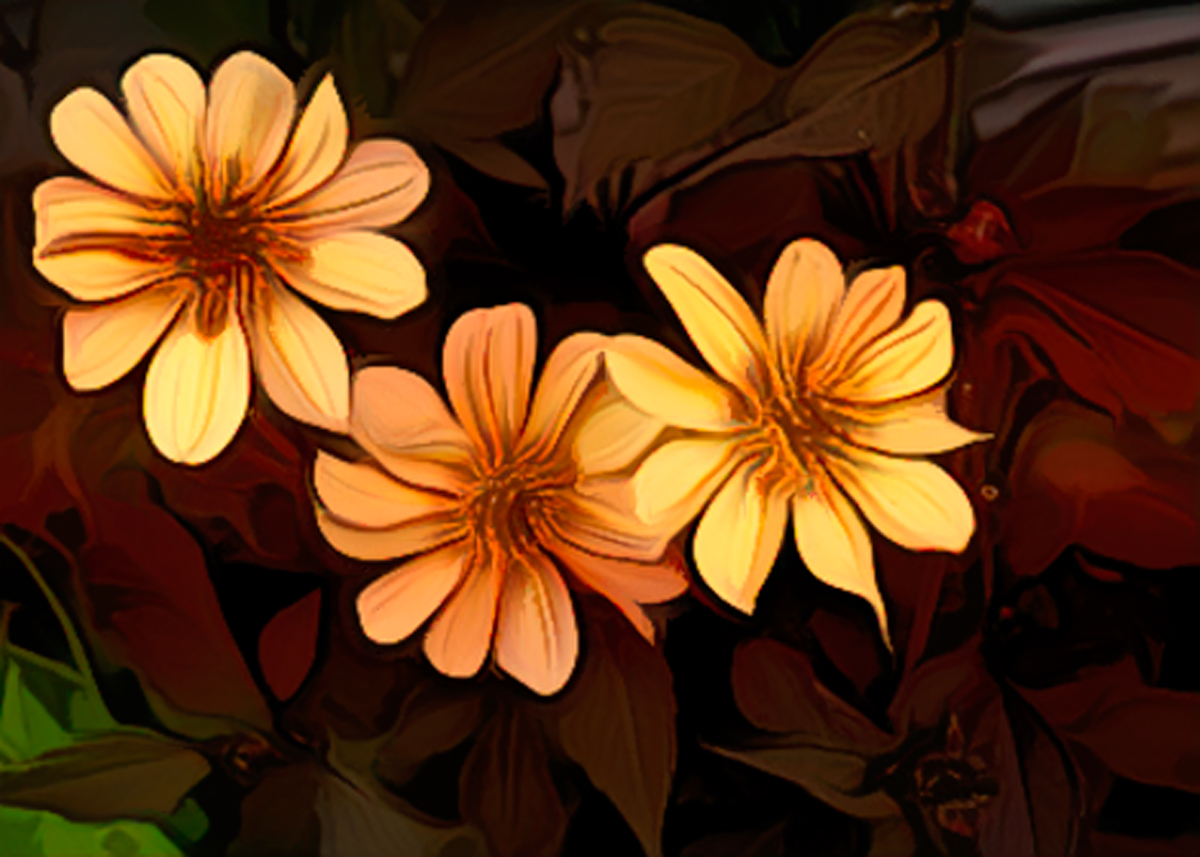
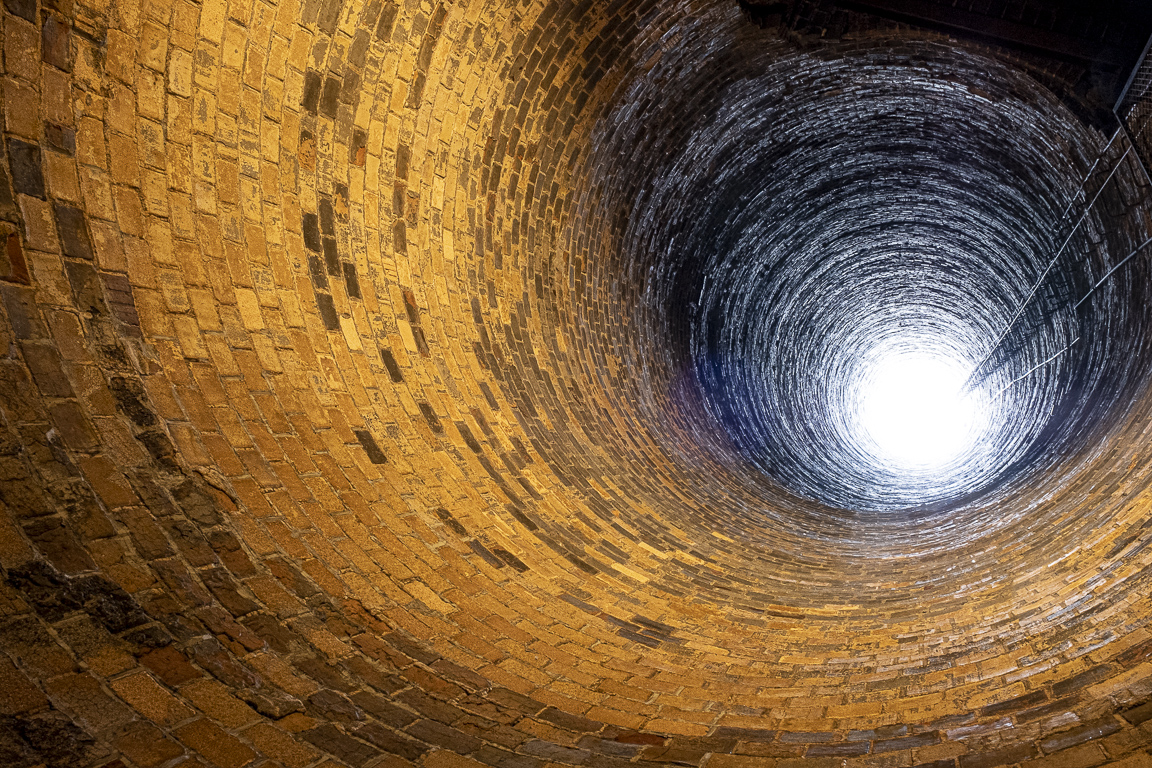
Hi Jan, I love abstracts and I think your work this month is creative, but I find it too busy. The animal in the tube is interesting, but I couldn't find it. I simplified it, maybe, a little with a crop and warmer tones. Abstracts are fun, but don't do well in competitions in my experience. I still like doing them. |
Sep 14th |
 |
| 34 |
Sep 25 |
Comment |
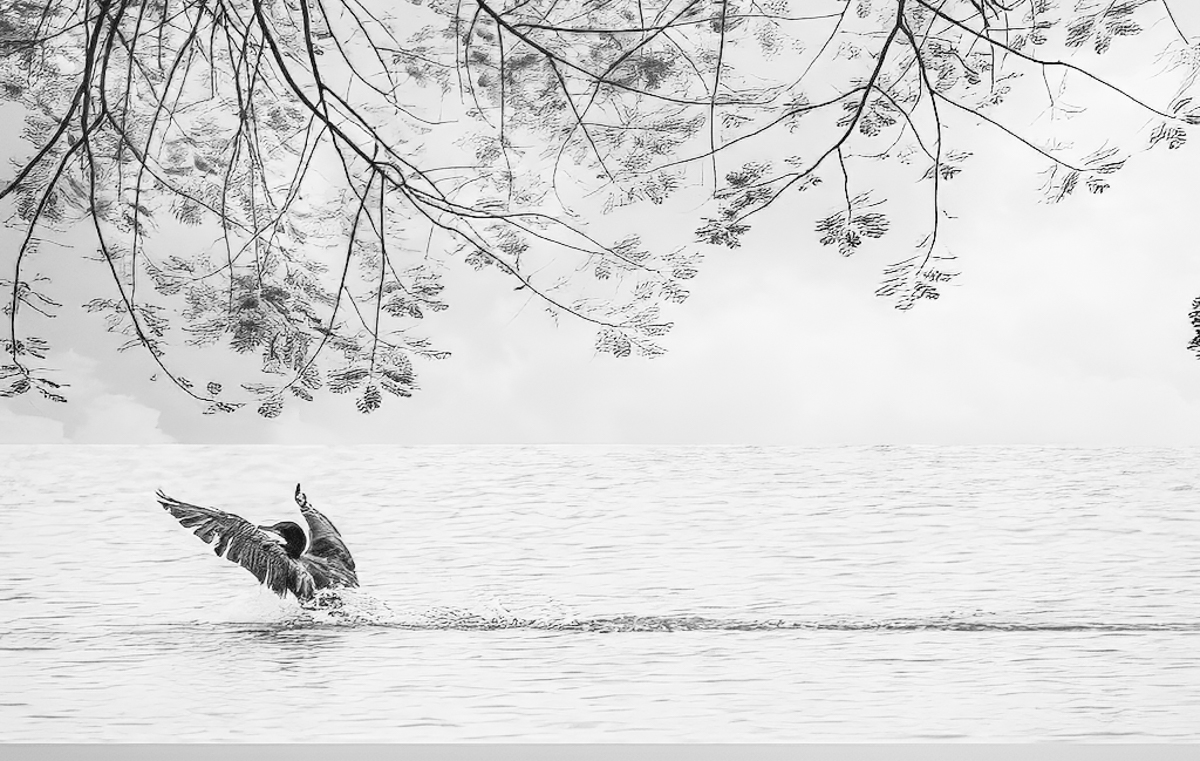
Hi Frans, This is a perfect choice of images for your composite and your creation is very appealing to me. As Jan said, I think a Chinese image would be "read" from right to left, so I flipped the cormorant horizontally. I process in PS and LR so that is what I use. I didn't include the border or signature, as it is really just an idea. |
Sep 14th |
 |
| 34 |
Sep 25 |
Reply |
Thank you, Jan. I had cannon image that I wanted to add to make it more creative, but as you said, I need more help to get to the group's level. That is my aim in moving from my old group. I plan to enjoy, and hope I can also contribute to the dialogue. |
Sep 12th |
| 34 |
Sep 25 |
Comment |
Hi Peter,
I like the arrangement of your elements. The curve of the death ray adds interest. Without your narrative I wouldn't have understood the weapon or death ray. I think there may too many elements, and I would prefer more color. The terrain does add a lot, but I wish the crop weren't so tight on the bottom, cutting off the foot. An excellent use of creative thought. |
Sep 12th |
 |
3 comments - 6 replies for Group 34
|
8 comments - 14 replies Total
|